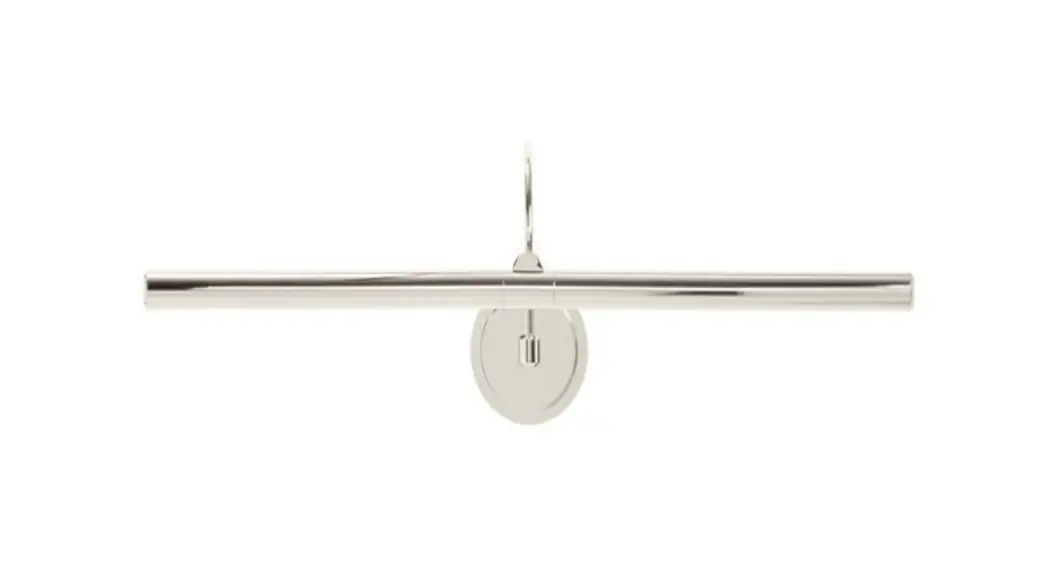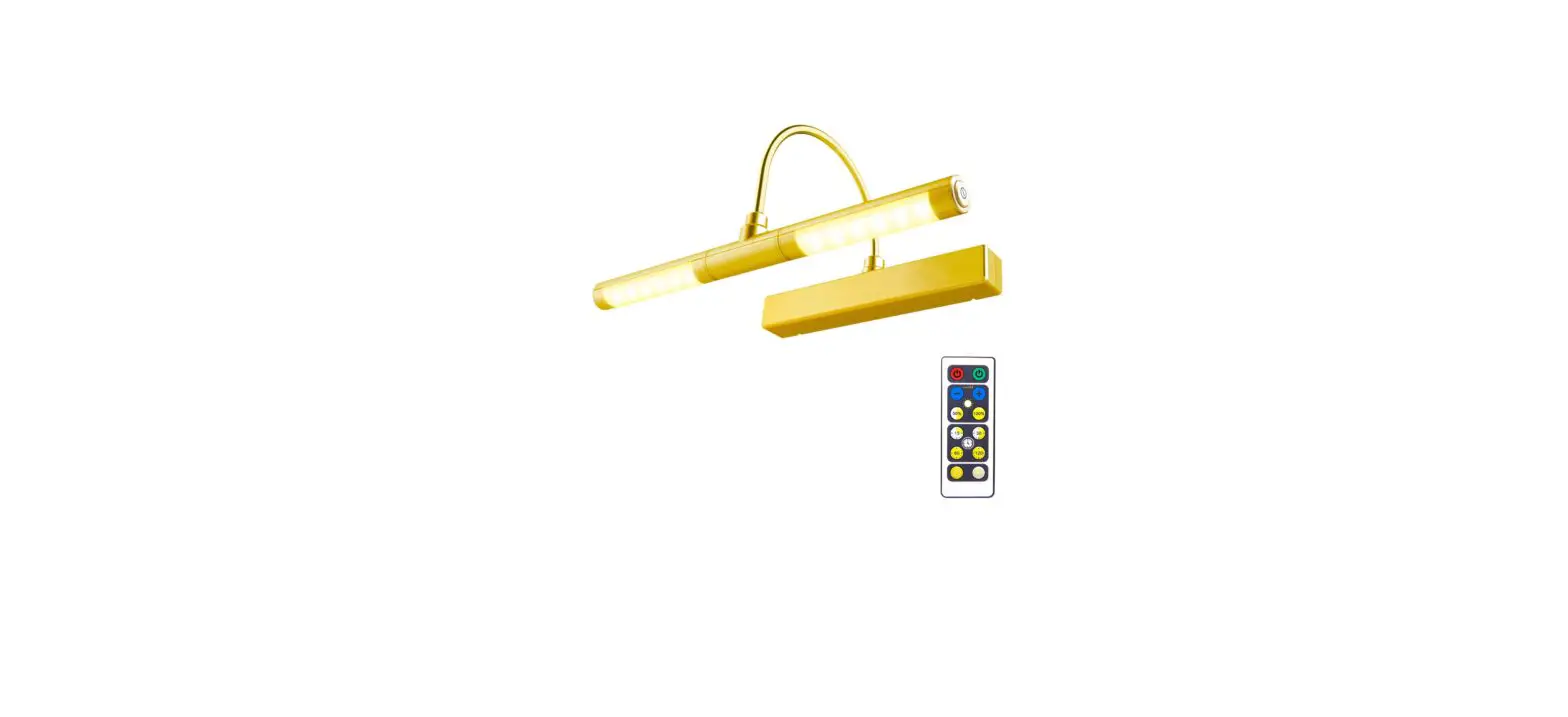
208104-01 Cordless Picture Frame Light
Item name: Cordless Picture Frame Light
Item number: 208104-01
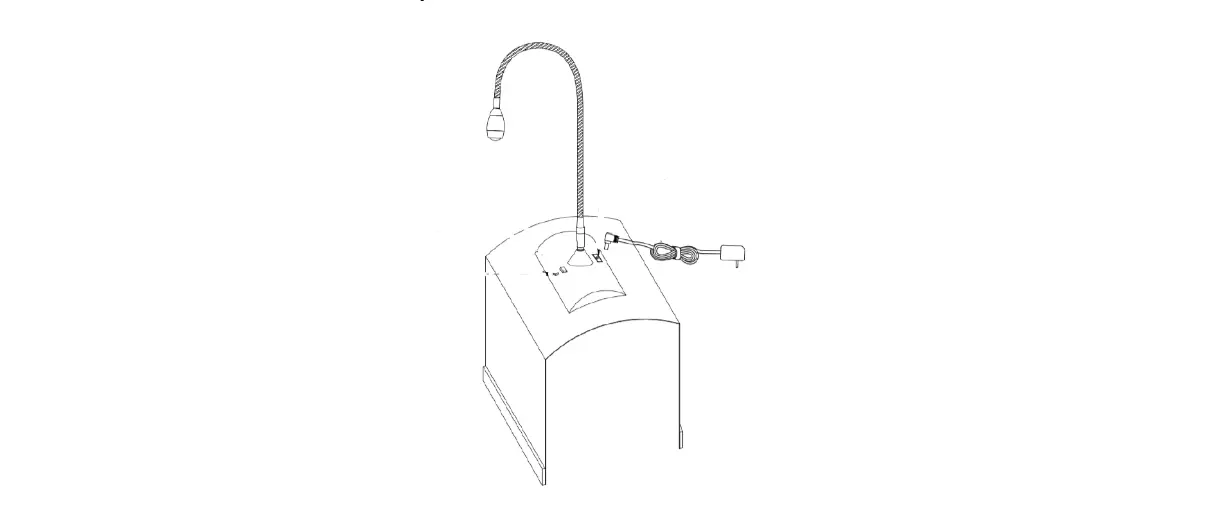
INSTALLATION (Picture Frame):
- Loosen thumbscrew and detach the light from the base.
- Mark a vertical line in the center of the frame. (on the back)
- Install the base to the frame using the screws provided. (Use a minimum of 2 screws)
- Replace picture; slide the light into the base and tighten
thumbscrew.
INSTALLATION (Wall):
- Loosen thumbscrew and detach the light from the base.
- Mark the wall (with a dot) at the center line of frame- level with the top of the frame.
- After removing picture from the wall, draw a vertical line downwards from the dot.
- Install the base to the wall using the screws and anchors
provided. (using all 3 screw/anchors) is recommend, but use no less than 2. 5. Replace picture; slide the light into into the base and tighten thumbscrew.
BATTERY REPLACEMENT:
- Detach the light from the base
- Turn light upside down
- Using thumb, slide battery door towards oneself and remove.
- Insert batteries.