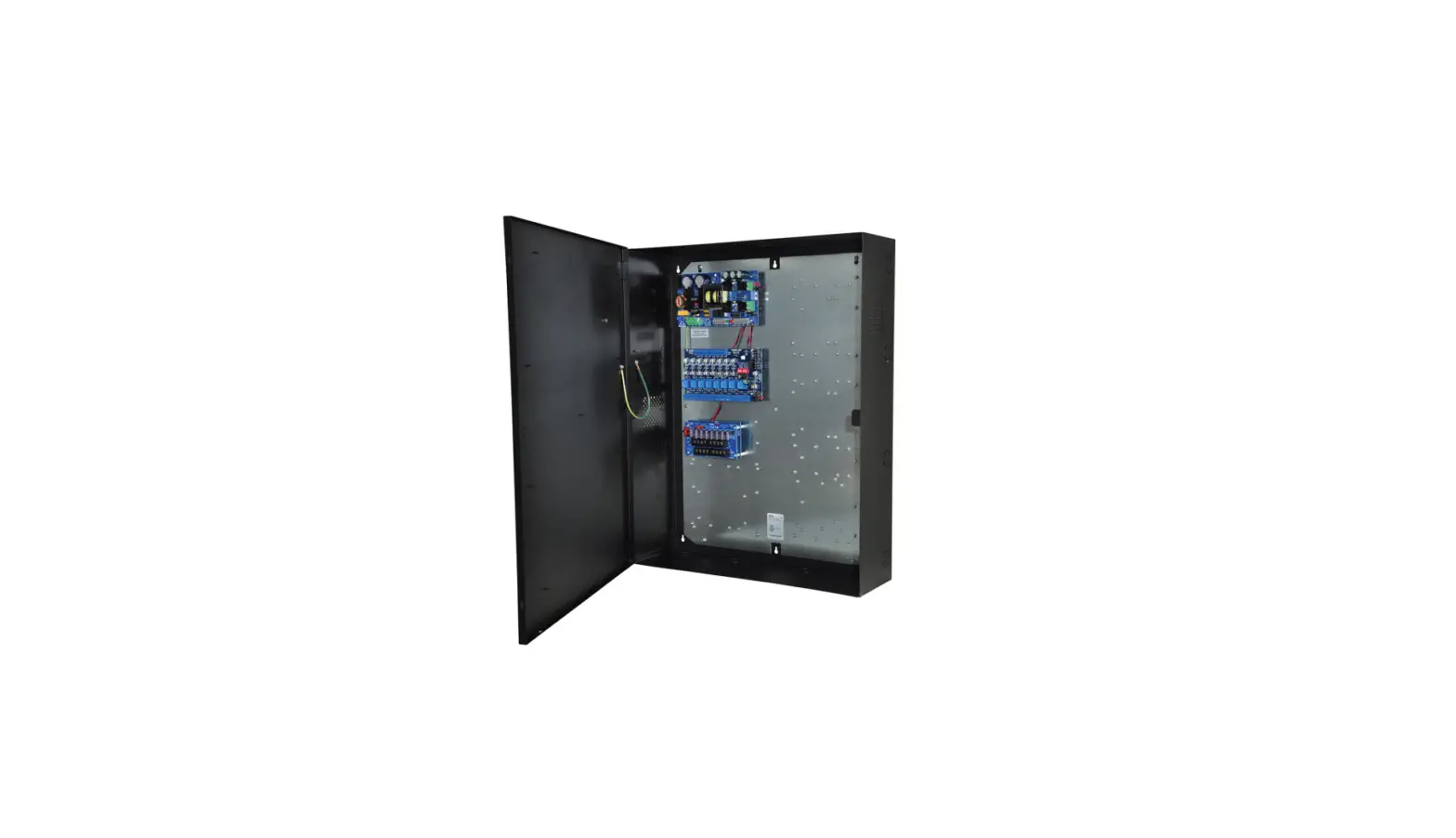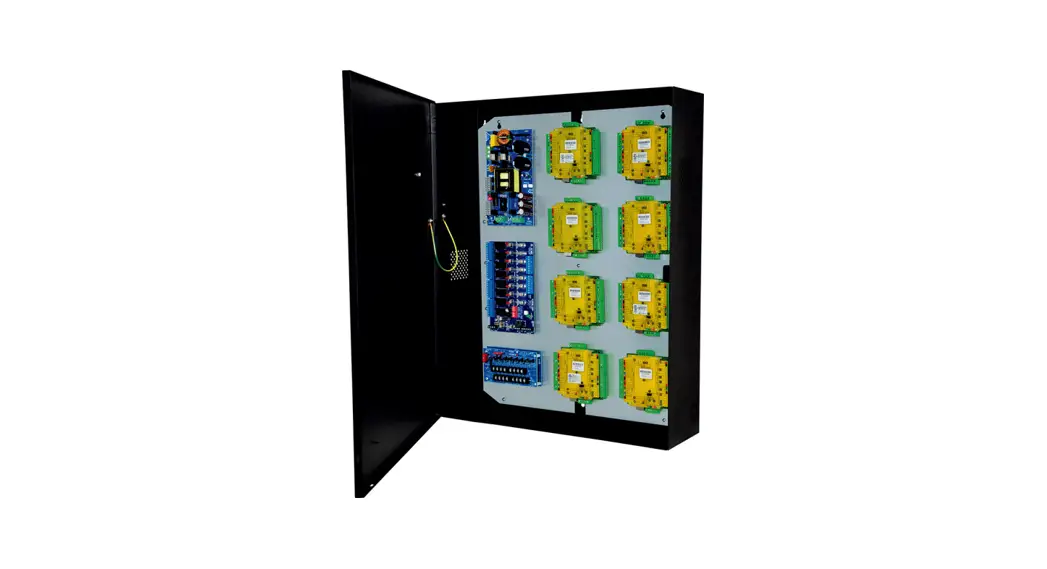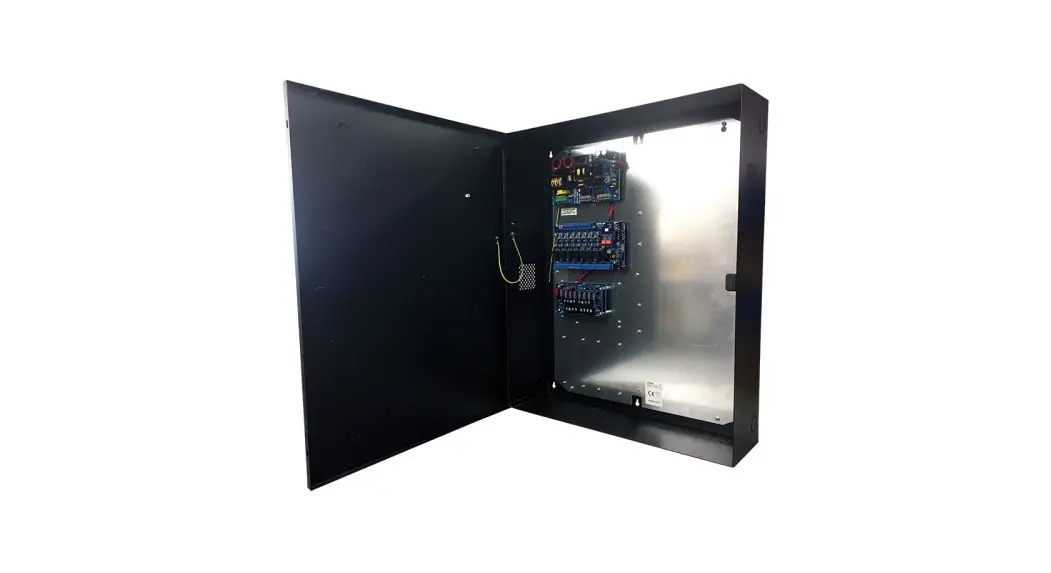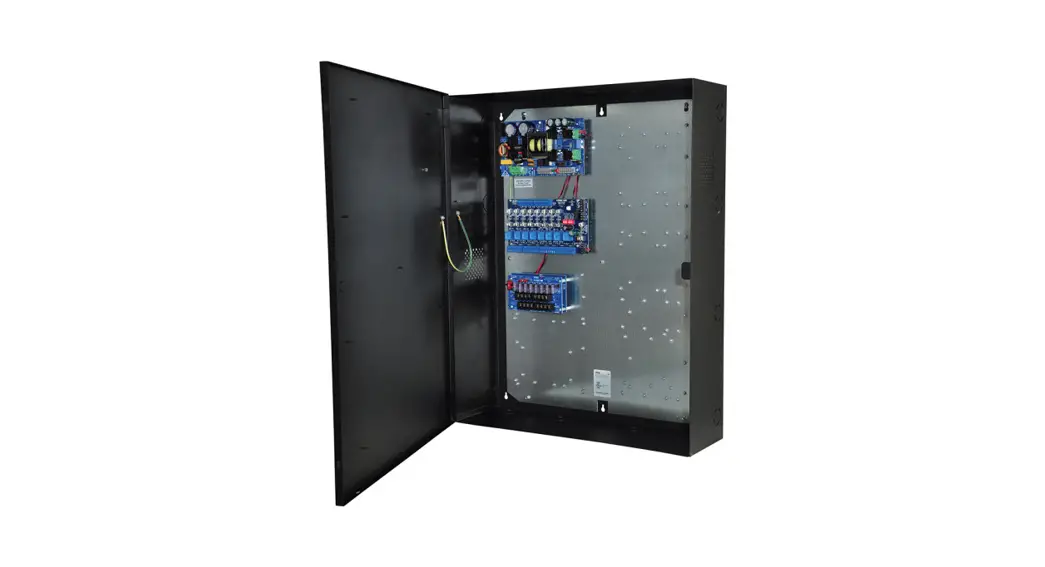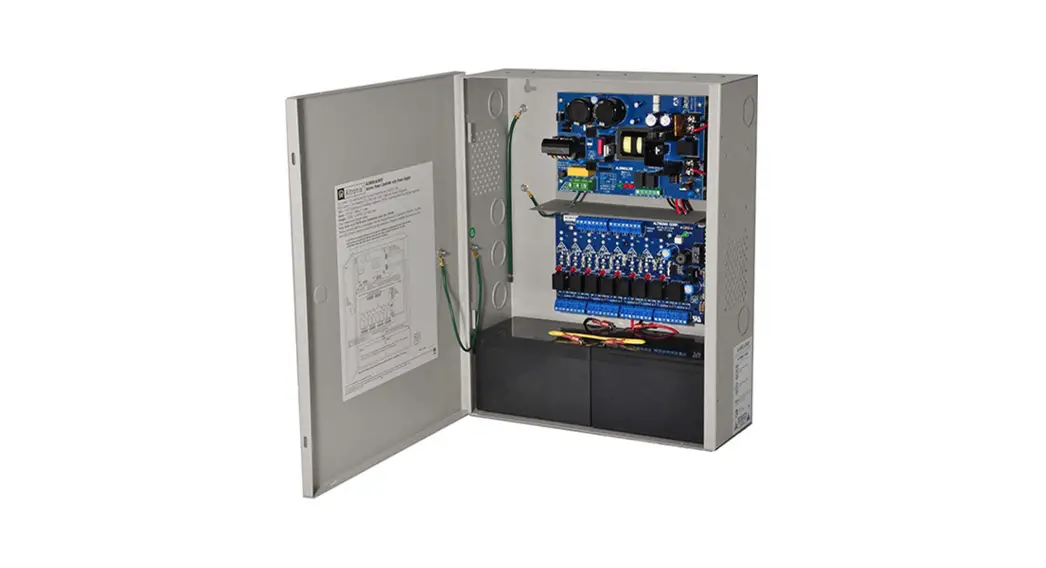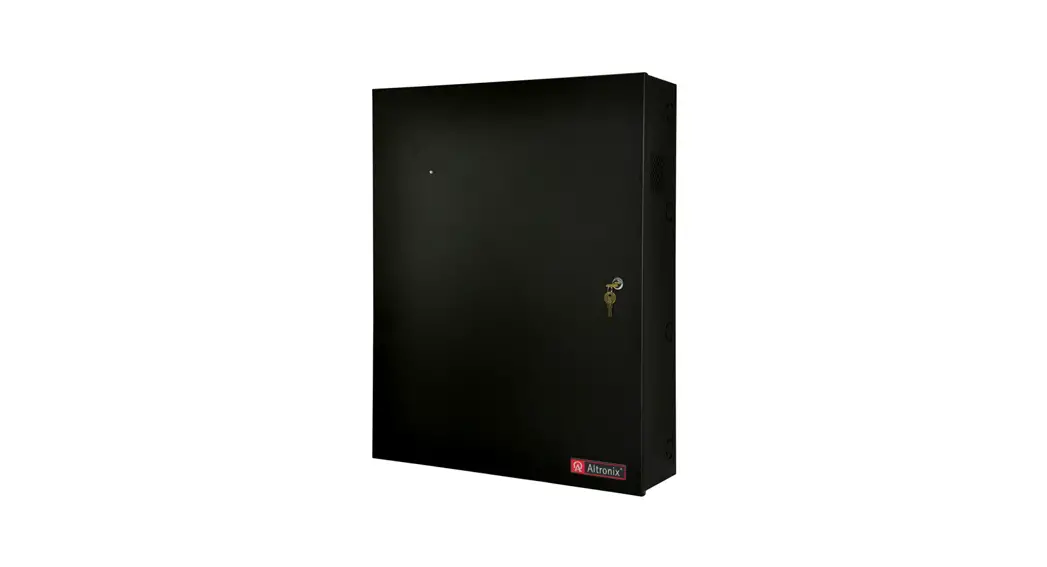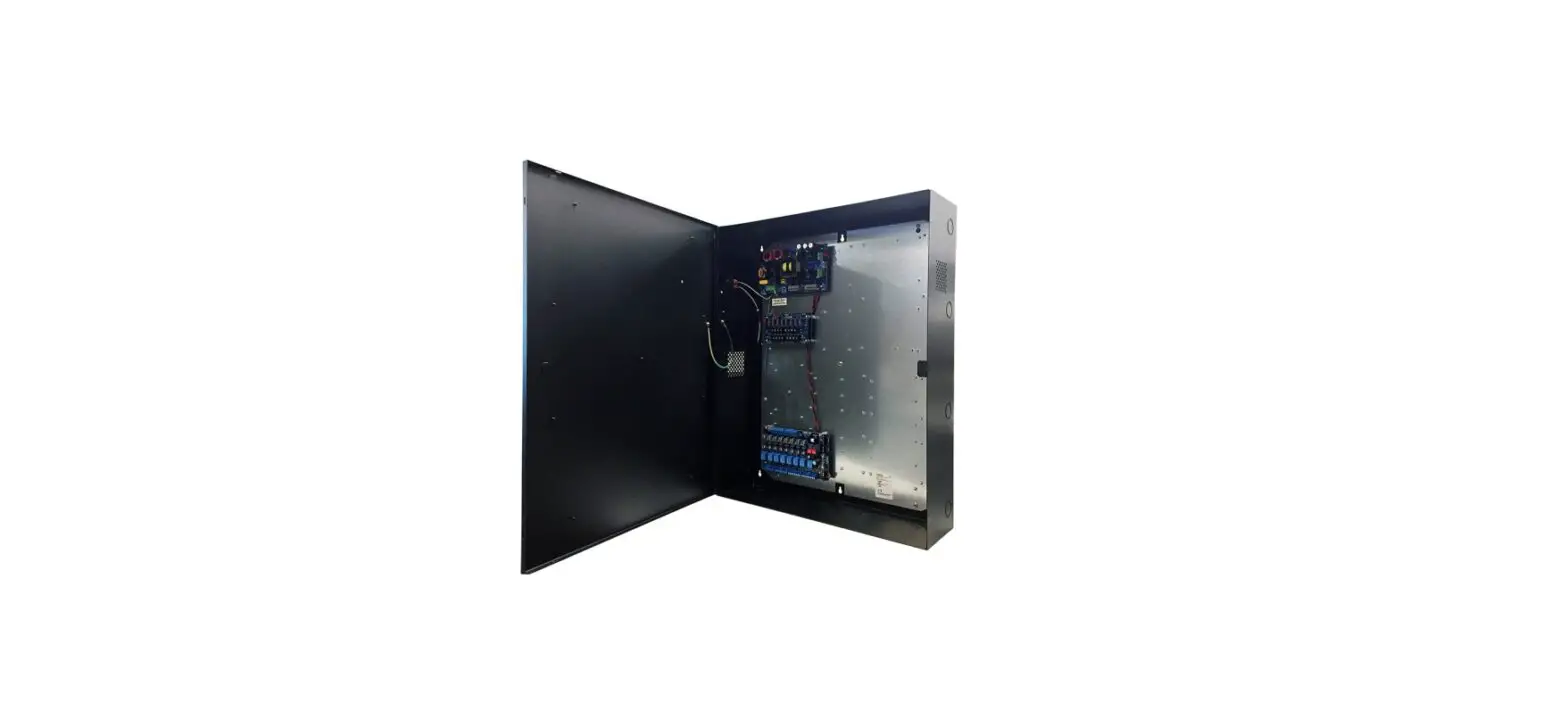

Altronix T2AMK7F8 8 Door Kit with Fused Outputs
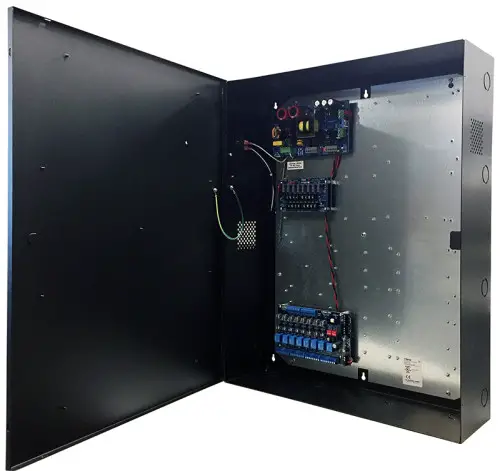
T2AMK7F8
8 Door Kit with Fused Outputs
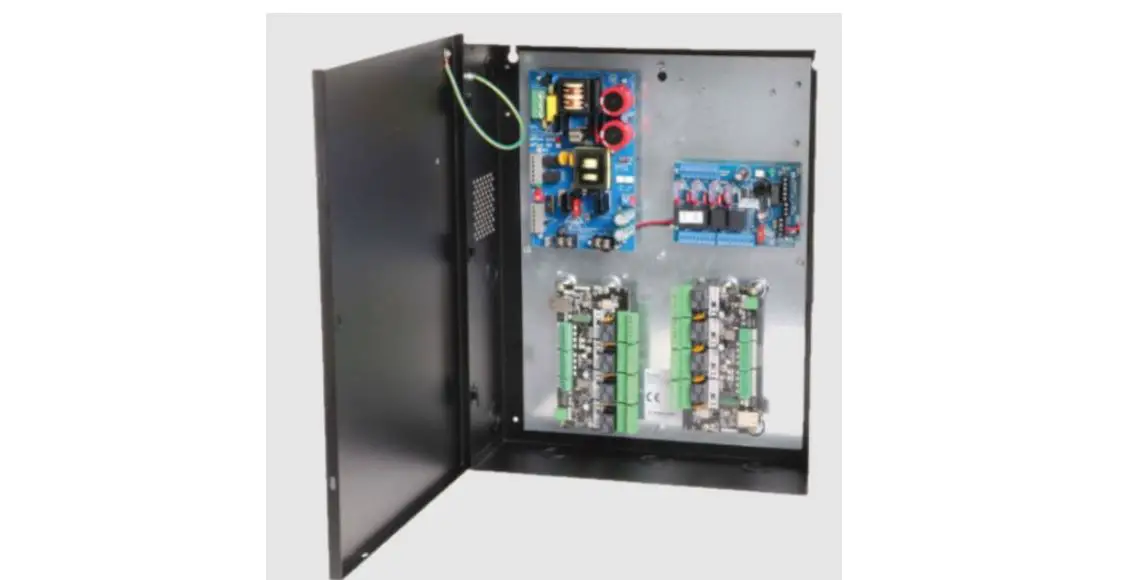
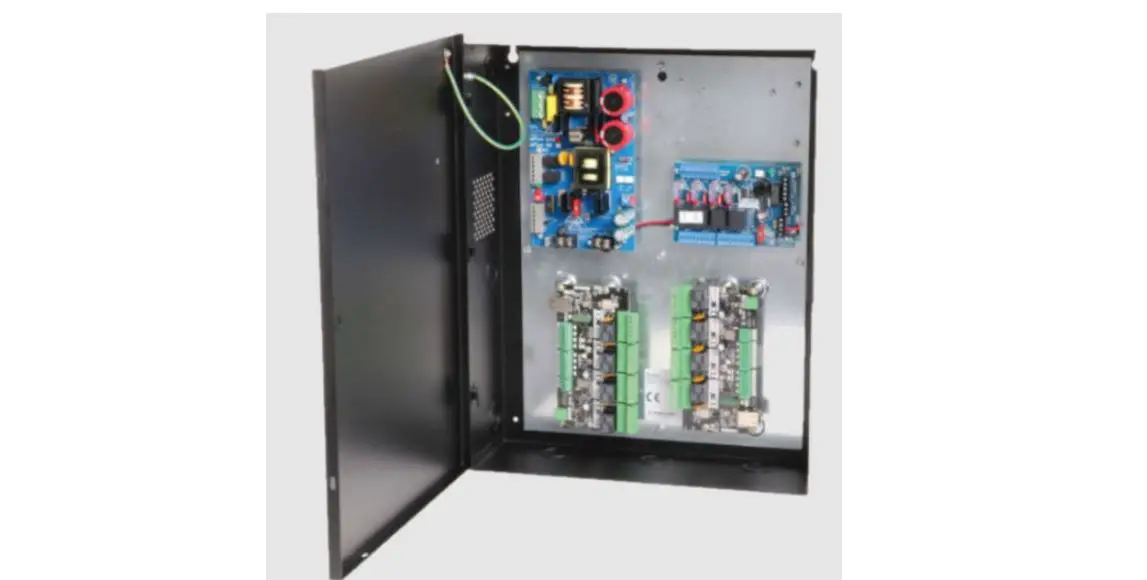
Fully assembled kit includes:
- Trove2 enclosure with TAM2 Altronix/AMAG backplane
- One (1) eFlow104NB – Power Supply/Charger
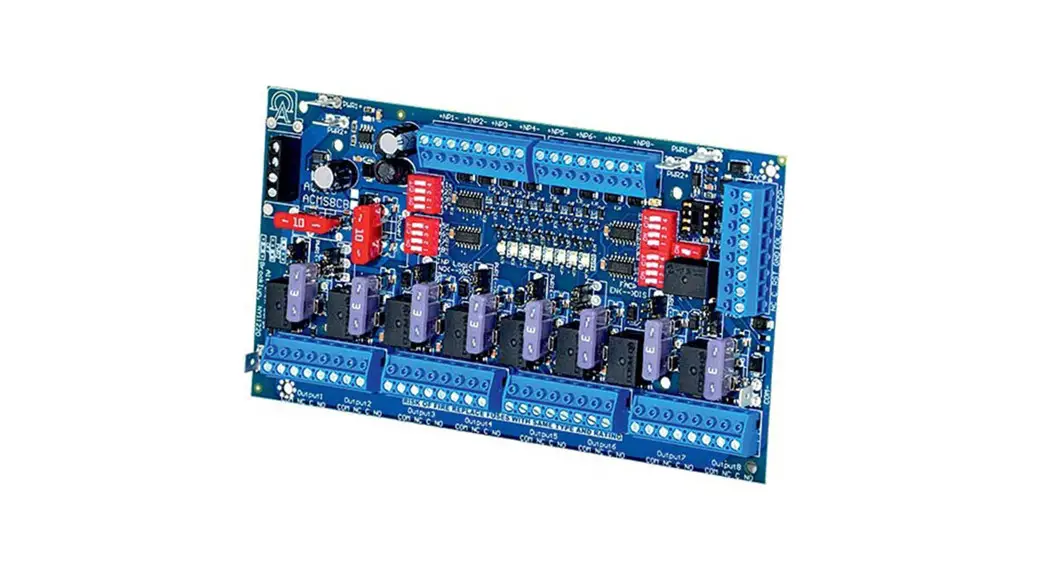
- One (1) ACM8 – Fused Access Power Controller
- One (1) VR6 – Voltage Regulator
- One (1) PDS8 – Dual Input Fused Power Distribution Module
Overview
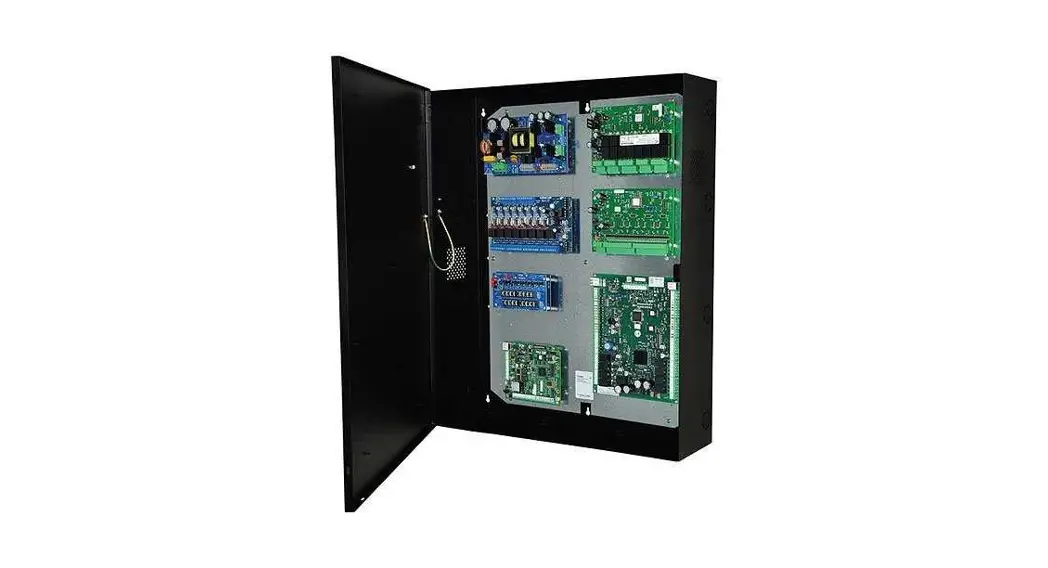
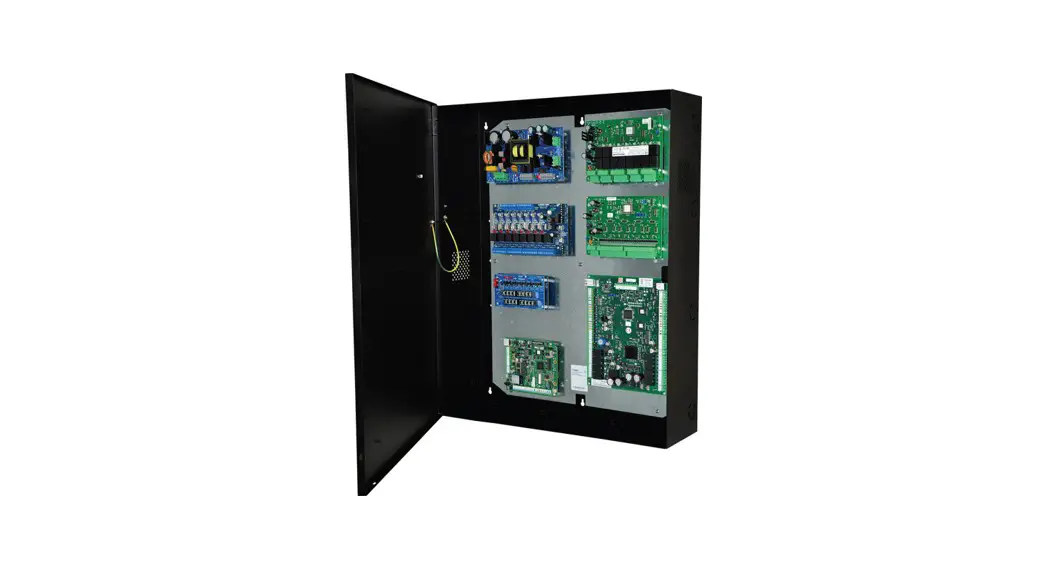
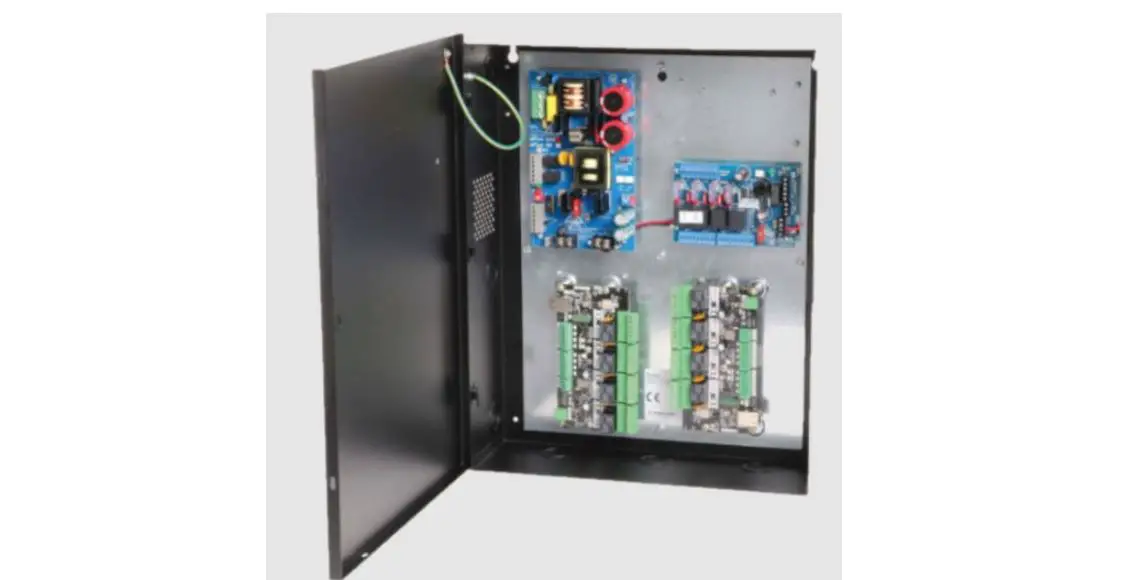
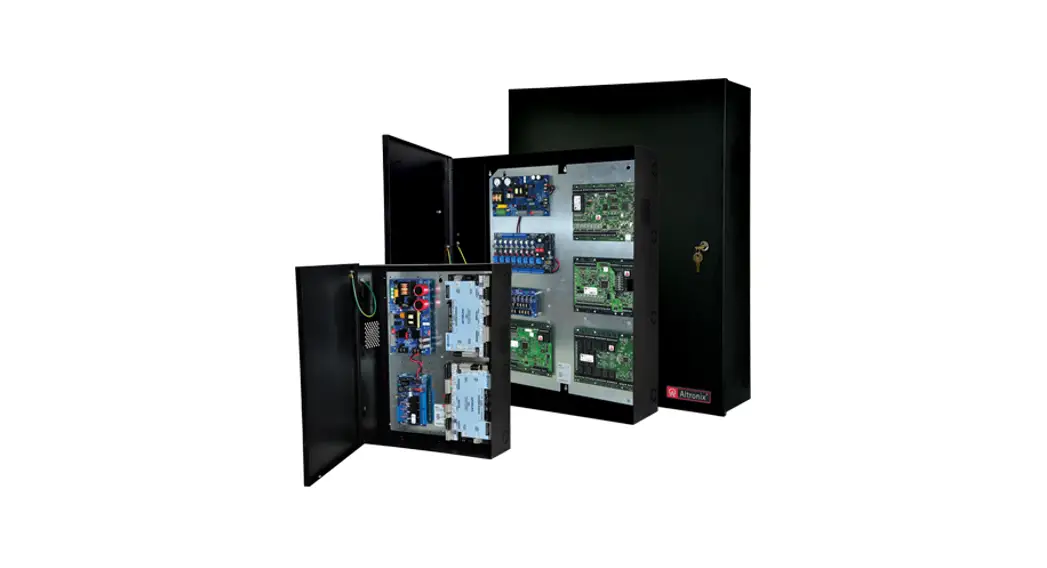
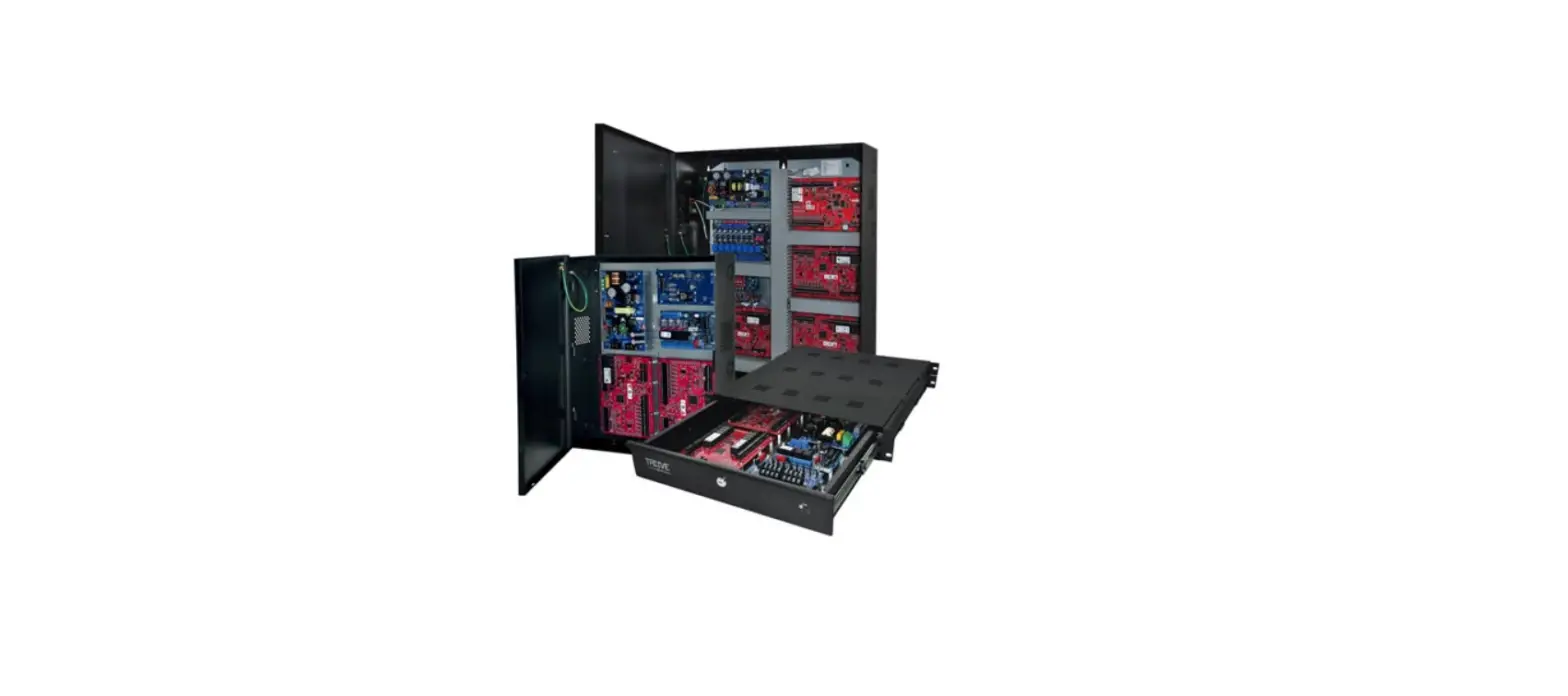
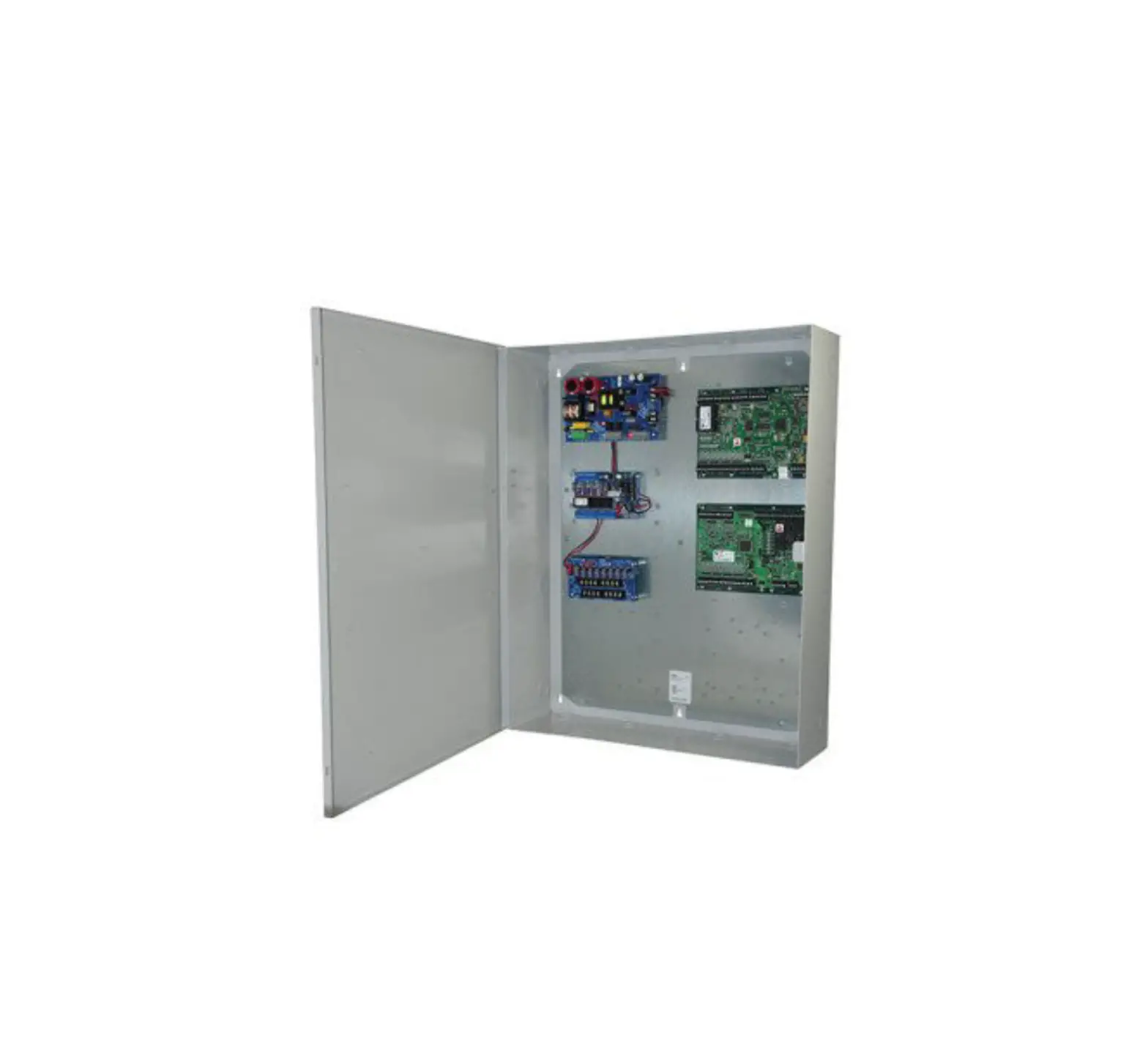
Altronix T2AMK7F8 Trove AMAG kit is pre-assembled and consists of Trove2AM2 enclosure/backplane with factory installed Altronix power supply/charger and sub-assemblies. T2AMK7F8 kit also accommodates various combinations of AMAG modules for up to eight (8) doors in a single enclosure.
TAM2 accommodates a combination of the following AMAG modules:
- M2150 2DC, M2150 4DC, M2150 AC24/4, M2150 2DBC, M2150 4DBC, or M2150 8DBC.
Configuration Chart
|
Altronix Model Number | Power Supply Board Input Fuse Rating | Power Supply Board Battery Fuse Rating | 120VAC 60Hz Input Current (A) | Maximum Supply Current for Main and Aux. Outputs on Power Supply board and ACM8 Access Power Controllers’ outputs | Nominal DC Output Voltage | Fail-Safe/Fail-Secure or Dry Form “C” Outputs | Additional Fused Outputs | ACM8 Board Input Fuse Rating | ACM8 Board Output Fuse Rating | PDS8 Board Input Fuse Rating | PDS8 Board Output Fuse Rating | |
| [DC] | [Aux] | |||||||||||
| Output Range (VDC) | Output Range (VDC) | |||||||||||
| T2AMK7F8 | 6.3A/ 250V | 15A/ 32V | 4.5 | 24VDC @ 9.7A | 20.17-26.4 | 20.28-26.4 | 8 | 8 | 10A/ 250V | 2.5A/ 250V | 10A/ 32V | 3A/ 32V |
Installation Instructions
Wiring methods shall be in accordance with the National Electrical Code/NFPA 70/ANSI, and with all local codes and authorities having jurisdiction. Product is intended for indoor use only.
- Remove backplane from enclosure. Do not discard hardware.
- Mark and predrill holes in the wall to line up with the top three keyholes in the enclosure. Install three upper fasteners and screws in the wall with the screw heads protruding. Place the enclosure’s upper keyholes over the three upper screws, level and secure. Mark the position of the lower three holes. Remove the enclosure. Drill the lower holes and install the three fasteners. Place the enclosure’s upper keyholes over the three upper screws. Install the three lower screws and make sure to tighten all screws.
- Mount included UL Listed tamper switch (Altronix Model TS112 or equivalent) in desired location, opposite hinge.
Slide the tamper switch bracket onto the edge of the enclosure, approximately 2” from the right side. Connect tamper switch wiring to the Access Control Panel input or the appropriate UL Listed reporting device.
To activate alarm signal open the door of the enclosure. - Mount AMAG modules to TAM2 backplane.
- Refer to the eFlow Power Supply/Charger Installation Guide for eFlow104NB and corresponding Sub-Assembly Installation Guides for the following models: ACM8, PDS8 and VR6 for further installation instructions.
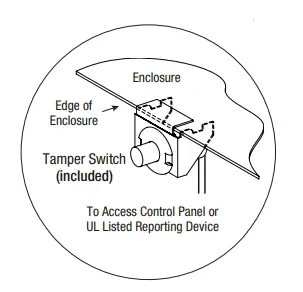 Connect tamper switch wiring to the Access Control Panel input or the appropriate UL Listed reporting device.
Hardware
 Nylon Spacer
 5/16” Pan Head Screw
 Lock Nut
Configuration of AMAG Modules AMAG M2150 2DC and M2150 2DBC
- Align the AMAG modules on the backplane to match the modules’ mounting holes with pems provided.
- Fasten spacers (provided) to pems that match the hole pattern for AMAG M2150 2DC and 2150 2DBC modules.
- Mount AMAG modules to spacers utilizing 5/16” pan head screws (provided).
 Note: AMAG M2150 2DC modules have specific markings.
Please orient modules in the appropriate position according to the below.
- Fasten backplane to Trove2 enclosure utilizing lock nuts (provided).
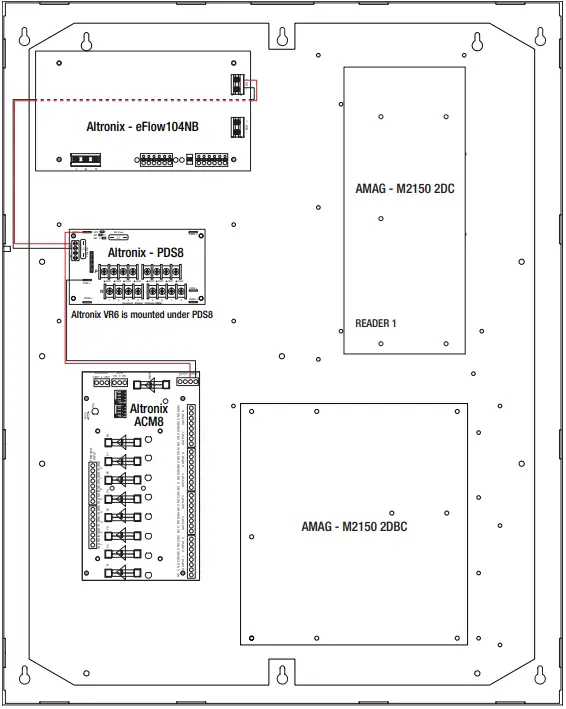 Note: AMAG M2150 2DC modules have specific markings.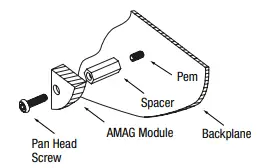
Configuration of AMAG Modules AMAG M2150 4DC, M2150 4DBC, M2150 8DBC
- Align the AMAG modules on the backplane to match the modules’ mounting holes with pems provided.
- Fasten spacers (provided) to pems that match the hole pattern for AMAG M2150 4DC, M2150 4DBC, M2150 8DBC modules.
- Mount AMAG modules to spacers utilizing 5/16” pan head screws (provided).
 Note: AMAG M2150 4DBC and M2150 8DBC modules have specific markings.
Please orient modules in the appropriate position according to the below.
- Fasten backplane to Trove2 enclosure utilizing lock nuts (provided).
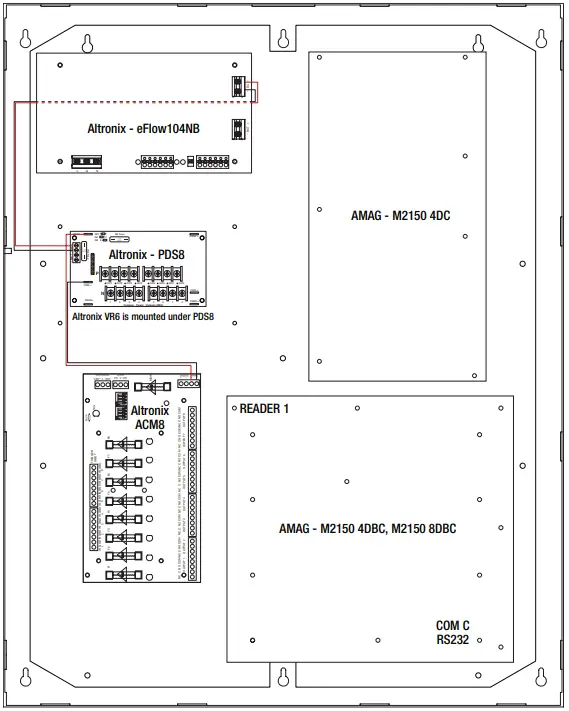 Note: AMAG M2150 4DBC and M2150 8DBC modules have specific markings.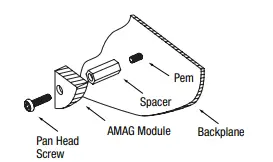
Configuration of AMAG Modules AMAG M2150 AC24/4, M2150 4DBC, M2150 8DBC
- Align the AMAG modules on the backplane to match the modules’ mounting holes with pems provided.
- Fasten spacers (provided) to pems that match the hole pattern for AMAG M2150 AC24/4, M2150 4DBC, M2150 8DBC modules.
- Mount AMAG modules to spacers utilizing 5/16” pan head screws (provided).
 Note: AMAG M2150 4DBC and M2150 8DBC modules have specific markings.
Please orient modules in the appropriate position according to the below.
- Fasten the backplane to Trove2 enclosure utilizing lock nuts (provided).
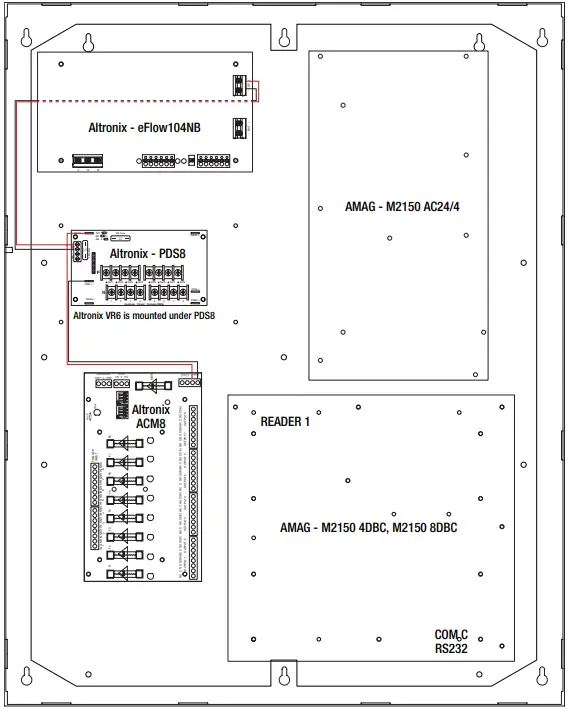 Note: AMAG M2150 4DBC and M2150 8DBC modules have specific markings.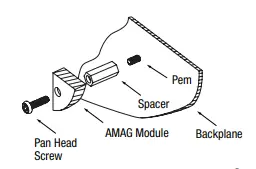
LINQ2 – Network Communication Module
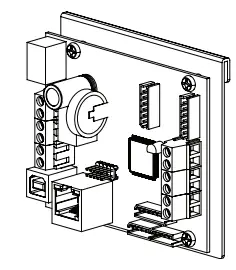
LINQ2 provides remote IP access to real-time data from eFlow power supply/chargers to help keep systems up and running at optimal levels. It facilitates fast and easy installation and set-up, minimizes system downtime, and eliminates unnecessary service calls, which helps reduce Total Cost of Ownership (TCO) – as well as creating a new source of Recurring Monthly Revenue (RMR).
Features
- UL Listed in the U.S. and Canada.
- Local or remote control of up to (2) two Altronix eFlow power output(s) via LAN and/or WAN.
- Monitor real time diagnostics: DC output voltage, output current, AC & battery status/service, input trigger state change, output state change and unit temperature.
- Access control and user managment: Restrict read/write, Restrict users to specific resources
- Two (2) integral network controlled Form “C” Relays.
- Three (3) programmable input triggers: Control relays and power supplies via external hardware sources.
- Email and Windows Dashboard notifications
- Event log tracks history.
- Secure Socket Layer (SSL).
- Programmable via USB or web browser – includes operating software and 6 ft. USB cable.
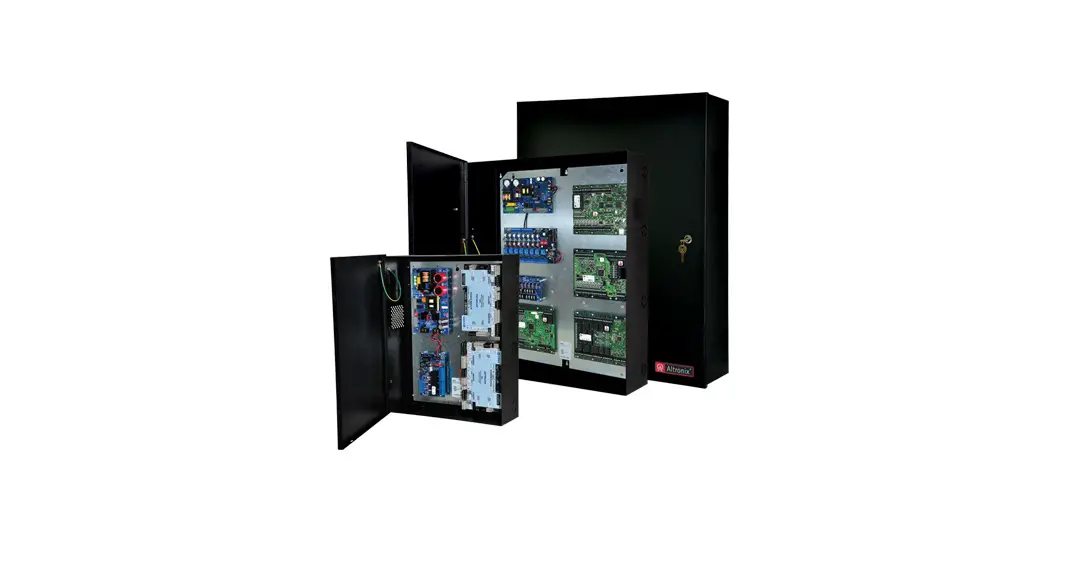
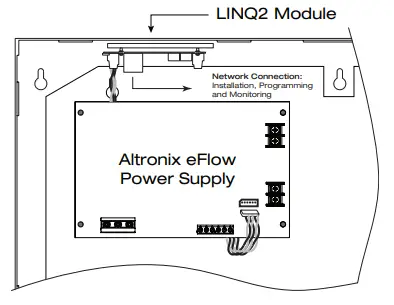
LINQ2 Mounts Inside any Trove Enclosure
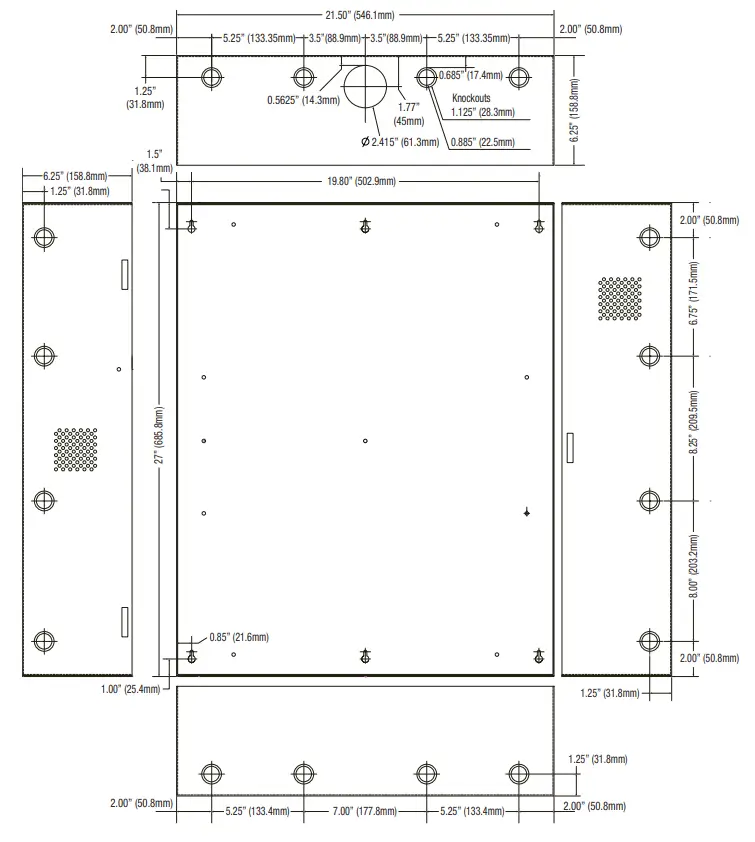
Enclosure Dimensions
(H x W x D approximate): 27.25” x 21.75” x 6.5” (692.2mm x 552.5mm x 165.1mm)
 Altronix Home