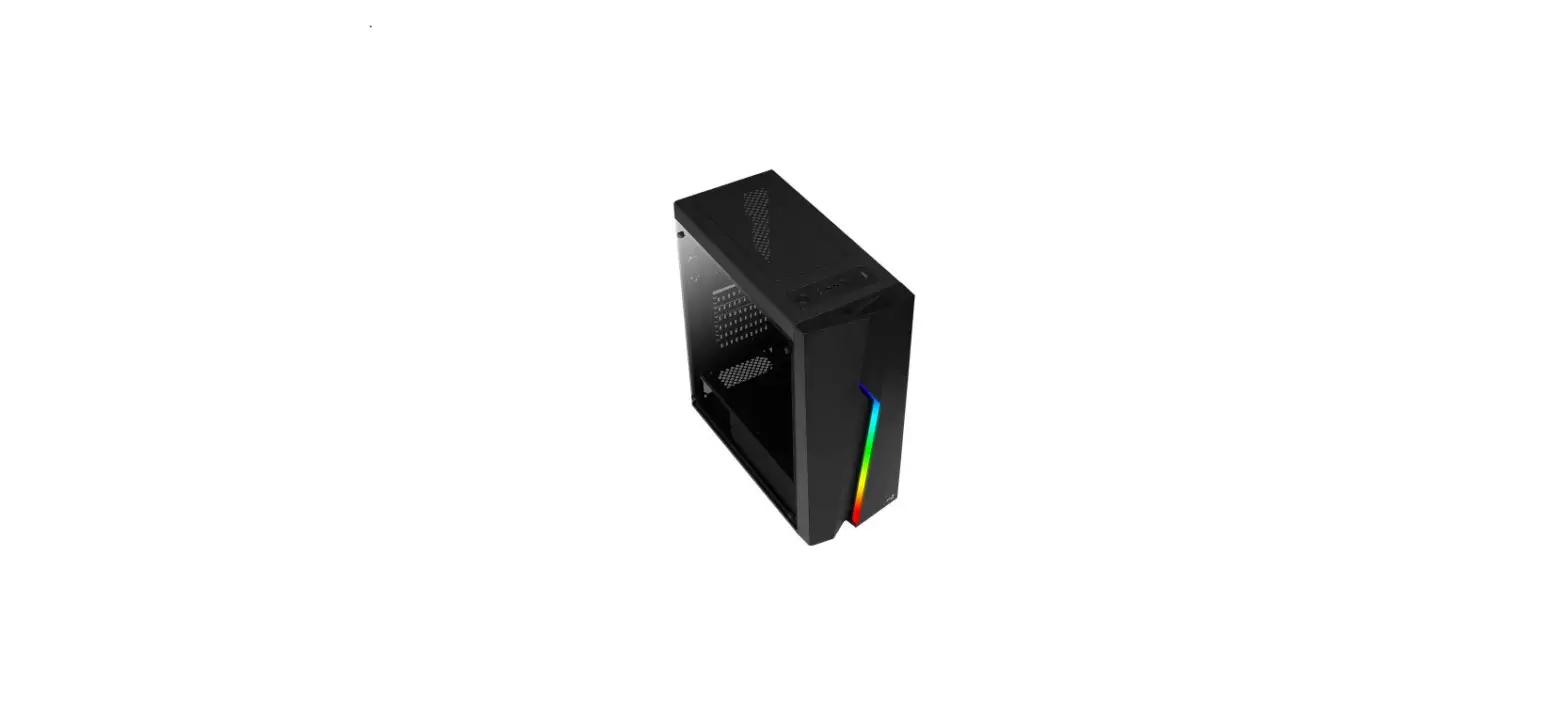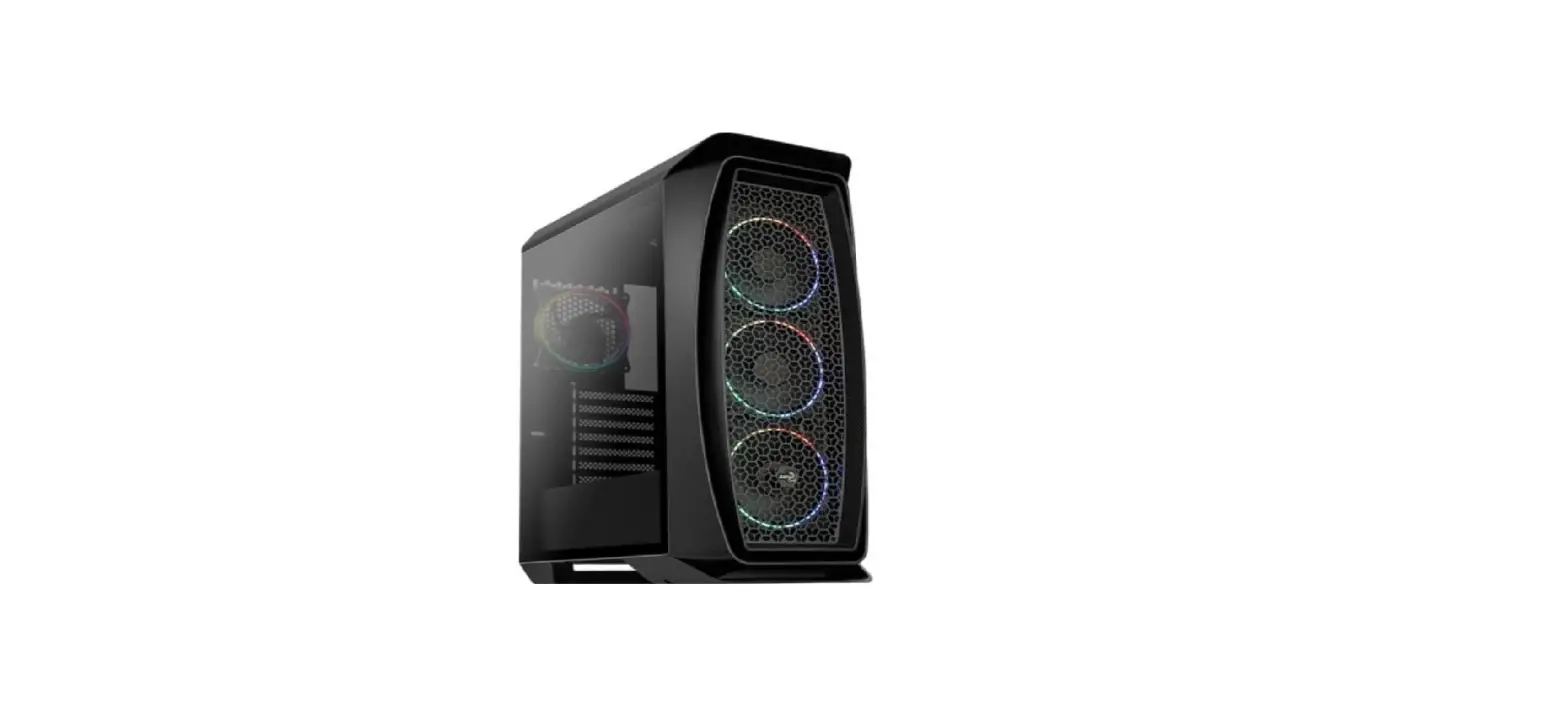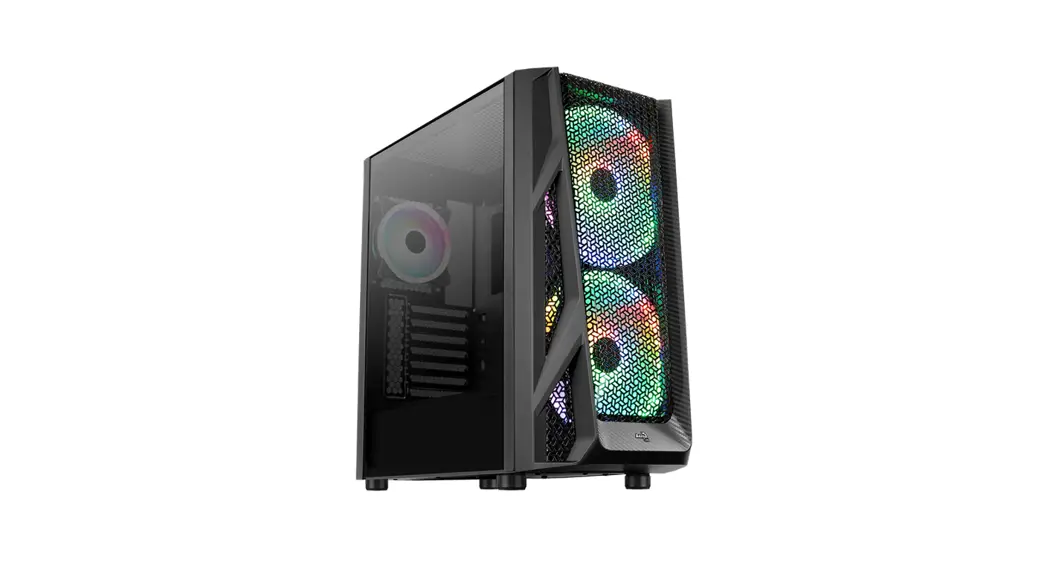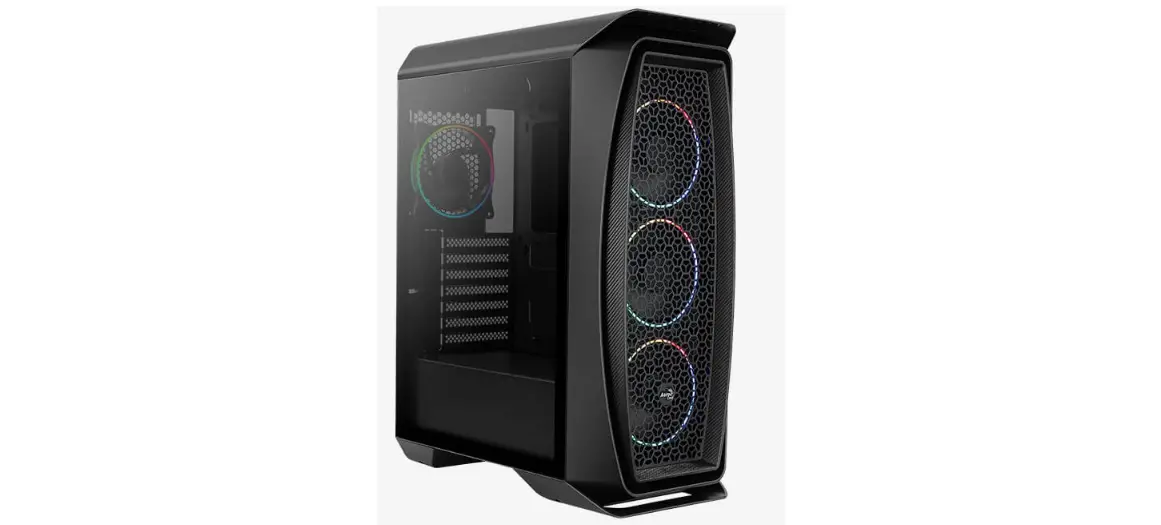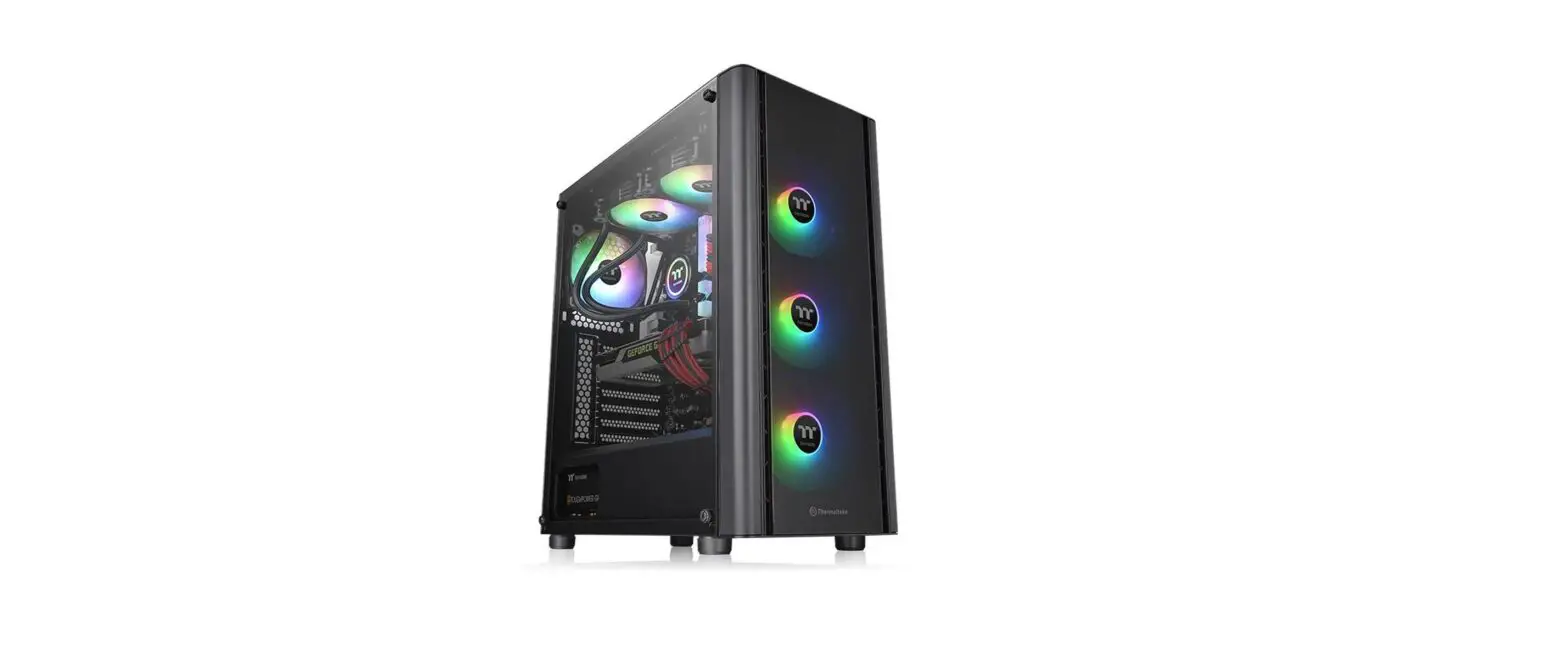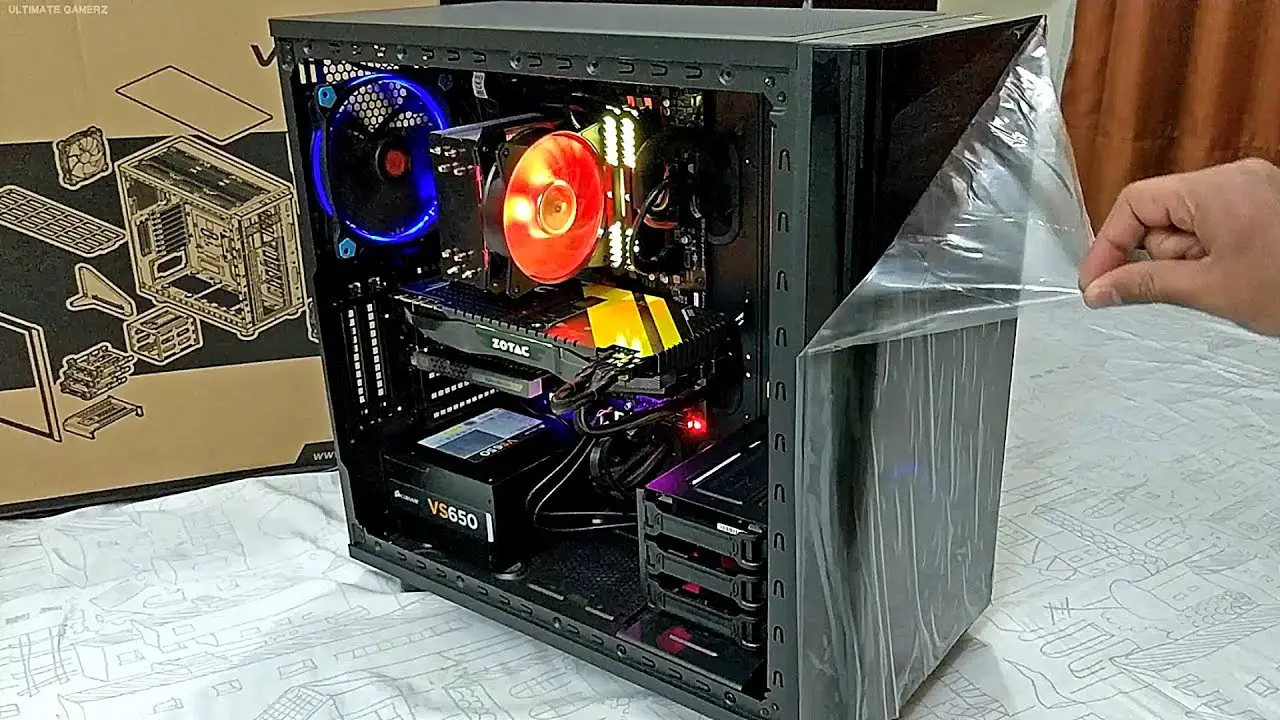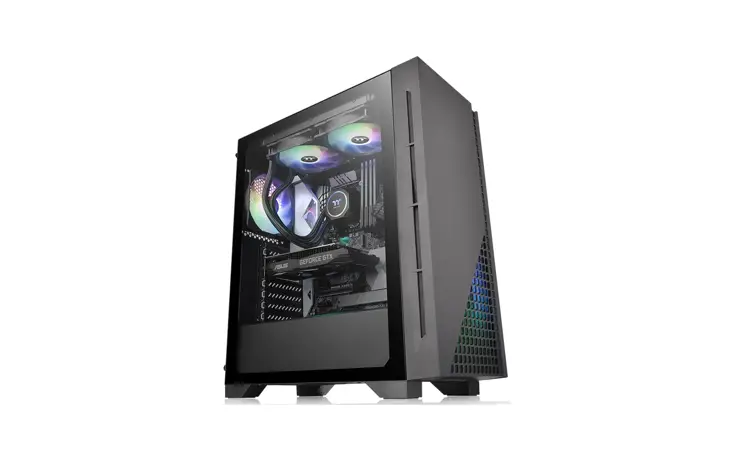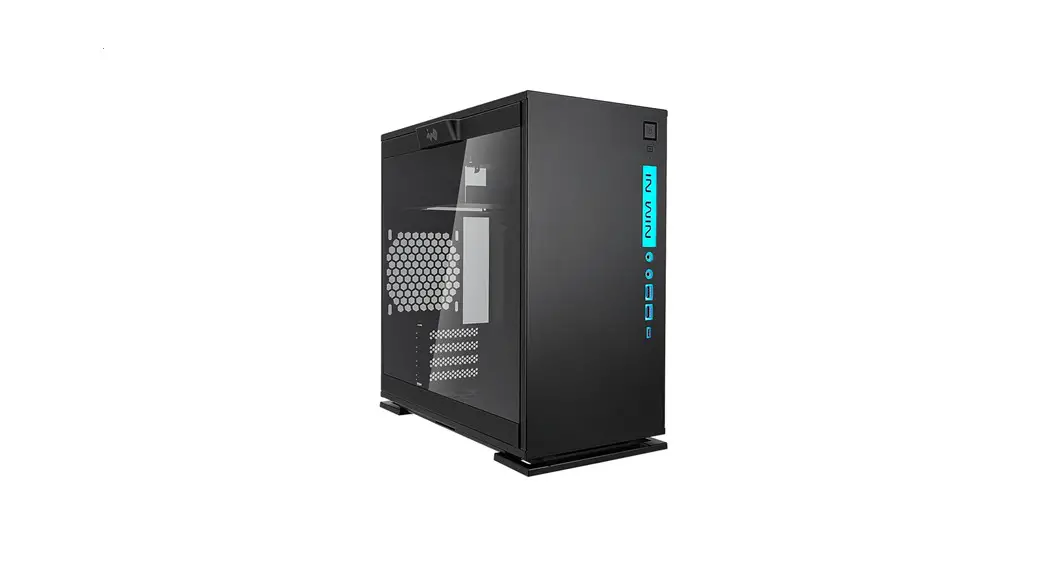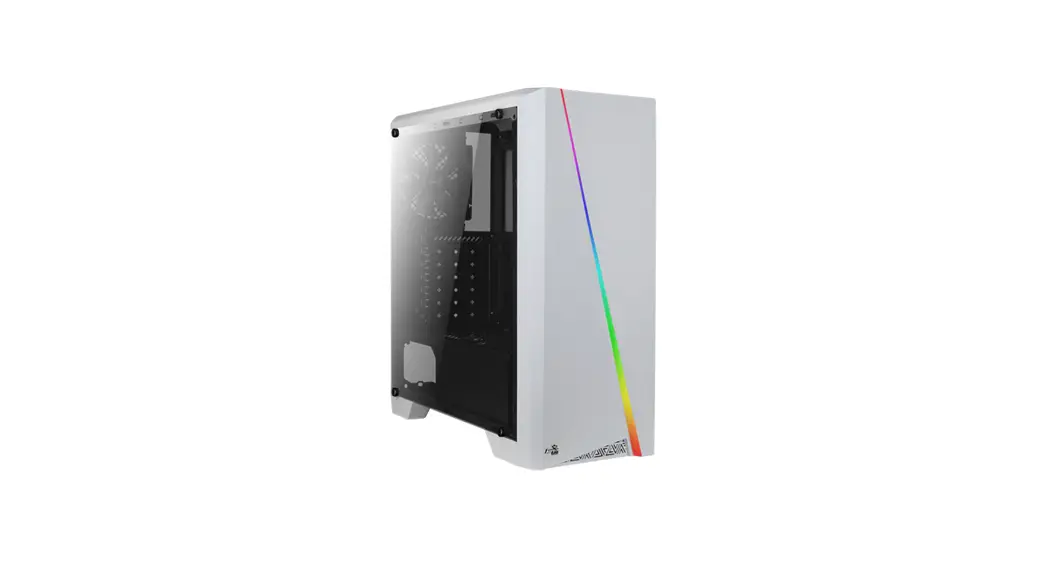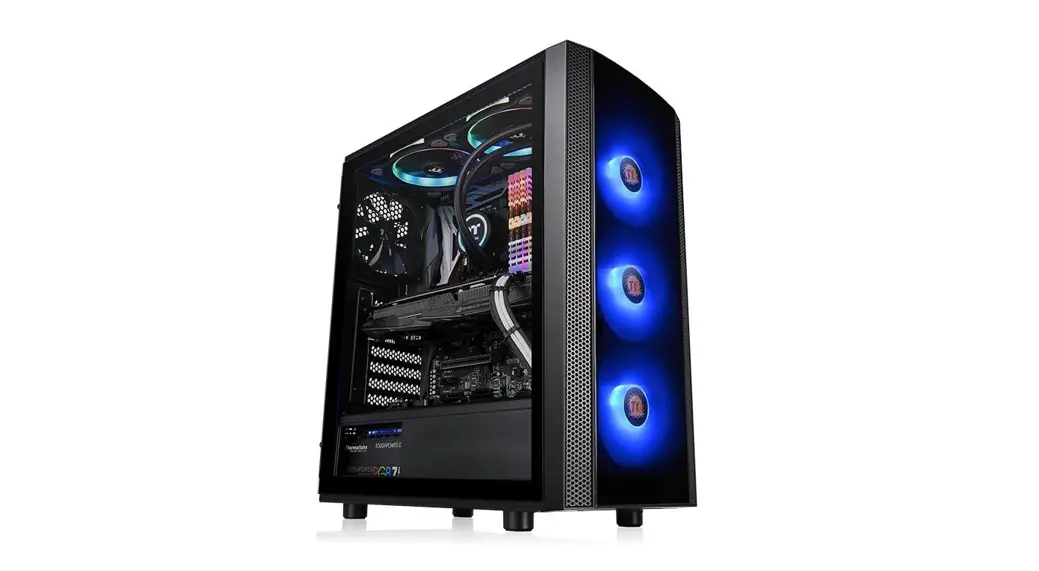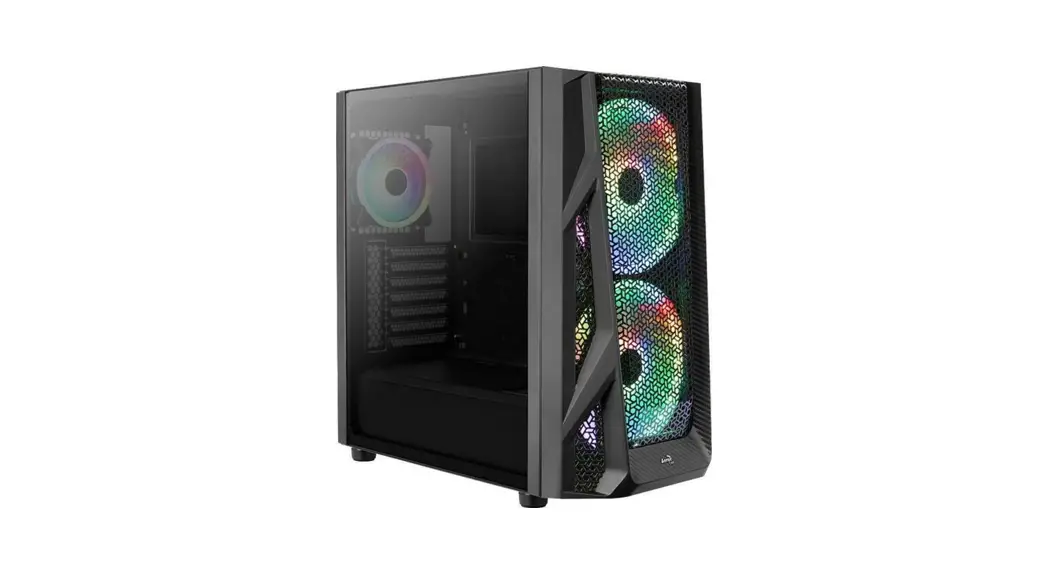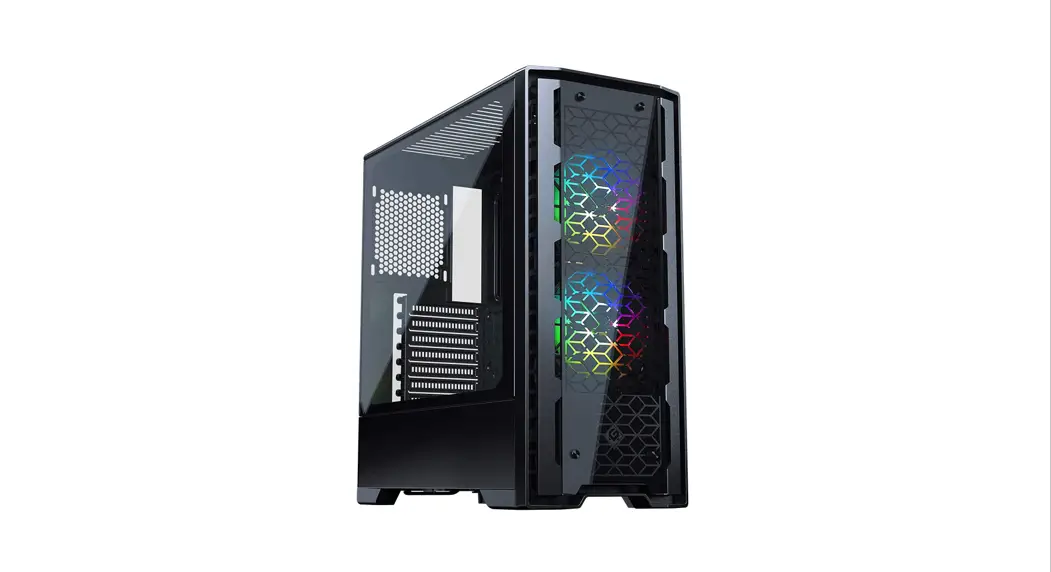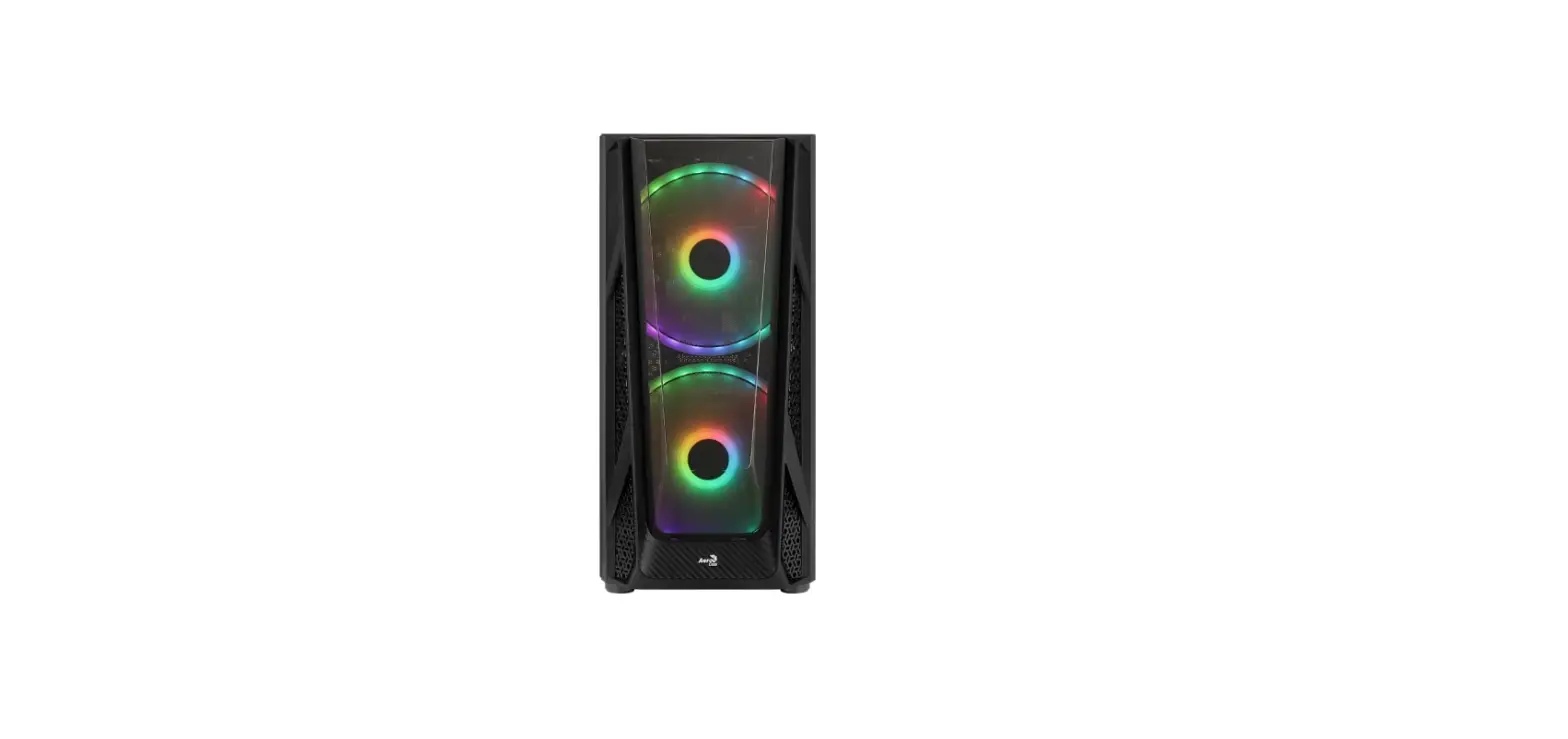

AeroCool NightHawk Duo Tempered Glass Edition ARGB Mid Tower Chassis
Front 1/0 Panel Cable Connection
Front Panel Connector (Please refer to the motherboard’s manual for further instructions)
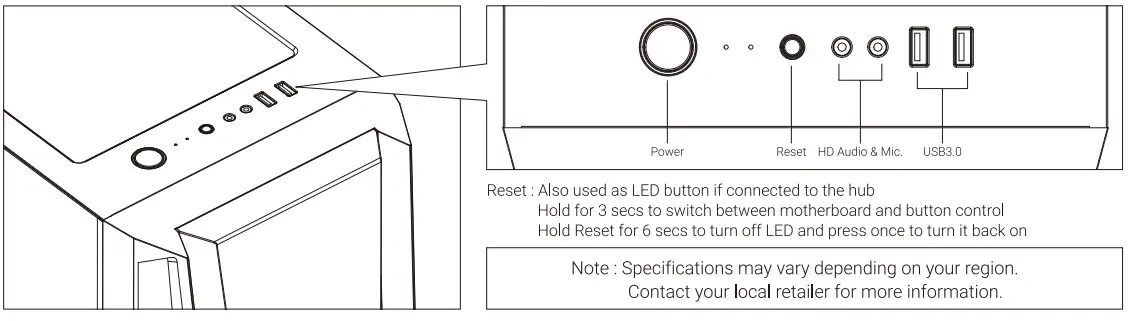
Note: Specifications may vary depending on your region. Contact your local retailer for more information.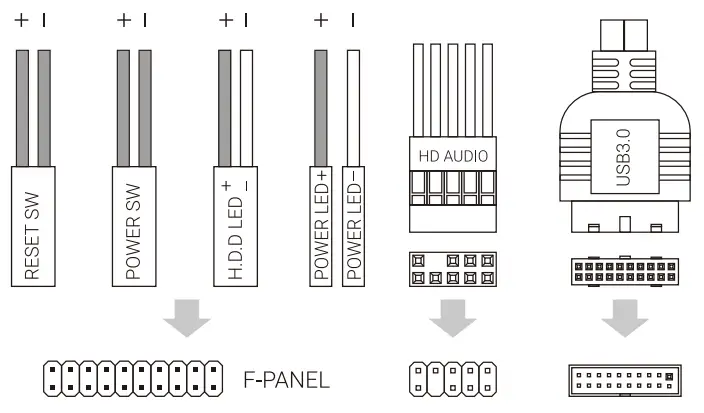
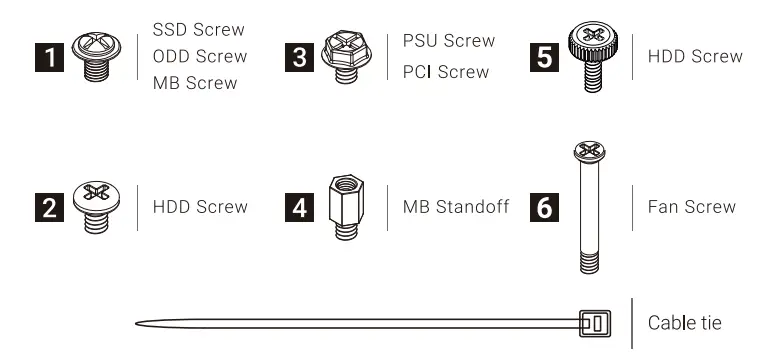
Accessory Bag Contents
How to install Guide
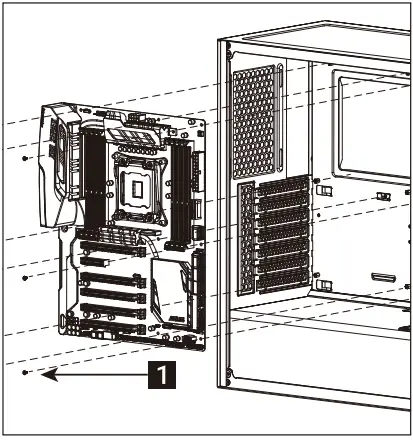
Install Motherboard
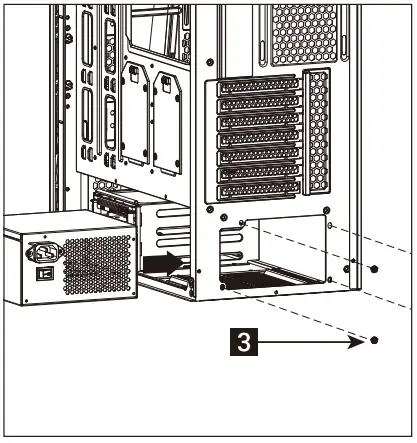
Install PSU
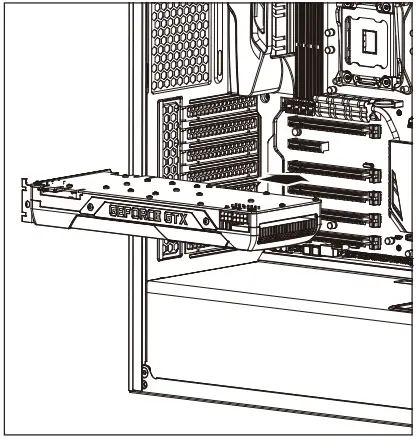
Install add-on Card
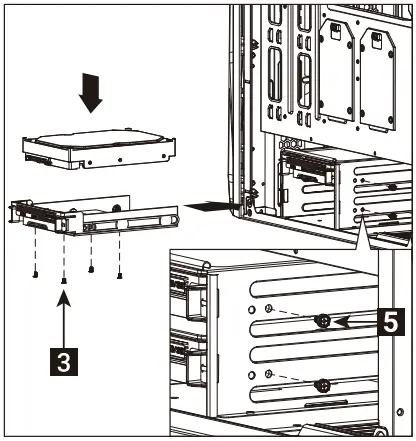
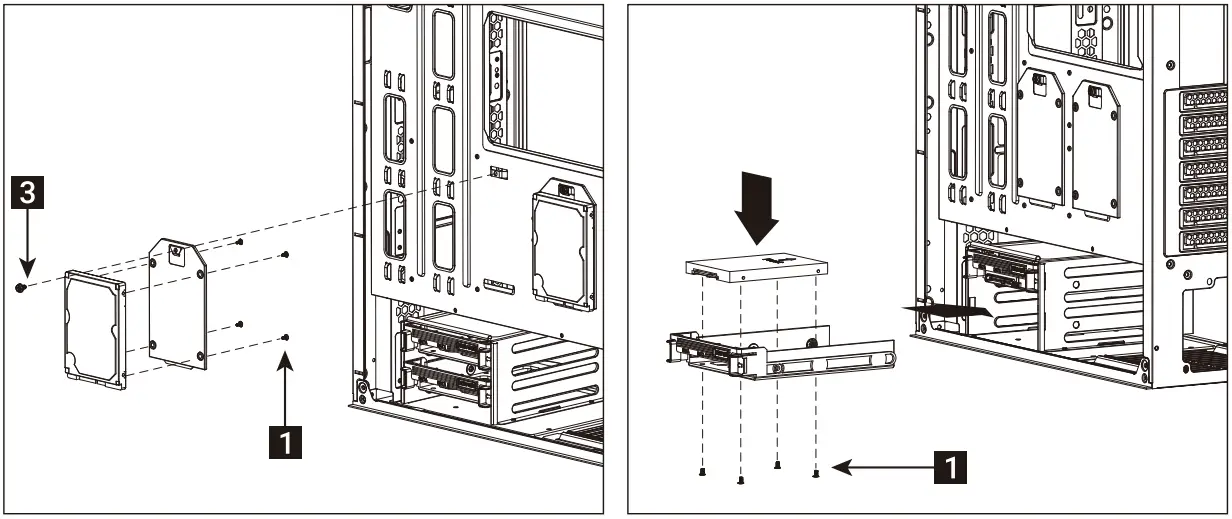
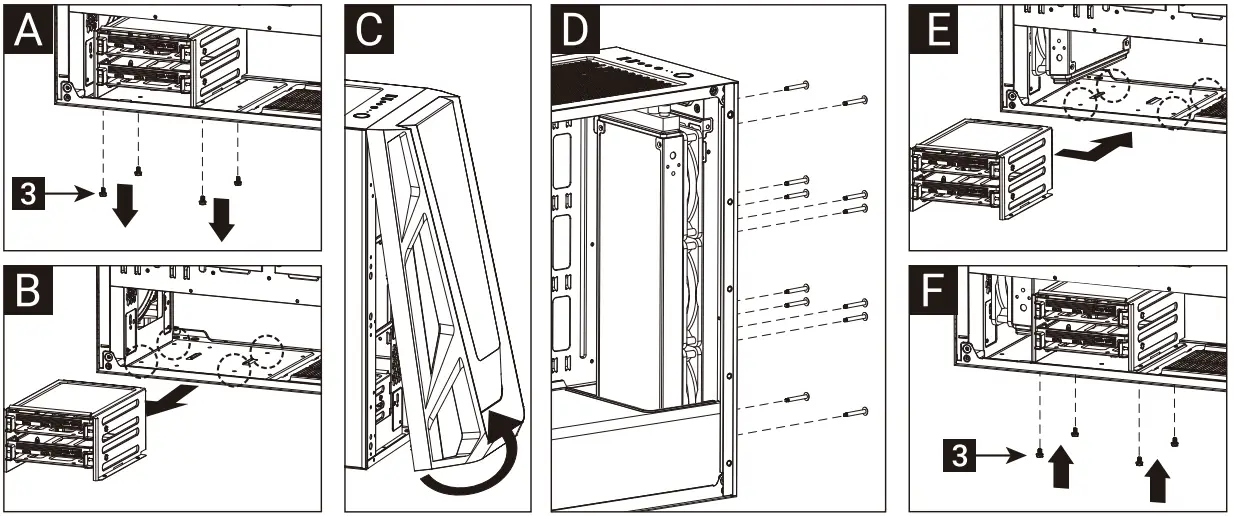
Install 3.5″ HDD x2
- Install 2.5″ SSD x 2
- Install 2.5″ SSD x 2

Install Front Fans
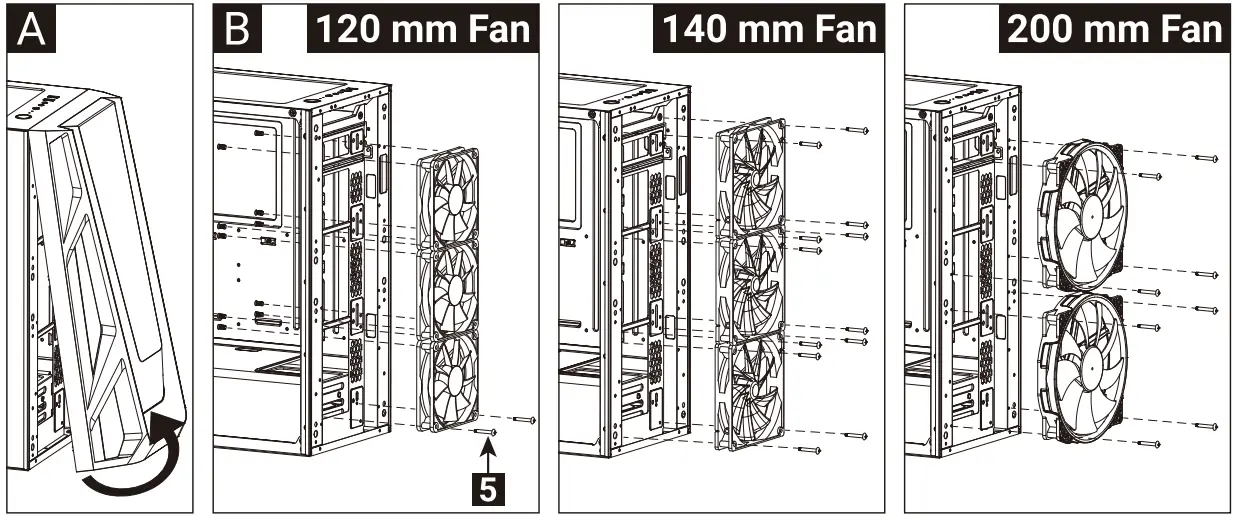
- (66) Install Rear Fans
- (6c) Install Top Fans

- (7b) Install Rear Radiator
- (7c) Install Top Radiator


1/O Panel
RGB Fan Hub (H66C)
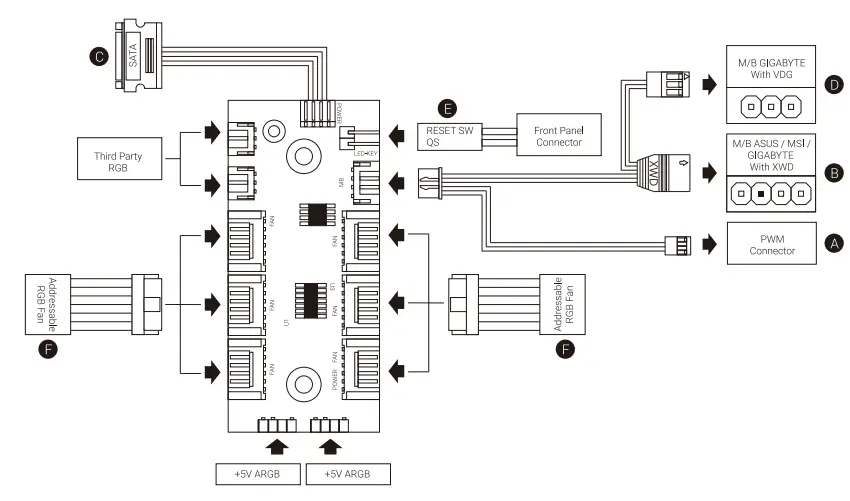
Connection Set Up User Guide
For ASUS Aura Sync, MSI Mystic Light Sync, and GIGABYTE RGB Fusion Motherboards
- Connect (A) to the motherboard’s PWM socket
- Connect (B) to the motherboard’s Addressable RGB socket
- Connect (C) to PSU’s SATA COnnector
For GIGABYTE RGB Fusion Motherboards
- Connect (A) to the motherboard’s PWM socket
- Connect (D) to the motherboard’s Addressable RGB socket
- Connect (C) to PSU’s SATA conne
For Non-Addressable RGB Motherboards
- Connect (A) to the motherboard’s PWM socket
- Connect the 2-Pin reset switch connector (E) with your hub.
- Connect (C) to PSU’s SATA connector
- Use the RGB fan connectors (F) to connect the Addressable RGB fans with your hub.