
 User Manual
Product Story
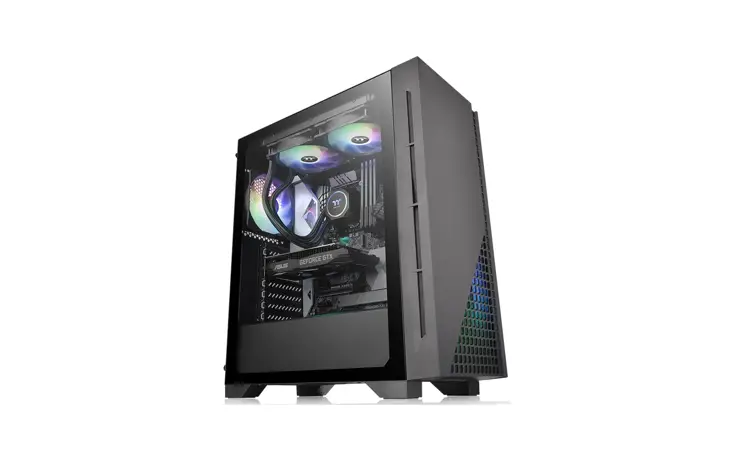
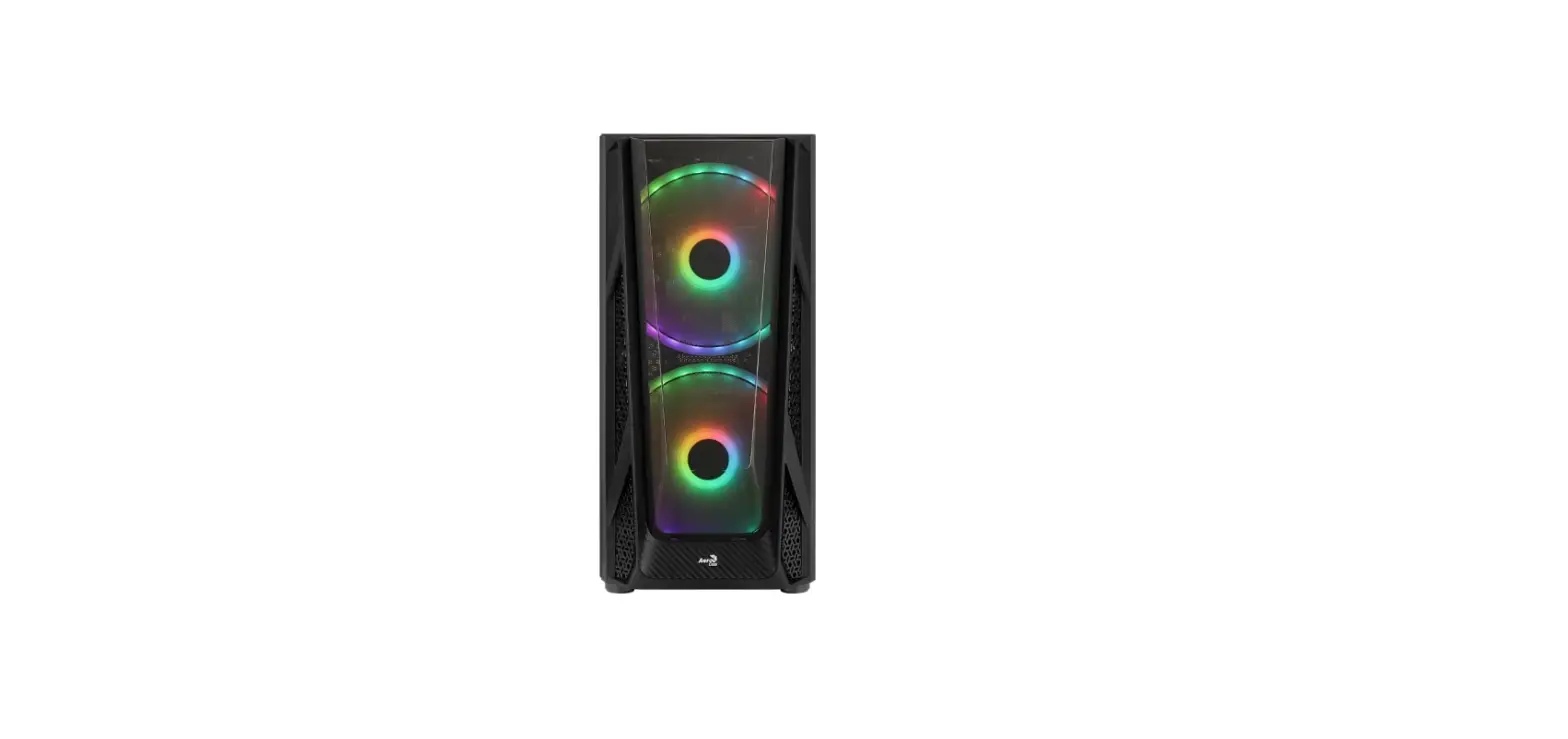
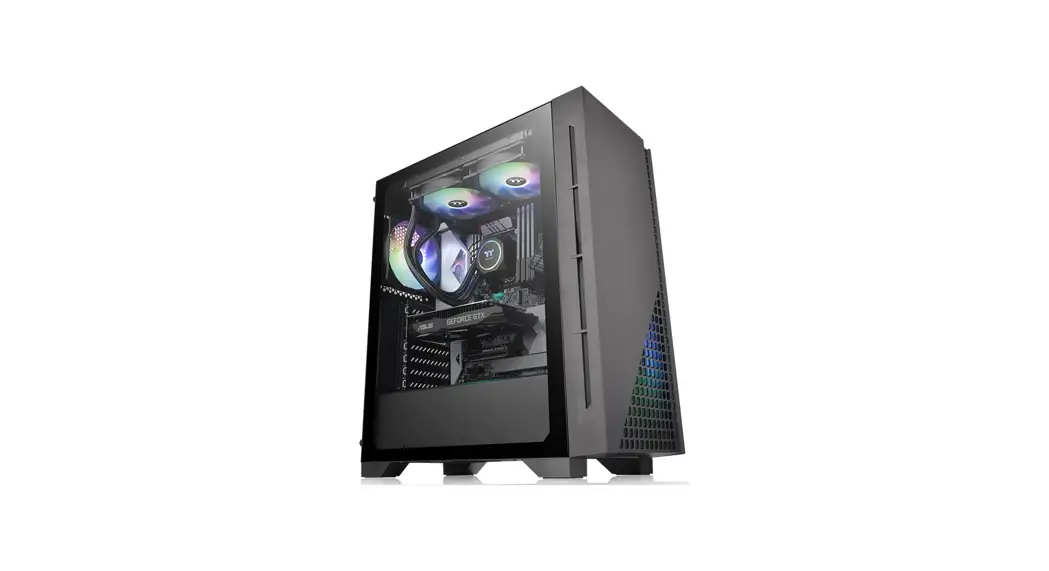
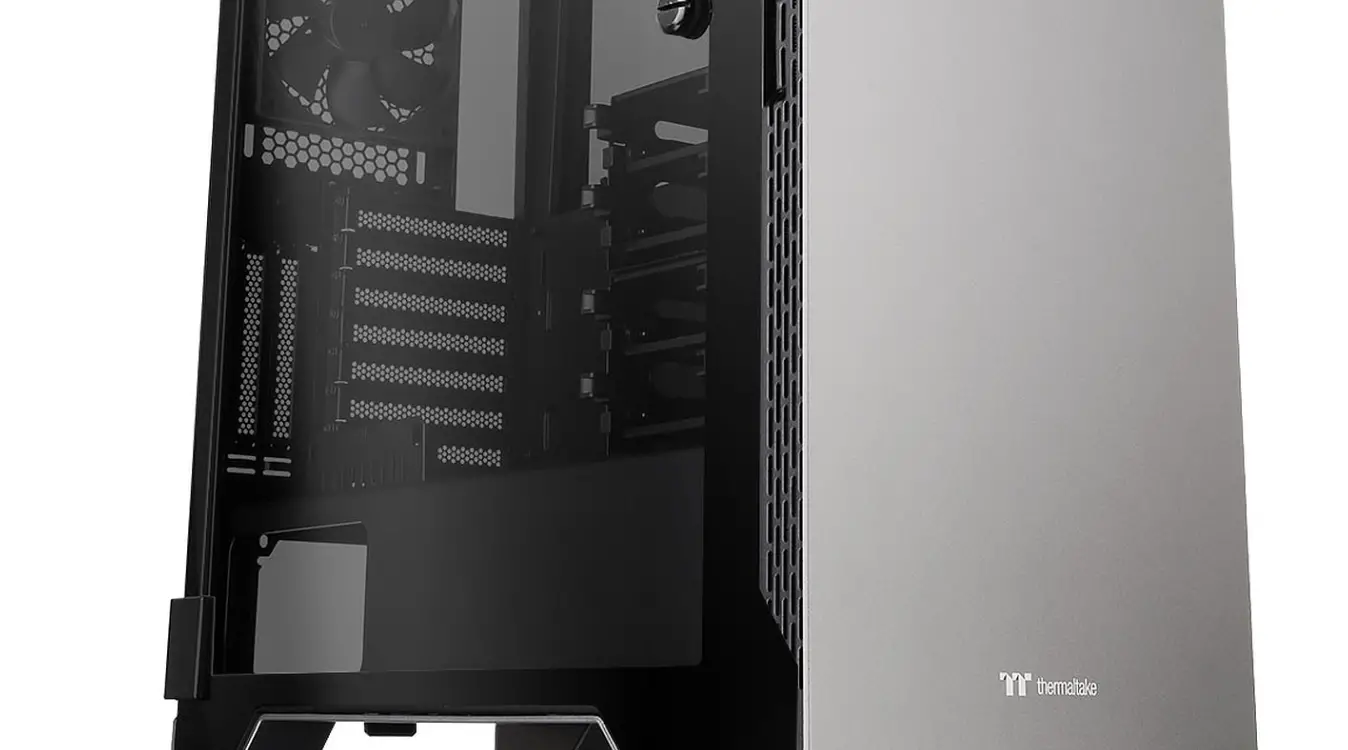
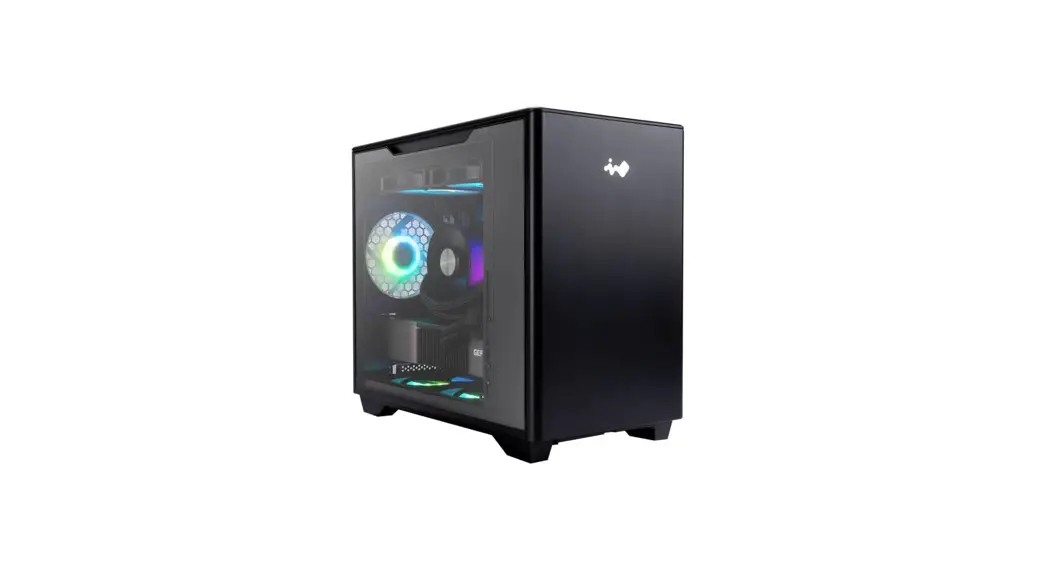
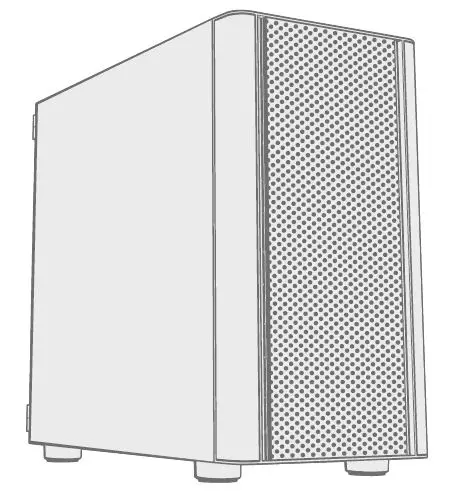
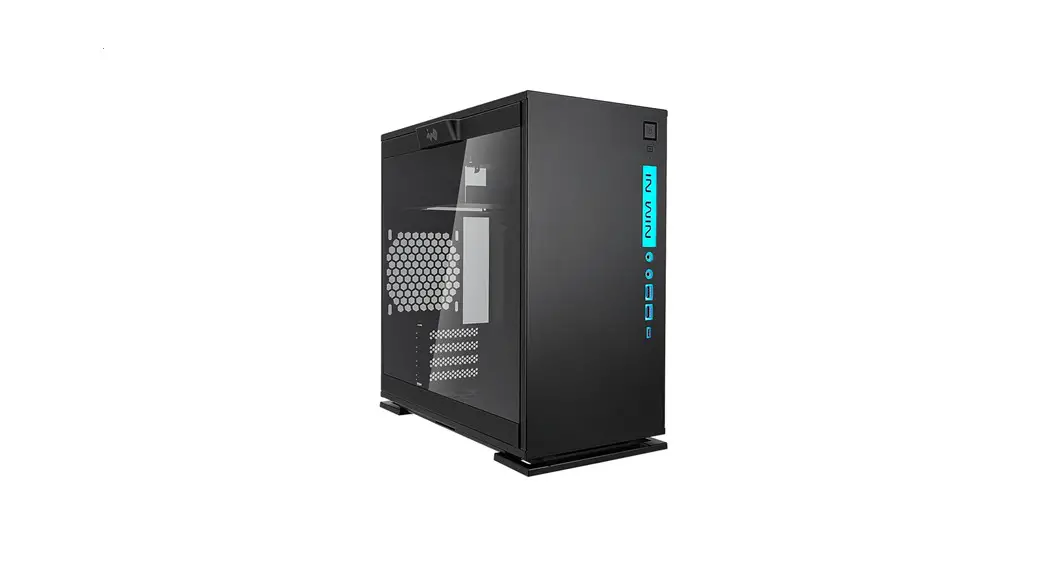
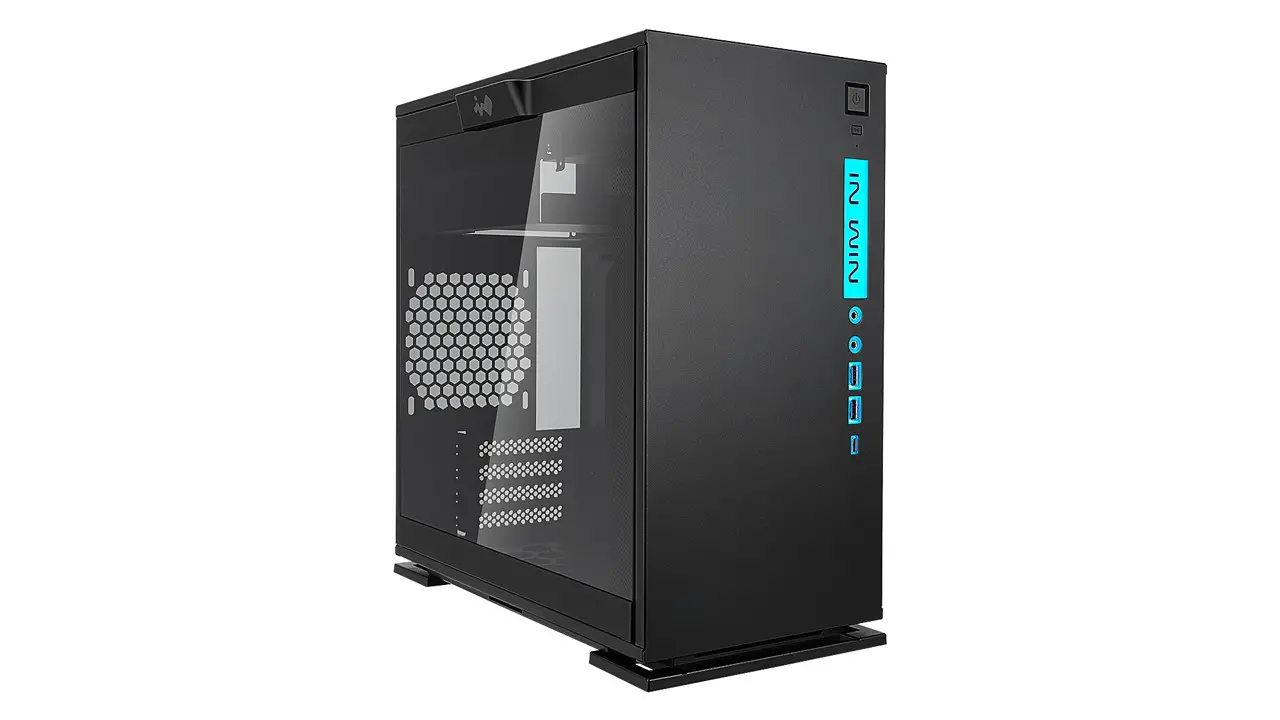
In Win Development Inc. dives into the Mini Tower chassis market with the latest entry to the 300-Series, the 301C. The 301C continues the simple and clean top/front panel interface, while maintaining the LED front I/O.
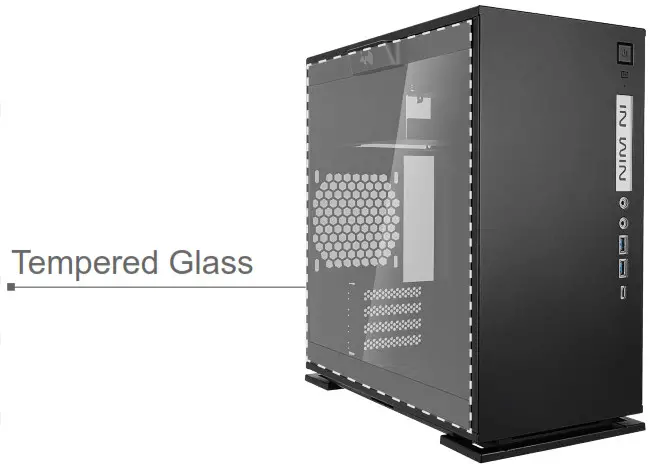
Accompanied with a toolless, screwless tempered glass side panel, the 301C is quality you can see, feel and experience! Which definitely over your expectation!
Specifications
| Model | 301C |
| Color | Black, White |
| Case Type | Mini Tower |
| Case Material | Tempered Glass, SECC |
| M/B Compatibility | Micro ATX, Mini ITX |
| Expansion Slots | PCI-E Slot x 4 |
| Maximum Compatibility | ▪ VGA Card Length: 310mm (Height: 162mm) ▪ VGA Card Length (With Front Fan + Radiator 35mm): 265mm ▪ CPU Heatsink Height: 158 mm |
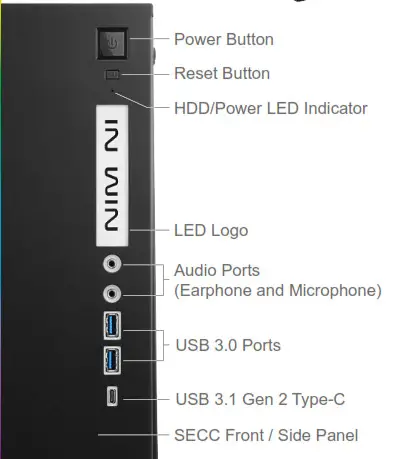
| Front Ports | USB 3.1 Gen 2 Type-C 2 x USB 3.0 HD Audio |
| Internal Drive Bays | 1 x 3.5″ / 2.5″ 2 x 2.5″ |
| Thermal Solution Compatibility | ▪ 2 x 120mm Front Fan / 240mm Radiator ▪ 1 x 120mm Rear Fan / 120mm Radiator ▪ 2 x 120mm Bottom Fan (Occupy a PCI-E slot) |
| Power Supply Compatibility | PSII: ATX12V – Length up to 160mm |
| Product Dimension (H x W x D) | 365mm x 188mm x 370mm (14.3″ x 7.4″ x 14.6″) |
| Product Dimension (H x W x D) with screw & handle height | 365mm x 208mm x 370mm (14.3″ x 8.1″ x 14.6″) |
| Package Dimension (H x W x D) | 450mm x 272mm x 458mm (17.7″x 10.7″x 18″) |
| Net Weight | 6.50KG/ 14.3lb |
| Gross Weight | 7.59KG/ 16.7lb |
Package Content
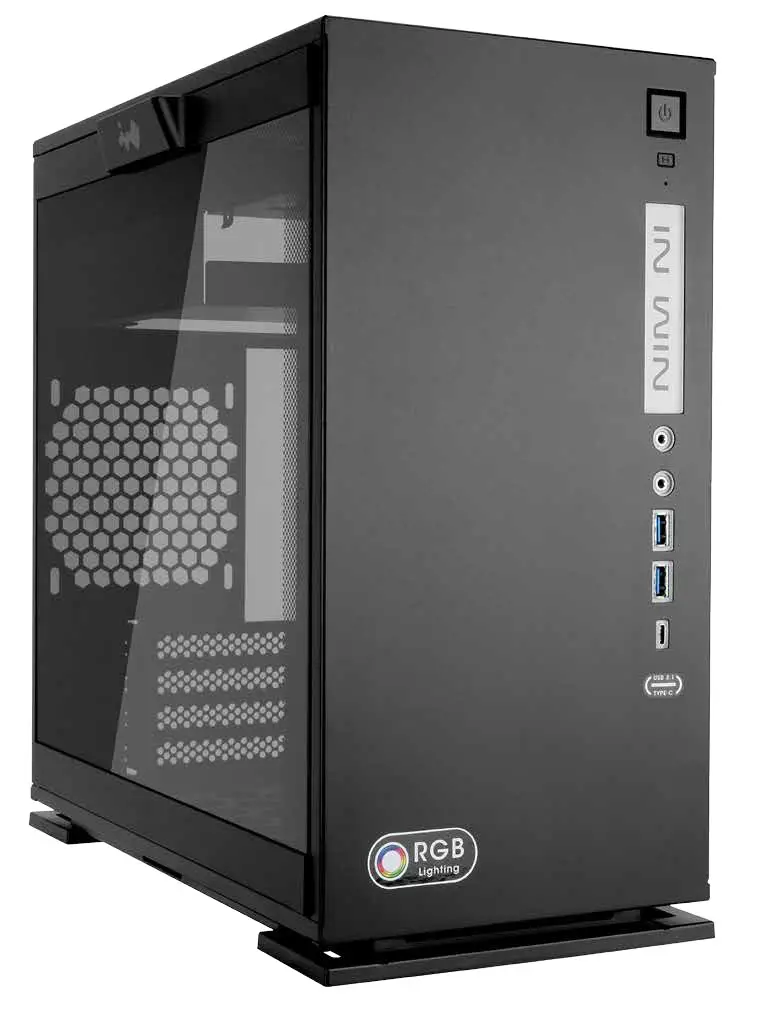
301C Chassis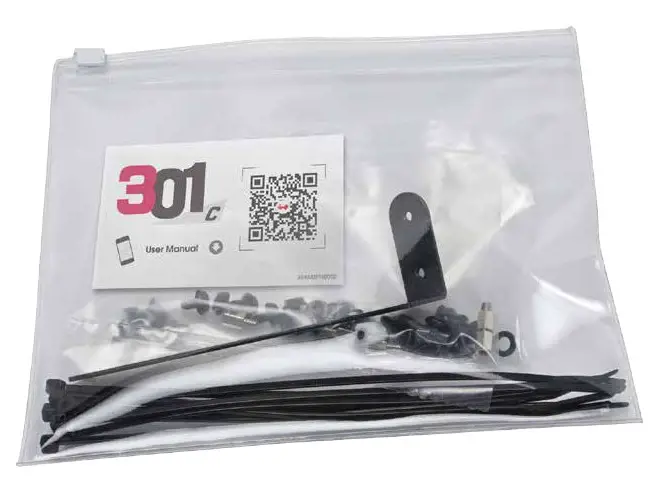
Accessories Bag
https://www.in-win.com/en/manual/gaming-chassis/3
QR Code Card
Accessories Bag
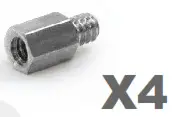 | Motherboard Stand-off |
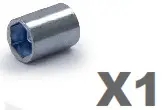 | Motherboard Stand-off Socket |
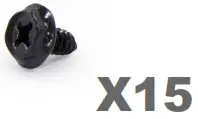 | Hexagon Head Screws |
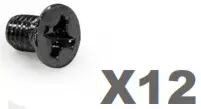 | 2.5″ HDD Screws |
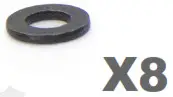 | Water-cooling System Washer |
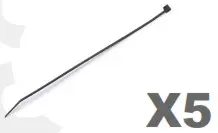 | Cable Tie |
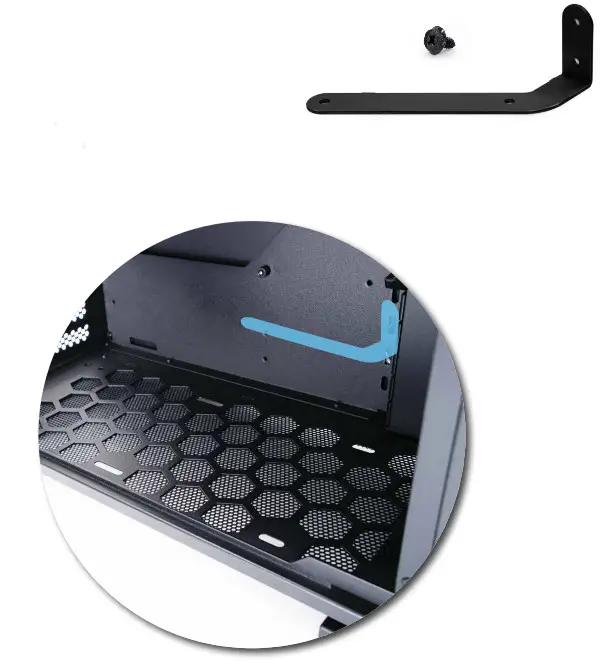
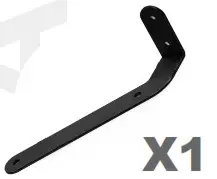 | Graphics Card Holder |
Case Structure
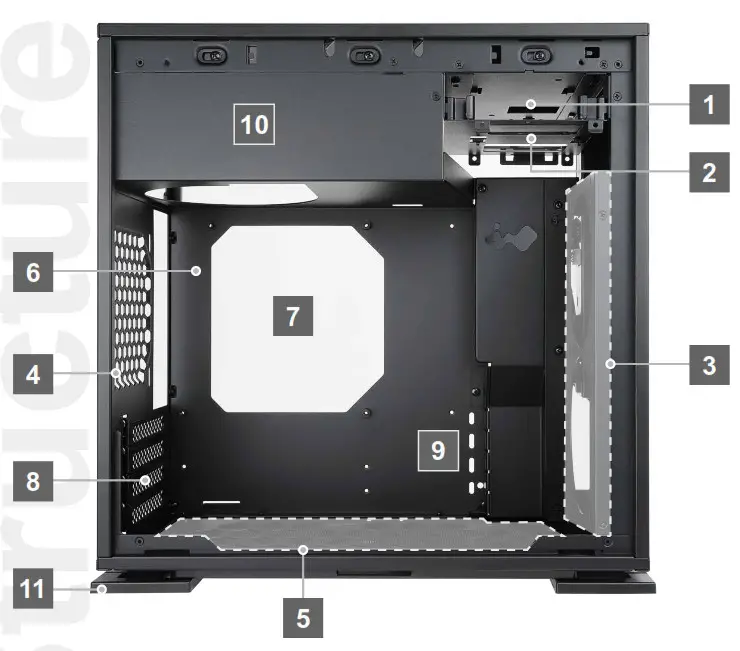
- 3.5″/ 2.5″ Drive Bay
- 2.5″ Drive Bay
- Front Fan/ Radiator Mounting Area
- Rear Fan/ Radiator Mounting Area
- Bottom Fan Mounting Area
- Motherboard Mounting Area
- CPU Cooler Installation Cut-Out Hole
- PCI-E Expansion Slot
- Extra PCI-E Supporting Mounting Hole
- Power Supply Mounting Area
- Shock-Proof Stand
Installation Guide
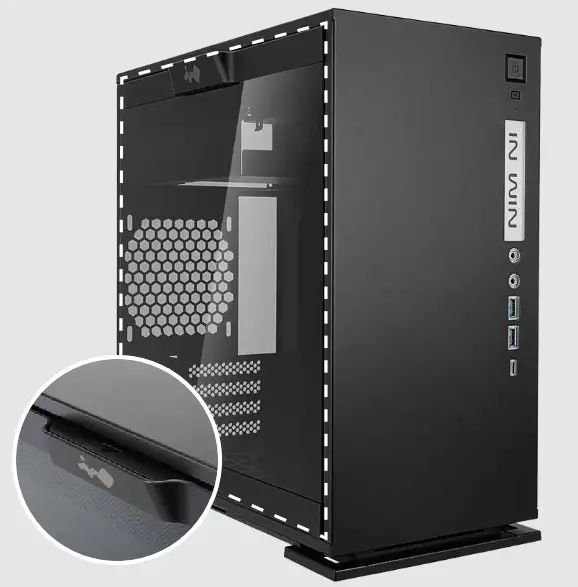
- Opening the Chassis
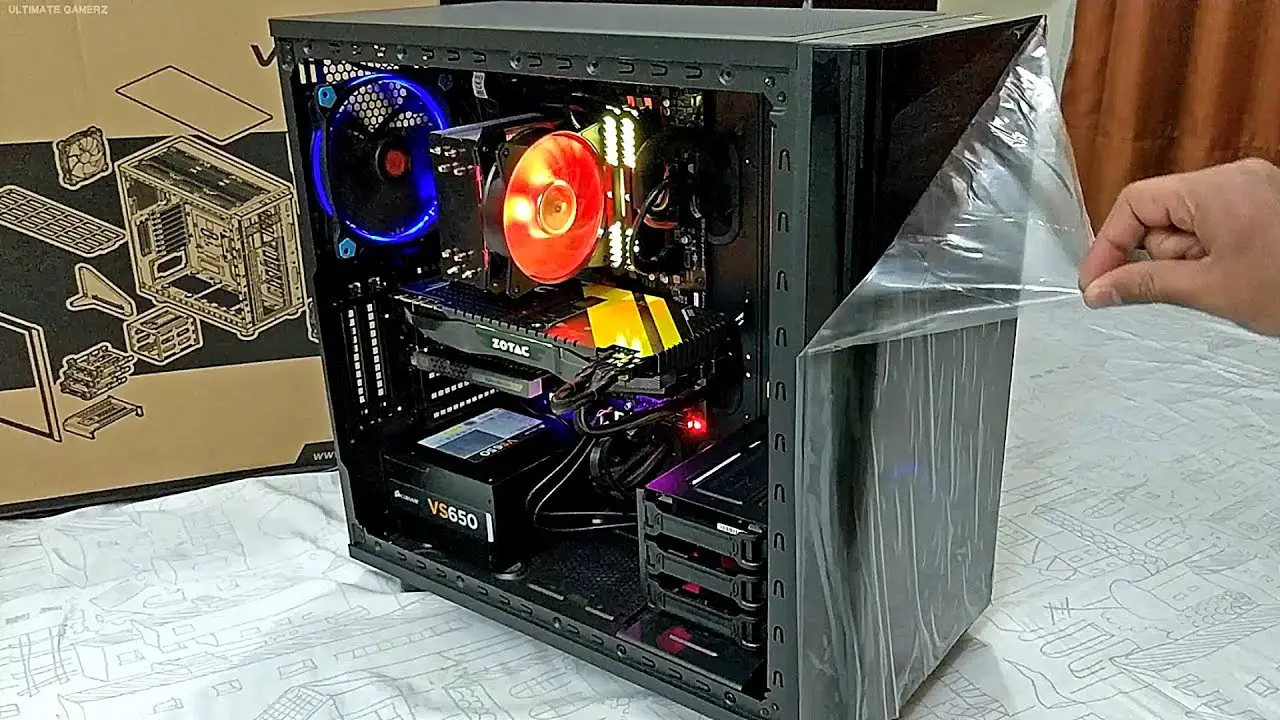
Please remove by pressing the handle on top of tempered glass side panel.
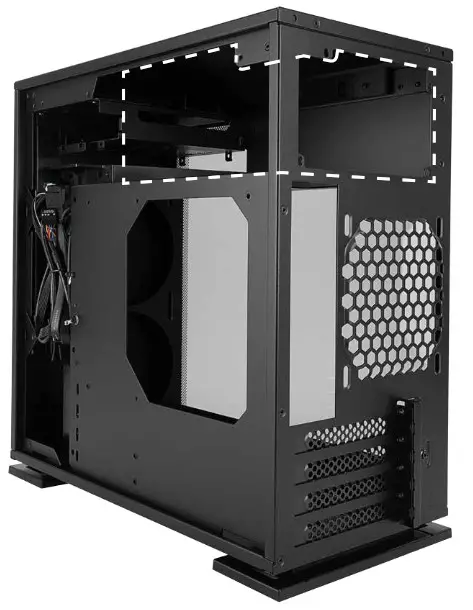
- Power Supply Installation
Parts Required: Hexagon Head Screws Power supply can be mounted on the top bracket
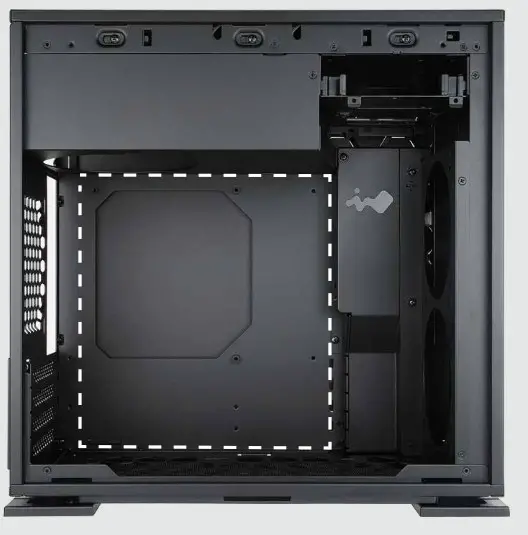
- Motherboard Installation
Parts Required: Motherboard Stand-Off, Motherboard Stand-Off Socket, Hexagon Head Screws
- Expansion Card Installation
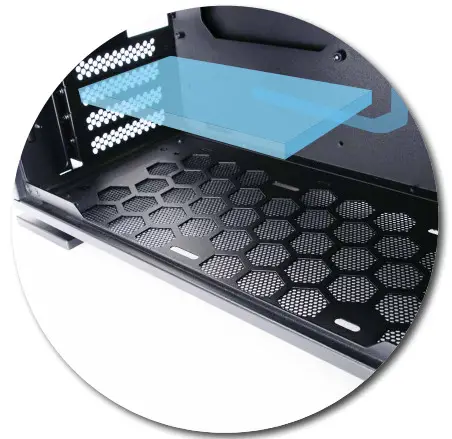
Parts Required: Graphics Card Holder, Hexagon Head Screws

- I/O Wires Installation

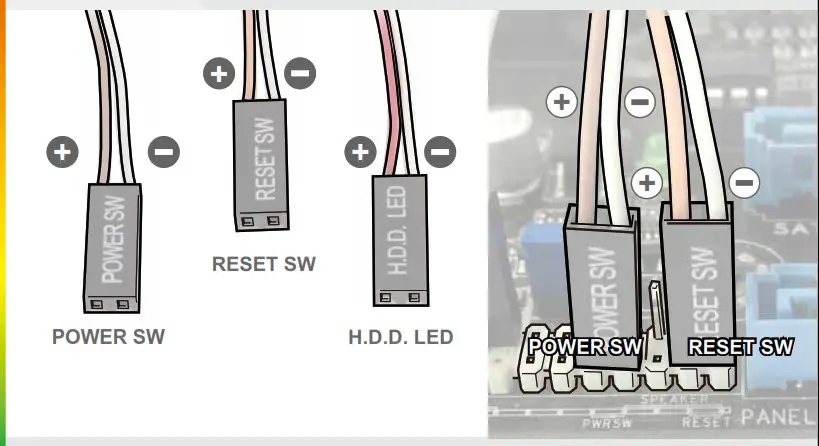
HD Audio Header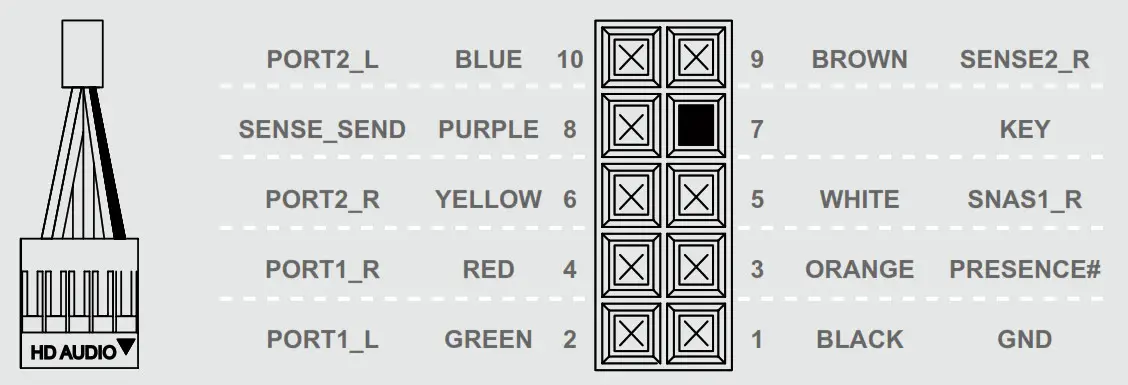
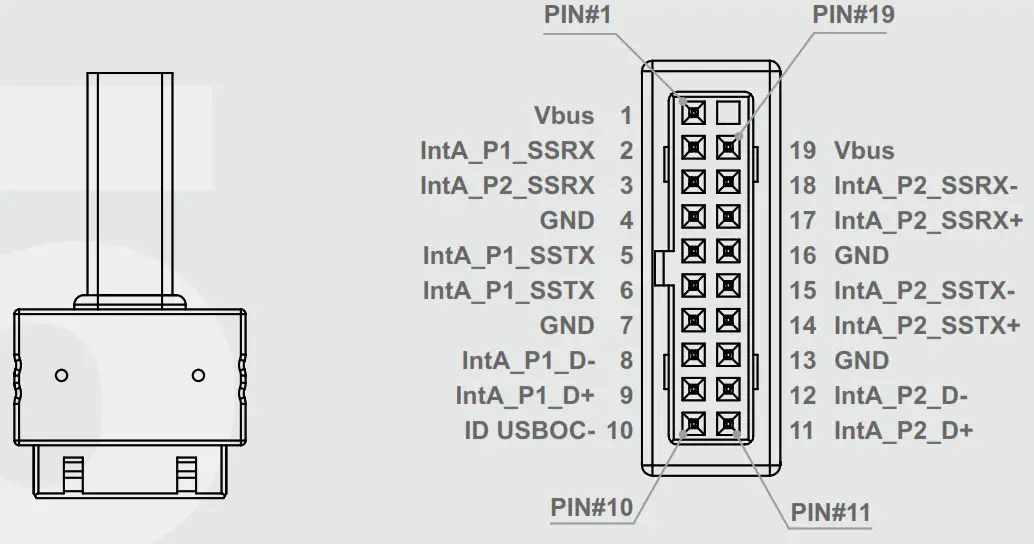
USB3. Header
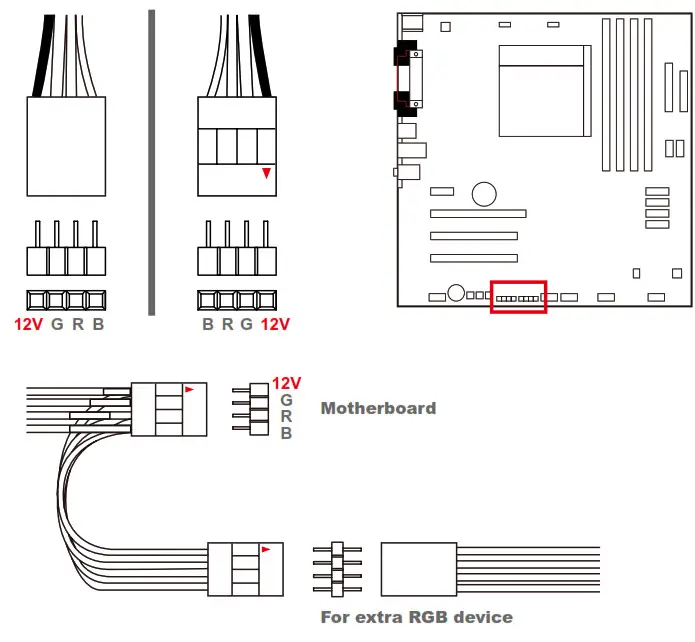
The Instructions of RGB-Strip
If your motherboard support the RGB luminous effect, please follow the direction of sign and insert RGB-strip into the 4-pin RGB-strip header directly on the motherboard.
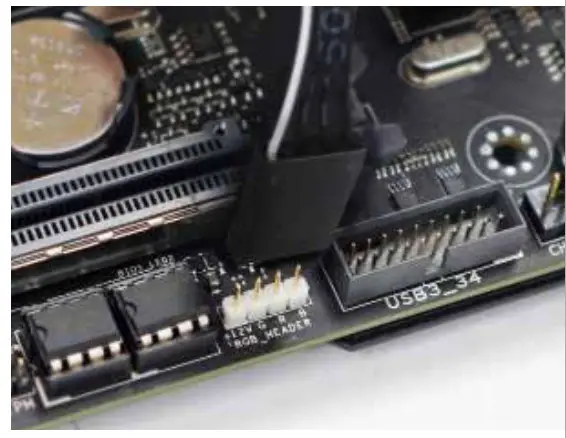
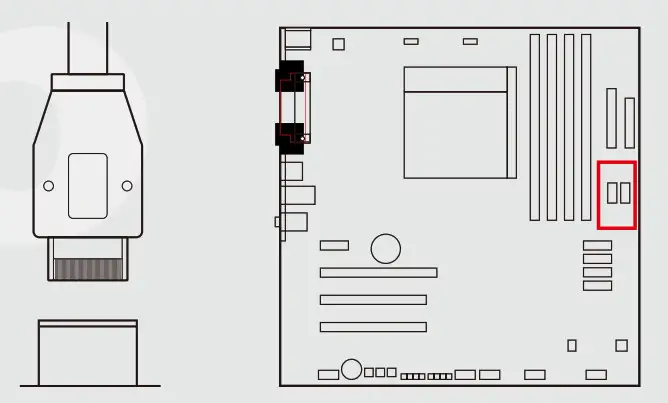
 The Instructions of Type-C Cable
 The Instructions of Type-C Cable
If your motherboard supports Type-C, please connect the ype-C connector with the header directly on the motherboard.
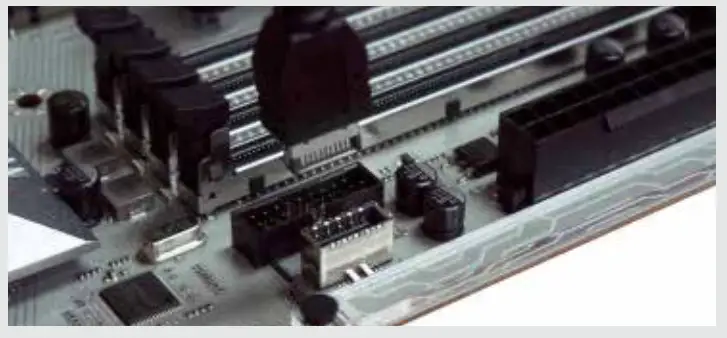
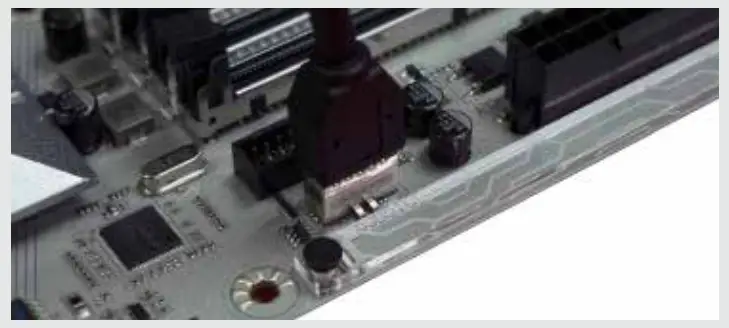
6. 3.5″/ 2.5″ Drive Bays Installation
Parts Required: 2.5″ HDD Screws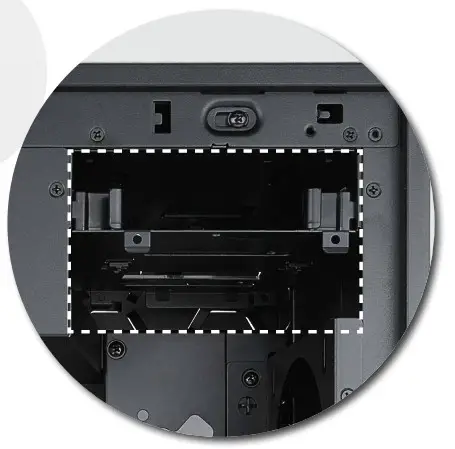 7. Fan / Liquid Cooling Radiator Installation
Parts Required:
Water-cooling System Washer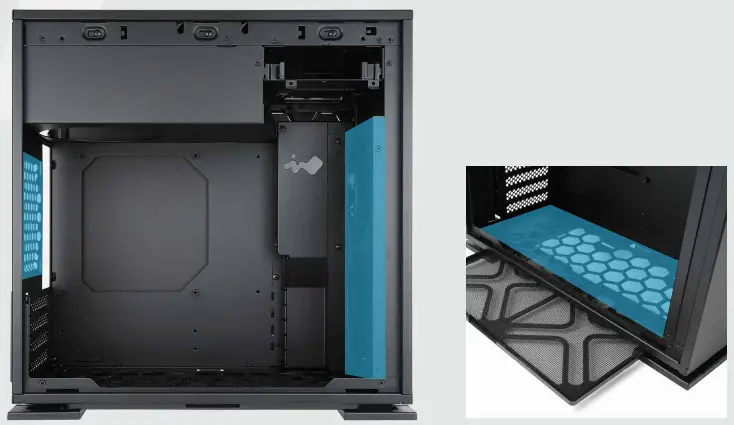 8. Hiding Cable Lines
Parts Required: Cable Ties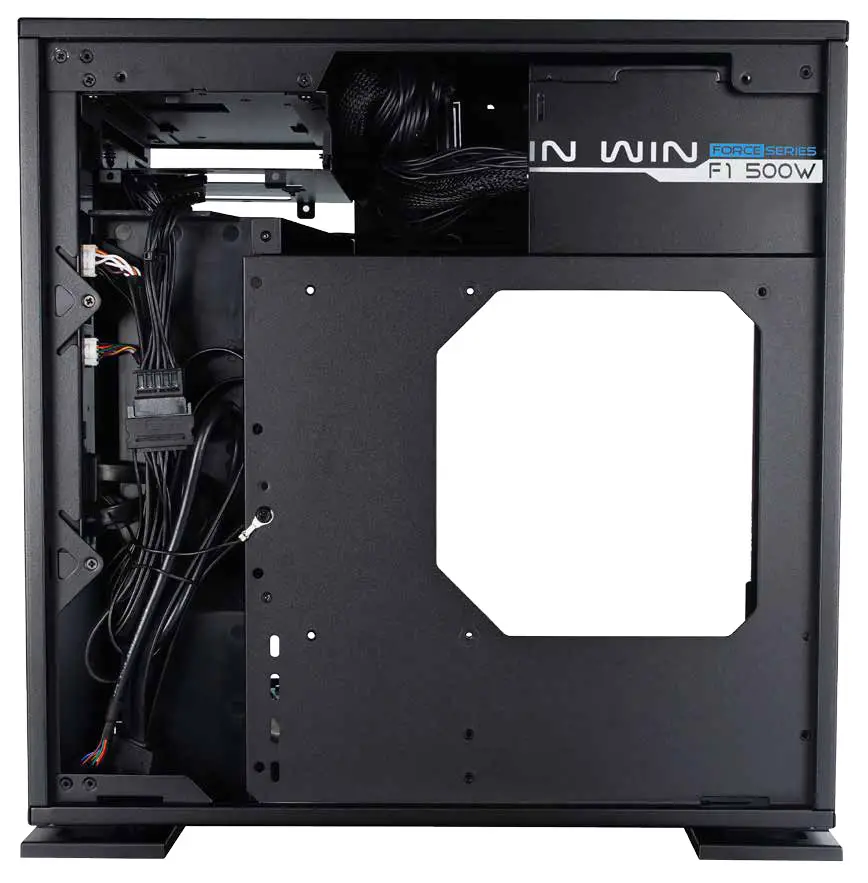 9. Completing Installation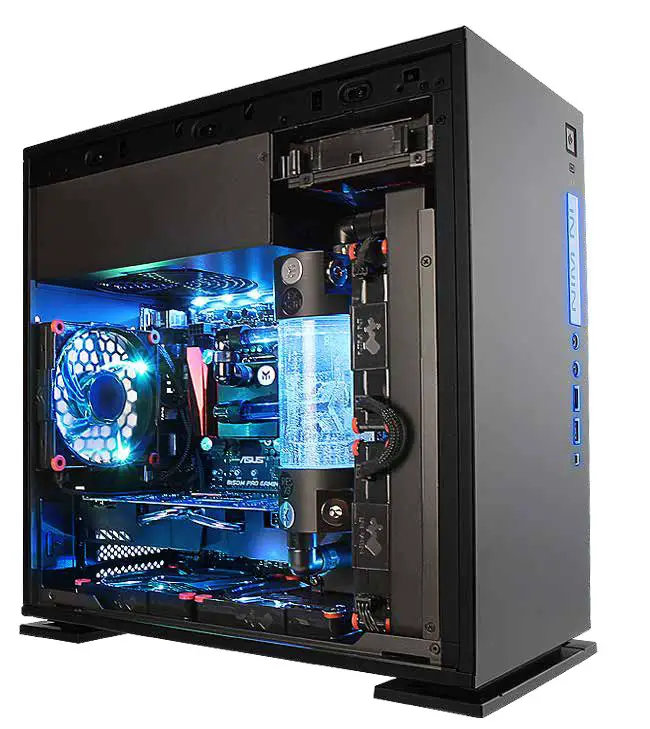
Notices and Warranty
■ Notices
- Please follow the user manual for installation.
- When installing the computer components, please use the antistatic precautions to prevent ESD (electrostatic discharge) damage. This can cause injury to the installer and/or damage to the machine. Incorrect installation may burn motherboard and other system components.
- To avoid any damages, please do not use this product for any other purpose than its intended use.
- Any modifications may damage the product.
- Please remove all internal devices before shipping or moving. (Including power supply, hard drive, CD-ROM, motherboard and CPU, etc)
■ Warranty
- For more detailed warranty information, please visit In Win retail website at www.in-win.com.
- The actual product is subject to change without prior notice. In Win Development Inc. reserves the right to make final modifications. M/B Compatibility Micro ATX, Mini ITX
CONTEMPORARY & INNOVATIVE
www.in-win.com
Copyright © 2017 In Win Development Inc. All Rights Reserved.