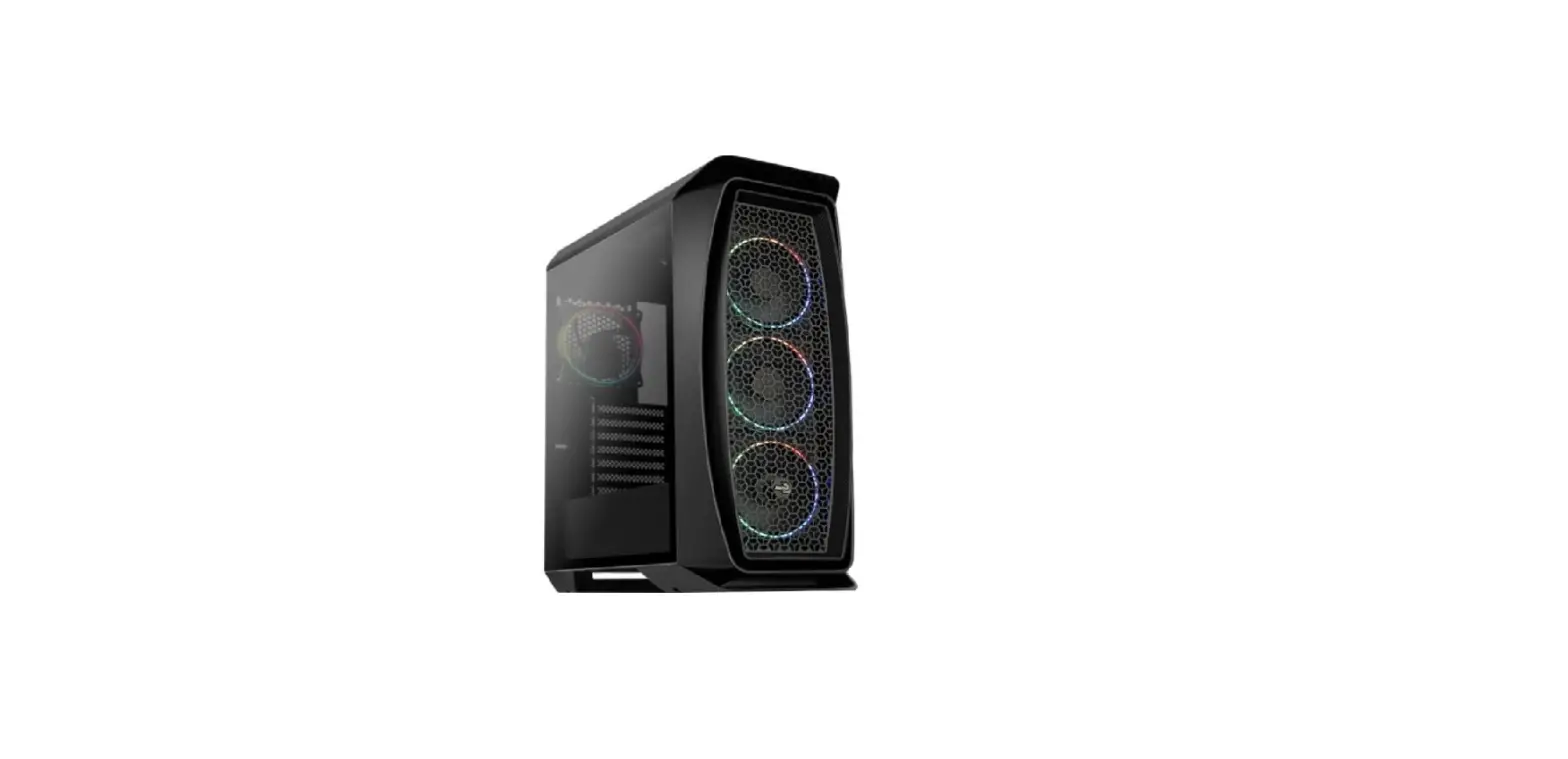
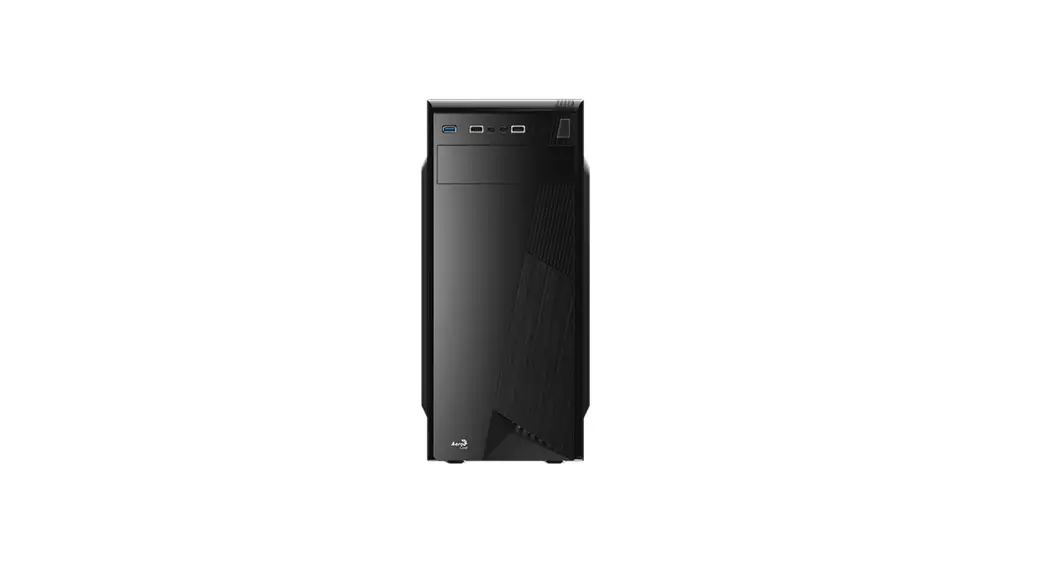
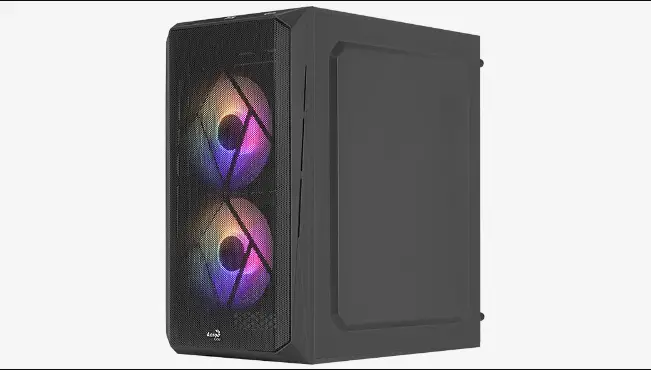
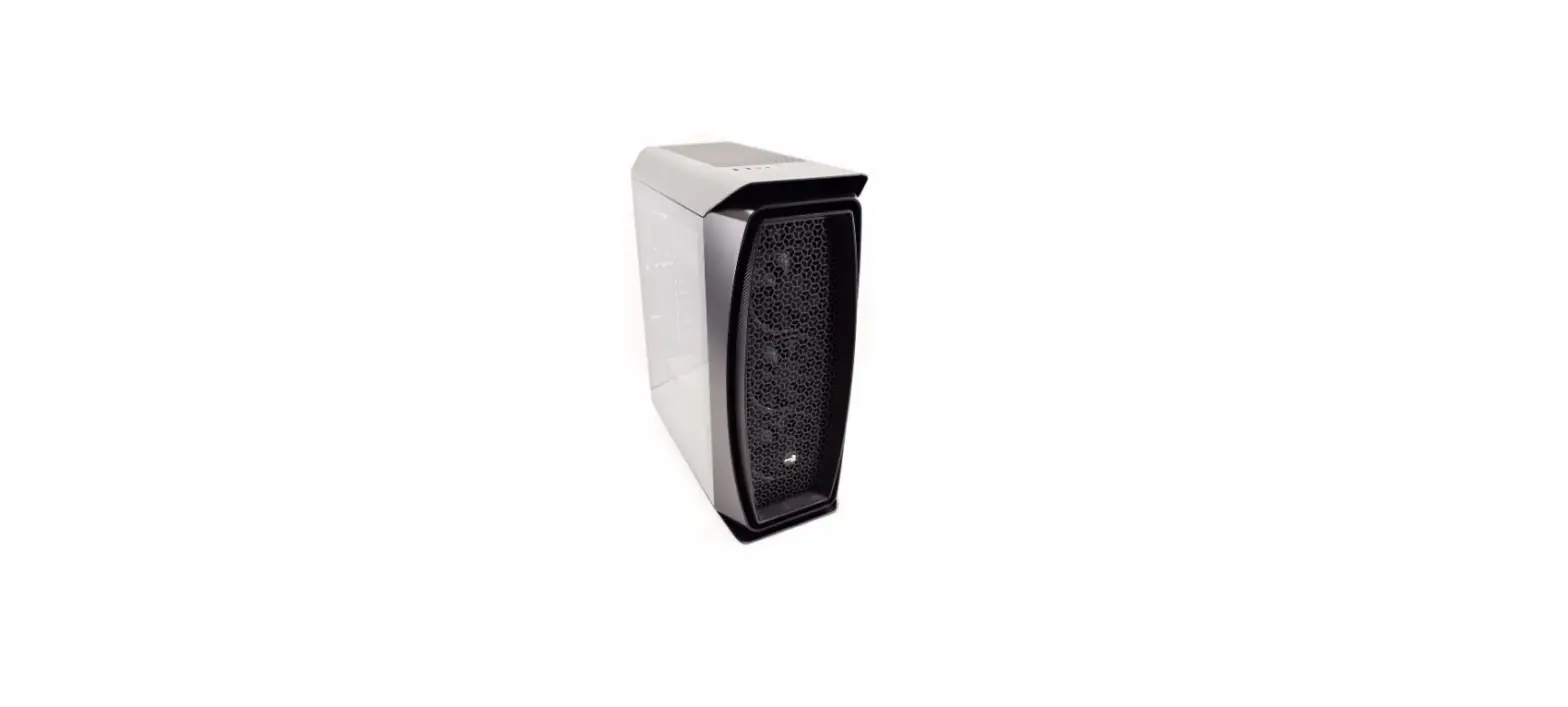
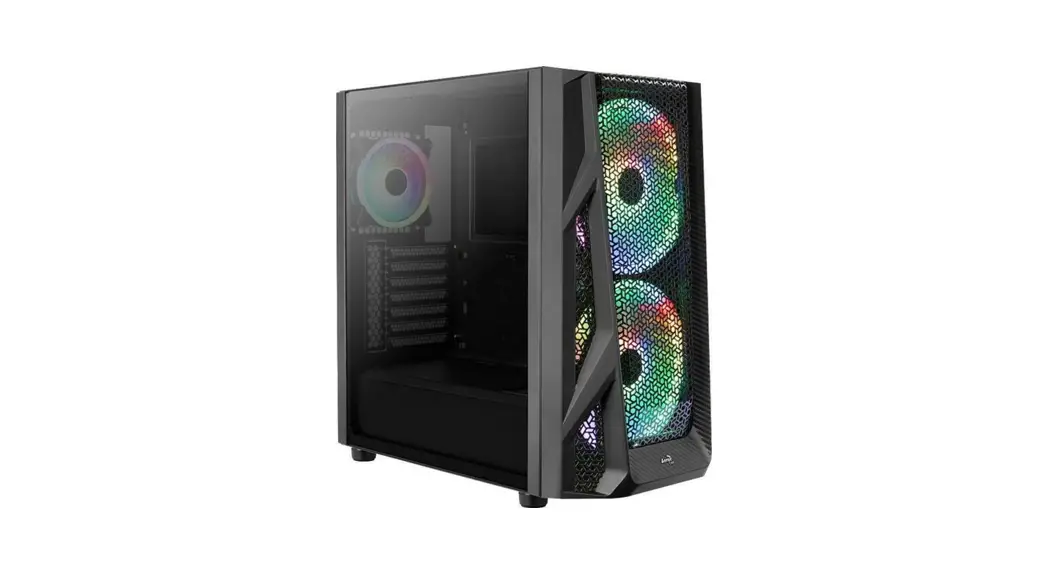
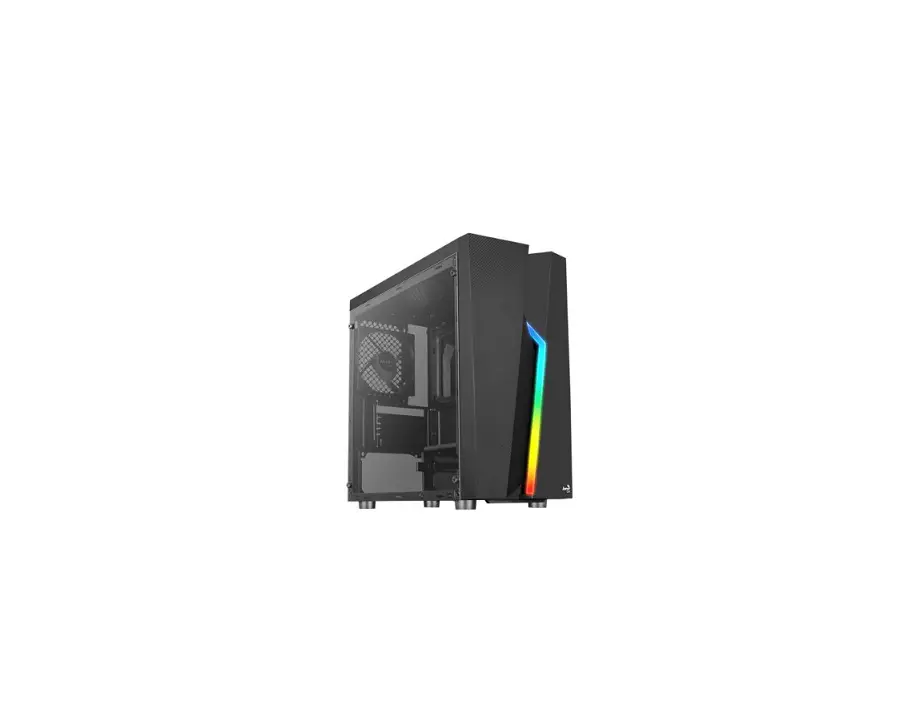
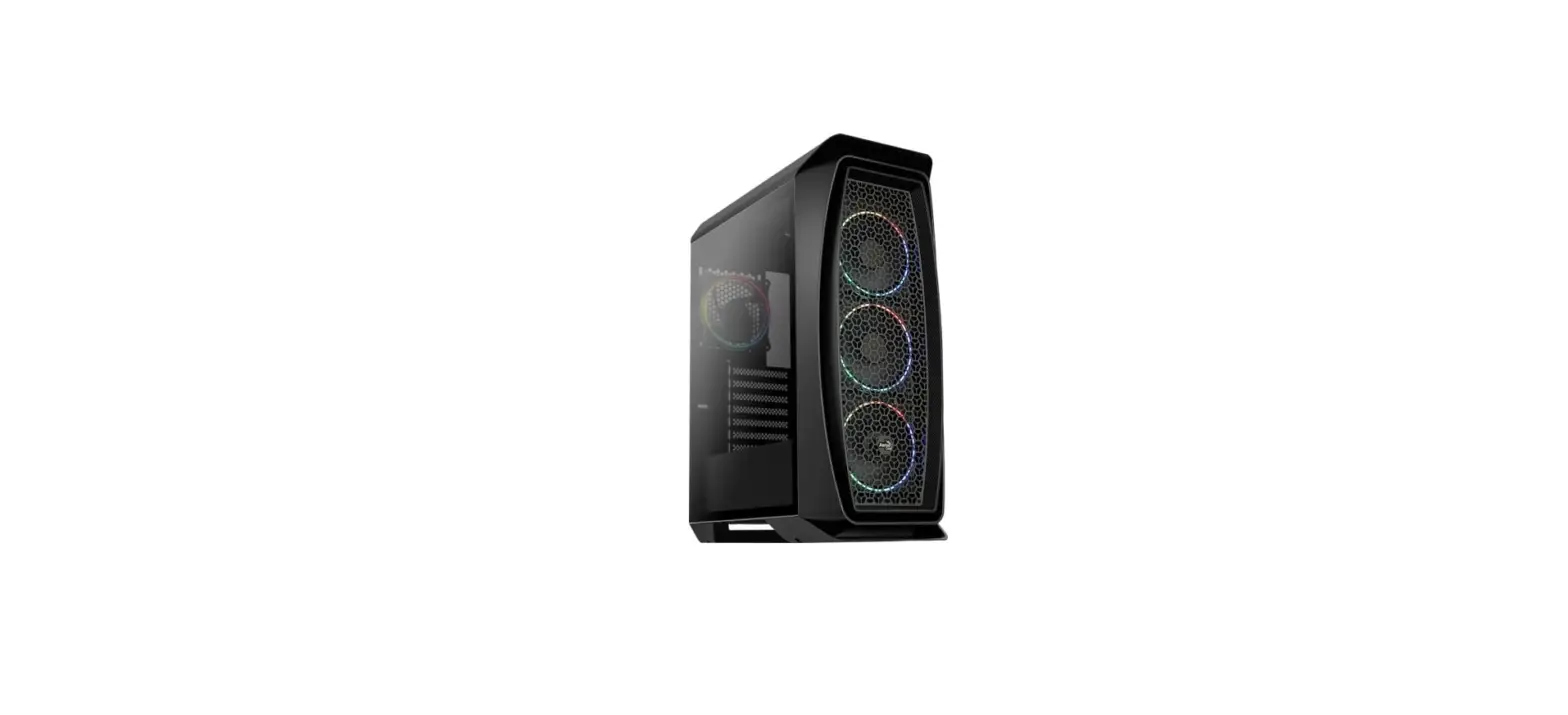
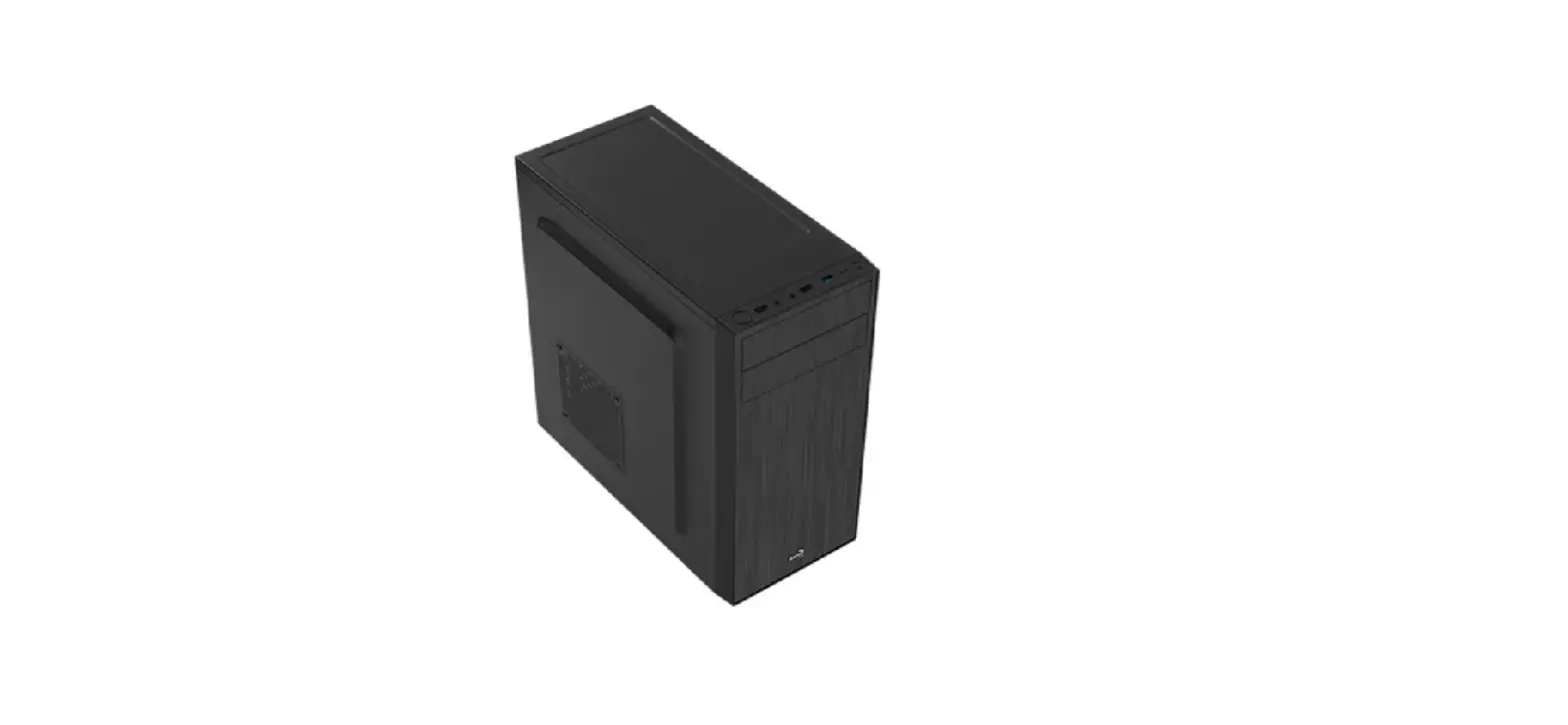
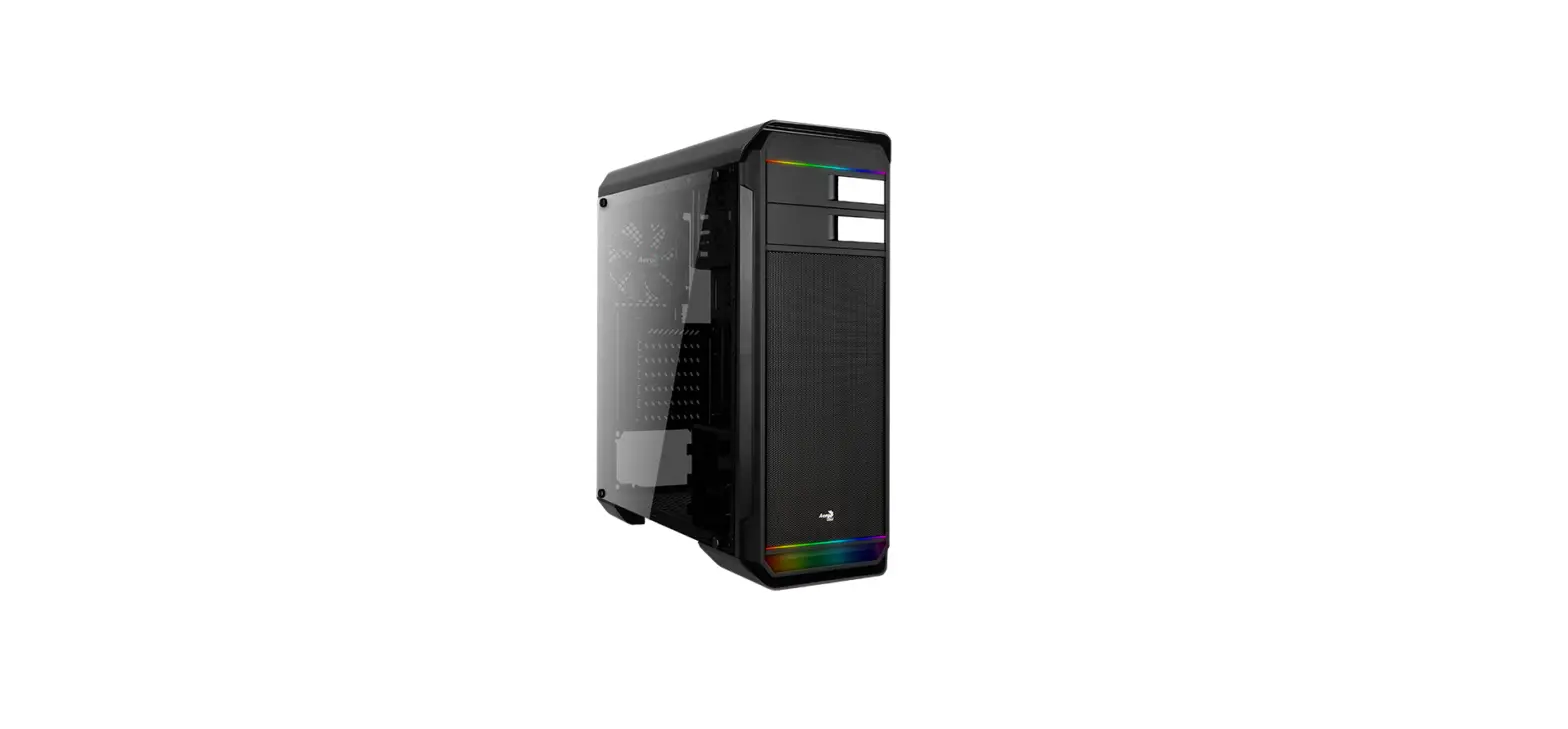
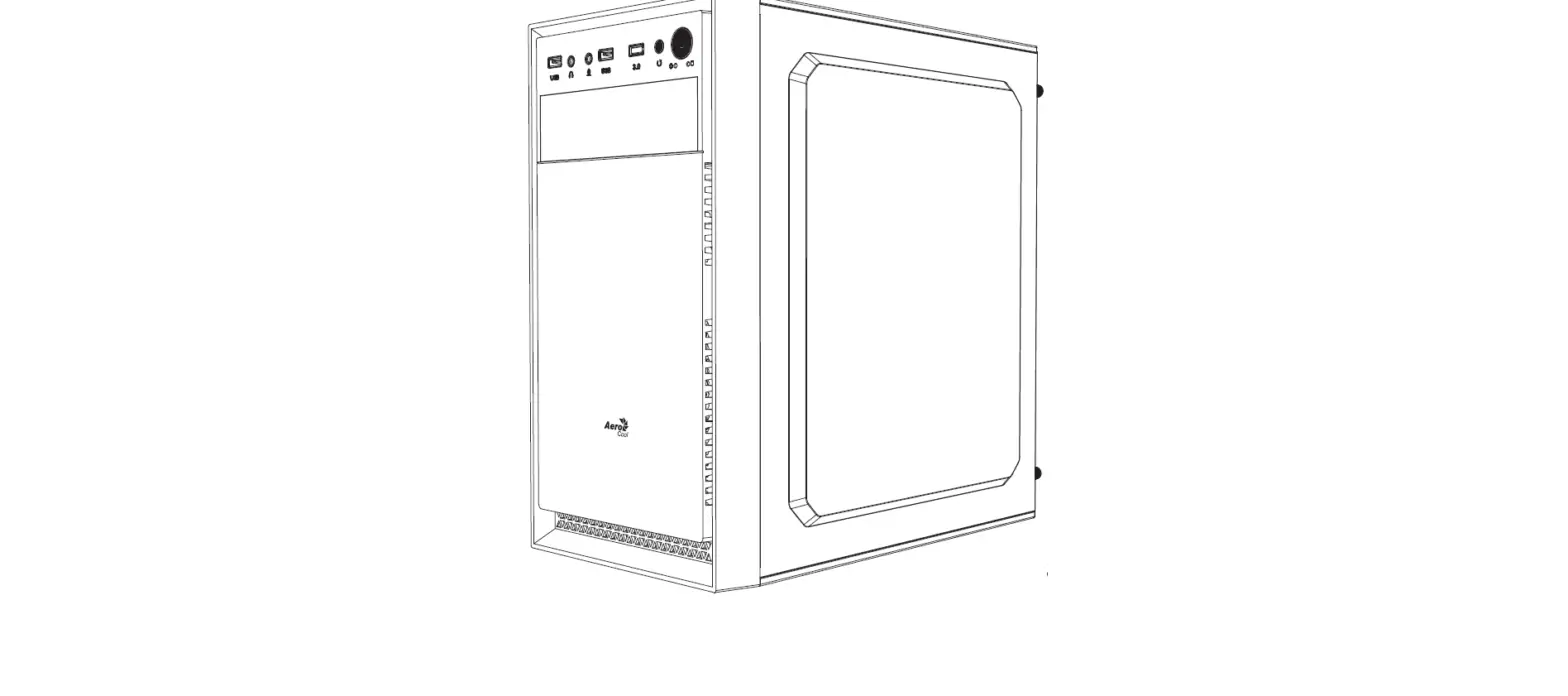
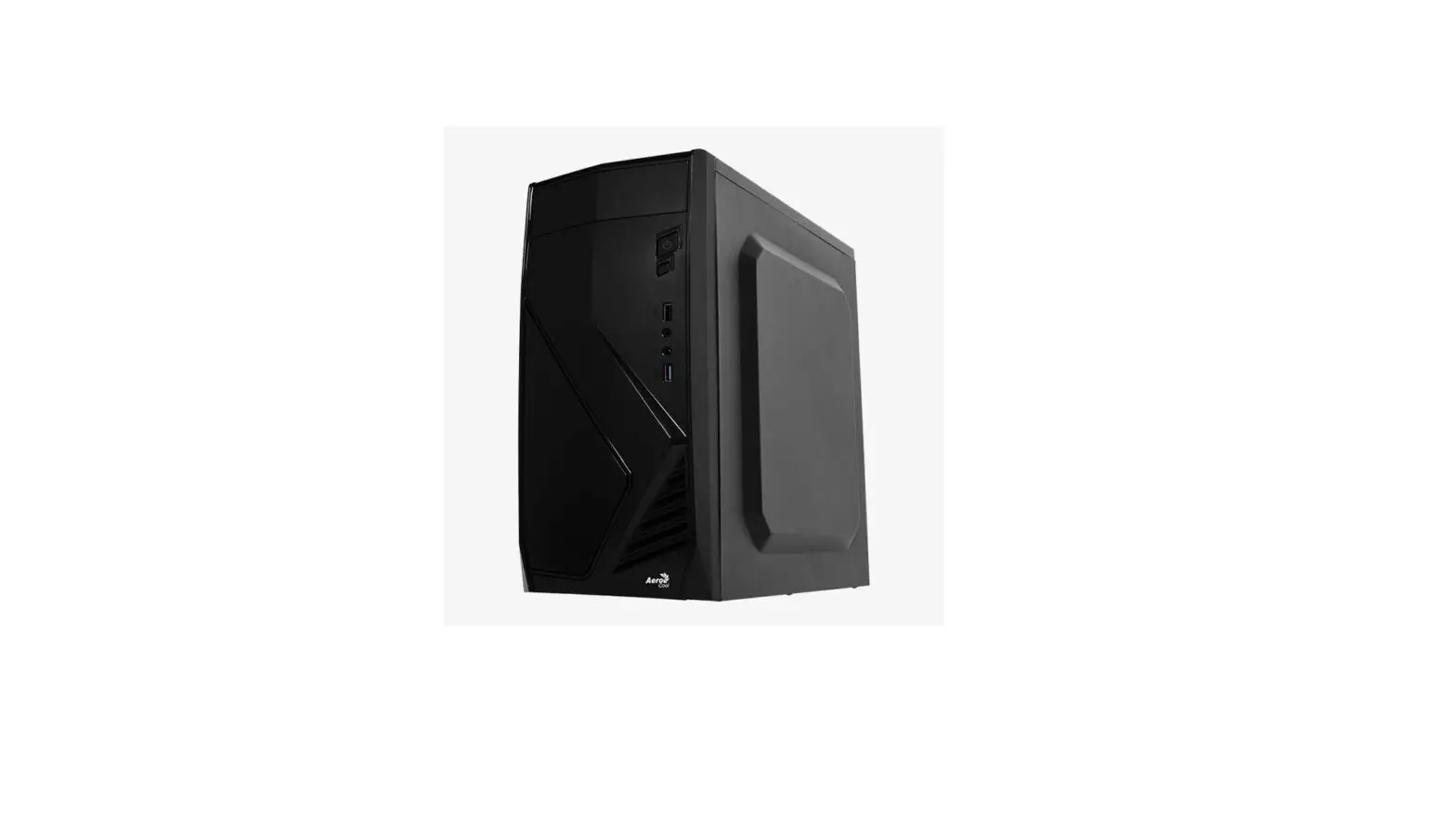
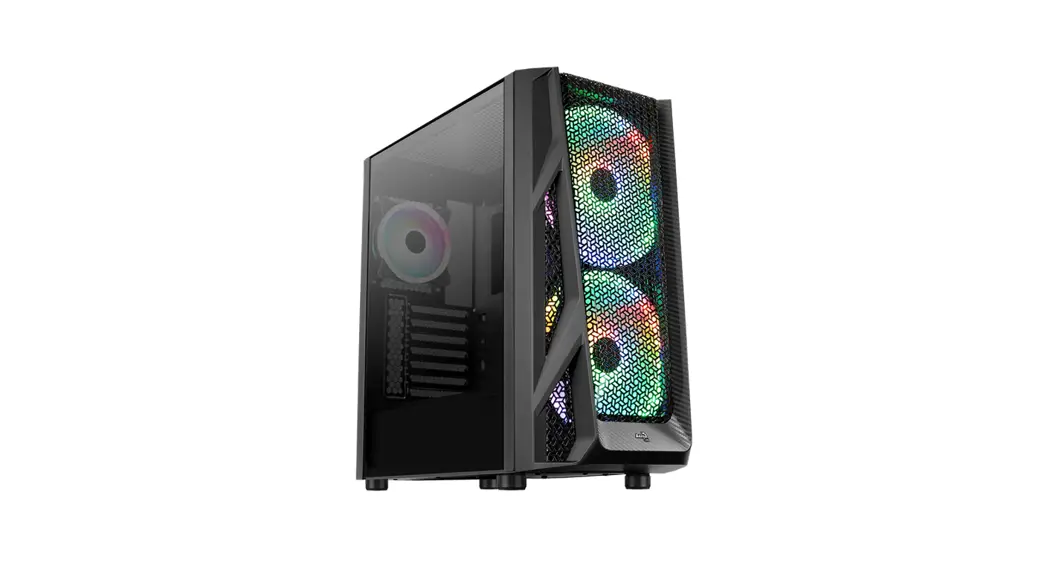
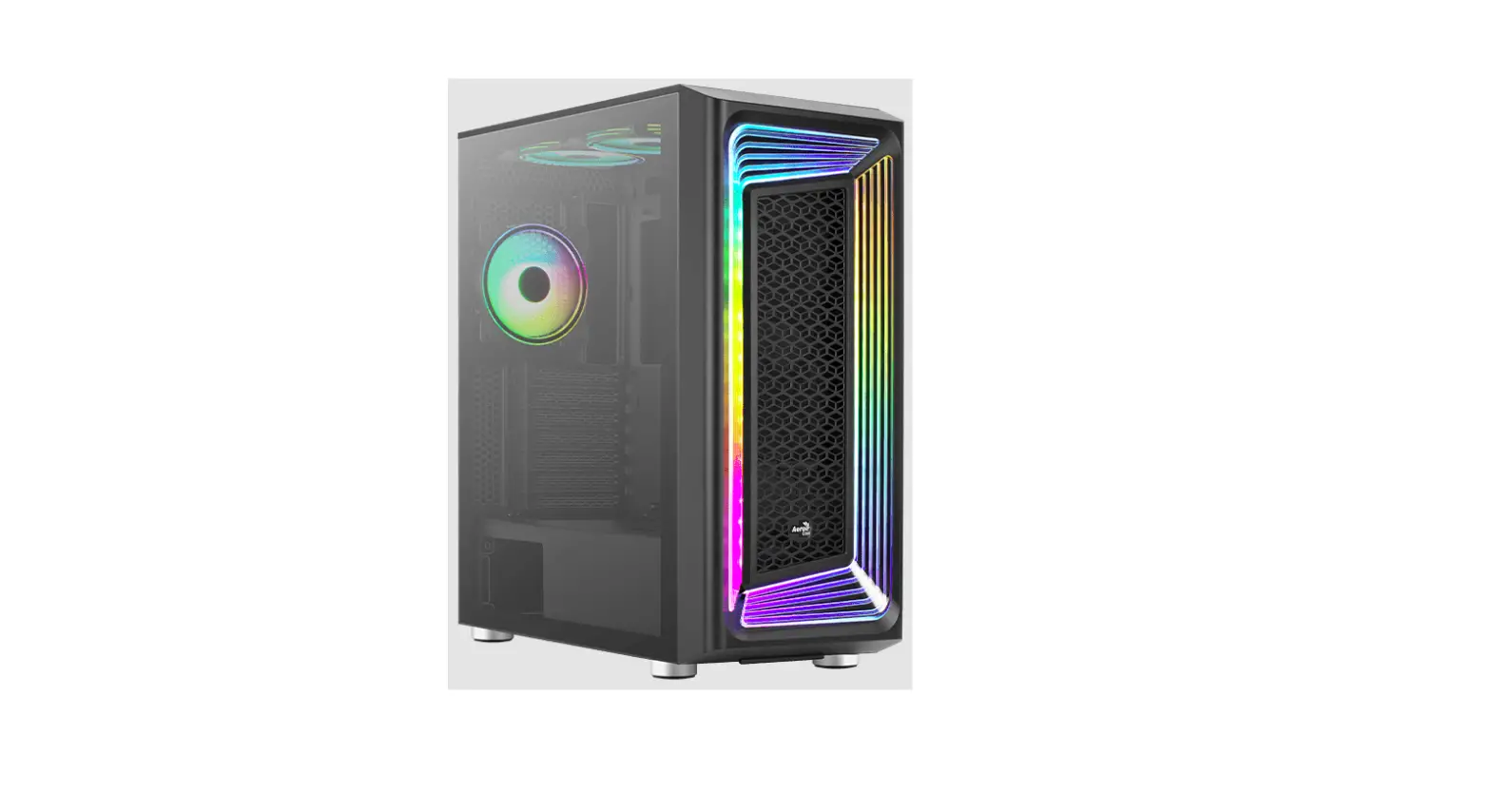
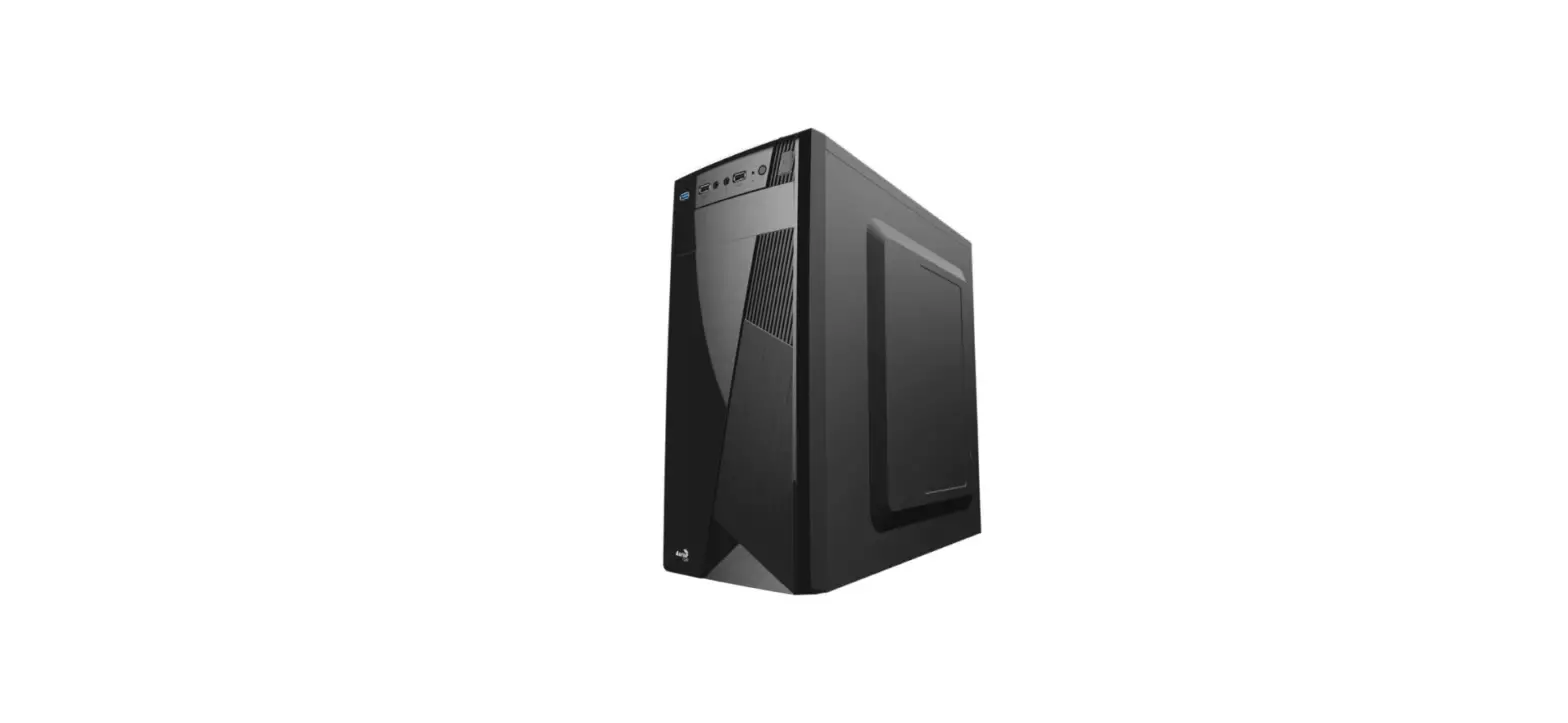
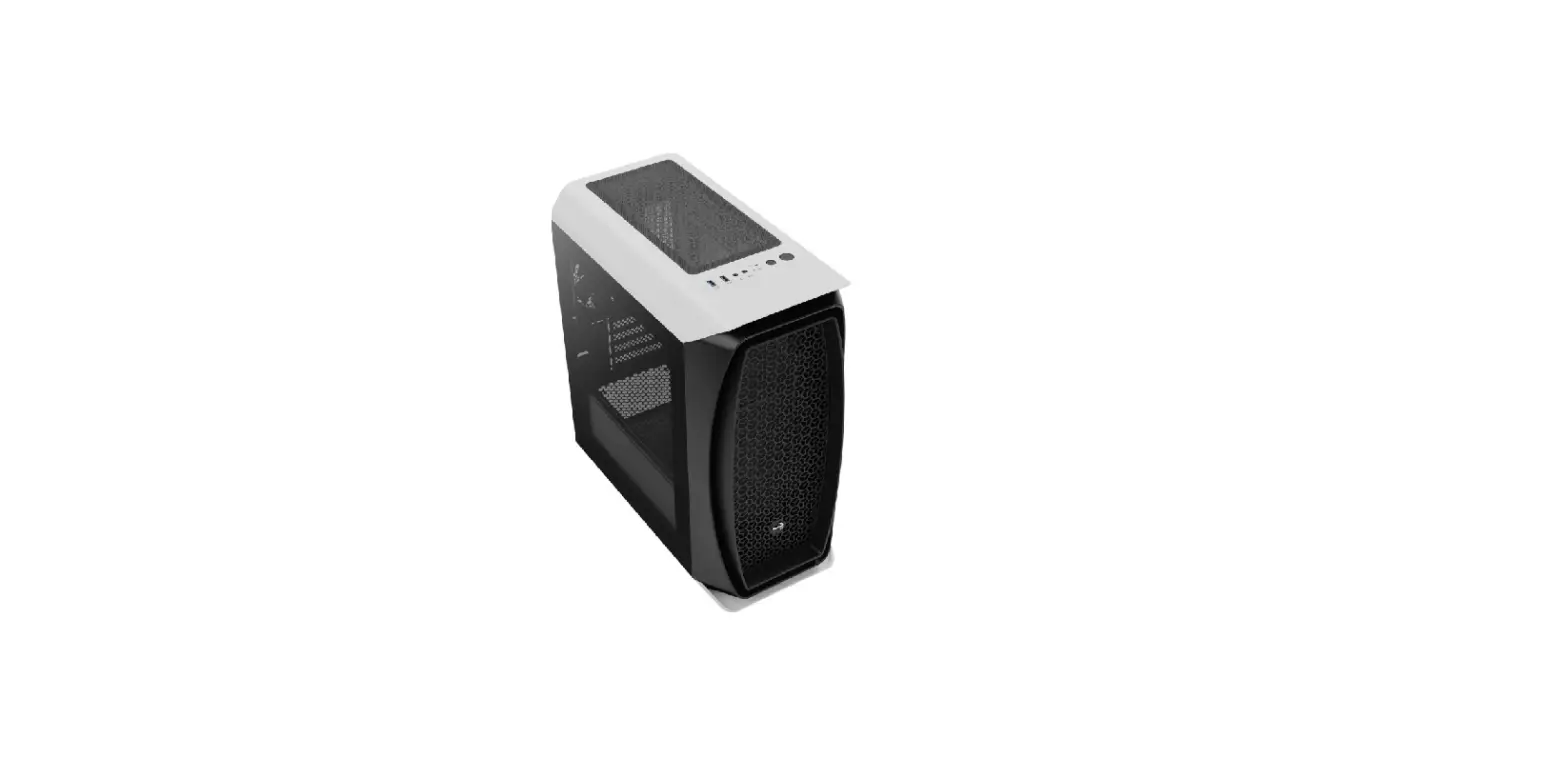
 Gladiator
ARGB Mid Tower Case
RGB
ADDRESSABLE
Save Money. Build Better.
User Manual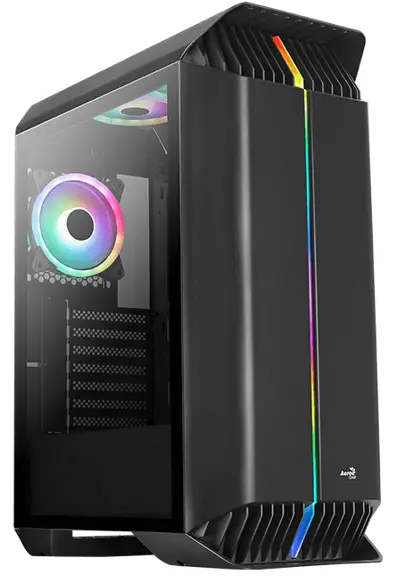
aerocool.io
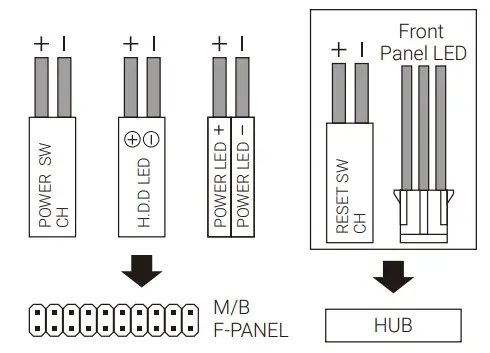
Front I/O Cable Connection
Front I/O Connectors
(Please refer to the motherboard’s manual for further instructions).
Note : Specifications may vary depending on your region. Contact your local retailer for more information.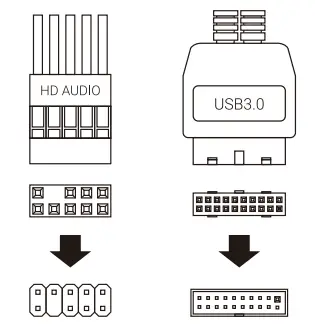
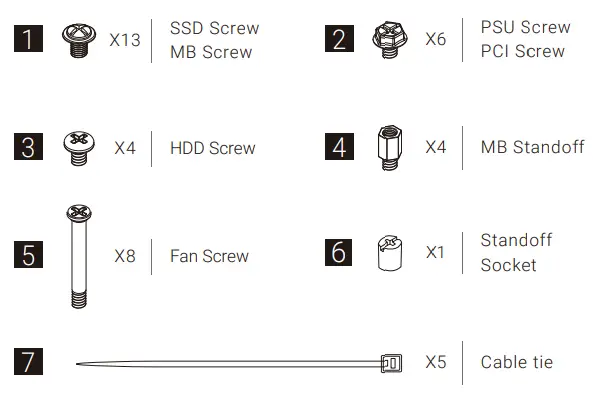
Accessory Bag Contents
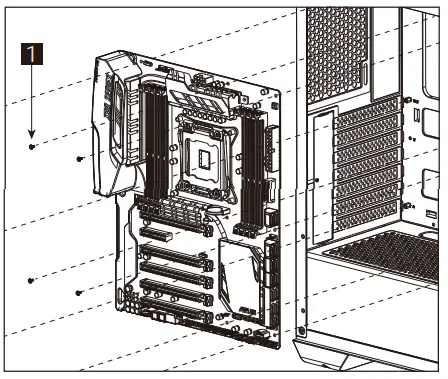
How to Install
- Install Motherboard

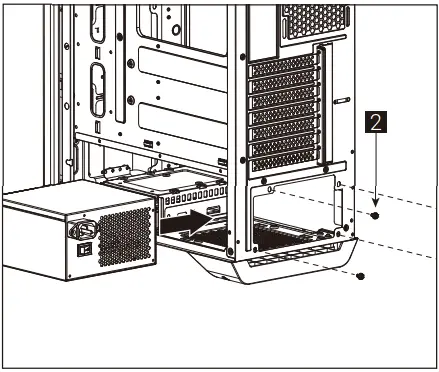
- Install PSU

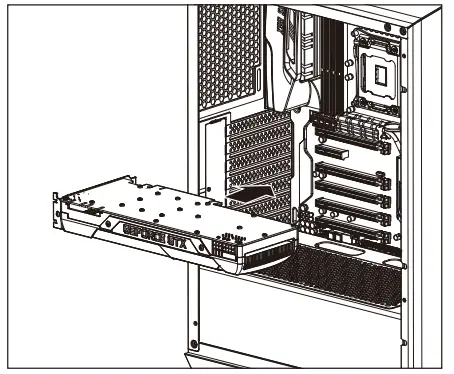
- Install Add-on Card

(4a) Install 3.5” HDD x1

(4b) Install 3.5” HDD x1

(5a) Install 2.5” SSD x 1
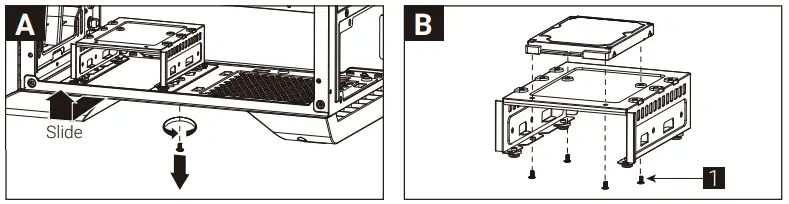
(5b) Install 2.5” SSD x 2
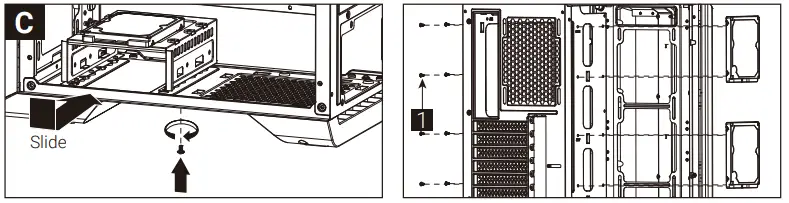
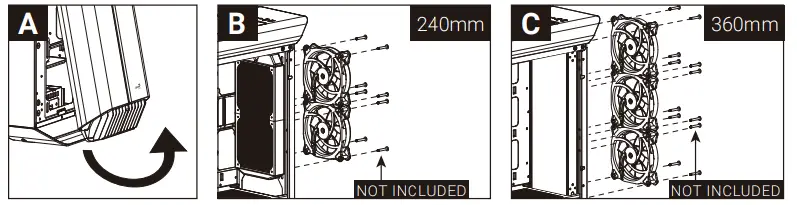
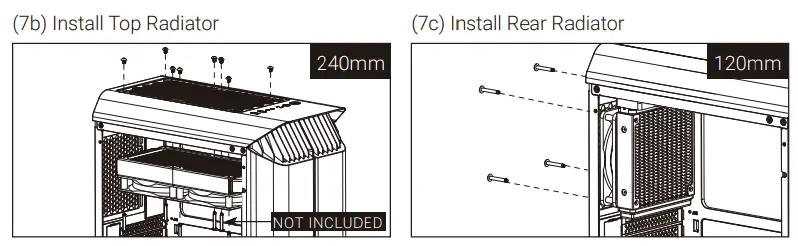
(6a) Install Front Fans


(7a) Install Front Radiator
I/O Panel
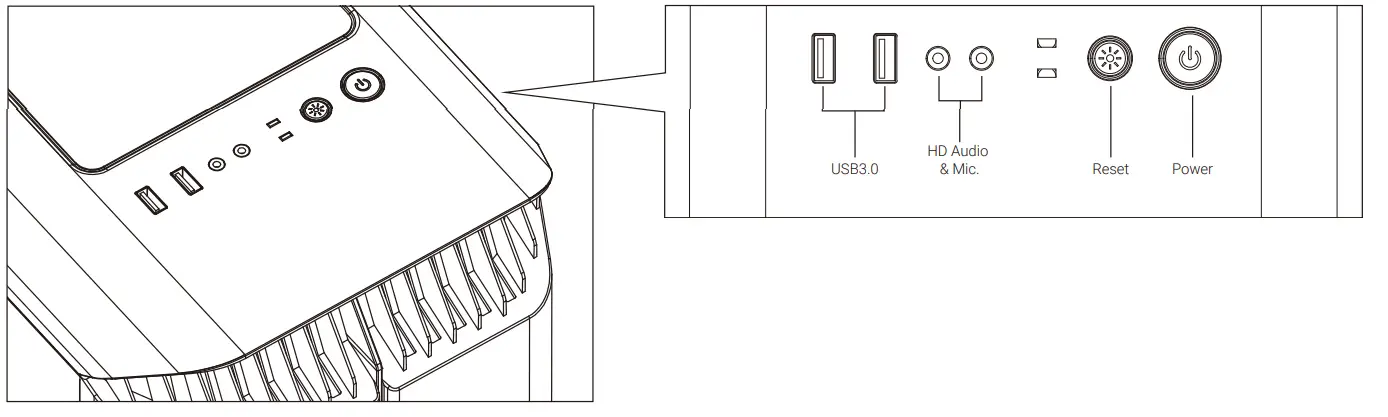
Reset Used as LED button if connected to the hub Hold for 3 secs to switch between motherboard and button control Hold Reset for 6 secs to turn off LED and press once to turn it back on|
Note : Specifications may vary depending on your region. Contact your local retailer for more information.
To learn more about how to connect your ARGB, please visit the product page at aerocool.io
RGB Fan Hub (H66C)
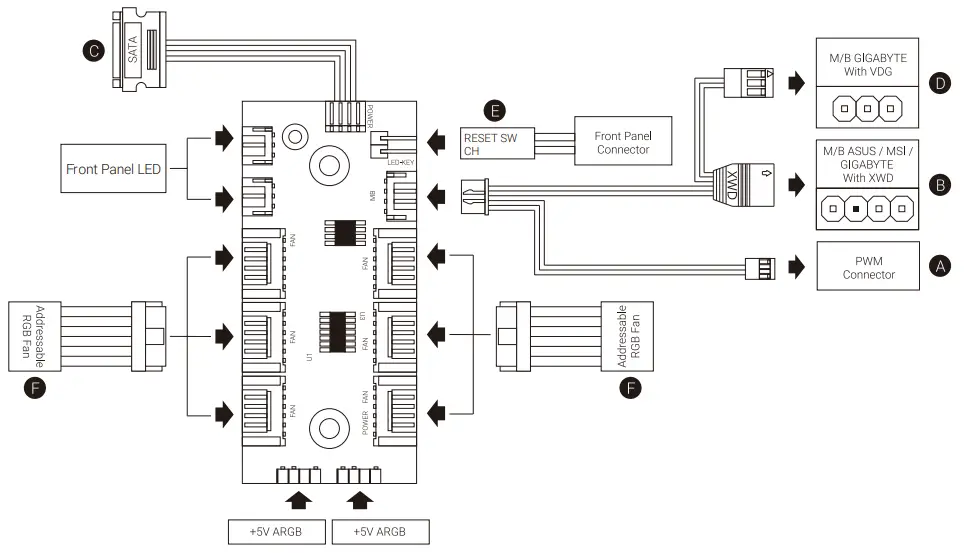
Connection Set Up User Glide For ASUSAuM Sync. MSI MOW Light Syne. 801016AWYTE RGB Fusion Motherboards
- Connect (A) to motherboard PWM socket
- Connect (B) to motherboards manna* RGB scan
- Connect (C) to Pars SATA connector
For: GIGABYTE RCS NOM MOtherbOardS
- Connect (A) to motherboard PWM socket
- Connect (D) to motherboard Addressable RGB socket
- connect (C) tO PSI’S SATA connector
For Non-Addressable RGB Motherboards
- Connect (A)tOmOtherboards PWM
- Connect the 2-Pin reset switch connector (E) with your hub.
- Connect (C) to Mrs SATA comector
- Use the RGB fan connectors (F) to connect the Adsessable RGB fans with your hub.
 AeroCool - AeroCool