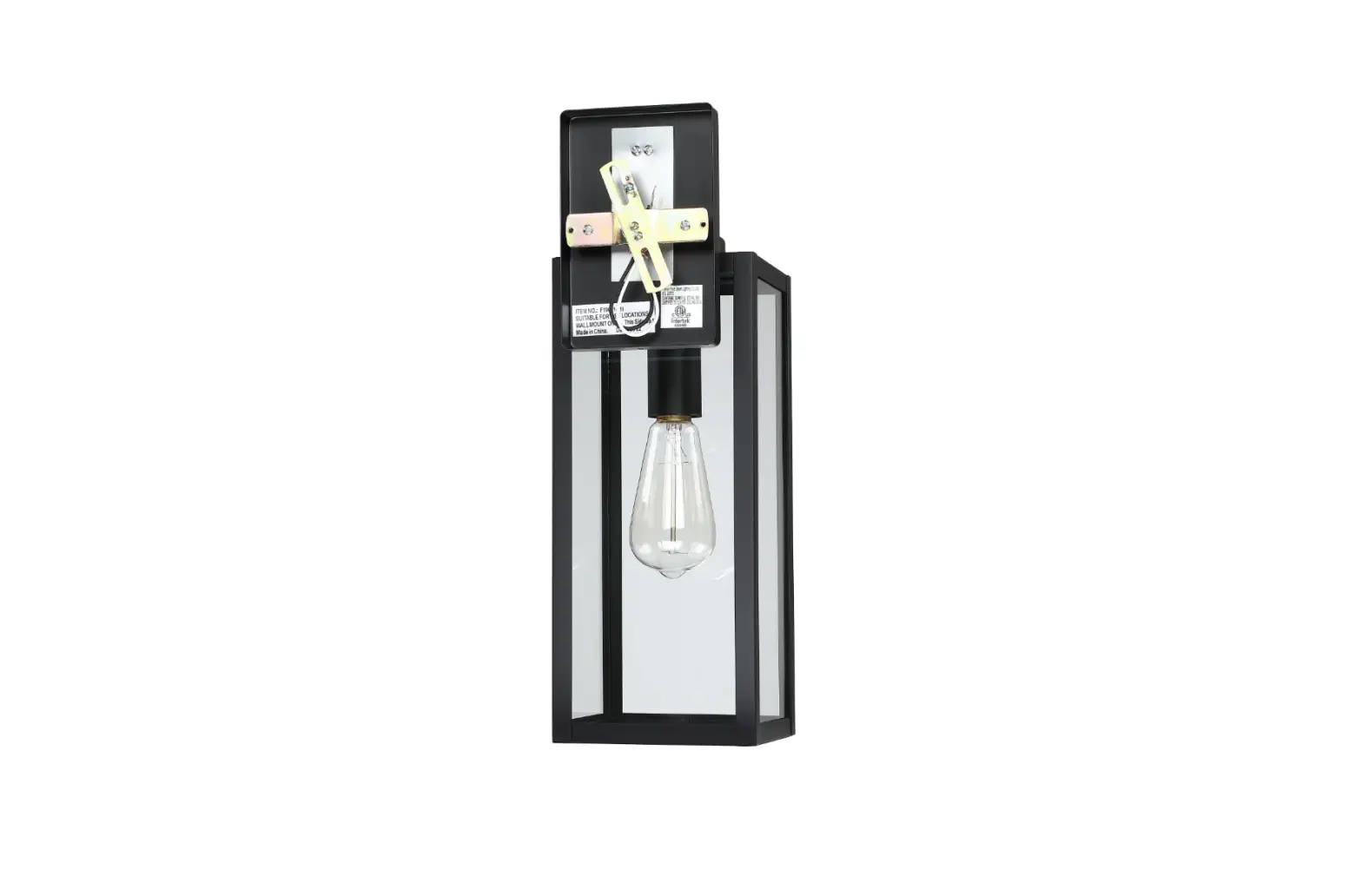
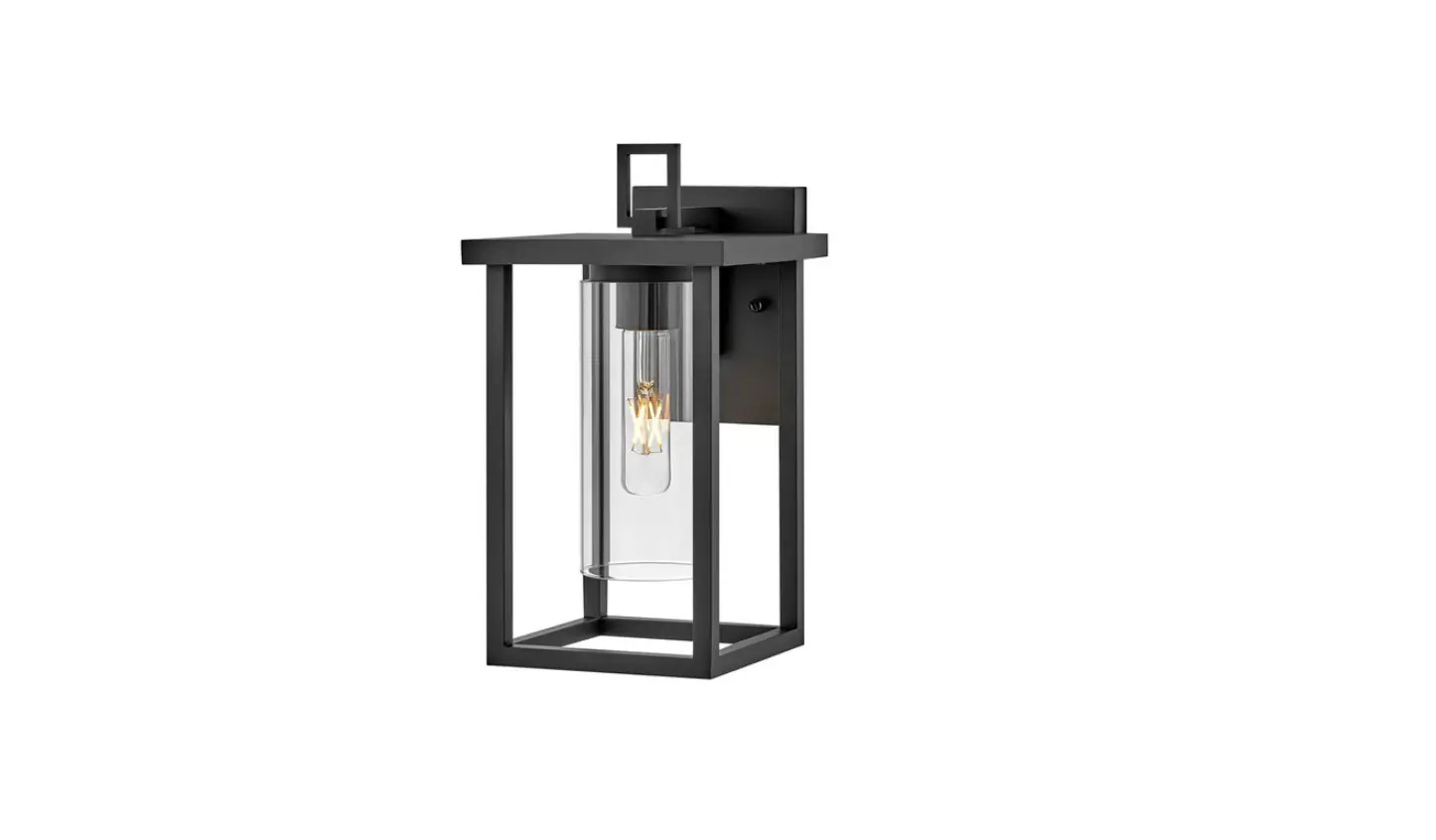
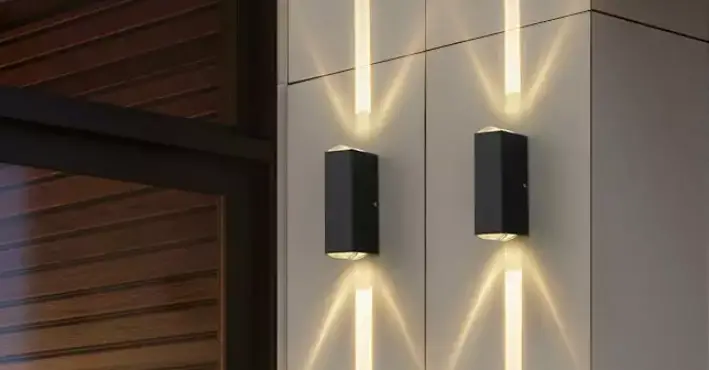
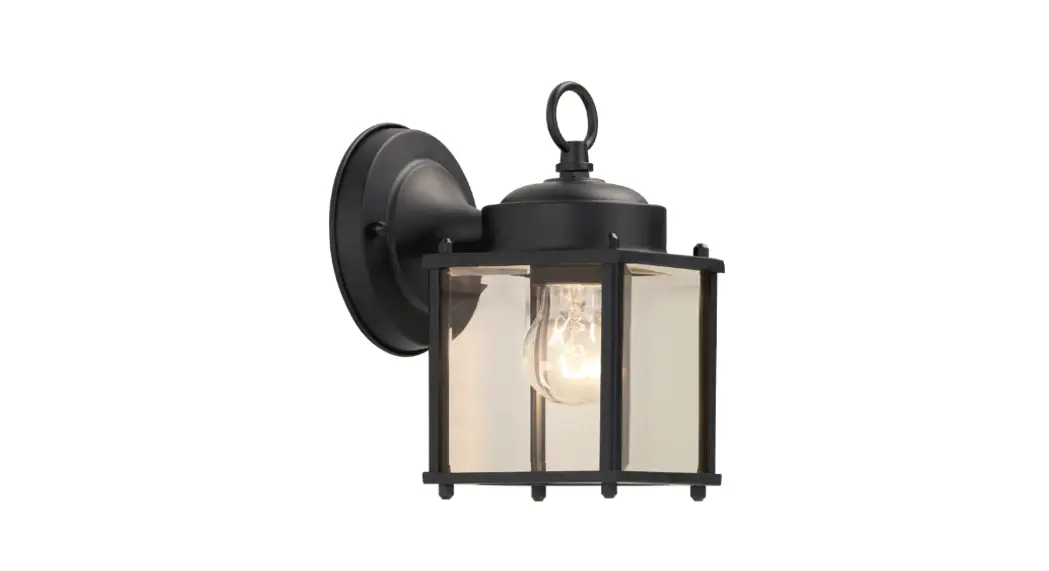
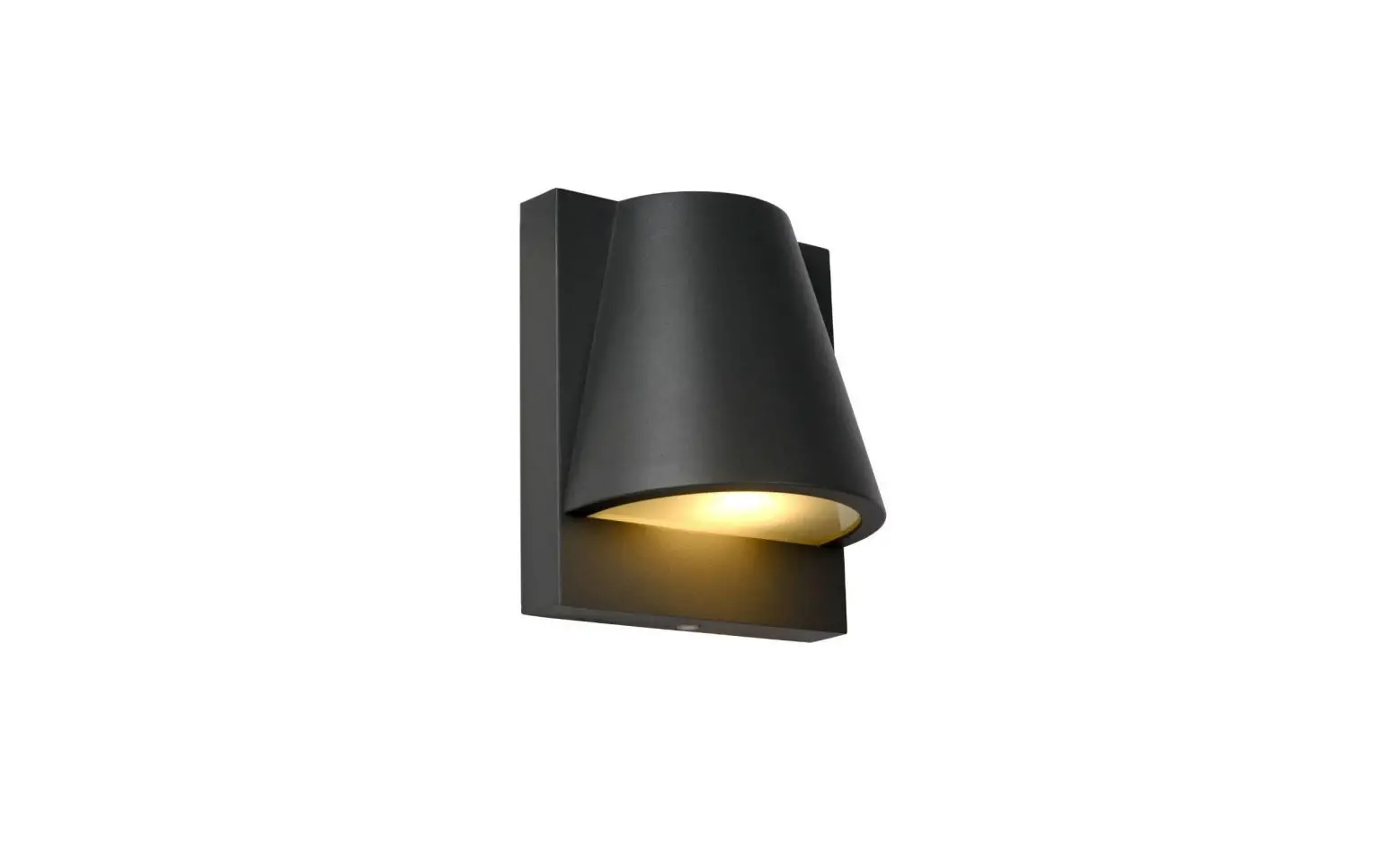
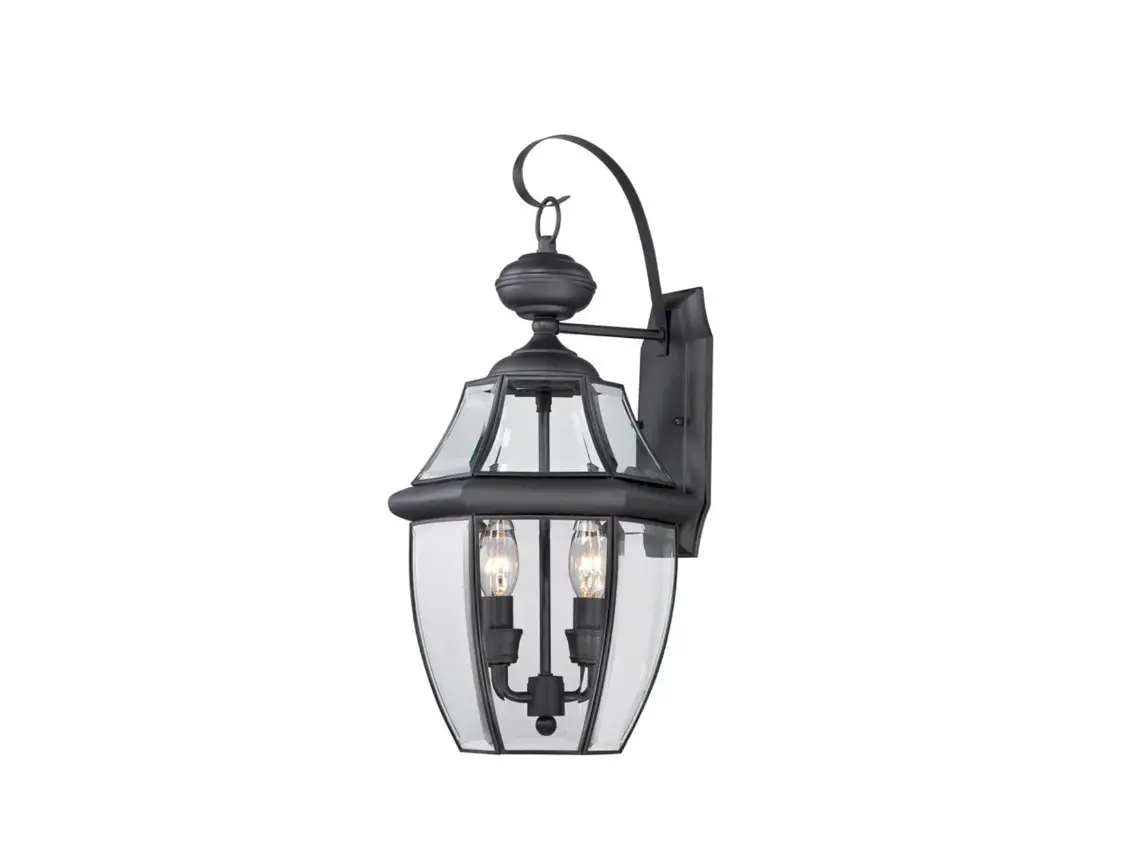
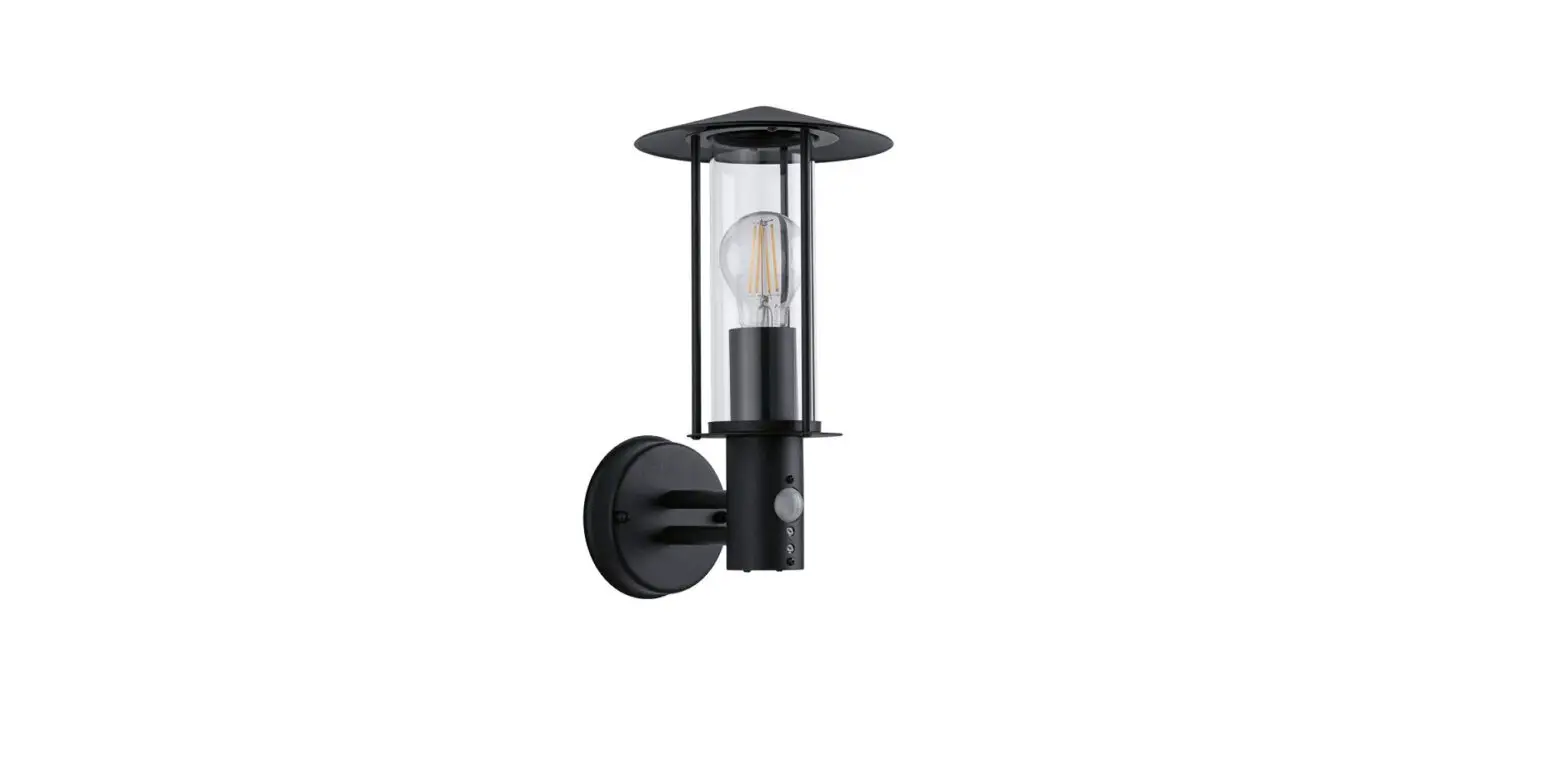
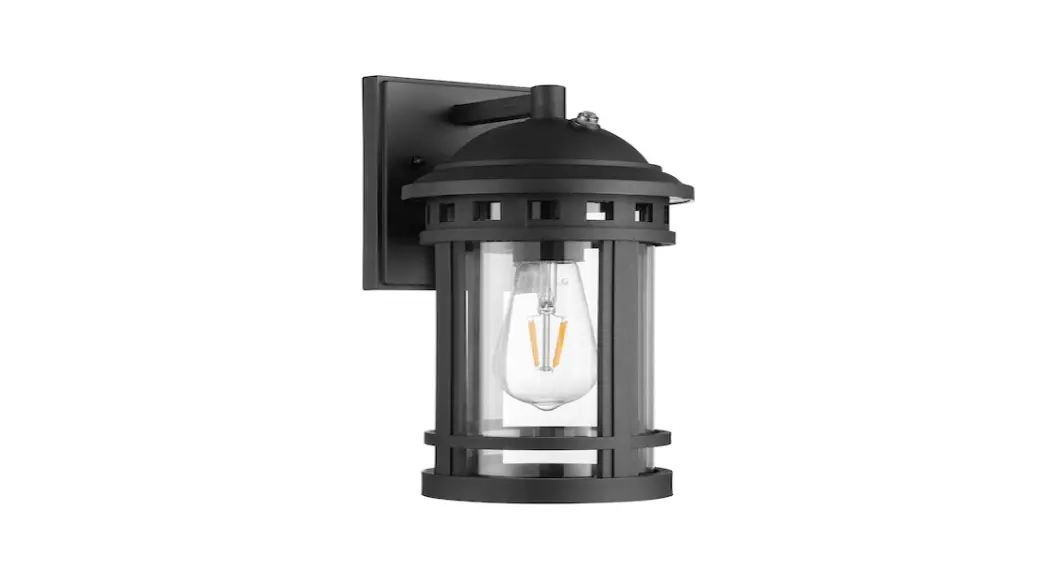
F14501-BK 1 Light 16 In Matte Black Outdoor Wall Light
Product Information: Light Fixture Assembly
This product is a light fixture that requires assembly and
installation. It comes with the necessary hardware including
mounting unit, decorative nuts, rubber rings, mounting screws, and
wire nuts. The assembly process involves making electrical
connections and securing the fixture to a junction box, which is
not included.
Tools Required:
- Ladder
- Safety glasses
- Electrical Phillips tape screwdriver
- Flat blade screwdriver
- Pliers
- Wire strippers
Parts Included:
- Fixture
- Mounting Unit
- Decorative Nuts
- Rubber Rings
- Mounting Screws
- Wire Nuts
Note: Parts shown may differ slightly per light fixture.
Installation Instructions:
Step 1:
- Unscrew the rubber rings and decorative nuts from the mounting
unit. - Use the mounting screws to attach the mounting unit to the
junction box (not included).
Step 2:
- Make the electrical connection from the junction box (not
included) to the fixture. - Connect the ground wire to the mounting unit using the
preinstalled green ground screw. - Connect the positive, negative, and ground wires with the
supplied wire nuts. - Secure with electrical tape.
Wiring:
- Black or Red wire (hot) from the junction box
- White wire (neutral) from the junction box
- Bare or Green ground wire from the junction box
- Black wire from the fixture
- White wire from the fixture
- Ground wire from the Fixture
Note: Sealing tape is not included.
Step 3:
- Attach the fixture to the mounting unit through screw holes as
shown. - Secure it with rubber rings and decorative nuts.
Note: Please use caulk in the back plate and wall mounting
surface to prevent water from entering.
Step 4:
- Install bulb (not included).
If you need further assistance during assembly or installation,
please contact us by email at
[email protected].
ASSEMBLY INSTRUCTIONS
CAUTION
³Inspect the wire insulation for any cuts, abrasions, or exposed copper that may have resulted during shipping. If there is a defect in the wire, do not attempt installation.
³Before starting installation of this fixture or removal of a previous fixture, disconnect the power by turning off the circuit breaker or by
removing the fuse at the fuse box.
@ If you need further assistance, please contact us by Email: [email protected] TOOLS REQUIRED
Ladder
Safety glasses
Electrical
Phillips
tape
screwdriver
Flat blade screwdriver
Pliers
Wire strippers
HARDWARE INCLUDED
Fixture
Mounting Unit Decorative Nuts Rubber Rings Mounting Screws Wire Nuts
*PARTS SHOWN MAY DIFFER SLIGHTLY PER LIGHT FIXTURE
EXPLODED PARTS
Junction Box (not included)
INSTALLATION
Rubber ring
STEP 1
Unscrew the rubber rings and decorative nuts from the mounting unit. Decorative Nuts Use the mounting screws to attach the mounting unit
to the junction box (not included).
Wire Nuts Mounting Unit Mounting Screws
Fixture
Bulbs (not included)
STEP 2
Make the electrical connection from the junction box (not included) to the fixture. Connect the ground wire to the mounting unit using the preinstalled green ground screw. Then, connect the positive, negative and ground wires with the supplied wire nuts. Secure with electrical tape.
Black or Red wire (hot) from the junction box
White wire (neutral) from the junction box
Bare or Green ground wire from the junction box
*Sealing tape (not included)
Black wire from the fixture
White wire from the fixture
Ground wire from the Fixture
*Green Ground Screw
ASSEMBLY INSTRUCTIONS INSTALLATION
STEP 3
Attach the fixture to the mounting unit through screw holes as shown, and secure it with rubber rings and decorative nuts.
NOTICE: Please use caulk in the back plate and wall mounting surface to prevent water from entering.
*junction box (not included)
STEP 4
Install bulb (not included)