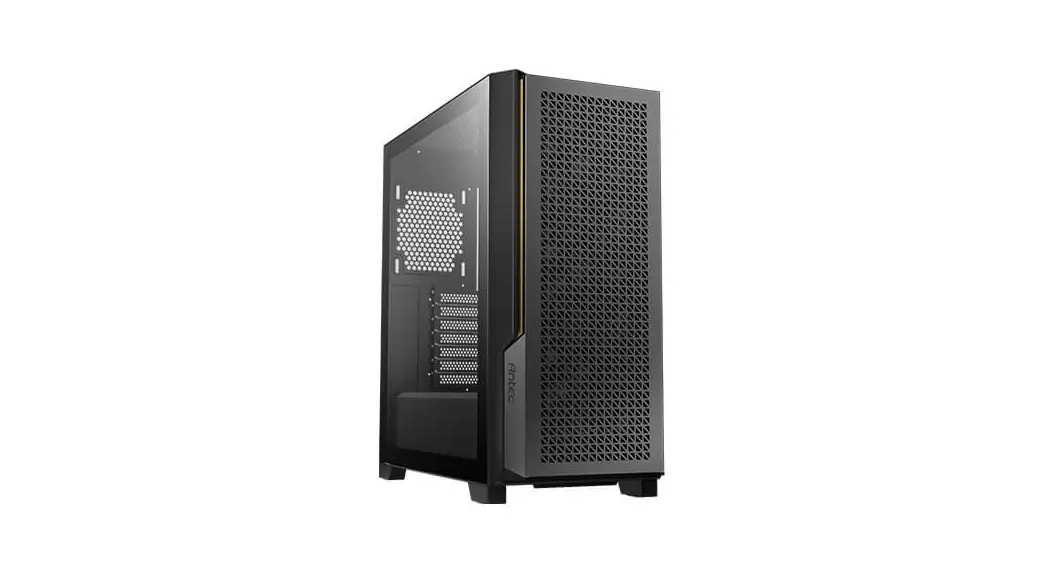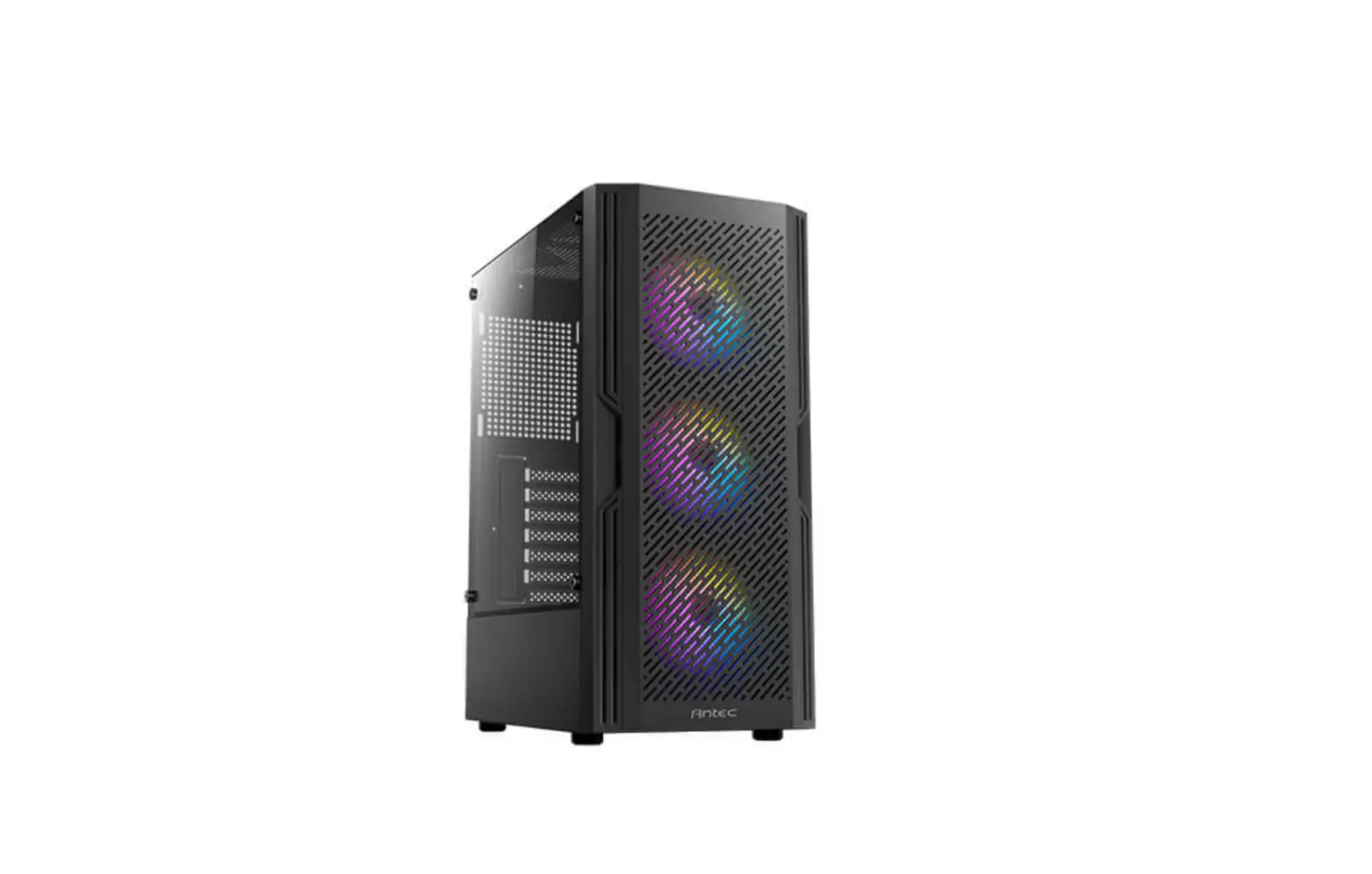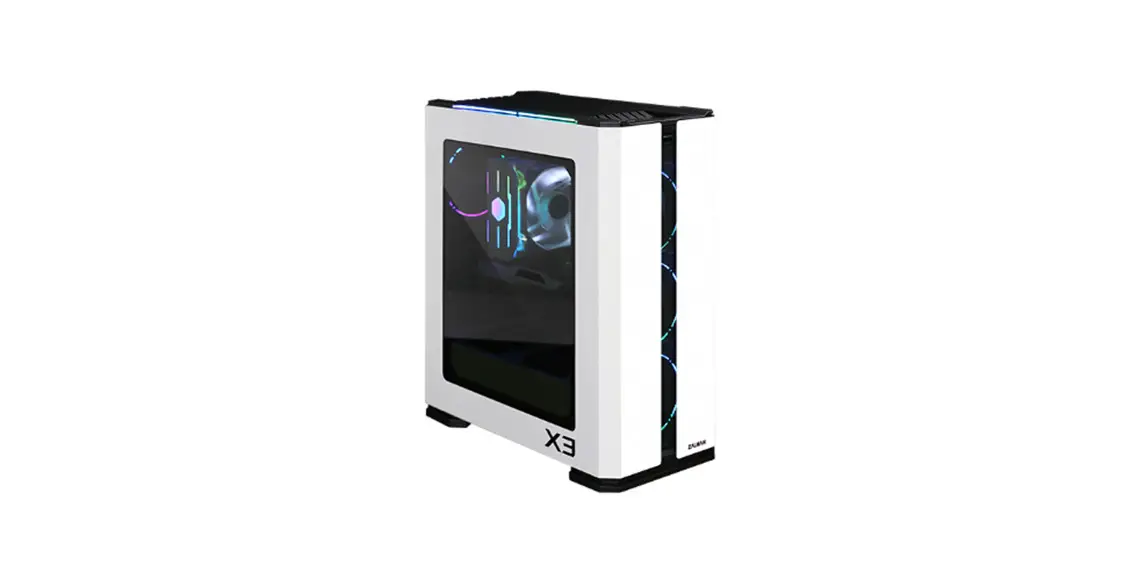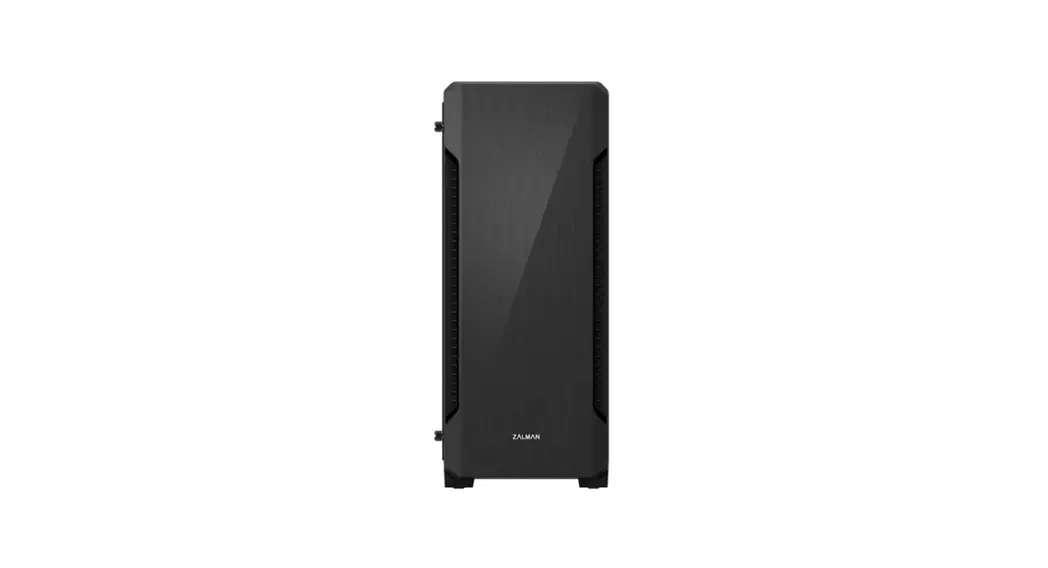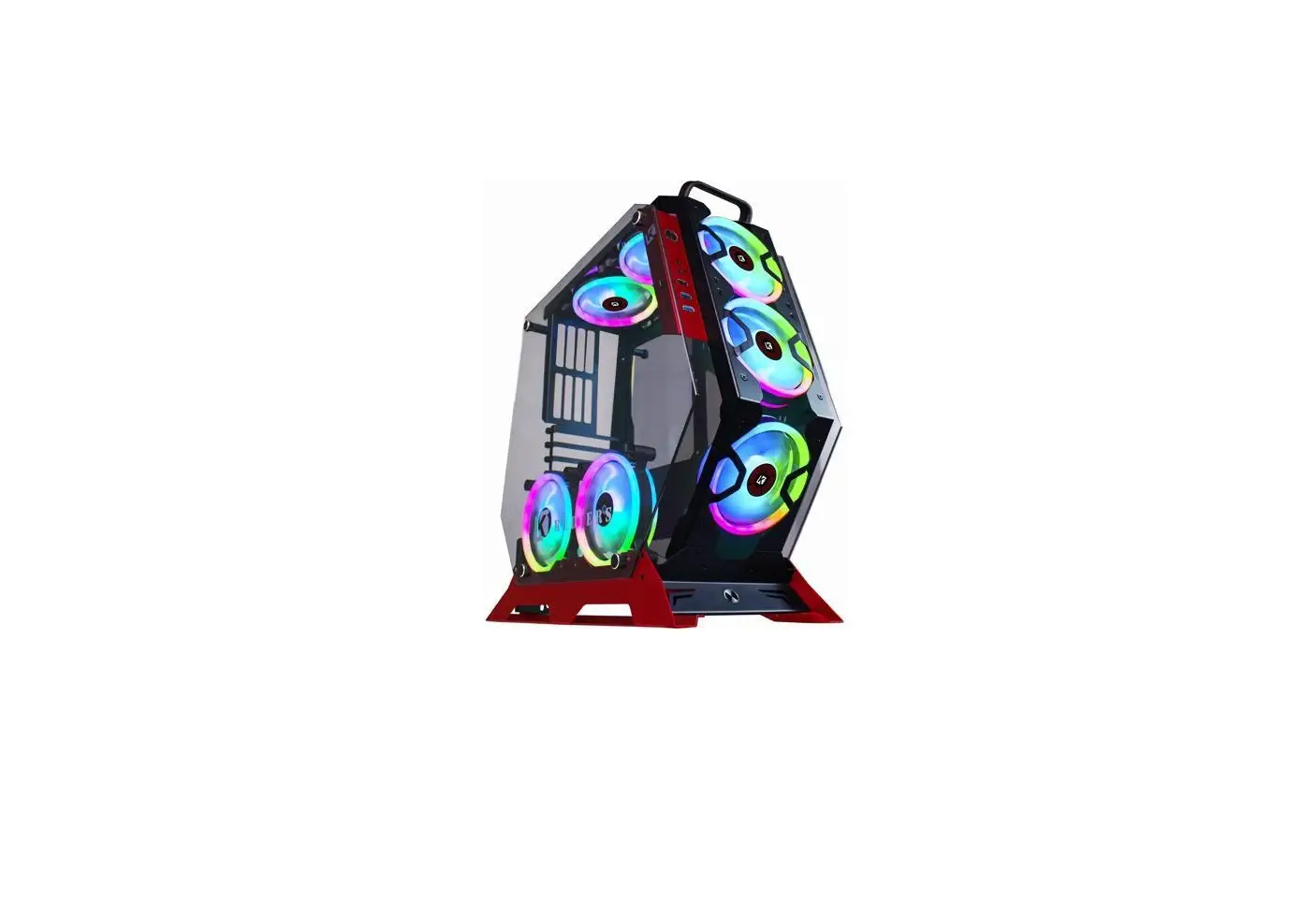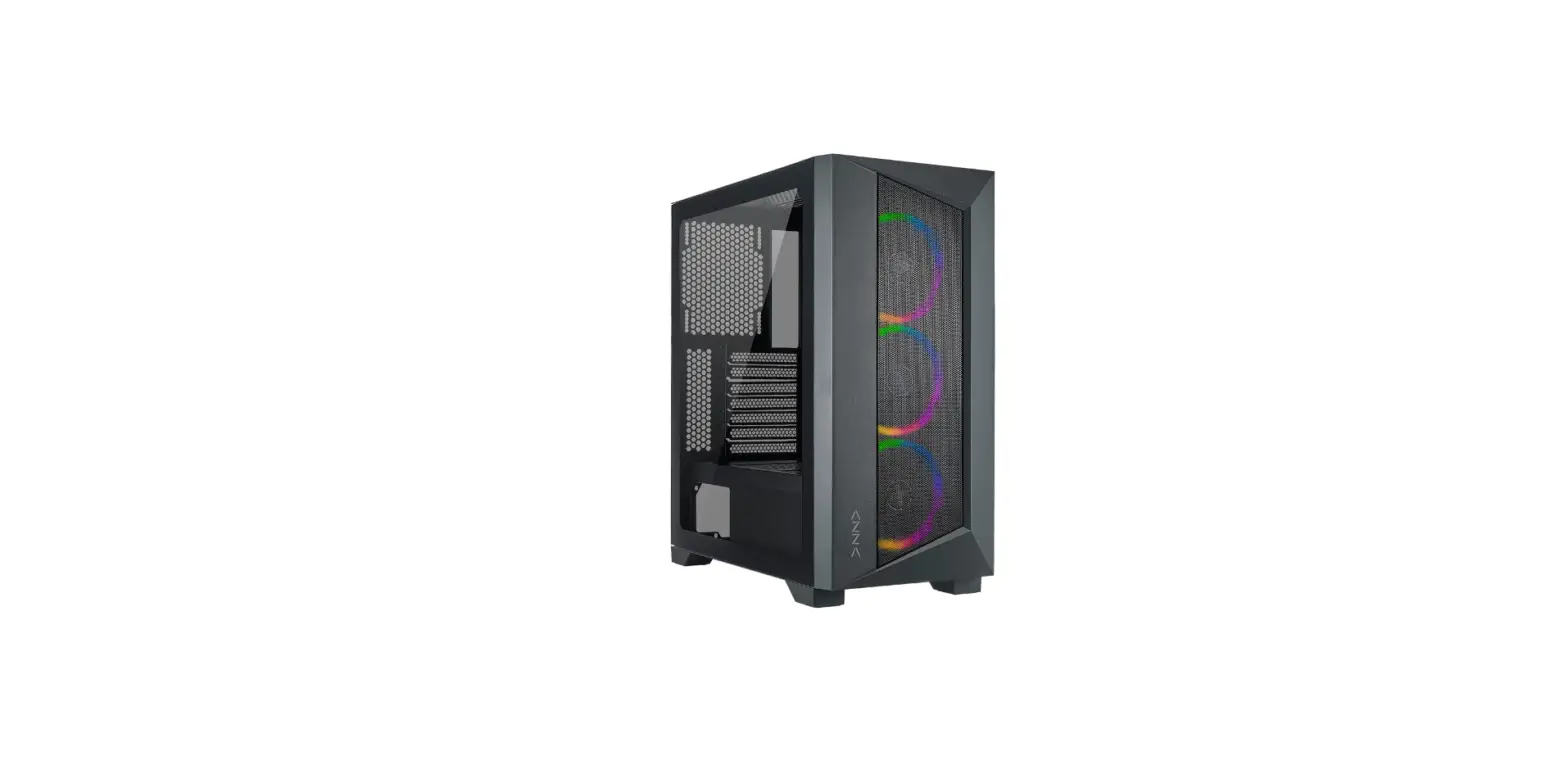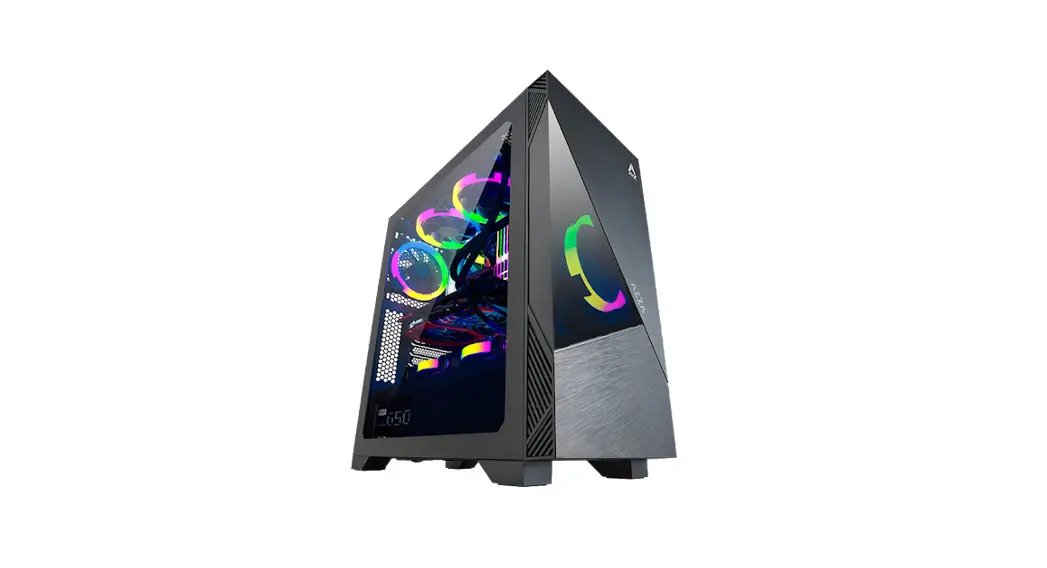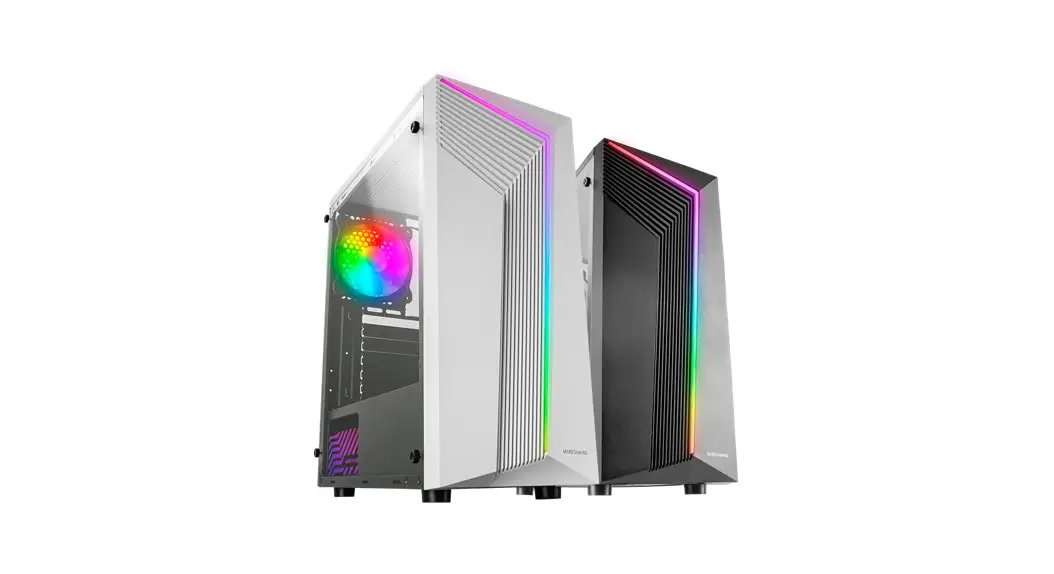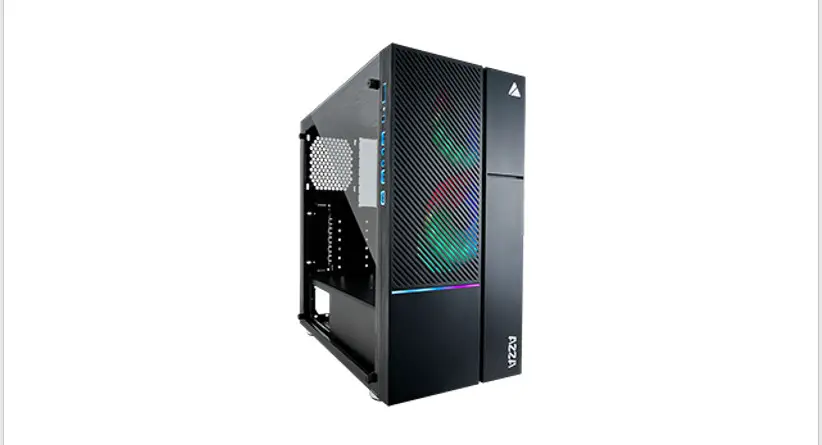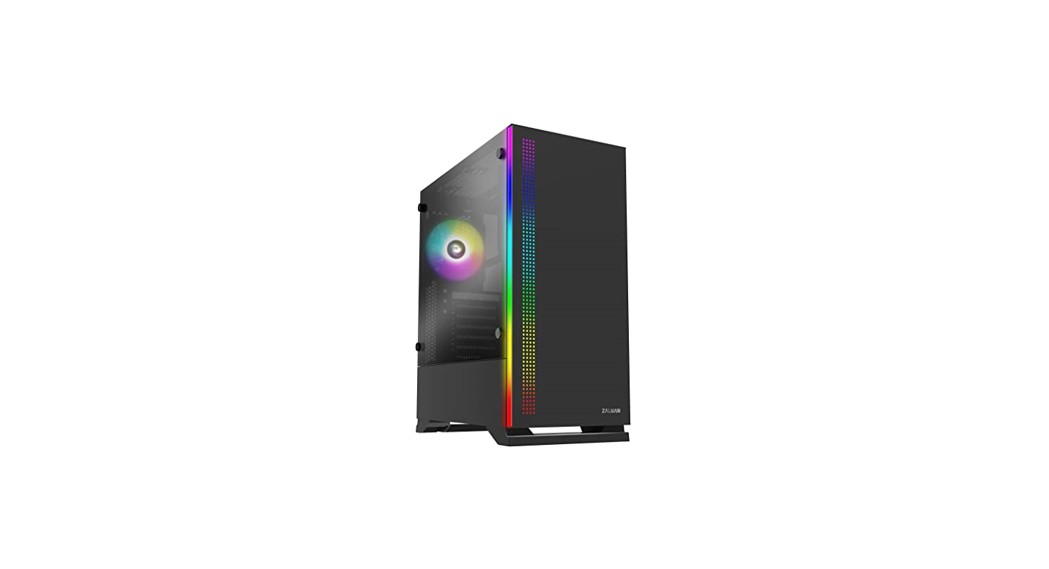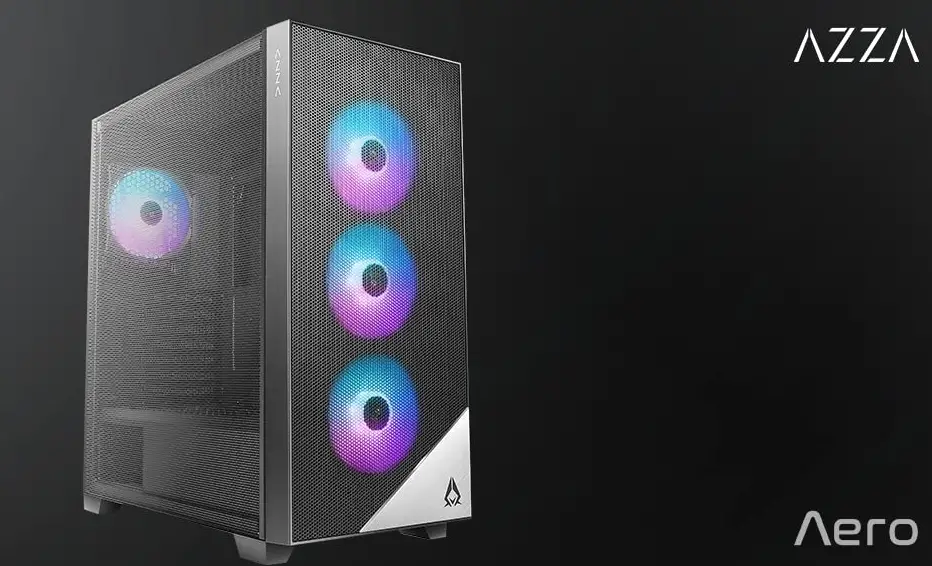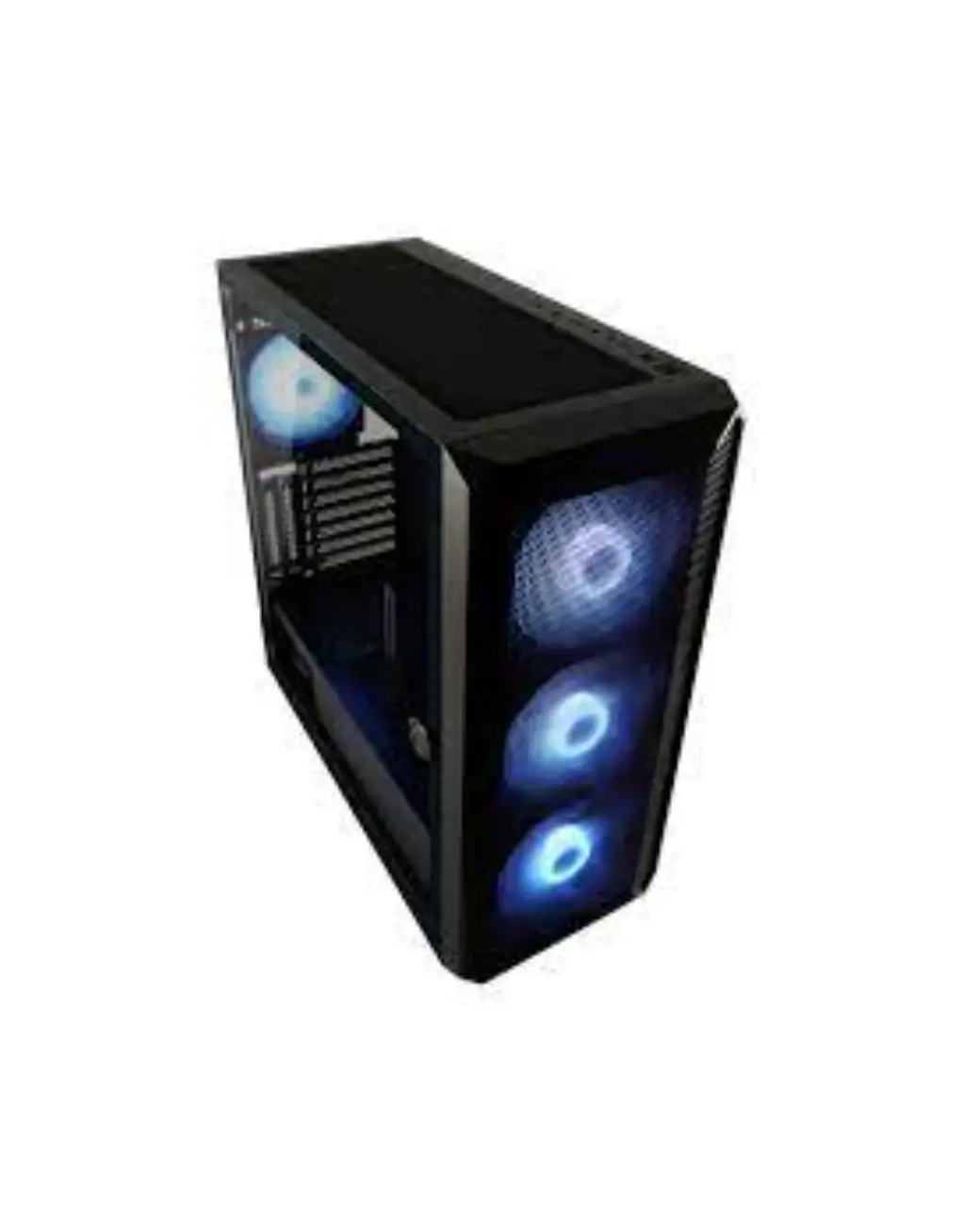
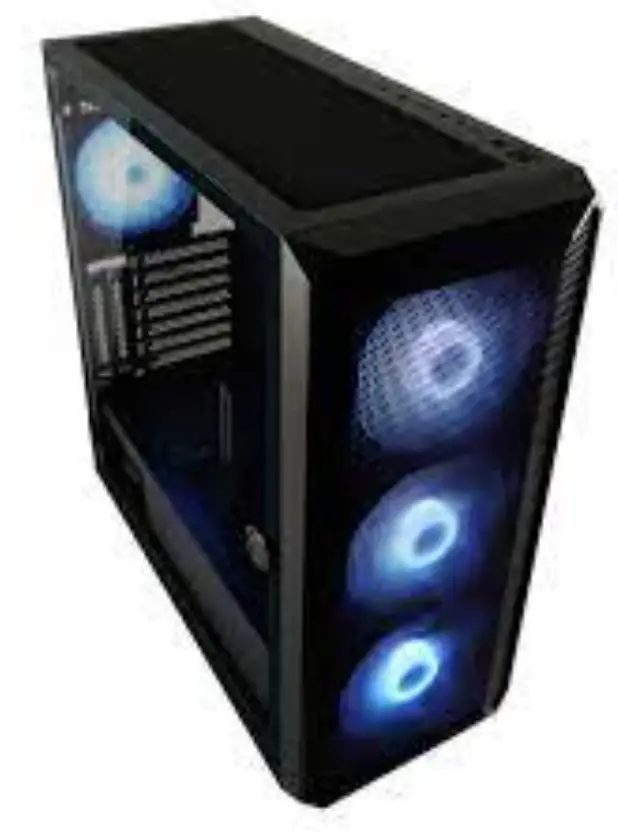
LC-POWER Gaming 804B Obsession X ATX Gaming Case
SPECIFICATION
| Model | Gaming 804B Obsession_X |
| Dimensions | Structure dimensions: 430 x 205 x 470 mm Case dimensions: 470 x 205 x 485 mm |
| Motherboard | E-ATX / ATX / Micro-ATX / ITX |
| PCleSlots | 7x horizontal+ 2x vertical |
| Drive Space | 2x 3,5″+ 2x 2,5″ or 3x 3,5″+ lx 2,5″ |
| I/Oports | 2x USB-A, lx USB-C (USB 3.2 Gen lxl), HD Audio |
| Fan mounting options | Front: 3x 120/140 mm Next to mainboard: 2x 120 mm Top: 3x 120/140 mm Back: 1x 120 mm PSU shroud: 3x 120 mm |
| mounting options | Front: 120/140/240/280/360 mm Top: 120/140/240/280/360 mm Next to mainboard: 1201240mm |
| Max. GPU length | 420mm |
| Max. CPU height | 160mm |
| Max. PSU length | 200mm |
| Fans included in delivery | 3x 140 mm+ 1 x 120 mm ARGB case fans (mamboard- or remote controlled) |
SCREWS
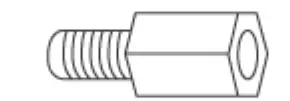 | For mainboard installation | 6 pcs |
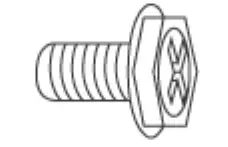 | For power supply/ graphic card installation | 10pes |
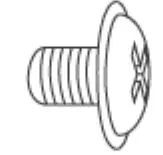 | For main board and 2,5″ SSD installation | 30pcs |
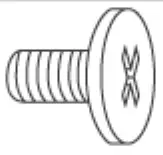 | For 3,5″ HDD installation | 12pcs |
1/0 PORTS
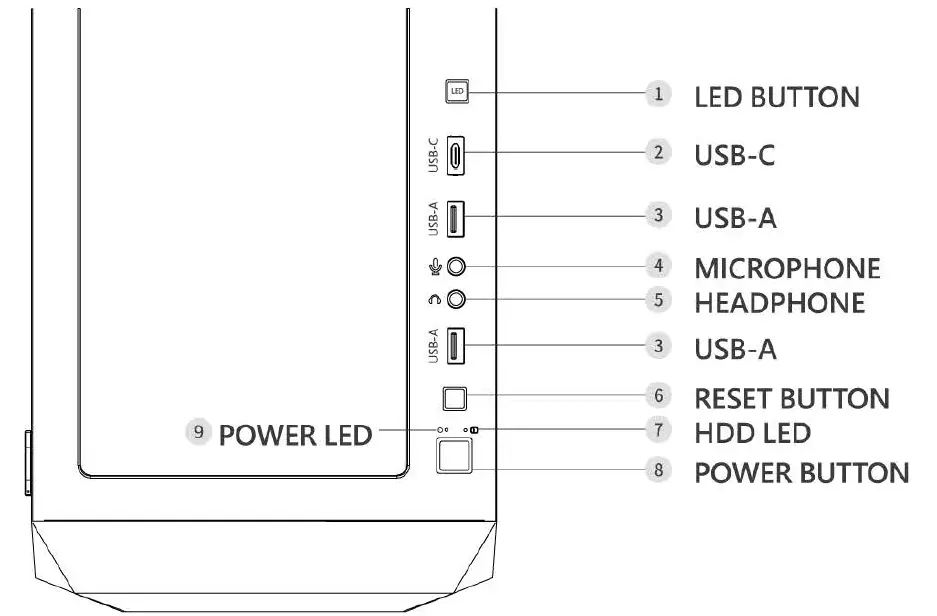
OVERVIEW
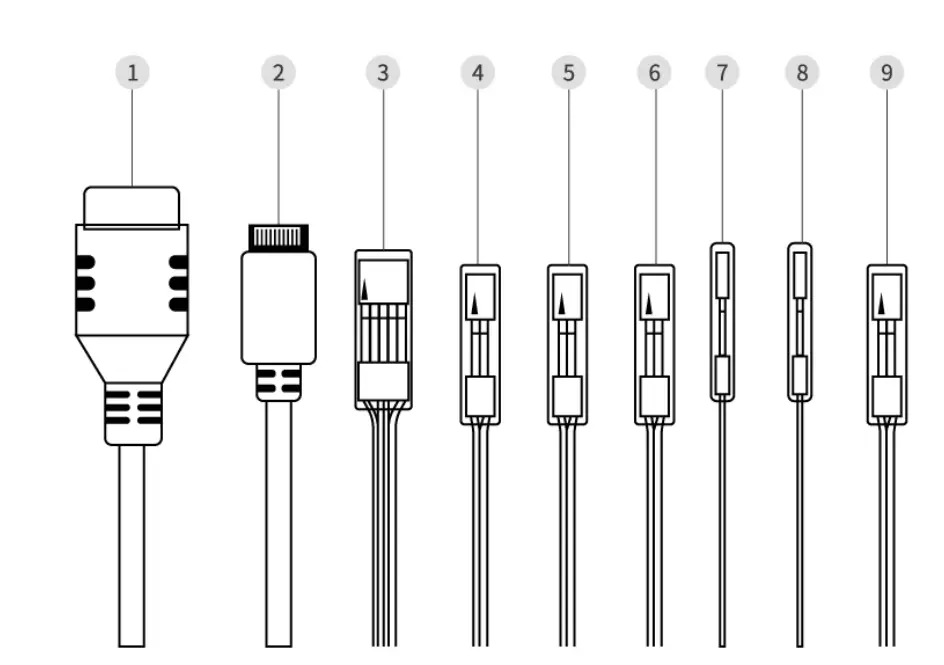
- USS 3.2 Gen 1×1
- USB-C
- HDAUDIO
- POWER SWITCH
- RESET SWITCH
- HDD LED
- POWER LED+
- POWER LED-
- LED/RGB SWITCH
Please refer to the motherboard installation manual to connect these cables.
DRIVE FRAME
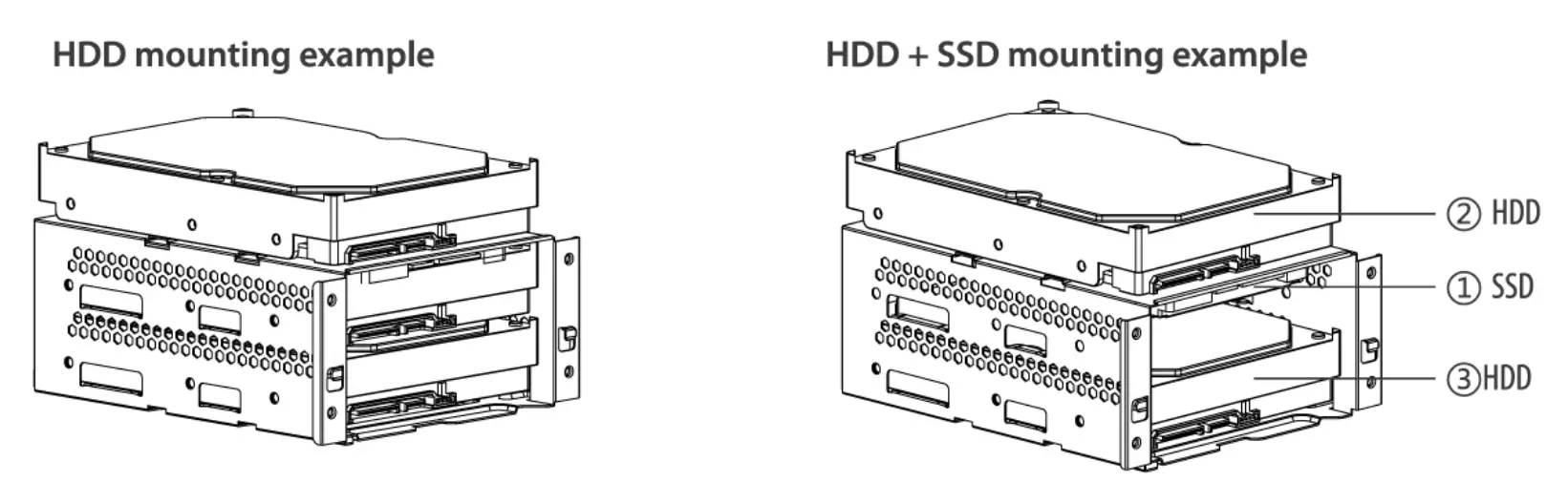
- Take out the drive frame from below the PSU shroud.
- Please use the correct screws to mount an HDD or an SSD.
- If you need to mount both an HDD and an SSD as shown in the right example, the installation sequence is@ SSD,@HDD and® HDD.
SSD FRAME
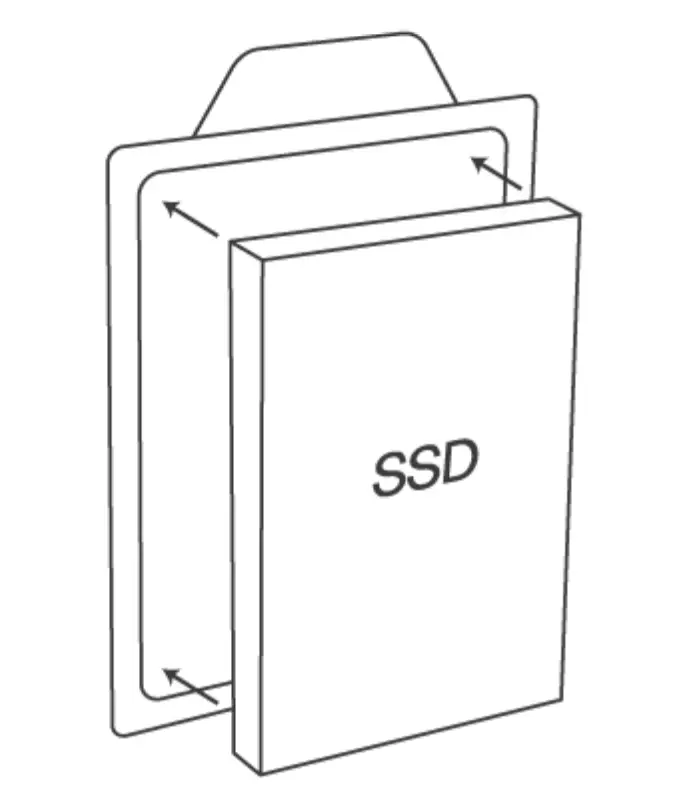
- Take out the SSD frame behind the motherboard.
- Use the correct screws to mount the SSD onto the frame.
- Mount the SSD frame to its original position.
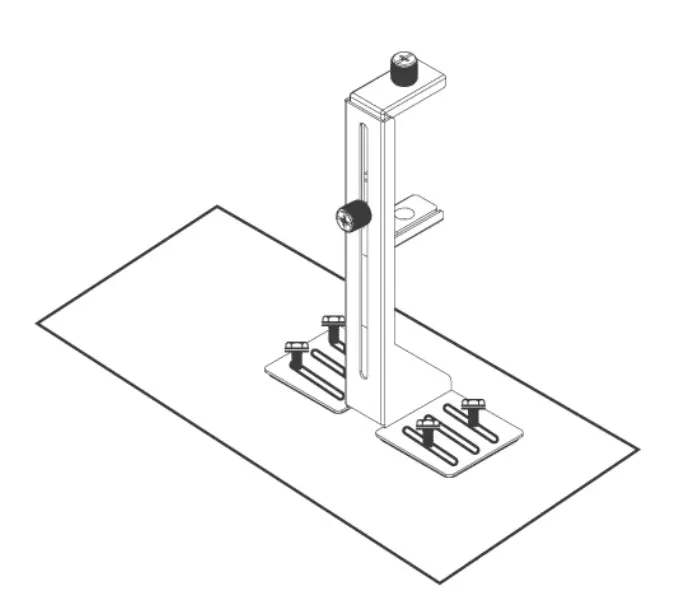
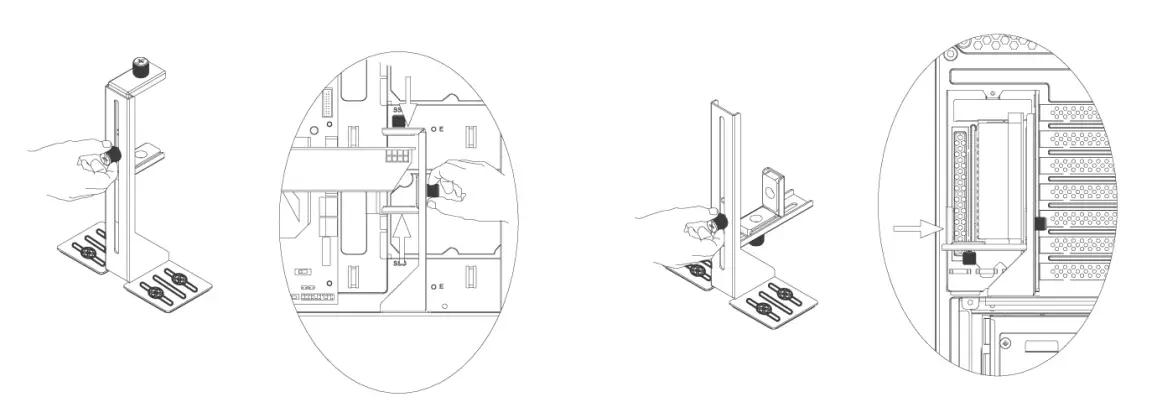
GPU HOLDER
- Use four screws to mount the graphic card holder onto the PSU shroud.

- Adjust the GPU holder to a matching distance according to the thickness of the graphic card, then tighten the screws to make sure the graphic card is fixed and can’t move.