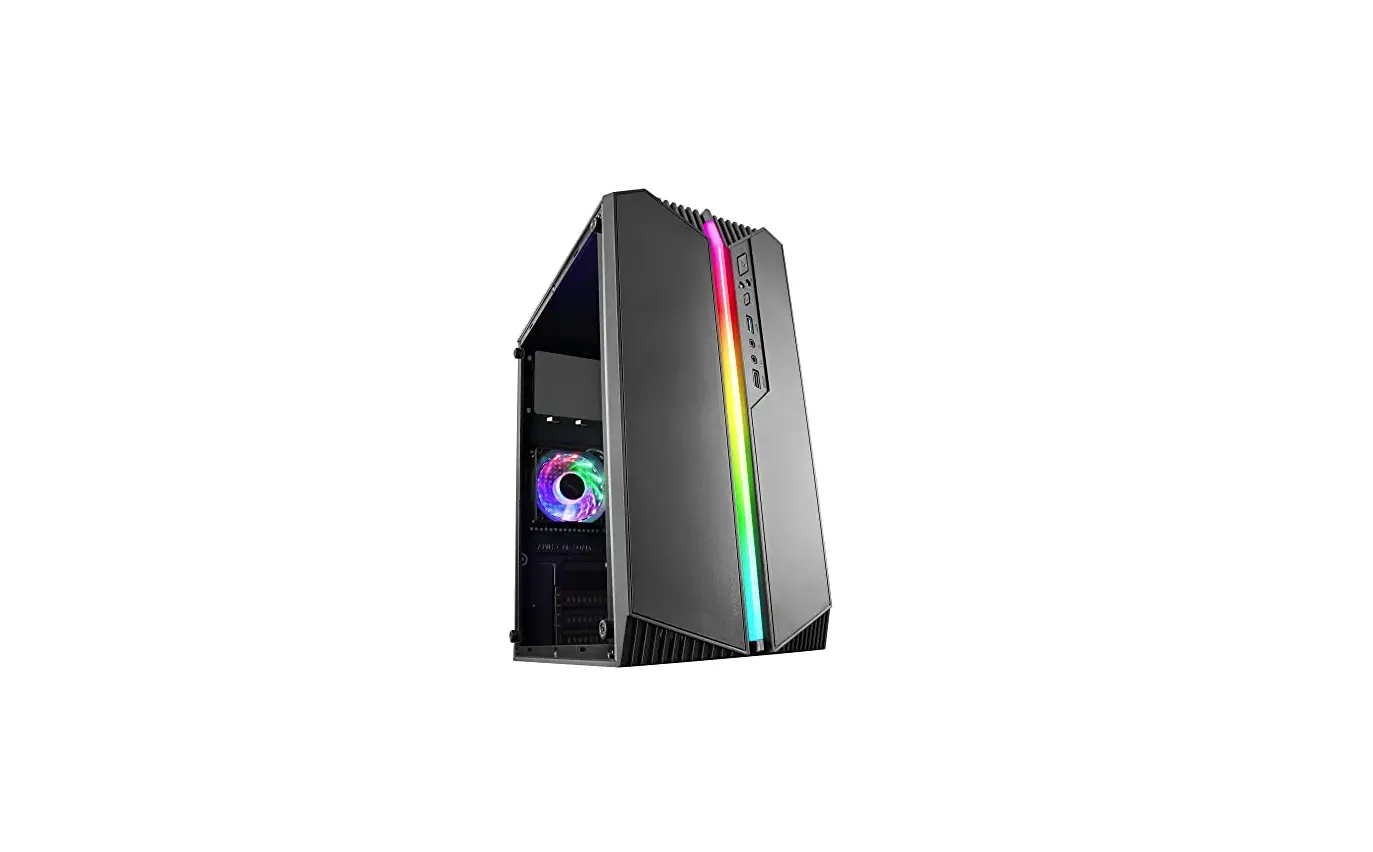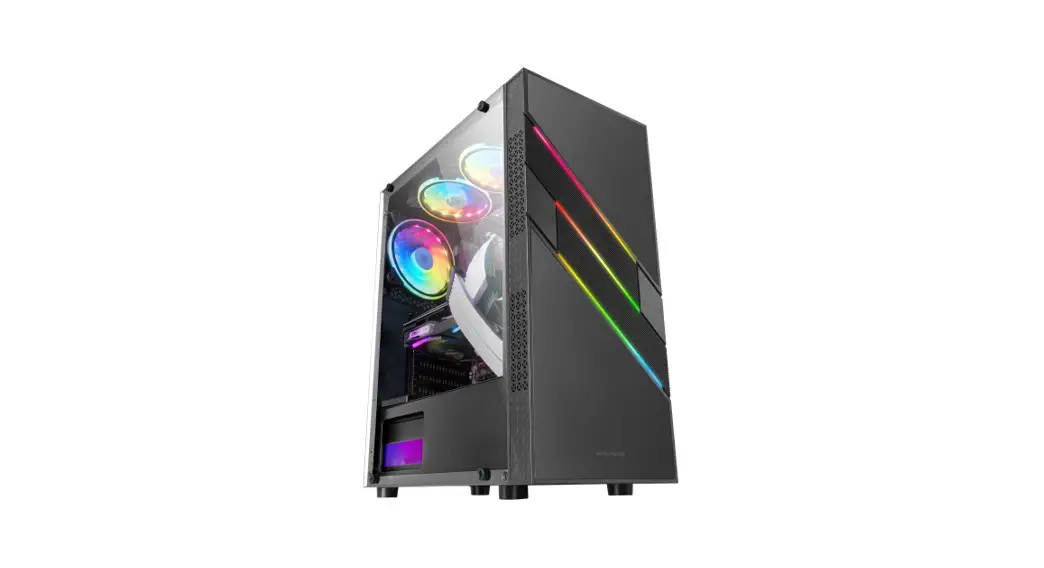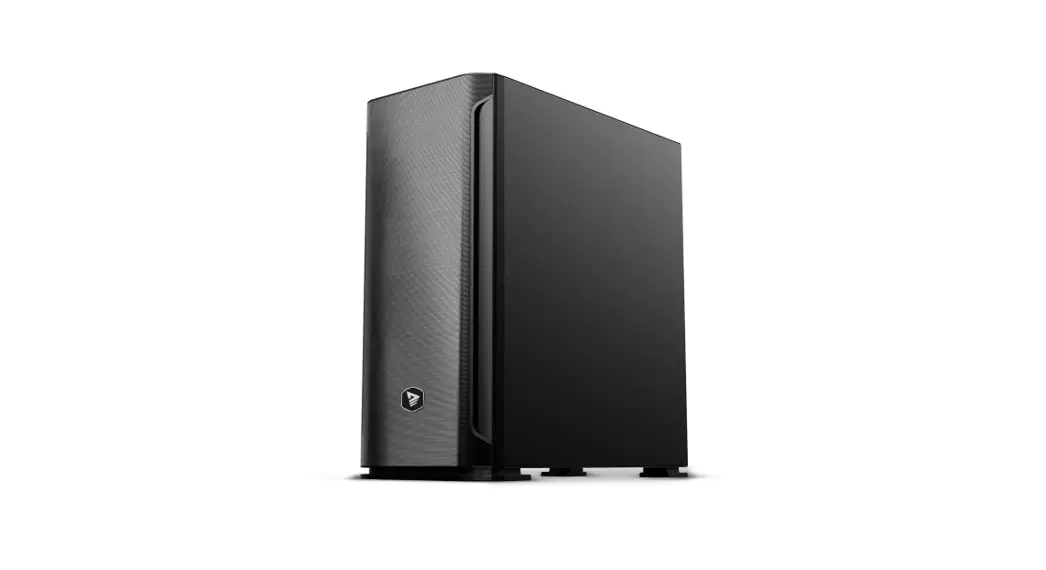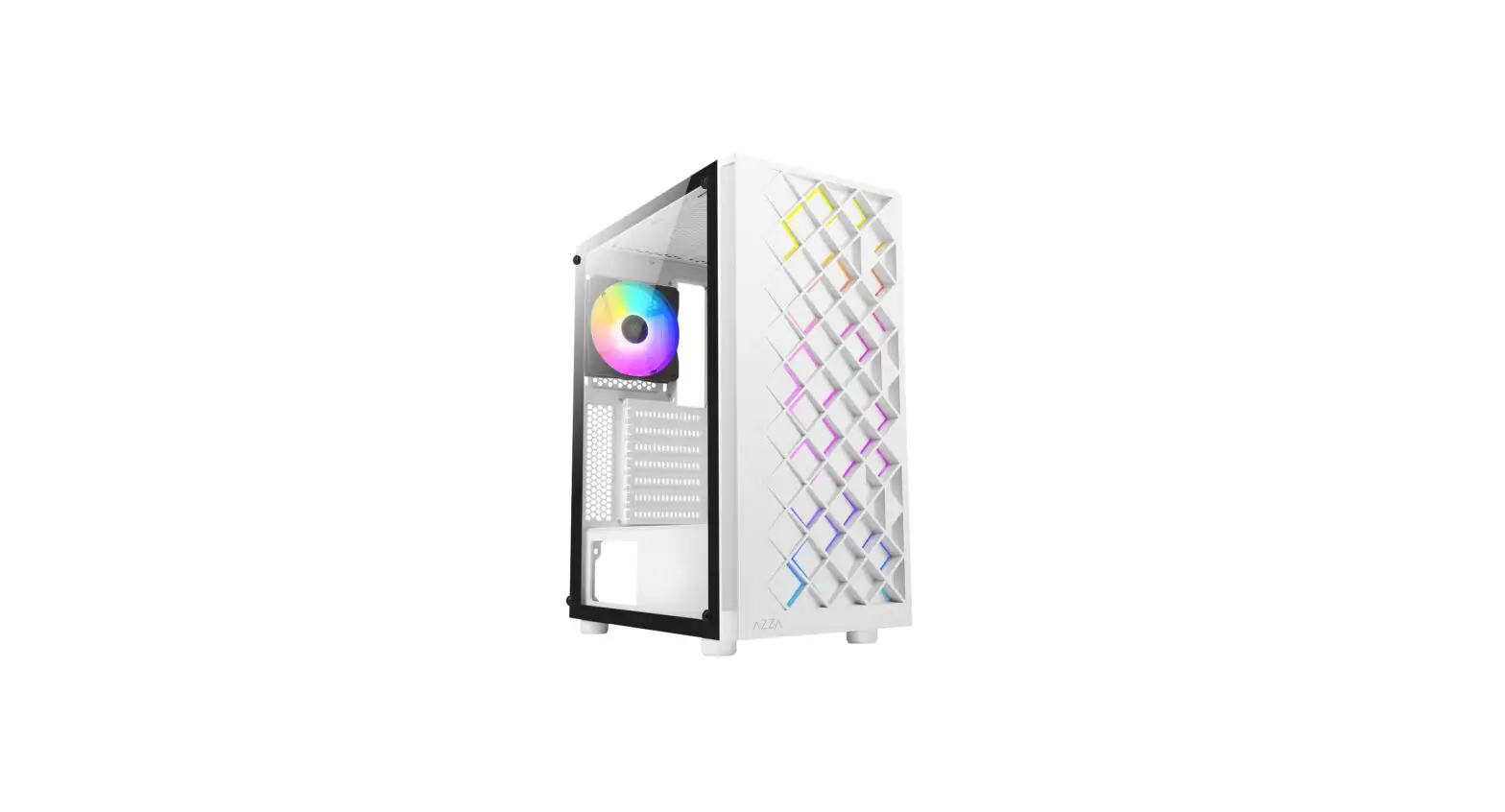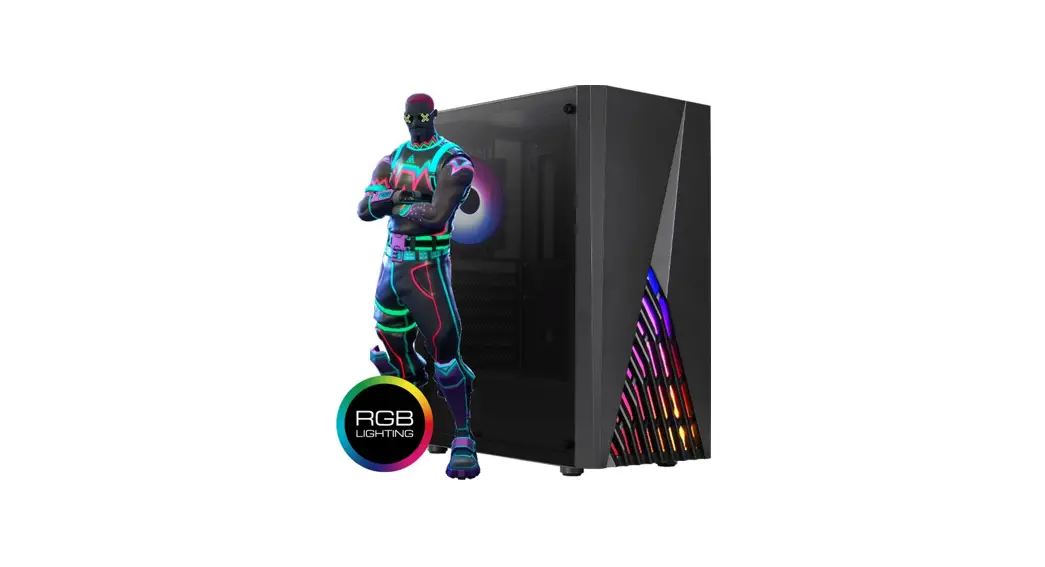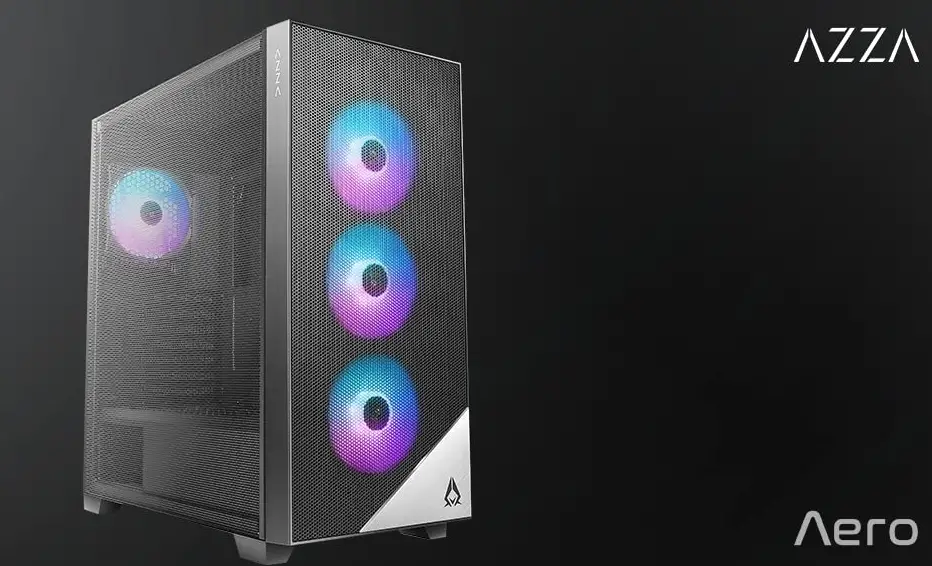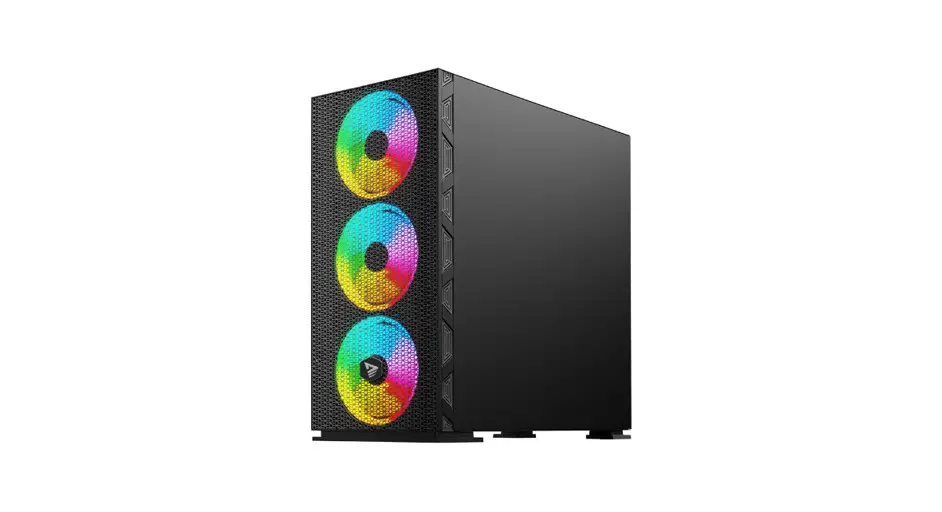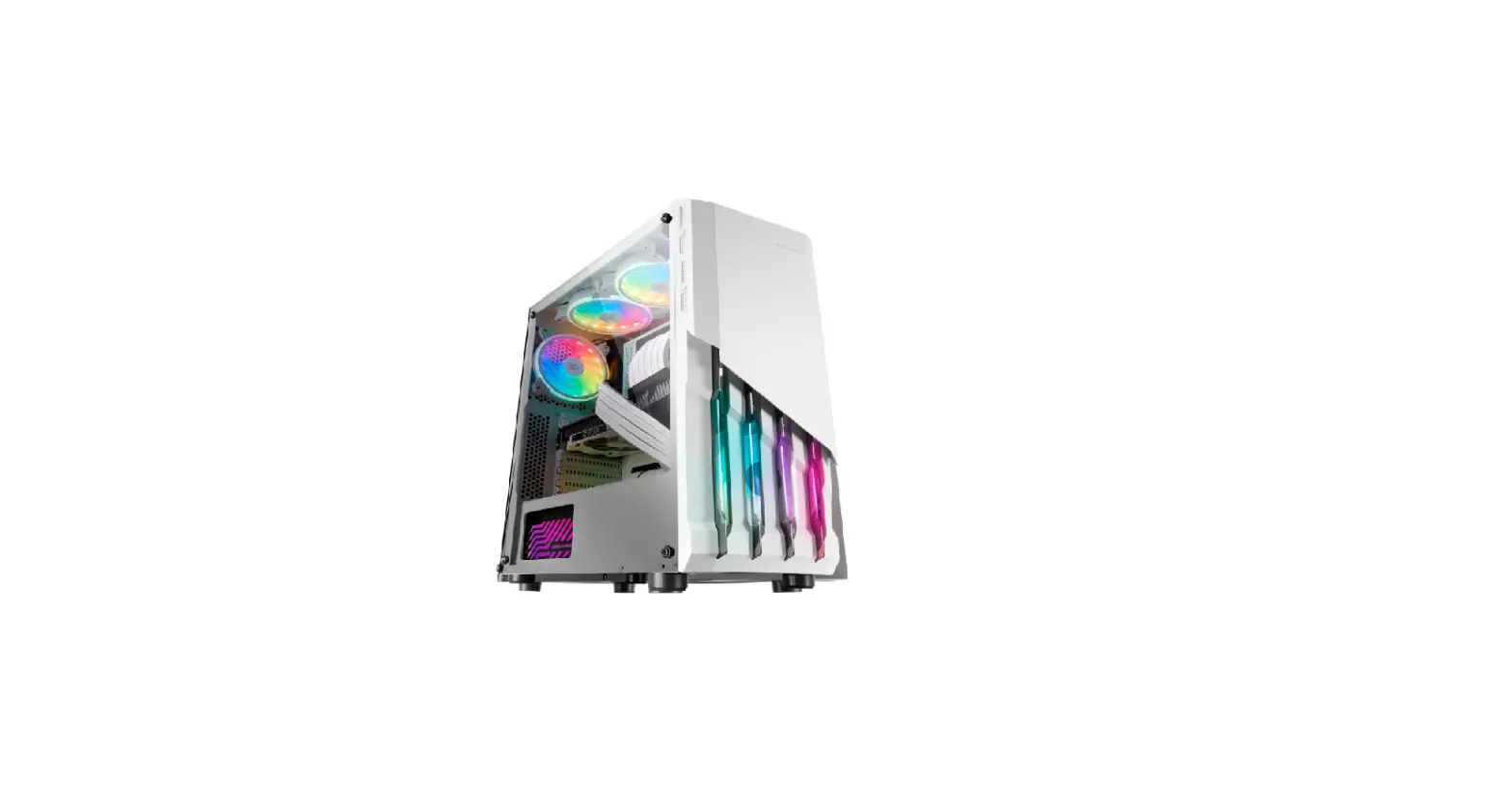

Mars Gaming Mc-x2 Pc Gaming Atx Front Steel Frgb Case User Manual

Mars Gaming Mc-x2 Pc Gaming Atx Front Steel Frgb Case User Manual

MARS-GAMING-LOGO

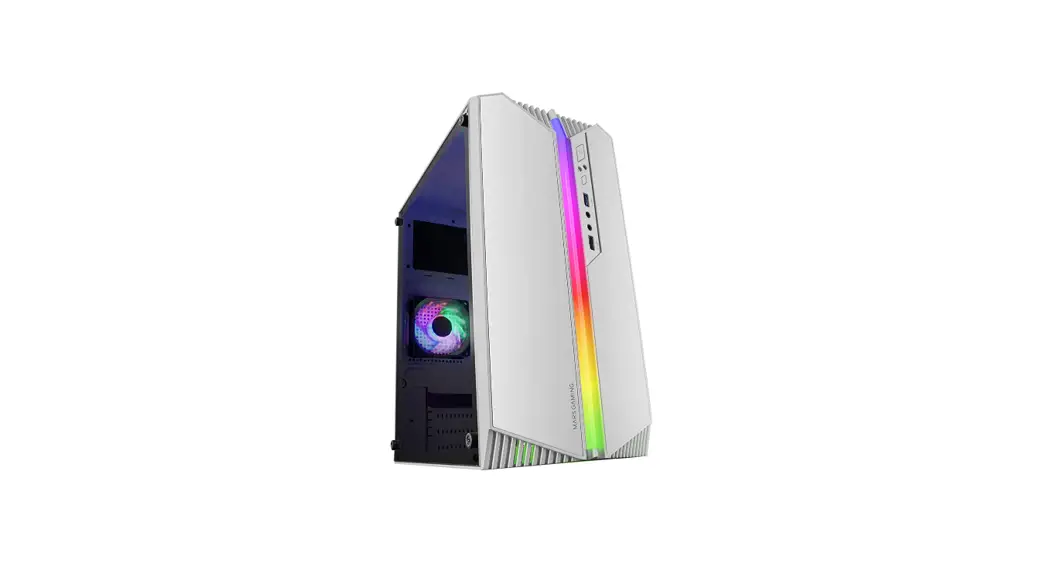
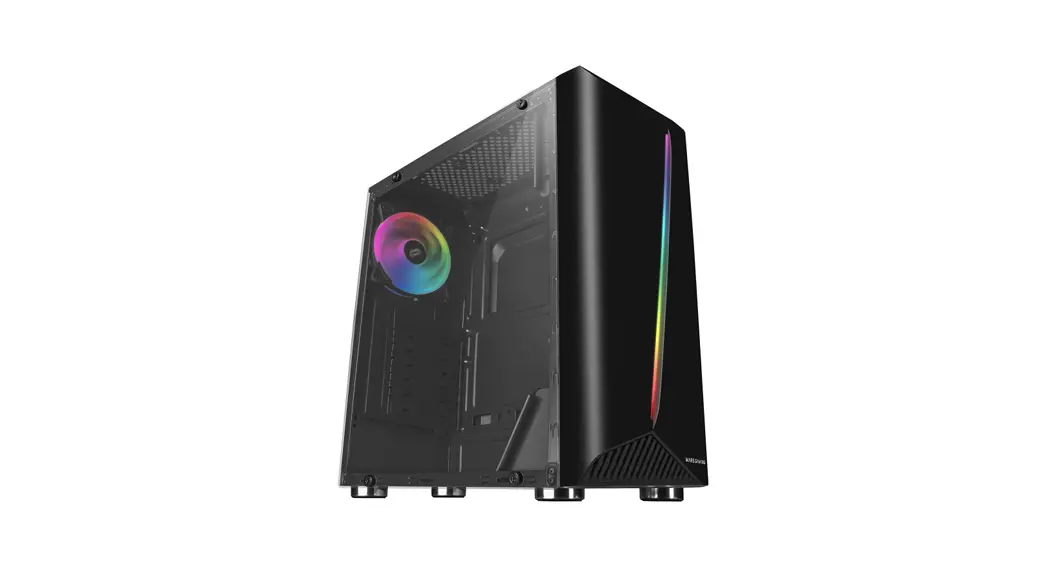
MARS GAMING MC-X2 PC Gaming ATX Front Steel FRGB Case
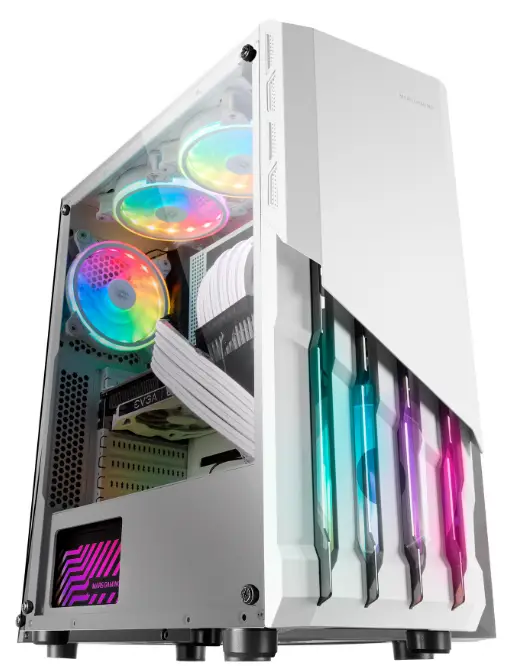
MARS-GAMING-MC-X2-PC-Gaming-ATX-Front-Steel-FRGB-Case-PRODUCT

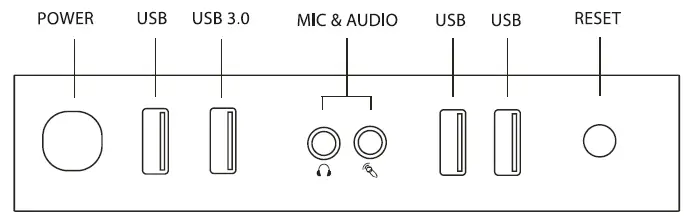
I/0 PANEL

MARS-GAMING-MC-X2-PC-Gaming-ATX-Front-Steel-FRGB-Case-FIG-1

ACCESSORY BAG CONTENTS

MARS-GAMING-MC-X2-PC-Gaming-ATX-Front-Steel-FRGB-Case-FIG-2

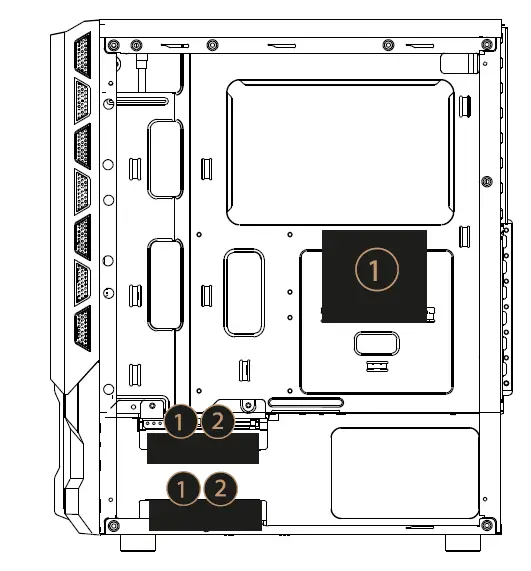
2.5″ SSD & 3.511 HDD

MARS-GAMING-MC-X2-PC-Gaming-ATX-Front-Steel-FRGB-Case-FIG-3

  1. 2.5″ SSD
  2. 3.5″ HDD

I/0 PANEL CABLE CONNECTION

Front Panel Connector
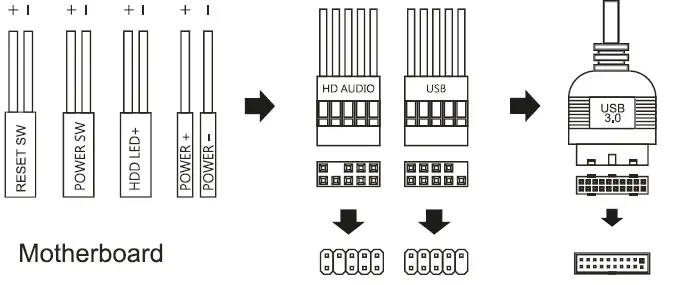
MARS-GAMING-MC-X2-PC-Gaming-ATX-Front-Steel-FRGB-Case-FIG-4

Keep children away from the case parts while installing the computer. Watch your hands and fingers while handling and installing the parts. Unplug the power supply cable and clean only with a dry cloth, do not use aerosol or liquid cleaning agents. Do not attempt to repair the product yourself. At the end of the product life please dispose this product at your local waste collection/recycling centre.
WWW.MARSGAMING.EU

Documents / Resouces

Download manual
Here you can download full pdf version of manual, it may contain additional safety instructions, warranty information, FCC rules, etc.


Related Manuals