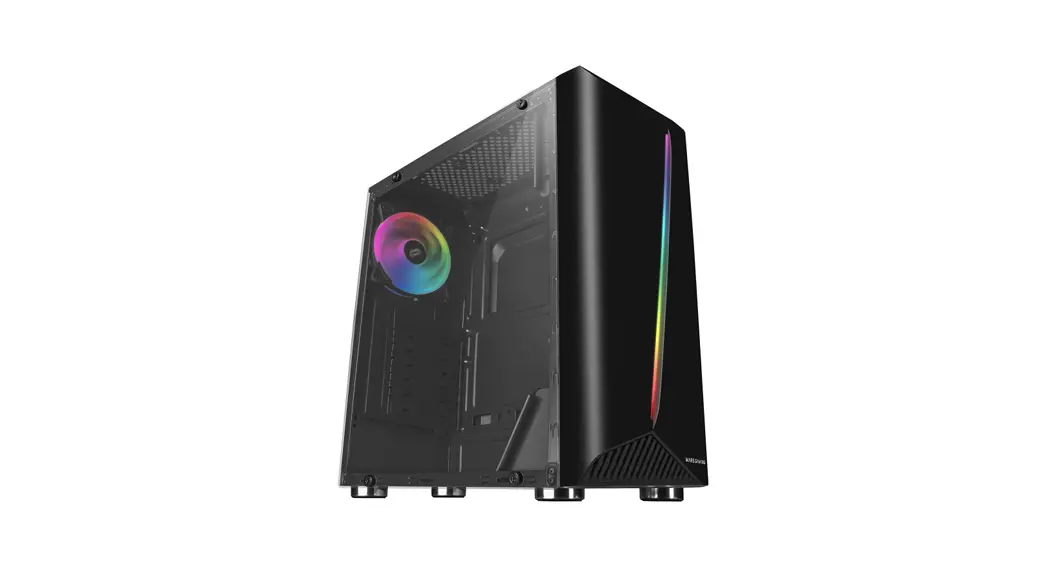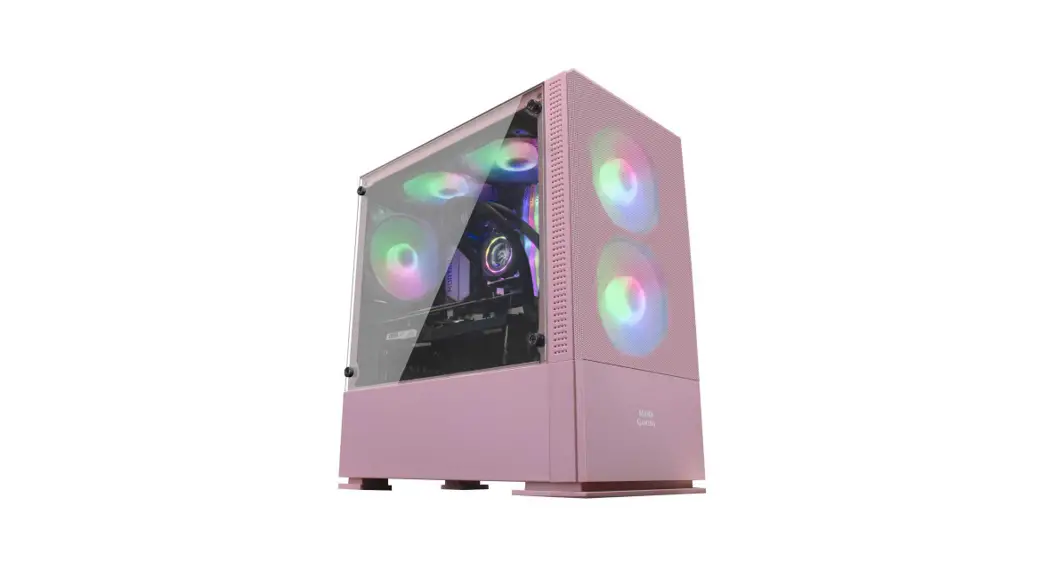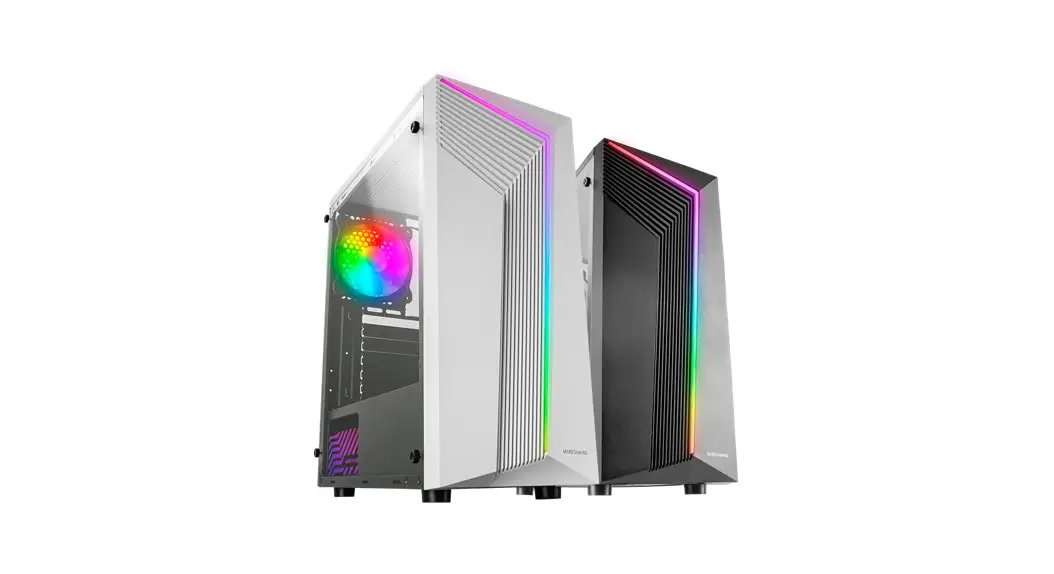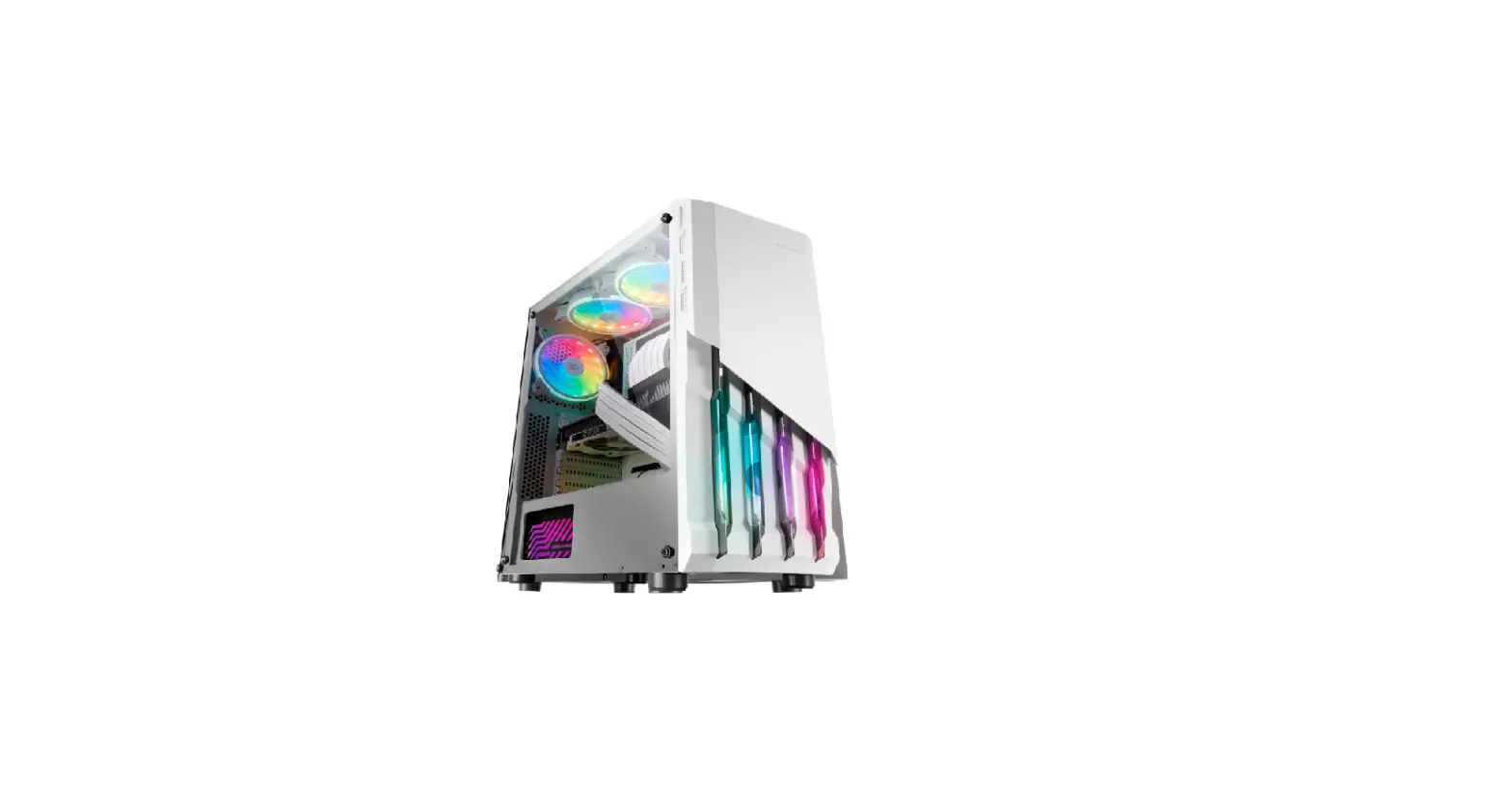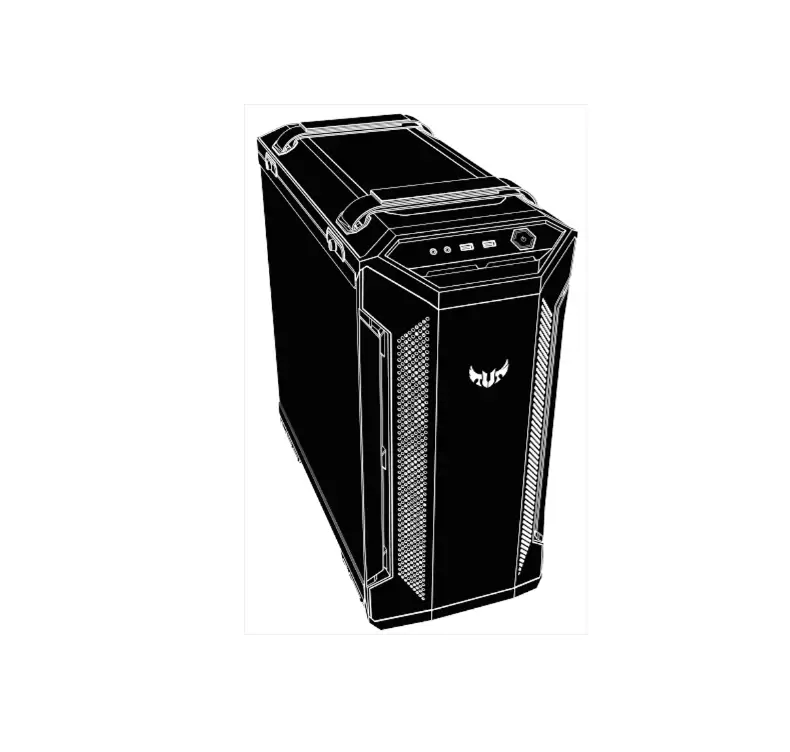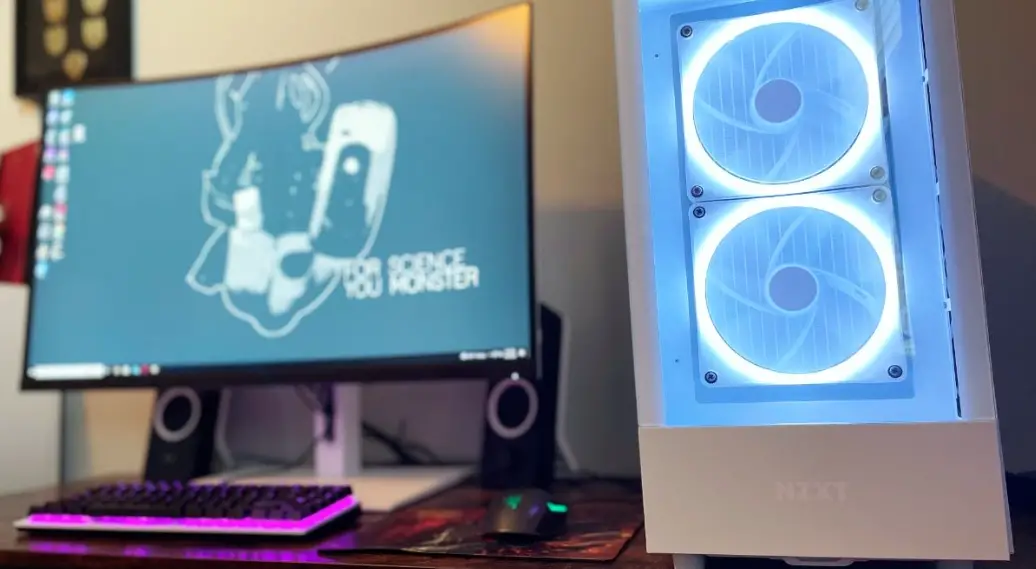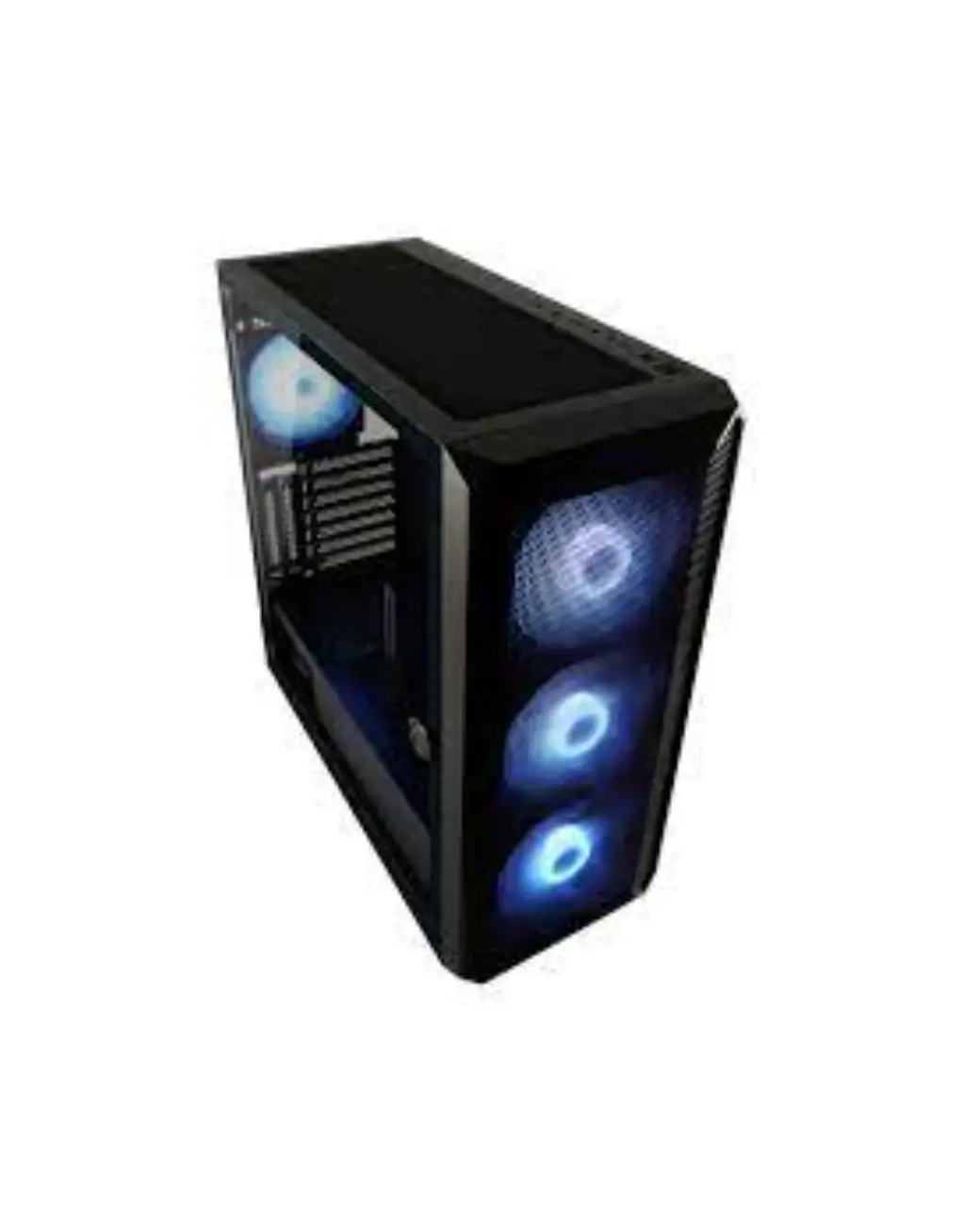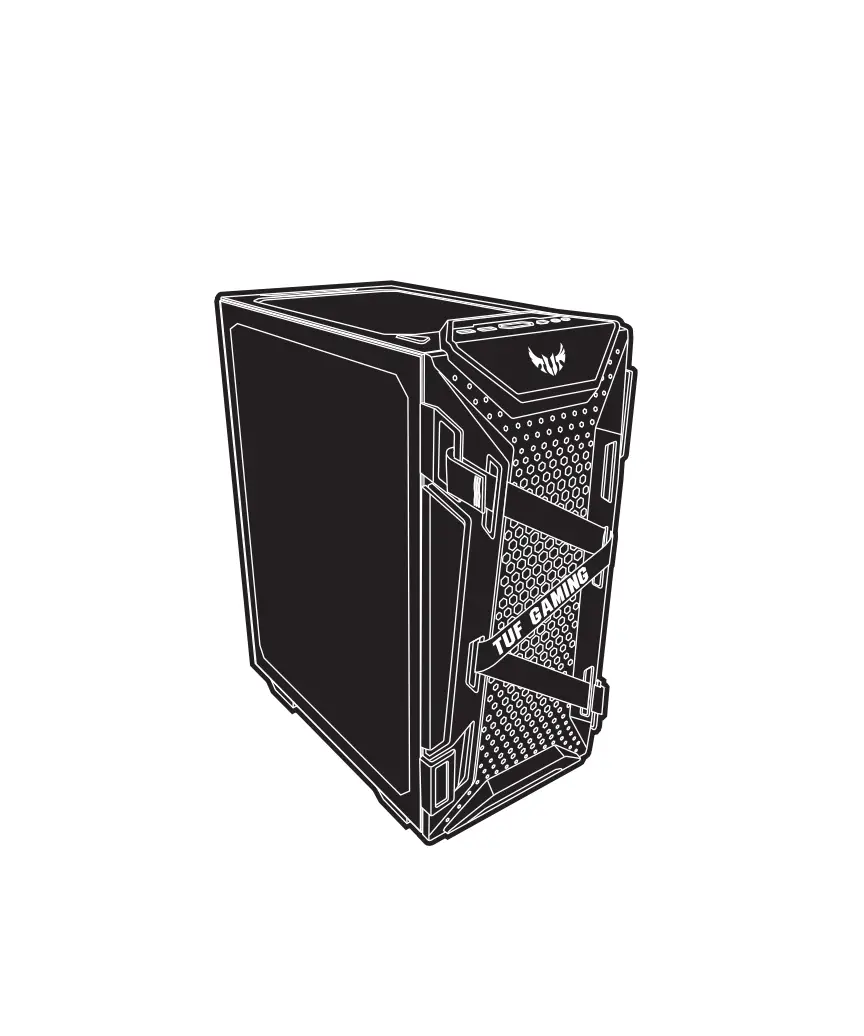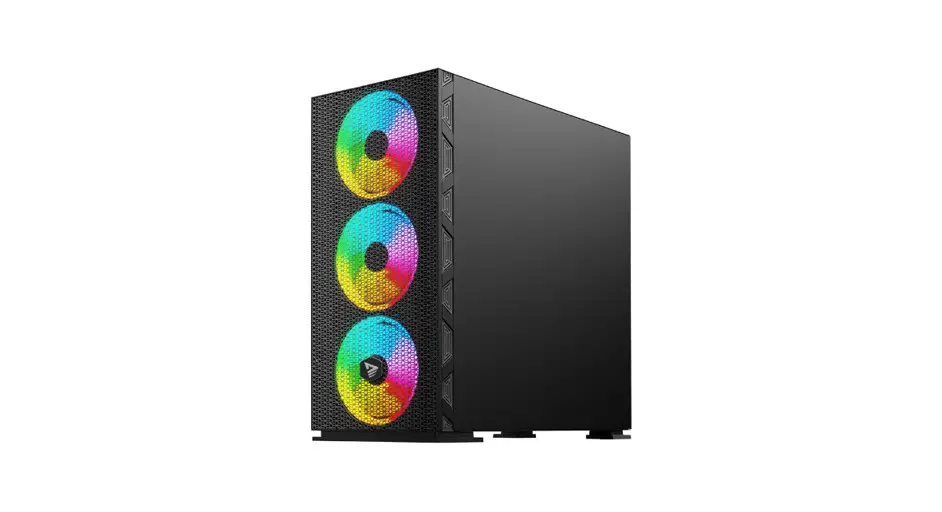
 RAPTOR WHITE X1
PROFESSIONAL GAMING PC CASE
USER MANUAL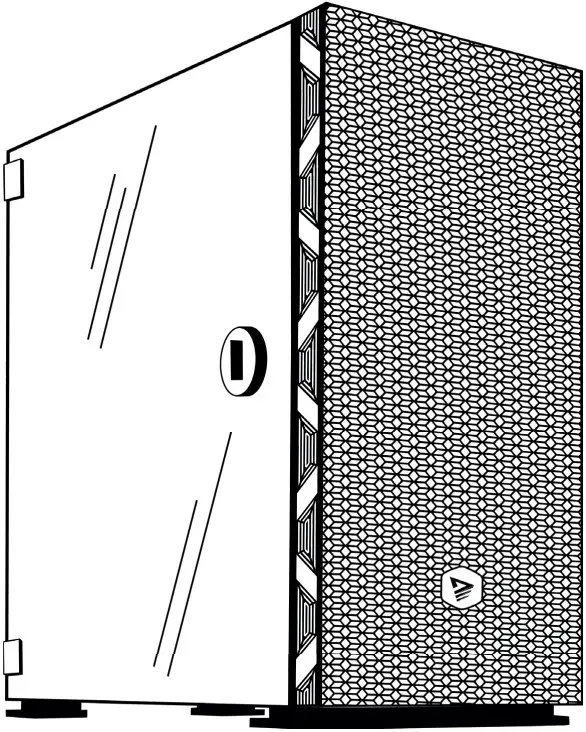
P010223SO Raptor White X1 Professional Gaming Pc Case
LET’S PLAY 2GETHER
Thank you for choosing Savio product! If our product meets your expectations, share your opinion with other people on the portal ceneo.pl, social media or on the website of the store where you made the purchase. If you want to show our device on SAVIO Facebook Page, we will be very pleased.
 If there is something that we could improve on our products, please write to us at [email protected]
Thanks to your feedback, we will be able to better adapt the product to your expectations.
MOUNTING ACCESSORIES
| Figure | Parts symbol | Parts name | Quantity |
 | A | HDD screw | 8 |
 | B | M/B/SSD screw | 17 |
 | C | PSU/GPU screw | 7 |
 | D | M/B standoff | 3 |
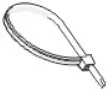 | E | Cable tie | 3 |
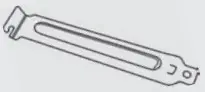 | F | PCIE slot cover | 4 |
SPECIFICATION
| Model | RAPTOR WHITE X1 | |
| Case form structure | ATX Mid-Tower | |
| Motherboard Compatibility | ATX, mATX, ITX, E-ATX | |
| Drive by support | 2(1) x 3.5″ HDD; 2(3) x 2.5″ SSD | |
| I/O Ports | 1 x USB 3.0; 2 x USB 2.0; HD audio | |
| Side Panel | Tempered glass | |
| Maximum VGA lenght | 340 mm (vertical) | |
| Maximum CPU cooler height | 160 mm | |
| Type of supported PSU | All type of standard/half modular and modular PSU | |
| PCI expension slots | 7 | |
| Dust filter | 1x top/gora, 1 x bottom (PSU), 1 x front | |
| Fans control by | Motherboard/remote controller/LED button/Voice control | |
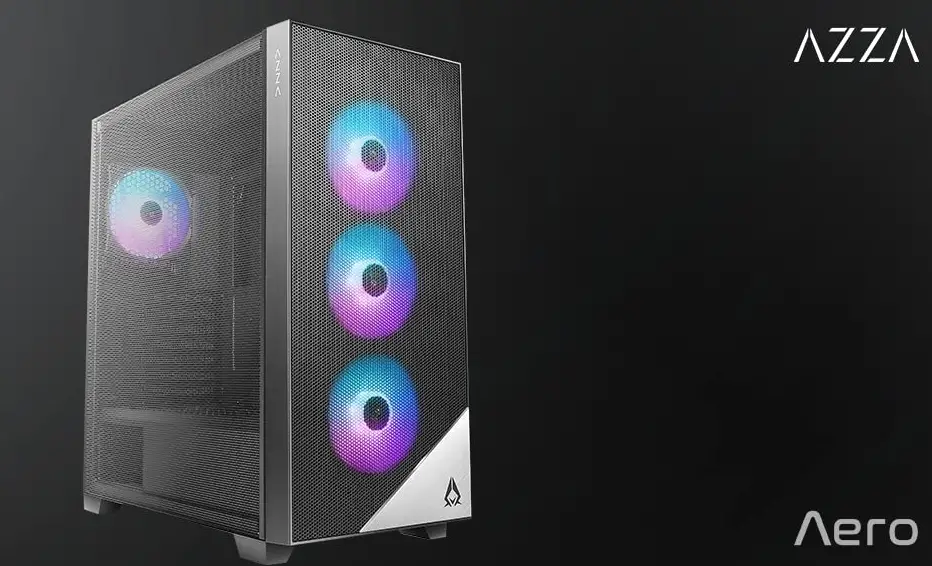
| Fan included | 4 x 120 mm ARGB, 6 pin,1200 RPM (3 x front, 1 x rear) connected to the controller | |
| Fan supported | front | 3 x 120/140 mm or/lub 2 x 200 mm |
| rear | 1x 120 mm | |
| top | 2 x 120 (140) mm | |
| bottom | 2 x 120 mm | |
| Watercooling support | front | 1x 120/240/360 mm |
| rear | 1x 120 mm | |
| top | 1x 120/240 mm | |
| Product dimension | (L x W x H) 407 x 215 x 455 mm | |
| Chassis material | SPCC 0.6 mm | |
| Front Panel Materiał | Big hole mesh | |
| Net/gross weight | 5.39 / 6.04 kg | |
| Frequency bands in which the radio equipment operates | 433,920 MHz | |
| Maximum radio-frequency power transmitted in the frequency band in which the radio equipment operates | 5 dBm | |
FRONT PANEL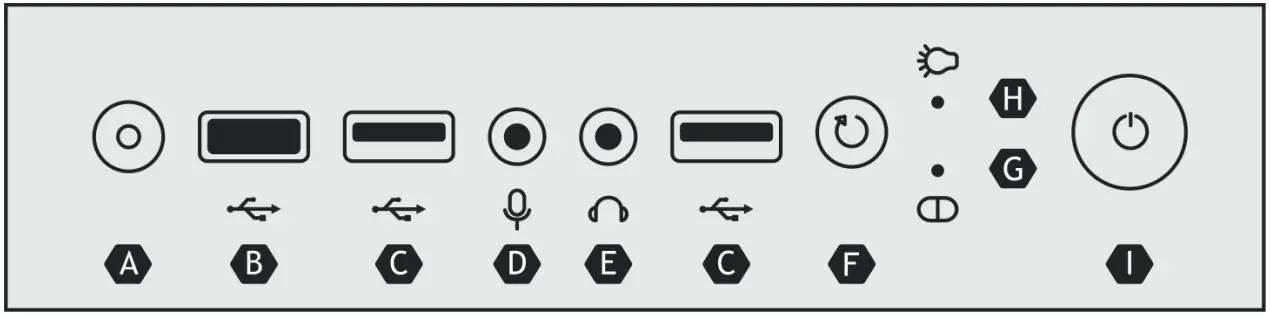
| A | B | C | D | E | F | G | H | I |
| LED switch | USB 3.0 | USB 2.0 | Microphone jack | Headphone jack | Reset button | HDD LED | Power LED | Power button |
ASSEMBLY OF ELEMENTS
STEP 1 SIDE PANELS REMOVING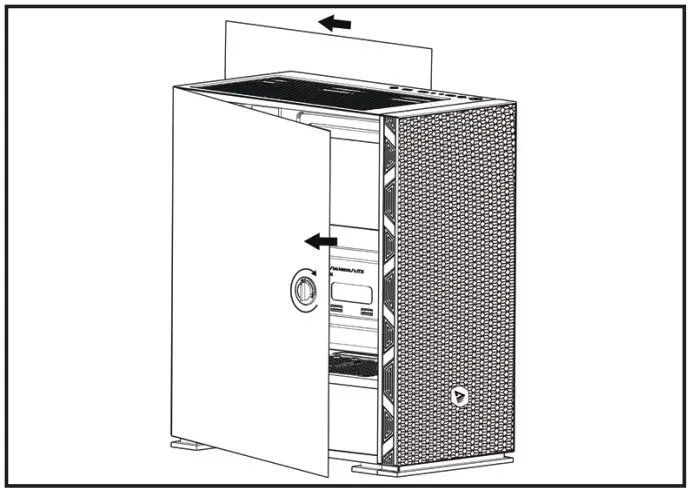
- Remove 2 screws from the right side of the panel and open left side the panel with rotating the knob.
- Slide right panel 2cm backward and put them away from the case.
STEP 2 PSU INSTALLATION
Place the power supply in correct location, then secure it by screws. Pay attention the PSU fan should be facing towards down.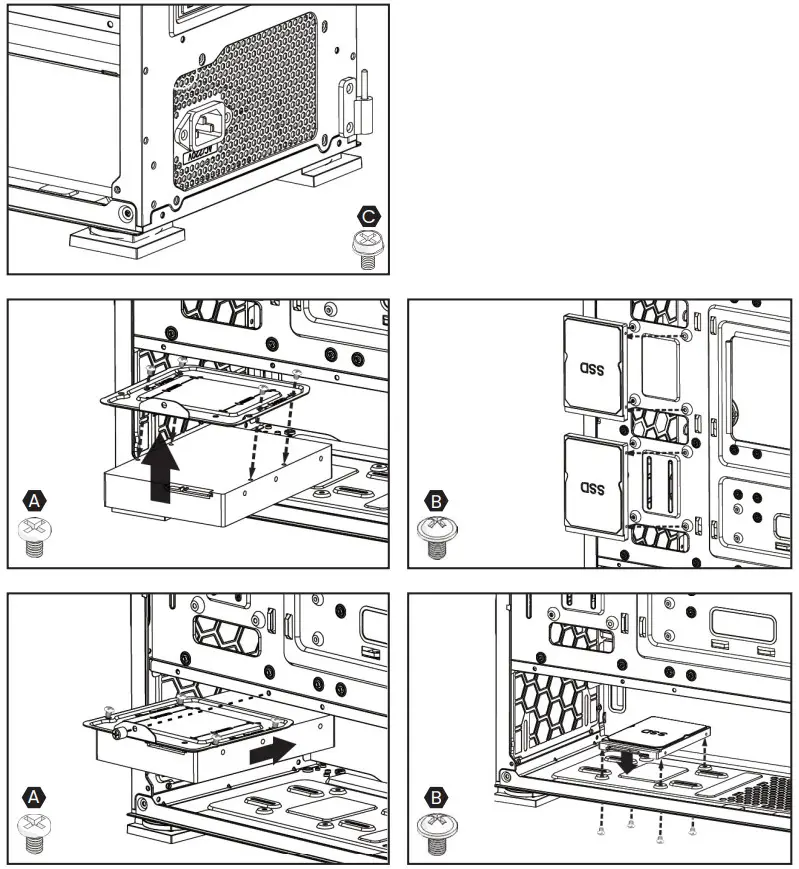 STEP 3 SSD/HDD DISCS INSTALLATION
Insert the SSD or HDD discs in right places (presented on the pictures) and secure them by screws.
STEP 4 ATX/EPS CABLE
Reload ATX/EPS cable through proper holes in PC case. 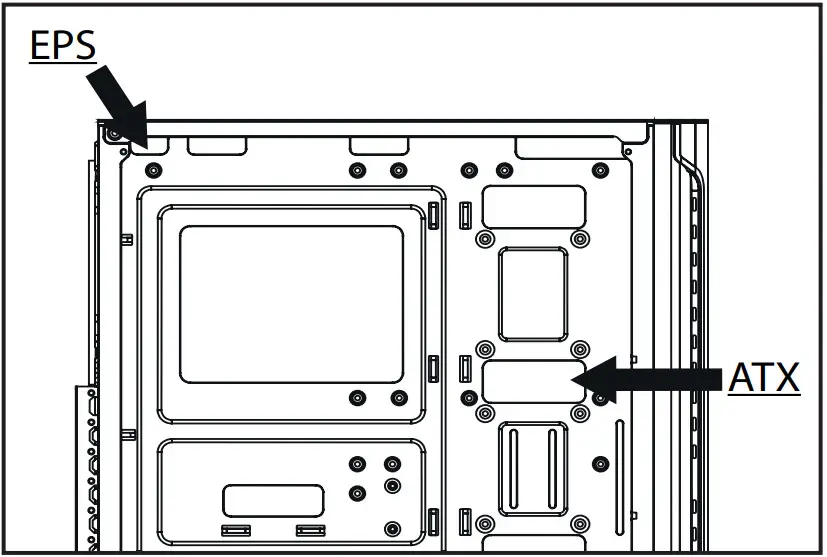 STEP 5 MOTHERBOARD INSTALLATION
In case of having ATX motherboard you need to assembly additional M / B standoff in proper places in PC case.
- Place the motherboard cover in the PC case.
- Place the motherboard in the standoff.
- Secure the motherboard it by screw.
- Plug the EPS and ATX cables in proper socket into motherboard.
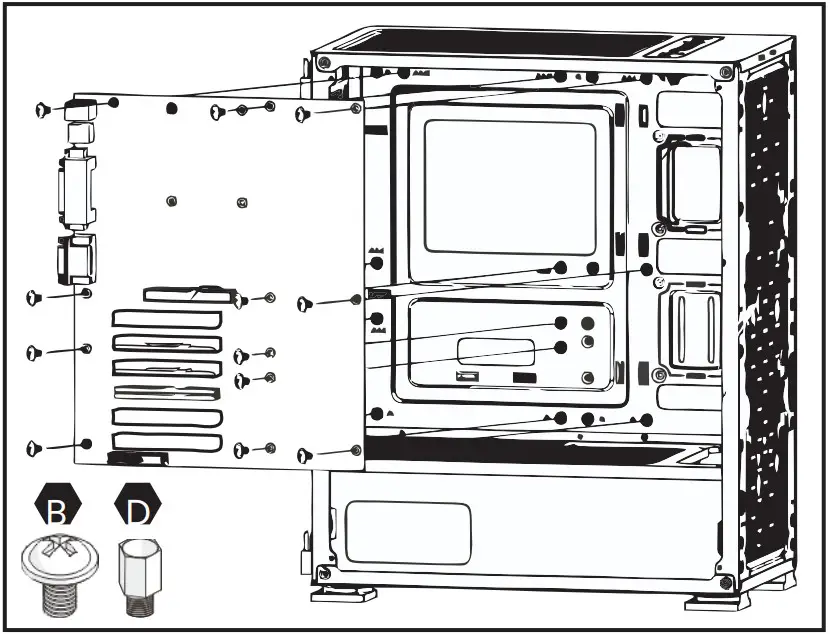 STEP 6 GPU INSTALLATION
- Uninstall the expansion card cover.
- If it is necessary remove some PCIE slot cover.
- Insert GPU card into PCI-E slot.
- Secure the GPU card by screws.
- Plug the PSU connector into the GPU socket.
- Install the expansion card cover.
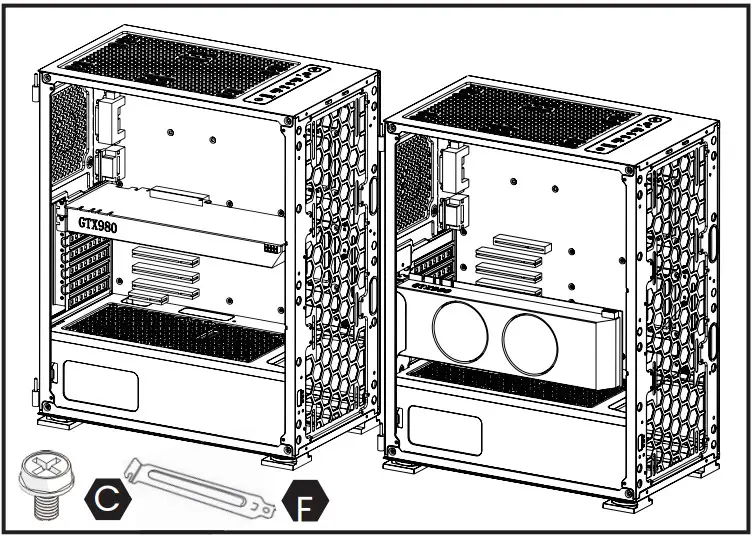 STEP 7 I/O PANEL INSTALLATION
I/O panel is equipped in USB ports, audio and microphone for these parts proper work connect the cable in correct place in motherboard.
ARGB BACKLIT CONTROL
OPTION 1
BACKLIT CONTROL BY MOTHERBOARD
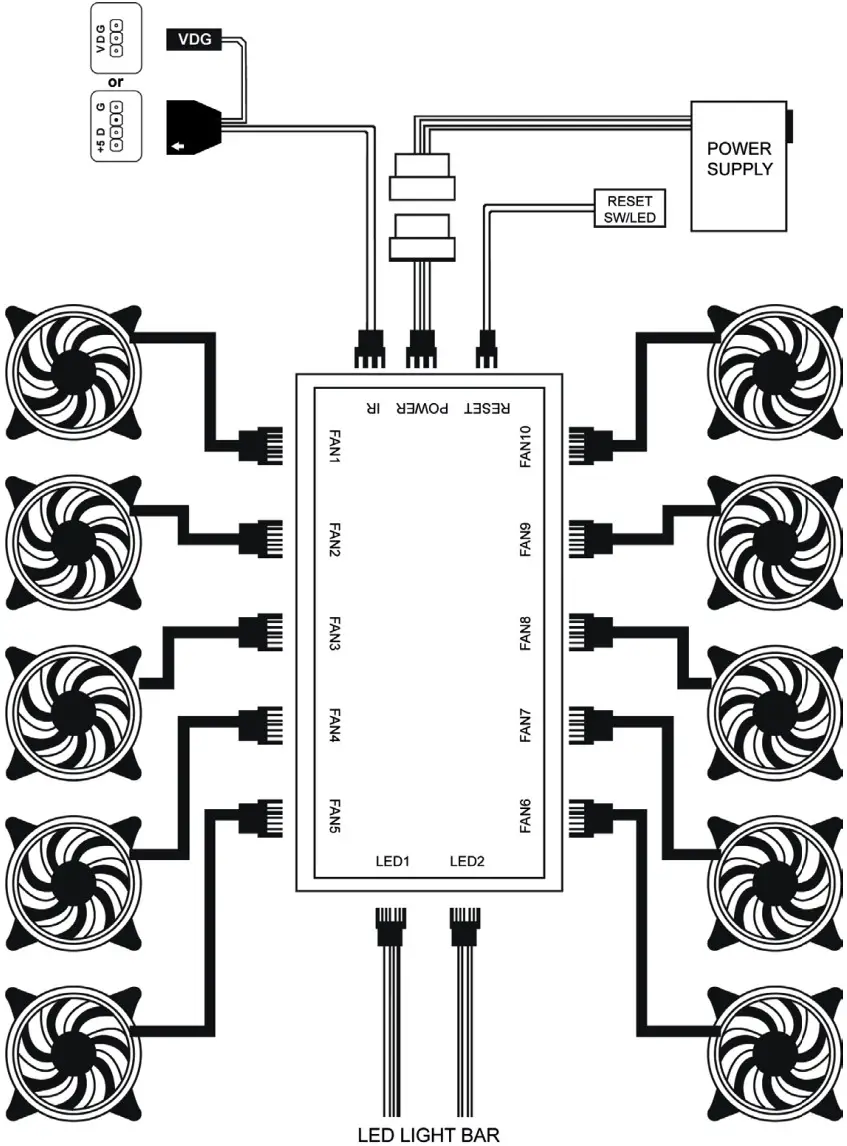
If the motherboard has ARGB (5V) or VDG (Gigabyte motherboard) socket, the backlit can be controlled by using a dedicated motherboard software (controller connection scheme).
- Connect power to the controller.
- Connect ARGB (5V) or VGD cable to motherboard.
CAUTION!
During controlling by motherboard the remote controller will not work.
OPTION 2
BACKLIT CONTROL BY MANUAL MODE (LED BUTTON)
If the motherboard does not have ARGB (5V) or VDG (Gigabyte motherboard) socket, the backlit can be controlled by LED button, which is placed on the top part of case (controller connection scheme).
- Connect power to the controller.
- Connect the LED SW/RESET SW to the controller (controller connection scheme).
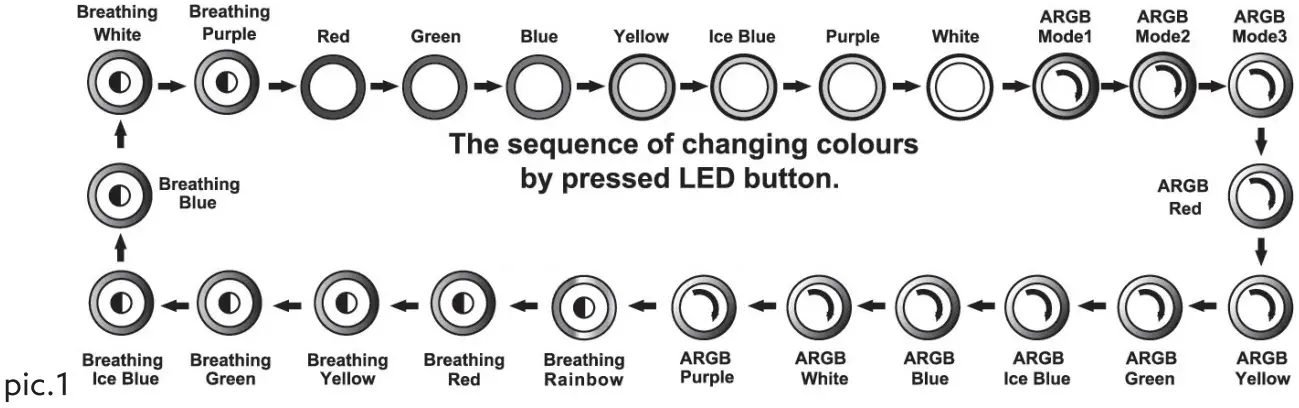 OPTION 3
BACKLIT CONTROL BY REMOTE CONTROLLER
The backlit can be also controlled by remote controller, which is included to case set. The remote controller work on radio wave, by that solution, backlit colour and working parameters of fans can be changed from far distance. For the correct work of remote controller you need to select manual mode.
To be able to control by remote controller you need to:
- Connect power to the controller.
BACKLIT SELECTION CONTROL MODES
If the controller is connected at the same time to the motherboard and LED button, only one mode of backlit control will work property.
To change backlit mode control you need to:
- Press LED button placed on the top part of case for about 2 sec.
- Pressing button
 placed on the remote controller.
 placed on the remote controller.
Two above sequences will cause change mode from the motherboard to manual by LED button and vice versa.
REMOTE CONTROLLER
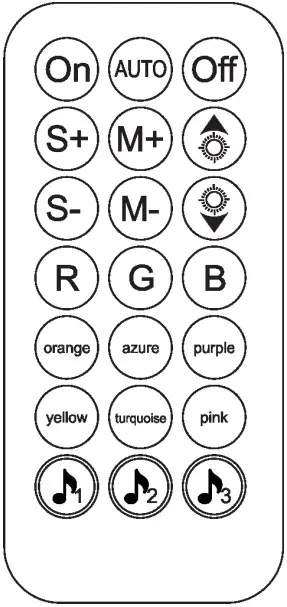
 | Turn on the backlit |  | Change backlit to blue |
 | Automatic backlit mode |  | Change backlit to orange |
 | Turn off the backlit |  | Change backlit to azure |
 | Increase fan speed |  | Change backlit to purple |
 | Select the next backlit mode |  | Change backlit to yellow |
 | Increase animation speed |  | Change backlit to turquoise |
 | Reducing fan speed |  | Change backlit to pink |
 | Select the previous backlight mode |  | Control backlit by voice, mode 1 |
 | Reduct animation speed |  | Control backlit by voice, mode 2 |
 | Change backlit to red | Change of backlit modes | |
 | Change backlit to green |  | Control backlit by voice, mode 3 |
CONTROLLER CONNECTION SCHEME
 ADDITIONAL INFORMATION
- The screws for additional fans are not included into mounting set.
- The VGA holder is not included into mounting set.
- Do not cover vent holes which are located into top, rear, front and bottom of PC case.
SAFETY CONDITIONS
- Use the product in accordance with its intended use, as improper use may damage the product.
- Do not expose the device to moisture, heat or sunlight, do not use the product in a dusty environment.
- The device should be cleaned only with a dry cloth.
- Independent repairs and modification result automatic loss of the warranty.
- Hitting or dropping may damage the product.
 Information of the utilization of electrical and electronic equipment
This symbol indicates that electrical equipment should not be disposed of with other household waste. Used equipment should be sent to a local collection point for this type of waste or to a recycling centre. Please contact your local authorities for information about disposal methods available in your area. Waste electrical equipment may contain dangerous substances (e.g. mercury, lead, cadmium, chromium, phthalates) which can get into air, soil and groundwater when leaking from used appliances. Environmental pollution of these substances leads to their bioaccumulation, causing lesion of disease in living organisms, which would pose a risk to human and animal health or life. Households may contribute to environmental protection by proper waste collection. In such way, dangerous substances from the equipment are neutralized and valuable secondary raw materials are reused for production of new equipmentmay result in electric shock.
Warranty:
The warranty covers a period of 24 months. Independent repairs and modifications result in automatic loss of the warranty. Warranty card is also available for download on our website: www.savio.net.pl/en/service
Information for customers and contractors and communication regarding complaints:
Pursuant to Article 13 section 1 and 2 of the General Data Protection Regulation (EU) 2016/679 of the European Parliament and of the Council of 27 April 2016 (hereinafter referred to as GDPR), please be advised that Elmak Sp. z o.o., with its registered seat at ul. Morgowa 81; 35-323 Rzeszów becomes the Administrator of your personal data. The Specialist for General Data Protection (SODO) can be contacted in writing to: SODO, Elmak Sp. z o.o., ul. Morgowa 81; 35-323 Rzeszów, via e-mail address: [email protected], and by phone at +48 (17) 854 98 14. Your personal data will be processed in order to perform the contract, in accordance with Article 6(1)(b) of the aforementioned regulation, to the extent resulting from tax laws and financial regulations. Recipients of your personal data include entities authorized by legal regulations to obtain personal data as well as processing entities providing services to Elmak Sp. z o.o. Your personal data will be stored on the basis of Administrator’s legitimate interest. You have the right to access your data, and the right to rectify, delete or limit processing of your data. You have the right to lodge a complaint to the supervisory body if you believe that the processing violates the GDPR. The provision of personal data is voluntary, however, a failure to provide such data may result in a refusal to conclude or in termination of a contract. Your personal data will not be subjected to automated decision making, including profiling referred to in Article 22 section 1 and 4 of the GDPR of April 27, 2016.
Product meets the requirements Declaration of Conformityis available for download on website: www.savio.net.pl/do-pobrania
Producer:
Elmak Sp. z o.o.
ul. Morgowa 81
35-323 Rzeszow, Poland
www.savio.net.pl
www.saviogaming.com FB.COM/SAVIONETPL
 @SAVIO.POLSKA
 Ceneo - porównanie cen, sklepy, perfumy, agd, rtv, komputery
 Strona główna - Savio
 Strona główna - Savio