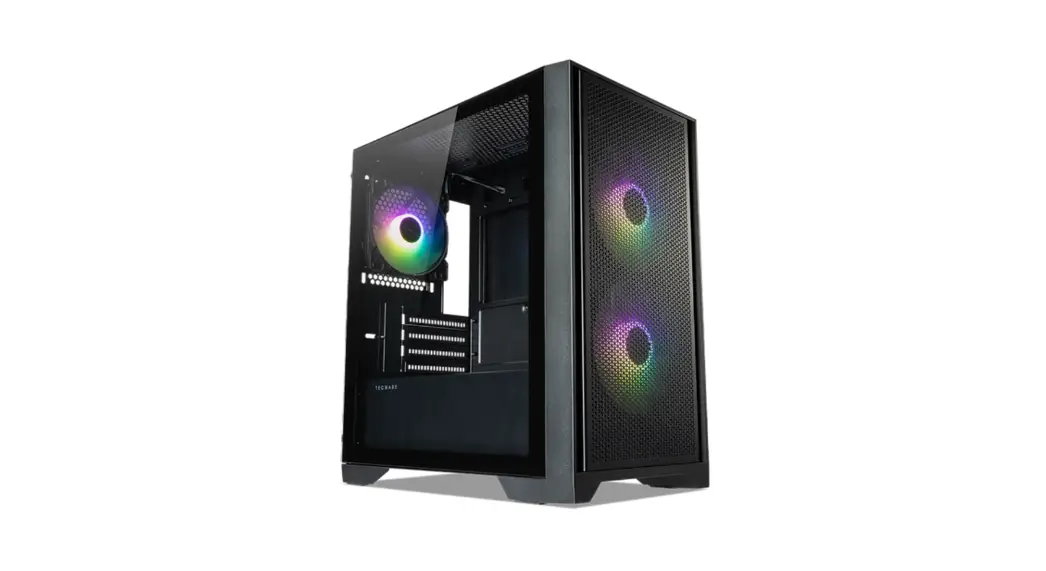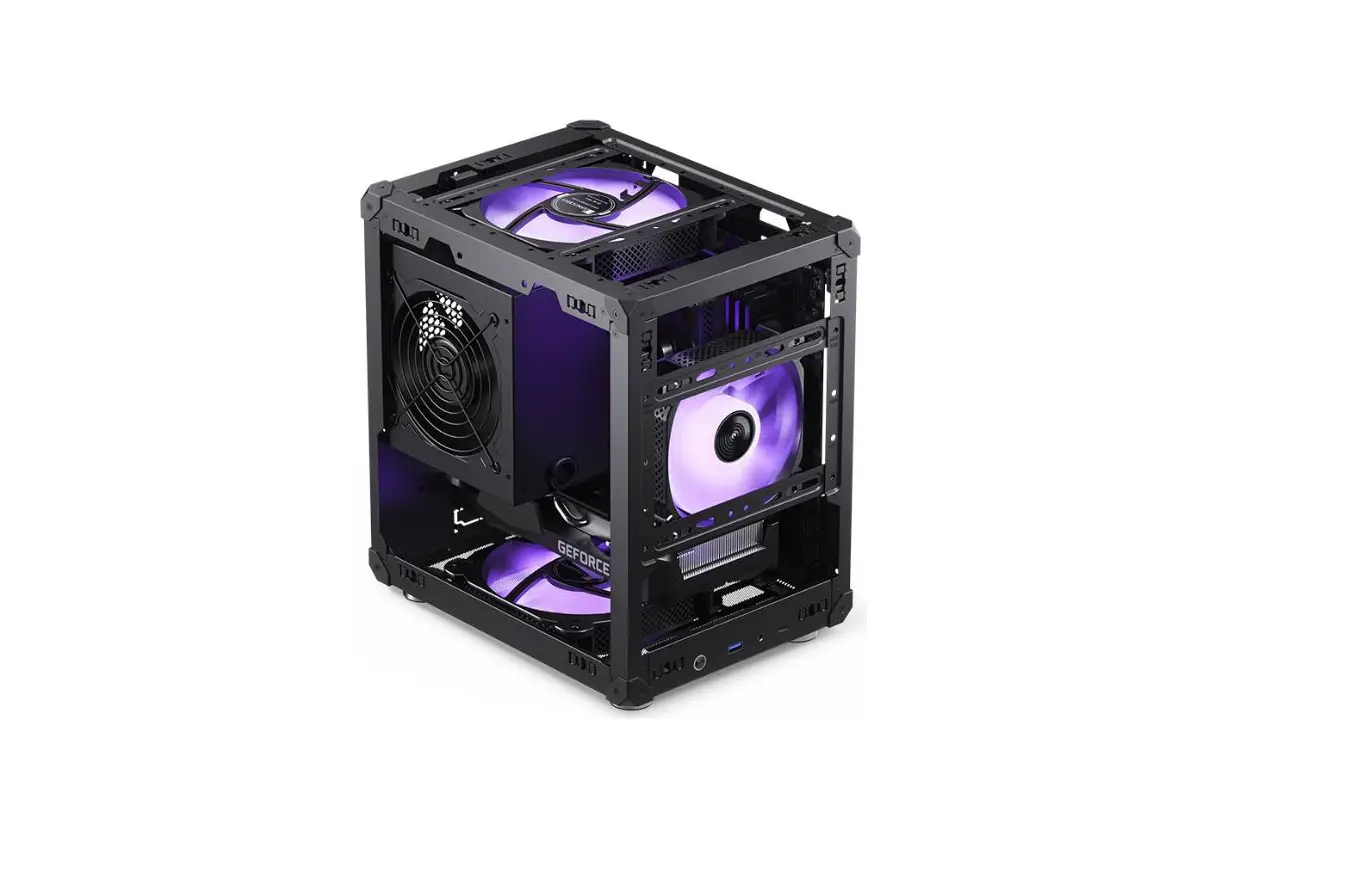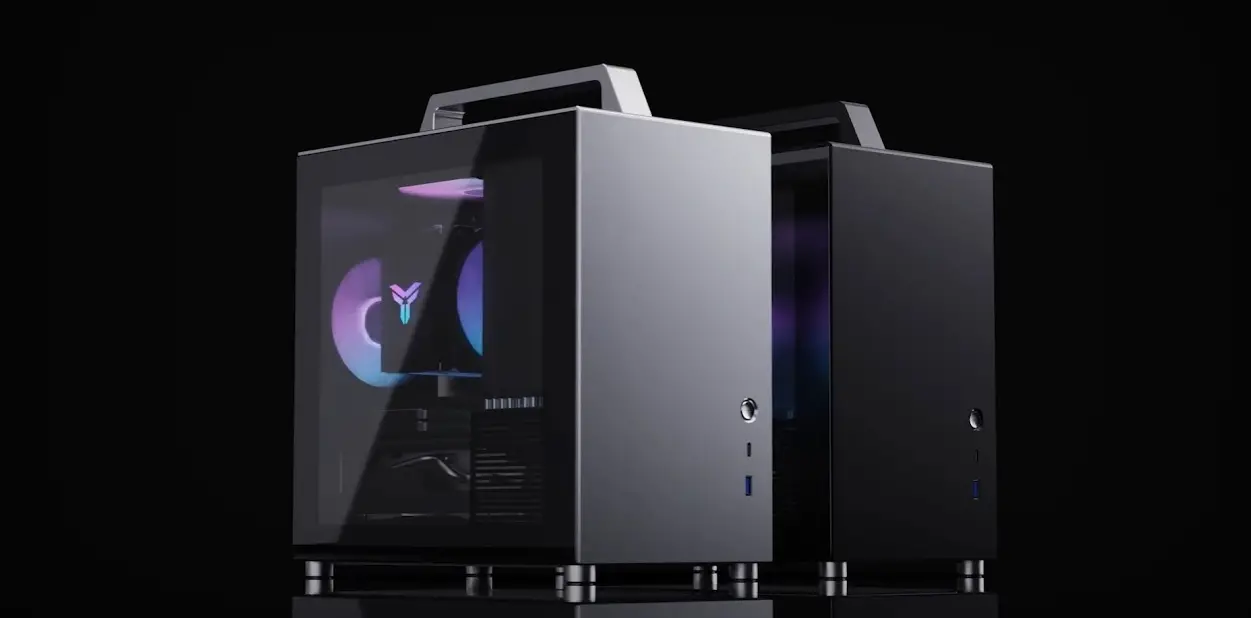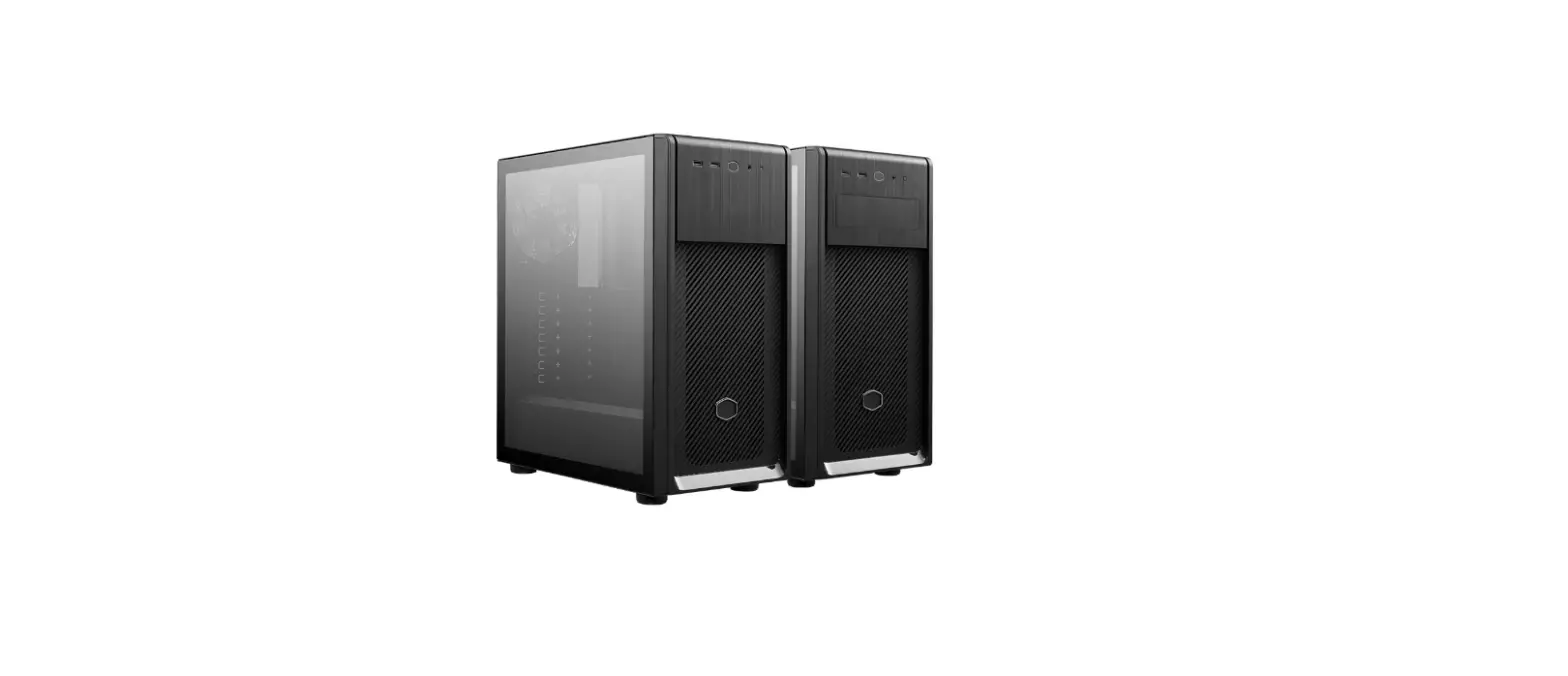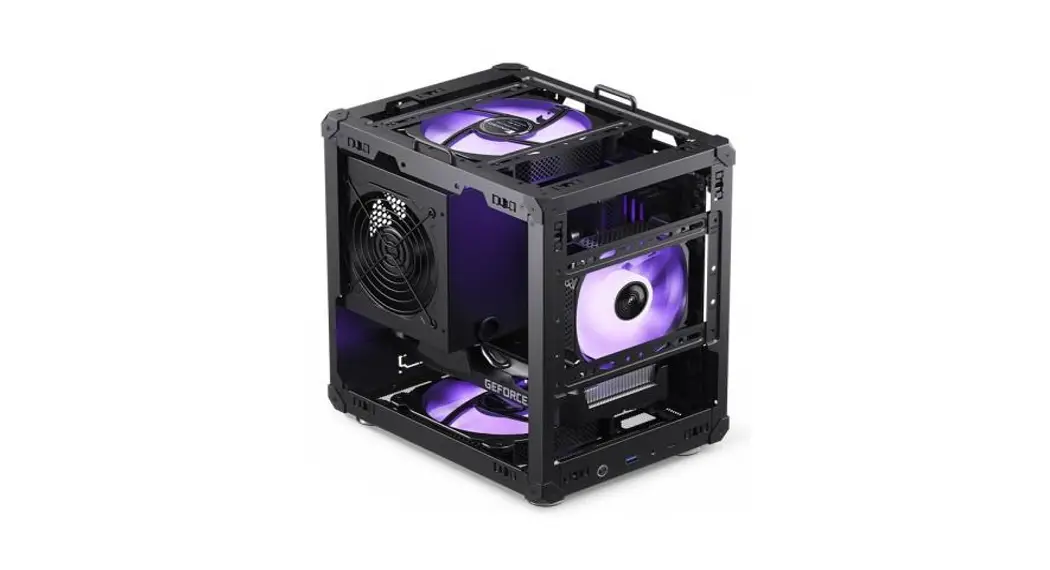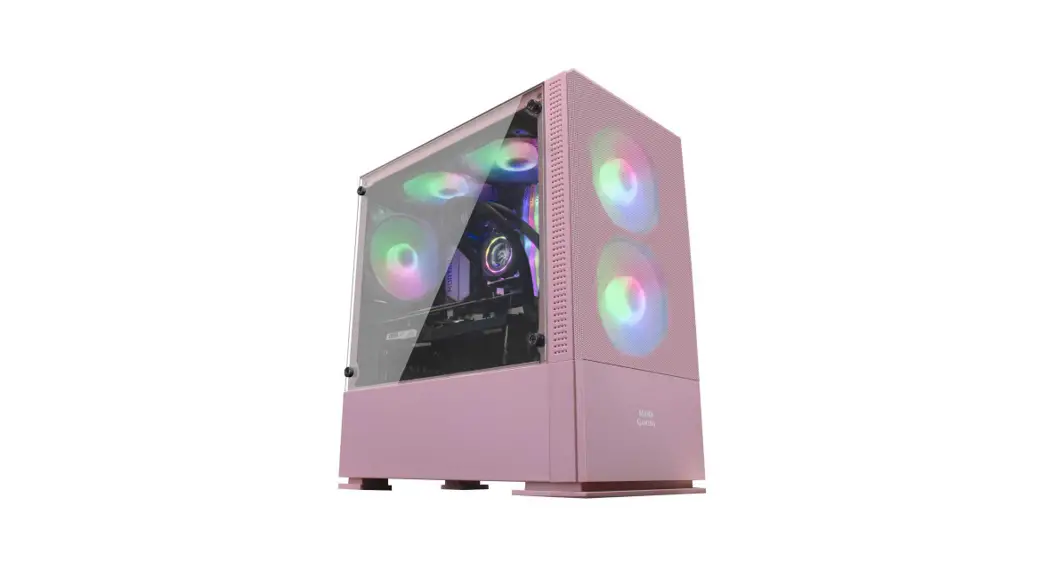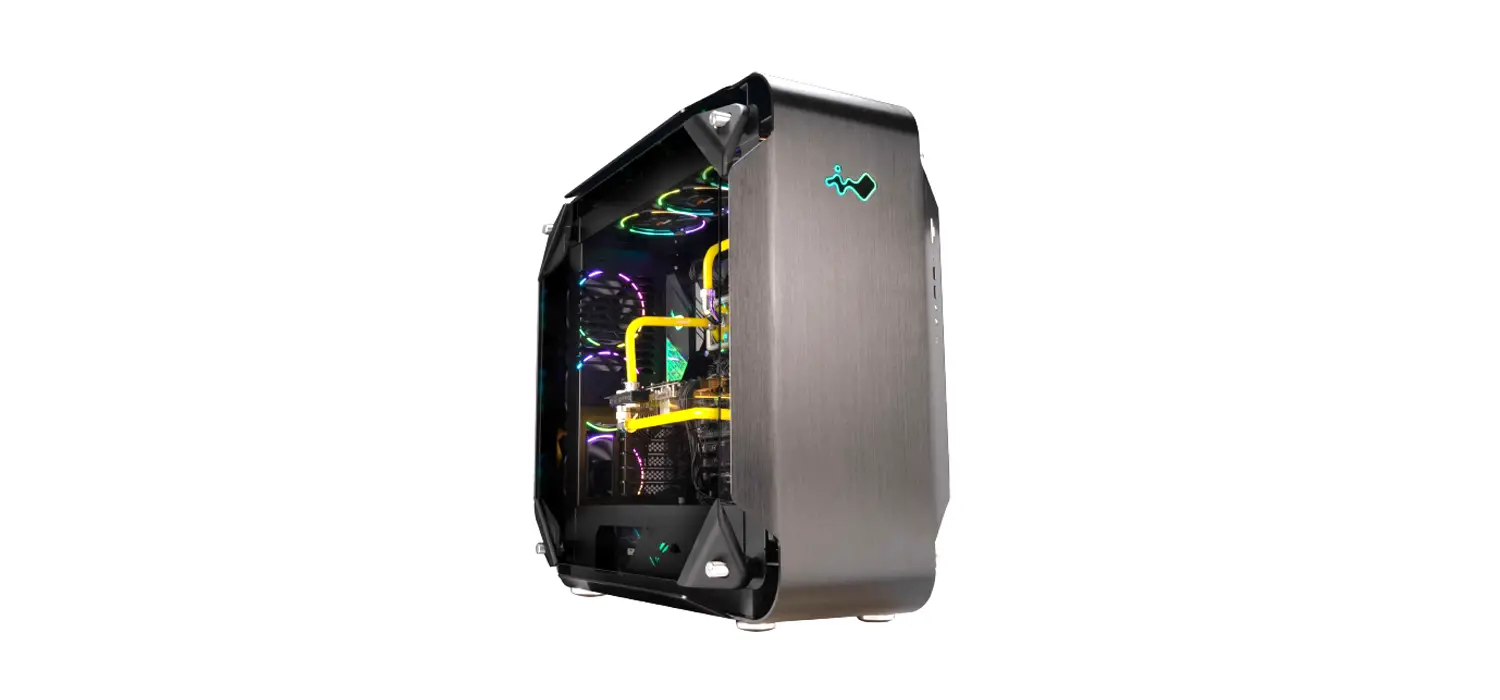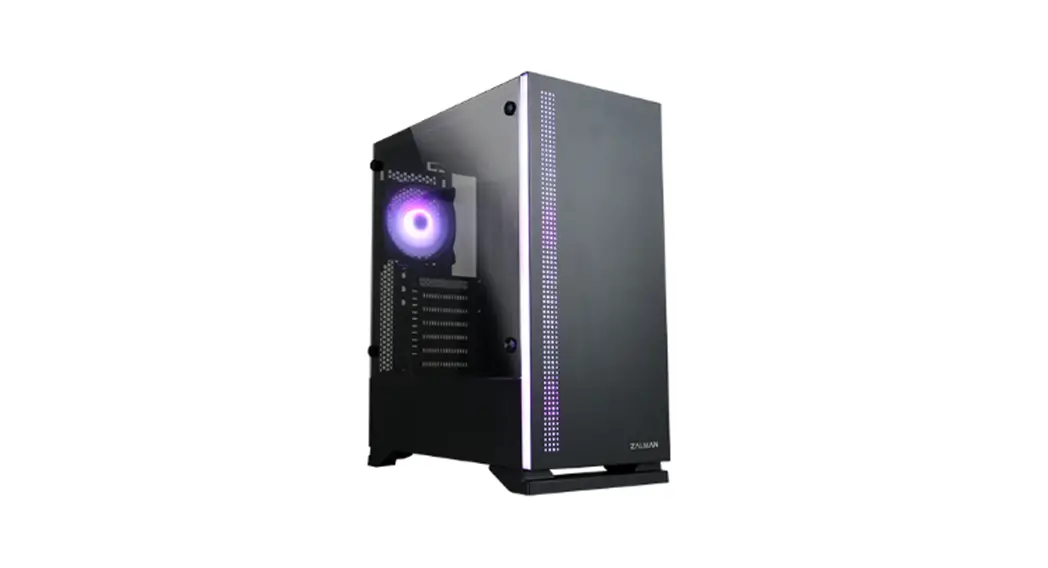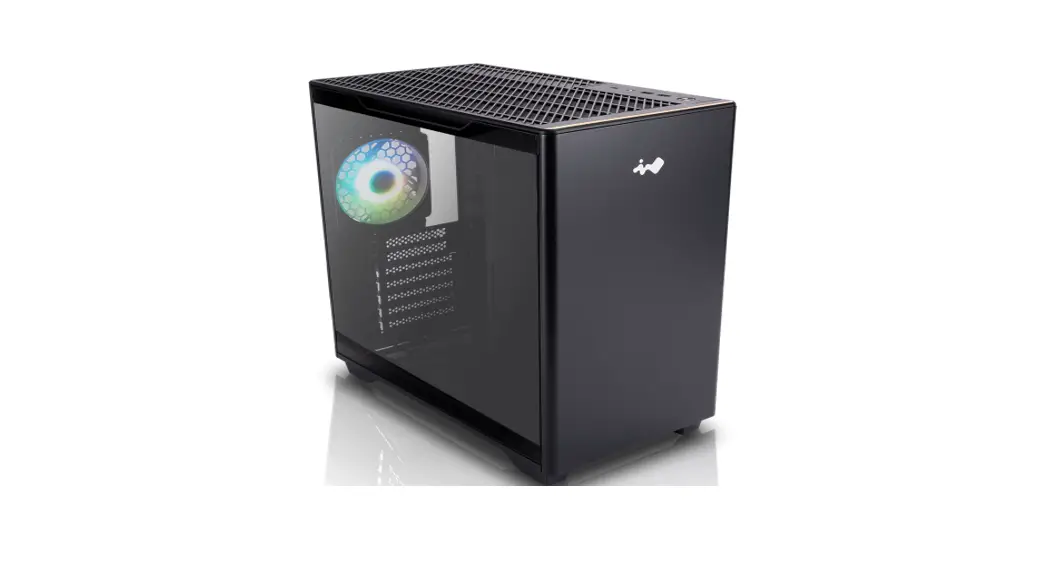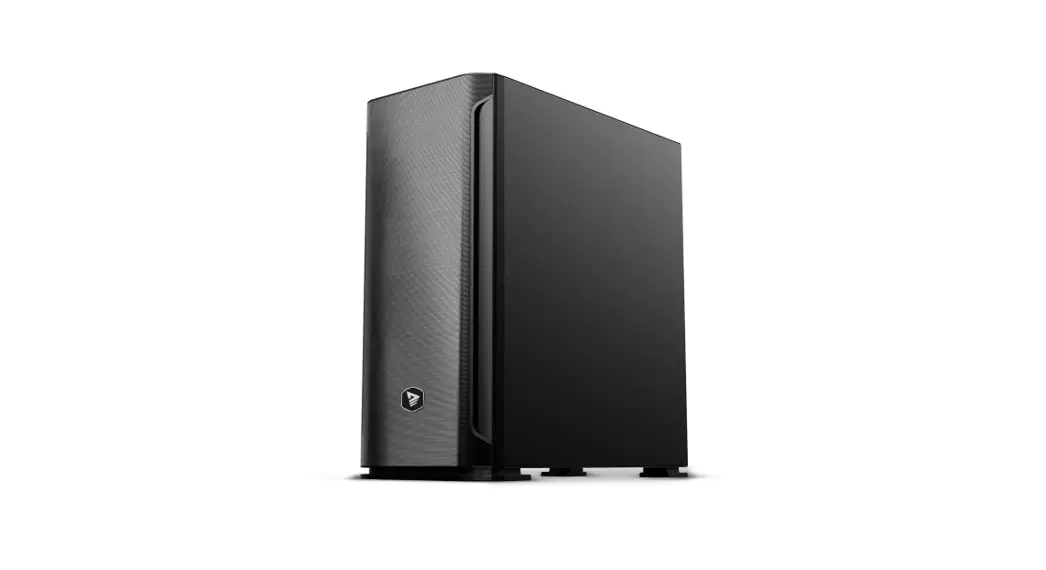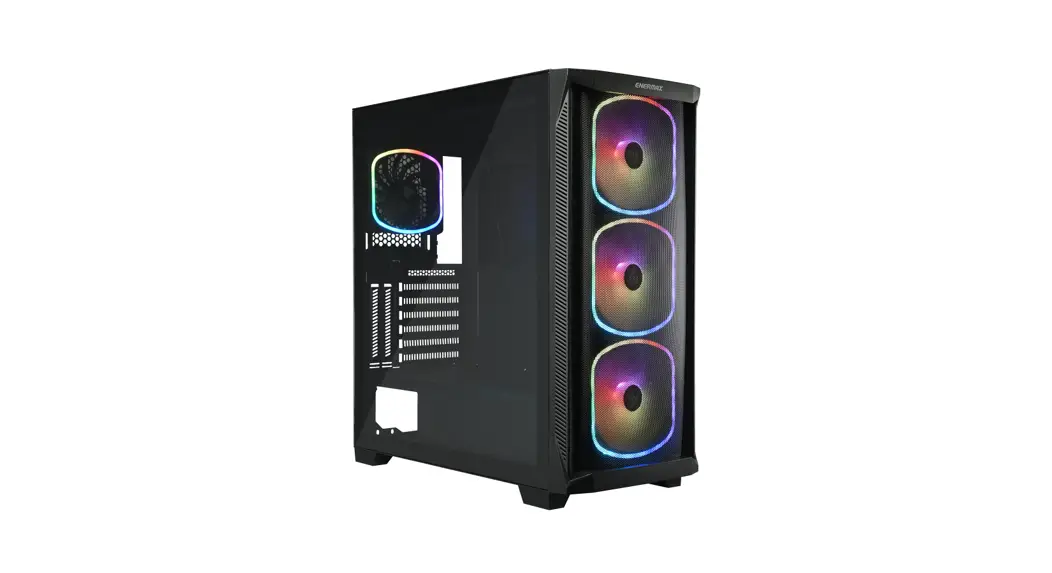

starryknight SK30
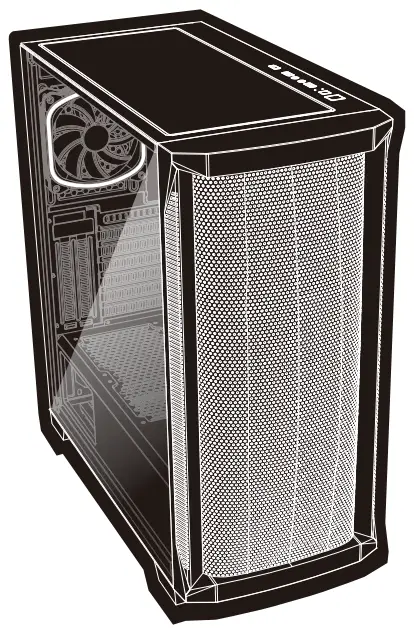
ECA-SK30 Series
User Manual
Chapter 1 : Product View
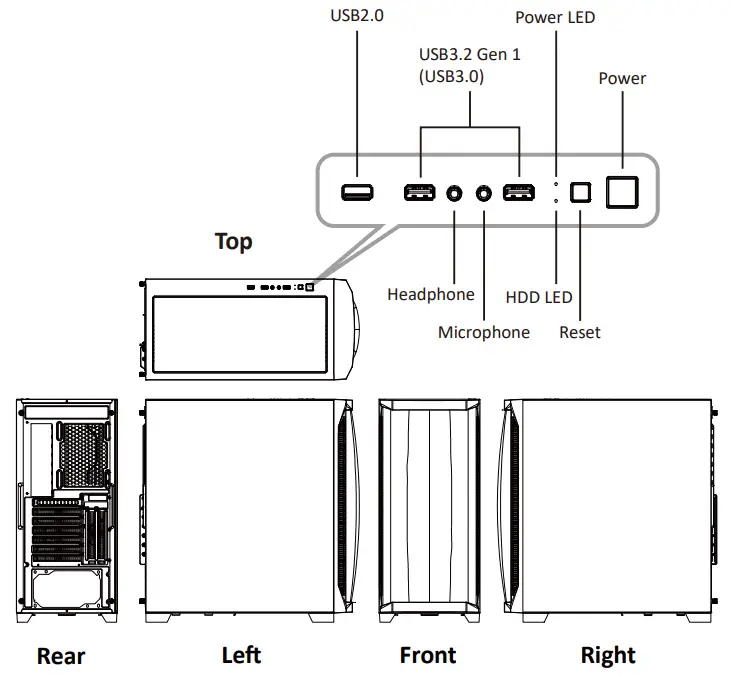 1.2 Specs
| Model Number | ECA-SK30-BB-ARGB | ECA-SK30-BB-ARGB-01 | ||||
| Dimensions (Case) | D465 x W220 x H486mm | |||||
| Material | Tempered Glass, SPCC | |||||
| M/B Type | E-ATX, ATX, Micro-ATX, Mini-ITX | |||||
| I/O | USB3.2 Gen 1 x 2, USB2.0 x 1, HD Audio x 1 | |||||
| Drive Bays | 3.5″ | 2 | ||||
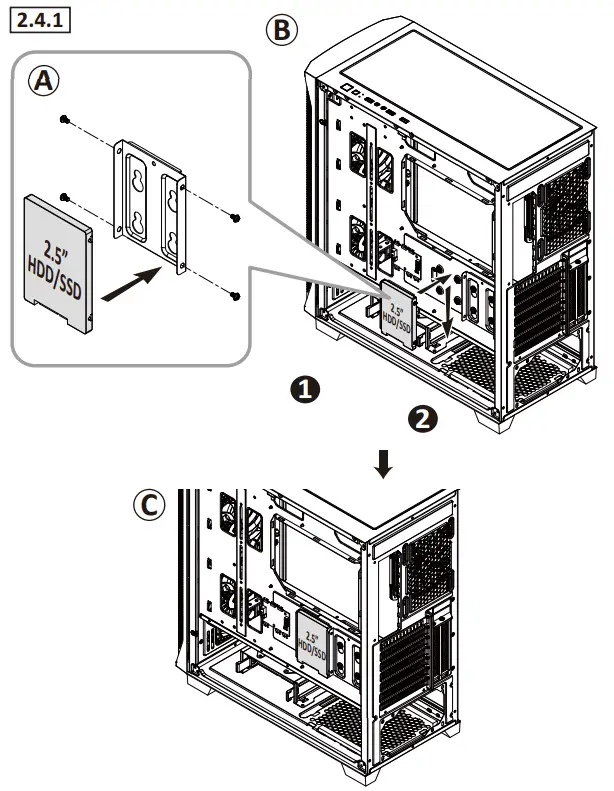
| 2.5″ | 4 (2x converted from 3.5″ HDD Cage) | |||||
| Expansion Slots | 7 + 2 Vertical | |||||
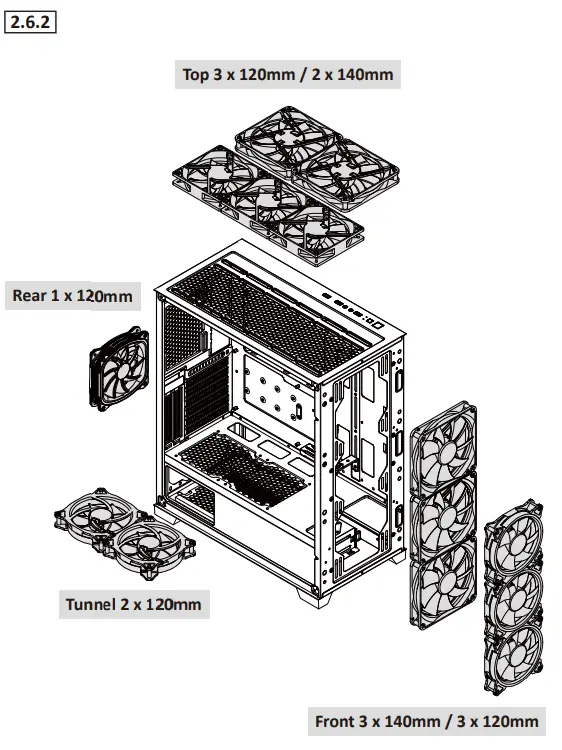
| Fan Support | Front | 3 x 140mm / 3x 120mm (Pre-installed 3 x 140mm SquA RGB) | 3x140mm /3x120mm (Pre-installed3x140mmSquARGB HUB ARGB) | |||
| Top | 2 x 140mm / 3 x 120mm | |||||
| Rear | 1 x 120mm (1 x 120mm SquA RGB Fan Pre-installed) | |||||
| PSU Tunnel | 2 x 120mm | |||||
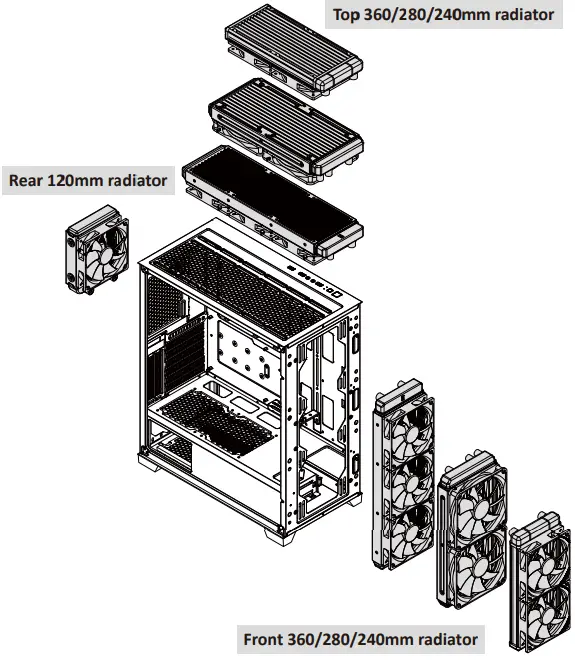
| Radiator Support | Front | 360 / 280 / 240mm | ||||
| Top | 360 / 280 / 240mm | |||||
| Rear | 120mm | |||||
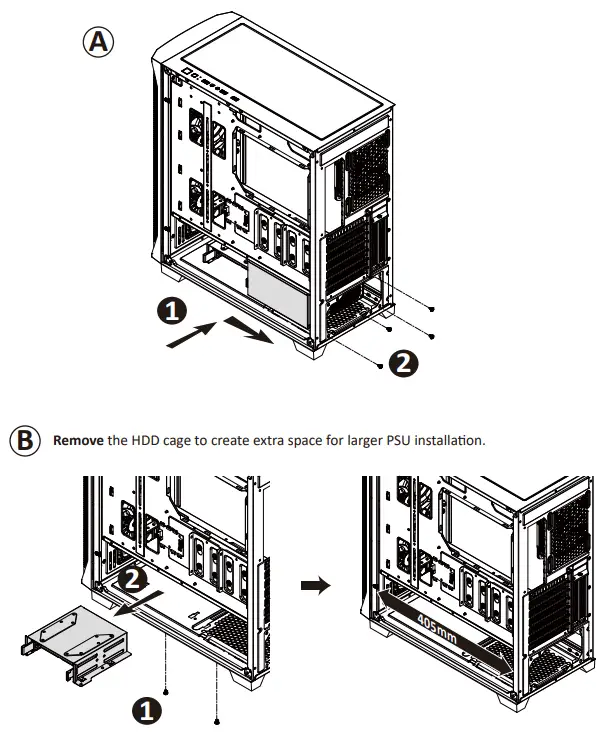
| Clearance | PSU | 160mm 200mm | (With HDD Cage) (Without HDD Cage) | |||
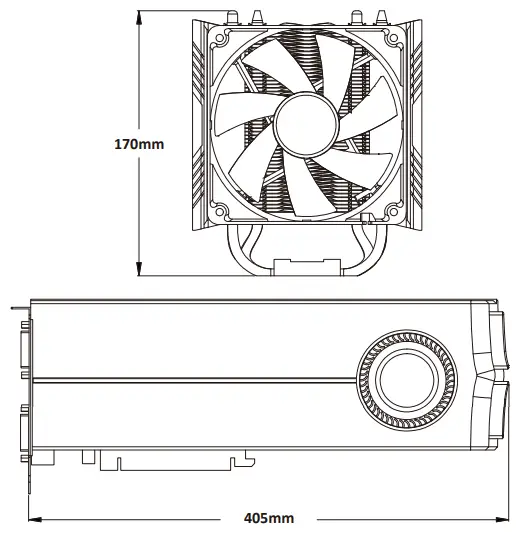
| VGA Card | 405mm | |||||
| CPU Cooler | 170mm | |||||
| Cable Routing Space | 25mm | |||||
*Product specifications are subject to change without notice.
*Options vary by countries or region.
*For detailed information please visit our website at www.enermax.com
Chapter 2: Installation Guide
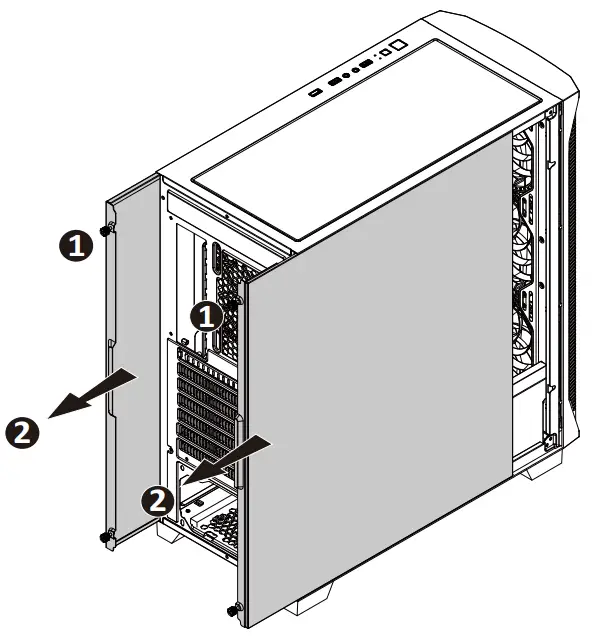
2.1 How to Remove Both Side Panels
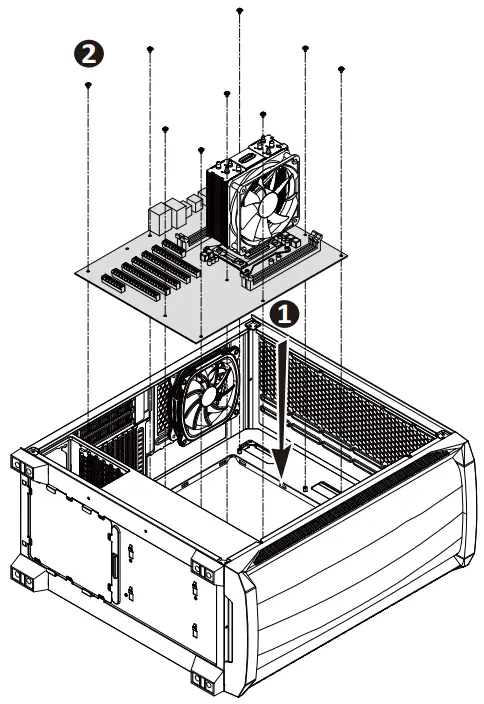
2.2 How to Install the Motherboard
2.3 How to Install Power Supply
2.4 How to Install Internal 2.5” & 3.5” Device
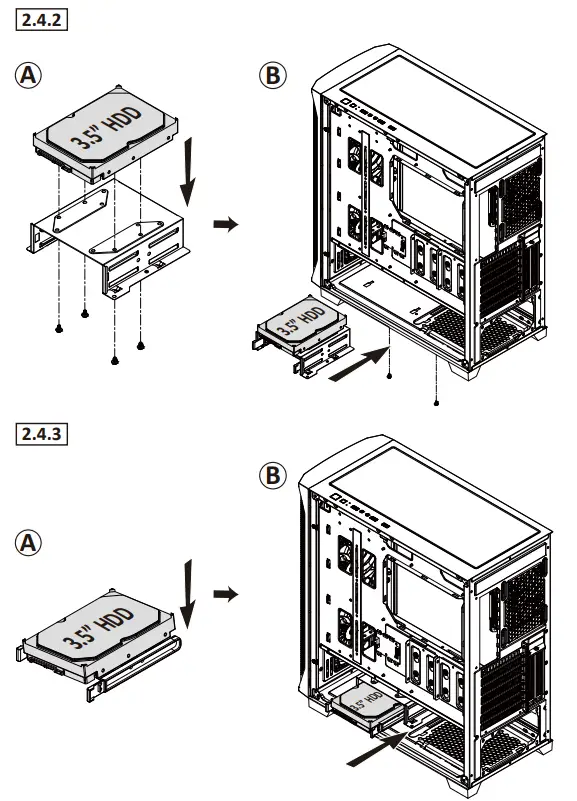
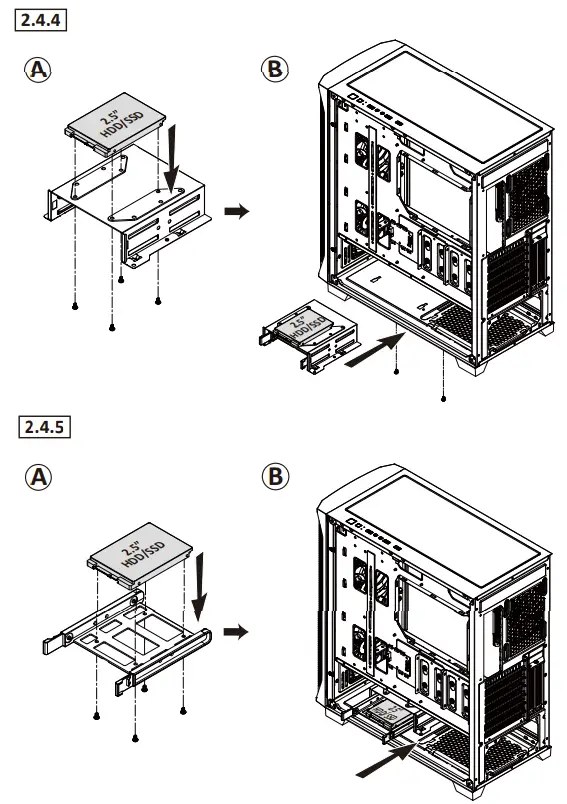
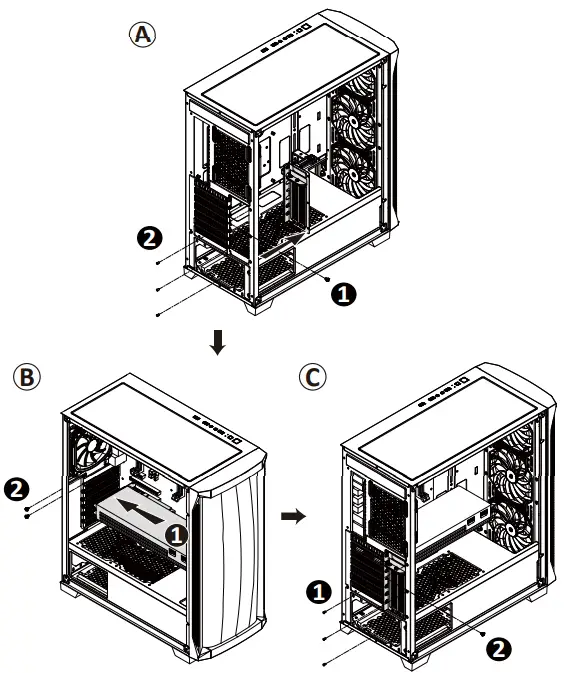
2.5 How to Install Add-on Cards
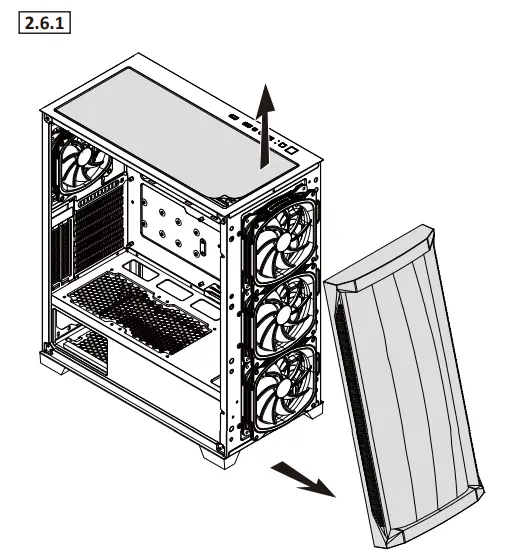
2.6 How to Install System Fans
2.7 How to Install the Radiators
Chapter 3 : ARGB Control Hub
CAUTION:
ARGB Hub Max. Current: 5A
Rated Current of Pre-installed Fan: 0.68A (pc)
*Options vary by country or regions
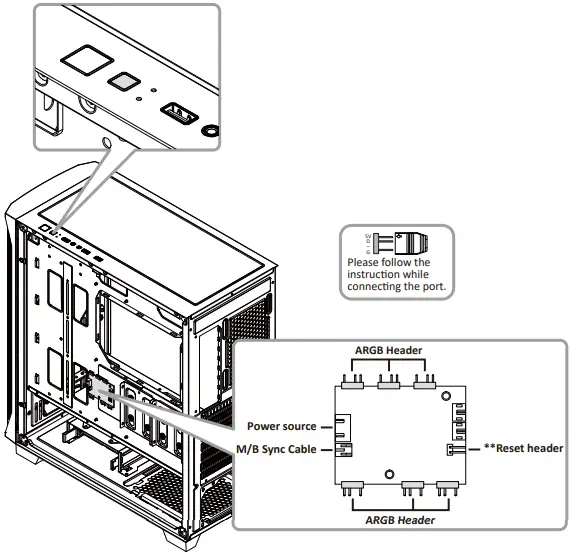
**Convert Reset button to RGB control button
Step 1: Connect the case’s Reset cable to the Reset header on the ARGB hub.
Step 2: The reset function will be disabled, and the reset button will become the RGB control button. Users may use the button to select 13x pre-set lighting modes.
Step 3: Press and hold the RGB button for 2-3 seconds to switch M/B sync and the RGB button control.
Chapter 4 : Suggested Height of CPU Cooler and Length of VGA card
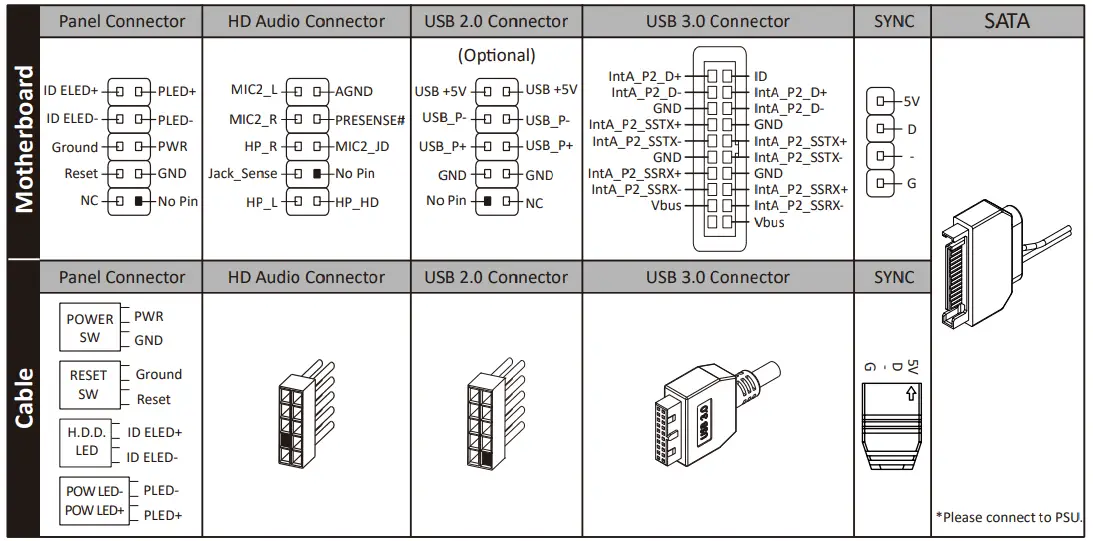
Chapter 5 : Cable Connection Description
 Notice:
- On some motherboards, the connectors might not be exactly the same as the drawings above, please check with your motherboard manual before installing
If you have any question or need support, please contact your reseller or nearest ENERMAX subsidiary/agent or ENERMAX headquarter service center.
 Enermax Europe | PC Components for Enthusiasts