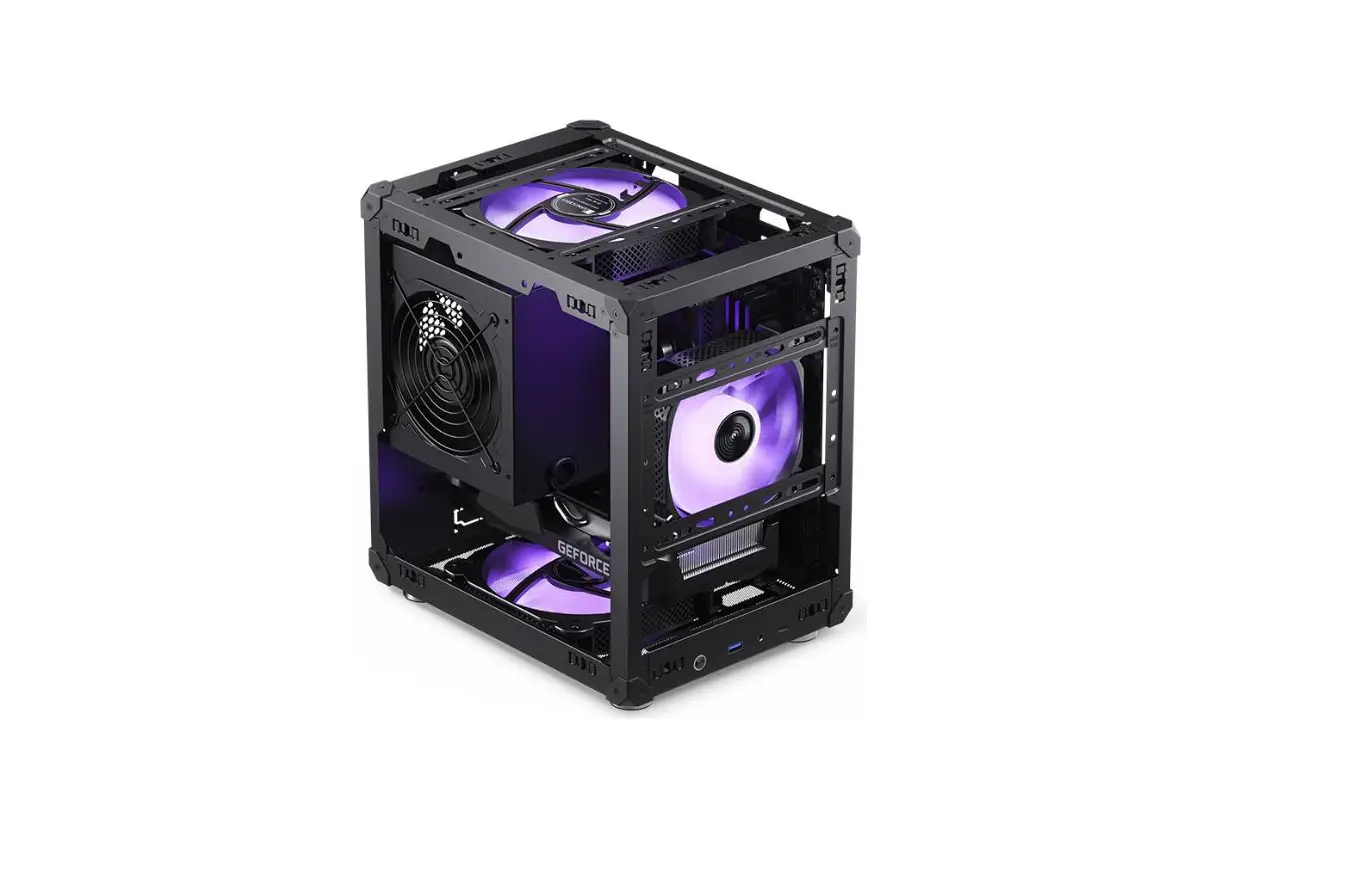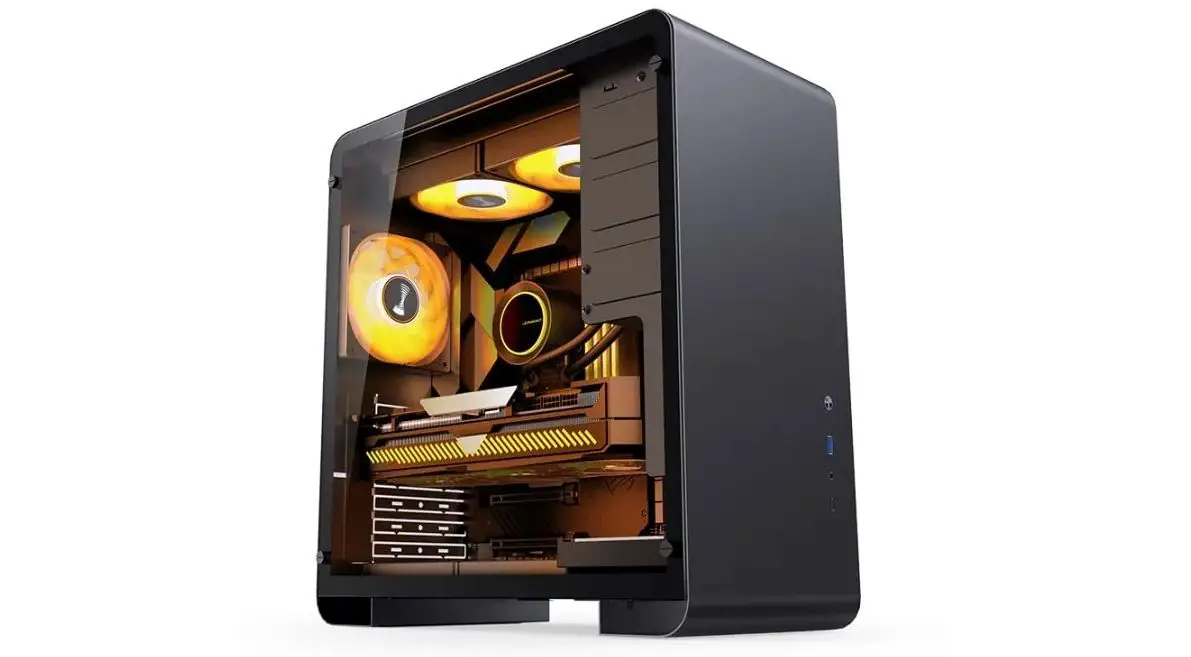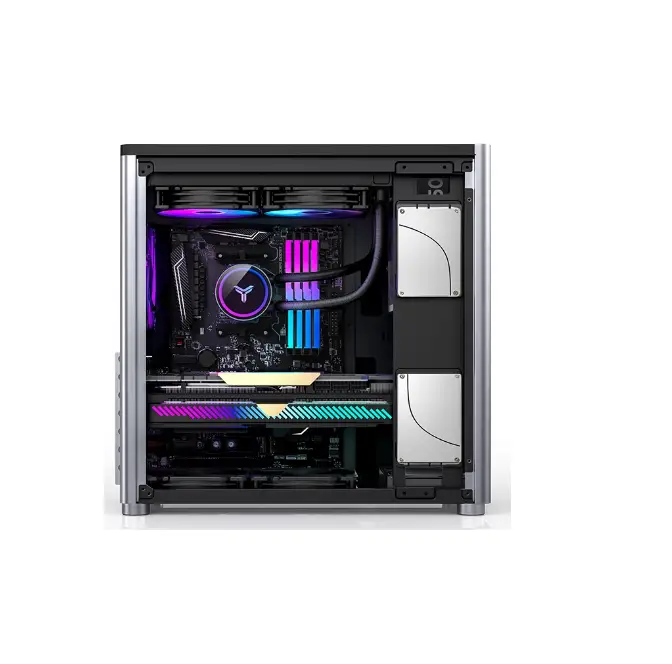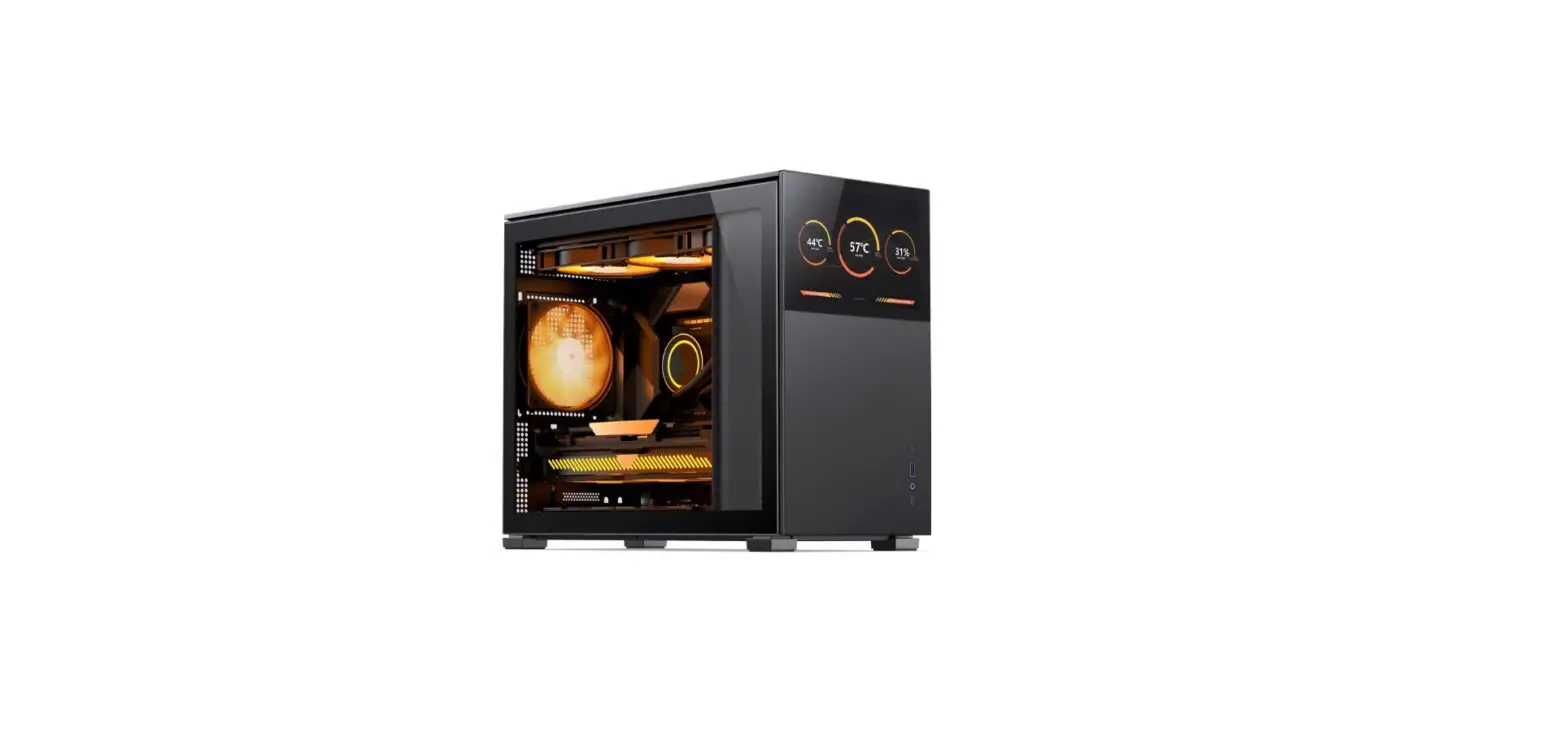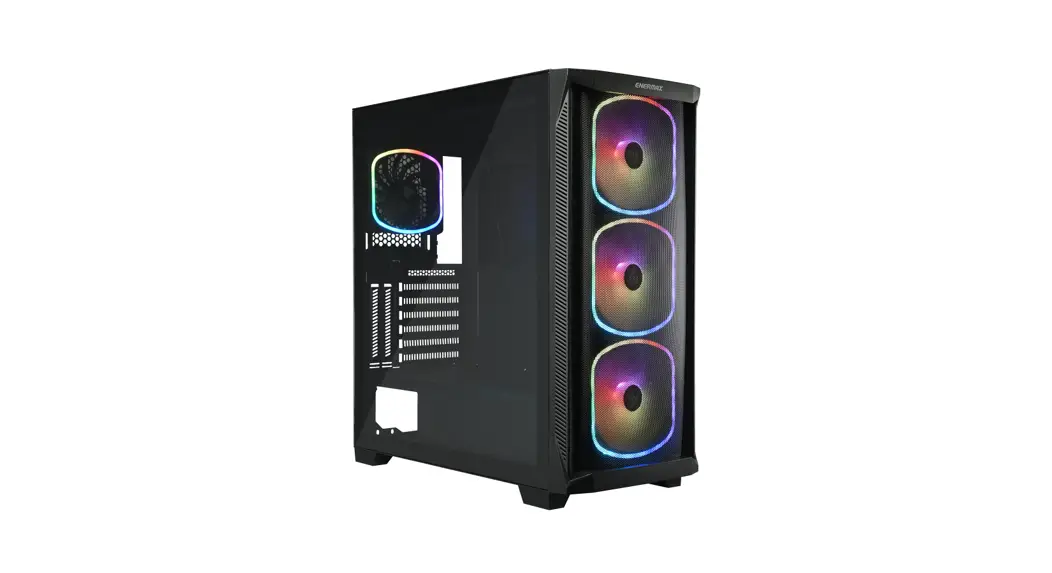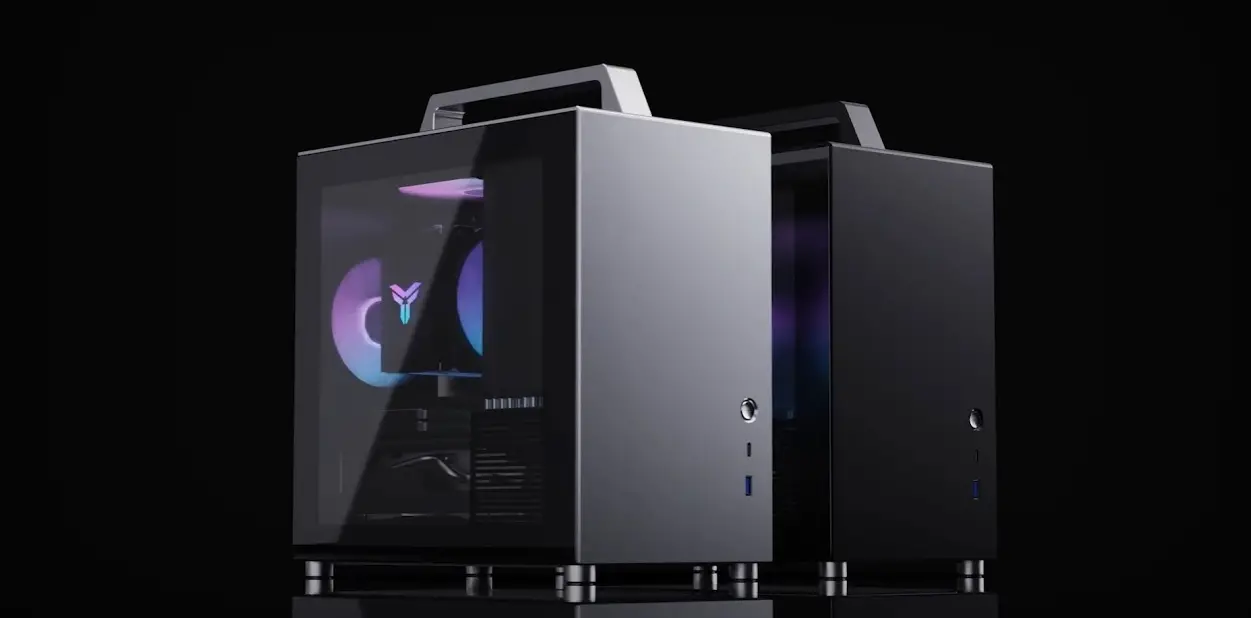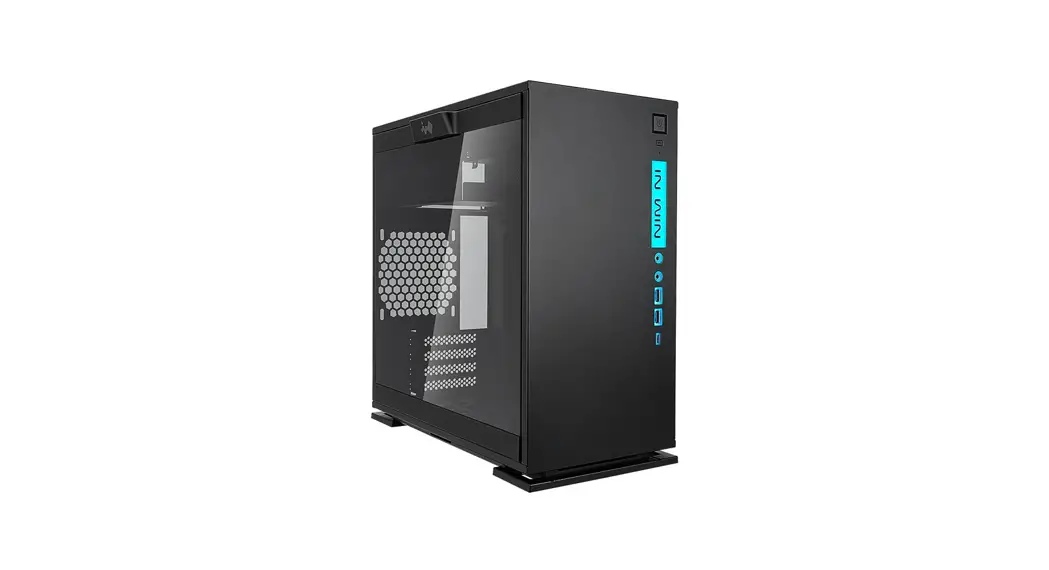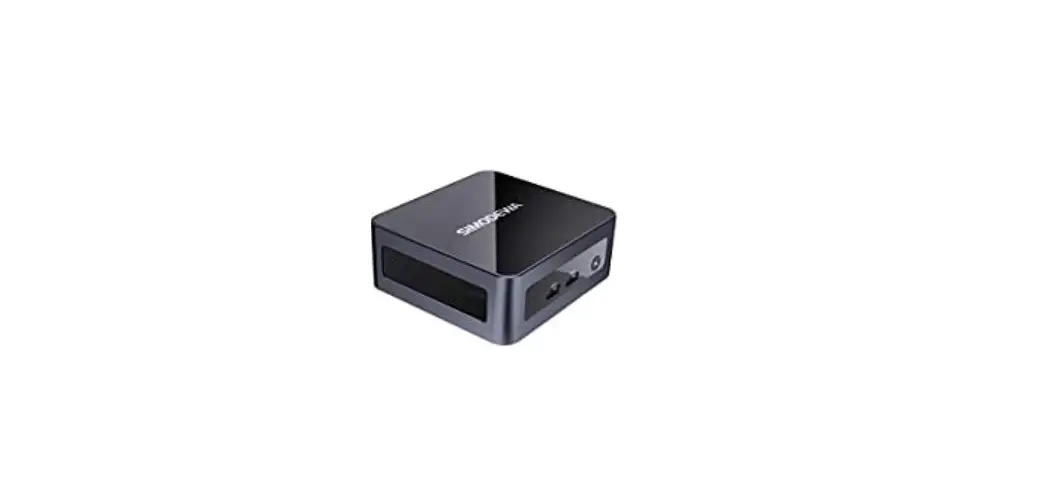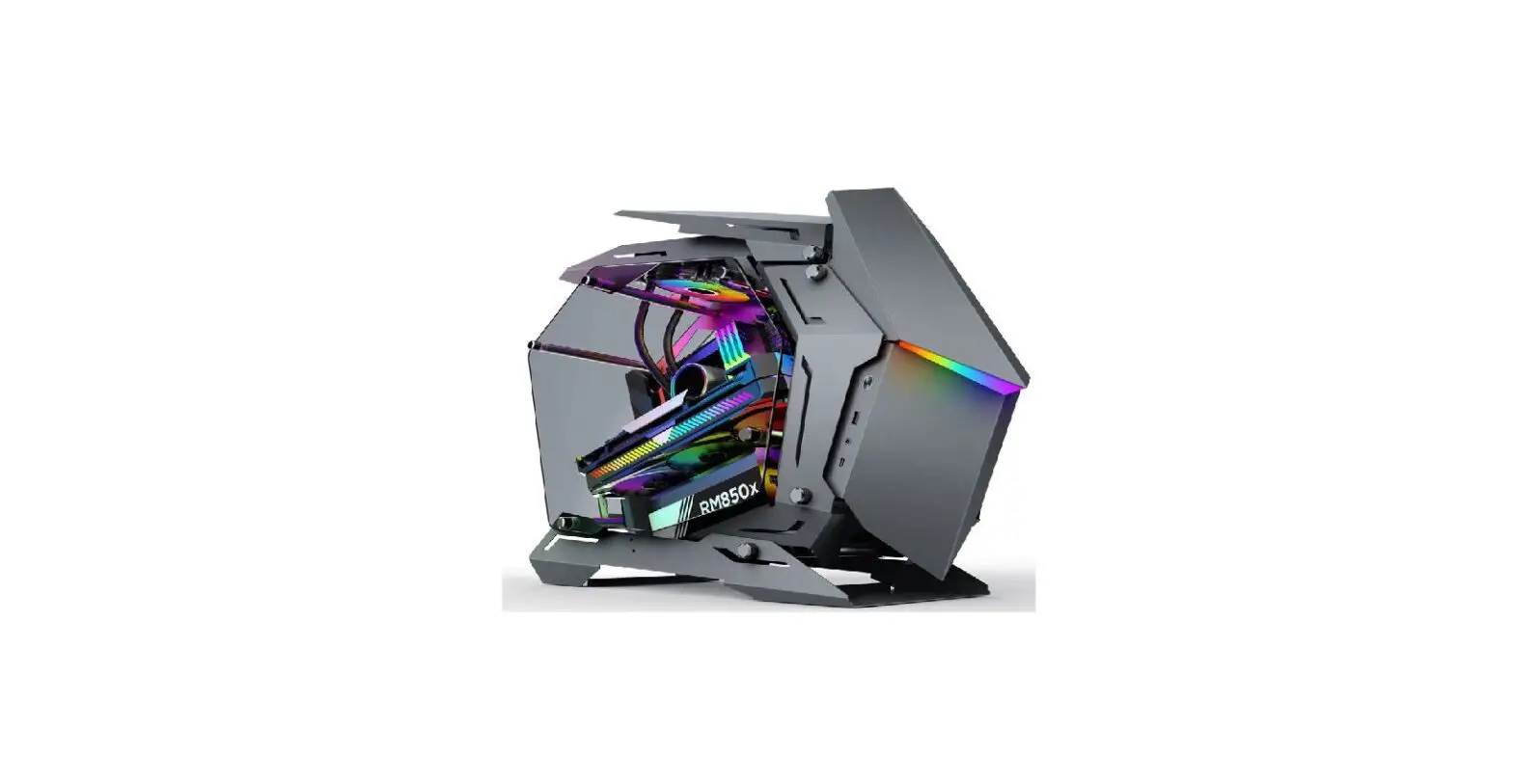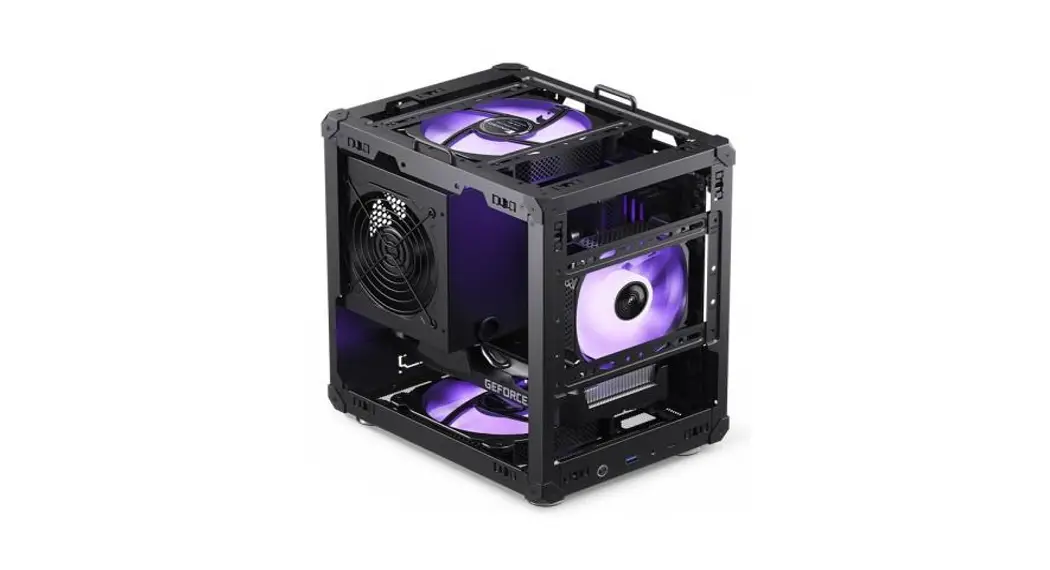
 C6 Mini Desktop PC Case
User Manual
Package Content
| Image | Q’ty | Used for |
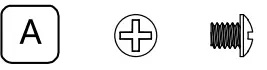 | 17 | Screw – PSU, MB, HDD |
 | 17 | Washer |
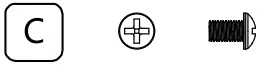 | 8 | Screw – SSD |
 | 1 | HEX wrench socket |
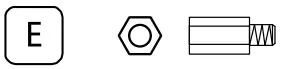 | 1 | Stand off |
 | 1 | Cable tie |
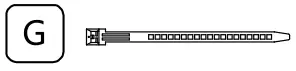 | 5 | Cable tie |
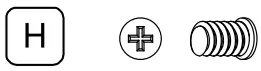 | 8 | Fan Screw |
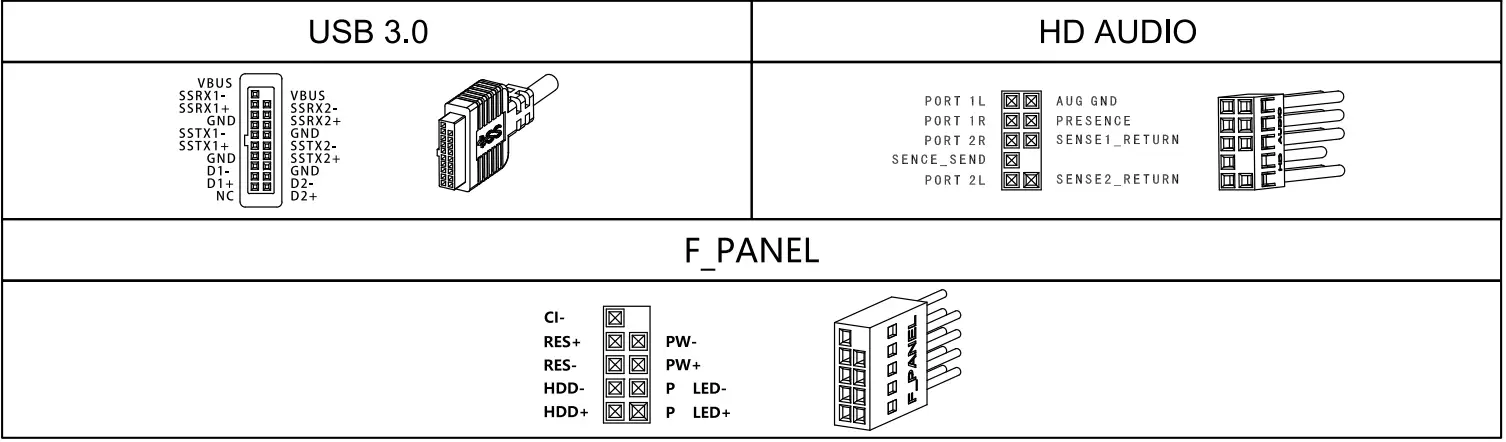
Connections
Parts Diagram
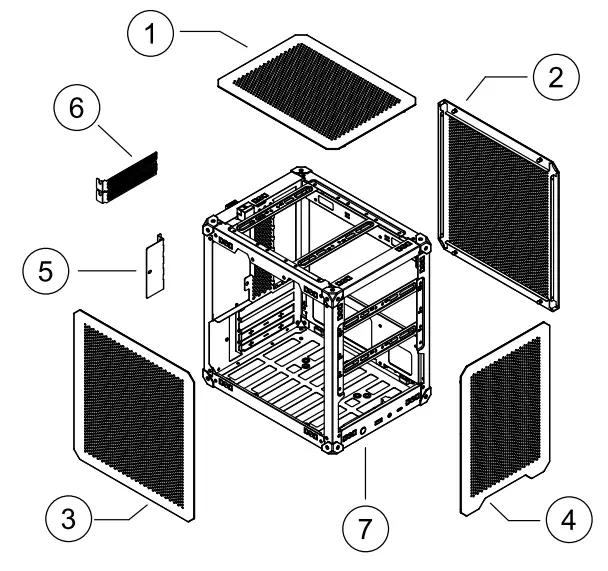
| Parts | |
| 1 | Top Mesh Panel |
| 2 | Right Mesh Panel |
| 3 | Left Mesh Panel |
| 4 | Front Mesh Panel |
| 5 | PCI slot Cover |
| 6 | PCI slot bracket |
| 7 | Main Chassis |
Installation Guide
- PSU installation

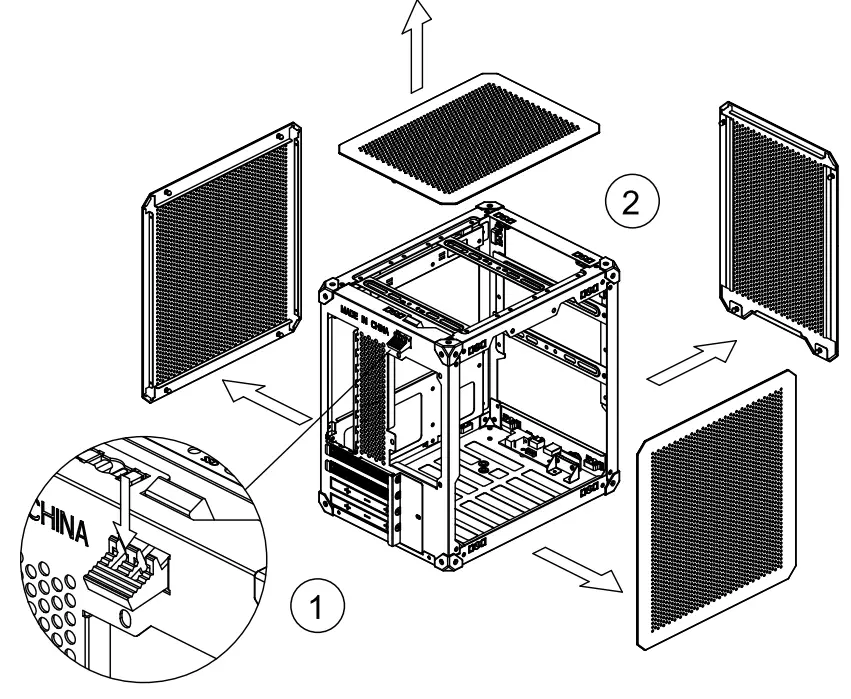
- Press the button on the rear panel of the chassis to open the top panel.
- Push the side panel and front panel out of the inside of the case.
- Before installation, please also remove all the multi-functional brackets
 Remove the multi-functional brackets
 - Motherboard Installation
 Insert the MB diagonally through the front case into the case, secure with screws
 - Motherboard Installation

- Remove PCI slot cover, and PCI slot brackets
- Insert the graphics card to MB slot, secure with screw
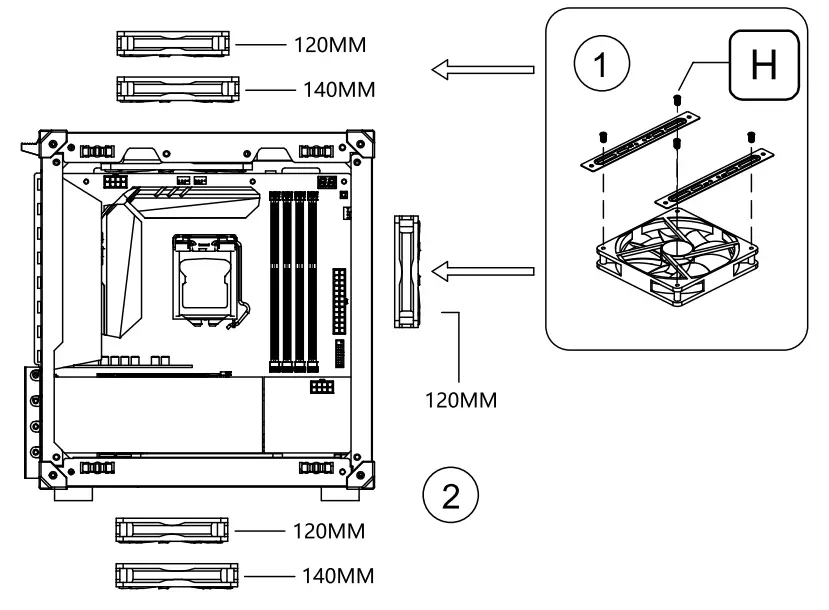
- Fan bracket installation

- Install the fan brackets to the fan
- Insert the fan assembly into the chassis, and secure.
- Storage device installation
 2.5″ SSD or 3.5′ HDD install on the multi-functional brackets, and than mount on the corresponding mounting points
 - PSU installation

- Connect all the cables before mounting the PSU into the case
- Put the PSU on the mounting area and fix it with screws
- Mesh panel installation
 Install the mesh panels
 - Strap Handle installation (Only for Strap handle version)
 Strap Handle installation
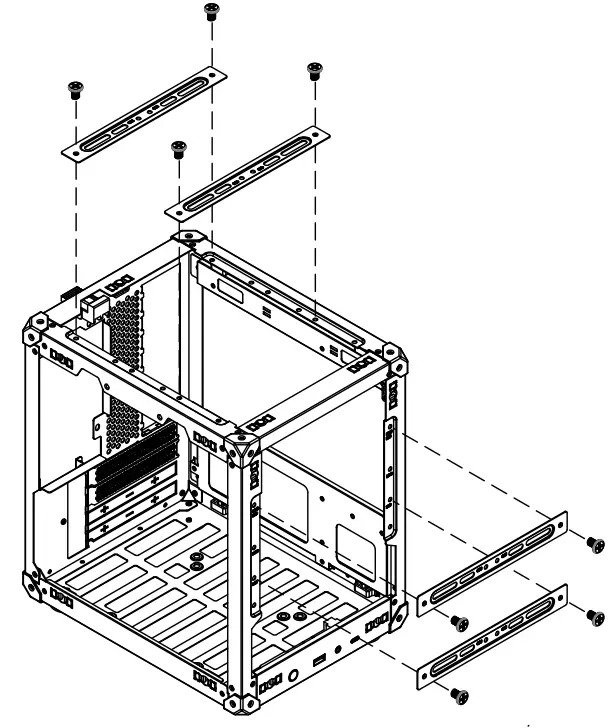 Remove the multi-functional brackets
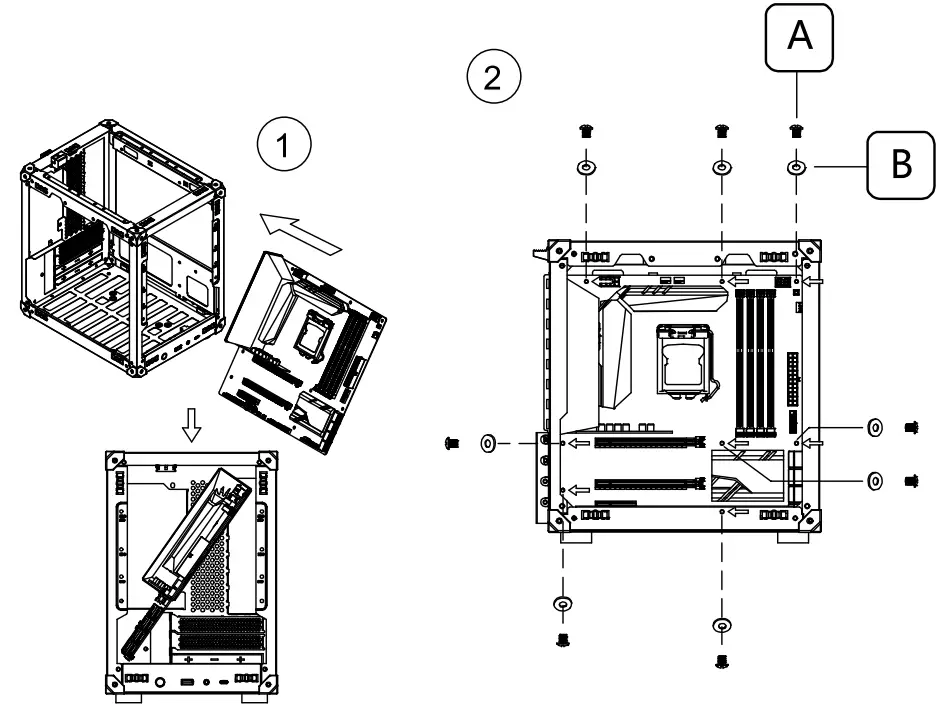 Insert the MB diagonally through the front case into the case, secure with screws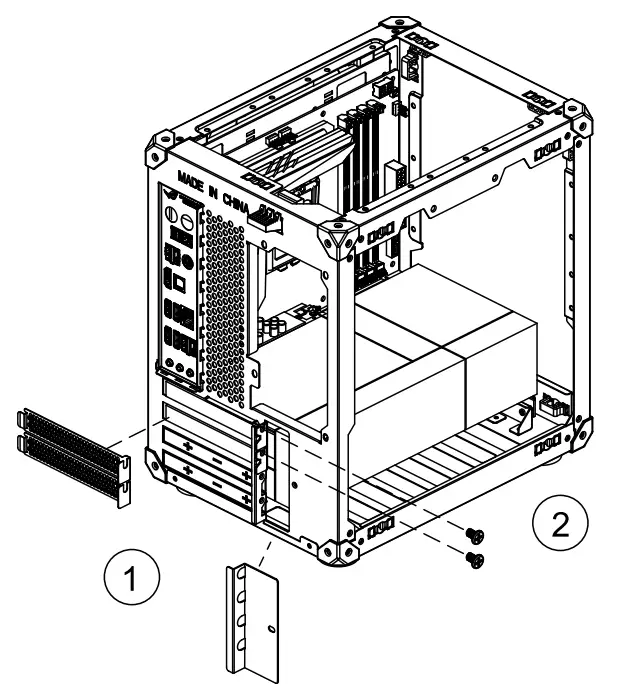
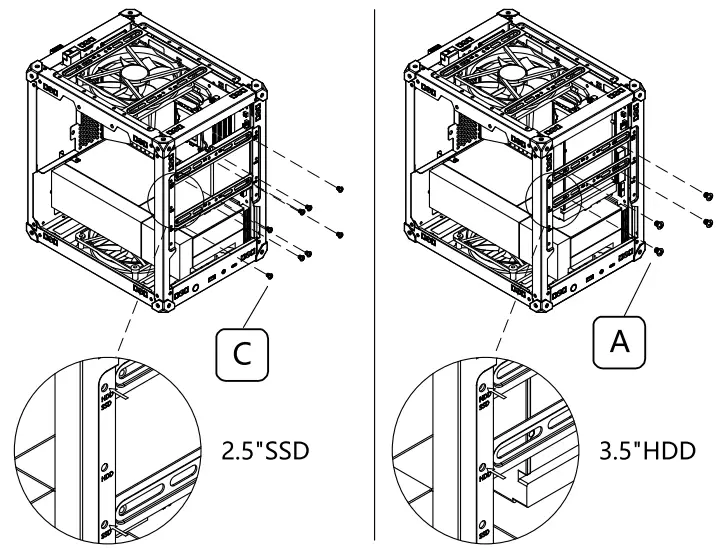 2.5″ SSD or 3.5′ HDD install on the multi-functional brackets, and than mount on the corresponding mounting points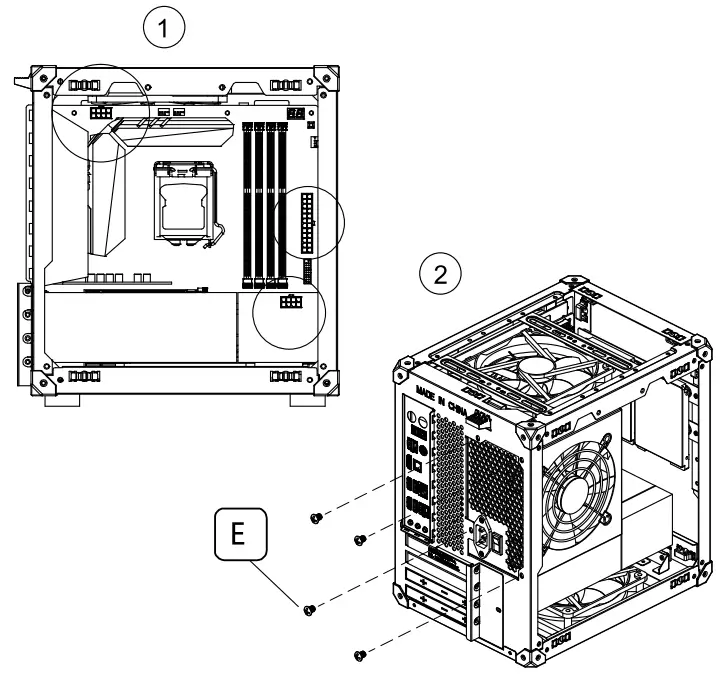
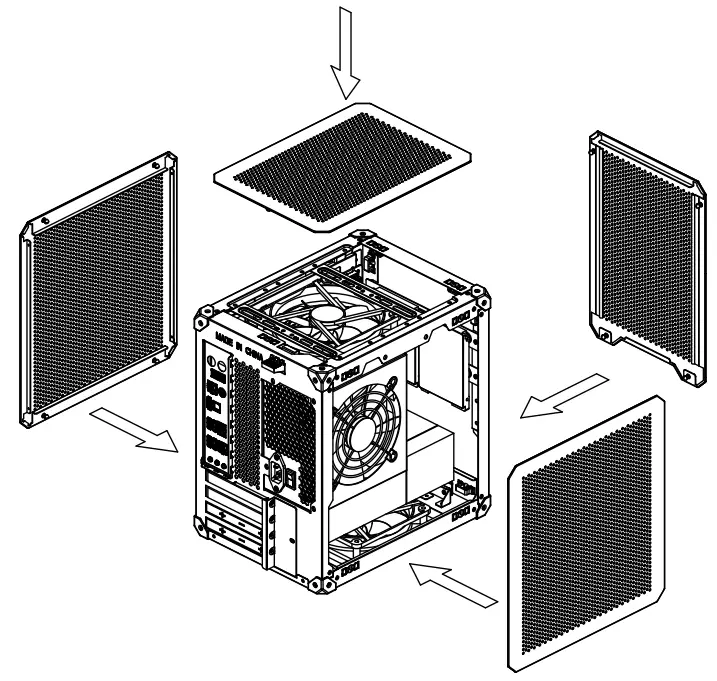 Install the mesh panels
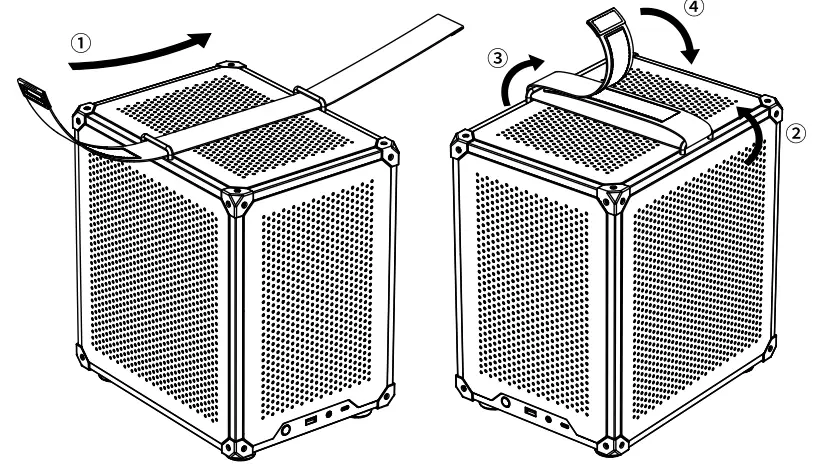 Strap Handle installation
© 2022 JONSBO Technology Co., Ltd.
All right reserved.
Specifications are subject to change without prior notice.
Some trademark may be claimed as the property of others.