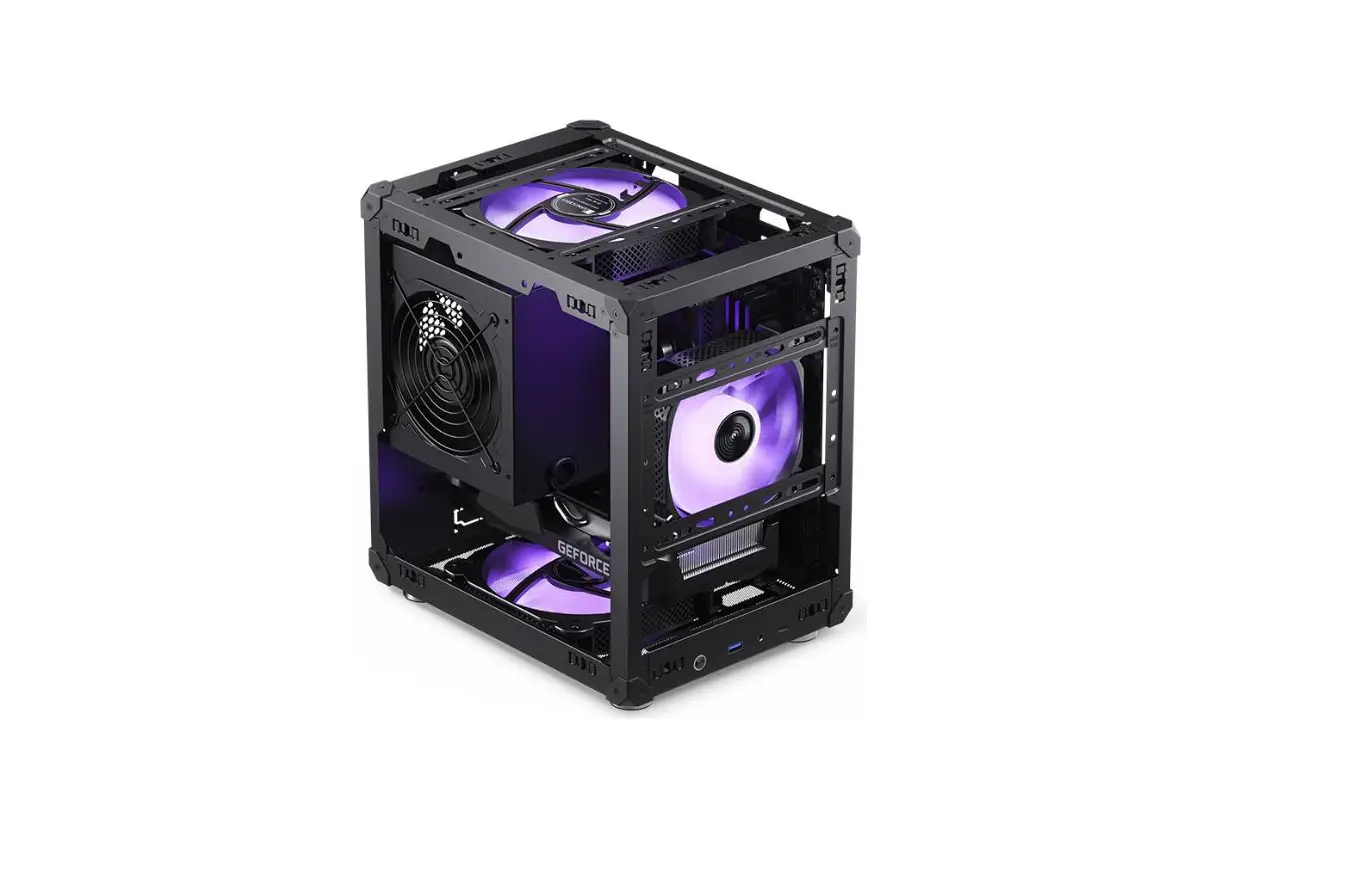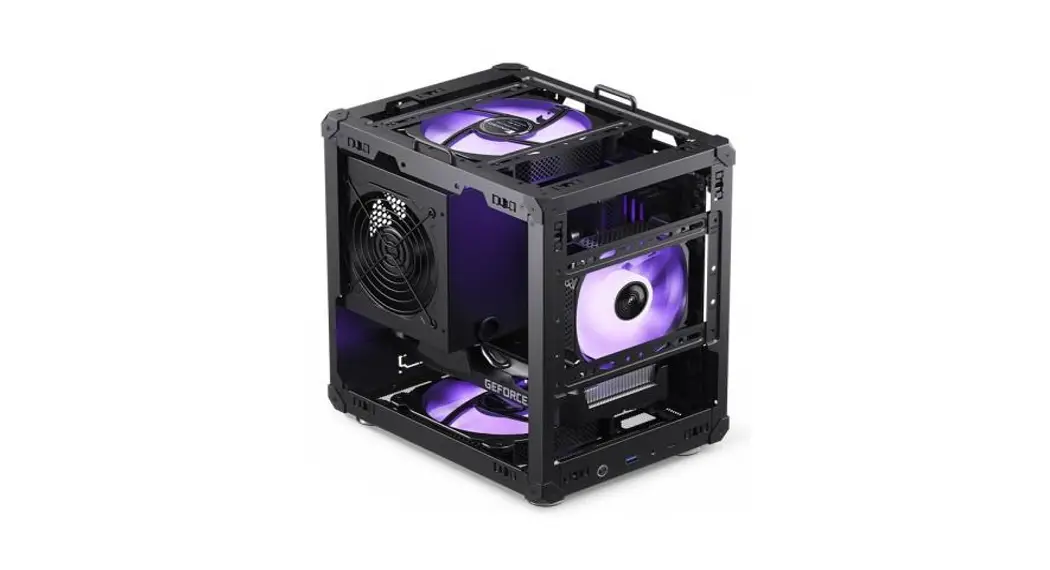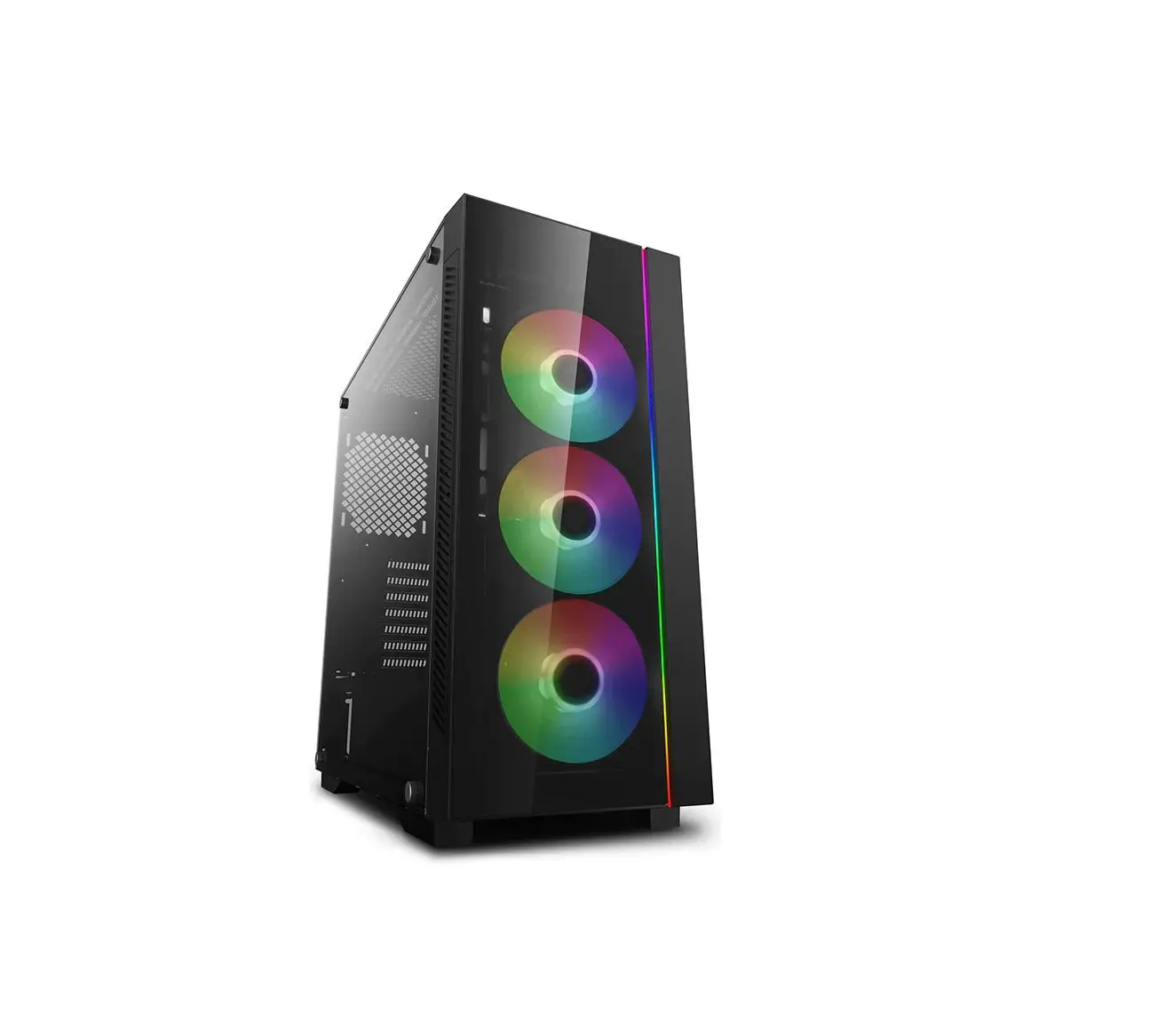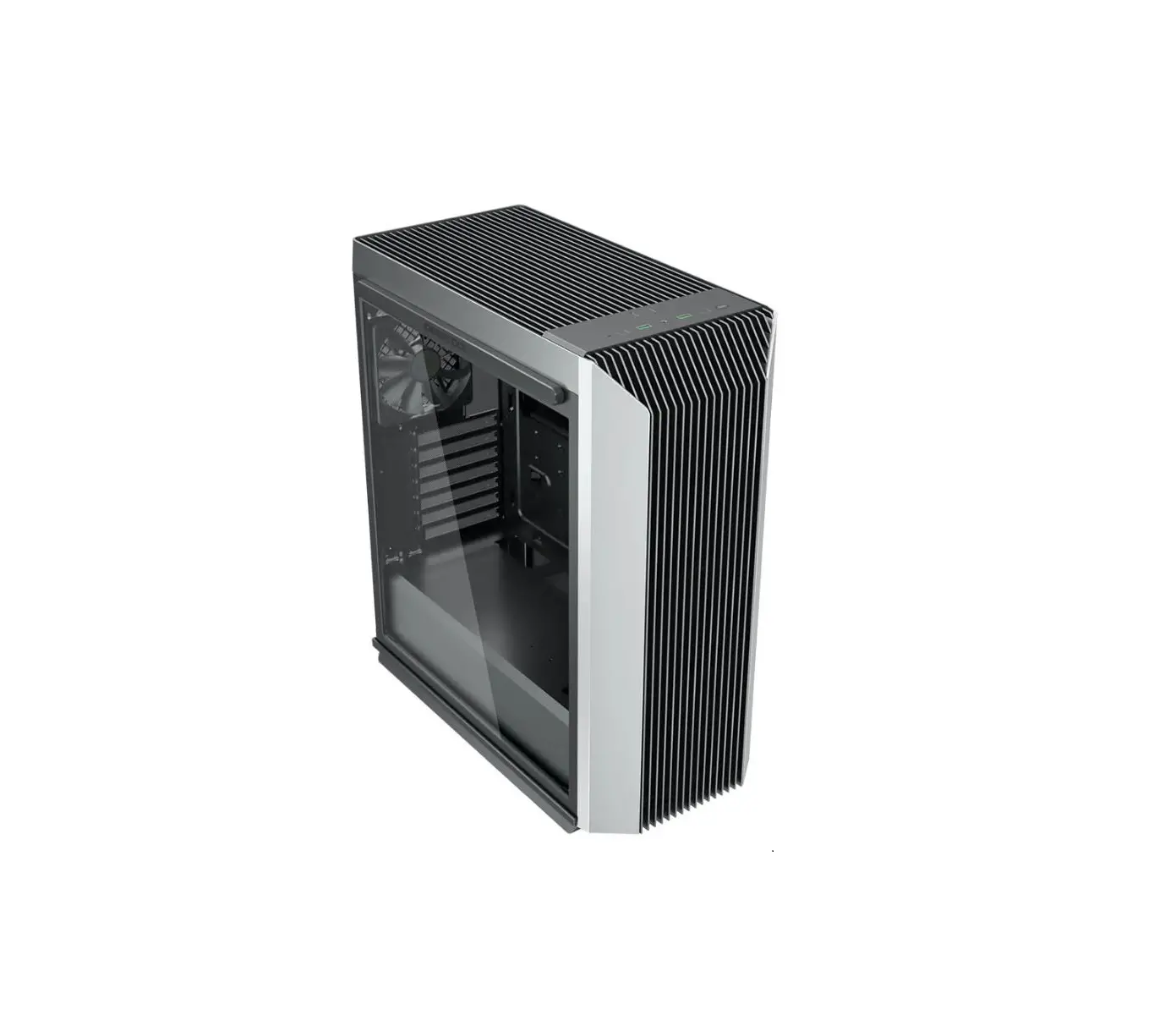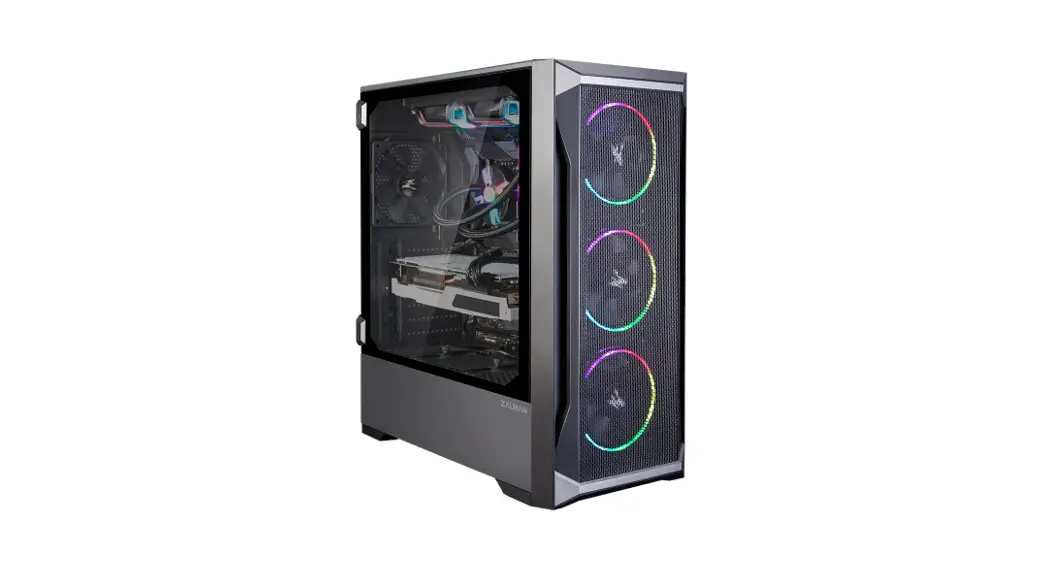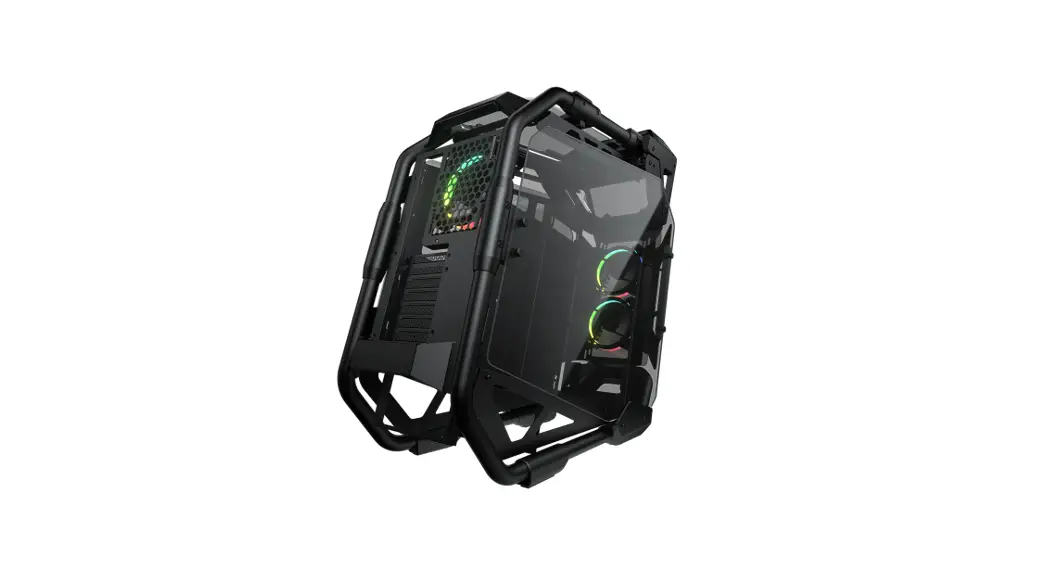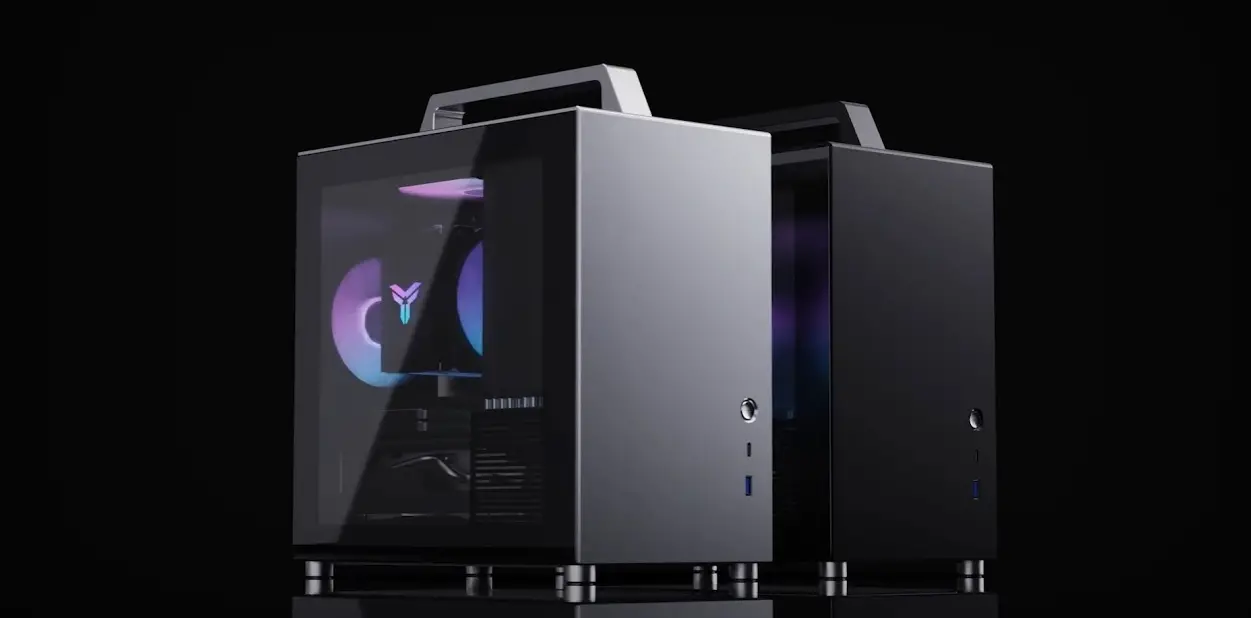

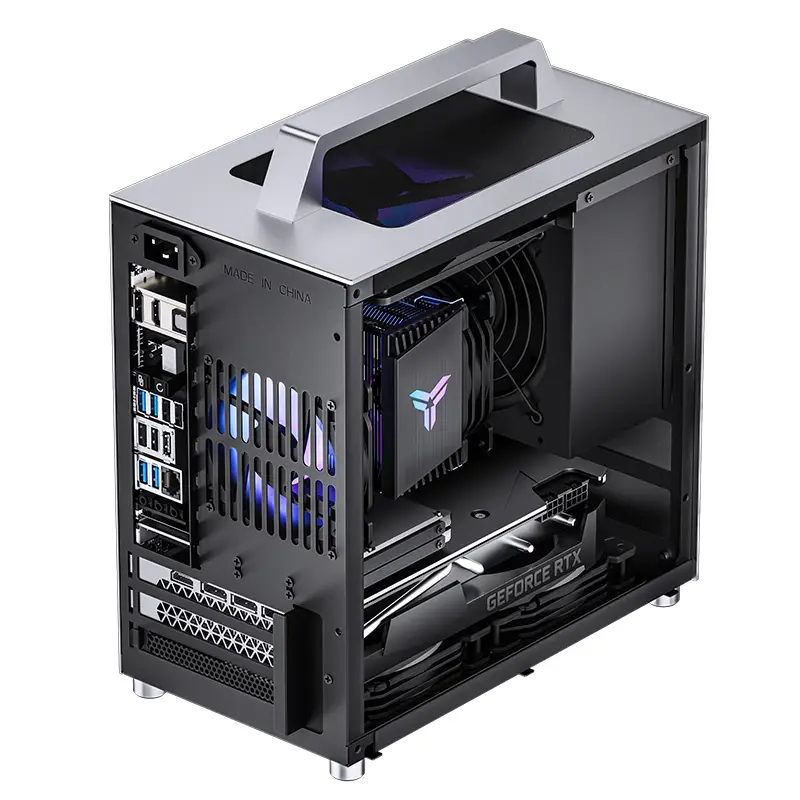
JONSBO T8PLUS Mid Tower
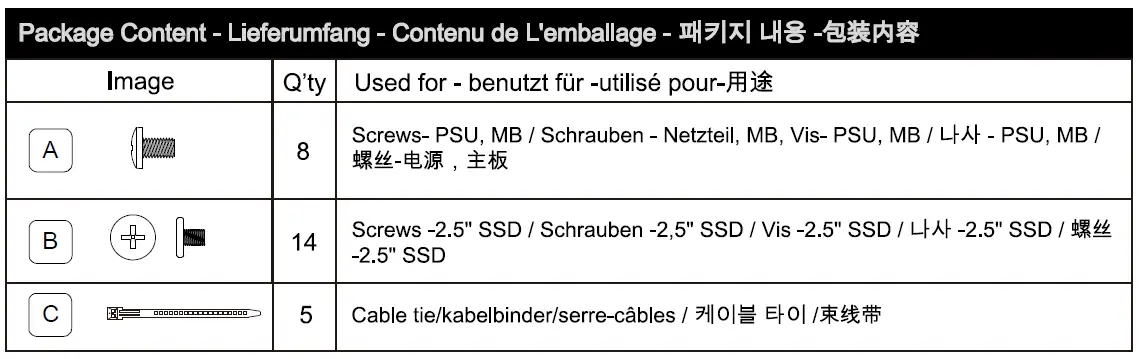
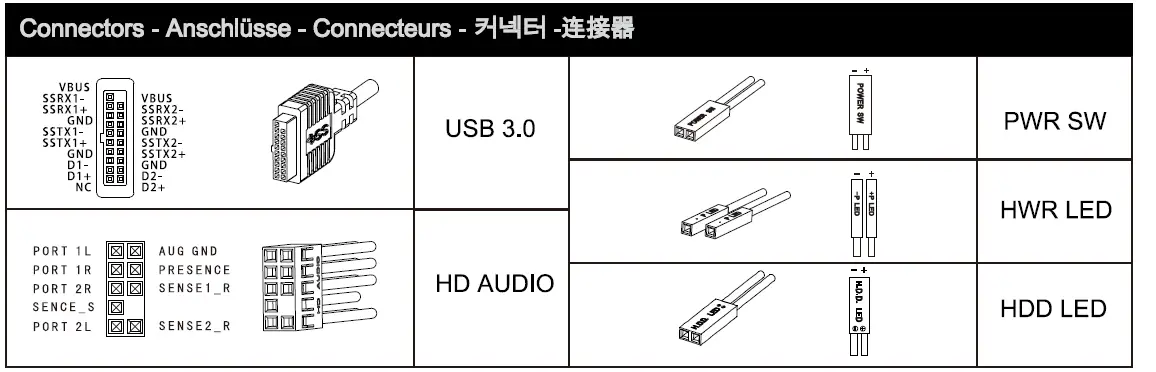
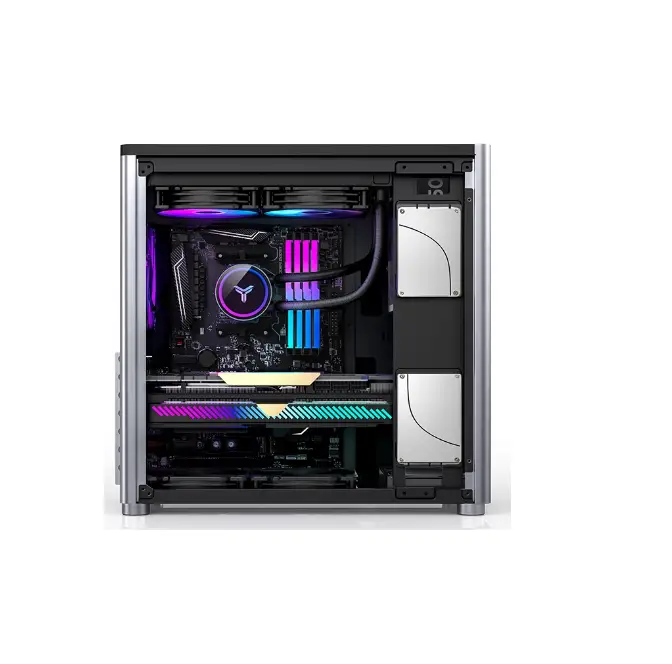
Parts Diagram
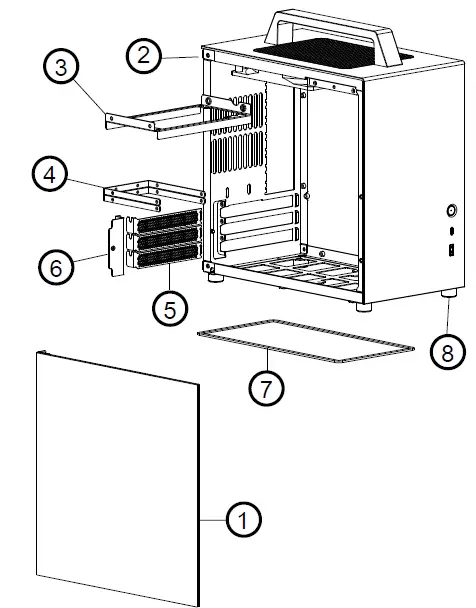
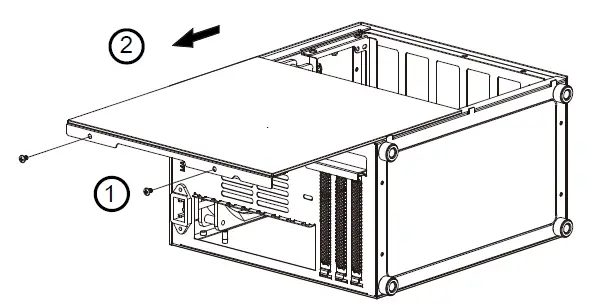
Remove side panel
- Tempered glass side panel
- Main Chassis
- PSU bracket
- 2.5″ SSD bracket
- PCI slot bracket
- PCI cover
- Dust filter
- Aluminum Case feet
Installation Guide
- Release the two screws
- Pull to release the side panel (Handle with care!)

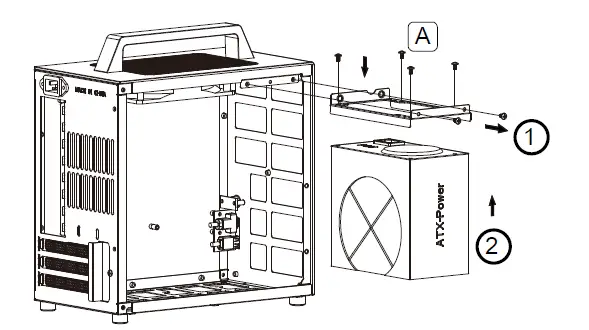
PSU installation
- Remove PSU bracket from chassis
- Install the PSU to bracket, secure with screws.
- Install PSU back to chassis, secure with screws
 GPU / add-on card installation
 GPU / add-on card installation
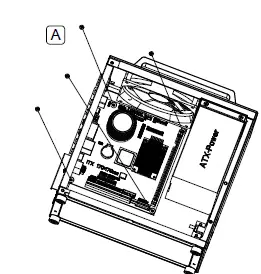
- Remove PCI cover, and PCI slot brackets
- Insert the GPU/Add-on card to PCI-E Slot on MB, secure with screw
GPU / add-on card installation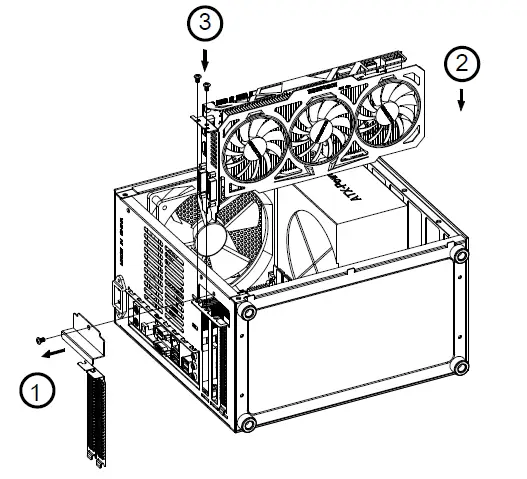
- Remove PCI cover, and PCI slot brackets
- Insert the GPU/Add-on card to PCI-E Slot on MB, secure with screw
- Close the opening with PCI Cover, and secure with screw
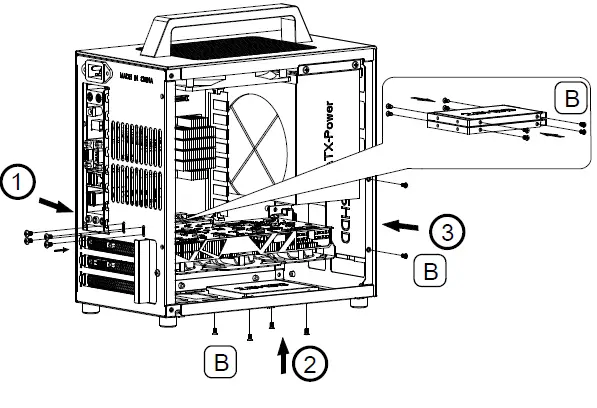
- Remove the 5″ device cage first, secure 2.5″ SSD with screws, install back to chassis and score with screws
- Place the 5″ SSD on the bottom cover, secure with screws (when not using bottom intake fan)
- Place the 5″ SSD behind the front panel, and secure with screws
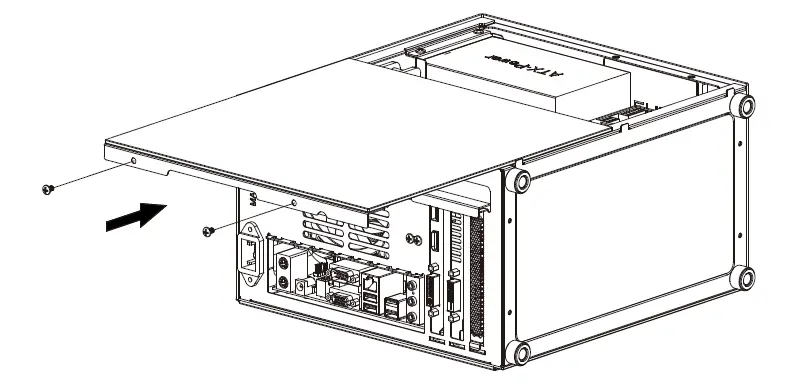
Close the cover
Insert the side panel on the chassis, and secure with screws (Handle with care)
Specification
| Dimension | 163mm(W)*272mm(H)*282mm(D) |
| Motherboard | ITX(170*170mm) |
| Max. CPU Cooler Height | 135mm |
| Max. Display Card Length | 270mm |
| Material | External Panel: 2.5mm Aluminum Alloy Internal: Structure: 0.8mm SGCC Steel Side Panel: 3mm Full Tempered Glass |
| Drive Bay | 3*2.5 SSD+1*2.5SSD (without bottom120mm fan) |
| Front 1/0 Port | USB3.0*1 , Type C*1 |
| Cooling System | TOP: 140mm*1 (Pre-Install) Bottom: 120mm*2 (Optional) Rear: 92mm*1(Optional) |
| PSU Support | ATX |
| PCI Expansion Slot | 3 |
| Weight | Net 3.2kg |