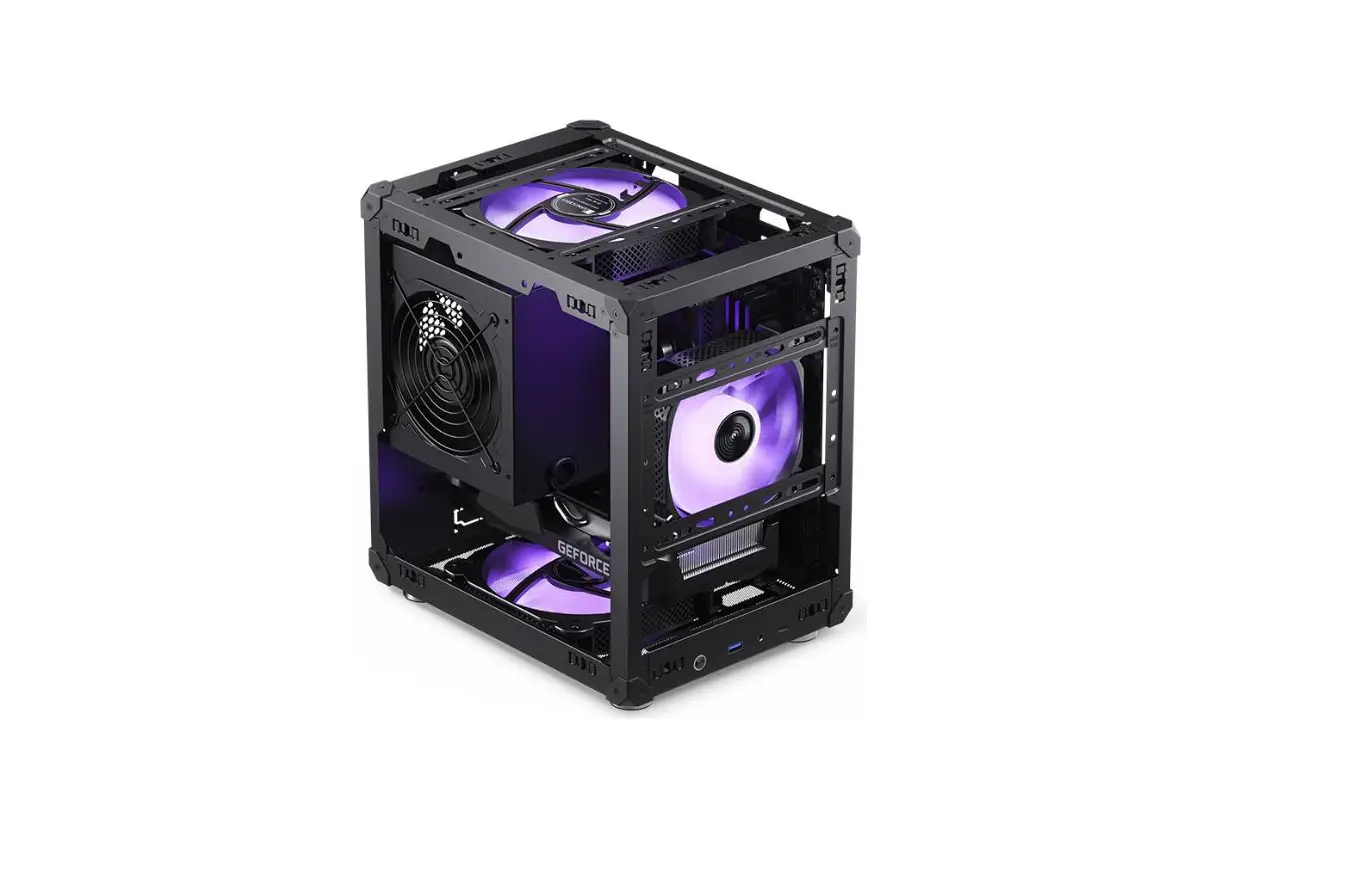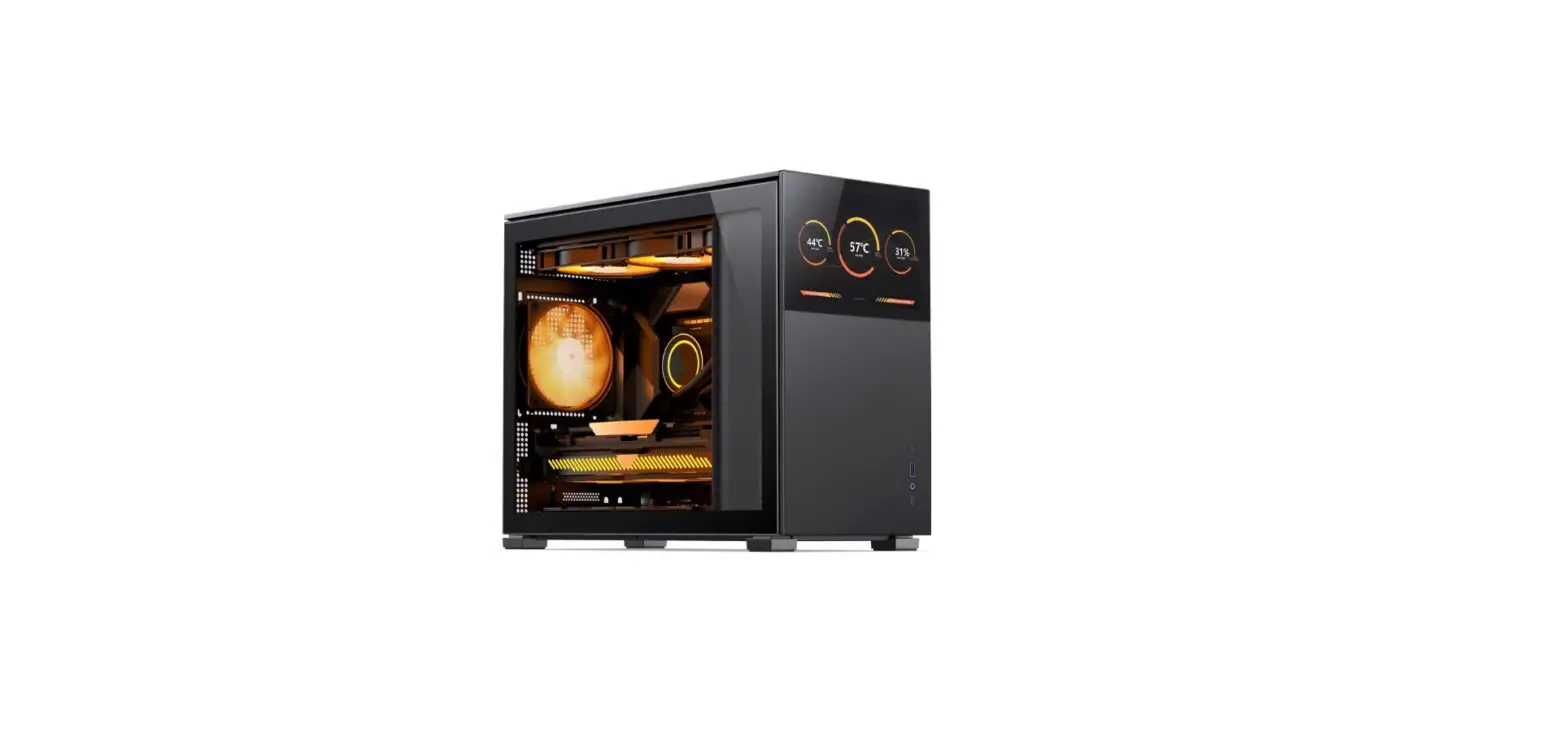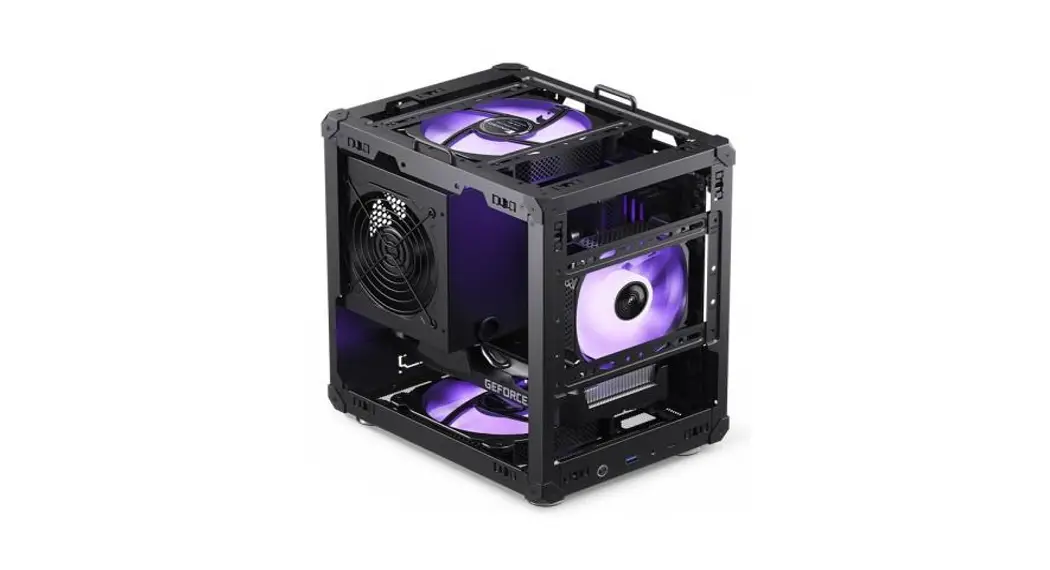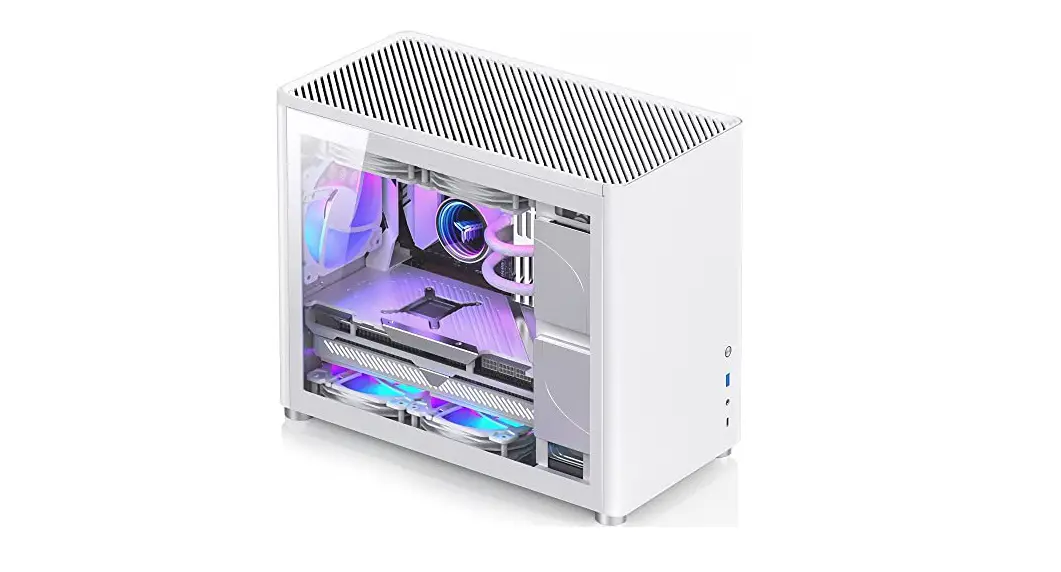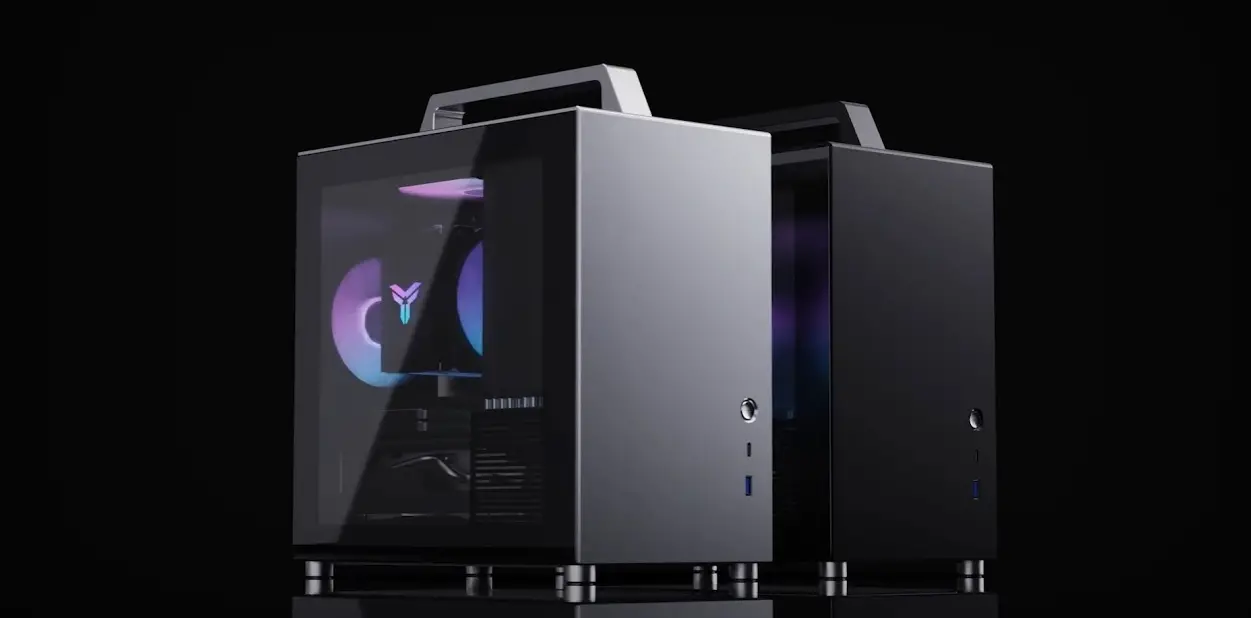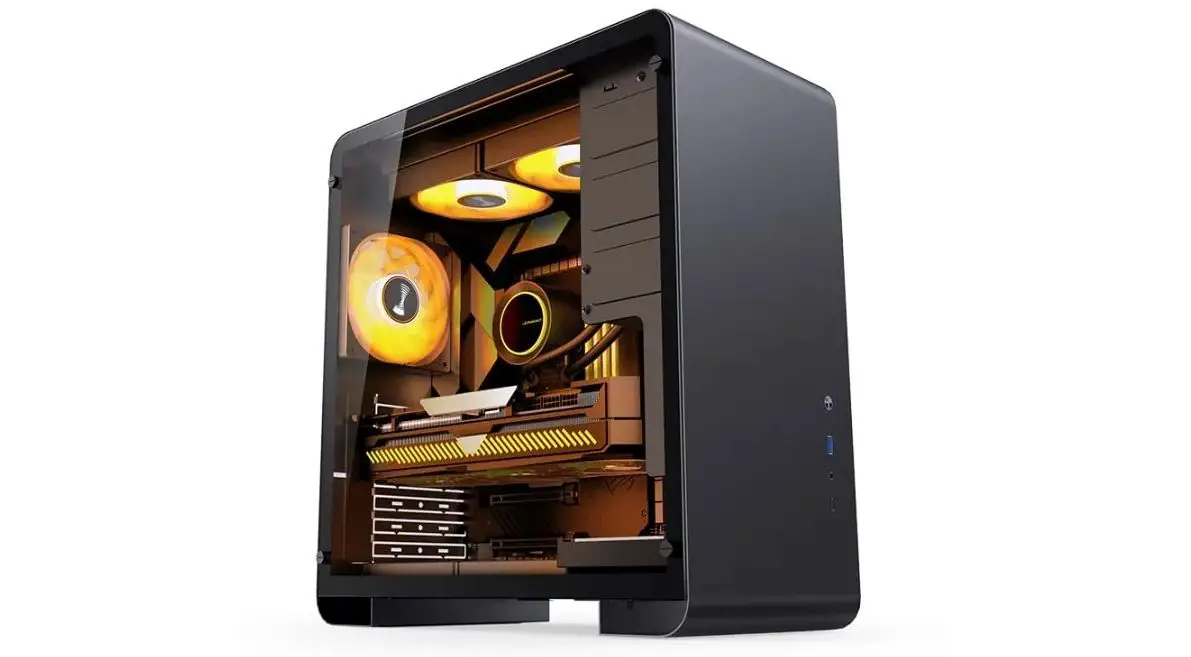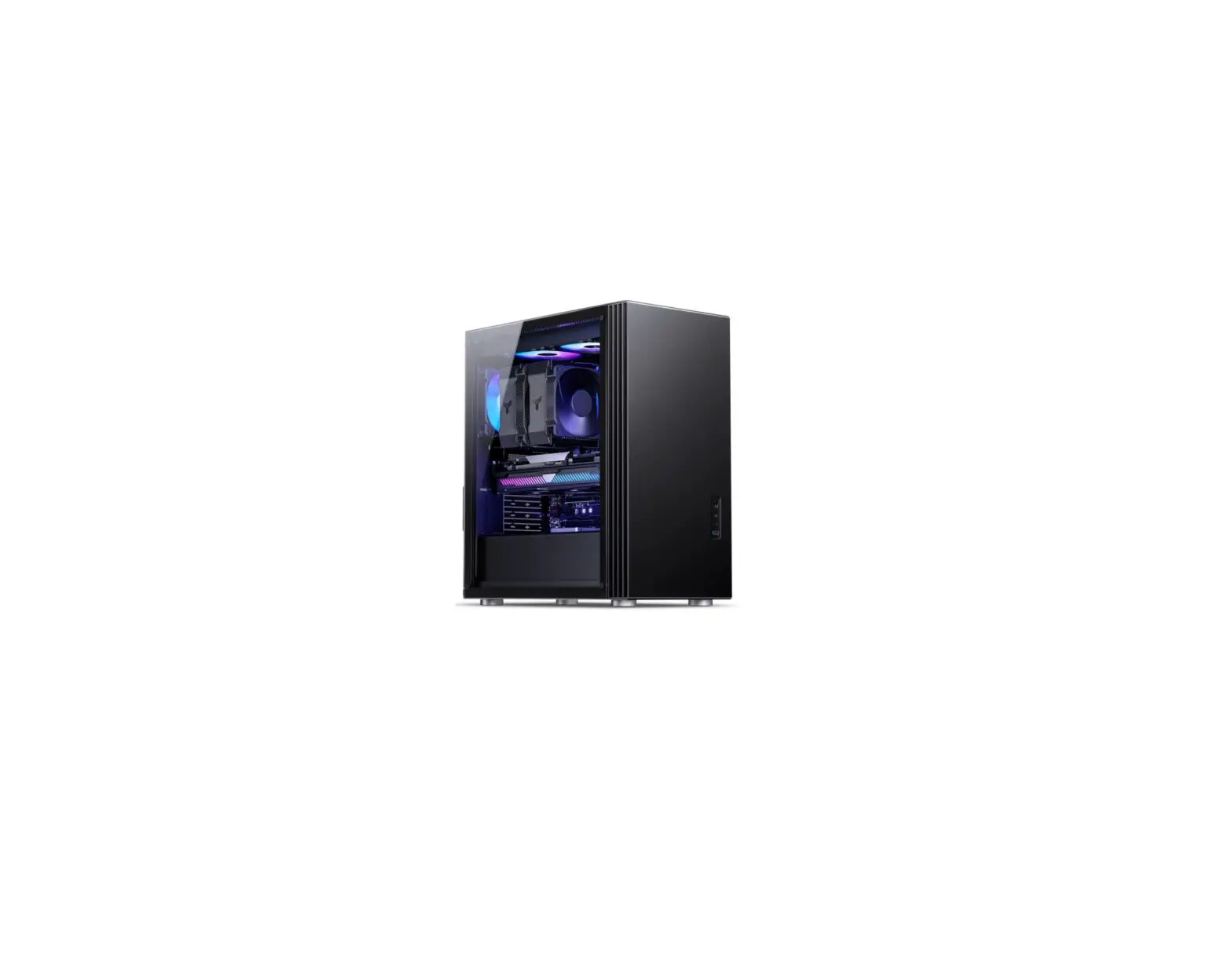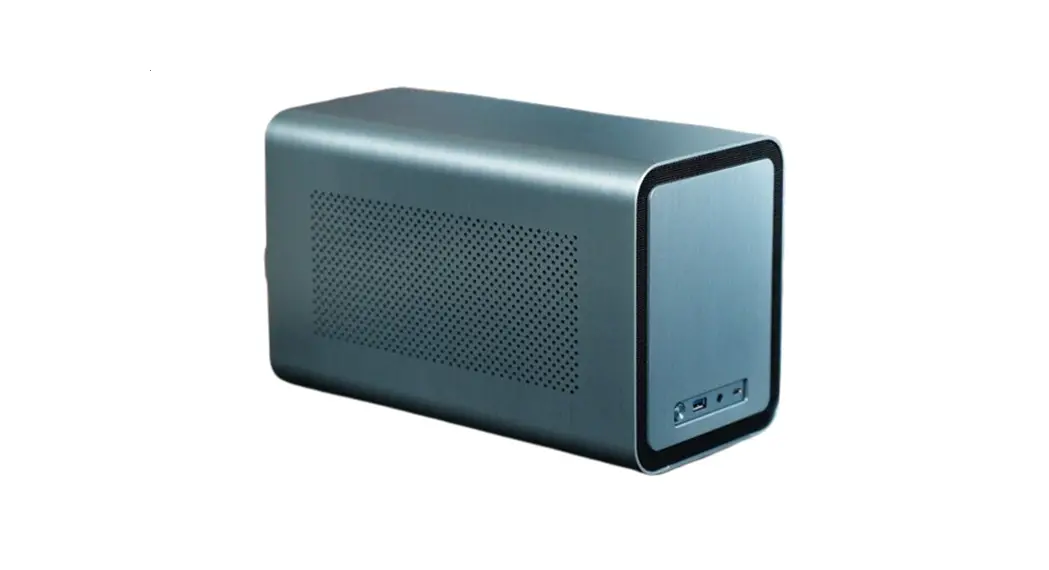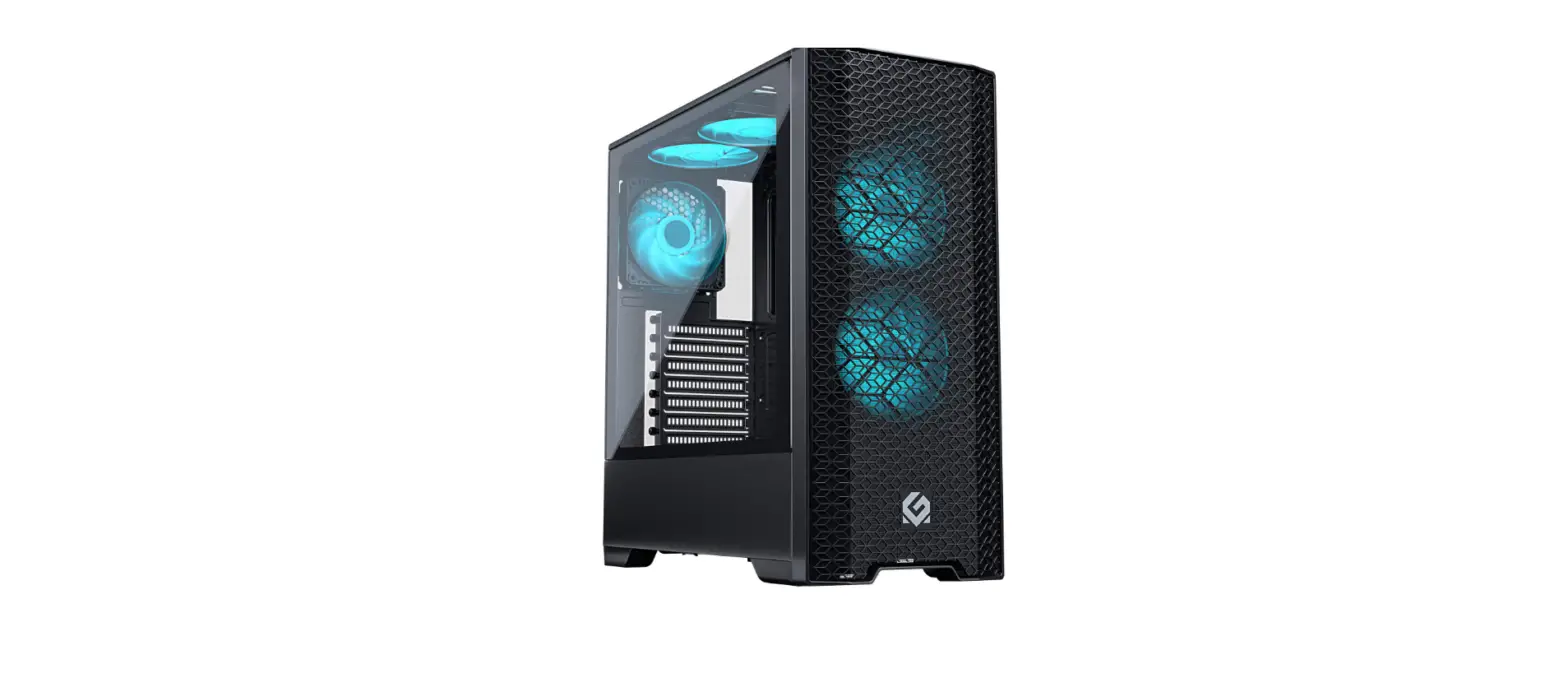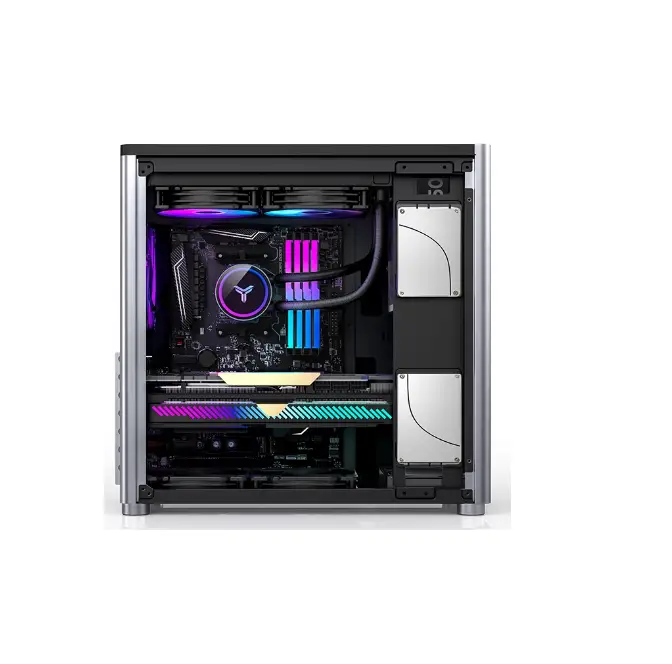
JONSBO D40 Computer Case
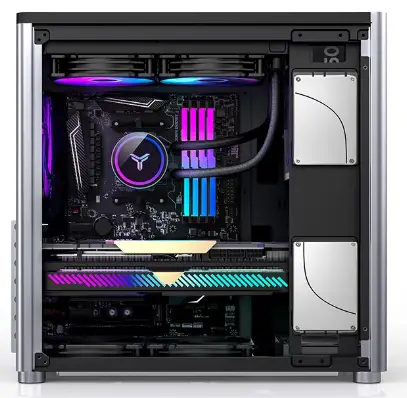
Package Content
| Image | Q’ty | Used for | ||
| A | 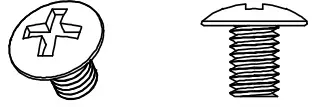 | 13 | Screws- PSU+MB | |
| B |  | 13 | Washer | |
| C | 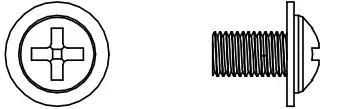 | 8 | Screws – 2.5″ SSD | |
| D | 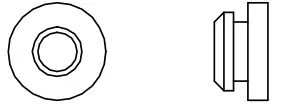 | 4 | Rubber grommet | |
| E | 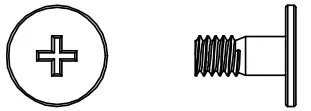 | 6 | Screws – 3.5″ HOD | |
| F | 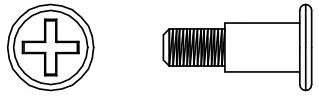 | 4 | Screws – 2.5″ SSD | |
| G | 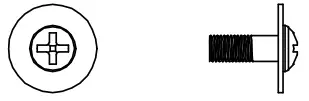 | 4 | Screws – 2.5″ SSD | |
| H | 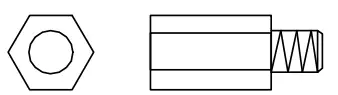 | 1 | Spare Standoff | |
| I | 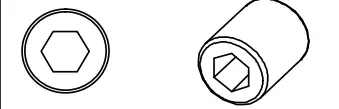 | 1 | Hex Wrench | |
| J |  | 5 | Cable tie | |
| K |  | 1 | Velcro | |
Connectors
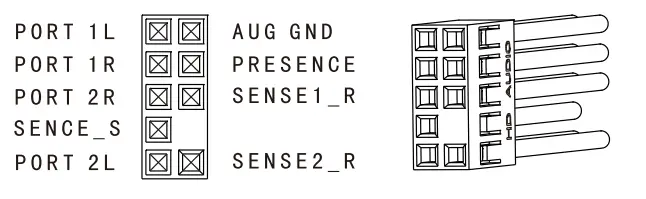 | HD AUDIO | 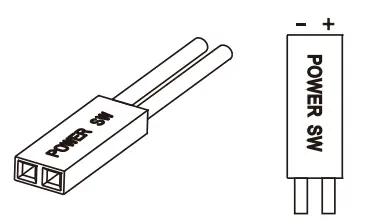 | PWRSW |
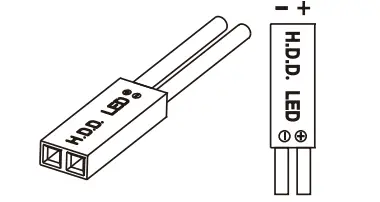 | HDD LED | ||
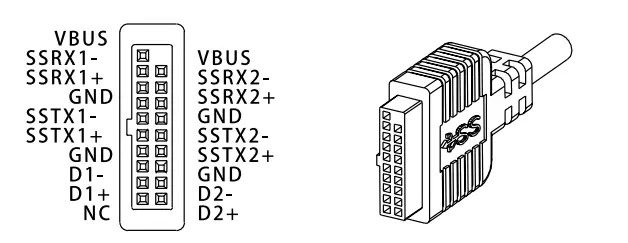 | USB-8.2-Gent | 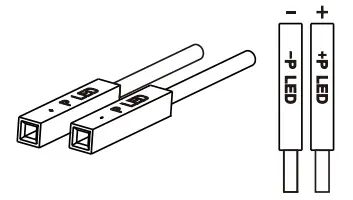 | PWRLED |
Exploded view
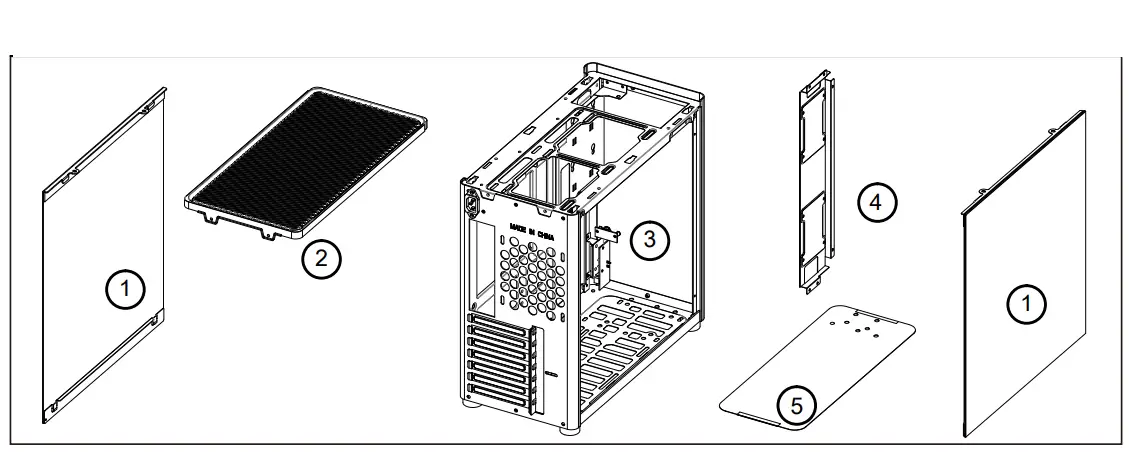
Parts
- Side Panel
- Top cover
- Chassis
- SSD Bracket
- Air Filter
installation Guide
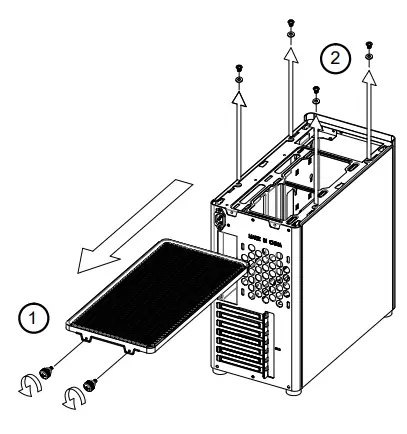
Remove covers
- Loosen the screws, and then pull the top cover back to loosen it
- Loosen the side panel screws, and then lift the side panel

Motherboard installation
Insert the MB 10 Shield, and then place the motherboard on the corresponding position and secure with screws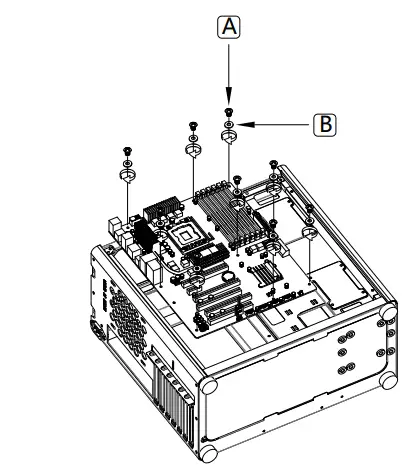
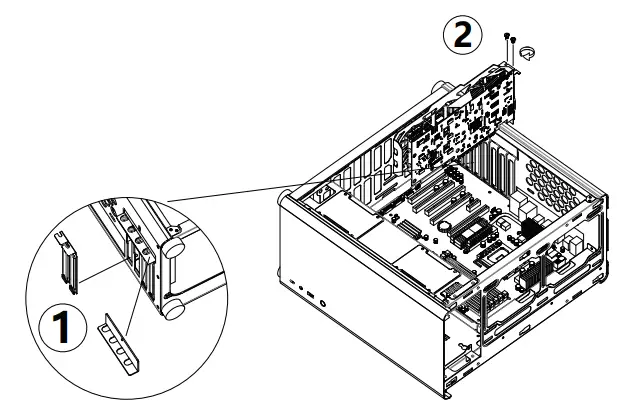
GPU/Add-on card Installation
- Remove the PCI bracket
- Install the GPU/PCI add-on card
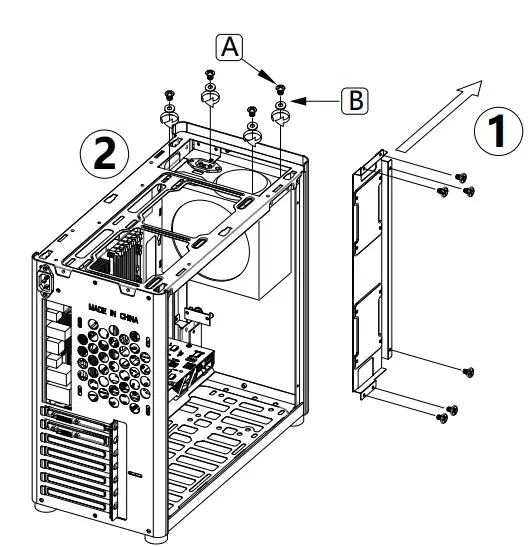
PSU Installation
- Remove SSD bracket
- Place the PSU on the corresponding position and secure with screws

HDD/SSD Installation
3.5″ HDD hard drive mounting position compatible with 2.5″ SSD|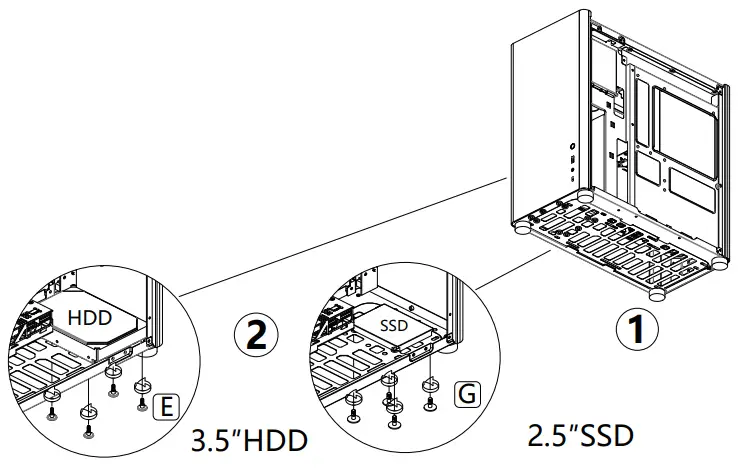
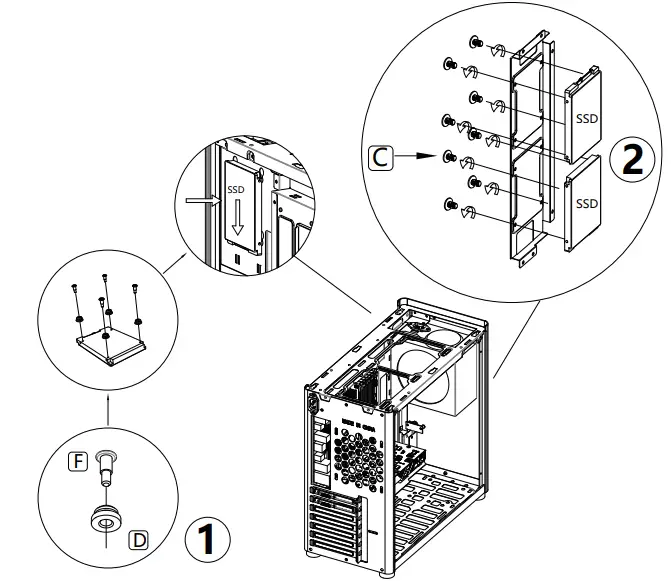
SSD Installation
Pre-mount rubber grommet with screw to 2.5″ SSD, and then insert it into SSD bracket slot
Remove the bottom rubber grommets before installing case fan
Finish installation
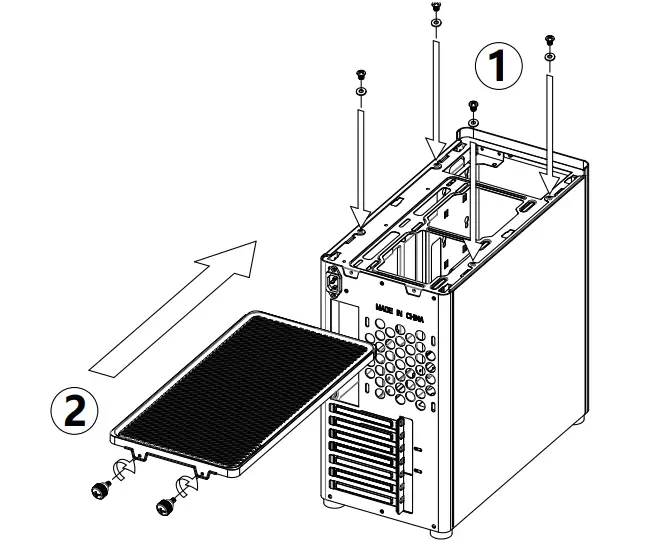
- Insert the side panels to case, secure them with screws.
- Place the top cover into slots, push ii towards the front, fix it with screws

Additional Information
| CPU Cooler Limitations | 168mm H Max. |
| Graphics Card Limitations | 305(PSU >170MM L)~355mm L Max. |
| Power Supply Limitations | ATX PSII 280mm L Max. |
| Motherboard Limitations | ATX / M-ATX / ITX |
| Radiator Limitations | TOP: 240mm x 1, BOTTOM 240mm x1, Rear 120mm x 1 |
| Drive baysl | 2.5″ SSD x 4 / 2.5″ SSD x3+3.5″ HDD x 1 |