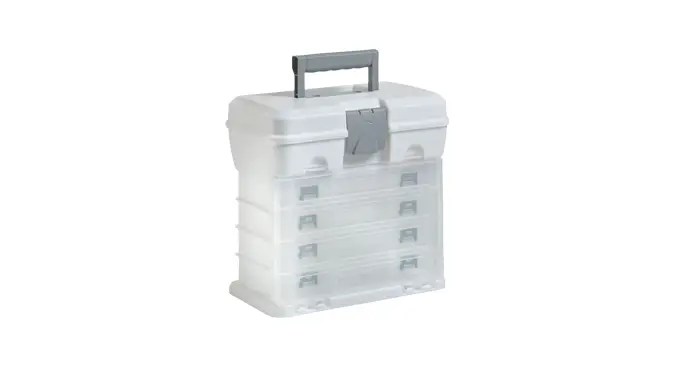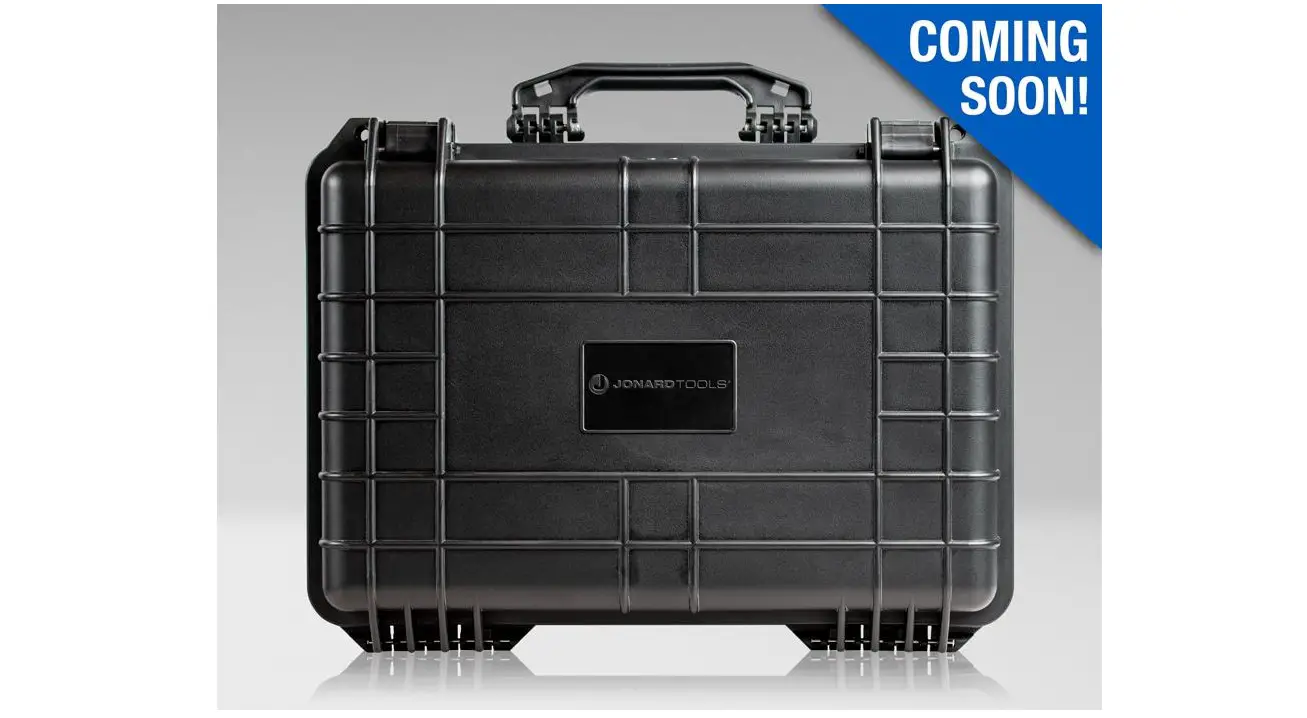

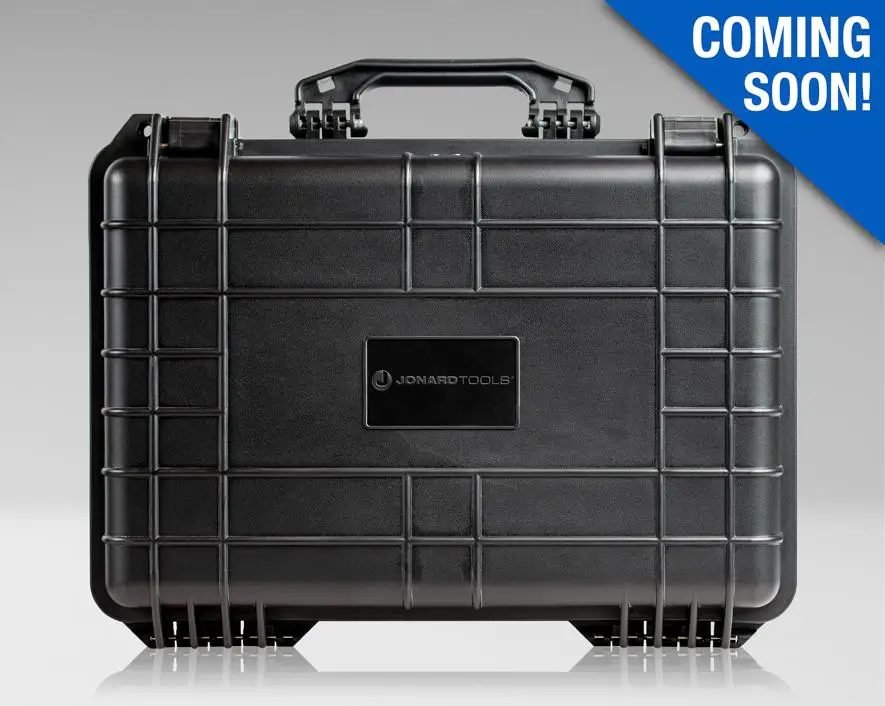
JONARD TOOLS H-180 Hard Carrying Case
INSTRUCTION
STEP-1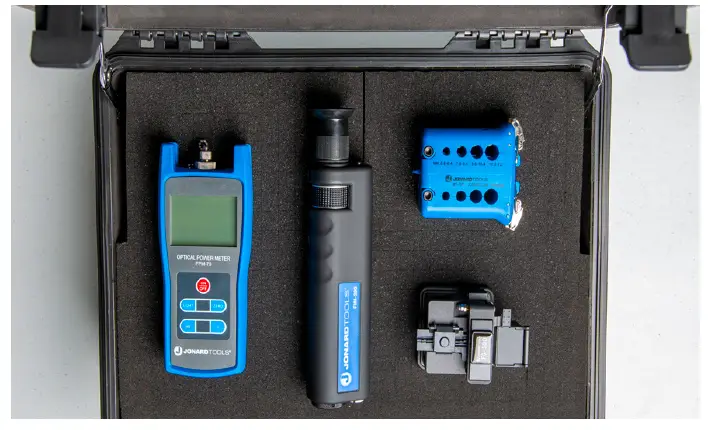
Lay out the items in the case
NOTE: Leave a minimum of a 1 cube wall between each item and around the edge of the case.
STEP-2
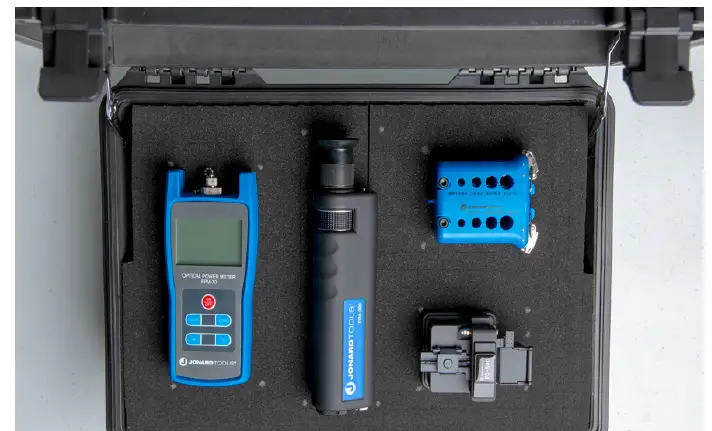
Put toothpicks or matches in the corners of each item.
NOTE: You can also use chalk to mark the edges of the items.
STEP-3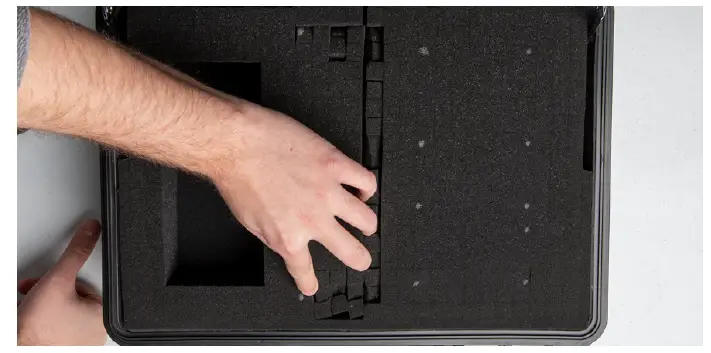
Loosen the foam by pushing it in, then pull it out of the case.
STEP-4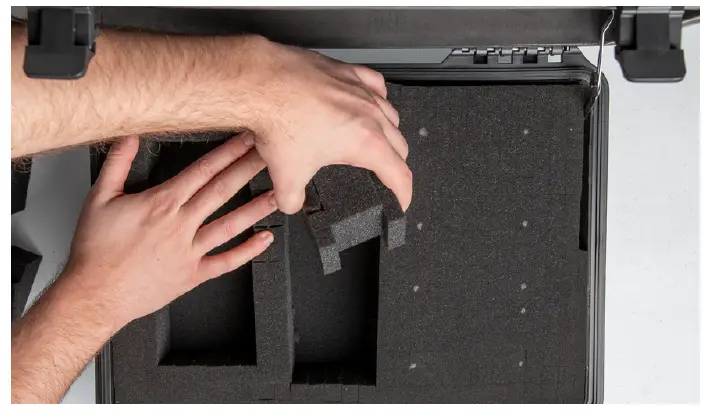
Continue removing the cubes for each of the items.
STEP-5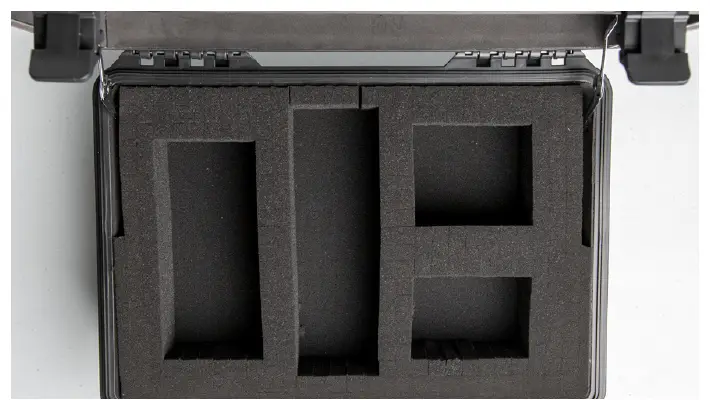
For deeper items remove the foam the same way as above, marking the object’s size using toothpicks/matches in the lower layer of foam.
NOTE: Remove the top layer of foam after placing the toothpicks/matches.
STEP-6
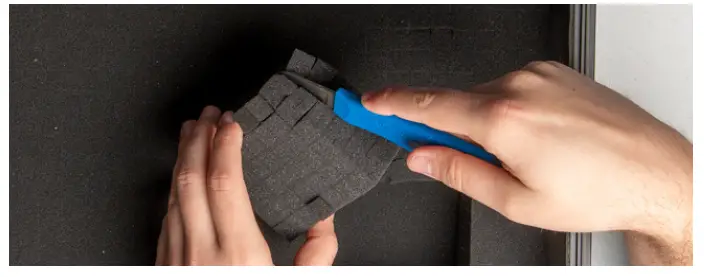
After cutting the deeper foam, remove the whole foam block, and cut 1t in half.
STEP-7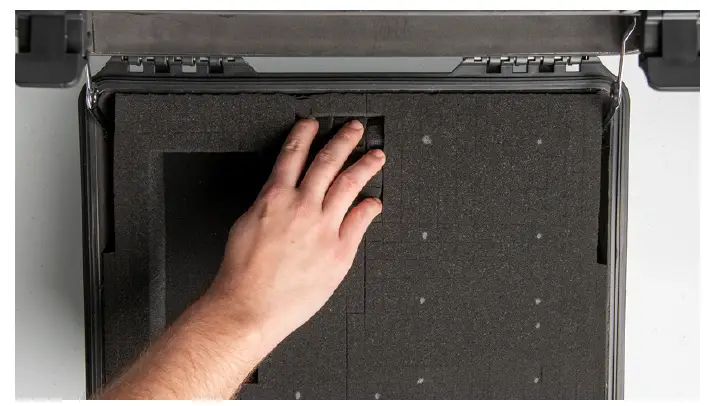
Place the foam back into the cut foam “cut side” down.
STEP-8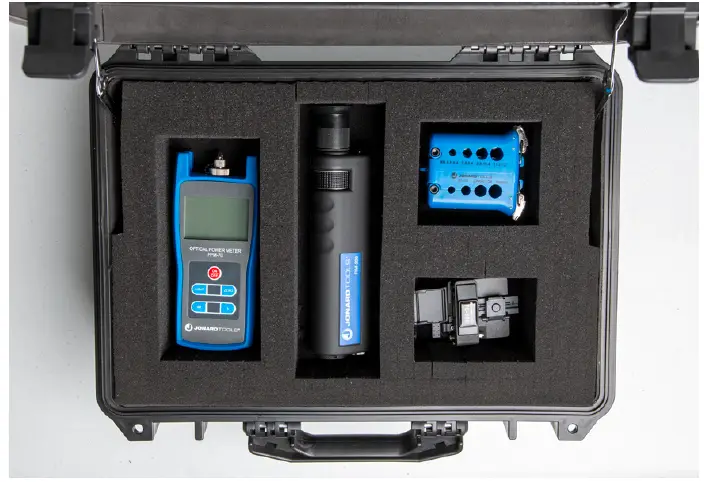
Replace the top layer of foam and place the items into the case.