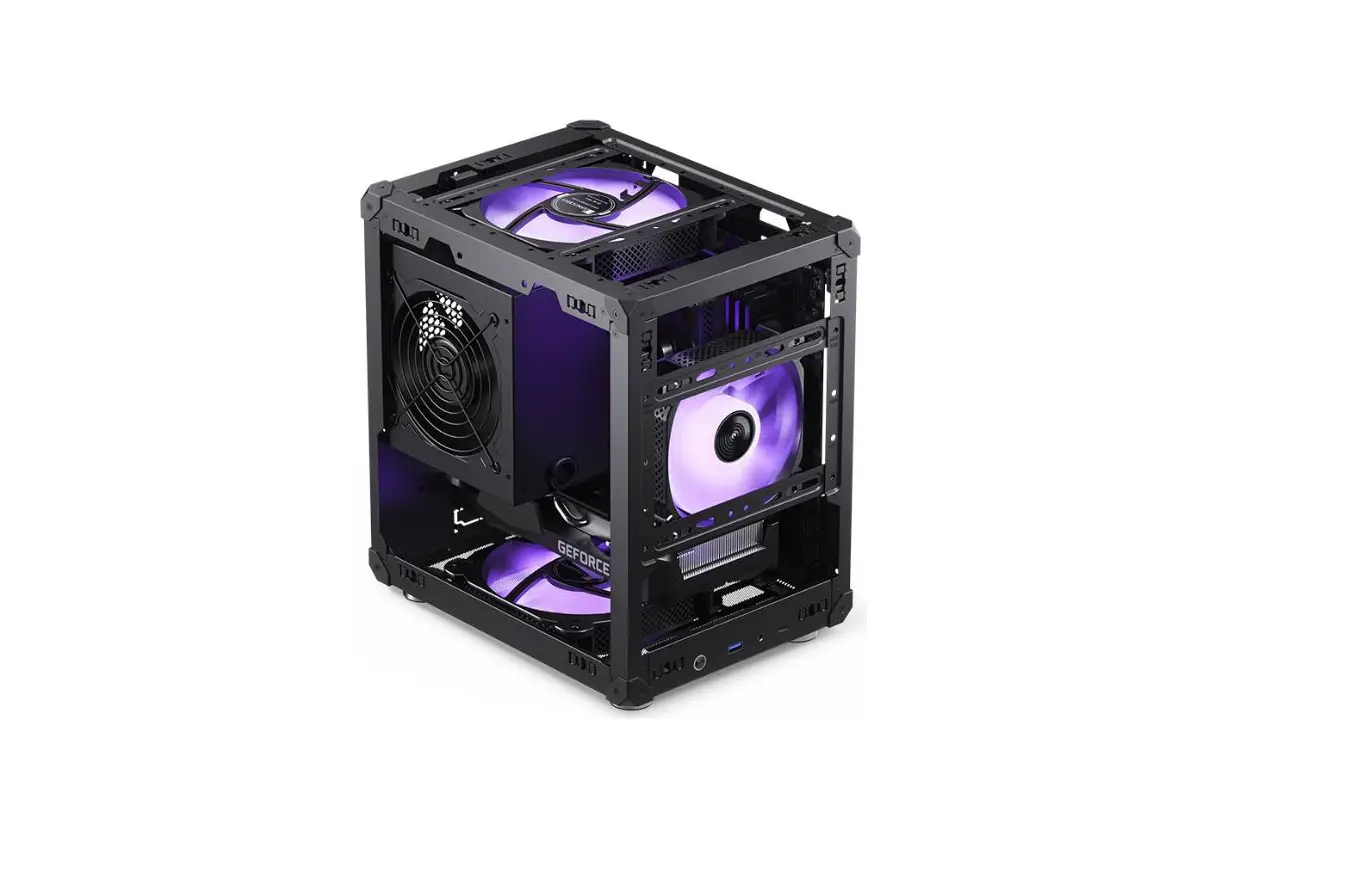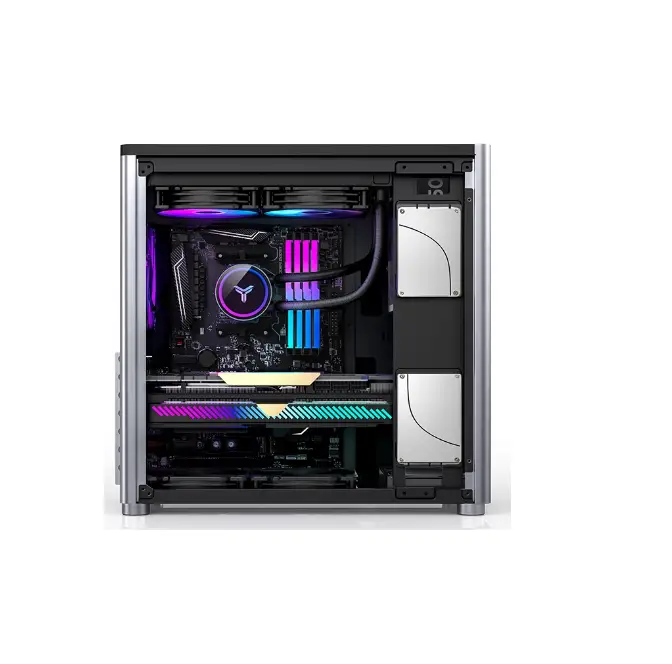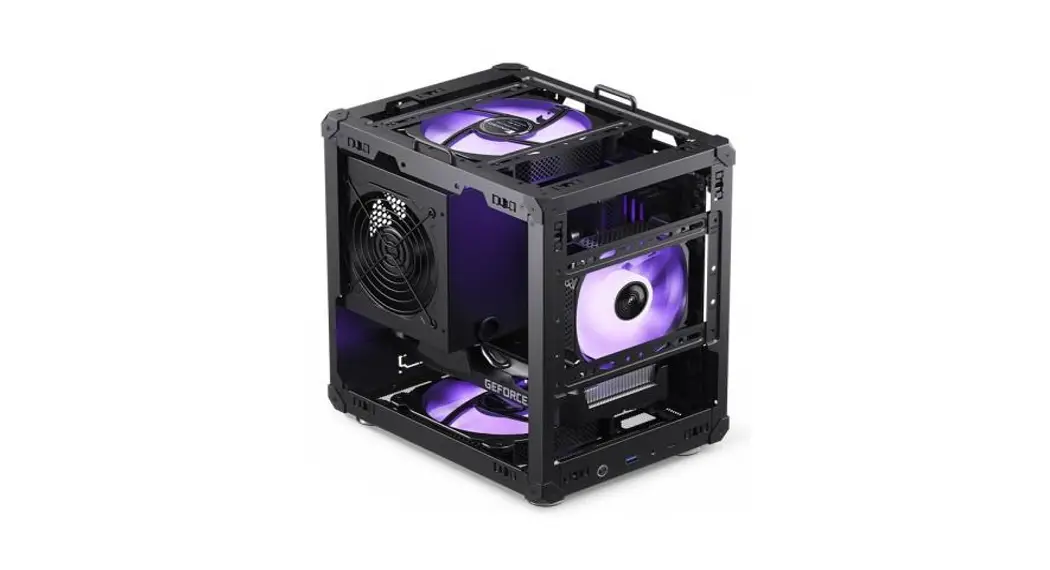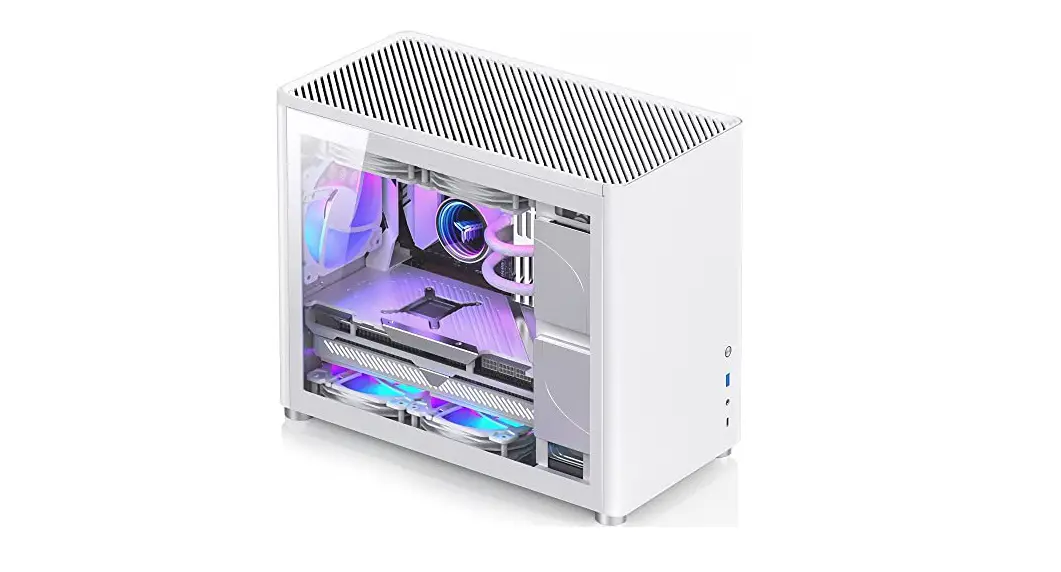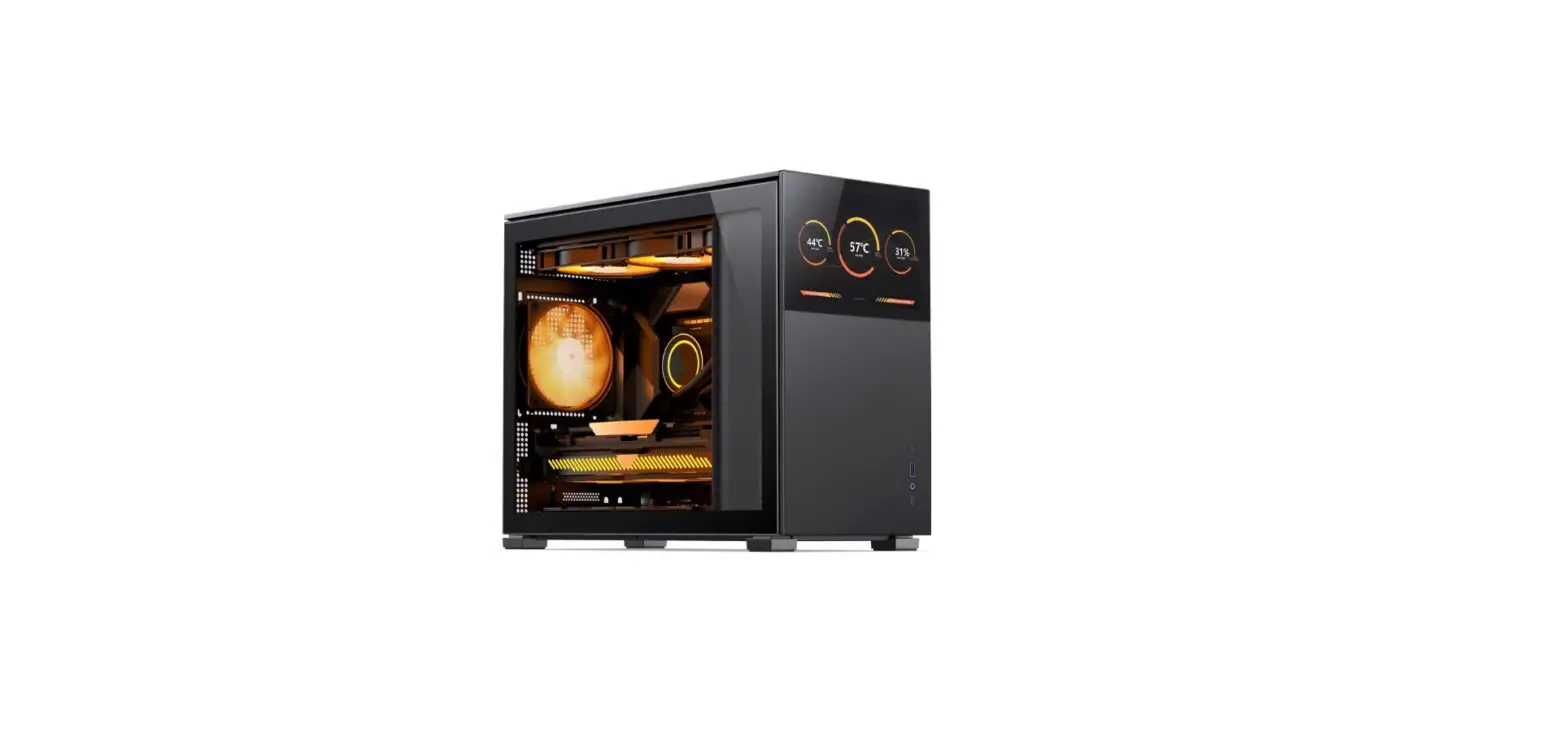
JONSBO D31 Computer Case User Guide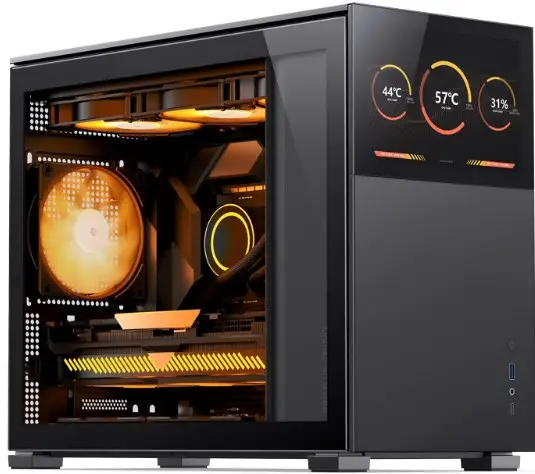
Parts List
Motherboard Screws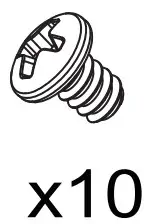
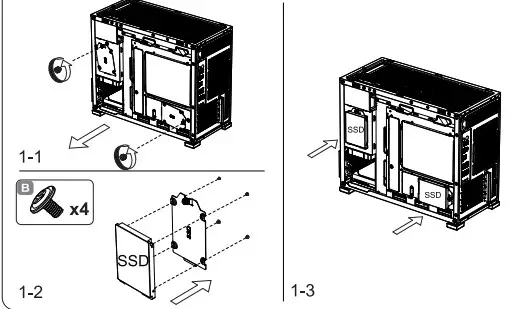
2.5″ SSD Screws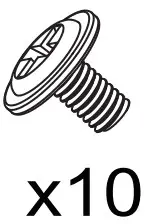
3.5″ HDD Screws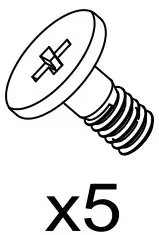
3.5″ HDD Rubber Grommet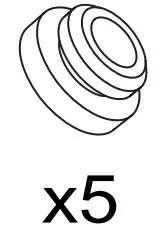
PSU Screws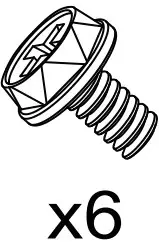
Spare panel mounting clip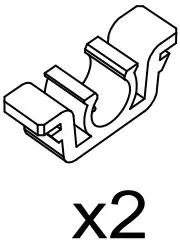
Cable Tie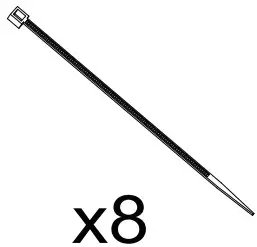
Motherboard Standoff
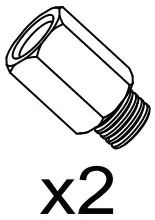
HEX Socket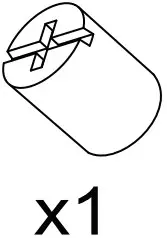
Connectors
USB 3.0 Connection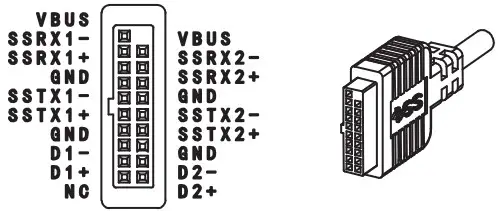
Type-C Connection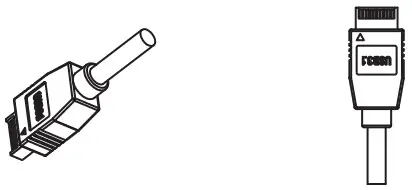
HD AUDIO Connection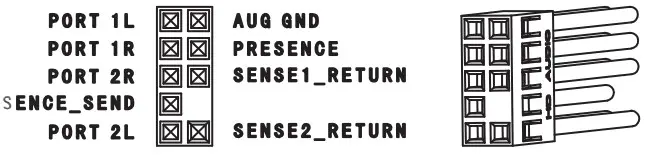
Power Button Connection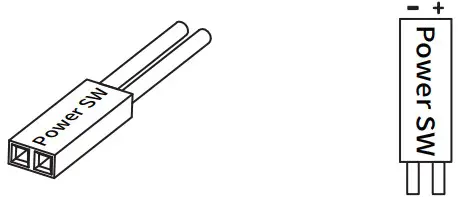
Power LED Connection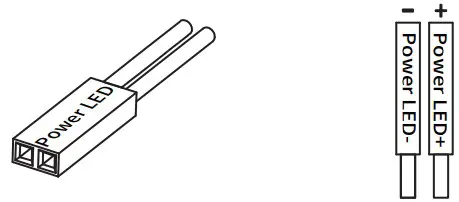
D31 is divided into a version with a screen and a version without a screen. If you purchased a screen version, you need to refer to the screen manual first. Before installing the motherboard, pre-install the HDMI and TYPE-C cables in advance
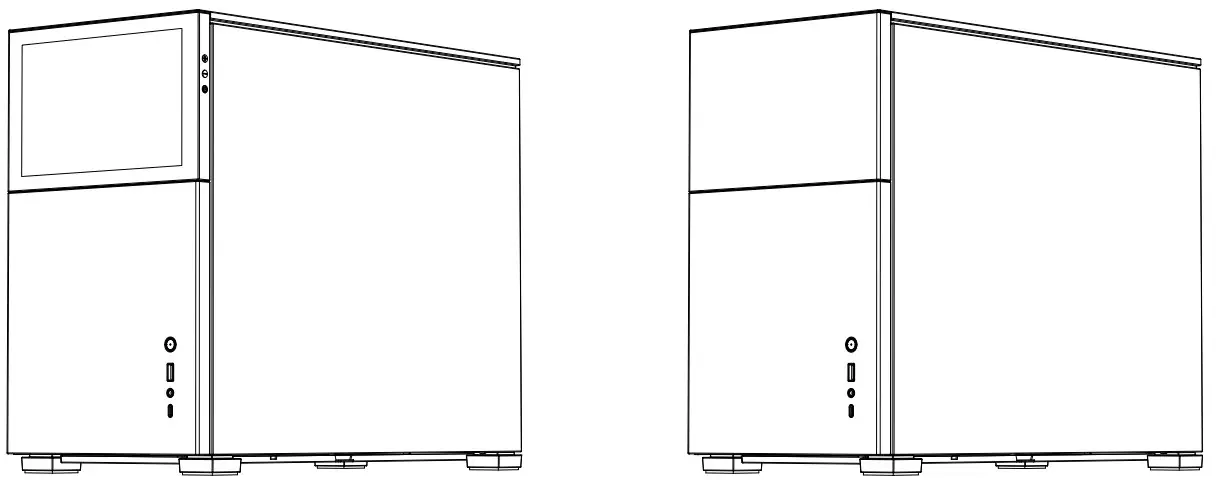
Chassis Specs
Case size: 205mm(W)*363mm(H)*452mm(D)
Drive bays: 2.5″ SSD*2 , 3.5″HDD*1
Motherboard Support: ITX / M-ATX
PCl expansion slots: 4
Front I/O Port: USB 3.2 Gen 2 Type-C*1 / USB3.0*1 / Audio&Mic*1
Power supply support: ATX / SFX, 220mm L max.
*Depends on the position of PSU compartment
CPU cooler support: 168mm H max.
Graphics card support: 330mm~400mm
*Depends on the position of PSU compartment
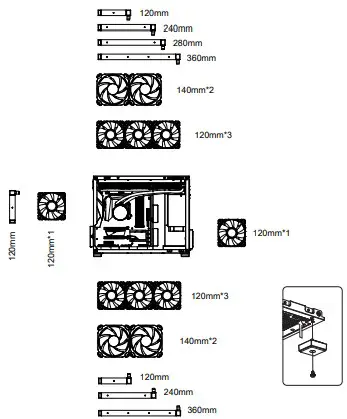
Radiator support:
Top 240/280/360
Rear 120
Bottom 240/360
Fan mounting position:
Front 120mm*1(optional)
Top 120mm*3/140mm*2(optional)
Rear 120mm*1 (optional)
Bottom 120mm*3/140mm*2(optional)
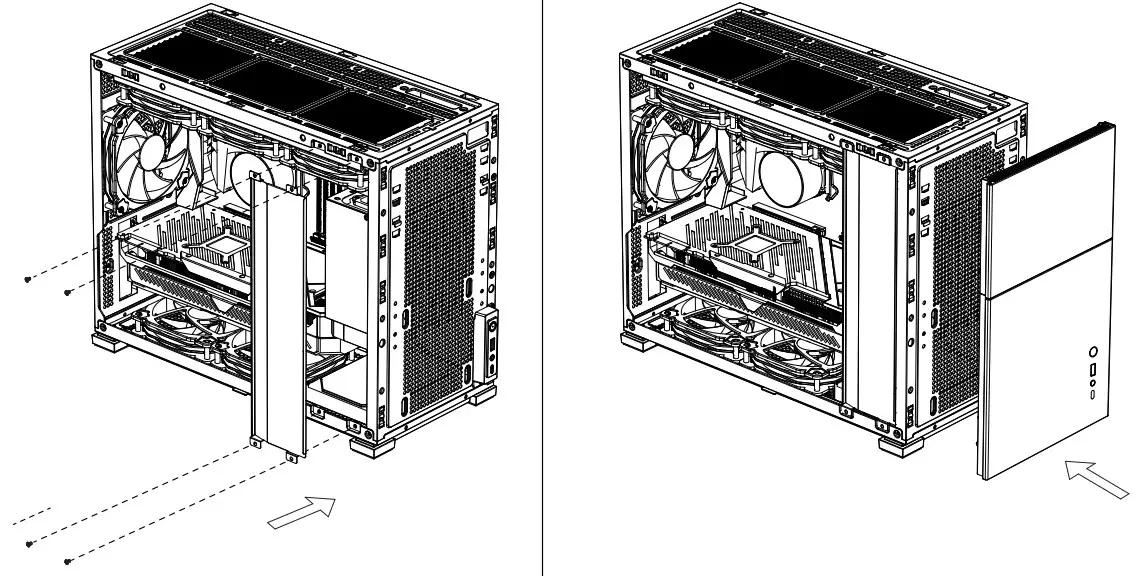
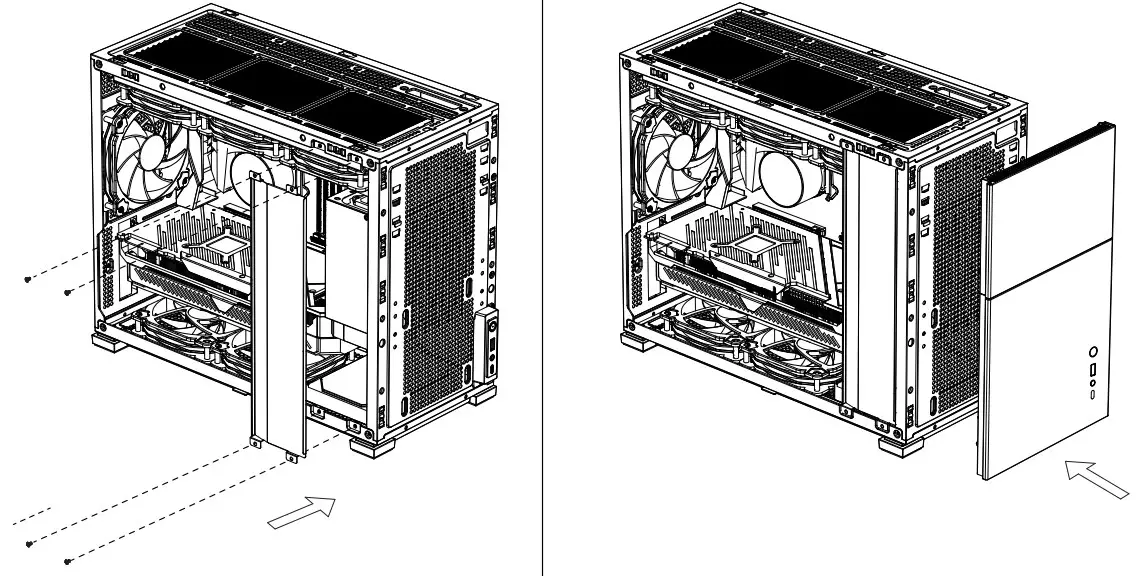
Hardware installation preparation
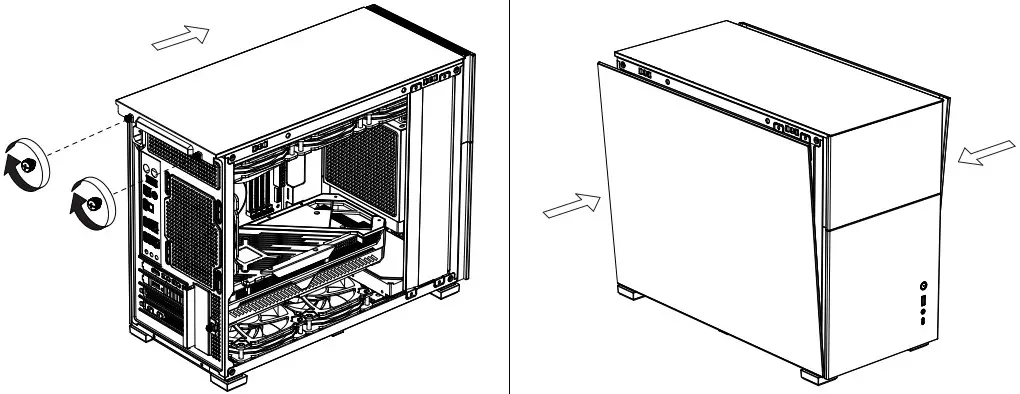
Remove Side Pane
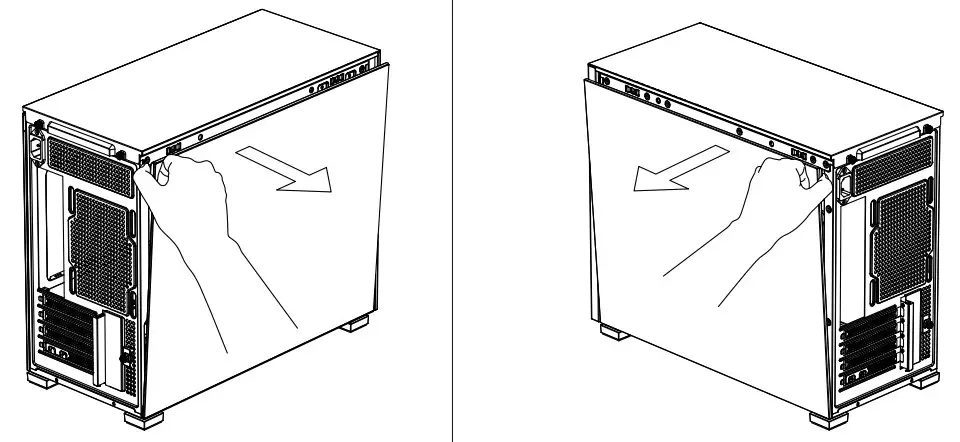
Remove Top Cover
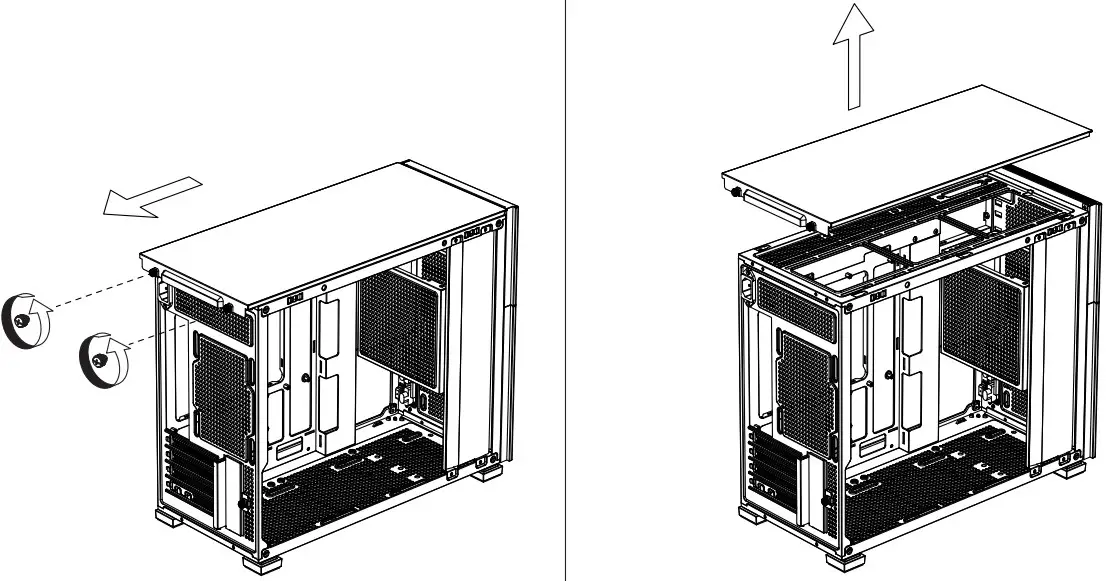
Hardware installation preparation
Remove the inner side panel
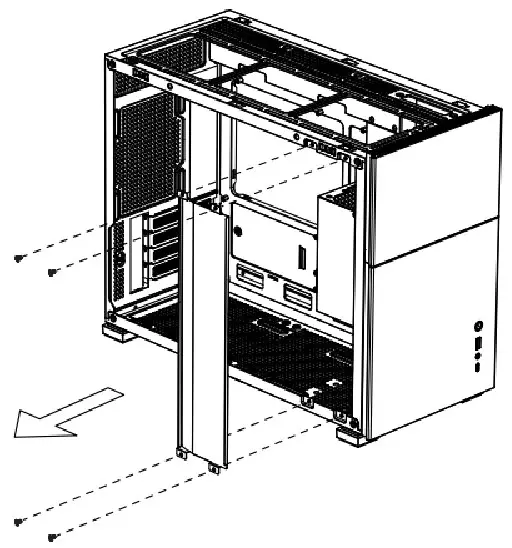
Remove Front Panel
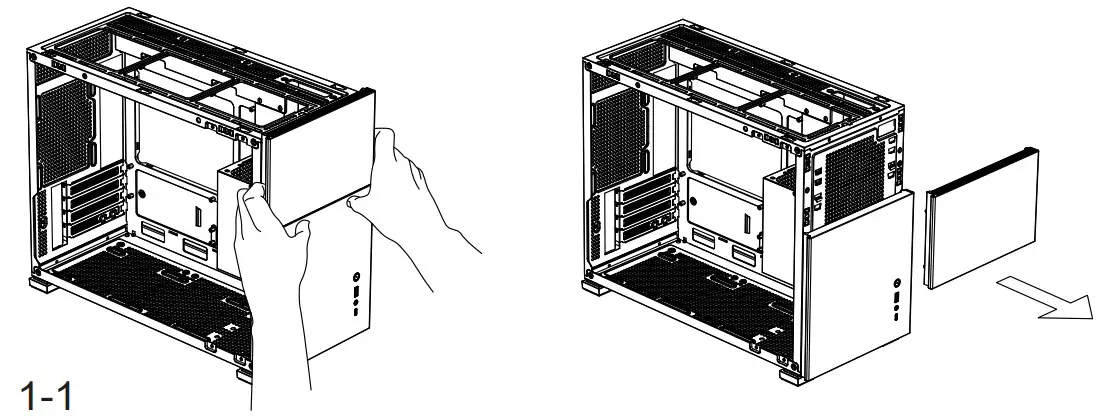
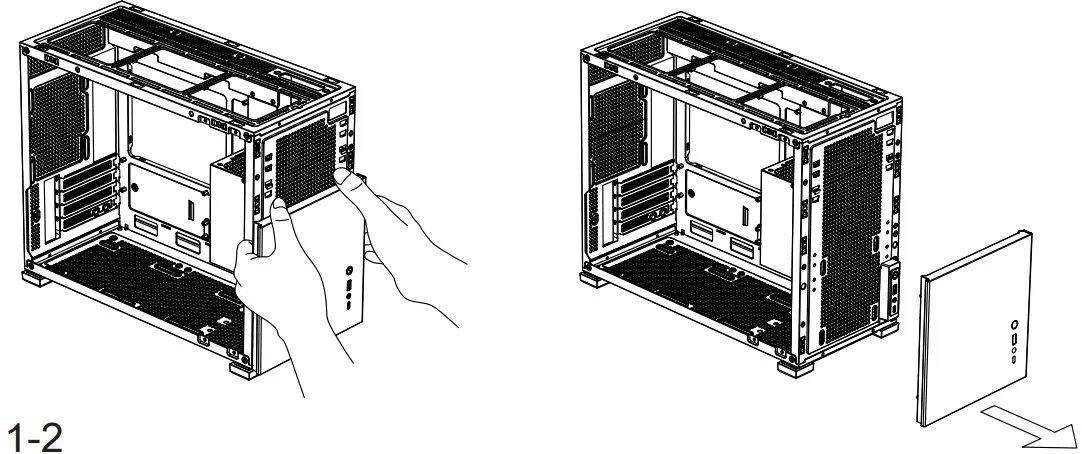
Hardware installation preparation
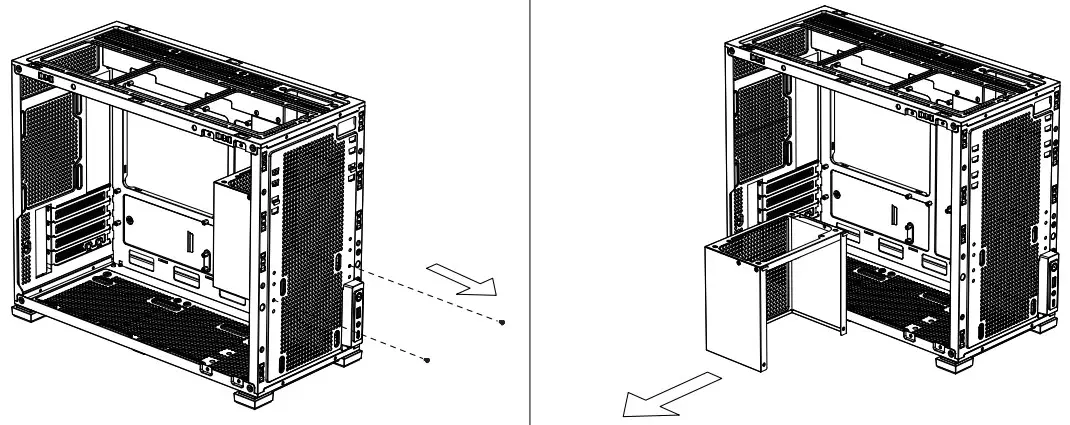
Remove the power supply bracket
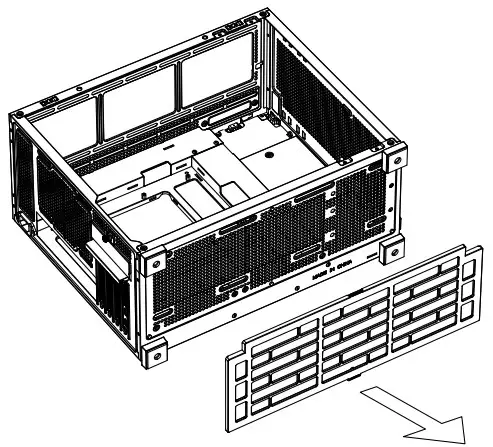
Remove the dust filter
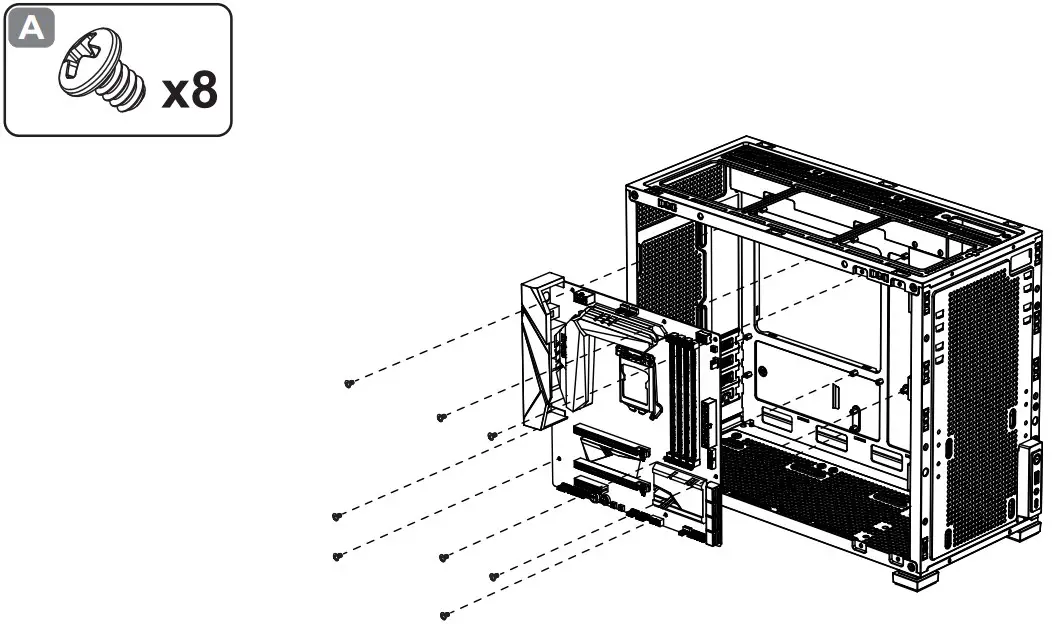
Motherboard / Radiator Installation
Motherboard Installation
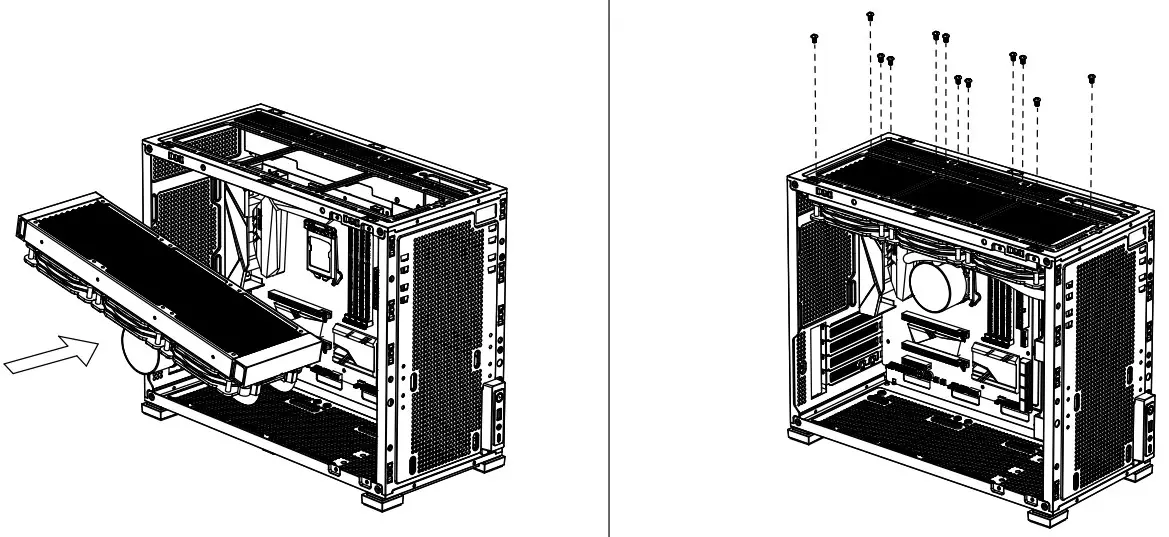
Radiator installation
PSU installation steps
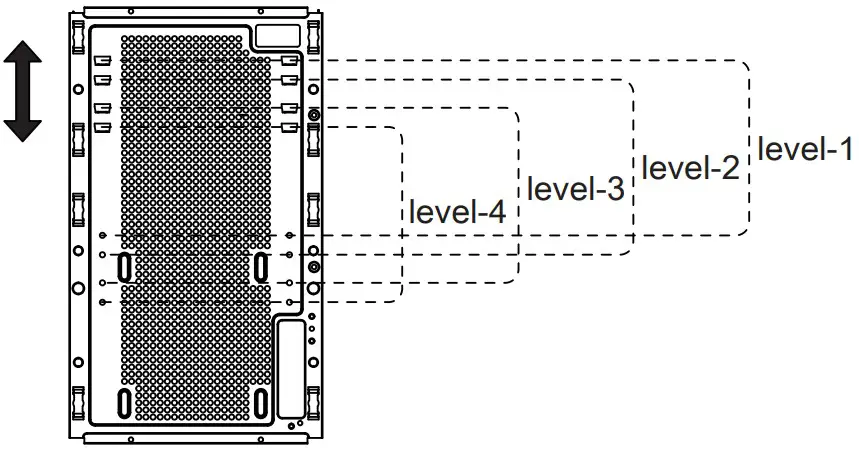
PSU
- Power supply suitable at
- Graphics card length limit
- Power supply suitable at
- Graphics card length limit
≤14cm
- level-1
- 400mm
- level-3
- 342~360mm
≤15cm
- level-1
- level-3
- 335mm
- 342~360mm
≤18cm
- Level-1
- level-3
- 335mm
- 342~360mm
≥18cm
- level-1
- level-3
- 335mm
- 335mm
PSU installation steps
PSU installation
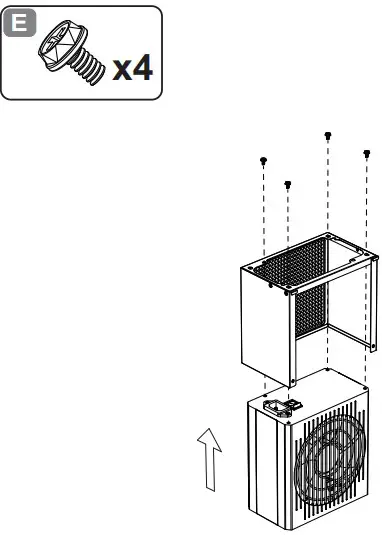
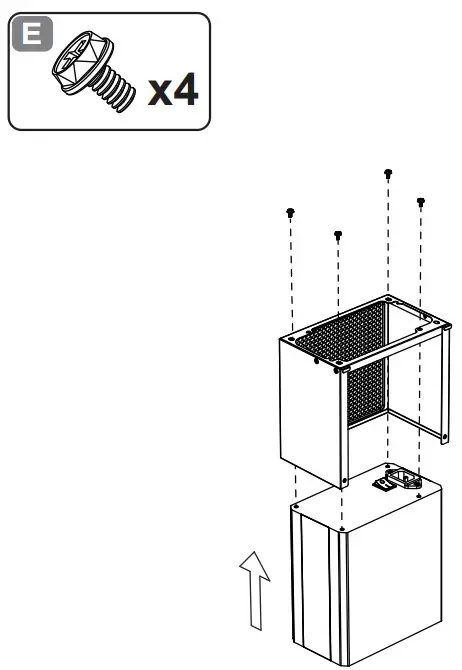
Note: The power plugs need to be inserted into the power supply first, and then installed on the front panel.
Cooling & Compatibility
Finish Installation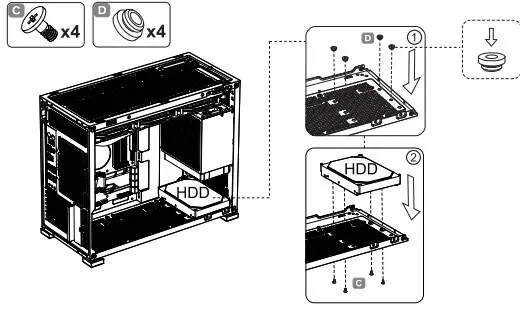
Before installing the graphics card, it is recommended to plug the USB, switch and other related cables to the motherboard