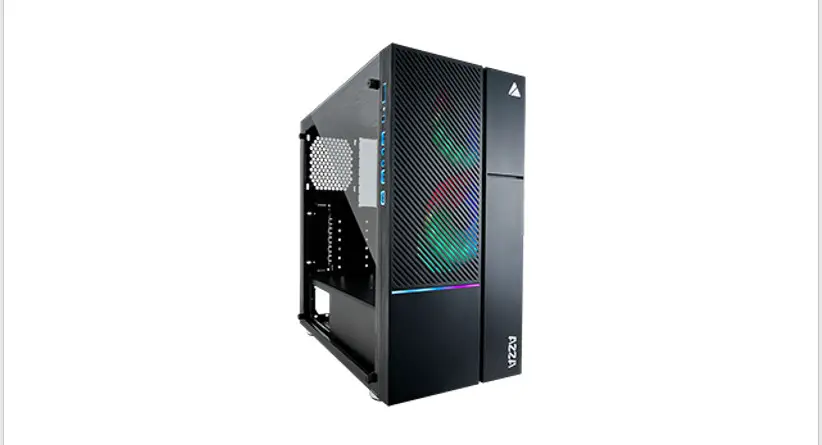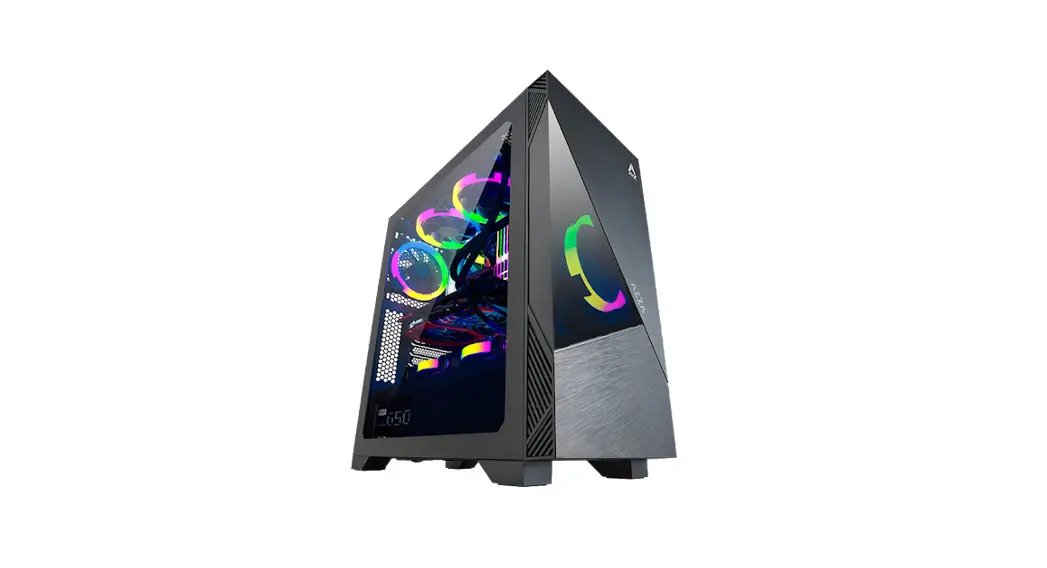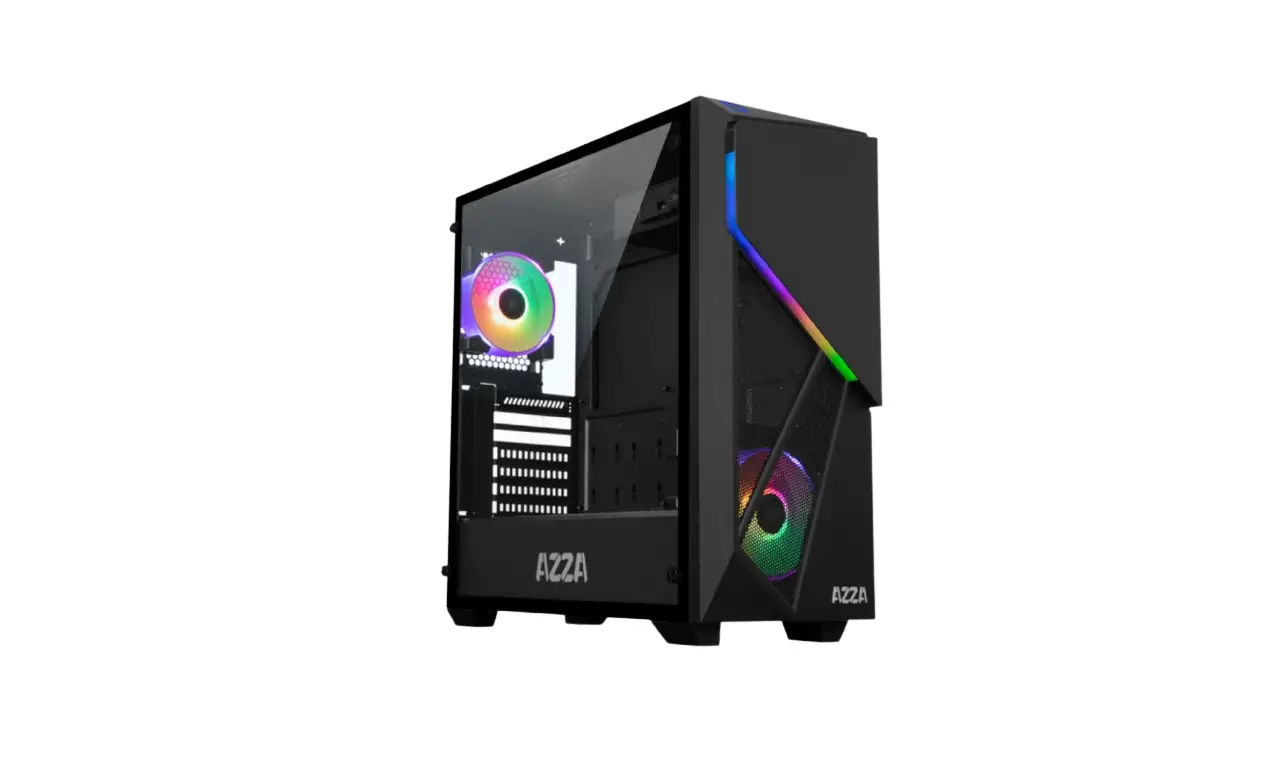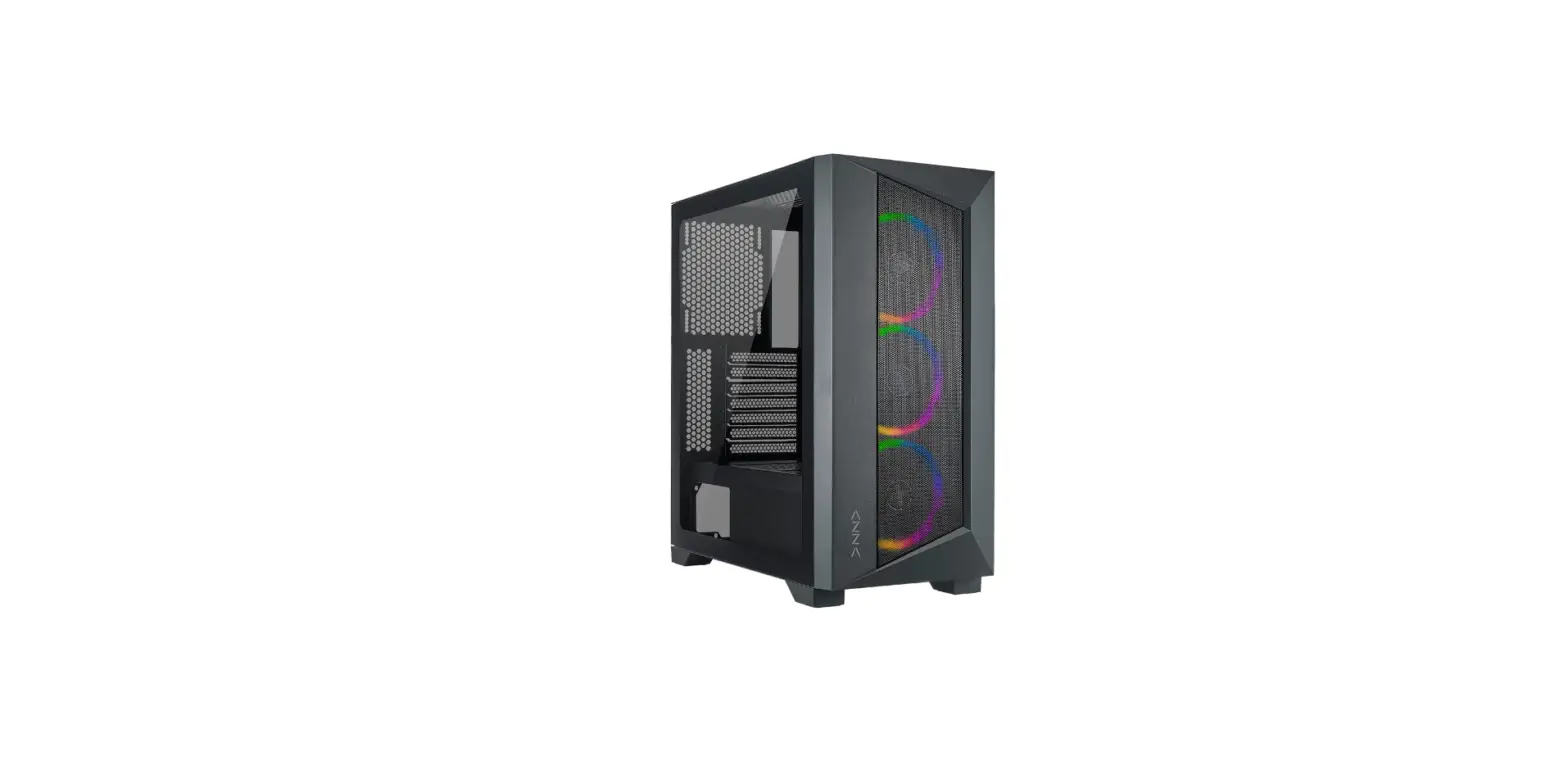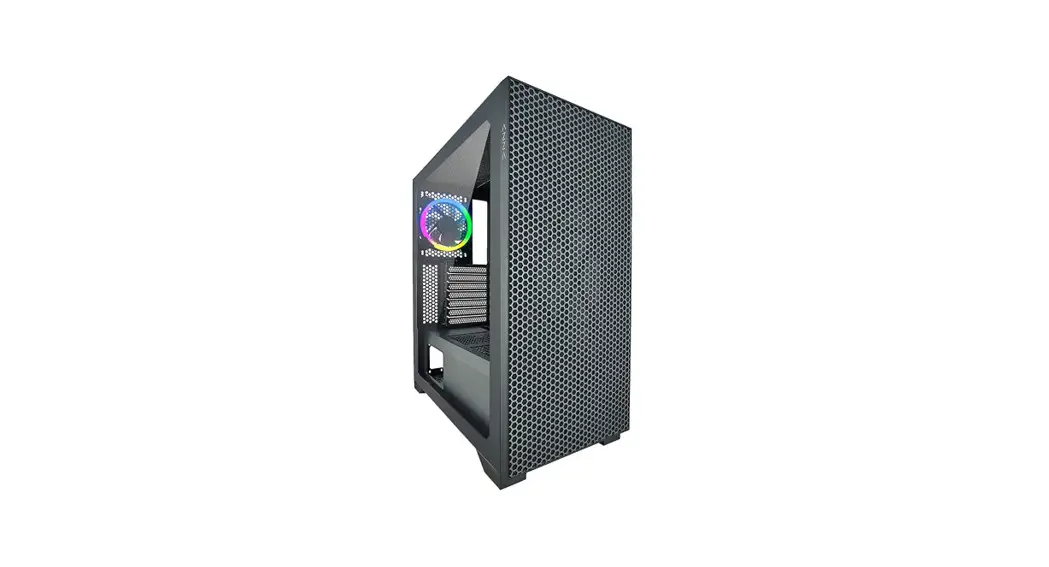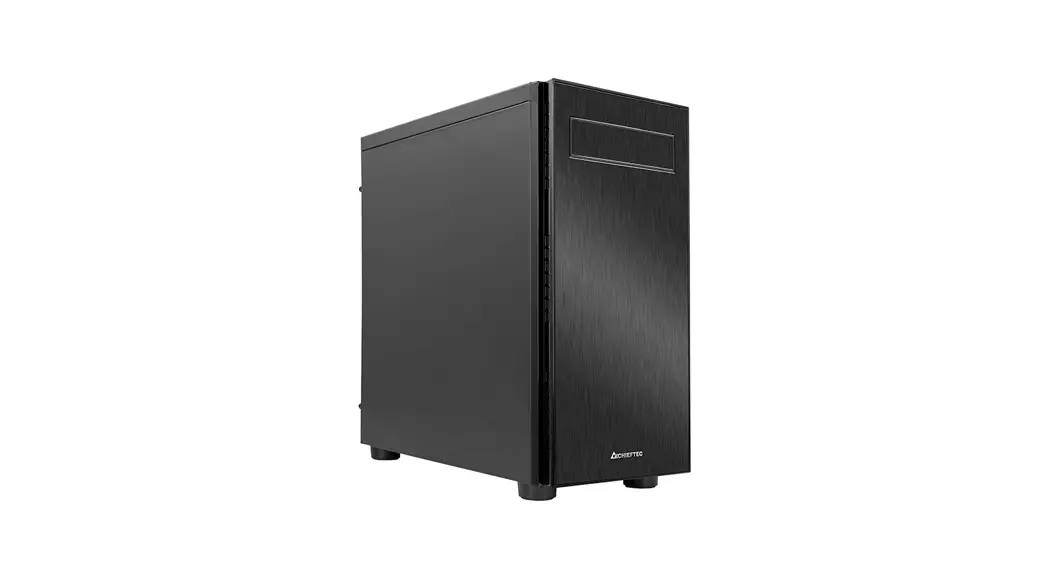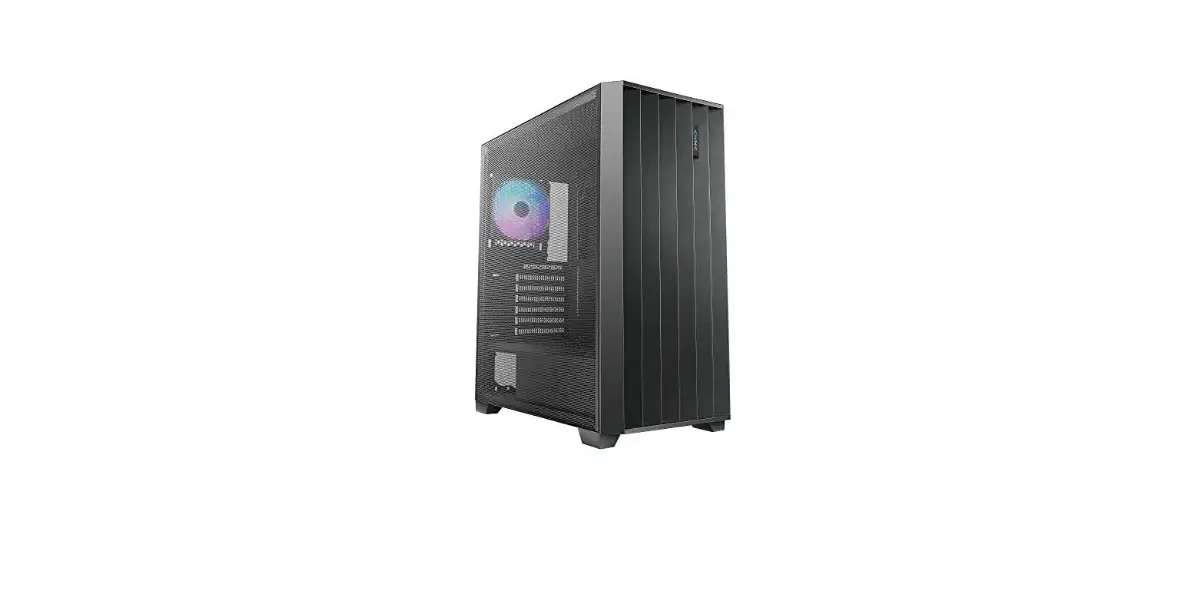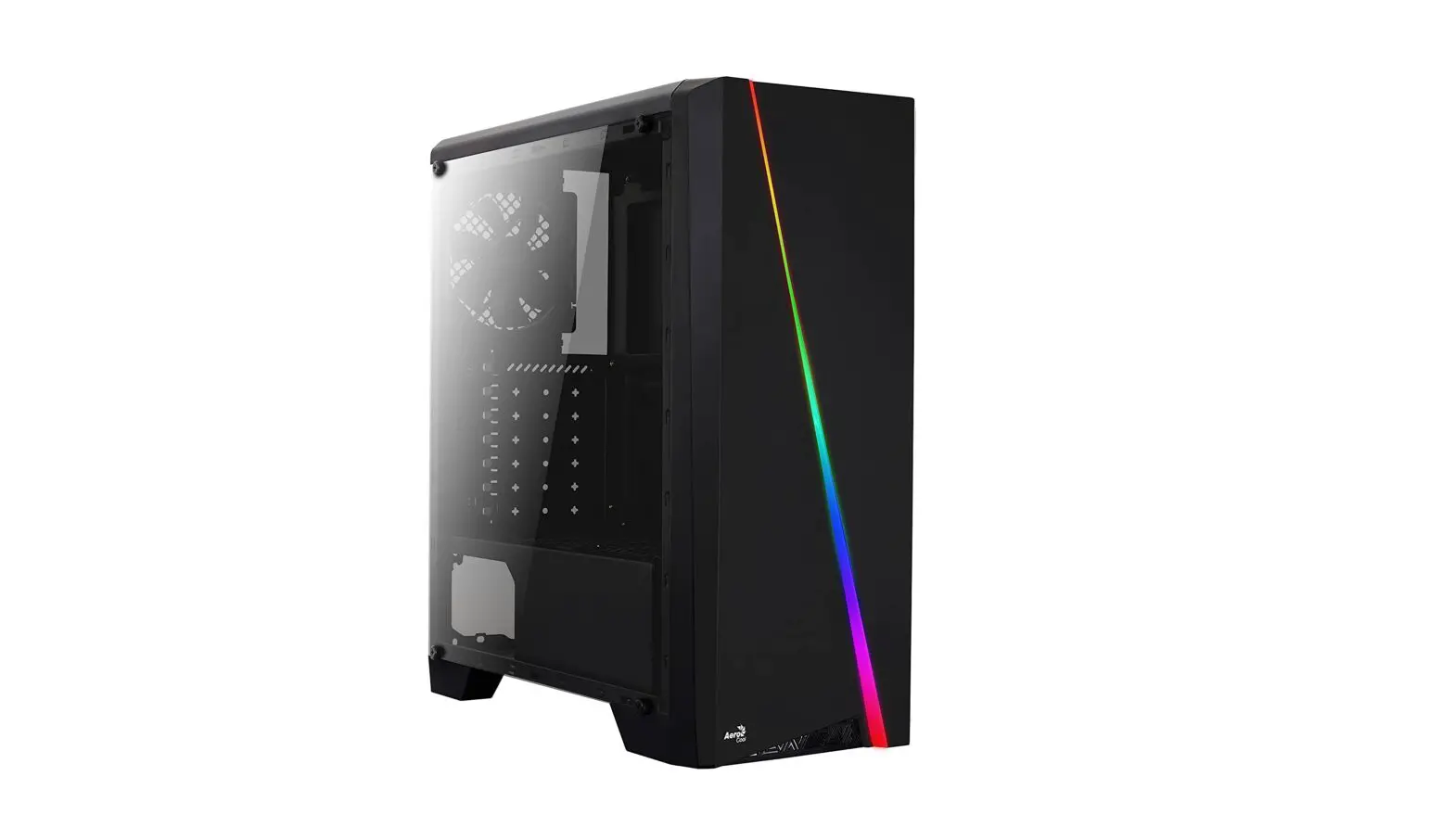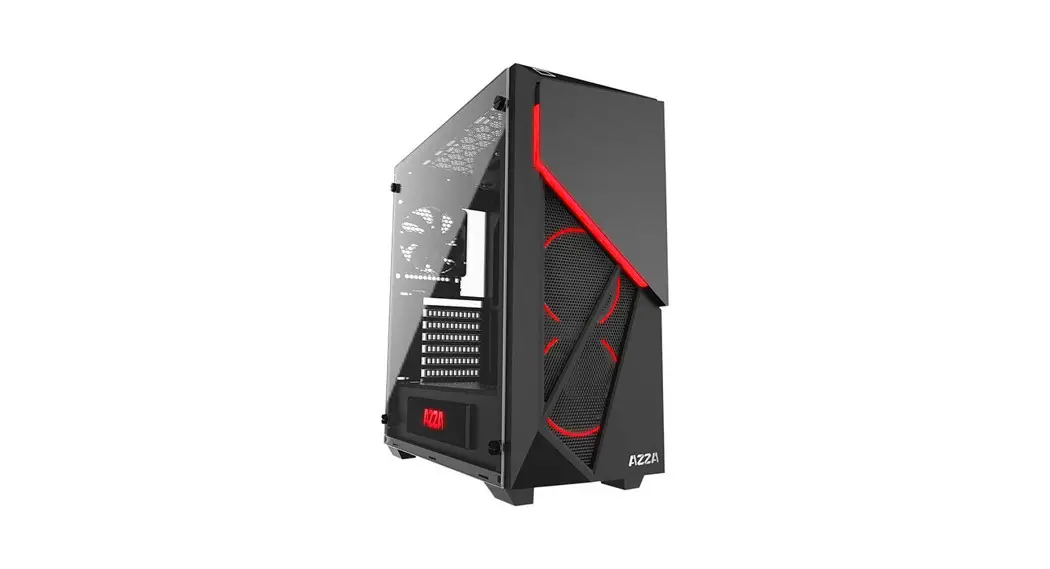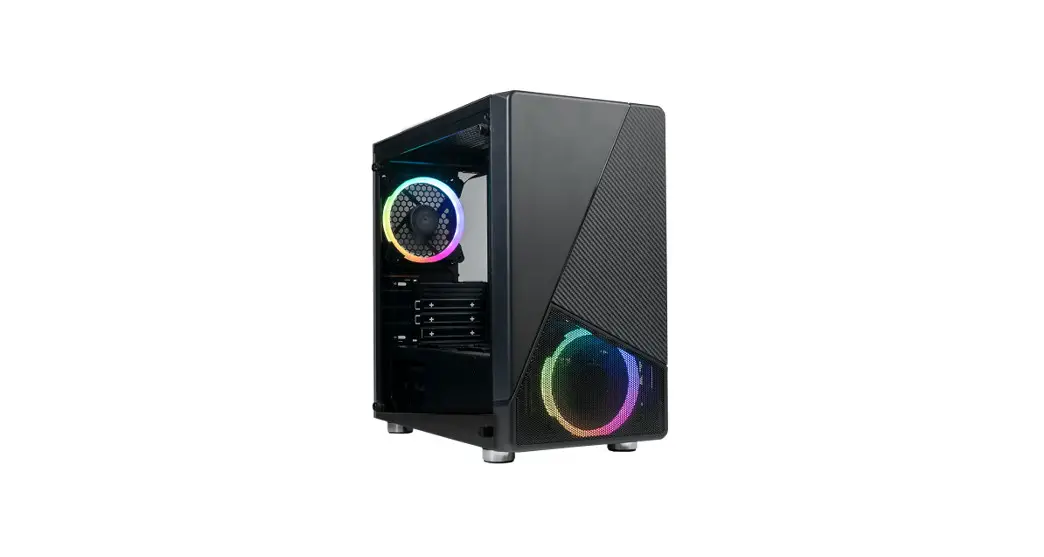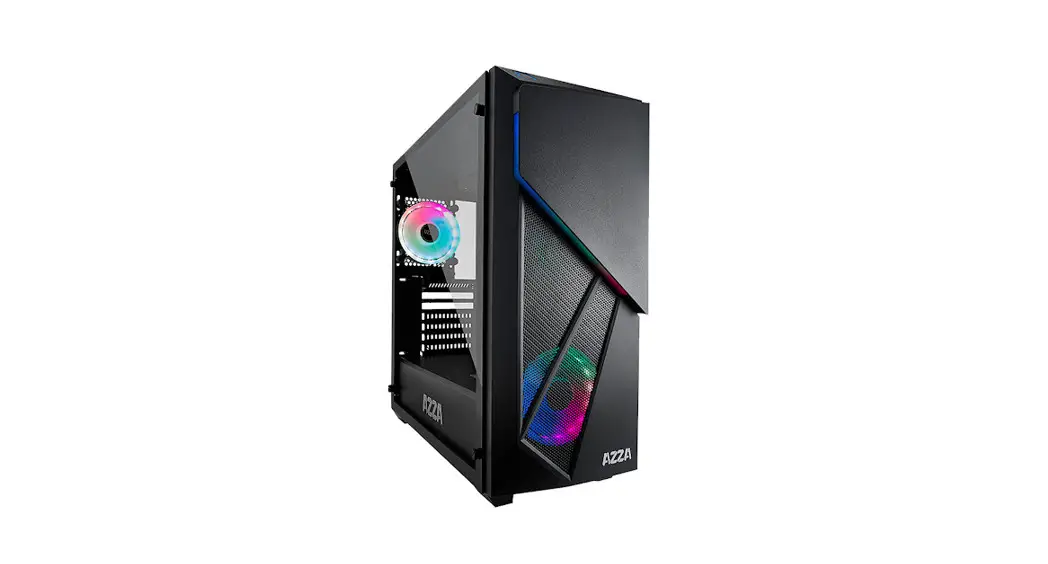

 INFERNO 310 DF
USER MANUAL
WWW.AZZATEK.COM
Spescifications
| Model | |
| Model Name | Inferno |
| Model Number | CSAZ-3100F |
| Specifications | |
| Type: | ATX Mid-Tower |
| Color: | Black (exterior)/Black (interior) |
| Side Panel Window: | Tempered Glass with Rubber Mounts |
| Max CPU Cooler Height | Up to 155mm |
| With Power Supply: | No |
| Motherboard Compatibility: | ATX, Micro ATX |
| Expansion | |
| External 5.25′ Drive Bays: | 1 |
| Internal 2.5″ Drive Bays: | Up to 6 (2 with metal tray) |
| Internal 3.5″ Drive Bays: | Up to 2 |
| Expansion slots: | 7 |
| Front Ports | 2xUSB 3.0, HD Audio |
| Cooling System | |
| Fans Installed | Front ‘I xl 20mm AZZA Digital RGB tan, Rear 1 x120mm AZZA Digital RGB fan |
| Physical Specs | |
| Dimensions(HxWxD) | 480X205X475mm / 18.9X8.1X18.7 inches |
| Weight | 6.7 kg 114.8 lb |
| Features | |
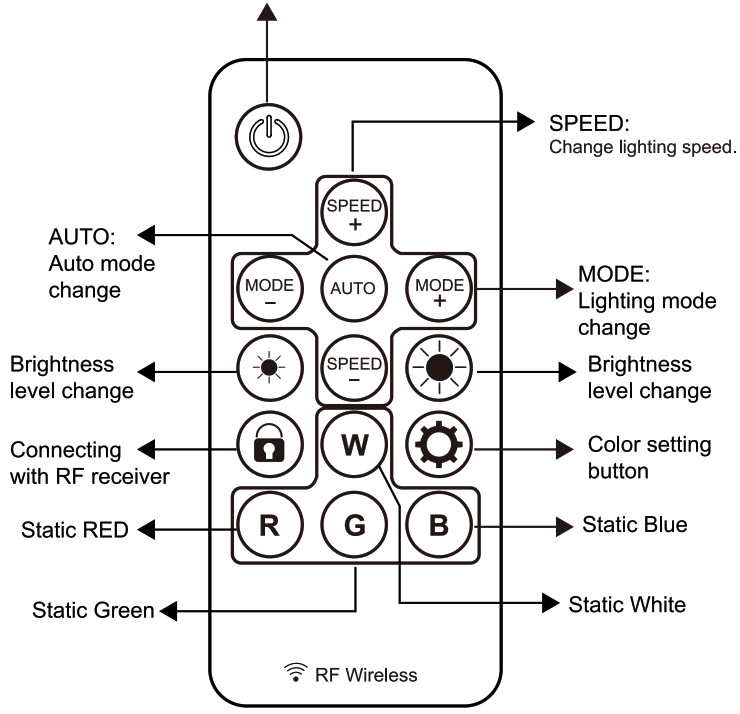
| Digital RGB Light Effects | Digital RGB Light on Front, 2x120mm Digital RGB fans All Digital RGB light devices controlled by Digital RGB RF Remote |
| Max Video Card Length | Supports up to 380mm long video cards |
| Tempered Glass Side Window | High-quality tempered glass with a rubber-mounted side window allows for clear visuals to inner components. |
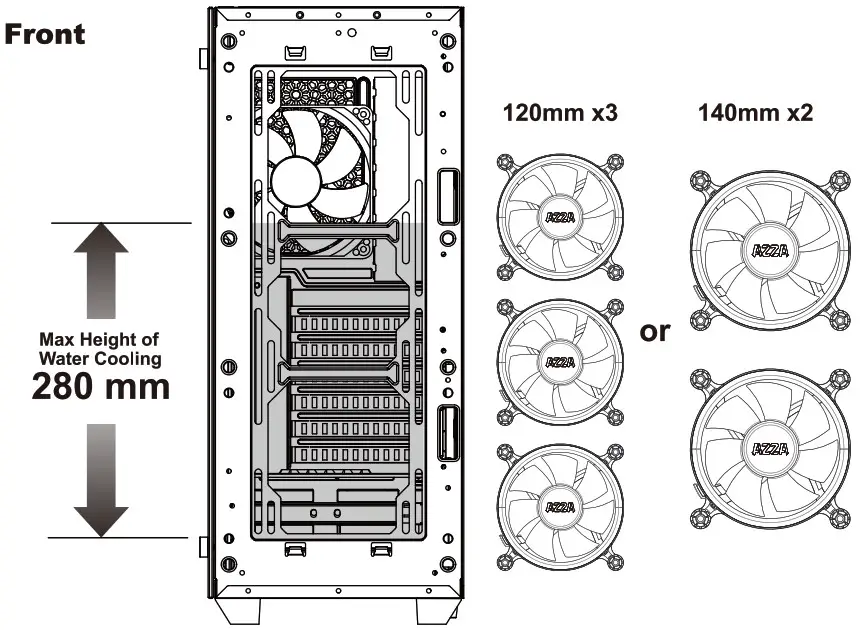
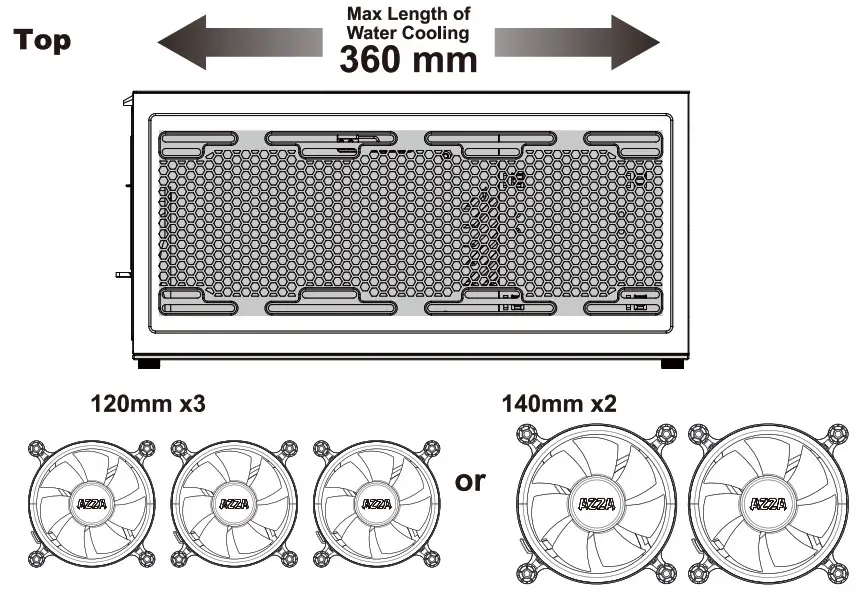
| Available Fan Ports | 3x120mm or 2x140mm ports on the Top 3x120mm or 2x140mm ports in the front (1x120mm Digital RGB Fan included) 1x120mm Fan port in the rear (1)(120mm Digital RGB Fan included) |
| Water Cooling | Supports radiators up to 360mm on top/280mm in front |
| Isolated Chamber | The power supply is housed inside its own isolated chamber, preventing its heat from affecting other components. |
| Easy installation Cooler | A pre-cut hole for easy installation of CPU cooler, eliminating the need to remove the motherboard |
Chassis Parts
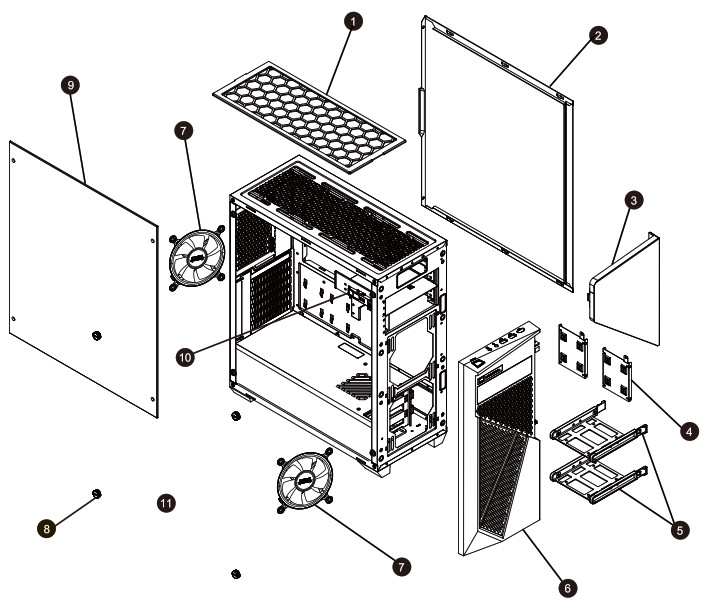
| 1 | Dust filter |
| 2 | Right side panel |
| 3 | Door |
| 4 | SSD brackets |
| 5 | HDD/SSD tray |
| Front bezel | |
| 7 | Digital RGB fans x2 |
| 8 | Hand screw |
| 9 | Left side panel |
| 10 | ODD bay |
Control panel functions
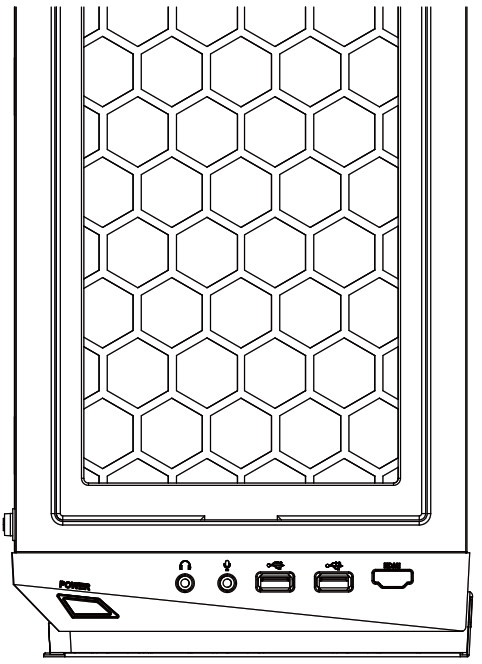
 | Power |  | Mic |
 | USB3.0(Blue) |  | Audio |
| USB3.0(Blue) |  | (Optional) |
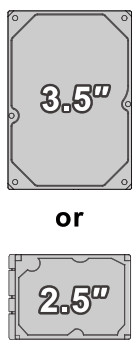
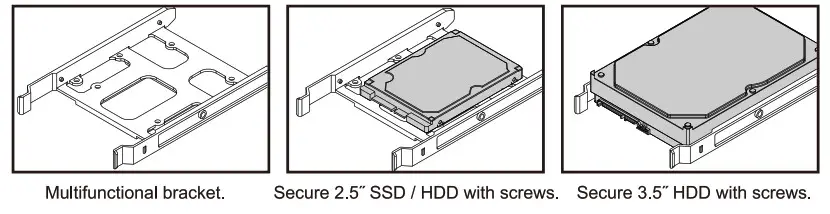
3.5″/2.5″HDD Installation
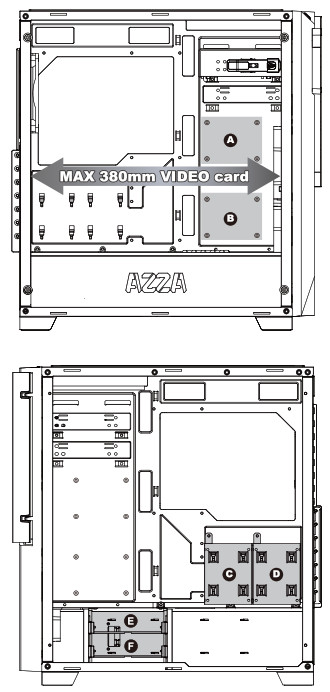
- Supports up to 380mm long video cards.

- Two mounting holes support 2.5″ devices. (
AB) - Two brackets support 2.5′ devices. (
CD) - Two multifunctional trays support 3.5″ HDD or 2.5″ SW. (
EF)
Colling System Installation
AZZA Digital RGB Fan Installation For Digital RF Remote
The first Digital RGB fan is to be connected to the Digital RGB LED RF remote in the chassis, while the rest of them can be daisy-chained to the first one with their own male and female plugs.
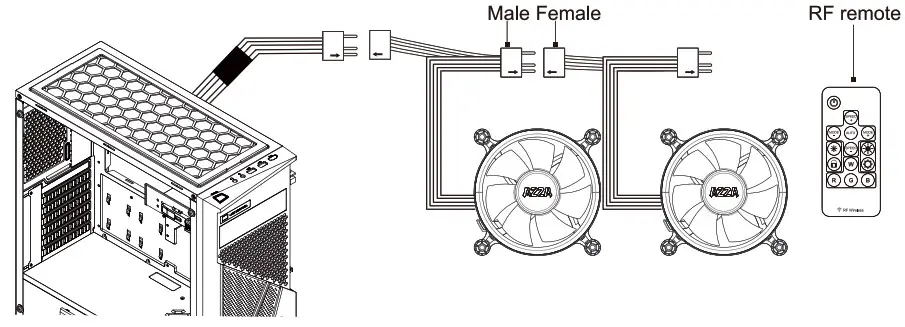
RF Remote (Model Number. RF – DRGB- X300)