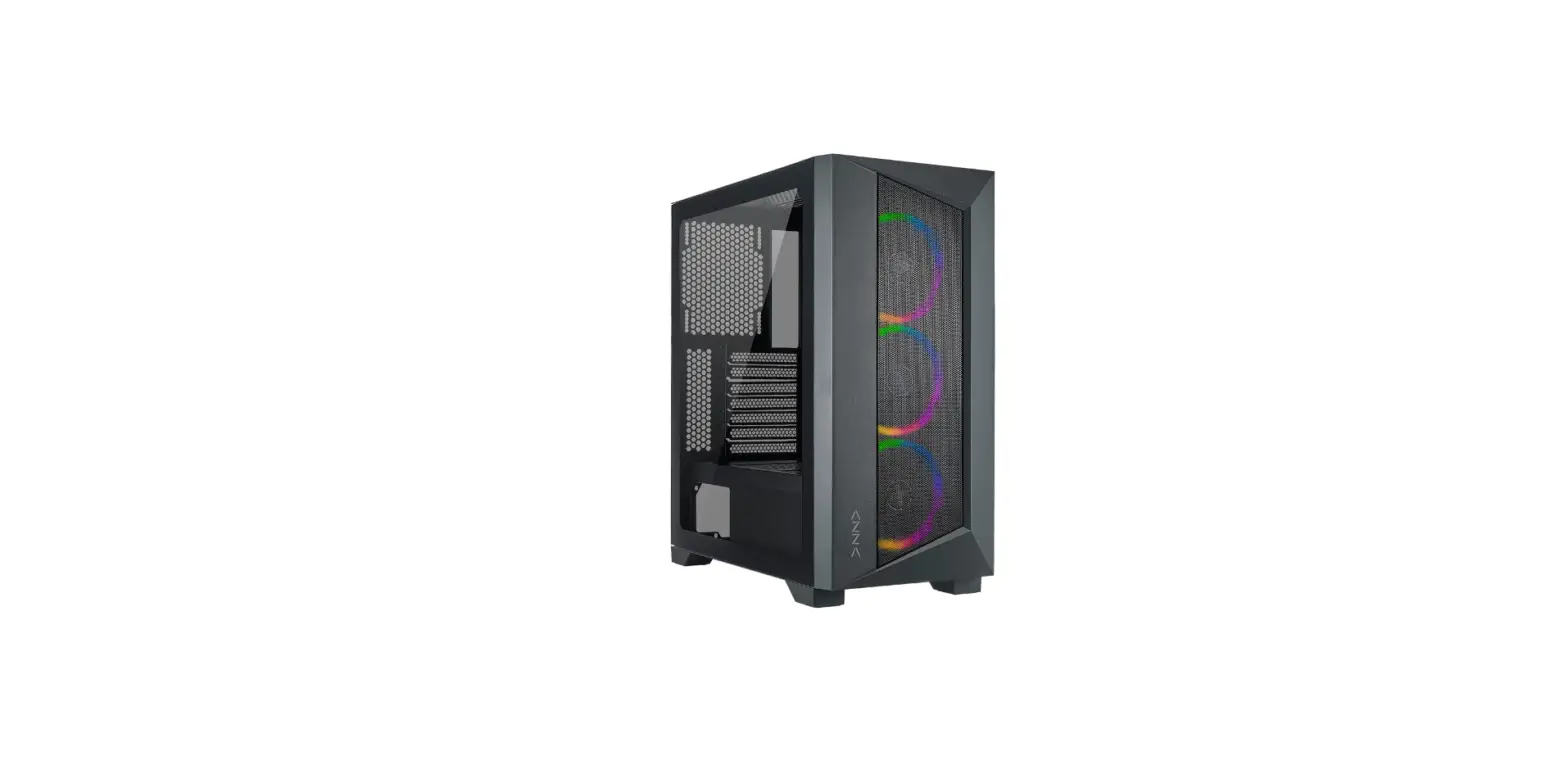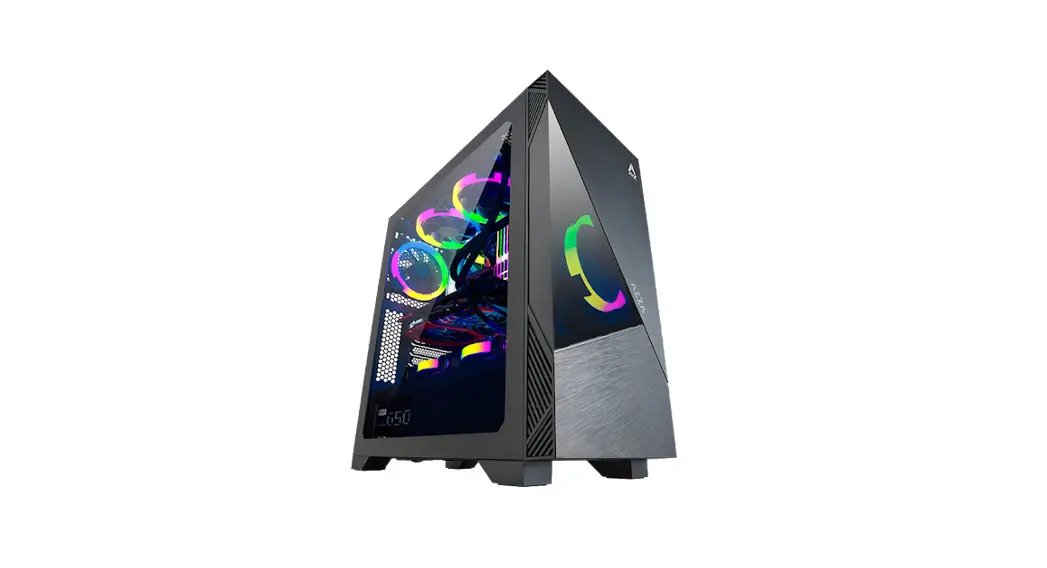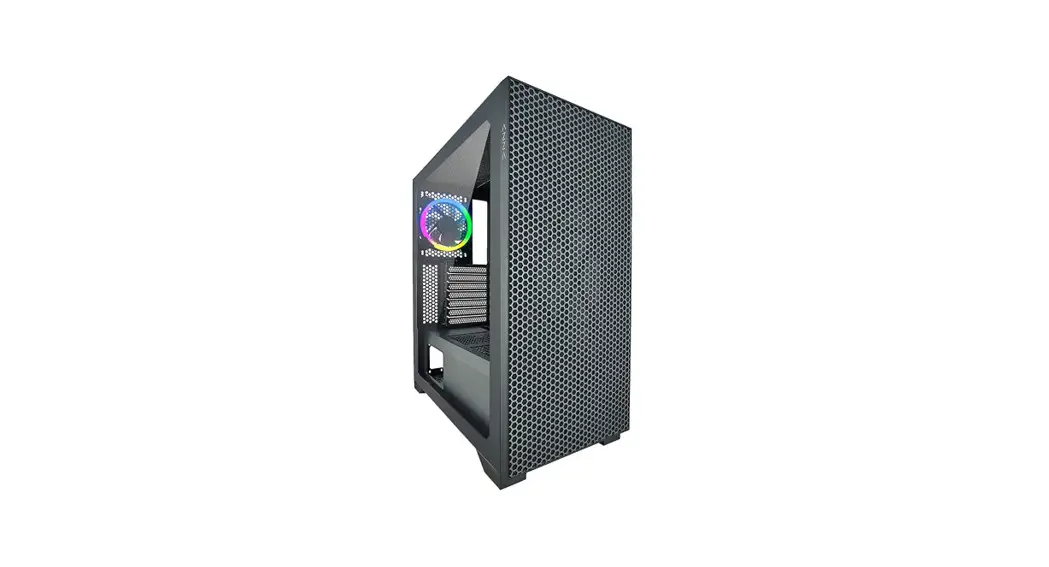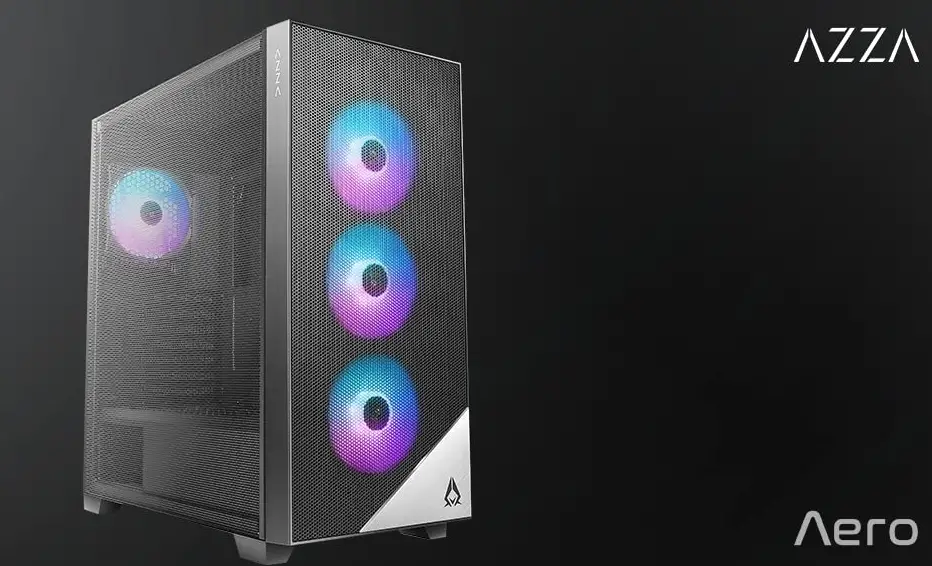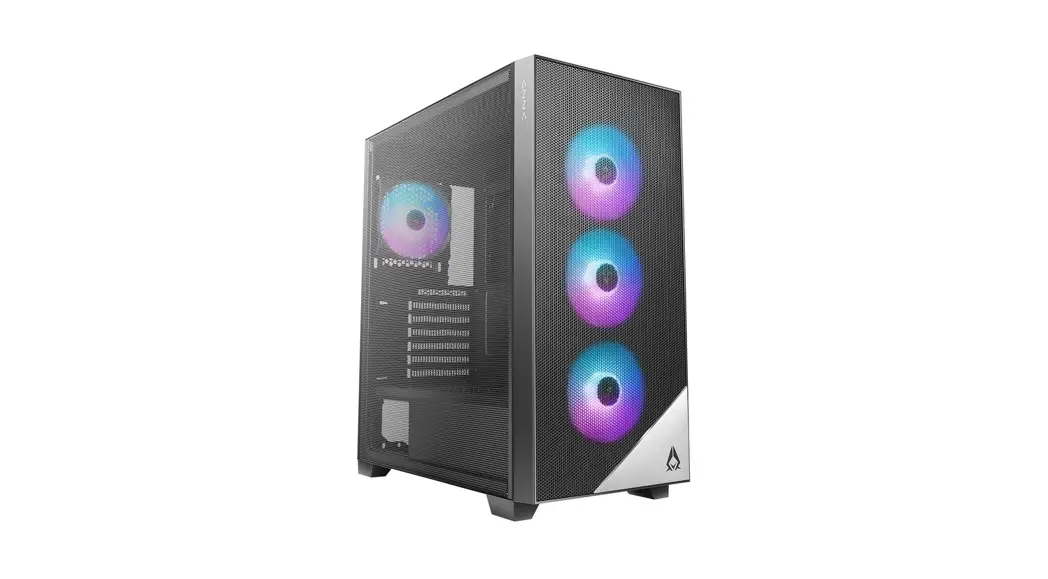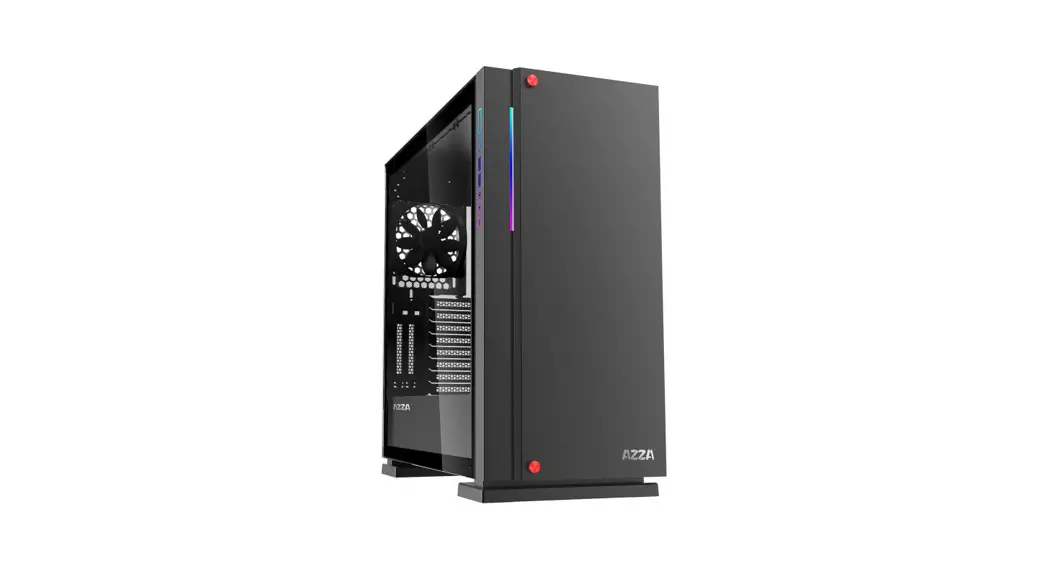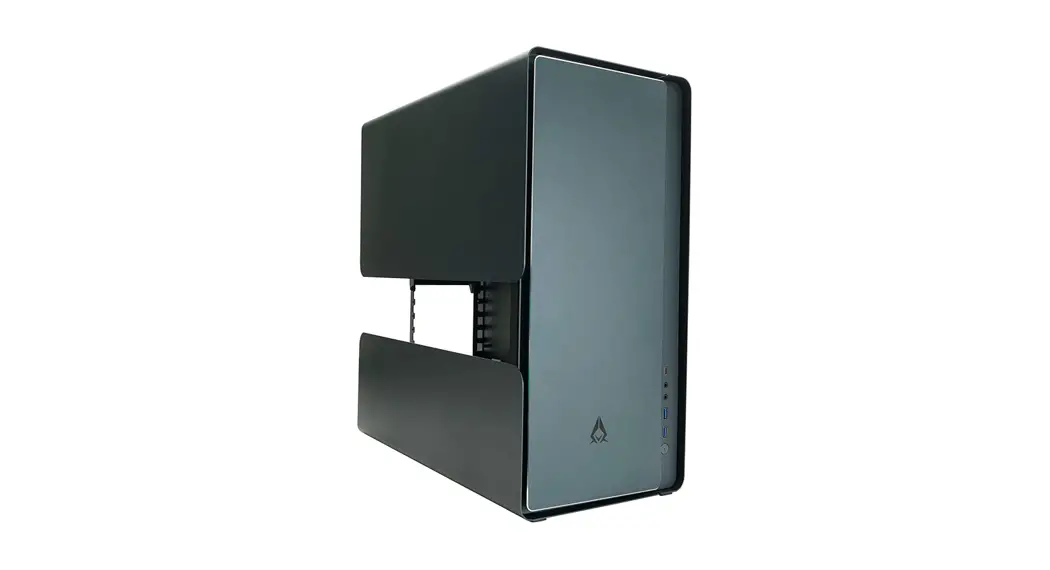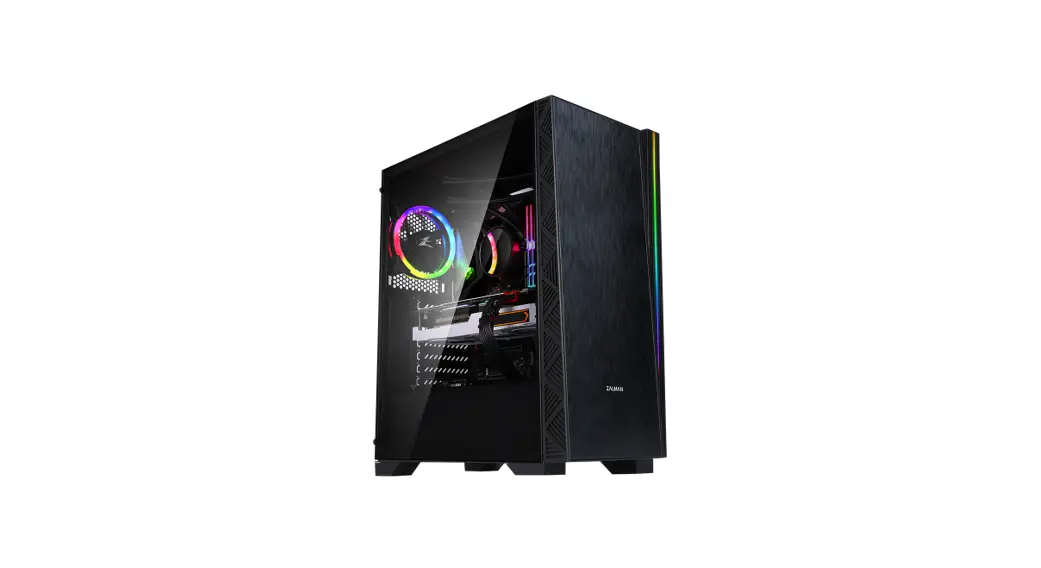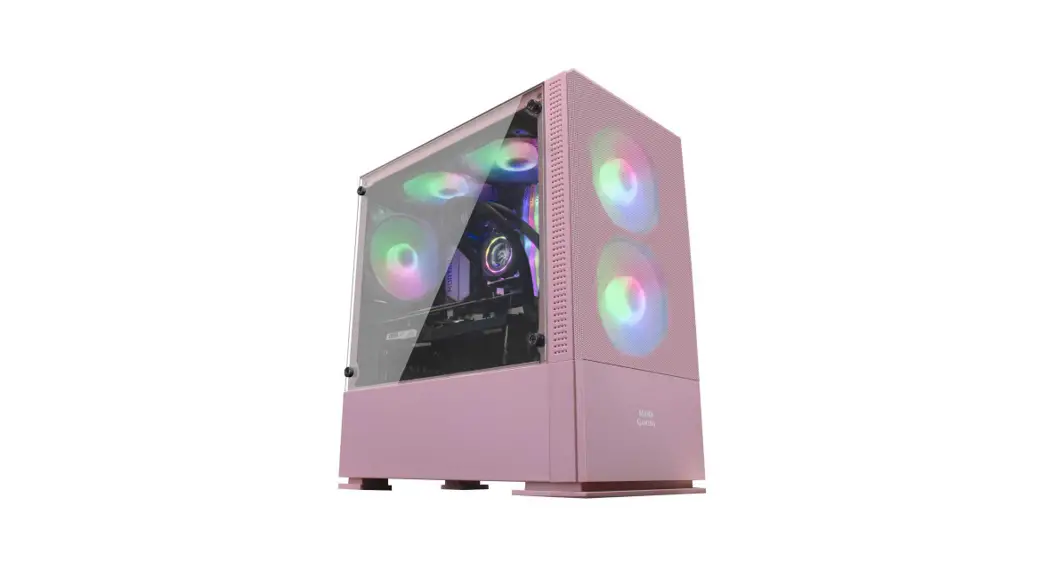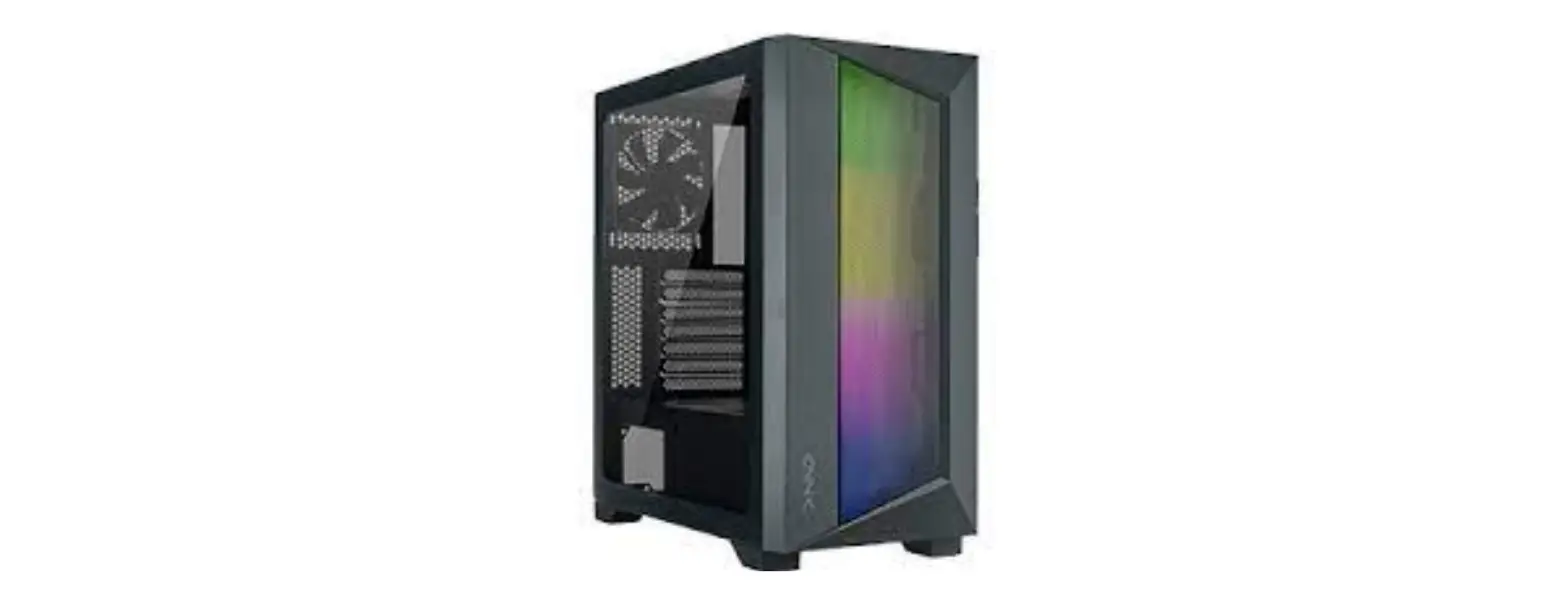

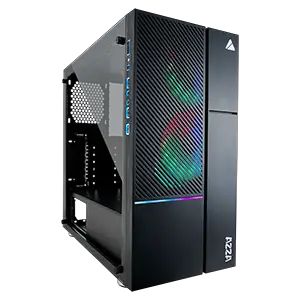
IRIS 330/330S
USER MANUAL
www.azzatek.com
Specifications
| Model | |
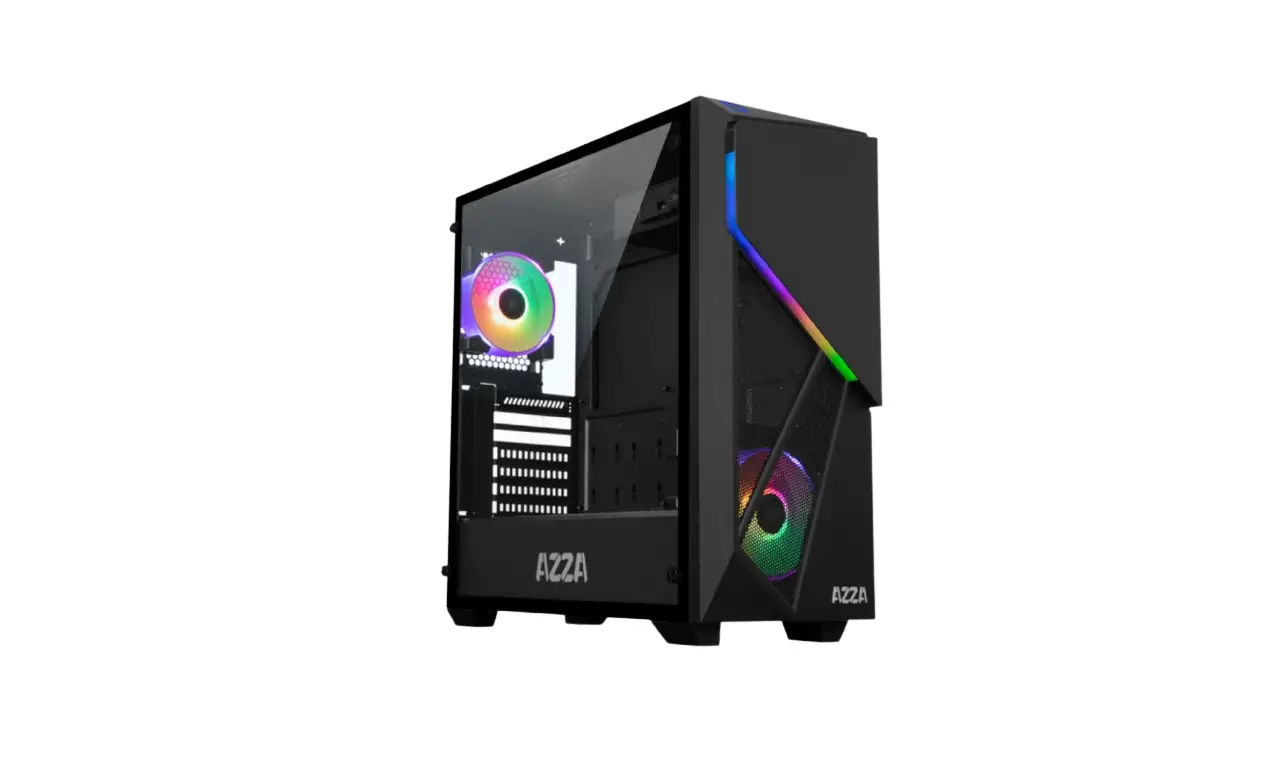
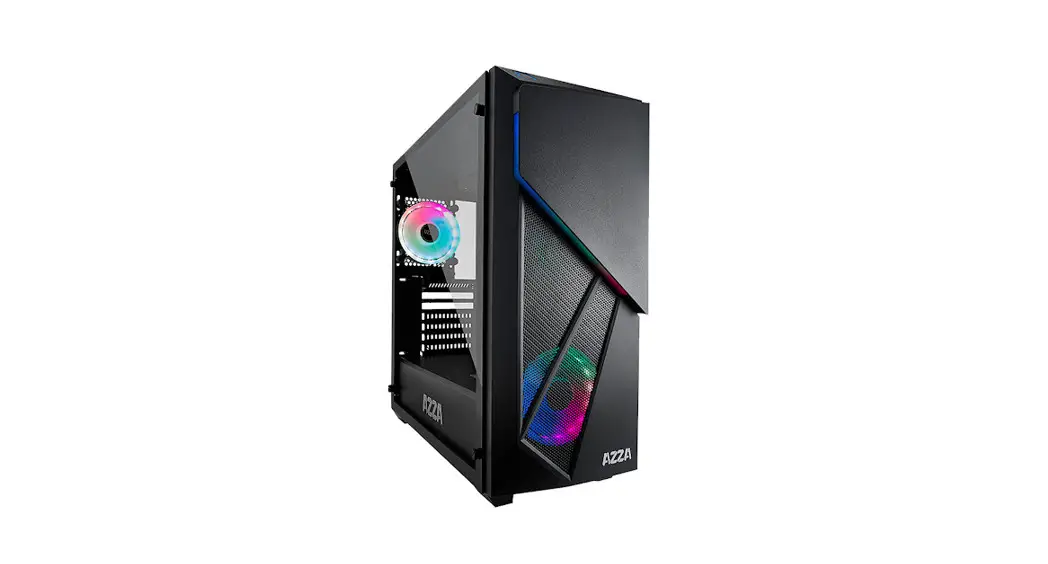
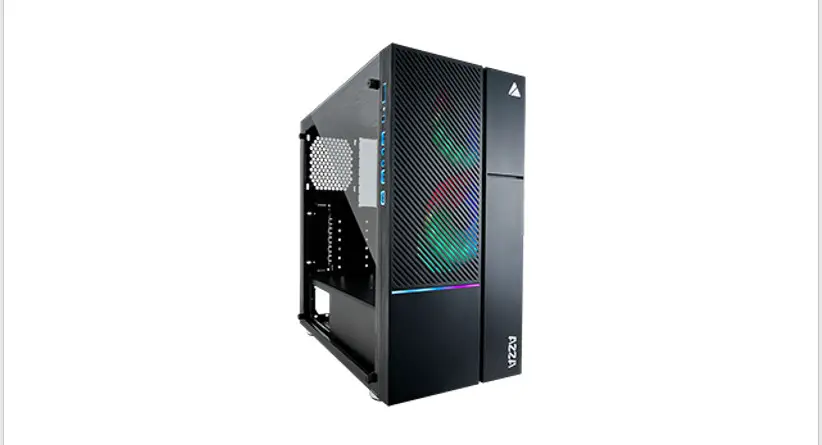
| Model Name | IRIS 330 |
| Model Number | CSAZ-330 |
| Specifications | |
| Type | ATX Mid Tower |
| Color | Black(exterior)/black(interior) |
| Side Panel Window | Left Side panel: Tempered Glass with rubber mounts |
| Max CPU Cooler Height | UP to 155mm |
| Max Video Card Length | Up to 380mm long video card |
| Power Supply | Not Included |
| Motherboard Compatibility | ATX |
| Expansion | |
| External 5.25′ Drive Bays | 0 |
| Internal 2.5“ Drive Bays | Up to 3 |
| Internal 3.5“ Drive Bays | Up to 2 |
| Expansion Slots | 7 |
| Top Ports | Power button, Reset button, HD Audio, USB 3.0 x 1, USB2.0x2 |
| Physical Specifications | |
| Case Dimension (HxWxD) | 447x216x440mm/17.6 x 8.5 x 17.3 inches |
| Weight | 5.49k /12.1lbs |
| Features | |
| Tempered Glass Sides Window | High-quality tempered glass side window allows for clear visuals to inner components |
| Addressable RGB Light Effects | Addressable RGB light strips on front panel, side port locations and controlled by Motherboard. |
| Available Fan Ports | 3x120mm Fan ports in the front (2x120mm Digital RGB Fan included) 2x120mm Fan ports on the top lx120mm Fan port in the rear 2x120mm Fan ports on the top of PSU chamber |
| Water Cooling | Supports radiators up to 240/360mm in the Front |
| Dust filters | Removable (magnetic) dustproof net on the top. iron net on bottom of chassis. |
| Power Supply Support | Bottom mounted ATX Power Supply |
Specifications
| Model | |
| Model Name | IRIS 330S |
| Model Number | CSAZ-330S |
| Specifications | |
| Type | ATX Mid Tower |
| Color | Black(exterior)/black(interior) |
| Side Panel Window | Left Side panel: Tempered Glass with rubber mounts |
| Max CPU Cooler Height | UP to 155mm |
| Max Video Card Length | Up to 340mm long video card |
| Power Supply | Not Included |
| Motherboard Compatibility | ATX |
| Expansion | |
| External 5.25′ Drive Bays | 0 |
| Internal 2.5“ Drive Bays | Up to 4 |
| Internal 3.5“ Drive Bays | Up to 2 |
| Expansion Slots | 7 |
| Top Ports | Power button, Reset button, HD Audio, USB 3.0 x 1, USB2.0x2 |
| Physical Specifications | |
| Case Dimension (HxWxD) | 447x216x402mm/17.6 x 8.5 x 16 inches |
| Weight | 5.169k /11.4lbs |
| Features | |
| Tempered Glass Sides Window | High-quality tempered glass side window allows for clear visuals to inner components |
| Addressable RGB Light Effects | Addressable RGB light strips on front panel, side port locations and controlled by Motherboard. |
| Available Fan Ports | 3x120mm Fan ports in the front (2x120mm Digital RGB Fan included) 2x120mm Fan ports on the top lx120mm Fan port in the rear |
| Water Cooling | Supports radiators up to 240/360mm in the Front |
| Dust filters | Removable (magnetic) dustproof net on the top. iron net on bottom of chassis. |
| Power Supply Support | Bottom mounted ATX Power Supply |
Chassis Parts
CSAZ 330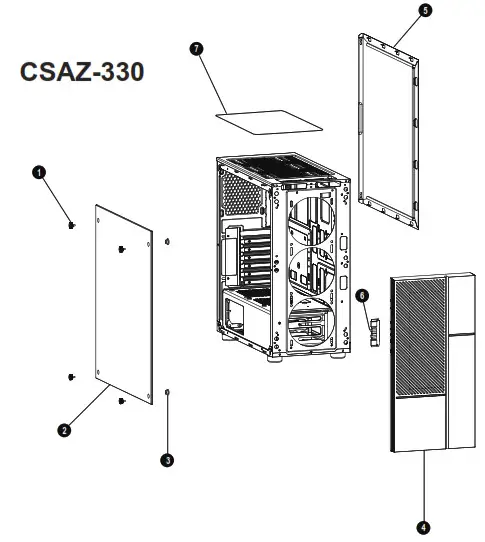
| 1 | Hand screws for tempered glass panel x 4 |
| 2 | Left side tempered glass panel |
| 3 | Rubber gasket x 4 |
| 4 | Front panel |
| 5 | Right side metal panel |
| 6 | I/O ports |
| 7 | Removable (magnetic) dust proof net |
CSAZ-330S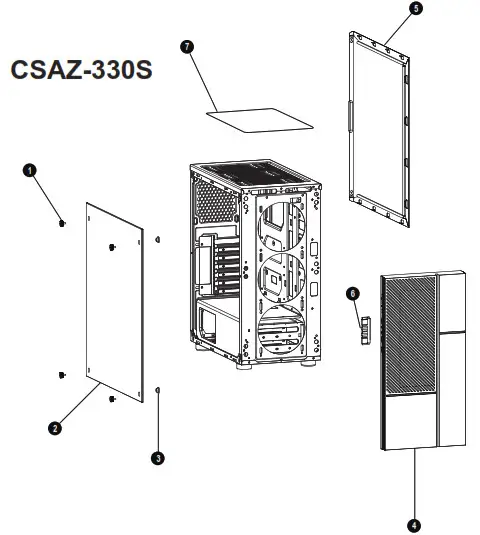
| 1 | Hand screws for tempered glass panel x 4 |
| 2 | Left side tempered glass panel |
| 3 | Rubber gasket x 4 |
| 4 | Front panel |
| 5 | Right side metal panel |
| 6 | I/O ports |
| 7 | Removable (magnetic) dust proof net |
Control Panel Functions
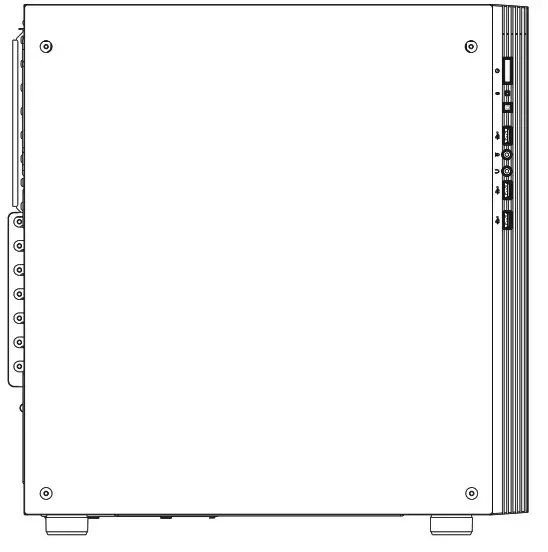
 | Power |  | USB 3.0 (Blue) |
 | Reset |  | Mic |
 | USB 2.0 |  | Audio |
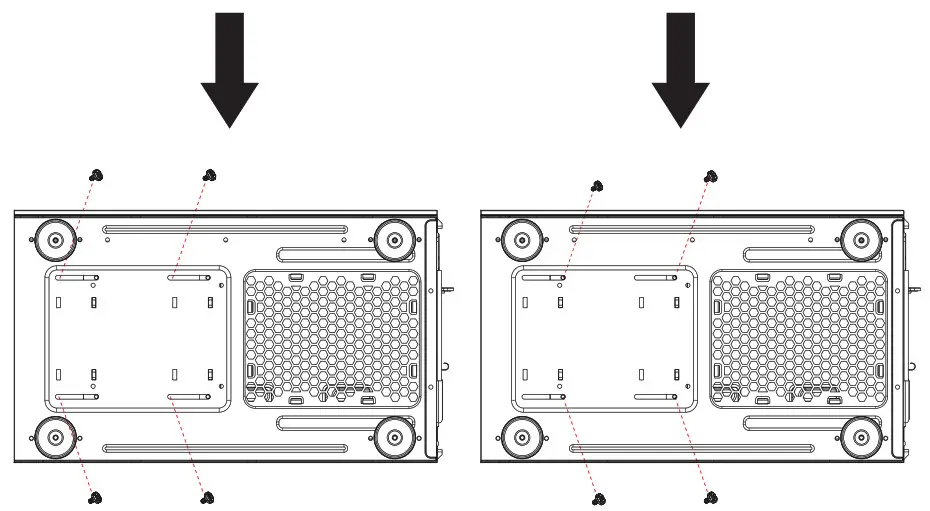
3.5″/2.5″ HDD Installation
CSAZ-330
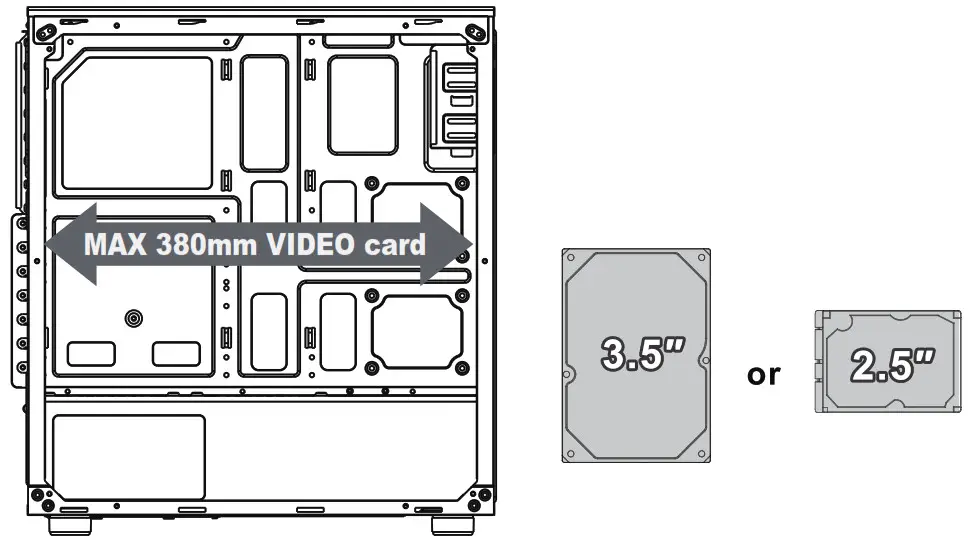
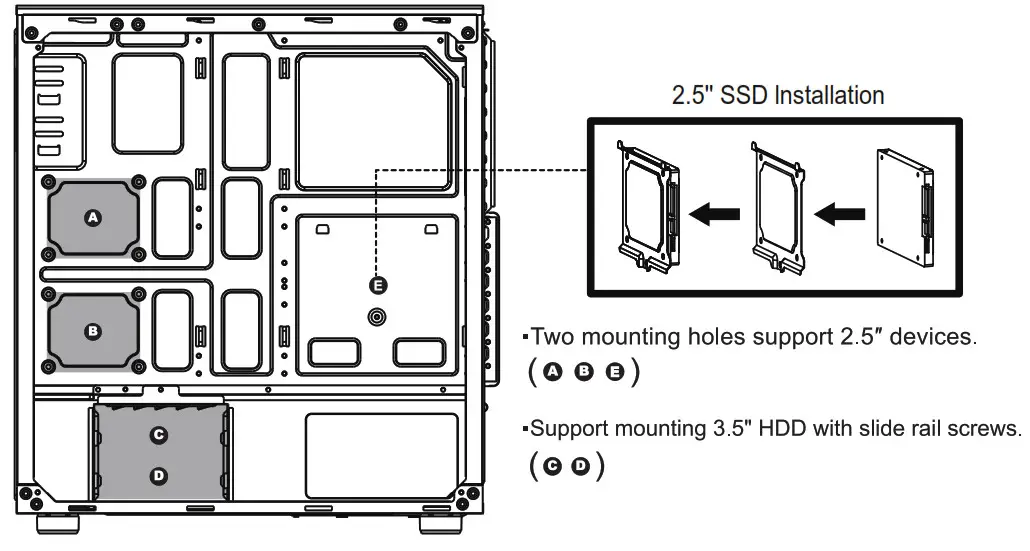
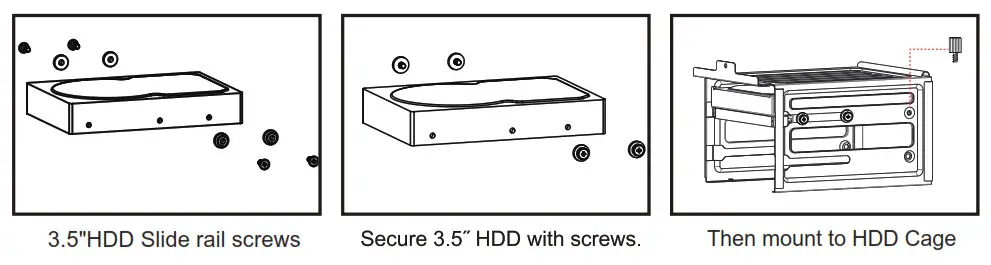 CSAZ-330S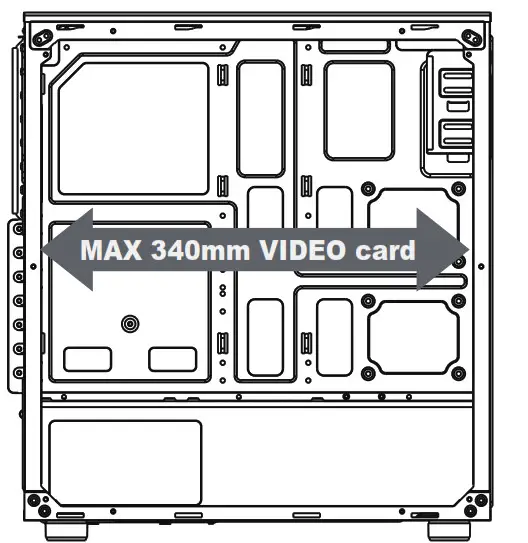
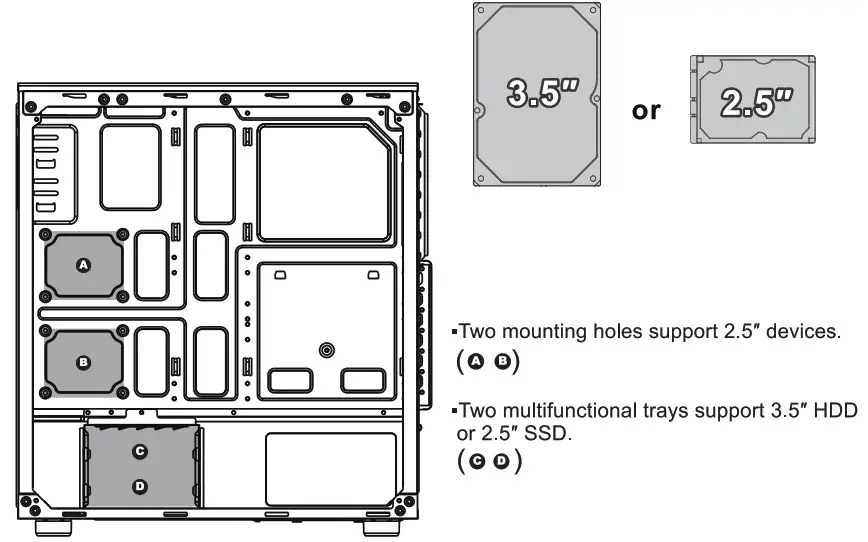
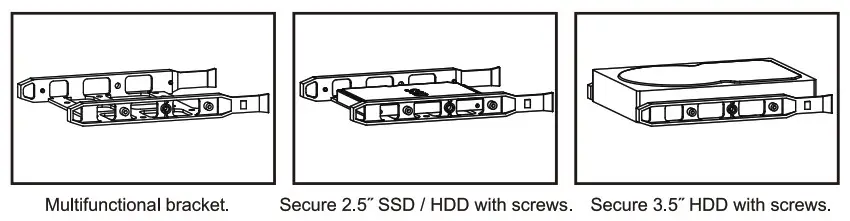
Cooling System Installation
CSAZ-330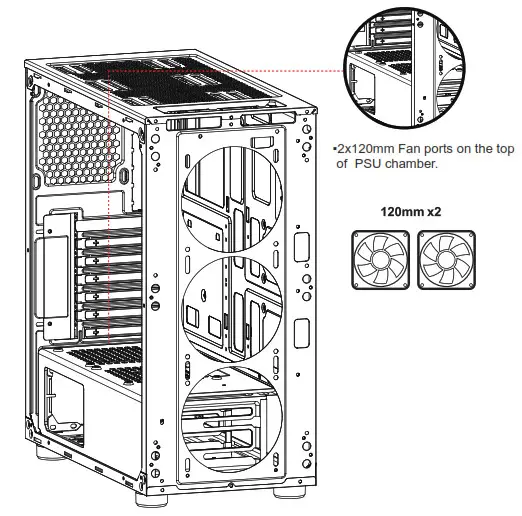 Front
Front
CSAZ-330/CSAZ-330S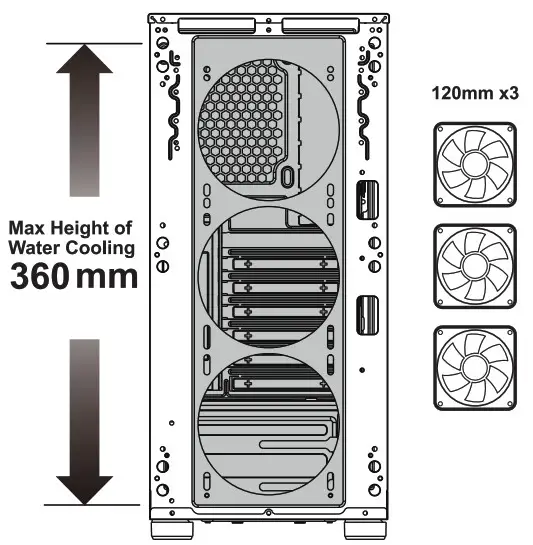 Top
Top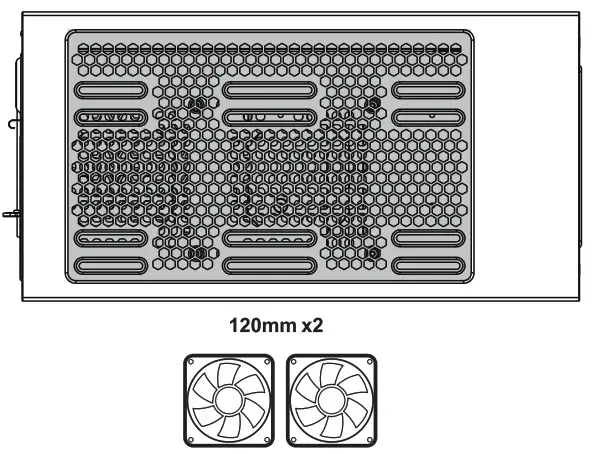 CSAZ-.330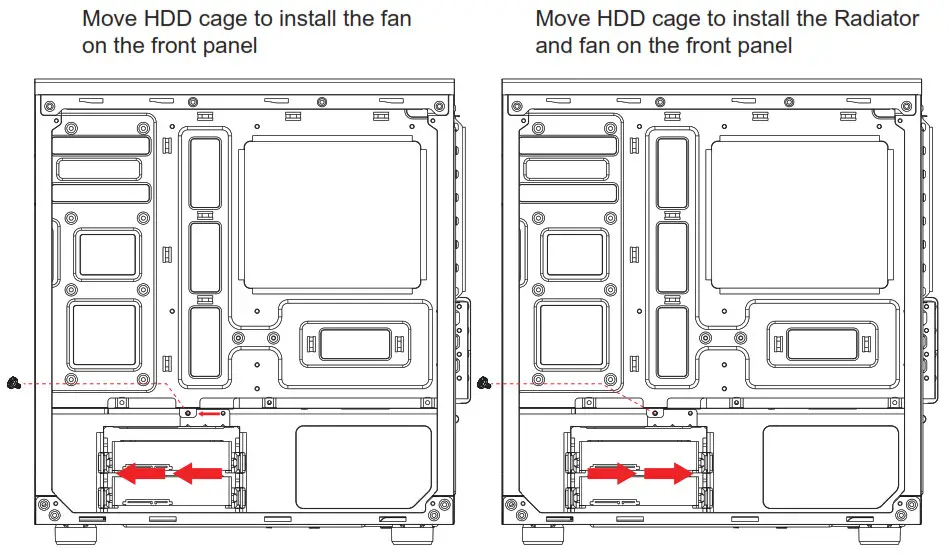
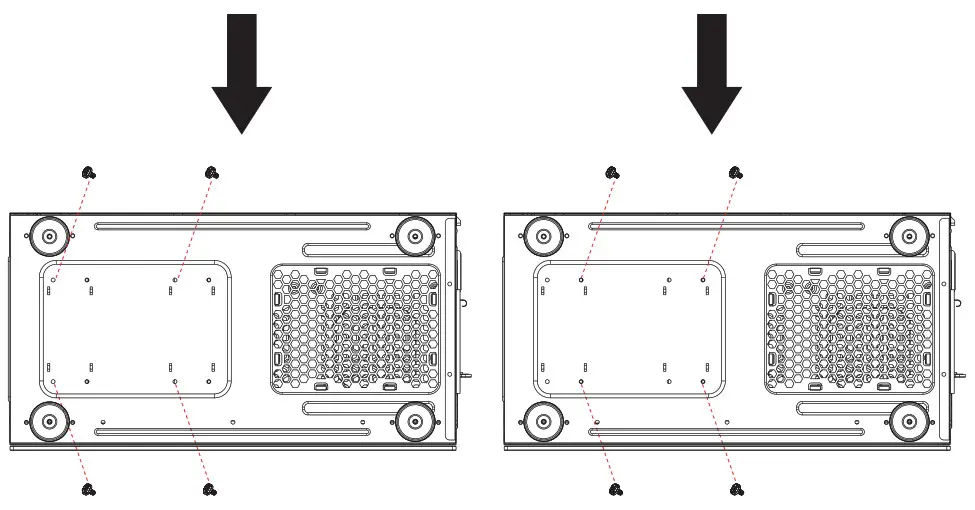 CSAZ-.330S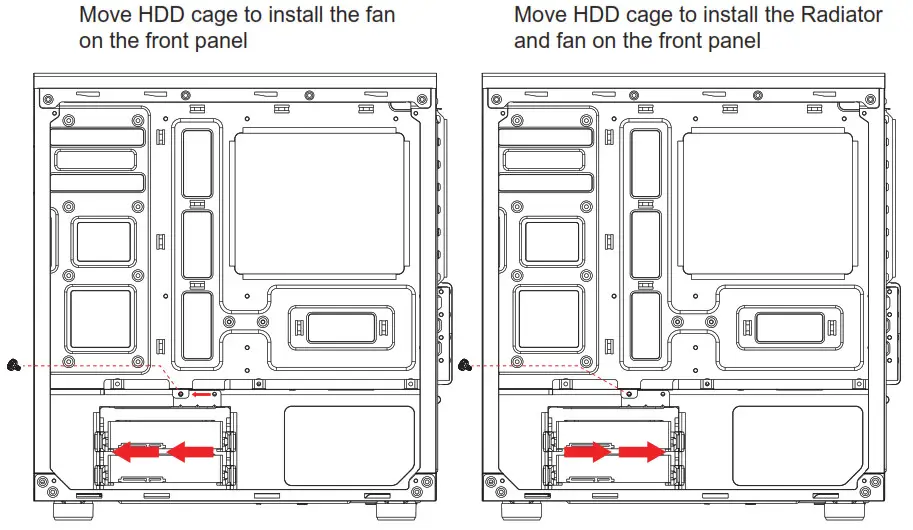
Digital RGB fan Installation for motherboard
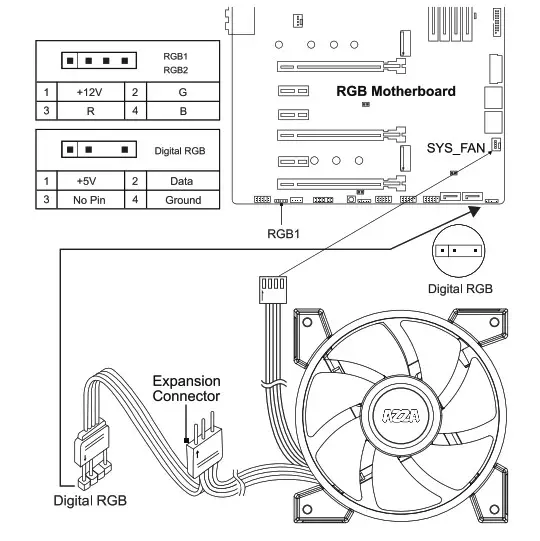 The addressable RGB fans can connect directly to the 5V addressable RGB headers of compatible motherboards, such as those from MSI™, ASUSTM, Gigabyte™, and AsRock™,.
Please note: Only 5V addressable headers from compatible motherboards are supported. Please do NOT connect the fan to a 12V non-addressable header.
Please check your motherboard’s specifications before use. Do not go past the motherboard’s allowed limits on power rating and LED count when connecting multiple fans/LED strip