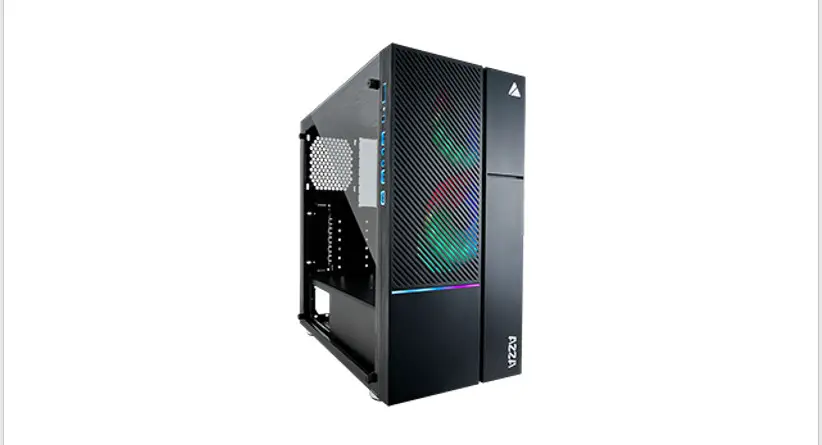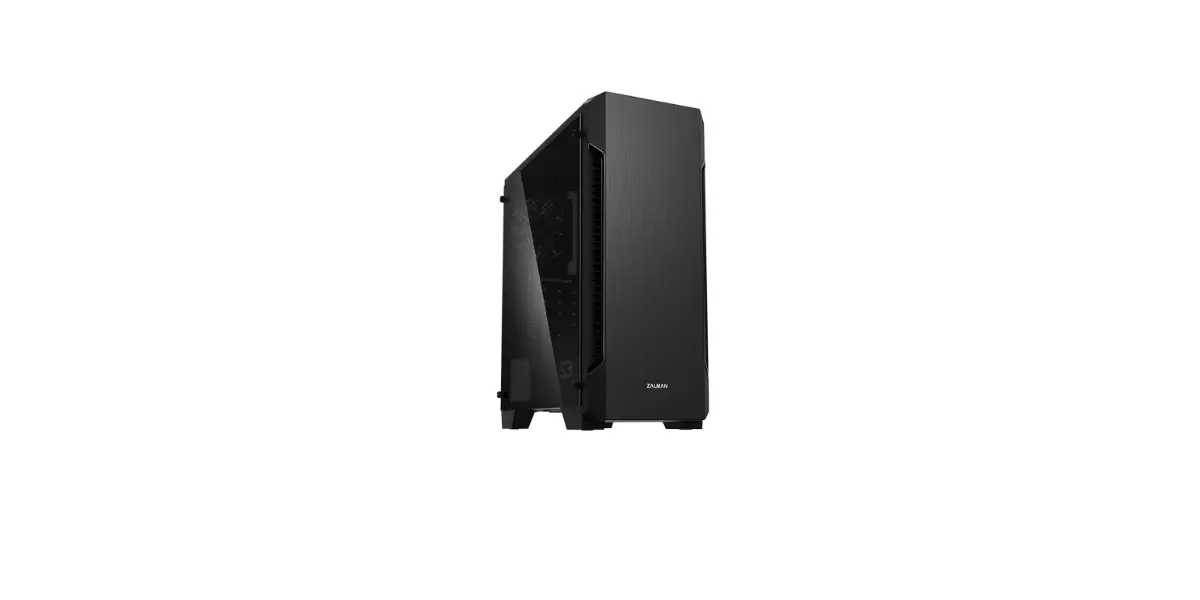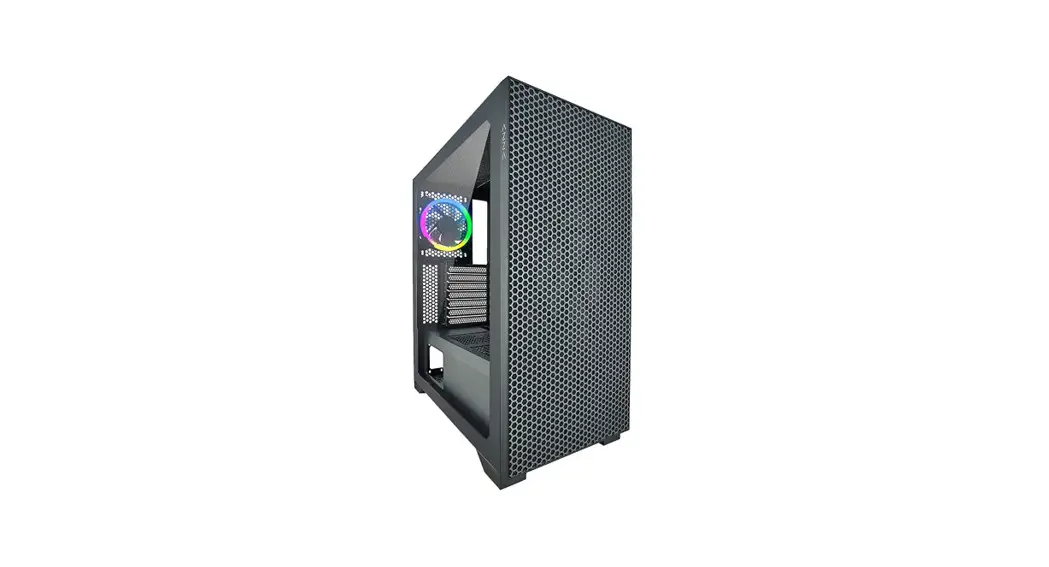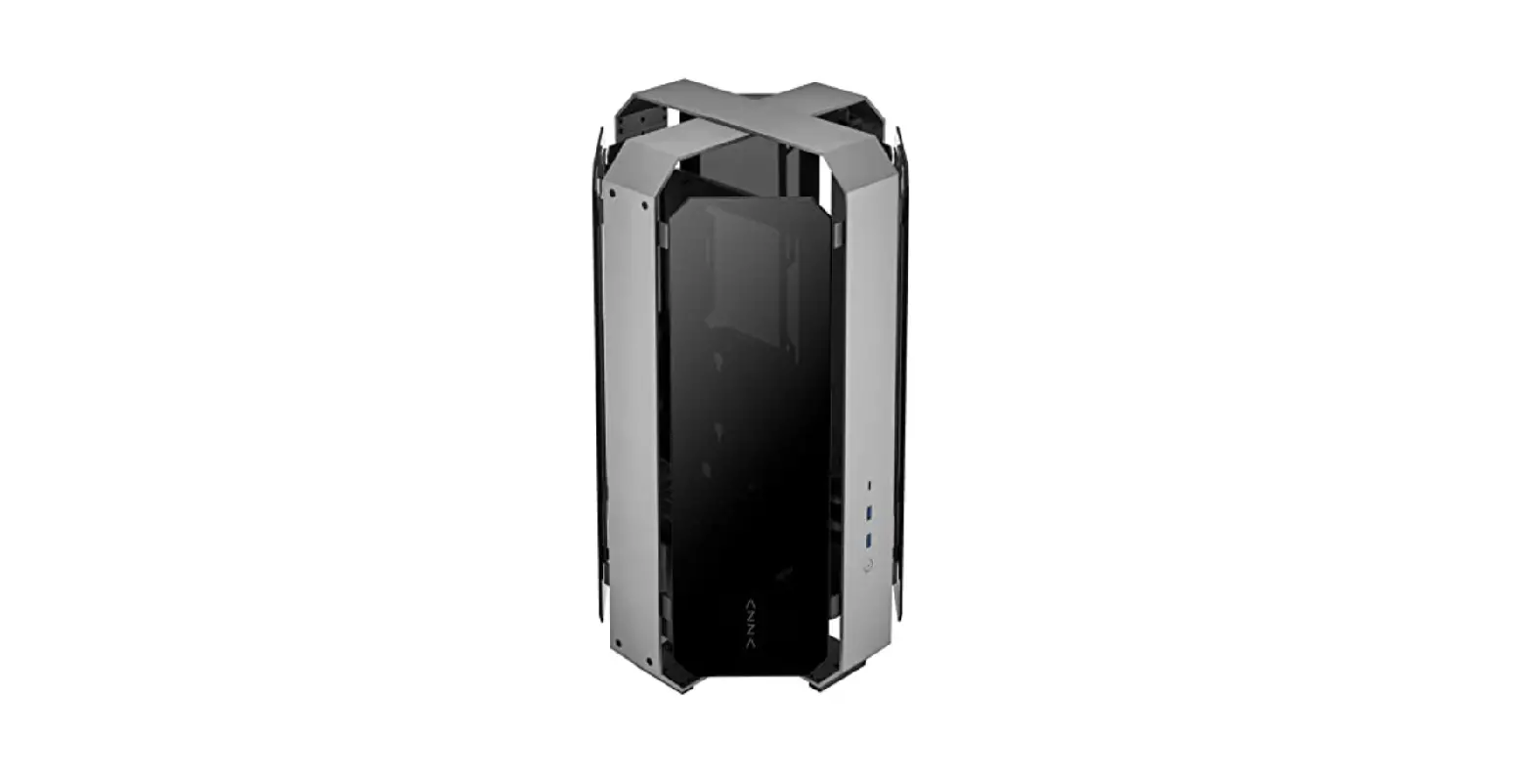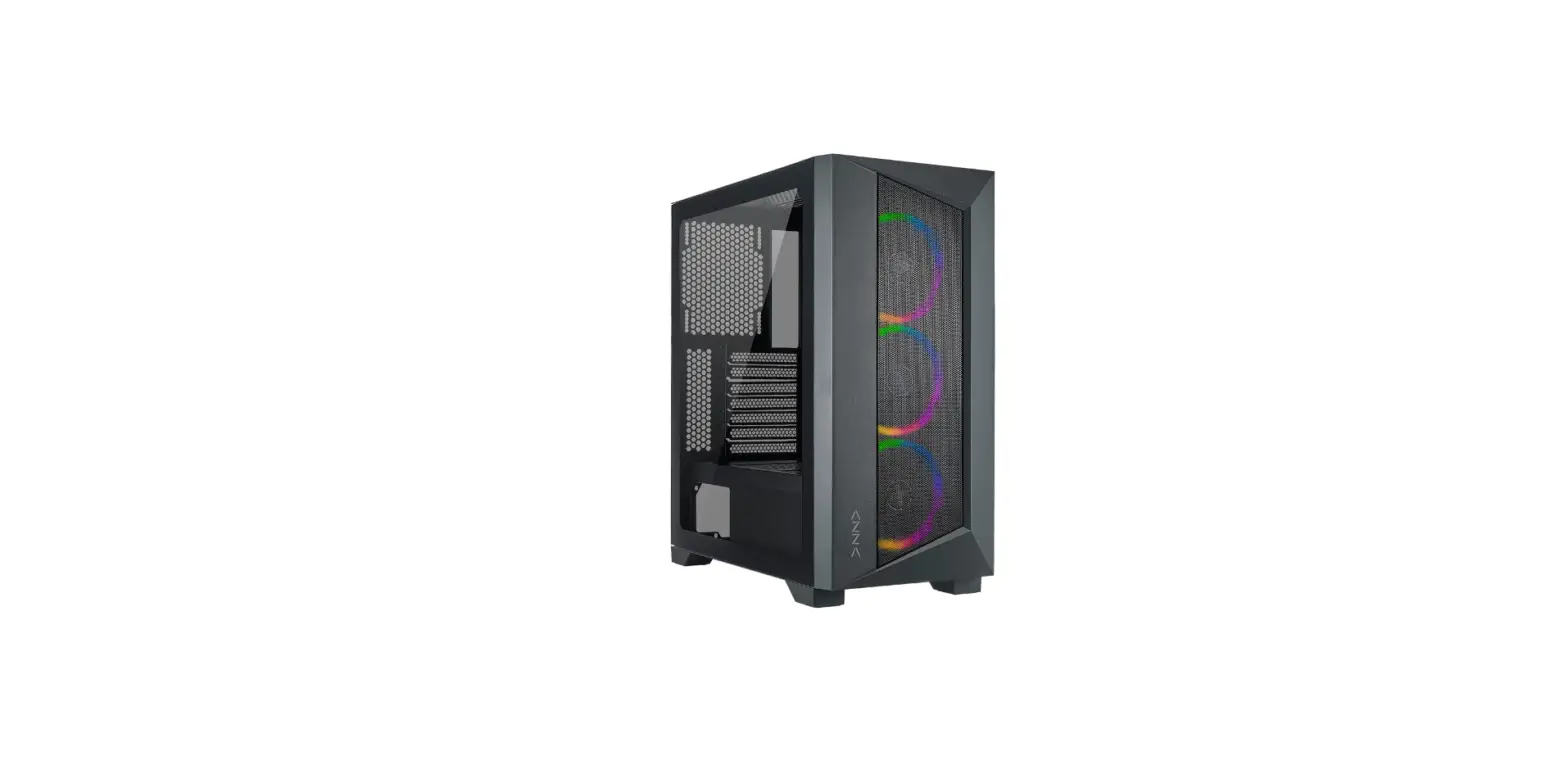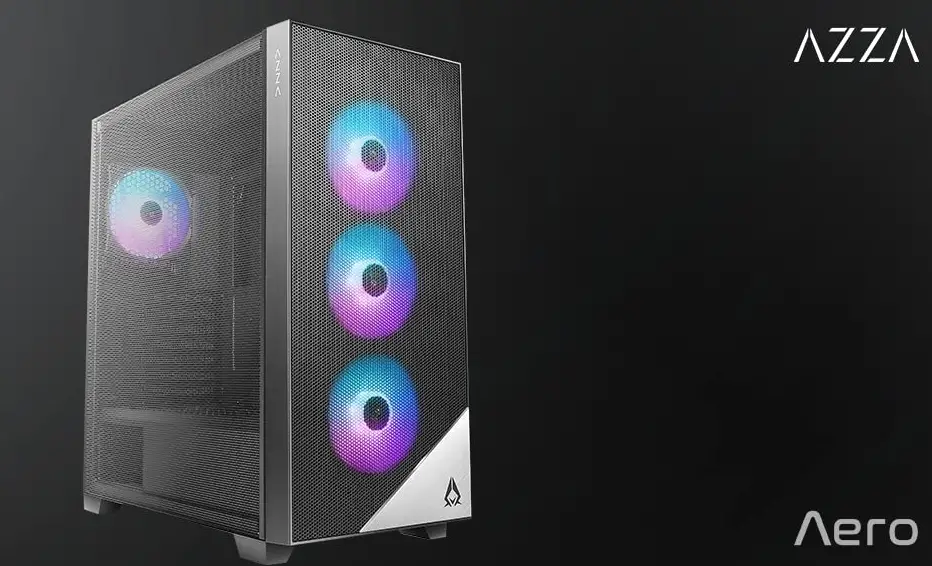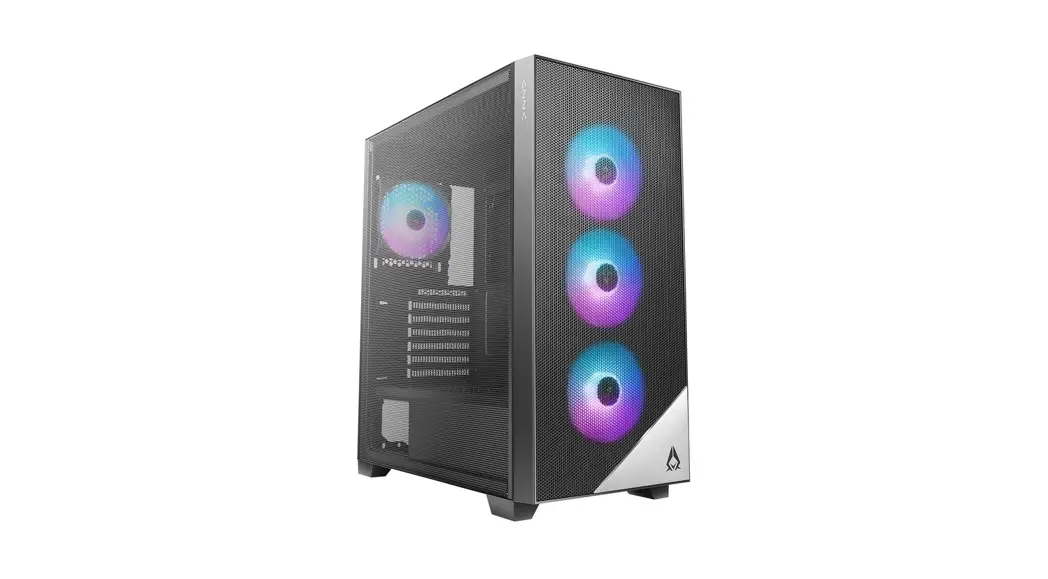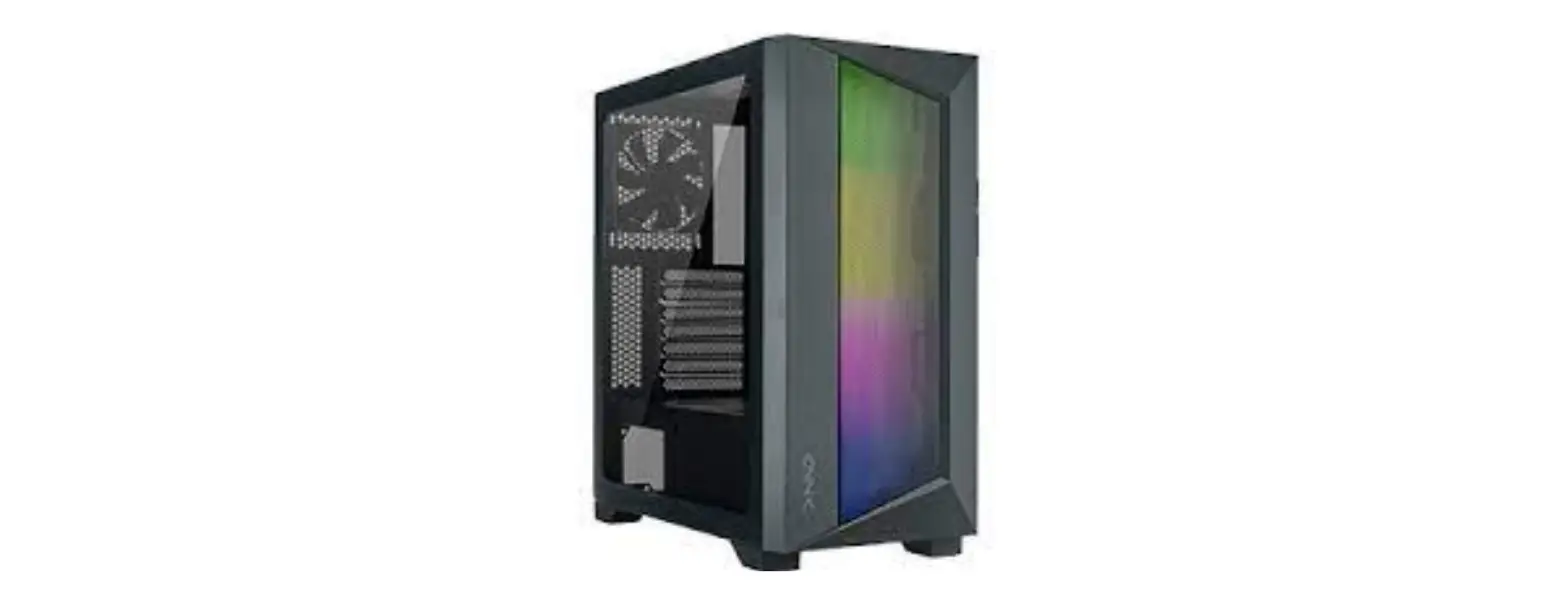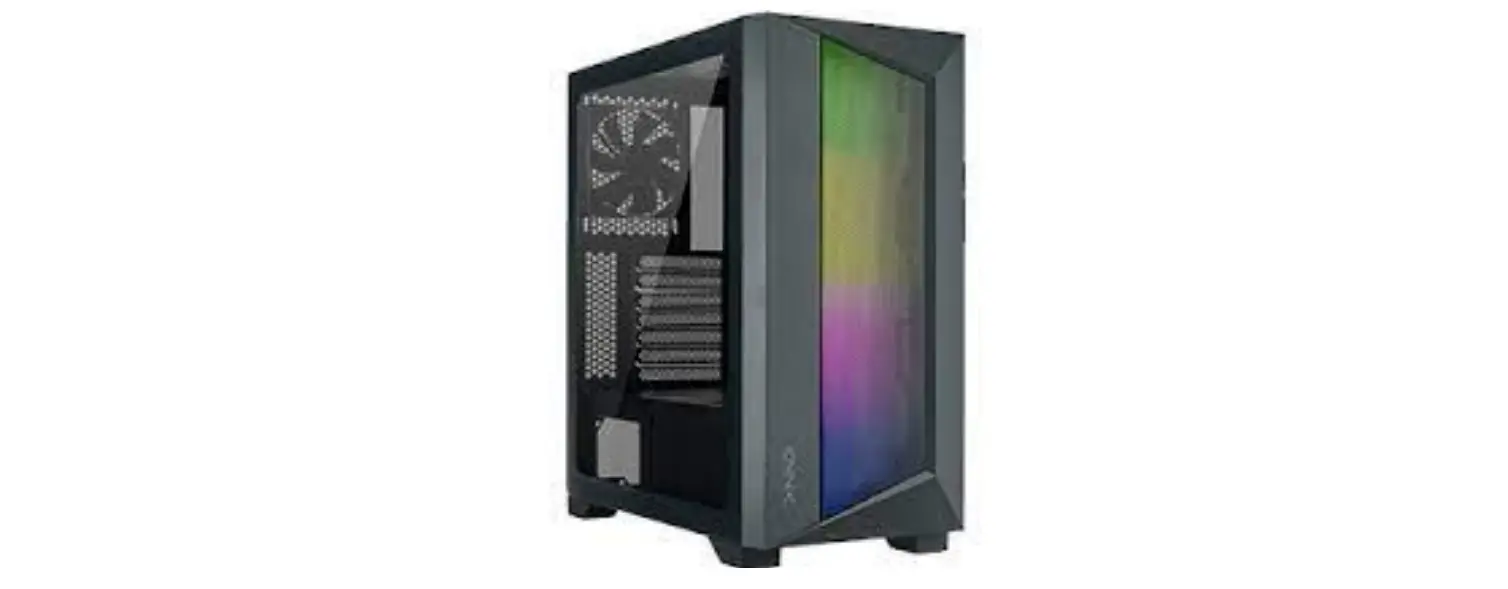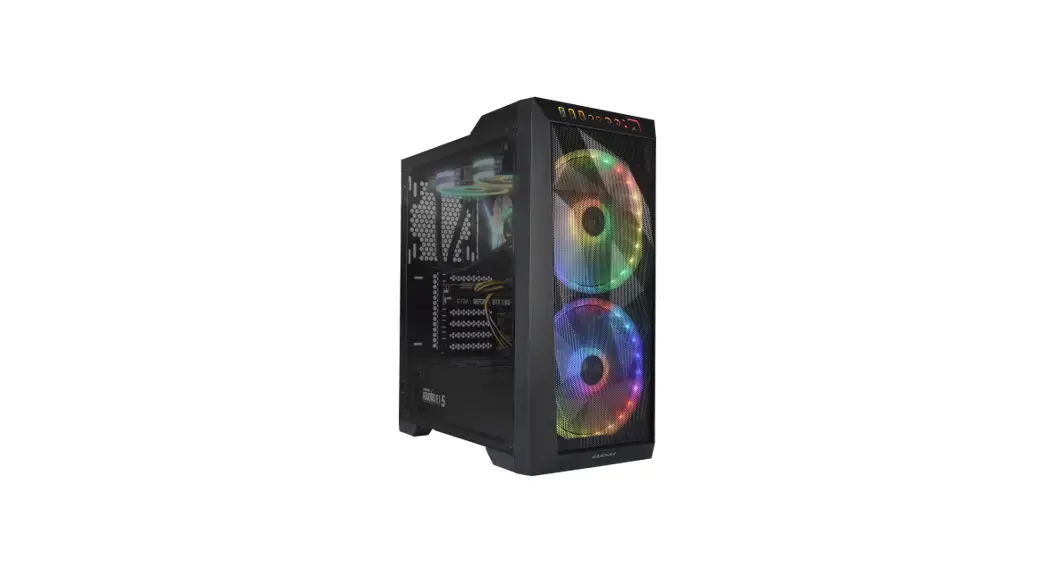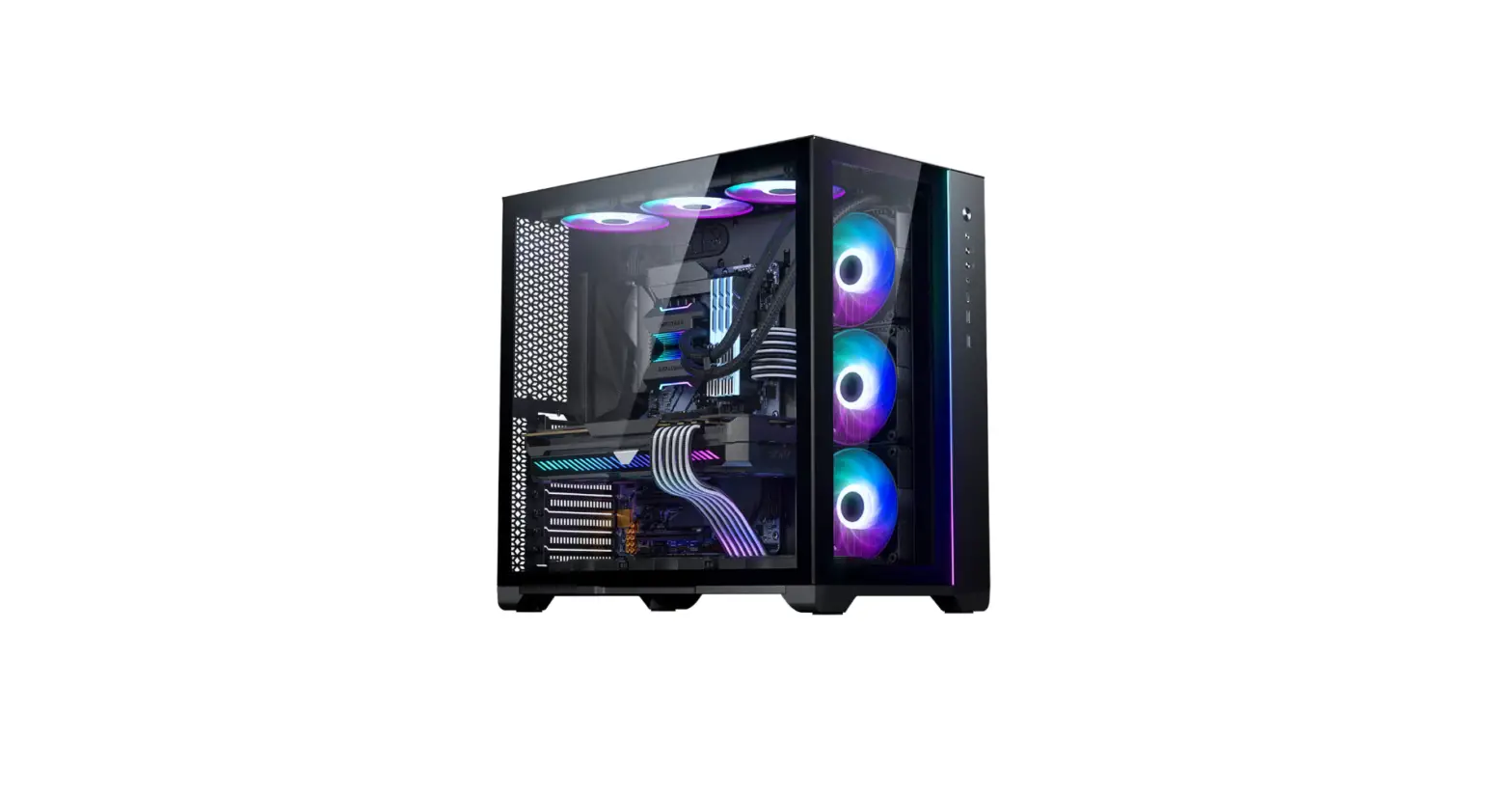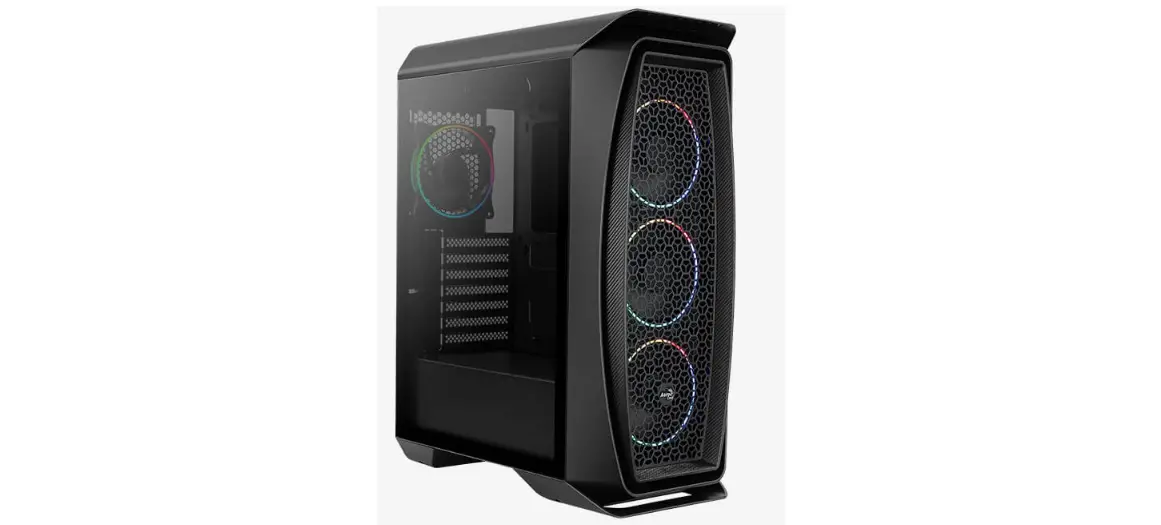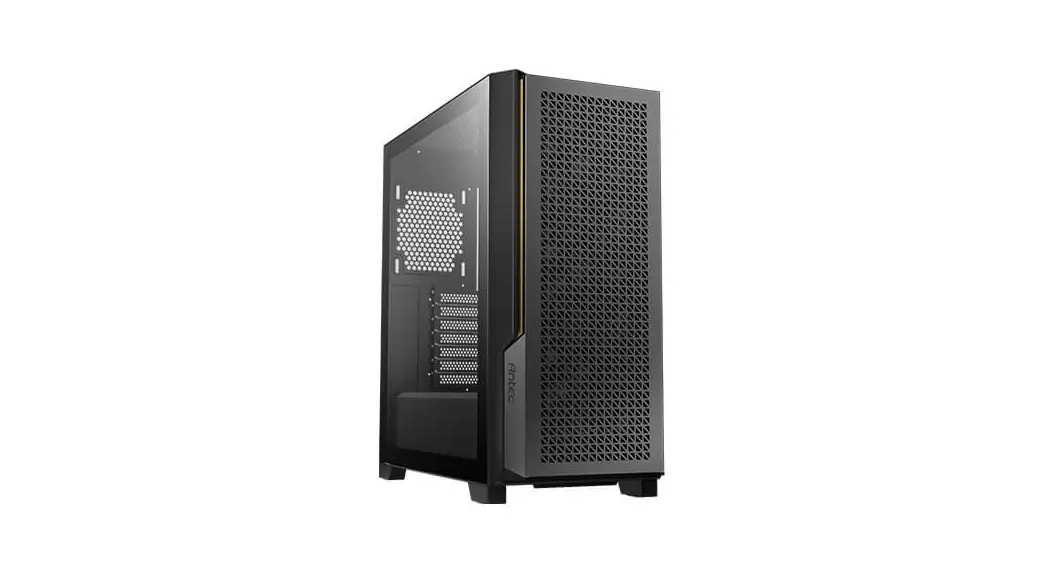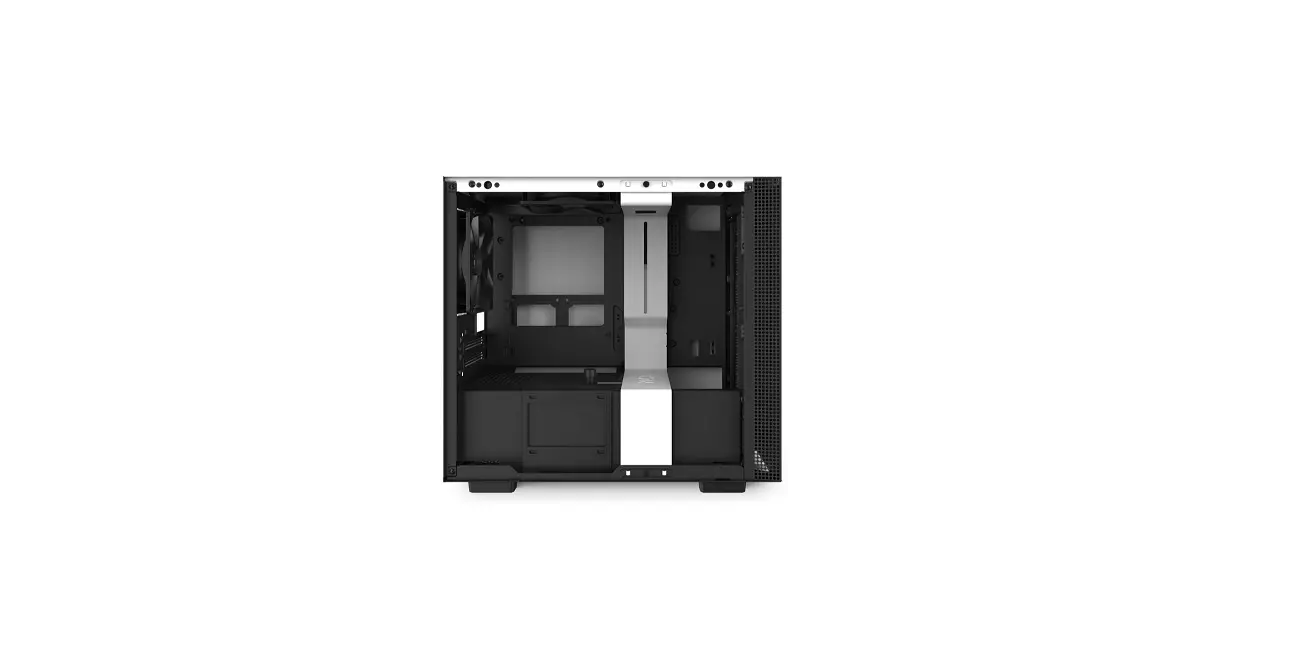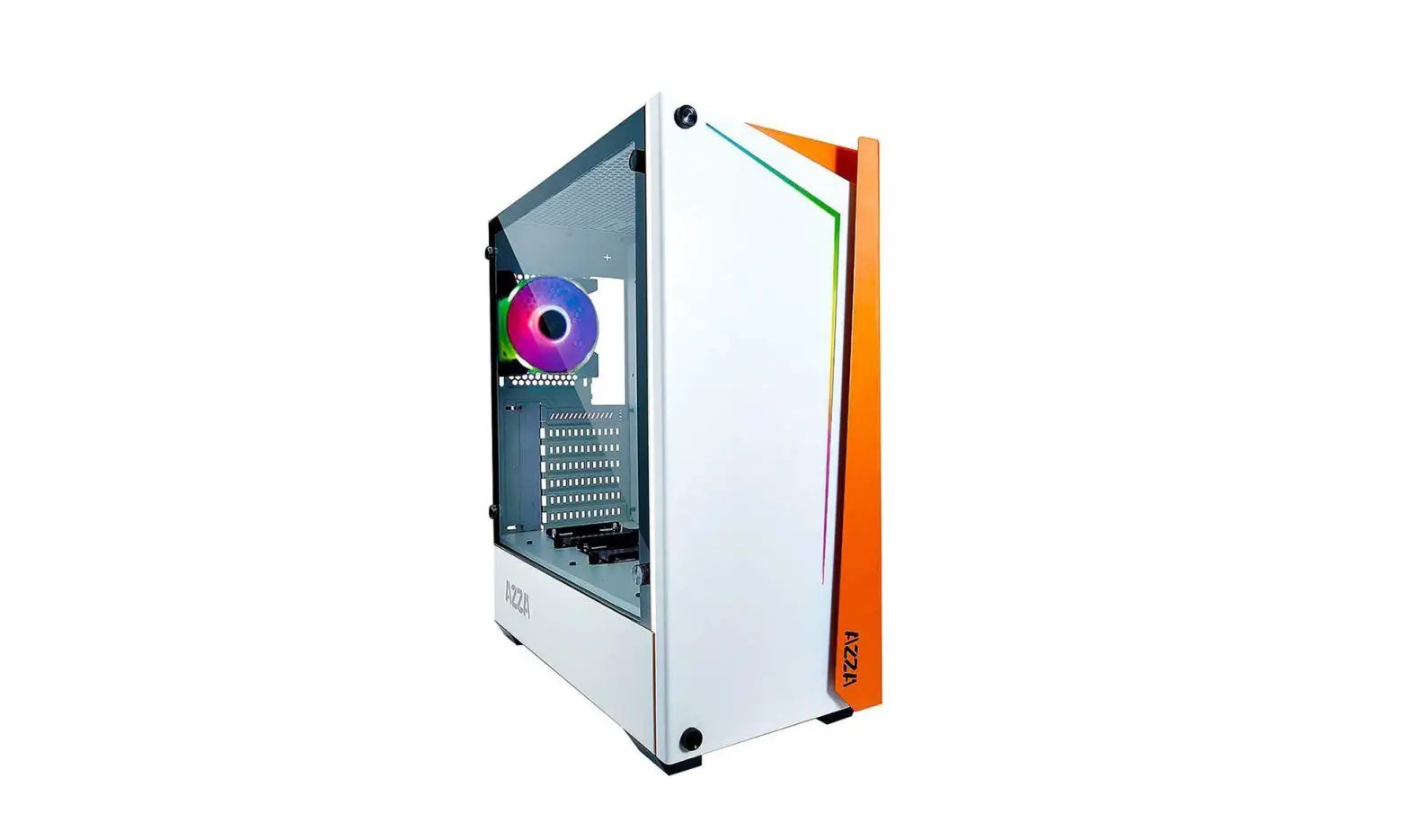
AZZA APOLLO 430 Mid-Tower Tempered Glass Gaming Case Instruction Manual
Specifications
| Model | |
| Model Name: | APOLLO 430 |
| Model Number | CSAZ-430B-DF1 /CSAZ-430B-DF2 / CSAZ-430W-DF1 / CSAZ-430W-DF2 |
| Specifications | |
| Type | ATX Mid Tower |
| Color | Black/Black(interior), White/White(interior) |
| Side Panel Window | Left Side panel: Tempered Glass with rubber mounts |
| Max CPU Cooler Height | UP to 155mm |
| Max Video Card Length | Up to 370mm long video card |
| Power Supply | Not Included |
| Motherboard Compatibility | ATX • Micro ATX |
| Expansion | |
| External 5.25″ Drive Bays | |
| Internal 2.5″ Drive Bays | Up to 6 |
| Internal 3.5″ Drive Bays | Up to 2 |
| Expansion Slots | 7 |
| Top Ports | Power button, reset button, HD Audio, USB 3.0 x 2 |
| Physical Specifications | |
| Case Dimension (HxWxD) | 480x205x420mm/18.9×8.1×16.5 inches |
| Weight | 7.9kg/17.41bs |
| Features | |
| Tempered Glass Sides Window | High-quality tempered glass side window allows for clear visuals to inner components |
| Addressable RGB Light Effects | All ARGB light sync. devices connected to the ARGB control board, allowing the reset button or the motherboard software to directly control the ARGB lighting. |
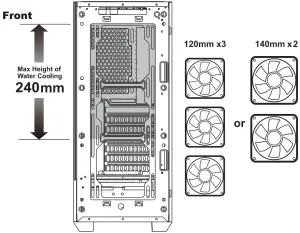
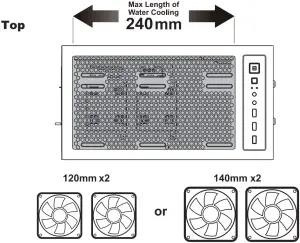
| Available Fan Ports | 3x120mm or 2x140mm Fan ports in the front 2x120mm or 2x140mm Fan ports on the top 1x120mm Fan port in the rear (1x120mm Hurricane II Addressable RGB Fan included for model CSAZ-430B-DF1 / CSAZ-430W-DF1) (1x120mm Addressable RGB Fan included for model CSAZ-430B-DF2 / CSAZ-430W-DF2) |
| Water Cooling | Supports radiators up to 240mm in the Front Supports radiators up to 240 mm on the Top |
| Dust Filters | Removable (magnetic) dustproof net on the top and front, iron net on bottom of chassis. |
| Power Supply Support | Bottom mounted ATX Power Supply |
Chassis Parts
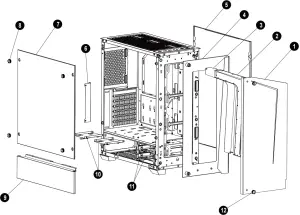
- Ion front panel
- LED lens
- Lamp mylar film
- Rear panel of the front
- Right side metal pane
- Right side metal pane
- Left side tempered glass panel
- Screws for side glass panel X4
- Left side metal panel
- 2.5″SSD brackets X2
- 3.5″HDD brackets X2
- Screws for the iron front panel X2
3.5″/2.5″ HDD Installation
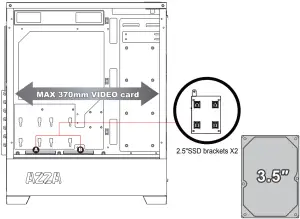
- Supports up to 370mm long video cars.
or
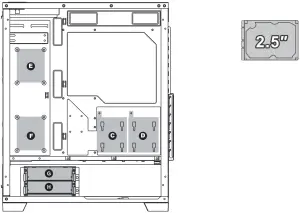
- Two mounting holes support 2.5″ devices. ( E F )
- Two brackets support 2.5″ devices. ( A B C D )
- Two multifunctional trays support3.5″ HDD or 2.5″ SSD. ( G H )
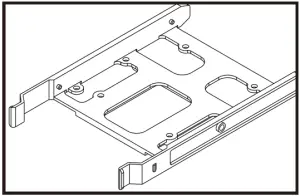
Multifunctional Bracket.
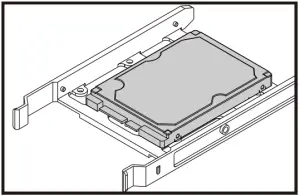
Secure 2.5″ SSD/HDD with screws.
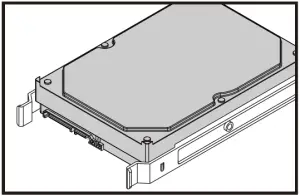
Secure 3.5″ HDD with screws.
140/120mm Fans Installation
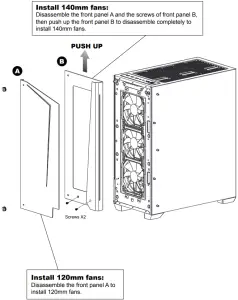
Install 140mm fans:
Disassemble the front panel A and the screws of front panel B, then push up the front panel B to disassemble completely to install 140mm fans.
Install 120mm fans:
Disassemble the front panel A to install 120mm fans.
ARGB Control Board
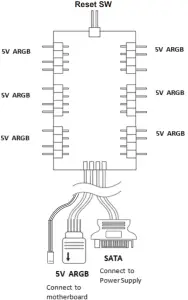
- Press the Reset button to cycle through different RGB lighting modes, controlled by the Reset button though the ARGB control board.
- Hold the Reset button for 3 seconds to switch the RGB control function between motherboard RGB software and Reset button.
Cooling System Installation
Front
Top
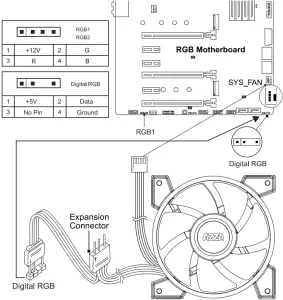
Addressable RGB fan installation for Motherboard