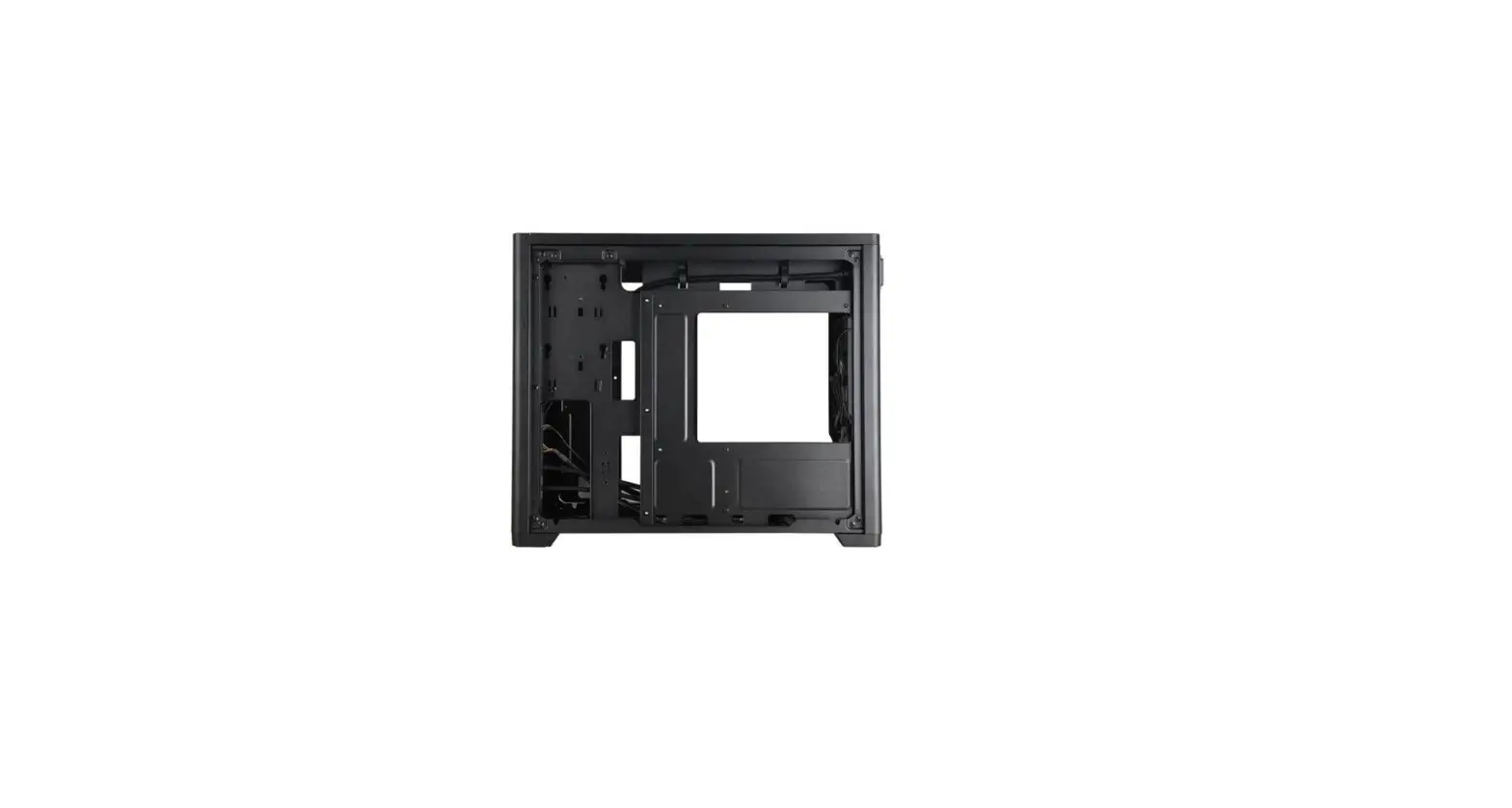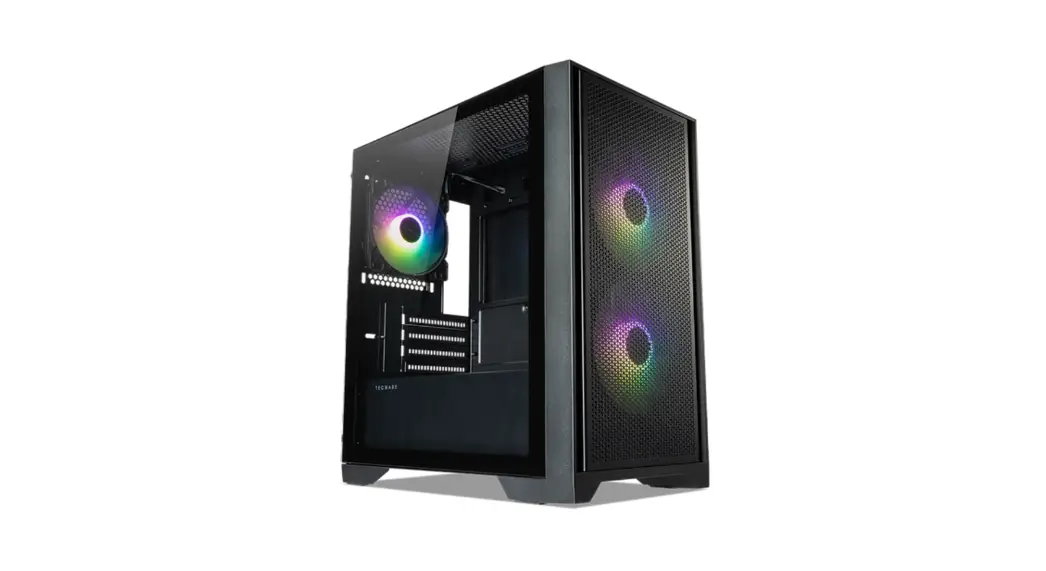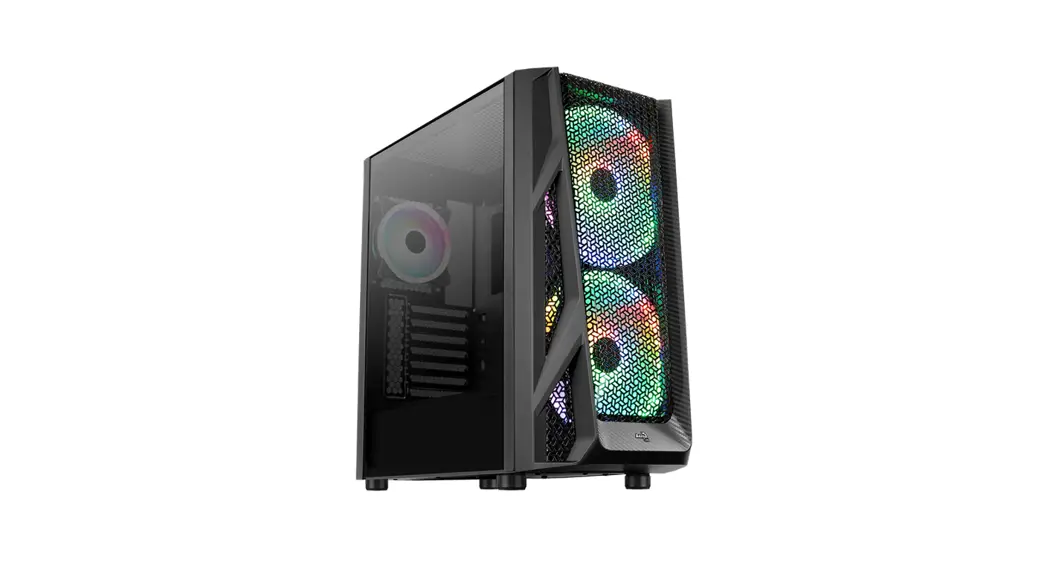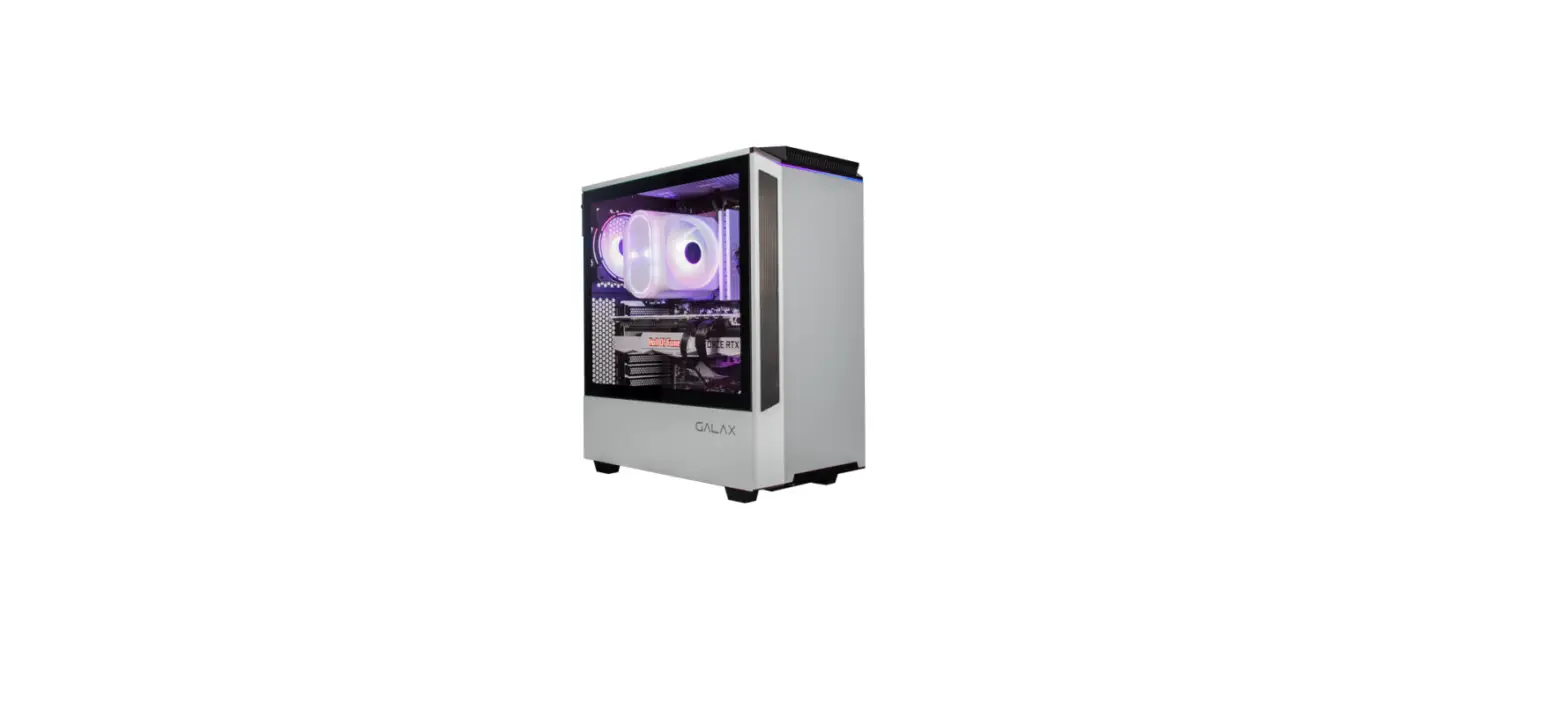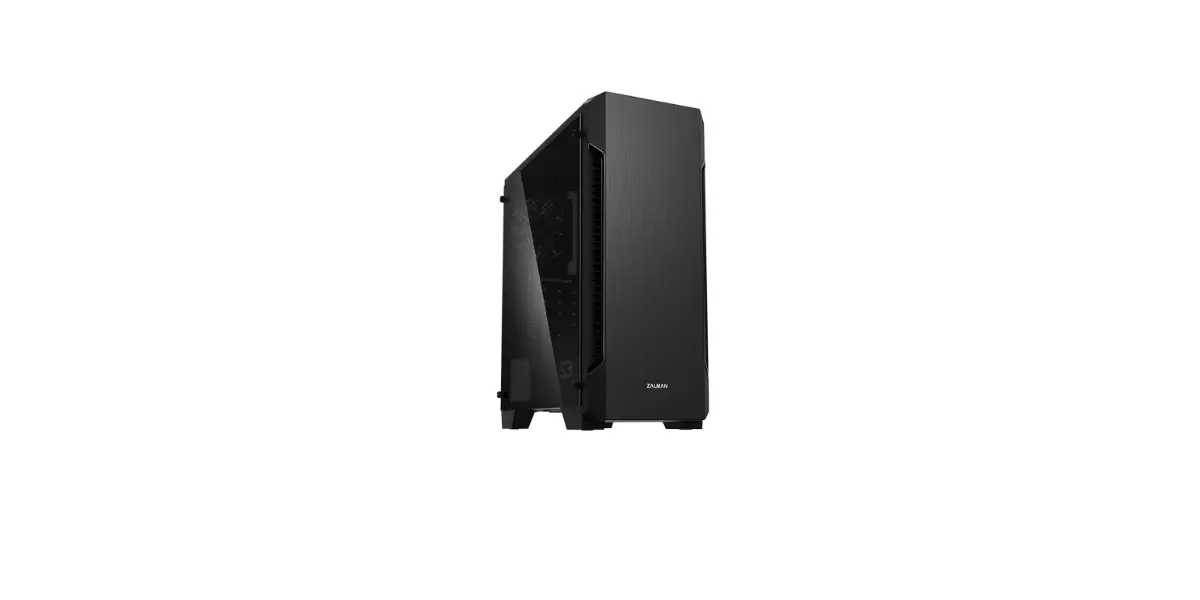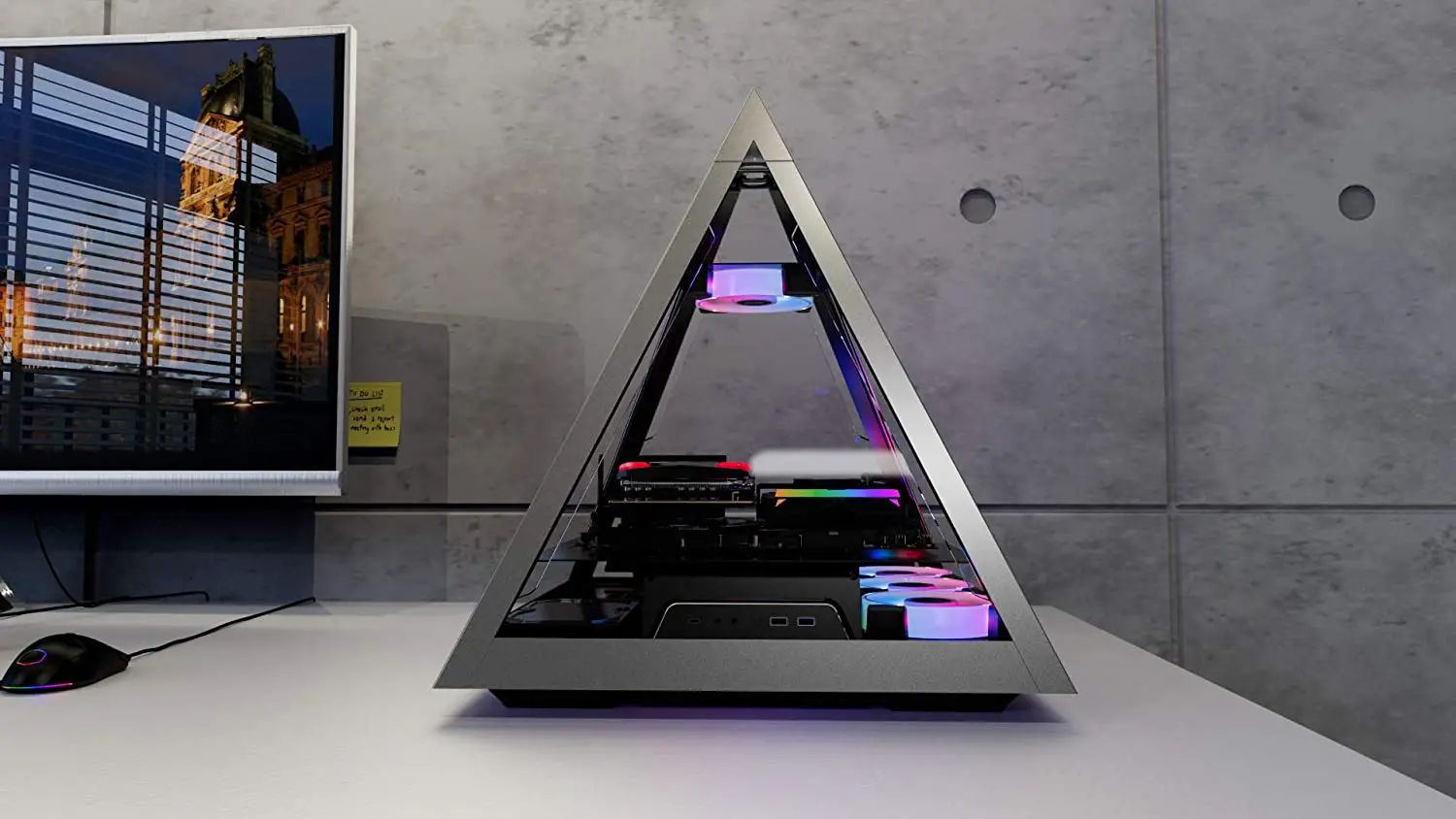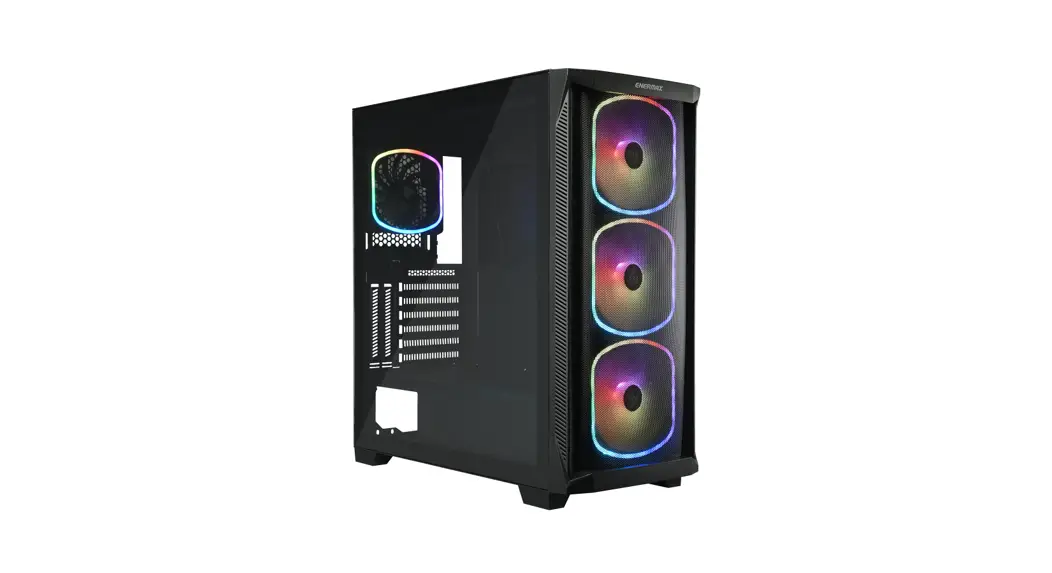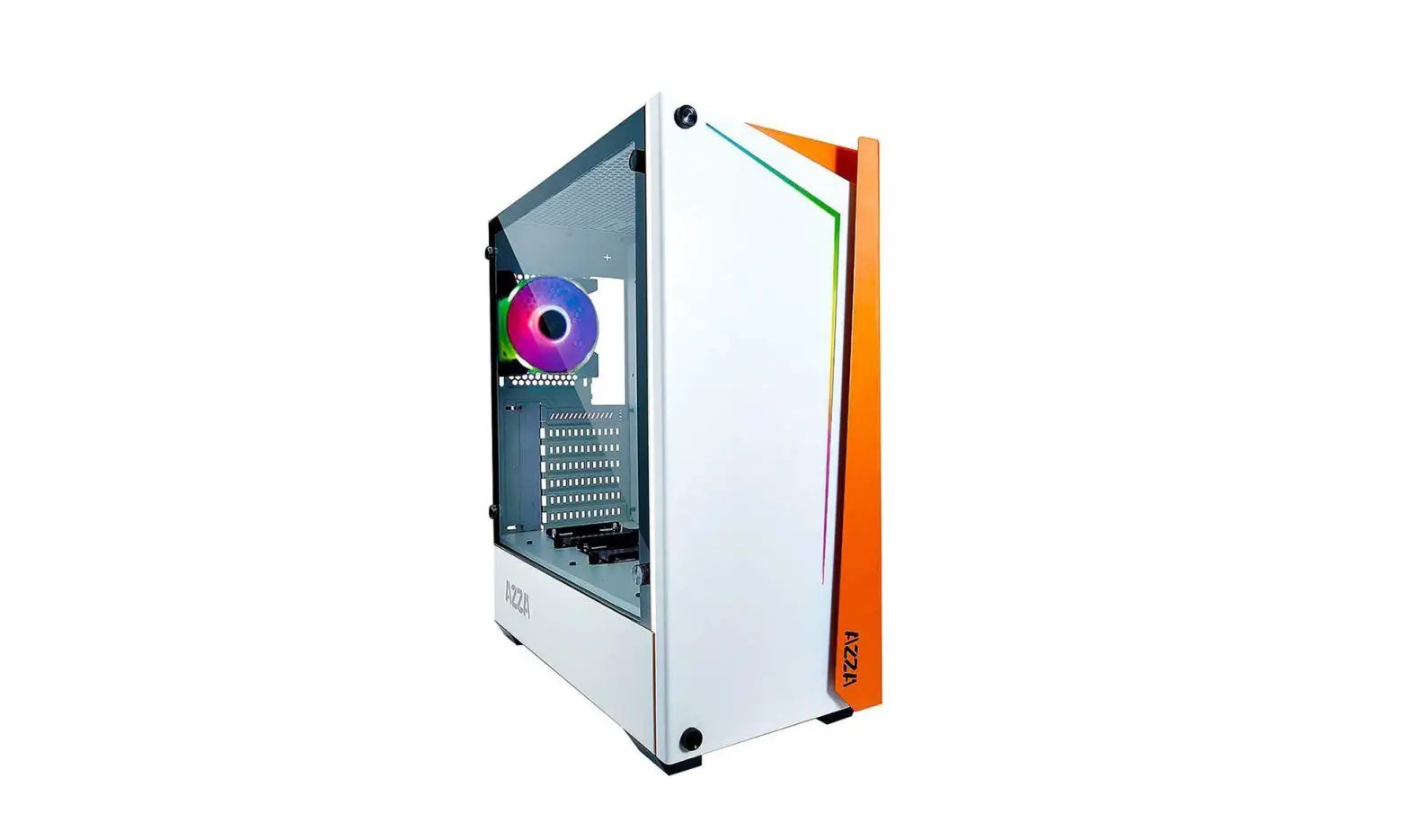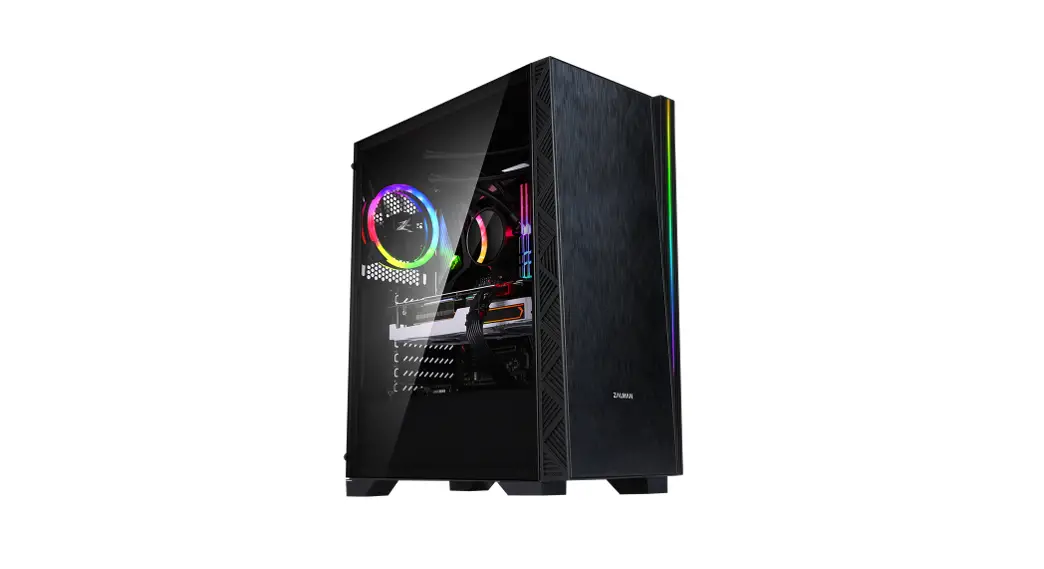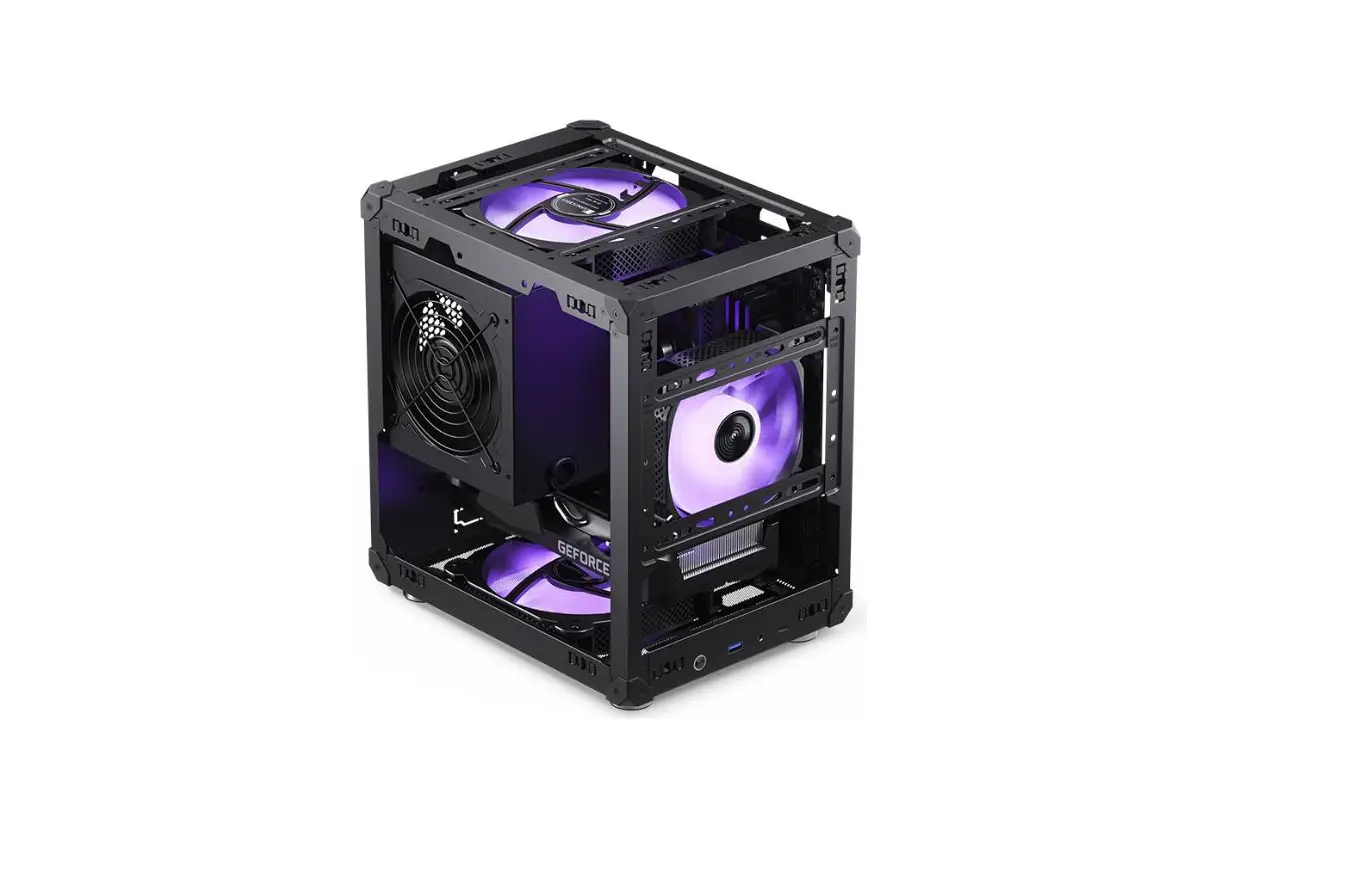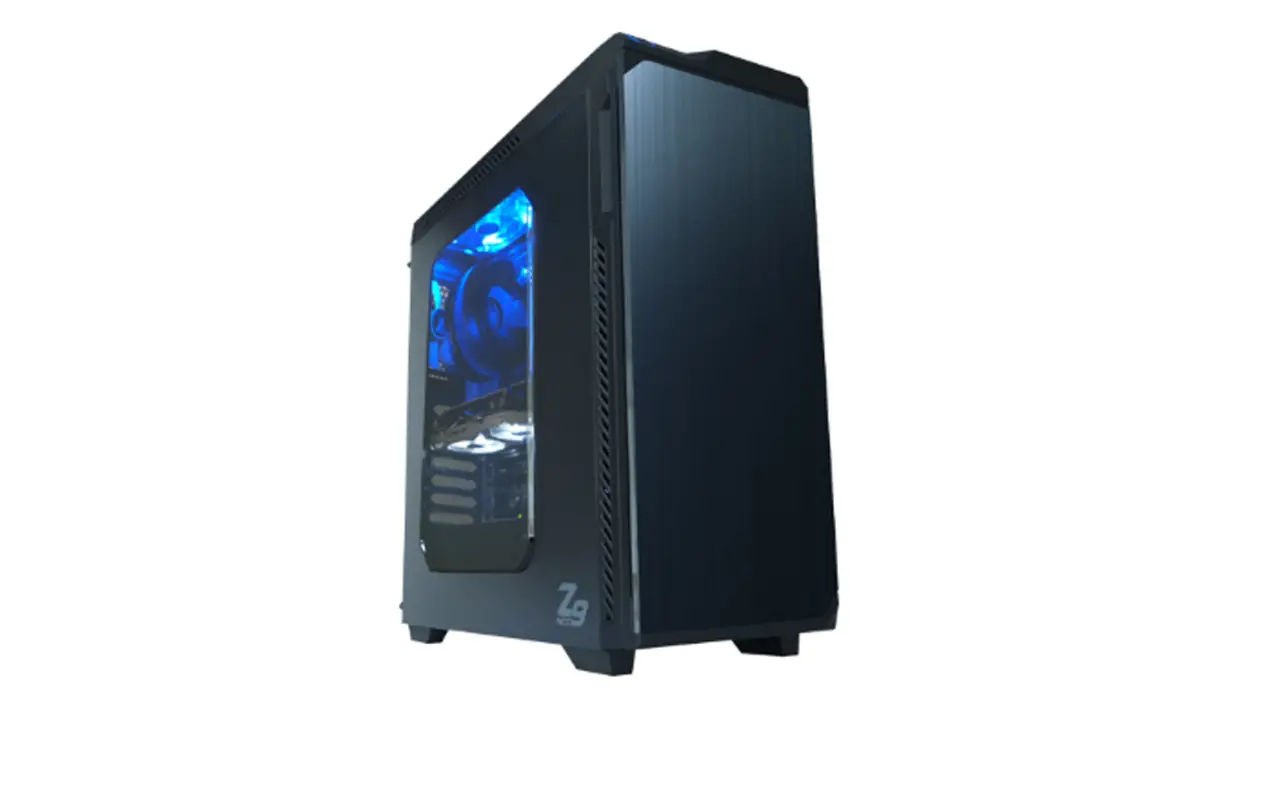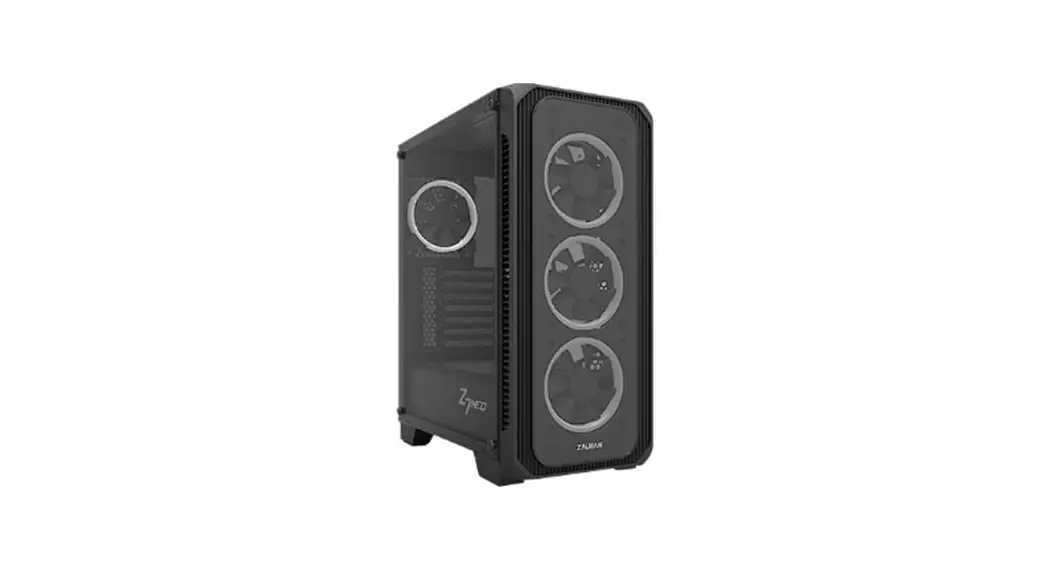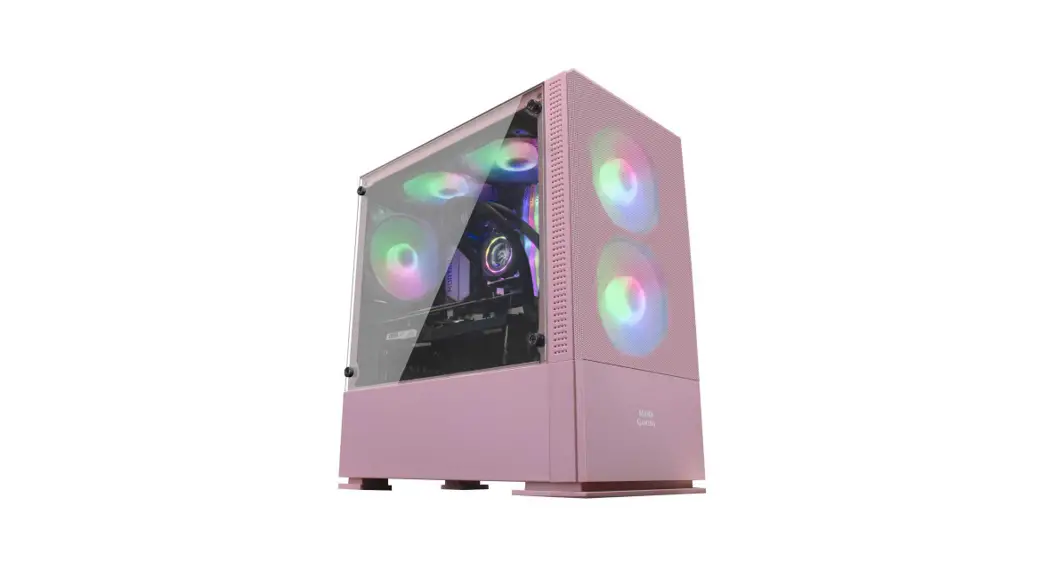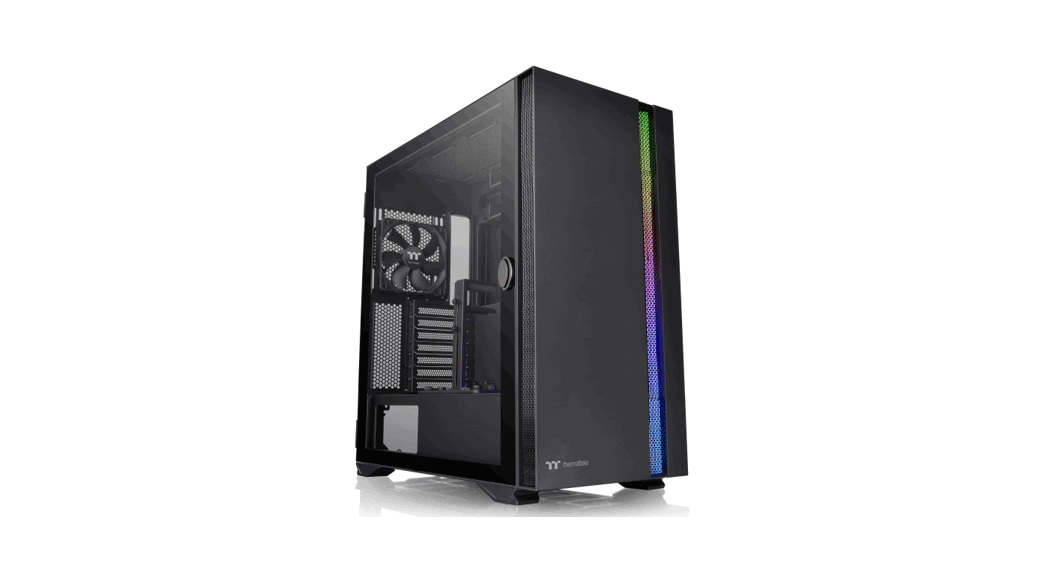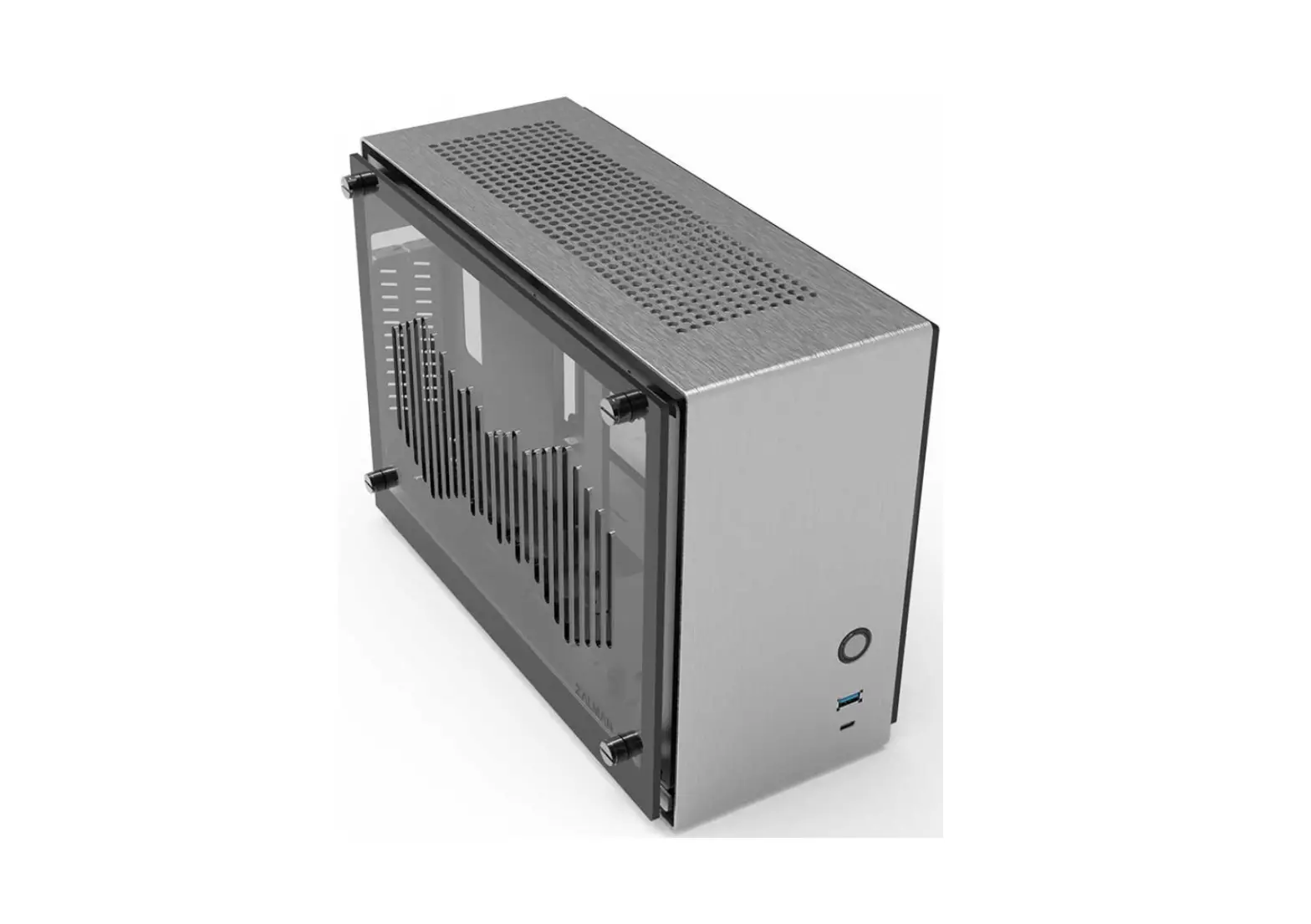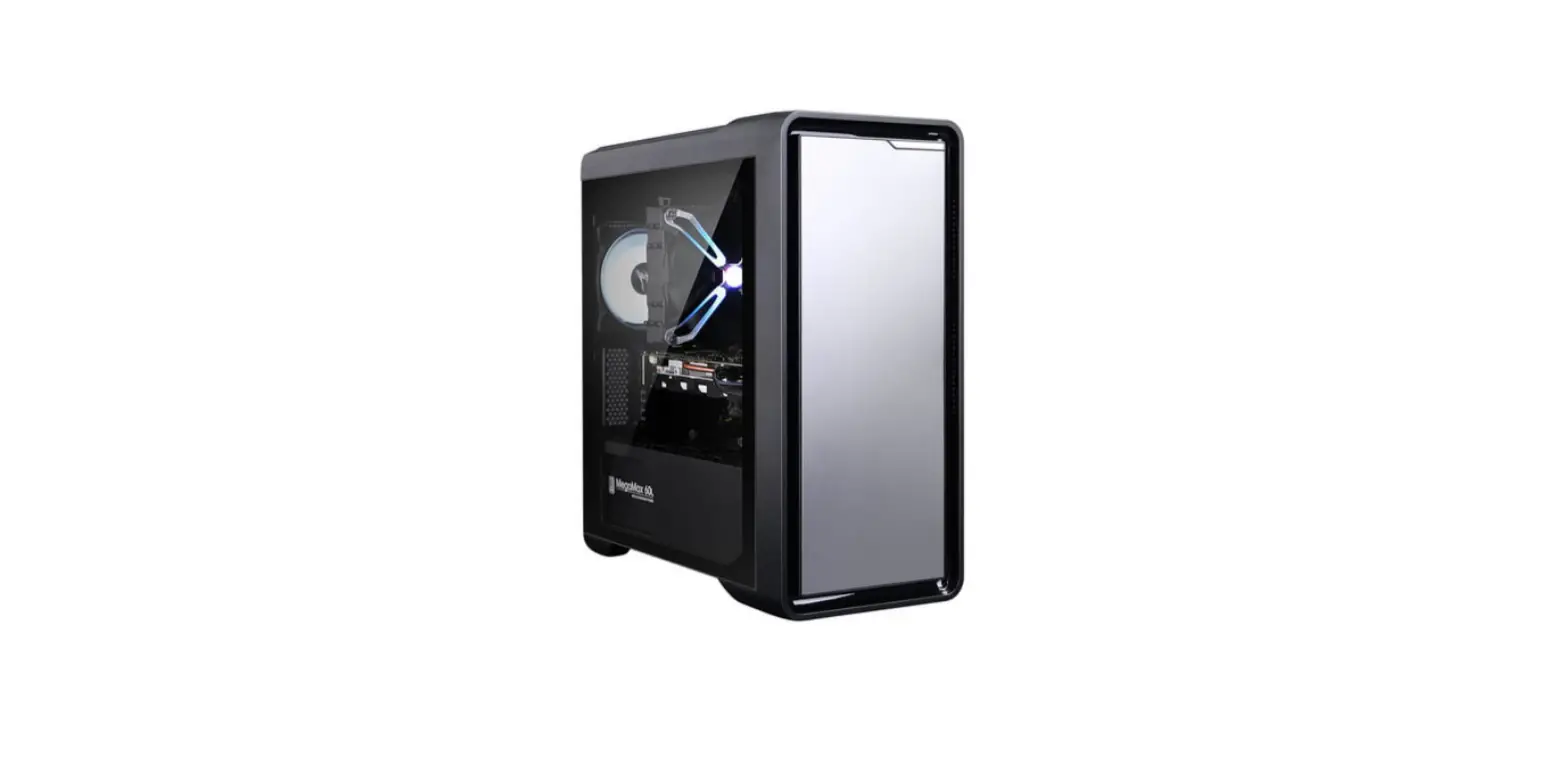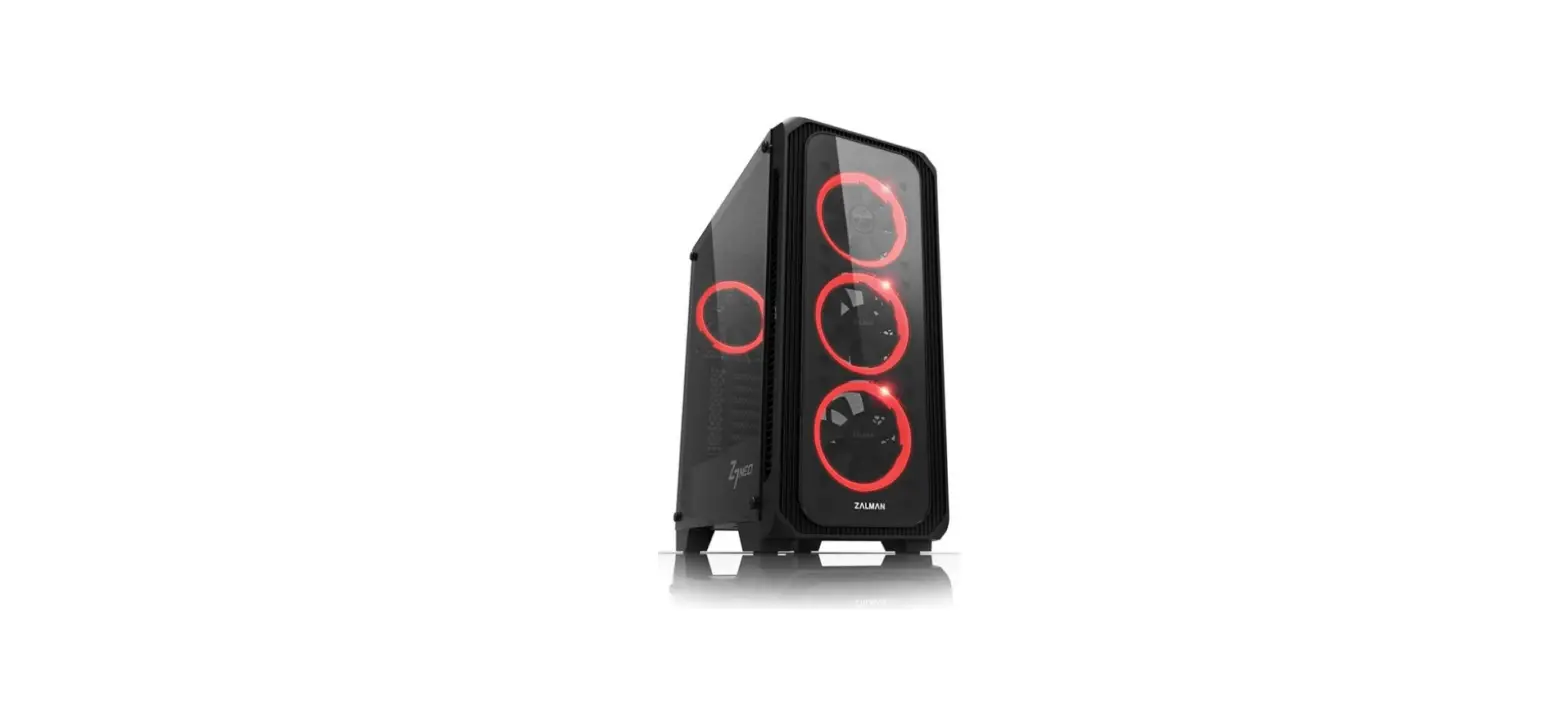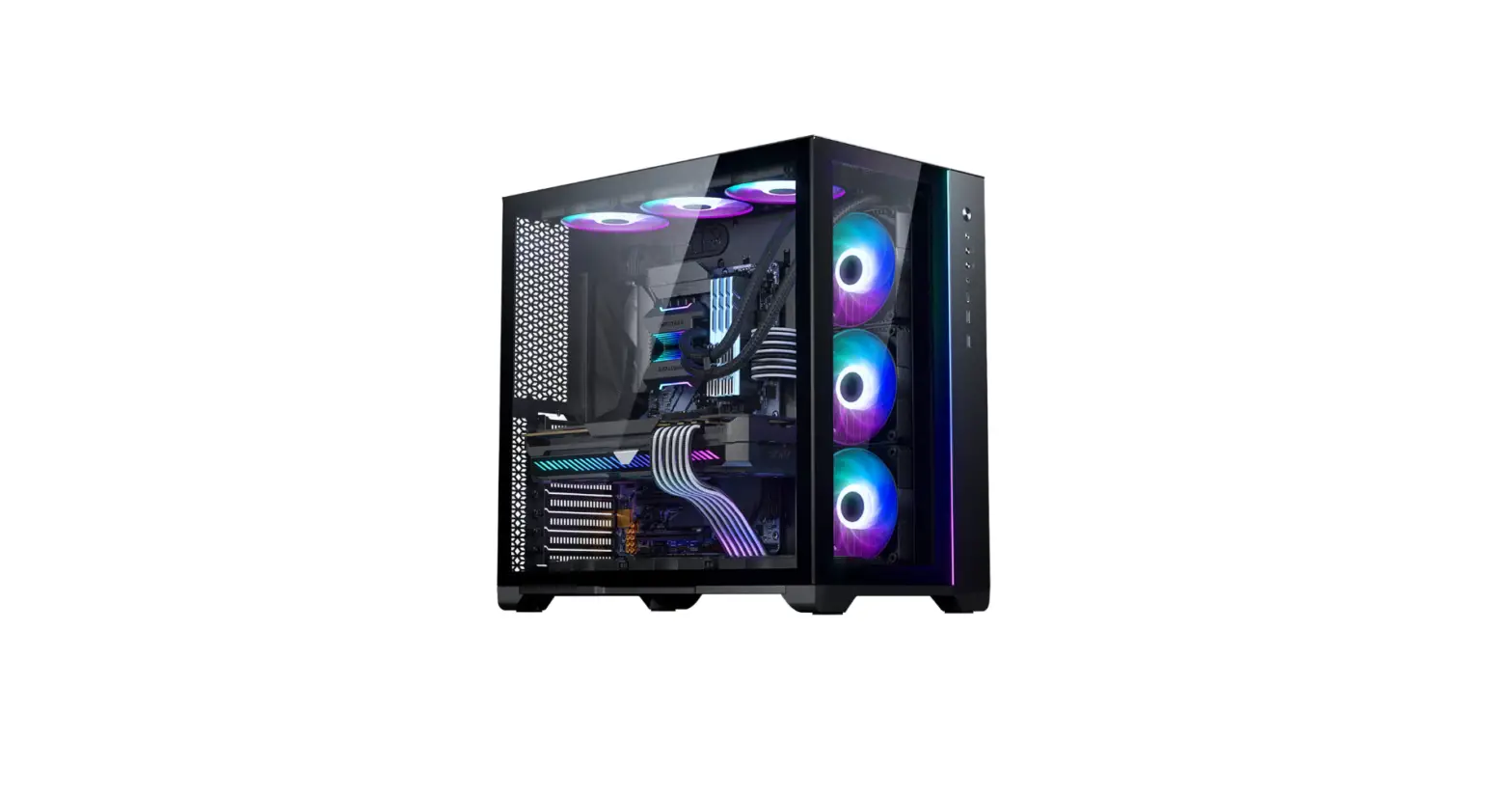
 Magnium Gear Neo Qube 2 glass window PC Case
 Magnium Gear Neo Qube 2 glass window PC Case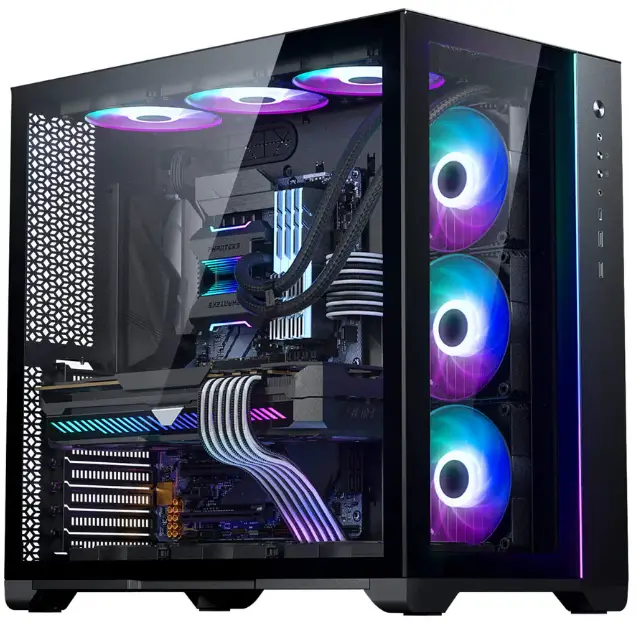
INTRODUCTION
Thank you for choosing the Magnium Gear NEO Qube 2. This manual will walk you through the installation process and provides an overview of all the features, clearances and accessories that the NEO Qube 2 provides. This manual is intended for:
- NEO | Qube 2
- NEO | Qube 2 IM
If you have any questions, suggestions or require customer service, please check our website www.magnium-gear.com or contact us through [email protected]
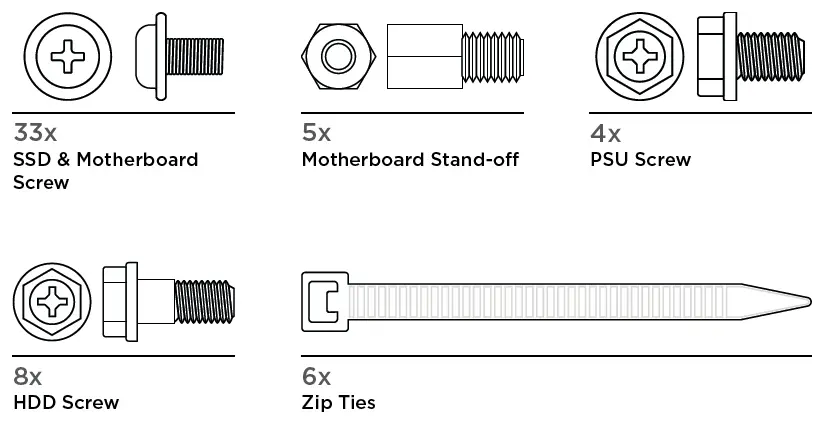
INCLUDED ACCESSORIES
FRONT I/O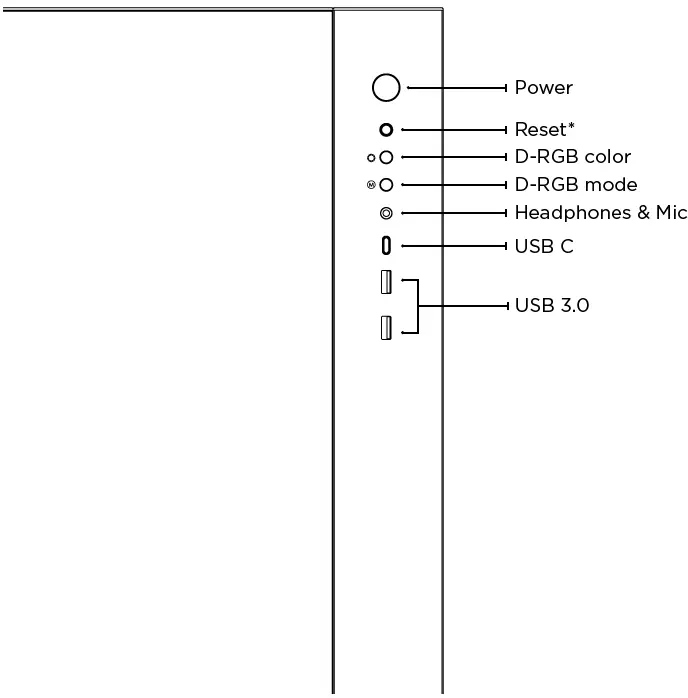
FAN & RADIATOR SUPPORT
| FANS | SIDE | TOP | BOTTOM |
| 120mm | 3x | 3x | 3x |
| 140mm | – | 2x | 2x |
| RADIATOR 120mm | up to 360 mm | up to 360 mm | up to 360 mm |
| 140mm | – | up to 280 mm | – |
CLEARANCE
- CPU cooler height 148 mm
- GPU length 410 mm
- Side Radiator 128x400x50 mm
- Top Radiator 140x430x75 mm
- Bottom Radiator 130×410 mm
- Power supply length 275 mm
- E-ATX Motherboard Up to 280 mm wide
D-RGB CONTROLS
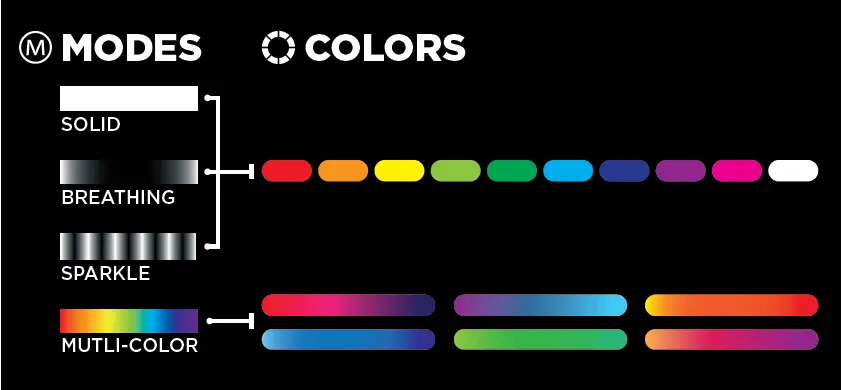
TURN OFF LEDs: Press and hold the MODE button for two seconds to turn off LEDs, press again to turn it ON
NOTE: D-RGB control buttons are deactivated if connected to a motherboard.
REMOVING CHASSIS PANELS
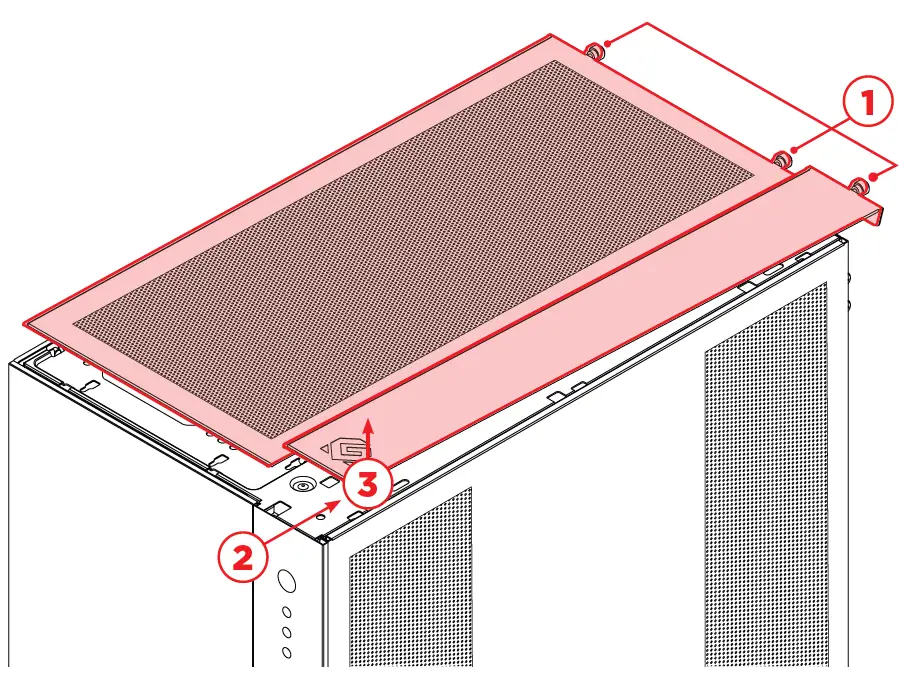
Remove the top panels by loosening the thumb screws located at the rear.
- Slide each panel to the rear
- before lifting it upwards
- to fully remove it. Do this for both top panels.
REMOVING SIDE & FRONT PANELS
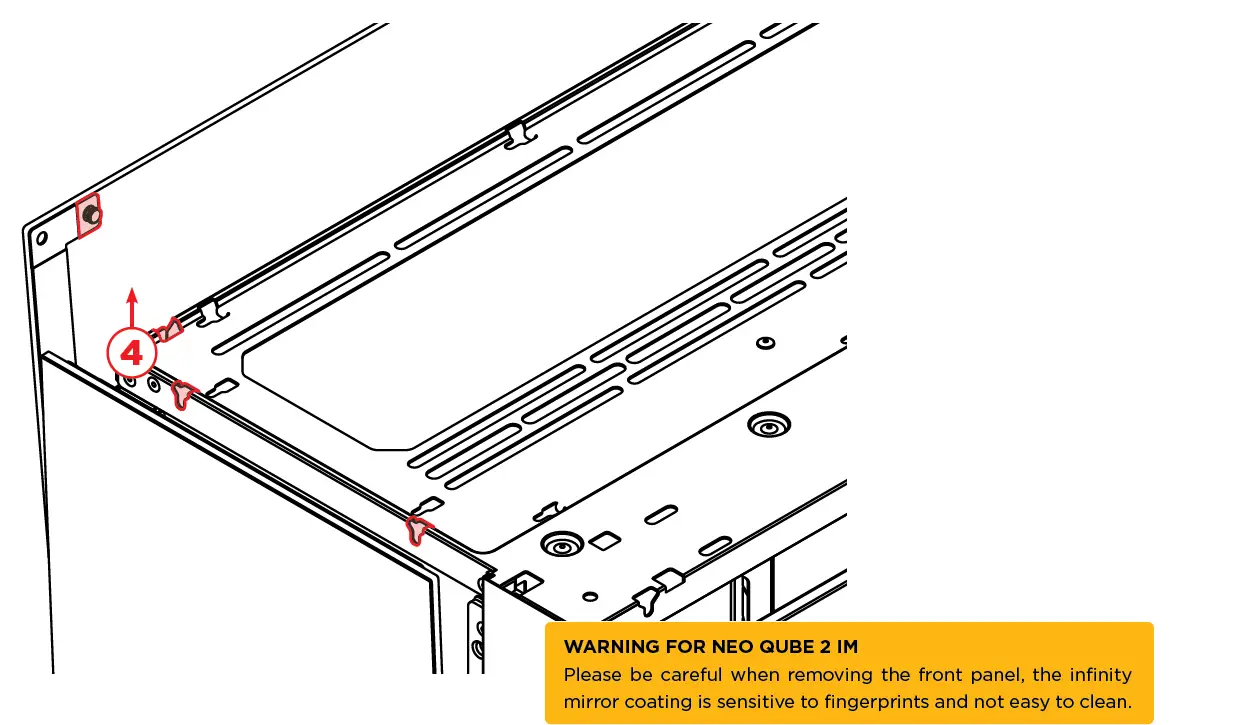
Lift the side/front panel upwards (4) before pulling it away from the chassis. Both side and front panels are removed in the same way.
MOTHERBOARD
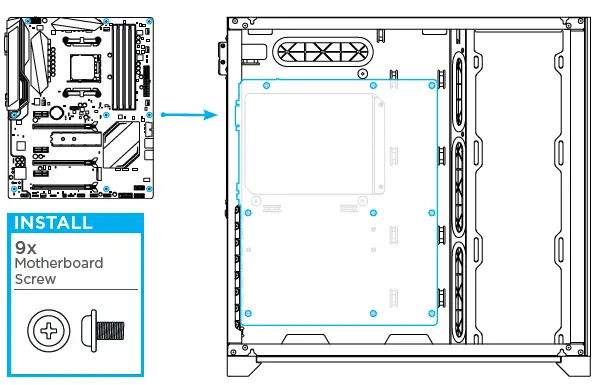
With all the panels removed, there is enough room to place all of your components. We’ll first start with the motherboard
Supported Motherboard form-factors are: Mini-ITX | Micro-ATX* | ATX | E-ATX (up to 280mm wide) *For Micro-ATX Motherboards, please re-position the stand-offs according to the motherboards’ manual
POWER SUPPLY
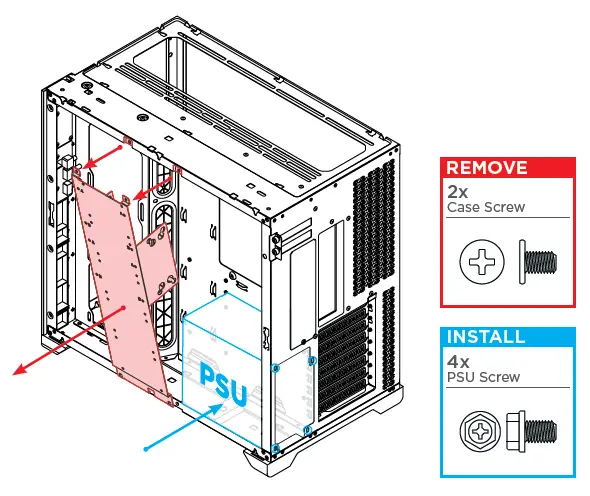
Remove the storage bracket before installing the power supply. The power supply is then secured with 4x PSU screws
STORAGE INSTALLATION
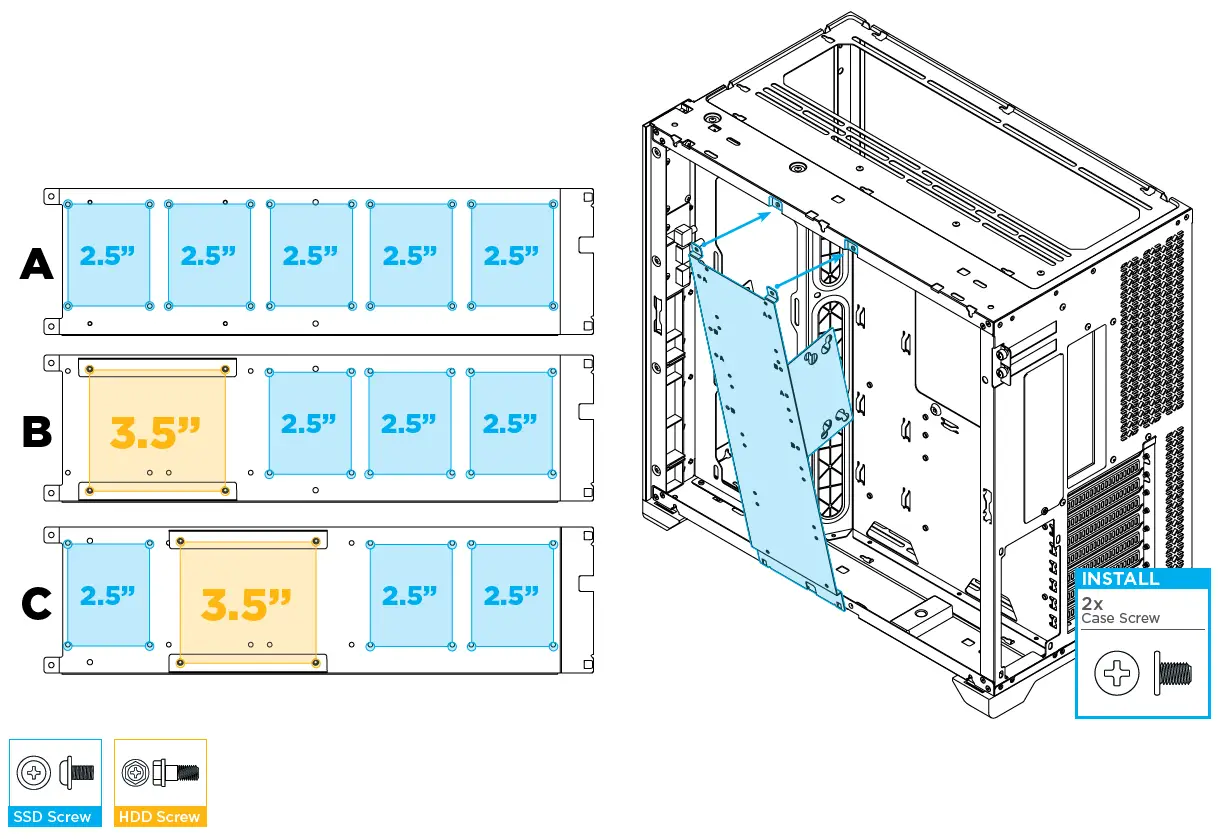
The HDD brackets can be positioned as shown in options B and C or removed to allow for 5x 2.5” SSDs as option A. There are different configurations possible with the storage bracket. Below you see the configuration as, A, B or C. Use the provided SSD and/or HDD screws. Use the SSD screws to install the 2.5” After the drives have been installed, place back the storage bracket onto the chassis and secure with 2x case screws. SSD’s. The 3.5” HDD can be installed with HDD screws.
I/O CABLES
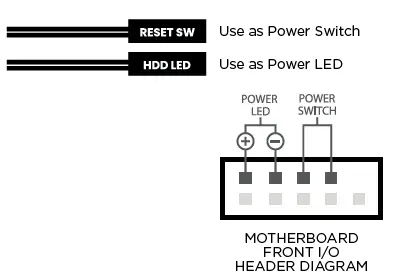
MOTHERBOARD FRONT I/O HEADER DIAGRAM
The front I/O cables can now be connected to the motherboard and power supply.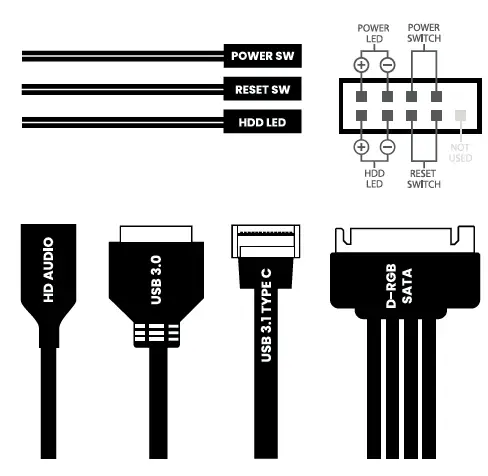
DUAL-SYSTEM
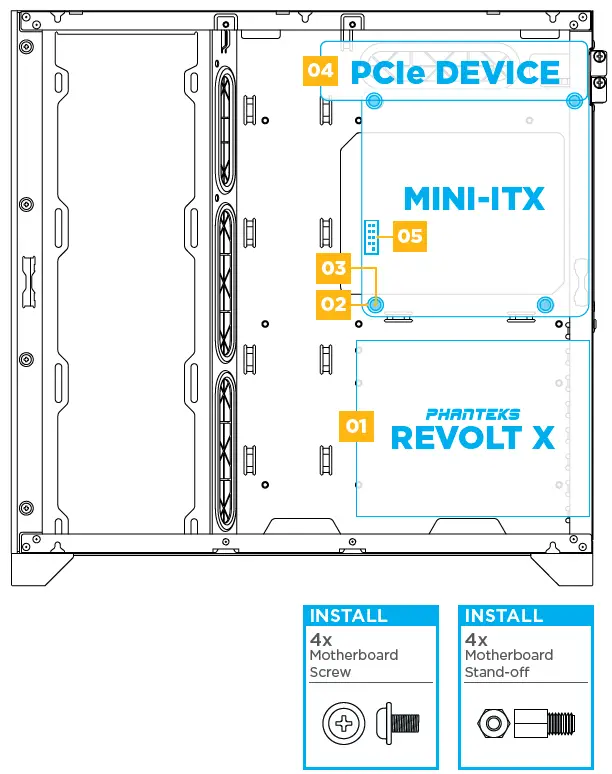
OPTIONAL Only applicable when installing a dual-system into the NEO Qube 2.
- The PHANTEKS REVOLT X PSU is required for a Dual-System.
- Install 4x Motherboard Stand-offs.
- Secure the Mini-ITX Motherboard with 4x Motherboard Screws.
- Install a half-height PCIe device (optional).
- Connect the Reset Switch & HDD LED connectors to the motherboard front I/O header as Power Switch and Power LED headers.

D-RGB CABLES
EXPAND WITH MORE D-RGB PRODUCTS
The integrated lighting can be expanded with more lighting products using the two available connectors.
CONTROL LIGHTING FROM THE MOTHERBOARD
Additionally, the lighting can be controlled from a compatible motherboard.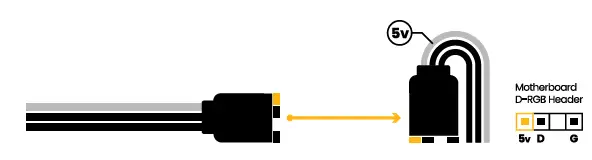
 Gear.com | Shop hand-curated collections of the best gear.
 Magniumgear