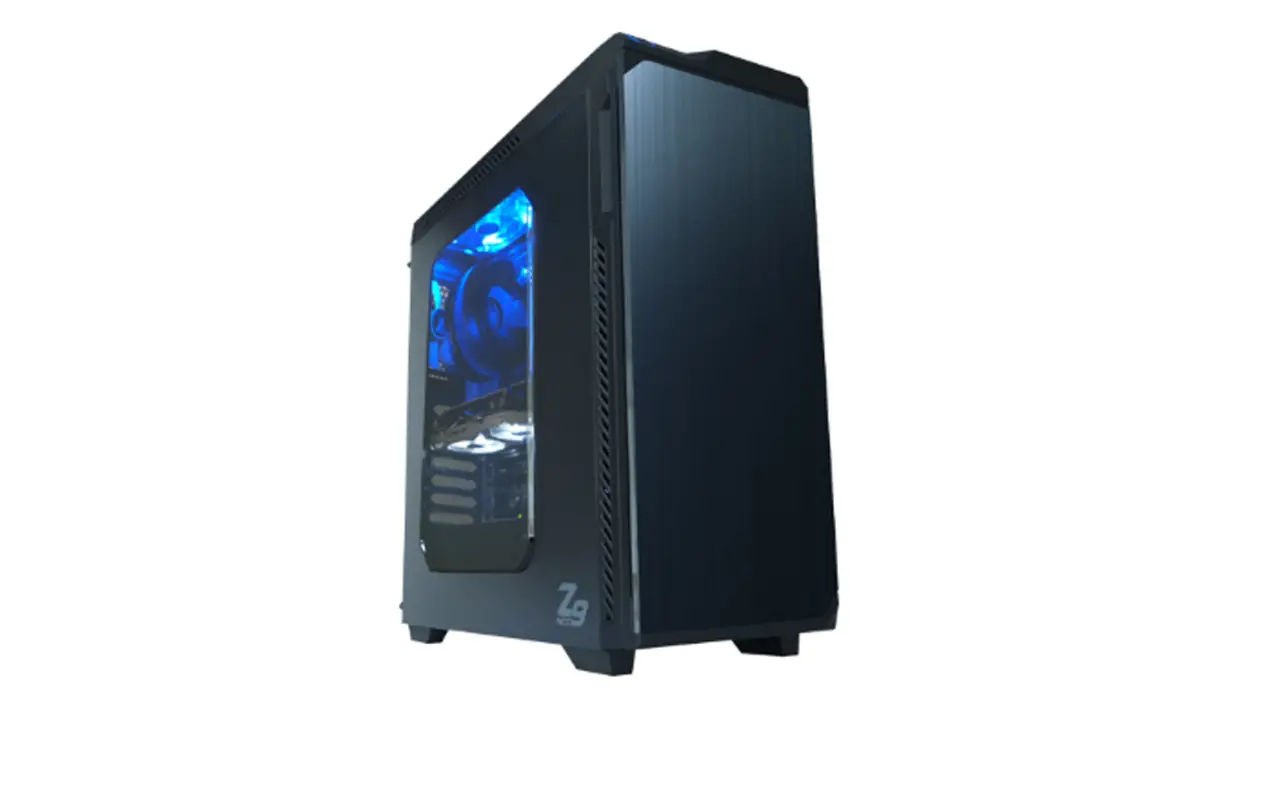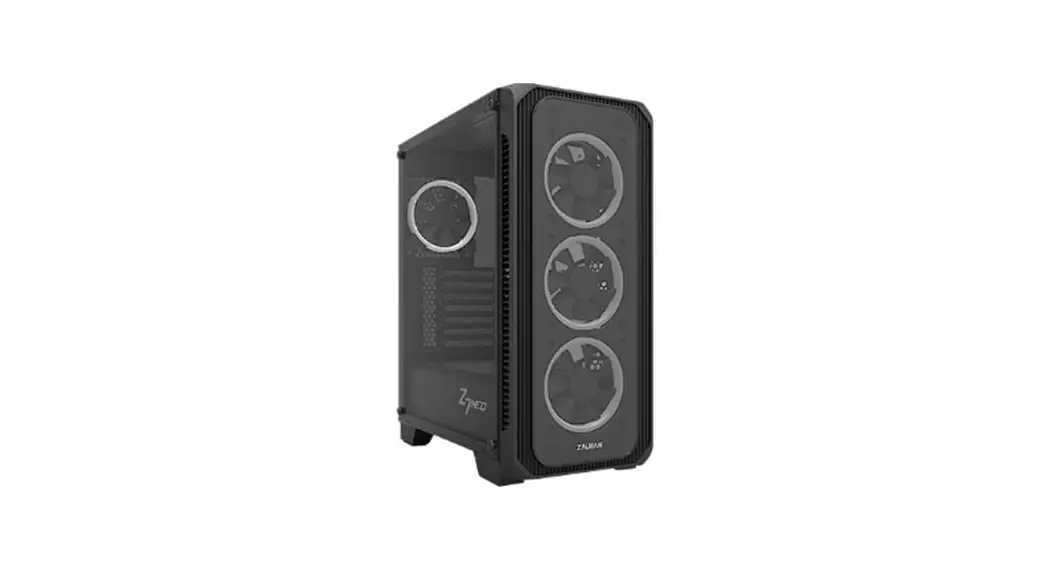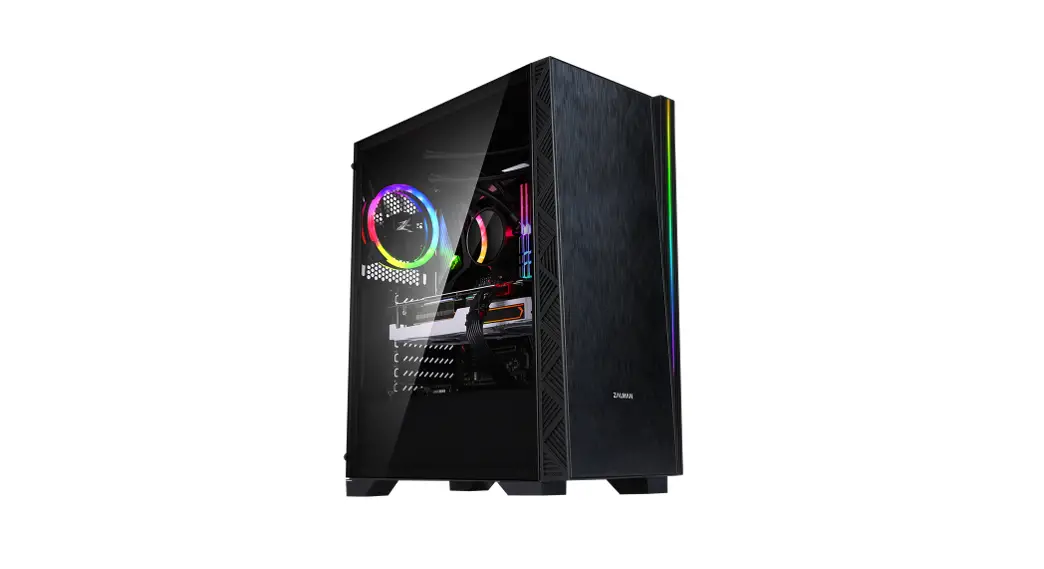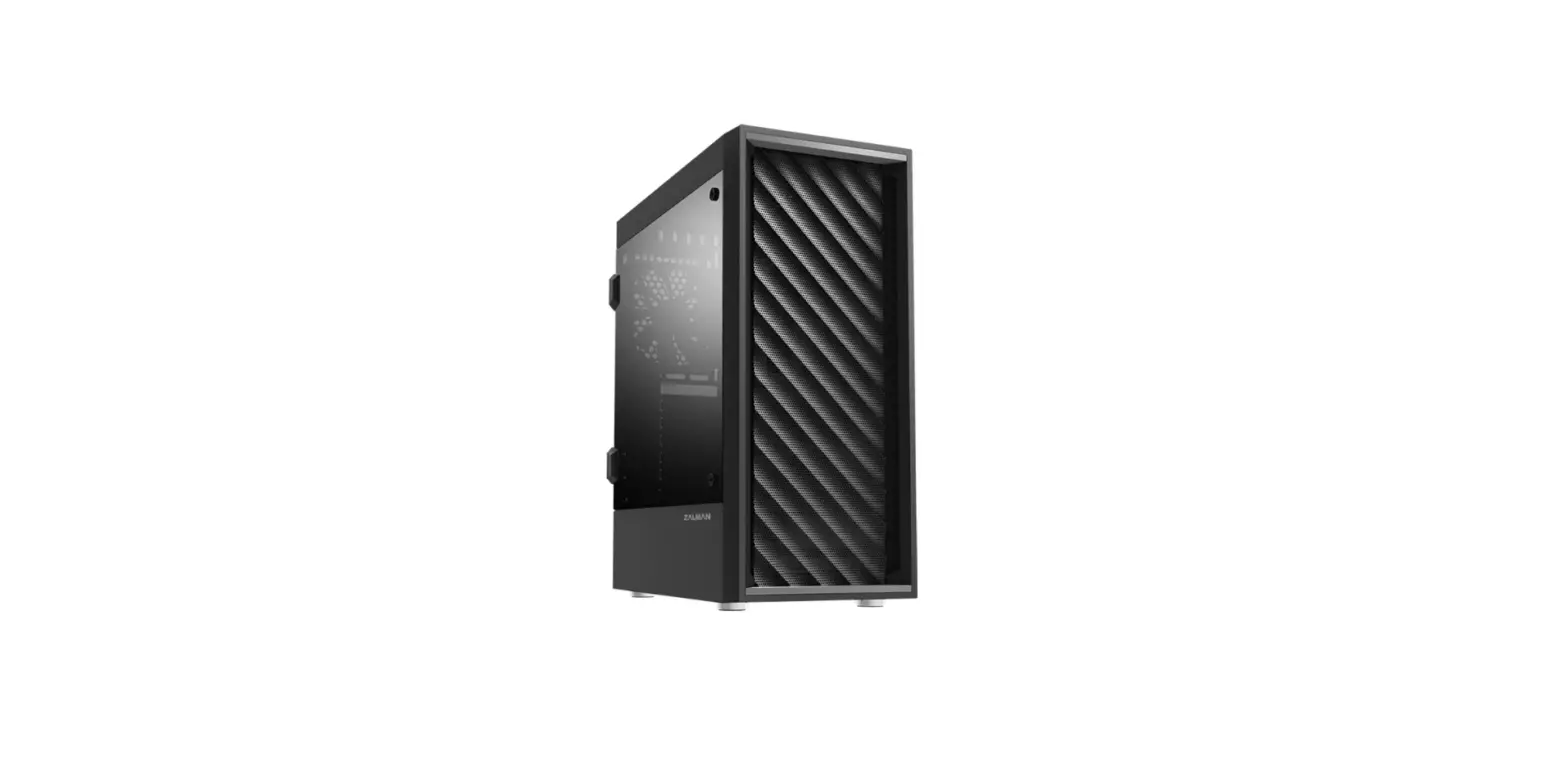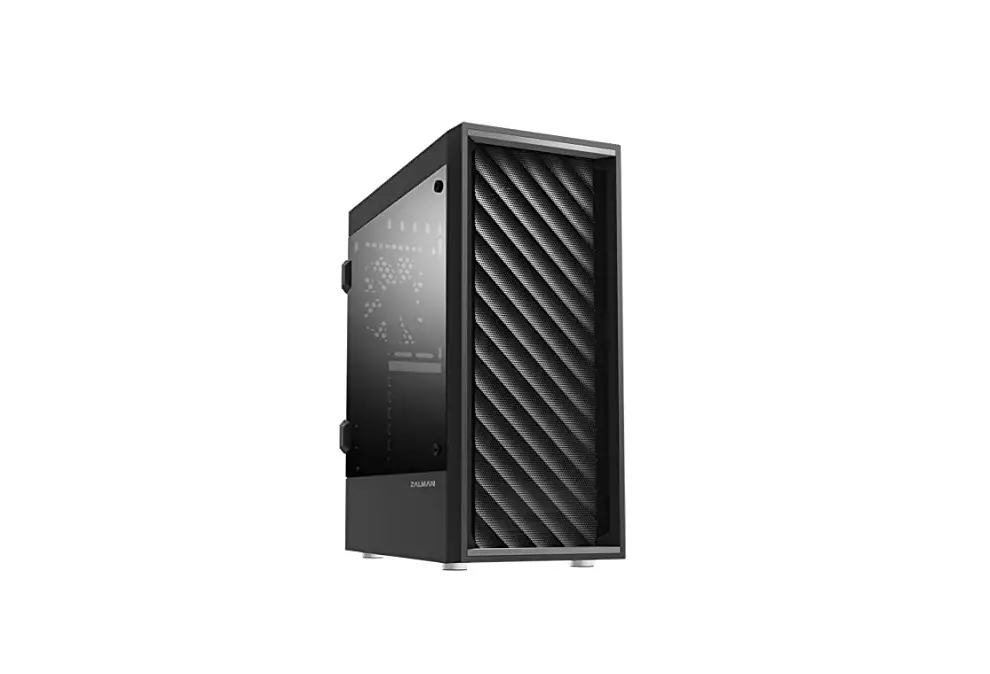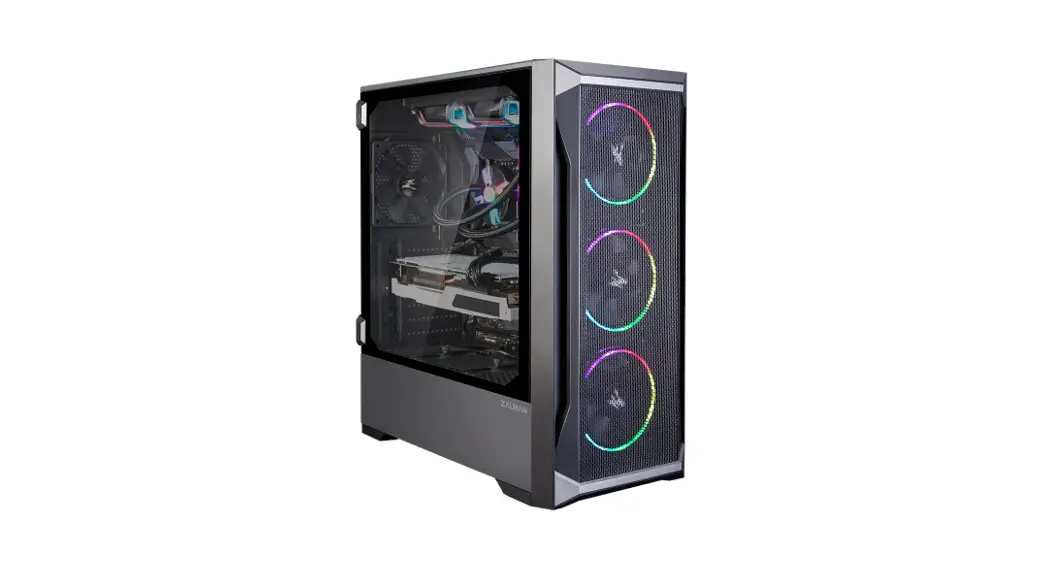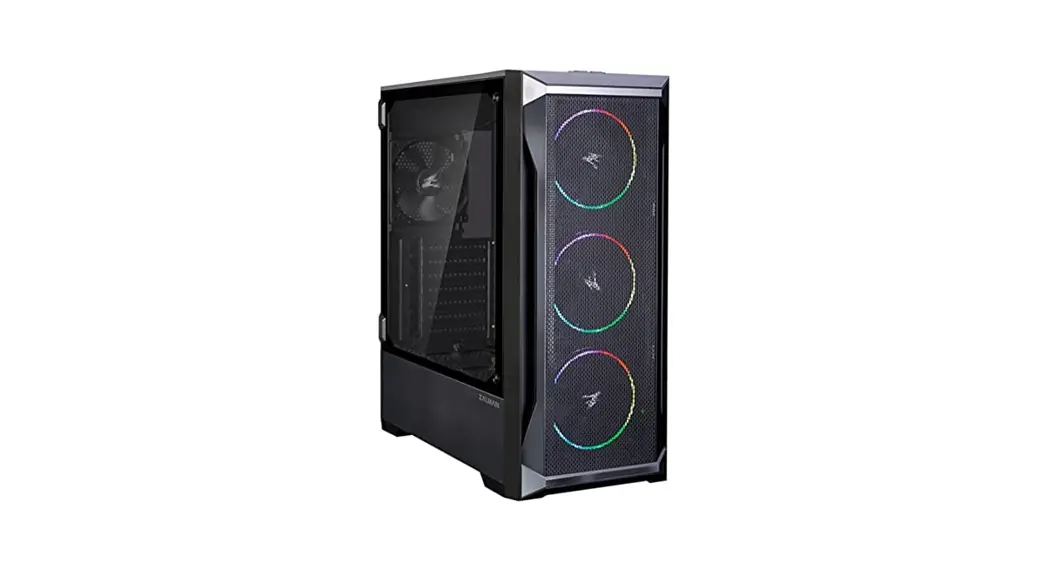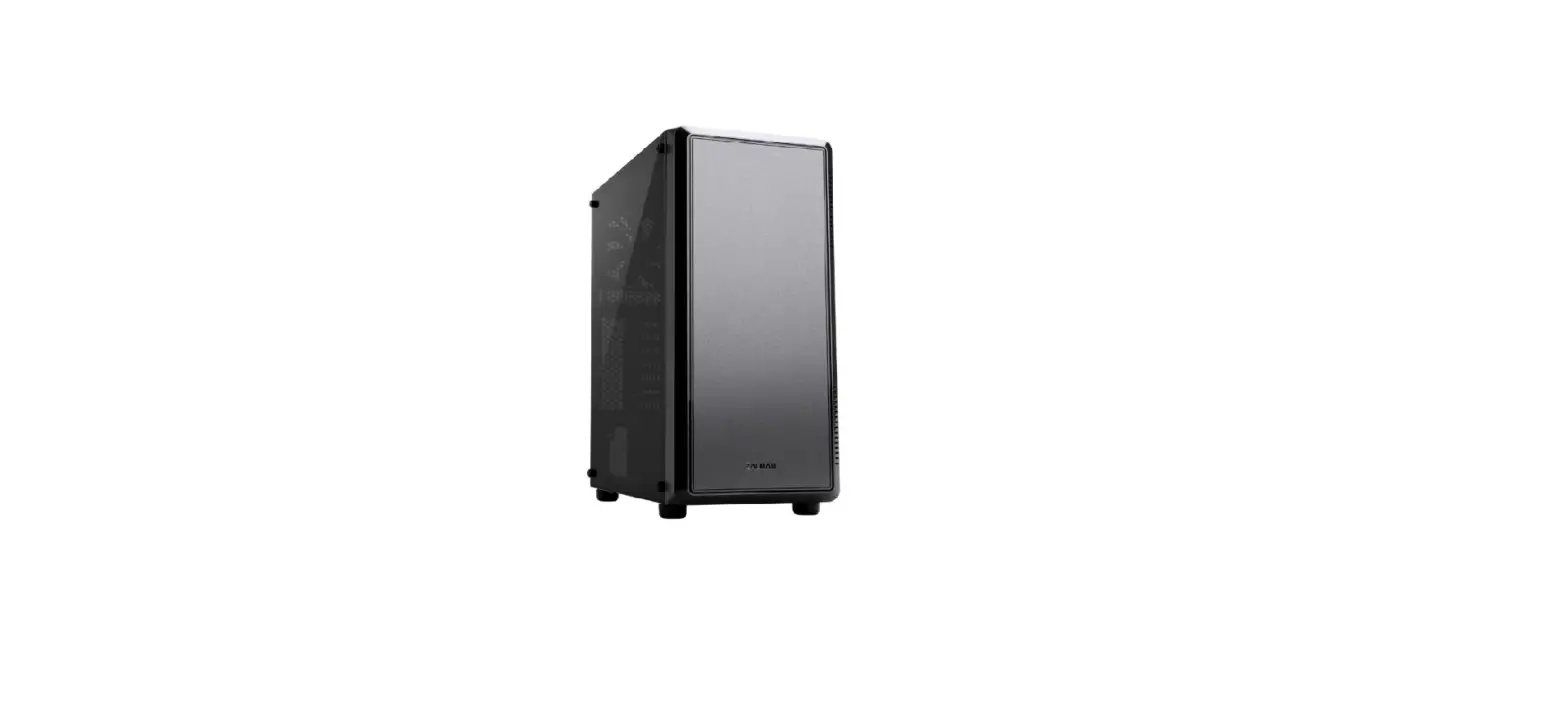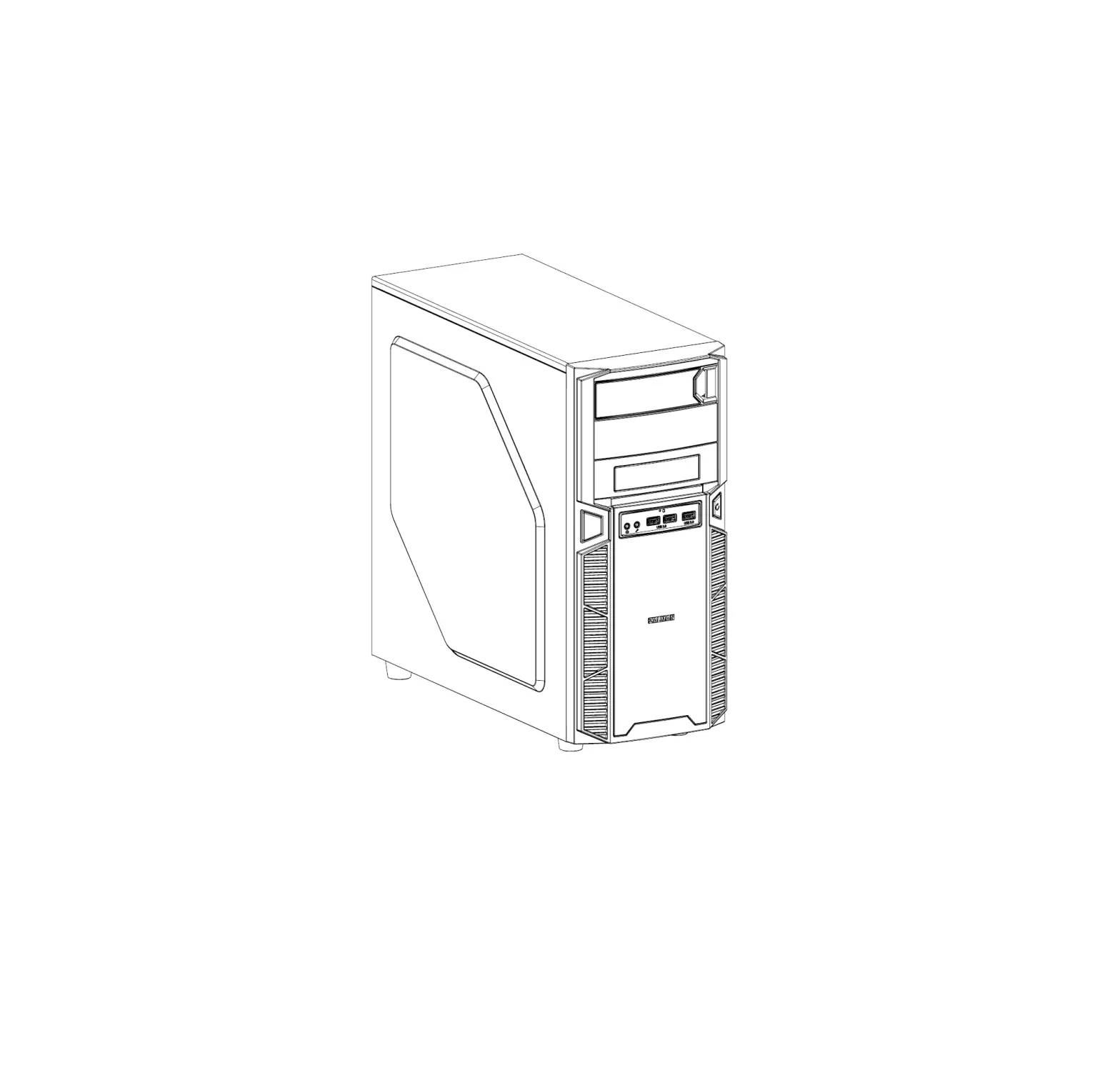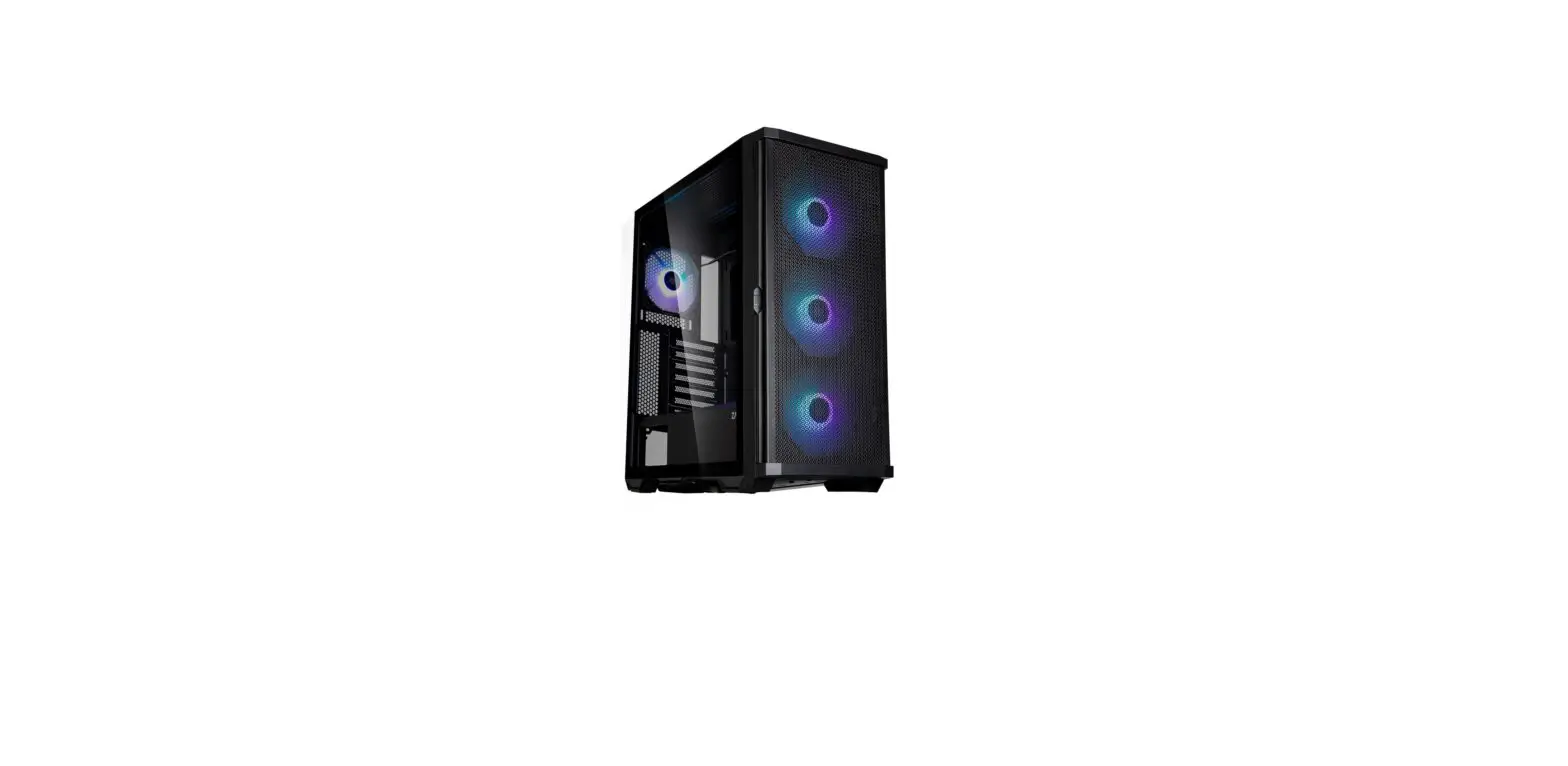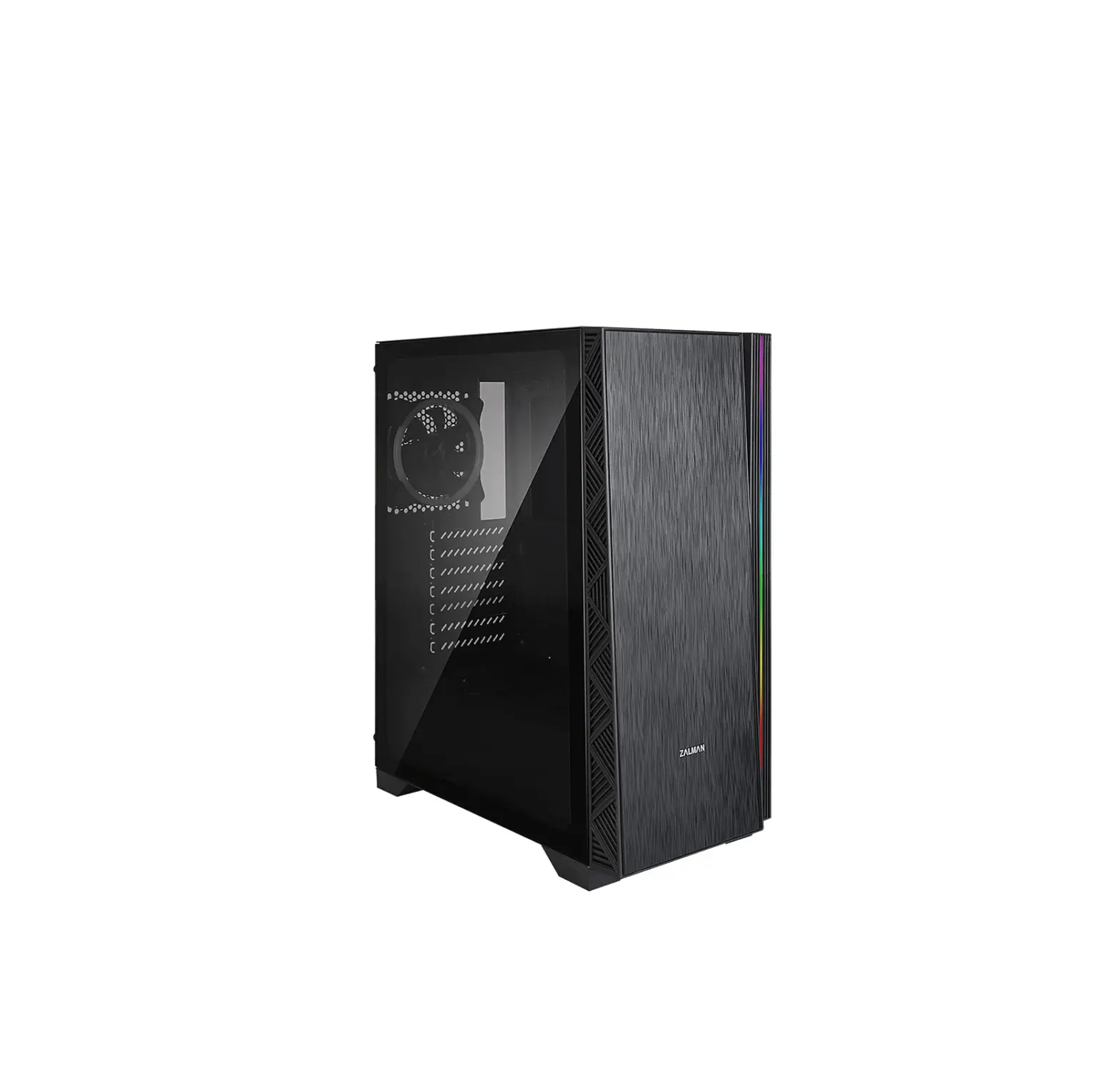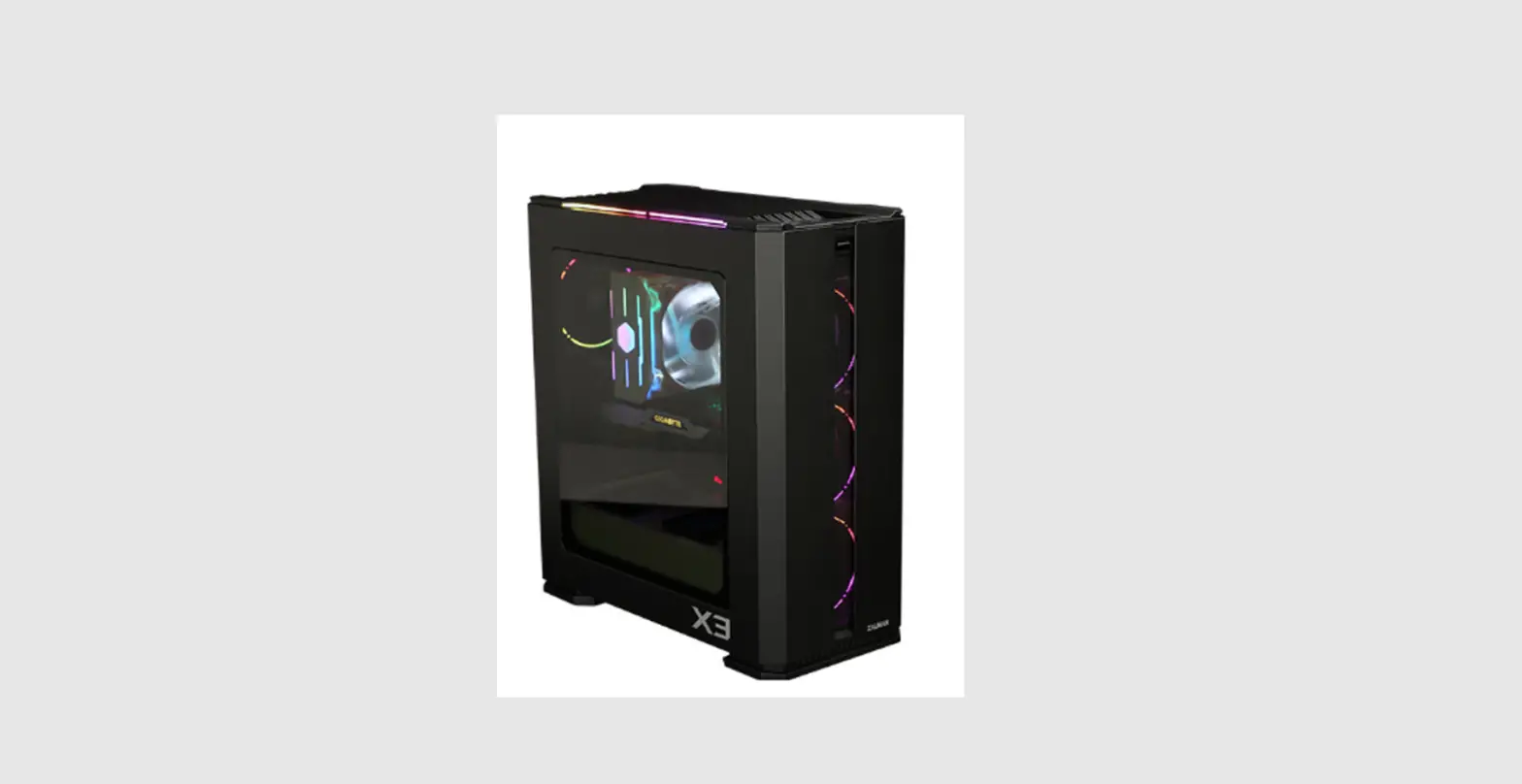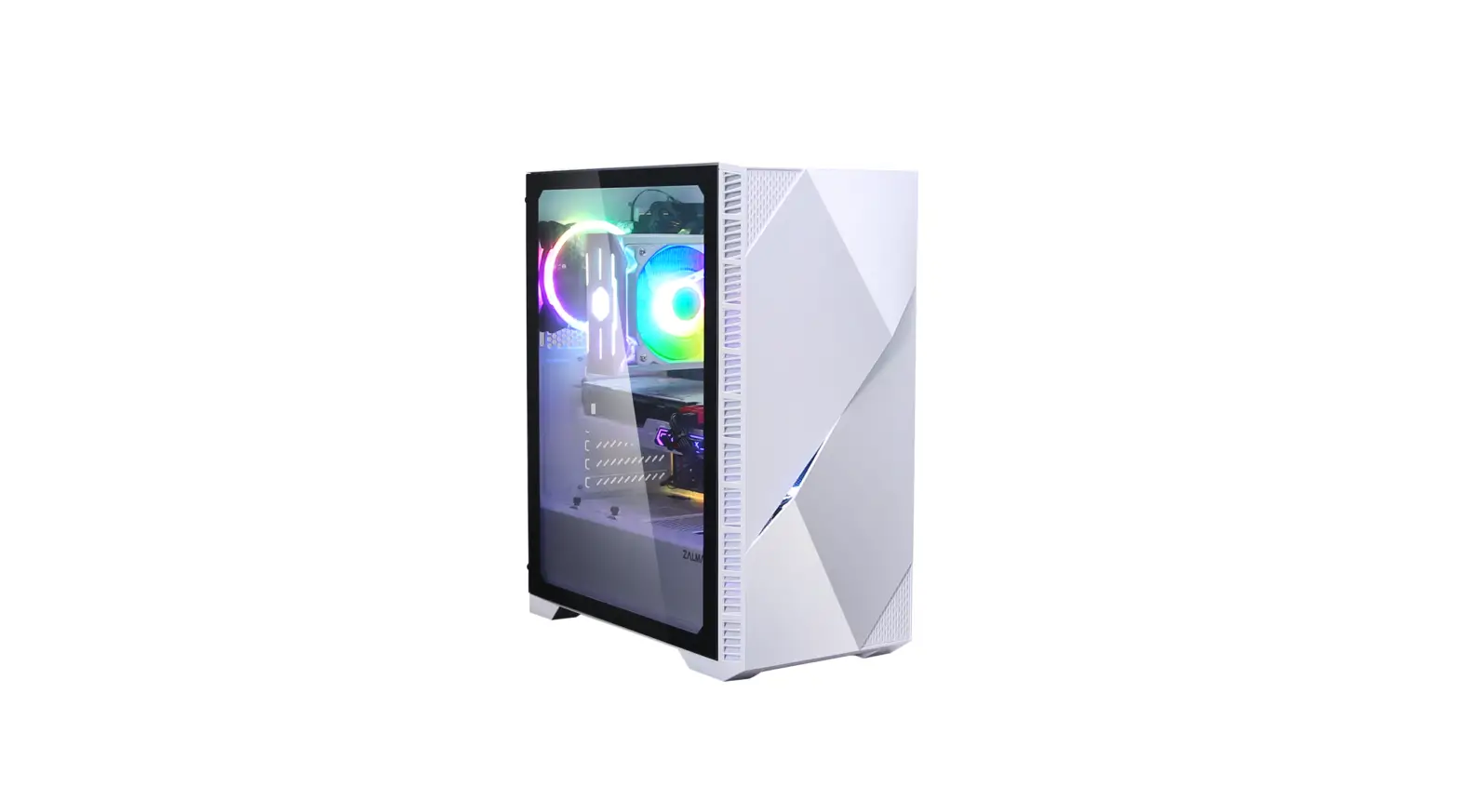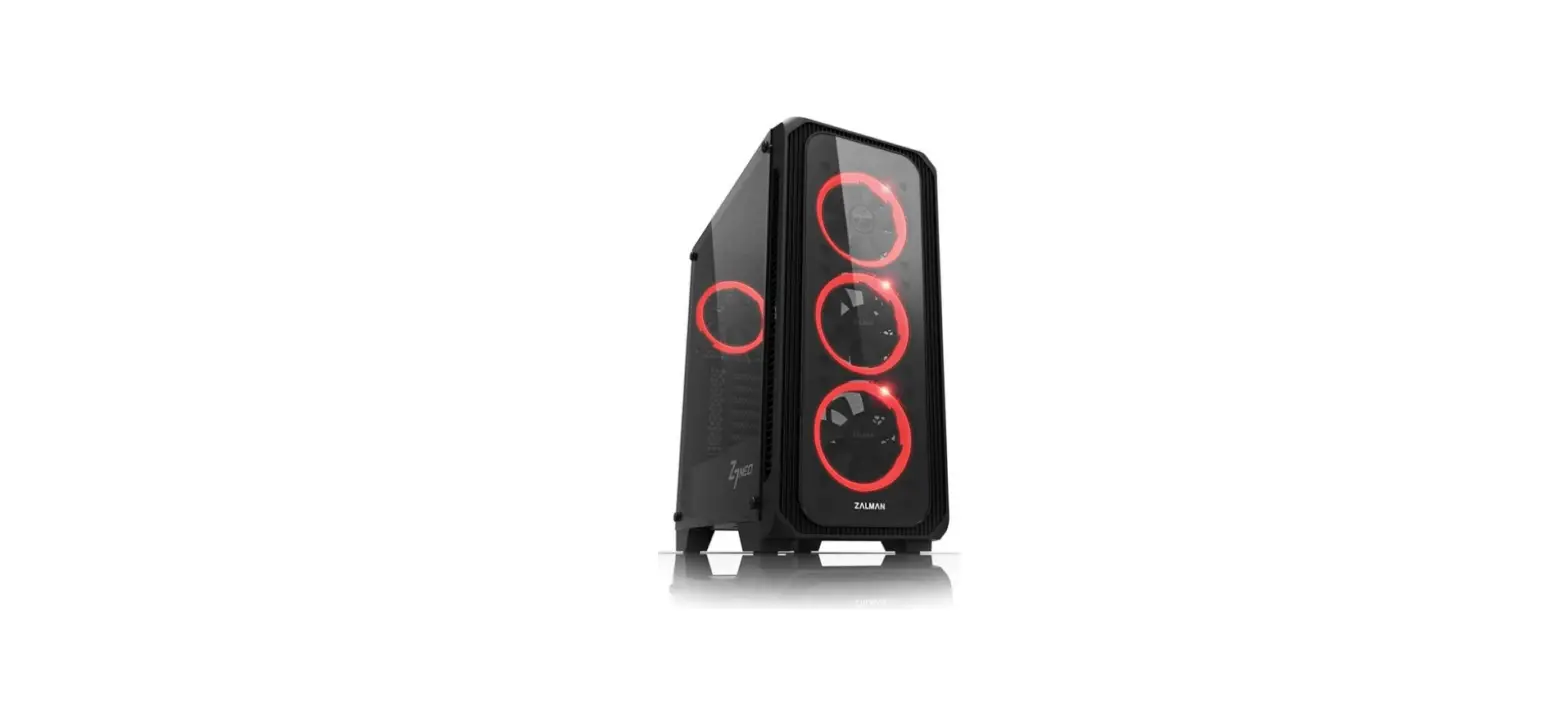

ZALMAN Z7 NEO ATX Mid-Tower Computer Case
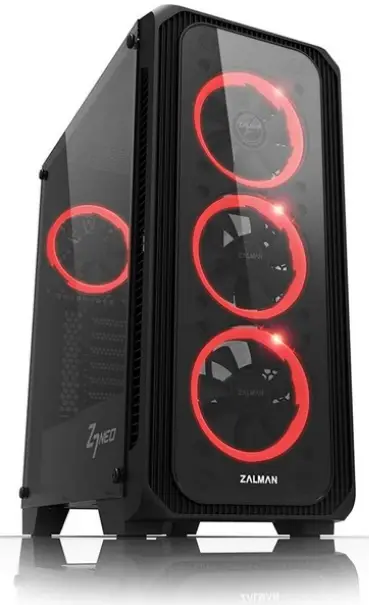
- To ensure safe and easy installation, please read the following precaution.
- Product design and specifications may be revised to improve quality and performance without notice.
Precautions
- Read this manual carefully before installing.
- Check the product and components before installing. If you find any abnormality, contact the location where you purchased the product for a replacement or refund.
- Wear gloves to prevent accidents when installing the product.
- Severe damage may occur when mounting the system, so do not apply excessive force.
- Connecting the cable incorrectly may cause a fire due to a short circuit. Make sure to refer to the manual when connecting the cable.
- Be careful not to block the ventilation hole of the product when using the system.
- Avoid locations with direct sunlight, water, moisture, oil, and excessive dust. Store and use the product in a well-ventilated location.
- Do not wipe the surface of the product using chemicals. (organic solvents such as alcohol or acetone)
- Do not insert your hand or another object into the product during operation, as this may injure your hand or damage the object.
- Store and use the product out of children’s reach.
- Our company assumes no responsibility for any problem that occurs due to the use of the product for purposes other than its designated purposes and/or the carelessness of the consumer.
- The exterior design and specifications of the product are subject to change without prior notice to consumers for quality improvement.
Specifications
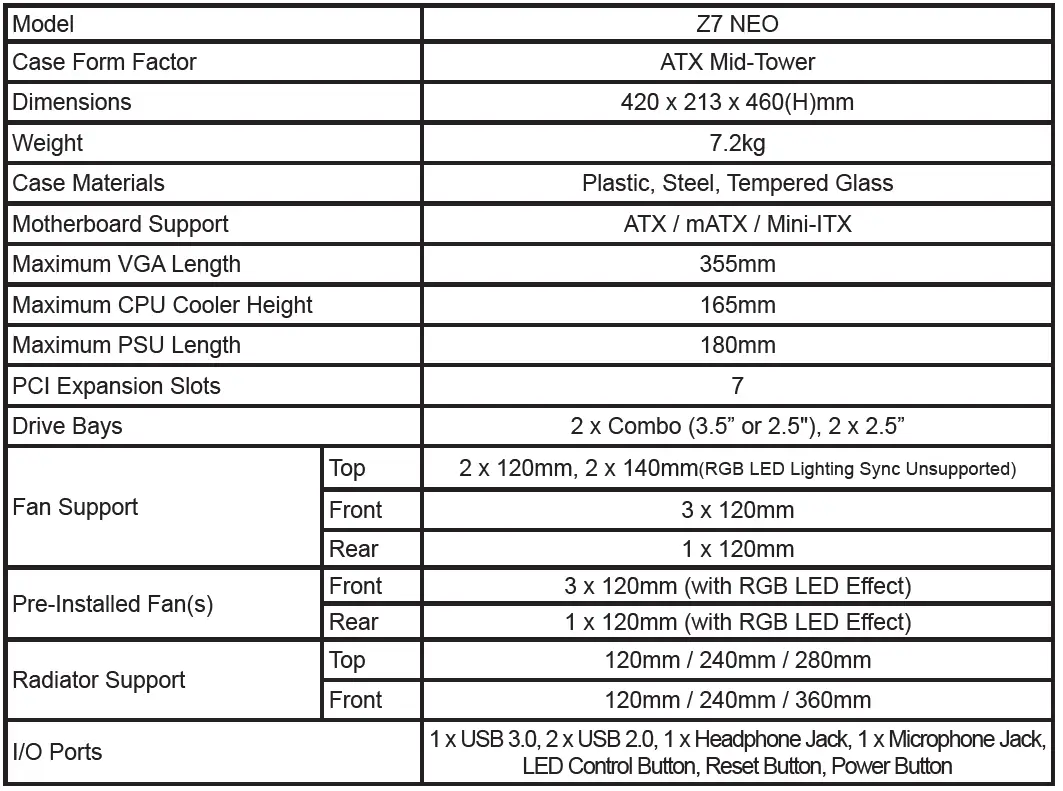
Caution (Radiator Support)
- Limited fitment to memory equipped with heatsinks.
- Some motherboards with tall heat sink will cause interference on the installation of the 280mm radiator.
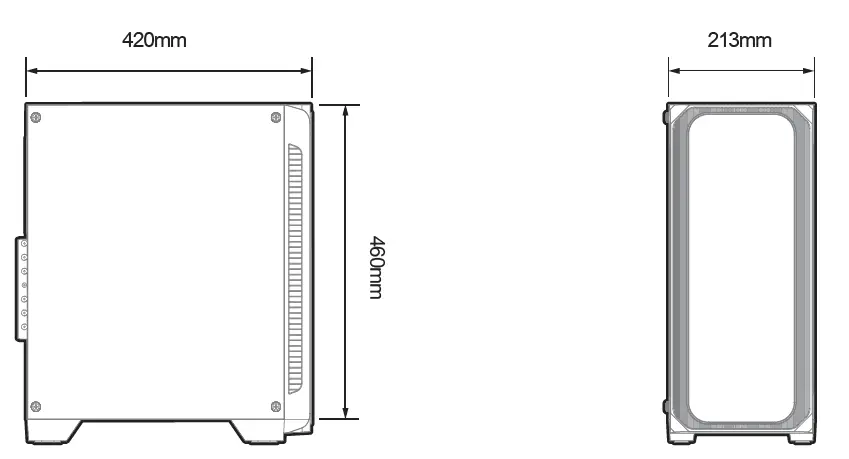
Dimensions
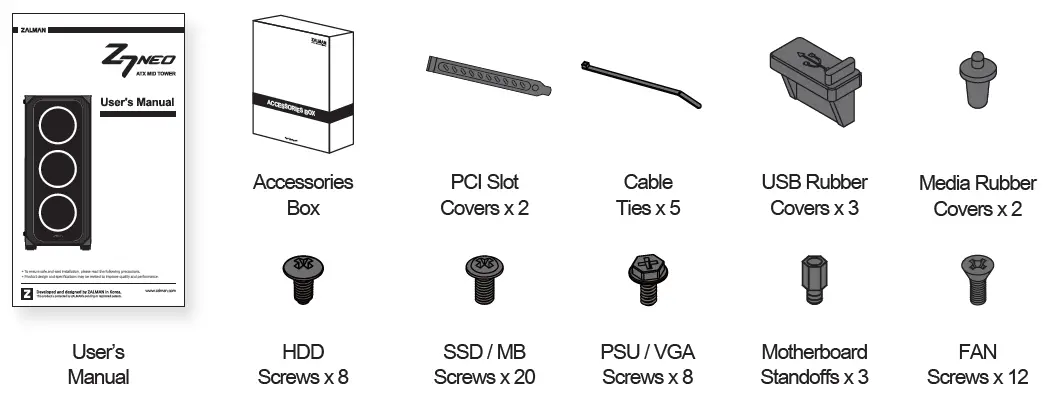
Accessories
I/O Ports
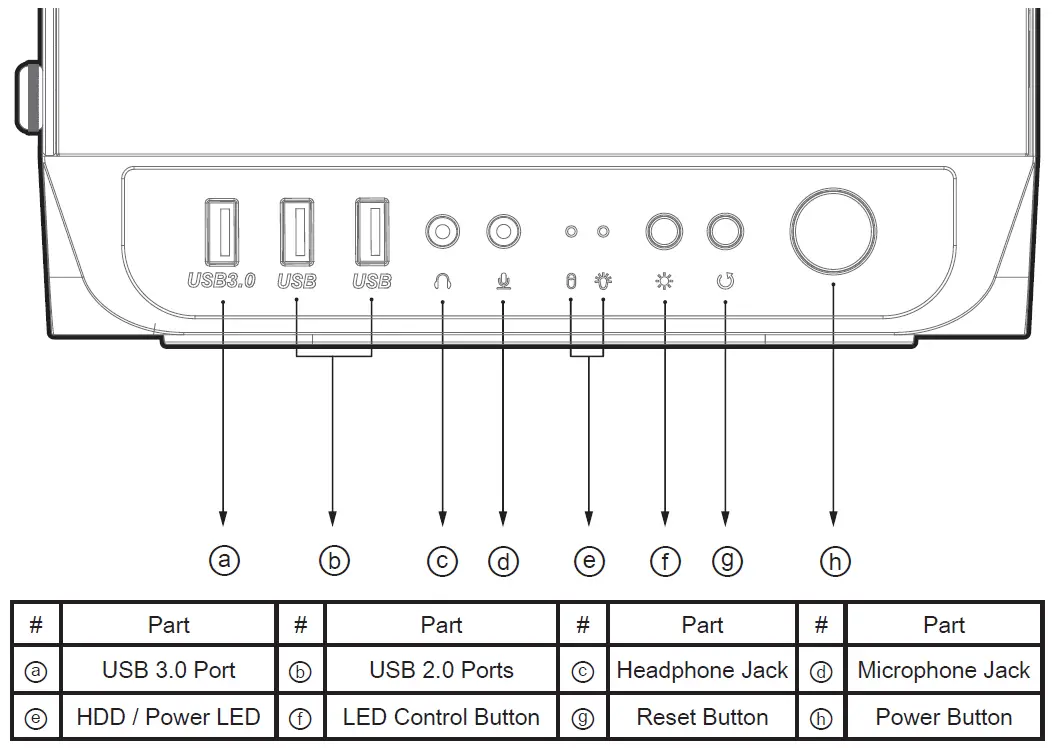
LED Control Button
- Short Press : 1st ~ 10th RGB LED Lighting Mode (Effects & Colors) 11th RGB LED Lighting Mode Off
- Long Press : RGB LED Lighting Mode Change (LED Control Button
 Motherboard Sync)
 Motherboard Sync)
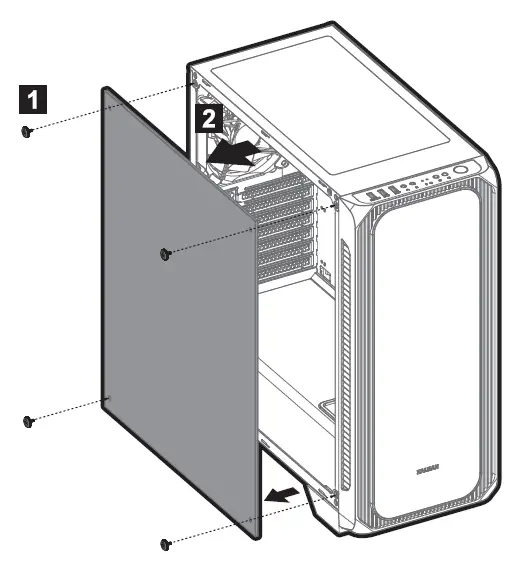
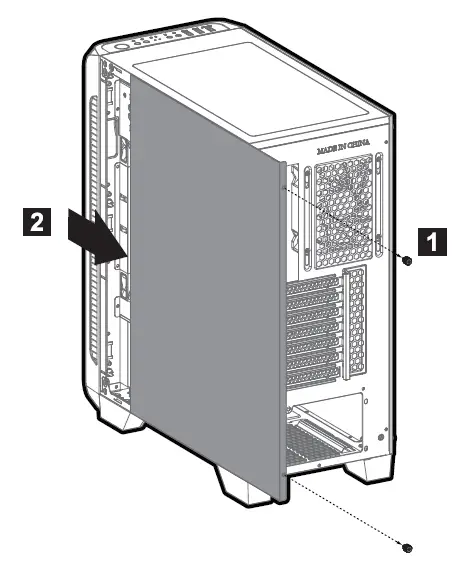
Removing the side panels
- Tempered Glass

- Steel Panel

Mounting the motherboard
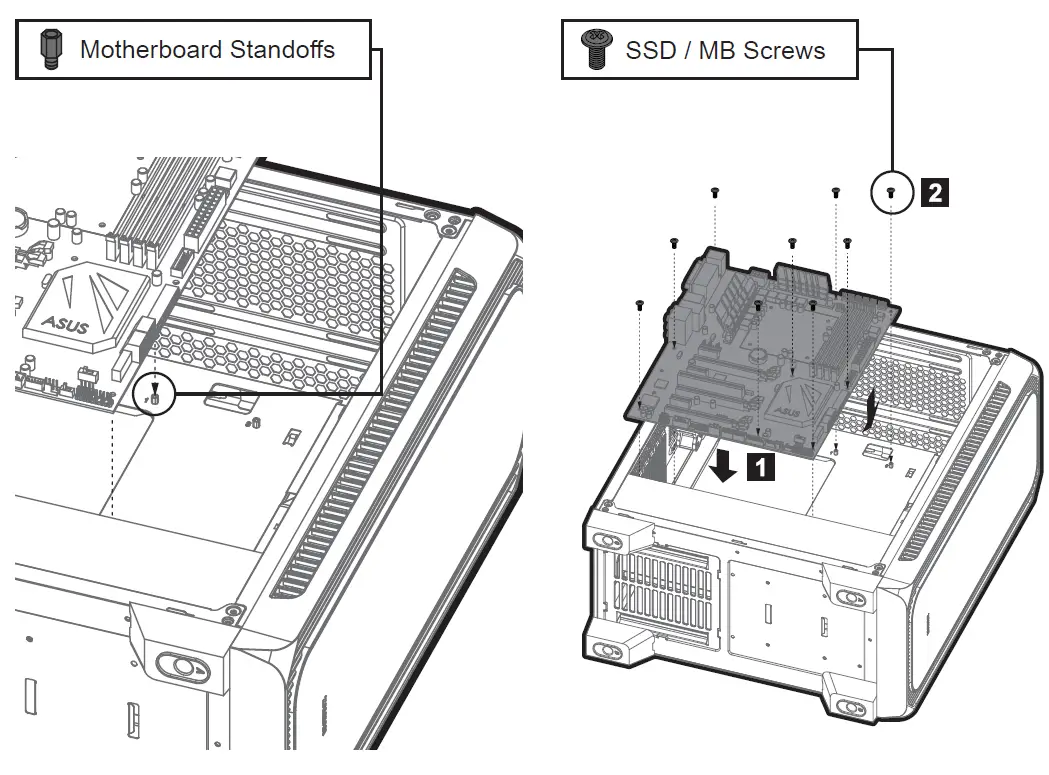
Motherboard size
- ATX

- mATX

- Mini-ITX

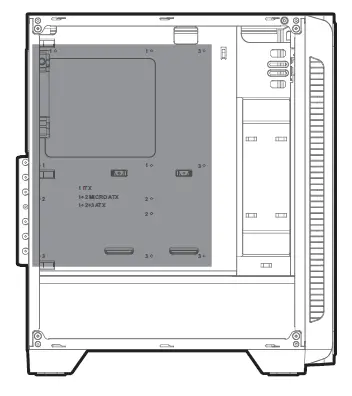
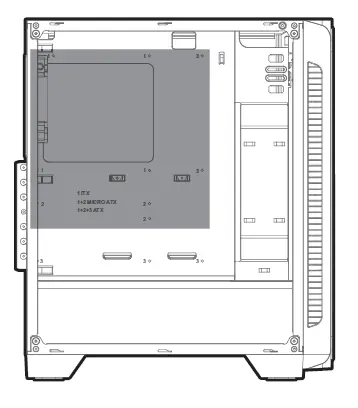
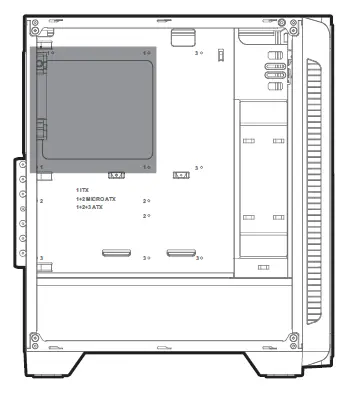
Mounting the PSU
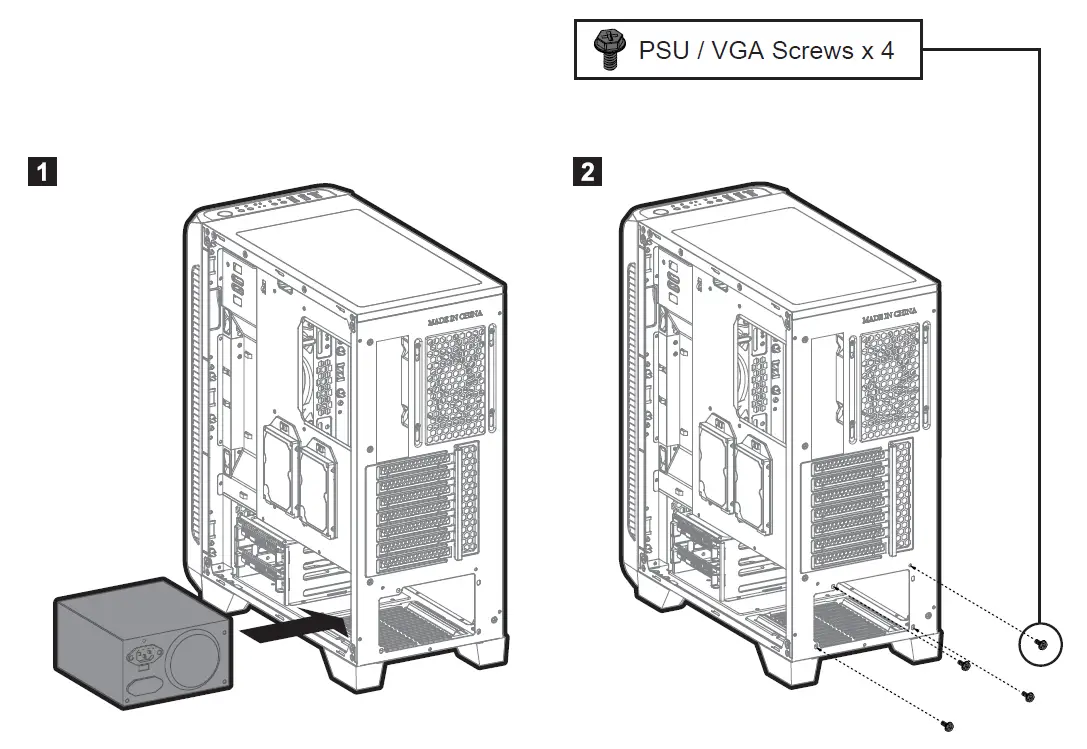
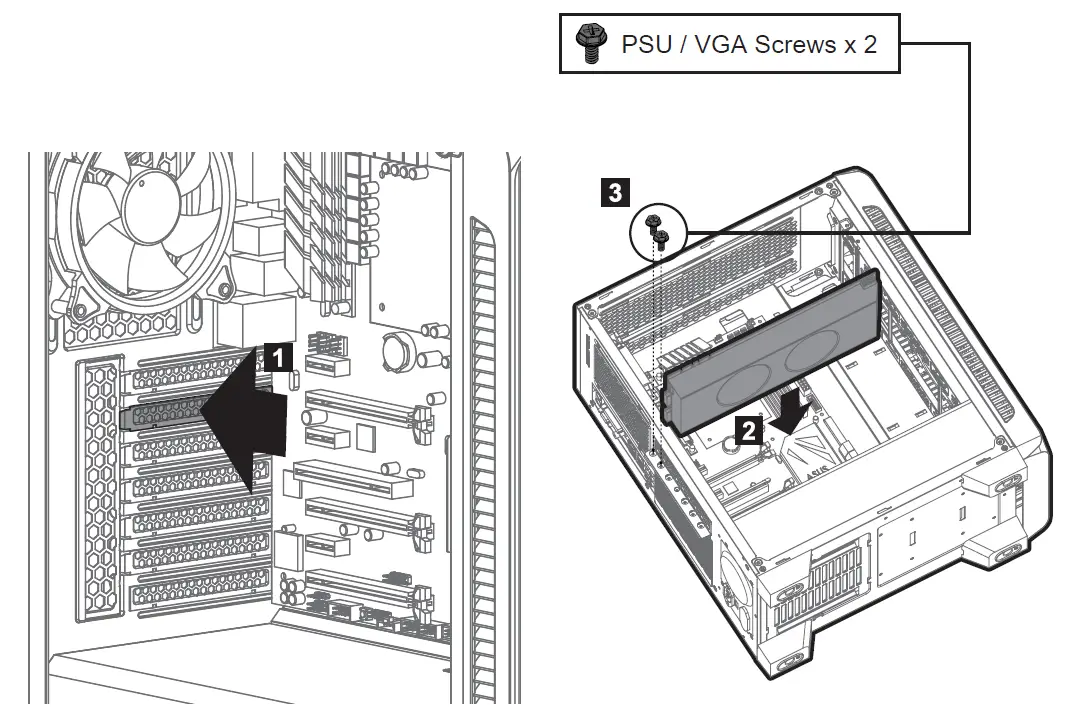
Mounting the PCI-E(VGA) card
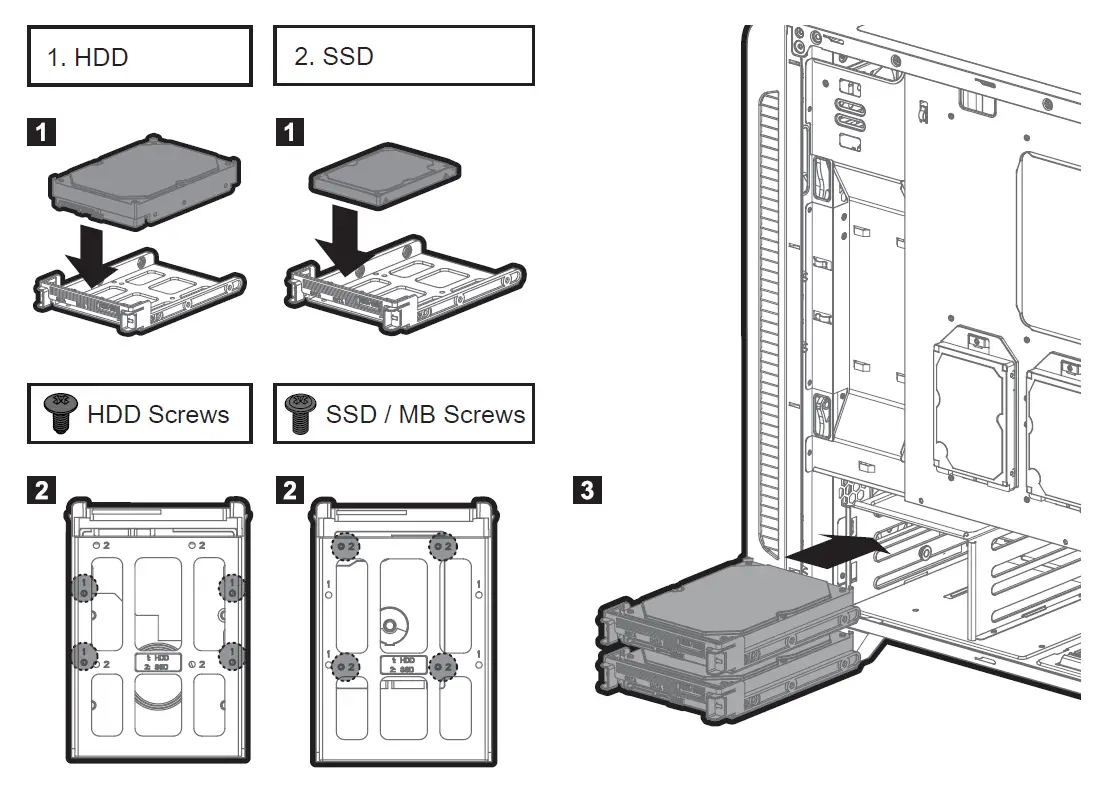
Mounting the 3.5″ and 2.5″ SSD / HDD
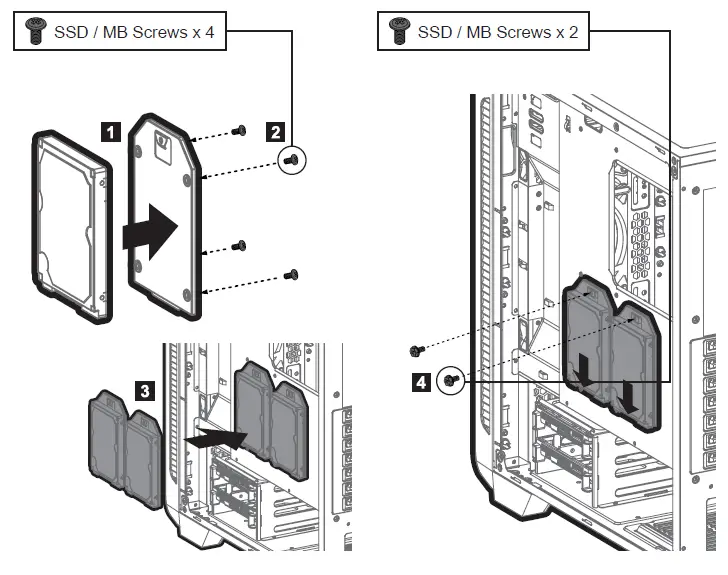
Mounting the 2.5” SSD / HDD
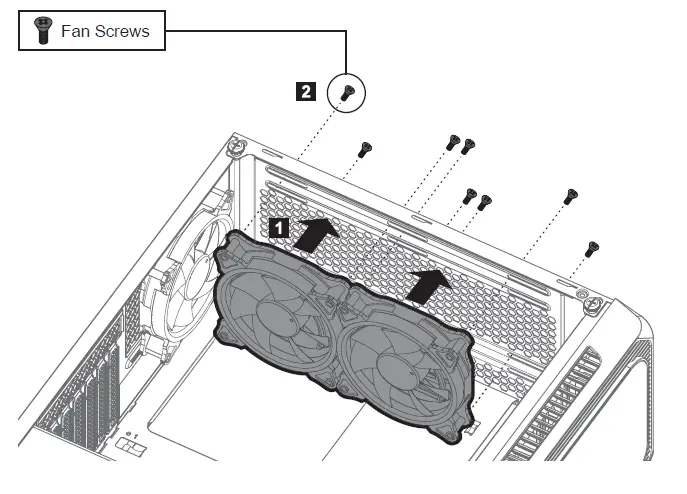
Mounting the top fans
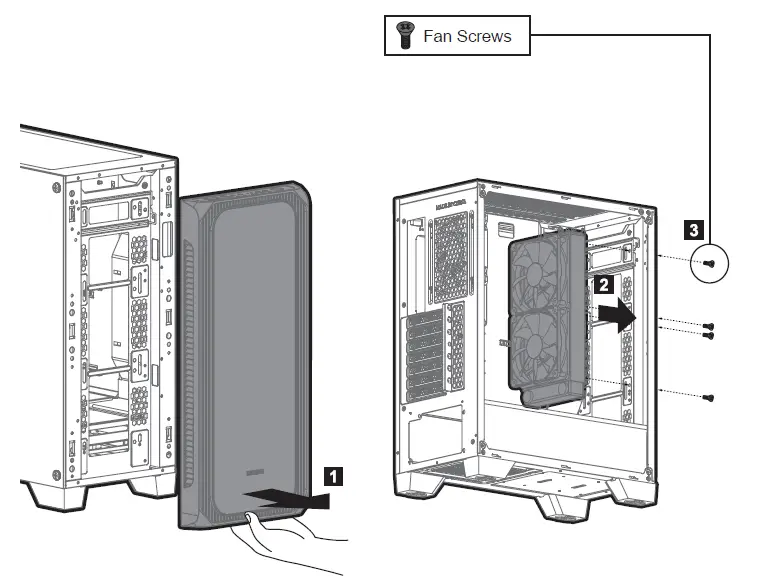
Mounting the front radiator
Caution
- Limited fitment to memory equipped with heatsinks.
- Some motherboards with tall heat sink will cause interference on the installation of the 280mm radiator
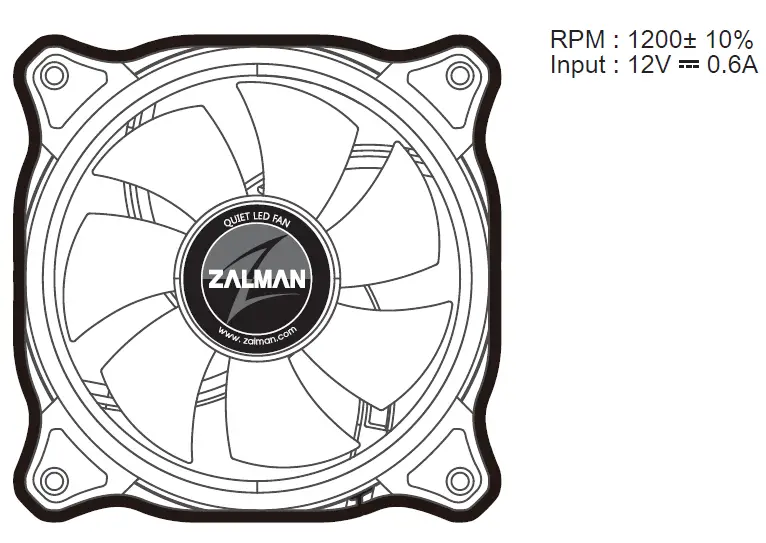
Fan specifications
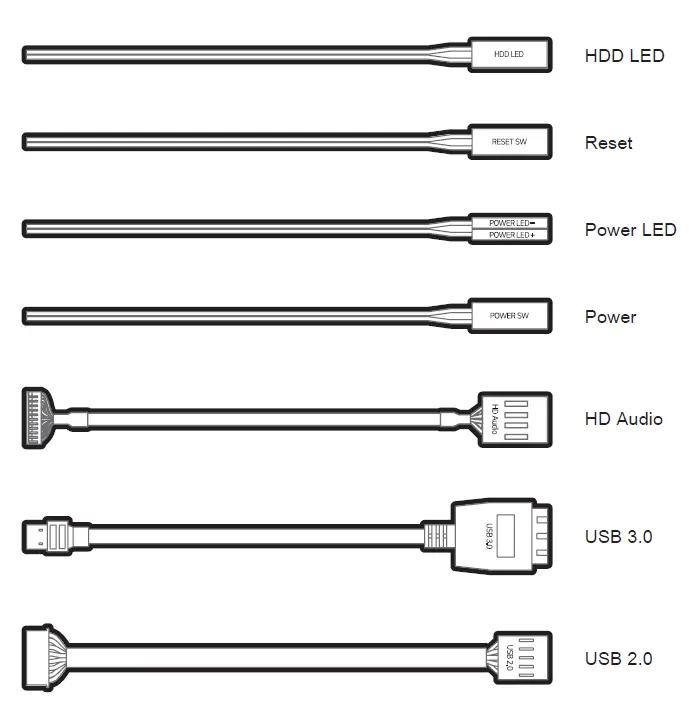
I/O Connectors
RGB LED Controller
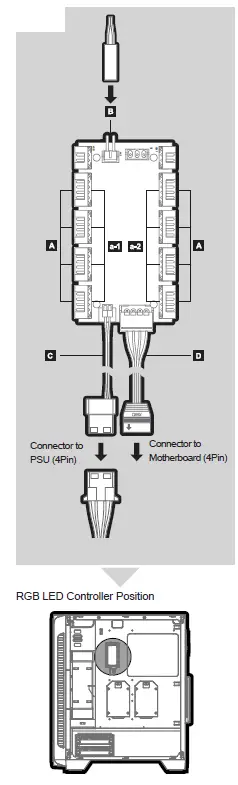
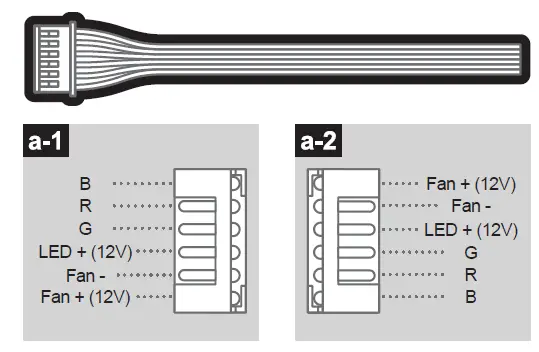
- A. Fan 1~8 / 6Pin
- Connector to RGB LED fans (Four pre-installed)
- RGB LED Fans I/O port 8ea

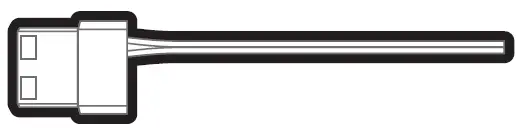
- B. LED Control Button / 2Pin
- Connector to LED control button
- RGB LED Lighting effects & 7 Colors

- C. DC Power / 4Pin
- Connector to PSU
- Input : 12V

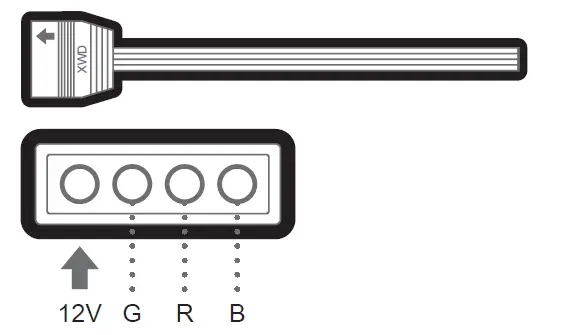
- D. Motherboard Sync / 4Pin
- Connector to motherboard
- Requires motherboard that supports RGB sync


Caution
- Please be sure to check the arrow of the female cable, it indicates where 12V needs to be connected when you are connecting it to the motherboard.
Certification
- RGB LED Controller


 zalman.com
 zalmansvc.com