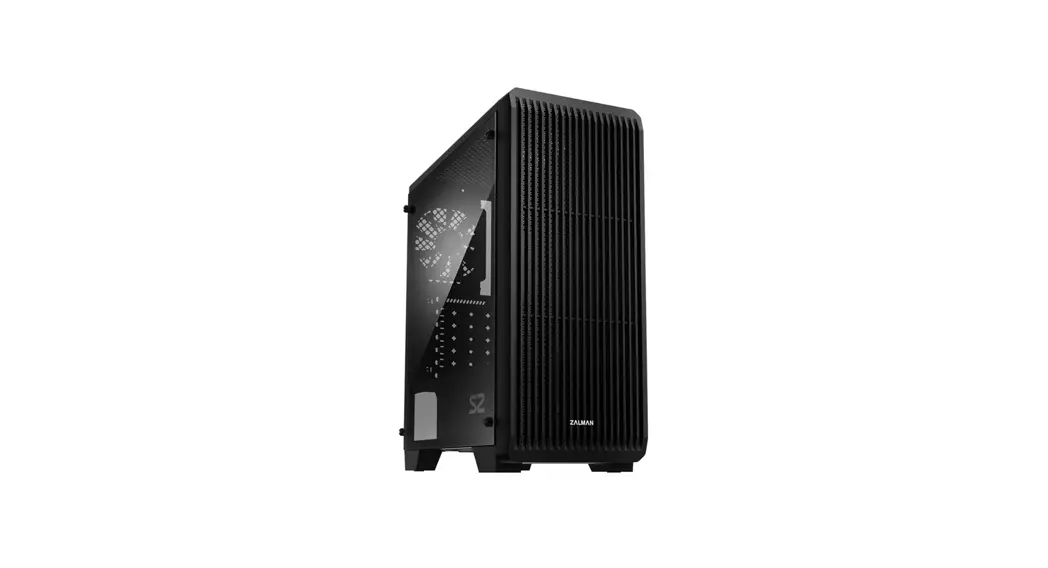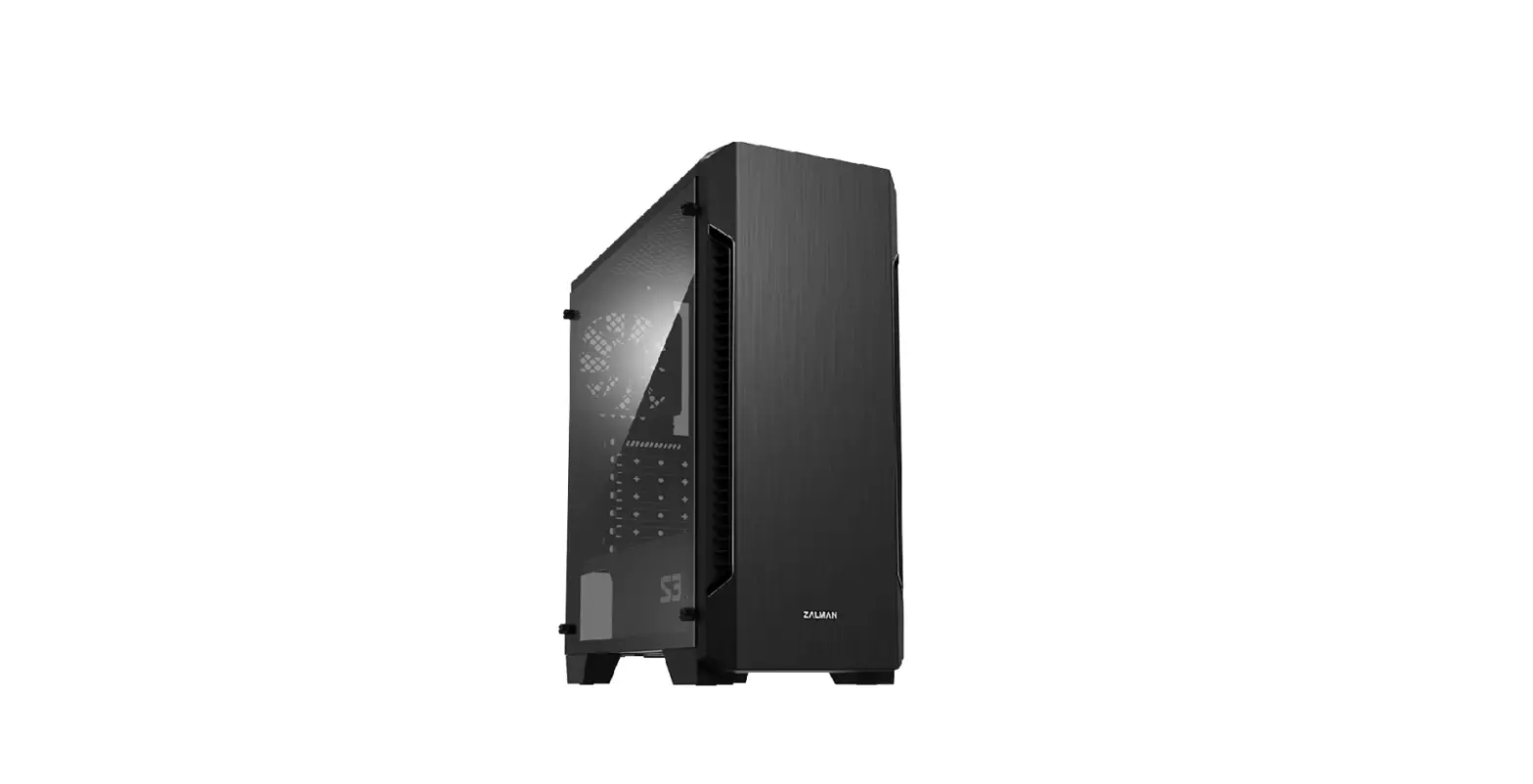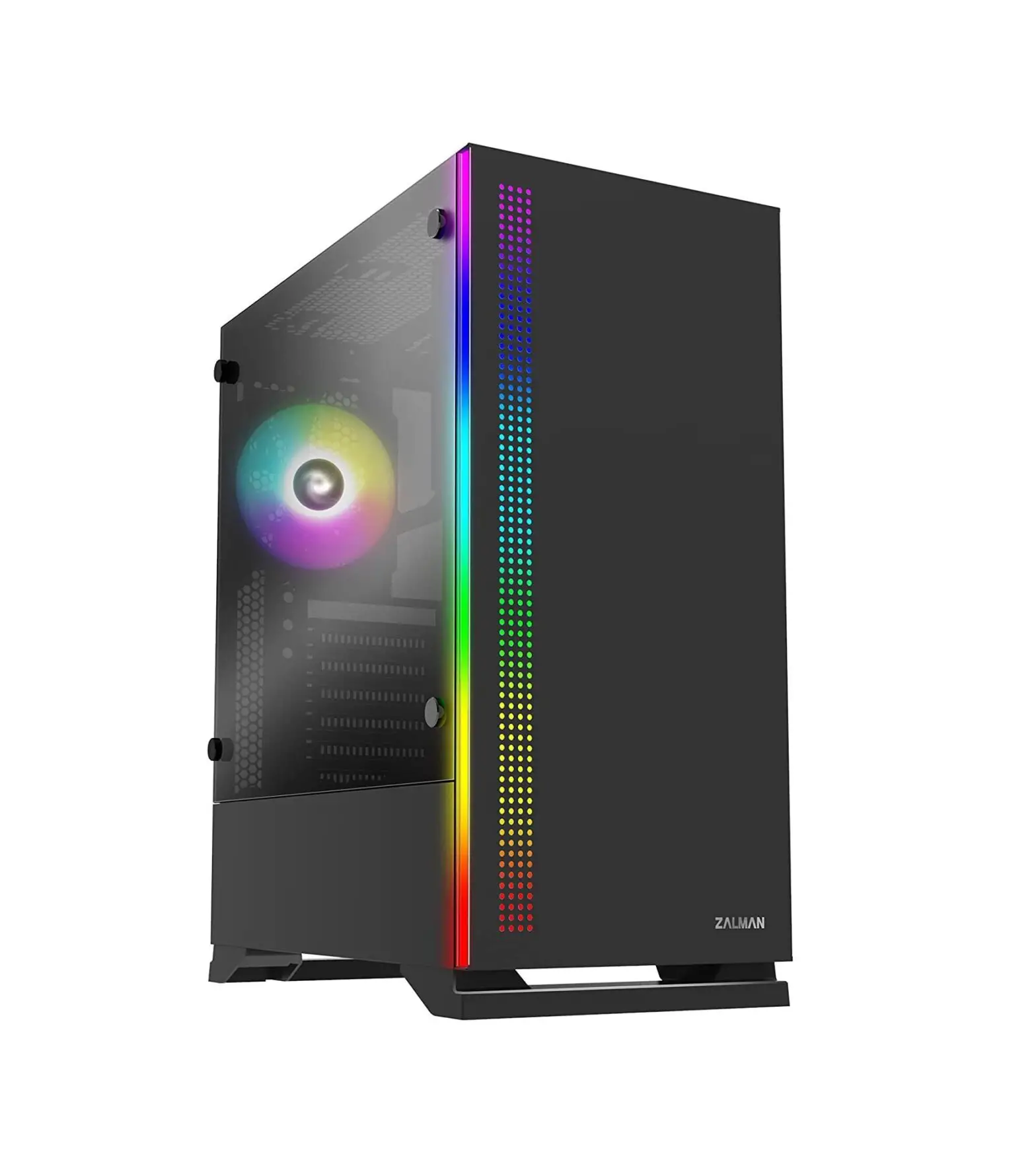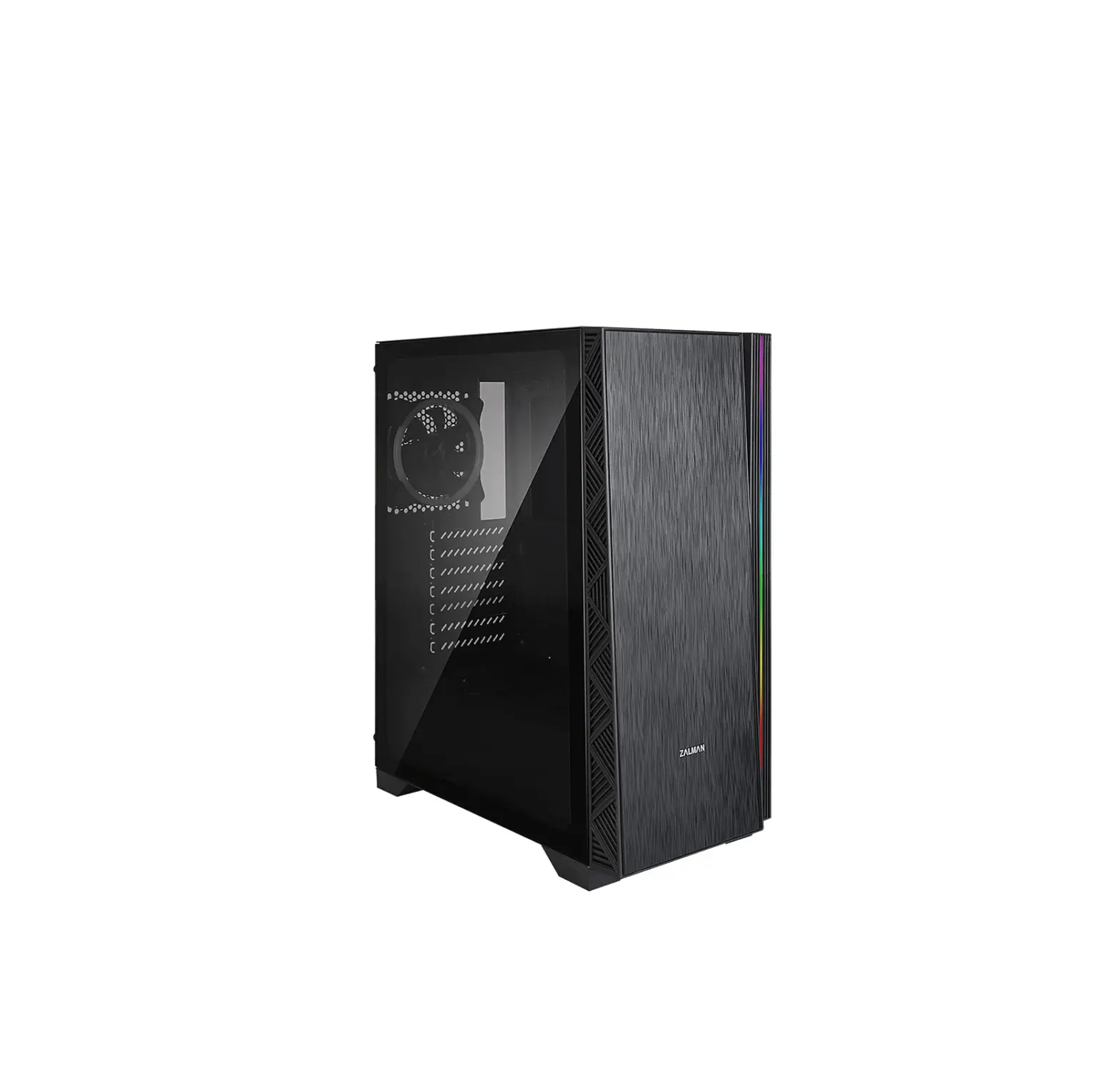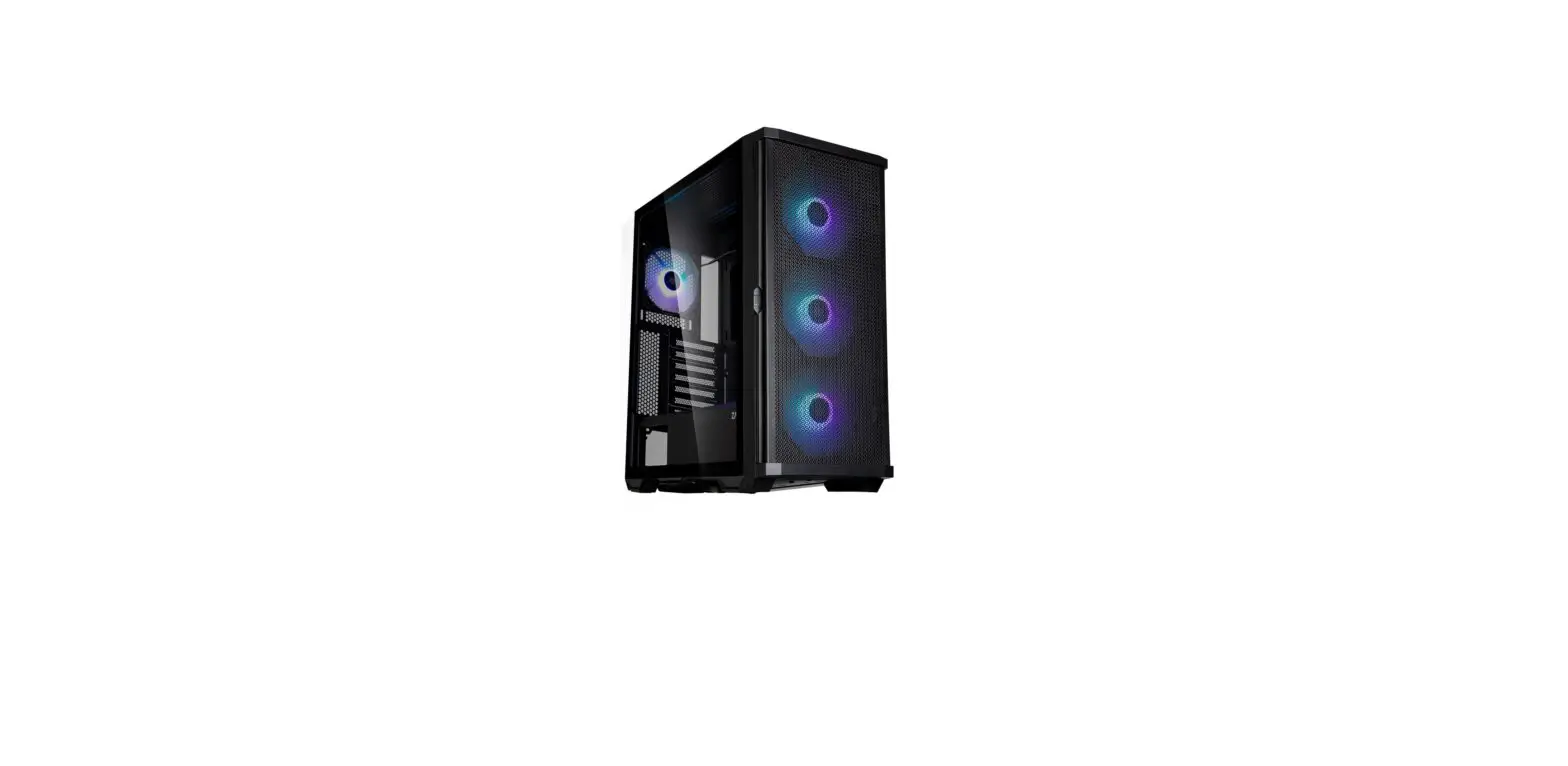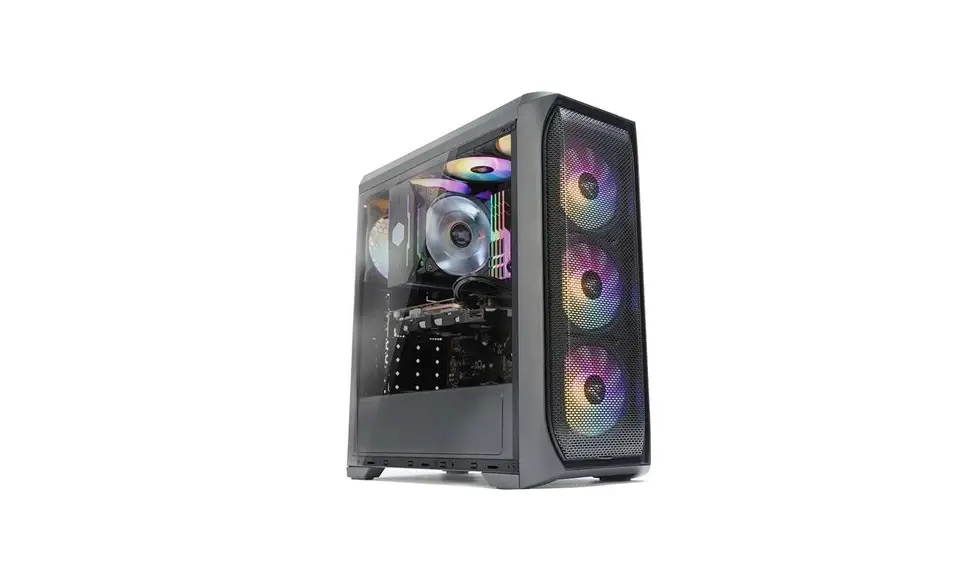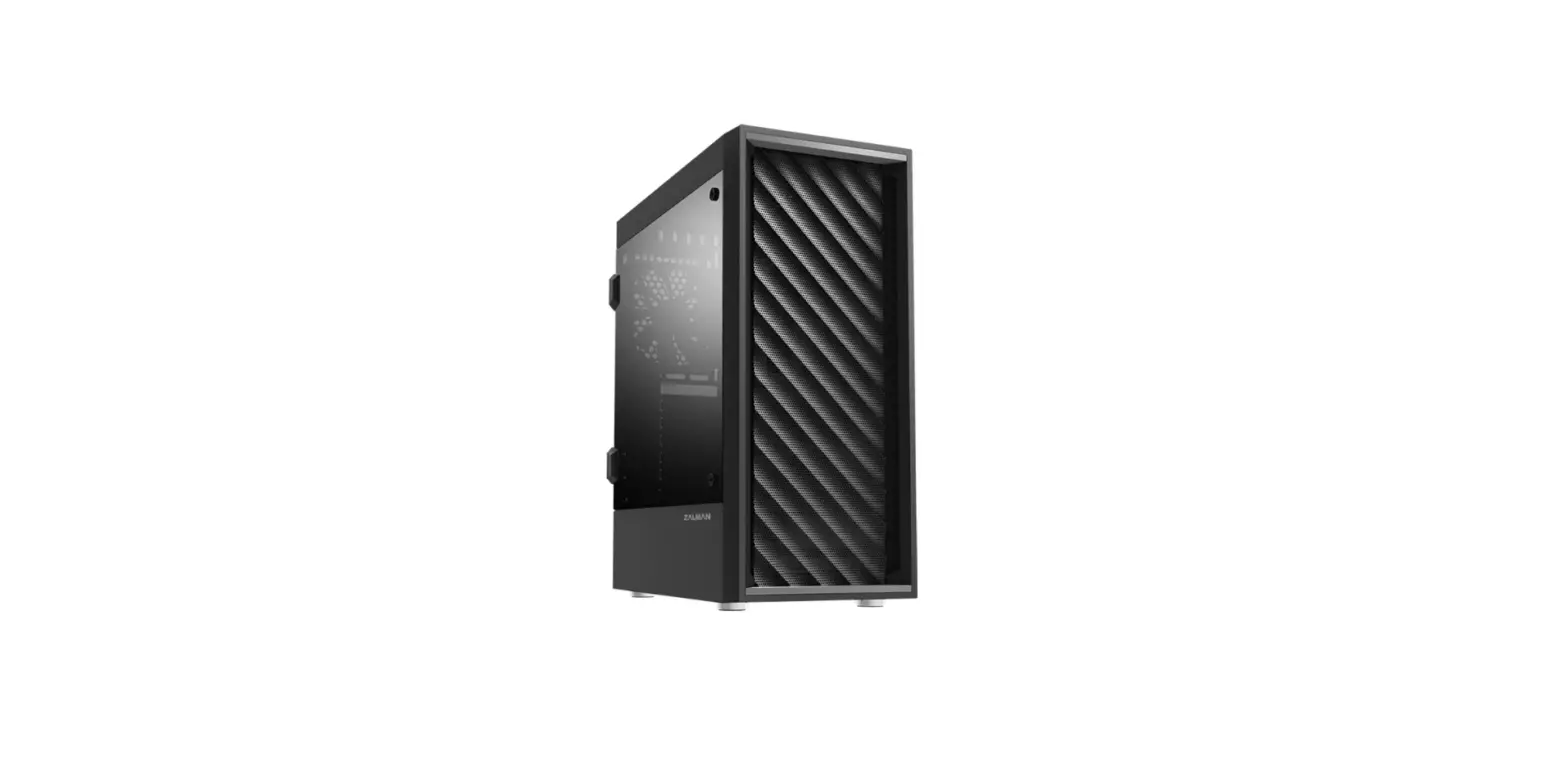
ZALMAN S1 ATX MID Tower Computer Case User Manual
Accessories Components
- Main Unit

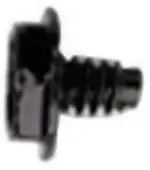
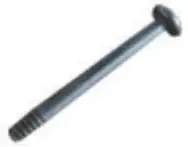
- (HDD / PSU / PCI-E Card) Screw x 18

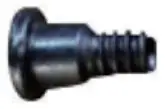
- (HDD : Rail) Screw x 5

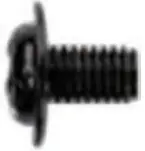
- (SSD / M/B) Screw x 18

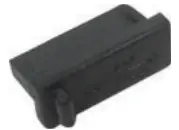
- (USB) Rubber cover x 3

- Cable Tie x 5

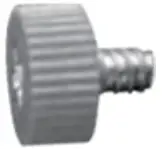
- (M/B) Hand screw x 2

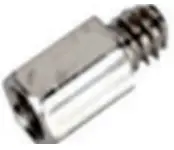
- (HDD) Stand-off x 5

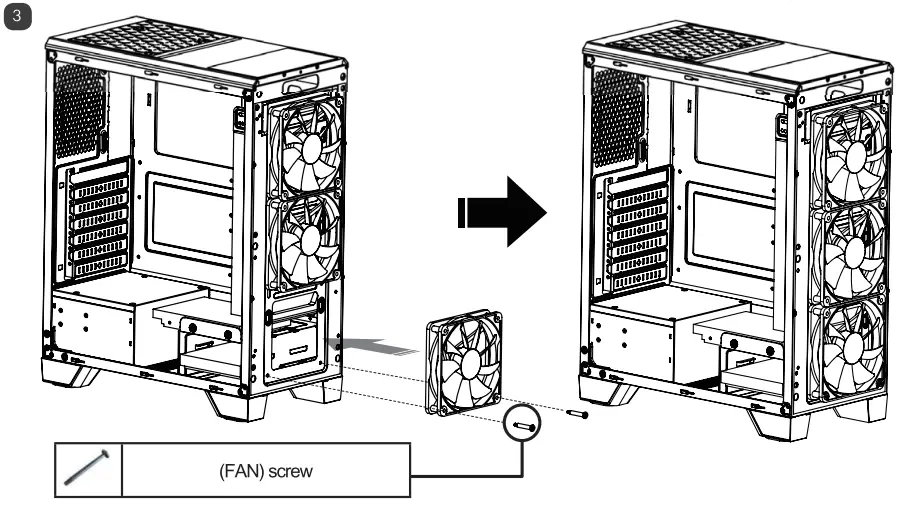
- (FAN) Screw x 2

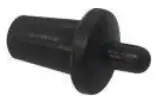
- (Media) Rubber cover x 2

- Manual x 1

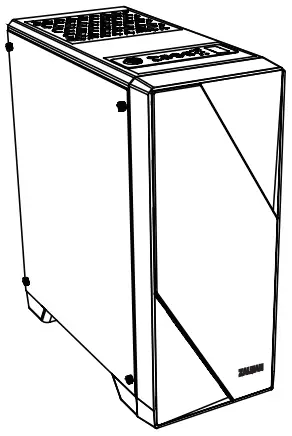
I/O Port
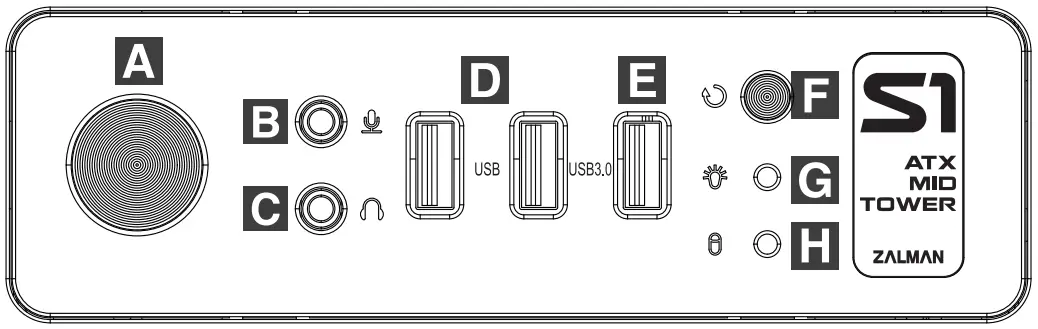
| # | Part | # | Part |
| Power button |
| USB 3.0 |
| Mic |
| Reset button |
| Headphone |
| Power LED |
| USB 2.0 |
| HDD LED |


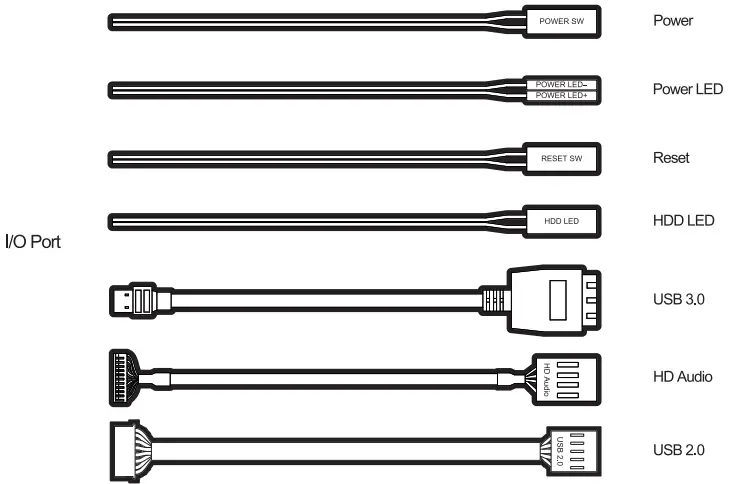
Cable Connection
Specification
| Model | S1 | |
| Case Form Factor | ATX MID TOWER | |
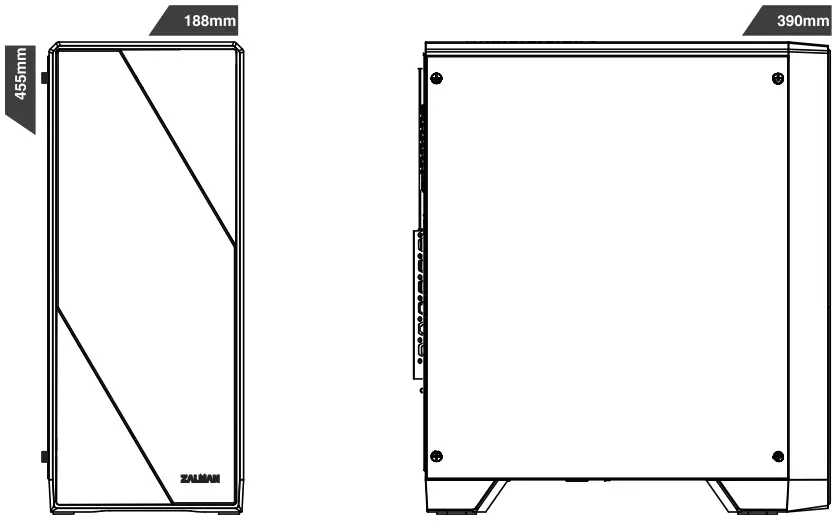
| Dimensions | 390 x 188 x 455(H)mm | |
| Weight | 3.8kg | |
| Case Materials | Steel, Plastic, Acrylic, Tempered Glass | |
| Motherboard Support | ATX / M-ATX / M-ITX | |
| Maximum VGA Length | 320mm | |
| Maximum CPU Cooler Height | 156mm | |
| Maximum PSU Length | 180mm | |
| PCI Expansion Slots | 7 | |
| Case Drive Bays | 2 x 3.5″, 2 x 2.5″ | |
| Fan Mount Locations | Front | 3 x 120mm |
| Top | 2 x 120mm | |
| Rear | 1 x 120mm | |
| Fans Included | Front | 2 x 120mm(with White LED effect) |
| Rear | 1 x 120mm | |
| Radiator Mount Locations | Front | 1 x 240mm |
| Rear | 1 x 120mm | |
| I/O Ports | 1 x Headphone, 1 x Mic, 2 x USB 2.0, 1 x USB 3.0 | |
Installation
HDD Installation 1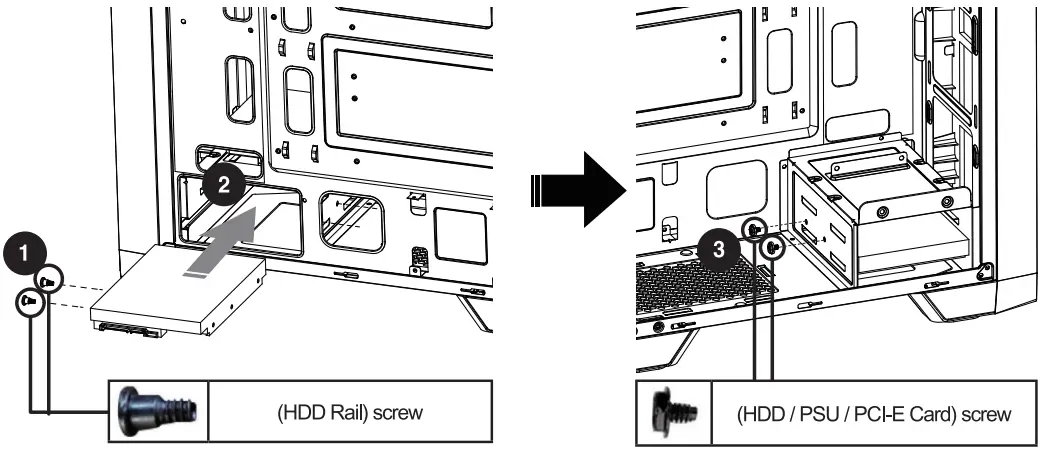
HDD installation 2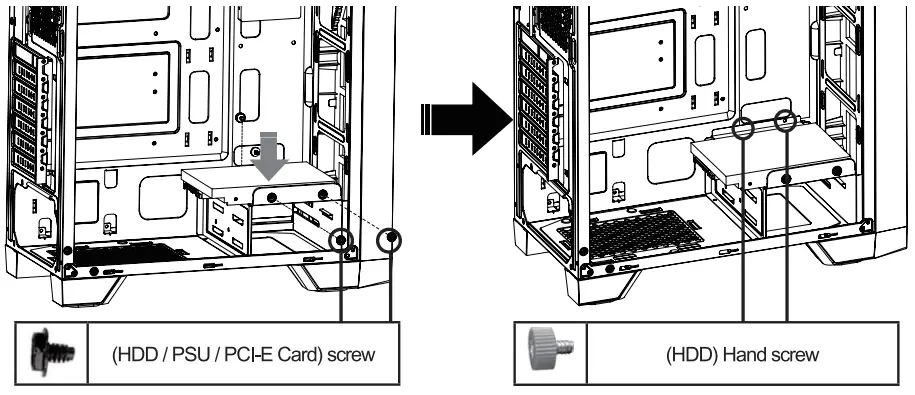
SSD installation 1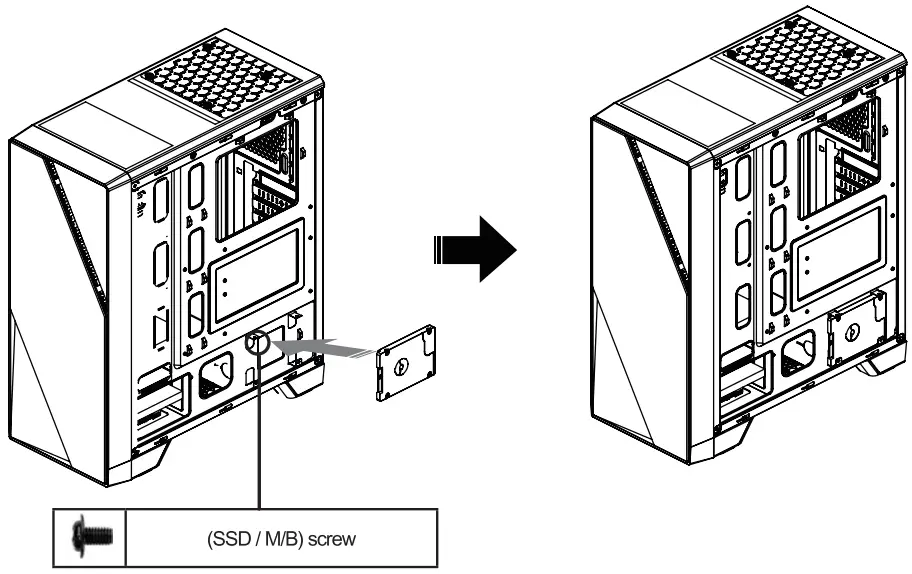
SSD installation 2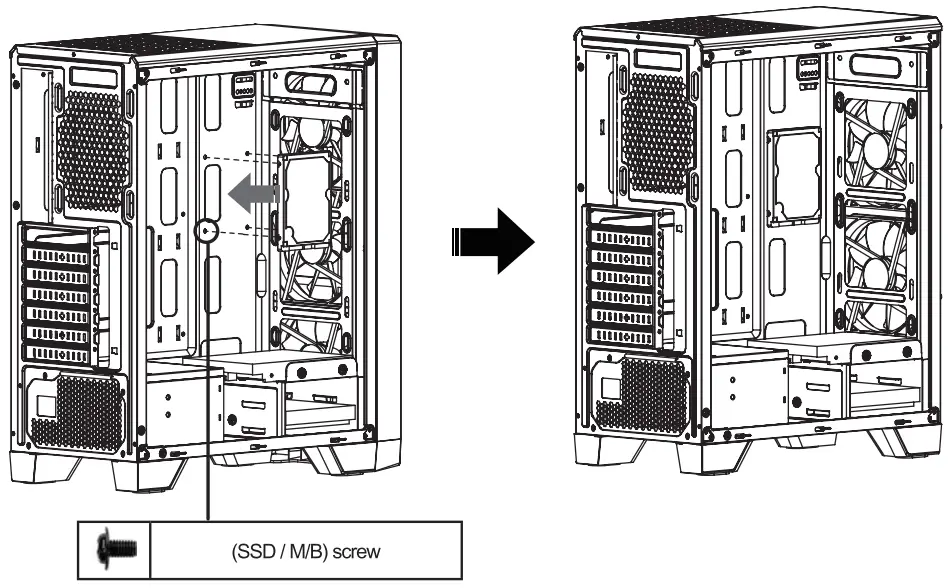
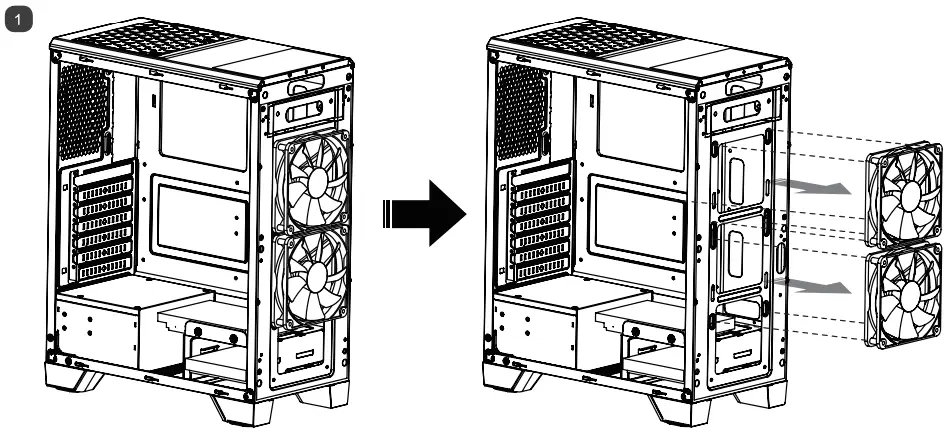
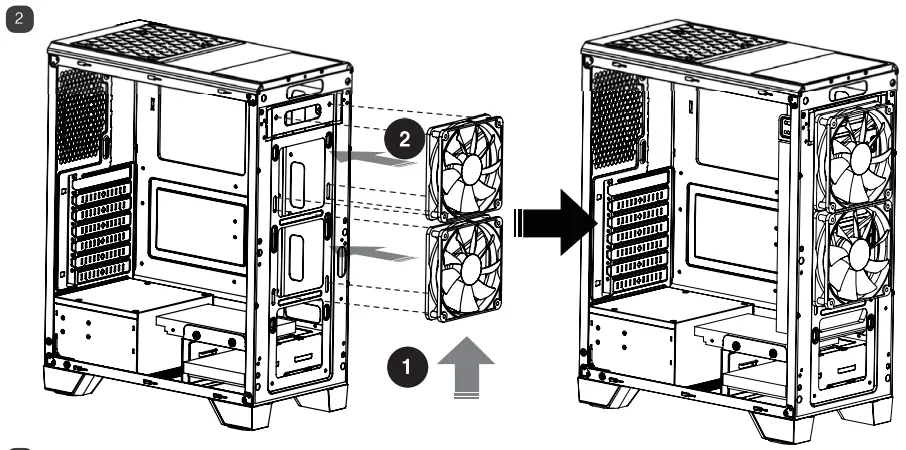
FAN installation