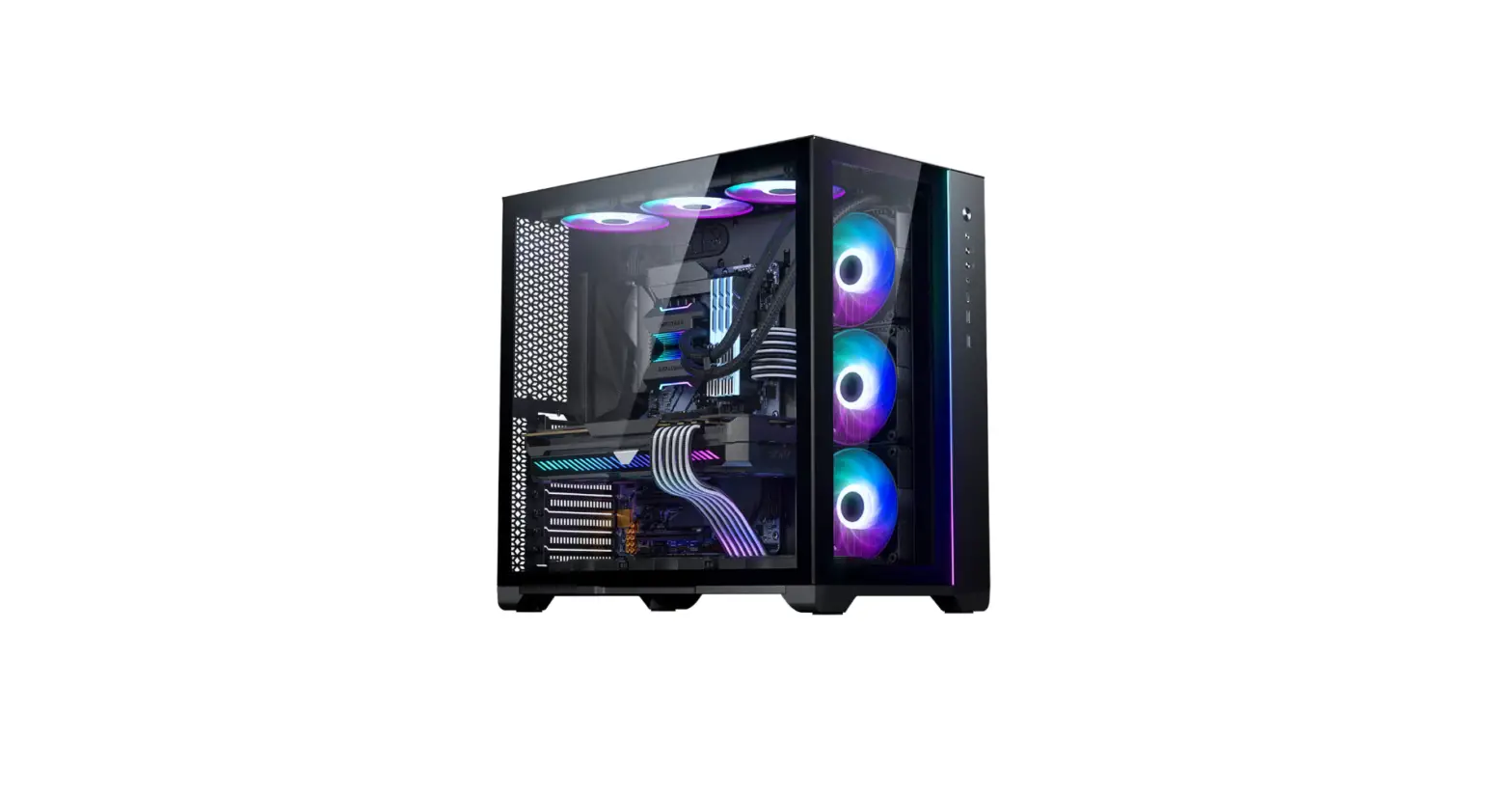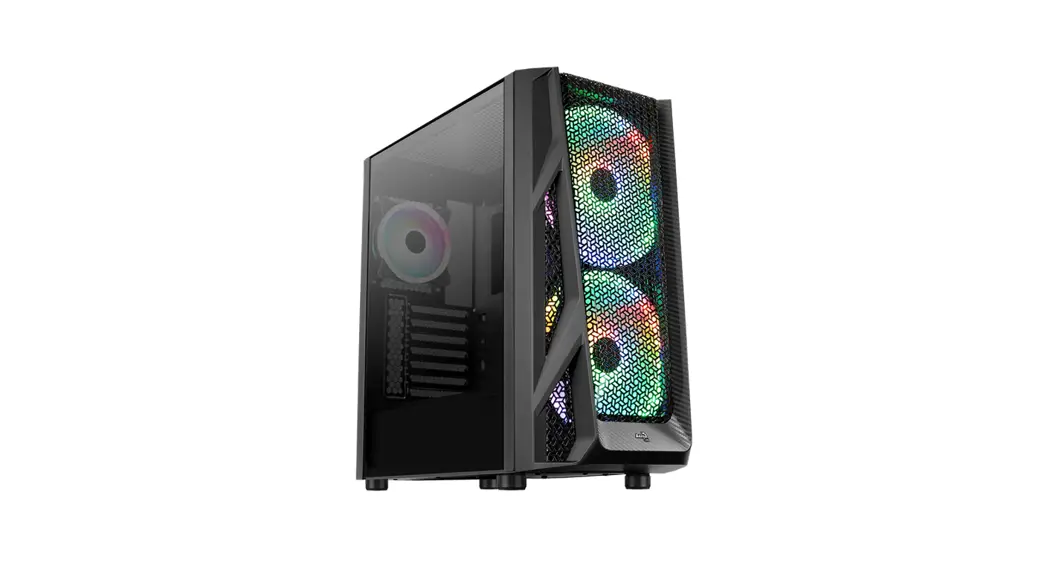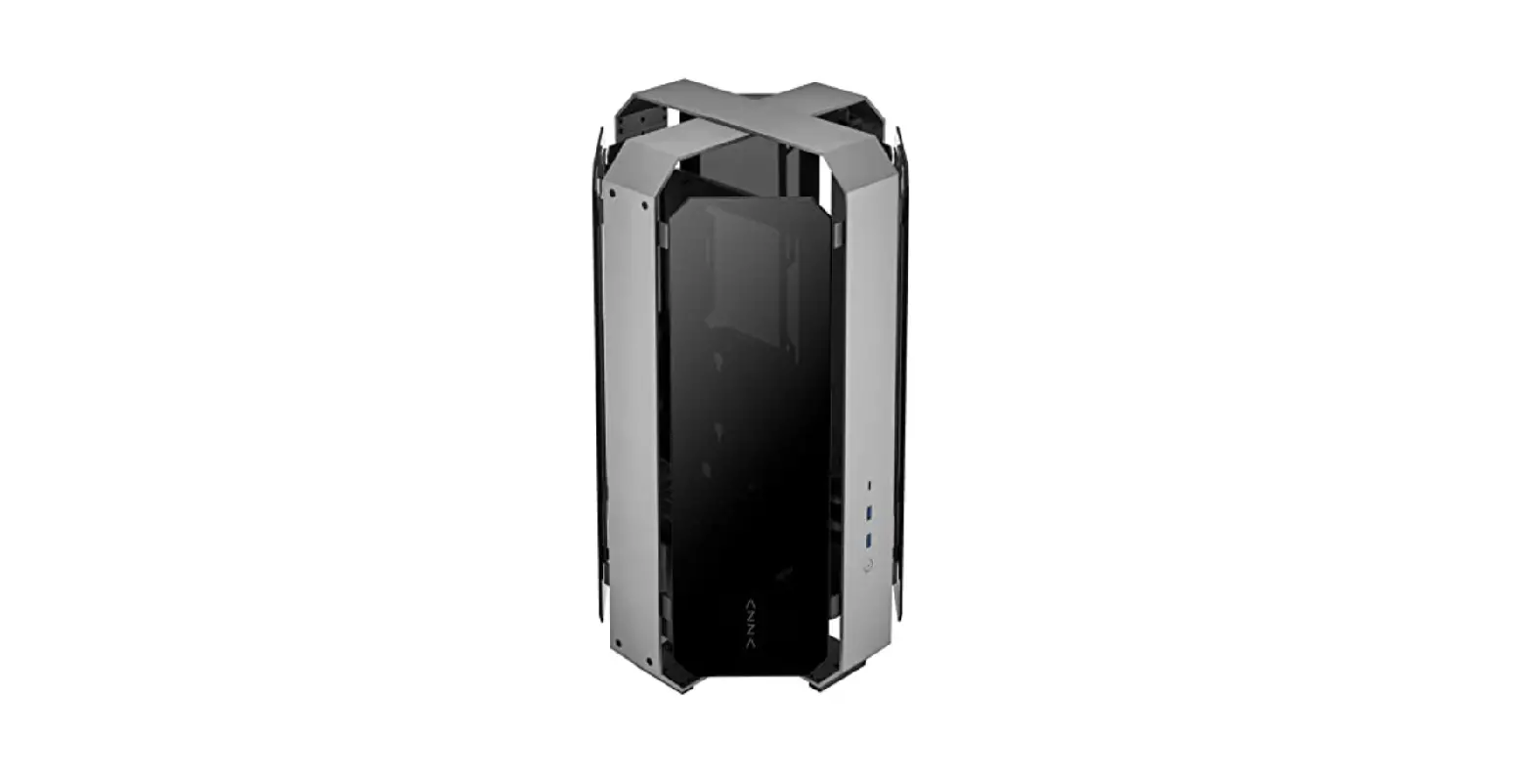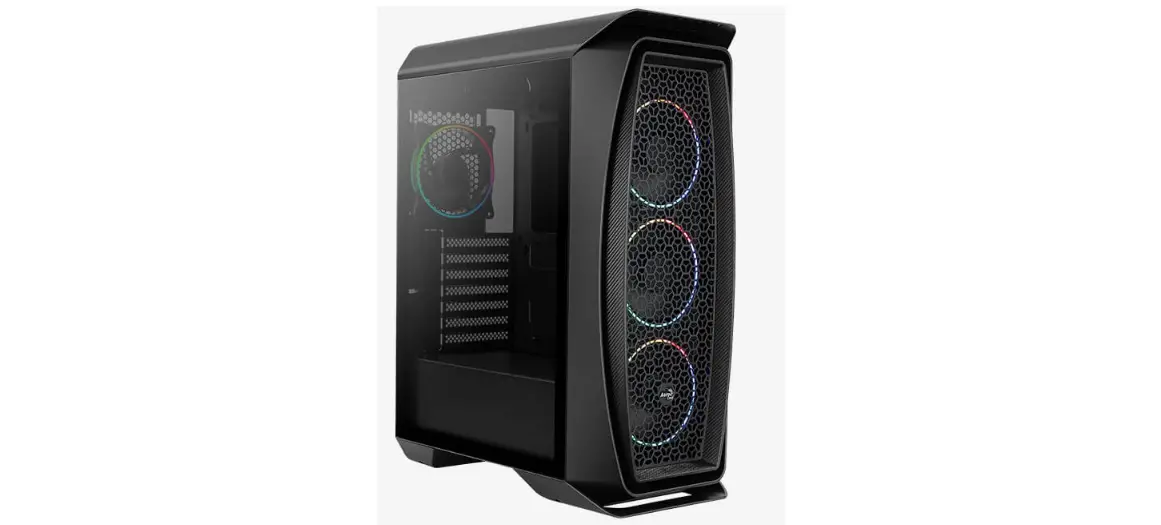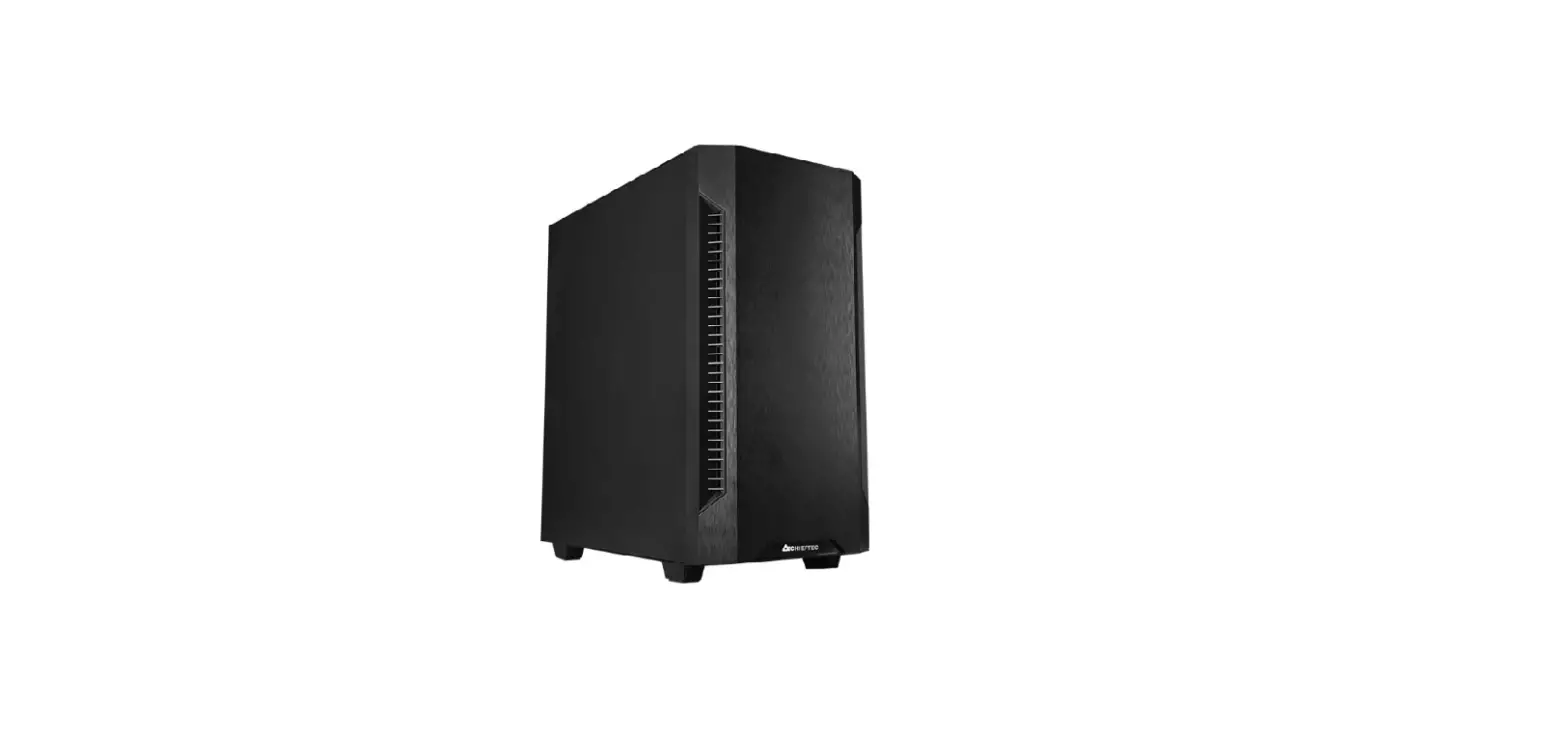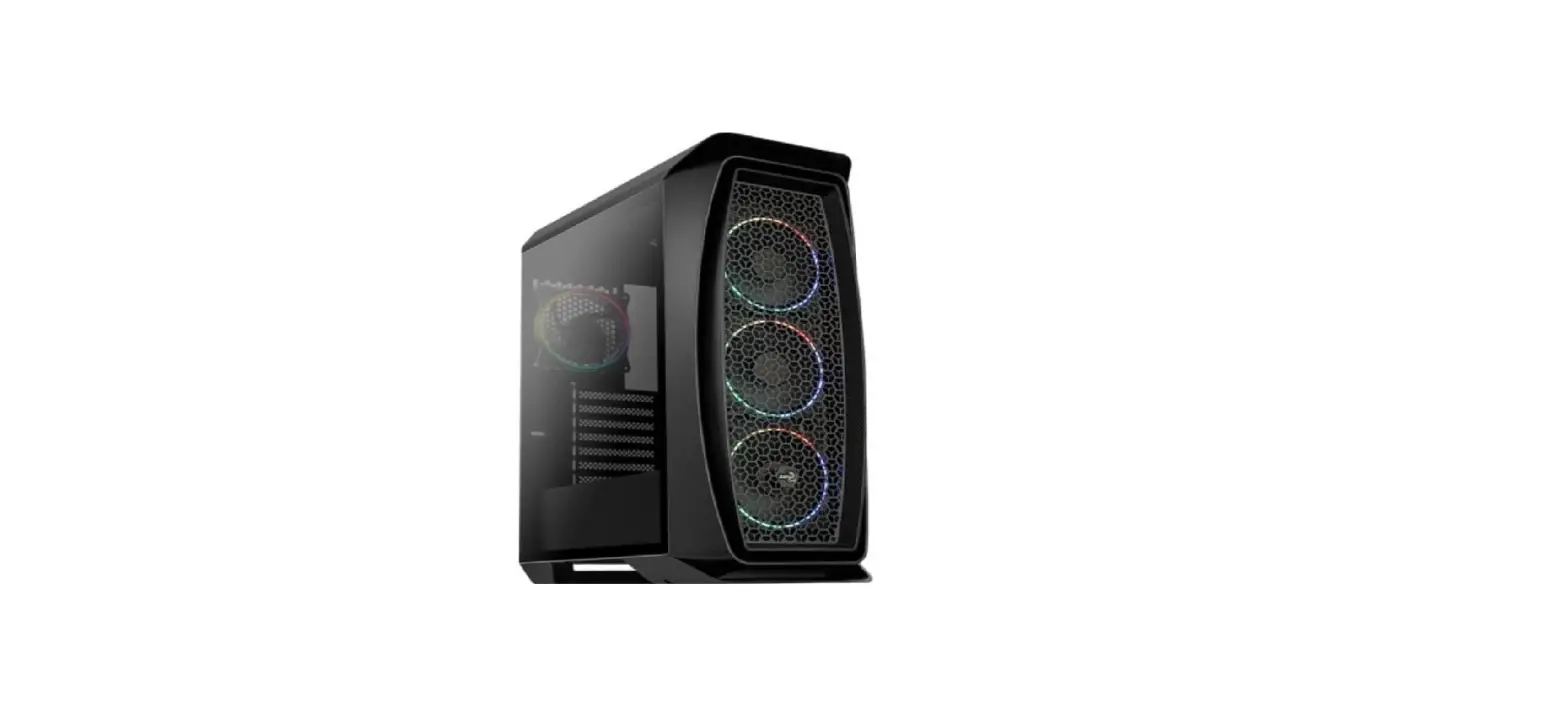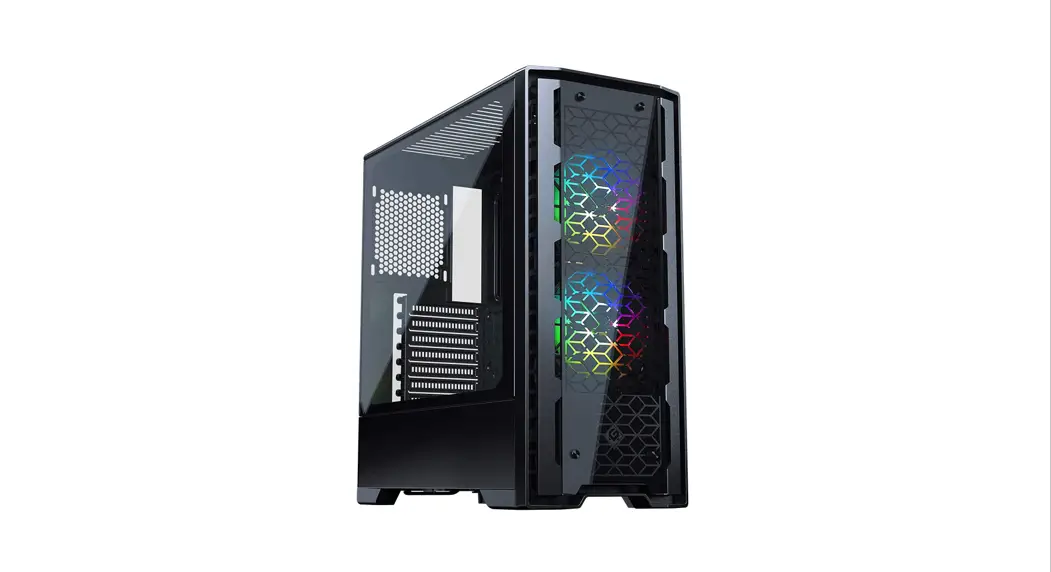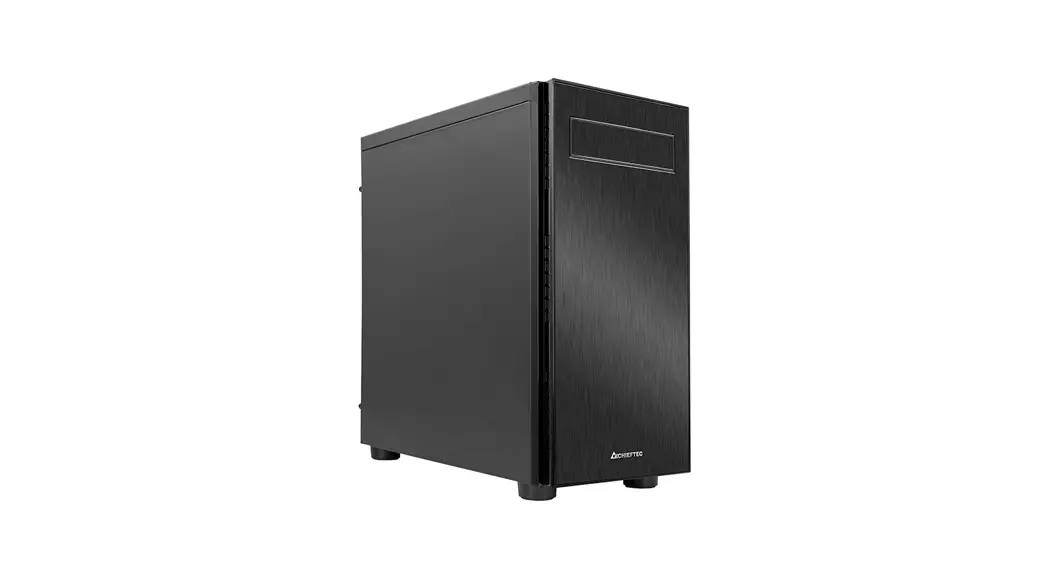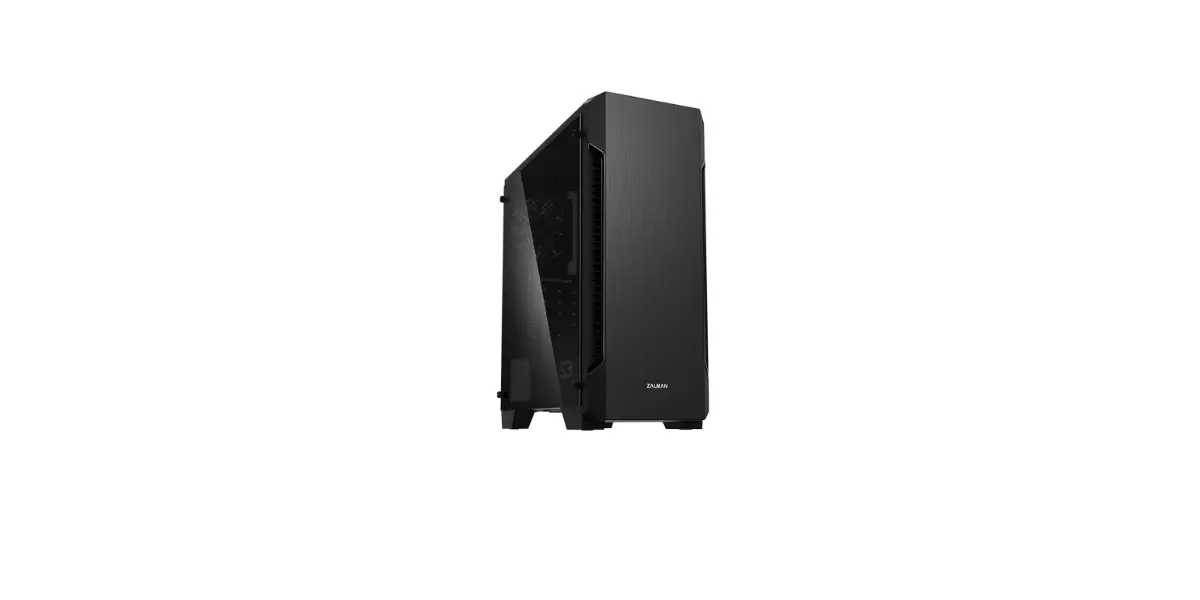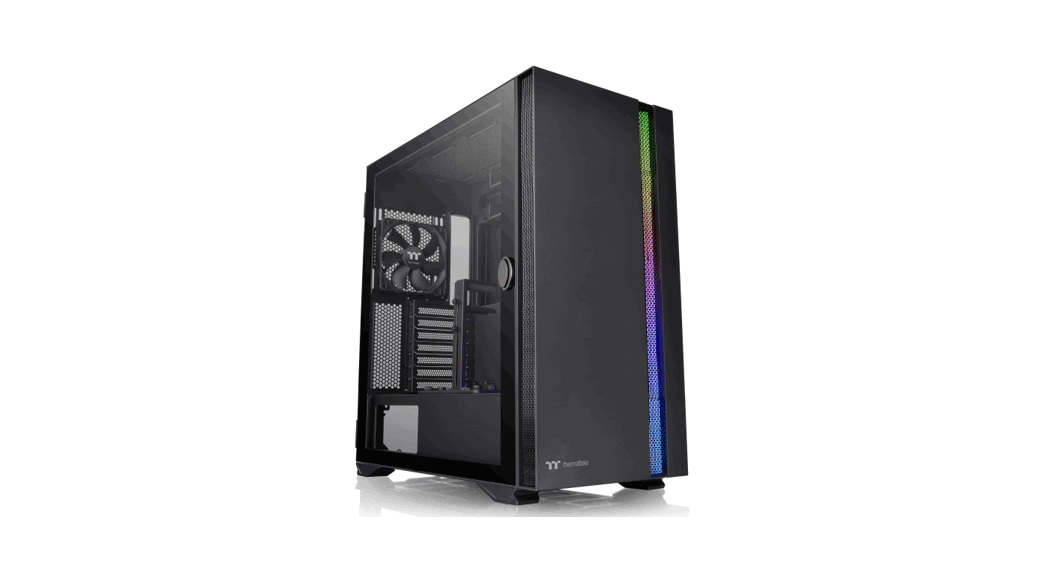

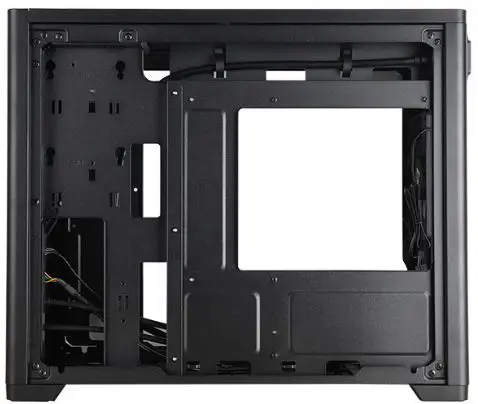
CHIEFTEC BX-10B-OP Glass Window Case
Accessory
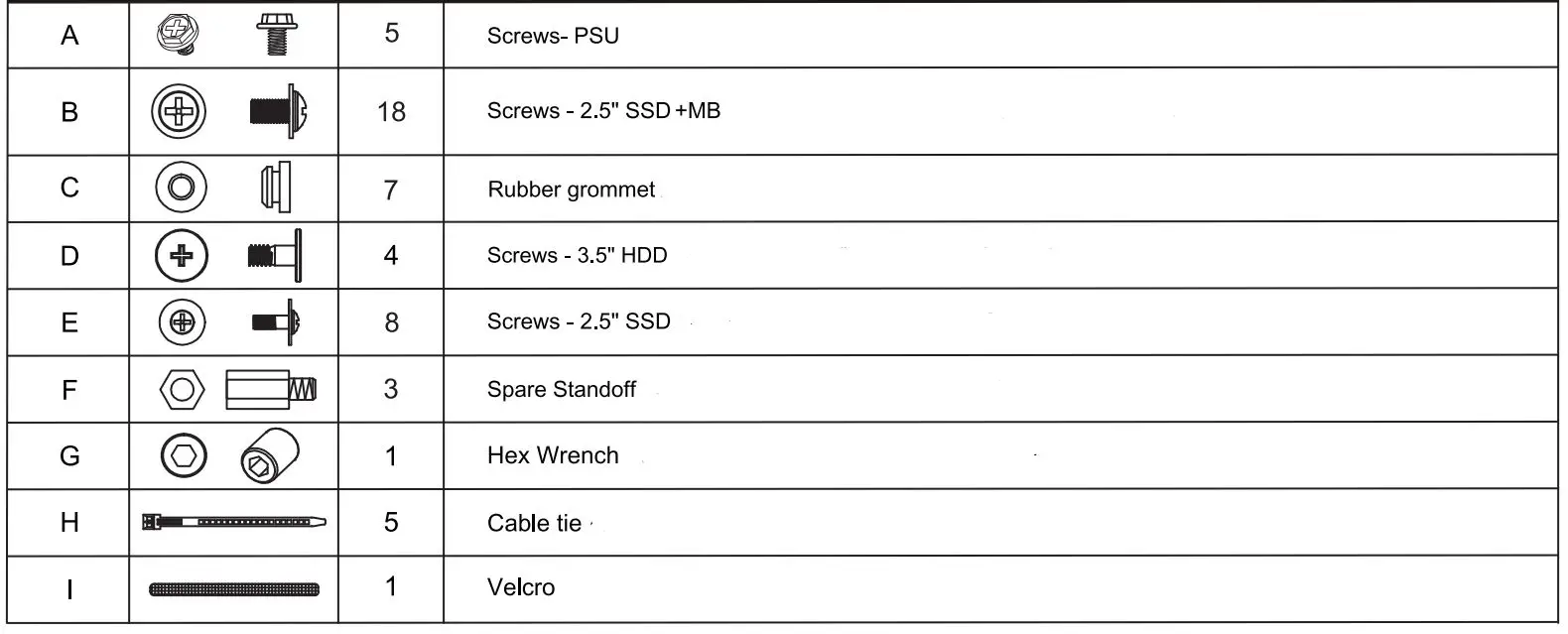
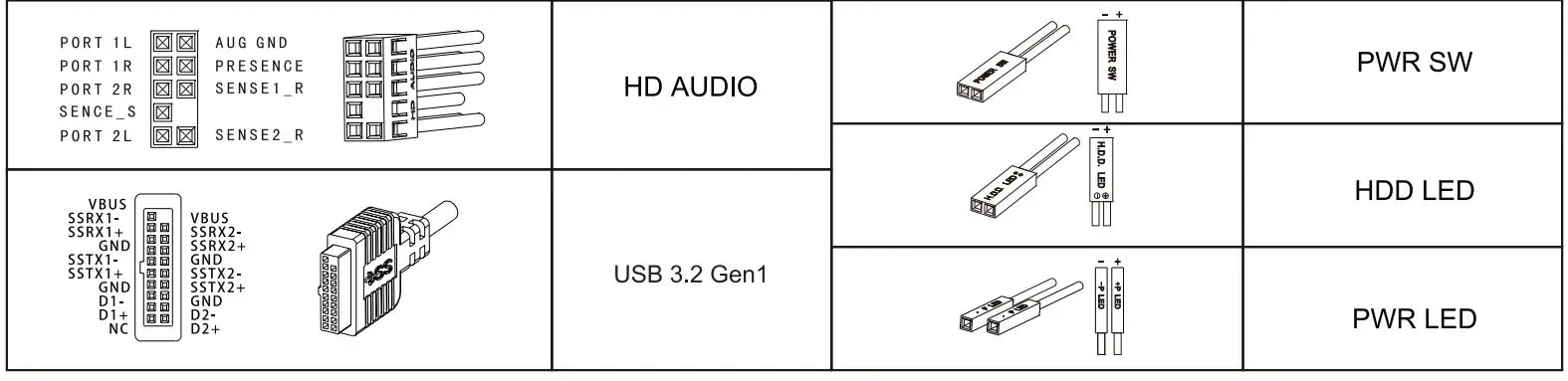
Connectors
Exploded view
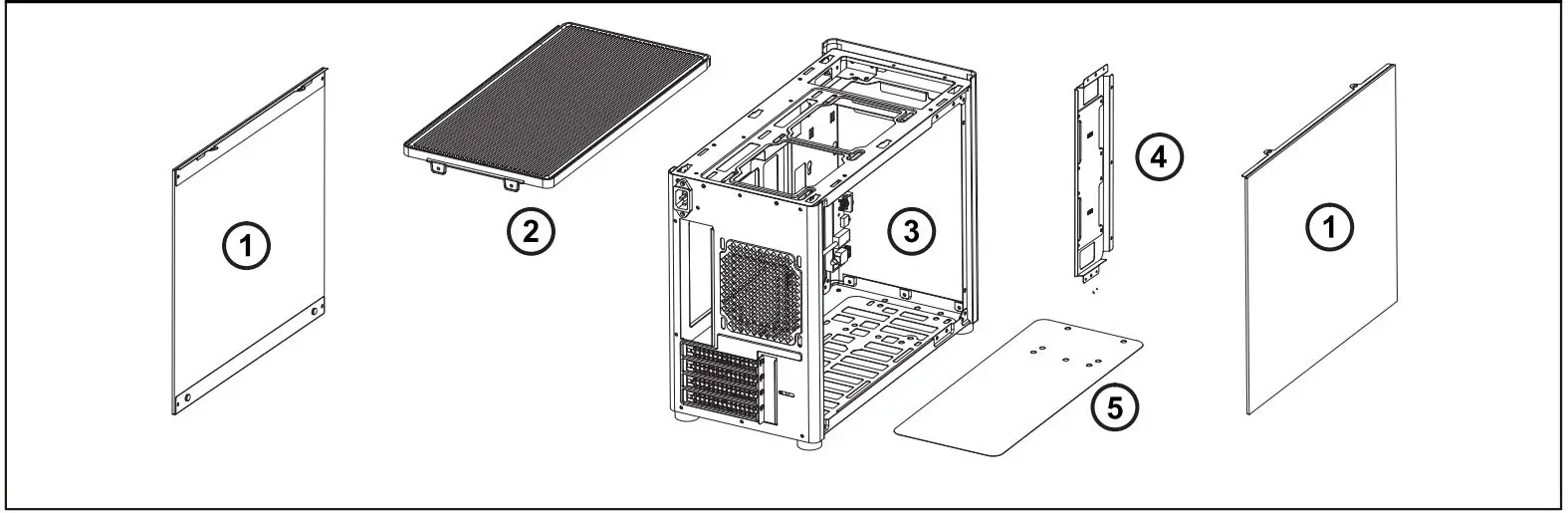
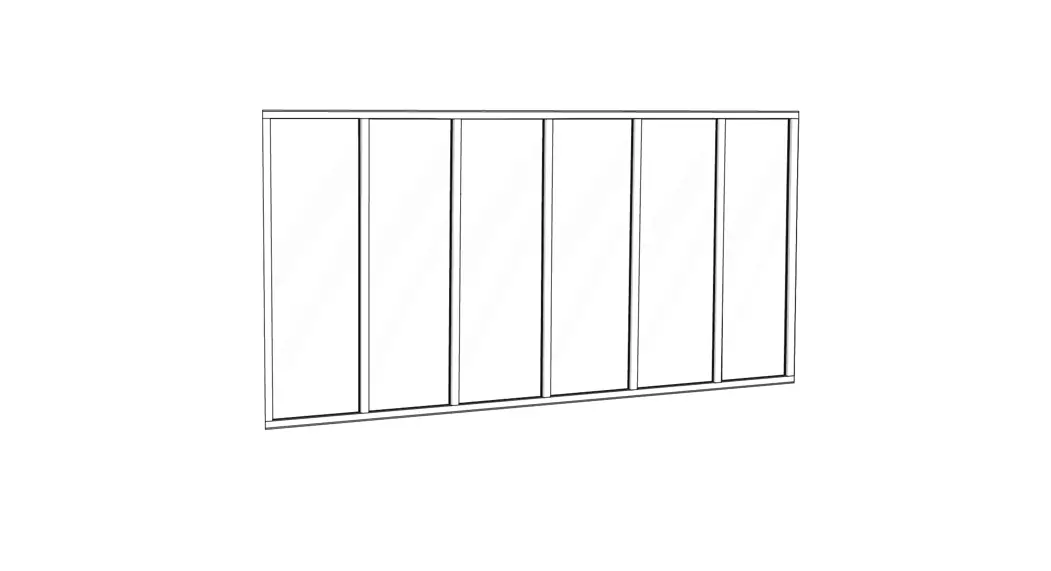
- Side Panel
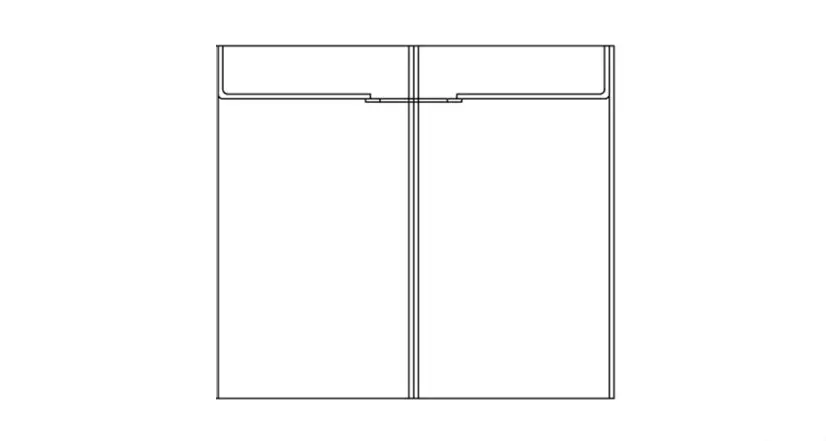
- Top cover
- Chassis
- SSD Bracket
- Air Filter
installation Guide
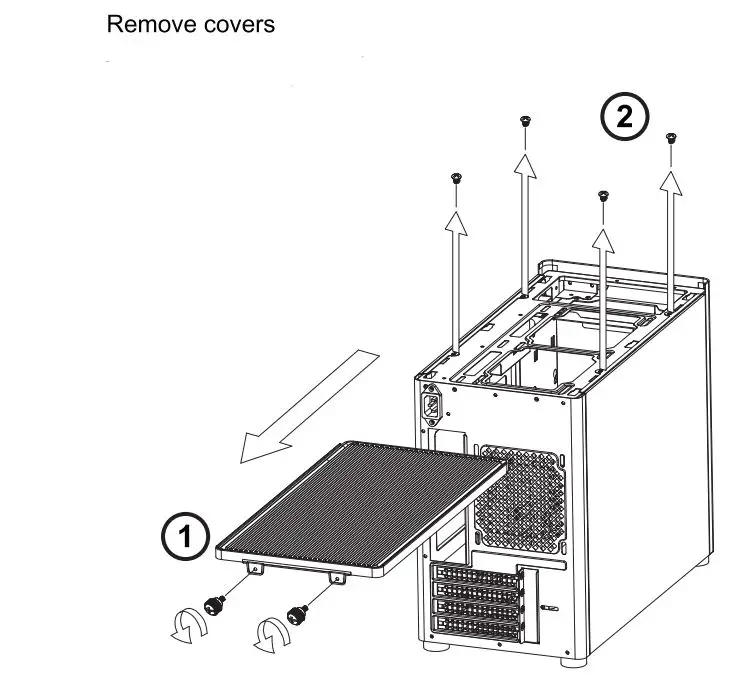
- Loosen the screws, and then pull the top cover back to loosen it
- Loosen the side panel screws, and then lift the side panel

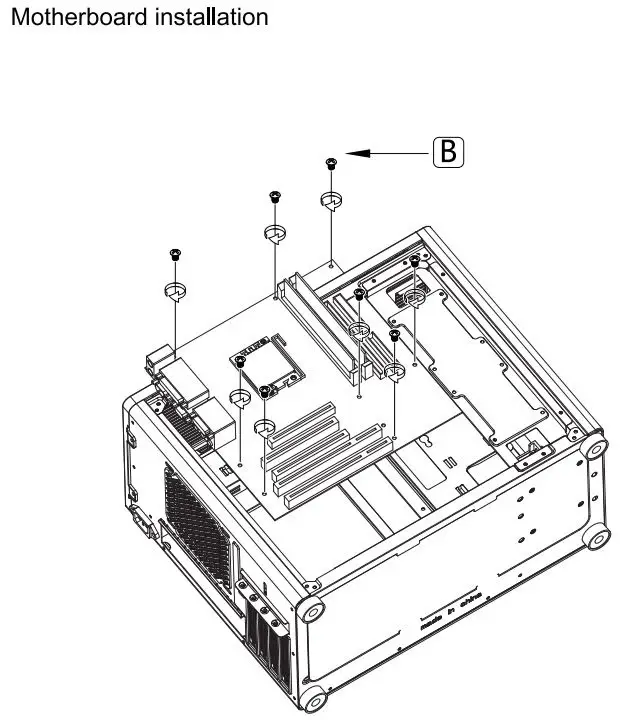
Insert the MB IO Shield, and then place the motherboard on the corresponding position and secure with screws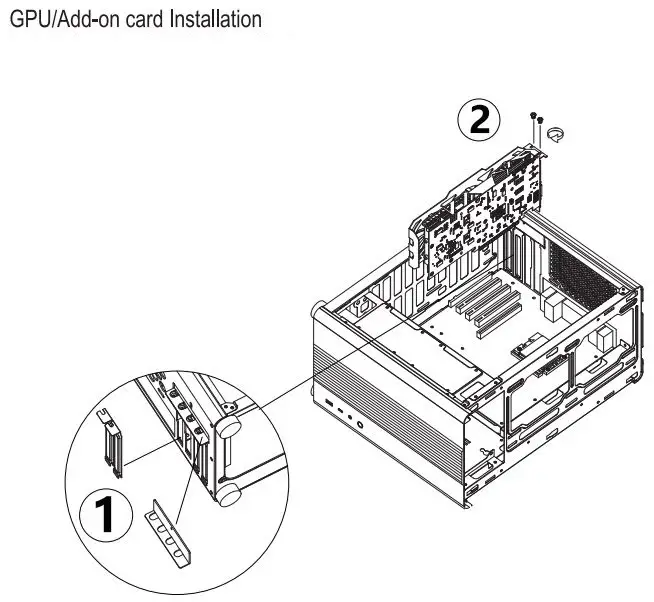
- Remove the PCI bracket
- Install the GPU/PCI add-on card
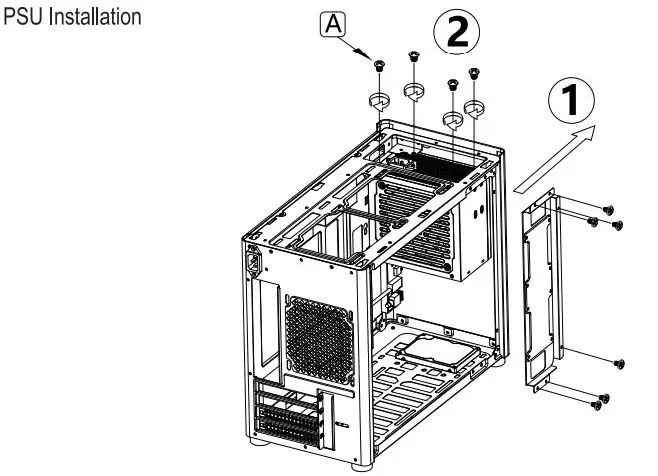
- Remove SSD bracket
- Place the PSU on the corresponding position and secure with Screws

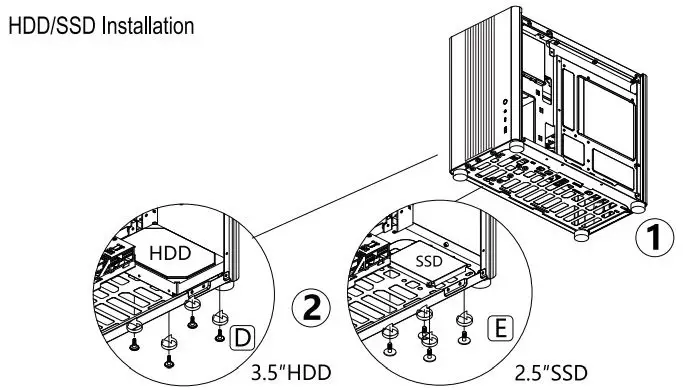
3.5″ HDD hard drive mounting position compatible with 2.5″ SSD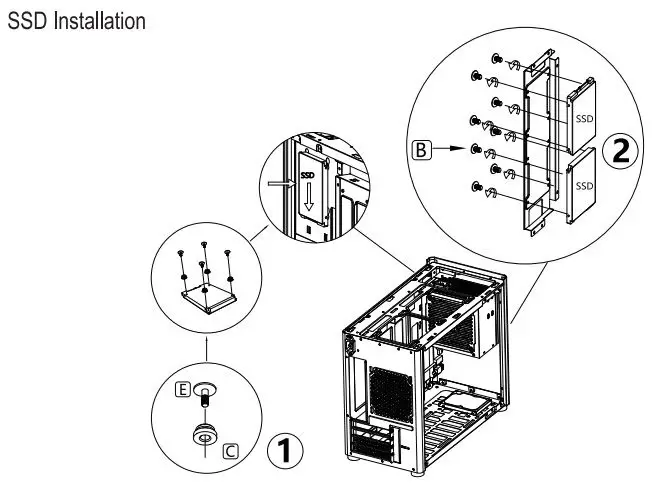
Pre-mount rubber grommet with screw to 2.5″ SSD, and then insert it into SSD bracket slot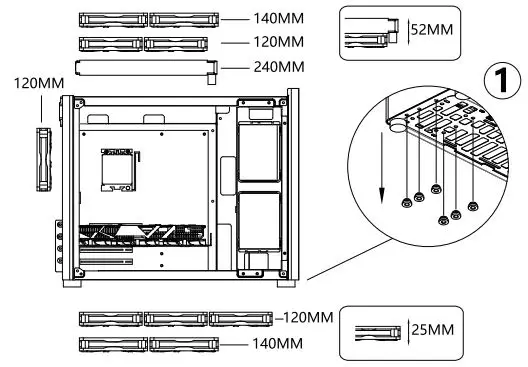
Remove the bottom rubber grommets before installing case fan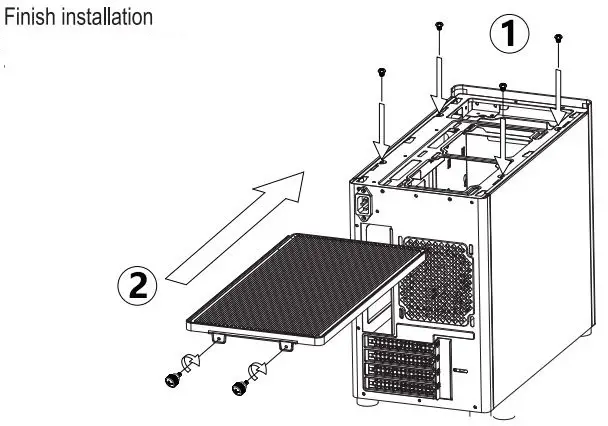
- Insert the side panels to the case, and secure them with screws.
- Place the top cover into slots, push it towards the front, fix it with screws
Suggested Thermal Solution
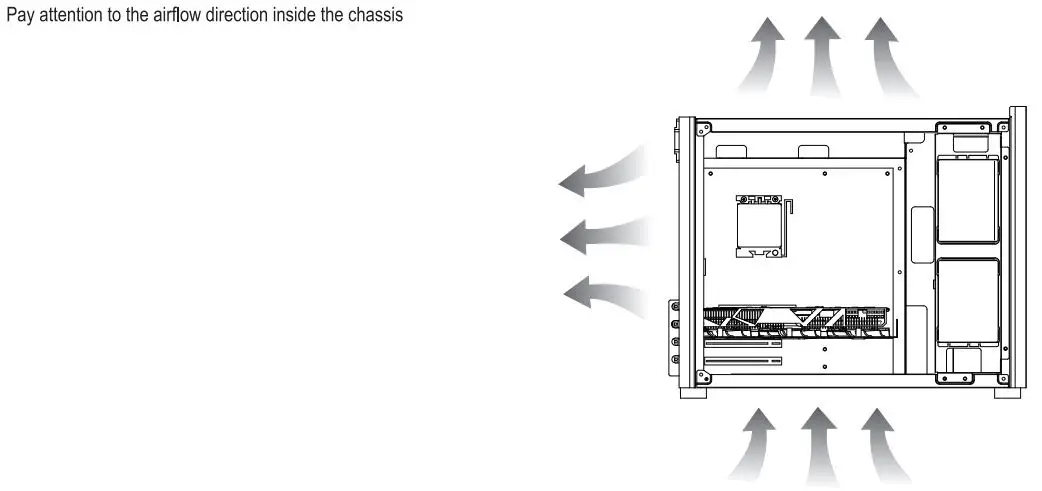
Pay attention to the airflow direction inside the chassis
Additional Information
| Additional Information | |
| CPU Cooler Limitations | 168mm H Max. |
| Graphics Card | 305(PSU >170MM L)~355mmL Max. |
| Power Supply | ATX PSll 220mm L Max. |
| Motherboard Limitations | M-ATX/ ITX |
| Radiator Limitations I | TOP: 240mm x 1, BOTTOM 240mm x1, Rear 120mm x 1 |
| Drive bays I | 2.5″ SSD x 4 / 2.5″ SSD x3+3.5″ HOD x 1 |
Manufacturer: Arena Electronic GmbH
Koppersstr. 18,40549 Düsseldorf, Germany
www.chieftec.eu