Contents hide

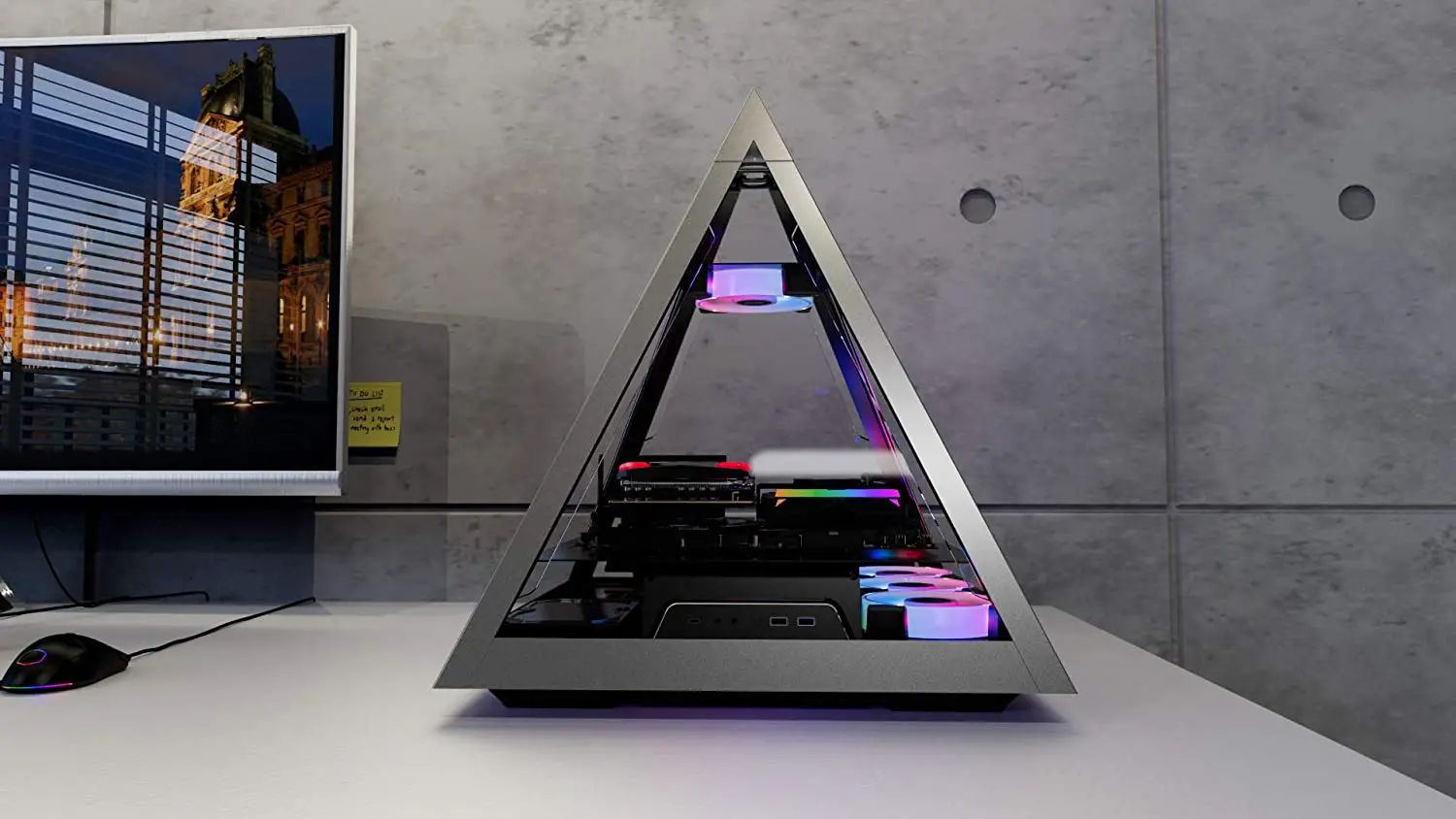
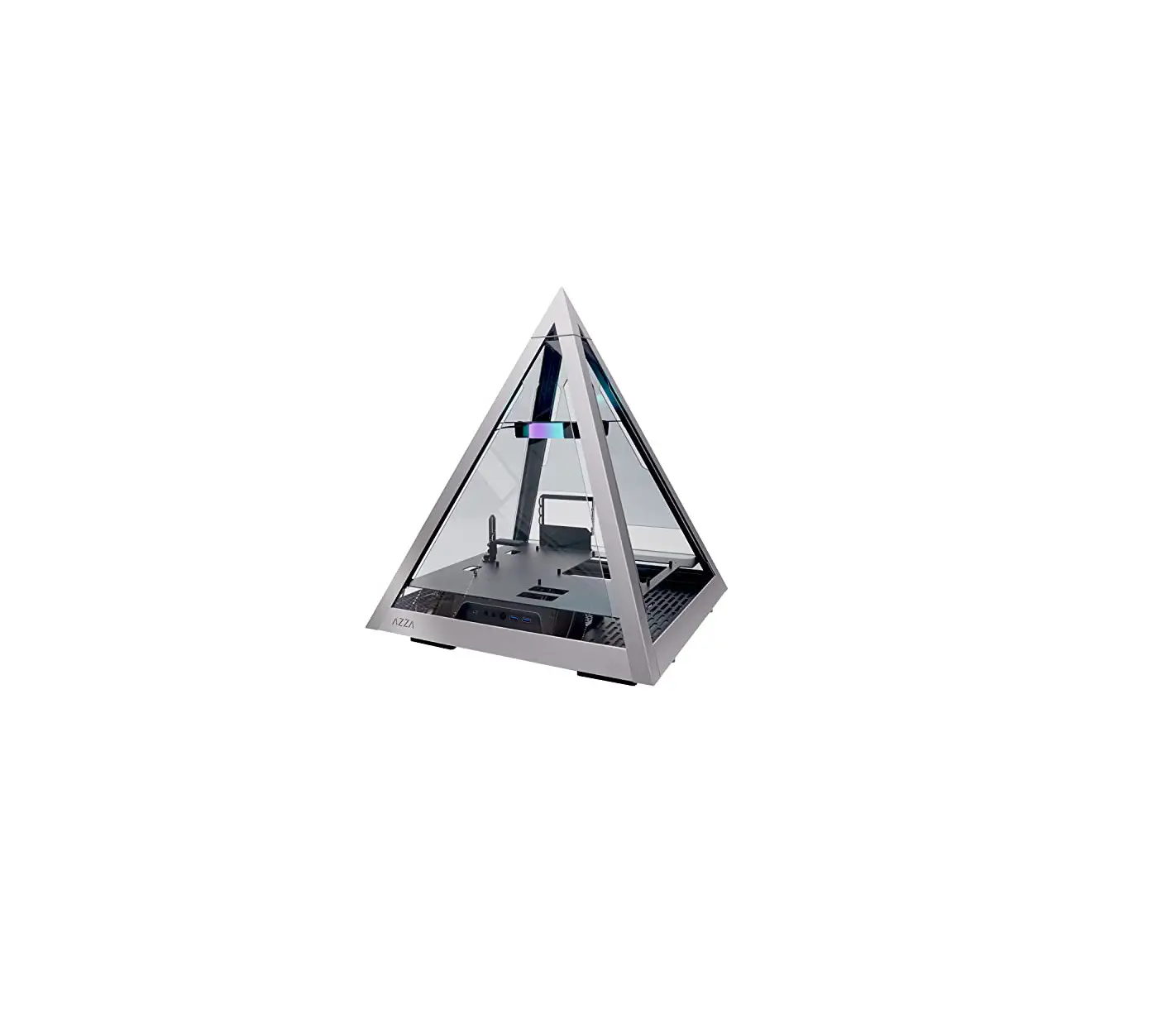
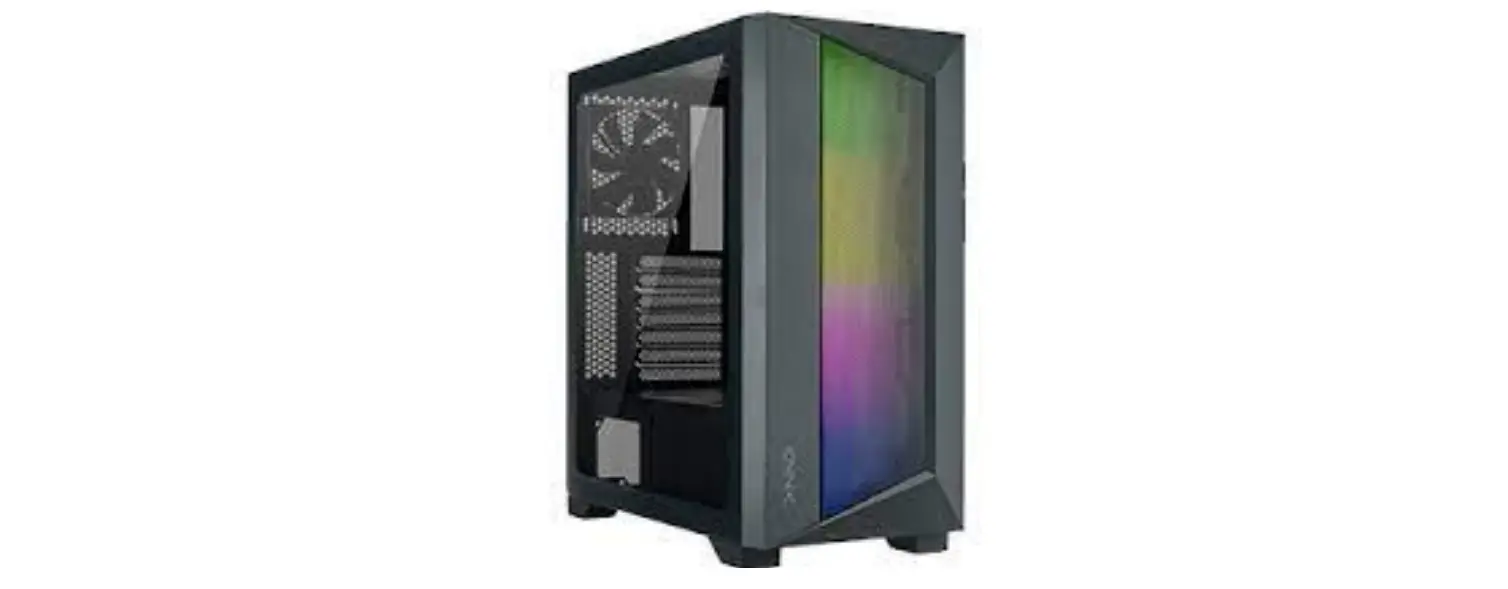
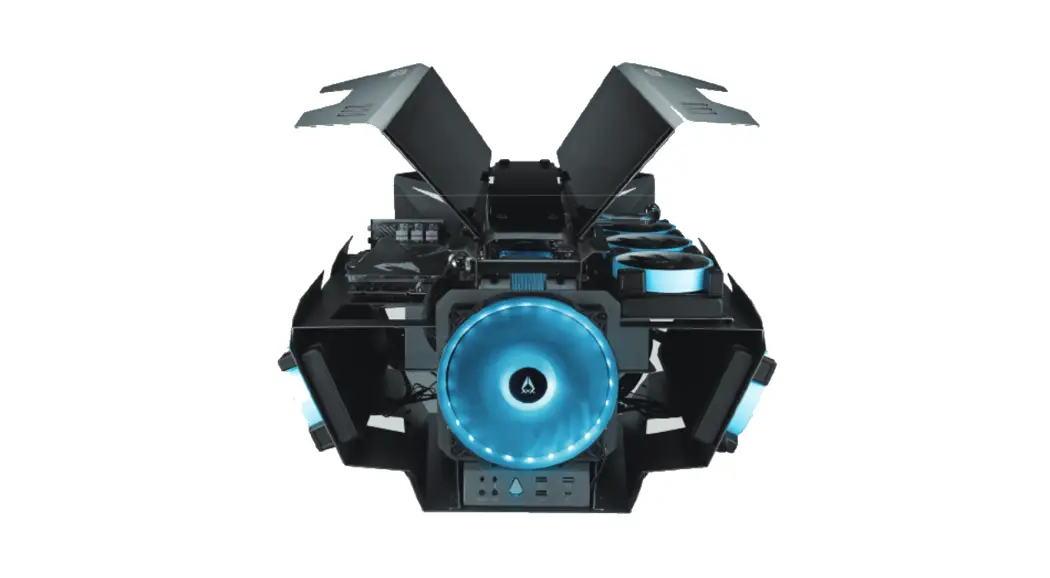
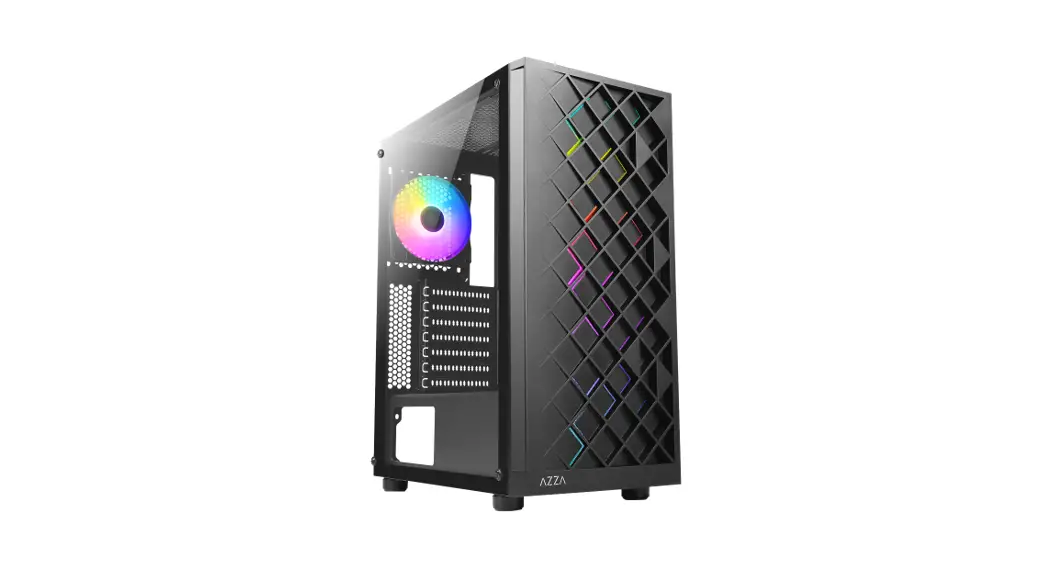
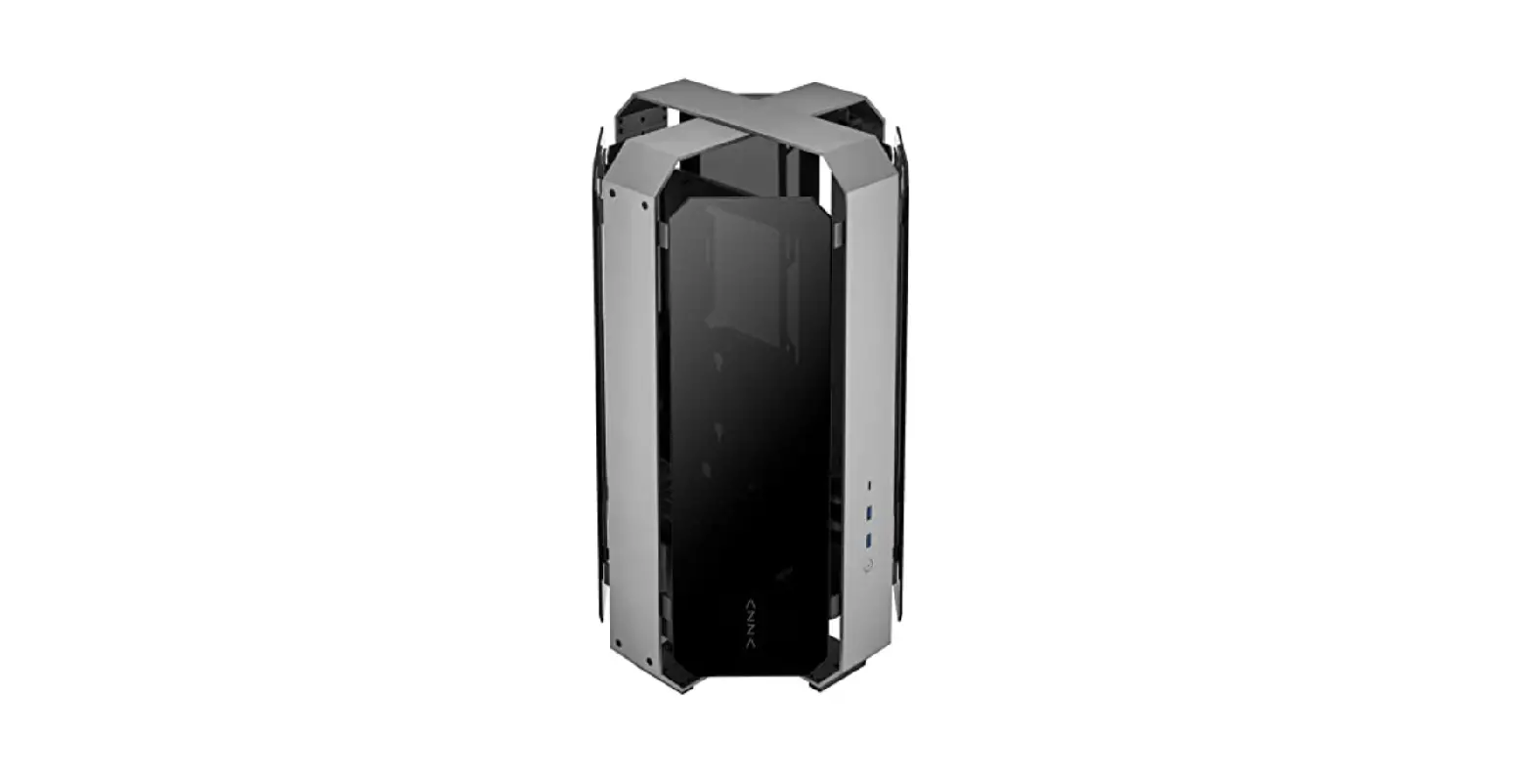
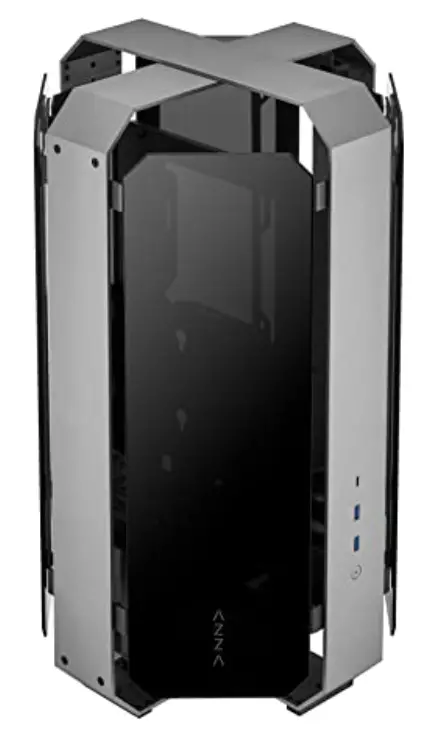
AZZA Opus 809 ATX Case – Dual Orientation – CNC-Milled Aluminum – 4-Side Tempered Glass
| Model | |
| Model Name | Opus |
| Model Number | CSAZ-809 |
| Specifications | |
| Type | ATX |
| Color | Space gray and Black glass (exterior) / Black (interior) |
| Side Panels | 4 Tempered glass panels Sandblasted anodized aluminum structure |
| Max CPU Cooler Height | Up to 60mm |
| Max Video Card Length | Up to 360mm (Vertical) |
| Power Supply | Not Included |
| Motherboard Compatibility | ATX, Micro-ATX, Mini-ITX |
| Expansion | |
| External 5.25″ Drive Bays | 0 |
| Internal 2.5″ Drive Bays | Up to 2 |
| Internal 3.5″ Drive Bays | 1 |
| Expansion Slots | 3 (Vertical) |
| I/O Ports | Power button, USB 3.0 x2, Type C x1 |
| Physical Specifications | |
| Dimensions (HxWxD) | 539 x 320 x 320 mm / 21.2 x 12.6 x 12.6 inches |
| Weight | 8.7 kg / 19.2 lbs |
| Features | |
| Tempered Glass | High-quality tempered glass panels allow for clear visuals of inner components |
| Available Fan Ports | 3 x 120 mm ports on the rear |
| Included Fan | None |
| Radiator Support | Supports radiators up 360 mm |
| Accessories | 30 cm PCI-e 3.0 Riser Cable & Power Mesh |
Removing Four Glass Panels

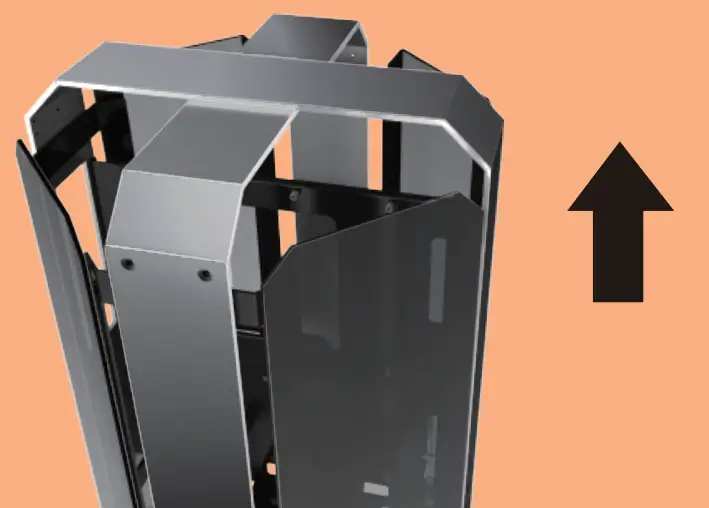
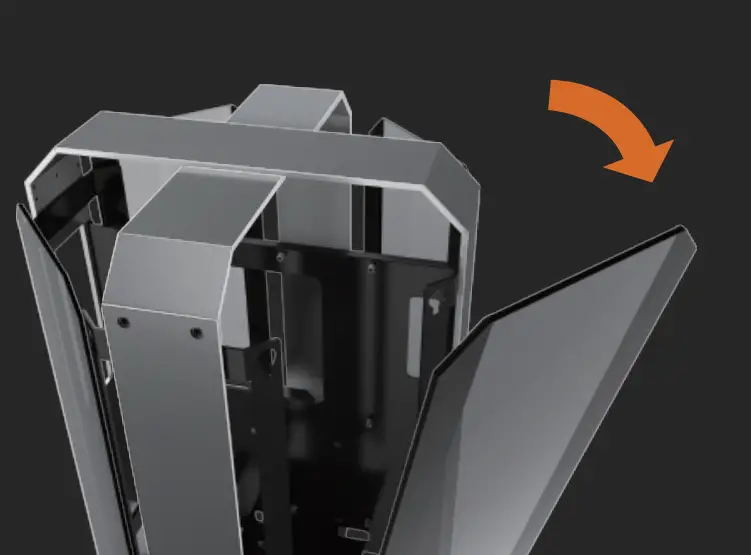
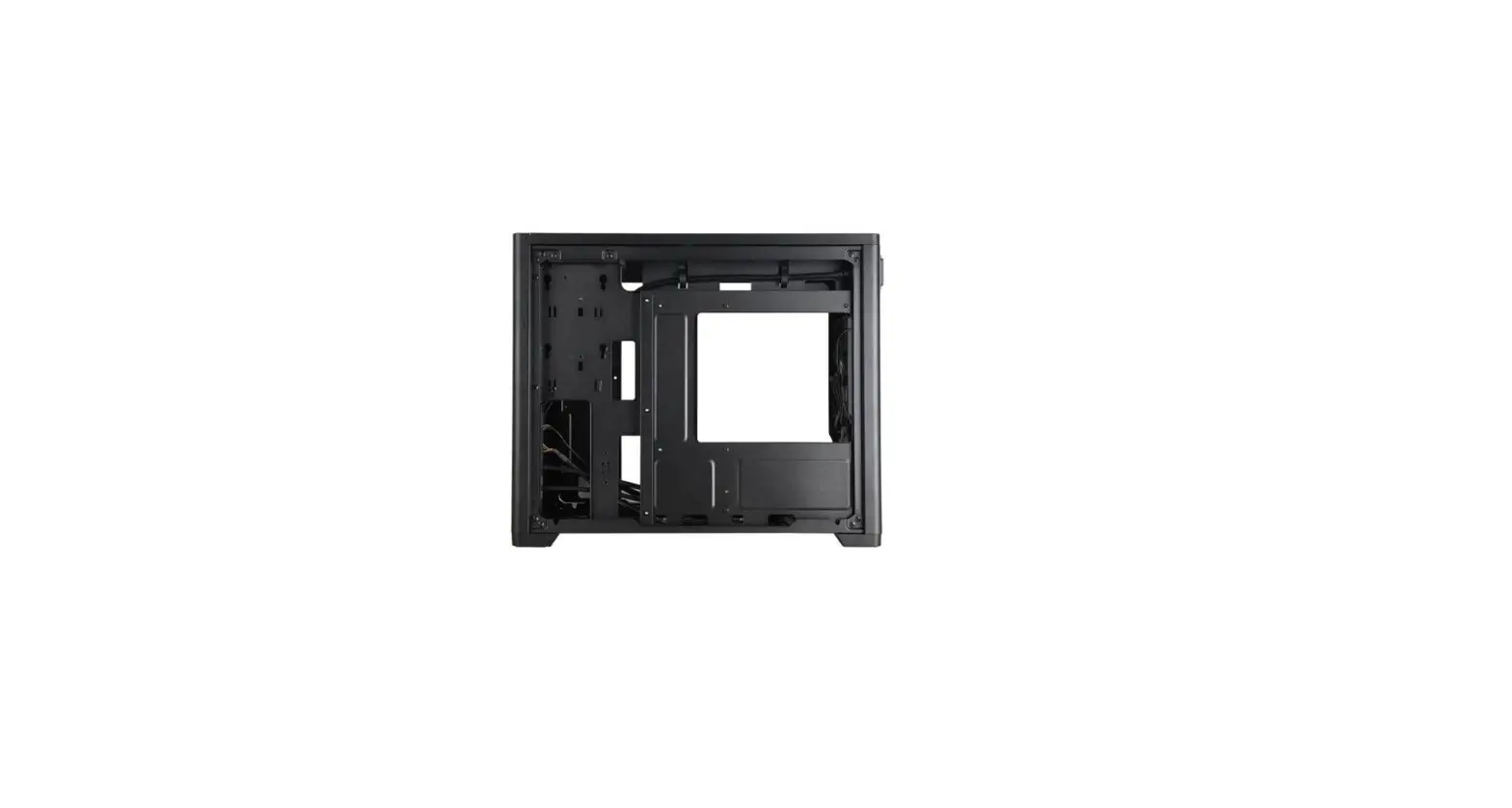
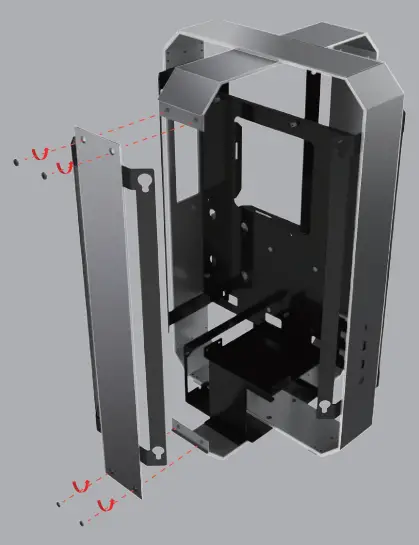
Removing Four Sides Metal Frame
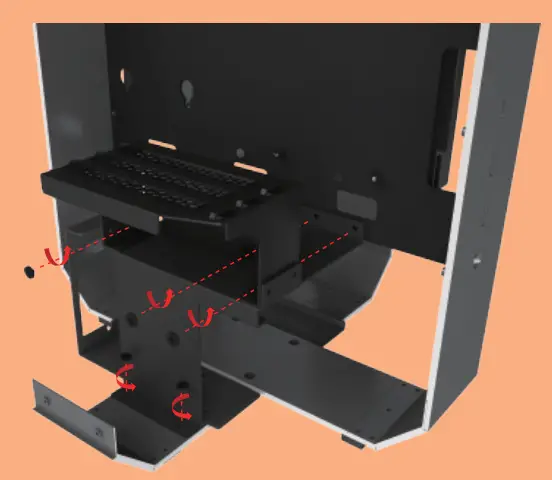
Removing GPU Holder and PSU Cover Together
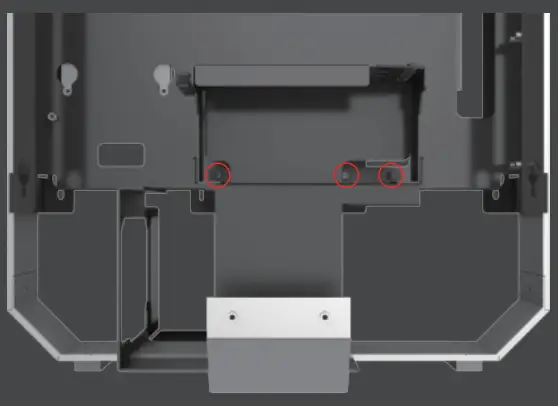
The screwdriver can go straight through
Motherboard Installation
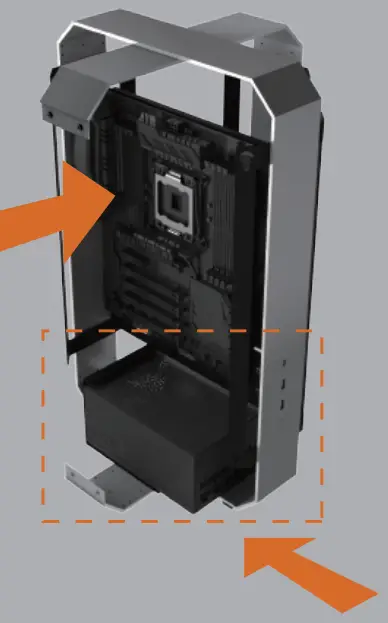
Power Supply Installation
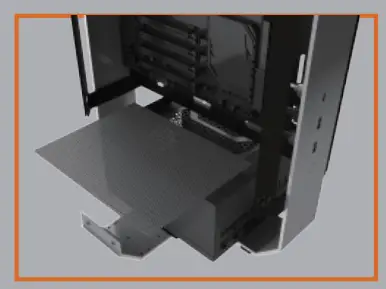
The parts kit contains a psu filter.
HDD & SSD Installation.
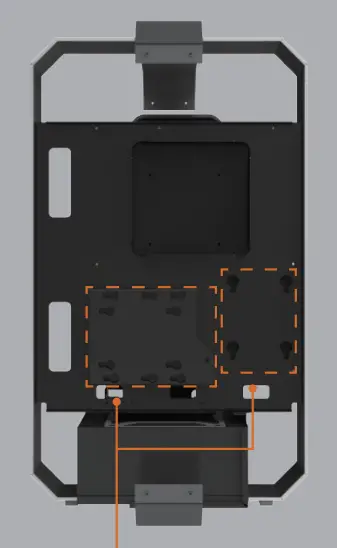
Supports up to:
3.5″ HDD x1 + 2.5″ SSD x 1
or
2.5″SSD x 2
Note: The bracket supports a 3.5″ or 2.5″ device.
Removing The Radiator/Fan Bracket
 Cooling System Installation
 Cooling System Installation
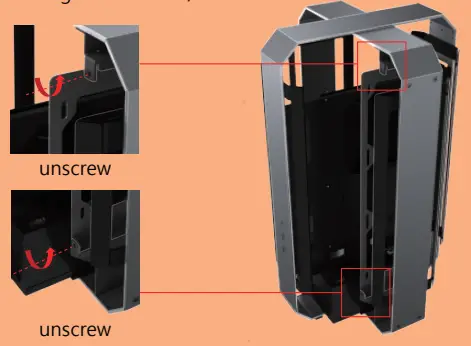
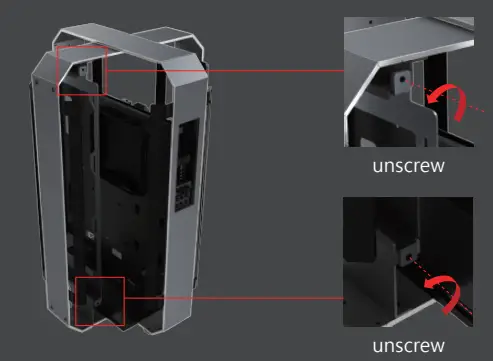 Cooling System Installation
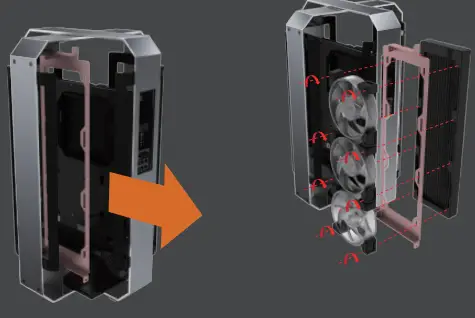 Cooling System Installation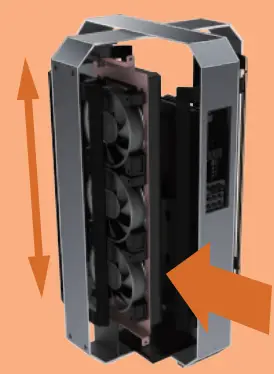
Please install the CPU bracket and radiator pump into the motherboard before pushing the cooler into the chassis.
GPU Installation
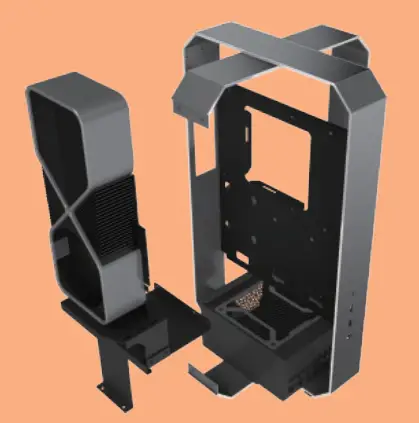
Supports up to 360mm long video cards.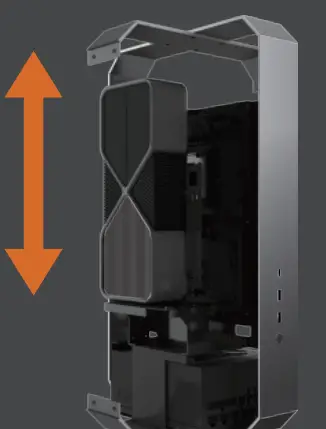
30cm PCI-E 3.0 extension cable for GPU card included