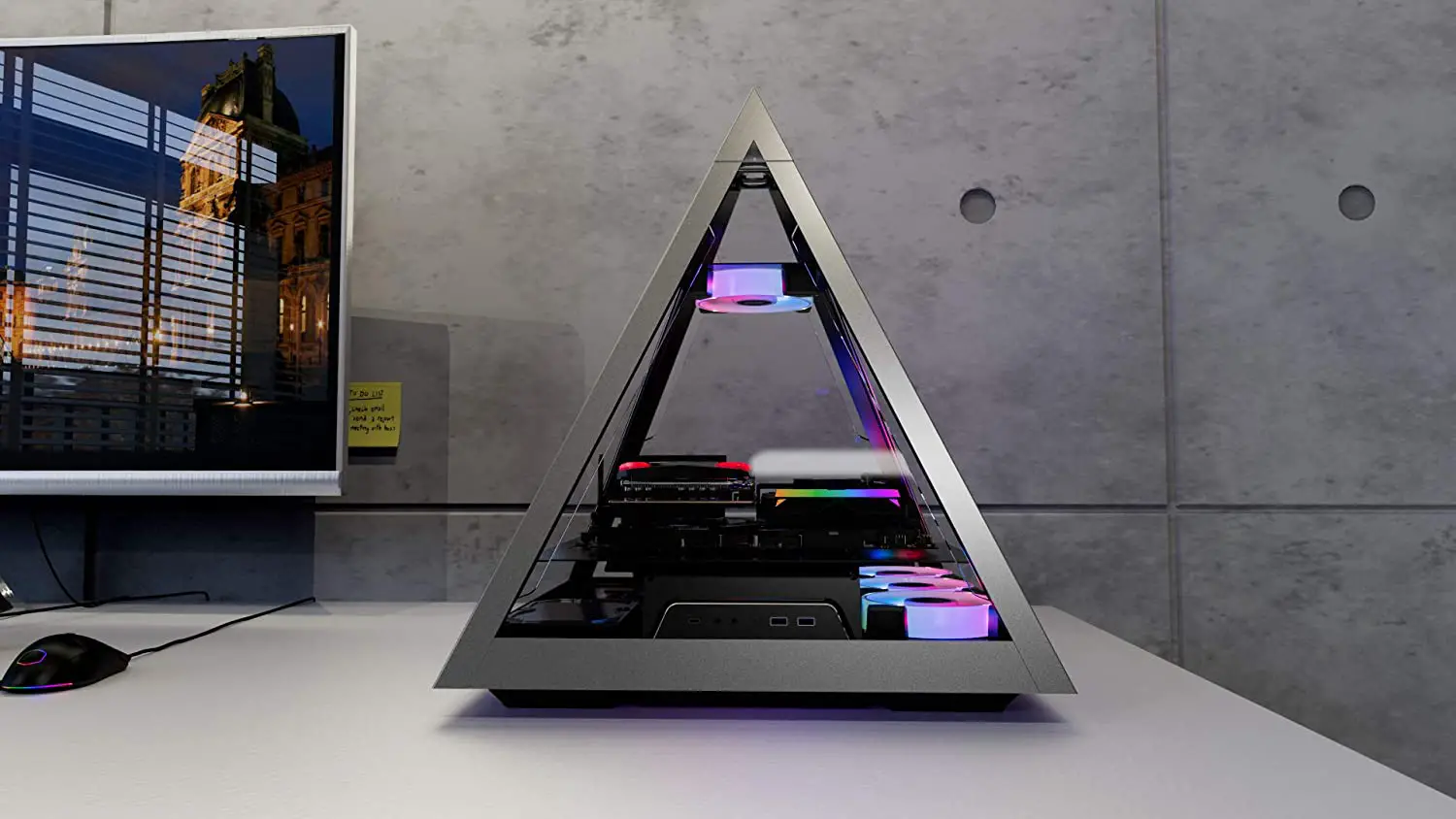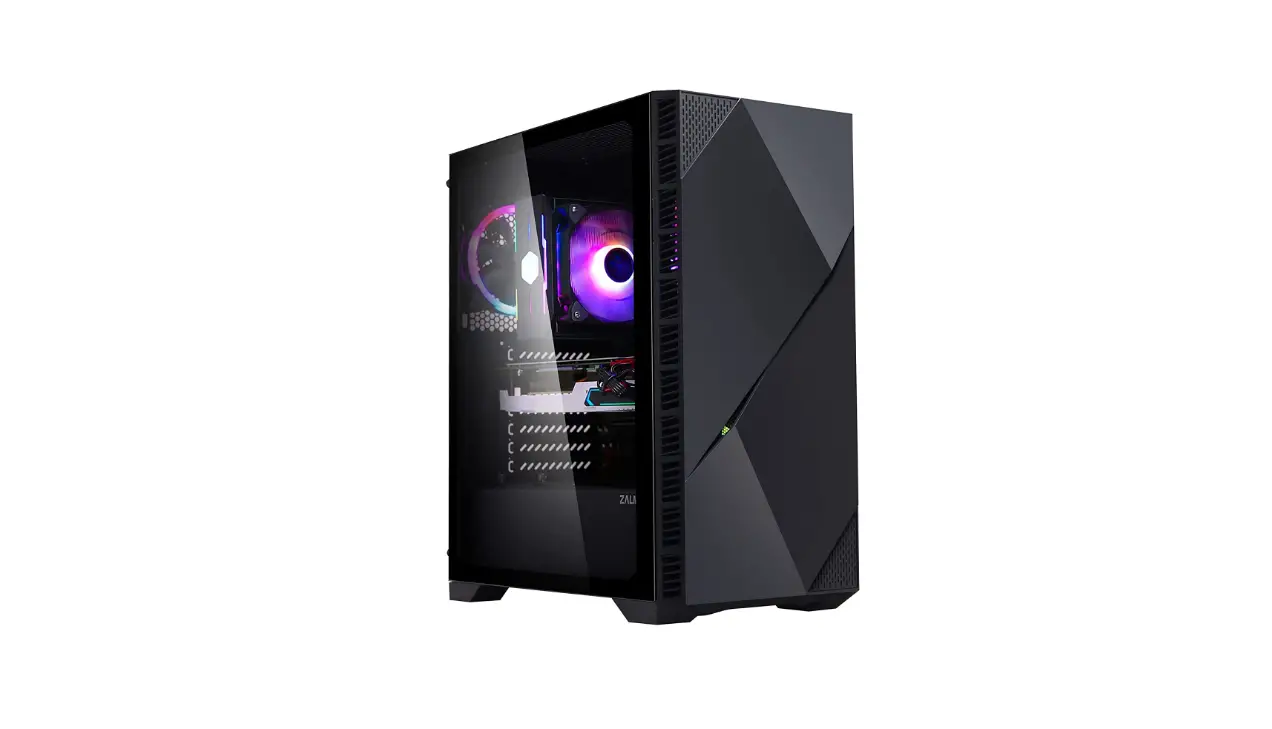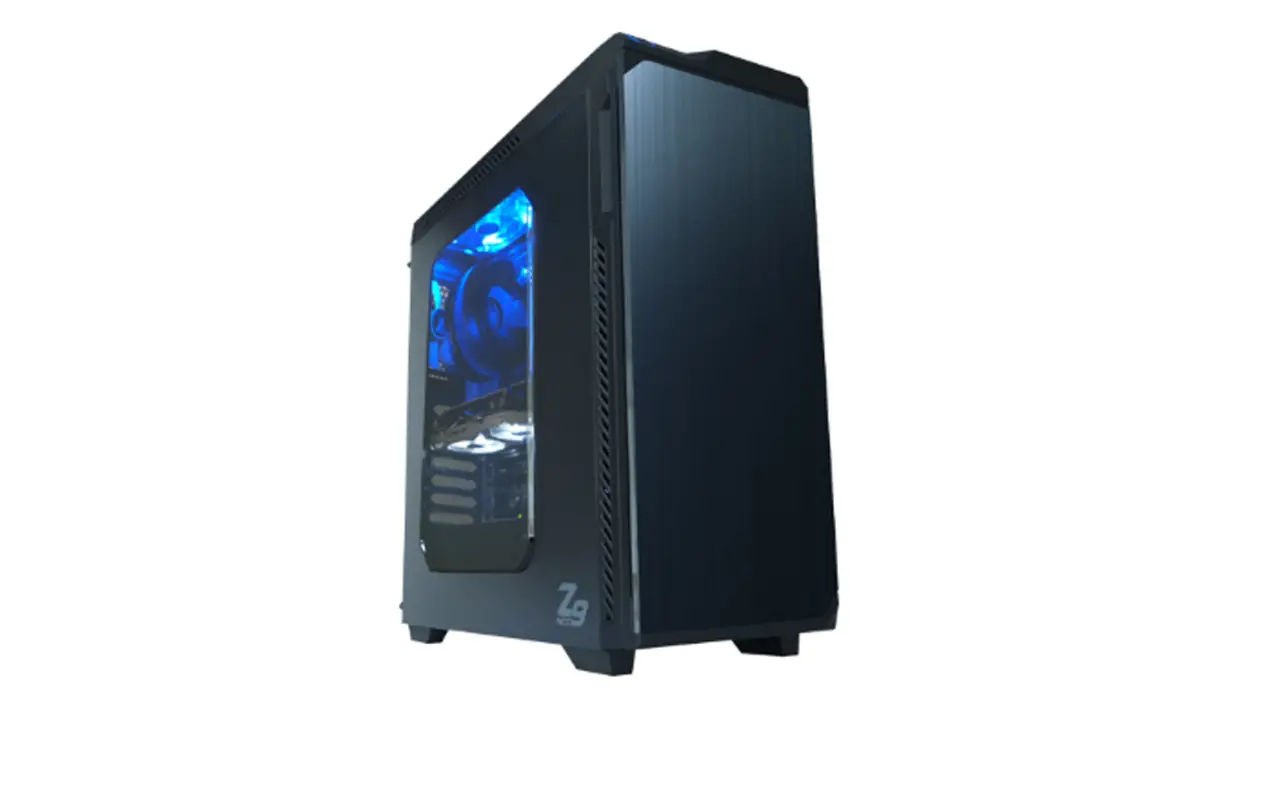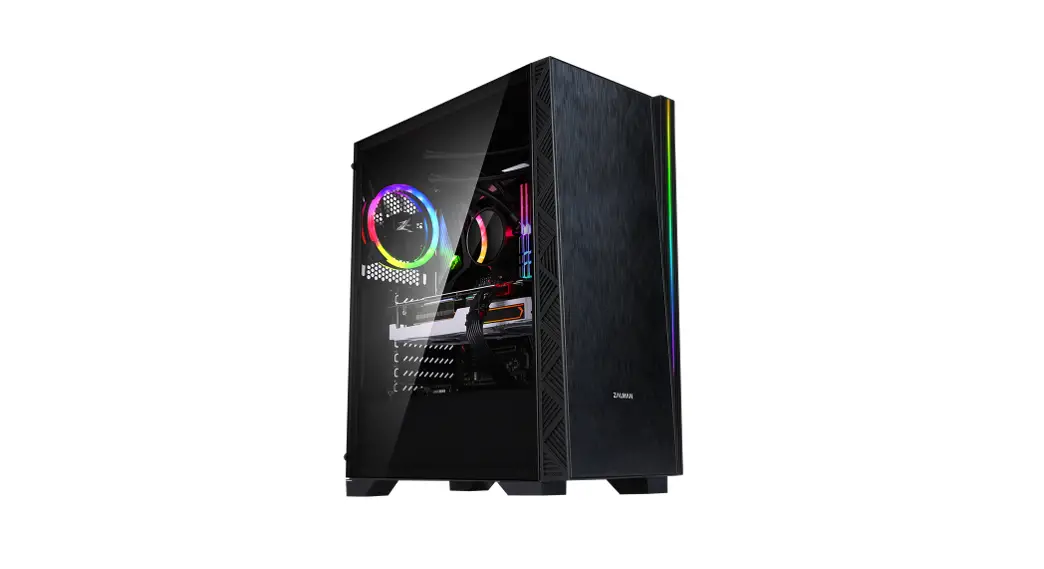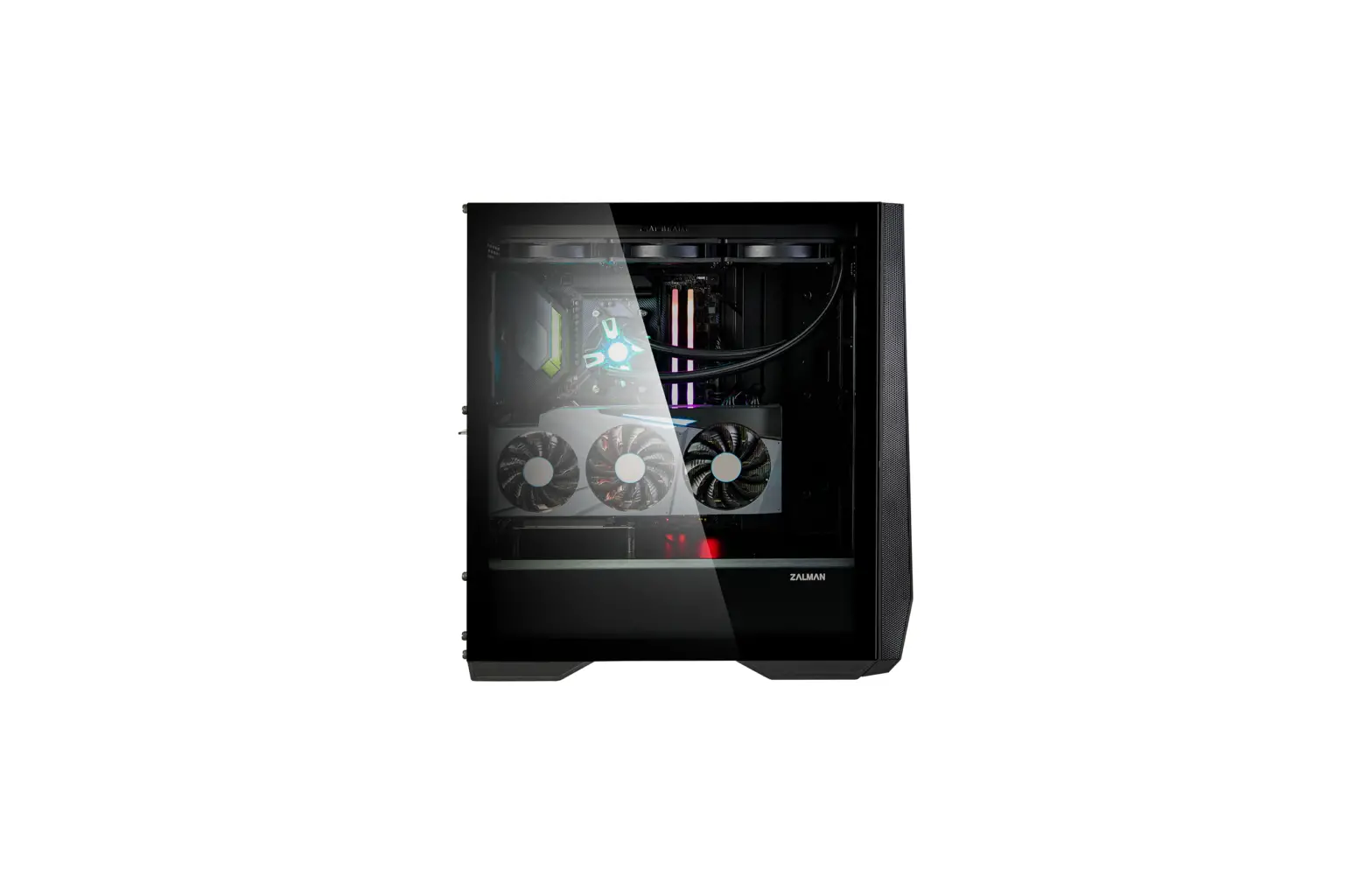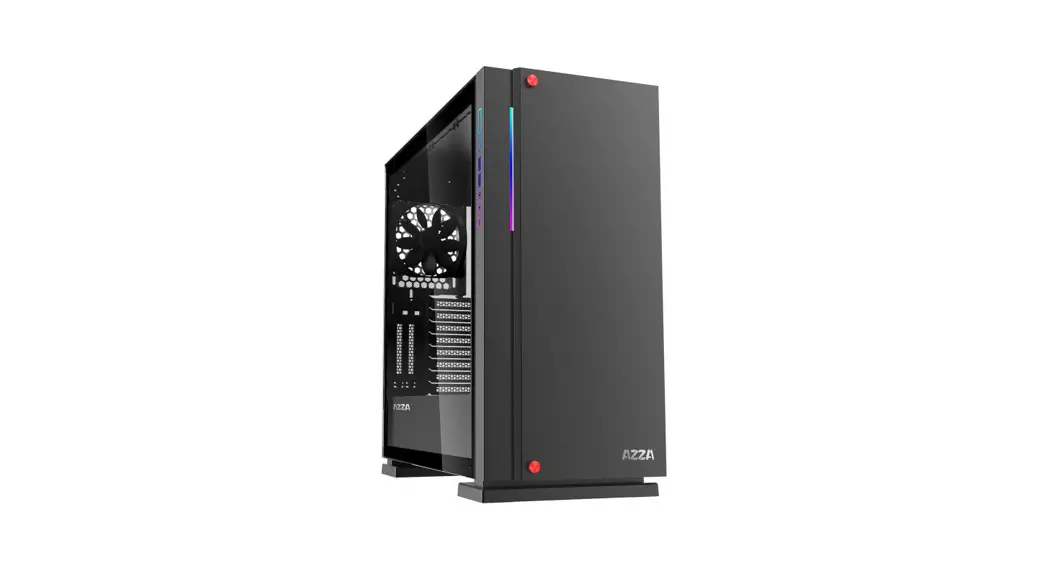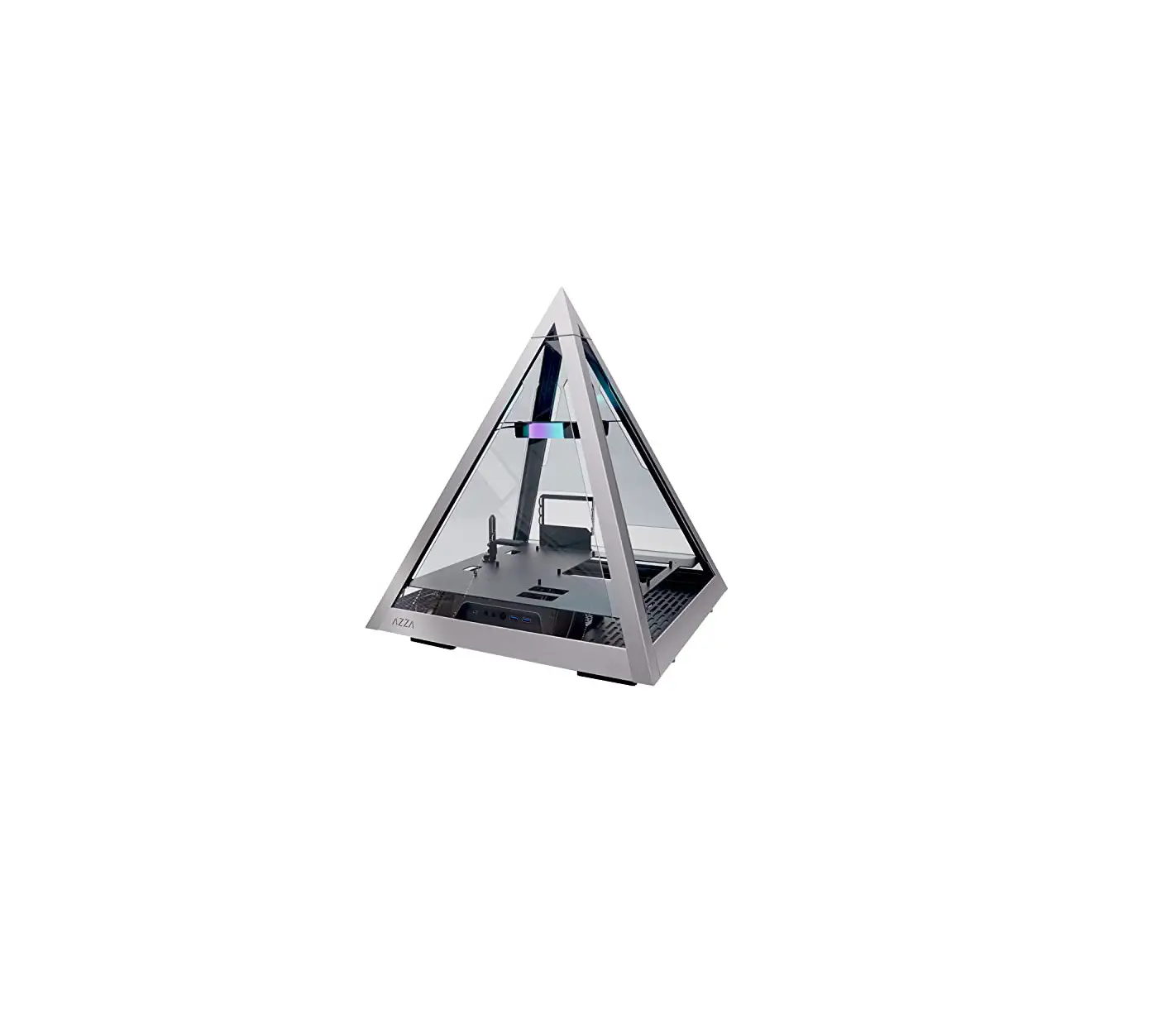
AZZA CSAZ-804L Pyramid Innovative ATX Case
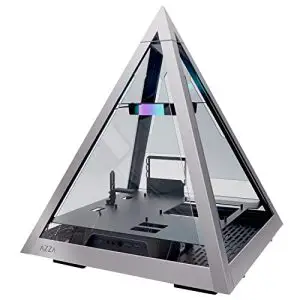
Specifications
| Model | |
| Model Name: | PYRAMID 804L |
| Model Number: | CSAZ-804L |
| Specifications | |
| Type: | ATX Tower |
| Color: | 1.5~2.0mm SPCC+ 2.5mm Aluminum |
| Side Panel Window: | 4 sides panel are tempered glass |
| Max. CPU Cooler Height: | UP to 95mm |
| Max. GPU Length: | L=330 mm / W=150 mm / H=70 mm (Horizontal) |
| Power Supply: | ATX |
| Motherboard Compatibility: | <305x280mm E-ATX 、ATX、Micro ATX、Mini-ITX |
| Expansion | |
| External 5.25″ Drive Bays: | 0 |
| Internal 2.5″ Drive Bays: | Up to 2 |
| Internal 3.5″ Drive Bays: | Up to 1 (Convertible with 2.5″SSDx1 ) |
| Expansion Slots: | 3 |
| Front Ports: | 2xUSB 3.0、 HD Audio、Type C、Metal power button |
| Physical Specifications | |
| Metal Chassis Dimensions (HxWxD) | 558x490x490/22×19.3×19.3 inch |
| Dimensions with Case Stand(HxWxD) | 589x490x490mm/23.2×19.3×19.3 inch |
| Weight: | 14.1kg /31.1lbs |
| Features | |
| Tempered Glass Side Window: | High-quality tempered glass side window allows for clear visuals to inner components. |
| Available Fan Ports: | 1 x 120mm or 1×140 fan ports in the top(1 x 120mm Hurricane II Digital RGB Fan included ) 5 x 120mm fan ports on the bottom |
| Water Cooling: | Supports radiator up to 240mm on the bottom left and 360mm on the bottom right. |
| Isolated Chamber: | ATX Power supply inside its own isolated chamber, preventing its heat from affectting other components. |
| Easy Installation Cooler: | A pre-cut hole for easy installation of CPU Cooler, eliminating the need to remove the motherboard. |
| Accessories: | 20cm PCI-E 3.0 extension cable for VGA card(Support EATX 、 ATX MB) Adjustable video card holder |
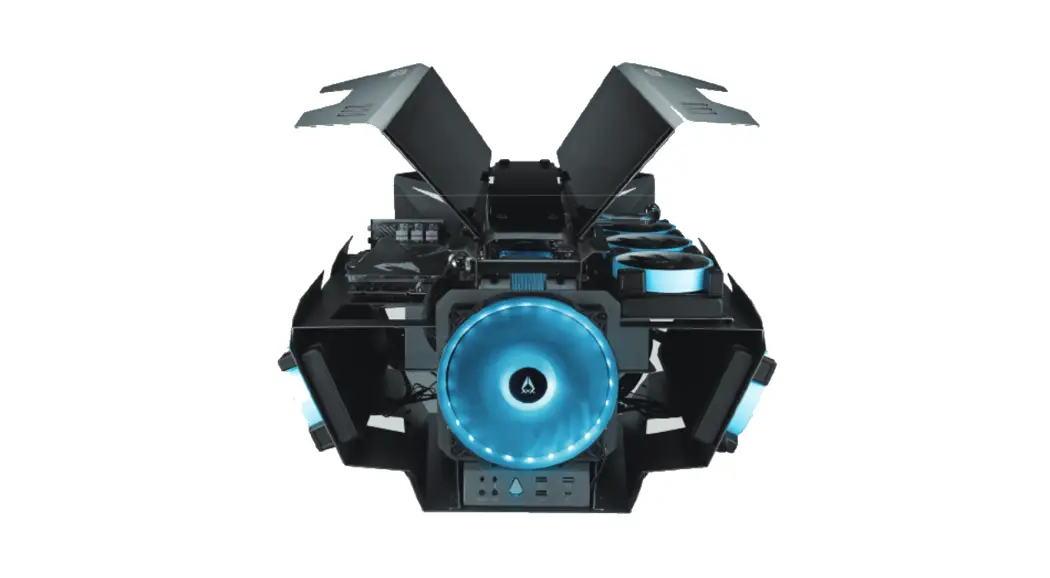
Chassis parts
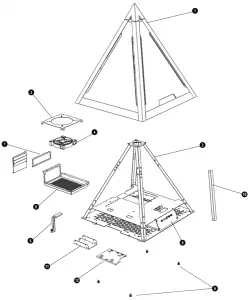
| 1 | TOP tempered glass panel cover | 7 | Horizontal PCIe slot |
| 2 | Pyramid structure | 8 | I/O Ports: USB 3.0 x 2 , Type C, HD Audio |
| 3 | 120mm/140mm fan bracket | 9 | Spring bolt screw of top panel cover |
| 4 | 12cm ARGB Fan | 10 | Fan cable management cover |
| 5 | Adiustable video card holder | 11 | 2.5″SSD brackets X1 |
| 6 | Power supply rack | 12 | 3.5″HDD /2.5″SSD spring bolt tray X1 |
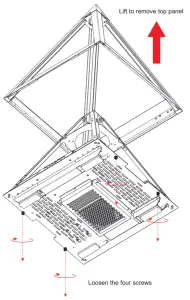
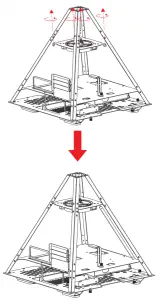
Removing The Top Glass Panel
Overview
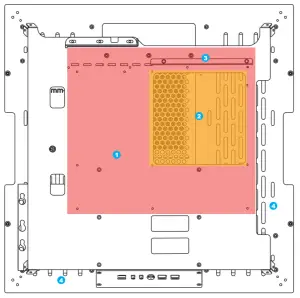
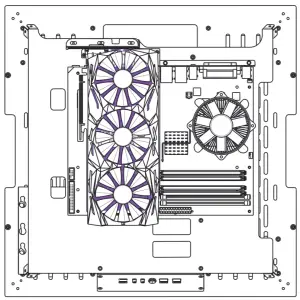
- motherboard mount
- Pre-cut hole for CPU cooling
- Power cord management hole
- Water radiator management hole
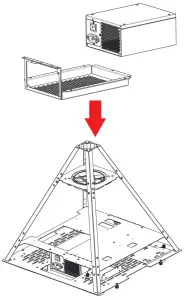
Power Supply Installation
2.5″SSD / 3.5″HDD Installation
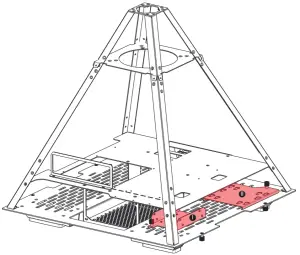
(I) 2.5″ SSD spring bolt tray: Supports up to 2.5″ SSD x 2
(II) 3.5″ HDD spring bolt tray: Supports 3.5 HDD x 1 (also compatible with a 2.5″ SSD)
Supports up to 2 x 120mm fan or 240mm radiator on the hard drive bay
PCI-E Cable
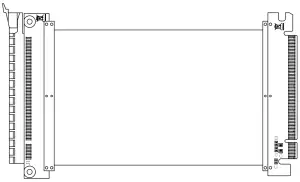
200 mm PCI-E 3.0 Cable(Support EATX、ATX Motherboard)
To fix potential compatibility issues with PCI-e Gen 4.0, please connect your graphics card directly to the motherboard, enter the BIOS, and change the PCI-e x16 mode to 3.0 before using the RGB PCI-e cable.
Fan Installation
Digital RGB Fan Installation For Motherboard
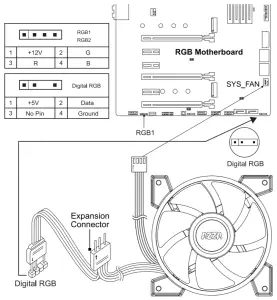
The addressable RGB fans can connect directly to the 5V addressable RGB headers of compatible motherboards, such as those from MSI™, ASUS™, Gigabyte™ and AsRock™.
Please note: Only 5V addressable headers from compatible motherboards are supported. Please do NOT connect the fan to a 12V non-addressable header.
Please check your motherboard’s specifications before use. Do not go past the motherboard’s allowed limits on power rating and LED count when connecting multiple fans/LED strips.