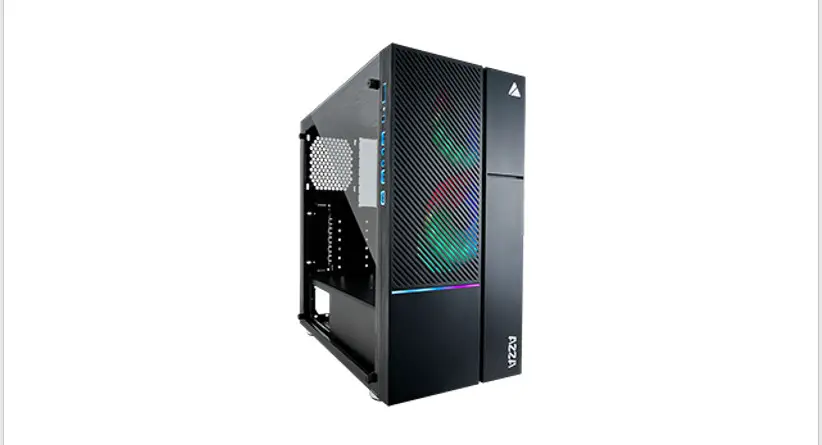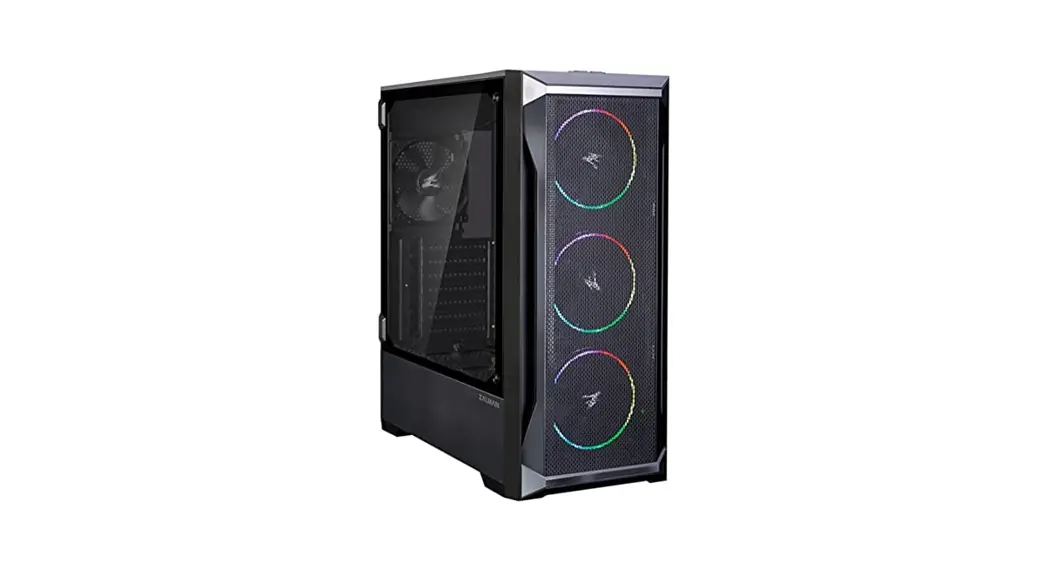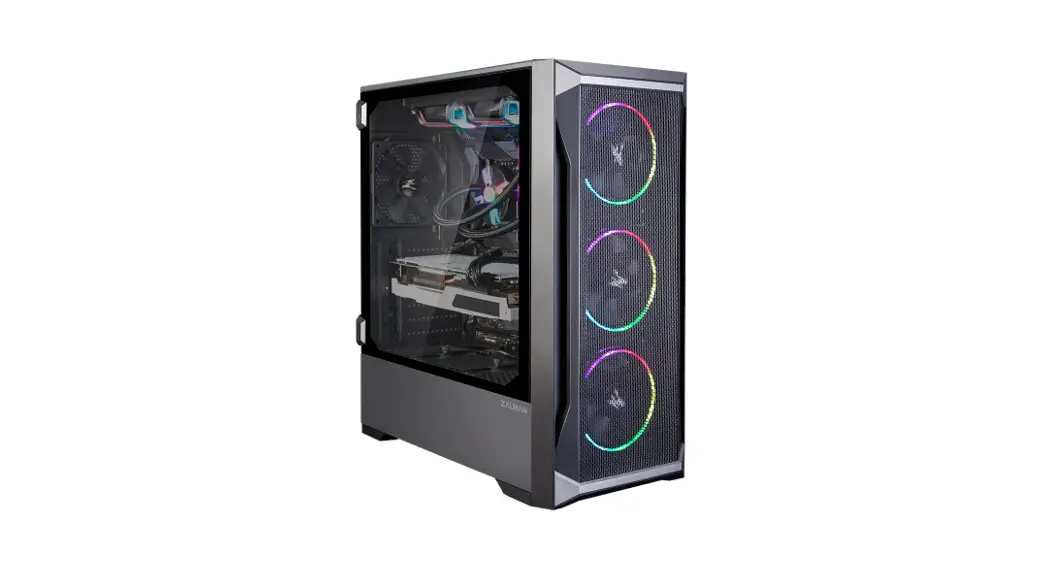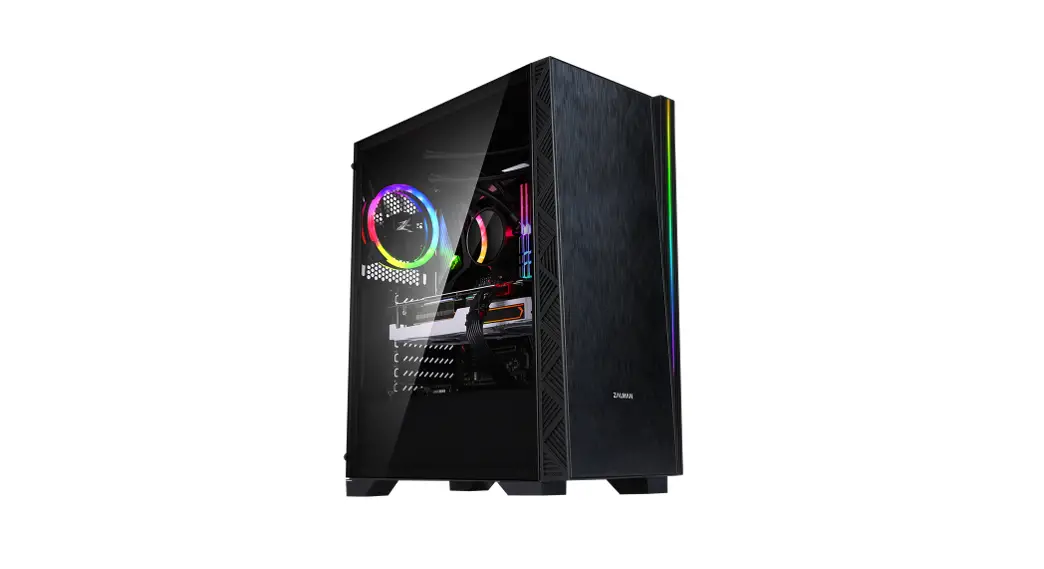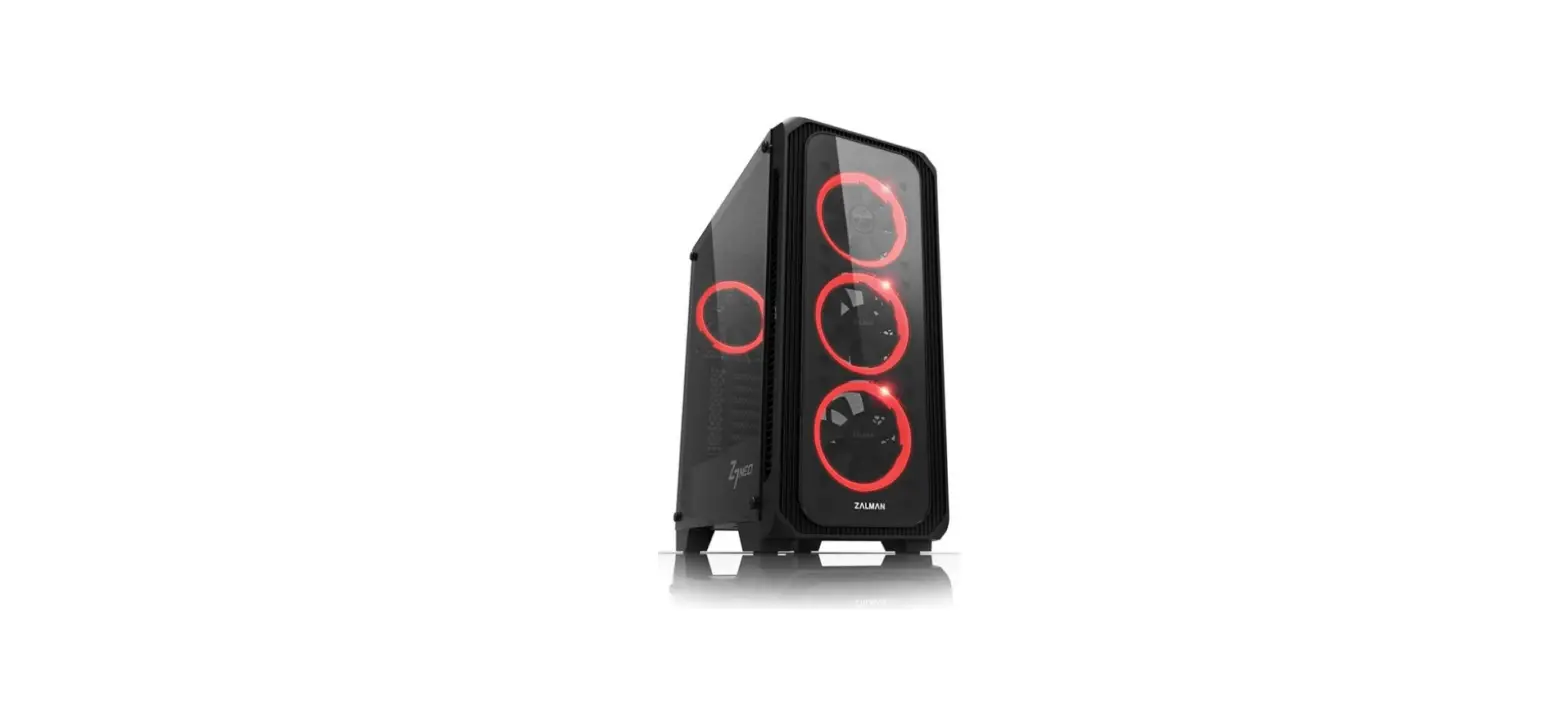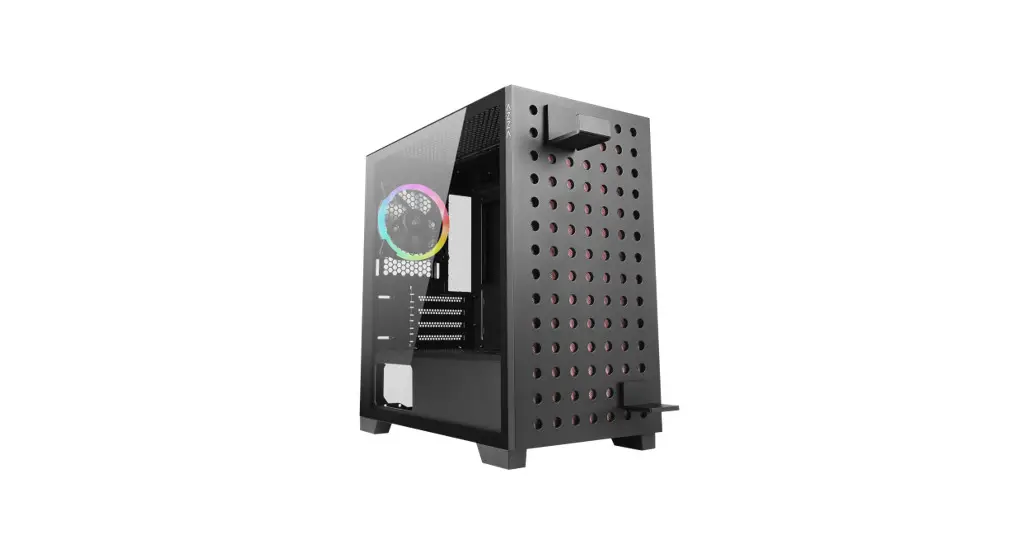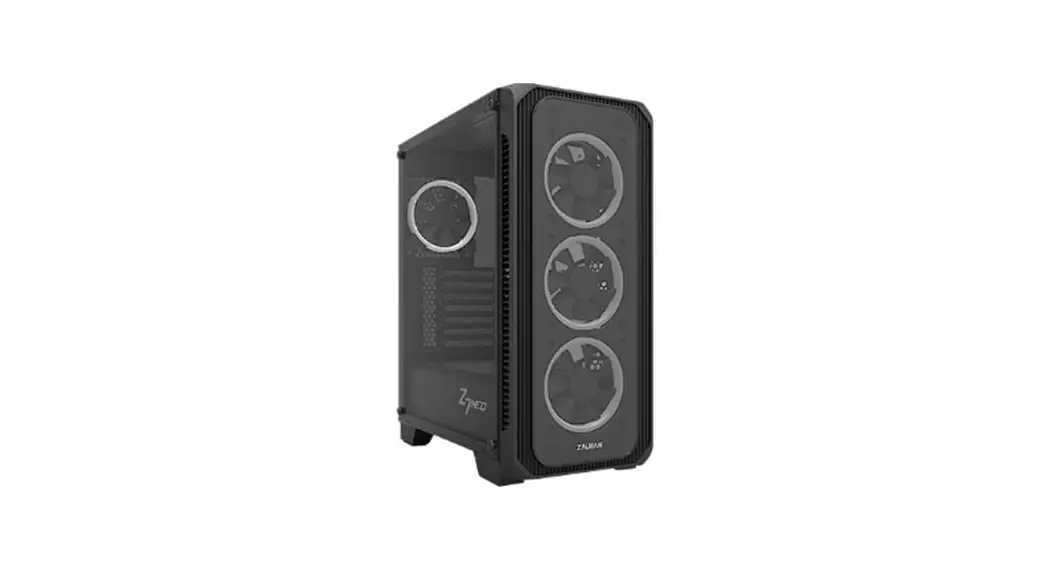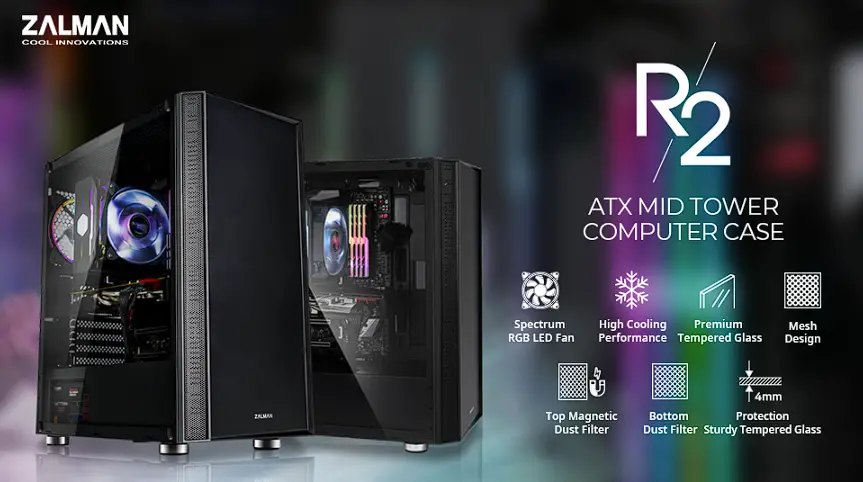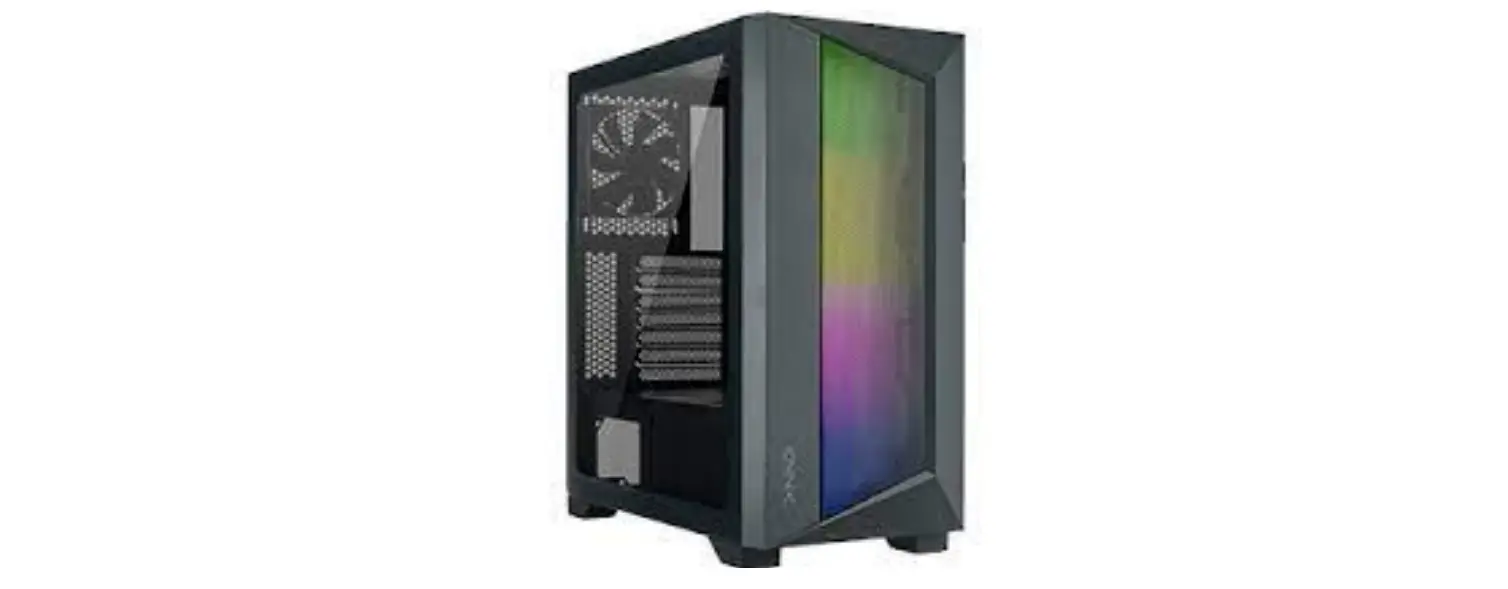
 AZZA CSAZ-460A Octane ATX Mid-Tower Case User
 AZZA CSAZ-460A Octane ATX Mid-Tower Case User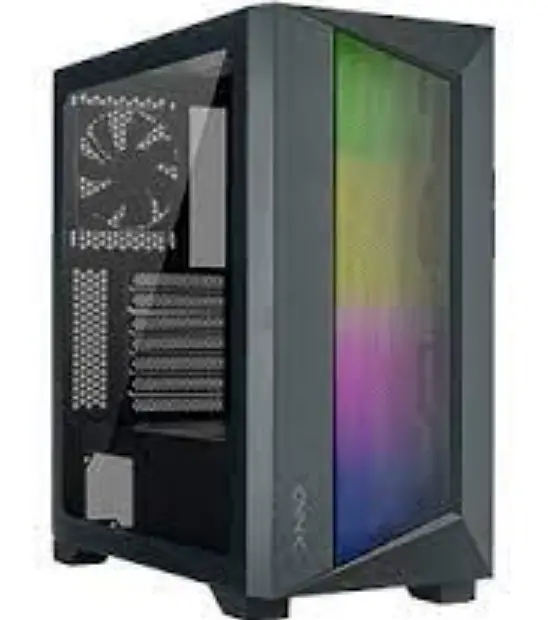
Specifications
| Model | |
| Model Name: | ZENO |
| Model Number: | CSAZ-350 |
| Specifications | |
| Type: | ATX Mid Tower |
| Color: | Black/Black(interior) |
| Side Panel Window: | Left side panel: tempered glass with rubber mounts |
| Max CPU Cooler Height: | UP to165mm |
| Max Video Card Length: | Up to 320mm long video card |
| Power Supply: | Not included |
| Motherboard Compatibility: | <275mm EATX、ATX、Micro ATX、ITX |
| Expansion | |
| External 5.25″ Drive Bays: | 0 |
| Internal 2.5″ Drive Bays: | Up to 4 |
| Internal 3.5″ Drive Bays: | Up to 2 |
| Expansion Slots: | 7 |
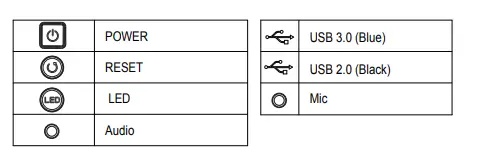
| Top Ports: | Power button, reset button,led button, HD Audio, USB 3.0 x 1, USB2.0x2 |
| Physical Specifications | 475x210x410 / 18.7×8.3×16.1 inches |
| Weight: | 6kg /13.2lbs |
| Features | |
| Tempered Glass Sides Window: | High-quality tempered glass side window allows for clear visuals to inner components |
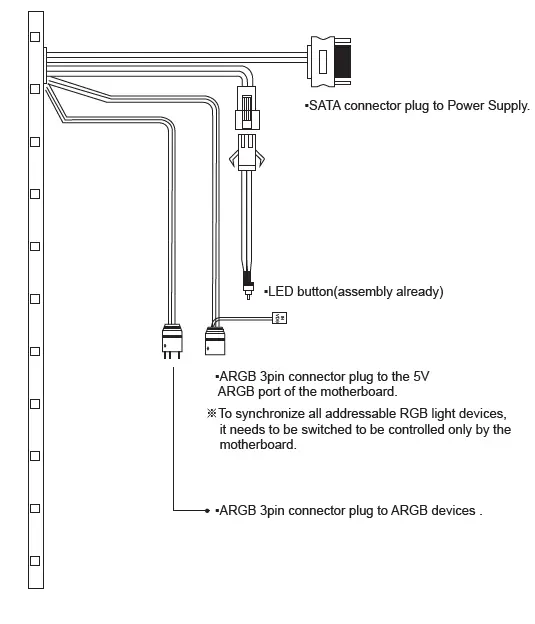
| Addressable RGB Light Effects: | Addressable RGB light strip in the front. All Addressable RGB light devices sync with the motherboard, allowing the motherboard software or LED button to directly control the lighting. |
|
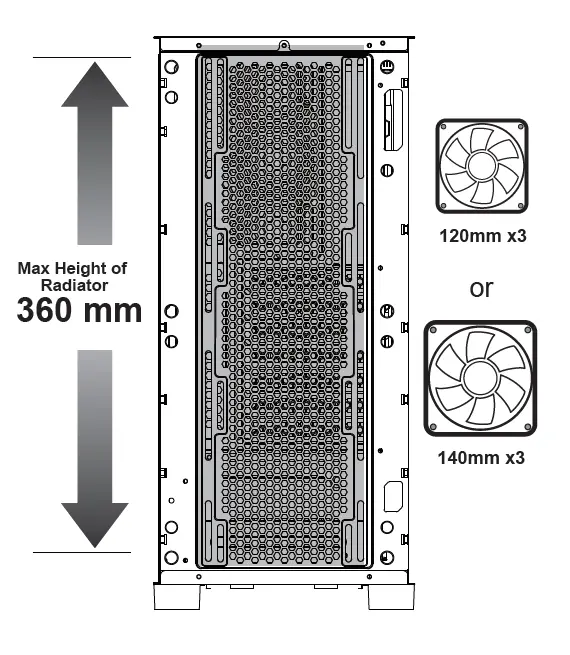
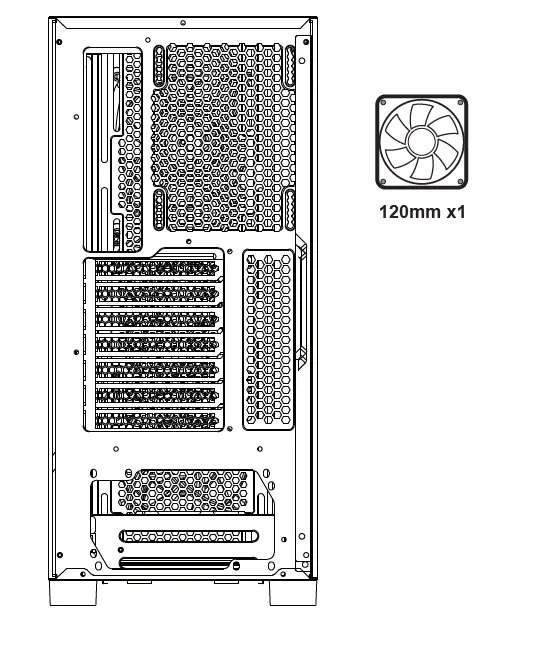
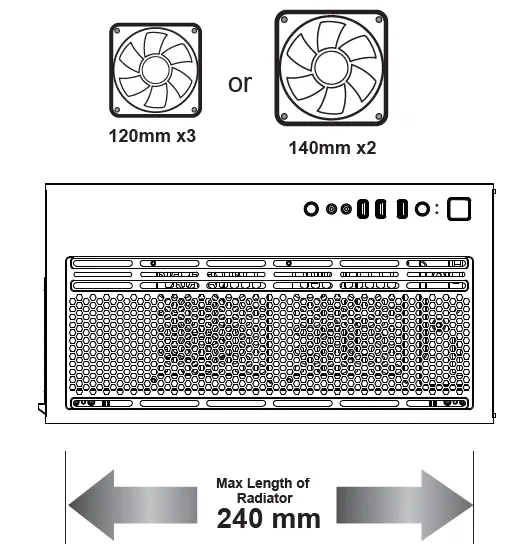
Available Fan Ports: | 3x120mm or 3x140mm Fan ports in the front(1x120mm ARGB Fan included) 2x120mm or 2x140mm Fan ports on the top 1x120mm Fan port in the rear (1x120mm ARGB Fan included) |
| Water Cooling: | Supports radiators up to 280/360mm in the Front Supports radiators up to 240mm in the Top |
| Dust Filters: | Removable (magnetic) dustproof net on the top , iron net on bottom of chassis. |
| Power Supply Support: | Bottom mounted ATX Power Supply |
Chassis Parts
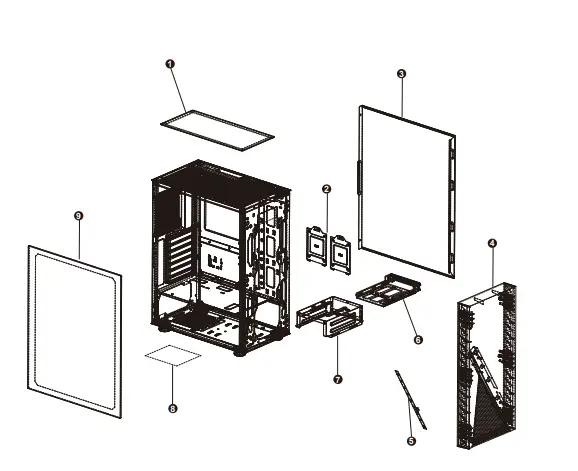
- Removable (magnetic) dustproof mesh
- 2.5″ SSD metal tray x2
- Right side metal panel
- Front panel
- ARGB led light strip
- Multifunctional hard disk bracket
- |Multifunctional hard disk cage_
- | Steel dust filter
- |Sliding tempered glass panel
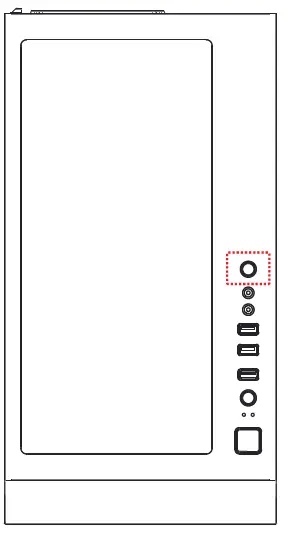
Control Panel Functions

3.5”/2.5” HDD/SSD Installation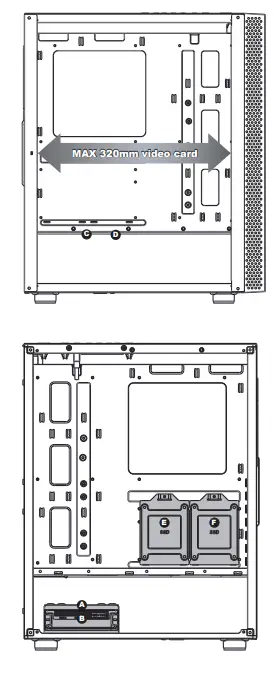
- Supports up to 320mm long video cards
- Multifunctional hard disk bracket support 3.5” HDD or 2.5” SSD x 1 ( )
- 2.5″ SSD metal tray support 2.5” SSD x 2 ( )
- Multifunctional hard disk cage support 3.5” HDD or 2.5” SSD x 1( )
Cooling System Installation
- Front

- Rear

- Top

ARGB Control Modes Switching

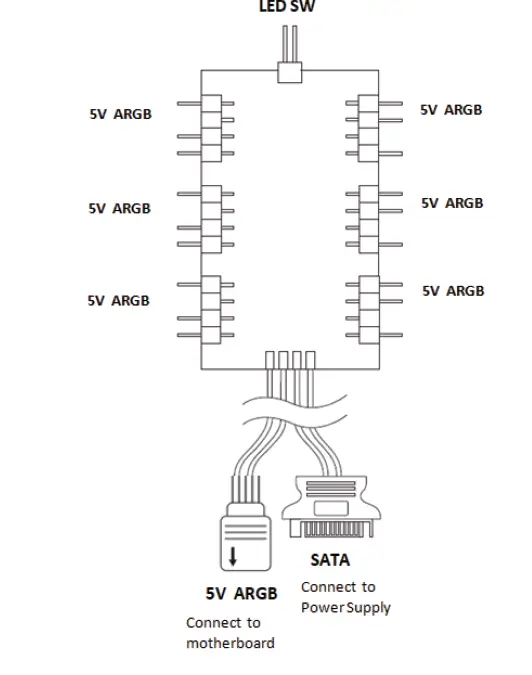
ARGB Control Modes Switching 
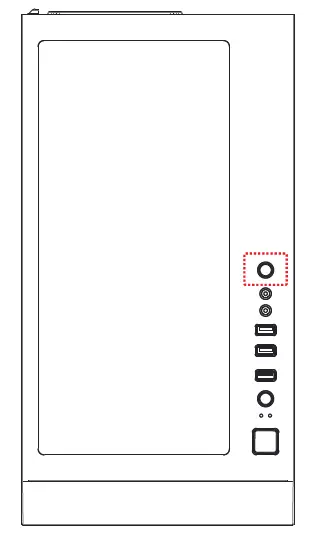
- To control the front panel ARGB lighting modes, press the LED button to cycle through 13 RGB lighting modes.
- Hold the LED button for 3 seconds to switch the RGB control function between motherboard RGB software and LED button, or turn off the light.
- To synchronize all addressable RGB light devices, it needs to be switched to be controlled only by the motherboard.
ARGB Control Modes Switching