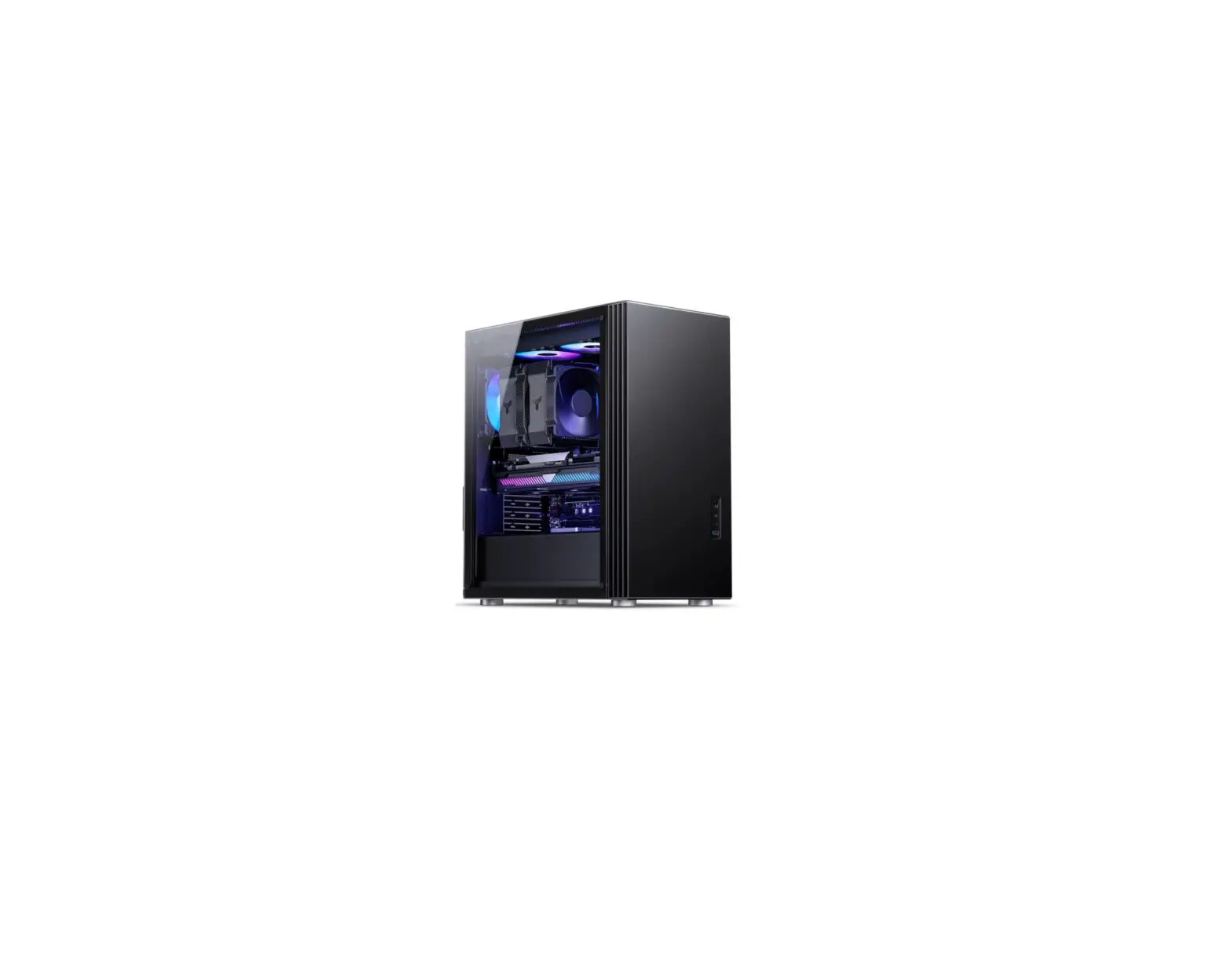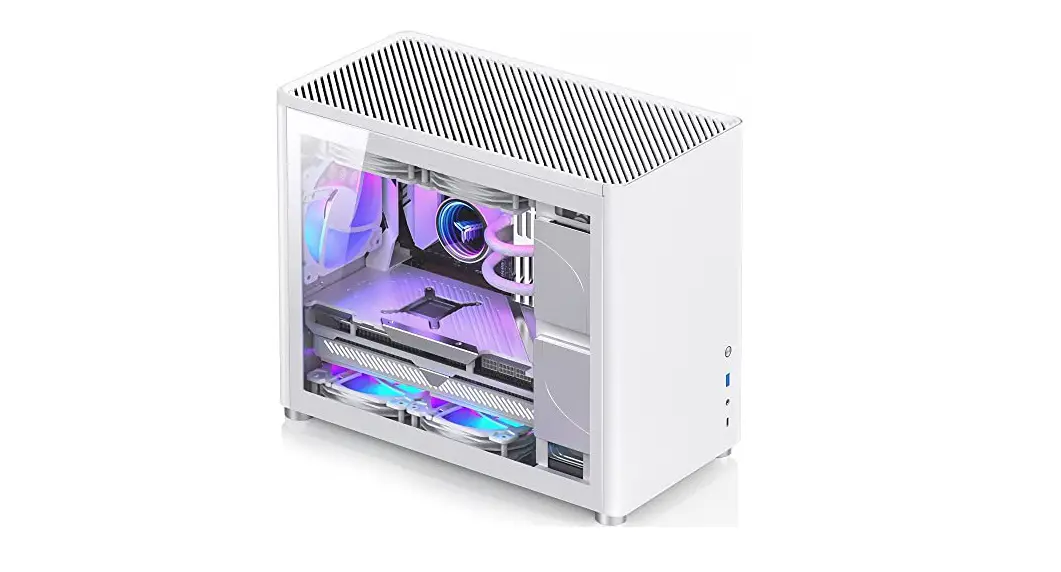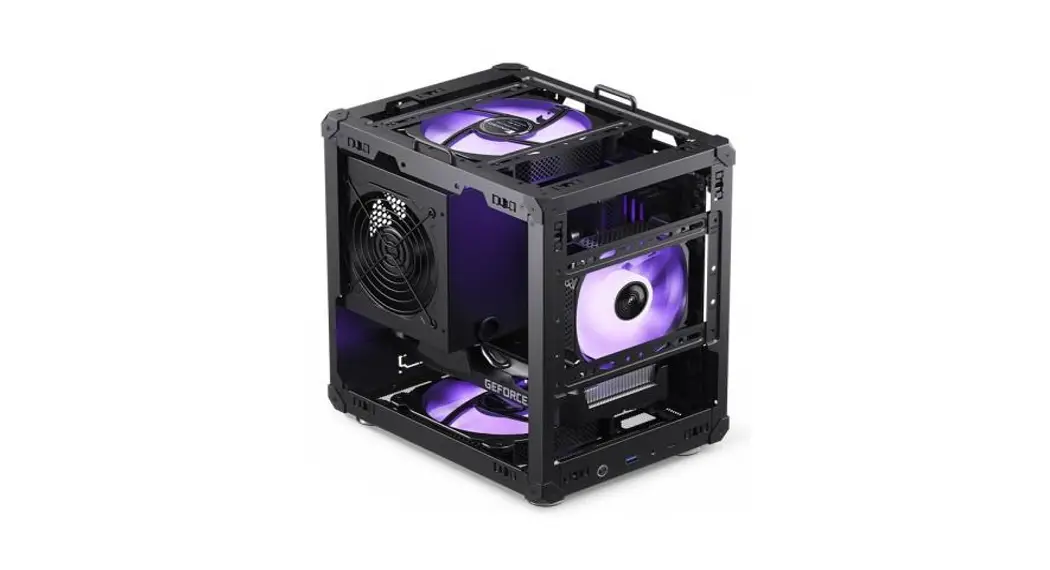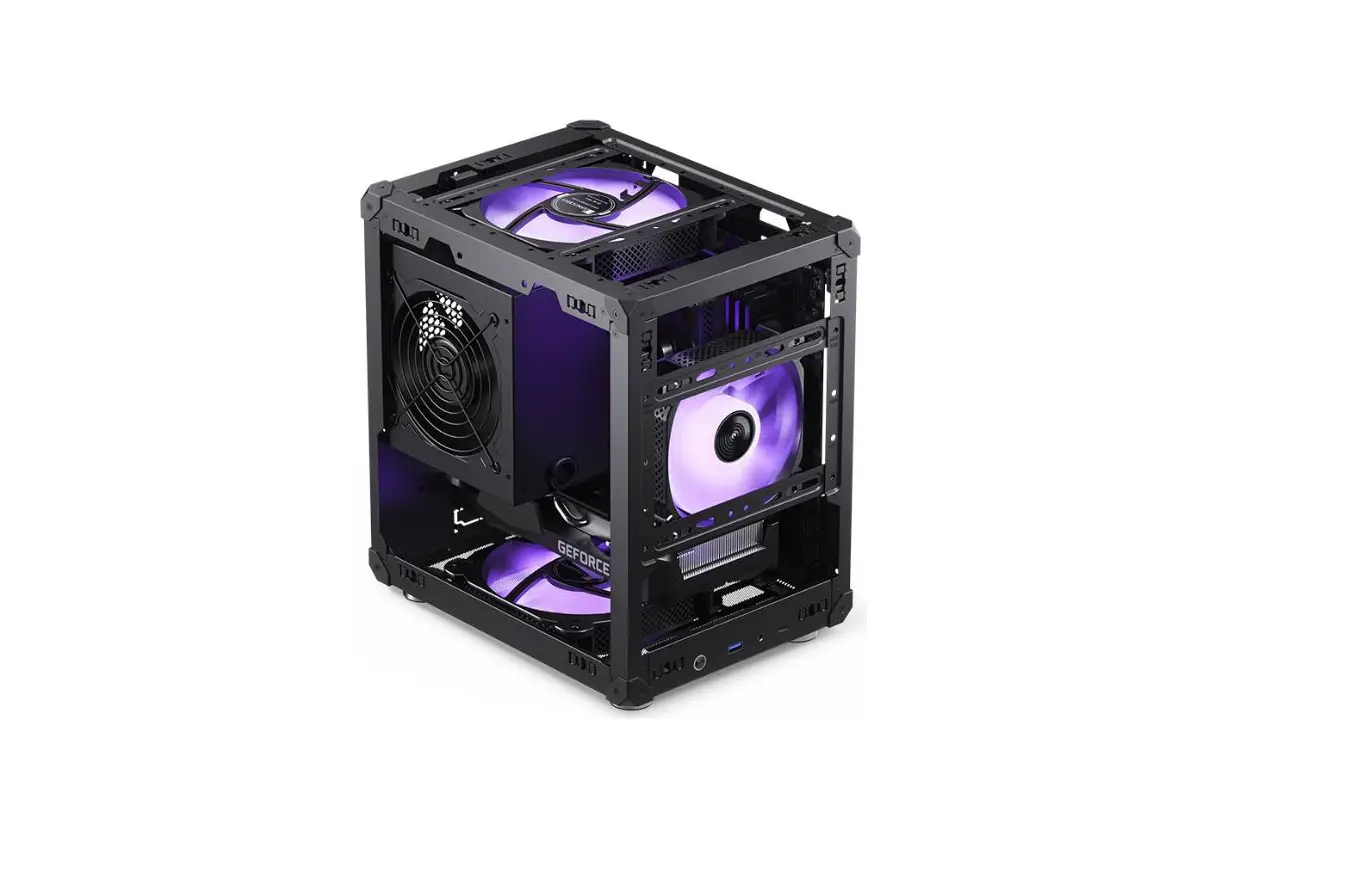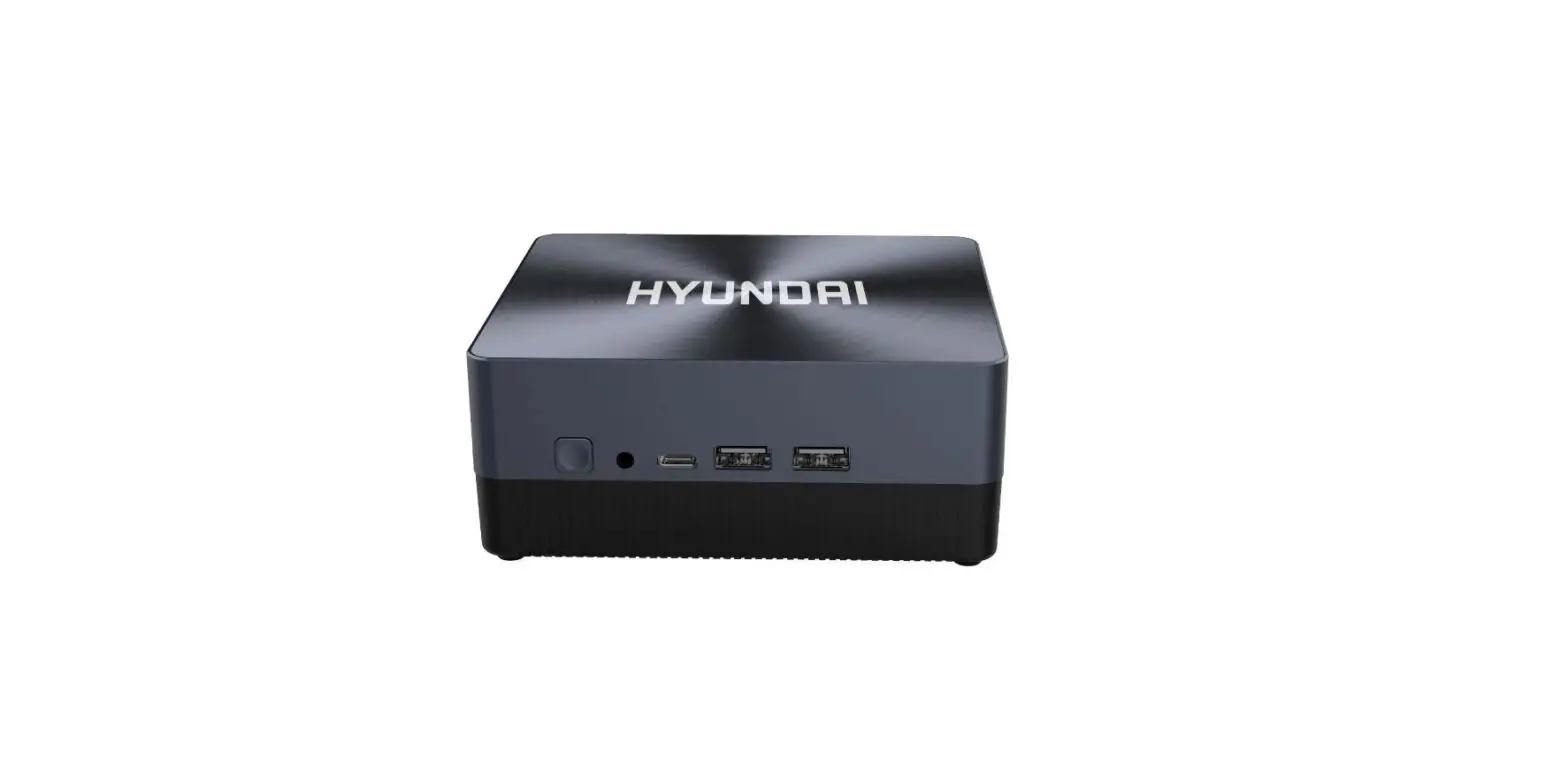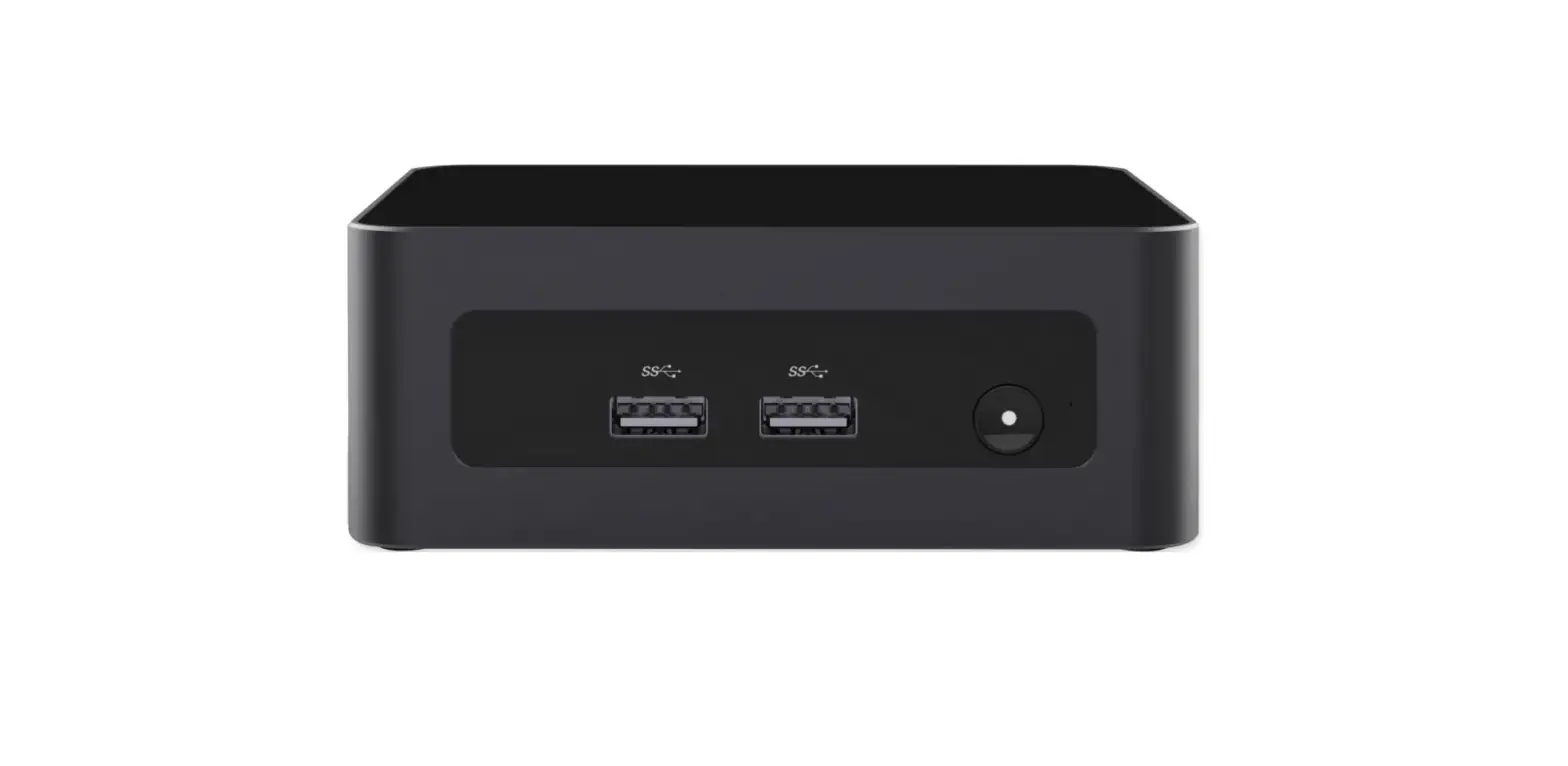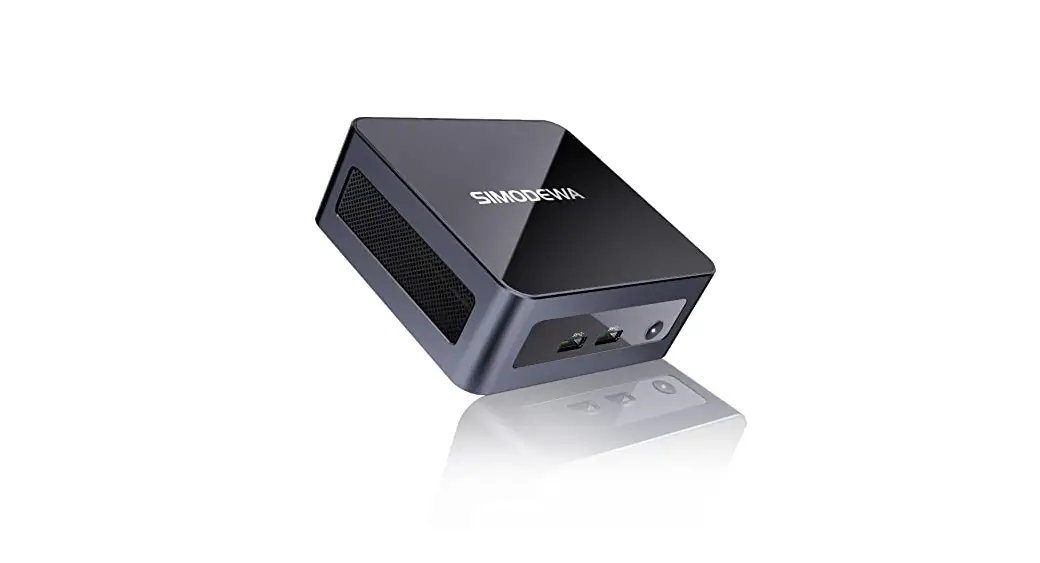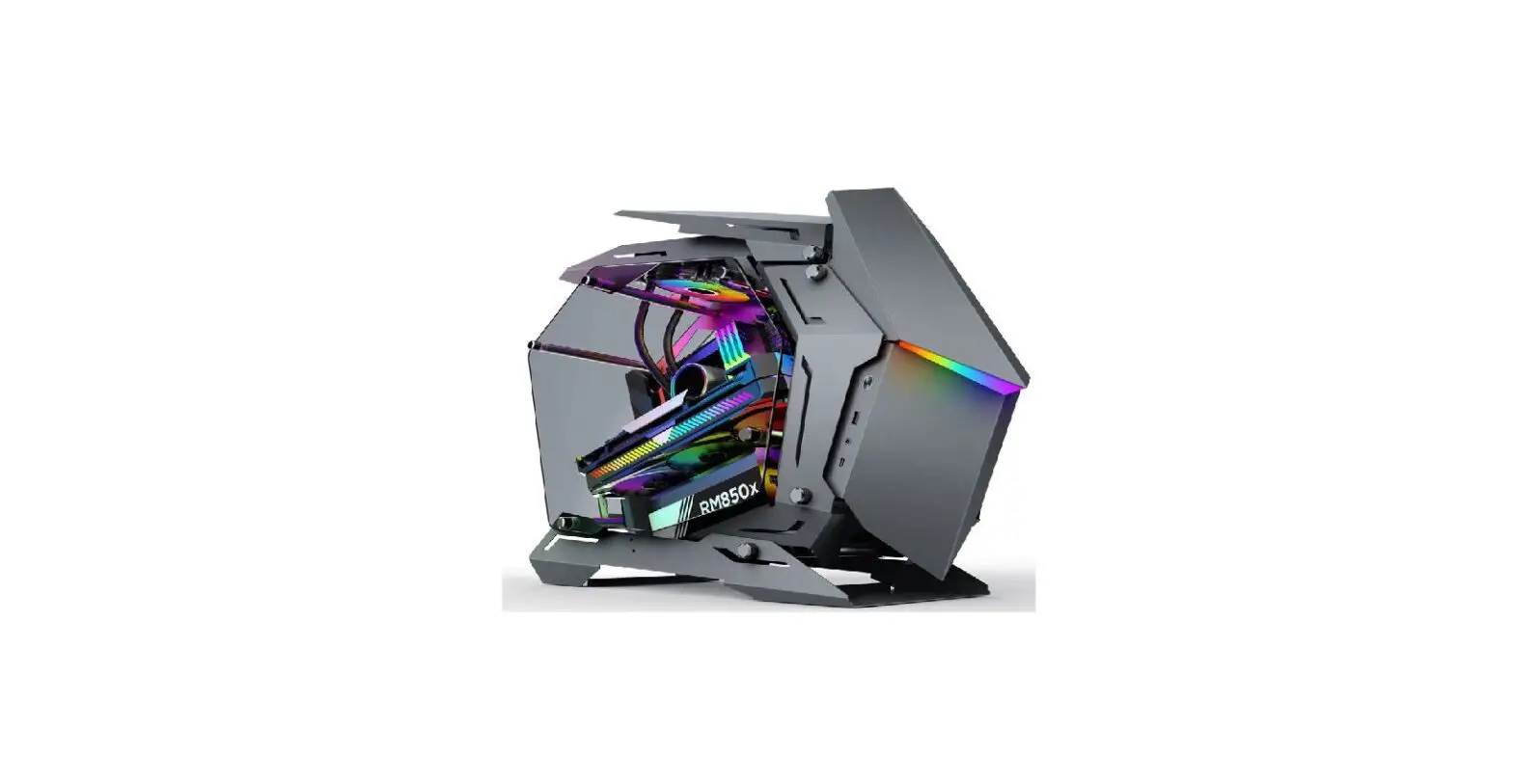

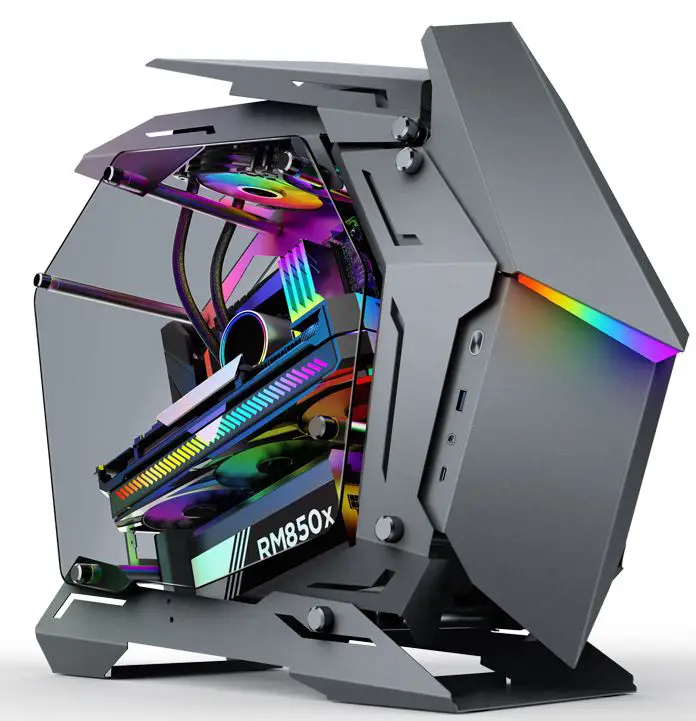
JONSBO MOD-3 Mini PC
Package Content
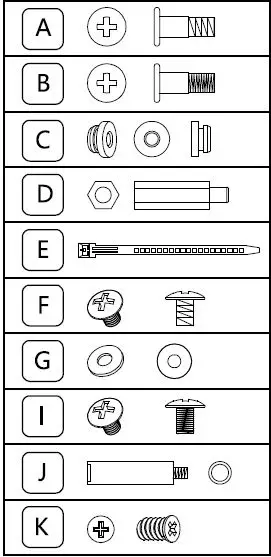
Q’ty/ Used for
- 6/Screw- HDD
- 4/Screw – SSD
- 10/rubber grommet
- 1/Hex Standoff
- 8/Cable tie
- 8/Graphics card, PSU Screws
- 18/Red washer
- 8/Mainboard Screw
- 1/AL standoff
- 16/Fan Screw
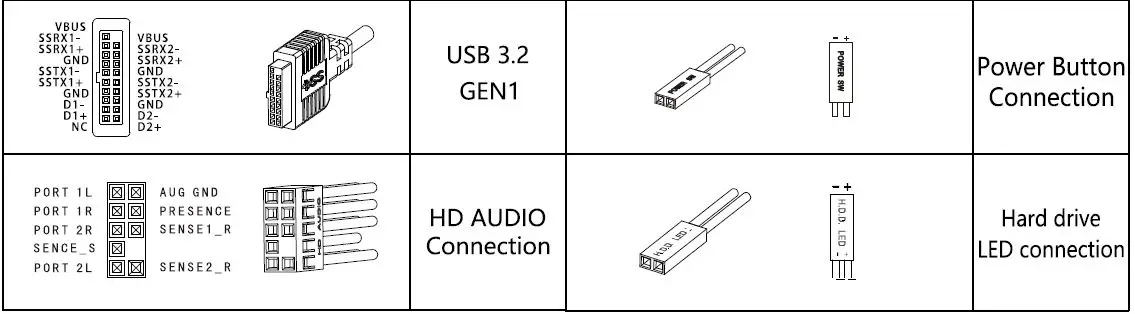
Connectors
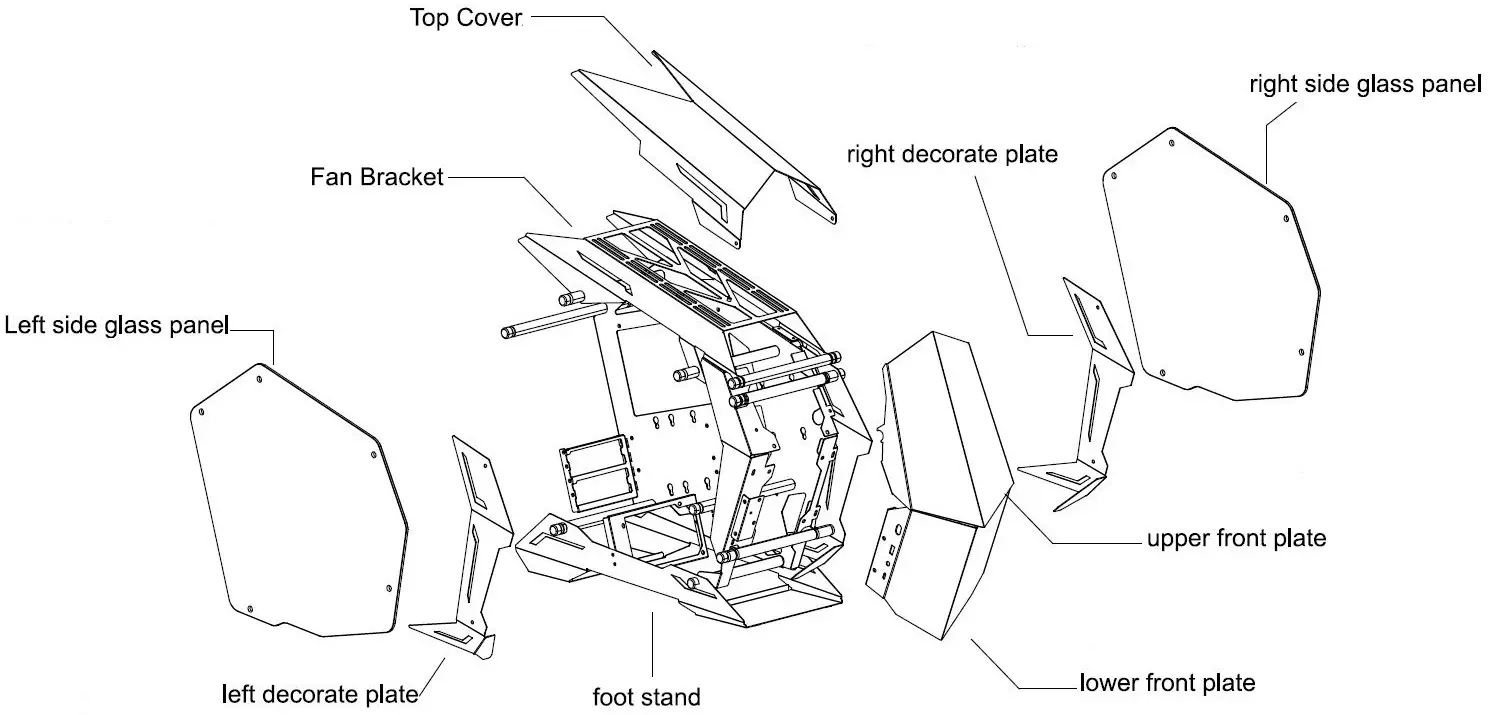
Parts Diagram
Installation Guide
Side Tempered Glass Panel Removal
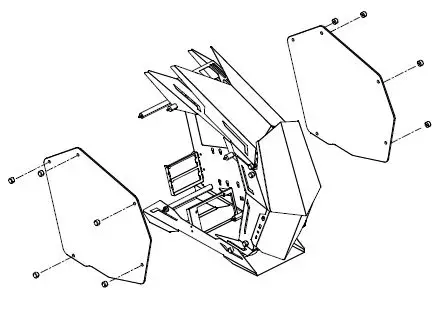
- Unscrew left/ right side panel screws, and remove the left/right side glass panel
Motherboard Installation
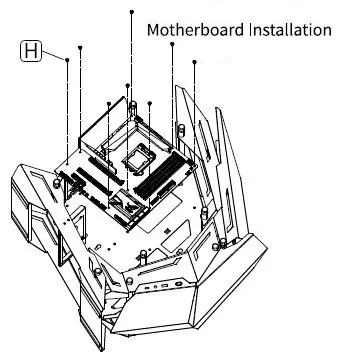
- Secure the MB to the corresponding position
GPU Installation
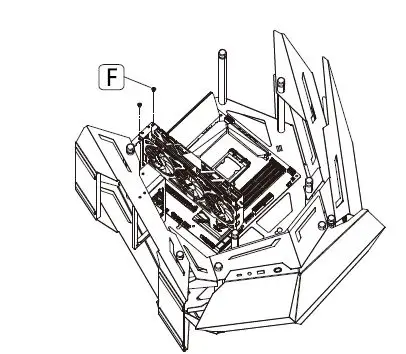
- Insert the GPU into MB PCI-E slots, secure with screws.
PSU Installation
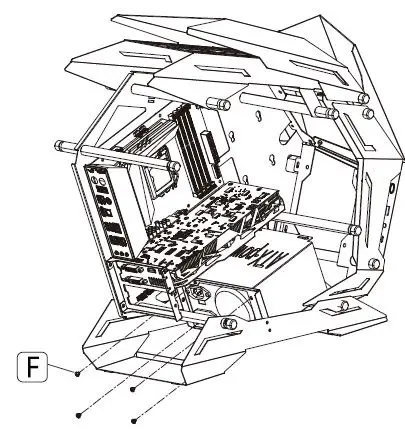
- Secure the PSU on the mounting plate with screws
2.5″SSD -01 Installation
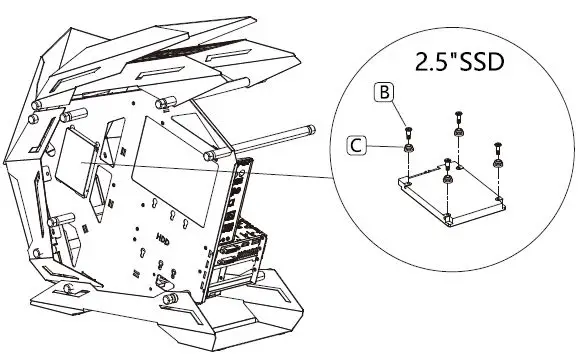
- Pre-assembly the SSD with rubber grommets and screws
- insert the SSD into the slots on the rear of the MB tray
3.5″ HDD-02 Installation
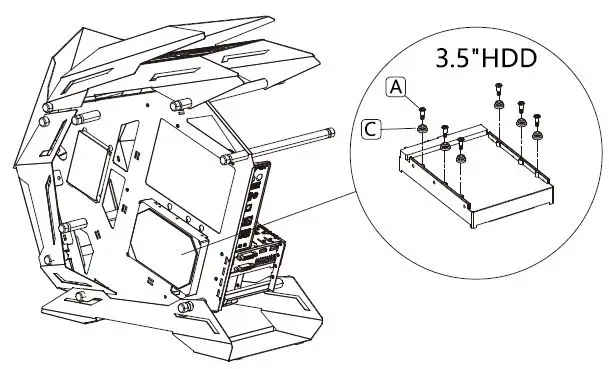
- Pre-assembly the HDD with rubber grommets and screws
- insert the HDD into the slots on the rear of MB tray.
Fan – Liquid cooling radiator support
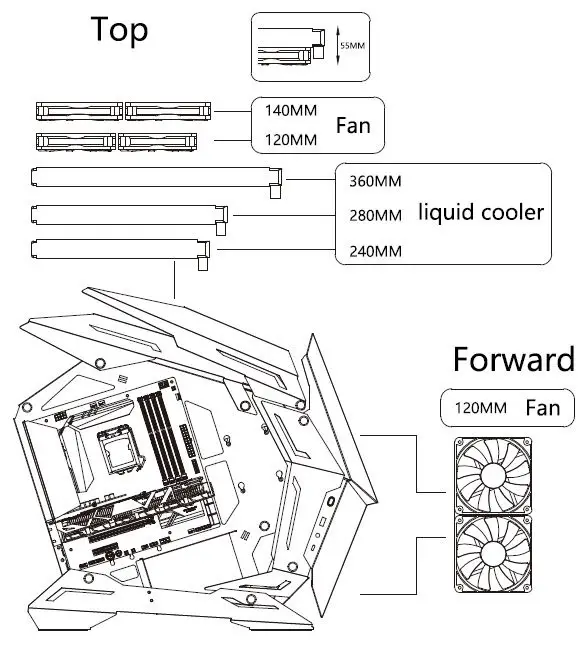
- Fan: Top: 120mm*2 / 140mm*2, Front: 120mm *2
- Radiator: 240/280/360
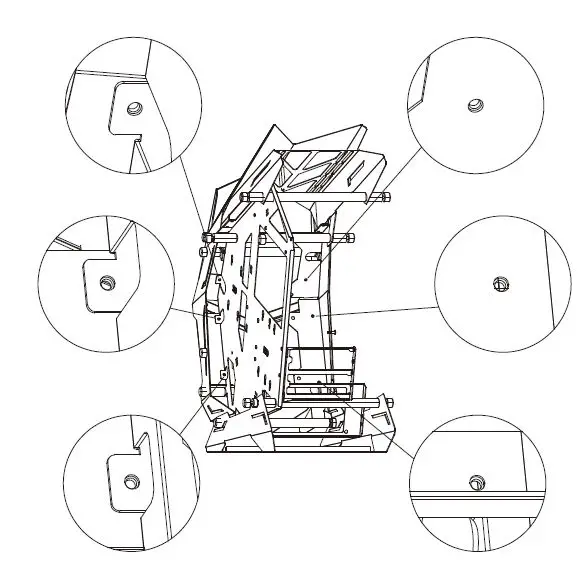
- Please remove the six screws before installing the fan in the front.
© 2017 JONSBO SHENZHEN TECHNOLOGY CO., LTD. All right reserved. Specifications are subject to change without prior notice. Some trademark may be claimed as the property of others.