

Rockchip RK3288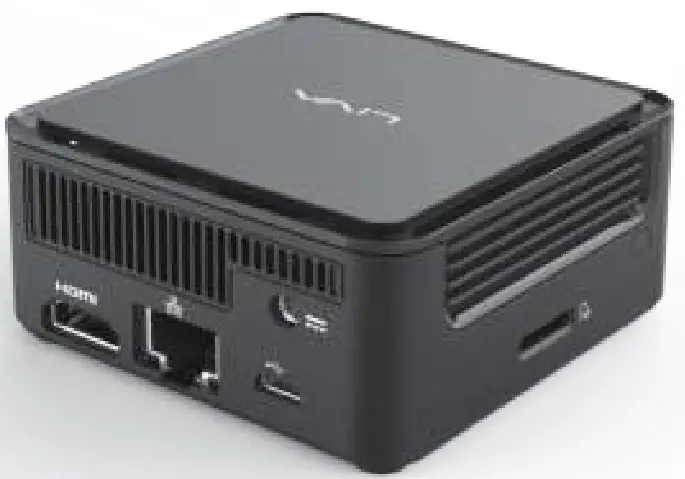
Preface
Copyright
This publication, including all photographs, illustrations, and software, is protected under international copyright laws, with all rights reserved. Neither this manual nor any of the material contained herein may be reproduced without the written consent of the author. Version 1.0
Disclaimer
The information in this document is subject to change without notice. The manufacturer makes no representations or warranties with respect to the contents hereof and specifically disclaims any implied warranties of merchantability or fitness for any particular purpose. The manufacturer reserves the right to revise this publication and to make changes from time to time in the content hereof without the obligation of the manufacturer to notify any person of such revision or changes.
Trademark Recognition
Rockchip is a registered trademark of Rockchip Electronics Co., Ltd. Other product names used in this manual are the properties of their respective owners and are acknowledged.
Federal Communications Commission (FCC)
This equipment has been tested and found to comply with the limits for a Class B digital device, pursuant to Part 15 of the FCC Rules. These limits are designed to provide reasonable protection against harmful interference in a residential installation. This equipment generates, uses, and can radiate radio frequency energy and, if not installed and used in accordance with the instructions, may cause harmful interference to radio communications. However, there is no guarantee that interference will not occur in a particular
installation. If this equipment does cause harmful interference to radio or television reception, which can be determined by turning the equipment off and on, the user is encouraged to try to correct the interference by one or more of the following measures:
- Reorient or relocate the receiving antenna
- Increase the separation between the equipment and the receiver
- Connect the equipment onto an outlet on a circuit different from that to which the receiver is connected
- Consult the dealer or an experienced radio/TV technician for help
Shielded interconnect cables and a shielded AC power cable must be employed with this equipment to ensure compliance with the pertinent RF emission limits governing this device. Changes or modifications not expressly approved by the system’s manufacturer could void the user’s authority to operate the equipment.
Declaration of Conformity
This device complies with part 15 of the FCC rules. Operation is subject to the following conditions:
• This device may not cause harmful interference.
• This device must accept any interference received, including interference that may cause undesired operation.
This device is in conformity with the following EC/EMC directives:
| EN 55032 | Electromagnetic compatibility of multimedia equipment – Emission requirements |
| EN 61000-3-2 | Electromagnetic Compatibility(EMC) Part 3-2: Limits-Limits for harmonic current emissions (equipment input current 16A per phase) |
| EN 61000-3-3 | Electromagnetic Compatibility(EMC) Part 3-3: Limits-Limitation of voltage changes, voltage fluctuations and flicker in public low-voltage supply systems, for equipment with rated current 16A per phase and not subject to conditional connection |
| EN 55024 | Information technology equipment-Immunity characteristics-Limits and methods of measurement |
| EN 60950 | Safety for information technology equipment including electrical business equipment |
| EN 62368 | Safety for information technology equipment including electrical business equipment |
| CE marking |  |
Safety Instructions
Your system is designed and tested to meet the latest standards of safety for information technology equipment. However, to ensure your safety, it is important that you read the following safety instructions.
Setting up your system
- Read and follow all instructions in the documentation before you operate your system.
- Do not use this product near water or a heated source such as a radiator.
- Set up the system on a stable surface.
- Openings on the chassis are for ventilation. Do not block or cover these openings. Make sure you leave plenty of space around the system for ventilation. Never insert objects of any kind into the ventilation openings.
- Use this product in environments with ambient temperatures between 0°C and 40°C.
- If you use an extension cord, make sure that the total ampere rating of the devices plugged into the extension cord does not exceed its ampere rating.
Attention during use - Do not step on the power cord or let anything rest on top of it.
- Do not spill water or any other liquid on your system.
- When the system is turned OFF, a small amount of electrical current still flows. Always unplug all power, modem, and network cables from the power outlets before cleaning the system.
- If you encounter the following technical problems with the product, unplug the power cord and contact a qualified service technician or your retailer.
- The power cord or plug is damaged.
- Liquid has been spilled into the system.
- The system does not function properly even if you follow the operating instructions.
- The system was dropped or the cabinet is damaged.
- The system performance changes.
 The warranty does not apply to products that have been disassembled by users.
Safety cautions and warnings
CAUTION:
- To assure continued FCC compliance: Any changes or modifications not expressly approved by the grantee of this device could void the user’s authority to operate the equipment.
- Exposure to Radio Frequency Radiation: This equipment complies with FCC radiation exposure limits forth for an uncontrolled environment. This equipment should be installed and operated with a minimum distance of 20cm between the radiator & your body.
Product disposal notice IMPORTANT:
This symbol if the crossed-out wheeled bin indicates that the product (electrical and electronic equipment) should not be placed in municipal waste. Check local regulations for disposal of electronic products. Nordic Lithium Cautions (for lithium-ion batteries) CAUTION:
The danger of explosion if the battery is incorrectly replaced only with the same or equivalent type recommended by the manufacturer. Dispose of used batteries according to the manufacturer’s instructions. Product disposal notice
- Do not place this product underneath heavy loads or in an unstable position.
- Do not use or expose this product around magnetic fields as magnetic interference may affect the performance of the product.
- Do not expose this product to high levels of direct sunlight, high humidity, or wet conditions.
- Do not block the air vents to this product or impede the airflow in any way.
Canadian Department of Communications This class B digital apparatus meets all requirements of the Canadian Interference-causing Equipment Regulations. For Android app development details, please refer to the official
Android developer web site http://developer.android.com
Chapter 1
Introducing the PC
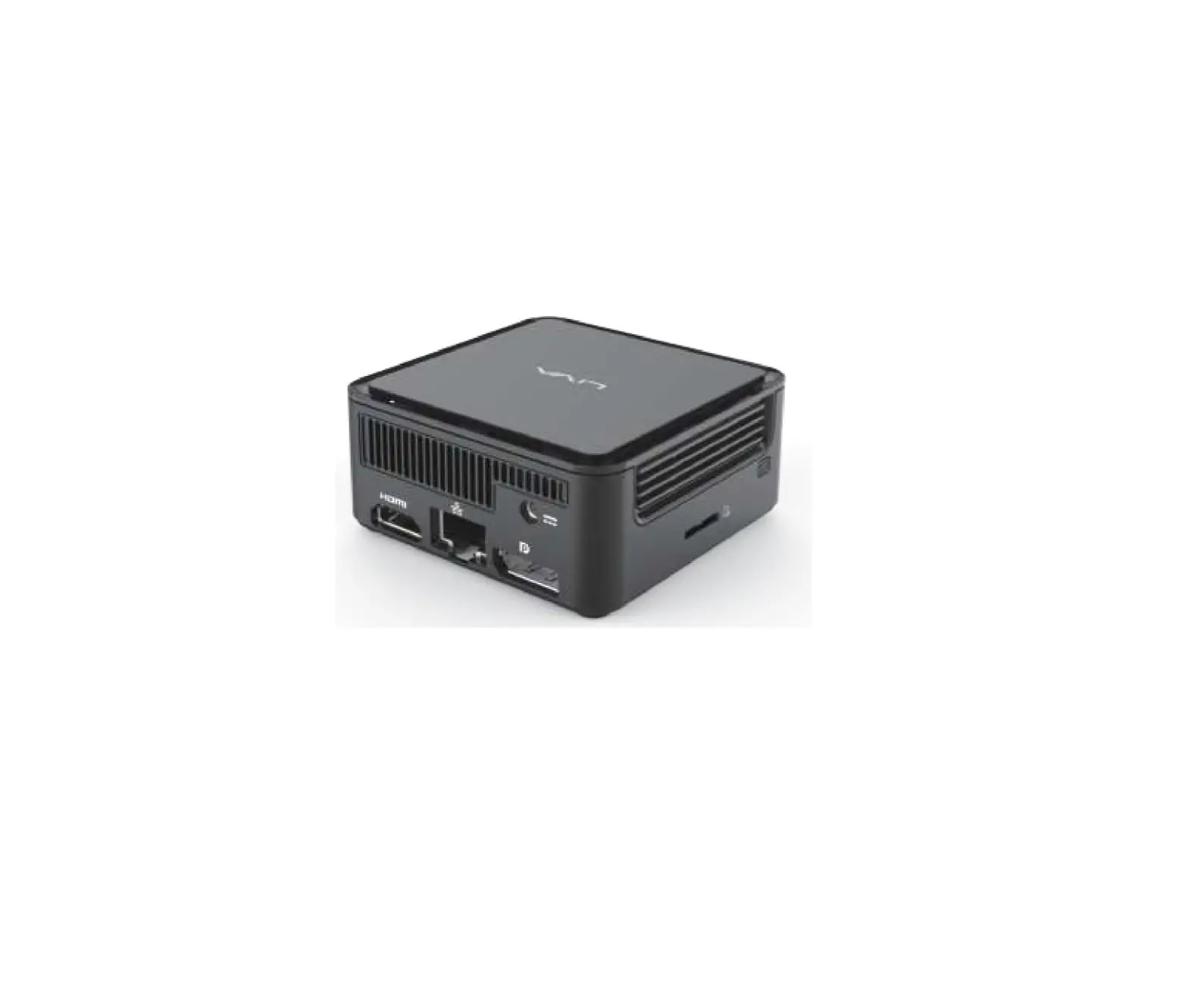
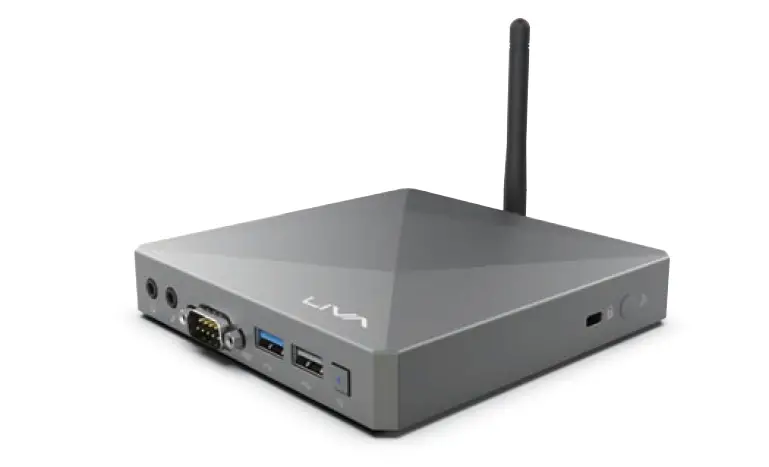
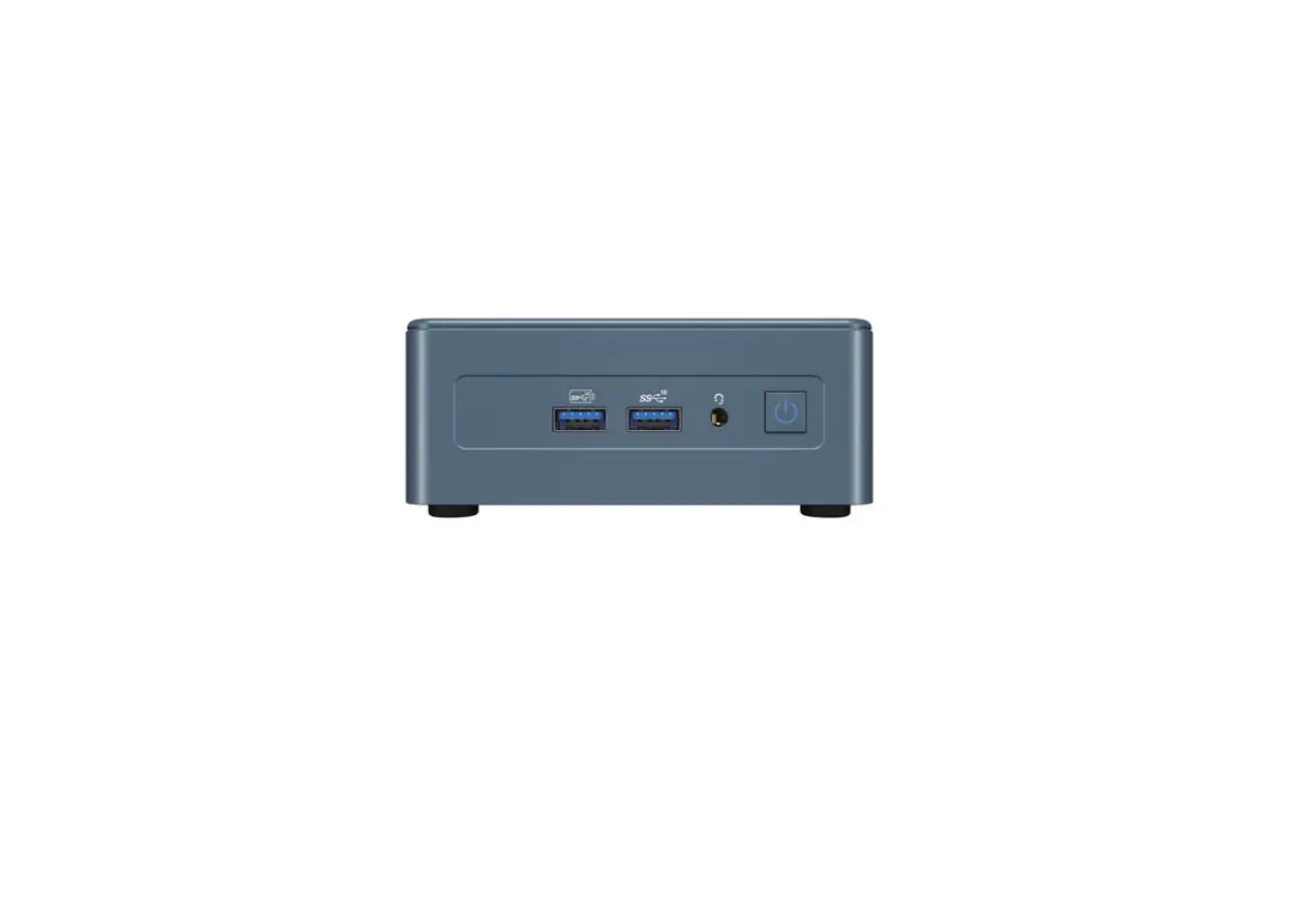
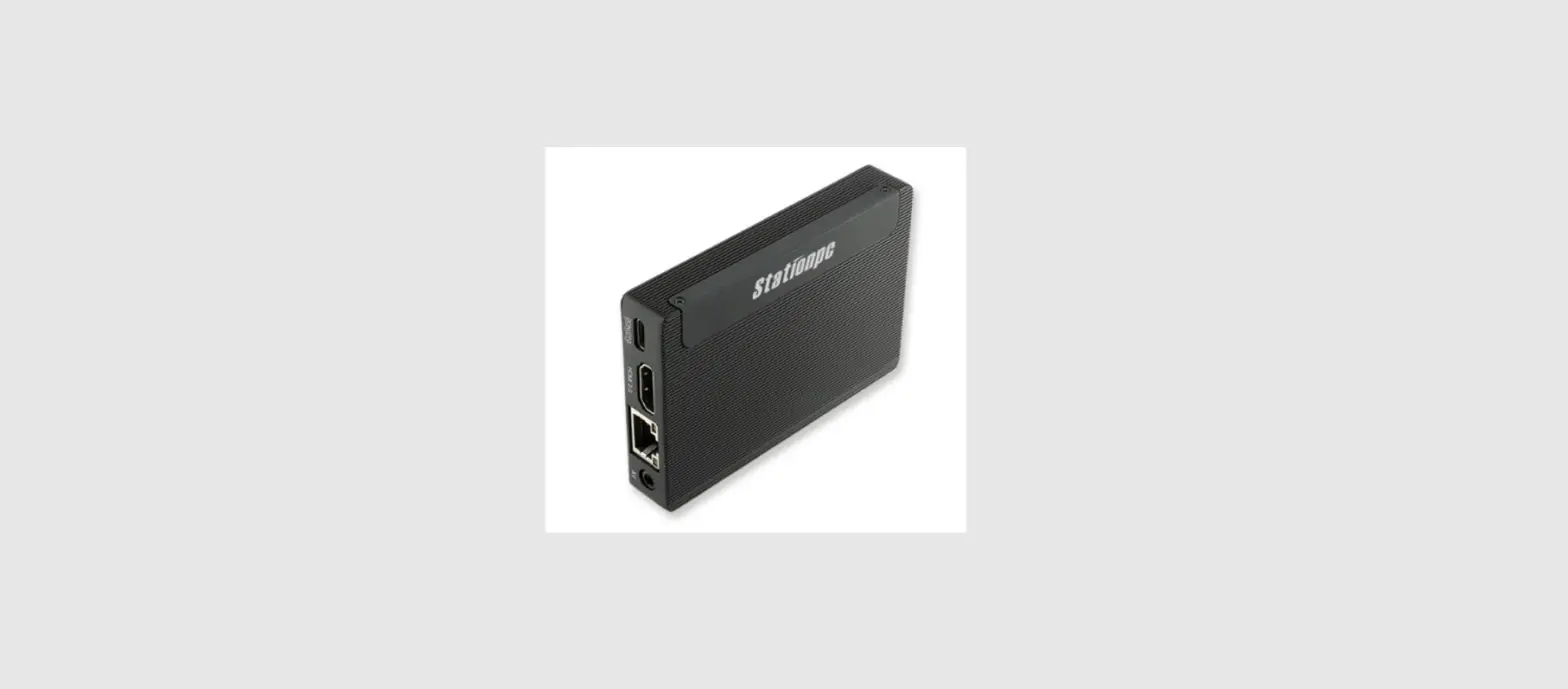
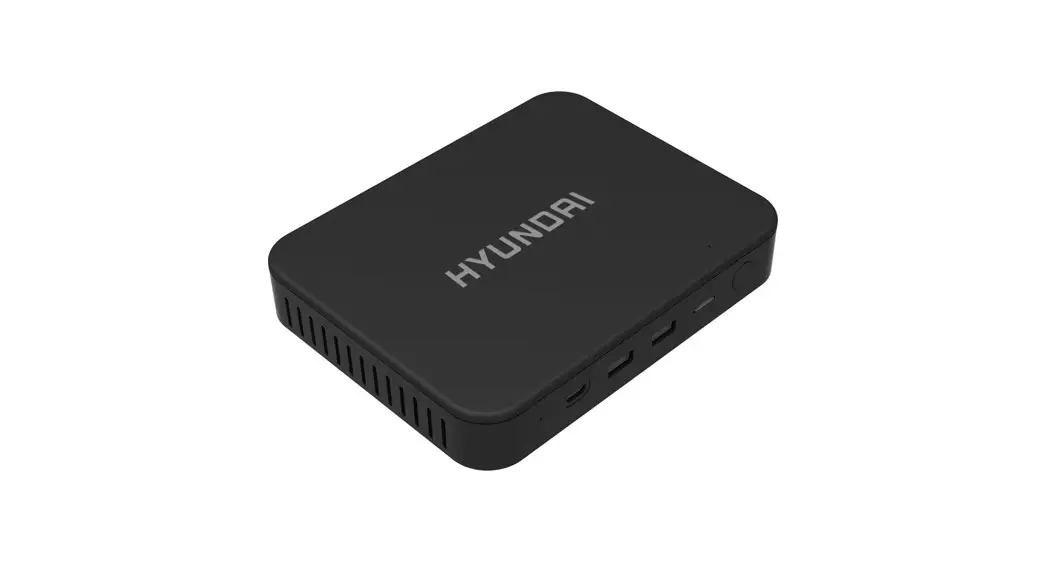
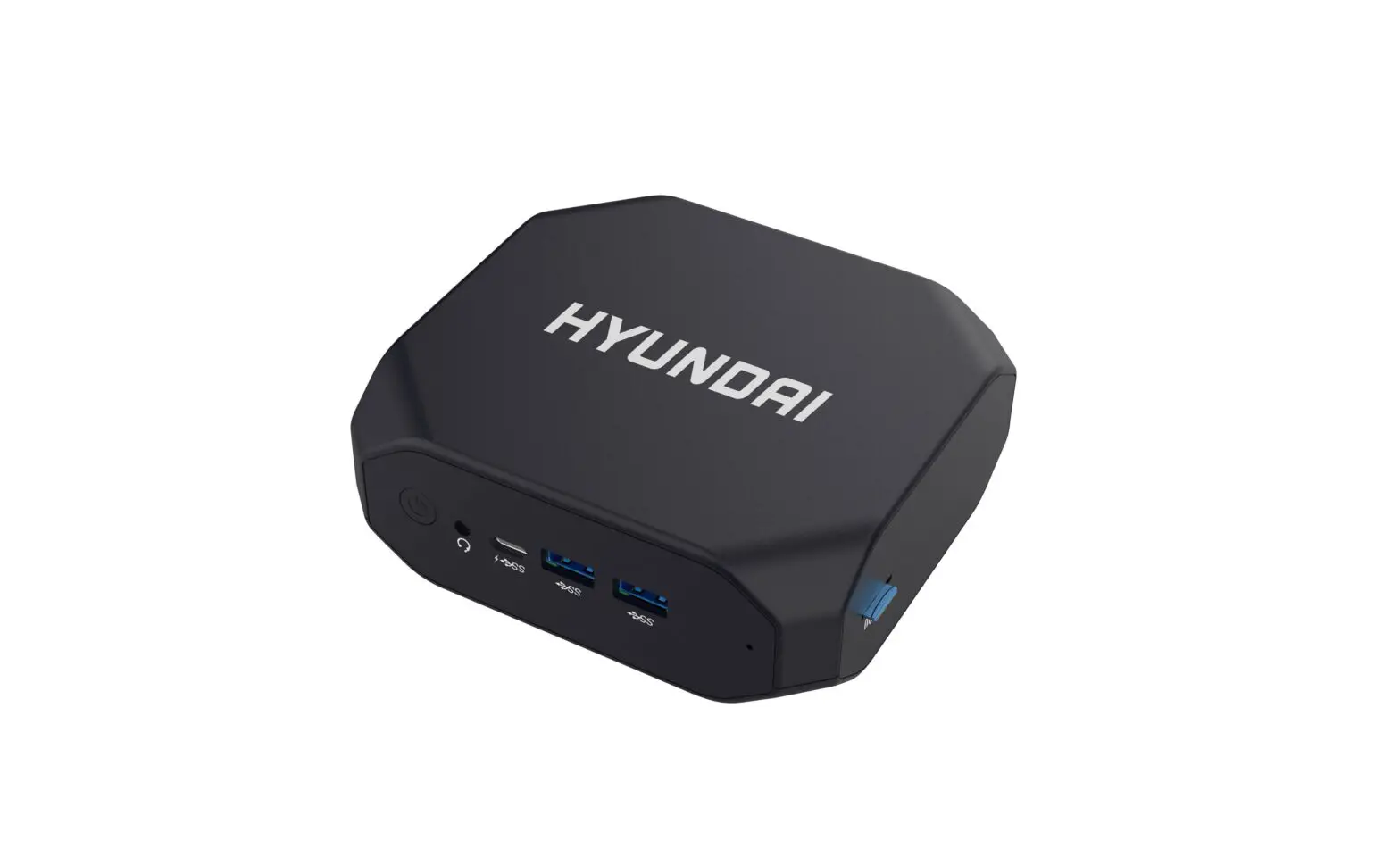
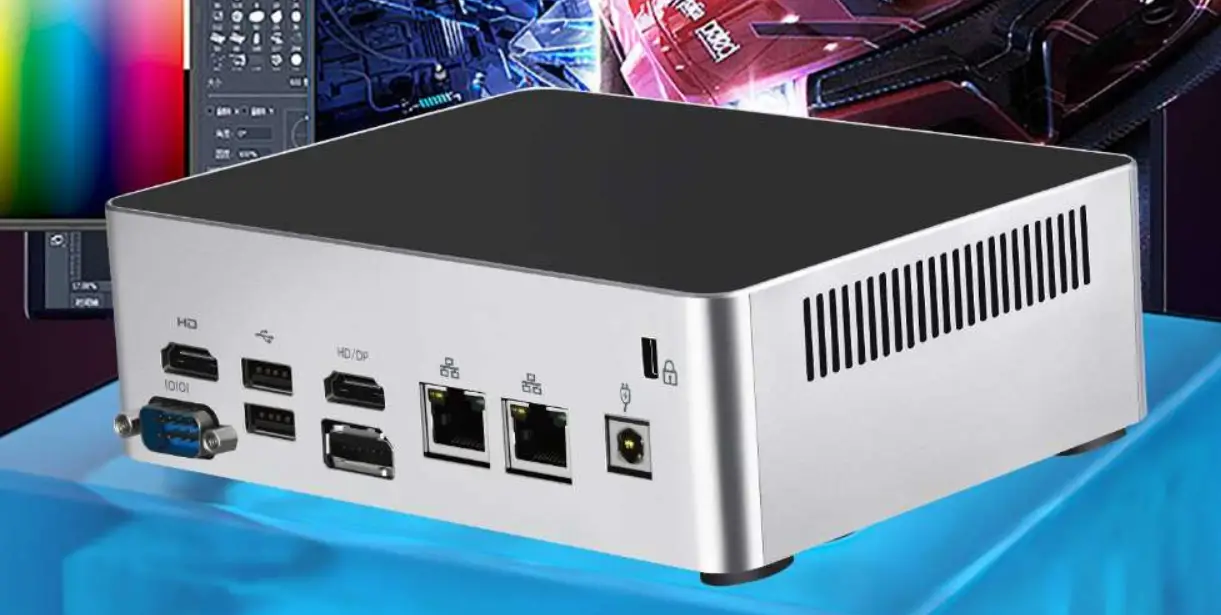
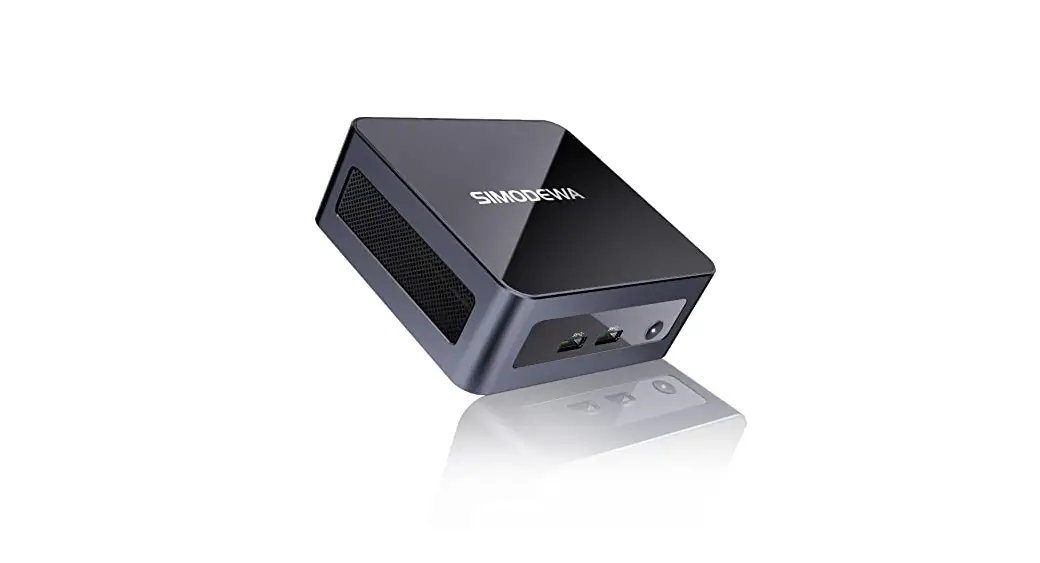
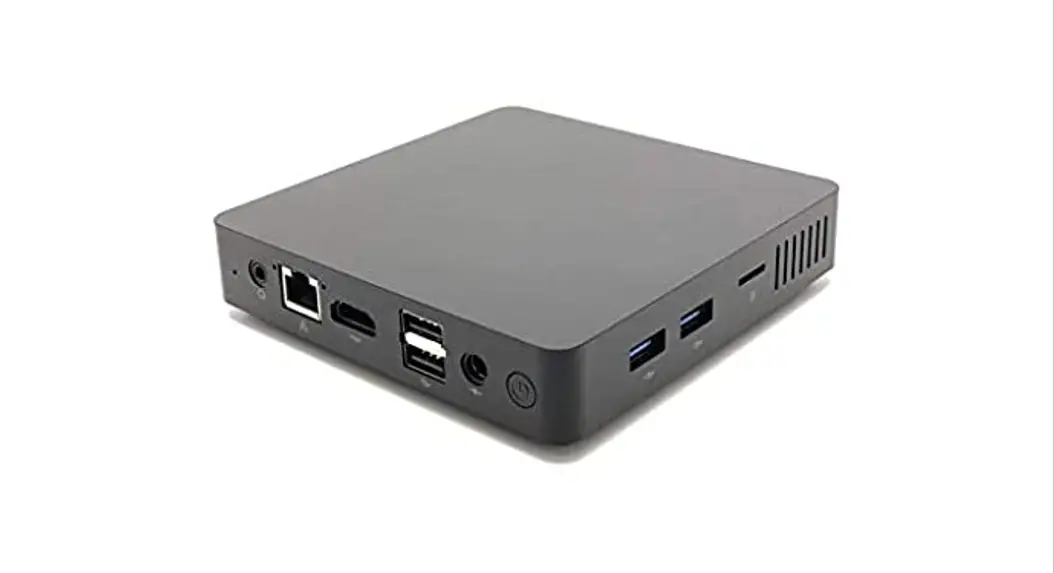
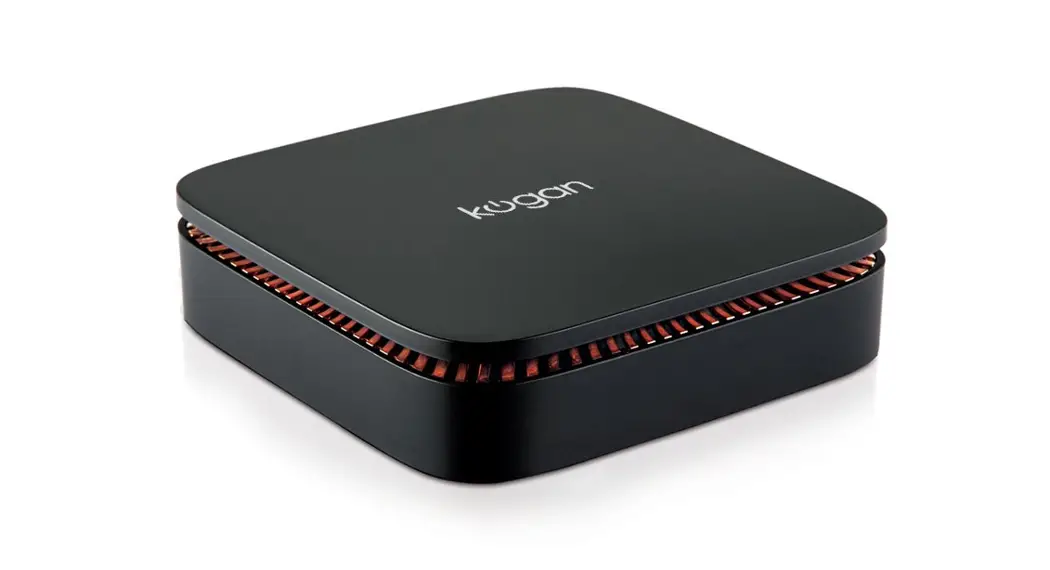
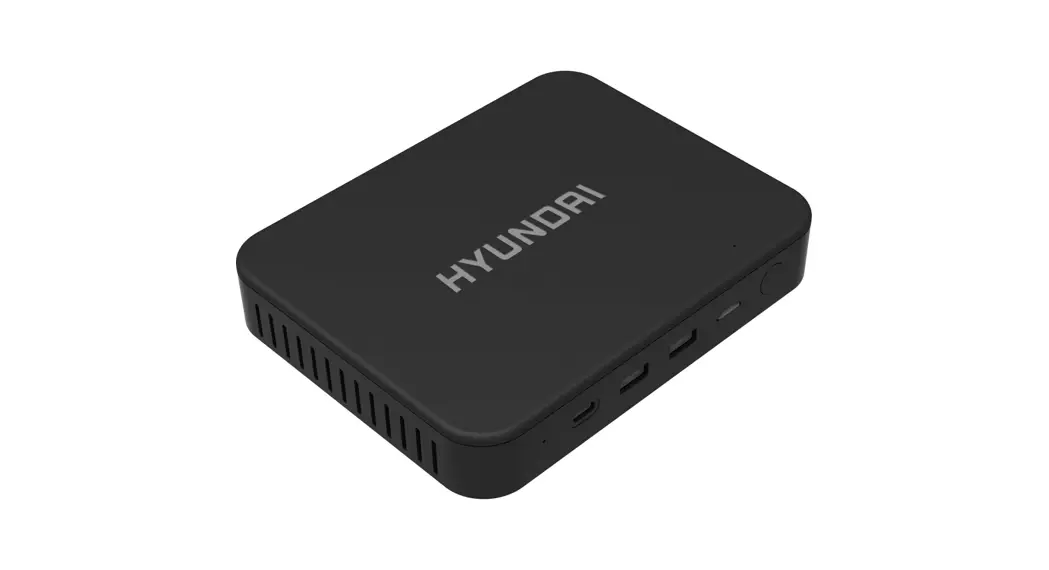
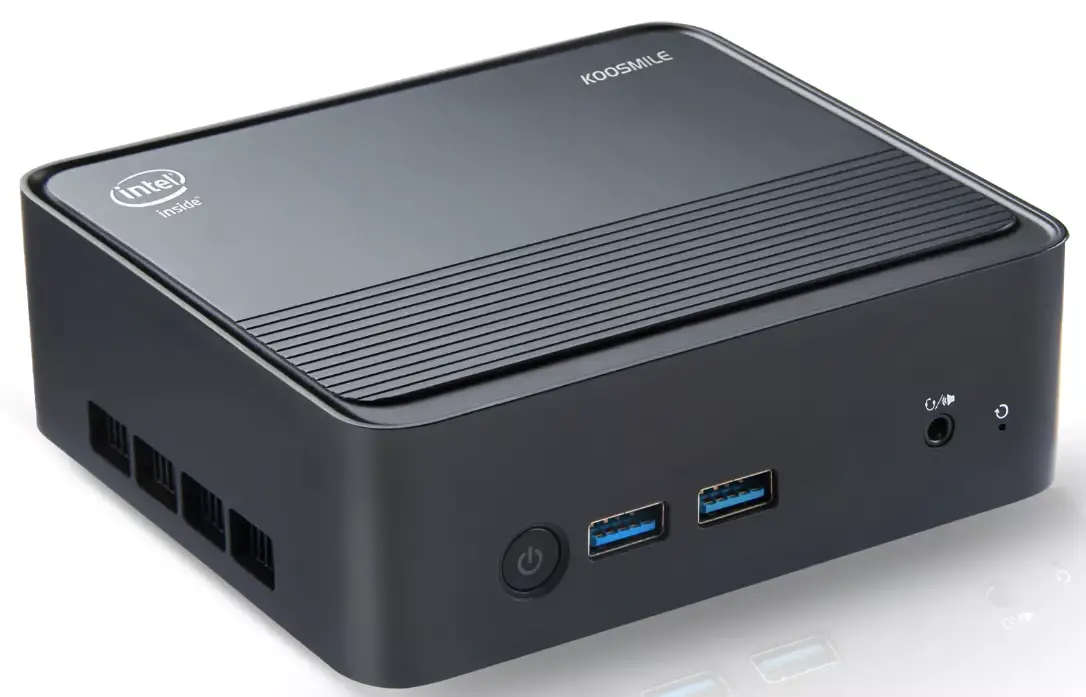
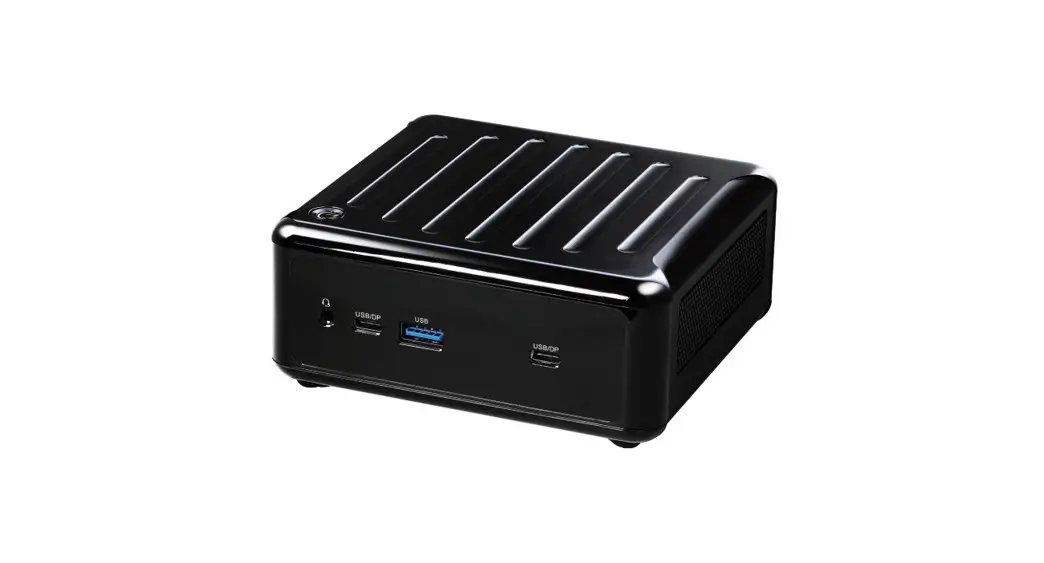
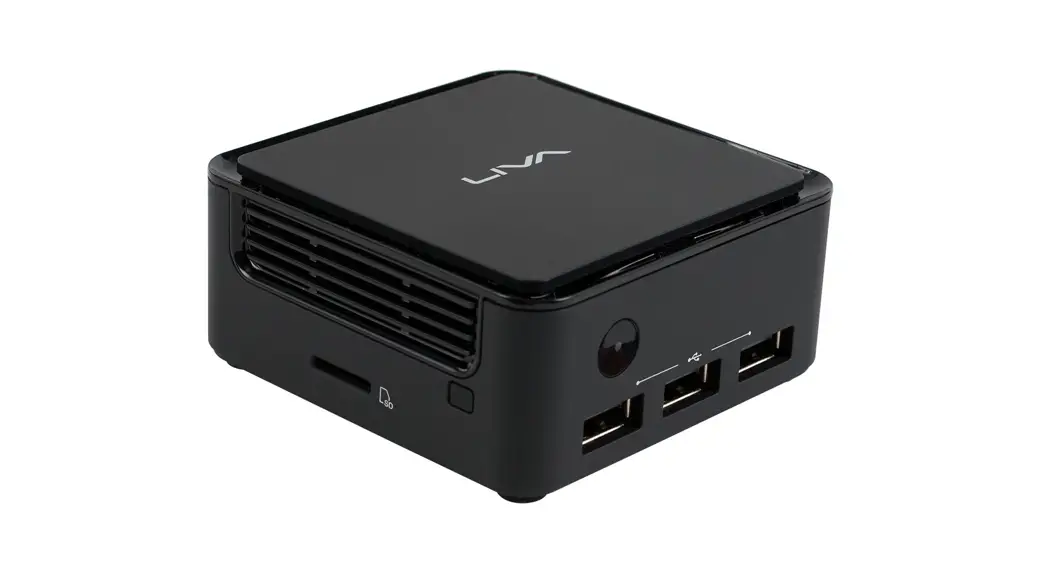
Thank you for choosing LIVA Q1A/PB01A Ultra Tiny PC featuring Rockchip® RK3288 of great performance and with stylish and flexible design. This mini PC is based on the Rockchip® RK3288 Mobile platform. Low power processor with ARM Quad-Cortex-A17 and integrates graphics, memory, and I/O interfaces into one solution. It supports LPDDR3 2GB memory, It also can add additional storage from USB Flash Drive and Micro SD. The system is equipped with a set of I/O ports at the front/rear panel, including three USB 2.0 ports, one Micro USB port, one Giga LAN connector, one HDMI 2.0 Type-A port, one Micro SD card slot, one DC port, one power button.
Note:
ID design and specification may vary, please refer to actual goods you purchase.
Specifications
| CPU/Chipset | Rockchip® RK3288 Quad-core Cortex-A17 up tp 1.6GHz |
| Memory | Onboard LPDDR3-1600 2GB |
| Storage | Support eMMC 32 GB |
| Panel I/O | 3 x USB 2.0 ports 1 x Micro USB port 1 x Giga LAN connector 1 x HDMI 2.0 Type-A port 1 x Micro SD card slot 1 x DC port |
| Button and LED Light | Power button Power LED Light |
| LAN | 802.11 b/g/n Wifi Bluetooth 5.2 supports BT peripheral device |
| Power Supply | ASIAN POWER DEVICES INC. WB-24J12R |
| Operation System | Android 8.1 / LINUX(Lubuntu 18.04) |
| Heatsink Design | Heatsink |
| Operation Temp | 0~+40 O C |
| Dimension | 74mm x 74mm x 34.6mm |
| Color | Black/Blue |
Front and Rear I/O
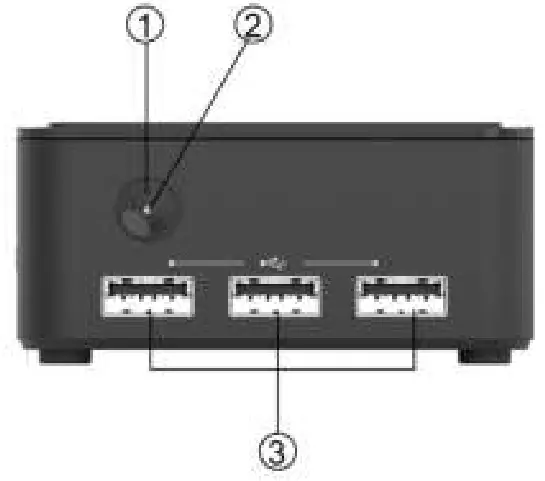
Note:
ID design and specification may vary, please refer to actual goods you purchase.
| Power Button | Use this button to power on/off the system. |
| Power State LED | This is a power state LED light. |
| USB 2.0 Port | Connect your USB 2.0 device to this port. |
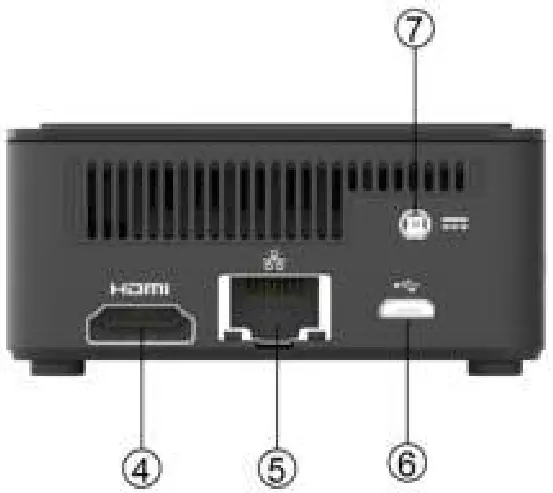
| HDMI Port | You can connect the display device to the HDMI port. |
| Giga LAN Port | Connect the RJ-45 jack to the LAN ports for Network connecting. |
| Micro USB Port | Connect your Micro USB 2.0 device to this port. |
| 12V DC_IN Port | Connect the DC_IN port to the power adapter. |
Side I/O
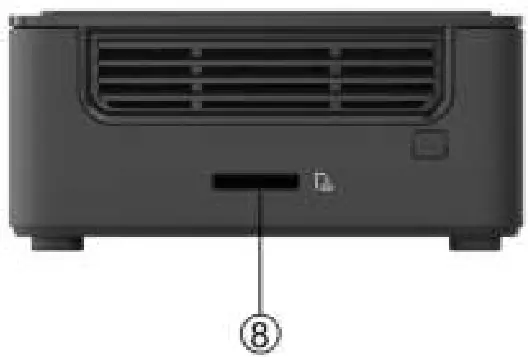
| Micro SD card slot | This is a Micro SD card slot. |
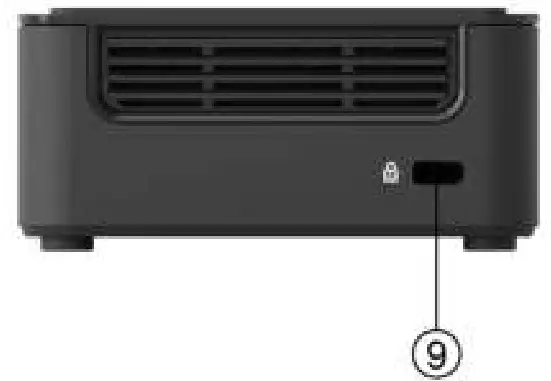
| Security Keyhole | This is a security keyhole. |
Install the VESA Mount
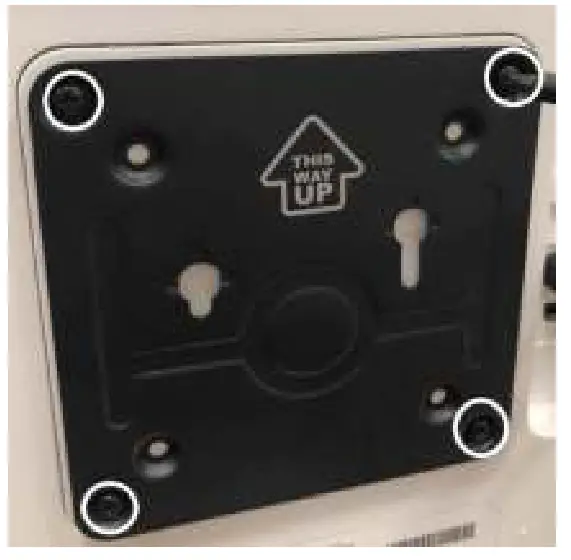
2. Fasten 2 screws under the case.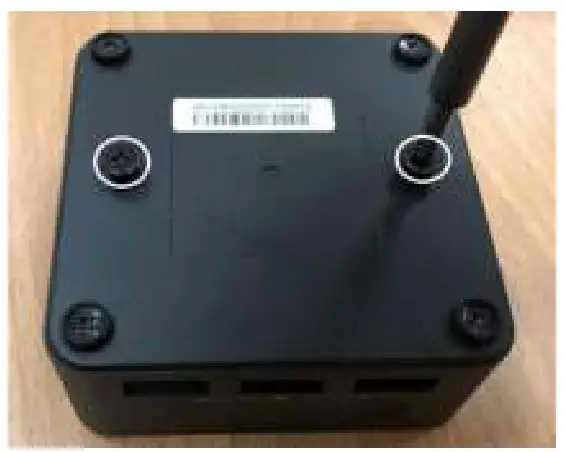
3. Hold the case towards the VESA bracket and insert the screws into the holes.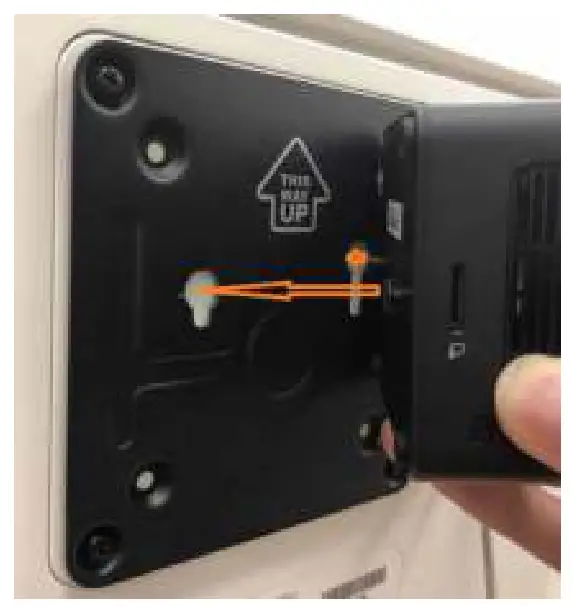
4. Slide the case down until it is fixed.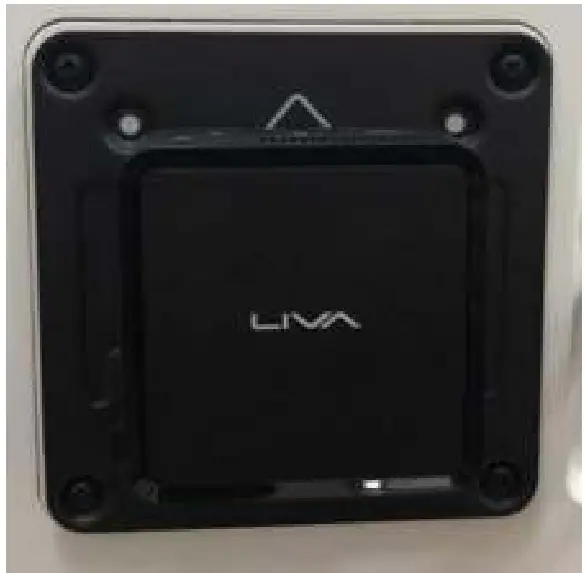
Motherboard Components
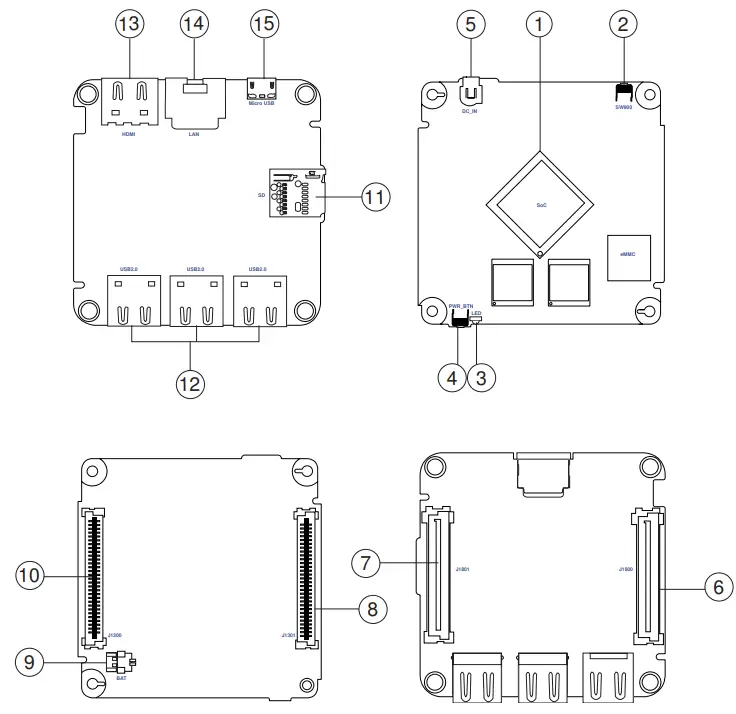
Note:
Find J1300~1301 and J1800~1801 on the two motherboards, insert J1300~1301 into J1800~1801 correctly after their alignment.
| LABEL | COMPONENTS |
| 1. SoC | Rockchip® RK3288 |
| 2. SW900 | Recovery button |
| 3. LED | Power state LED |
| 4. PWR_BTN | Power On/Off button |
| 5. DC_IN | Power input port |
| 6. J1800 | IO board connector |
| 7. J1801 | IO board connector |
| 8. J1301 | Motherboard connector |
| 9. BAT | Battery connector |
| 10. J1300 | Motherboard connector |
| 11. SD | Micro SD card slot |
| 12. USB2.0 | Standard USB 2.0 port |
| 13. HDMI | HDMI connector |
| 14. LAN | Network connector |
| 15. Micro USB | Micro USB 2.0 port |
 Elitegroup Computer Systems Co., LTD.
No. 239, Sec. 2, Tiding Blvd., Neihu District,
Taipei City, Taiwan (11493)
Tel: 02-21621177