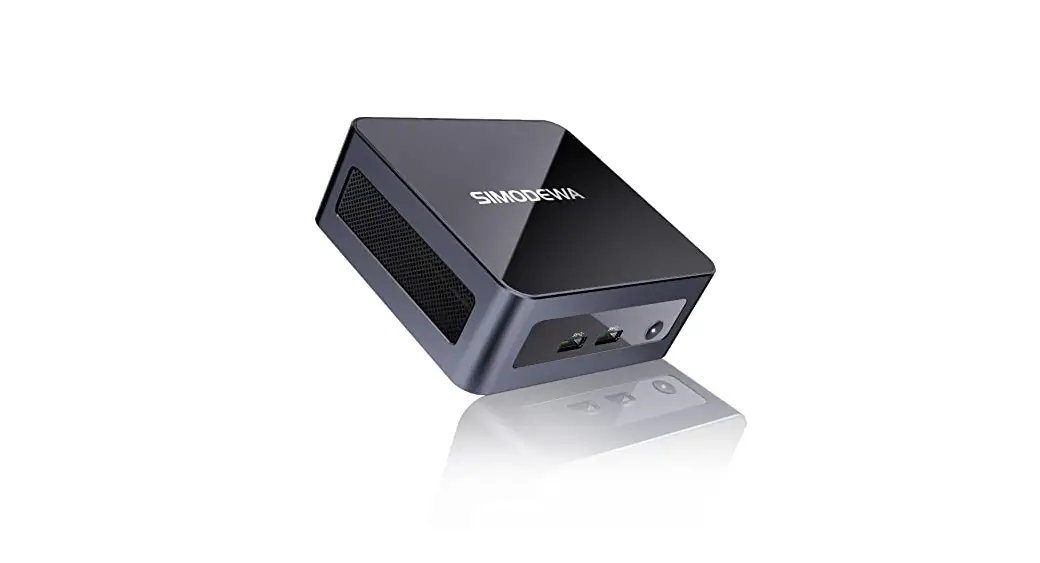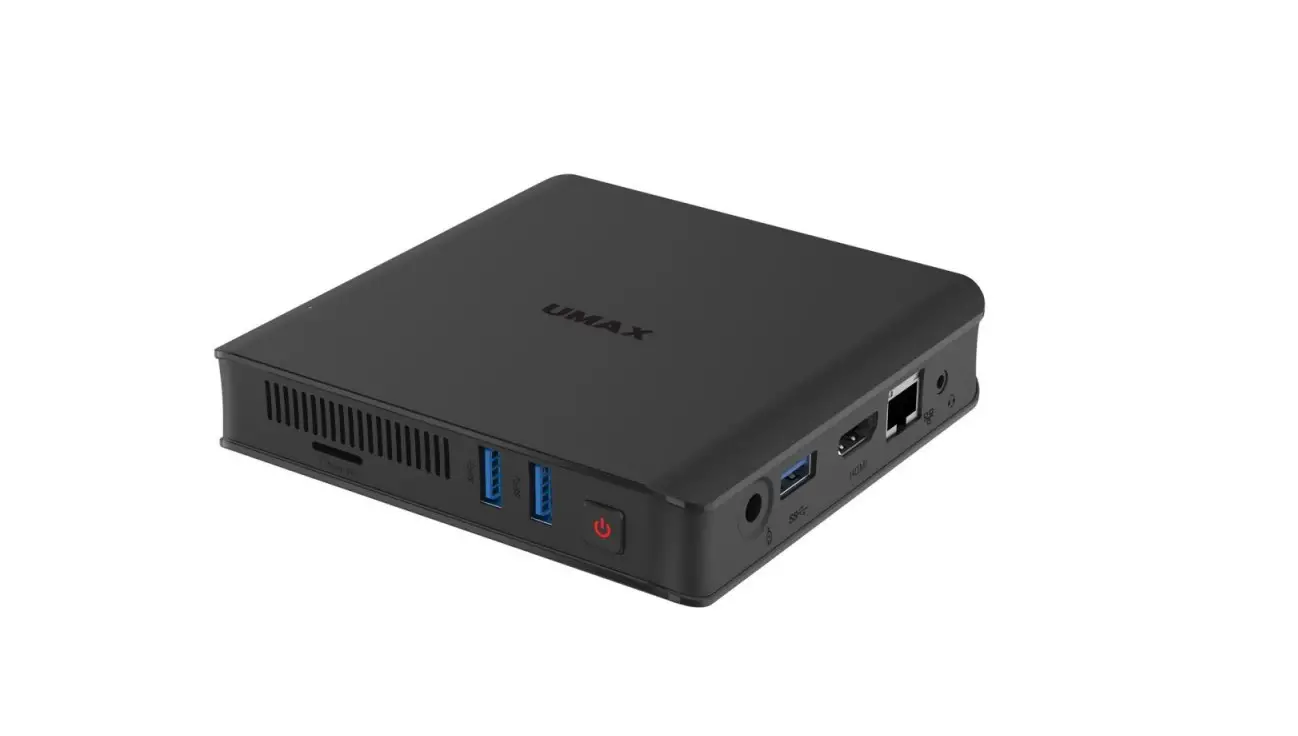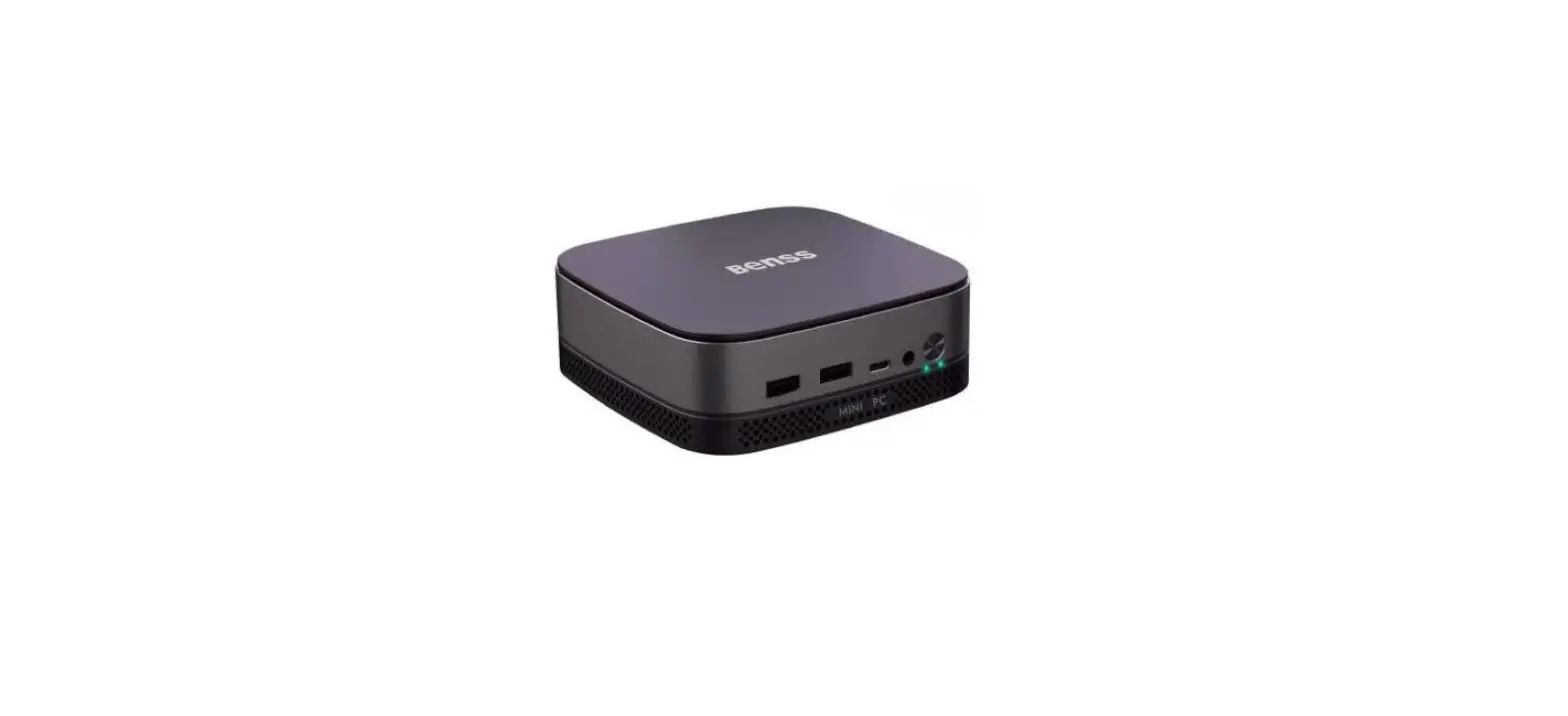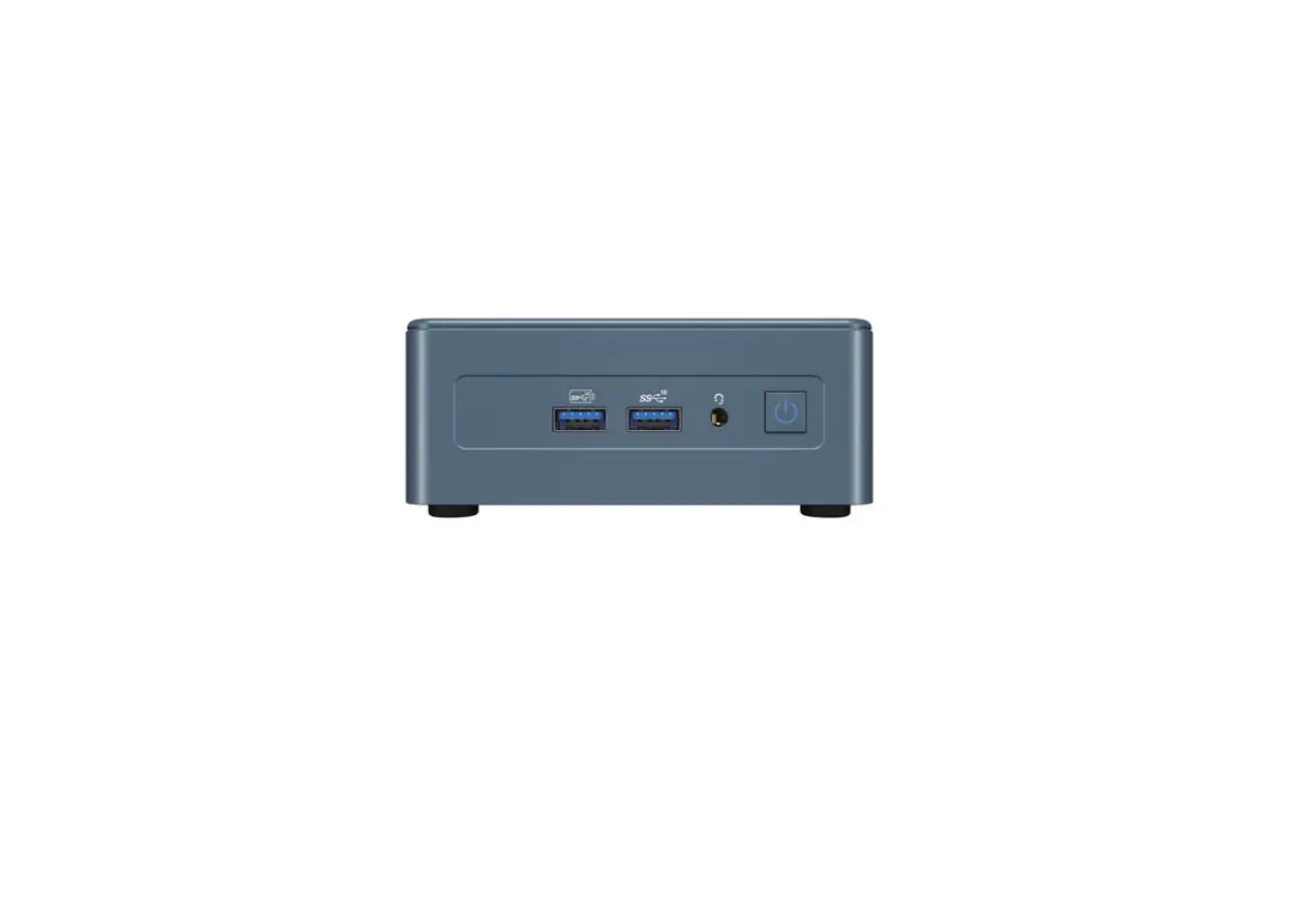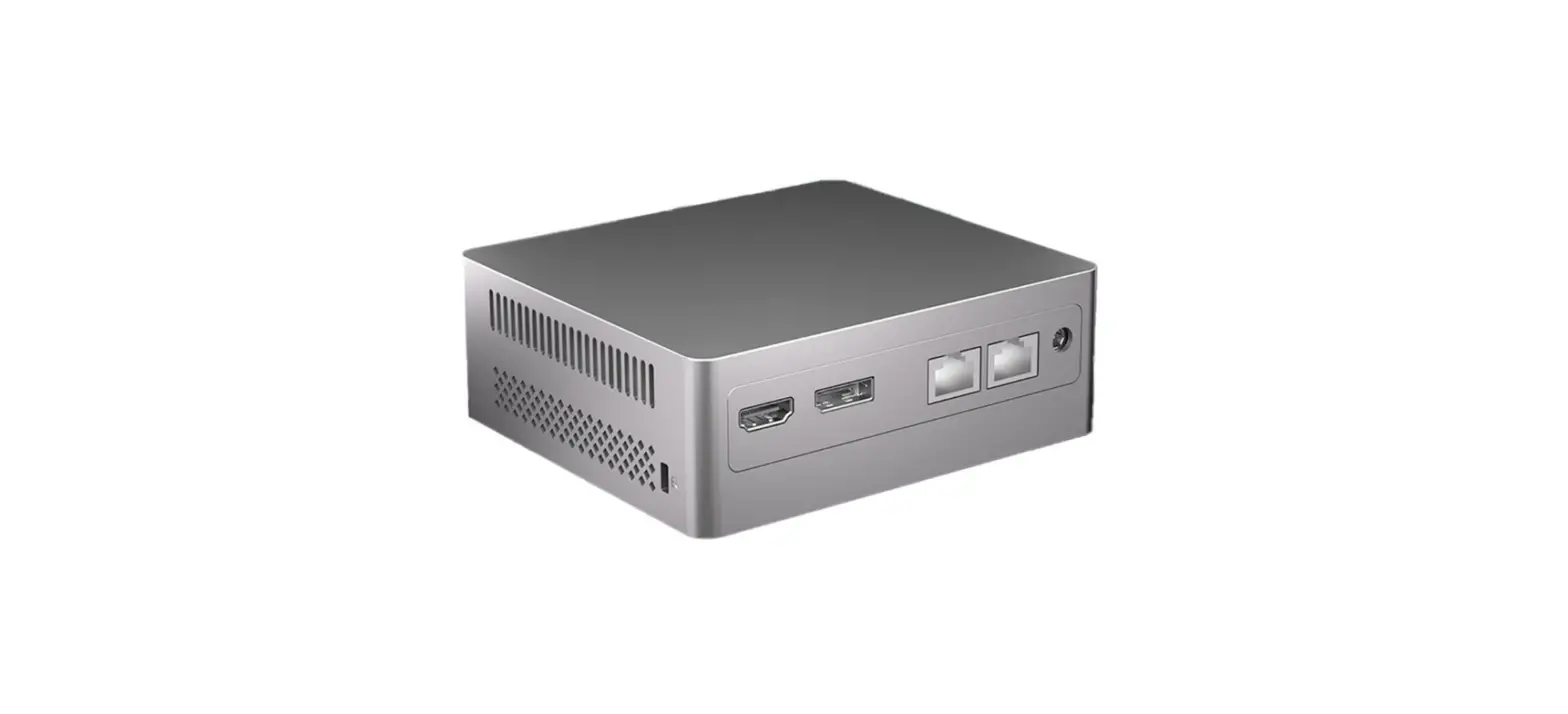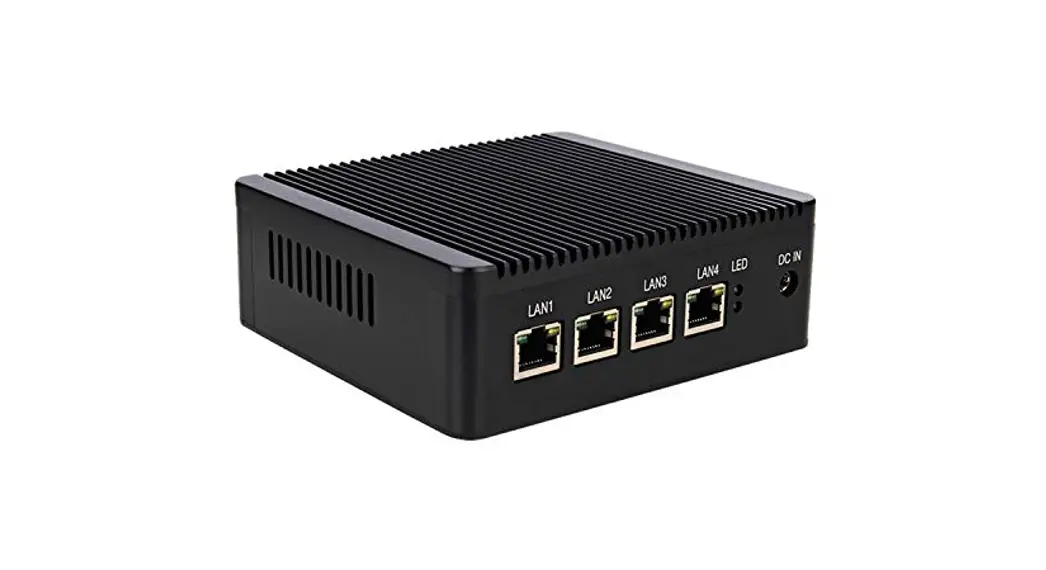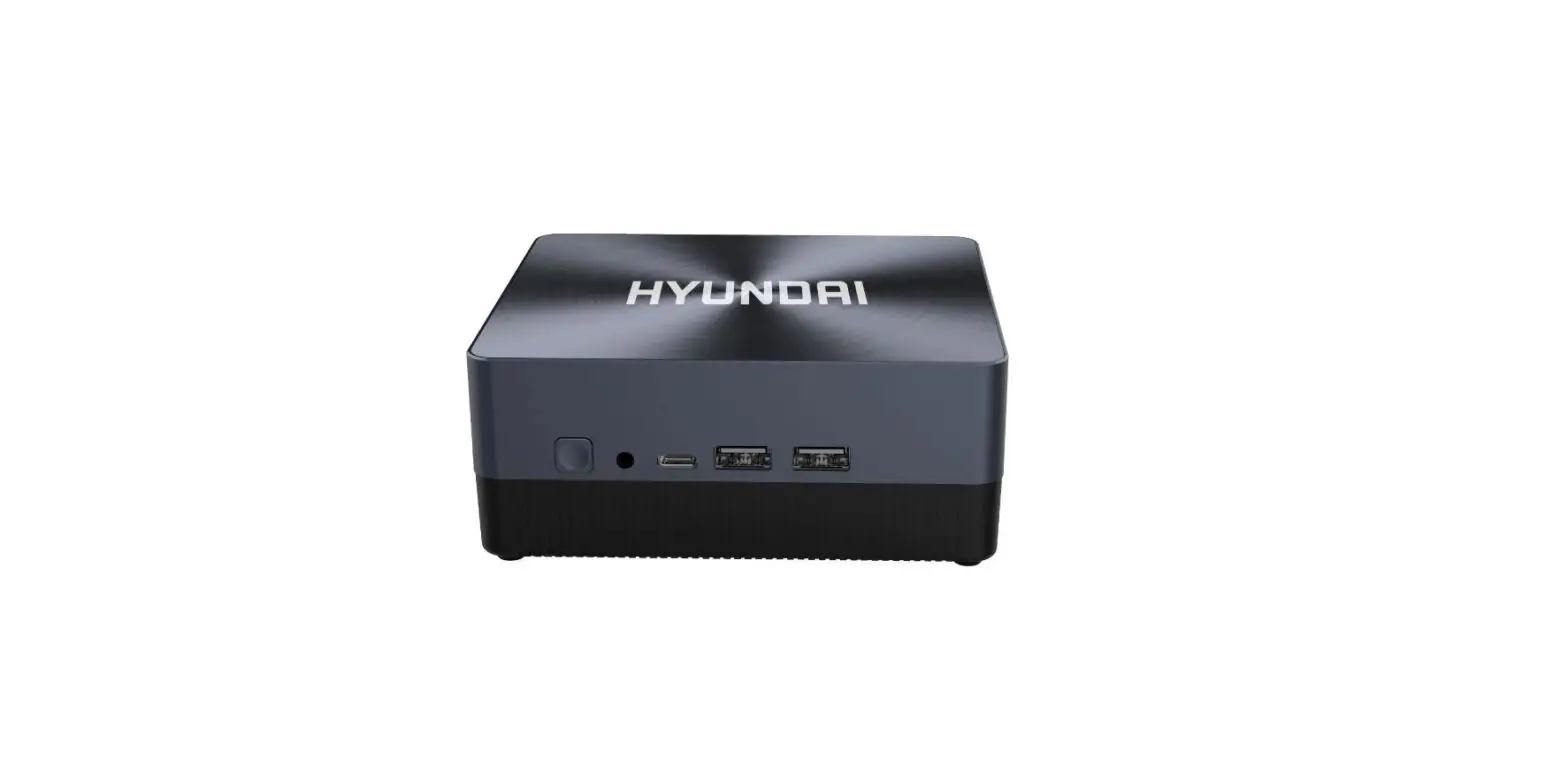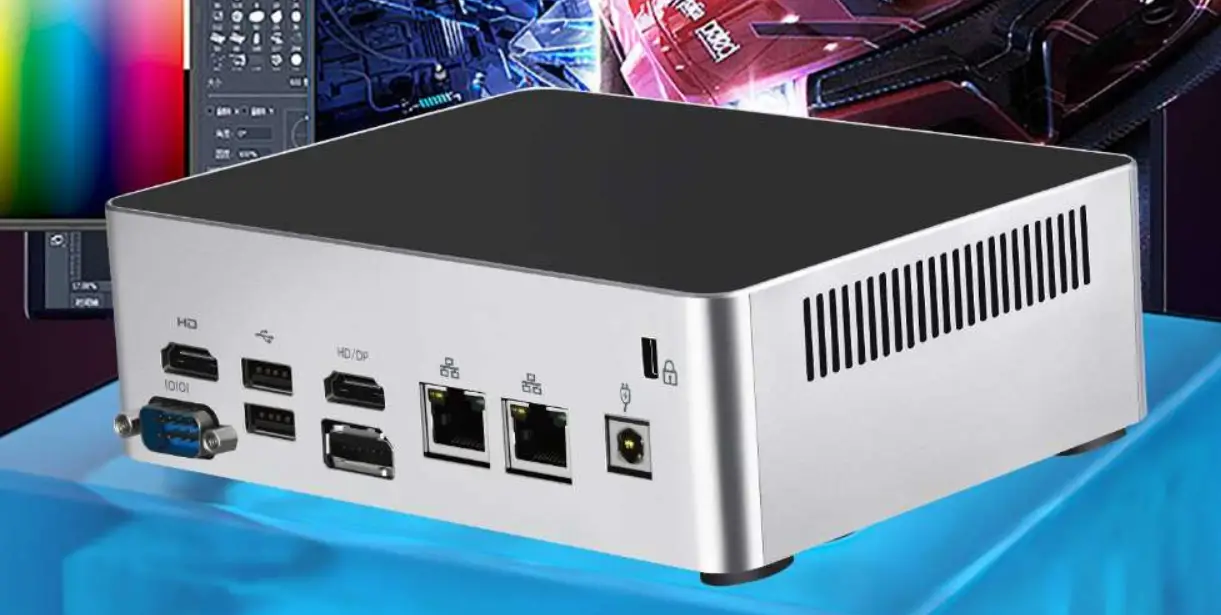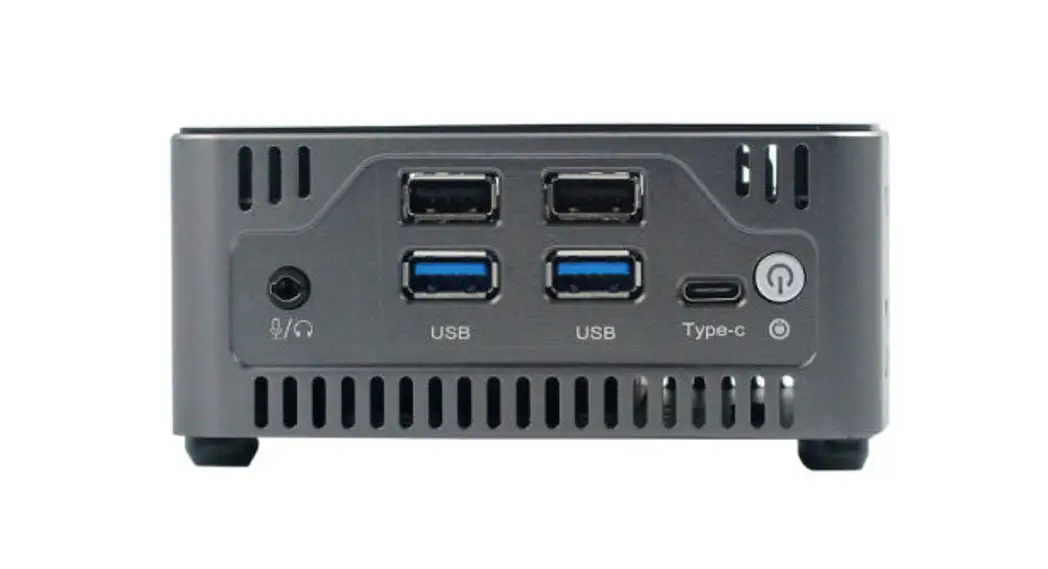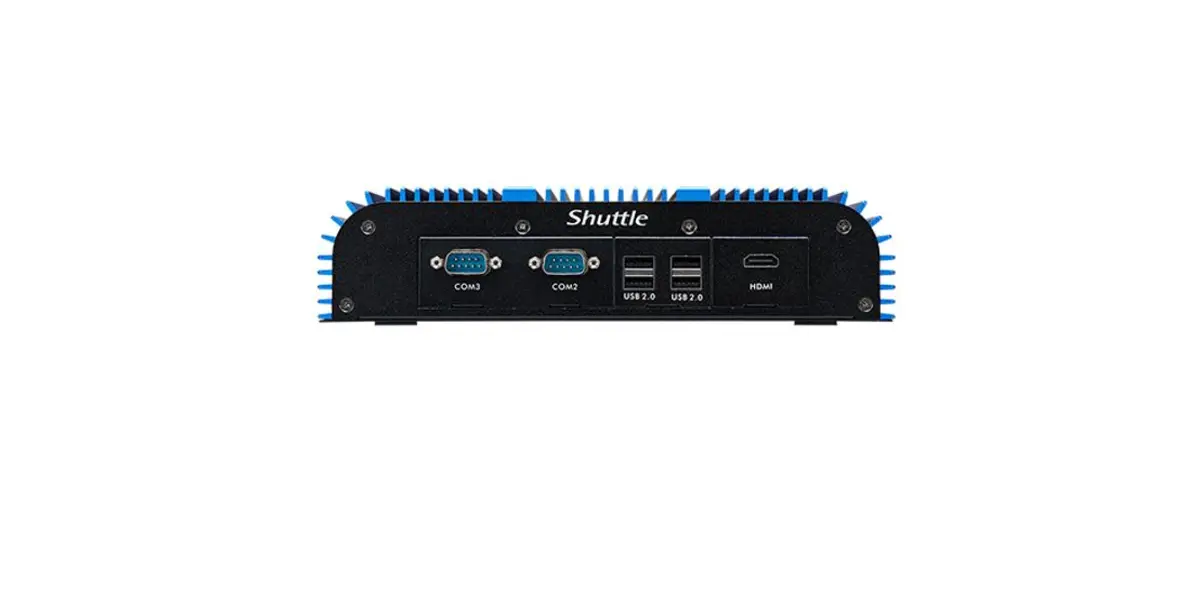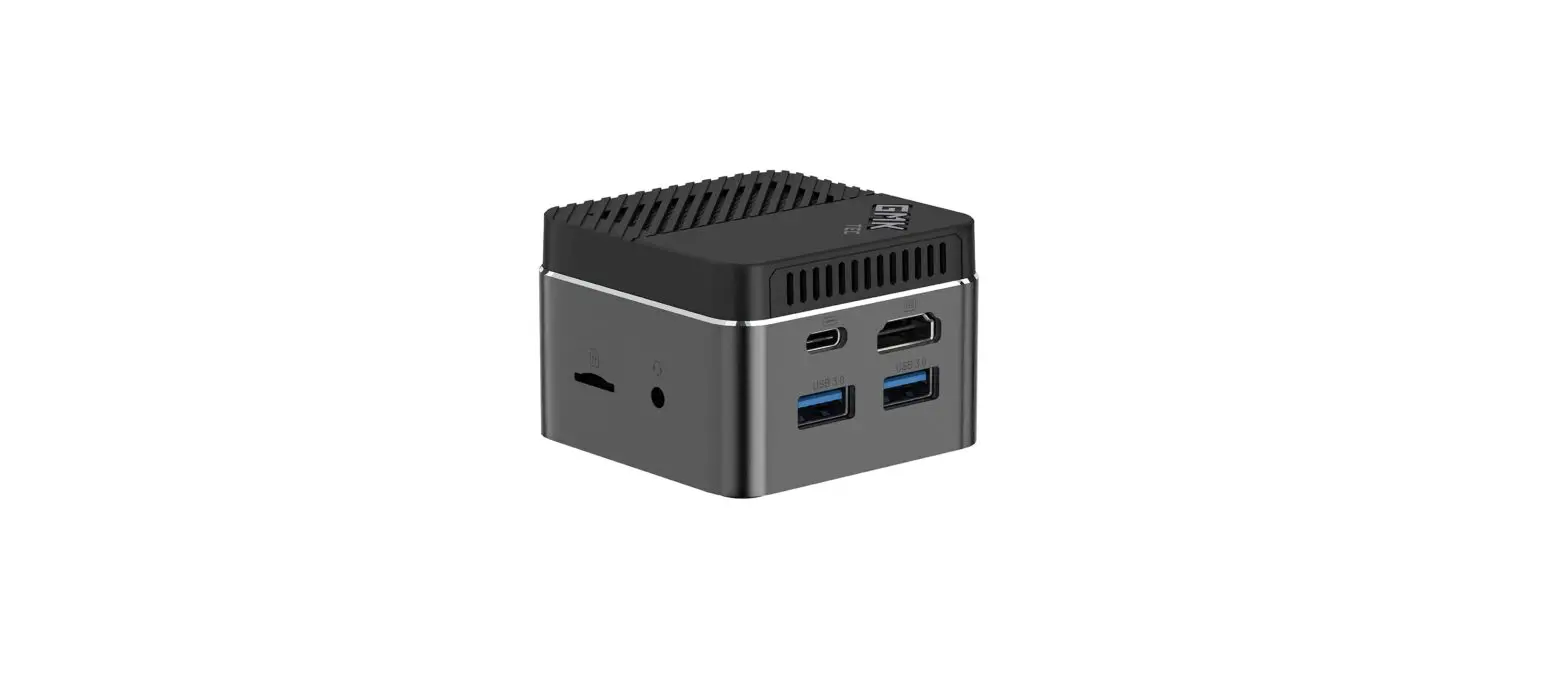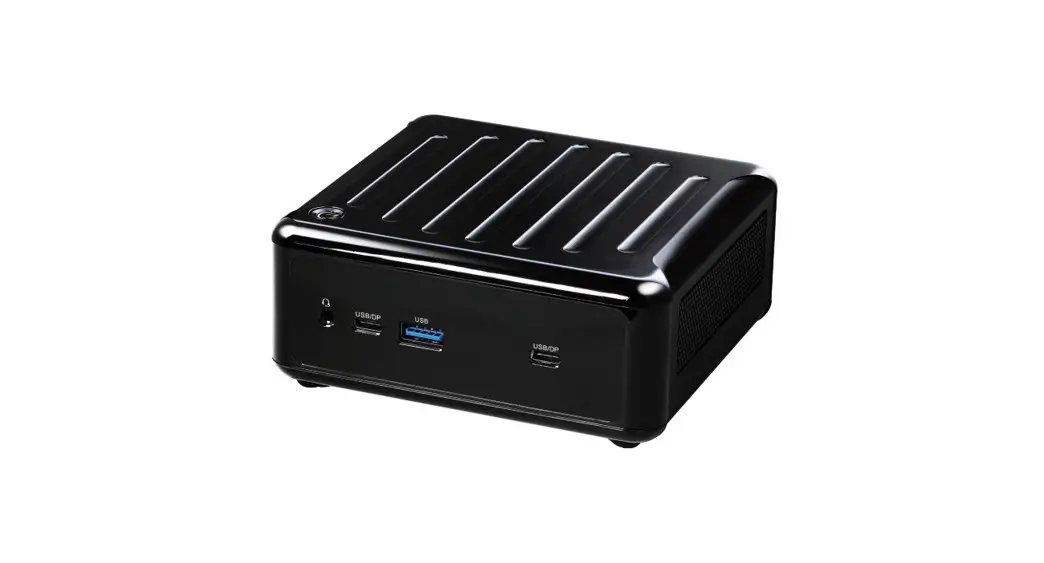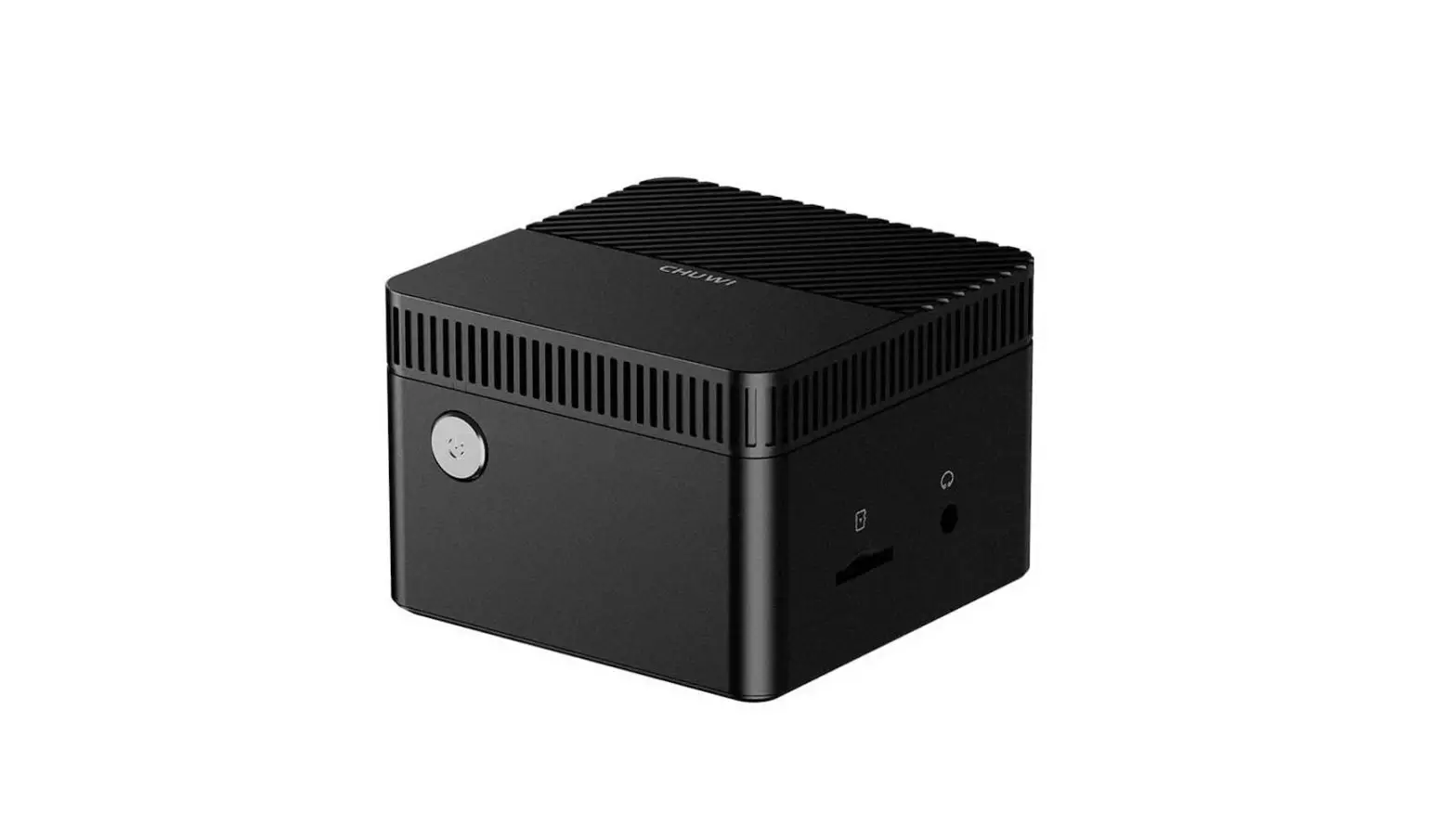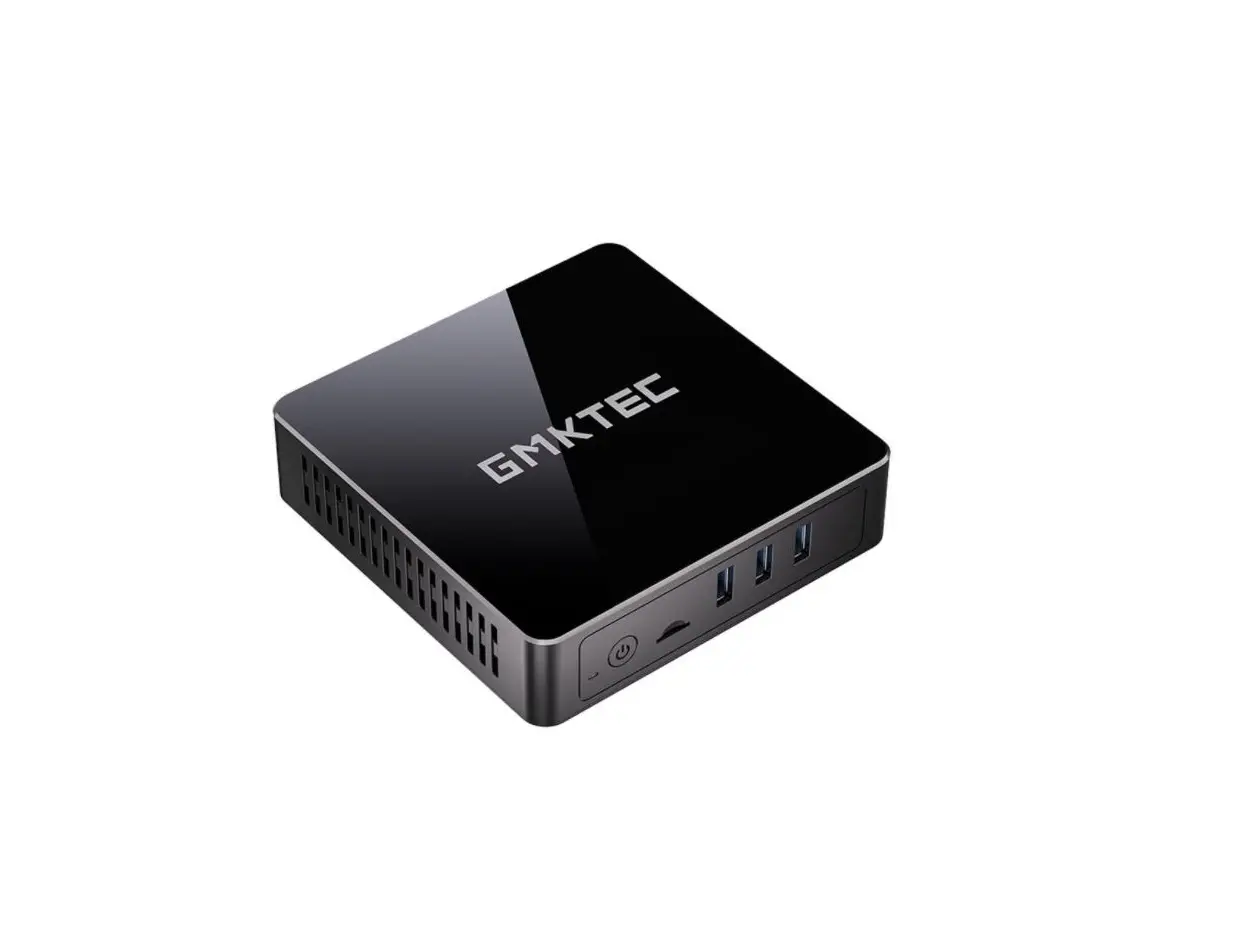
 KMJ U-series Mini Box PC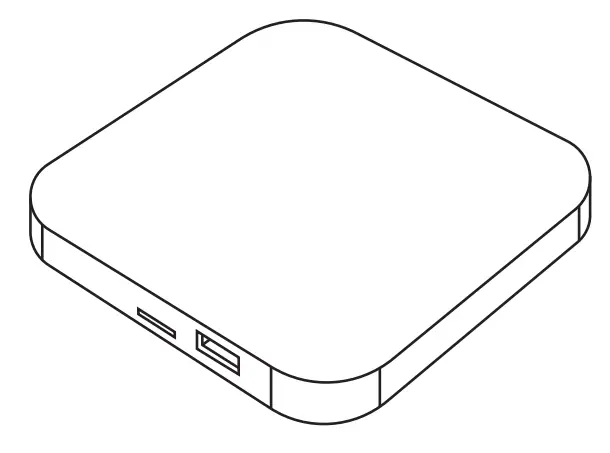
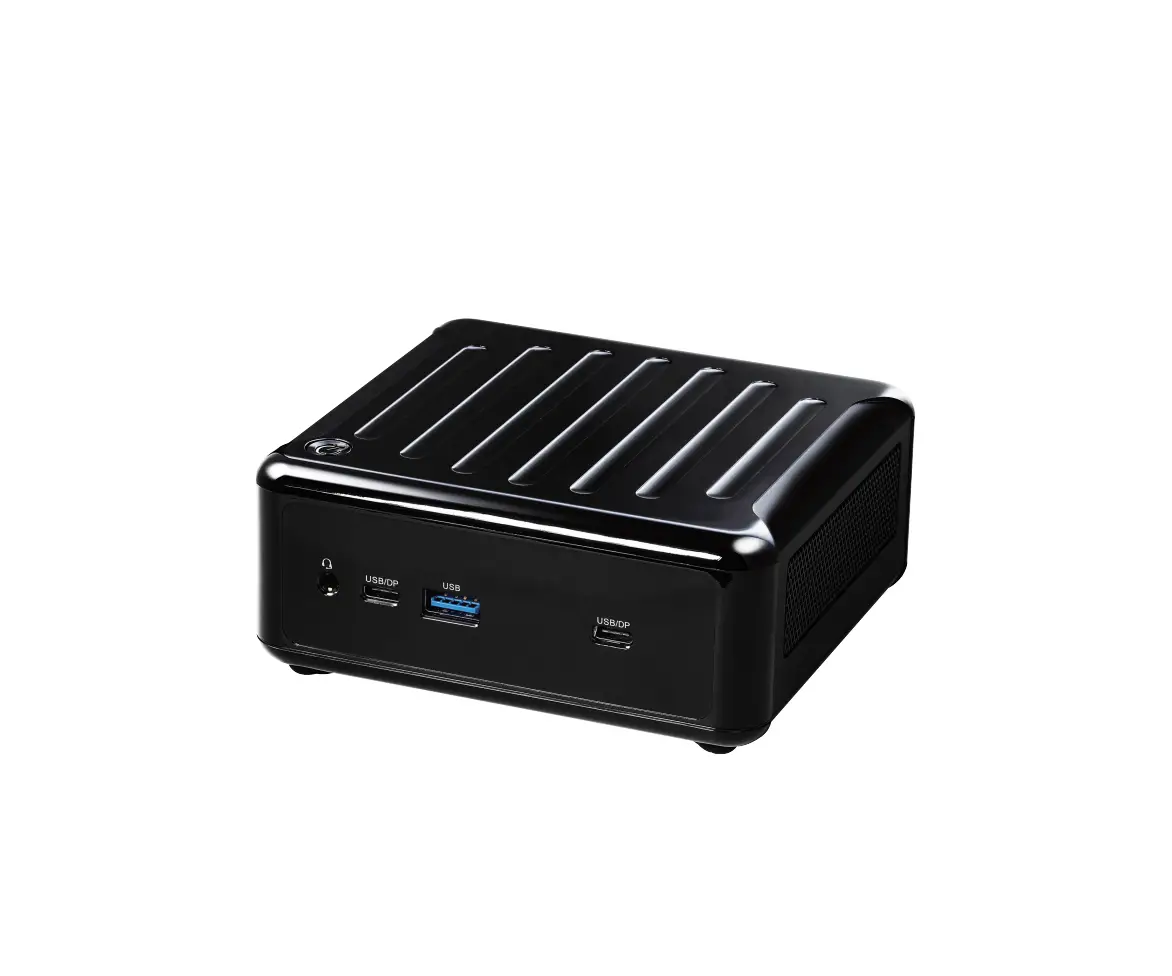
KMJ MUCBOX-T8
KMJ MUCBOX -G7
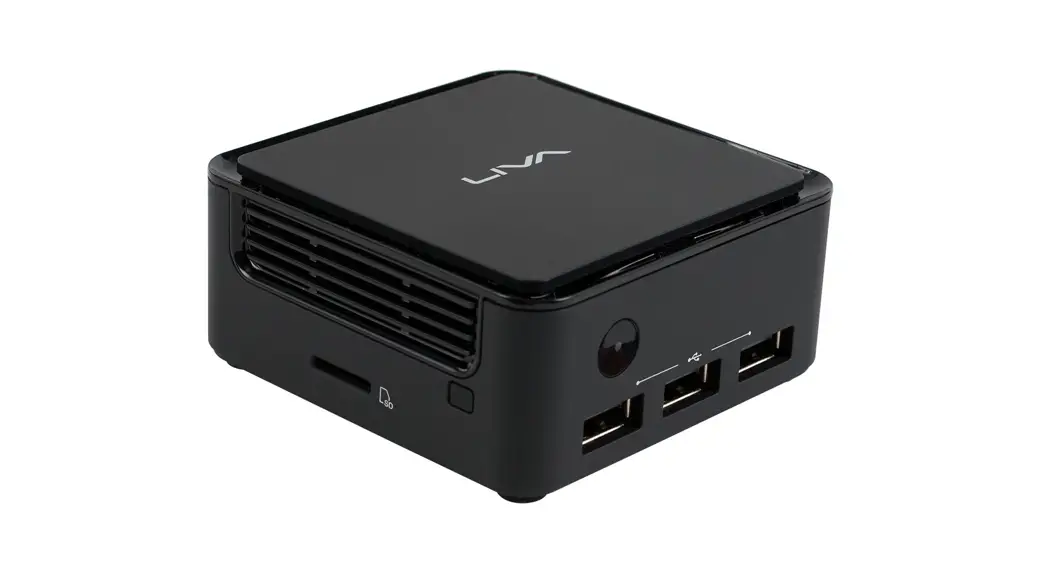
KMJ MUCBOX -G6
MUDBOX-GS
MUDBOX-LS
Product information
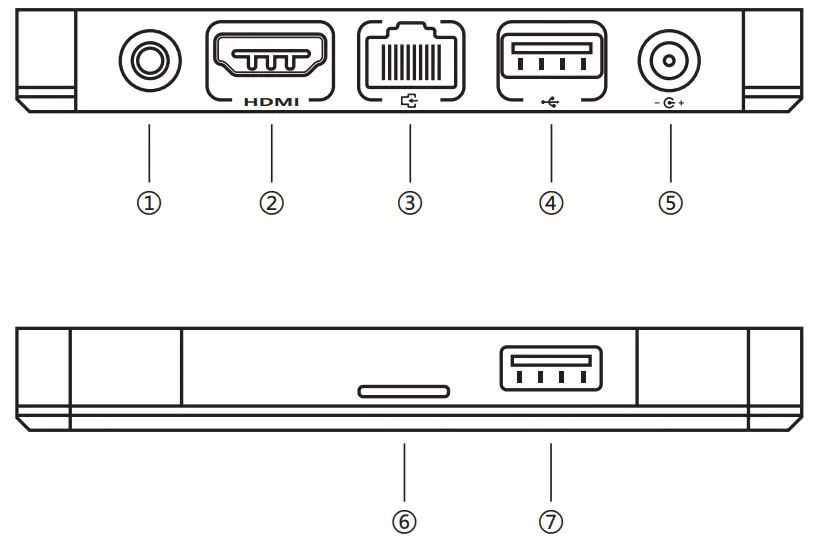
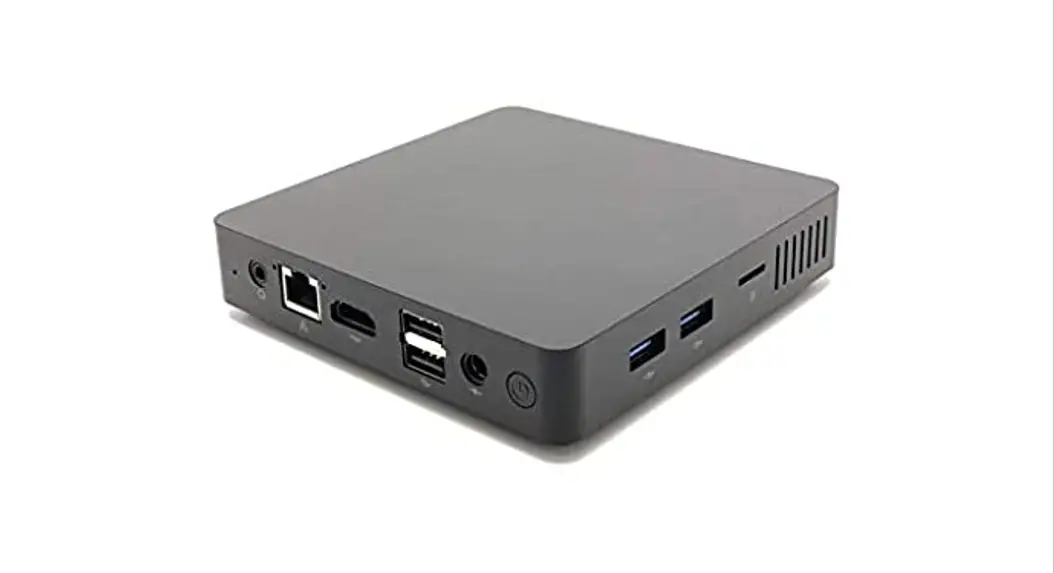
- 3.5mm media output
- HDMI output
- LAN
- USB 3.0
- DC-in
- TF Card
- USB 3.0
Connecting
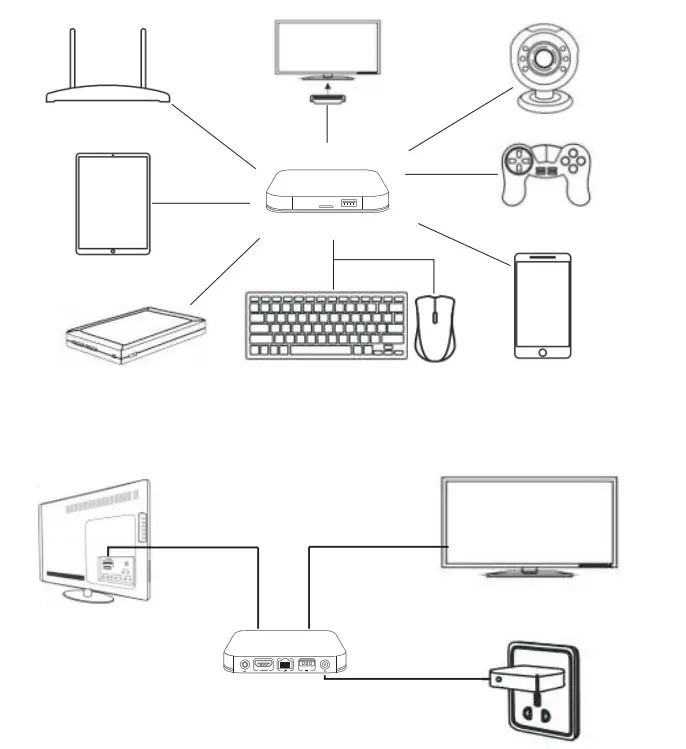
- Turn on the TV or monitor and change the video output to be HDMI.
- Connect the KMJ U-series Mini Box PC to the HDMI input of the TV or monitor with an HDMI cable.
- Connect the power adapter into the wall socket, and the other end into the DC port on the box.
- Then the device starts and the LED light on the box is on.
Before You Begin
CAUTION
The procedures in this guide assume familiarity with the general terminology associated with personal computers and with the safety practices and regulatory compliance required for using and modifying electronic equipment.
Always disconnect the computer from its power source and from any network before performing any of the procedures described in this guide.
Failure to disconnect power or networks before you open the computer or perform any procedures can result in personal injury and/or equipment damage. Some circuitry on the board can continue to operate even though the front panel power button is off.
Follow these guidelines before you begin:
- Always follow the steps in each procedure in the correct order.
- Create a log to record information about your computers, such as model, serial numbers, installed options, and configuration information.
- Electrostatic discharge (ESD) can damage components. Perform the procedures described in this chapter only at an ESD workstation using an antistatic wrist strap and a conductive foam pad. If such a station is not available, you can provide some ESD protection by wearing an antistatic wrist strap and attaching it to a metal part of the computer chassis.
Installation Precautions
When you install and test the KMJ U-series Mini Box PC, observe all warnings and cautions in the installation instructions.
To avoid injury, be careful of:
- Sharp pins on connectors
- Sharp pins on circuit boards
- Rough edges and sharp corners on the chassis
- Hot components (such as SSDs, processors, voltage regulators, and heat sinks)
- Damage to wires that could cause a short circuit
Observe Safety and Regulatory Requirements
If you do not follow these instructions, you increase your safety risk and the possibility of noncompliance with regional laws and regulations.
Attach and Use the VESA Bracket (Optional)
Follow these instructions to attach and use the VESA Mount bracket: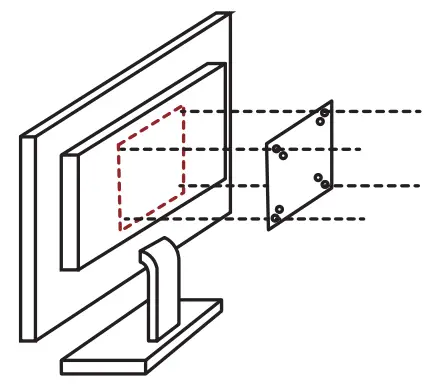
- Using the four small black screws that are included in the box, attach the VESA bracket to the back of the monitor or TV.
- Attach the two slightly larger black screws to the bottom chassis cover of the KMJ U-series Mini Box PC.
- Slide the KMJ U-series Mini Box PC onto the VESA mount bracket.
Power ON
Press the “Power” button for 3 seconds, and the LED light turns blue.
Power OFF
If you want to shut down the unit, please do not unplug the power adapter directly.1. Using the four small black screws that are included in the box, attach the VESA bracket to the back of the monitor or TV.
HDMI
Use an HDMI cable to connect this device with a monitor.
M.2 2242 SSD
Insert an M.2 2242 SSD at the bottom of the mainboard to extend capacity.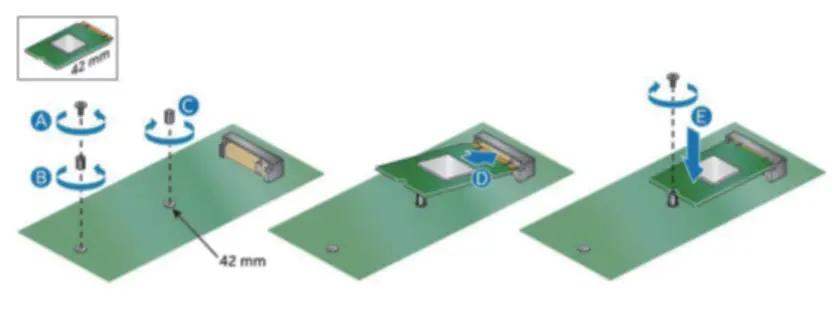
USB3.0
Plug U disk in the USB3.0 port for high-speed data transfer.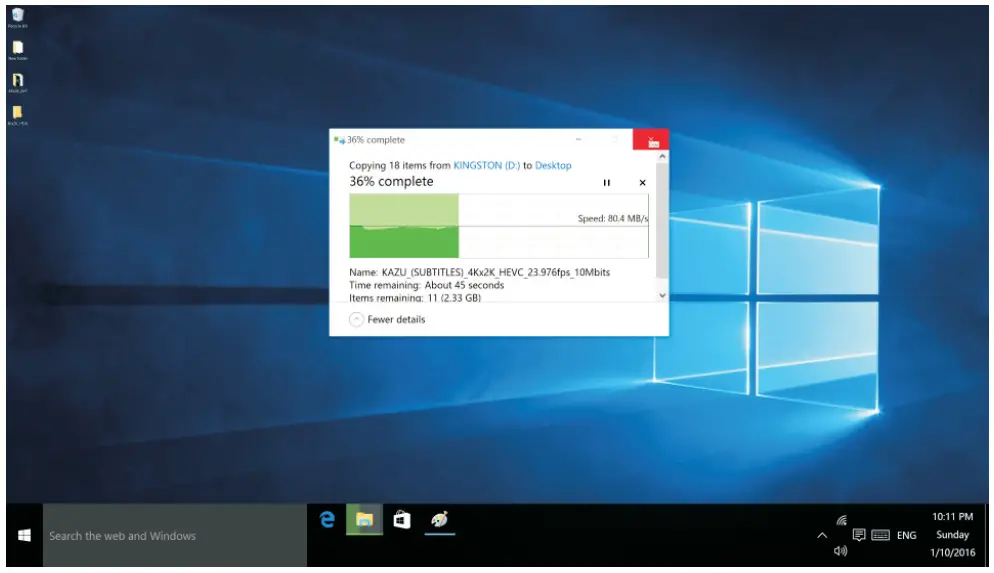
SD card slot
Plug SD/TF card in the SD card slot for data exchange.
Gigabit Ethernet interface:
Connect the network cable to the network port to use the network.
WIFI
When a mini PC starts, you can connect it to the Internet via Wifi.
Power Adapters
Country-specific power plug adapters are included in the KMJ U-series Mini Box PC.
Choose the correct adapter for your region.
| Plug | 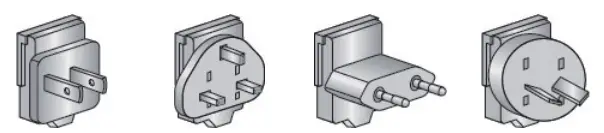 | |||
| Code | US | UK | EU | AUS |
| Country | United States I | United Kingdom | European Union | Australia |
| Plug |  | |||
| Code | CHEN | IND | KOR | ARG |
| Country | China | India | South Korea | Argentina |
Mountable To A Monitor
KMJ U-series Mini Box PC can be mounted to the back of your computer’s LCD monitor, which makes it completely invisible on a desk. With such a low-noise PC, people will not even notice its existence at all.
FCC statement
Warning:
Changes or modifications to this unit not expressly approved by the party responsible for compliance could void the user’s authority to operate the equipment.
NOTE:
This device complies with part 15 of the FCC Rules. Operation is subject to the following two conditions: (1) This device may not cause harmful interference, and (2) this device must accept any interference received, including interference that may cause undesired operation.
FCC Statement:
This equipment has been tested and found to comply with the limits for a Class B digital device, pursuant to part 15 of the FCC Rules. These limits are designed to provide reasonable protection against harmful interference in a residential installation. This equipment generates, uses, and can radiate radio frequency energy and, if not installed and used in accordance with the instructions, may cause harmful interference to radio communications. However, there is no guarantee that interference will not occur in a particular installation. If this equipment does cause harmful interference to radio or television reception, which can be determined by turning the equipment off and on, the user is encouraged to try to correct the interference by one or more of the following measures:
- Reorient or relocate the receiving antenna.
- Increase the separation between the equipment and receiver.
- Connect the equipment into an outlet on a circuit different from that to which the receiver is connected.
- Consult the dealer or an experienced radio/TV technician for help.
RF exposure compliance statement:
This device has been evaluated to meet the general RF exposure requirement.
Please make sure that the product is normally connected to the wifi network during use, and the contact voltage is good during use. In order to have a good experience of using the product, please keep at least 20 cm.
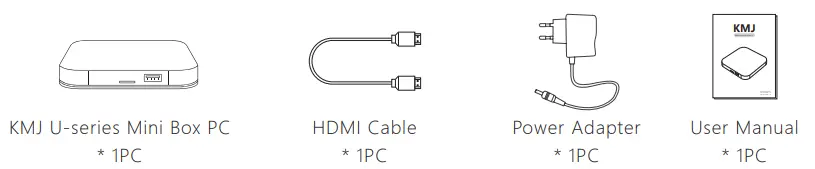
Package Content
Specification
Hardware Specifications:
| CPU | Intel Atom x5-Z8500 |
| GPU | Intel UHD |
| RAM | DDR3 4GB |
| ROM | 64GB eMMC |
Main Features:
| OS | Windows / Linux |
| Graphics card | Intel HD Graphics 500 |
| USB host | 1High speed USB 3.0, support USB DISK and USB HDD |
| Card reader | Support MicroSD(TF) ,Up to 32GB |
| Bluetooth | Bluetooth V5.0 |
| SATA DISK | Support SATA DISK |
| HDD file system | FAT16/FAT32/NTFS |
| LAN | 1xRJ45 LAN Port 10M/100M BaseT |
| Antenna | Built-in Wi-Fi antenna |
| WIFI | Support 802.11 b/g/n/ac Wireless protocol 2.4G+5G |
| Microphone audio | 3.5mm port x1 |
| Resolution | Full 2160P@60fps |
| Dimension | 110*110*18.5mm |