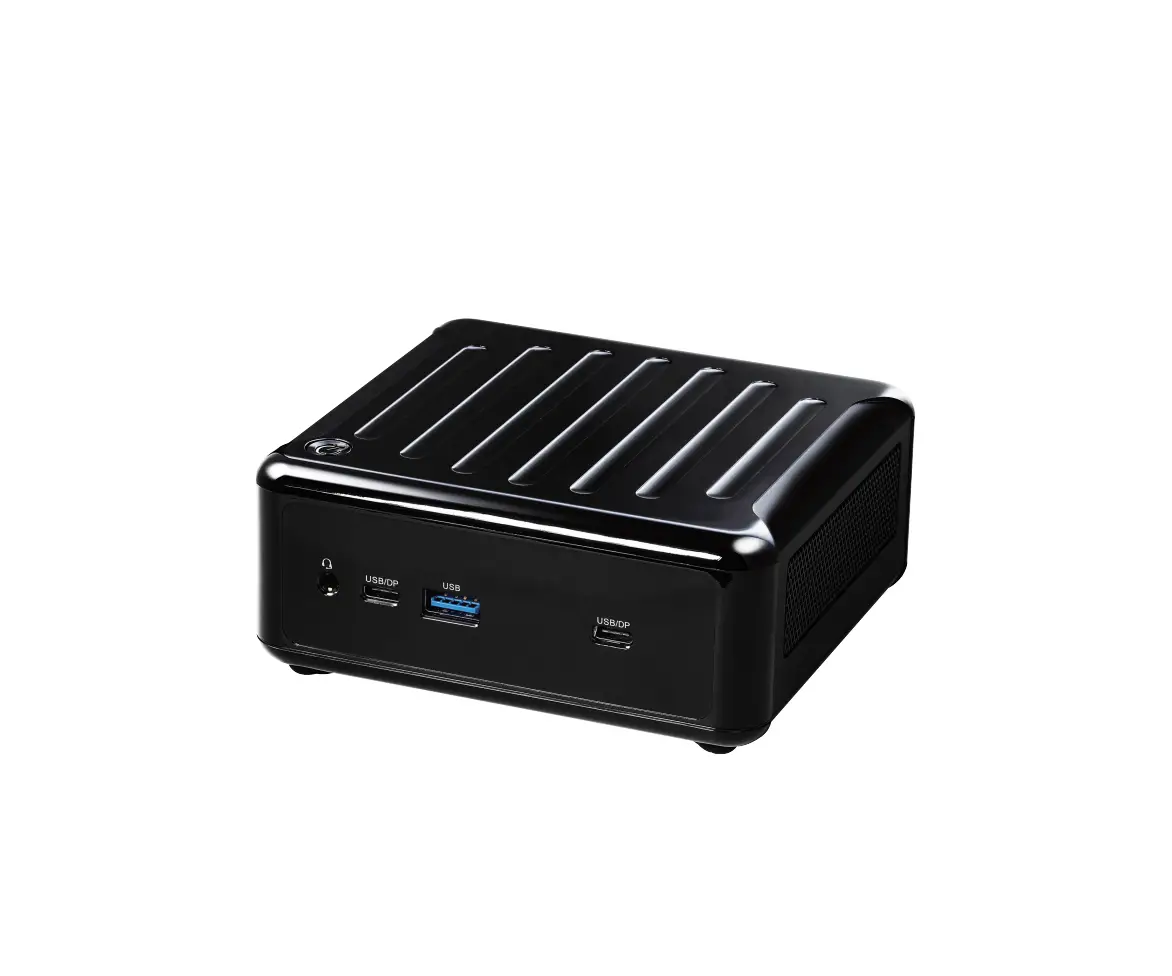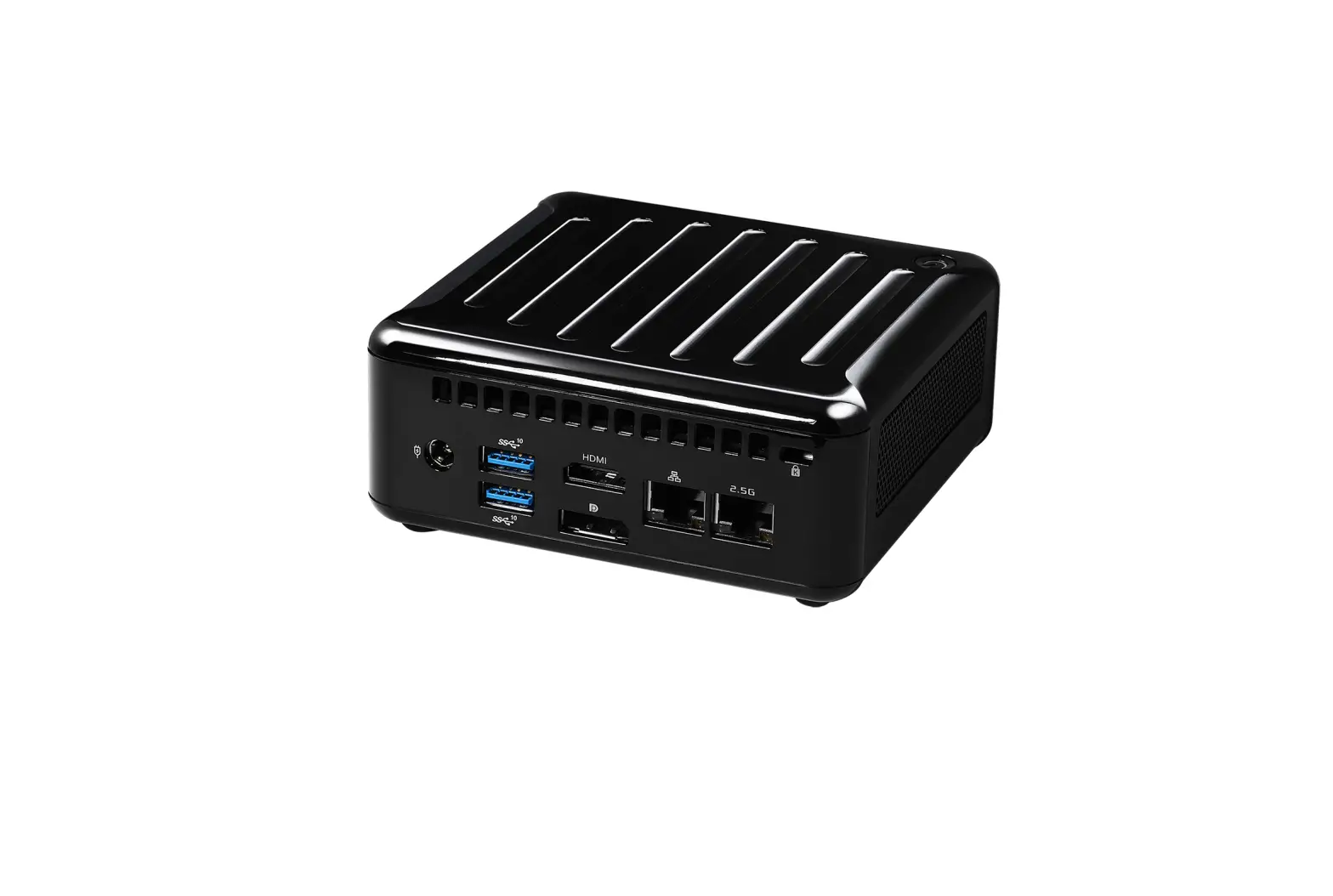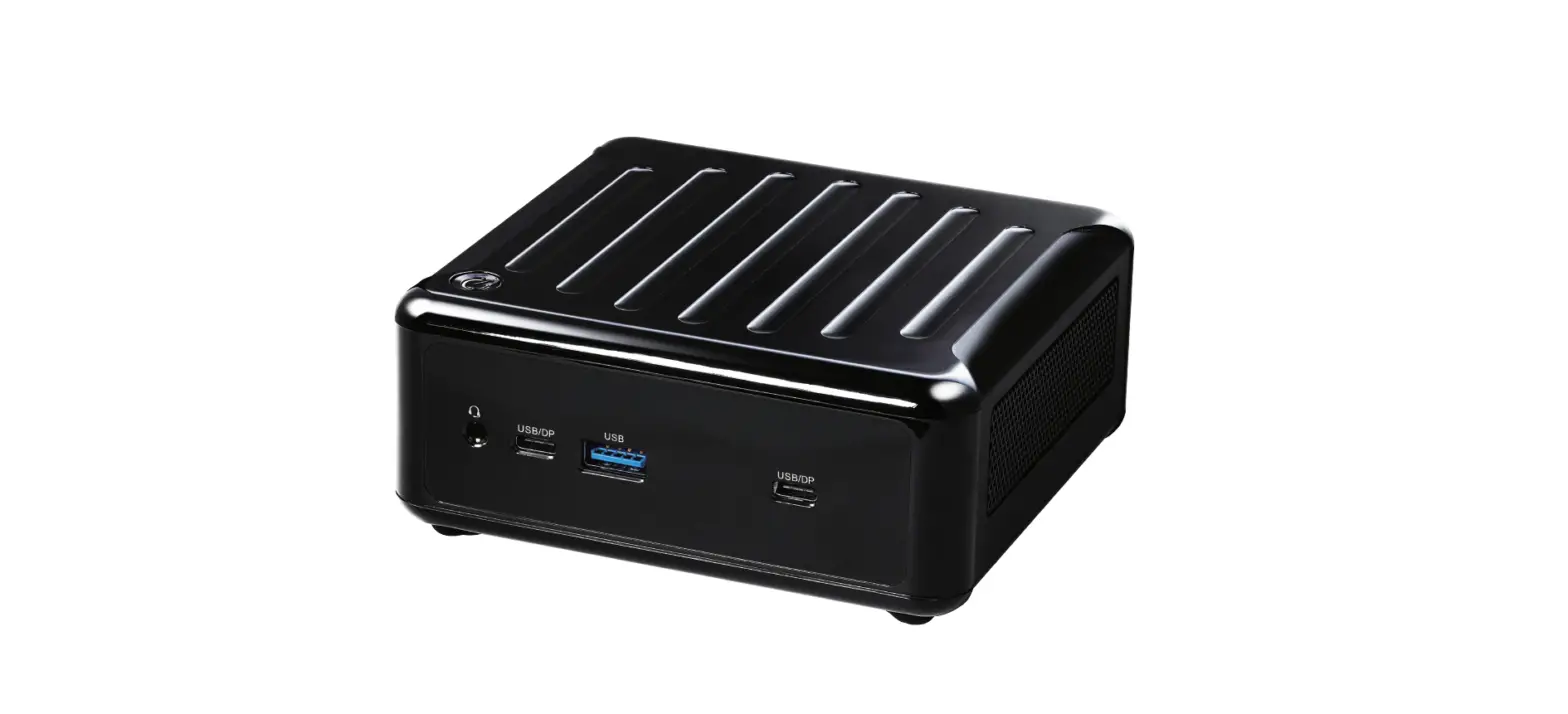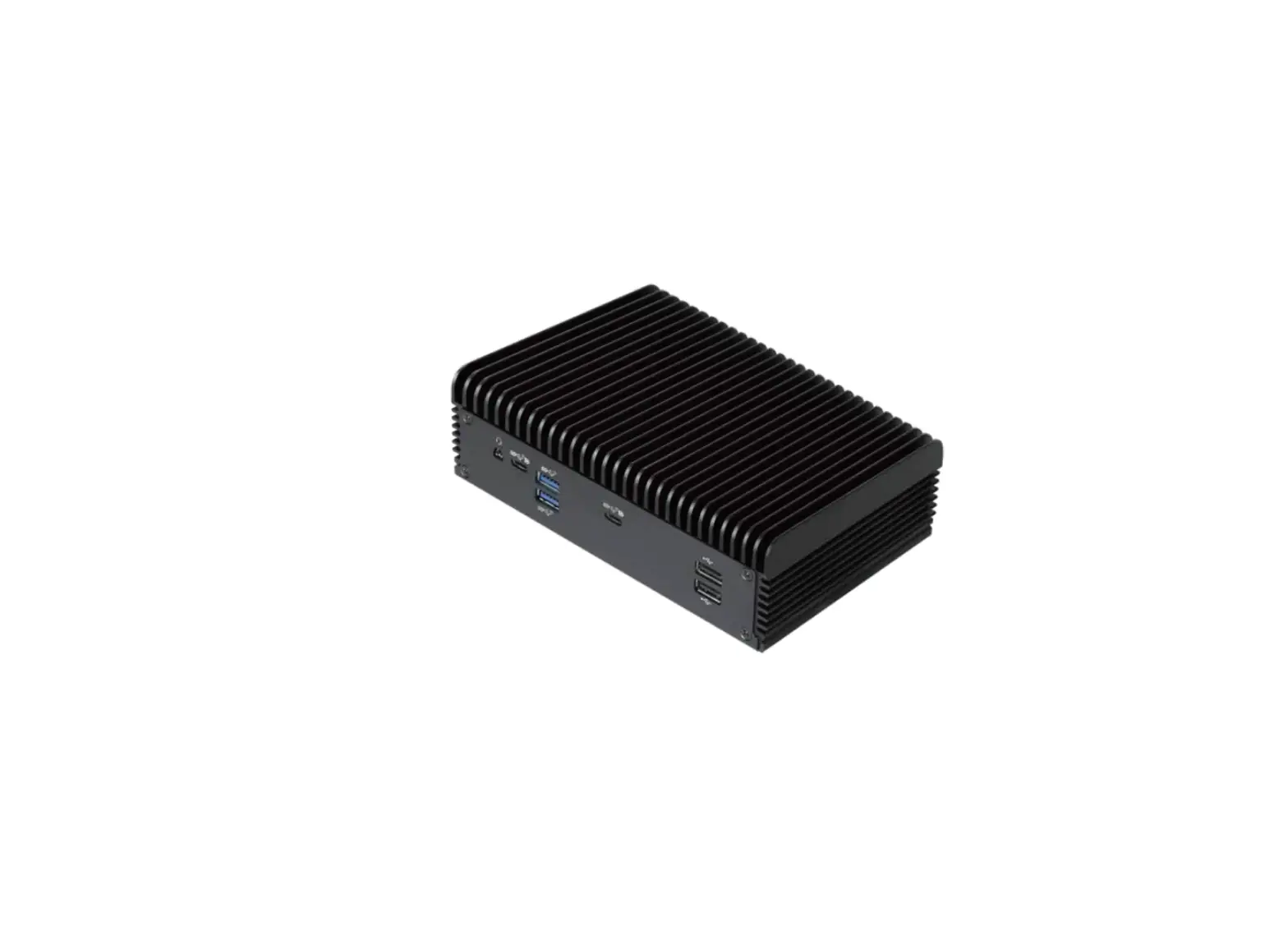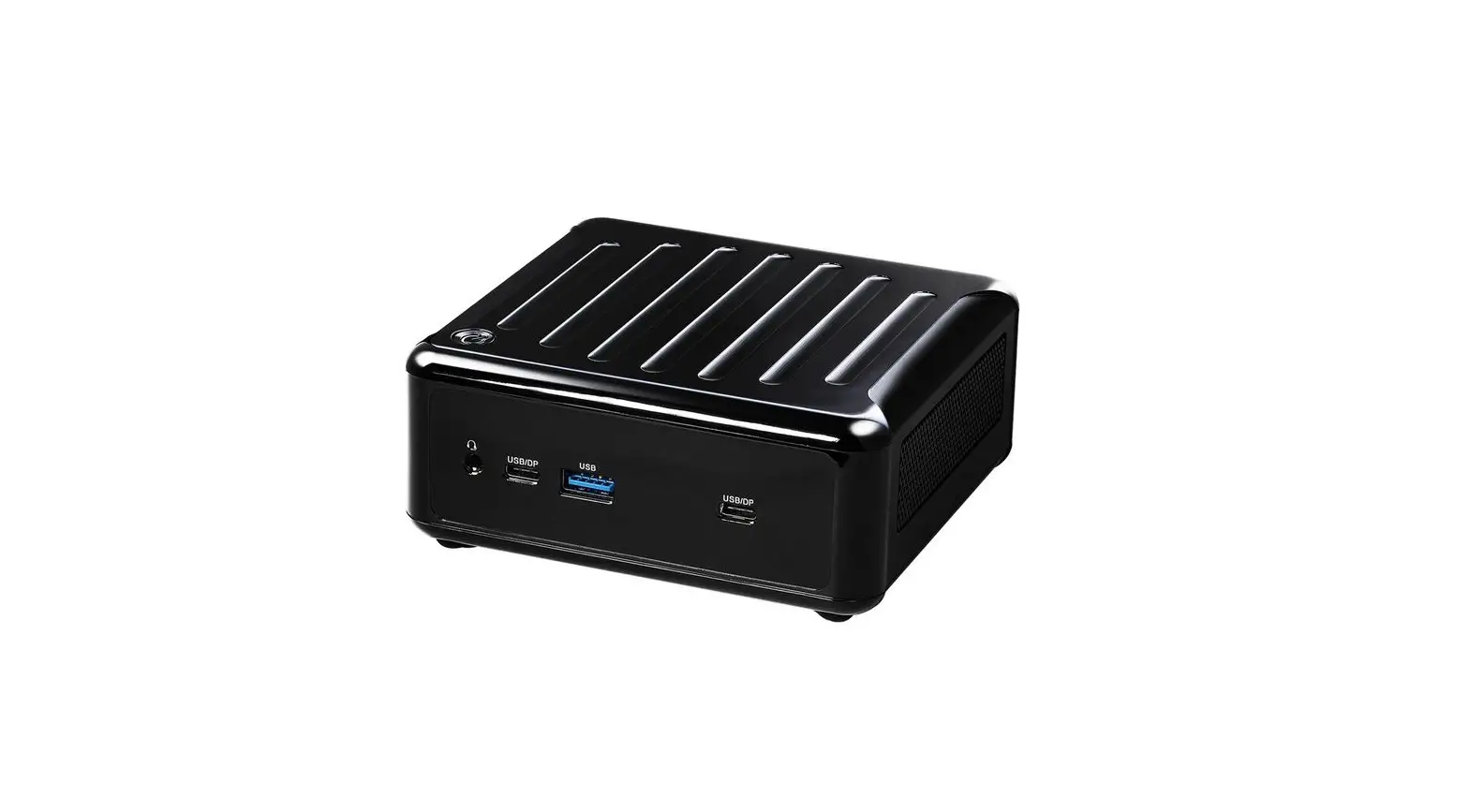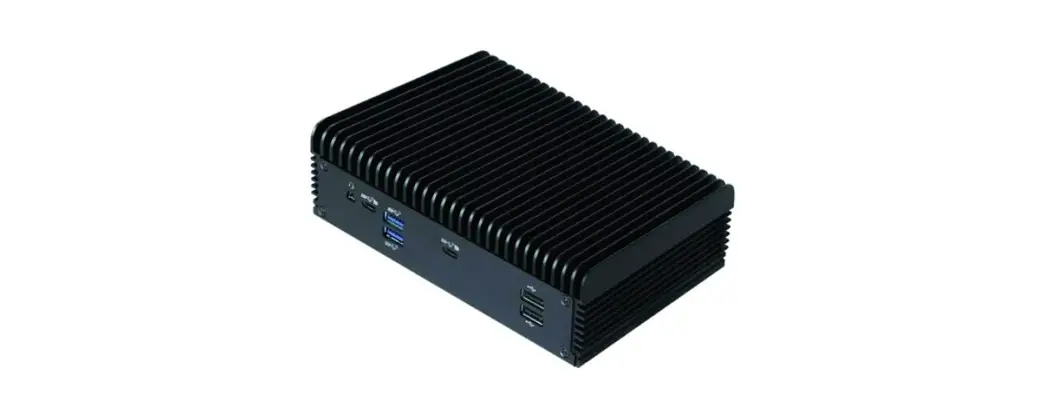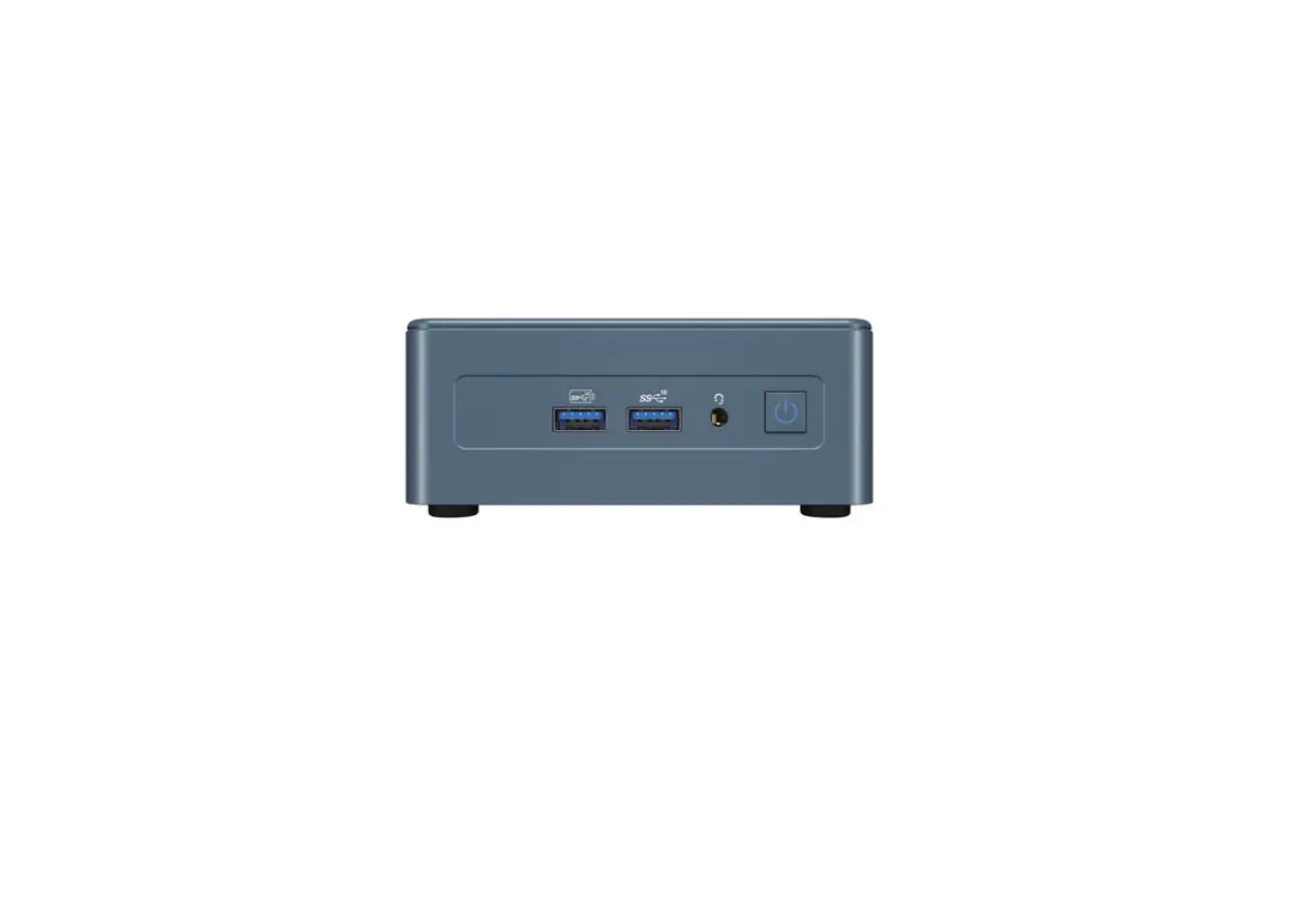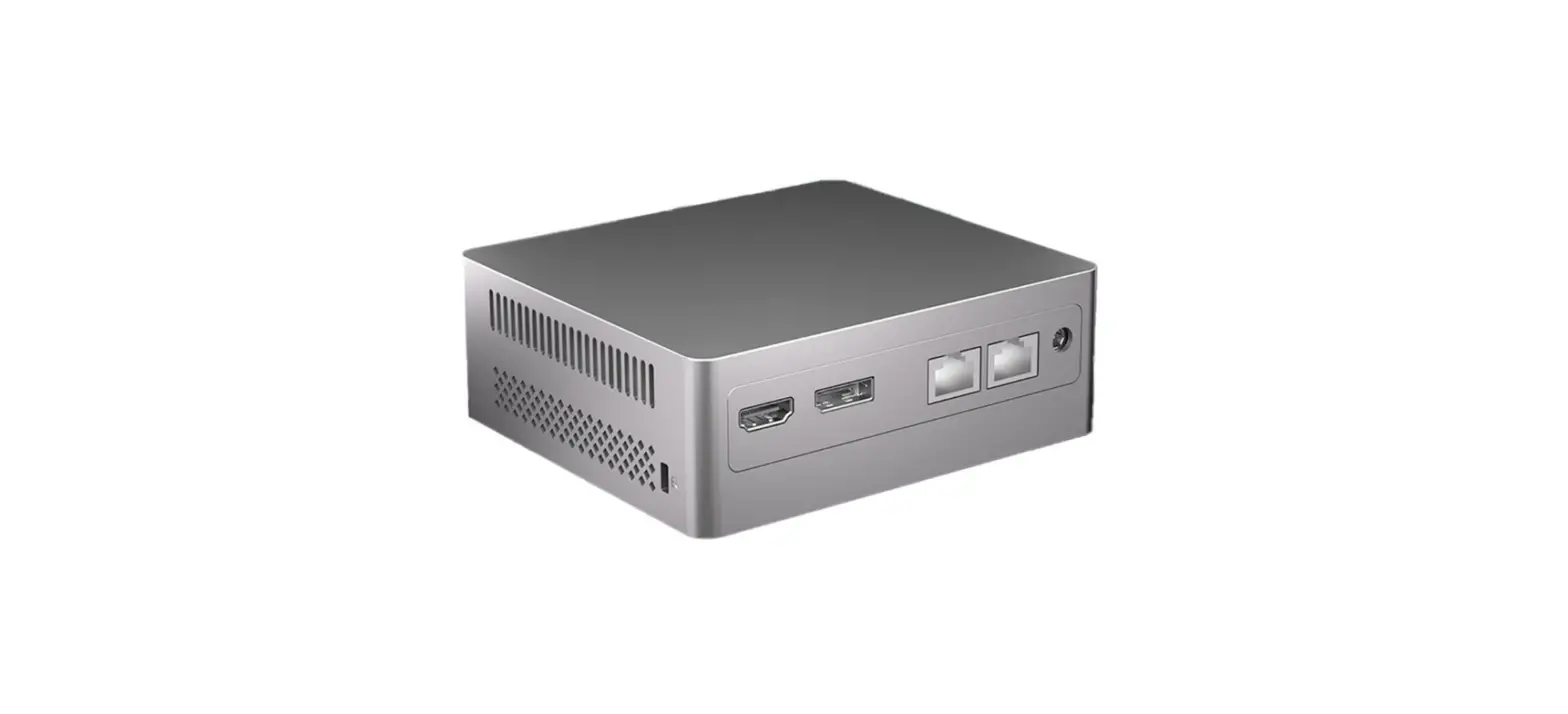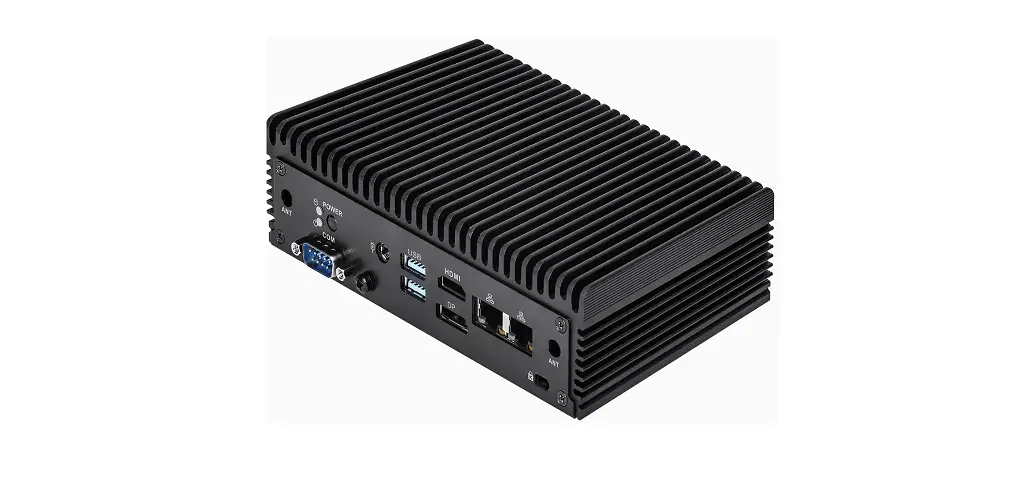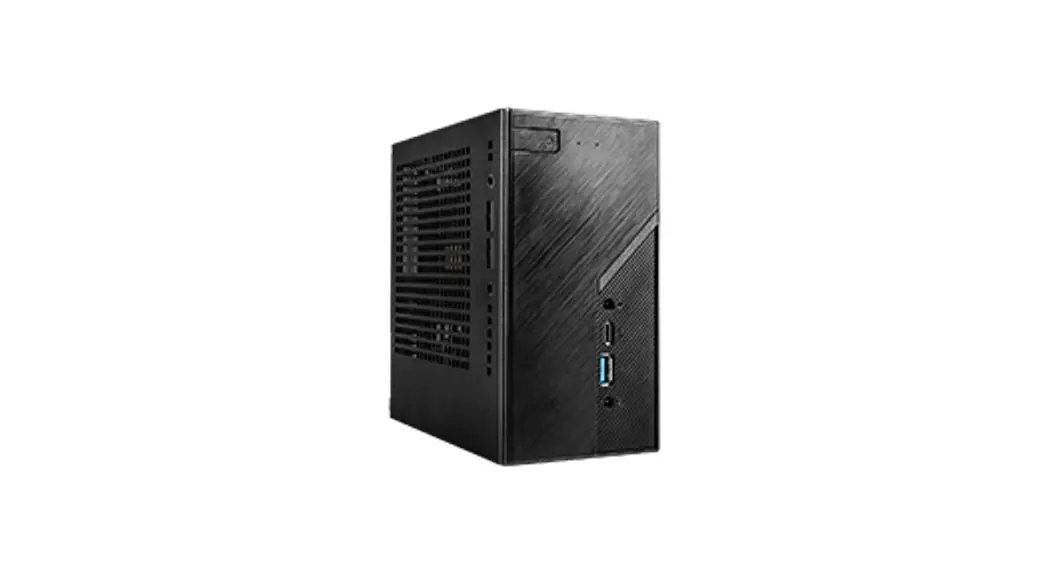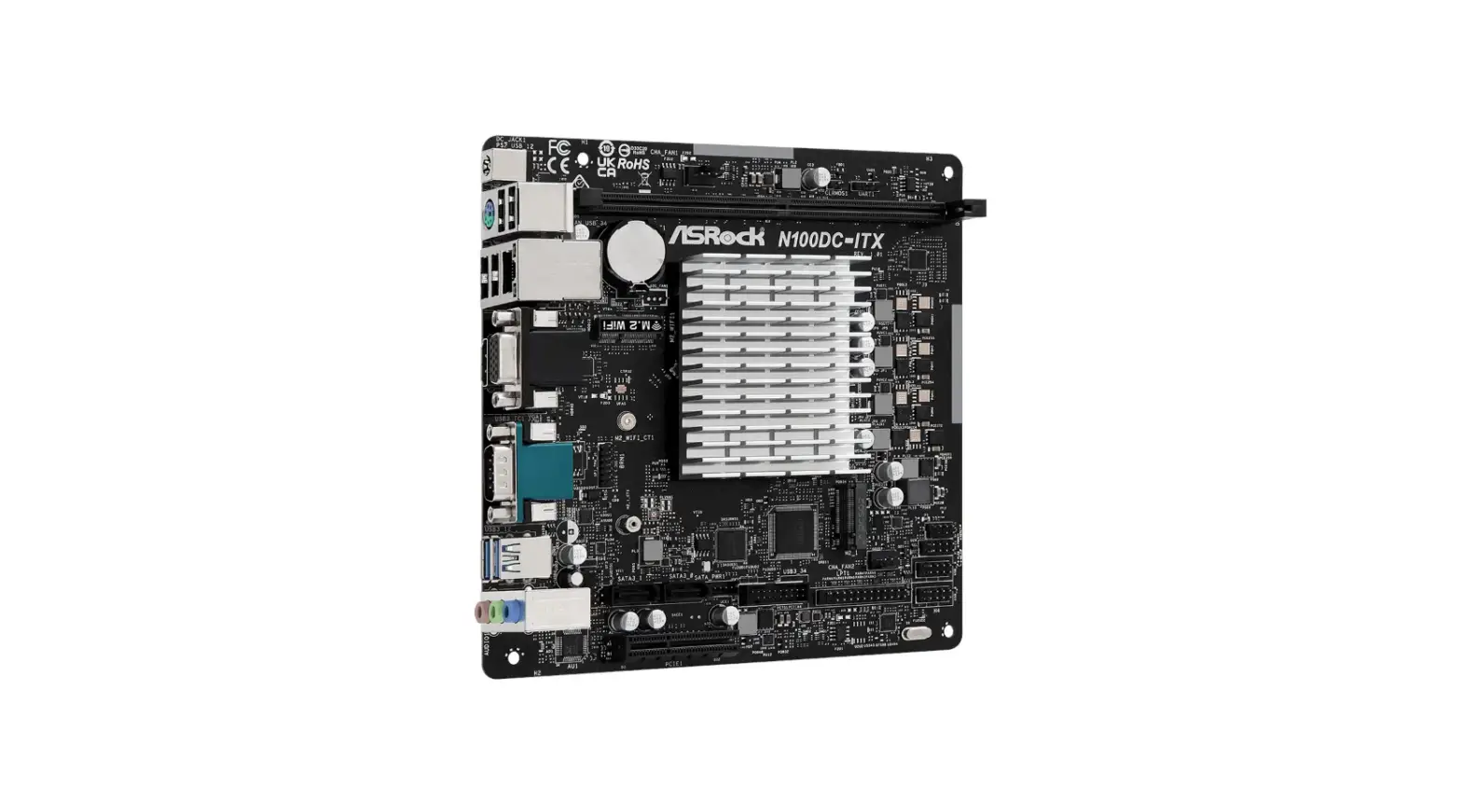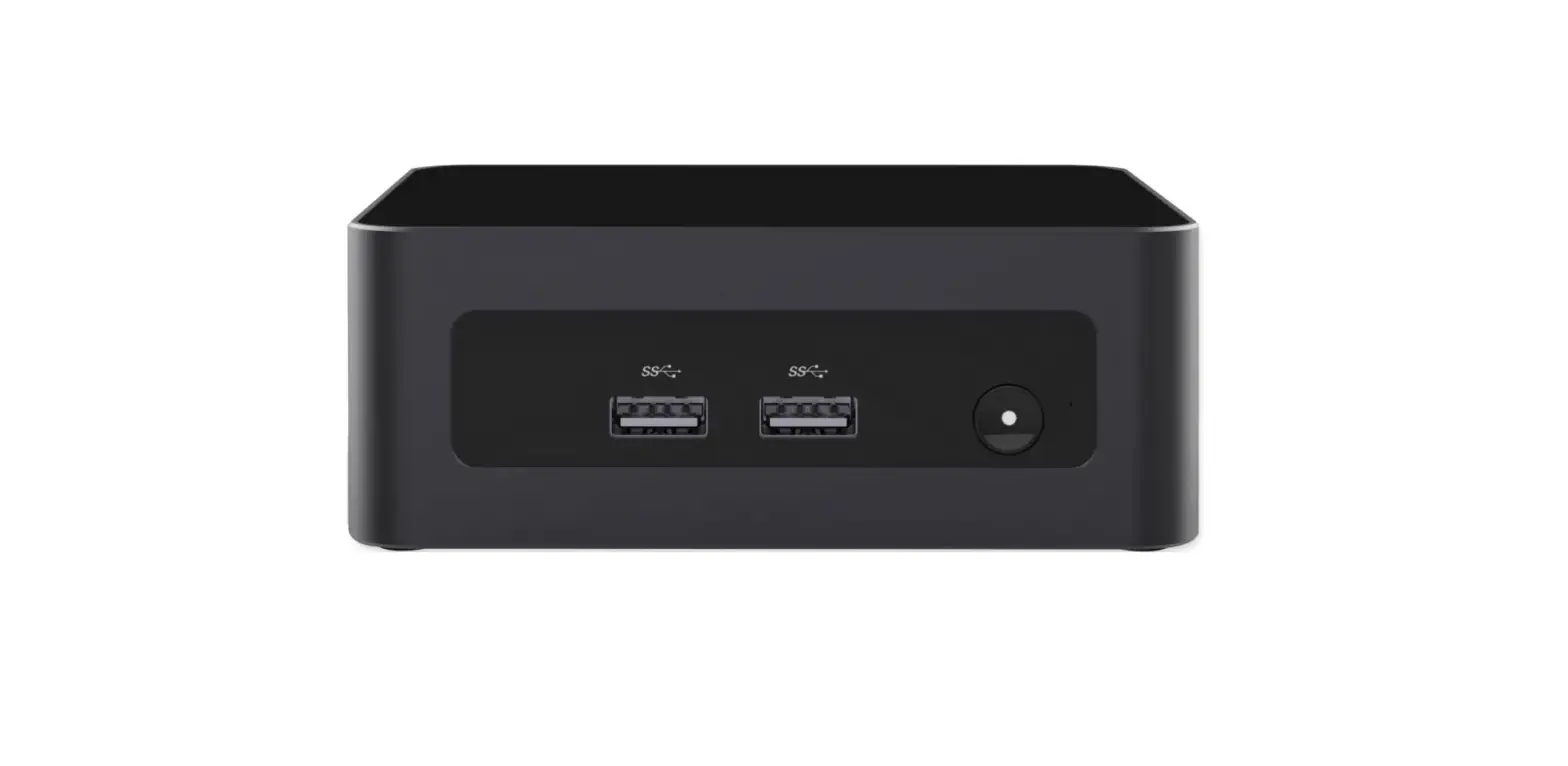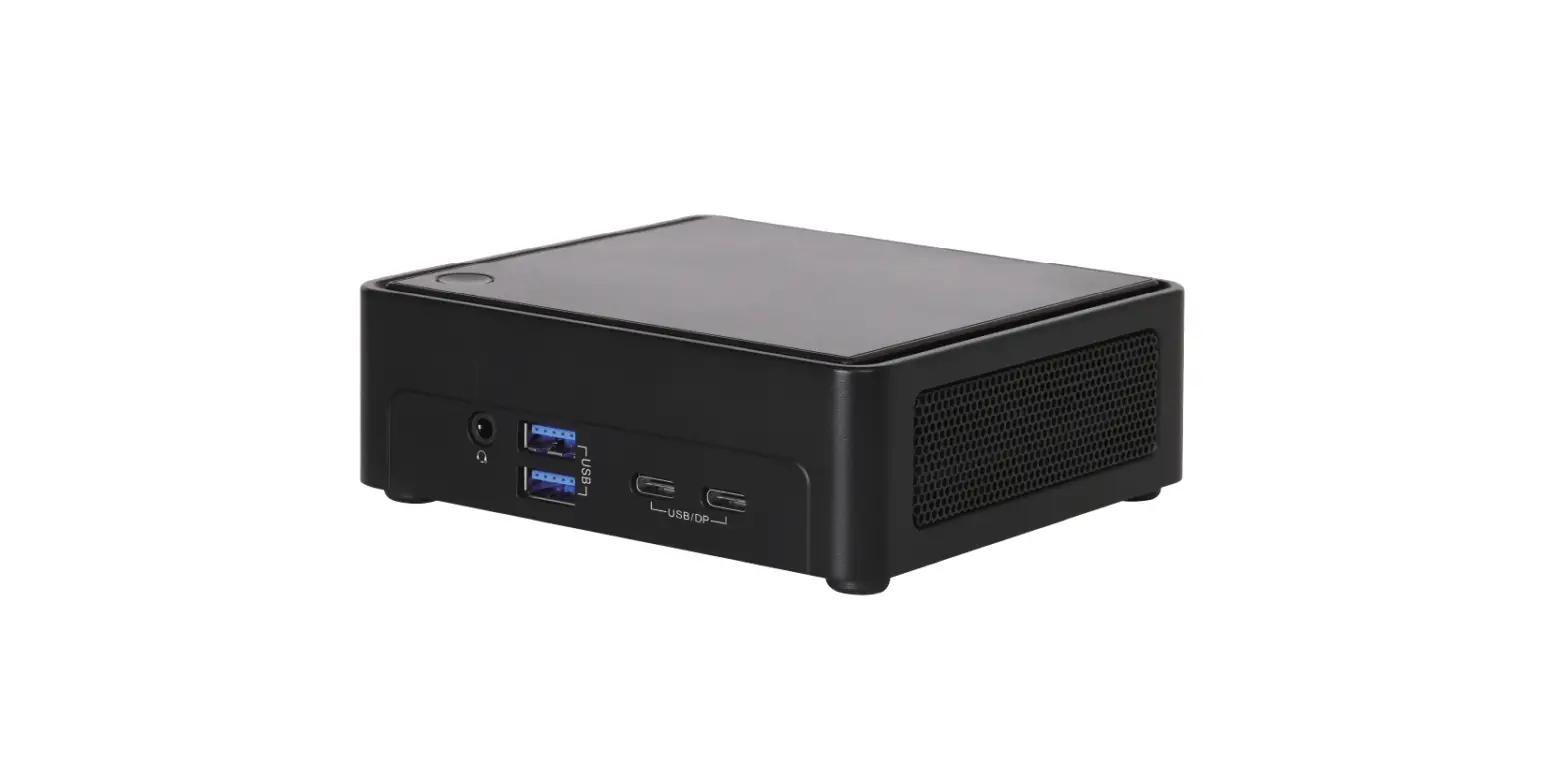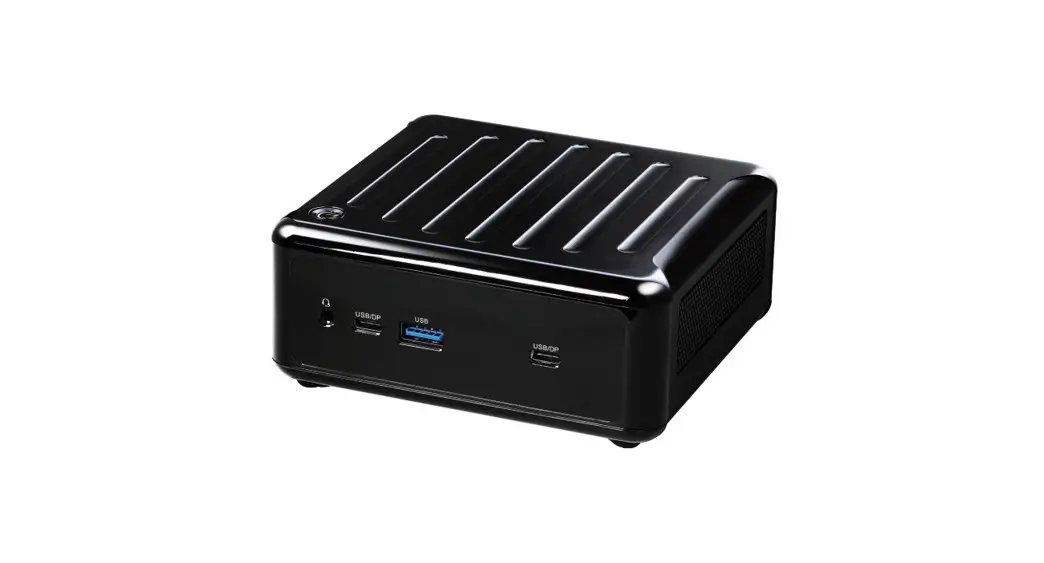
 NUC 1200 Box Series Mini PCs
User Manual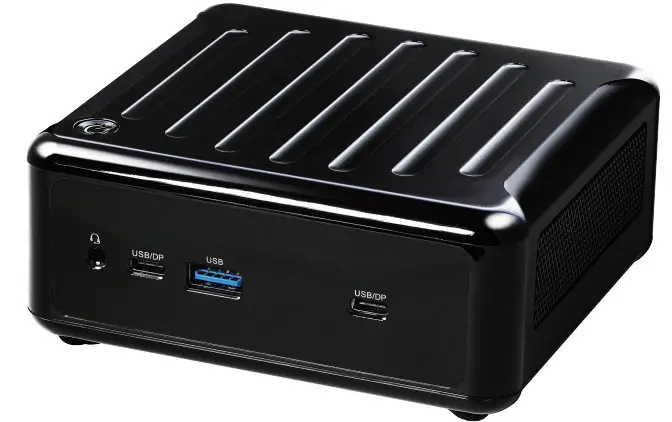
Package Contents
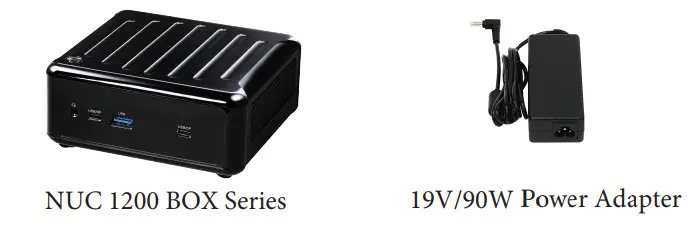
* The barebone system does not include memory, hard drive and M.2 SSD.
Bracket for M.2 2280 support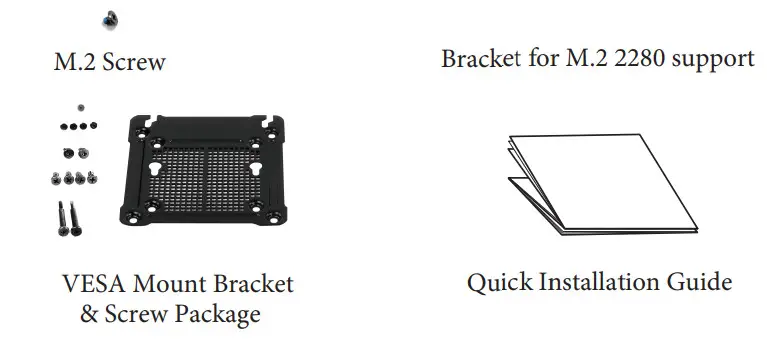
* The pictures shown in this quick installation guide are examples only, the actual look may be difierent slightly.
Product Overview
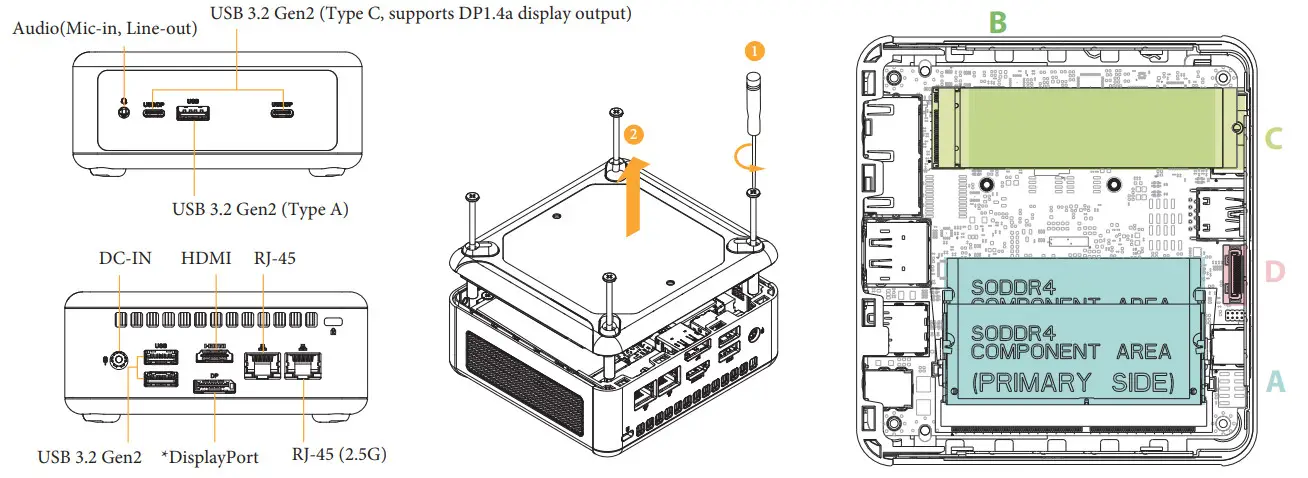
*To use DisplayPort as a display output, please connect your monitor/display to HDMI Port when installing OS system.
The is DisplayPort only supports DP to HDMI dongle and DP to DVI dongle, and does not support DP to D-Sub dongle.
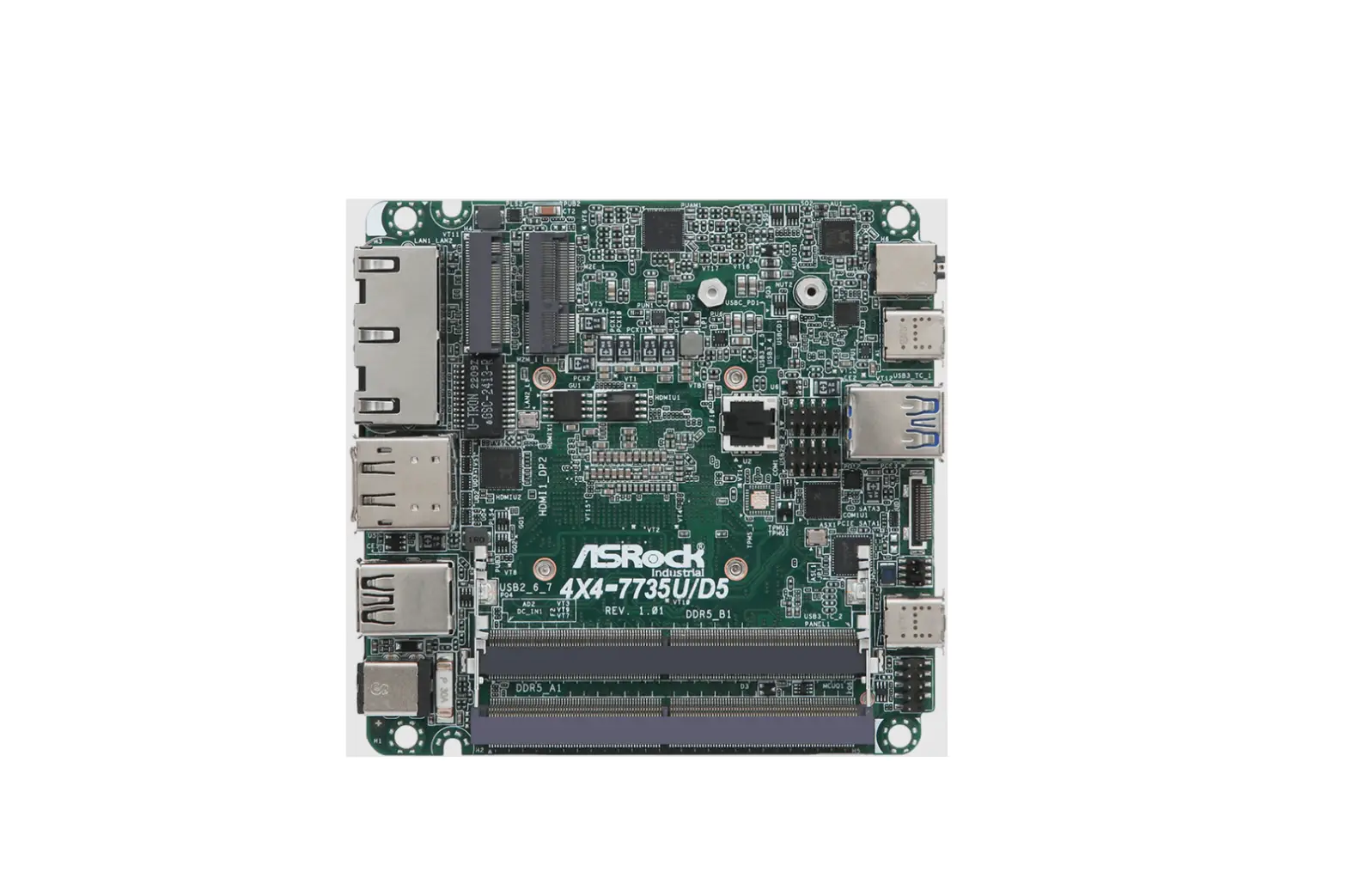
A SO-DIMM Slots: How to Install the Memory Modules (DDR4)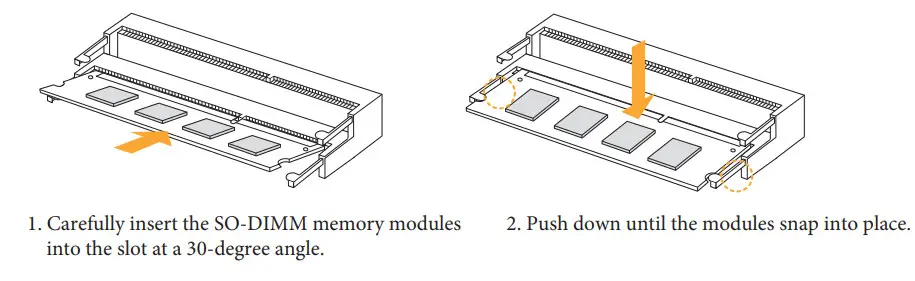
Note:
-The NUC 1200 BOX Series requires DDR4 SO-DIMM.
– For dual channel configuration, you always need to install identical (the same brand, speed, size and chip-type) DDR4 SO-DIMM pairs.
B WiFi Module: How to Install the WiFi Module (Optional)
C1 Bracket: How to Remove the M.2 SSD (Type 2280) and the Bracket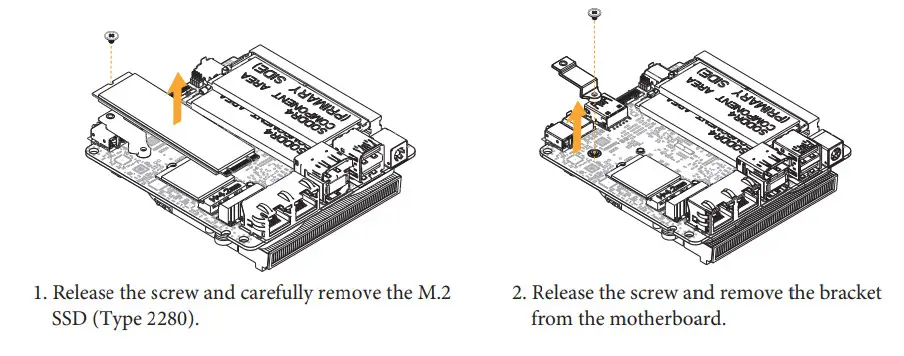 C2 M.2 SSD: How to Install the M.2 SSD (Type 2260)
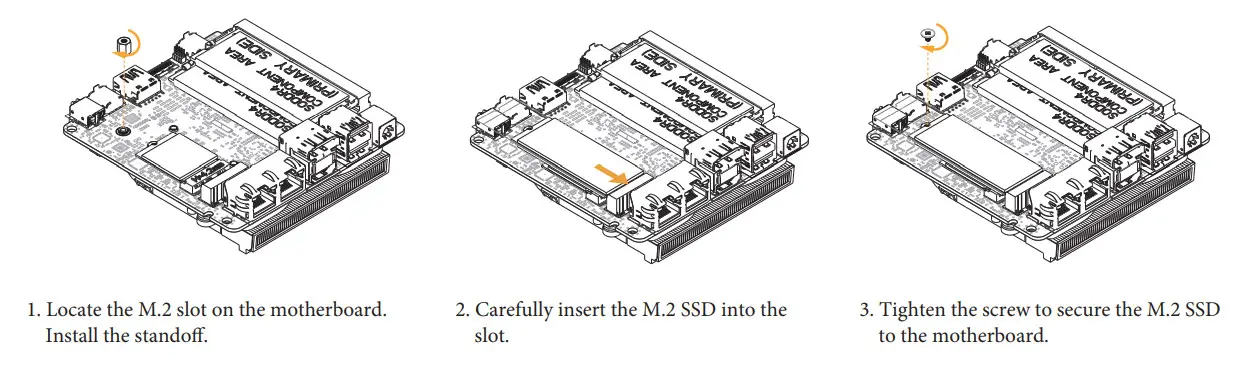 D 2.5-inch Hard Drive: How to Install the Hard Drive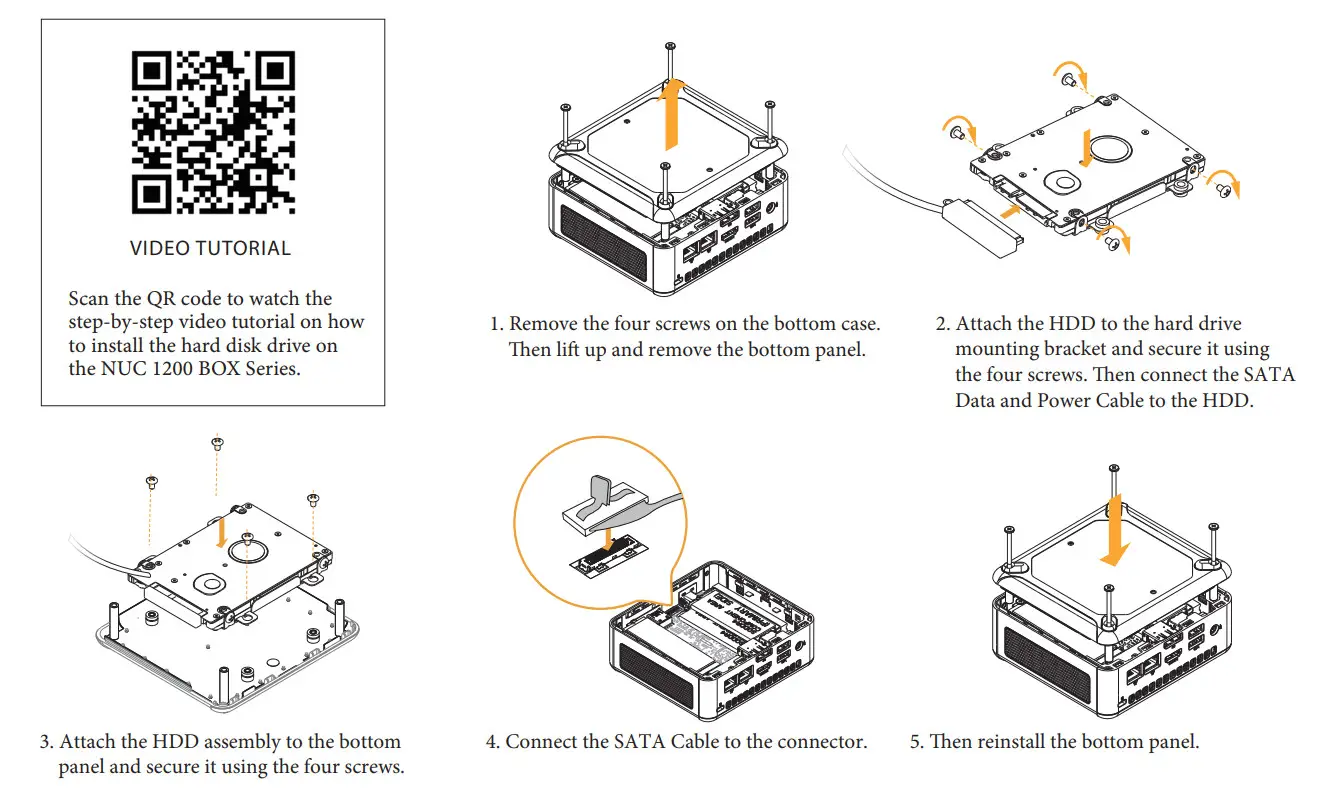
How to Install the VESA Bracket
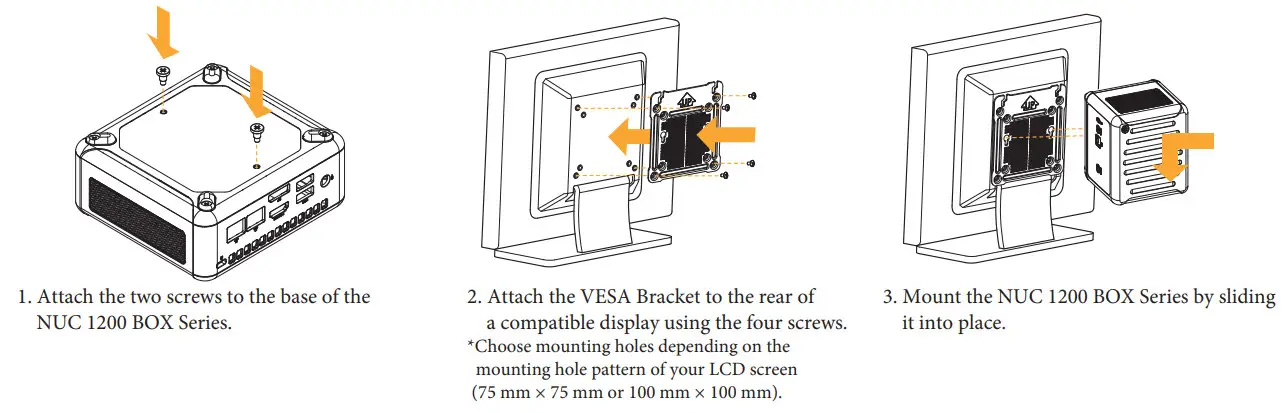
Positions of the NUC 1200 BOX Series
The NUC 1200 BOX Series can be placed in vertical or horizontal position.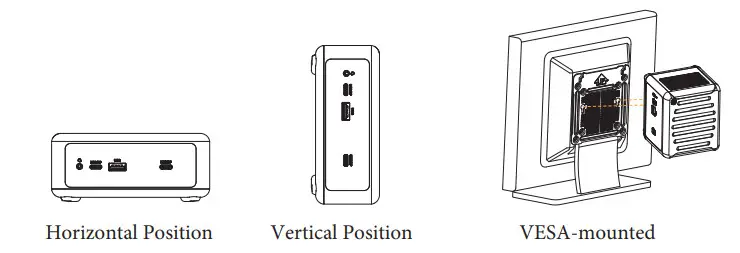
*Please note that keeping the NUC 1200 BOX Series in a vertical position will ensure better cooling performance.
The terms HDMI® and HDMI High-Definition Multimedia Interface, and the HDMI logo are trademarks or registered trademarks of HDMI Licensing LLC in the United States and other countries.

Warranty Term
- Warranty of host of NUC 1200 BOX Series super m icrocomputer (casing excluded): 1 year
- Warranty of transformer (including the plug) and wireless module: 1 year
- Our warranty does not cover the casing of the product, the CD drive, the metal frame and fastenings and screws, or packaging accessories.
- Data stored in the product may be lost as a result of the repair work or re-formatting of the hard drive disk. We does not provide data recovery services or data storage. Please back up your data regularly to protect the data and avoid loss. For details of our warranty terms, please refer to the individual warranty statement applicable to the district where your product was bought.