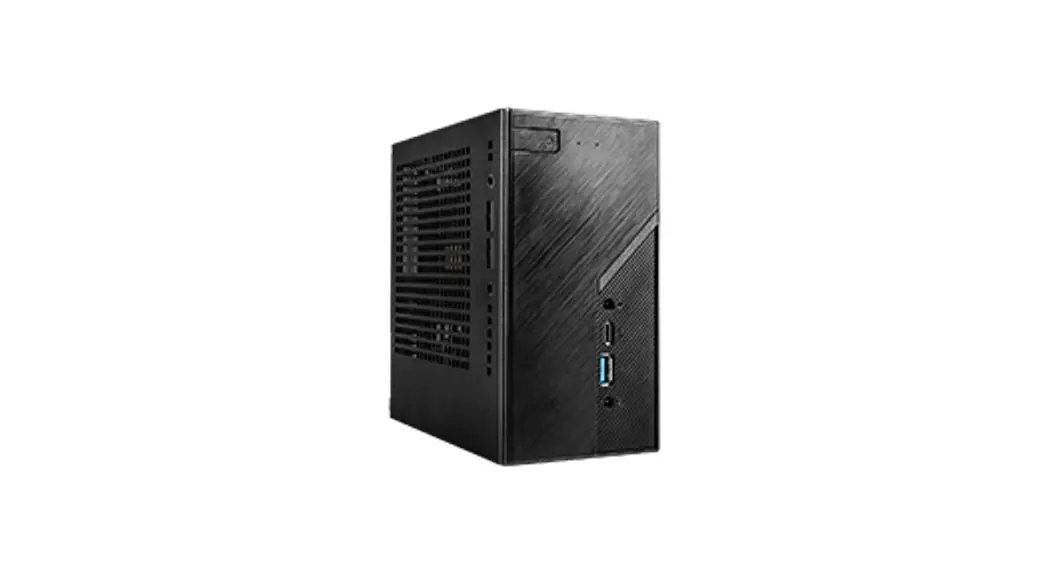

Quick Installation Guide
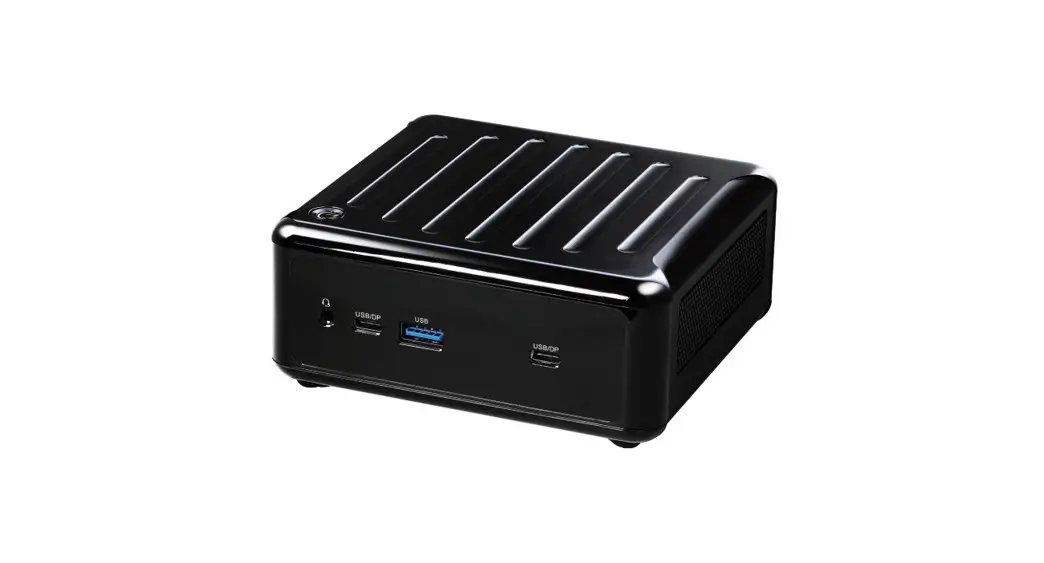
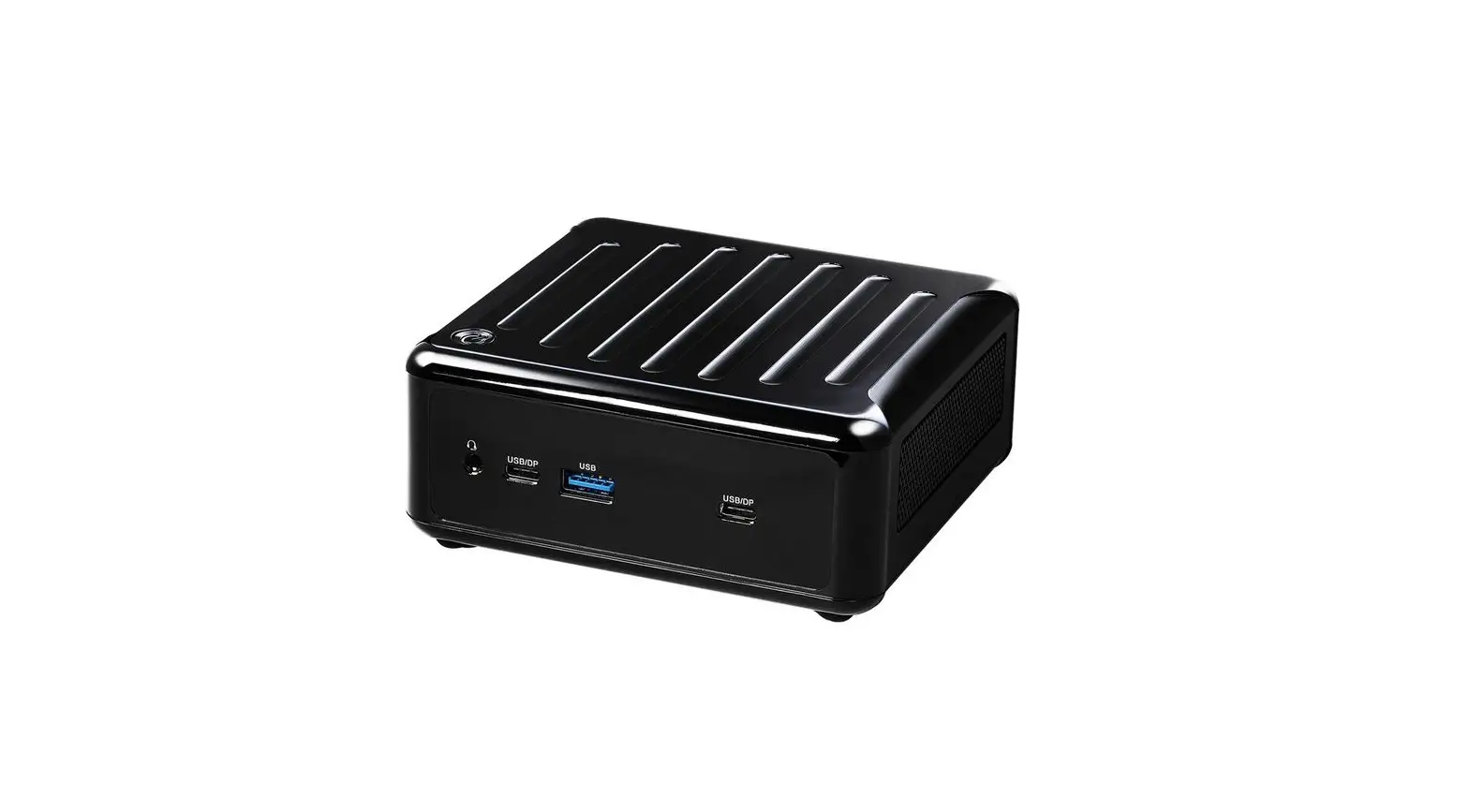
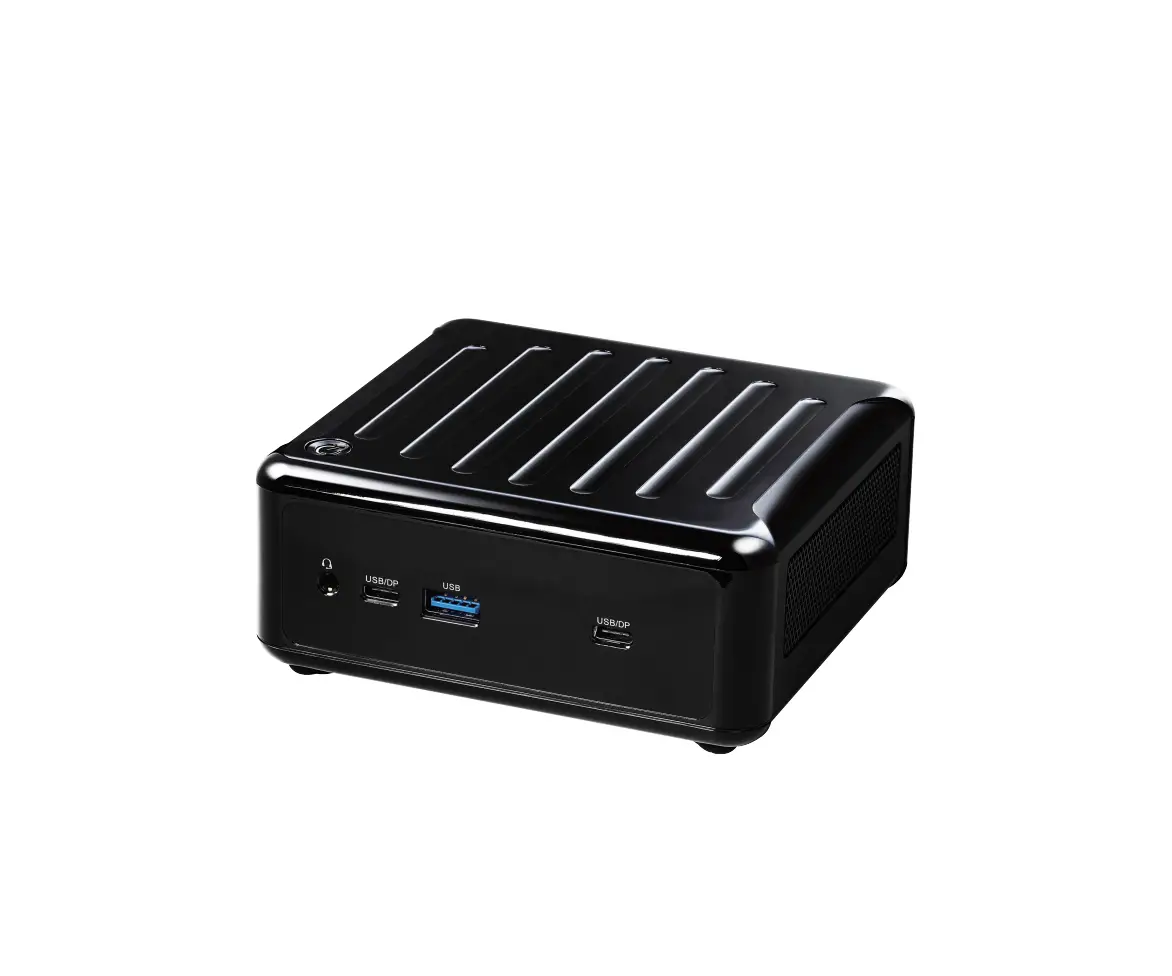
DeskMini B660 series

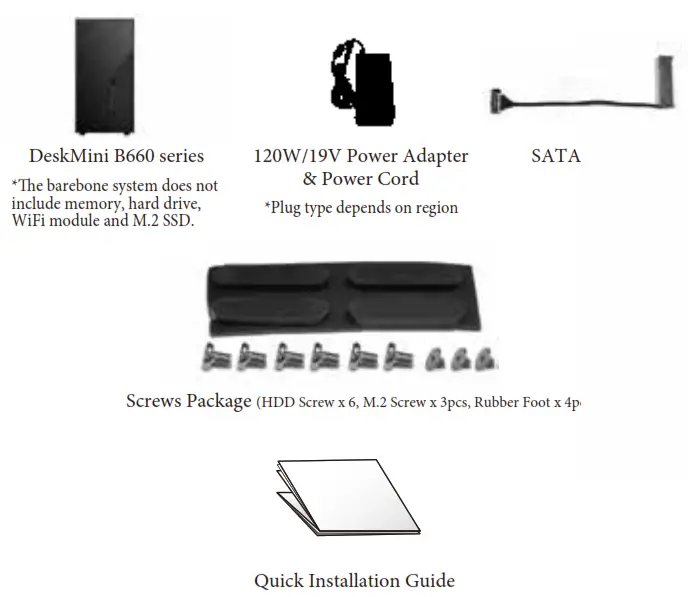
Package Contents
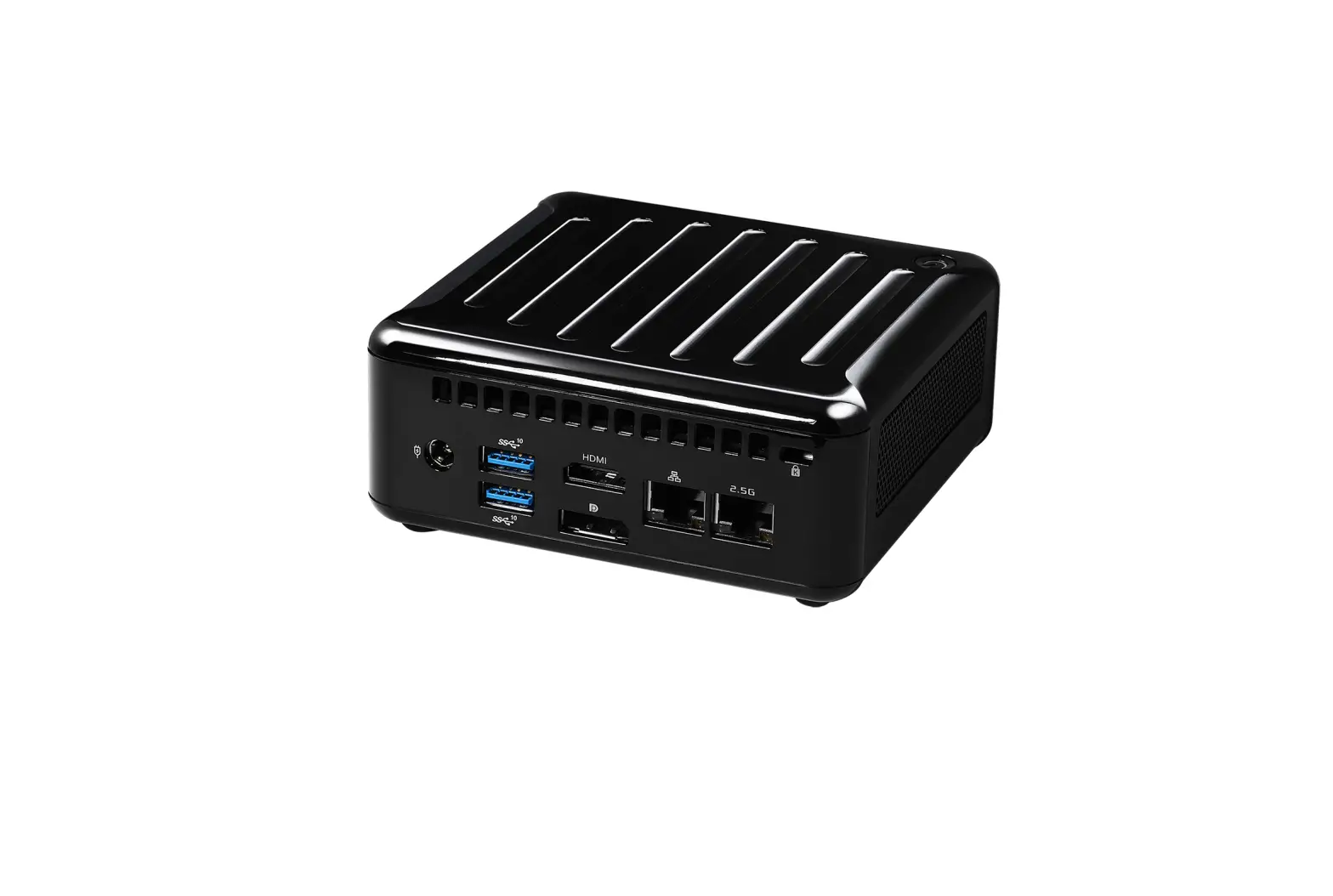
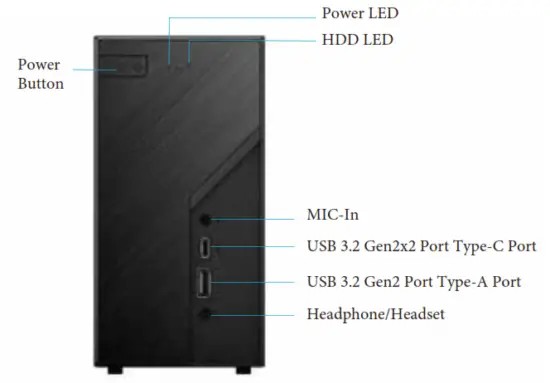
Front View
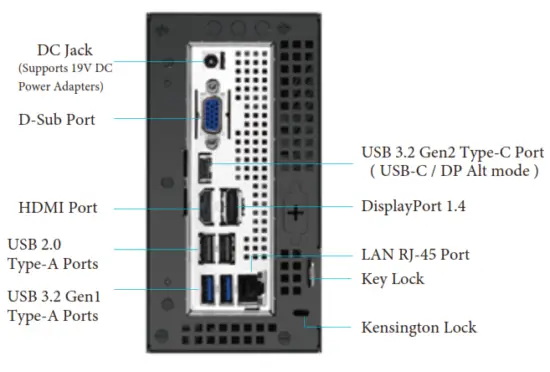
Rear View
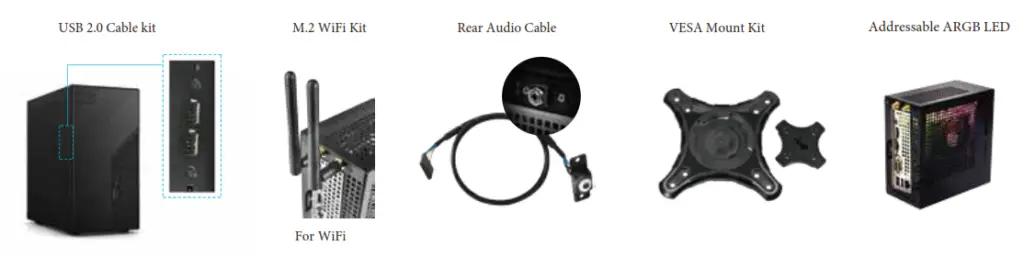
Customization Options
Safety & Regulatory Information
 Failure to use the included Power Adapter may violate regulatory compliance and may expose the user to safety hazards.
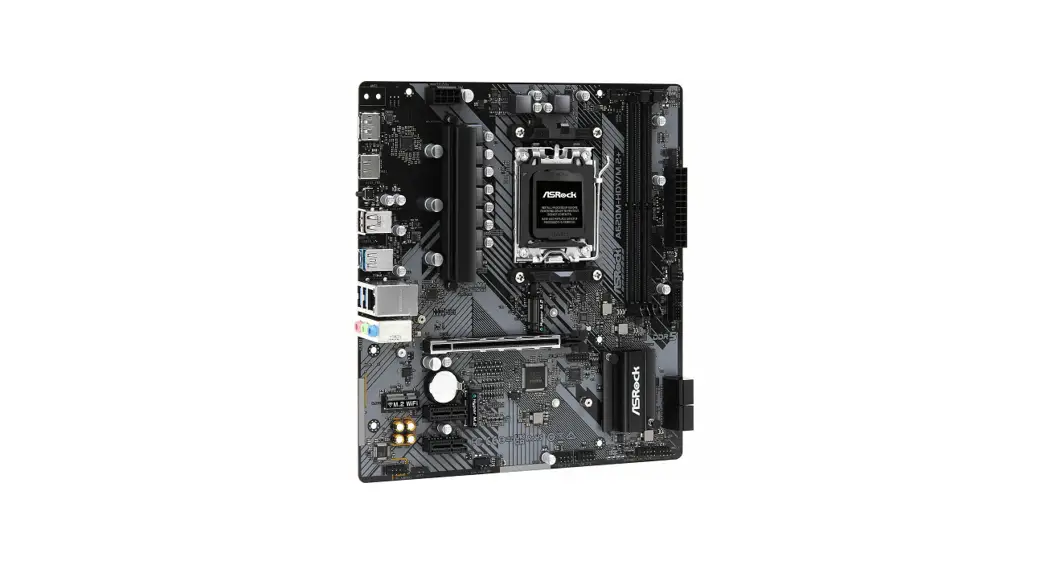
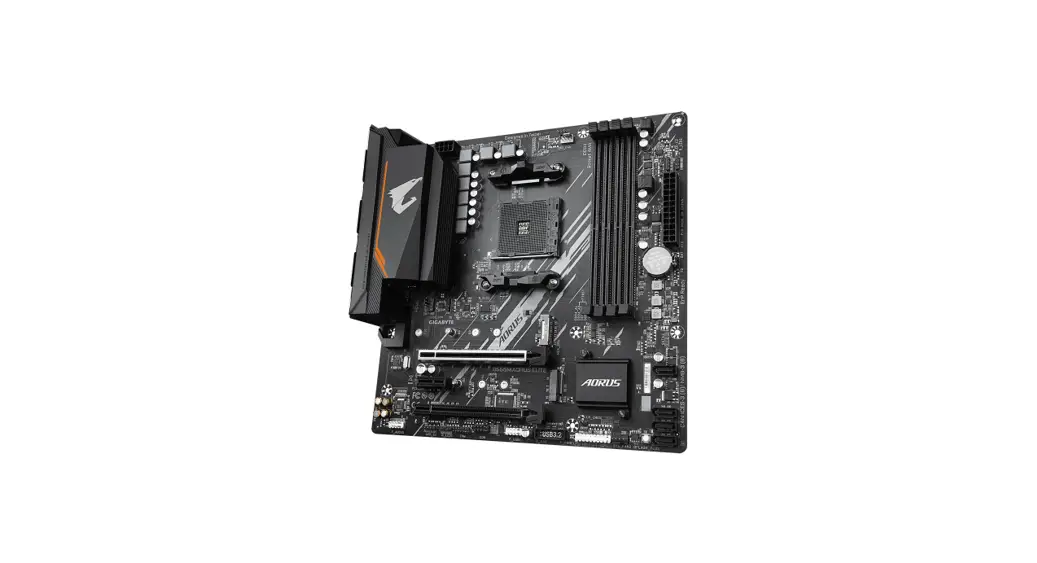
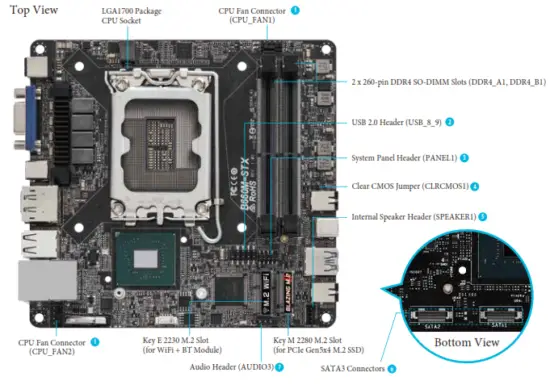
Motherboard Layout
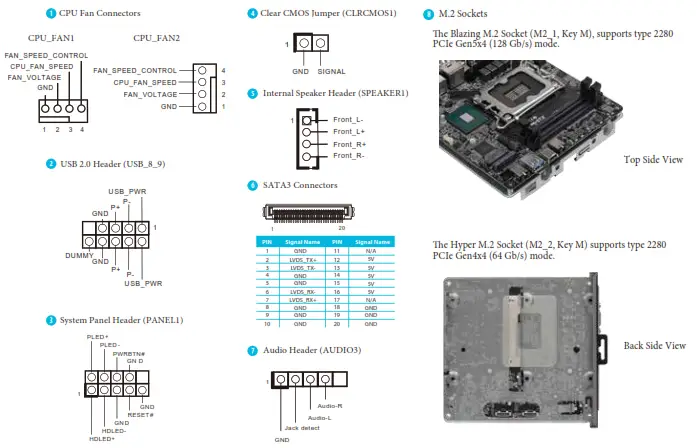
Onboard Connectors
Hardware Installation
A Begin Installation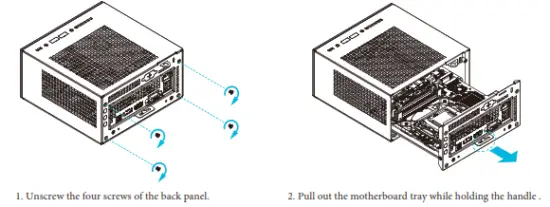
B Installing the CPU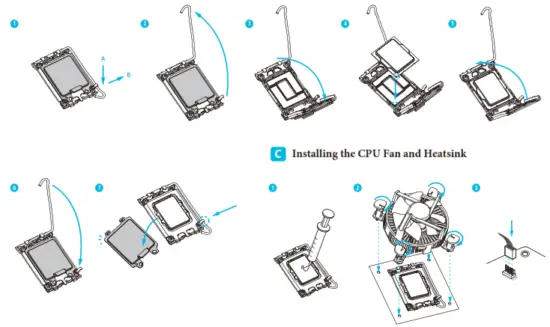 *DeskMini B660 series supports both Intel CPU Box Fan (65W) and third-party CPU fan cooler.
Please note that the DeskMini B660 series chassis has 46mm height limitation for the CPU fan cooler.
D Installing Memory Modules (DDR4 SO-DIMM)

*The DeskMini B660 series requires DDR4 SO-DIMM.
*For dual channel con guration, you always need to install identical (the same brand, speed, size, and chip-type) DDR4 SO-DIMM pairs.
E Installing the M.2 WiFi/BT Module and Intel® CNVi (Integrated WiFi/BT)
F Installing the Type 2280 M.2 SSD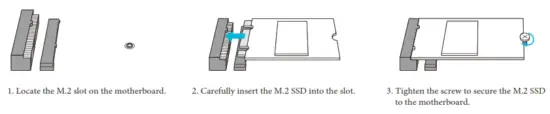 G Installing the 2.5-inch HDD/SSD
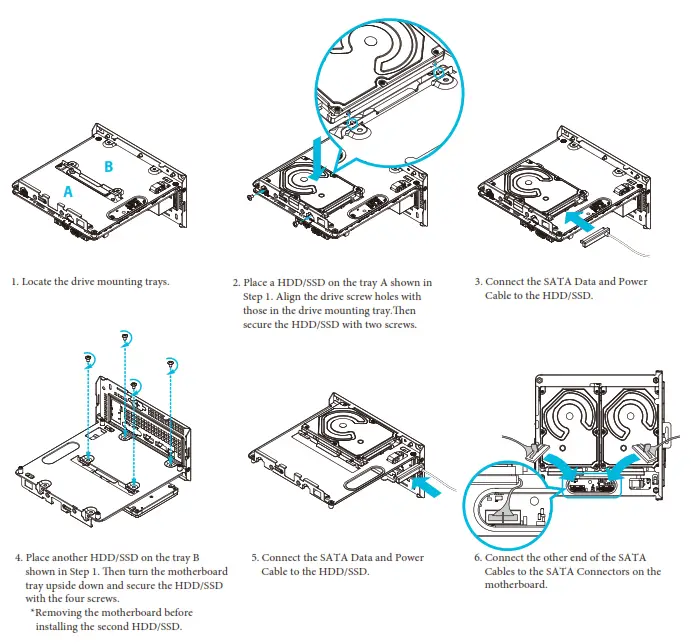 H Complete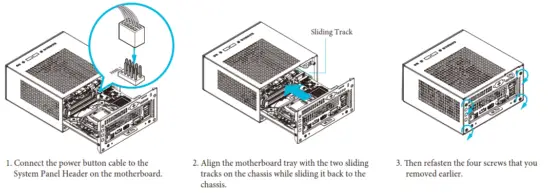
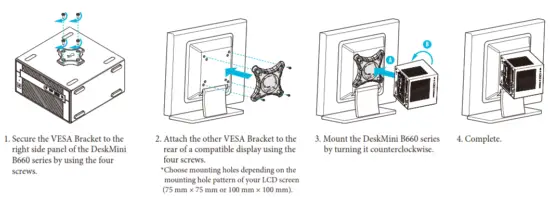
Installing the VESA Bracket (Optional)
Support
Please visit our website at http://www.asrock.com for:
A list of tested memory, M.2, 2.5” SATA HDD, wireless interface cards, and operating systems that are supported; for information about downloading the latest driver and BIOS updates; as well as the latest product support information.
The terms HDMI™ and HDMI High-Definition Multimedia Interface, and the HDMI logo are trademarks or registered trademarks of HDMI Licensing LLC in the United States and other countries.
Equipment name: PC Type designation (Type): DeskMini 8660 series | ||||||
| Unit | Restricted substances and its chemical symbols | |||||
| Lead (Pb) | Mercury (Hg) | Cadmium (Cd) | Hexavalent chromium (Cr ‘6) | Polybrominated biphenyls (PBB) | Polybrominated diphenyl ethers (PBDE) | |
| Plastic Case | 0 | 0 | 0 | 0 | 0 | 0 |
| PCB | 0 | 0 | 0 | 0 | 0 | 0 |
| Power Supply | 0 | 0 | 0 | 0 | 0 | |
| Cables | 0 | 0 | 0 | 0 | 0 | 0 |
| Hard Drive | 0 | 0 | 0 | 0 | 0 | 0 |
| Fan | 0 | 0 | 0 | 0 | 0 | 0 |
| Note I : ‘Suet-ding 0.1 wt %” and –exceeding 0.01 wt 1,‘” indicate that the percentage content of the reside S substance exceeds the reference percentage value of presence condition. Note 2 : “o– indicates that the percentage content of the restricted substance does not exceed the percentage of the reference value of presence. Note 3 : The — indicates that the restricted substance corresponds to the exemption. | ||||||
Warranty Term
– Warranty of host of DeskMini series personal computer (casing excluded): 1 year
– Warranty of transformer: 1 year
– Our warranty does not cover the casing of the product, the CD drive, the metal frame and fastenings and screws, or packaging accessories.
– Data stored in the product may be lost as a result of the repair work or re-formatting of the hard drive disk.
 ASRock