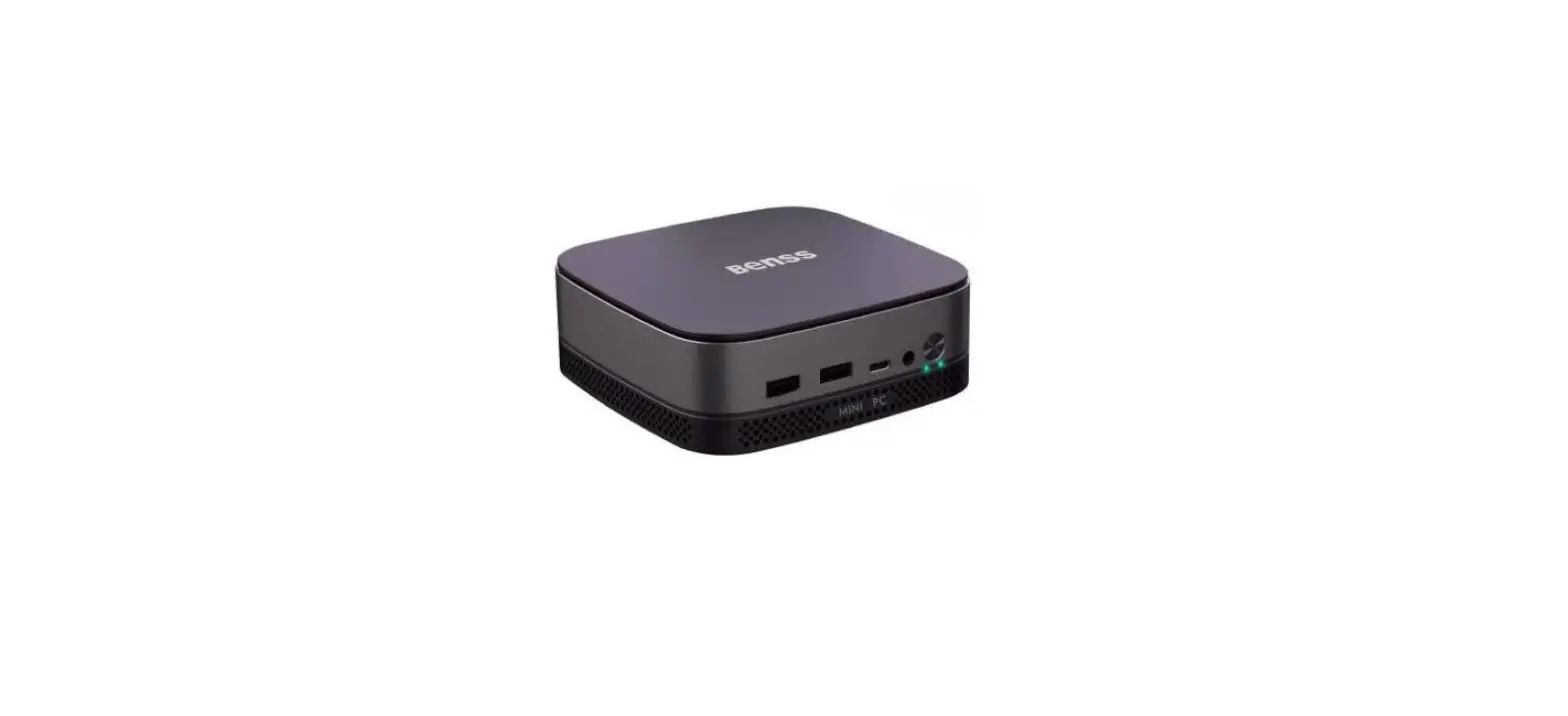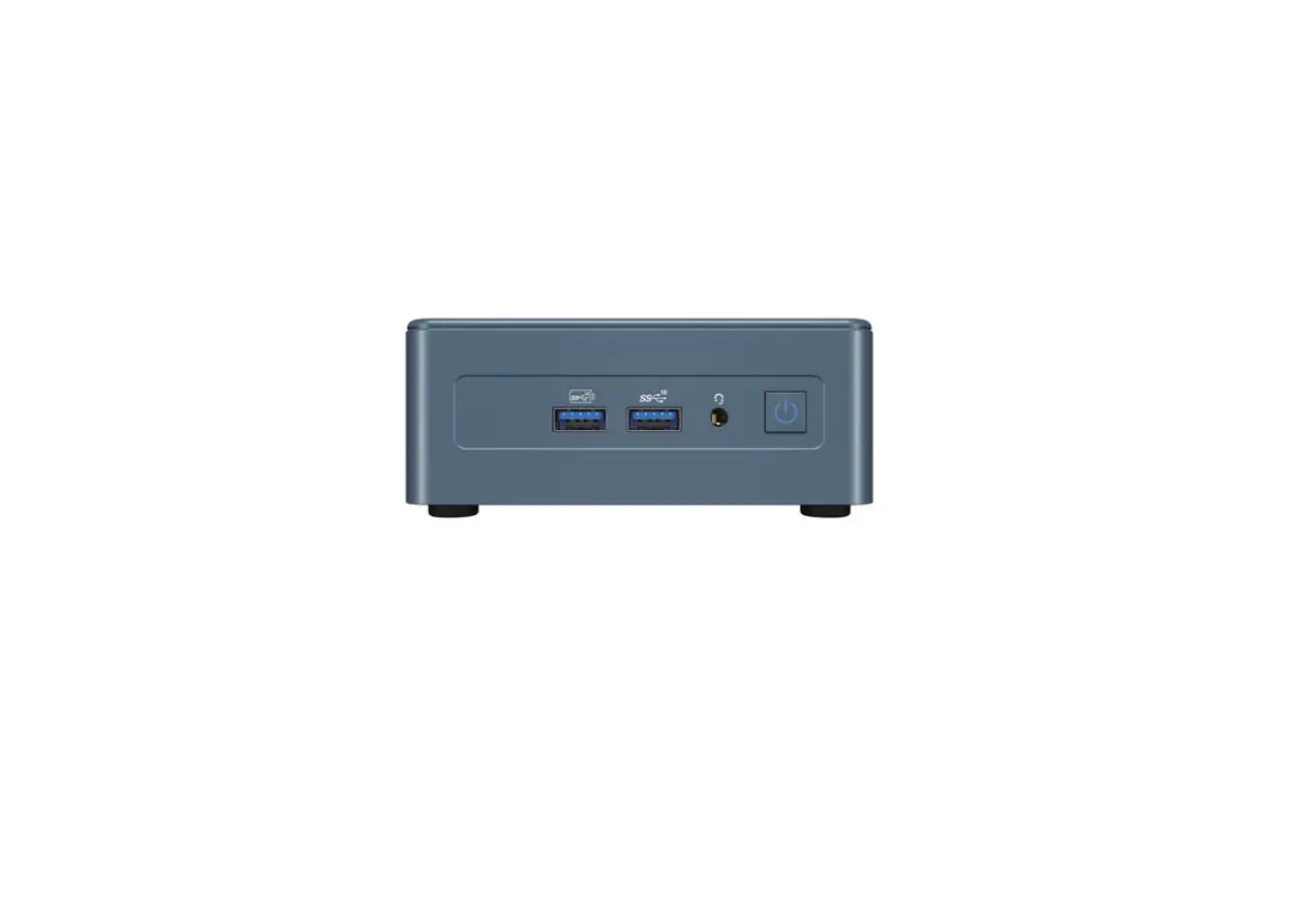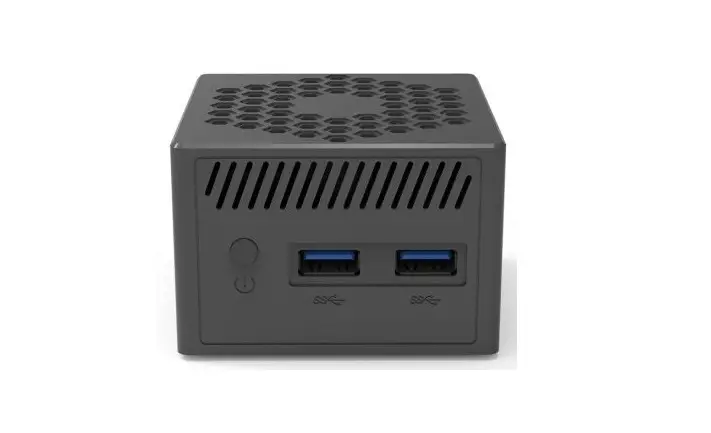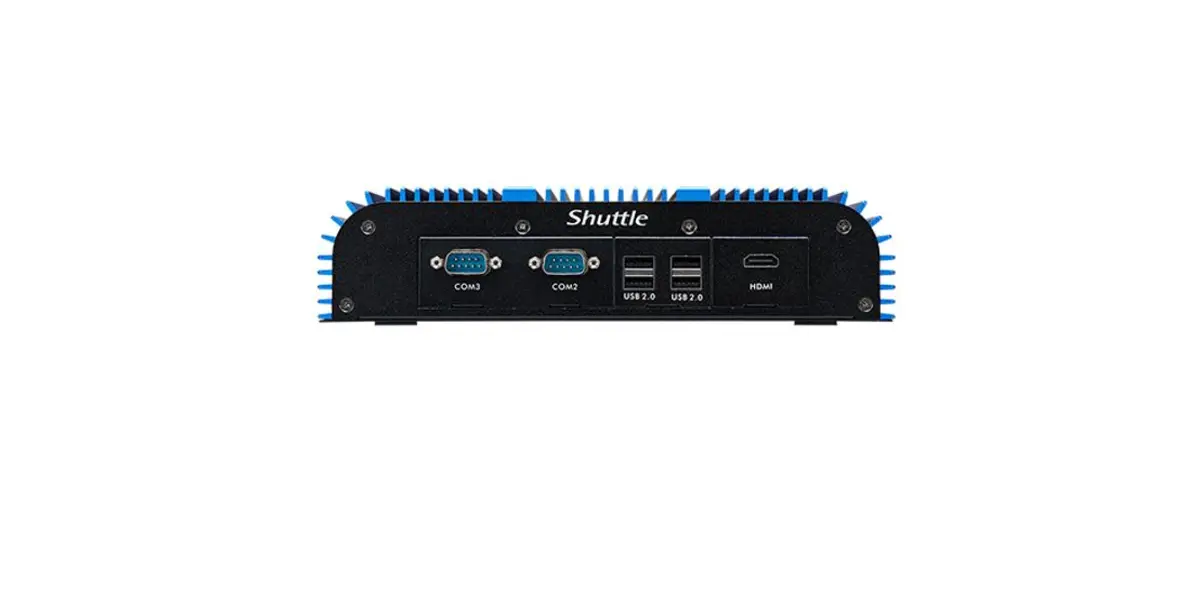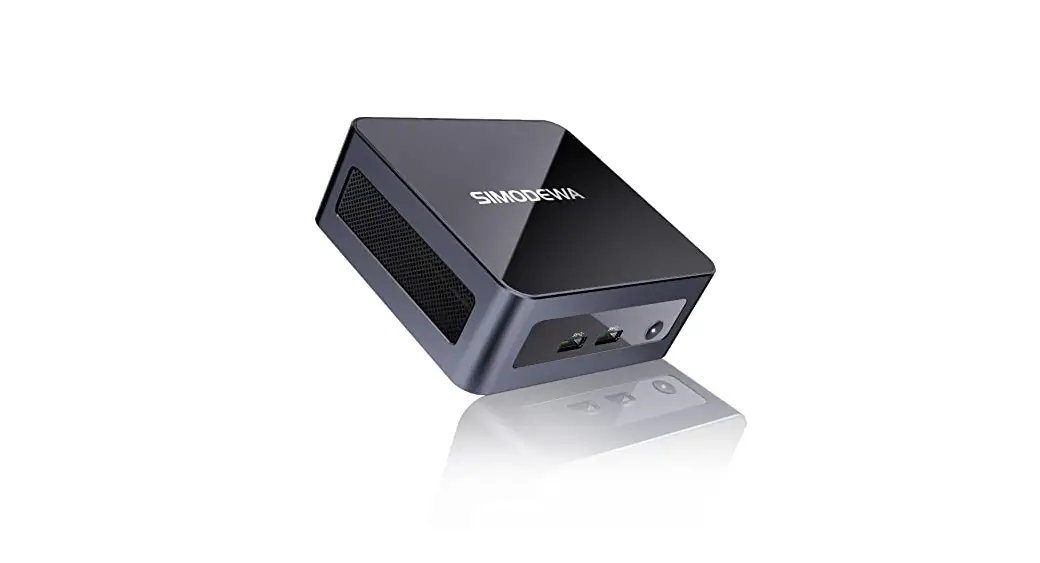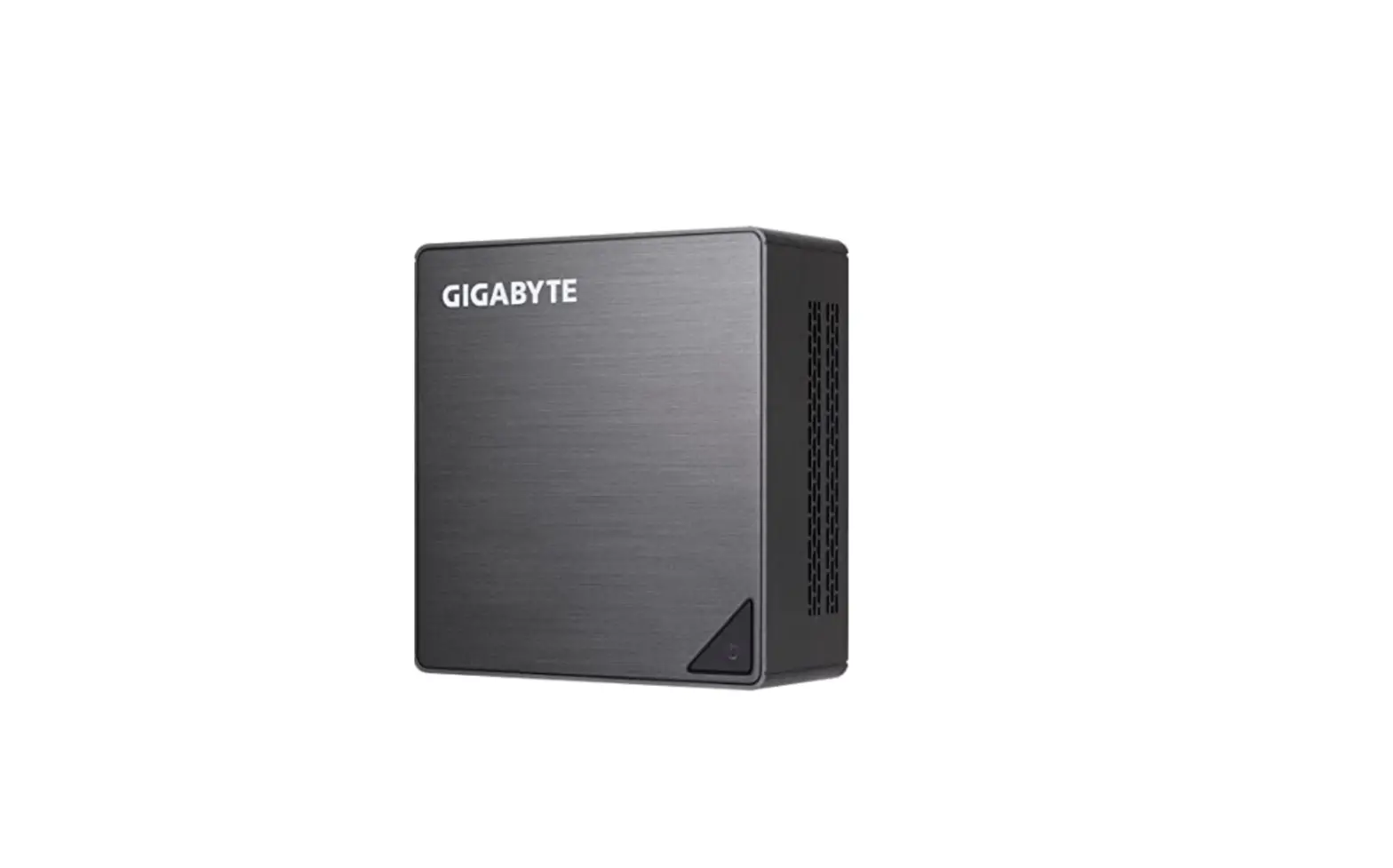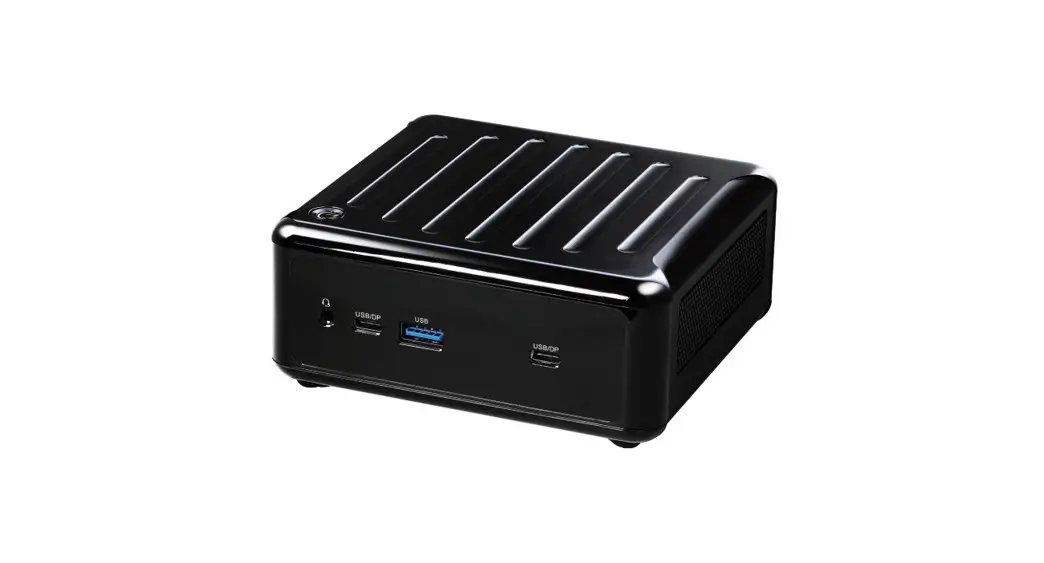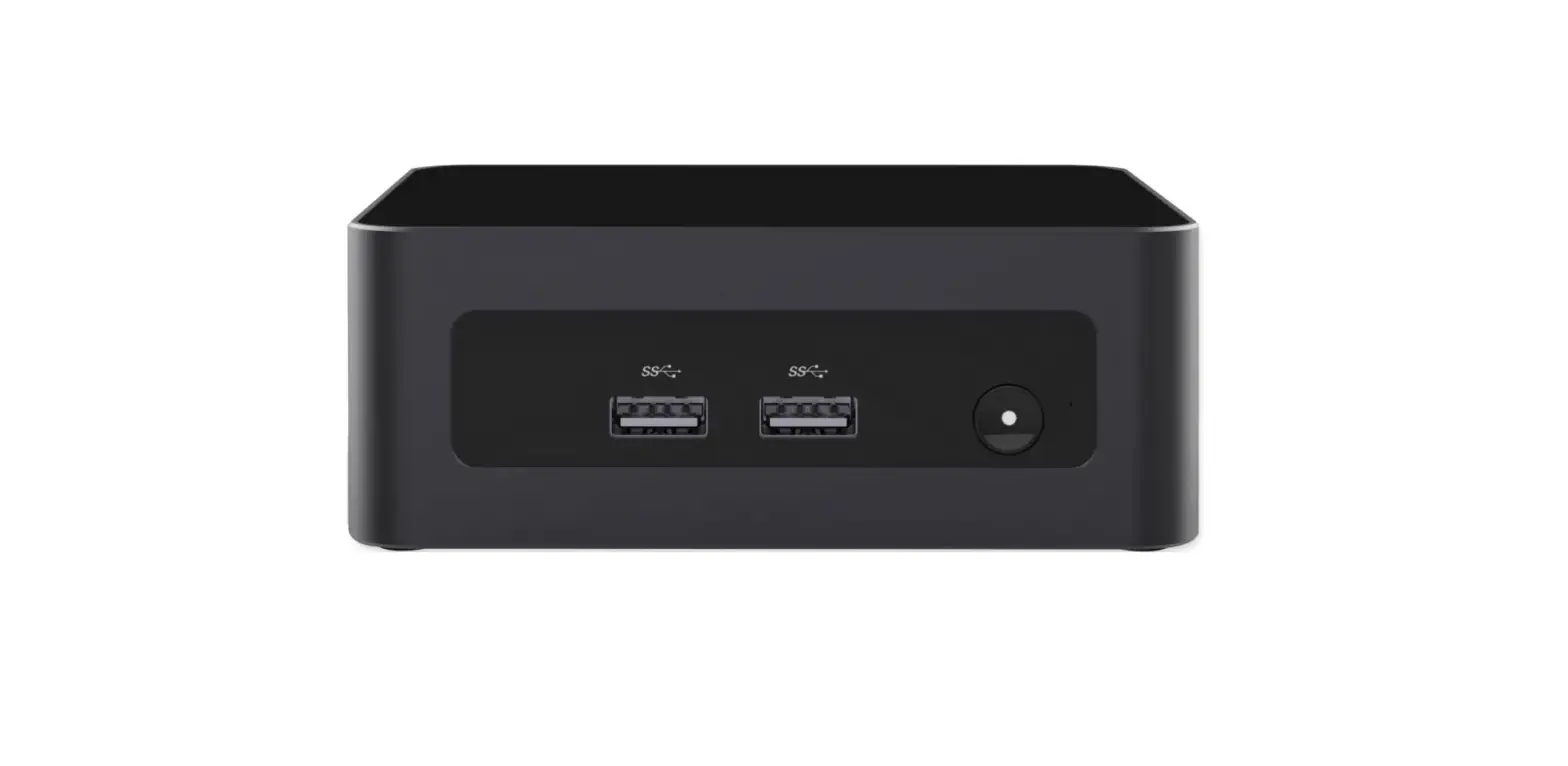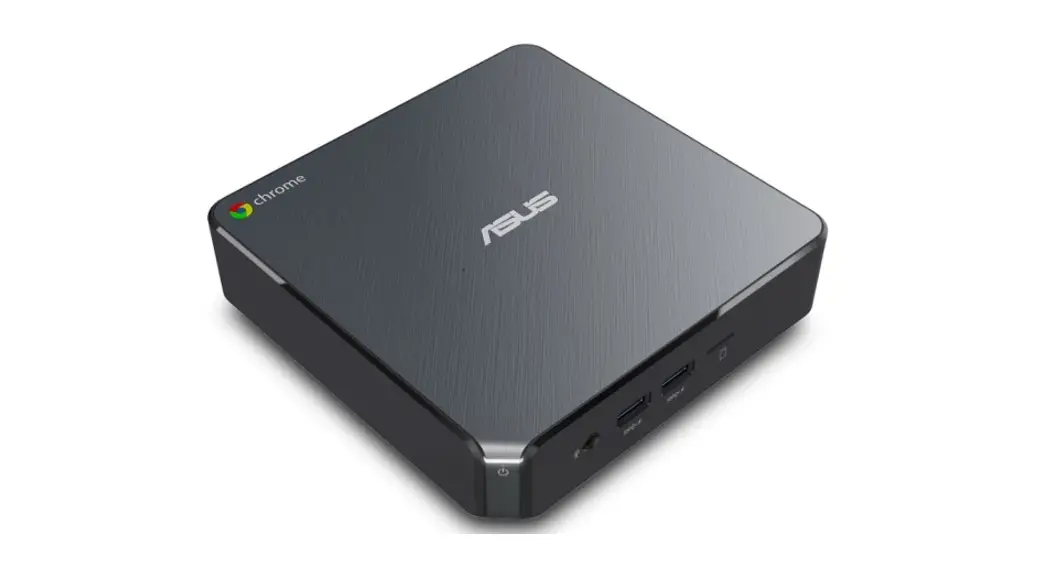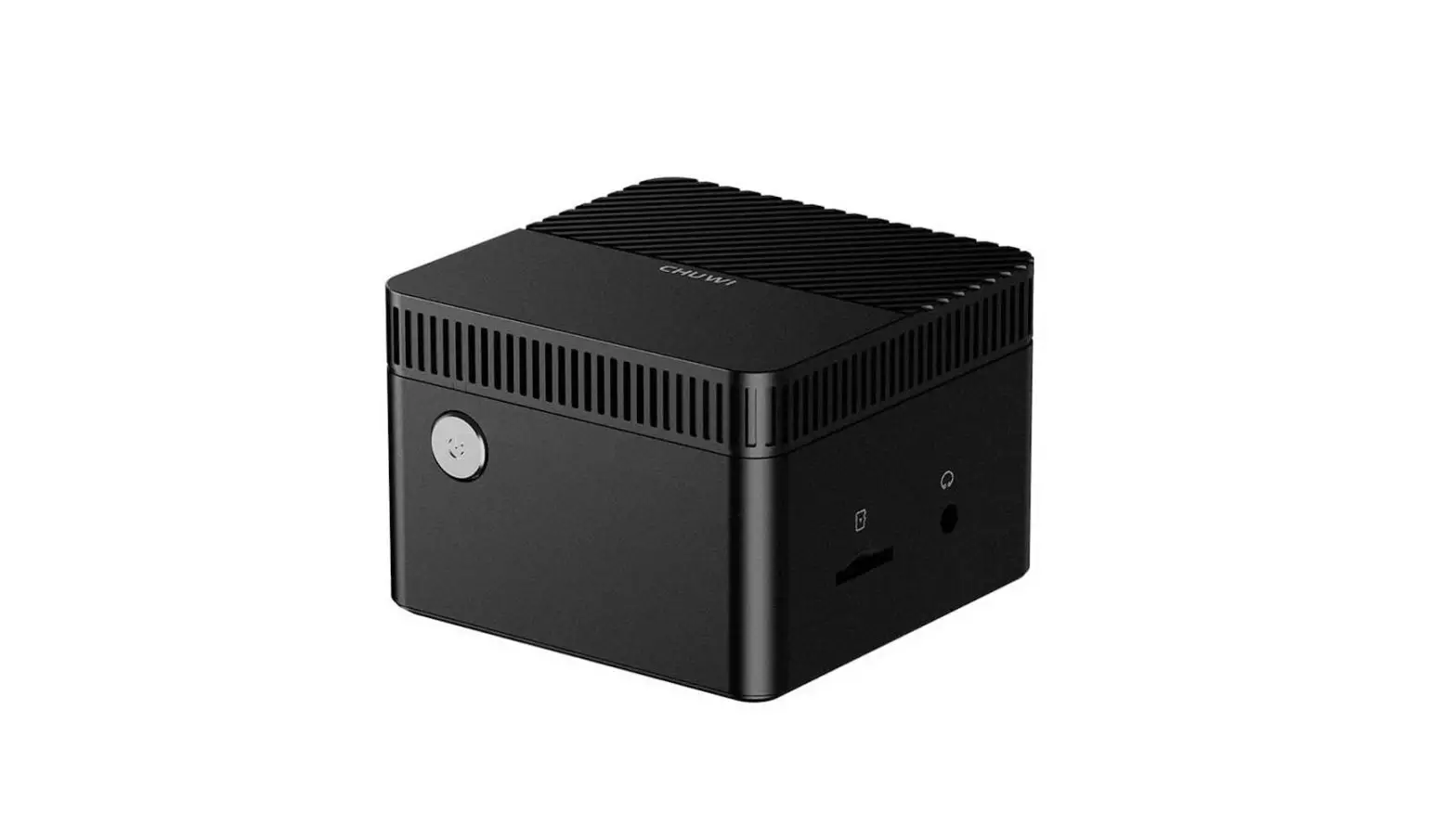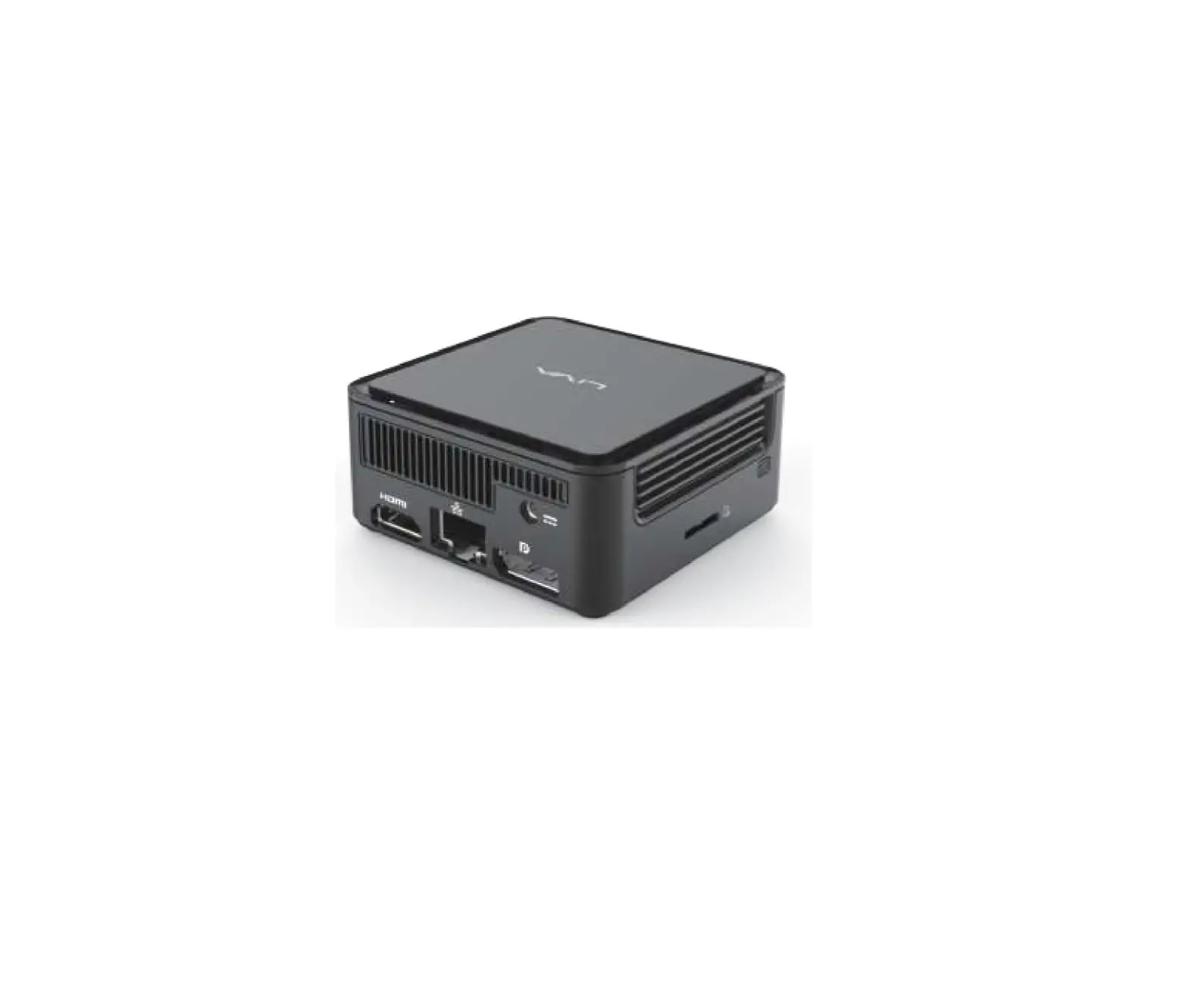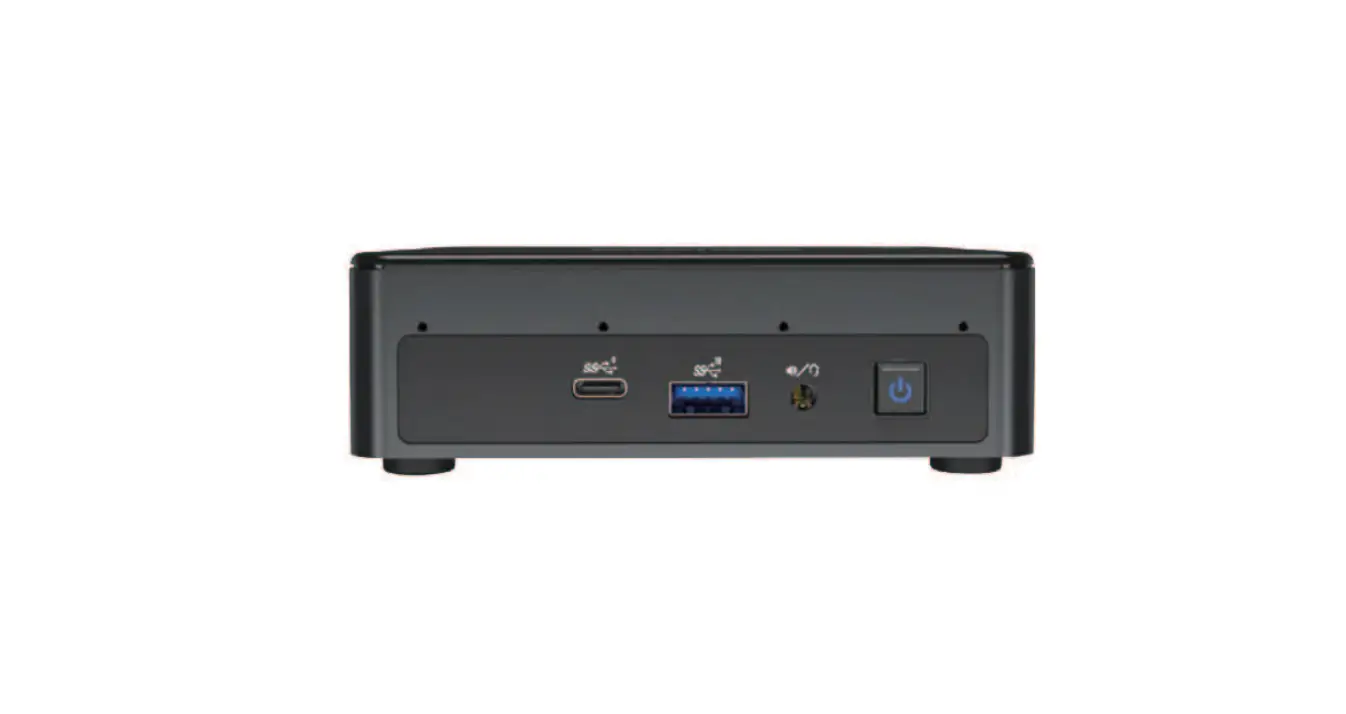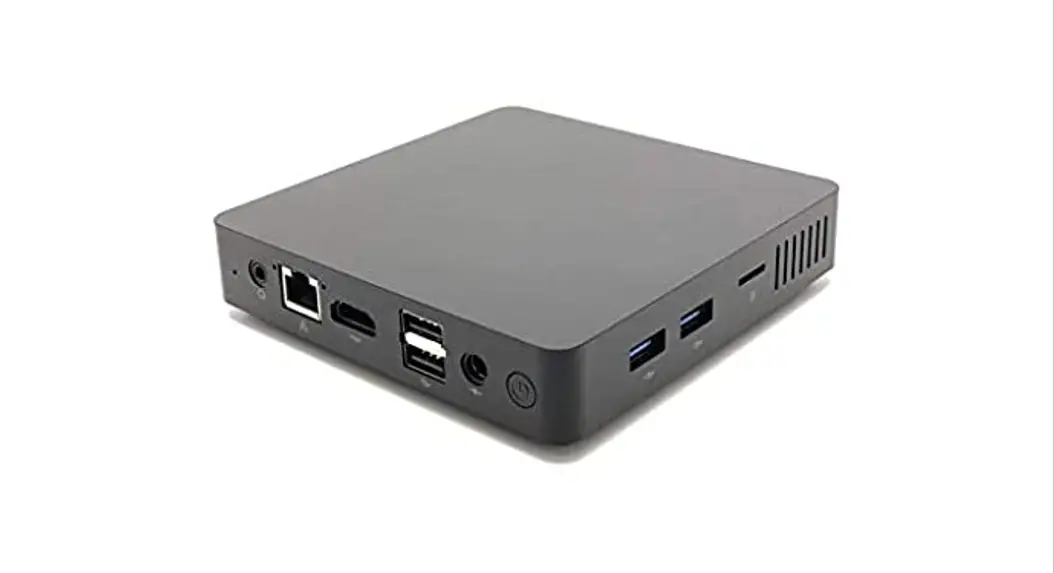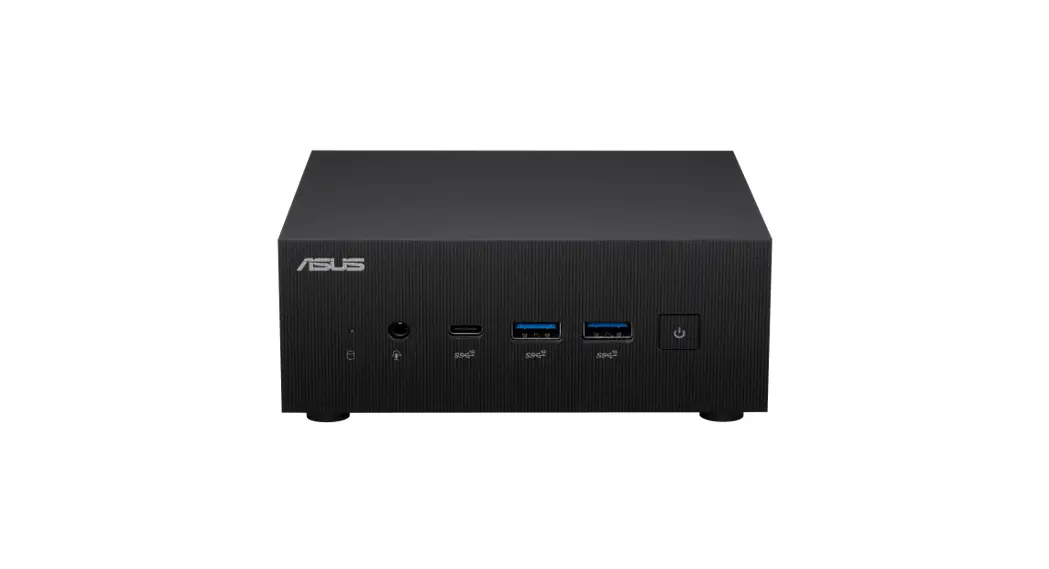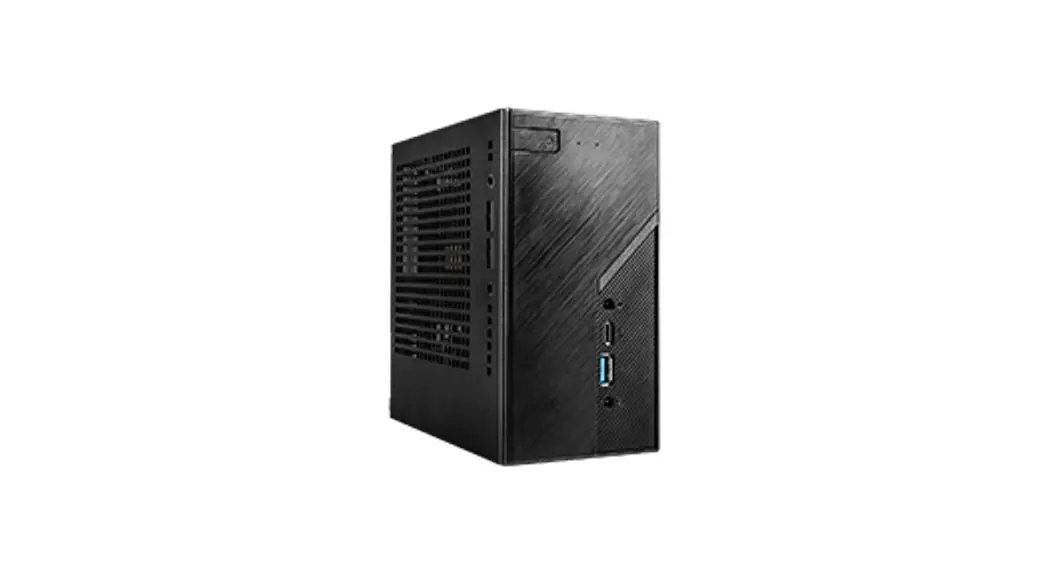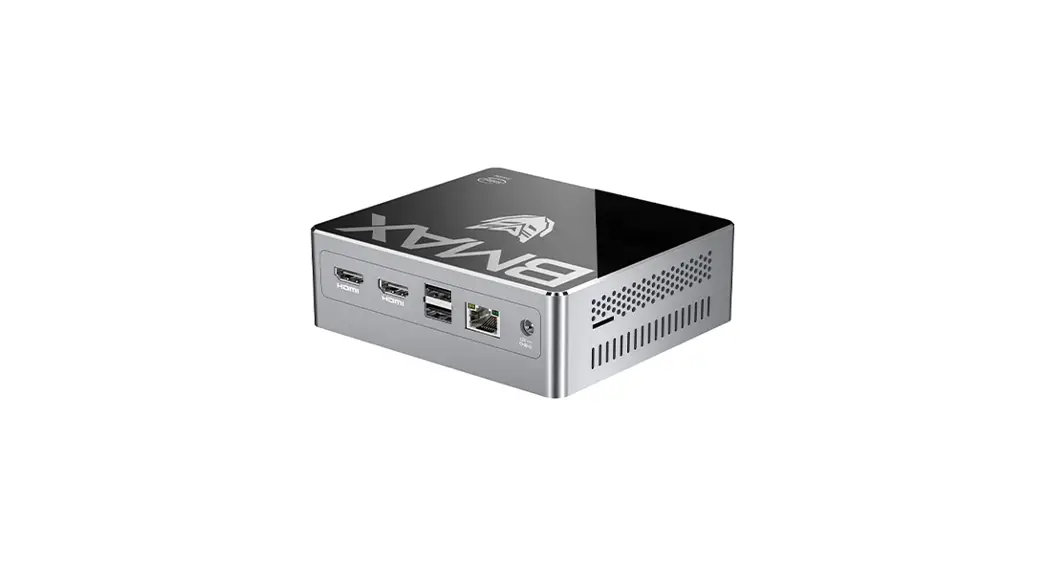
 B2PLUS Mini PC Slim and light weight Plus
Instruction Manual 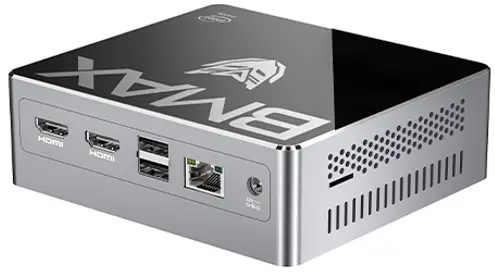 Instruction Manual/Warranty Card
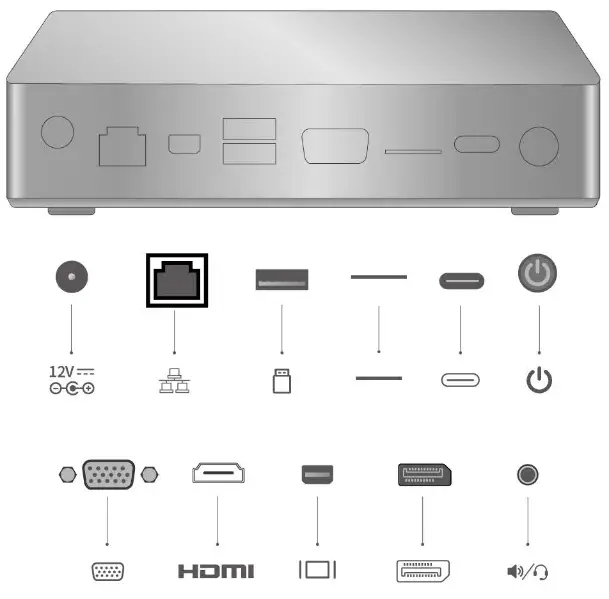 *Available ports may vary depending on model
The terms HDMI, HDMI High-Definition Multimedia Interface, and the HDMI Logo are trademarks or registered trademarks of HDMI Licensing Administrator, Inc.
 | Power Button |
 | Electric Power Inlet |
 | Type-C port |
 | VGA Port |
 | DP Port |
 | Mini DP Port |
 | HDMI port |
 | Speaker |
 | Ethernet Port |
 | TF card reader |
Steps for the back of the display mount
*installation instruction may vary depending on mode!
[ installation Instruction 1 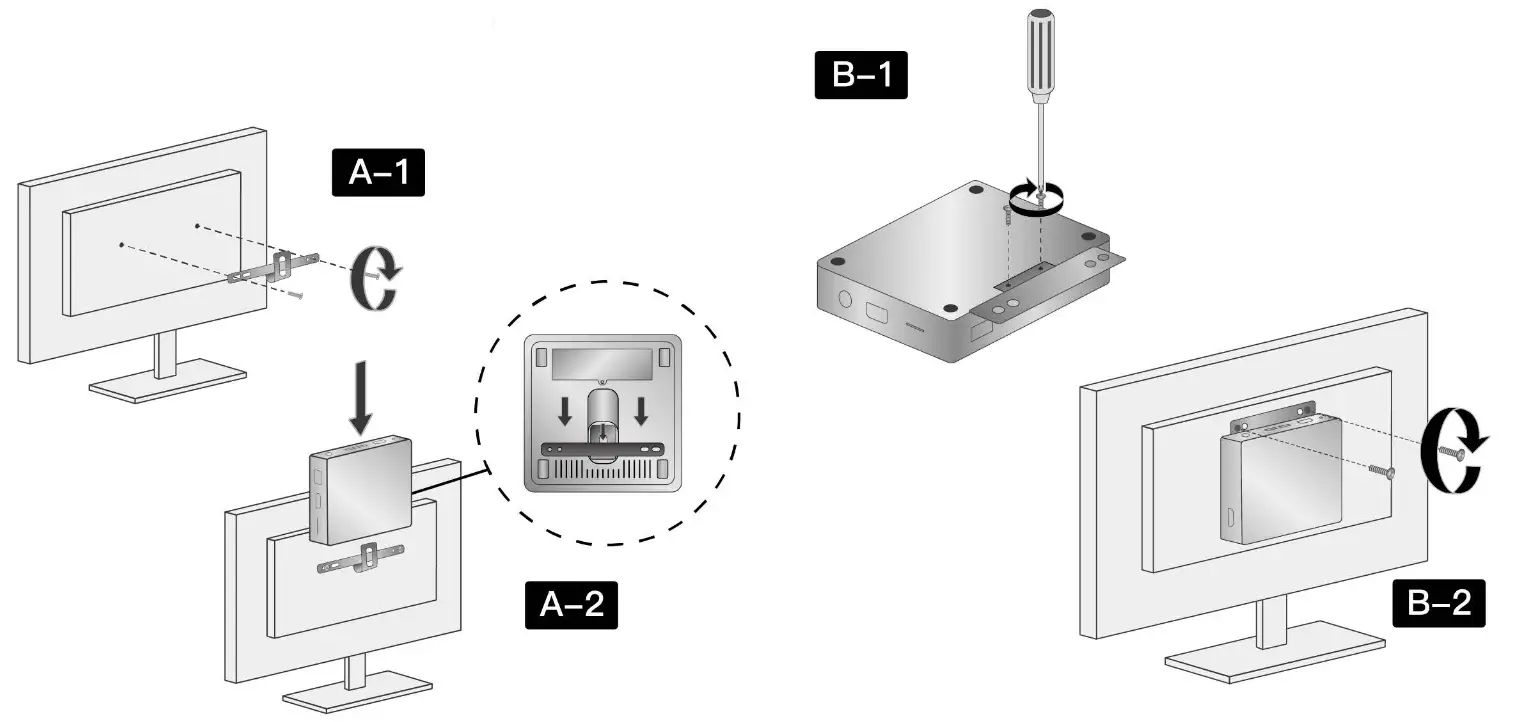
Dear Customer,
Thank you very much for using our products, please read the rules carefully.
One-year warranty
According to the prescription, the period for protecting to fix our company’s product is one year. (From the day when you have the invoice) During this period any belongs, to under normal usage circumstance cause because of the product quality’s problem of breakdown, our company will be responsible for giving free maintenance.
Free maintenance won’t be given under the following circumstance:
© Without Protection to fix warrantees.
© The device is out of the warranty period.
® The breakdown is caused by the manipulation that hasn’t followed the requests of the manual.
© The damage caused by the dismantle movement of a non—our—company authorized maintainer.
© The breakdown, row harm or damaged because of the move or drop.
© The damage caused by customer inappropriate preservation, maintenance, or usage.
© The serial number on the back cover is too dim to recognize if it is BMAX products.
© The breakdown and the damage caused by the force majeure.
3. Customer responsibility
3.1 Please back up all your important data before sending your device to our service center.
3.2 BMAX will not take responsibility of the data missing.
3.3 Screen is easy—broken accessories, please avoid the damage from drop or crash. otherwise, you should pay the extra fixing fee.
3.4 Please carefully check the screen before purchasing the device.
3.5 Customers should pay the double way shipping cost.
3.6 BMAX reserves all the right for the final explanation.
*Product pictures and display contents are provided for reference only. Actual product features and specifications may vary.
Warranty Card,
Product Name ——————————–
SN ———————————————
Manufactured by —————————
User Name ———————————
Address ————————————
Email ——————————————-
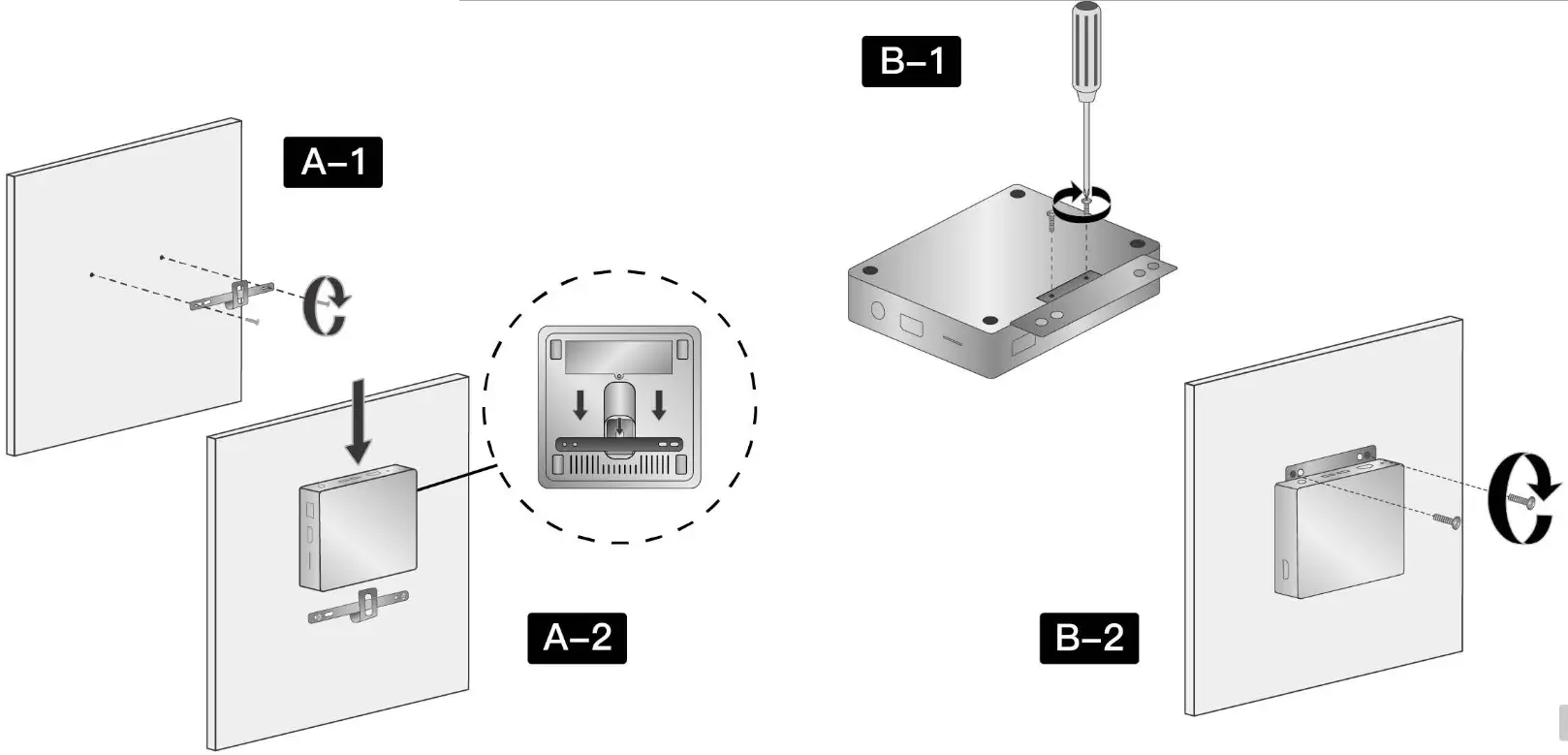
For wall mount
*Installation instruction may vary depending on model
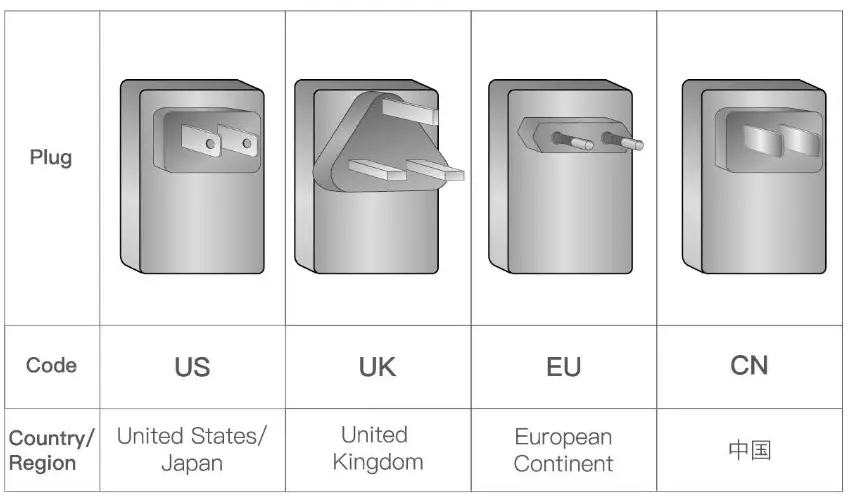
Power Adapter
*We can provide the plug of UK, US/JP, EU, and CN, it depends on your shipping location.
Power on and boot into Windows
windows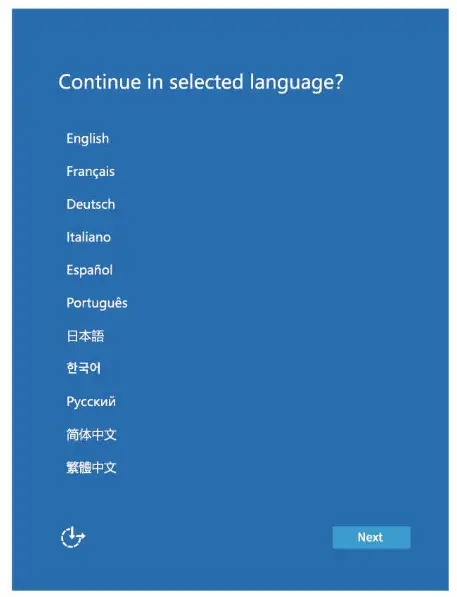
Windows User manual
First, boot up the guide
Boot up guide will help you to select system language, time zone, WiFi network, user
name and device information during the first boot up.
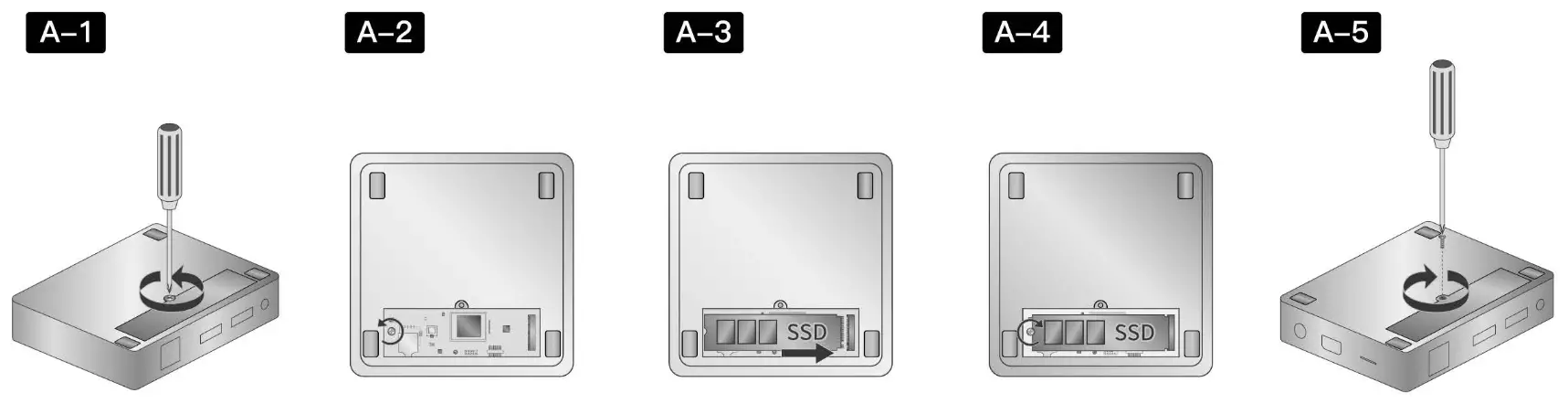
SSD Upgrade
Installation Instruction 1 Installation instruction may vary depending on model
Connecting to power source
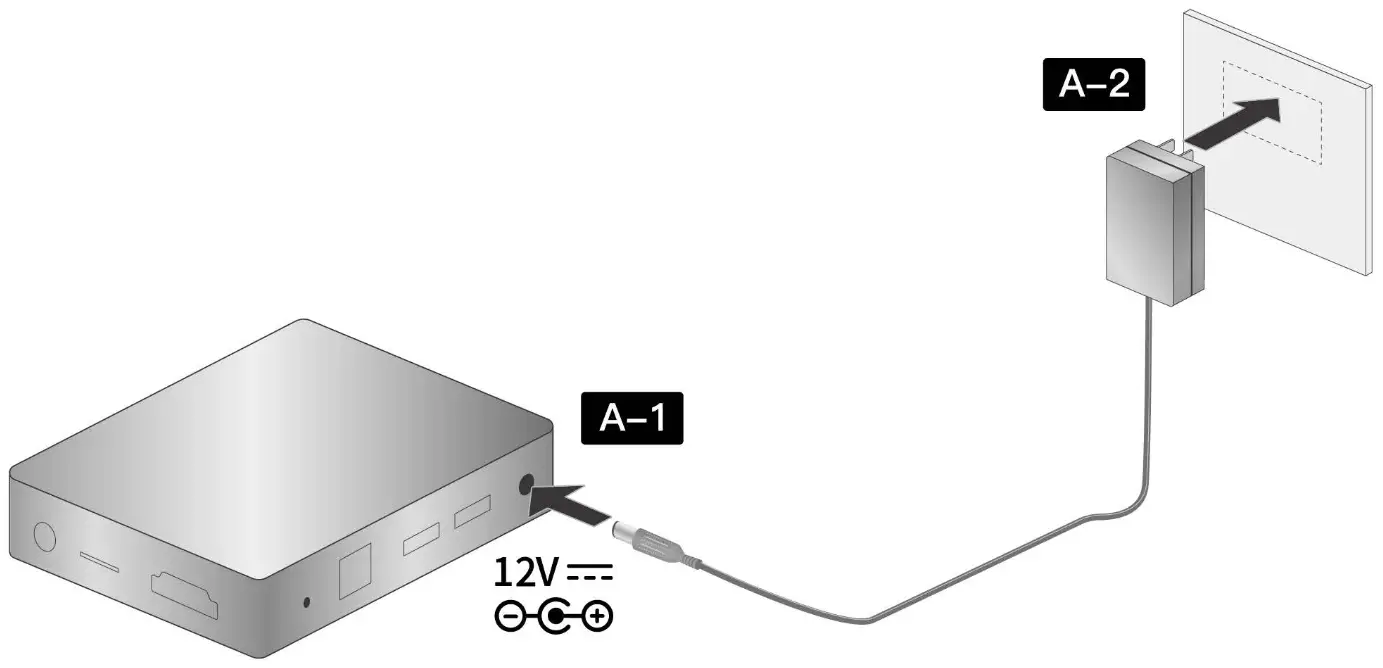
Installation Instruction 2
Installation instruction may vary depending on model
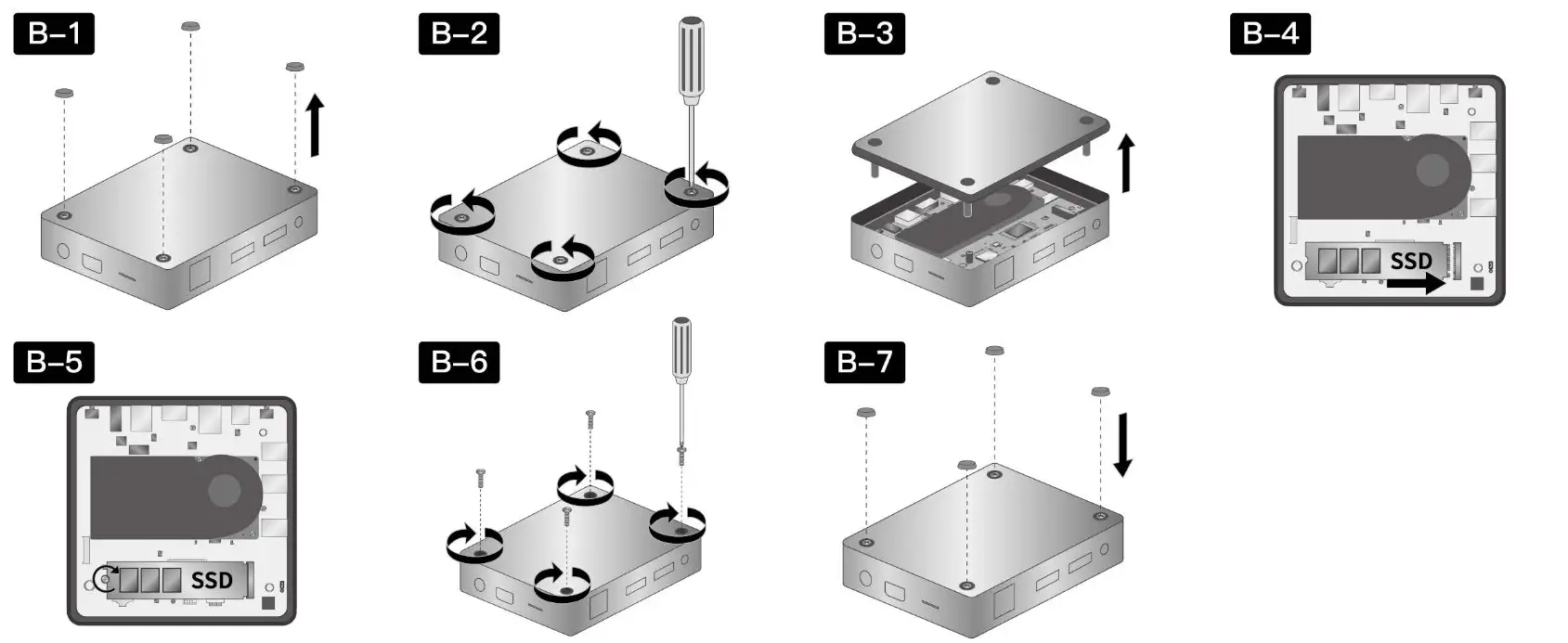
“Product pictures and display contents are provided for reference only. Actual product features and specifications may vary
FCC Statement
This device complies with part 15 of the FCC rules. Operation is subject to the following two conditions: (1) this device may not cause harmful interference, and (2) this device must accept any interference received, including interference that may cause undesired operation.
Changes or modifications not expressly approved by the party responsible for compliance could void the user’s authority to operate the equipment.
NOTE: This equipment has been tested and found to comply with the limits for a Class B digital device, pursuant to part 15 of the FCC Rules. These limits are designed to provide reasonable protection against harmful interference in a residential installation. This equipment generates uses and can radiate radio frequency energy and, if not installed and used in accordance with the instructions, may cause harmful interference to radio communications. However, there is no guarantee that interference will not occur in a particular installation. If this equipment does cause harmful interference to radio or television reception, which can be determined by turning the equipment off and on, the user is encouraged to try to correct the interference by one or more of the following measures:
- Reorient or relocate the receiving antenna.
- Increase the separation between the equipment and receiver.
- Connect the equipment into an outlet on a circuit different from that to which the receiver is connected.
- Consult the dealer or an experienced radio/TV technician for help.
Important Note:
Radiation Exposure Statement
|This equipment complies with FCC radiation exposure limits set forth for an uncontrolled environment. This equipment should be installed and operated with a minimum distance 20cm between the radiator and your body. This transmitter must not be co-located or operating in conjunction with any other antenna or transmitter.
Creature Information (Guangzhou) Technology Co., Limited
Address: 203 Changfu Road, Tianhe District, Guangzhou,China
TEL/Mié: +8620-37260196
FAX/: +8620-89819485
Web/BA Mis: htto://www.bmaxit.com
E-Mail/2ARfa#a: [email protected]