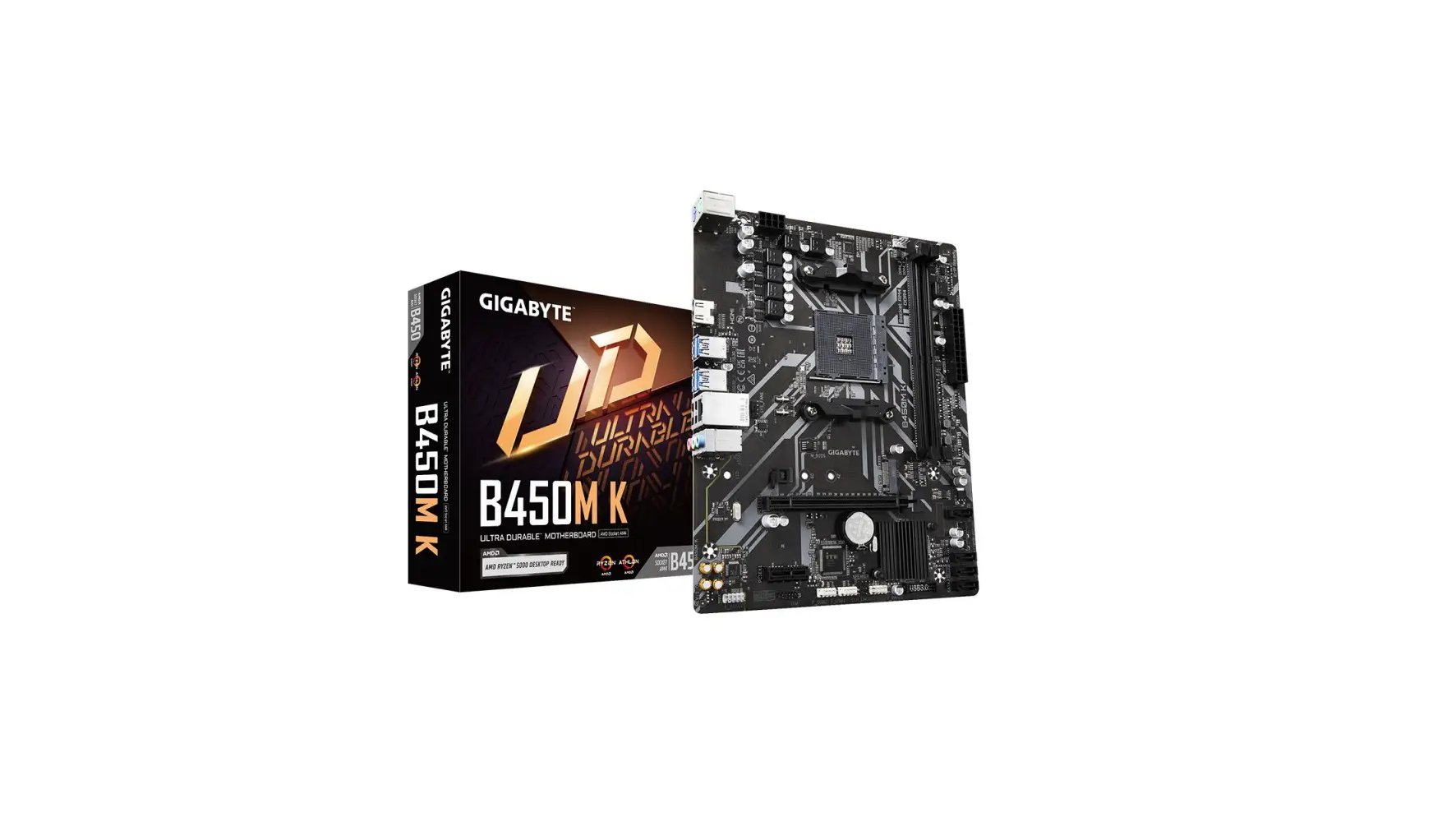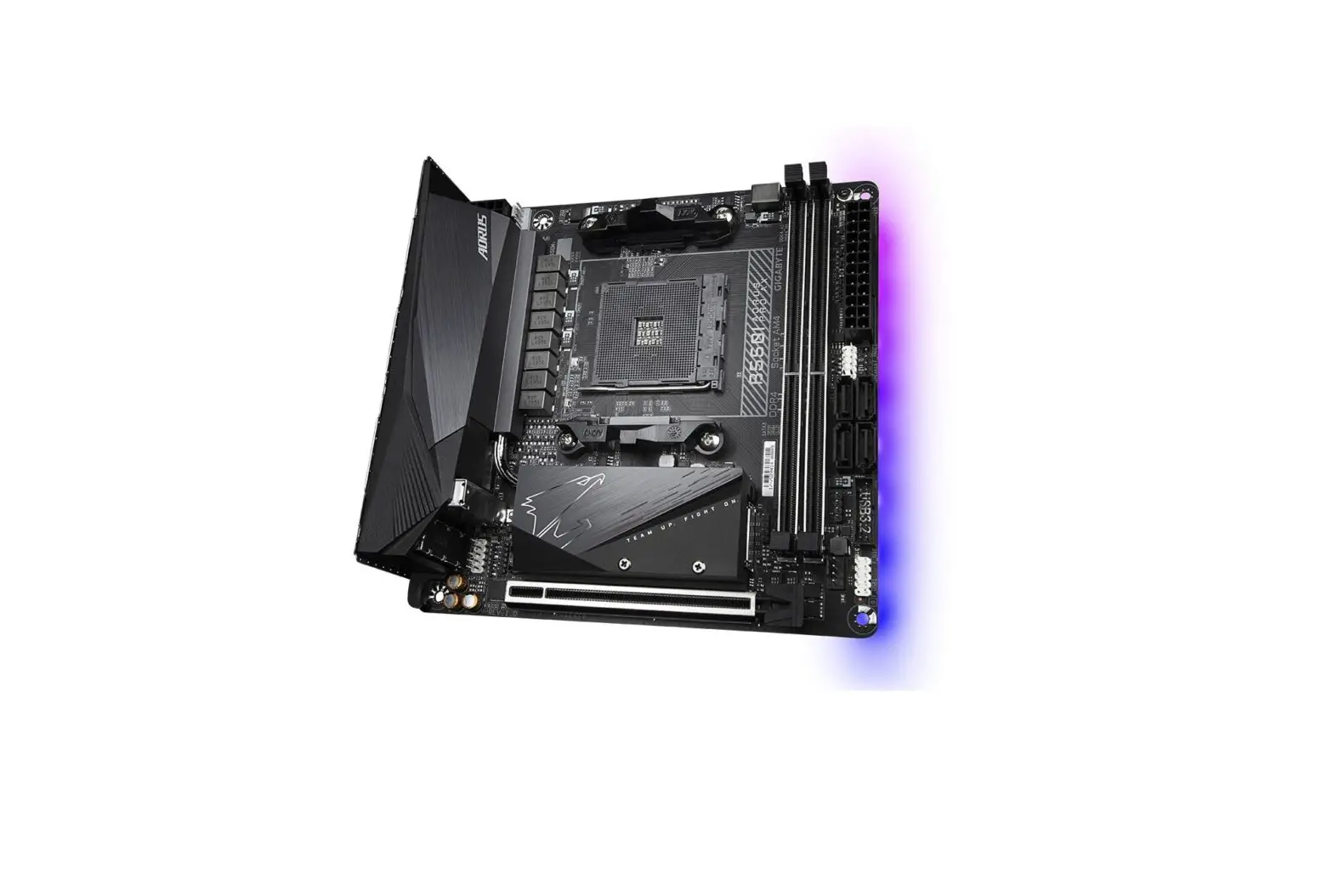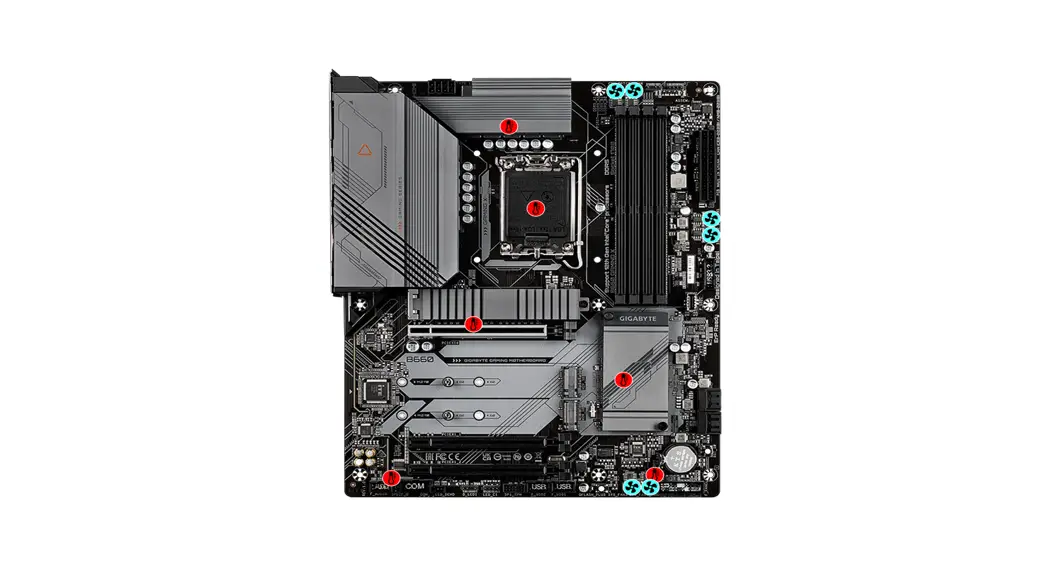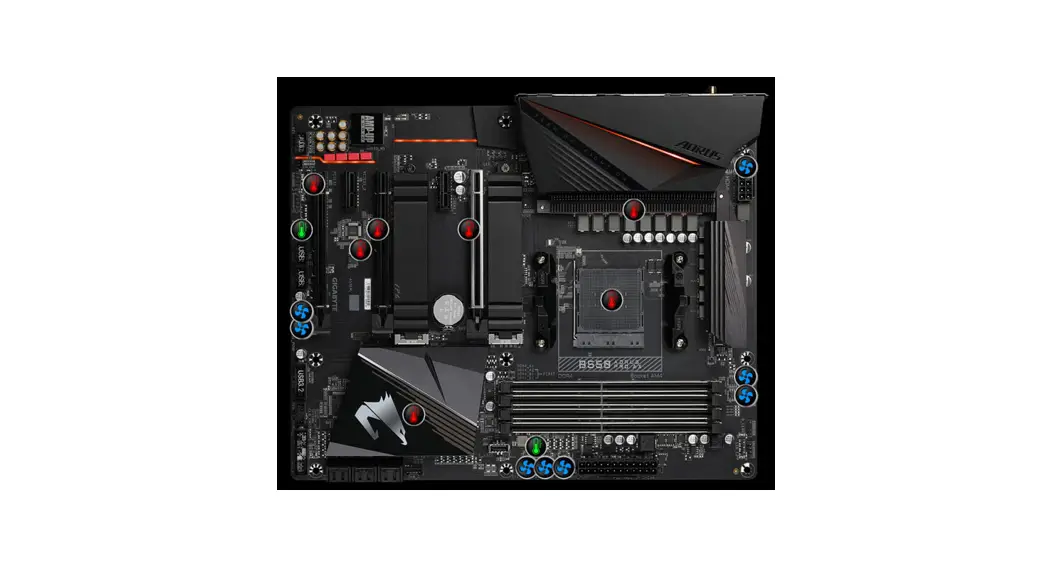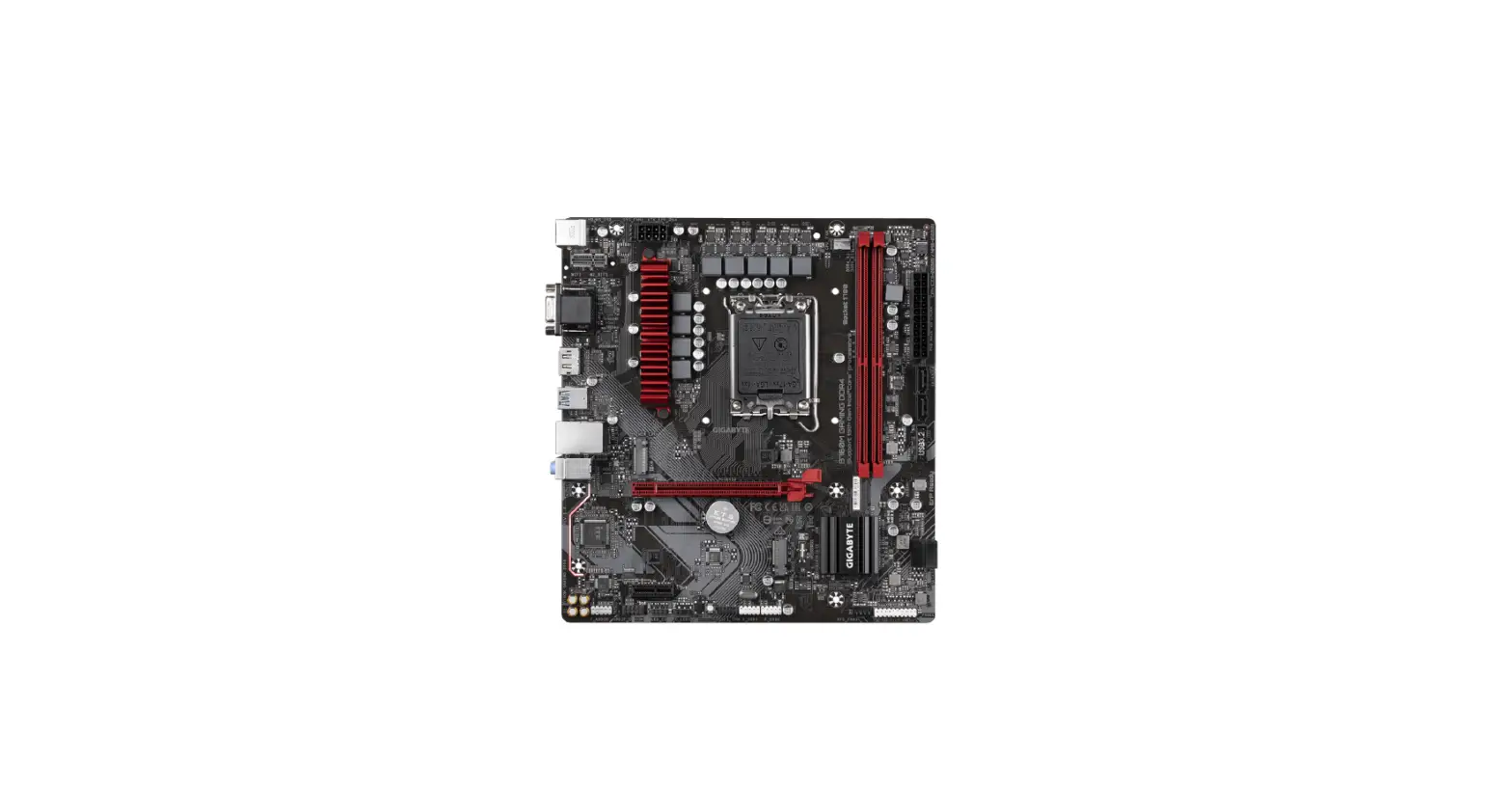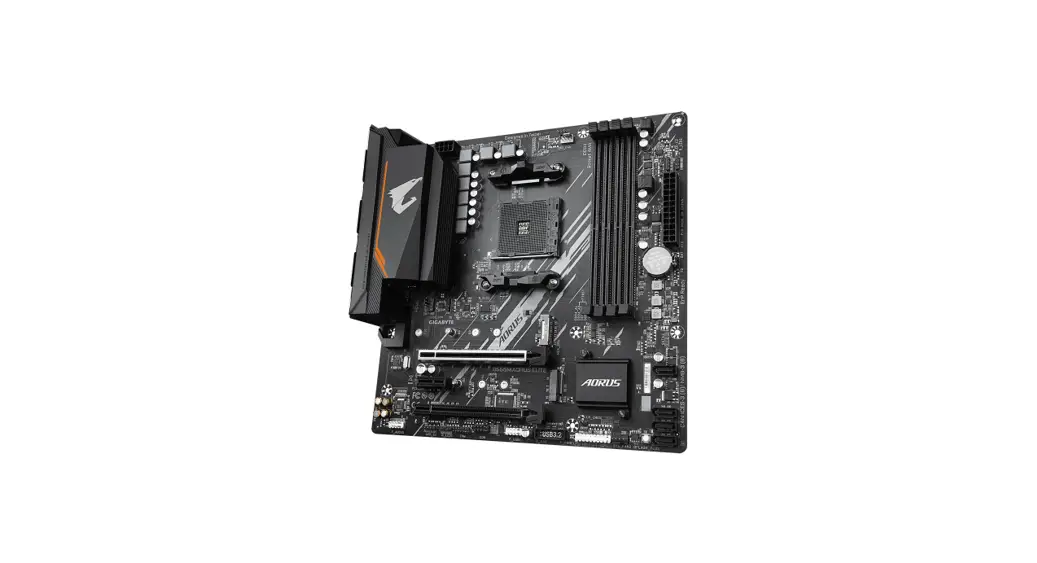
 B550 Motherboard
Installation Guide
Step 1
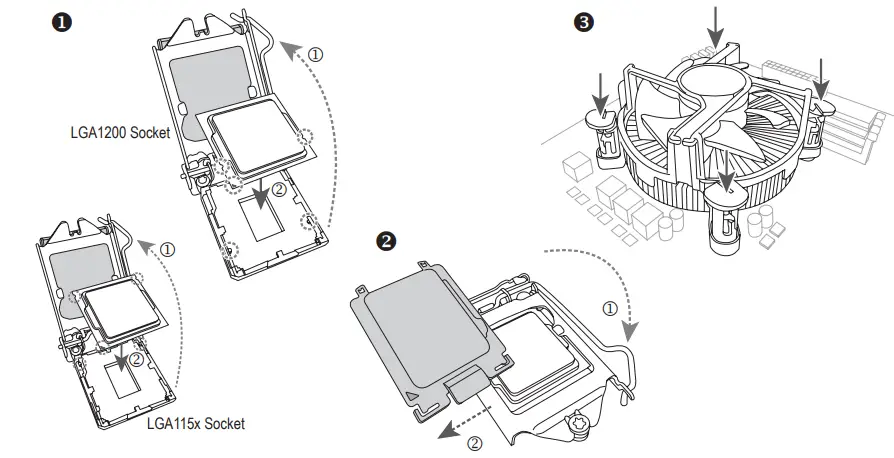
Install a CPU and CPU cooler.
Intel CPU
AMD CPU
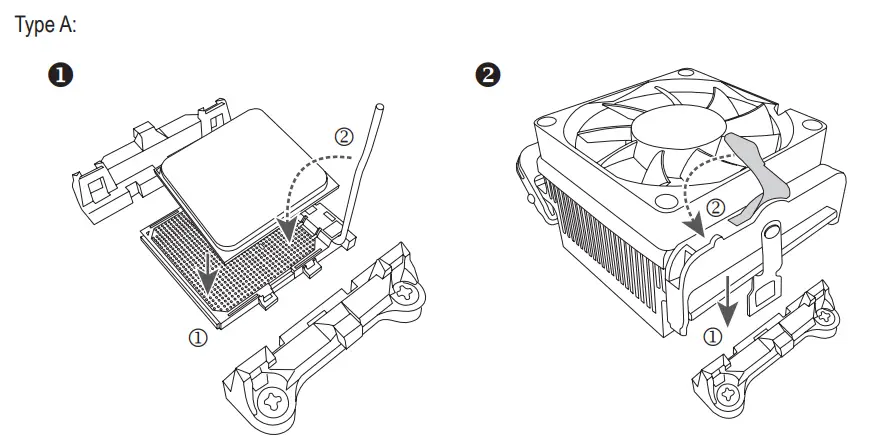
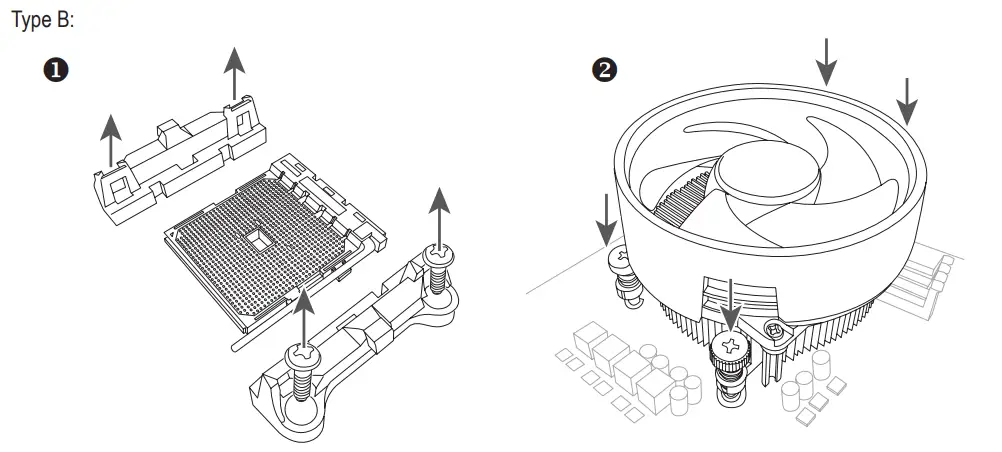
Step 2
Install memory.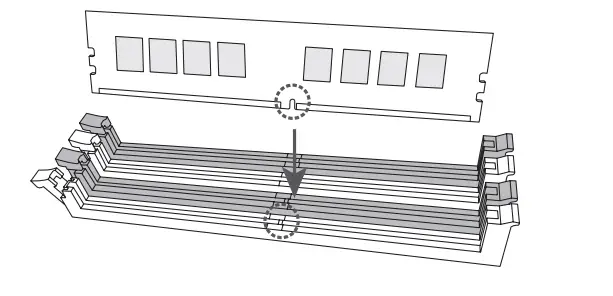
Step 3
Prepare the case and Install the motherboard.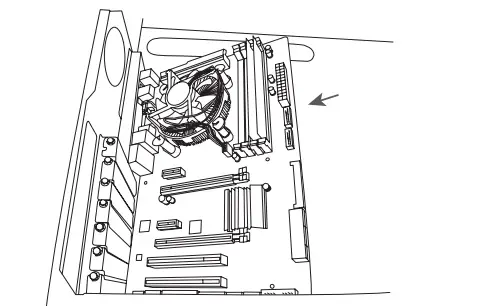
Step 4
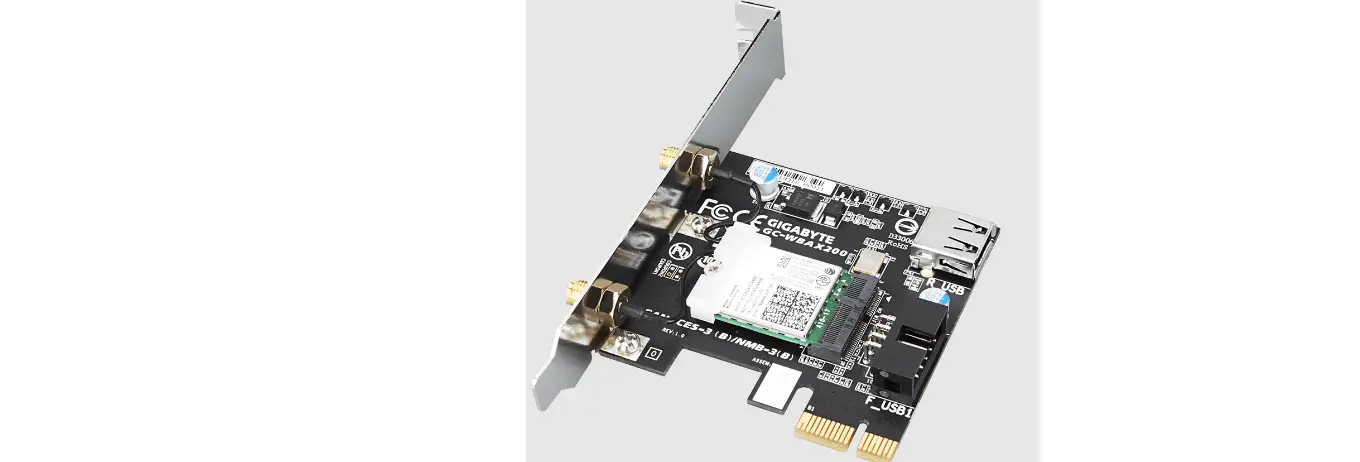
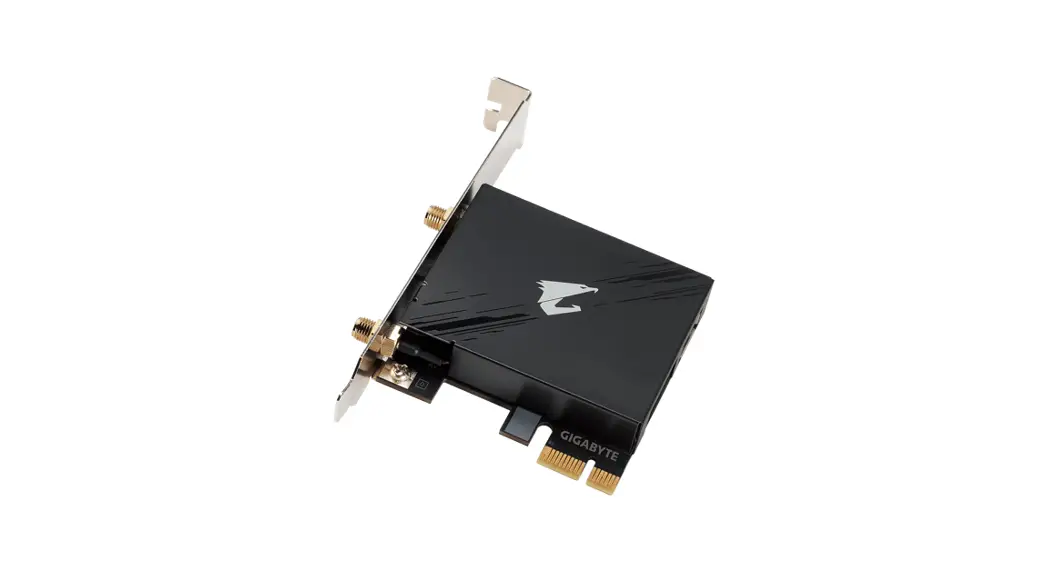
Install an expansion card.
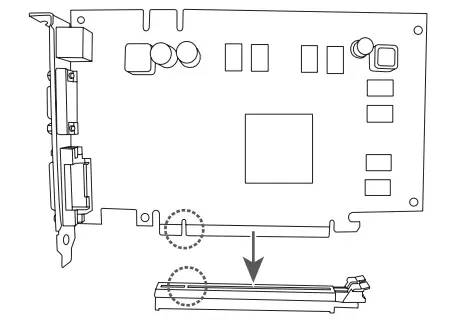
Step 5
Install a power supply.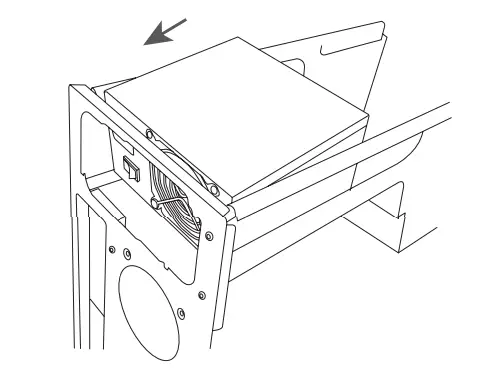
Step 6
Install hard drives and optical drives.
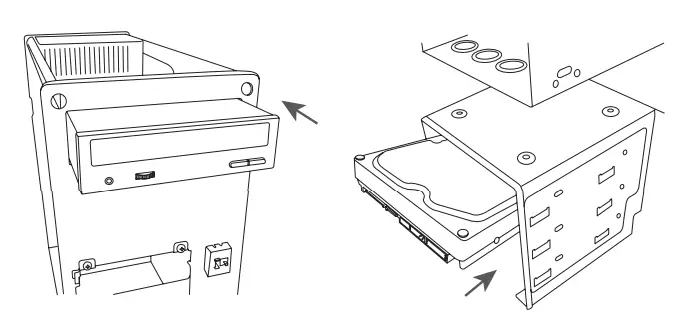
Step 7
Connect cables to the internal connectors.
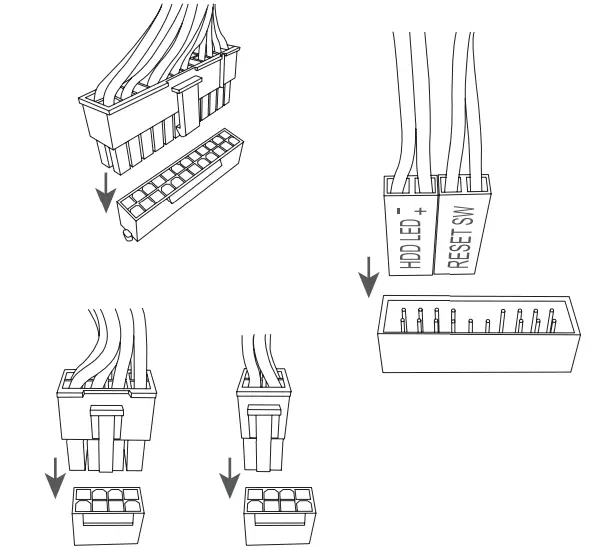
Step 8 Connect peripherals to the computer, such as a keyboard, mouse, monitor, etc.
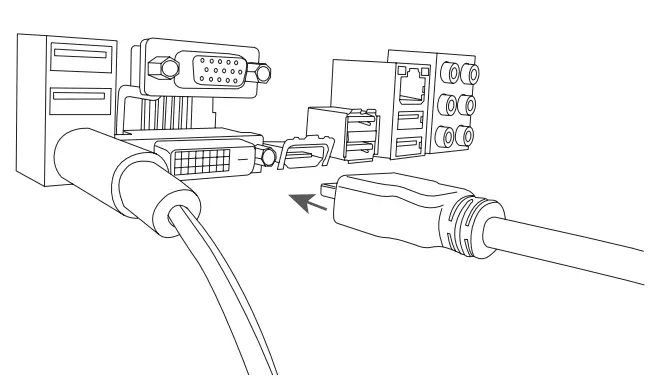
fg The sequence of installation may vary depending upon the case and devices used.
For detailed installation instructions, please visit GIGABYTE’s website.