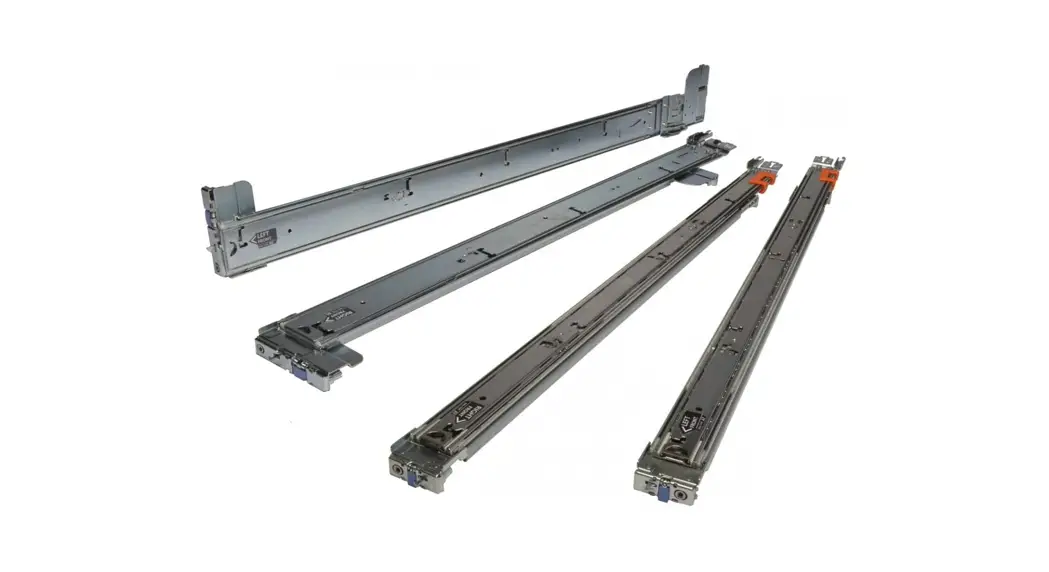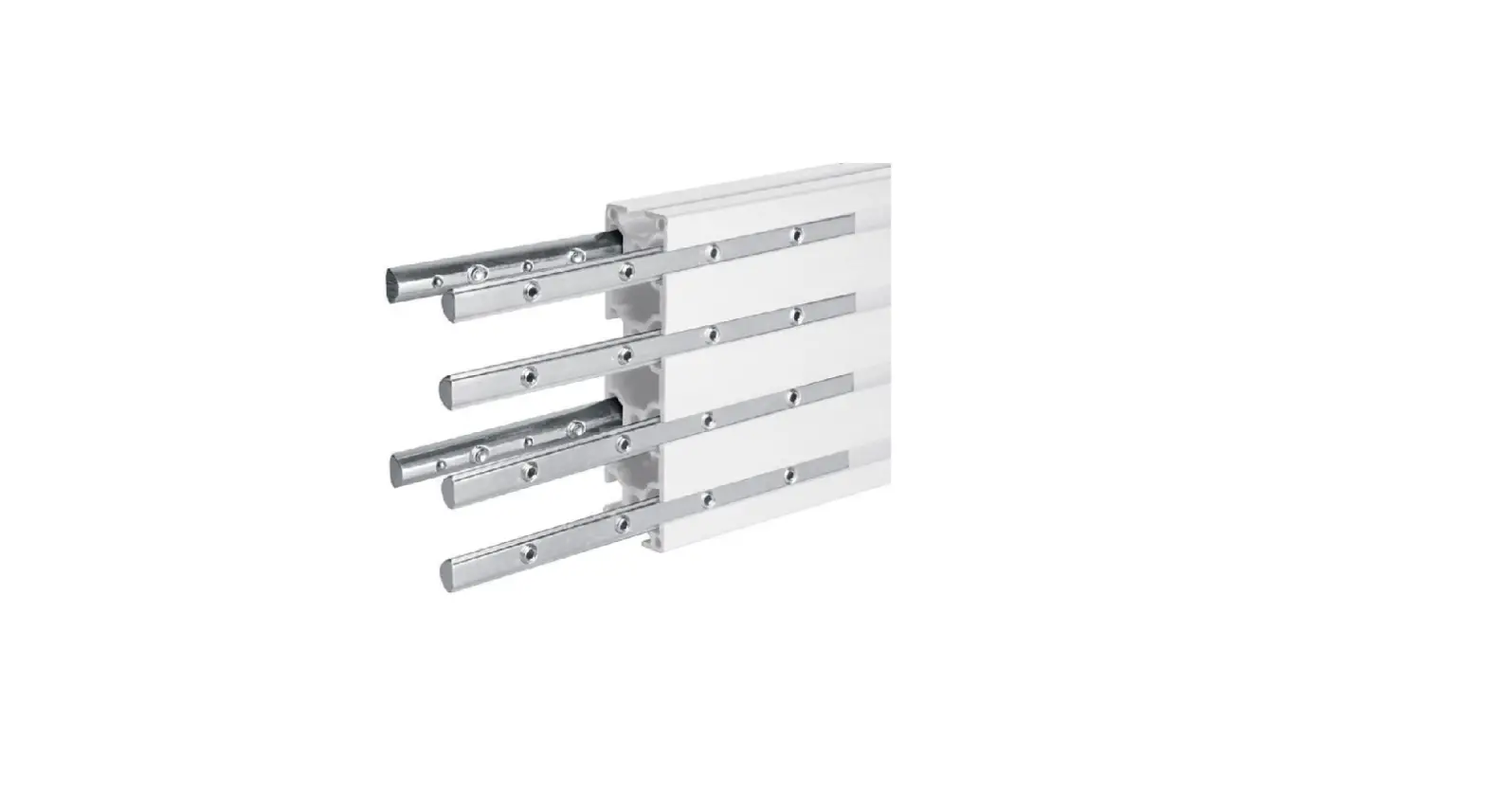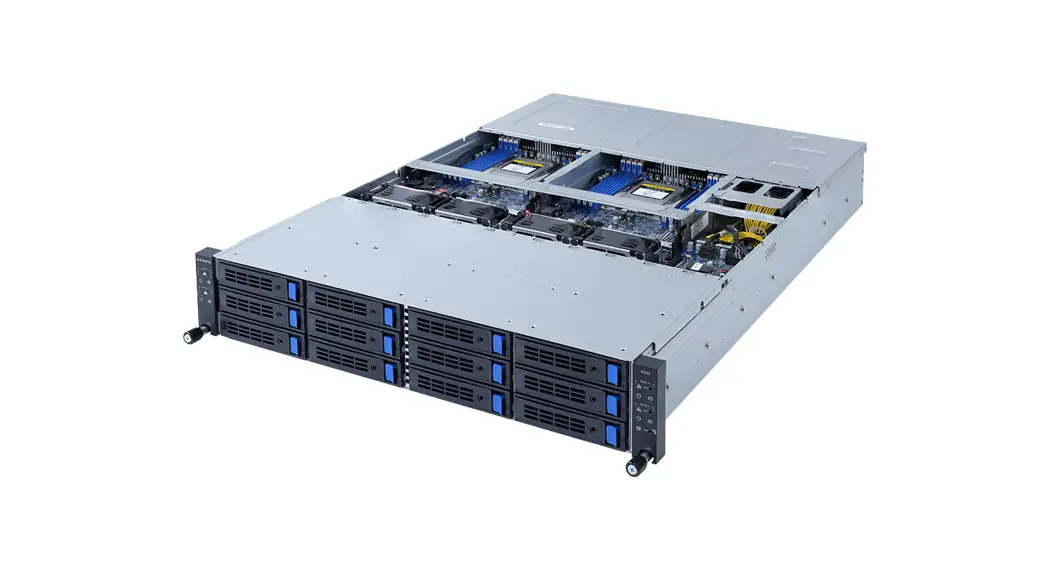
 25HB2-A66122-K0R Rail Kit
Installation Guide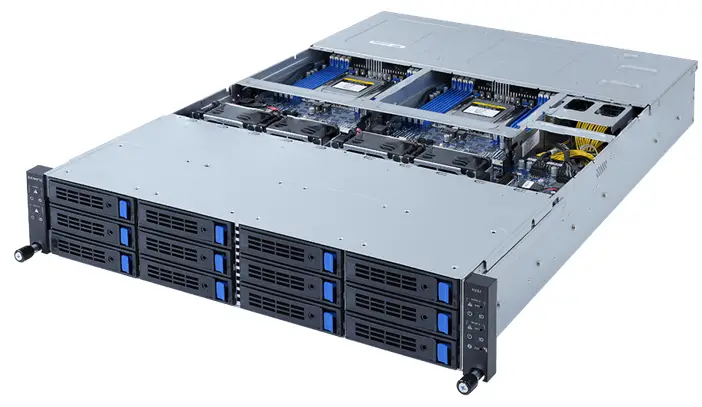
Rail Kit Quick Installation Guide
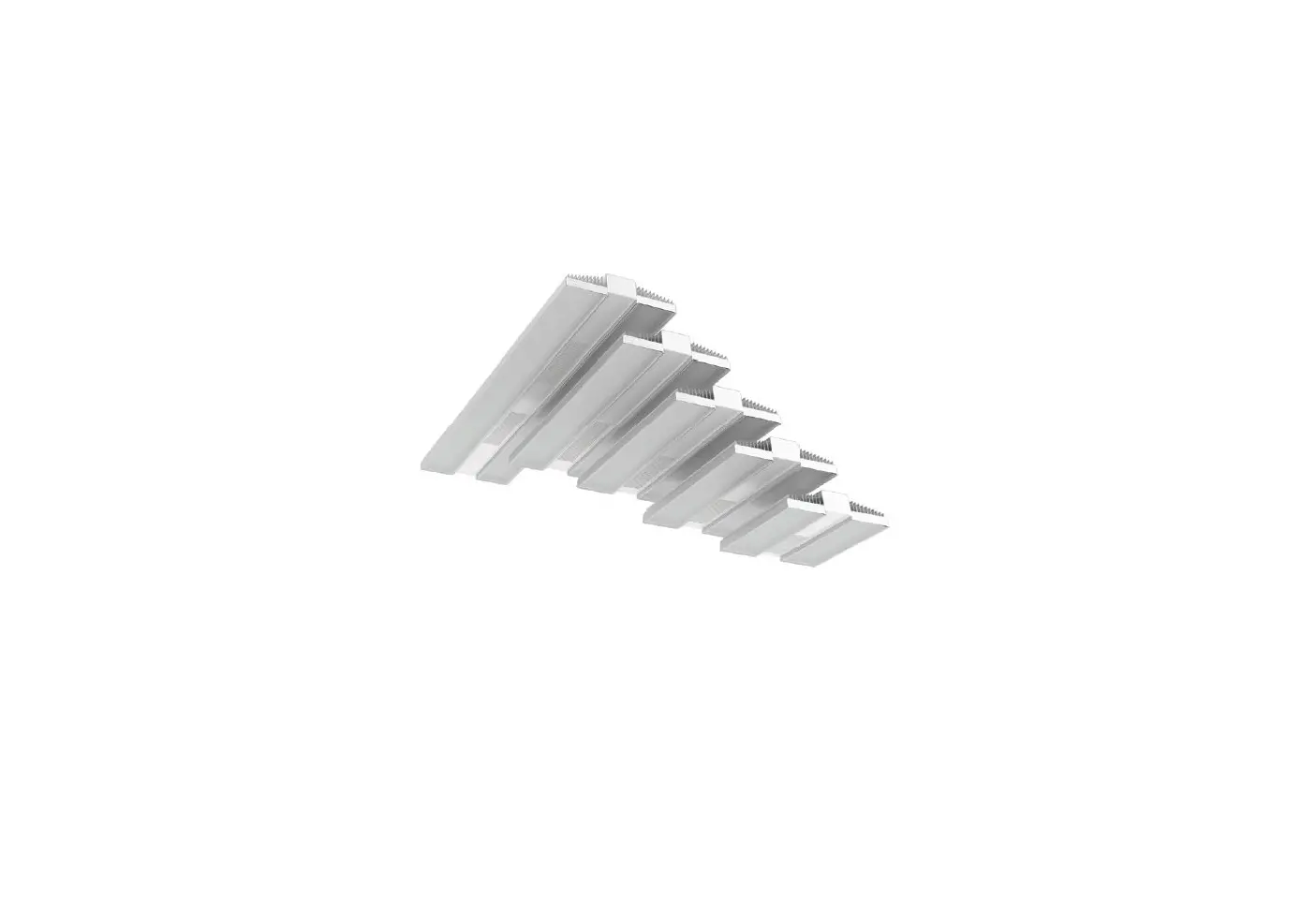
1) Take out the inner rail and slide the intermediate rail back.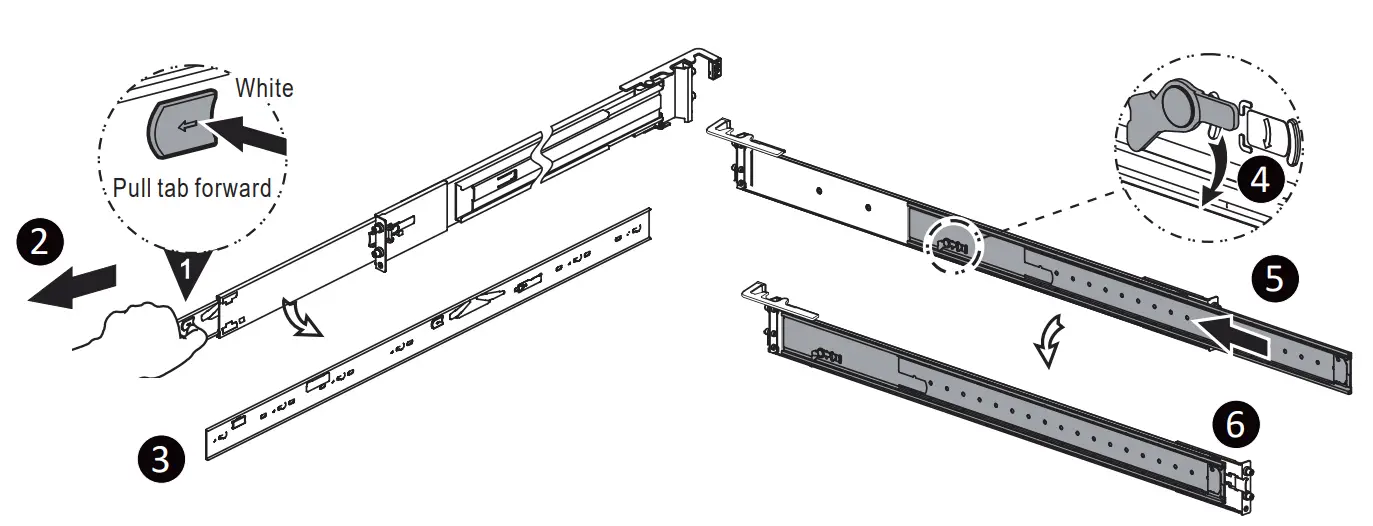 2) Install the inner rail onto the chassis.
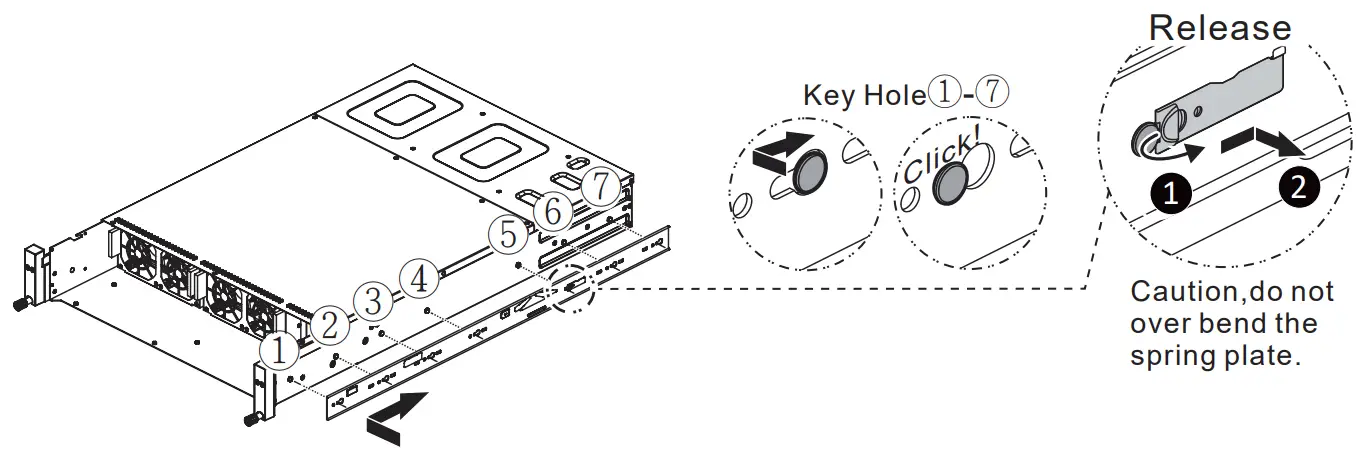 NOTE! Please check the side of chassis. If there is screw hole reserved on side of chassis, please fasten at least one M4 screw.
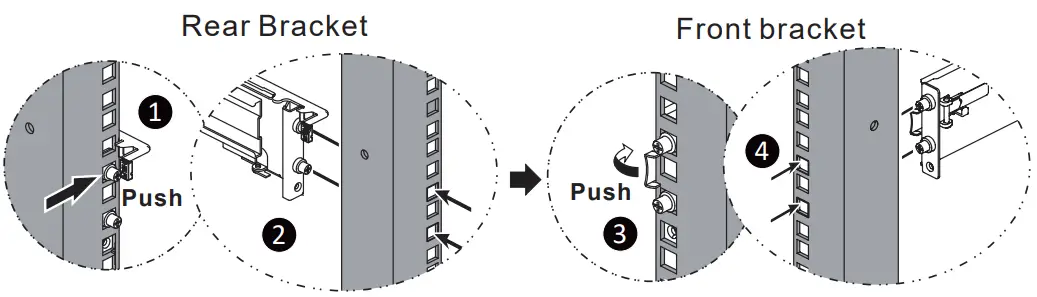
3) Install the outer member/bracket assembly to the frame.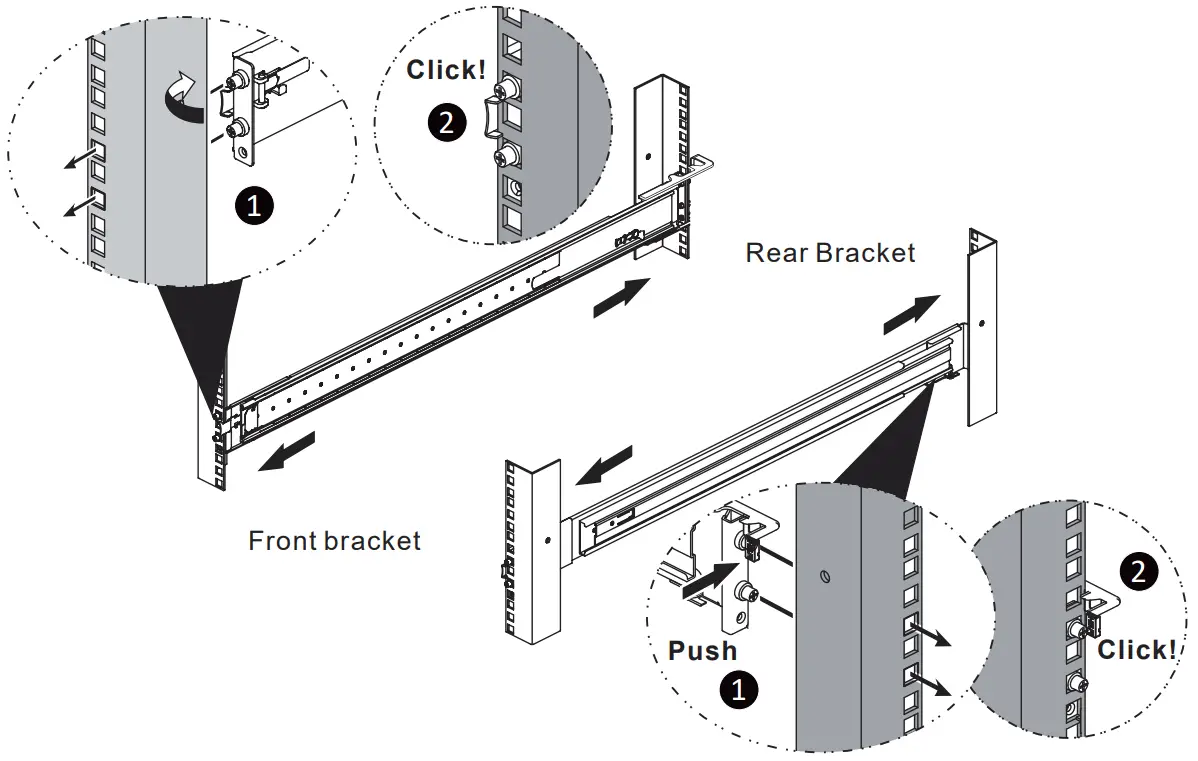 4) Insert the chassis to complete the installation.
Step 1.
Pull the middle rail fully extended in locked position.
Step 2.
Ensure ball bearing retainer is located at the front of the middle rails.
Step 3.
Insert chassis into middle-outer rails.
Step 4.
When hit a stop, pull / push release tab to unlock and retract chassis into a rack.
Step 5.
Pull the middle rail fully extended in locked position.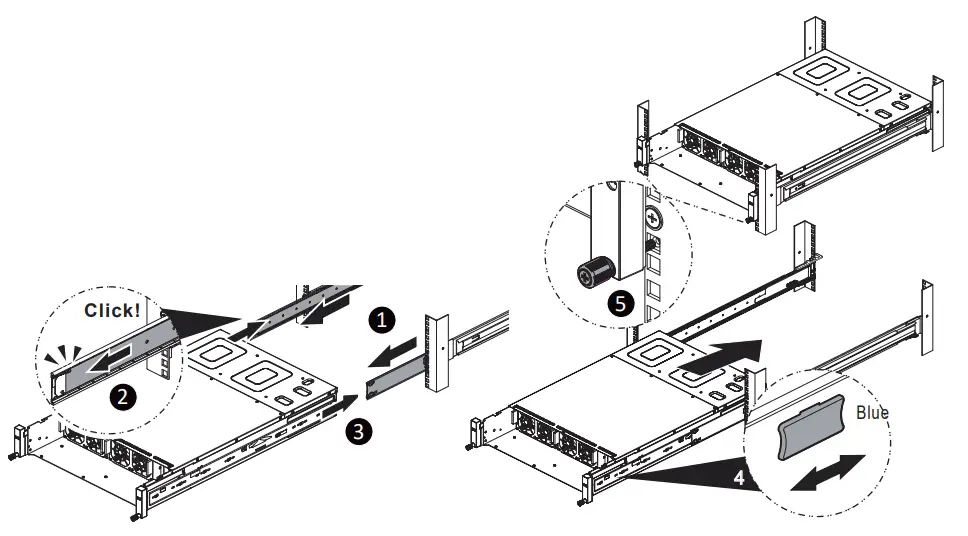
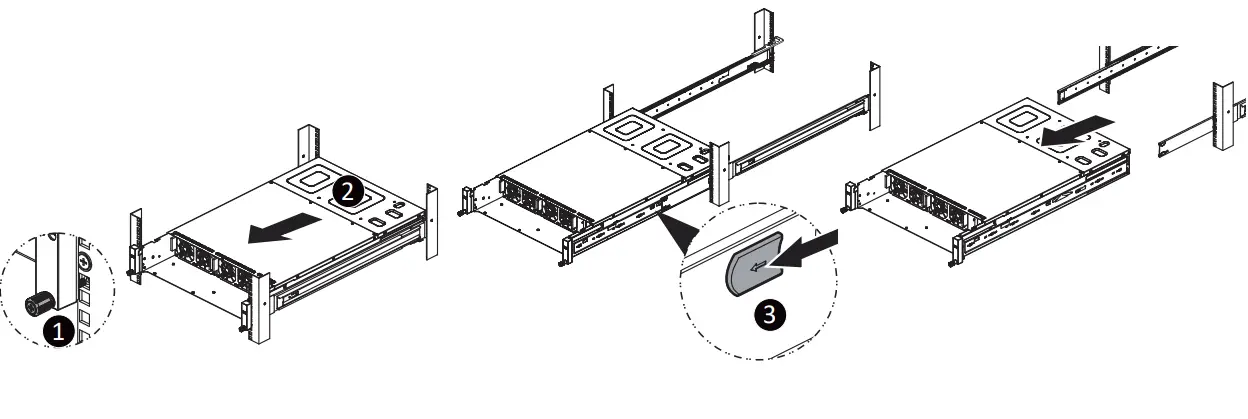
Removing Bracket
Remove the Chassis from the Rack
Step 1.2.
Loosen shipping screw to pull out chassis.
Step 3.
Pull the disconnect tab forward to remove chassis.