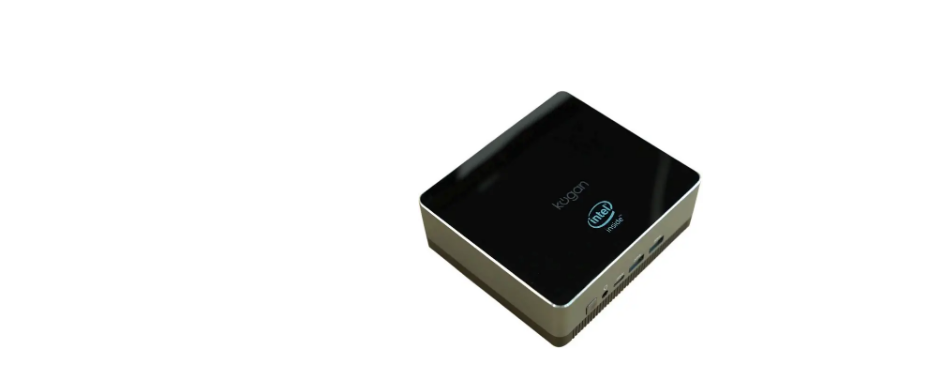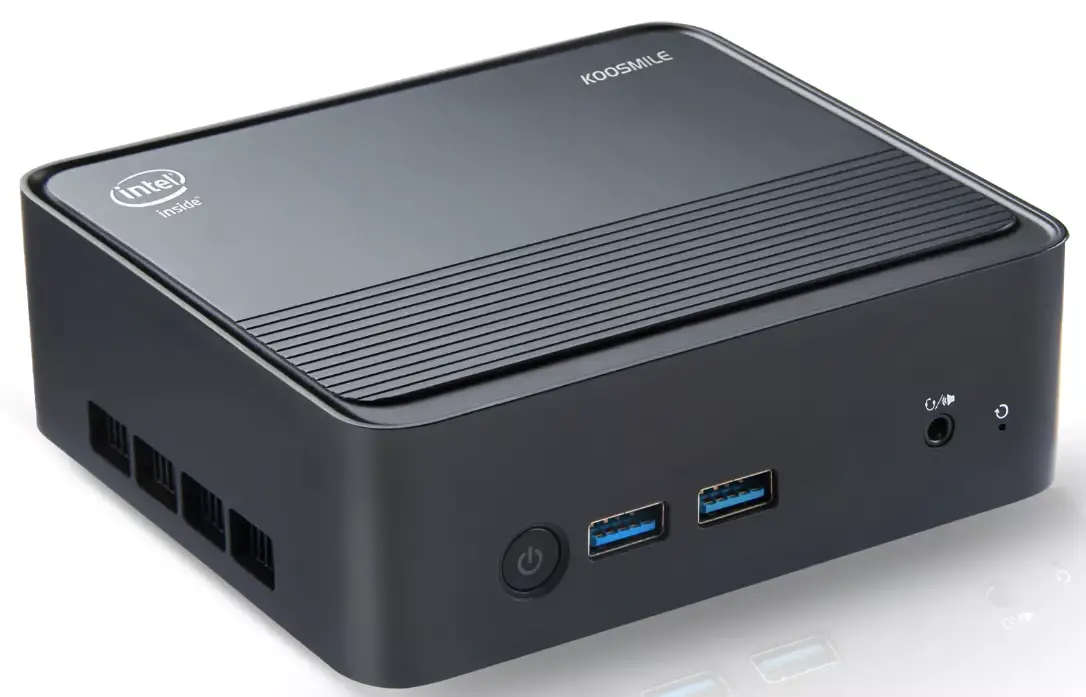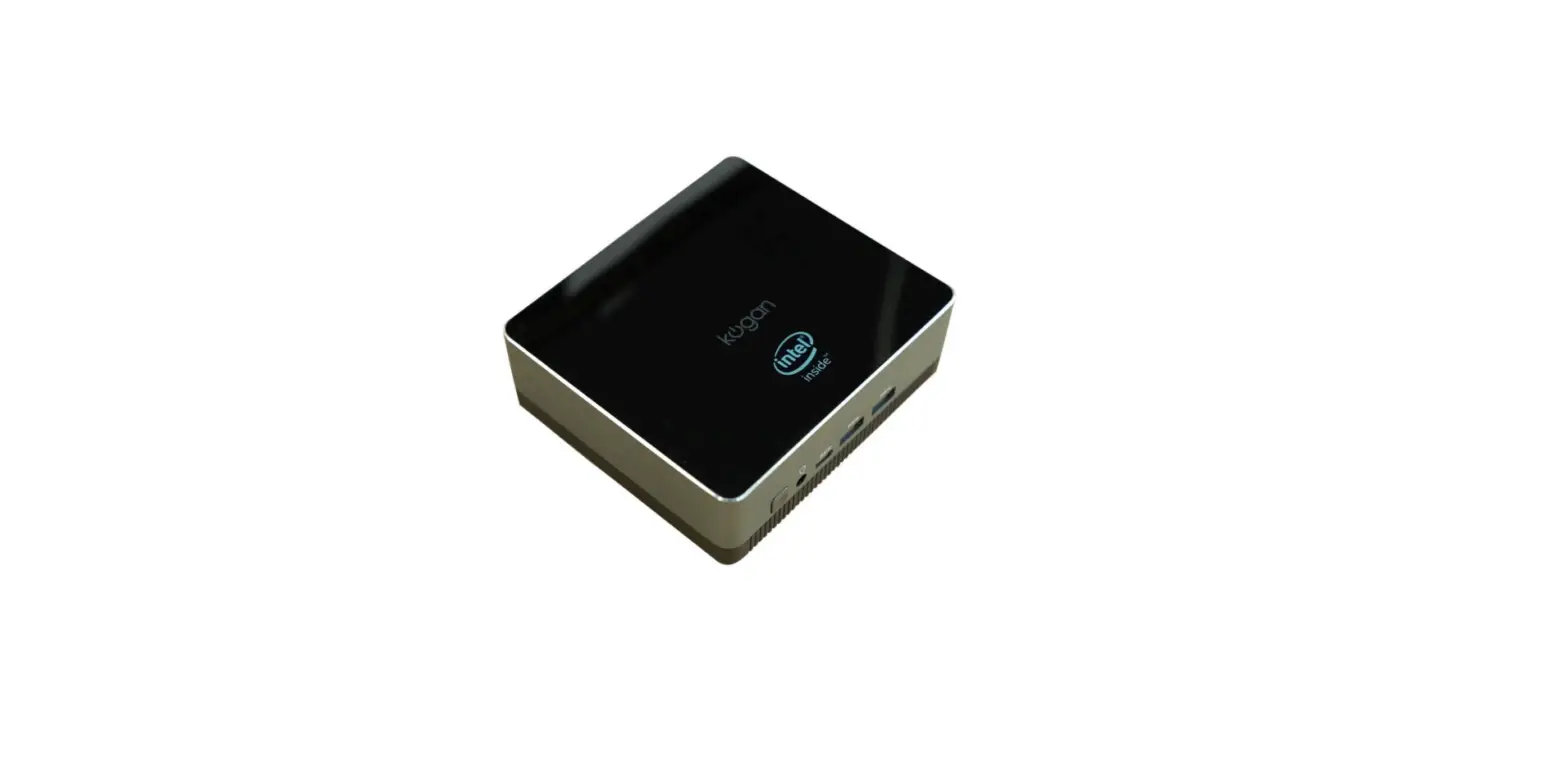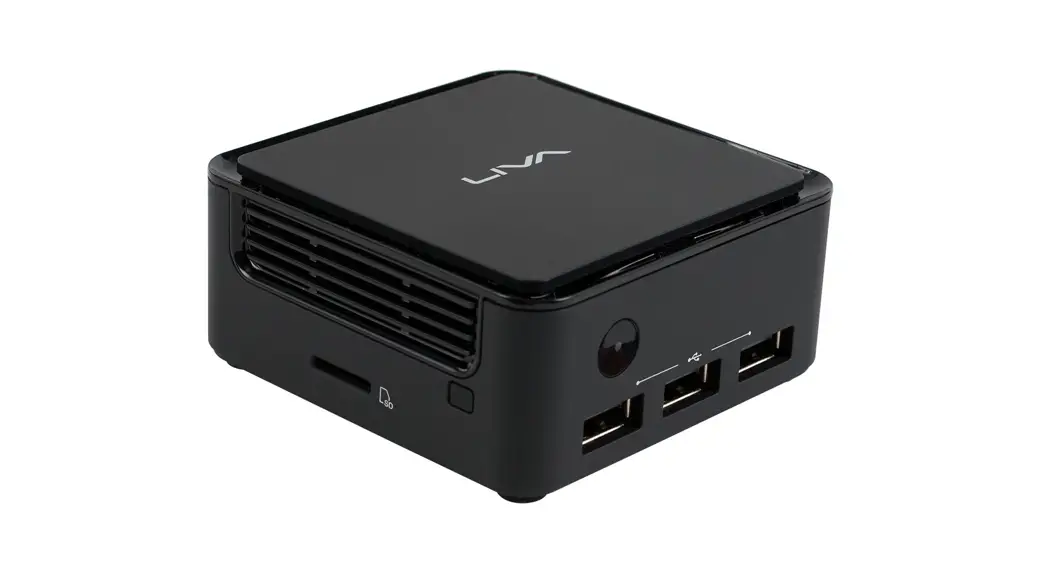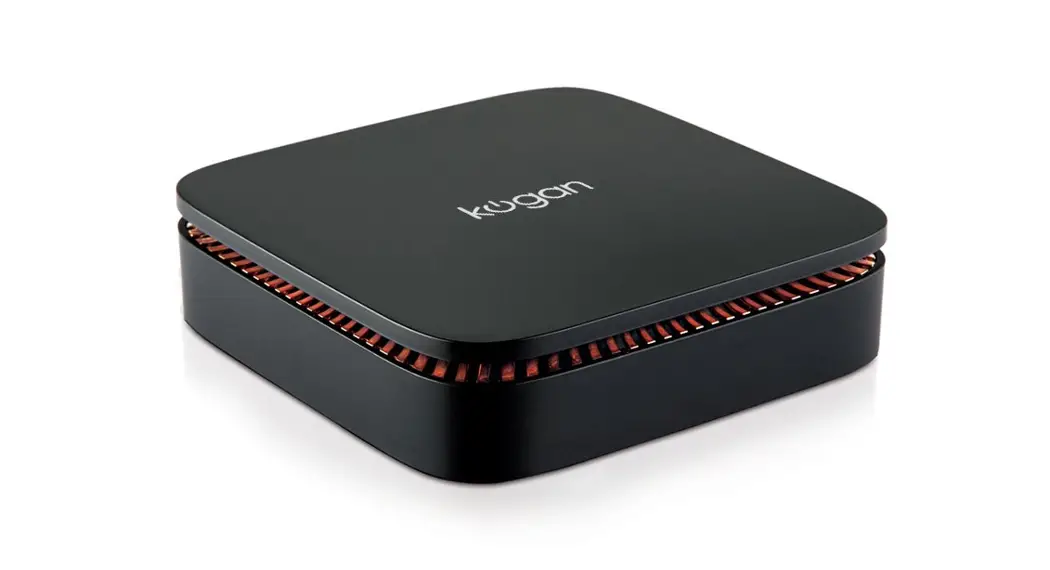

Atlas C300 Mini
KAMPC300NA
USER MANUAL
Attention
Please handle this product with care and inspect it regularly to ensure it is in good working order.
If the product, power supply cord or plug shows any signs of damage: stop use, unplug and contact Kogan.com support.
Safety & Warnings
- Read all instructions before using the appliance and retain for
- Do not allow the device to suffer any fall or
- Do not use for extended periods in environments of excessive cold, heat (above 35°C), in dust, humidity, static or
- If the device comes into contact with liquid, cease usage immediately and do not use until
- Do not use detergent with chemicals or other liquid to clean, only a soft
- Ensure you back up data regularly in case of any accidental
- Do not disassemble the device, as this will void your
- If any part requires servicing or replacement, contact Kogan
Overview
Atlas C3OO Mini PC diagram
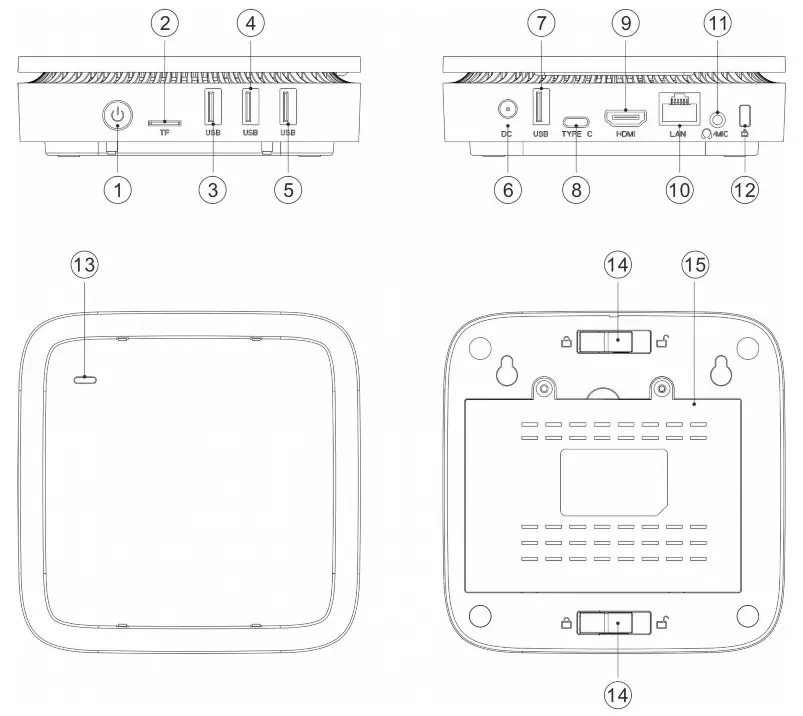
| 1. Power button | 8. USB-C |
| 2. TF card | 9. HDMII 10 LAN |
| 3. USB 0 | 10. P1icrophone |
| 4. USB 0 | 11. Lock |
| 5. USB 0 | 12. Case connector |
| 6. DC input | 13. Clip knob |
| 7. USB C | 14. Drive cover |
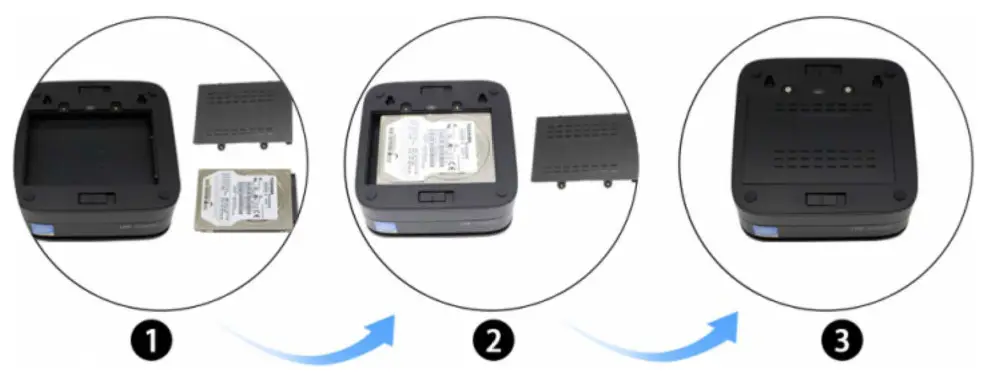
Installing 2.5” SATA drive (optional, not supplied)
Installing on monitor
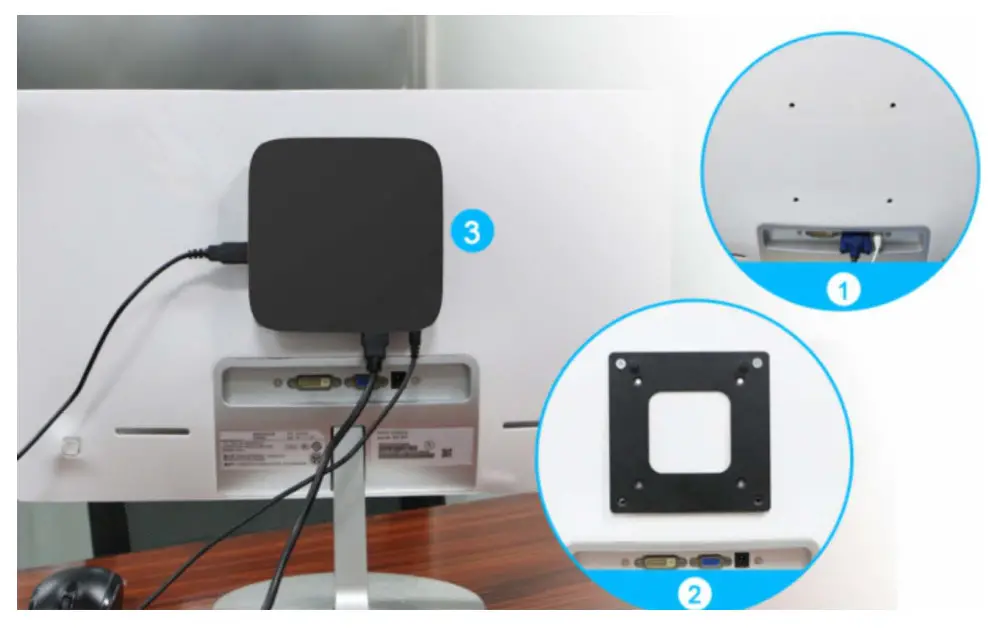
- Your monitor must have standard VESA holes
- Attach VESA bracket to back of monitor with screws
- Hang Atlas C3OO Mini PC on bracket
Specifications
| Processor | Intel Celeron J3455 | RAI•1 | 4GB DDR3 |
| GPU | Intel HD Graphics SOO | Internal storage | Z2GB eMNC |
| Output resolution | Up to 4K x 2K | HDD file system | FAT16/DAT32/NTFS |
| Card reader | TF card | LAN | RJ45 10/100/1OOOM |
| Microphone | 1x 3.5mm jack | Wi-Fi | Ac3165 |
| Size | L222” W152’H68mm | Bluetooth | V4.0 |
| Weight | 11OOg | Hardware supported codecs | HEVC (h.265 6 4Kx2K), h.264 @5.1, SVC, VP8 1O8Op, VP8 4K, VP8 stereo, MPEG/4 ASP/SP, AVS, BD2.4, H.263 |
| USB Host | 1x High-speed USB 3.0, High-speed USB 2.O, OTG x1, Support USB Disk and USB HDD |
Operation
Quick setup
- Connect to a display using the included HDMI
- Connect the power adaptor from the Atlas C3OO Mini PC to a wall
- Press the power button once the indicator of the Atlas C3OO Mini PC
- Set your display to the appropriate video input to view the output of the Atlas C3OO Mini
- You can connect to two independent Use the Display option to configure Mirrored and Extended desktop settings.
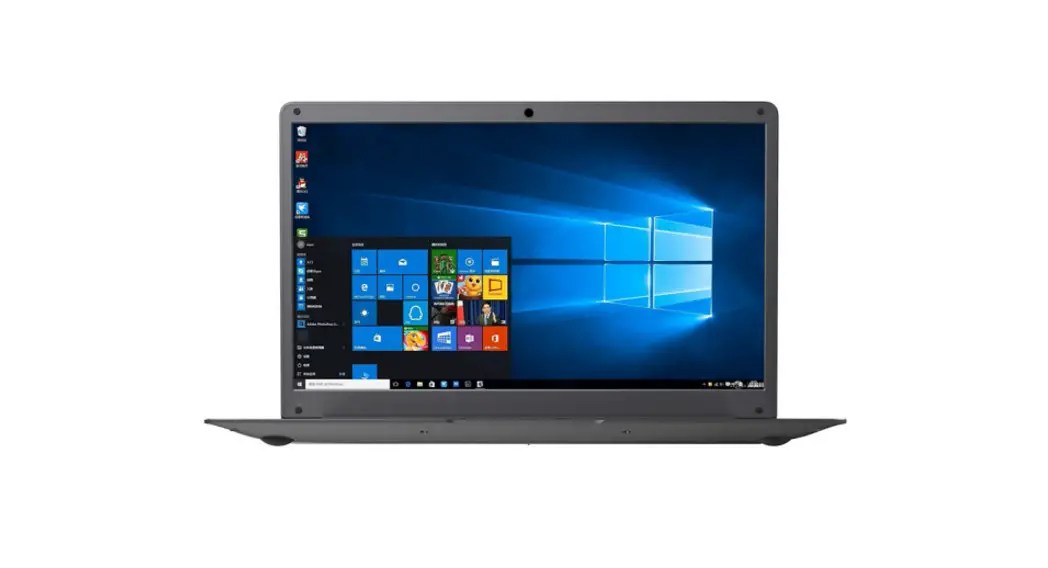
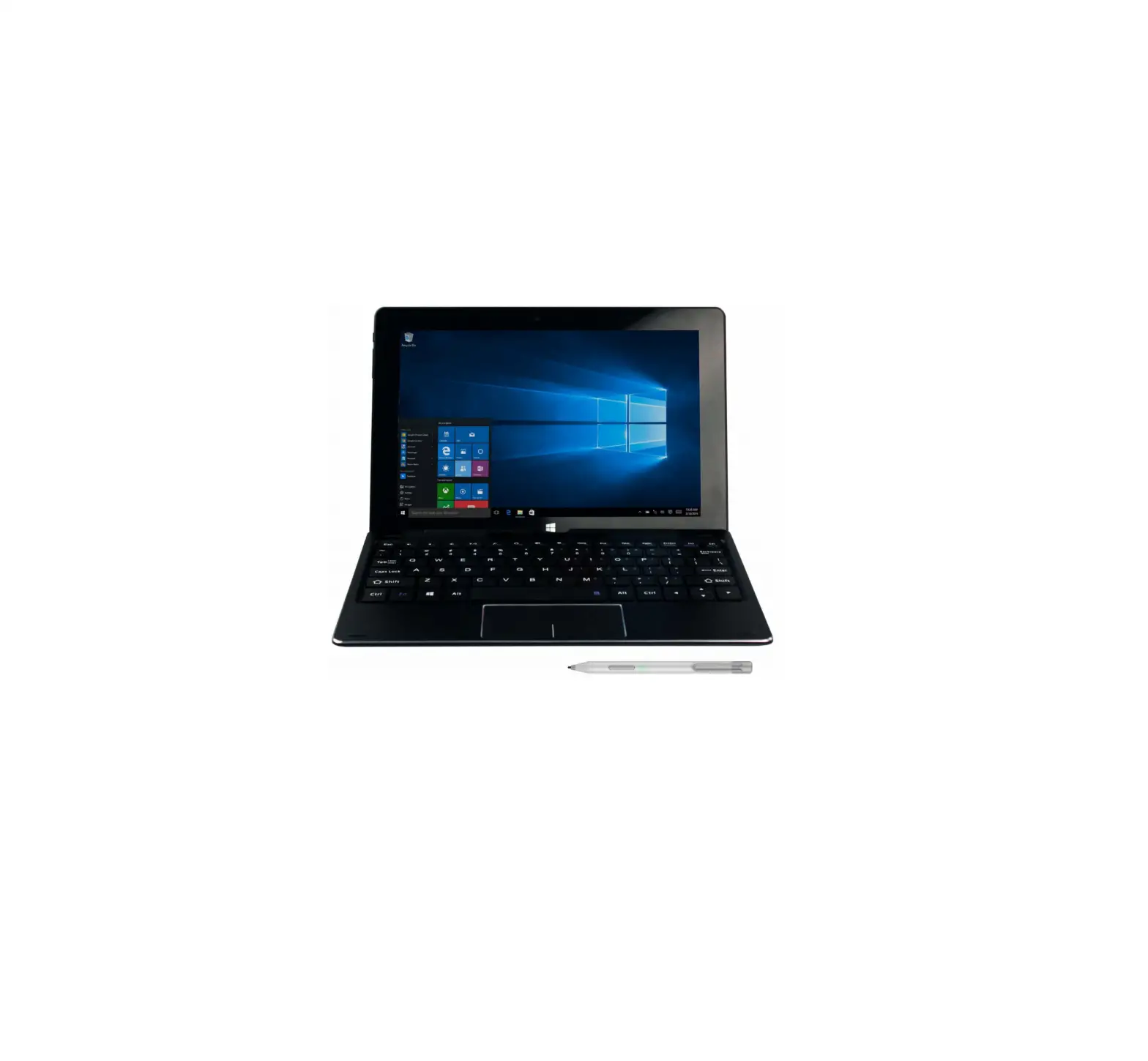
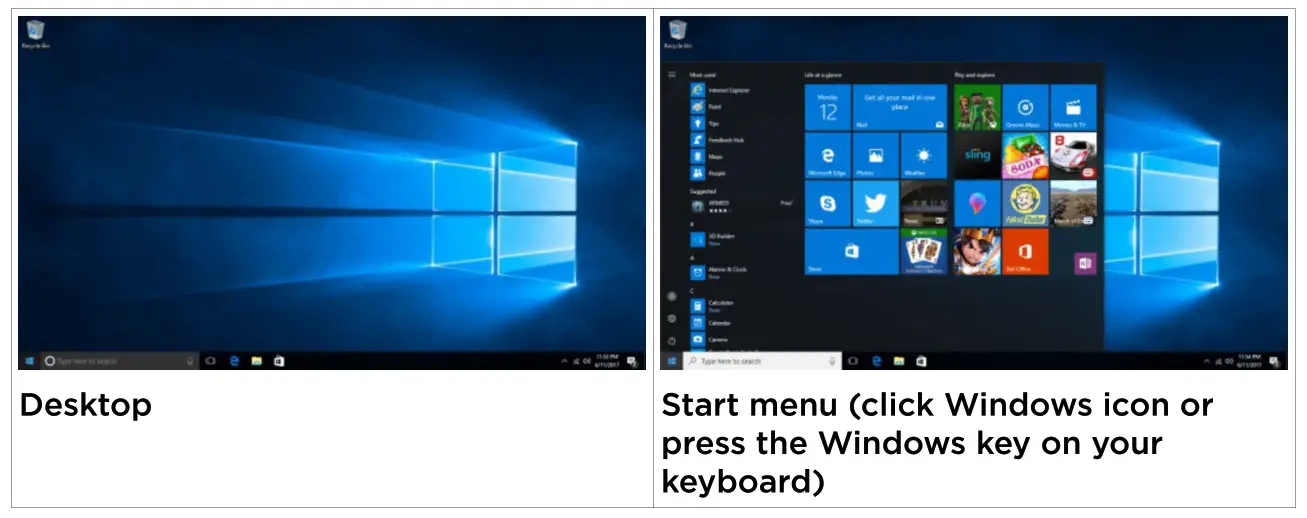
Windows IO OS interface
Audio
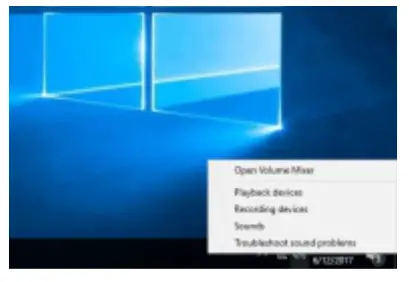
- Audio out to a compatible device is available through Usually it will be detected automatically, but if necessary simply select the audio icon on the bottom right of your taskbar to view audio options.
- You can also connect a pair of headphones

- Wi-Fi / Network
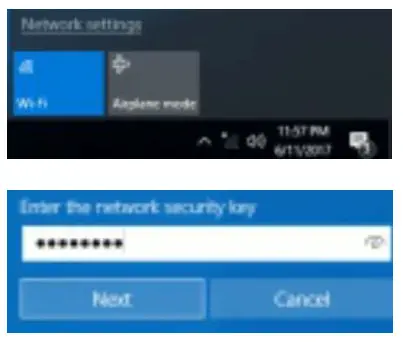
- To connect to a Wi-Fi network, simply select the network icon on the bottom right of your taskbar to view Select your Wi-Fi network and enter your network security key (password) to connect.
- To connect to a wired network, simply plug in an network- connected Ethernet

Sleep shut down & restart
These options are available by pressing the power icon in the Start menu.
Other Windows features
- View Windows Update to configure software update
- View Windows Defender to configure built-in antivirus options and scan your
- View Recovery to set up recovery options including reinstalling Windows without affecting your
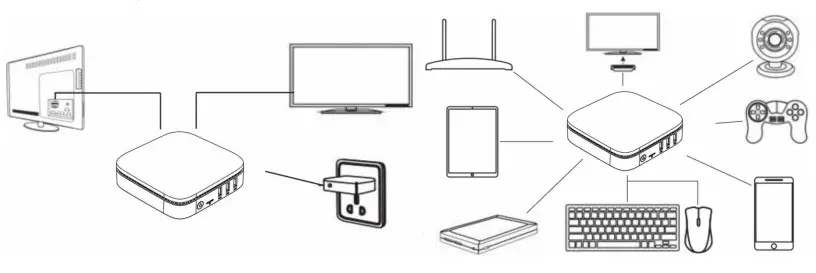
Connecting additional devices
Troubleshooting
- For any issue with the Windows 10 operating system, you can view Microsoft Support resources and contact details online
https://support.microsoft.com/en-au
https://support.microsoft.com/en-au/contactus/ - For any issue with product setup or installation, review the relevant section of this guide and contact com if you have any ongoing issues.
User manual is subject to change without notice. For the latest version of your user manual, please visit https://www.kogan.com/usermanuals/
 Kogan.com | Australia's Premier Shopping Destination
 Microsoft Support Microsoft Support