 USER GUIDE

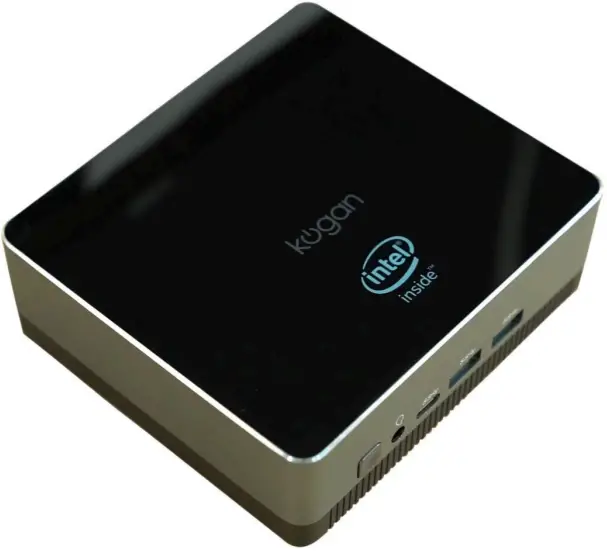
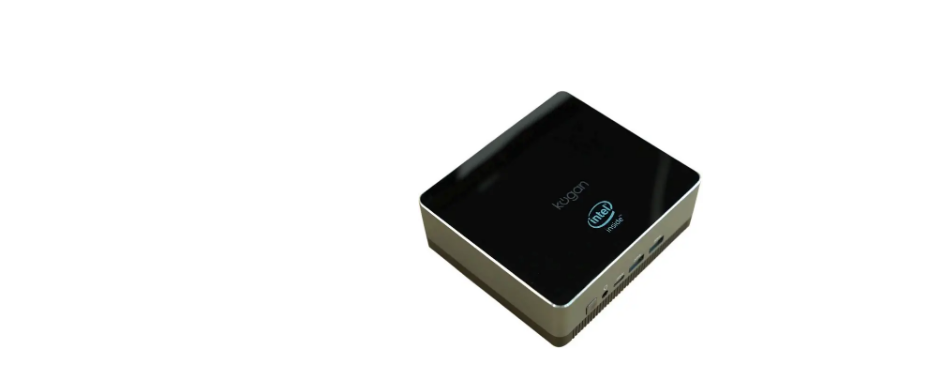
ATLAS G700 MINI PC
WITH WINDOWS 11 PRO (4GB, 128GB)
KAMPG700PA
SAFETY & WARNINGS
Ensure to read all instructions in this user guide before first use. Retain this user guide for future reference.
- Handle this PC with care and inspect it regularly to ensure it is in good working order.
- If the PC, power cord, or plug show any signs of damage, stop use immediately and contact help.Kogan.com for assistance.
- Do not modify, repair, or attempt to change the features and functions of this PC.
- This PC contains small batteries for the CMOS on the motherboard. If the batteries require replacement, do not attempt to replace them yourself. Contact help.Kogan.com for assistance.
- Do not use this PC in an environment where it may come into contact with liquids. If any liquids touch the PC, stop use immediately.
- Do not expose the PC to strong lights or direct sunlight.
- Do not place items in direct contact with the top or sides of the PC as this will impede its cooling.
- If there is a sudden power outage whilst the PC was in use, this may cause damage to the hard drive. When the power is reconnected, ensure to run a scan on the hard drive to check for any errors that may have occurred.
- When connecting the PC with a cable, do not forcibly pull on the cable to unplug it from the PC.
- Take care when inserting or removing cords connected to the PC.
- Images used in this user guide are for reference only.
- Unplug and store the PC if it will not be used for an extended period.
COMPONENTS LIST
- Mini PC
- Power adapter
- User guide
OVERVIEW
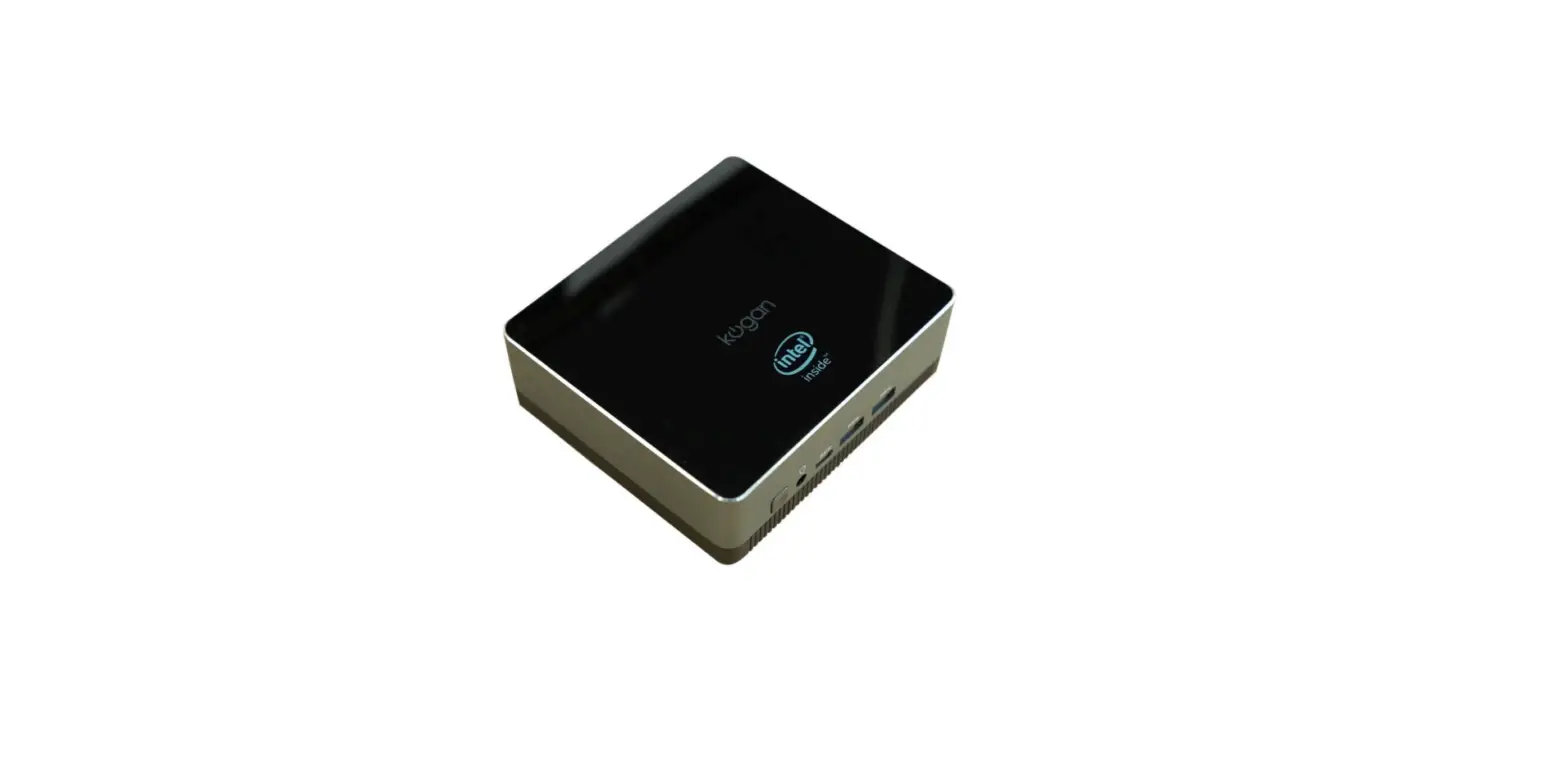
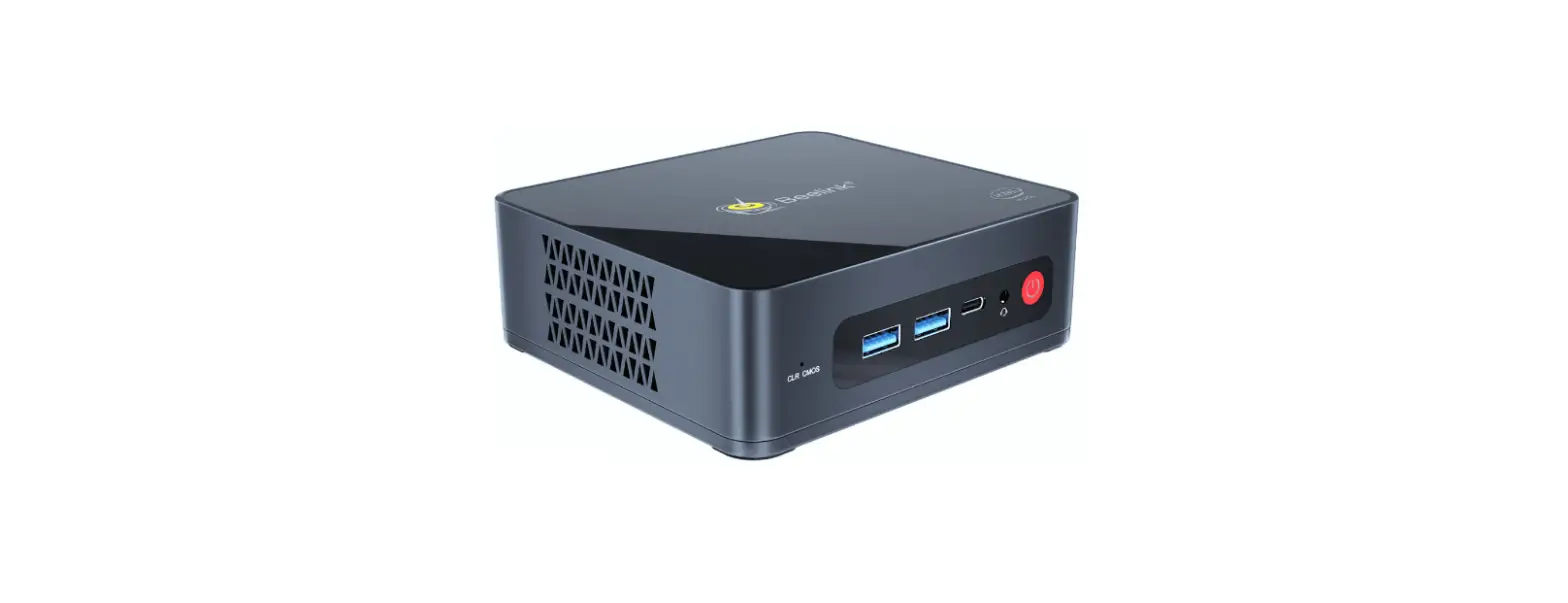
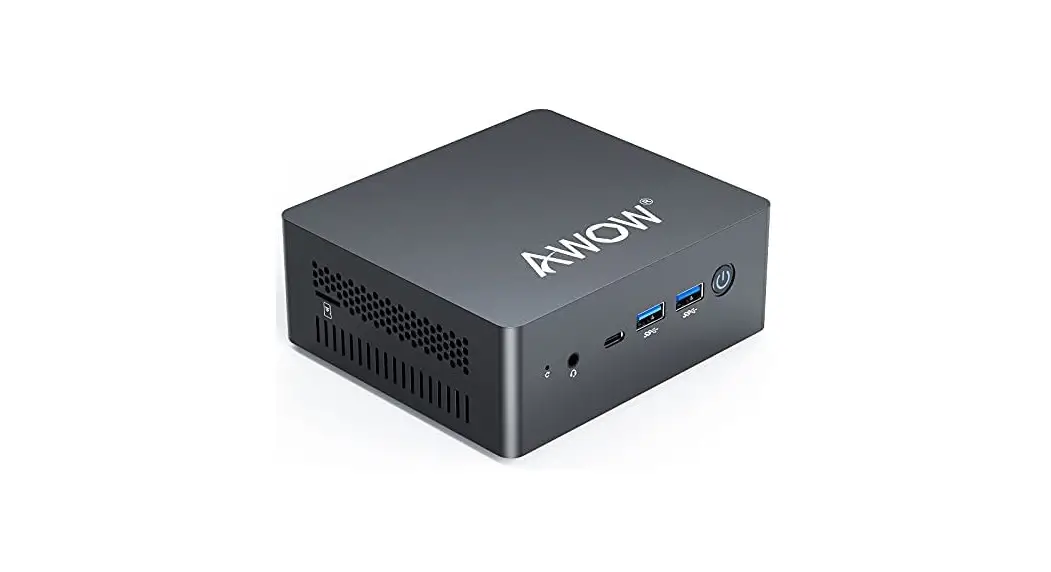
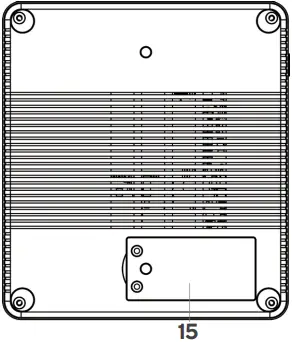
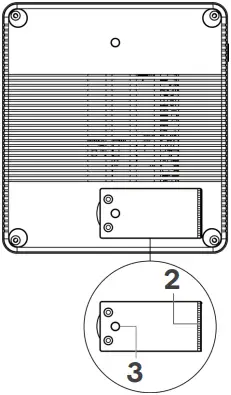
Top and side views Bottom view
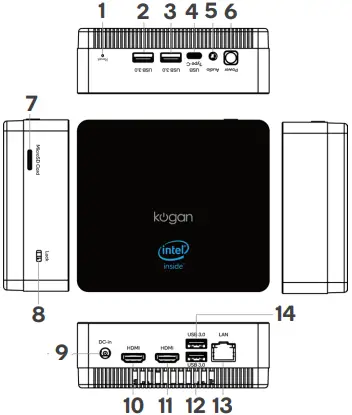
- Reset button
- USB 3.0 port
- USB 3.0 port
- USB-C port
- 3.5mm audio port
- Power button
- microSD card slot
- Lock
- DC input
- HDMI port
- HDMI port
- USB 3.0 port
- Ethernet port
- USB 3.0 port
- SSD slot
OPERATION
- Turn on the TV or monitor and change the video output to HDMI.
- Connect one end of an HDMI cable (not supplied) into an HDMI port on the PC.
Connect the other end of the cable to the HDMI port on your TV/monitor. - Plug one end of the power adapter into a wall socket, then plug the other end into the DC input on the PC.
- Press the power button and the PC will start.
You may now connect a wired or wireless keyboard and mouse via the USB ports and begin use.
Reset
If the PC must be factory reset, use a pin (not supplied) to press and hold the reset button for a few seconds. The PC will then reset and restart.
INSTALLING SSD
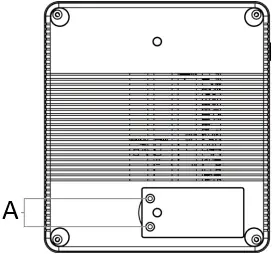 This laptop fits a SATA 3.0 M.2 2242 SSD with a maximum capacity of 1TB and is not compatible with other sizes.
Ensure the laptop is turned off before installing an external SSD (not supplied).
- Flip the laptop over and remove the two screws holding the SSD cover in place. Remove the cover.
- Place your SSD with the contacts facing right. This is where the contacts of the laptop are located. Slide the SSD to the right to install.
- Use the existing threading to screw the SSD into place.
- Place the cover back into position and replace the screws removed from step 1.
A Screws
Notes:
- Your SSD may be inserted with either side facing up, however, only one SSD orientation will function correctly with the laptop. If you are unable to detect your SSD with one orientation, try to change the orientation of the SSD to show the other side.
- Be careful not to damage the contacts.
SPECIFICATIONS
| System | |
| CPU | Intel® Celeron® N4020 |
| CPU speed | 1.1–2.8GHz |
| Operating system | Windows 11 Pro |
| GPU | Intel® UHD Graphics 600 |
| Memory | 4GB LPDDR4 |
| Storage capacity | 128GB M.2 2280 SSD |
| Expandable SSD | Yes, x1 SATA M.2 2242 |
| microSD card support | Maximum 128GB |
| Bluetooth | Yes, V5.0 |
| Ethernet (RJ45) | Yes |
| Wi-Fi connectivity | 802.11b/g/n/ac, supports 2.4GHz and 5GHz |
| Ports | |
| USB 3.0 port | x4 |
| USB-C port | x1 |
| HDMI port | x2 |
| 3.5mm audio port | x1 |
| Other specifications | |
| Power input | DC IN, 12V/2A |
| Dimensions | 124.8 x 111.6 x 42.5mm |
| Weight | 358g |
Need more information?
We hope that this user guide has given you the assistance needed for a simple set-up.
For the most up-to-date guide for your product, as well as any additional assistance you may require, head online to help.kogan.com