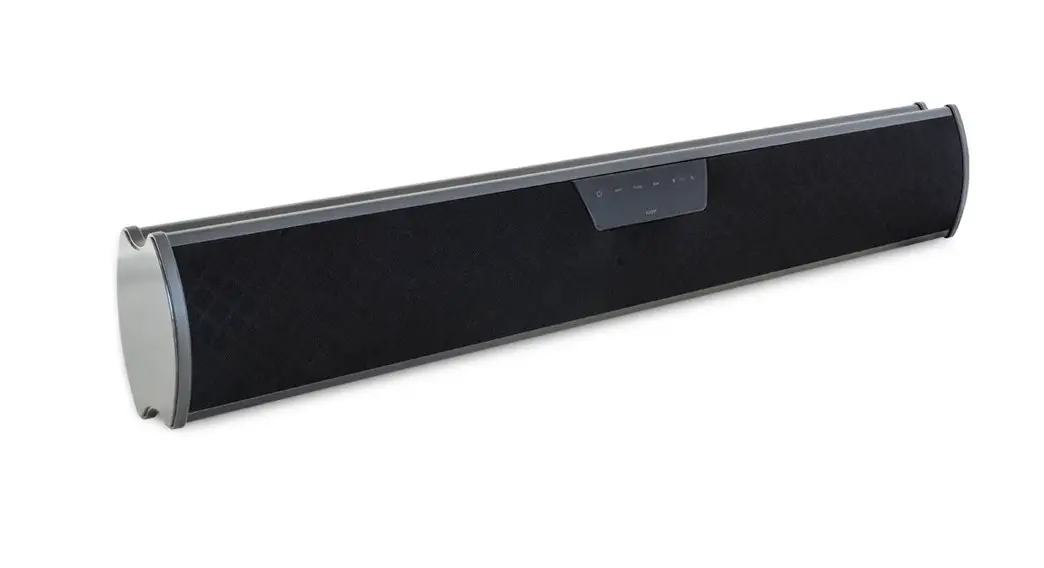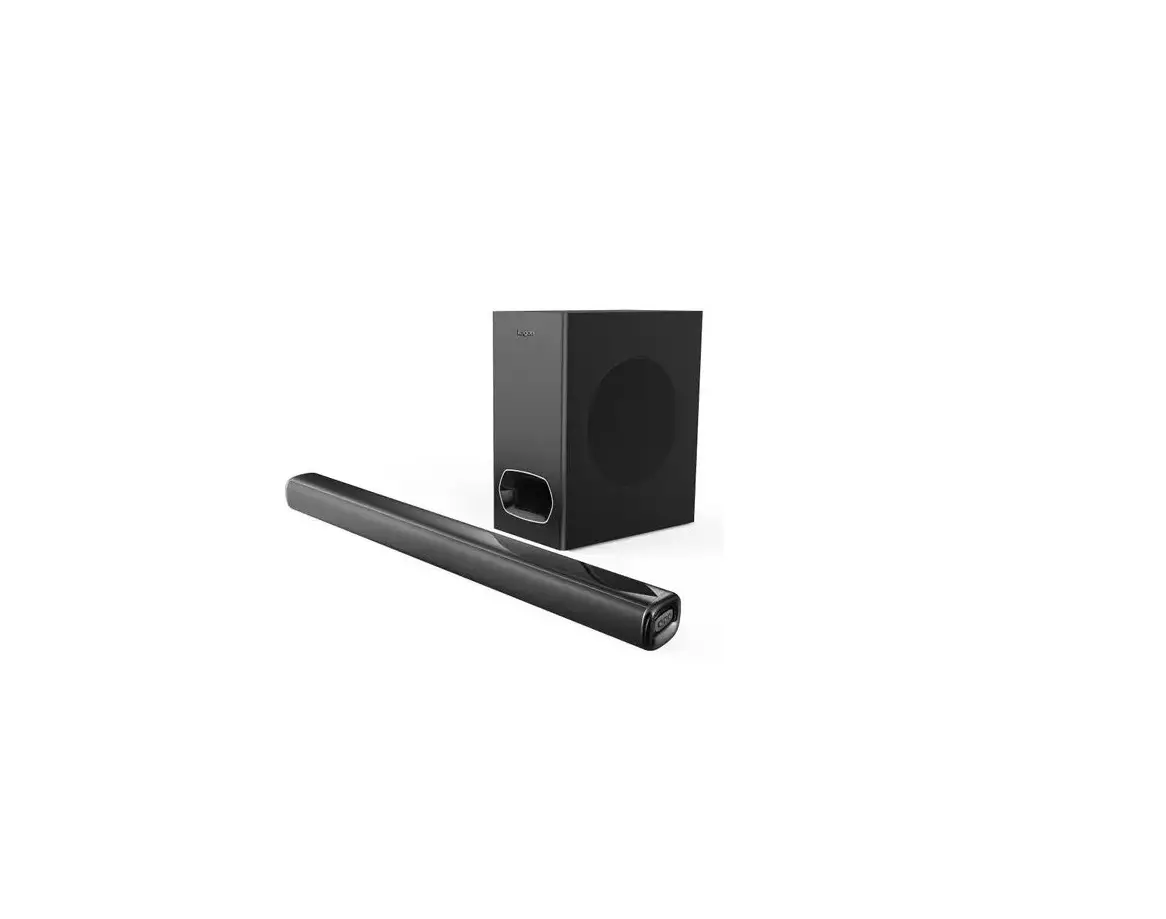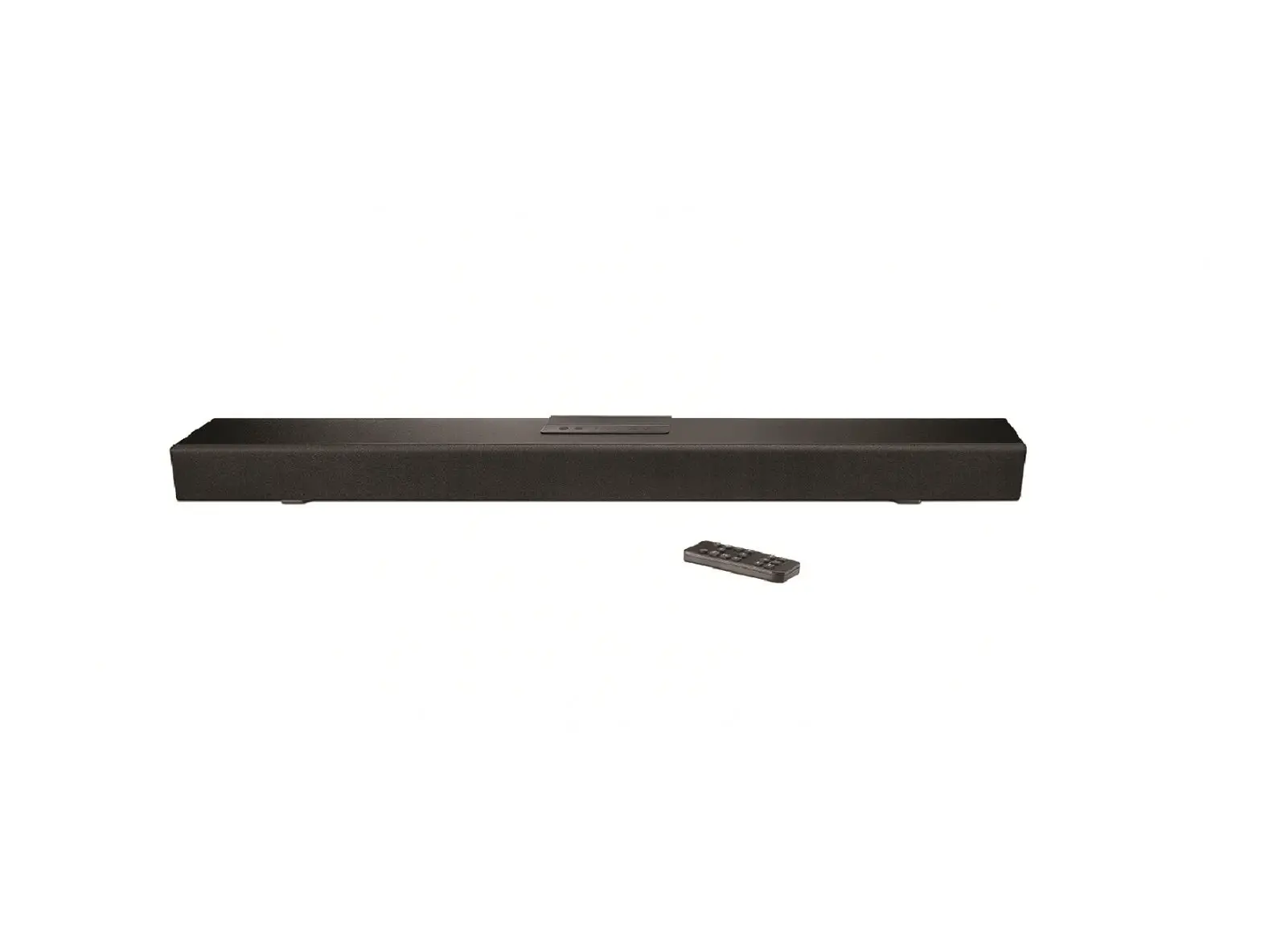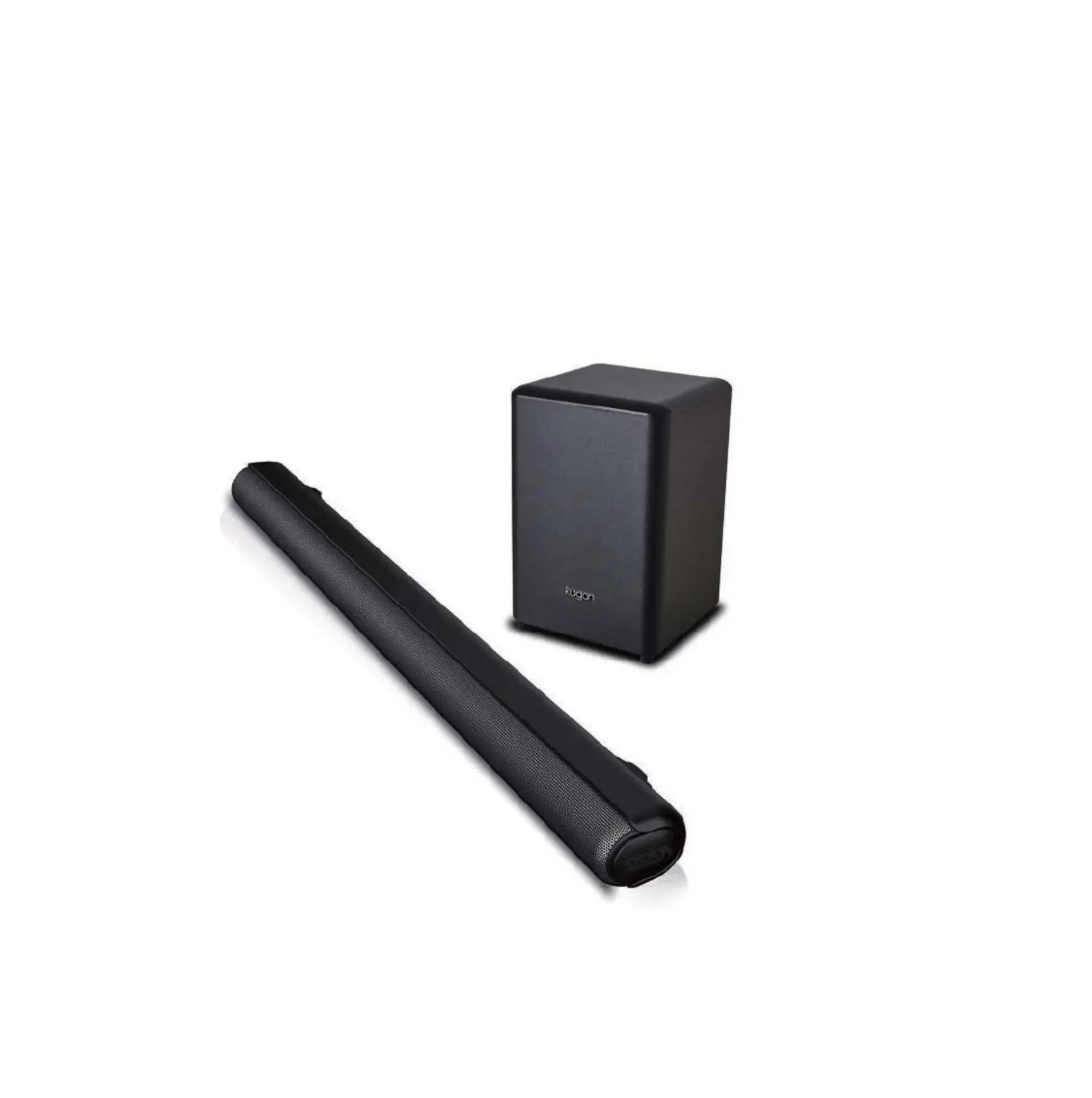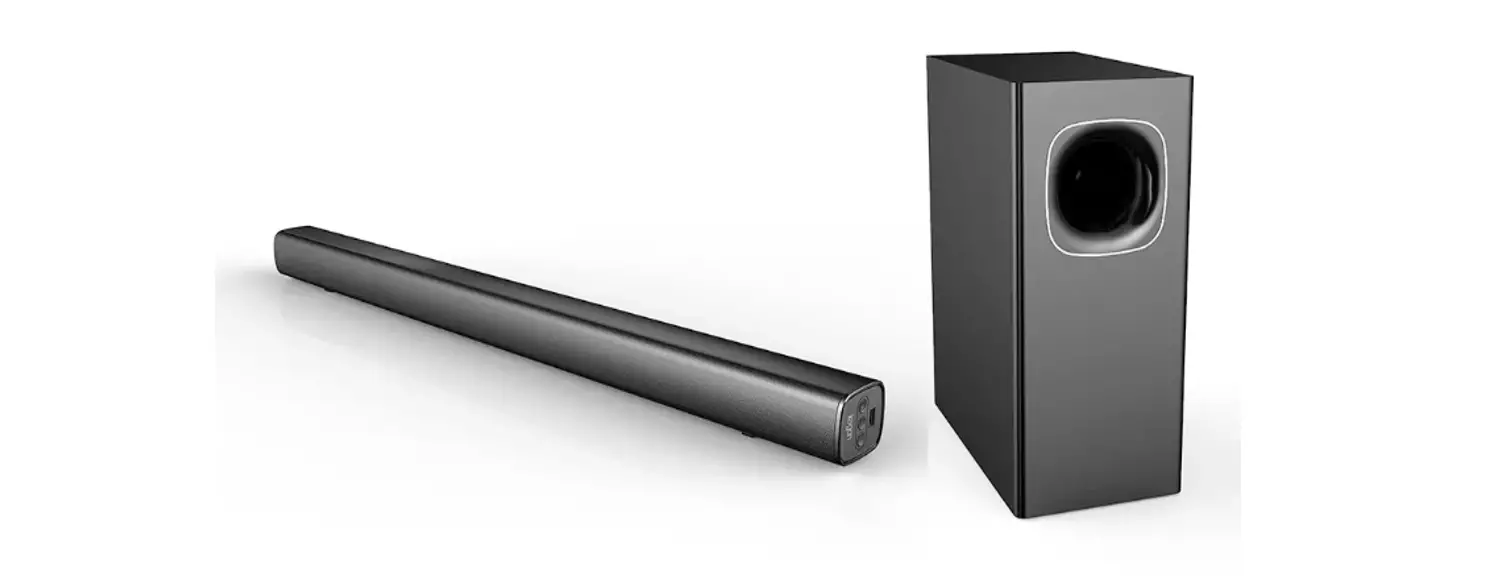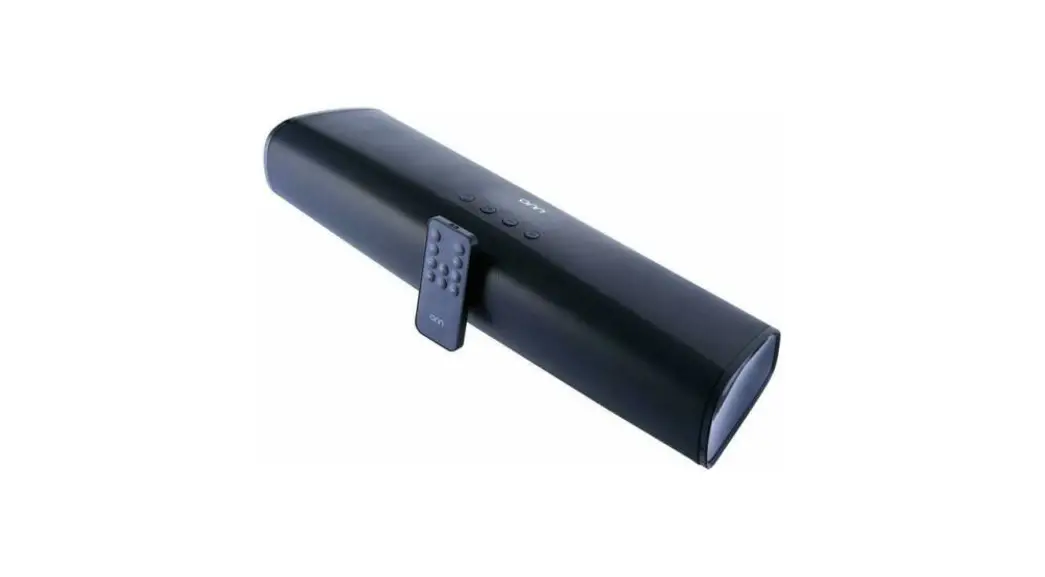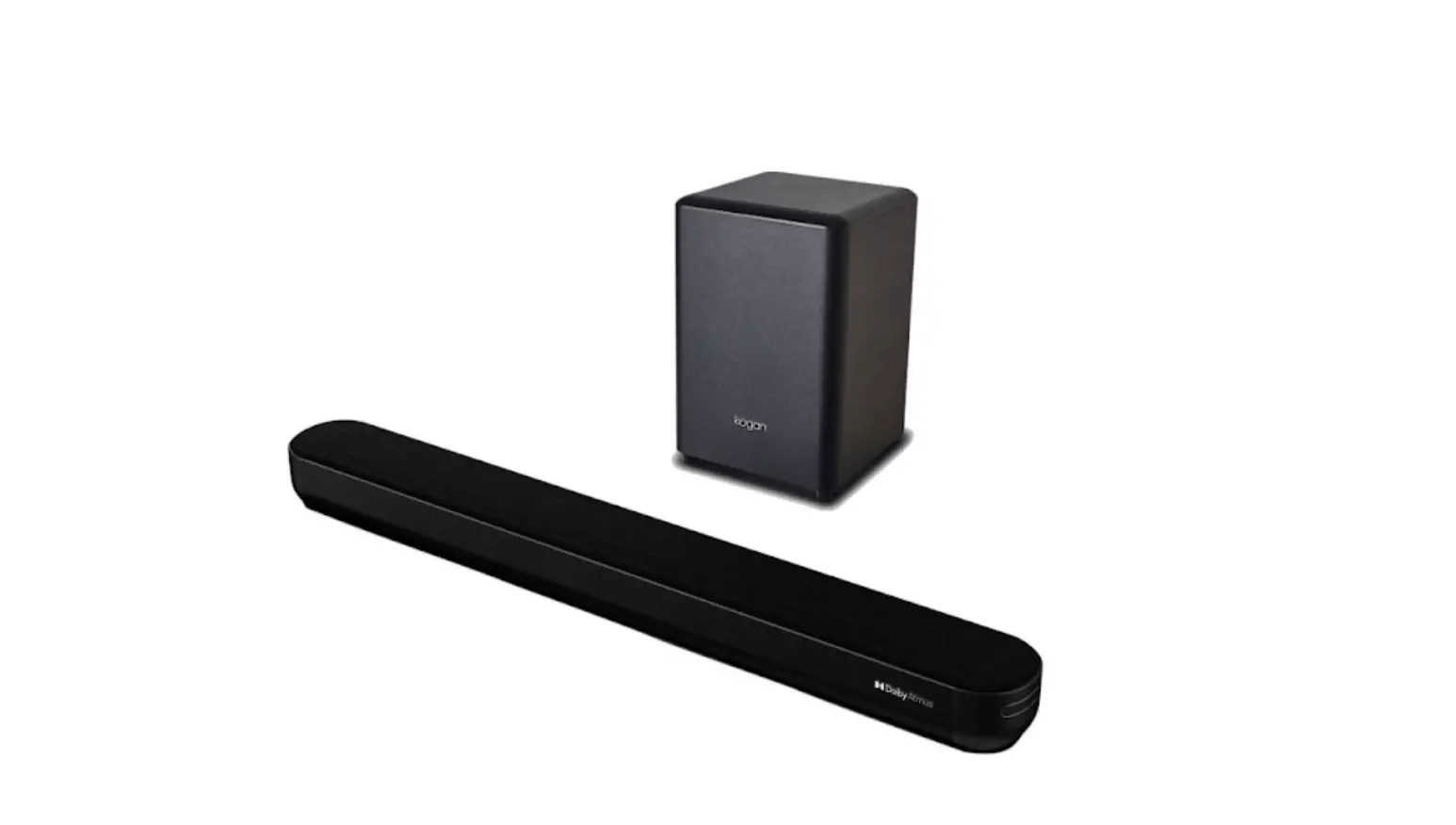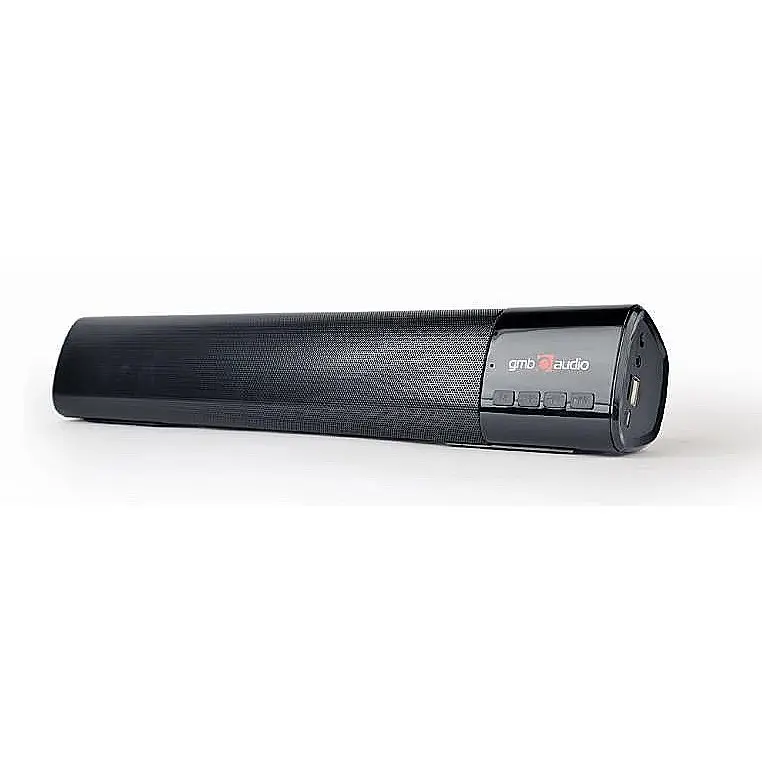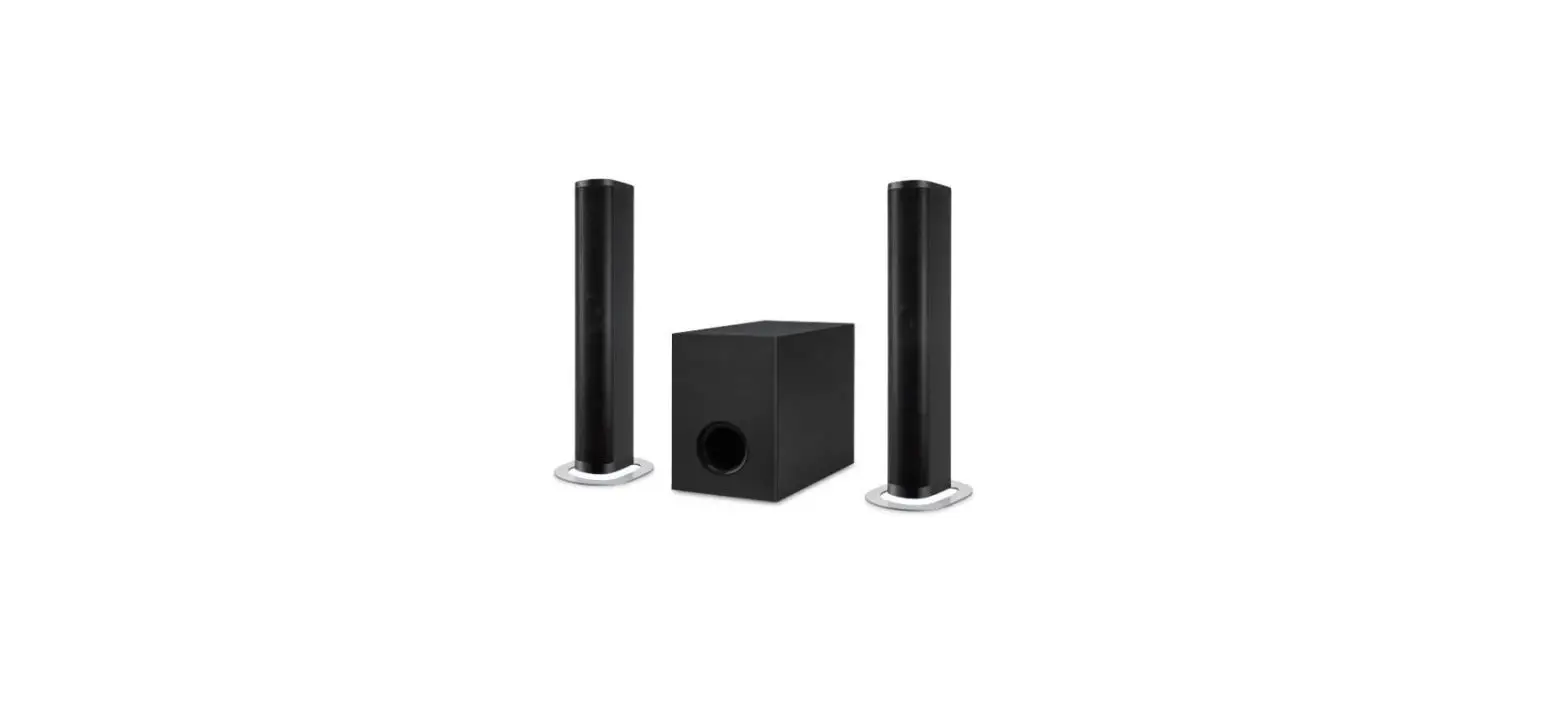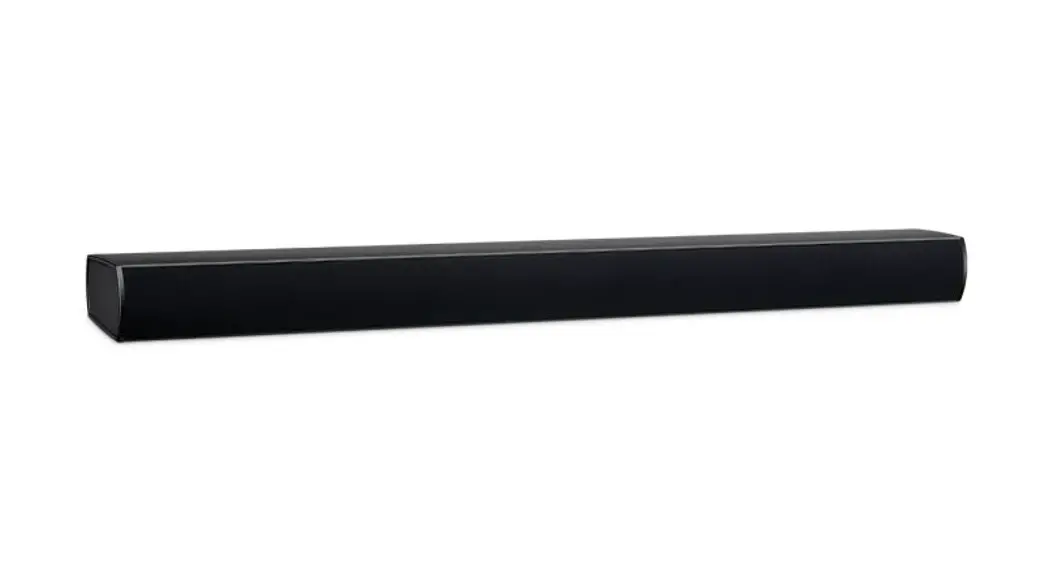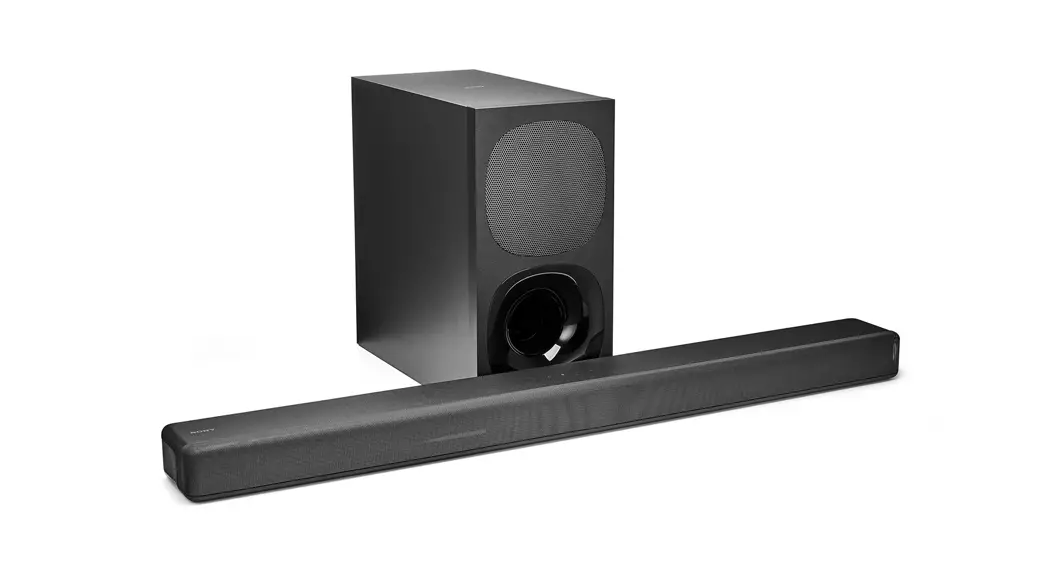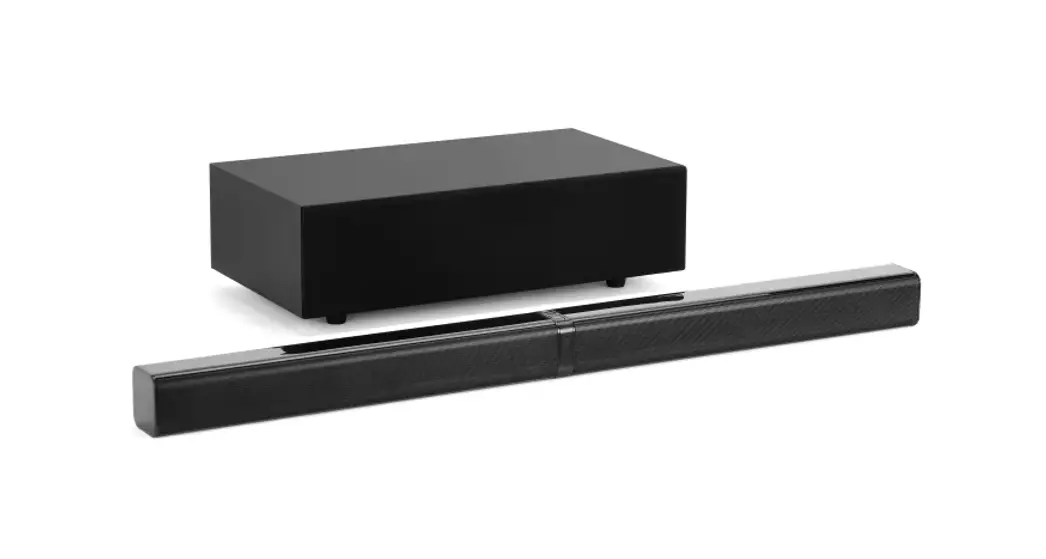
 2.1 Wireless Soundbar with Bluetooth
KASBRBT21A
Quick Start Guide
Product Specifications
| Power Supply | AC 100-240V / 50-60Hz |
| Total Power Consumption | 80W |
| Input Sensitivity (Subwoofer) | 300mV -/+ 20mV |
| Input Sensitivity (Satellite) | 800mV -/+ 50mV |
| Speaker impedance of Satellite | 4 Ohm |
| S/N (A Weight) | 8 Ohm |
| THD (1kHz, 1W) | 0.50% |
| Frequency Response | 45Hz ~ 20KhzdB |
| L/R Separation (1kHz) | 30dB |
| L/R Balance (Stereo) | +/- 2dB |
| Bluetooth Transmission Distance | CSR 2.1m |
| 2.4G Between wireless subwoofer transmission distance | 5 metres |
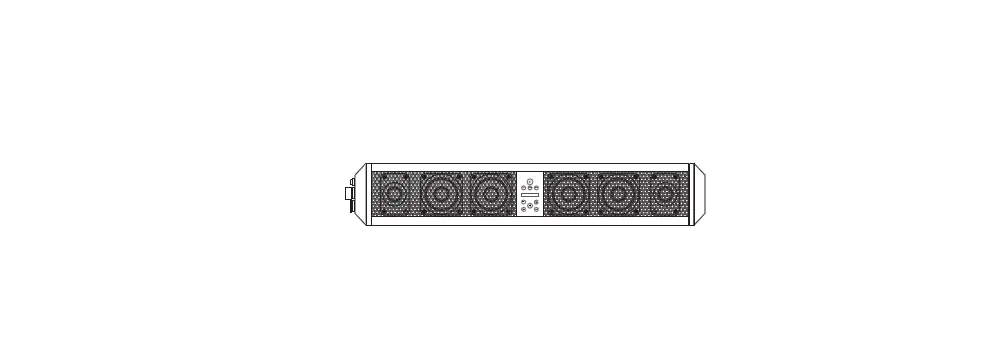
Controls and Functions
Front Panel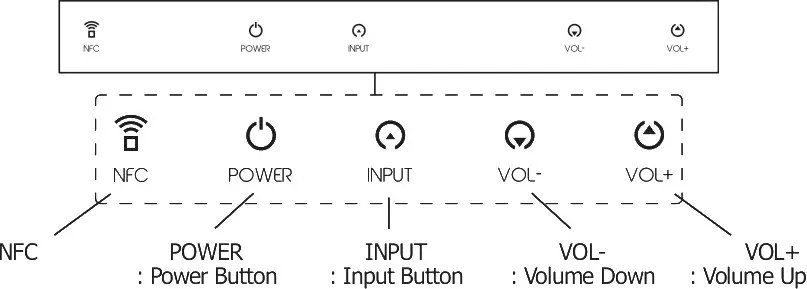
Rear Panel Attention
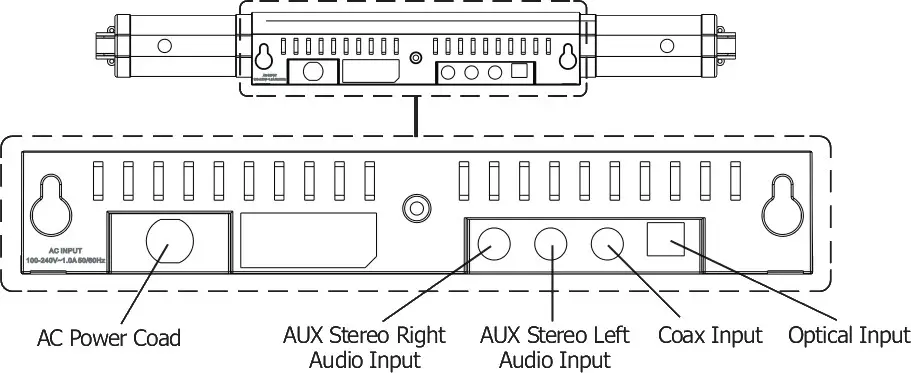 Attention
Please handle this product with care and inspect it regularly to ensure it is in good working order. If the product, power supply cord, or plug shows any signs of damage: stop use, unplug, and contact Kogan.com support.
Safety Precautions
All safety and operating instructions should be read before the unit is used. A copy of these instructions should be kept for future reference.
- Power & Power Cord: connect the device to the power type as advised. Do not place objects on top of the power cord.
- Water & Moisture: the device should not be used near water (for example, near a bathtub, sink, laundry, near a swimming pool, etc..)
- Ventilation: The device should be situated so that its location or position does not interfere with its proper ventilation.
Do not use the device on a bed, sofa, rug, or similar surface that may block the ventilation openings. - Heat: Keep the device away from heat sources such as radiators, heaters, stoves, or other appliances that generate heat.
- Damage requiring service: The appliance should be serviced by the Kogan customer support technicians when:
1) The power-supply cord or the plug has been damaged; or
2) Objects or liquids have fallen into the device; or
3) The device has been exposed to rain; or
4) The device is not operating normally or exhibits a marked change in performance; or
5) The device has been dropped or damaged. - Clean only with a dry cloth.
- Unplug the device during lightning storms or when it will remain unused for extended periods of time.
Remote Control
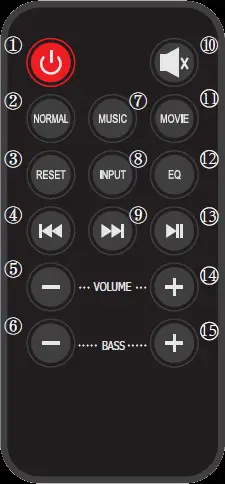
| 1 | Standby (On/Off) |
| 2 | Normal Mode |
| 3 | Reset (location retrieval button) |
| 4 | Bluetooth track Prev |
| 5 | Volume down |
| 6 | Bass down |
| 7 | Music mode |
| 8 | Input |
| 9 | Bluetooth track next |
| 10 | Mute mode |
| 11 | Movie mode |
| 12 | EQ adjust sound effect |
| 13 | Short press: Bluetooth Play/Pause Long press: Bluetooth Pair/Disconnect |
| 14 | Volume op |
| 15 | Bass up |
Remote control battery replacement
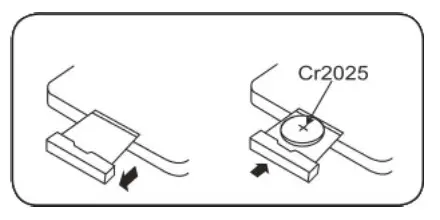
- Replace the remote control battery when the range is reduced considerably.
- Use only Cr2025 or D12032 3V lithium batteries.
- Bear in mind that lighting and other room conditions, in addition to battery age, can affect the operating range of an infrared remote control.
WARNING – KEEP BATTERIES OUT OF REACH OF CHILDREN
- Swallowing may lead to serious injury in as little as 2 hours or death, due to chemical burns and potential perforation of the esophagus.
- If you suspect your child has swallowed or inserted a button battery immediately call the 24-hour Poisons Information Centre on 13 11 26 for fast, expert advice.
- Examine devices and make sure the battery compartment is correctly secured, e.g. that the screw or other mechanical fastener is tightened. Do not use if the compartment is not secure.
- Dispose of used button batteries immediately and safely. Flat batteries can still be
- Tell others about the risk associated with button batteries and how to keep their children
Pairing the Soundbar & Subwoofer
To use the wireless subwoofer, you must ensure that the soundbar itself has been powered up and is ready for pairing. To do this, simply turn the soundbar on, then switch the subwoofer on 30 seconds later.
If you turn the subwoofer on before the soundbar has booted up, the units will not pair and you will not get any sound from the subwoofer. The failure to pair will be indicated by the small blue LED light in the rear of the subwoofer flashing.
If the units fail to pair correctly, turn the subwoofer off, wait for 10 seconds, then switch it back on again.
System Connection Instructions
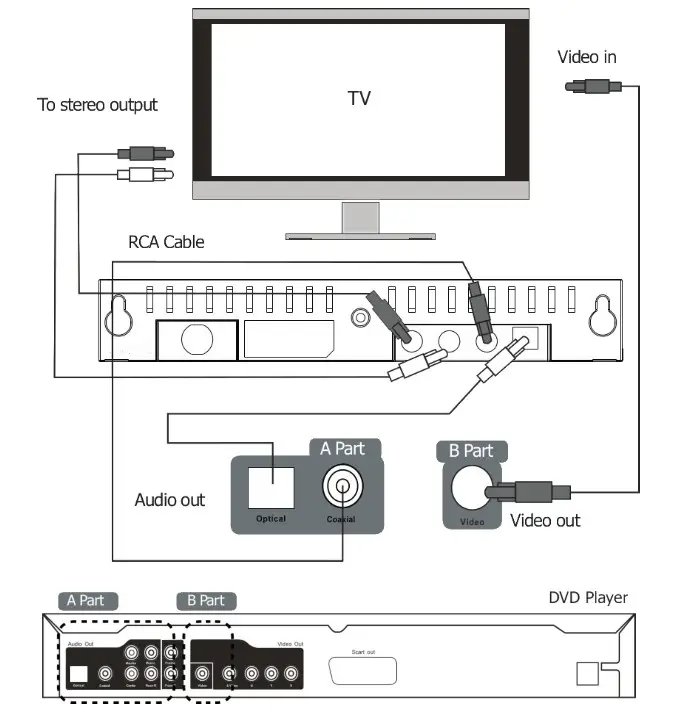
Basic Status
Connected AUX single, Optical and Coaxial signal on the rear panel of the Sound Bar.
The LED display will display “- -” to show it is in standby mode.
LED Digit Status and Function
| LED DIGIT | FUNCTION | LED DIGIT | FUNCTION |
| AU | AUX audio signal input | EQ | Adjust Equaliser mode |
| OP | Optical audio signal input | El | Normal sound effect |
| CO | Coaxial signal input | E2 | Music sound effect |
| BL | Bluetooth audio signal input | E3 | Movie sound effect |
| Number | Volume label | ||
EQ Setting
Treble setting: press the EQ button on the remote control, then press the VOL+ button and the VOL- button to adjust the treble, with the range increasing or decreasing by 7db. (Reset: Press EQ, then press the reset button).
 Kogan.com | Australia's Premier Shopping Destination