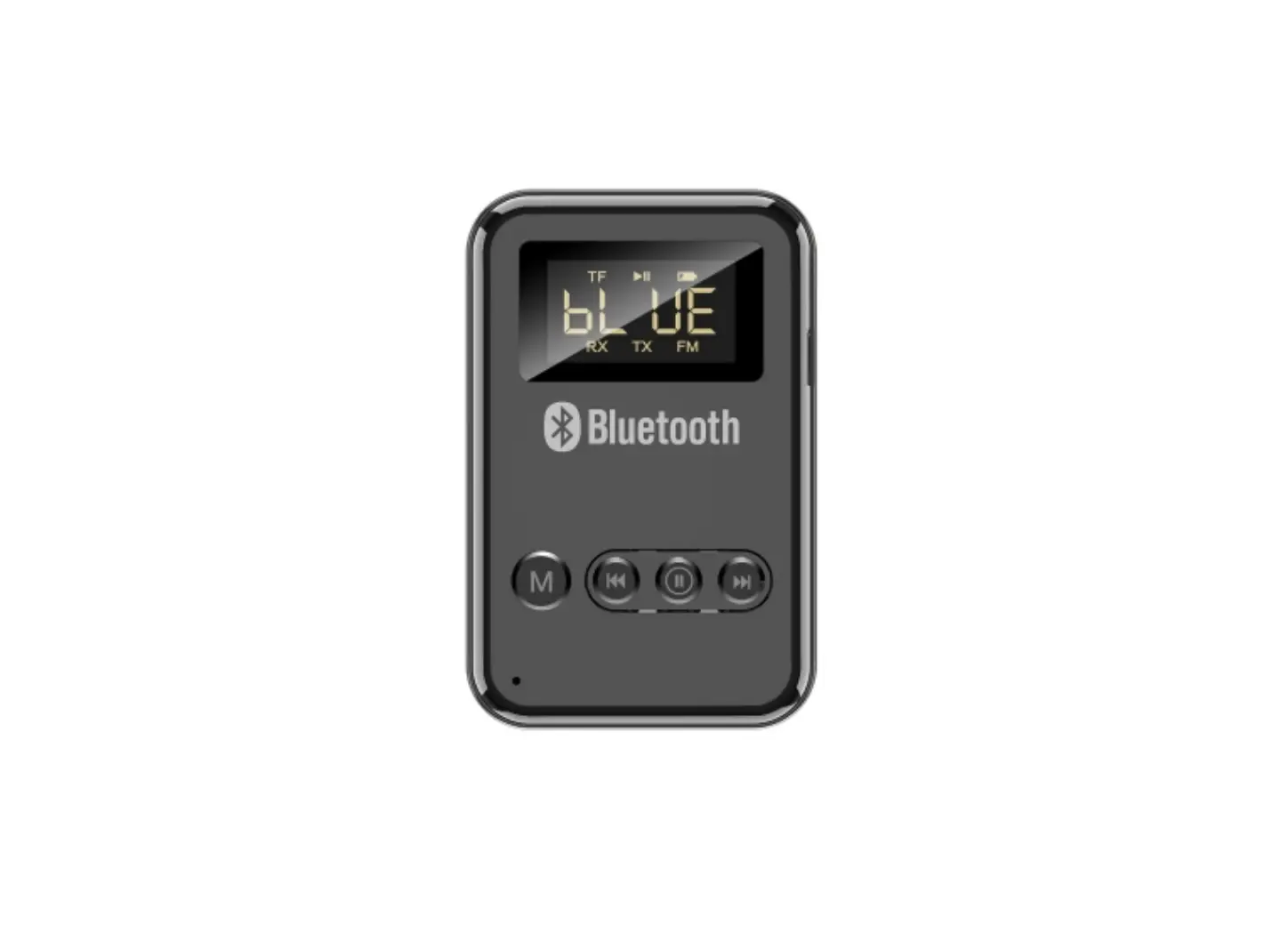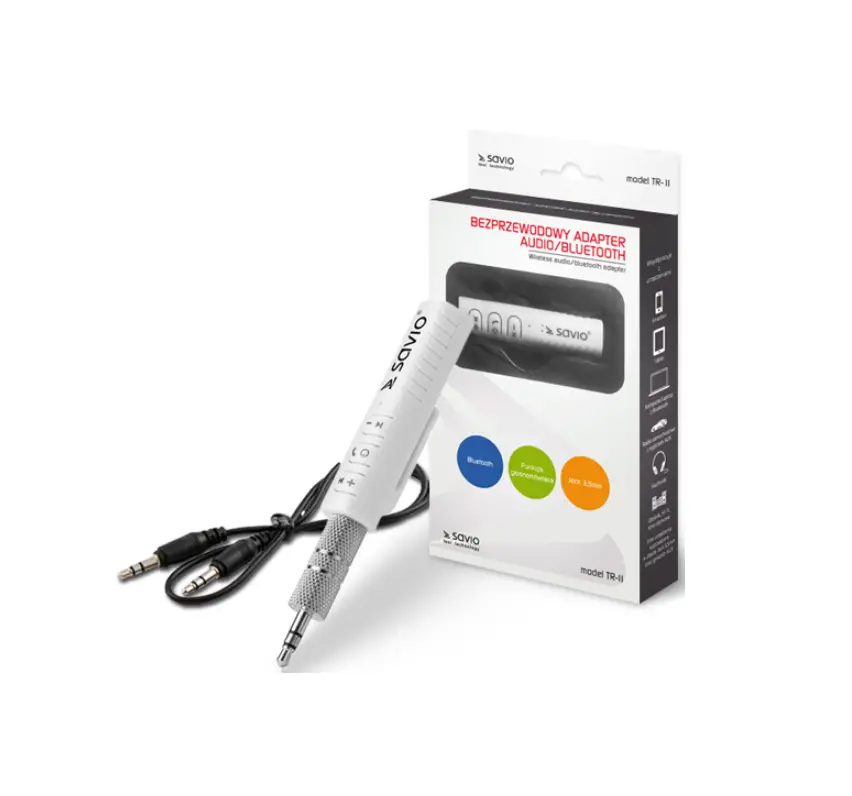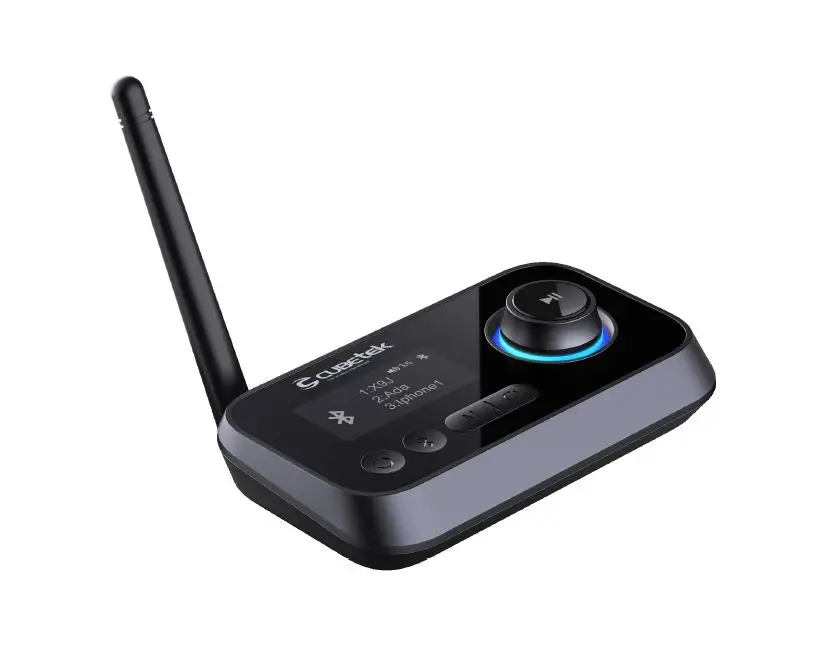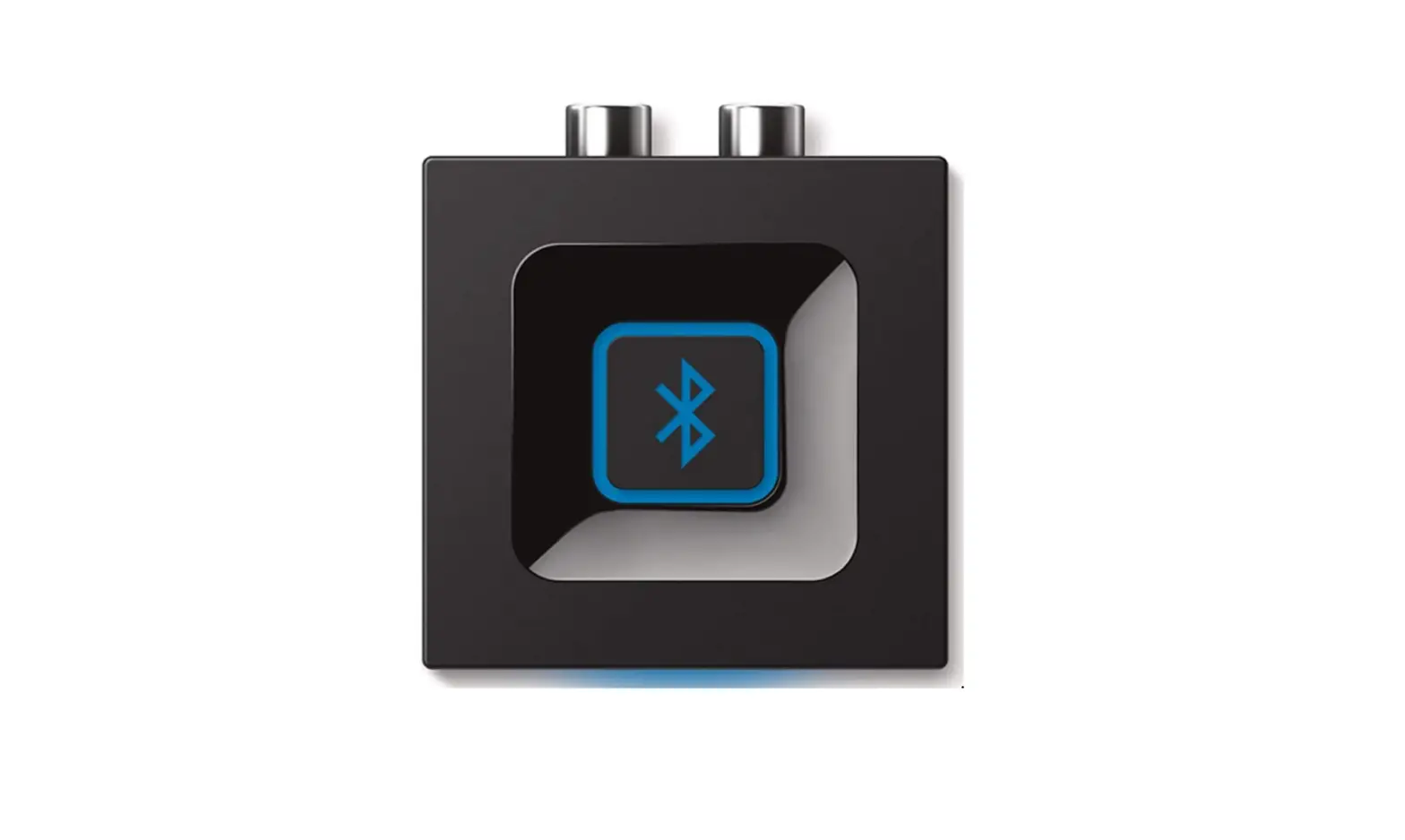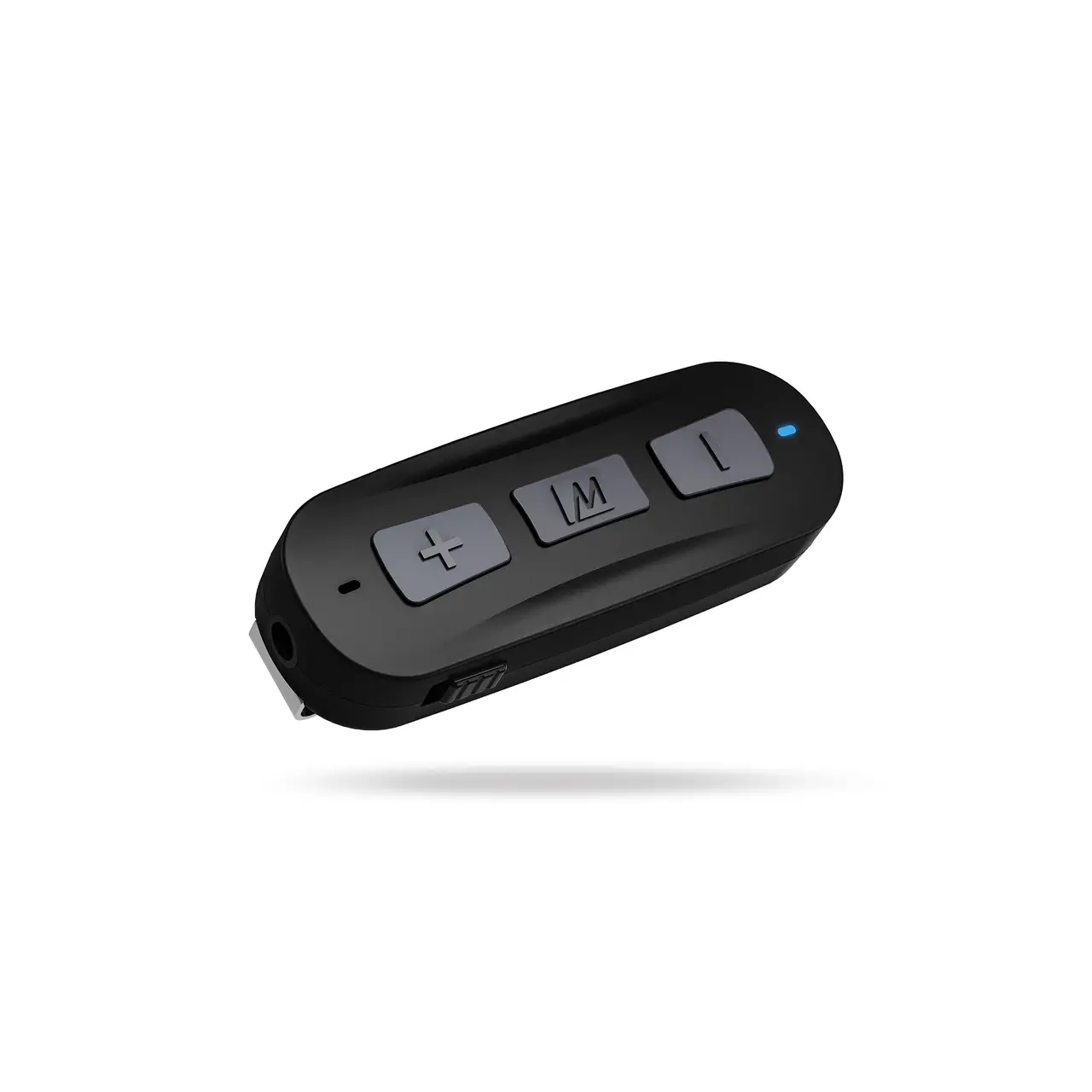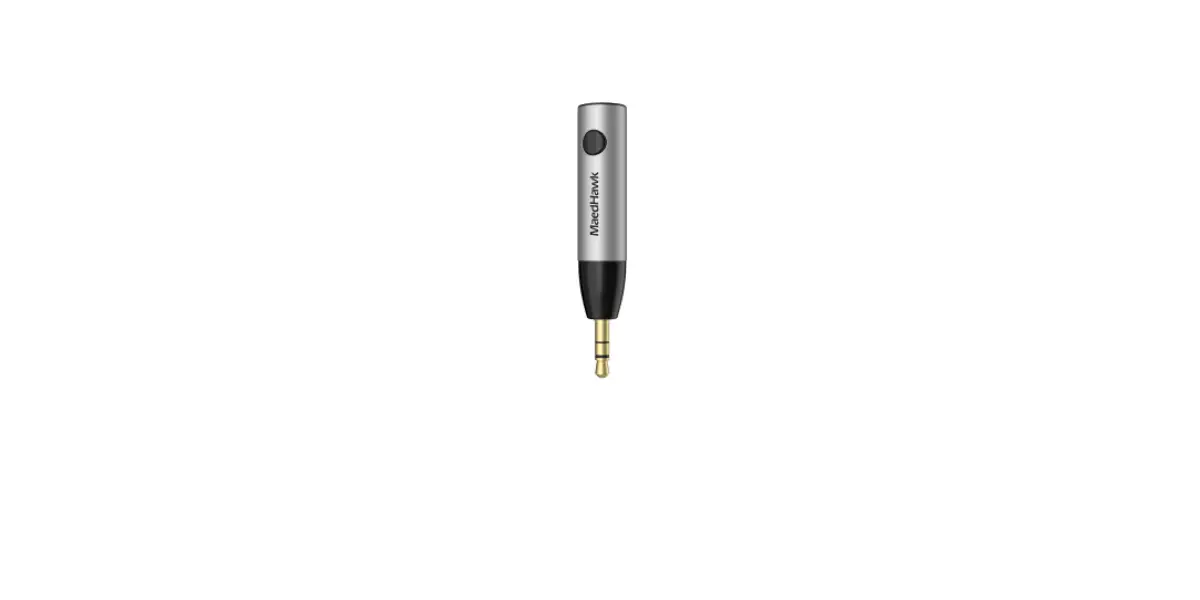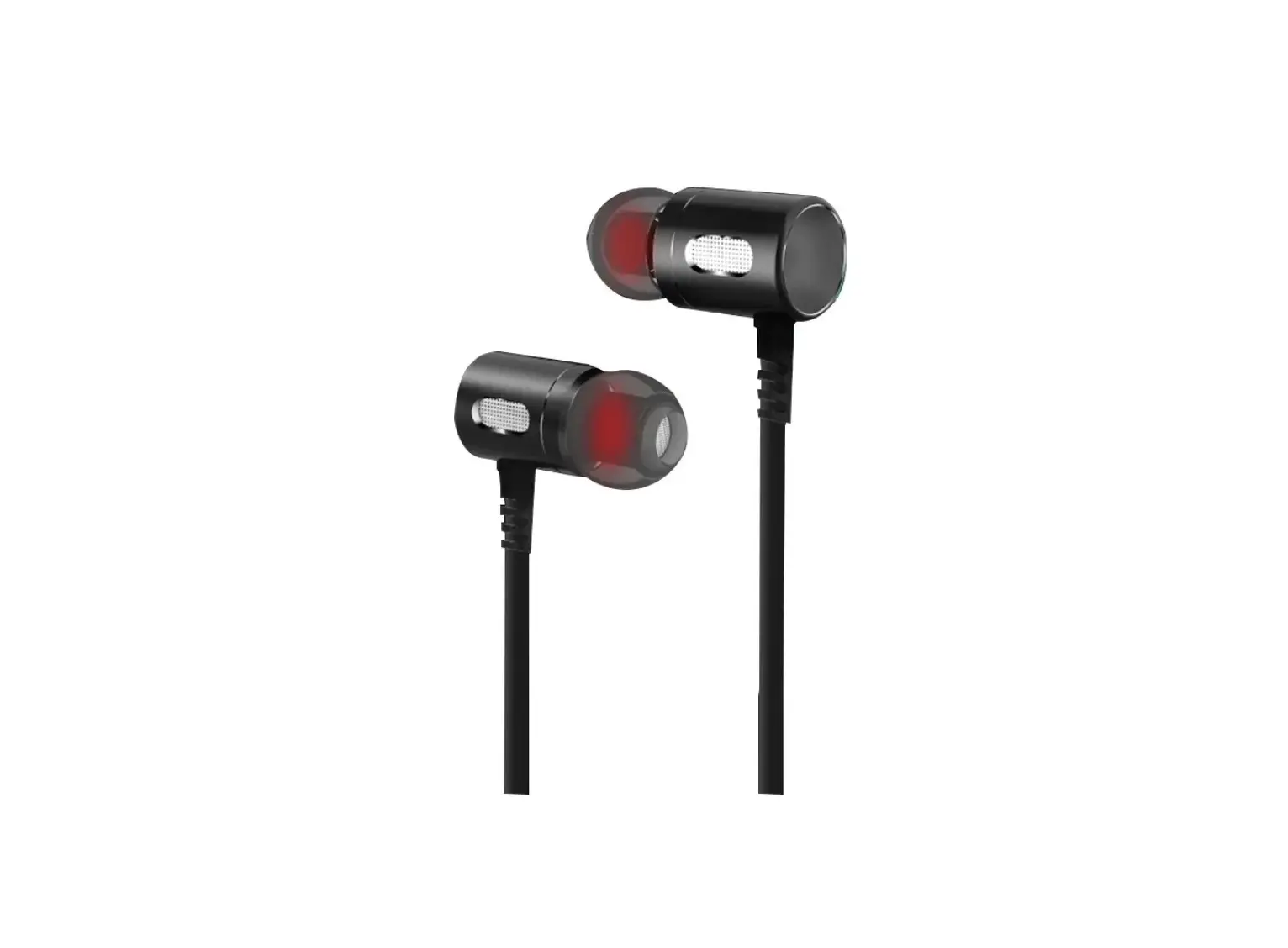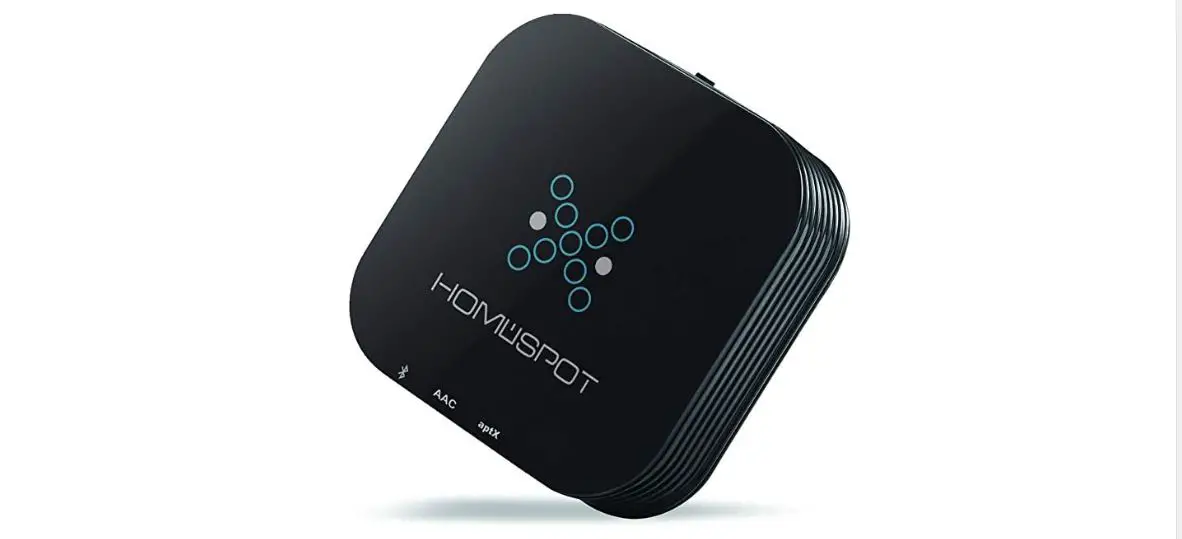
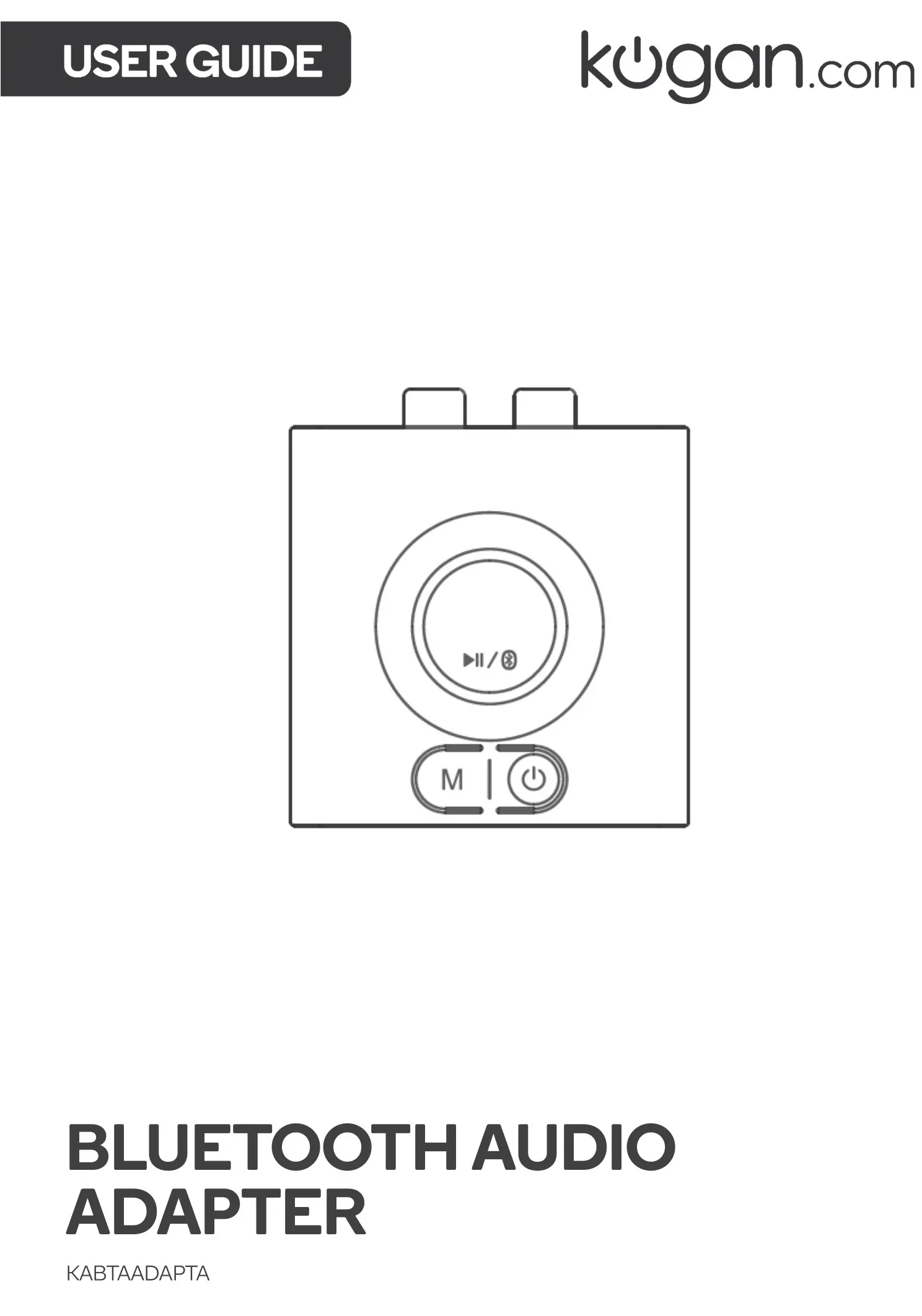
kogan KABTAADAPTA Bluetooth Audio Adapter
User Guide
SAFETY & WARNINGS
- This equipment complies with the limits for a Class B digital device in accordance with FCC regulation. These limits are designed to provide reasonable protection against harmful interference in a residential installation.
- This equipment generates, uses and can radiate radio frequency energy and, if not installed and used in accordance with the instructions it may cause interference to radio or television reception.
- If this equipment does cause interference to your radio or television reception, the following measures can be taken to rectify the problem:
o Reorient or relocate the adapter.
o Increase the distance between your equipment and adapter.
o Connect the equipment into a different power outlet to which the adapter is connected to. - Do not dismantle or modify this equipment in anyway.
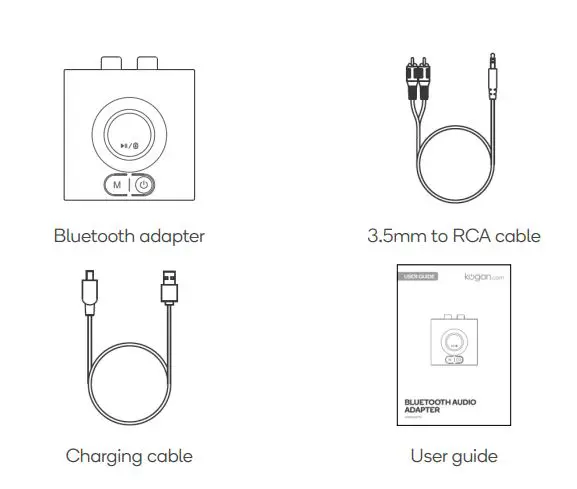
COMPONENTS
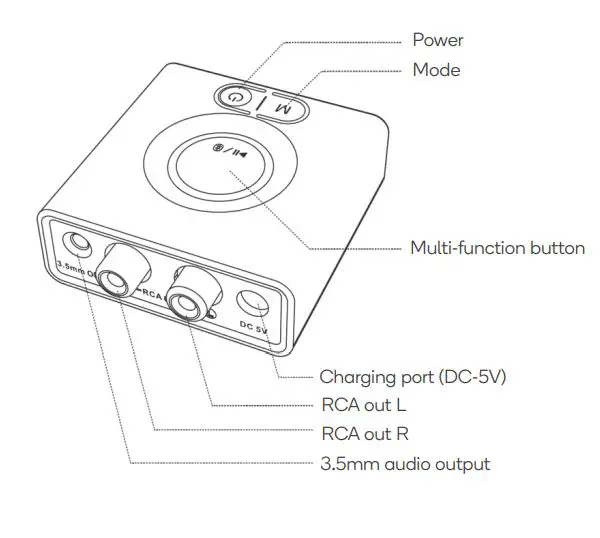
OVERVIEW
OPERATION
Getting Started
Step 1: Connecting to audio device
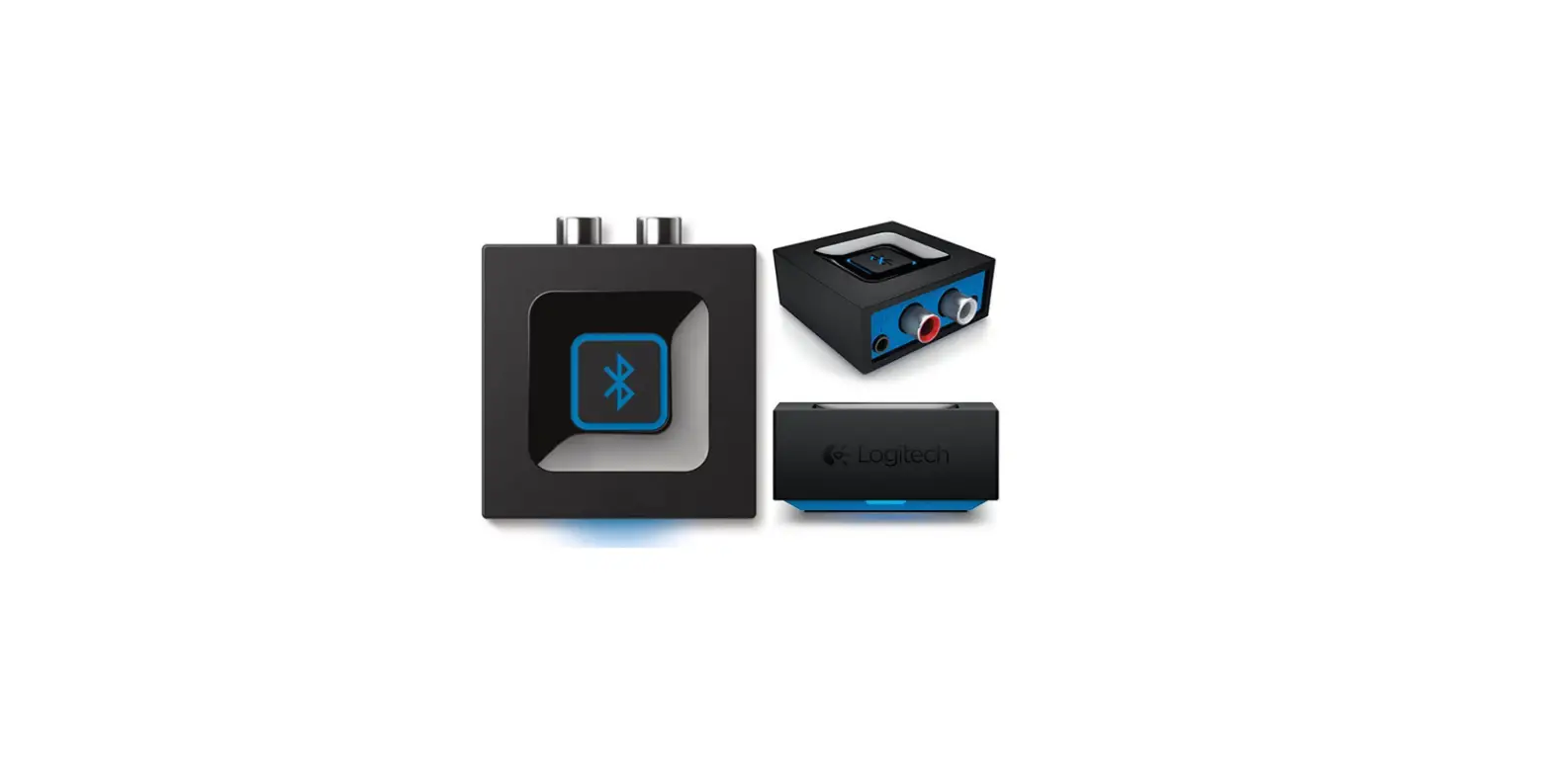
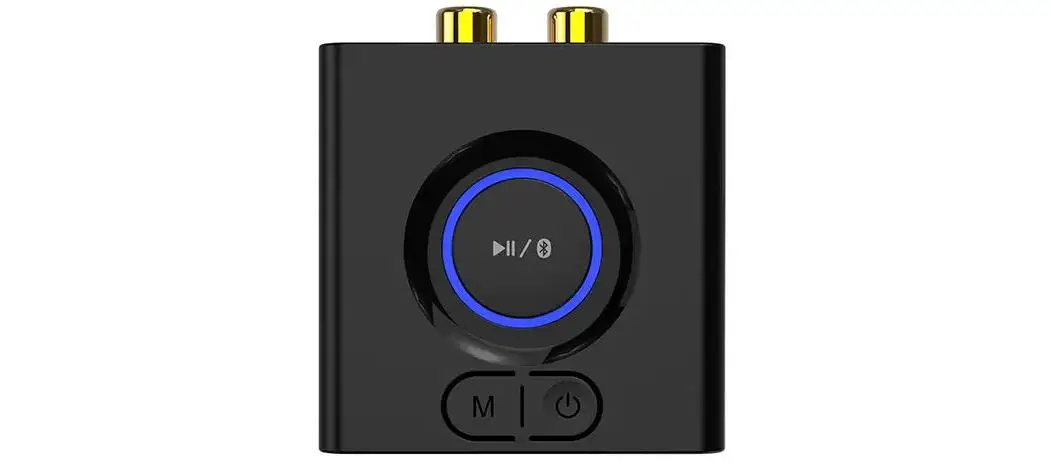
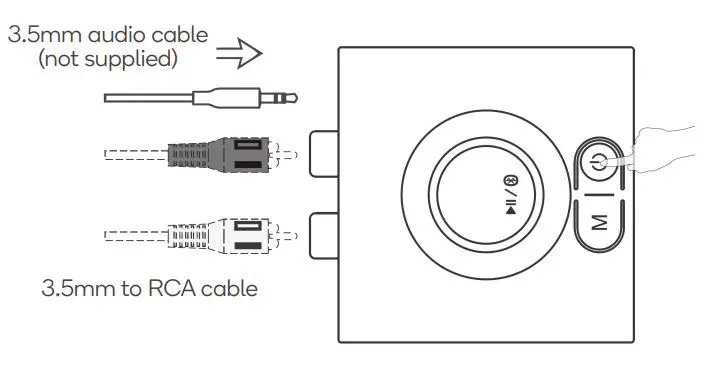
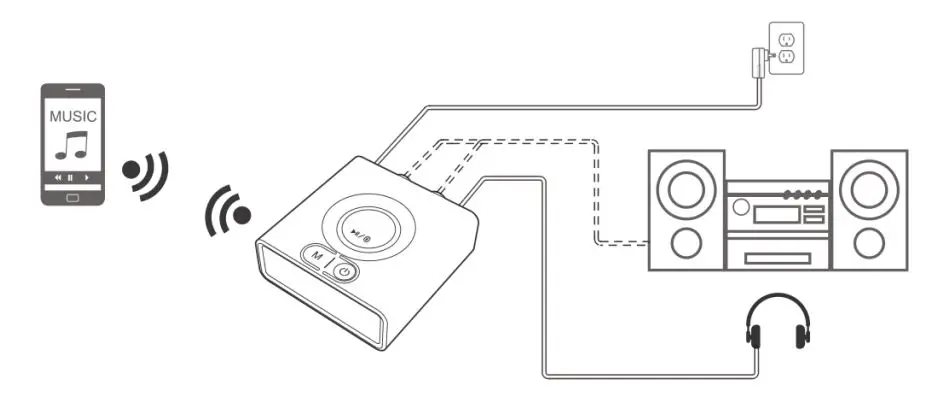
- Connect the Bluetooth adapter to your audio system or headphones using either the supplied 3.5mm to RCA cable or a 3.5mm audio cable.
- Press and hold the power button to turn on the Bluetooth adapter.
Step 2: Pairing with Bluetooth device
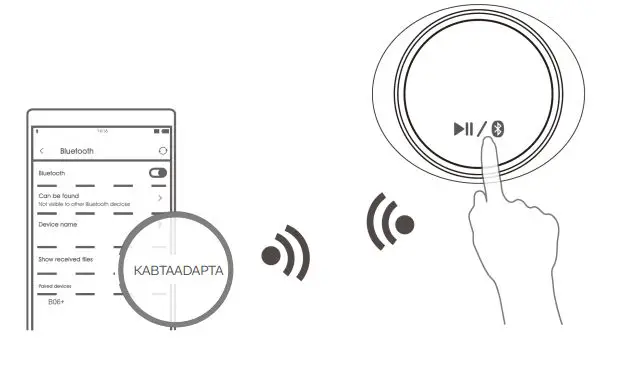
- Press and hold the multi-function button (MFB) to enter pairing mode. The blue and red indicators will flash.
- Activate Bluetooth on your phone or another device and click “KABTAADAPTA” to connect.
Note: Up to two devices can be simultaneous paired with the Bluetooth adapter. Connect the second device by following the same pairing process. Only one device can play audio at a time.
Step 3: Play
Bass Booster
- Pressing the “Mode” button will activate the adapter’s bass booster function.
- The indicator will turn green and the adapter will amplify your music’s lower frequencies.
- The volume levels may need to be adjusted to achieve the optimum result.
Charging the Adapter
- Plug the supplied charging cable into the charging port on the Bluetooth adapter.
- Plug the cable into a power adapter (mobile phone charger).
- The adapter is fully charged when the indicator turns off.
Reset
If the receiver cannot be connected or operate properly, please refers to the following method to reset the device:
- Press and hold the multi-function button for 10 seconds.
- The indicator flashes purple 3 times.
- Delete the adapter from your Bluetooth device’s connection list.
- Follow the pairing process to reconnect the adapter to your device.
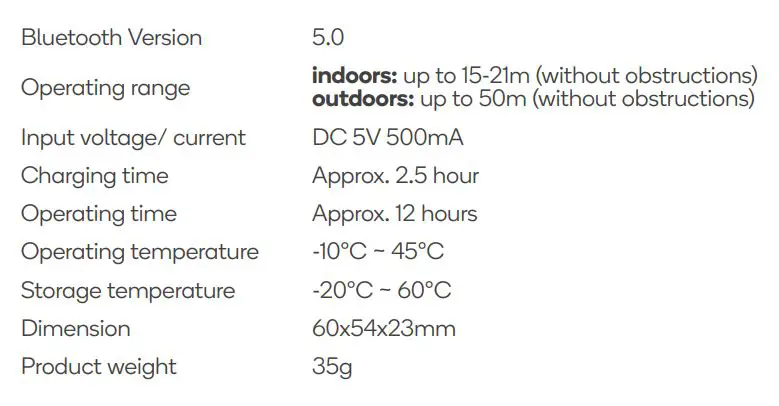
SPECIFICATIONS
Need more information?
We hope that this user guide has given you
the assistance needed for a simple set-up.
For the most up-to-date guide for your product,
as well as any additional assistance you may require,
head online to help.kogan.com.