kogan KABLU41KITA 4-in-1 Bluetooth Car Kit User Guide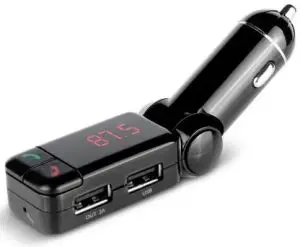
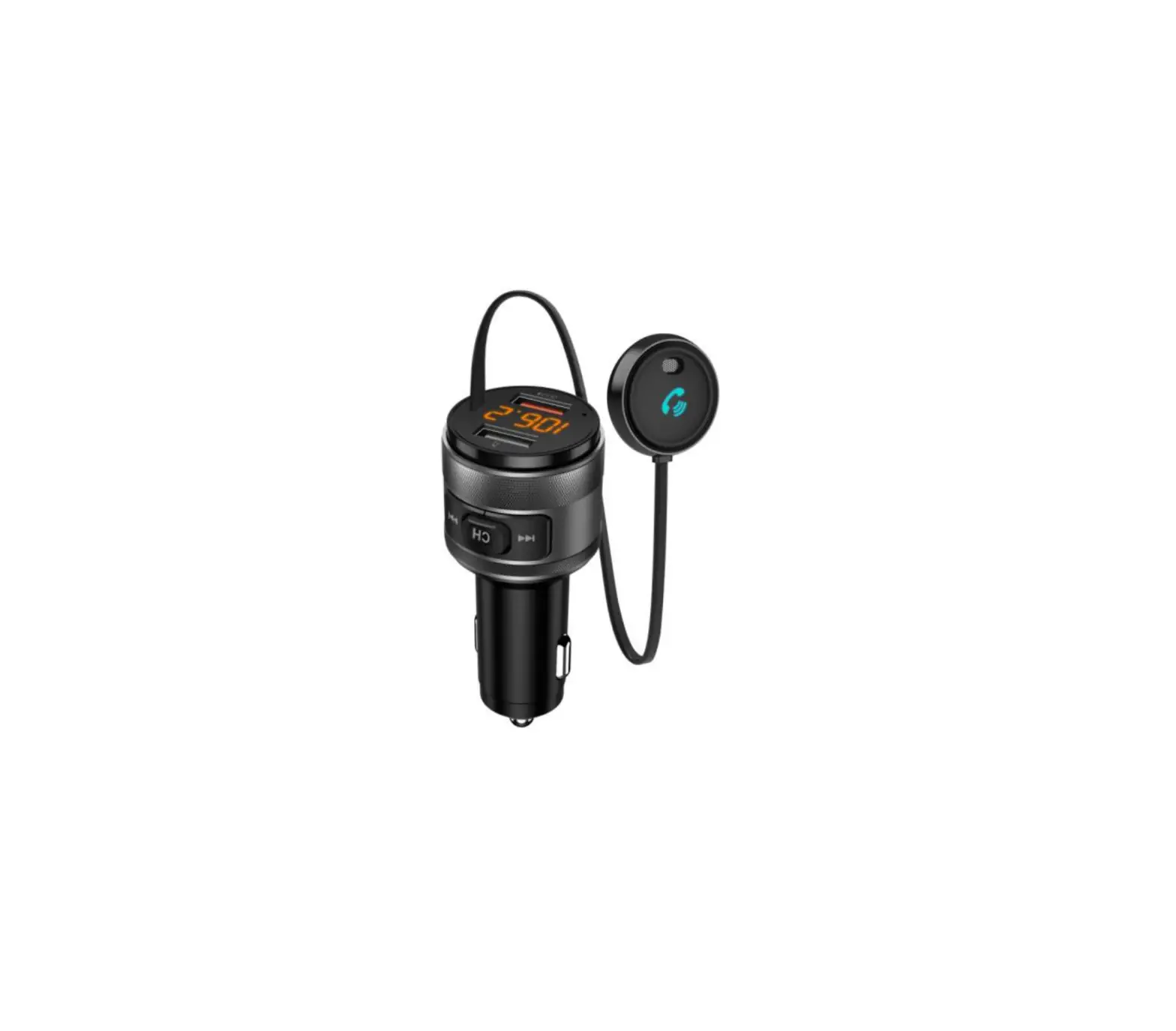
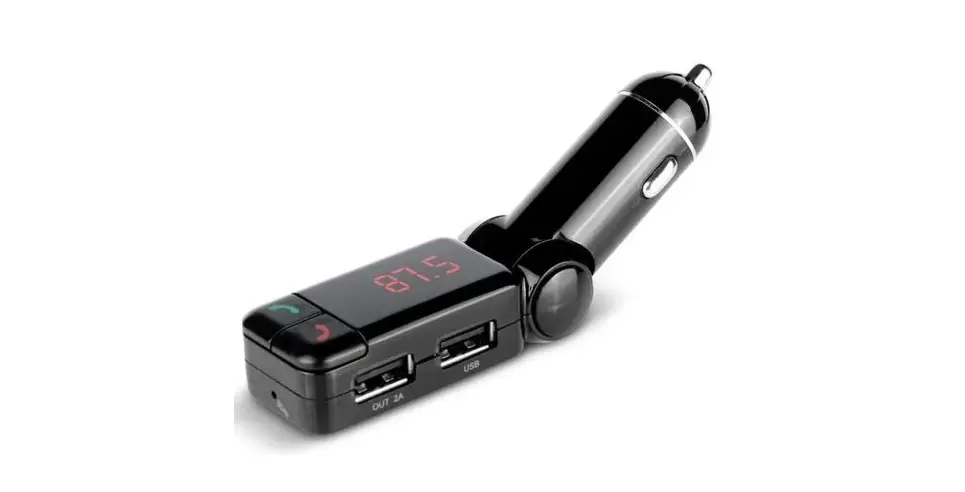
This unit functions as a car charger and an MP3 player, able to play MP3/WMA files from a USB disk or from your Smartphone to your car stereo via Bluetooth, and can switch an incoming call to a hands-free call if your Smartphone has Bluetooth functionality. When the call is finished, functionality will be switched back to music playback automatically
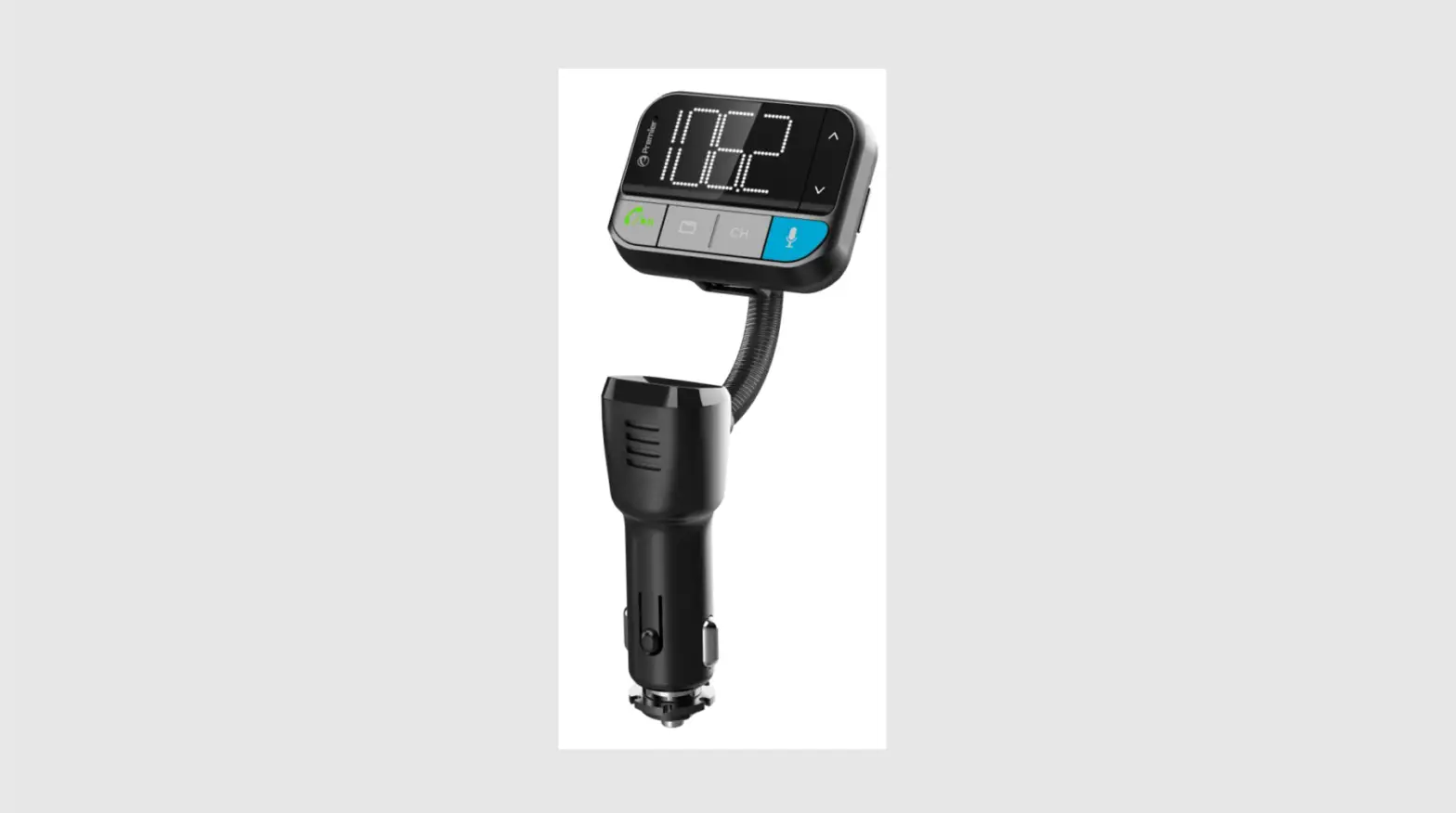
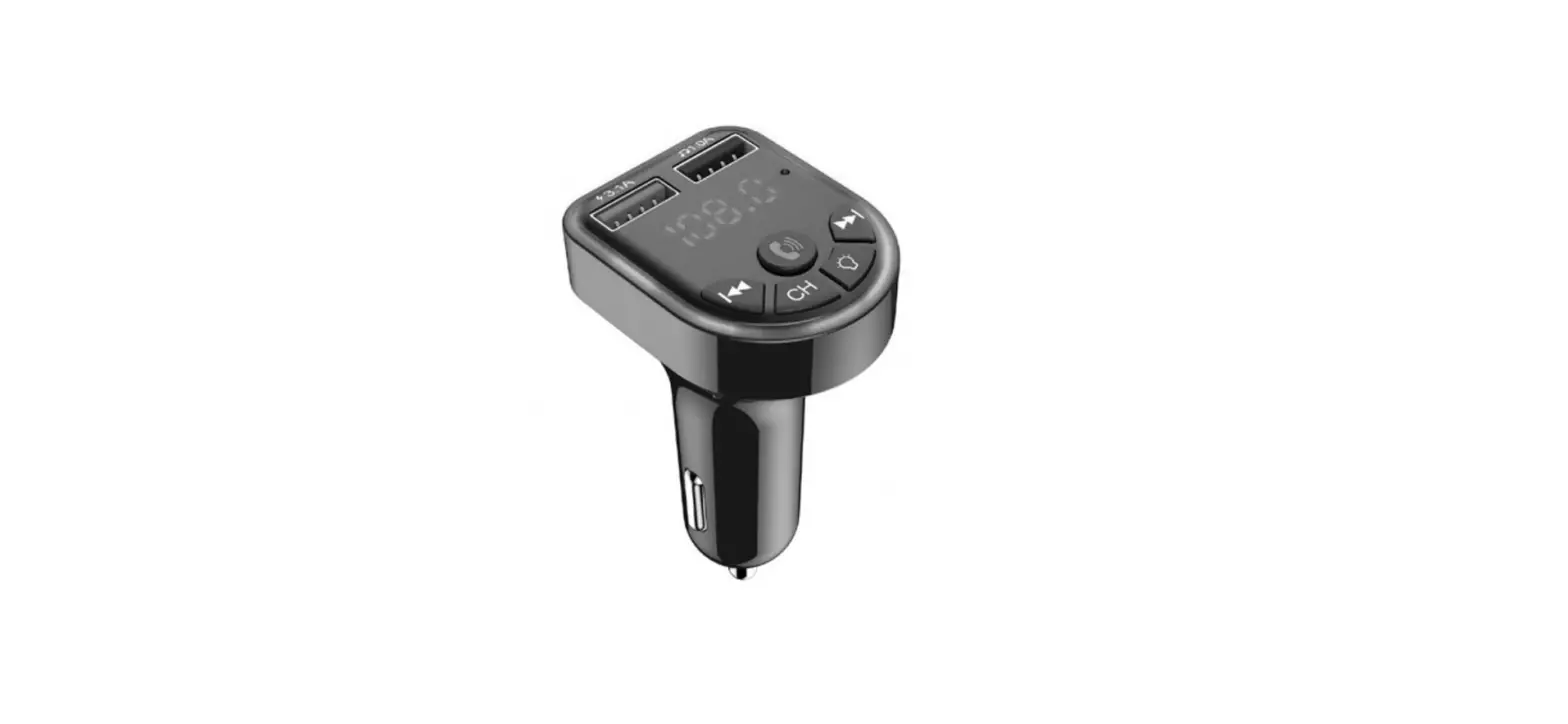
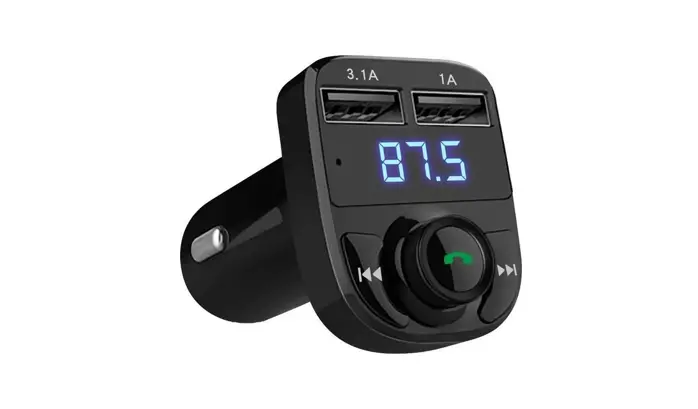
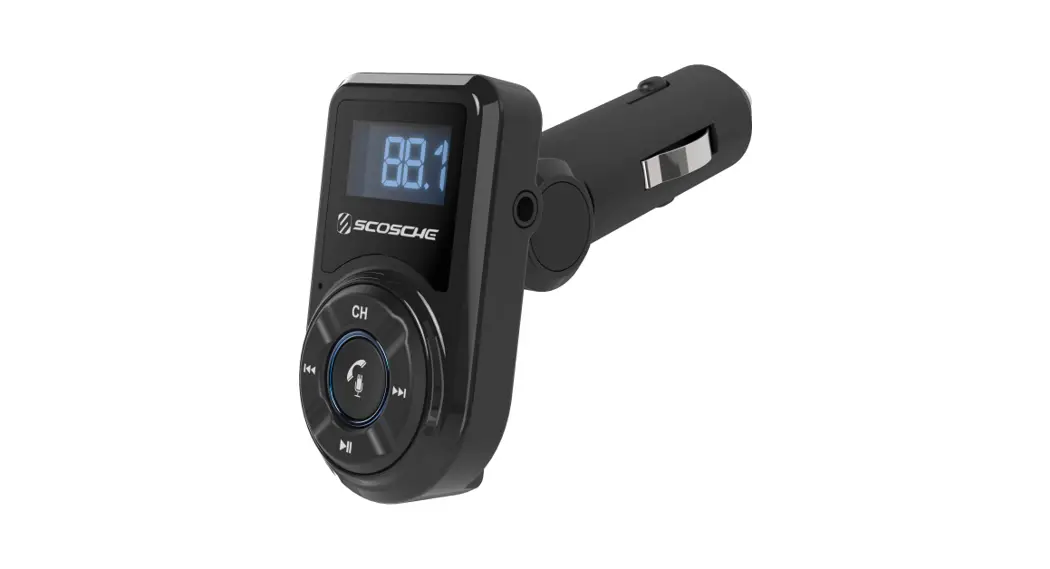
Product Layout
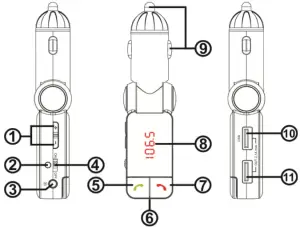
- Volume up/down, CH+/CH2. Power indicator light
- 3.5mm input jack
- Bluetooth switch
- Answer/redial/play/pause
- Microphone
- Hang up/CH Mode/Volume Mode
- LED display window
- Power adaptor 12V-24V
- USB Data input
- USB Power output 5V / 2.1A (maximum)
Product Features
- Adjustable angles, applicable for all types of vehicles
- FM transmitter
- LED display
- LINE-IN audio input
- Independent Bluetooth start/shutdown button
- Supports music playback from USB disk
- Supports MP3/WMA music formats
- Answer/hang up/reject/redial via Bluetooth
- Bluetooth stereo music playback
- Call Echo Cancellation and Noise Reduction (CVC) technology
- Dual USB output voltage, provides power to charge other devices
- Automatic memory function of power failure frequency point
Operation Instructions
Bluetooth Mode
Note: do not have a 3.5mm audio cable plugged into the headphone jack during bluetooth use, as this will lead to bad audio quality.
- Plug the product into the car cigarette lighter socket, then switch the power to ON. The product will start up and the LED will display the frequency point once it is fully powered up.
- If your phone is being connected to the unit for the first time, then a Bluetooth match connection is required.
- Enable the Bluetooth function on your phone while the Bluetooth hands free is on, then search for “BC-06”, which will display on the available connections list on your phone.
- Select “BC-06” and pairing will occur automatically. A prompt sound will be given after pairing. Once paired, your phone will automatically connect to the Bluetooth functionality of the unit in the future.
- Making a call
Dial the number by pressing the phone number while connected to the Bluetooth function and the sound will play via the car stereo. Do not dial the number or touch your phone while you are actively driving. - Answering a call
If there is an incoming call, press the “ ” key to answer the call. While connected, press the “ ” key to switch between the phone microphone or the car chargers inbuilt microphone. Press “
 ” to hang up.
 - Rejecting a call
If you do not wish to answer a call, press the “” key to reject. - Playing music with your phone
This product supports A2DP functionality, which allows you to play music in your phone. Music will be transmitted to your car via FM functionality so that you can enjoy high quality music. Press the “ ” key to play/pause the music, and press “ ” for the next/last song.
 ” to hang up.
(Note: some phones will basic or older firmware versions may not support this function.)
Audio Input Mode
- Insert a 3.5mm audio cable into the input jack that is attached to a sound source.
- Quickly press “
 ” to turn the volume up/down, and hold down “ ” to enter frequency adjustment mode. At this point, the frequency in the LED screen will flash and you can press “ ” to increase/decrease the frequency.
 ” to turn the volume up/down, and hold down “
 Switching between Bluetooth Mode and USB Mode
Hold down “ ” to switch between Bluetooth mode and USB mode. If there is no USB device plugged in, the unit will not switch into USB mode.
Note: Wait for 10 seconds once the unit has been switched on before attempting to switch modes.
USB
To play MP3s via USB, please hold ” ” for 3 seconds to switch the mode to USB.
The unit has dual USB ports that both support the maximum unit output of 5V/2.1A for charging your mobile devices. If dual ports are both used at the same time, the total current will be no more than 2.1A.
Power Off Memory
When the unit is turned off, the system will memorize all information regarding the FM frequency being used and the song that was being played. When the unit is then restarted, the song will continue to be played. If you remove or change the storage device being used, the unit will play the first song on the new storage device.
Usage Notes
- The unit contains dual USB outputs. It can charge two devices at the same time, with a total maximum output of 5V/2.1A
- If a USB device is attached, a 3.5mm audio cable is connected and Bluetooth is turned on, upon booting up the unit will automatically connect to the phone via Bluetooth.
- Never turn the volume up too loud when FM is working to avoid sound distortion. Please adjust sound through the car stereo itself.
- When playing to your stereo via an FM frequency, avoid using a frequency that matches or is close to a publically broadcasting radio station to avoid adverse affects.
- Some phones may not support automatic connection if they are powered up after the unit has been turned off. In this case, you will need to manually reconnect the phone.
- Do not expose the unit to high temperatures, dust or moisture.
Technical Parameters
| Rated working voltage | 12V – 24V |
| Limited working voltage | 9 – 26V |
| USB output | 5V / 21A |
| Working temperature | 0 – 50C |
| Play format | MP3 / WMA |
| SNR | >60dB |
| Degree of distortion | <01% |
| Frequency response | 20Hz -15Khz |
| Resolution of right and left channel | >60dB |
| Bluetooth version | 2.1 +EDR |
| Bluetooth sound processing | A2DP (Advance Audio Distribution Profile) |
| Bluetooth transmission distance | 10m |
| Effective distance of Bluetooth microphone | 0.5 – 2m |
| FM frequency | 87.5 – 108Mhz |
| FM mode | Stereo digital PLL frequency locking |