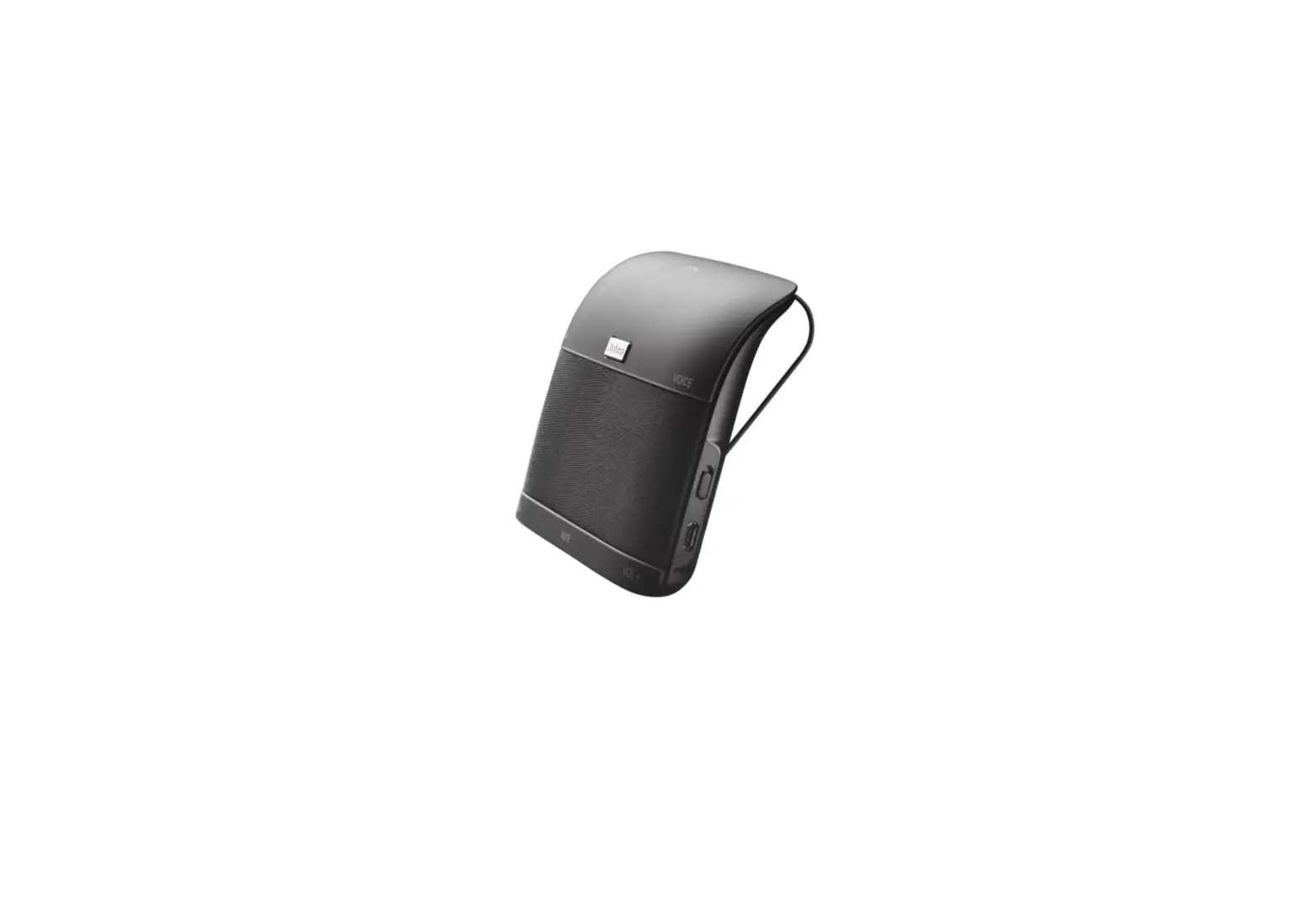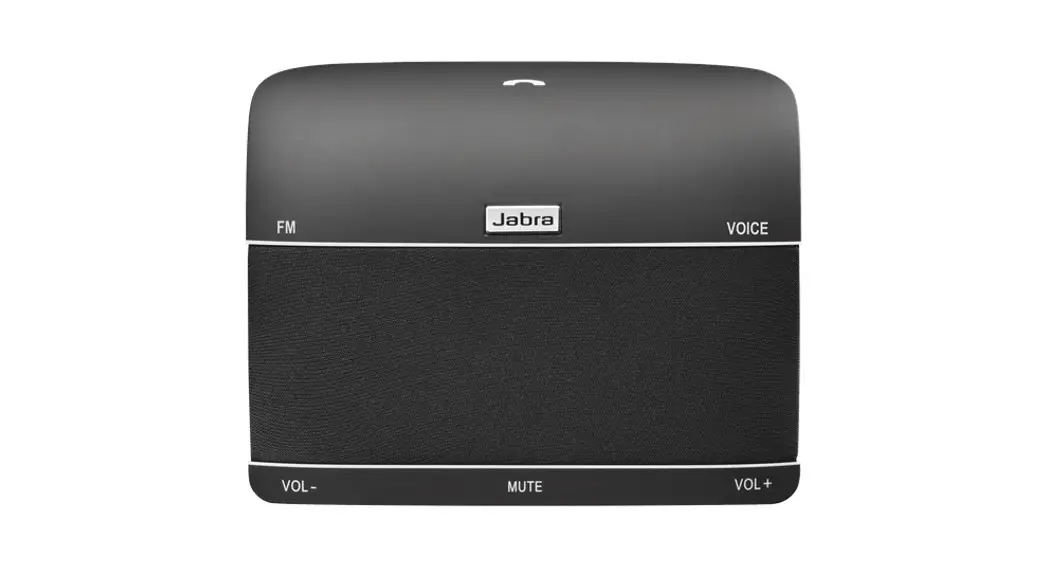
 JABRA FREEWAY™
NEED MORE HELP?
For all support go to jabra.com/support
GET STARTED IN UNDER
5 MINUTES
© 2011 GN Netcom A/S (North America: GN Netcom US, Inc.). All rights reserved. Jabra is a registered trademark of GN Netcom A/S. All other trademarks included herein are the property of their respective owners. The Bluetooth ® word mark and logos are owned by the Bluetooth SIG, Inc. and any use of such marks by GN Netcom A/S is under license. (Design and specifications subject to change without notice).

MADE IN CHINA
MODEL: HFS100
FCC ID: BCE-HFS100
IC: 2386C-HFS100
Declaration of Conformity can be found on www.jabra.com/CP/US/declarations-of-conformity
CONNECT TO MOBILE DEVICE
The first time the Jabra Freeway is turned on it will automatically attempt to connect to any mobile phone that has Bluetooth turned on. Simply follow the voice-guided pairing instructions to connect.
CONNECT TO A NEW OR SECOND MOBILE PHONE
- Turn on Bluetooth on your mobile phone.
- Turn off the Jabra Freeway.
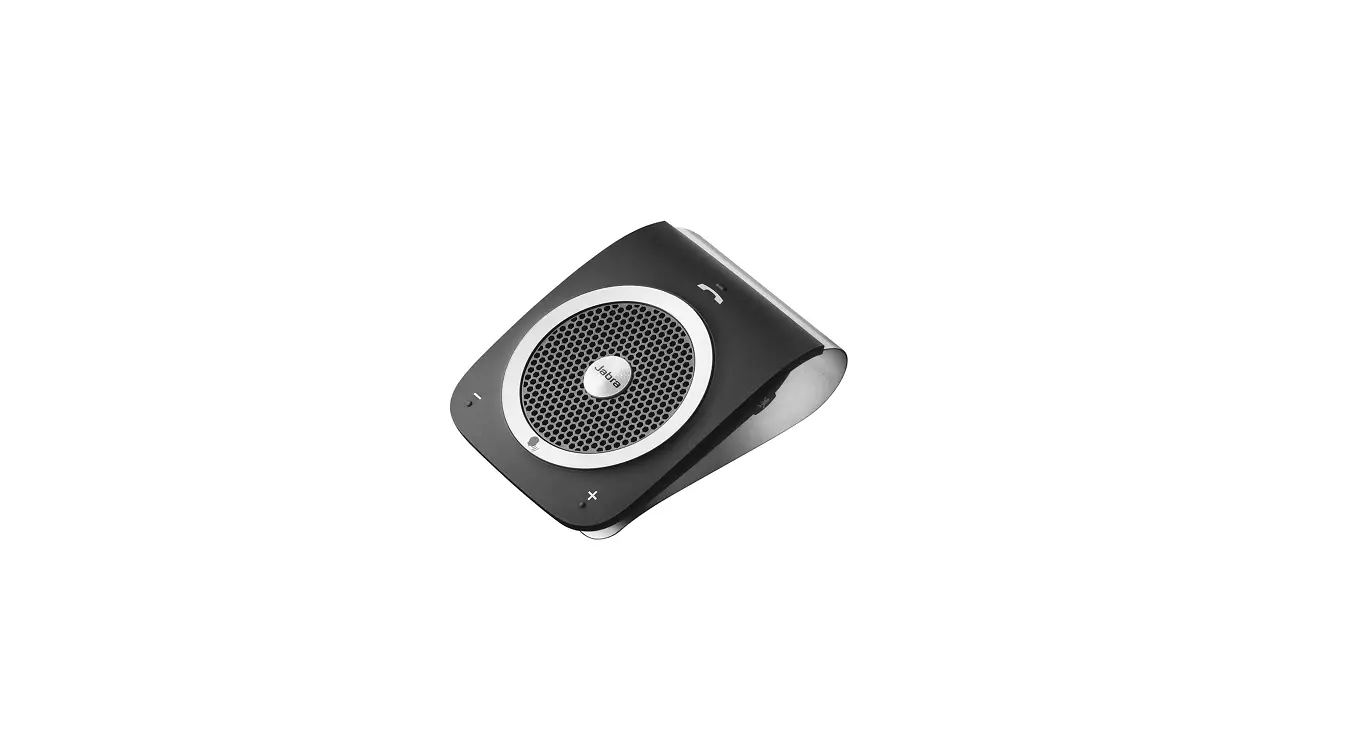
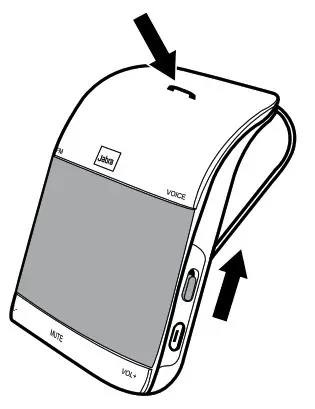
- Press and hold (5 secs) the Answer/end button on the Jabra Freeway while sliding the On/Off switch to On. The light will flash blue and the pairing instructions will be announced.
- Follow the voice-guided pairing instructions to connect to your mobile phone.
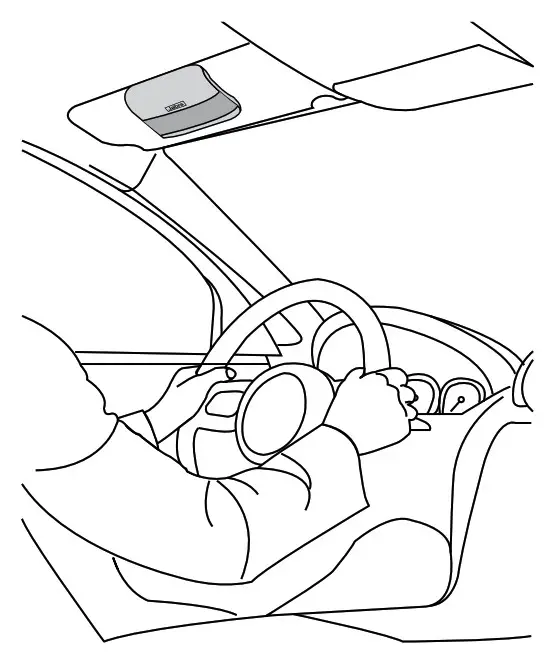
POSITION THE SPEAKERPHONE
Clip the Jabra Freeway to the sun visor above the driver’s seat.
HOW TO USE
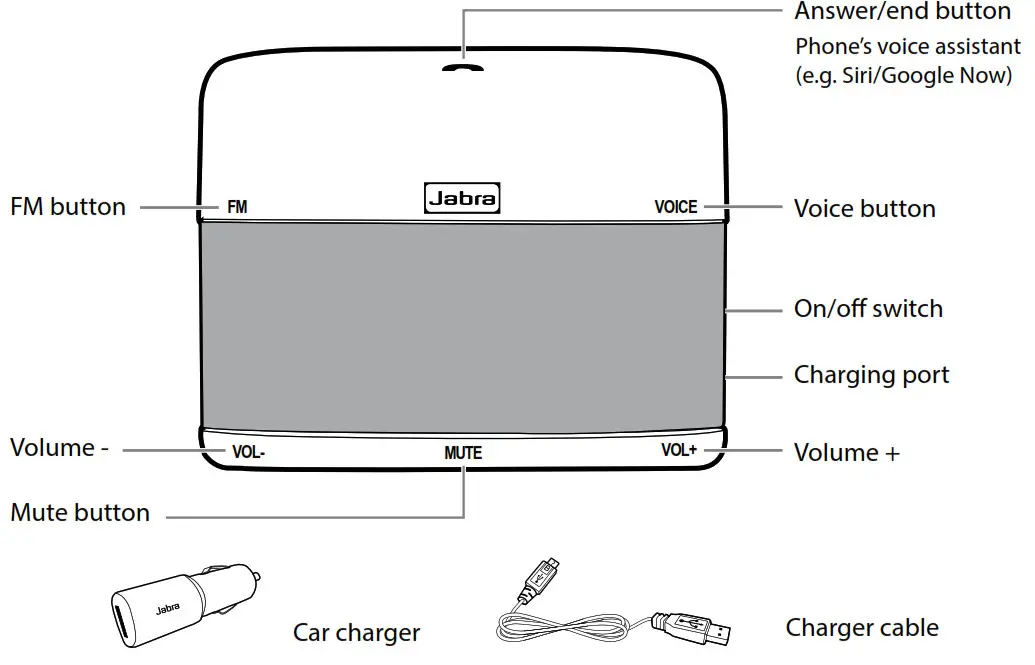
Did you know?
You can download the Jabra Assist app for your Android TM or iOS device to enhance your Jabra experience.
 | Answer call | Tap the Answer/end button, or say ‘Answer’ |
| End call | Tap the Answer/end button | |
| Reject call | Double-tap the Answer/end button, or say ‘Ignore’ | |
| Activate phone’s voice assistant (e.g. Siri/Google Now) | Press and hold the Answer/end button until you hear a beep, and then release the button | |
| VOICE | Voice controls | Tap the Voice button. Say ‘What can I say’ for a full list of voice controls |
| +/- | Adjust volume | Tap the VoI+ or Vol- button |
| MUTE | Mute microphone | Tap the Mute button |
| FM | FM radio | Tap the FM button and set your radio to the announced the frequency |
 Jabra Freeway | Handsfree for Car - Calls & Music
 Wireless Headsets and Headphones for Office, Music & Sport | Jabra