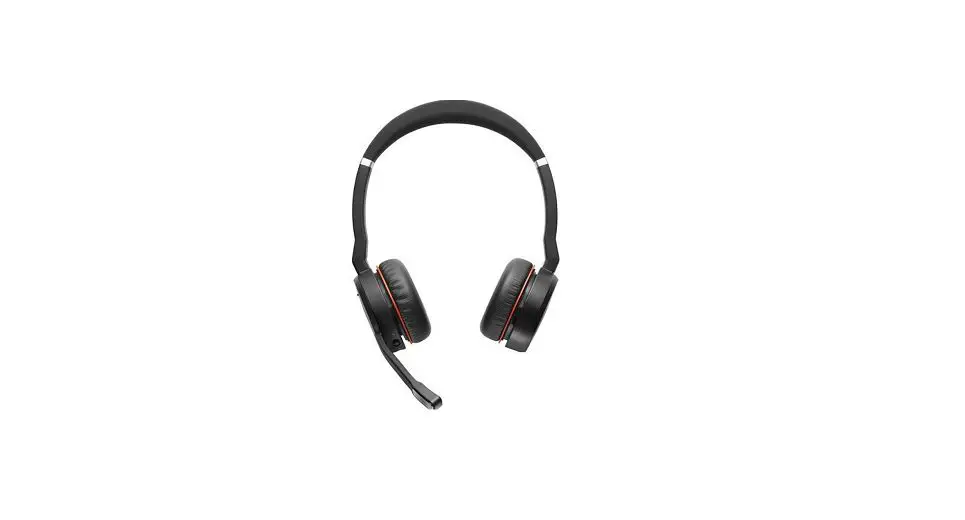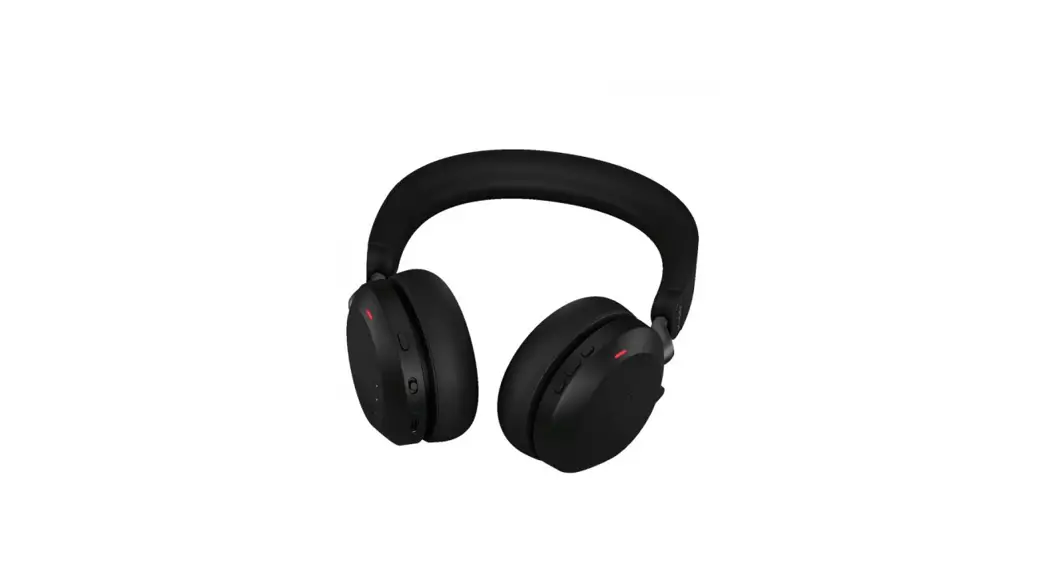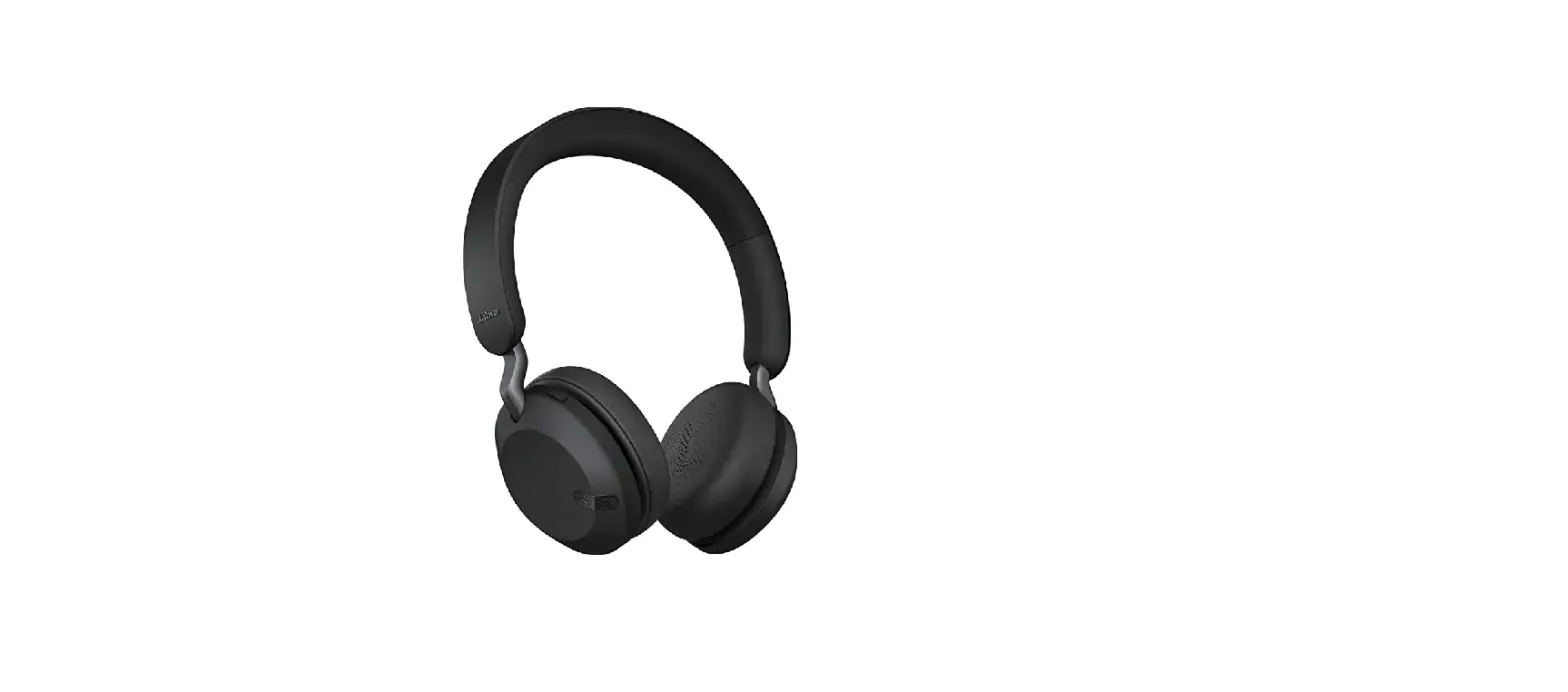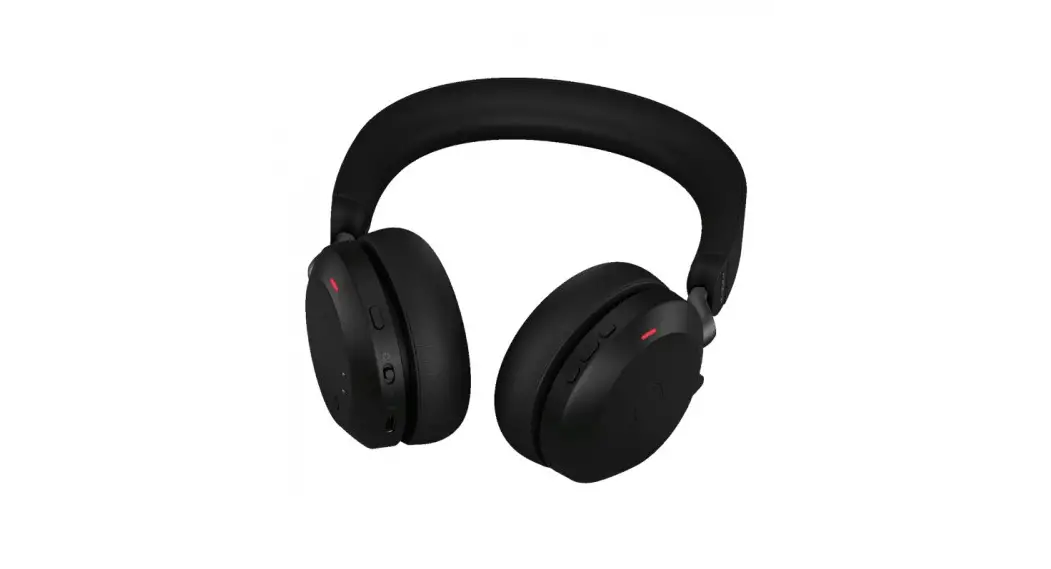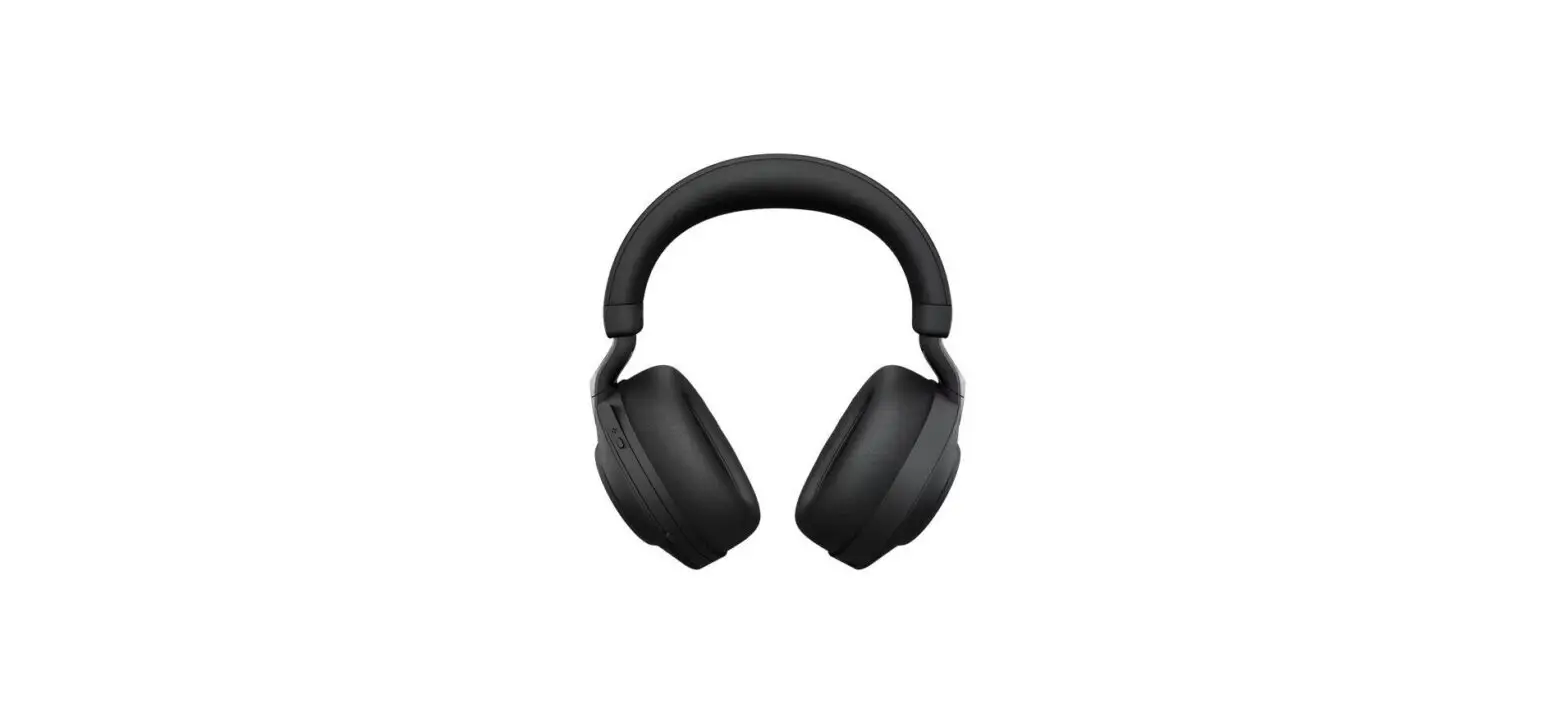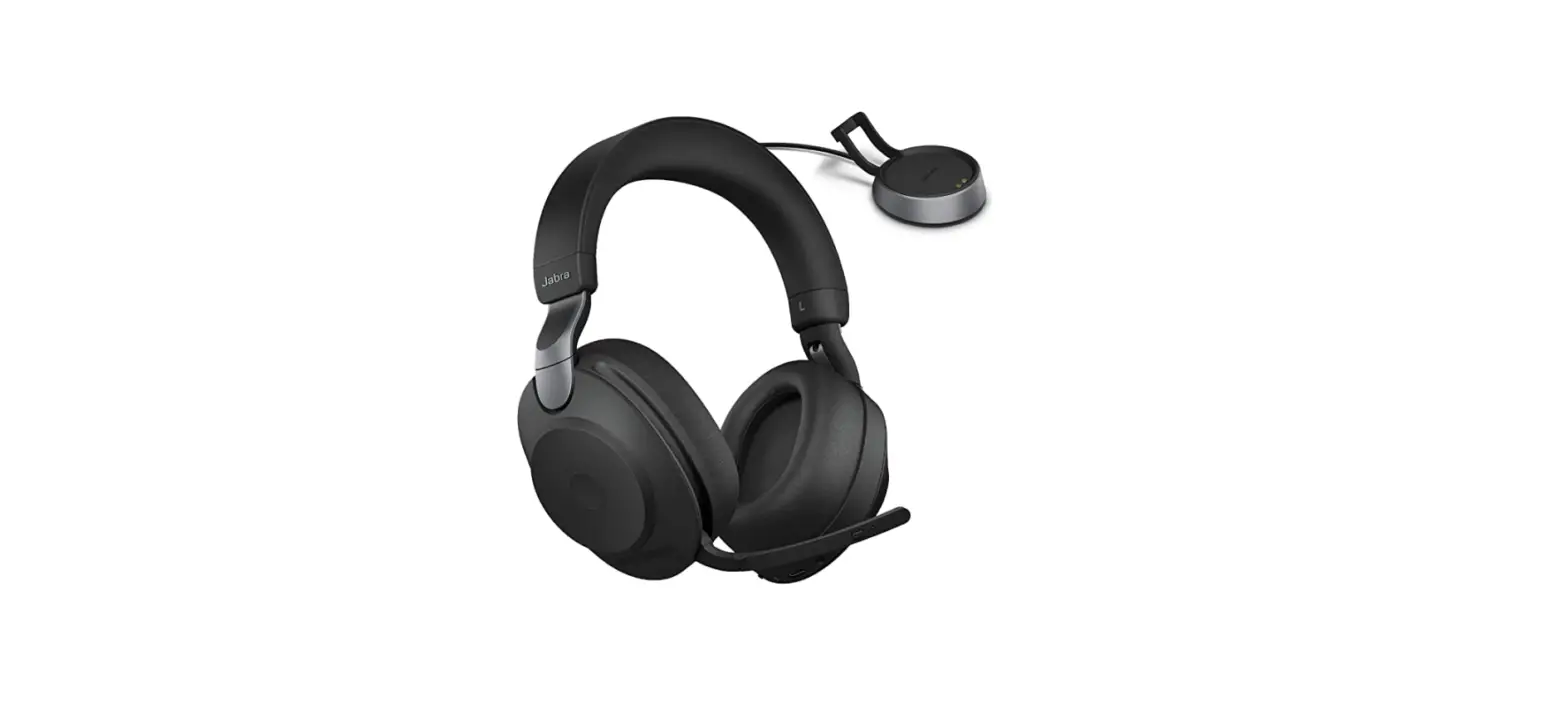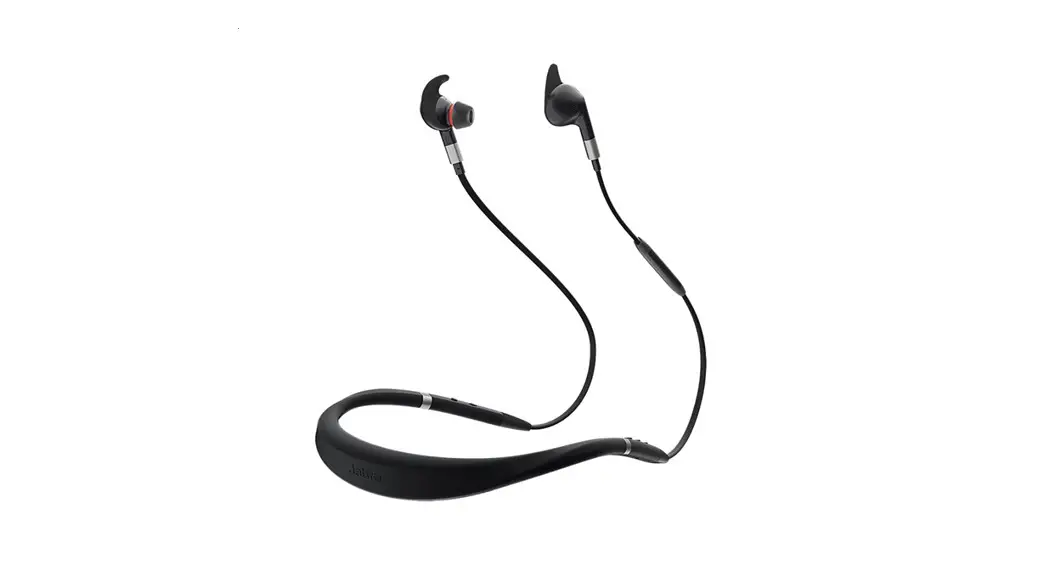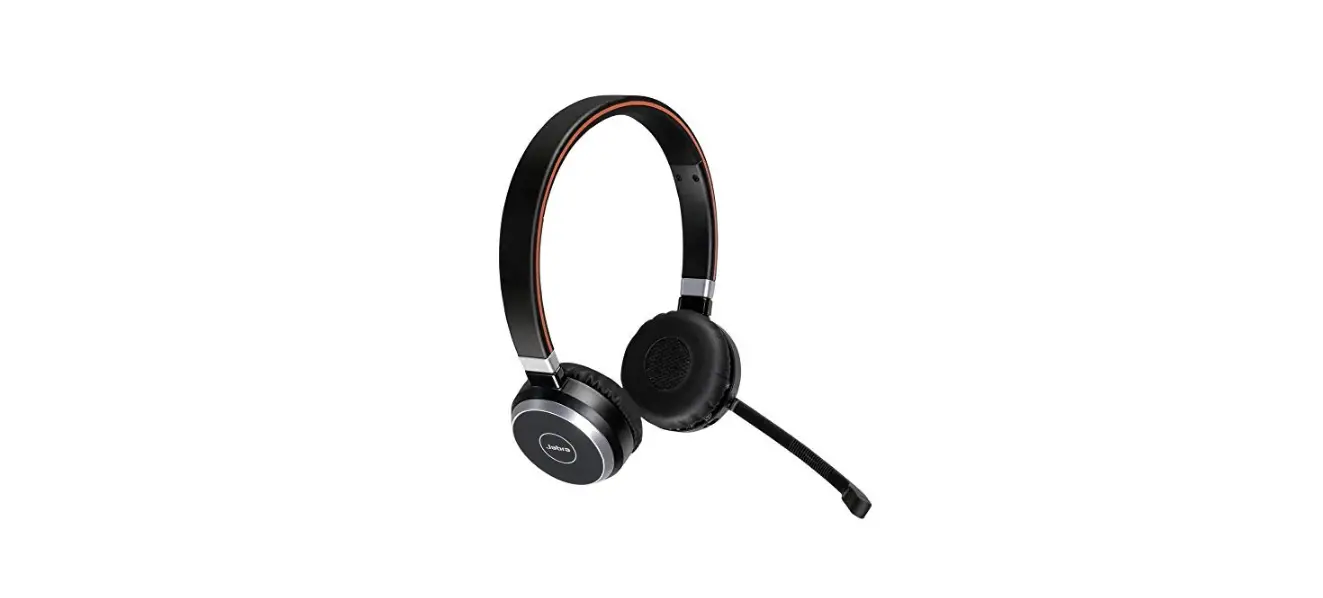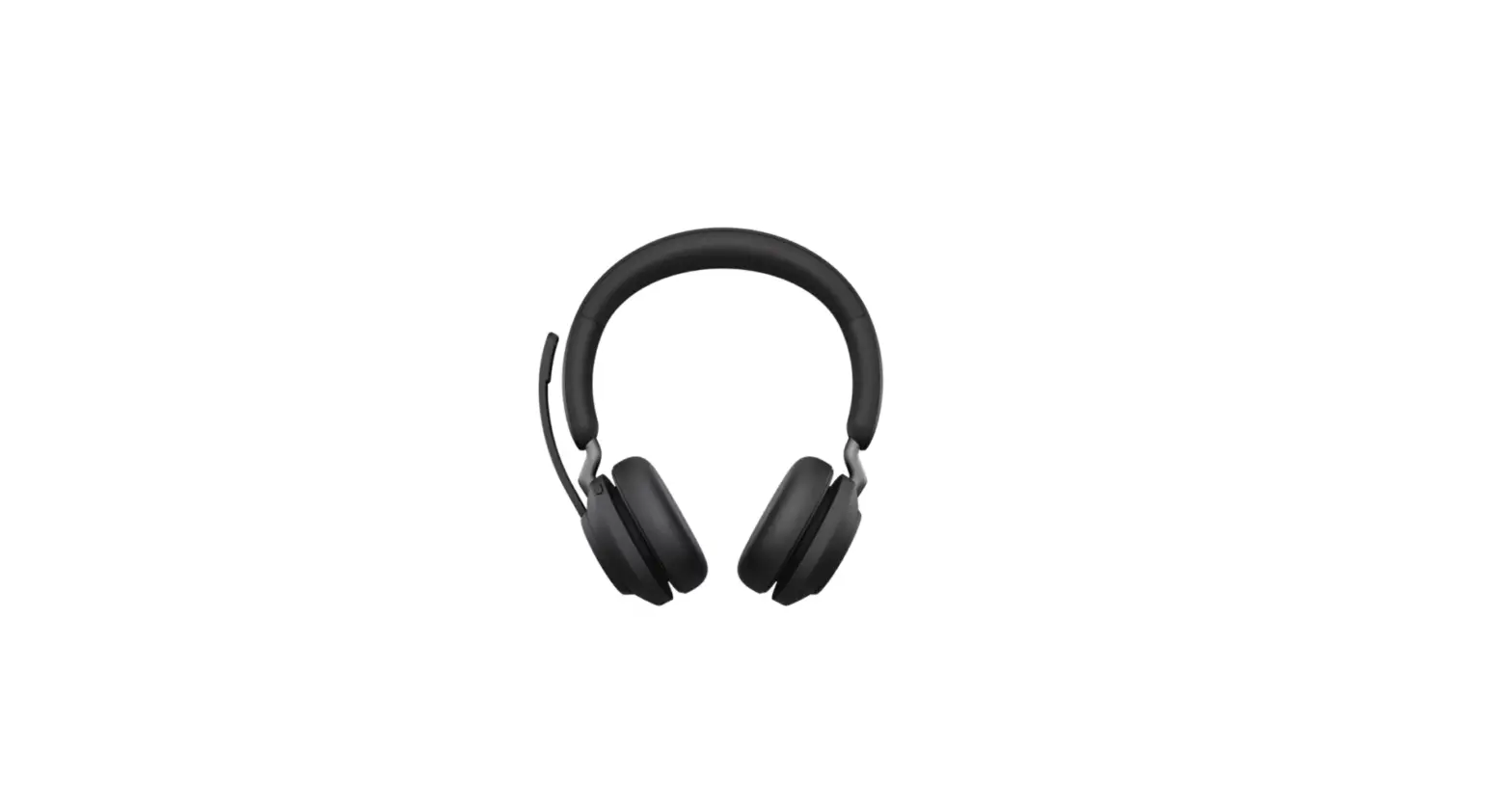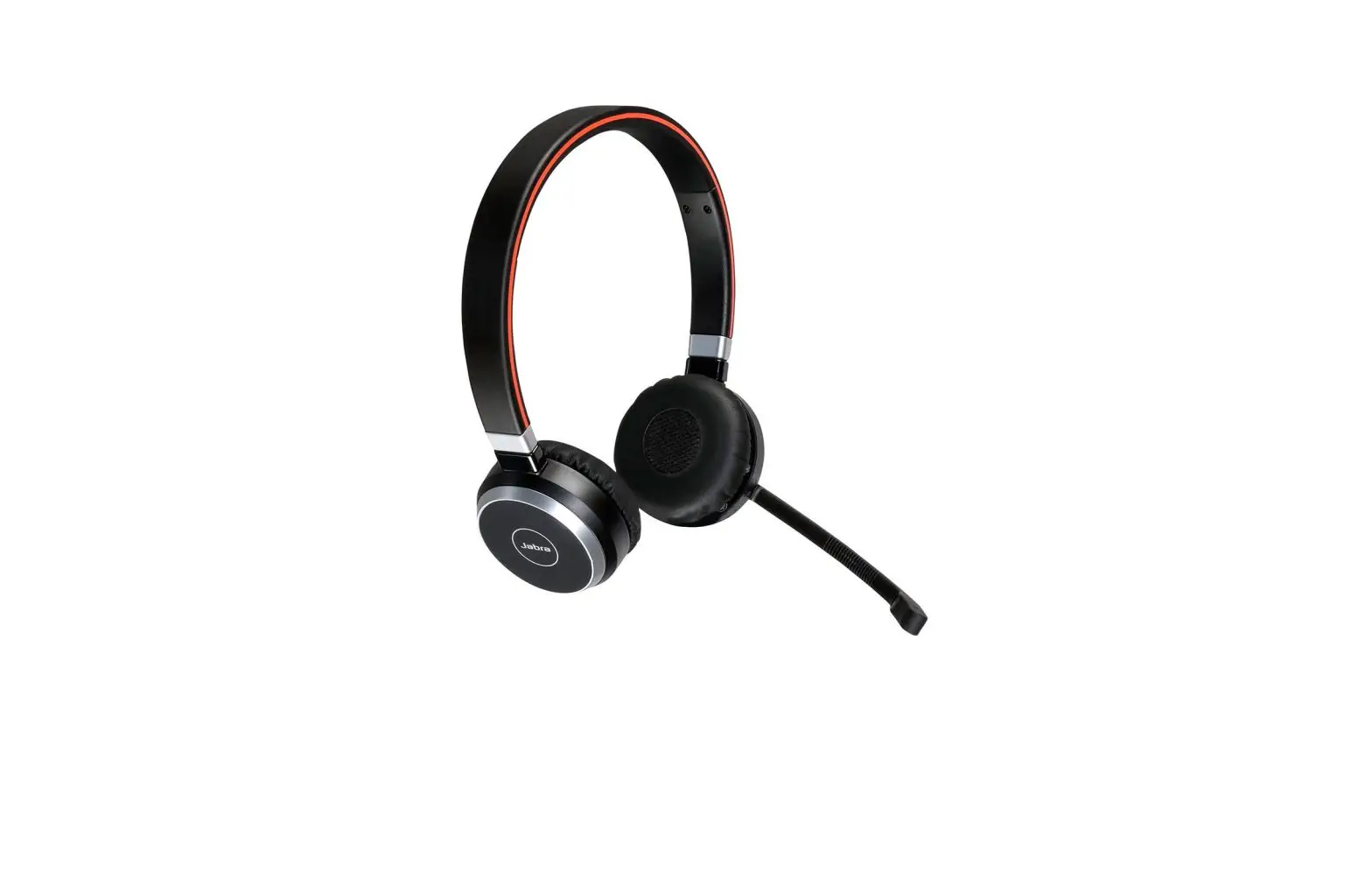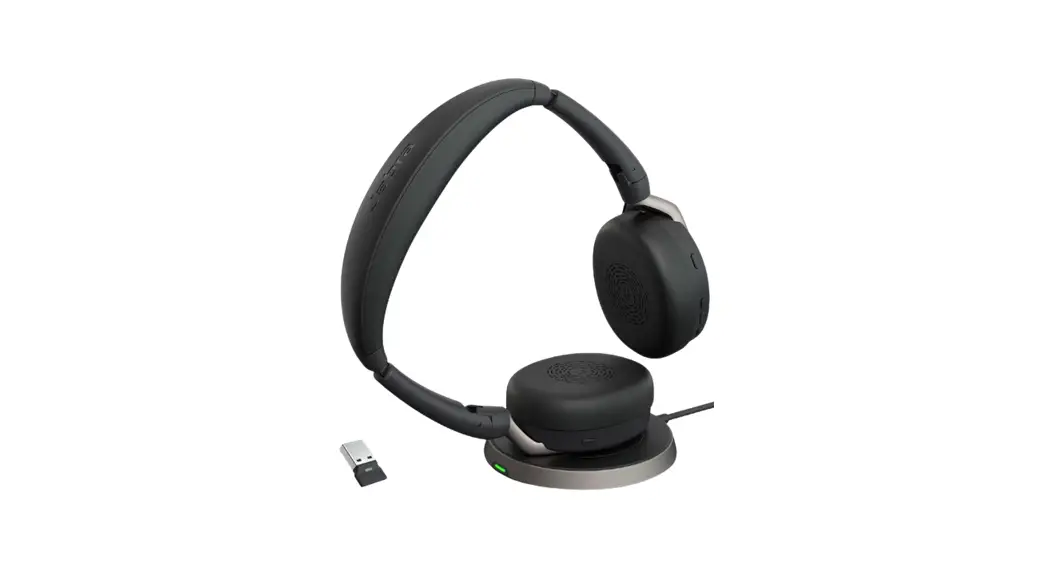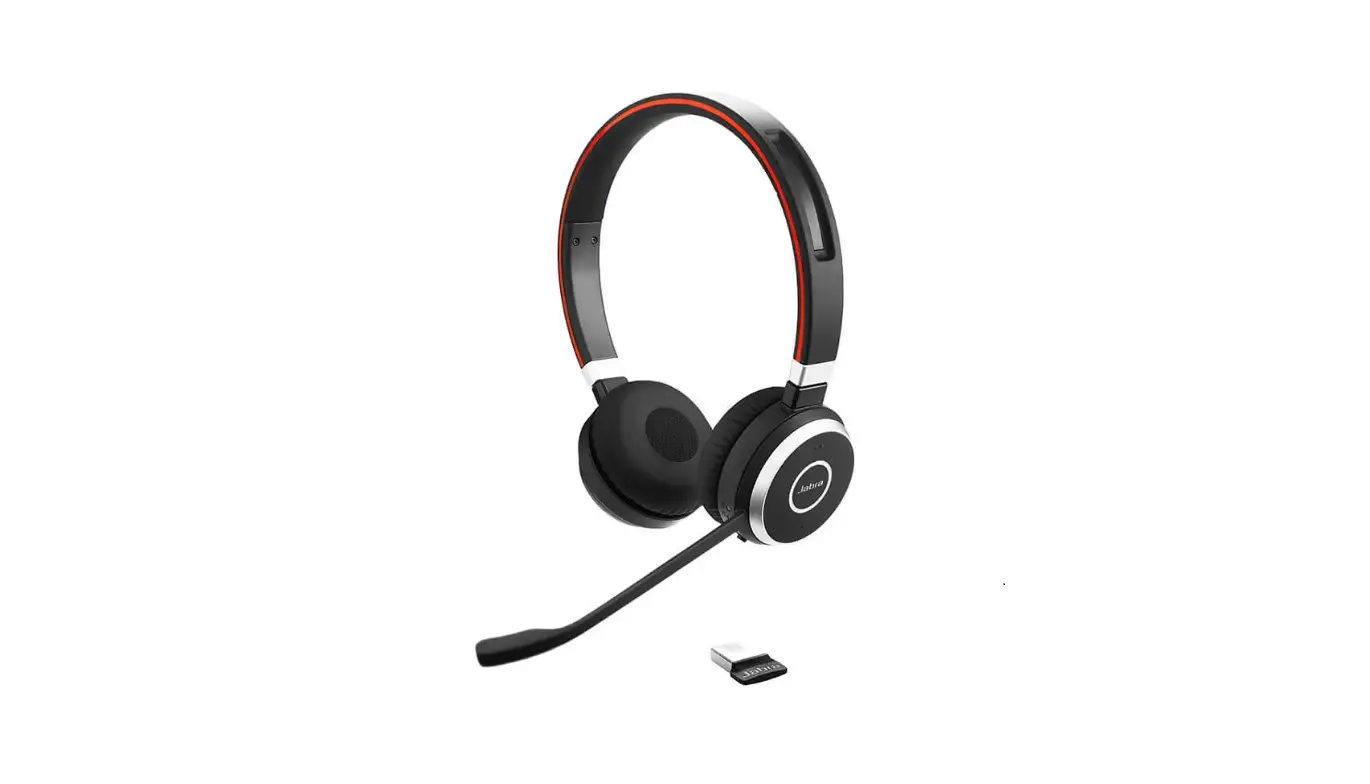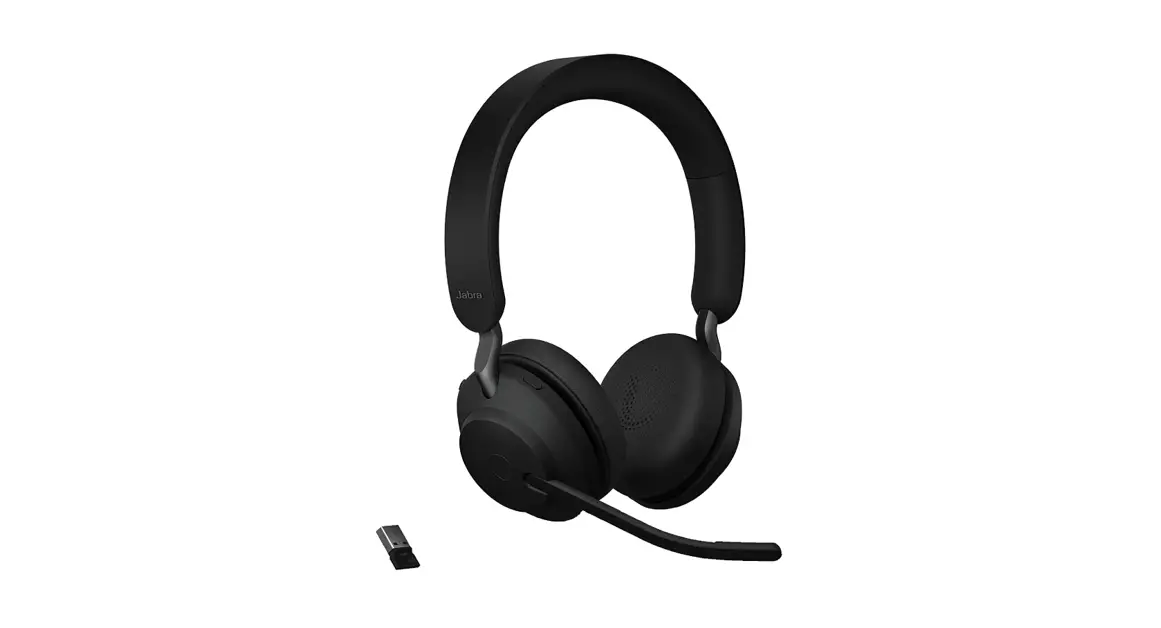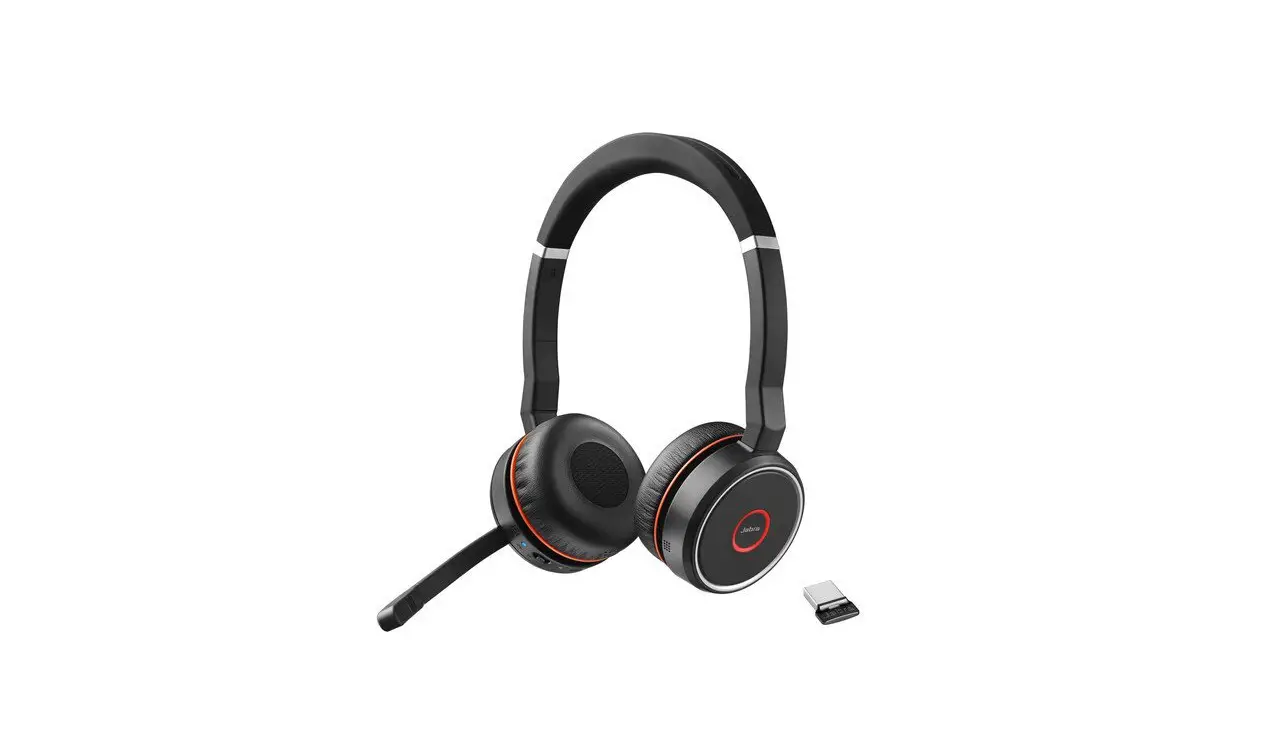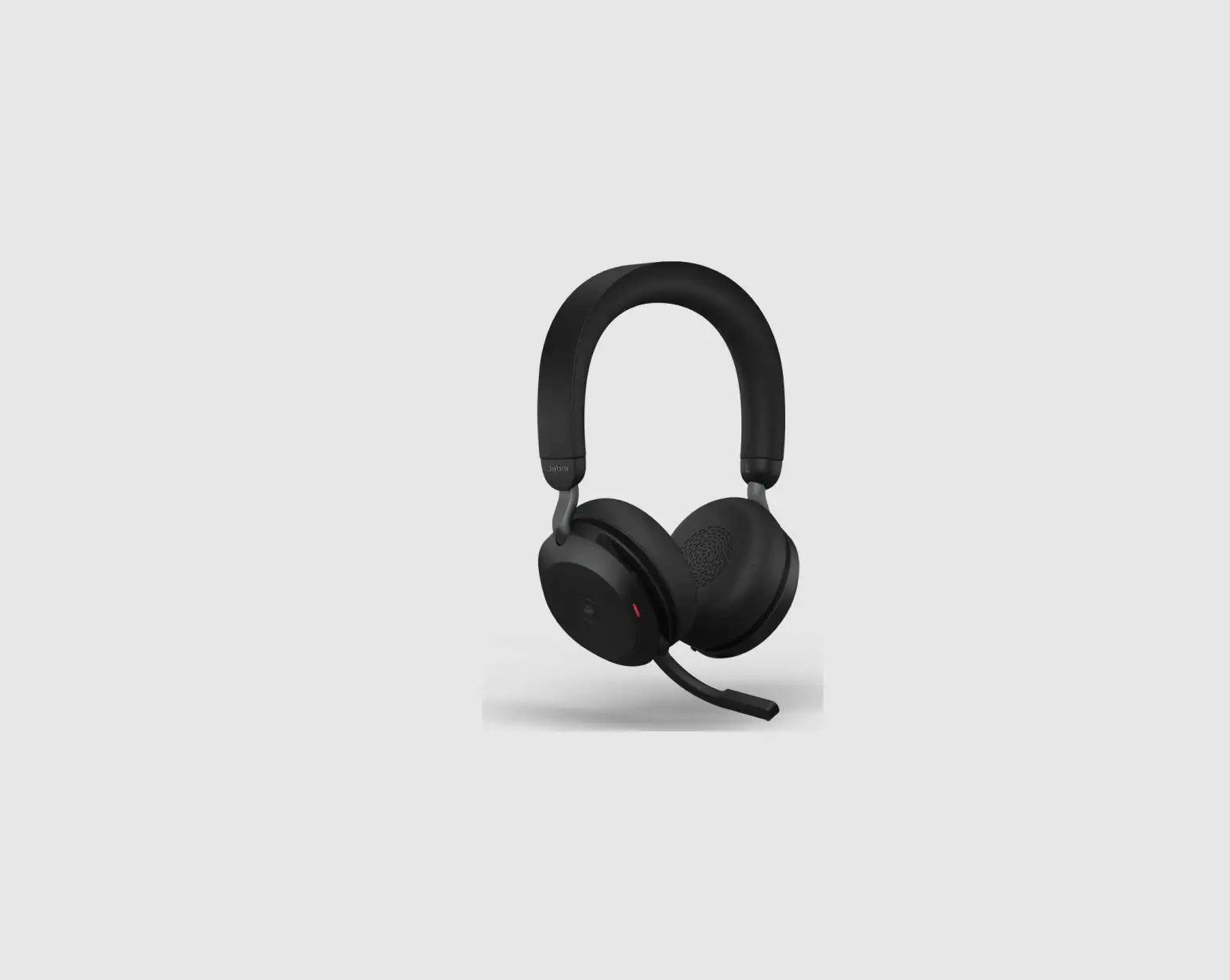
Jabra EVOLVE2 75 Wireless Bluetooth
 Headphone User Guide
NEED MORE HELP?
For all support go to jabra.com/support
How to connect
PC (Using dongle)
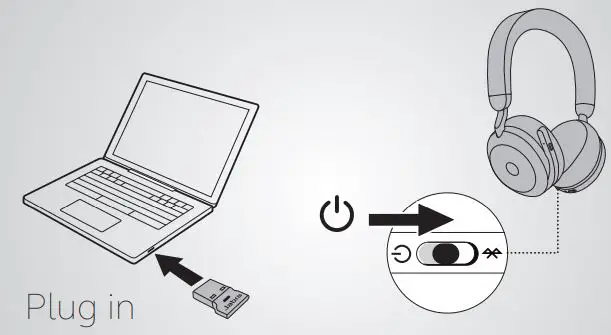
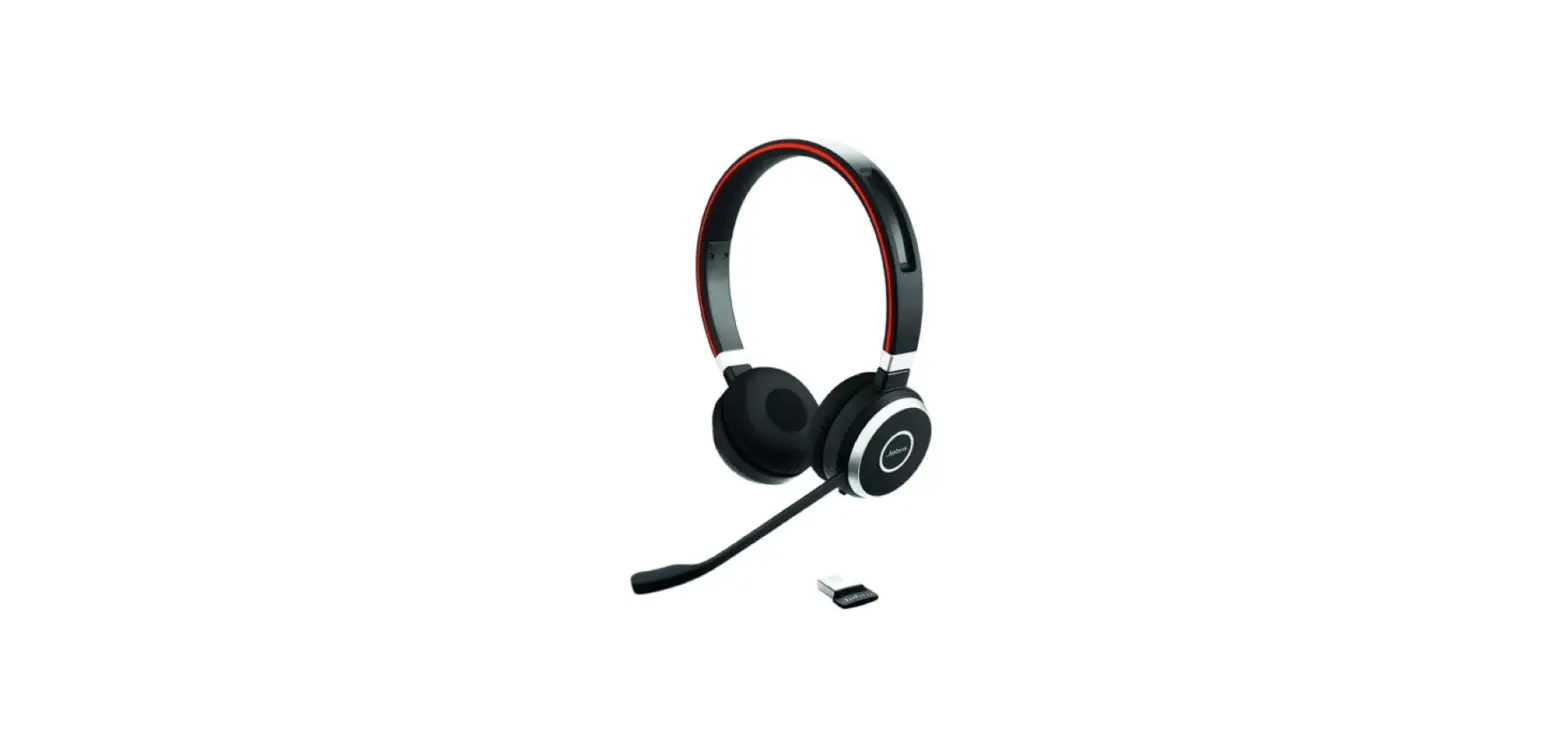
The headphones and the USB dongle are pre-paired and ready for use. Plug in the USB dongle and power on the headphones.
PC (Using USB cable )
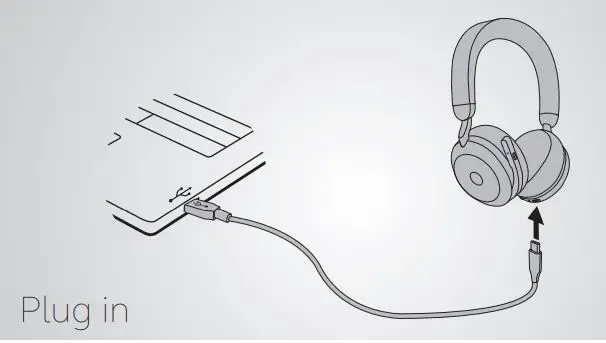
Plug the headset into USB port on the PC using the supplied USB cable, and ensure the headset is switched on.
Smartphone
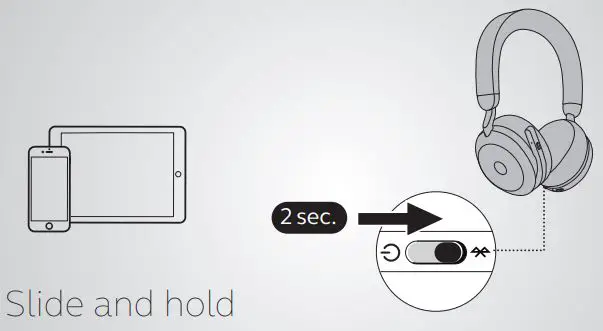
Turn on Bluetooth pairing on the headphones and follow the voice instructions to pair to your smartphone.
How to use
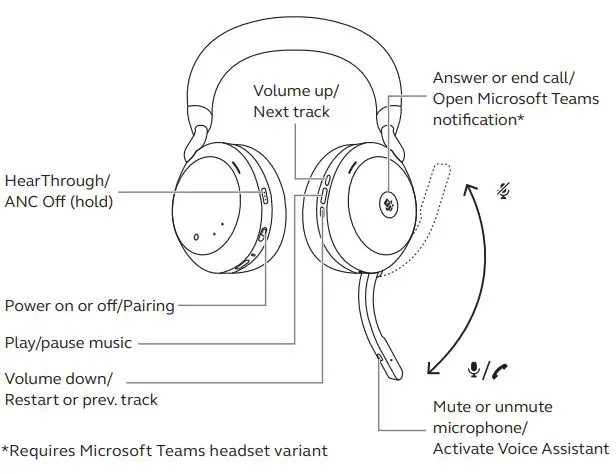
Charging
USB cable
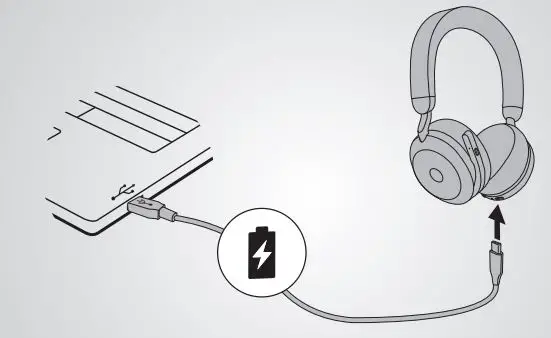
Plug the headphones into a USB port on your PC or wall charger. It takes approx. 1.5 hours to fully charge the headphones.
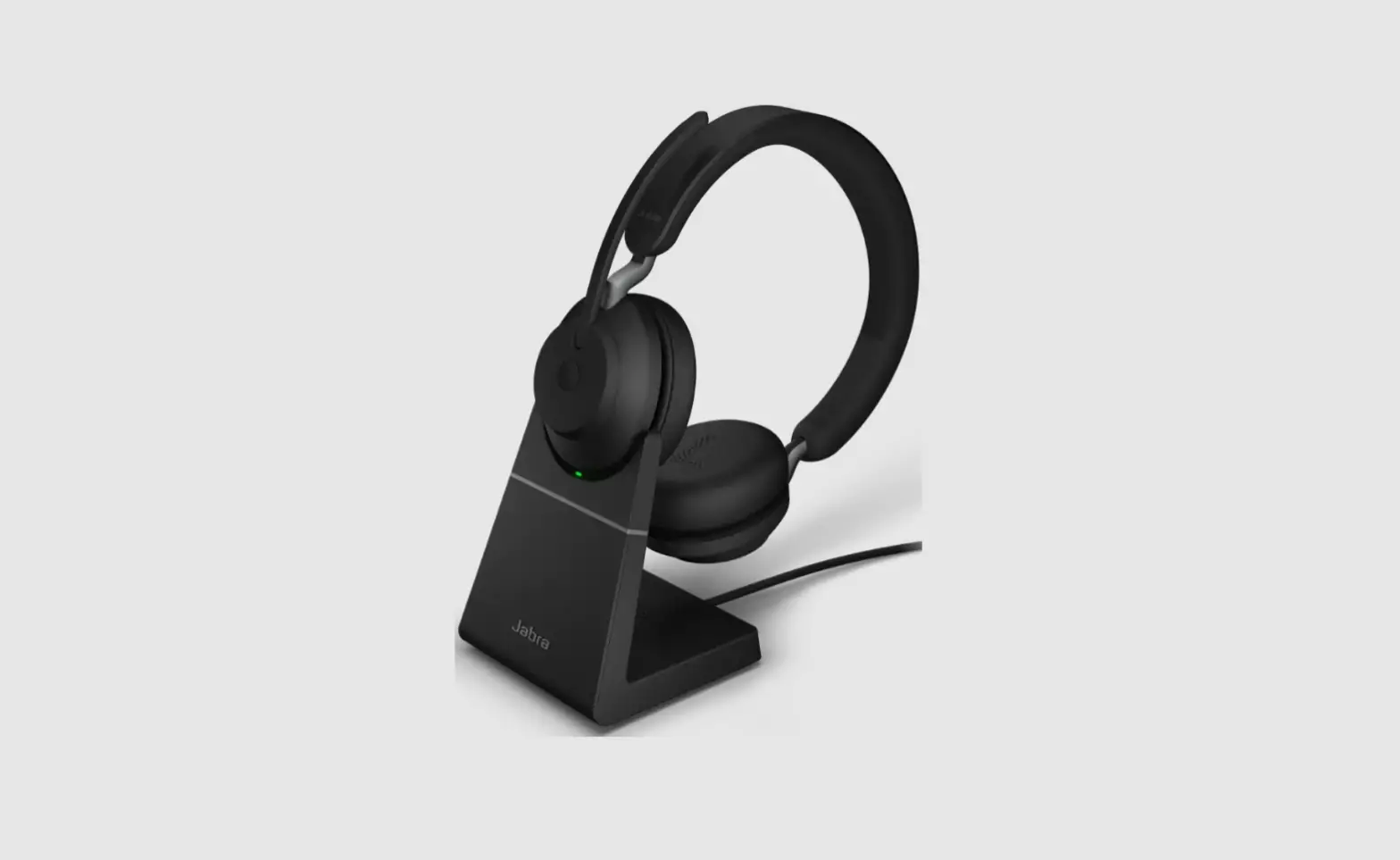
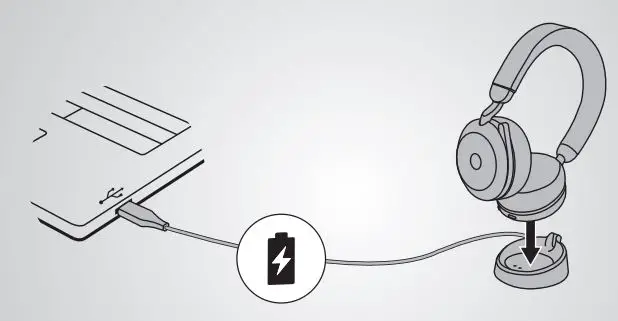
Charging Stand
© 2021 GN Audio A/S. All rights reserved. Jabra® is a trademark of GN Audio A/S. The Bluetooth® word mark and logos are registered trademarks owned by the Bluetooth SIG, Inc. and any use of such marks by GN Audio A/S is under license.
MADE IN CHINA MODEL: HSC150W,END060W,DIV030

Declaration of Conformity can be found on www.jabra.com/doc
 User manuals | Jabra Support
 Declarations of Conformity