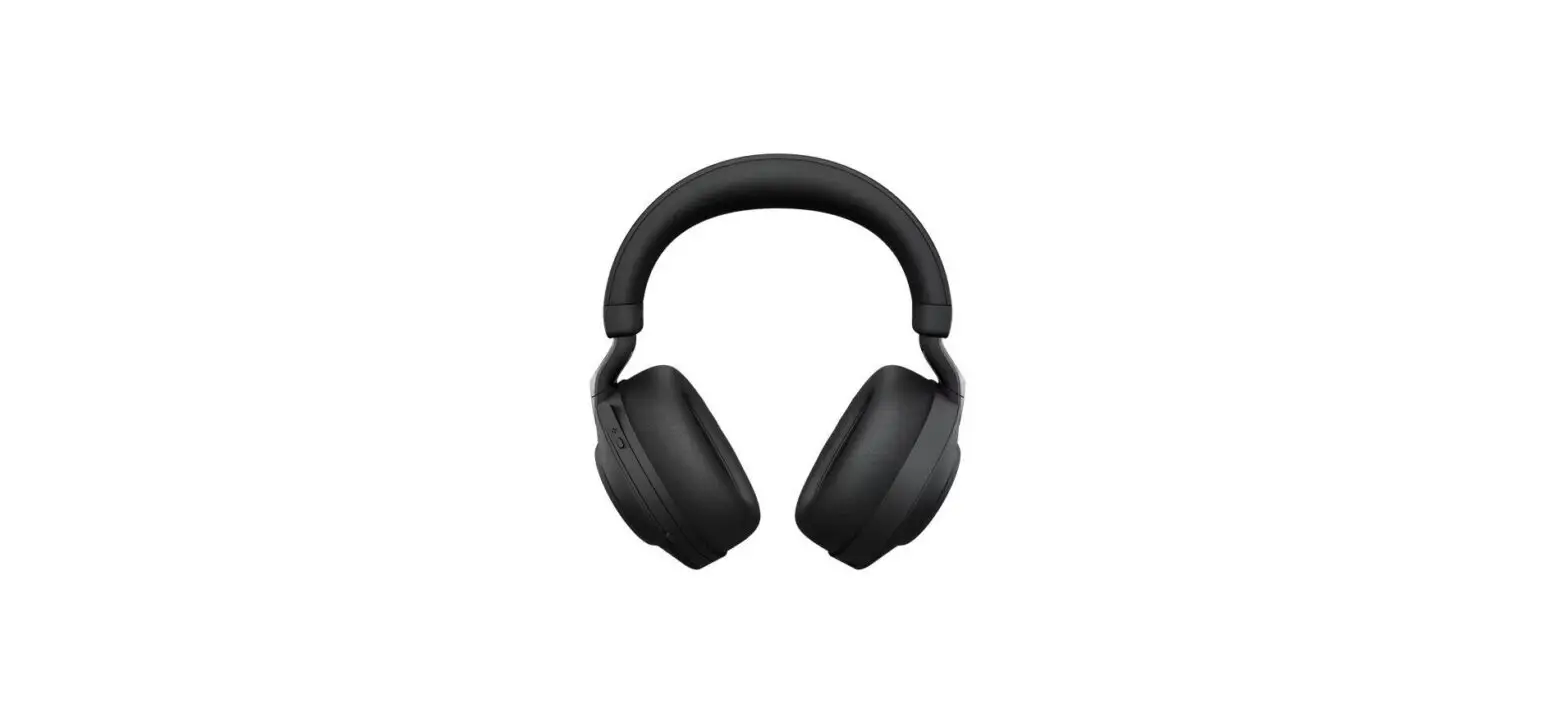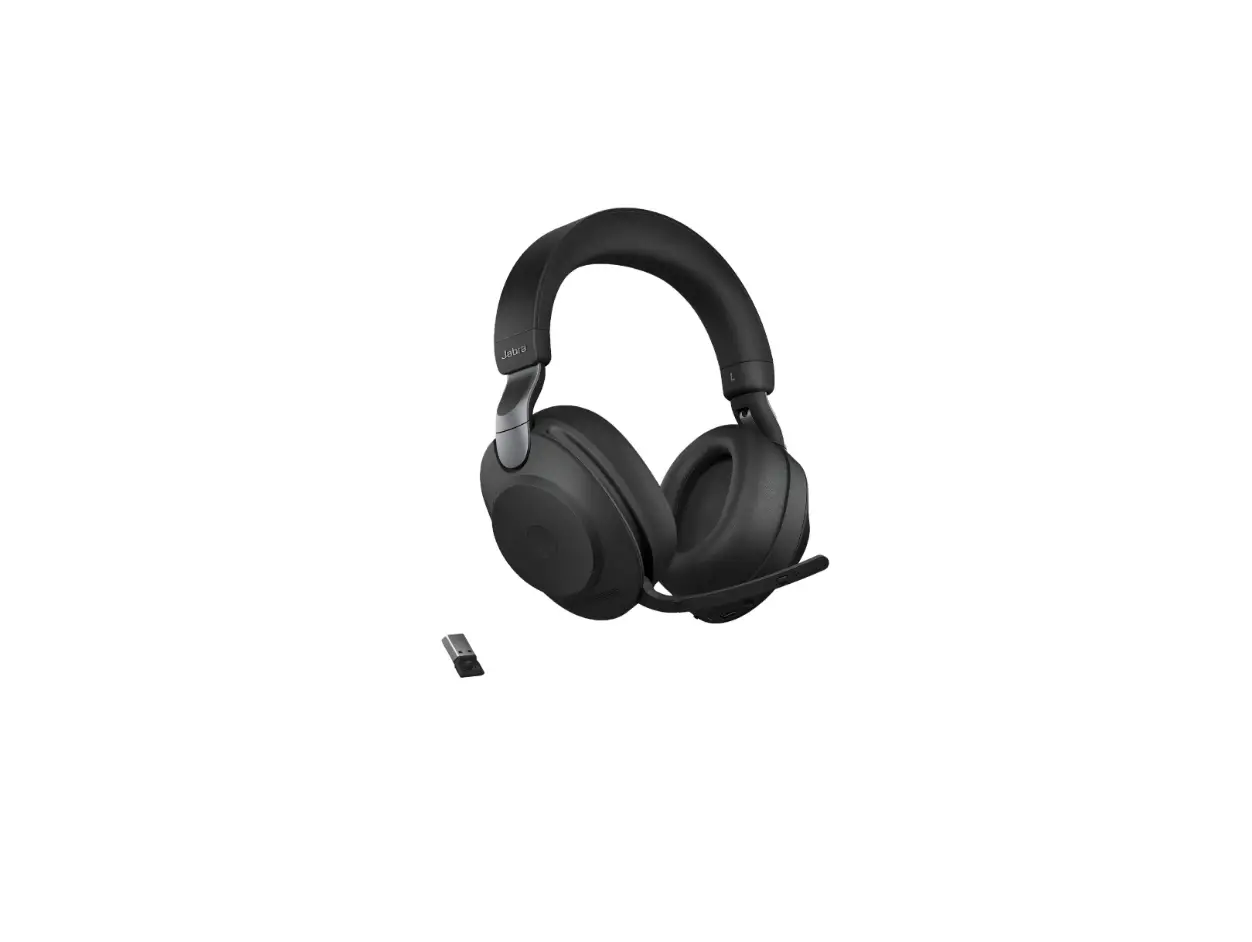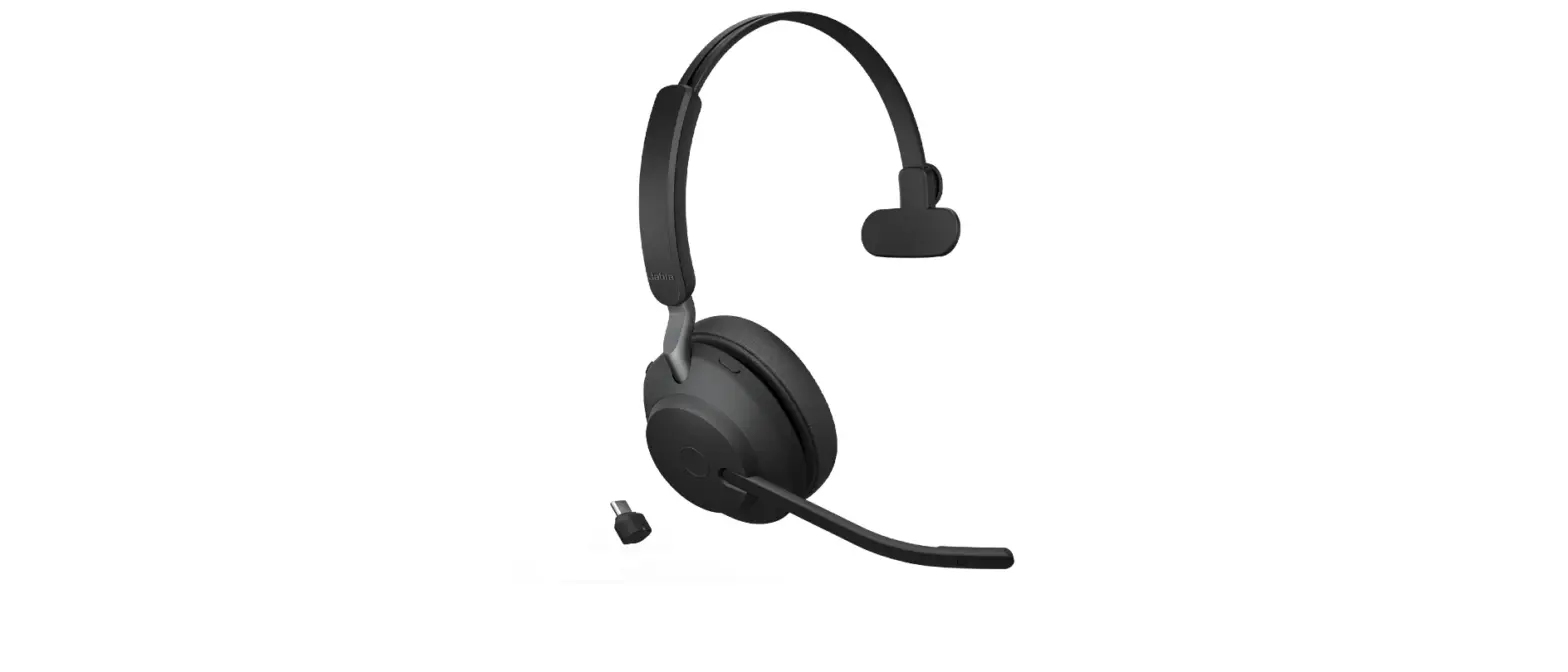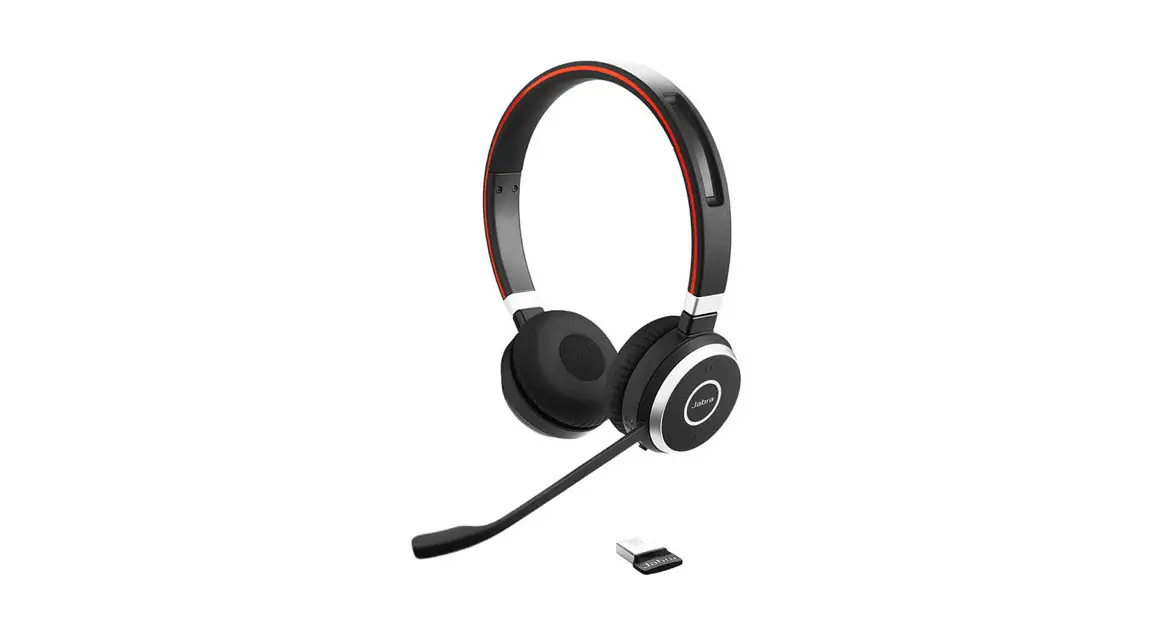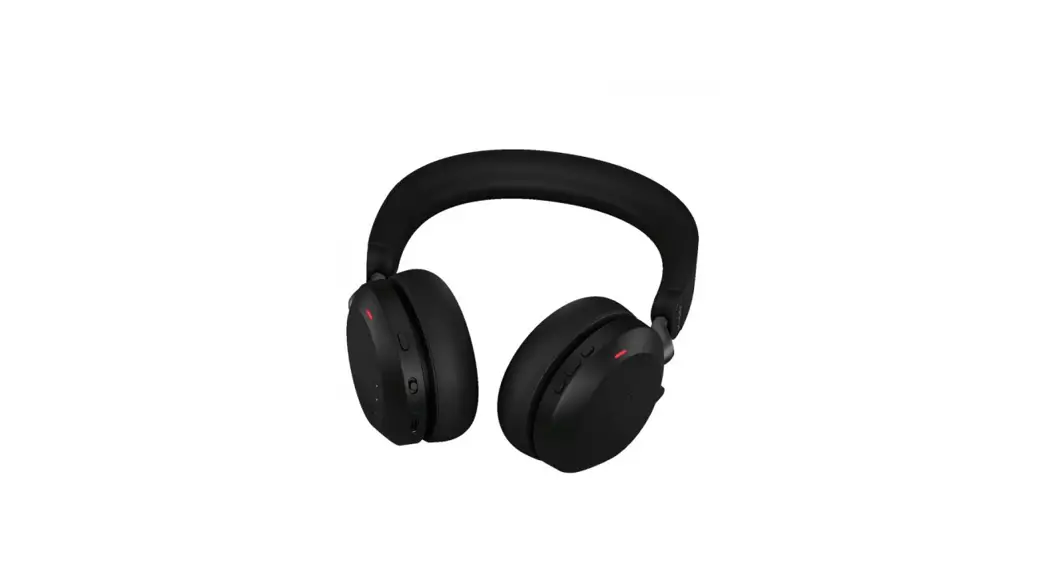
 Jabra Evolve2 75 – USB-C UC – Black
Evolve2 75 Wireless Headphone
How do I access the voice assistant using my Jabra Evolve2 headset?
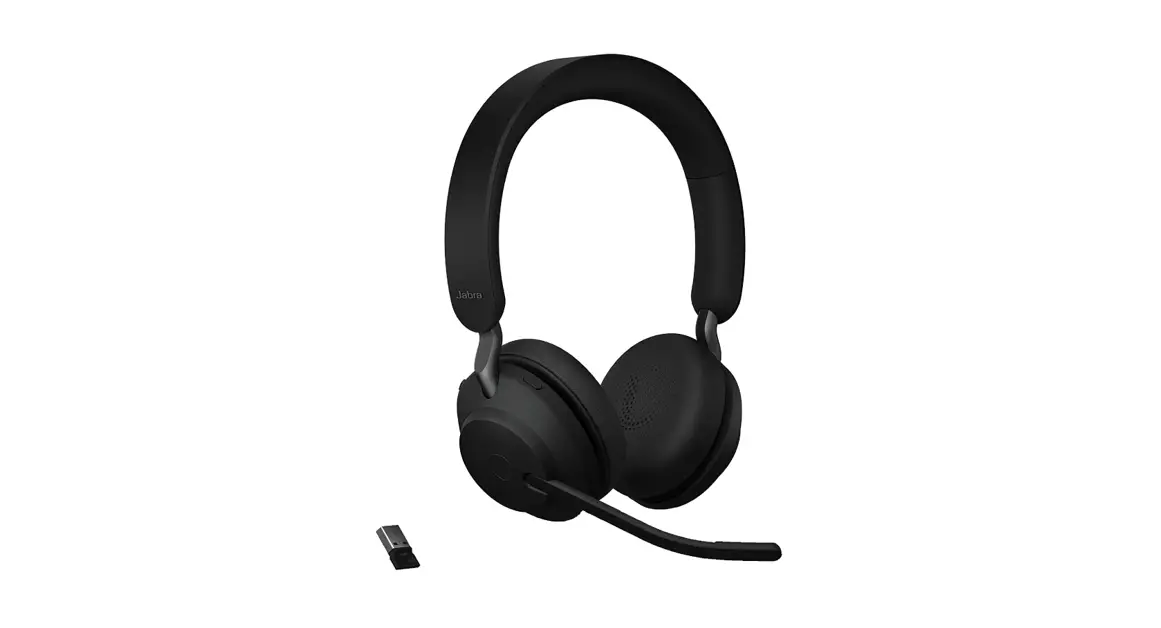
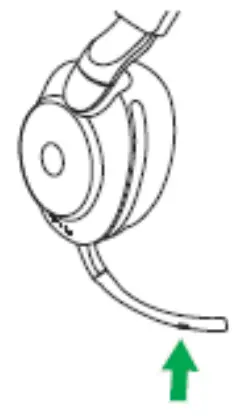
To access the voice assistant on your smartphone using your Jabra Evolve2 headset, press the Voice button on the boom arm, when you are not on a call.
Right earcup
Note
Before you can access the voice assistant, you must first activate it on your smartphone. Refer to the user manual for your smartphone for the relevant instructions.
If you are connected to multiple Bluetooth devices, the voice assistant will be active on the last connected Bluetooth device.
Images are for guidance purposes only. The displayed image may differ slightly from your device, however the content is still relevant and accurate.
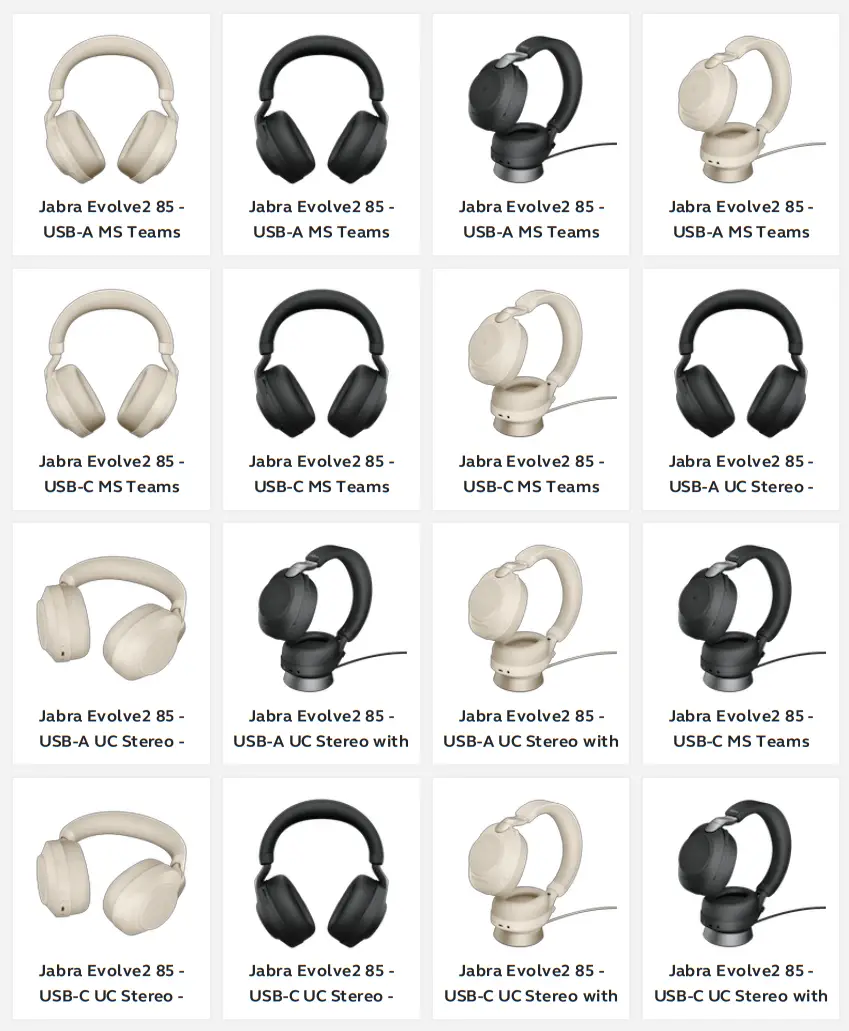
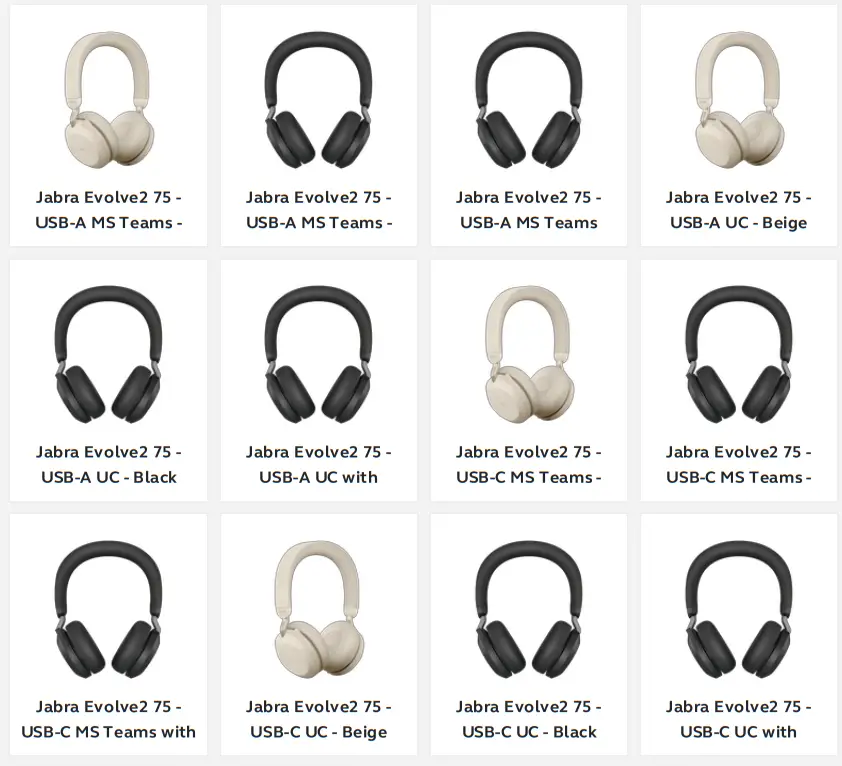
Applicable products
https://www.jabra.ca/supportpages/jabra-evolve2-75/27599-989-899/faq/e67a307b-20f4441e-b33f-972ae58d32cb
18/11/2022 20:58
 [FAQTitle] | Jabra Evolve2 75 - USB-C UC - Black | FAQ | Jabra Support