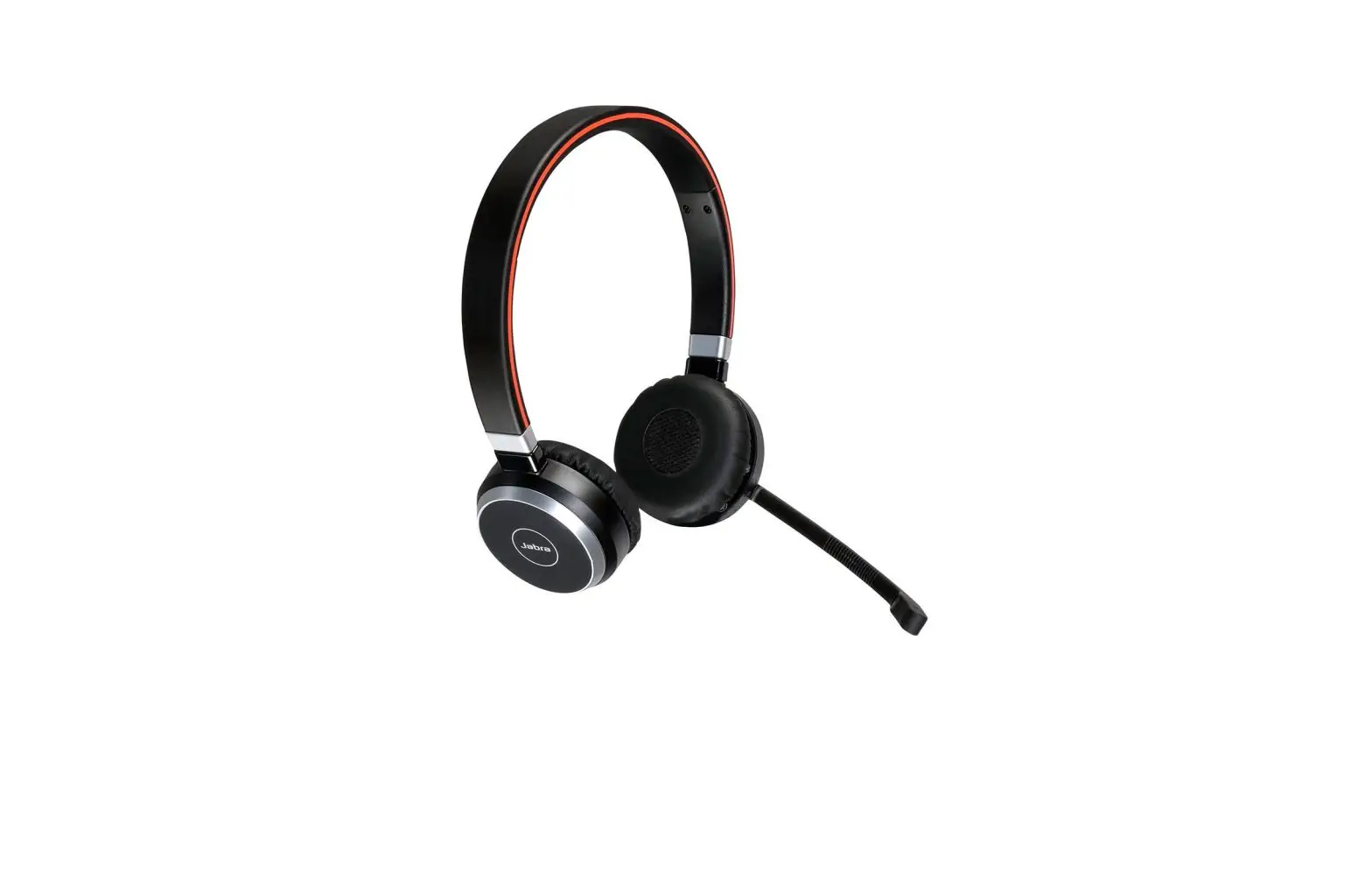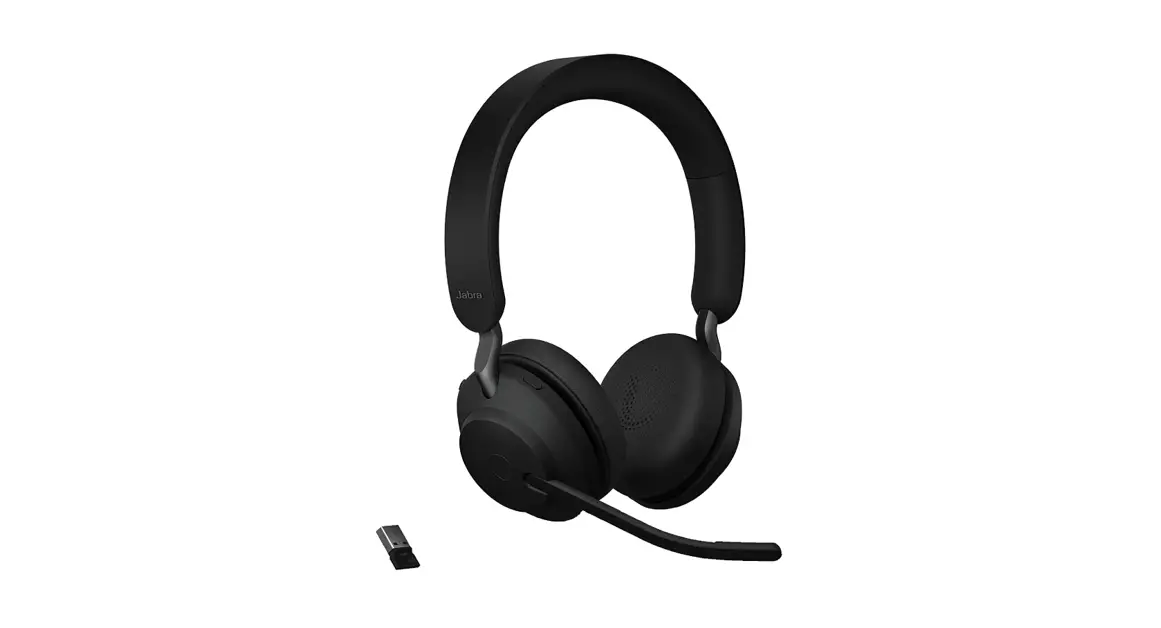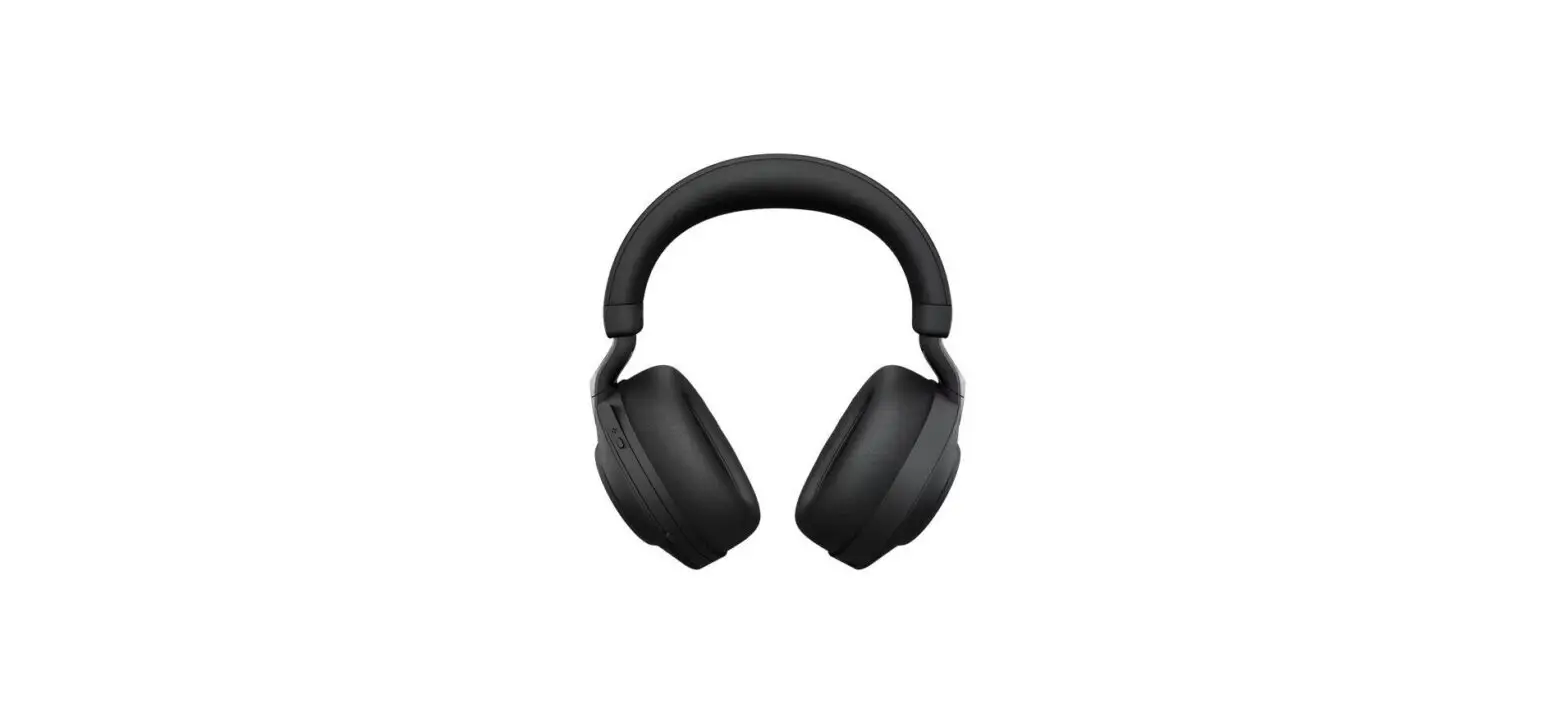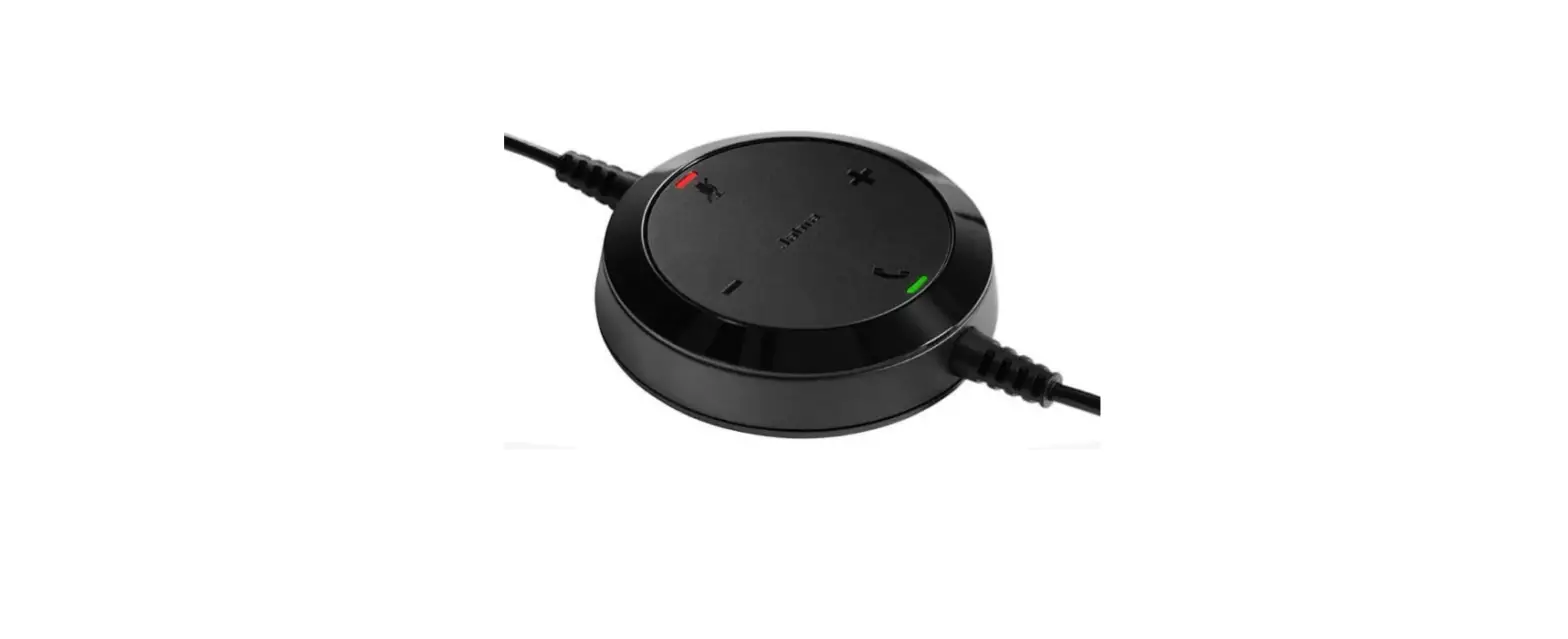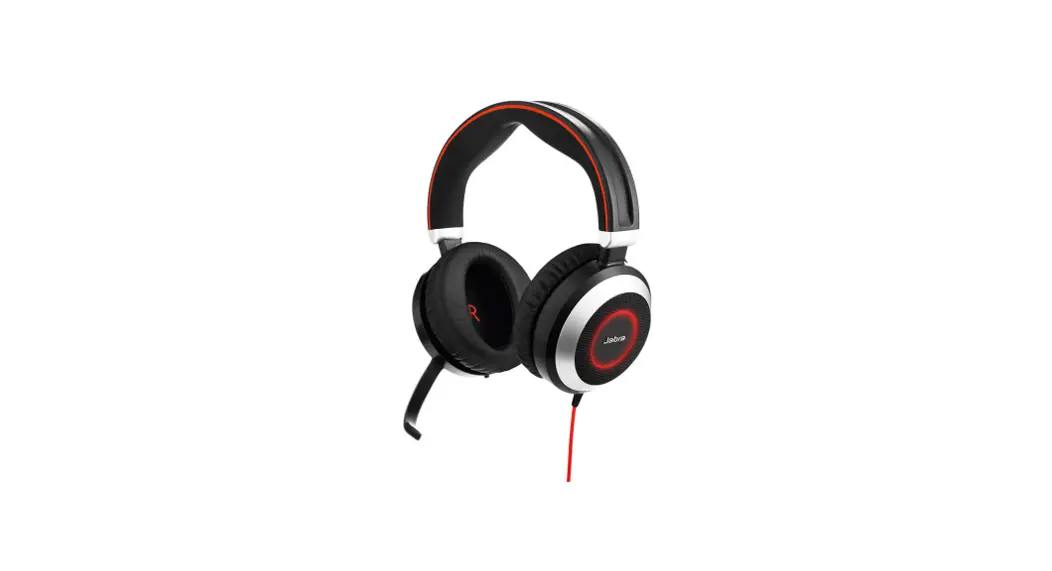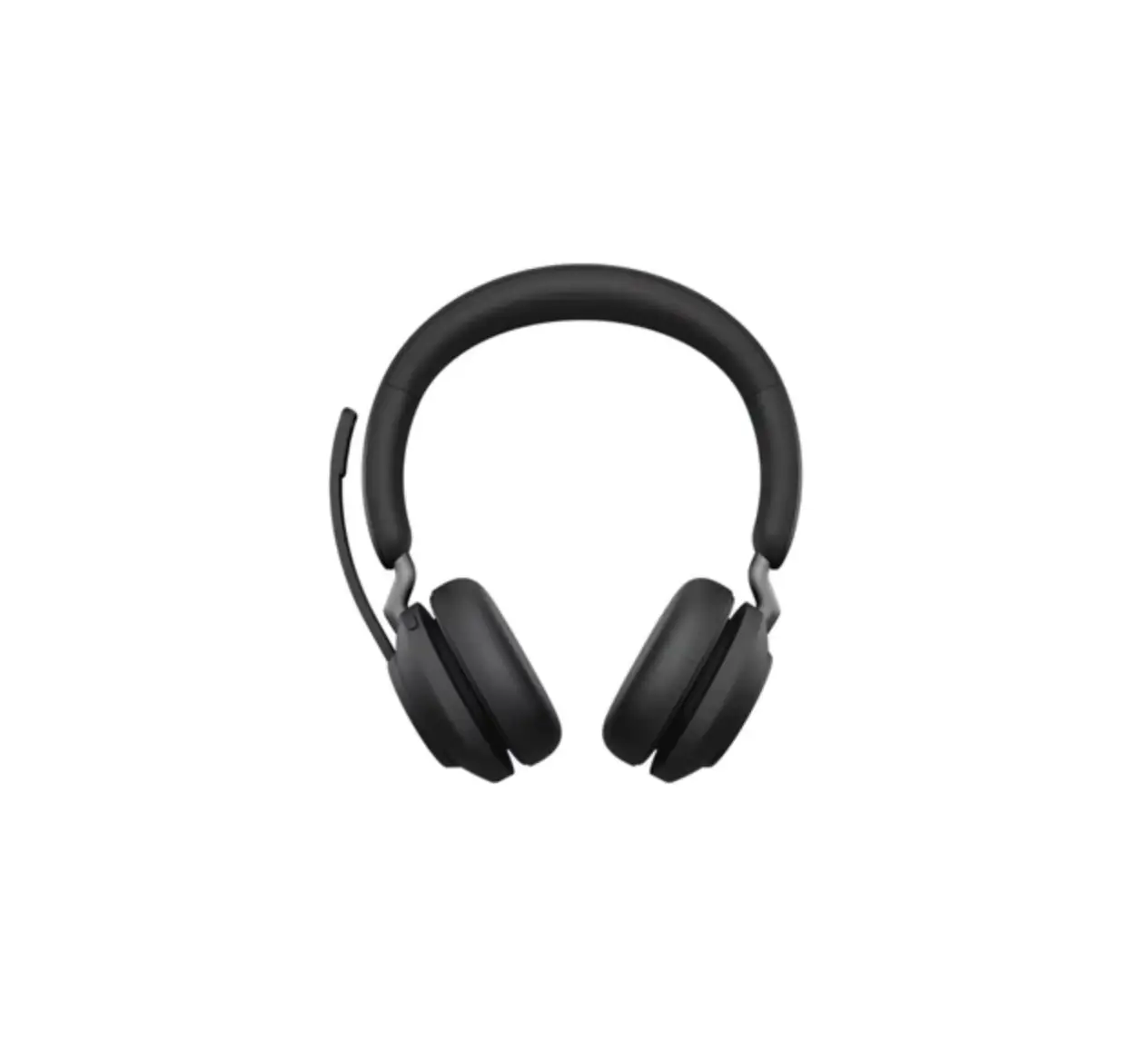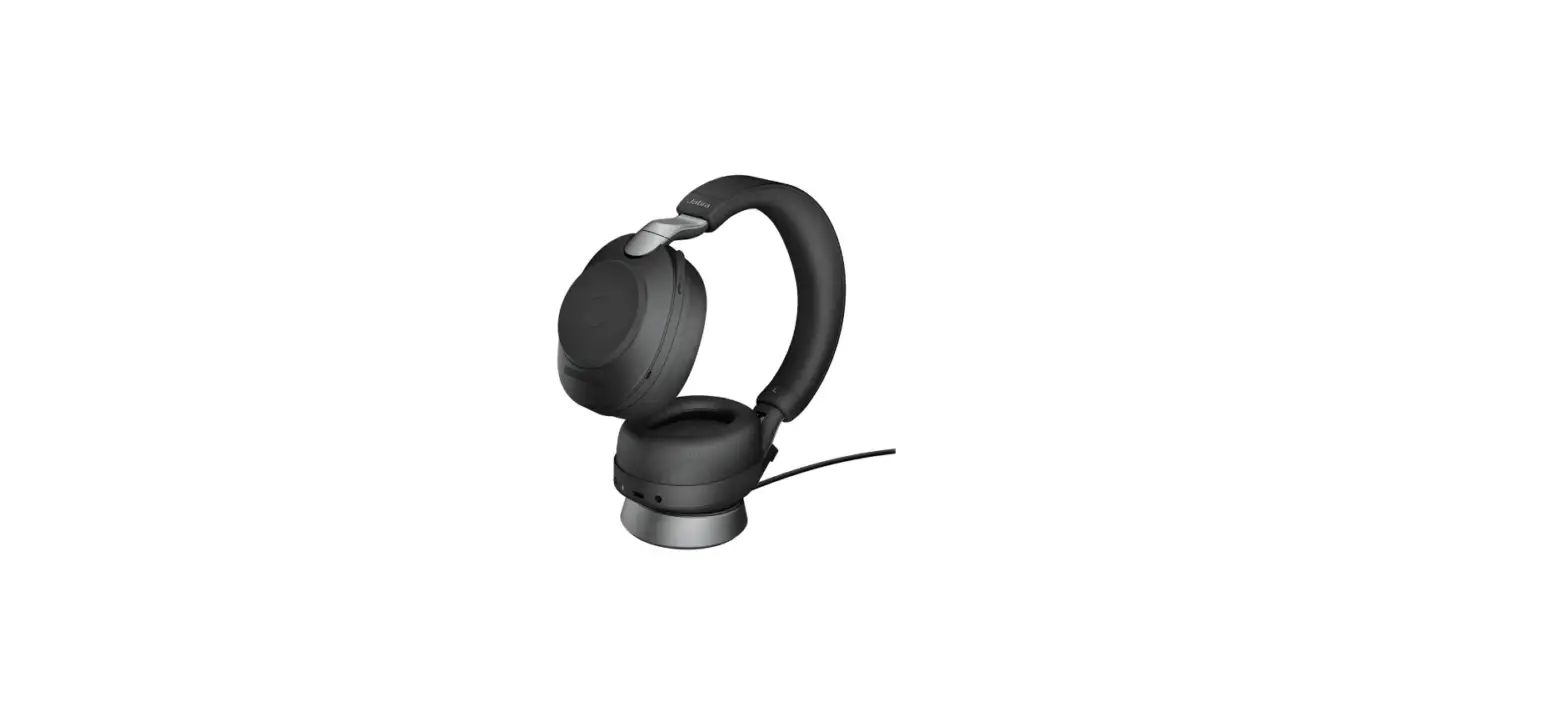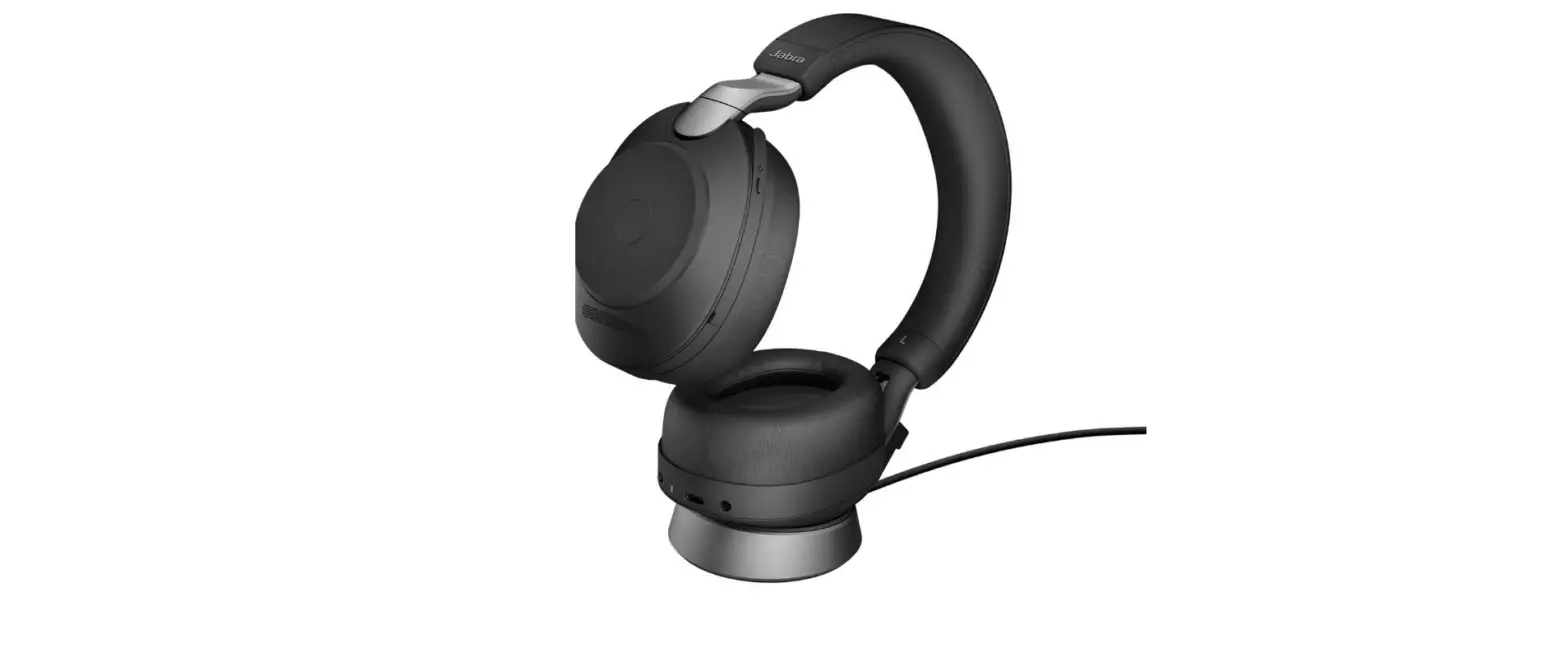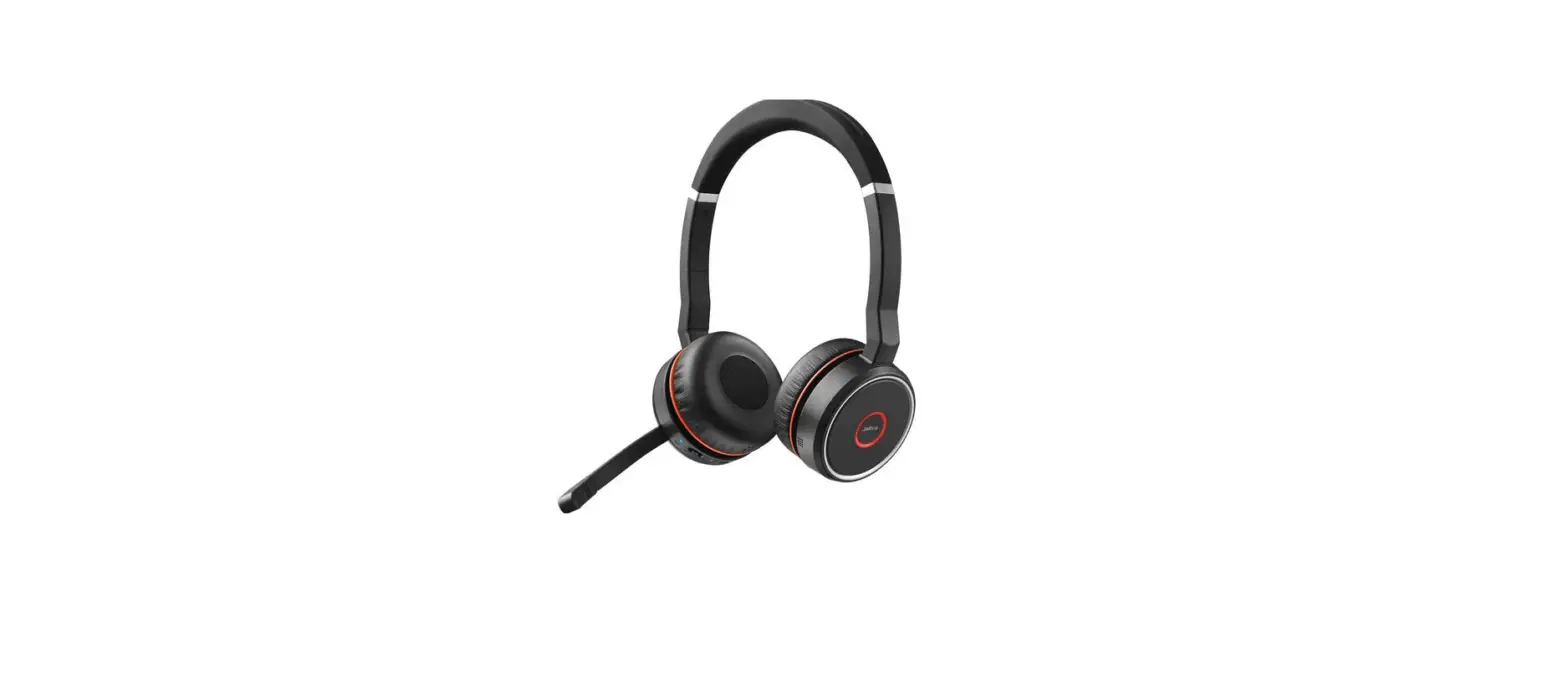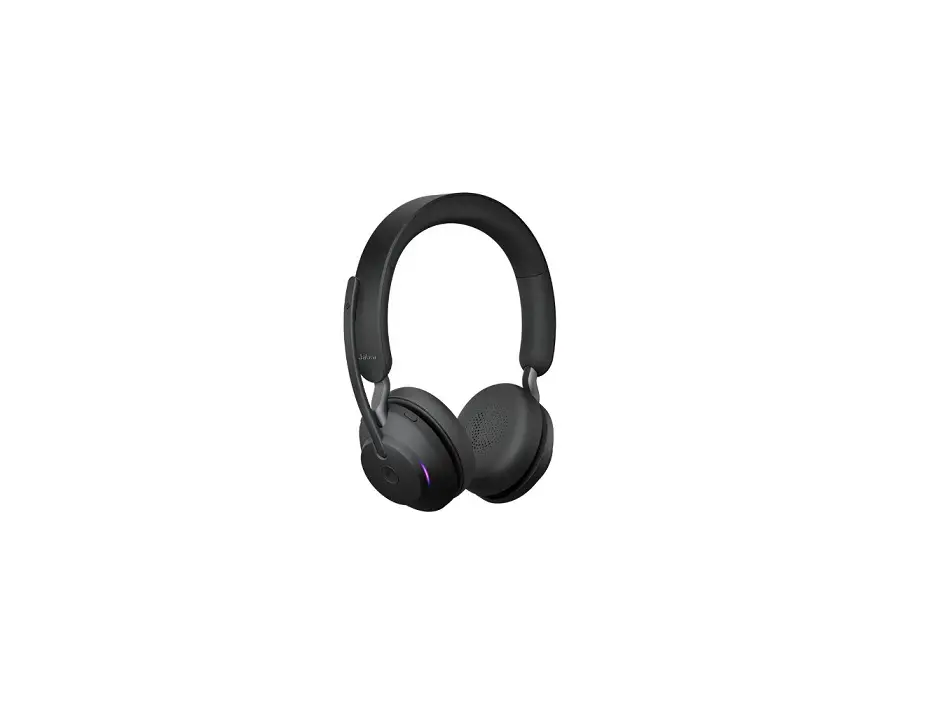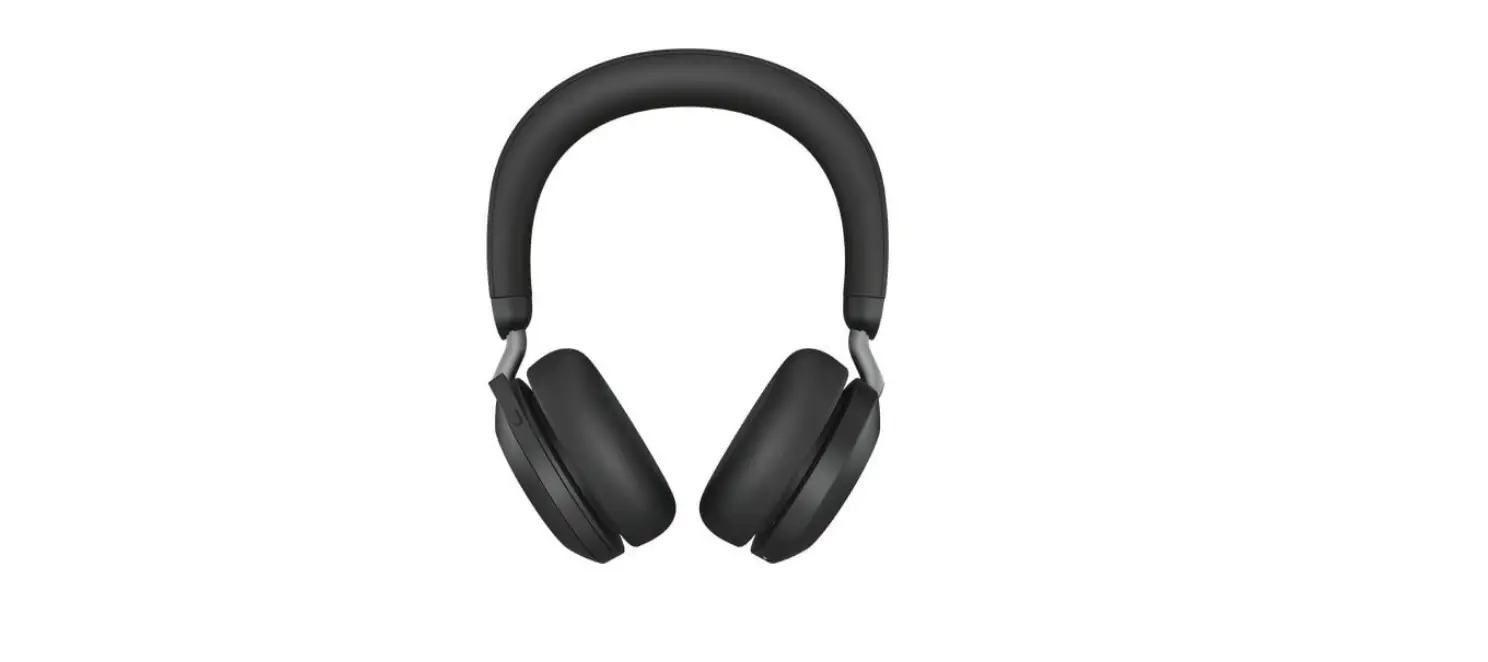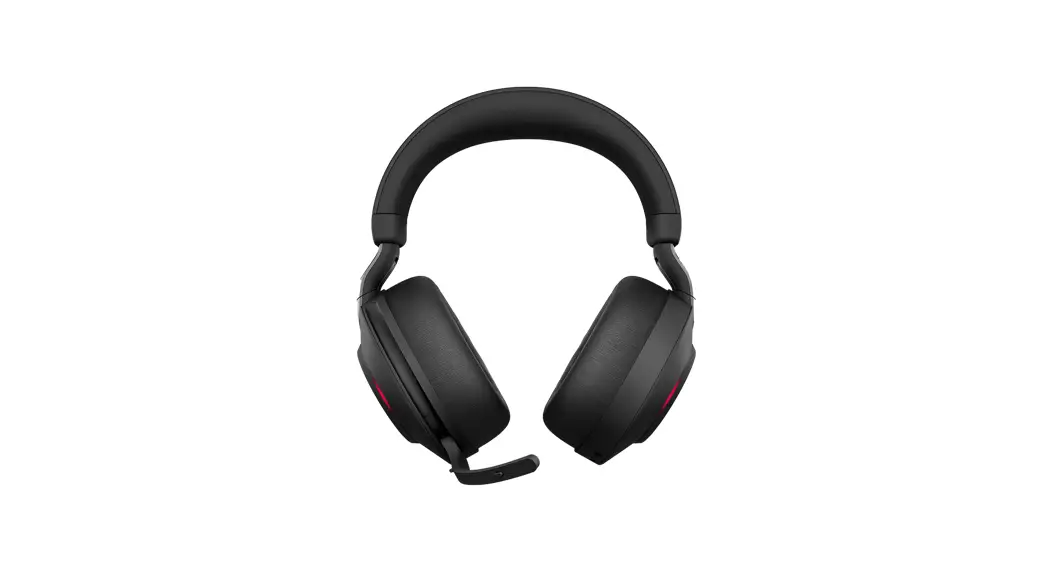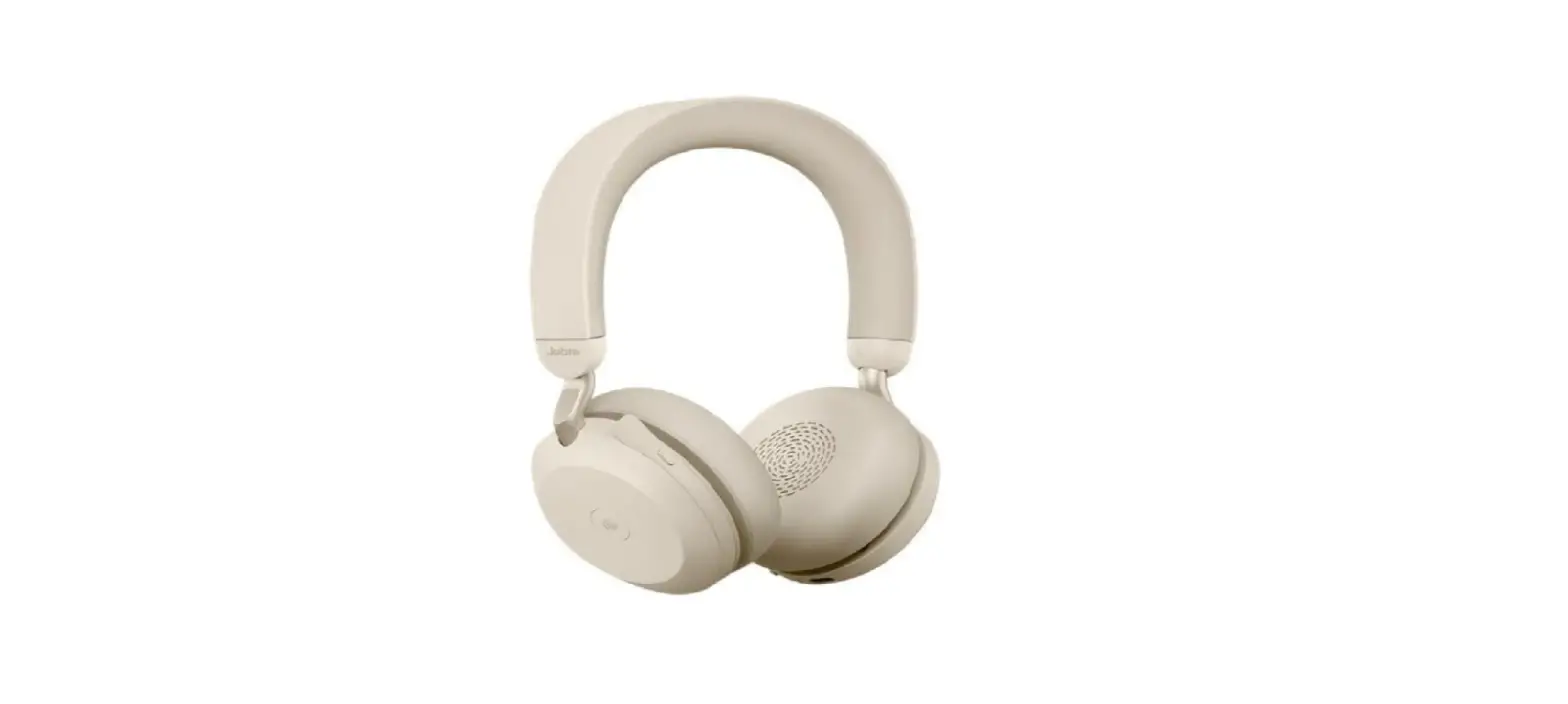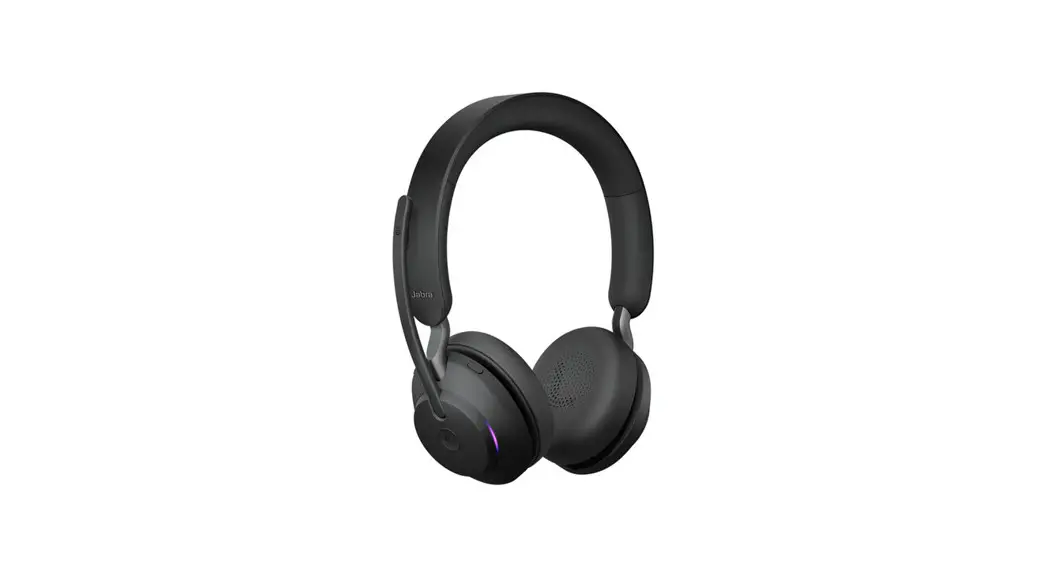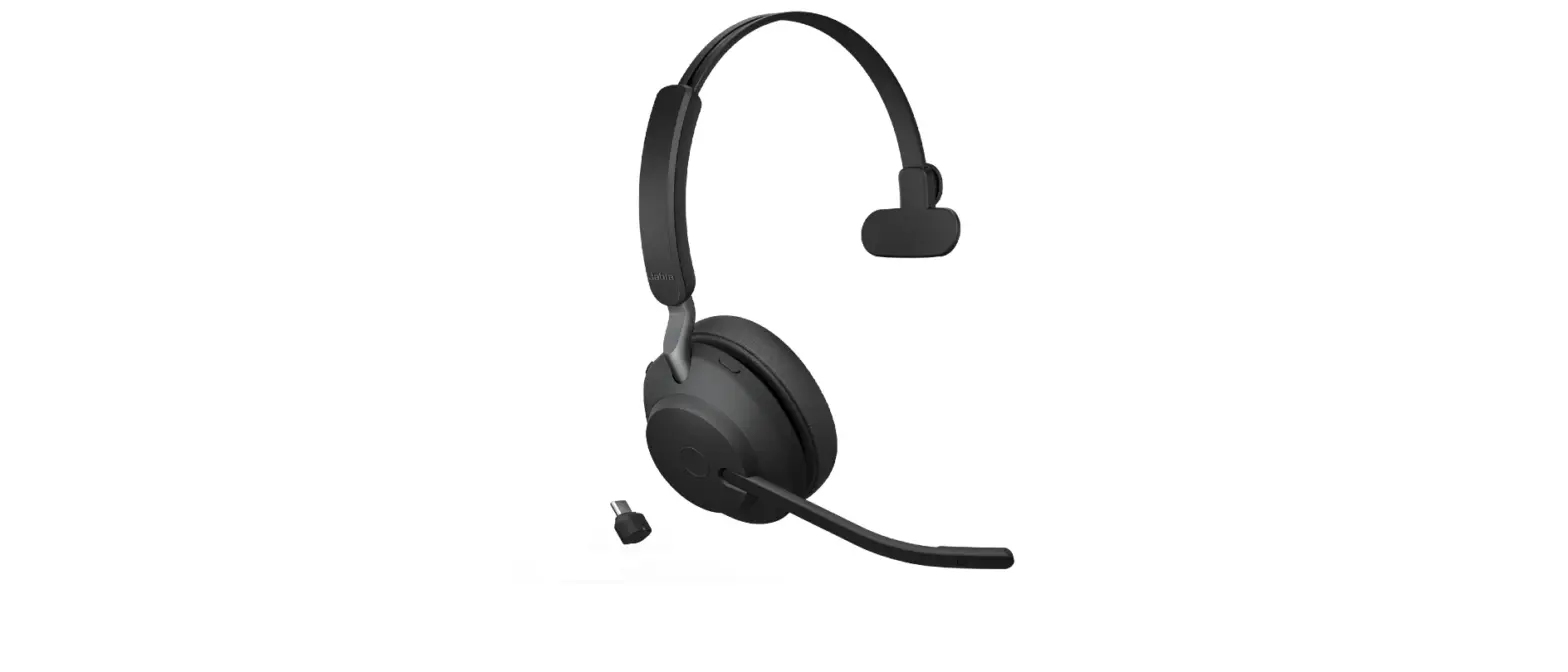

Jabra Evolve2 65 USB C MS Stereo Wireless Headphone
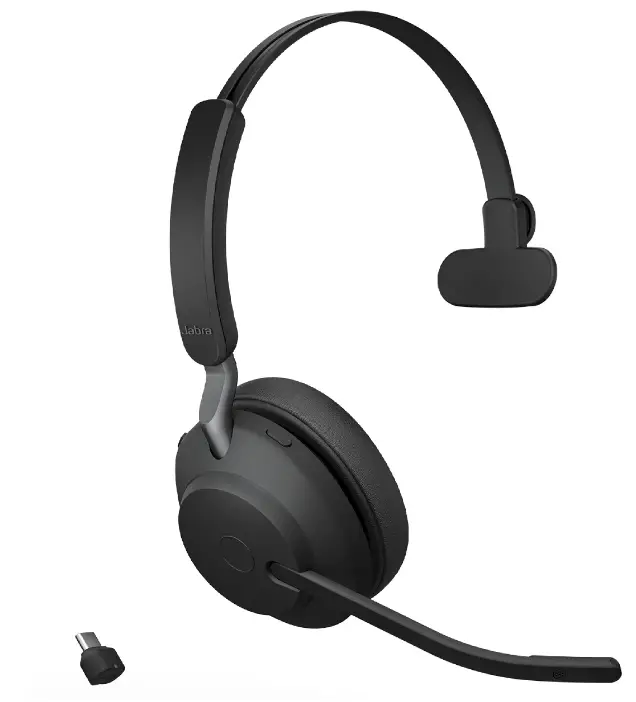
How do I access the voice assistant using my Jabra Elite 45h?
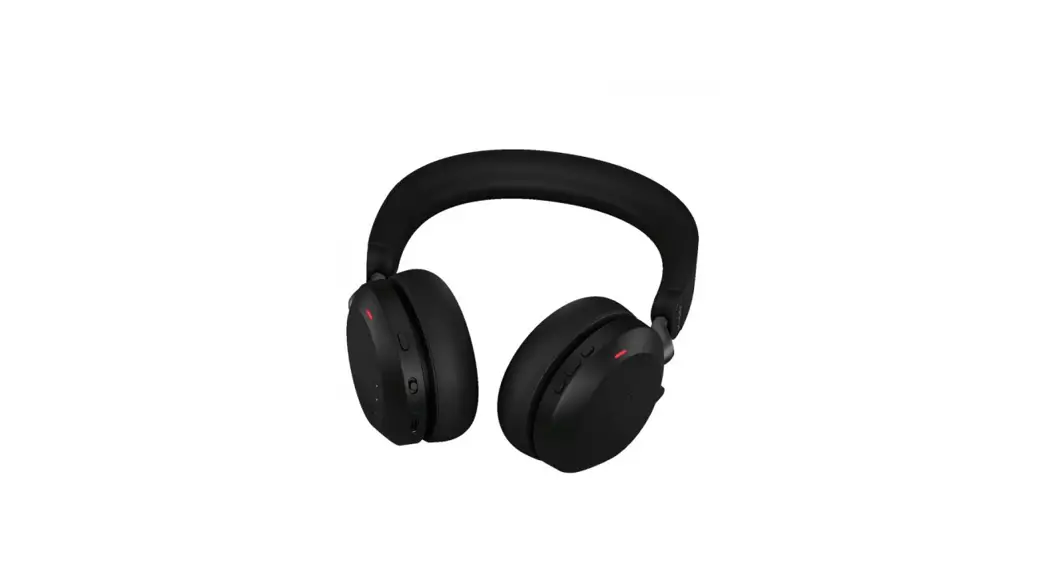
To access the voice assistant on your smartphone using your Jabra Elite 45h, press the Voice button on the right earcup when you are not on a call.
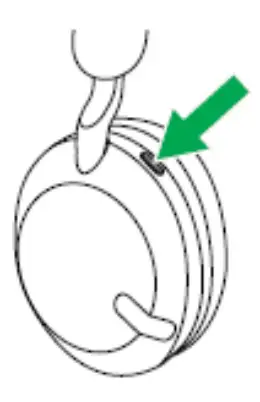
Note: Before you can access the voice assistant, you must first activate it on your smartphone. Refer to the user manual for your smartphone for the relevant instructions.
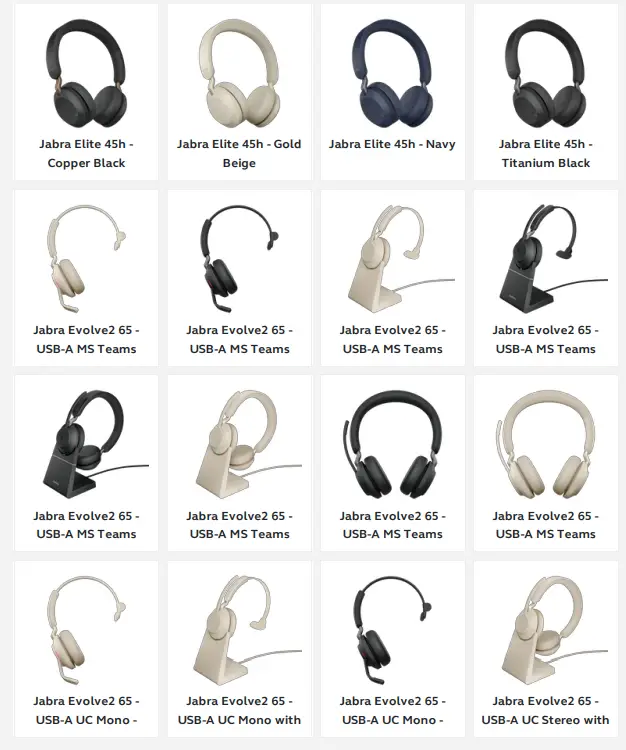
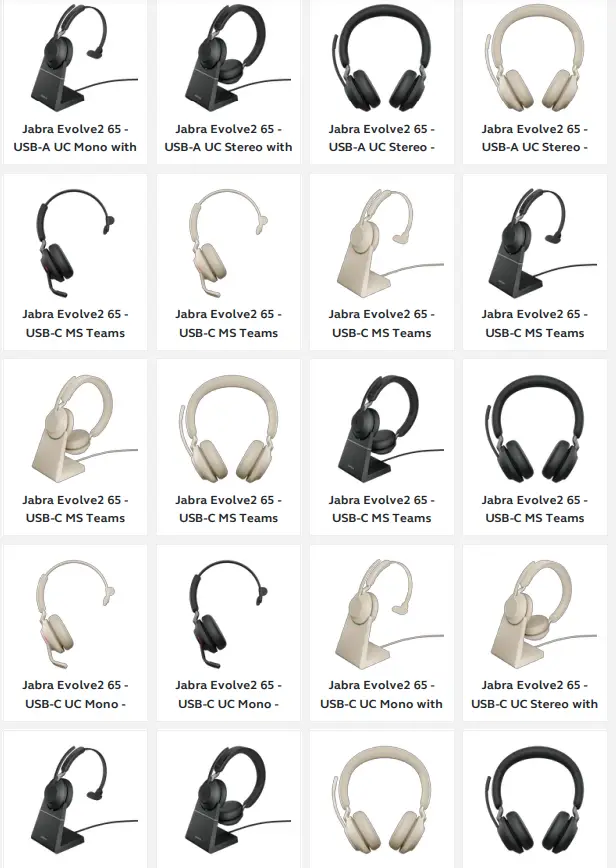
Applicable products
 [FAQTitle] | Jabra Evolve2 65 - USB-C MS Teams Stereo - Black | FAQ | Jabra Support