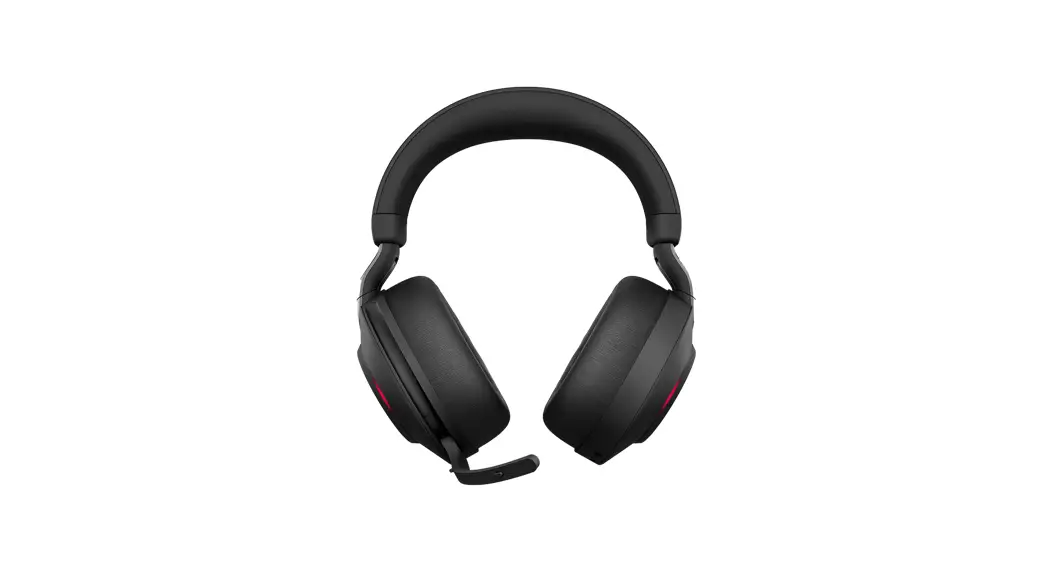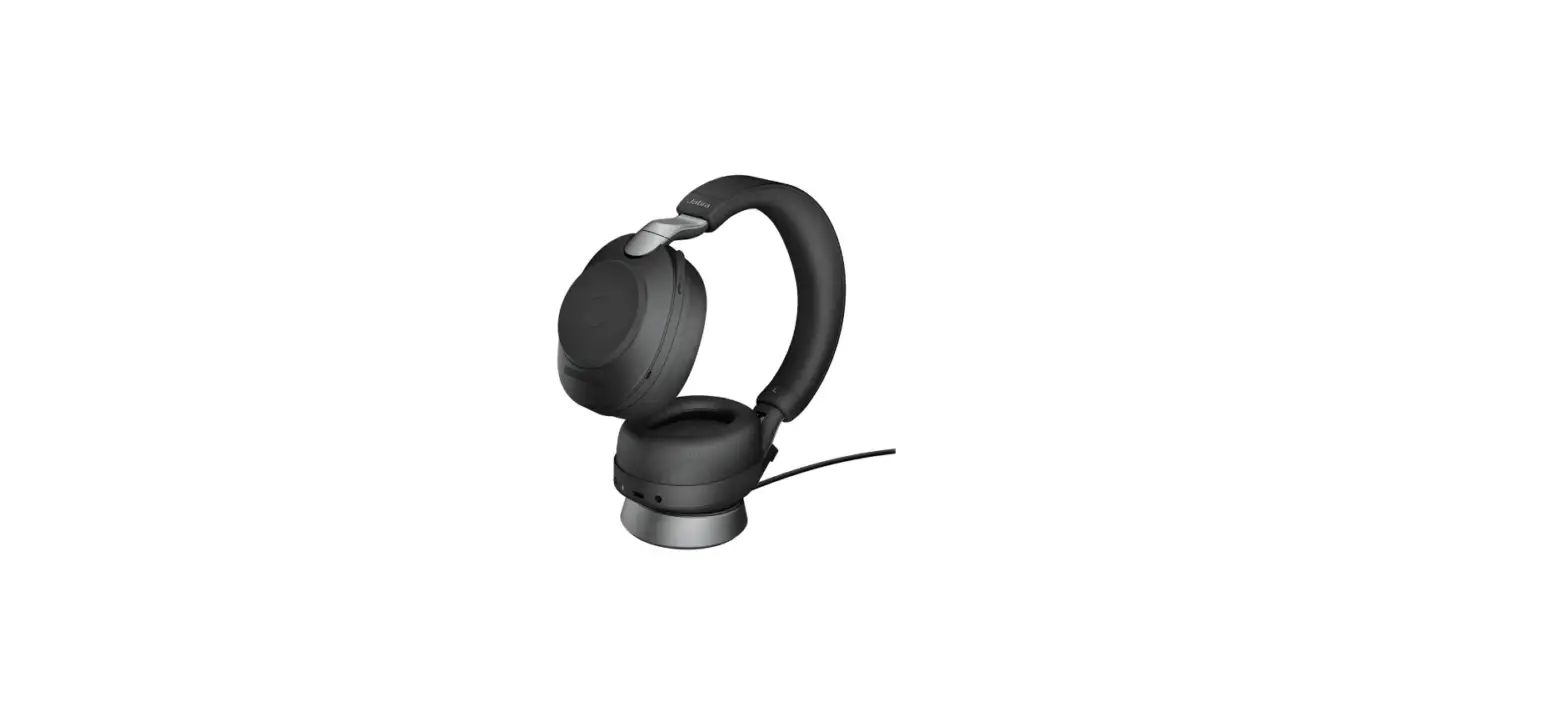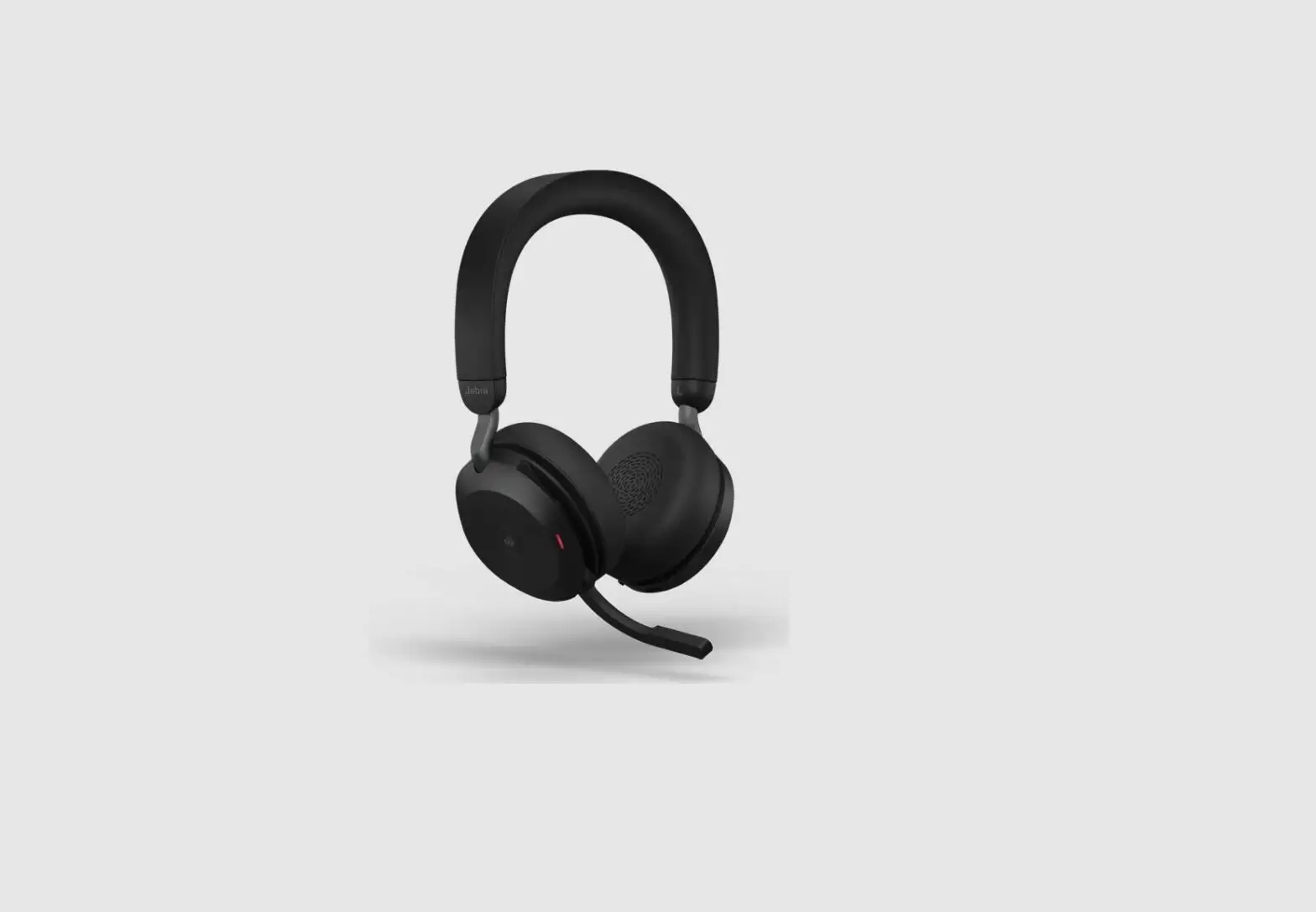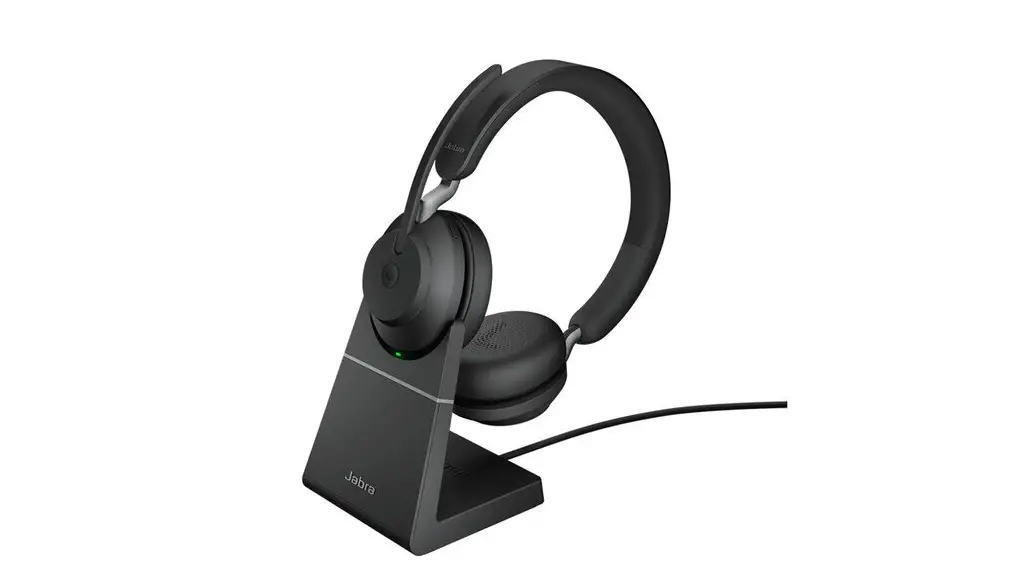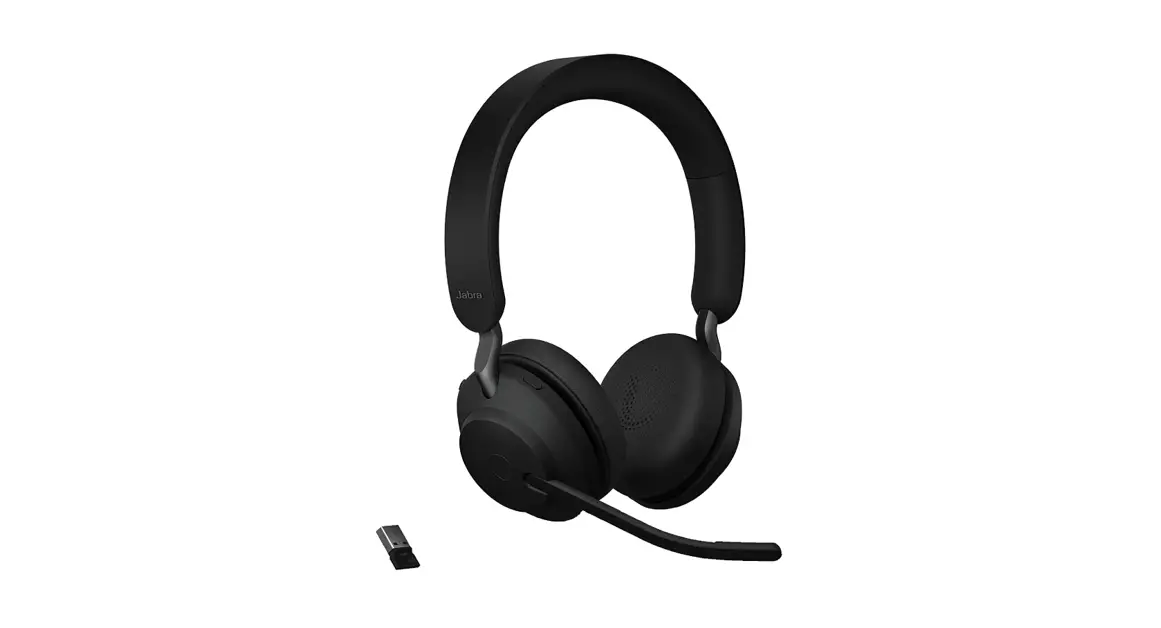

Jabra Evolve2 85 USB A UC Stereo Wireless Headphone
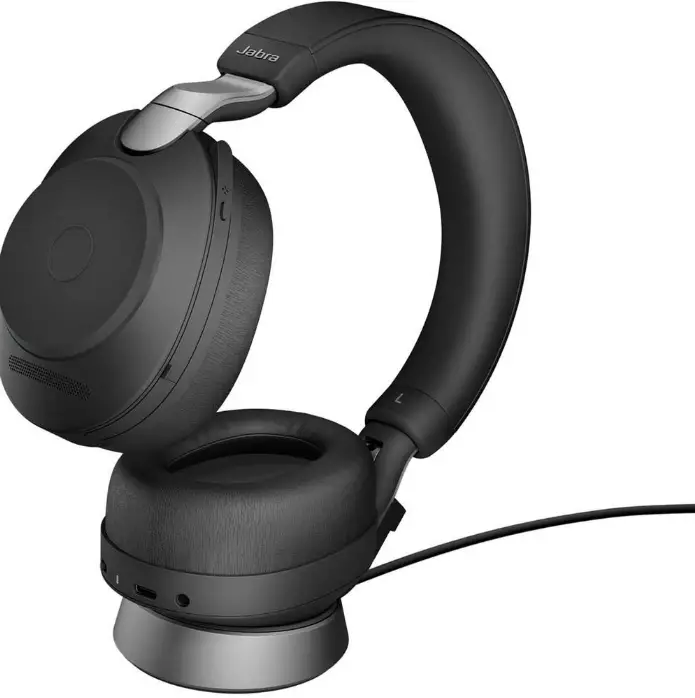
How do I manually turn on HearThrough on my Jabra Evolve2 85
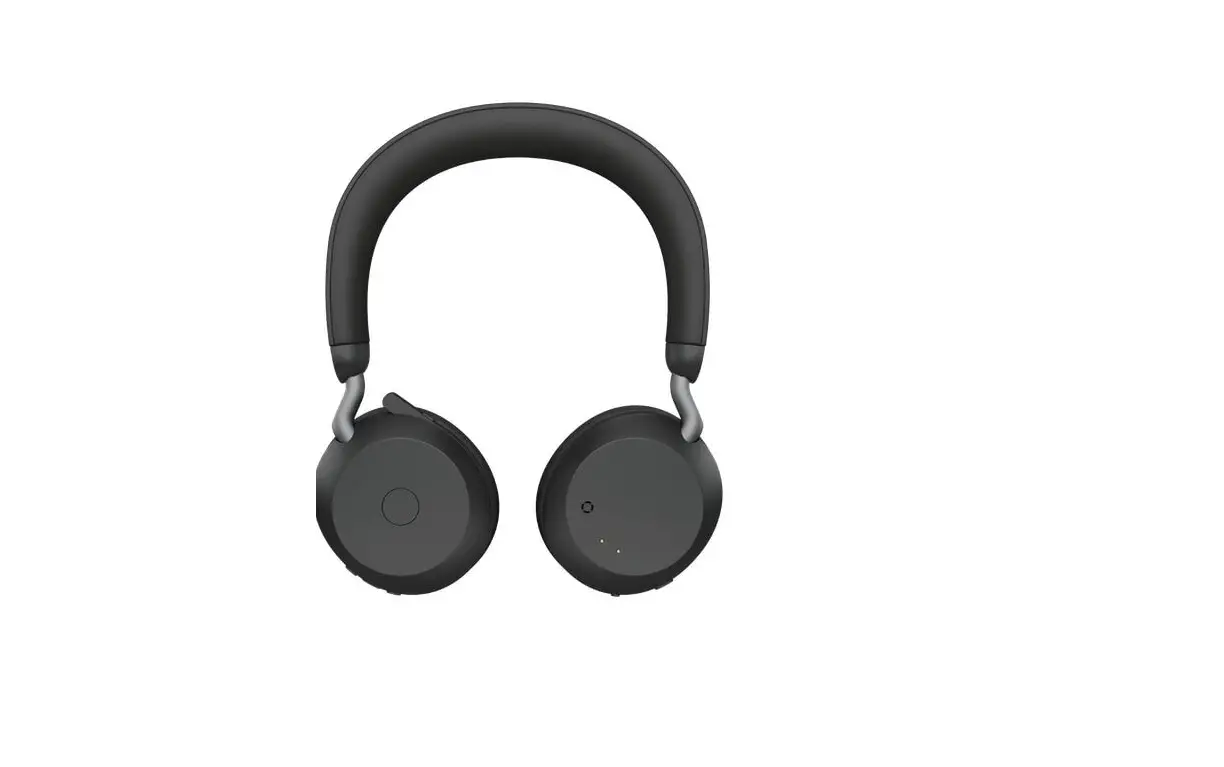
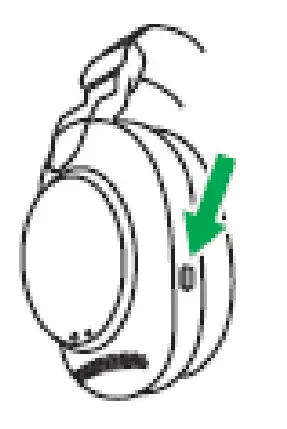
To manually turn on HearThrough, press the Sound modes button on the left earcup to cycle through the available options until HearThrough is announced.
Left earcup
You can configure HearThrough settings using Jabra Sound+ (Google Play | App Store) on your smartphone or Jabra Direct on your computer.
 [FAQTitle] | Jabra Evolve2 85 - USB-A UC Stereo - Black | FAQ | Jabra Support
 Jabra Direct - Engineered to optimize and personalize your headset