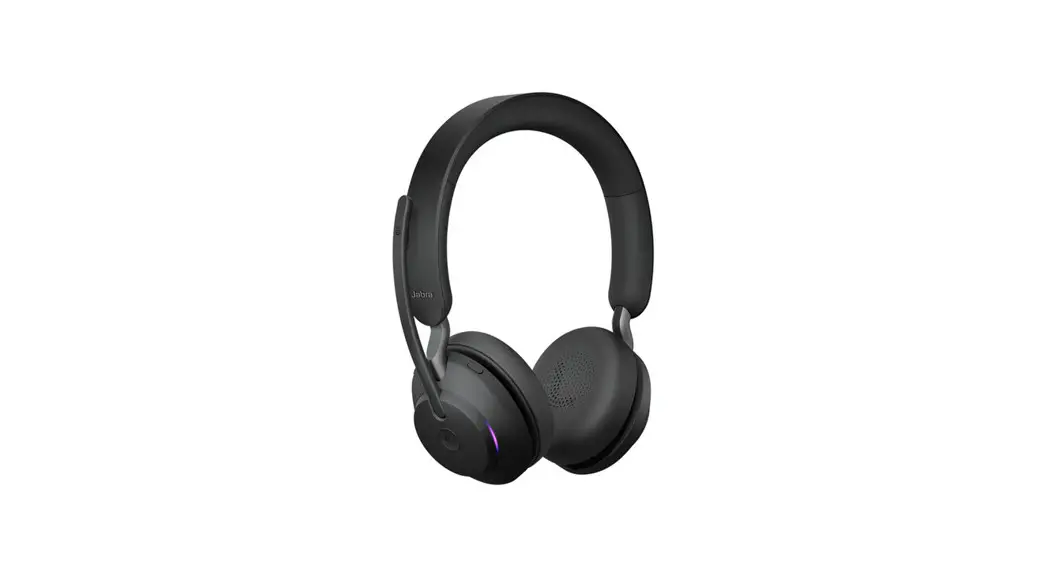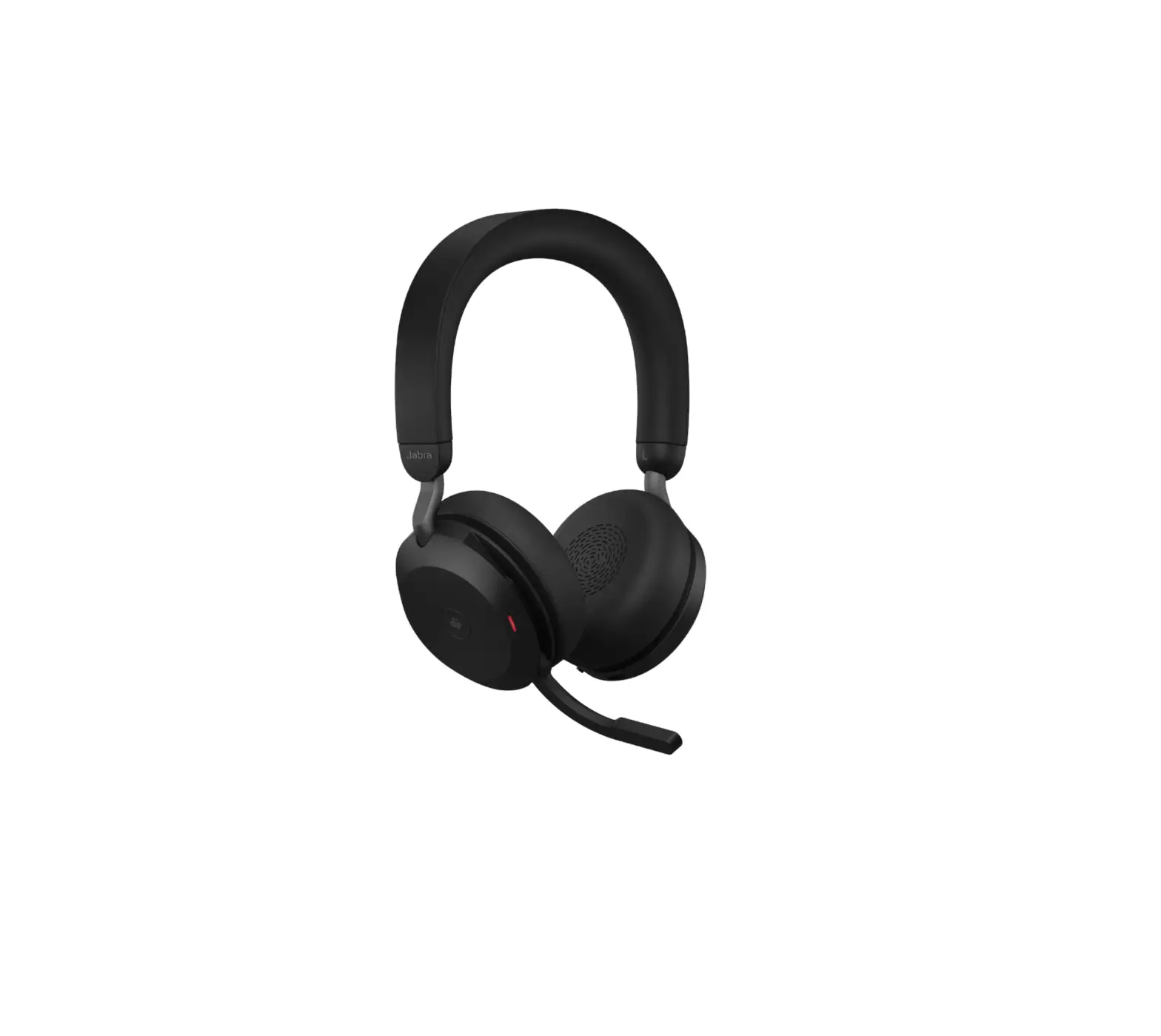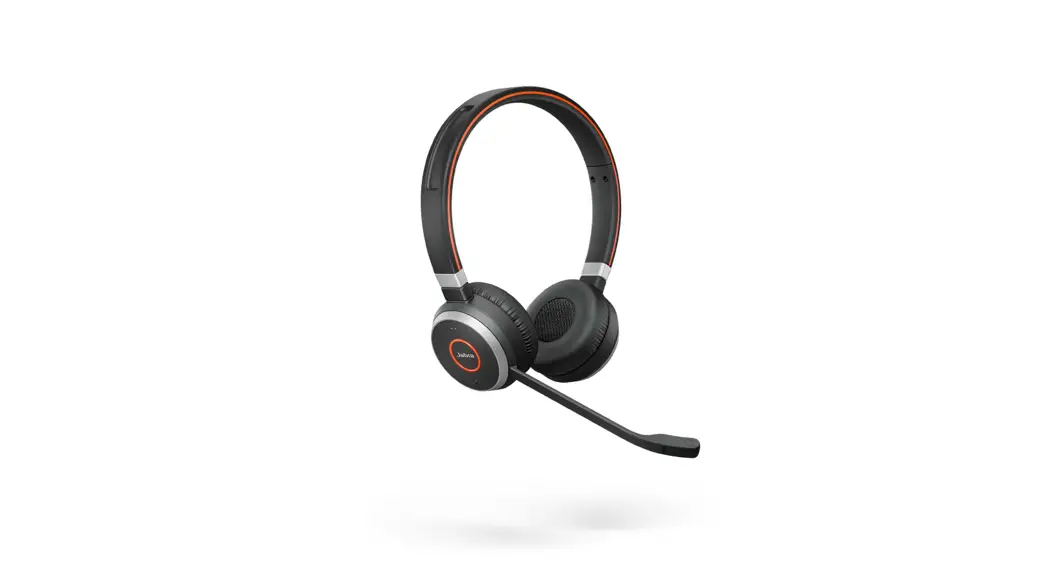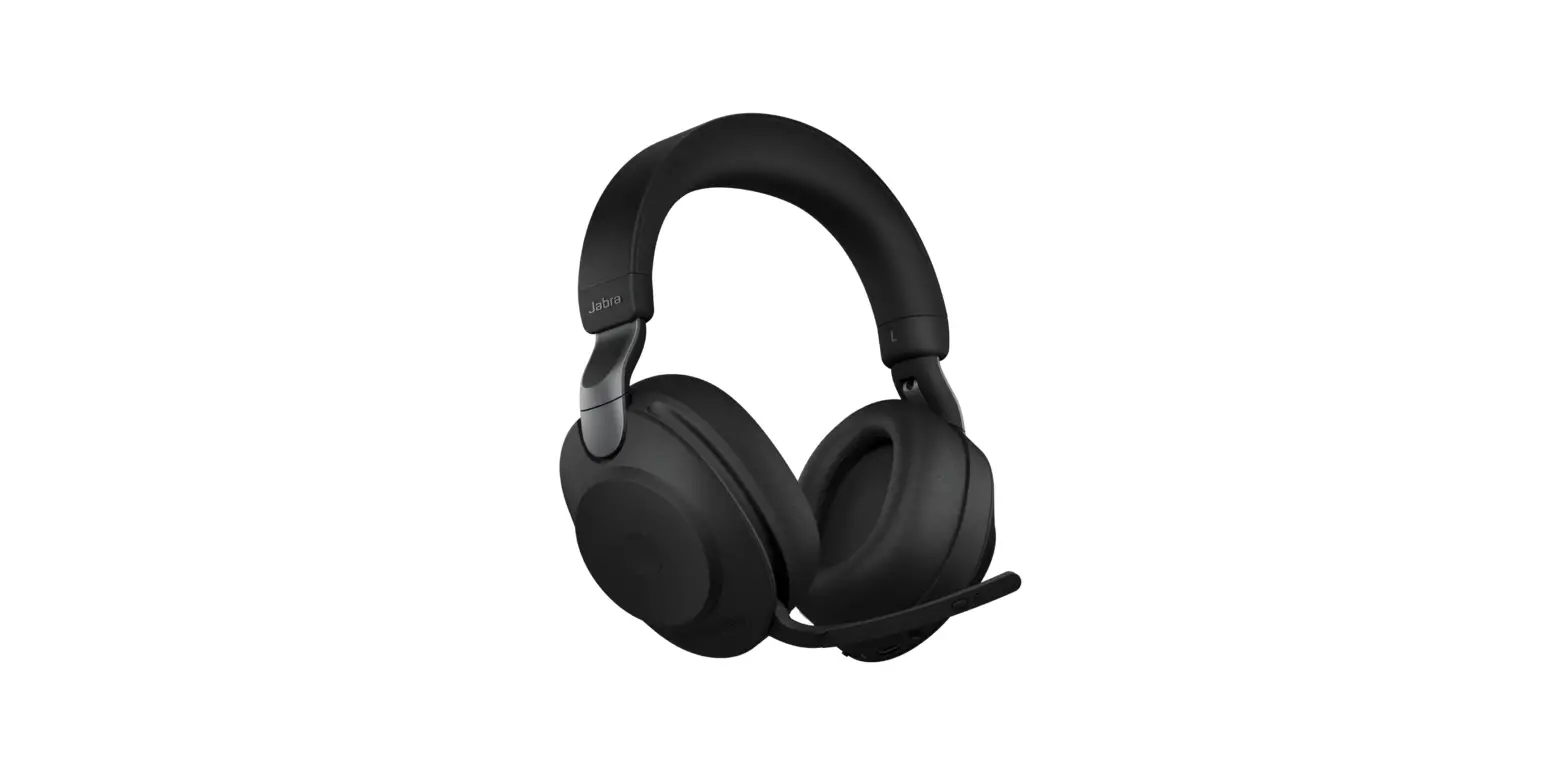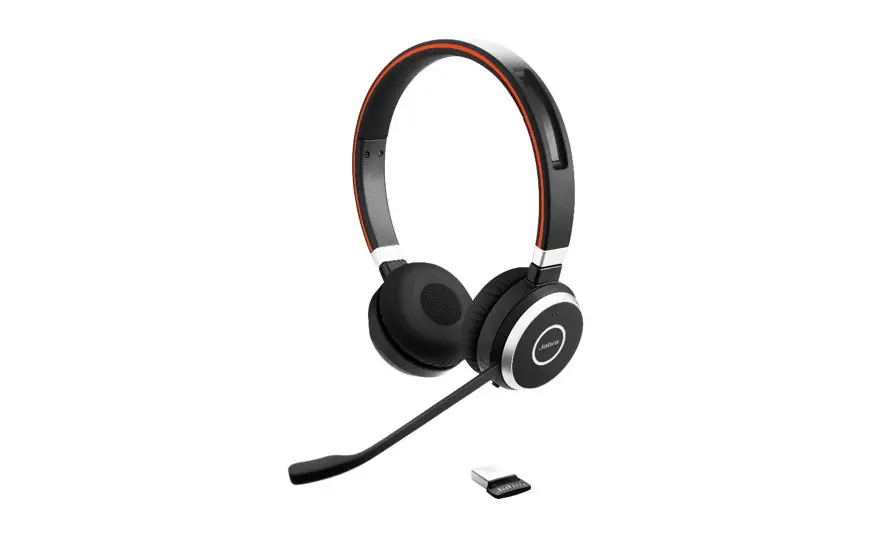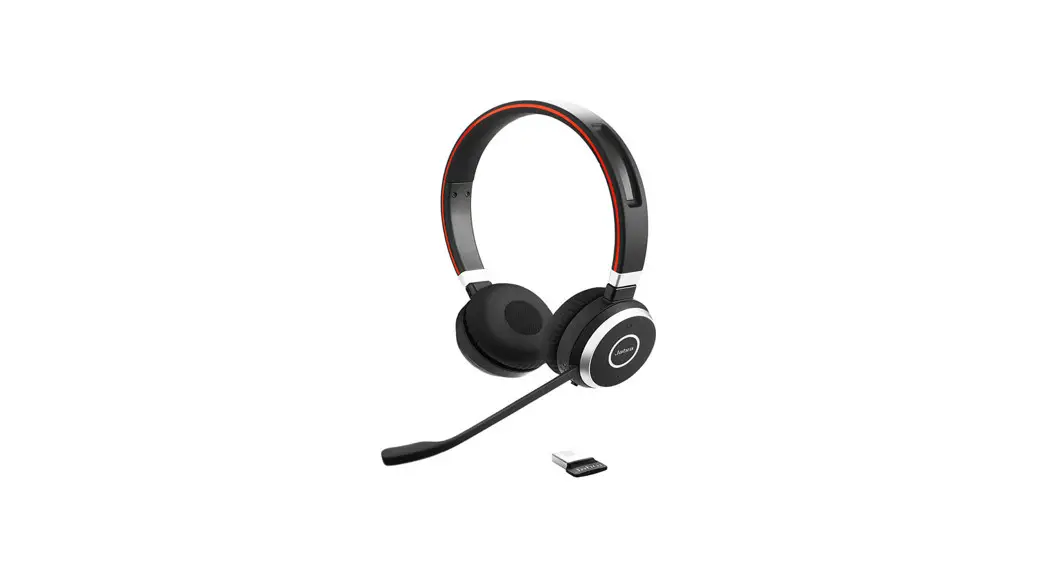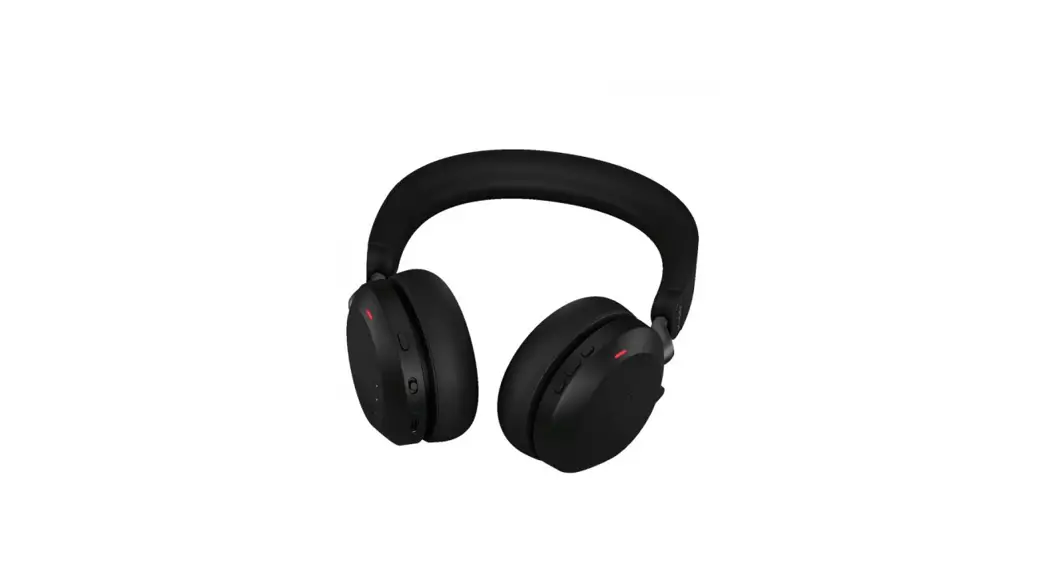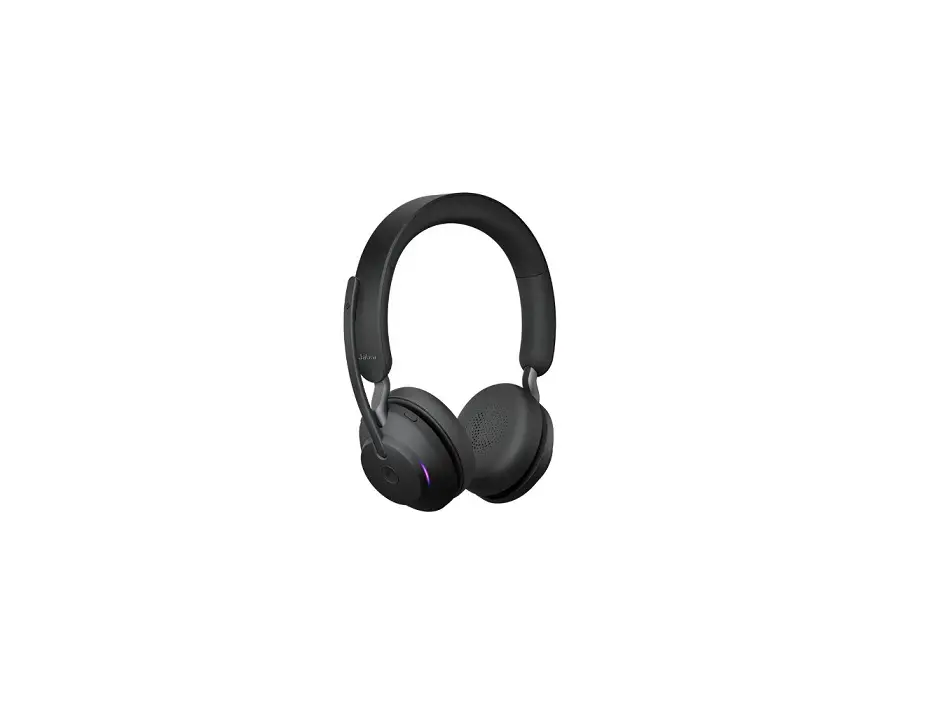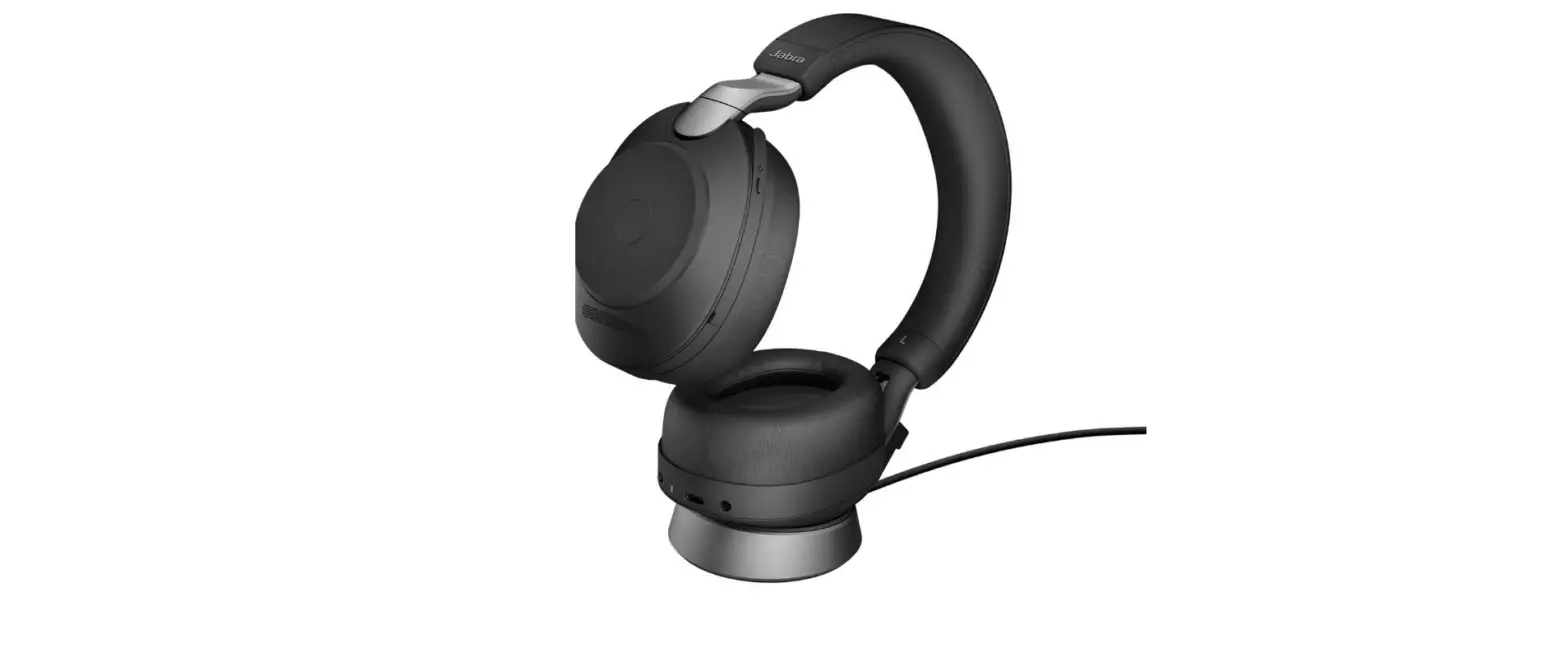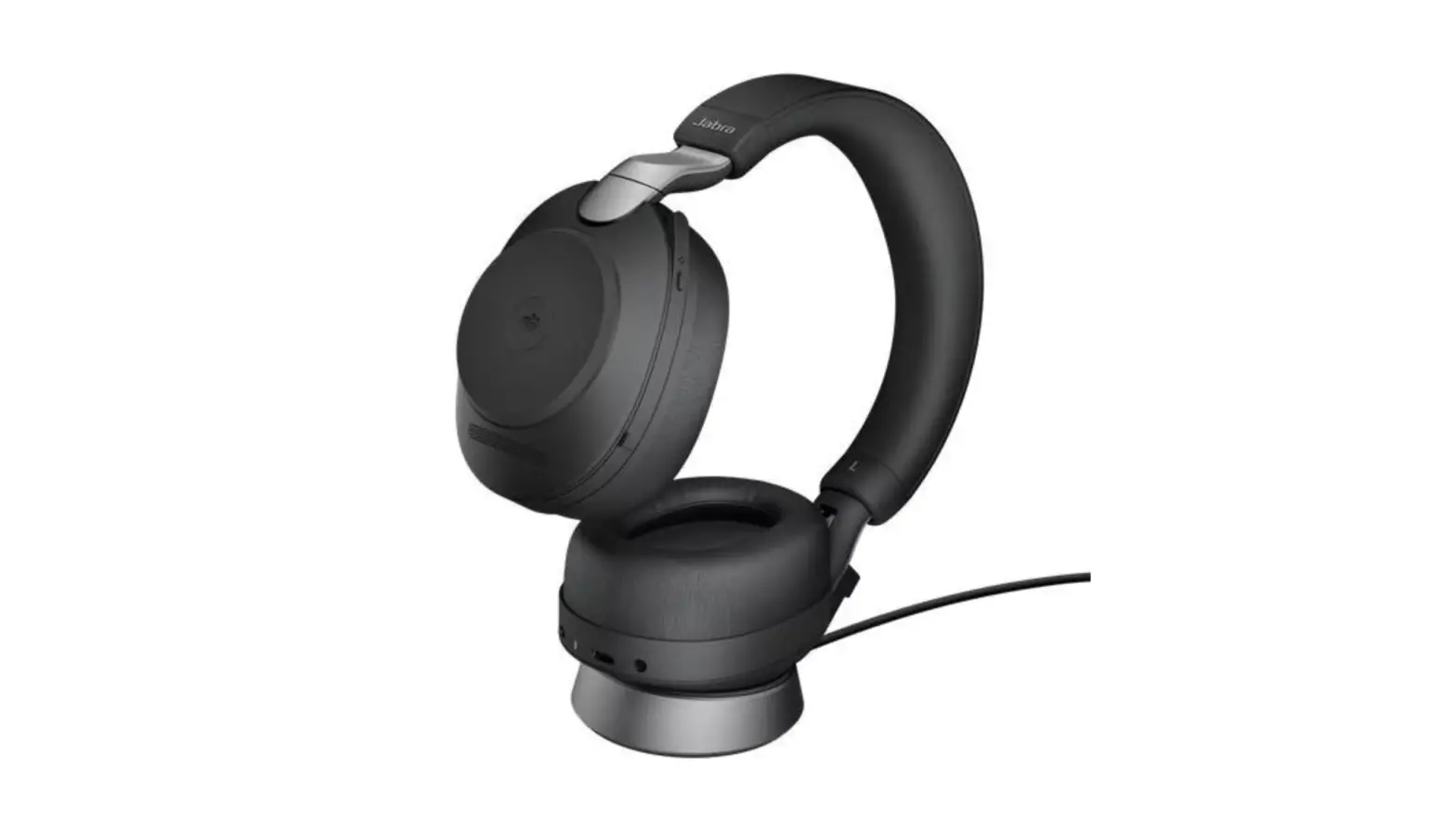
 Jabra Evolve2 65 Stereo Wireless Headphones
 Jabra Evolve2 65 Stereo Wireless Headphones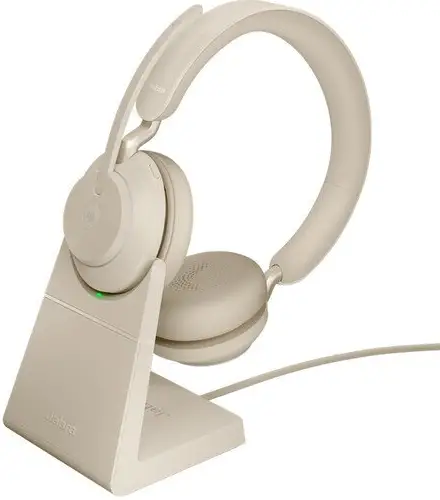
How do I turn up the bass for music listening
Prerequisites
- Jabra Sound+ – Android
- Jabra Sound+ – iOS
To turn up the bass using Jabra Sound+, you can manually adjust the Music equalizer or in Music presets, tap Bass boost. Each Moment has different widgets, so depending on your selected Moment, the Music Equalizer and Music presets may not appear. You can find them by tapping Edit widgets at the bottom of each Moment. If you select a different Moment, you may need to repeat these steps. Don’t have Jabra Sound+ yet? You can download it from Google Play on your Android device and from the App Store on your iOS device.
Note
For Jabra devices with earbuds, the EarGel fit and seal is essential for obtaining the full audio experience. Try out all three sizes of EarGels to find the fit that gives you the best combination of comfort and sound quality.
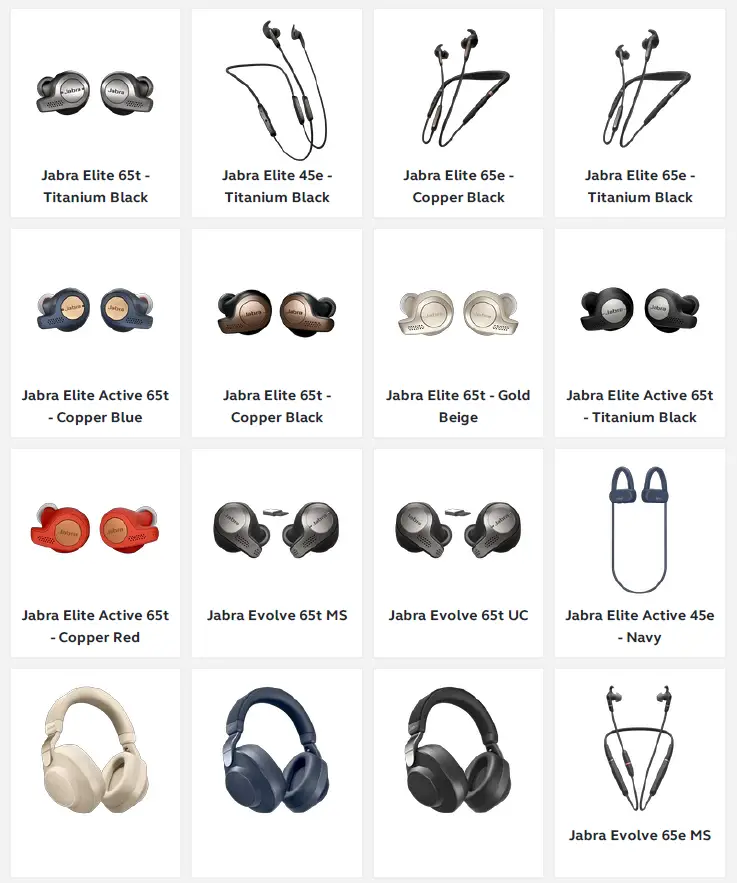
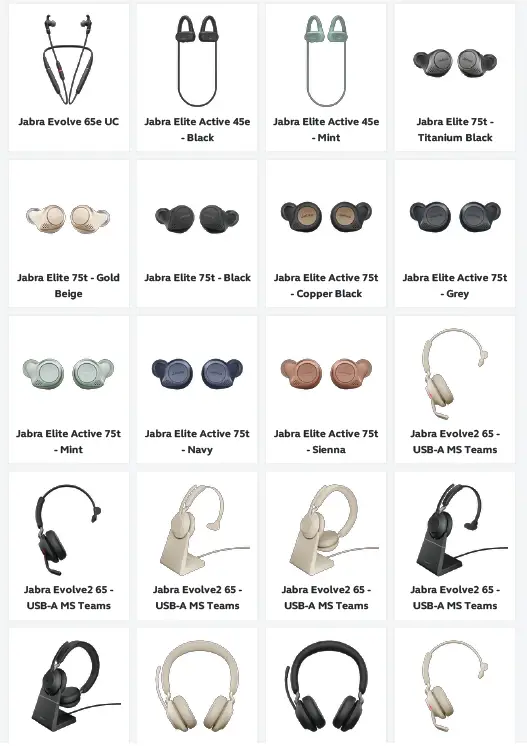
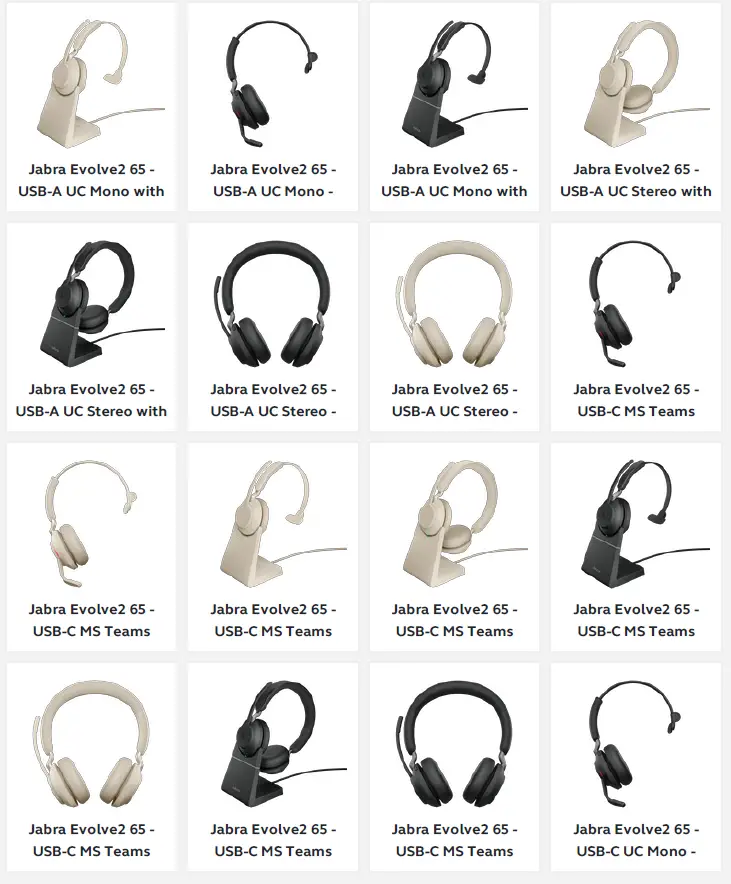
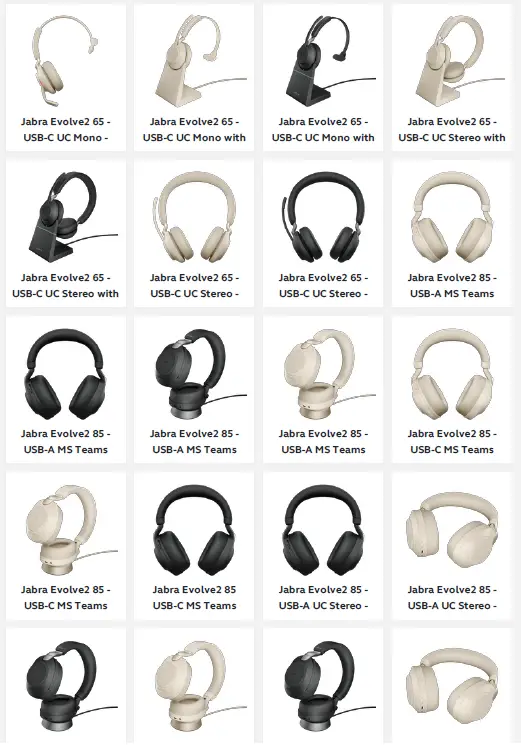
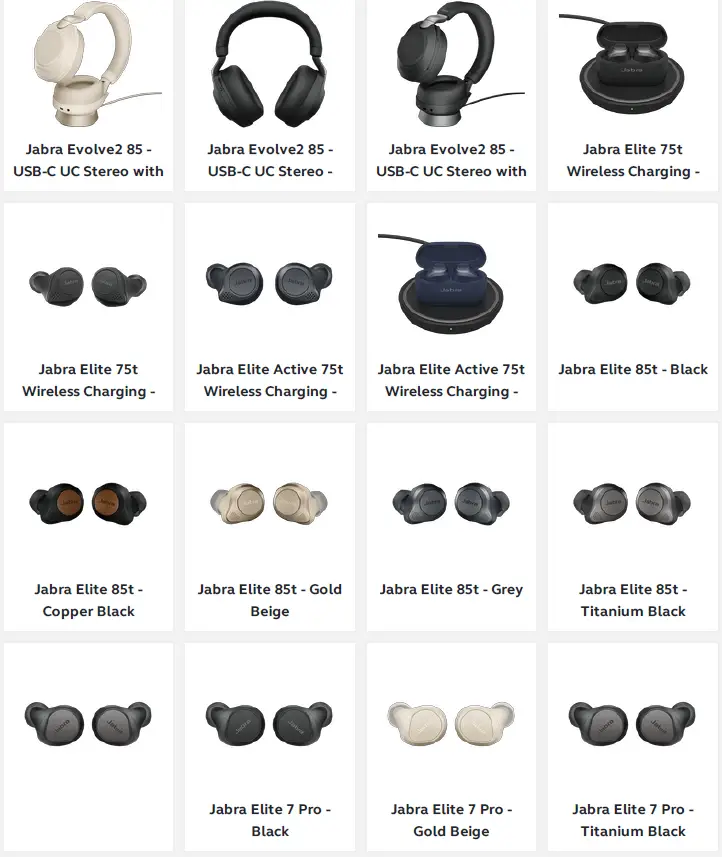
Applicable products
References
 Jabra Sound+ on the App Store
-
Jabra Sound+ on the App Store
-
Jabra Direct - Engineered to optimize and personalize your headset
-
[FAQTitle] | Jabra Evolve2 65 - USB-A MS Teams Mono with Charging Stand - Black | FAQ | Jabra Support
-
How do I turn off/on voice guidance using Jabra Sound+? | Jabra Evolve2 65 - USB-A MS Teams Mono with Charging Stand - Black | FAQ | Jabra Support
-
[FAQTitle] | Jabra Evolve2 65 - USB-A UC Stereo - Black | FAQ | Jabra Support
-
How do I set my Jabra device as the default audio device on my macOS computer? | Jabra Evolve2 65 - USB-A UC Stereo - Black | FAQ | Jabra Support
-
[FAQTitle] | Jabra Evolve2 65 - USB-A UC Mono with Charging Stand - Black | FAQ | Jabra Support
-
How do I manually update the firmware on my Jabra device using Jabra Direct? | Jabra Evolve2 65 - USB-A UC Mono with Charging Stand - Black | FAQ | Jabra Support
-
[FAQTitle] | Jabra Evolve2 65 - USB-C MS Teams Mono - Black | FAQ | Jabra Support
-
How do I turn up the bass for music listening? | Jabra Evolve2 65 - USB-C MS Teams Mono - Black | FAQ | Jabra Support
-
[FAQTitle] | Jabra Evolve2 65 - USB-A MS Teams Mono with Charging Stand - Black | FAQ | Jabra Support
-
Why does call control not work with my ShoreTel softphone even though I followed the post installation steps of Jabra Direct? | Jabra Evolve2 65 - USB-A MS Teams Mono with Charging Stand - Black | FAQ | Jabra Support
-
[FAQTitle] | Jabra Evolve2 65 - USB-A MS Teams Mono with Charging Stand - Black | FAQ | Jabra Support
-
How do I manually update the firmware on my Jabra device using Jabra Direct? | Jabra Evolve2 65 - USB-A MS Teams Mono with Charging Stand - Black | FAQ | Jabra Support
 Jabra Sound+ on the App Store
 Jabra Direct - Engineered to optimize and personalize your headset
 [FAQTitle] | Jabra Evolve2 65 - USB-A MS Teams Mono with Charging Stand - Black | FAQ | Jabra Support
 [FAQTitle] | Jabra Evolve2 65 - USB-A UC Stereo - Black | FAQ | Jabra Support
 [FAQTitle] | Jabra Evolve2 65 - USB-A UC Mono with Charging Stand - Black | FAQ | Jabra Support