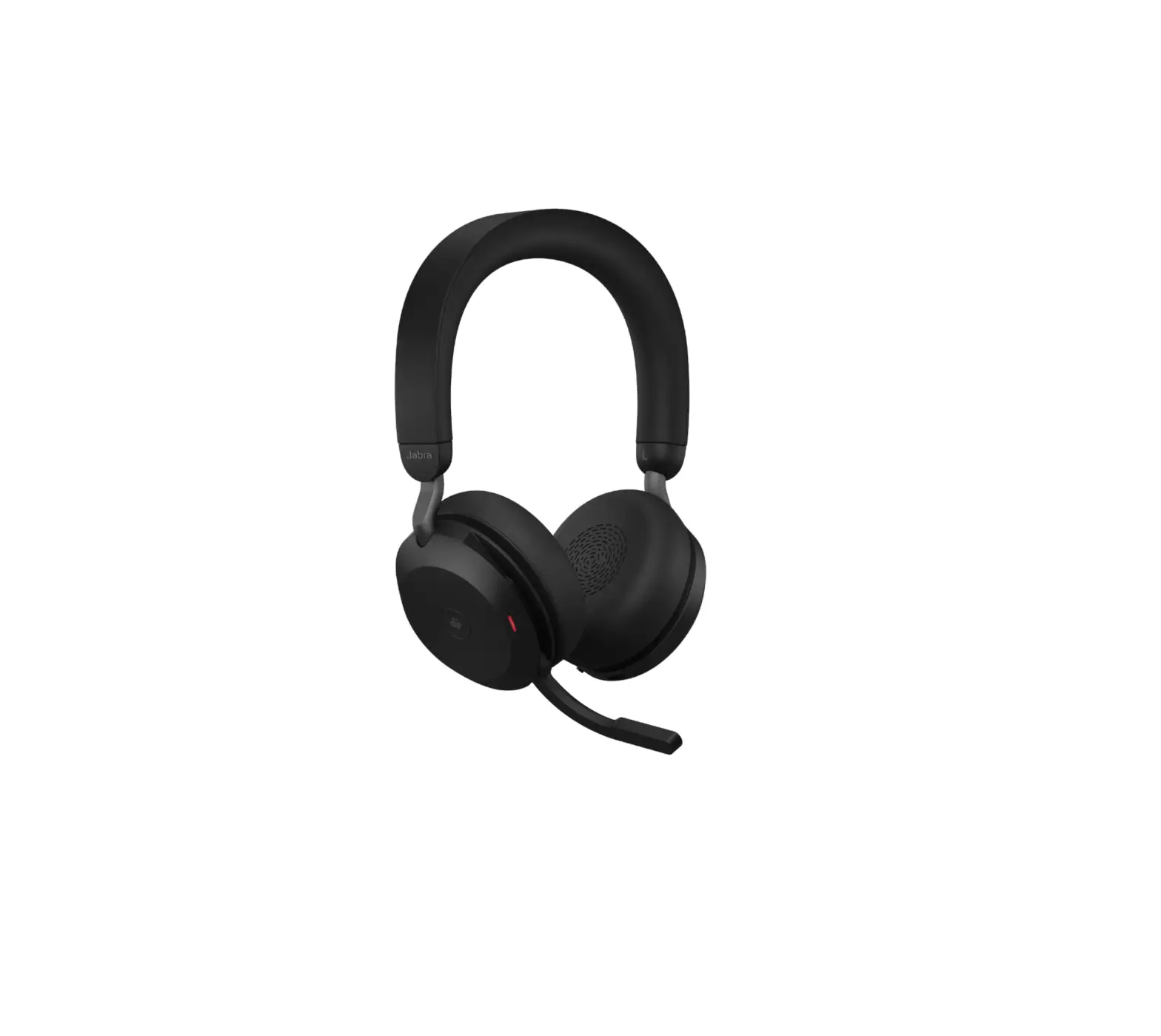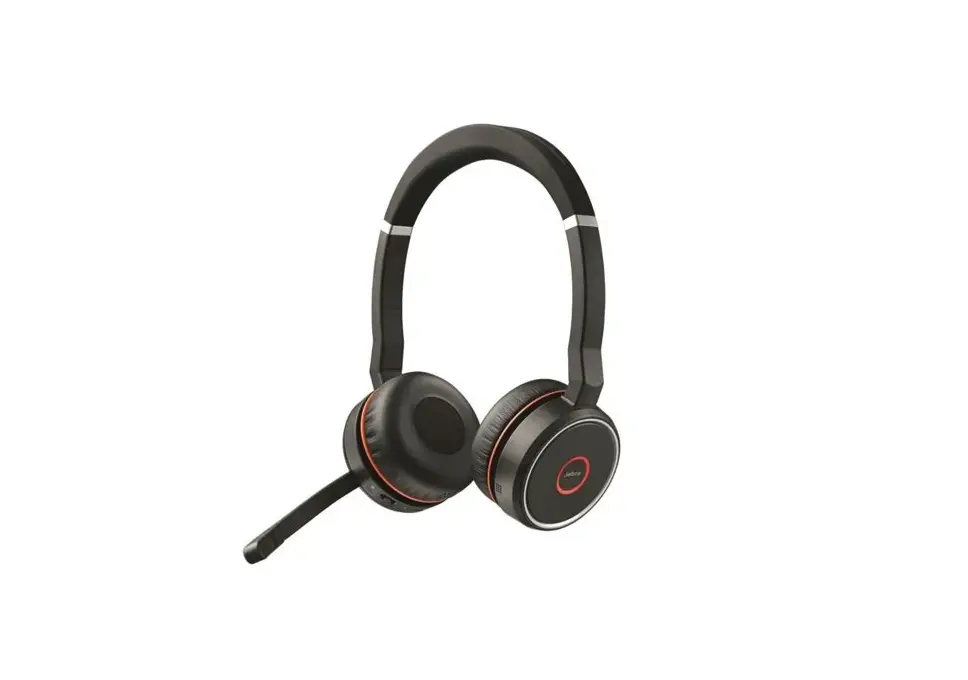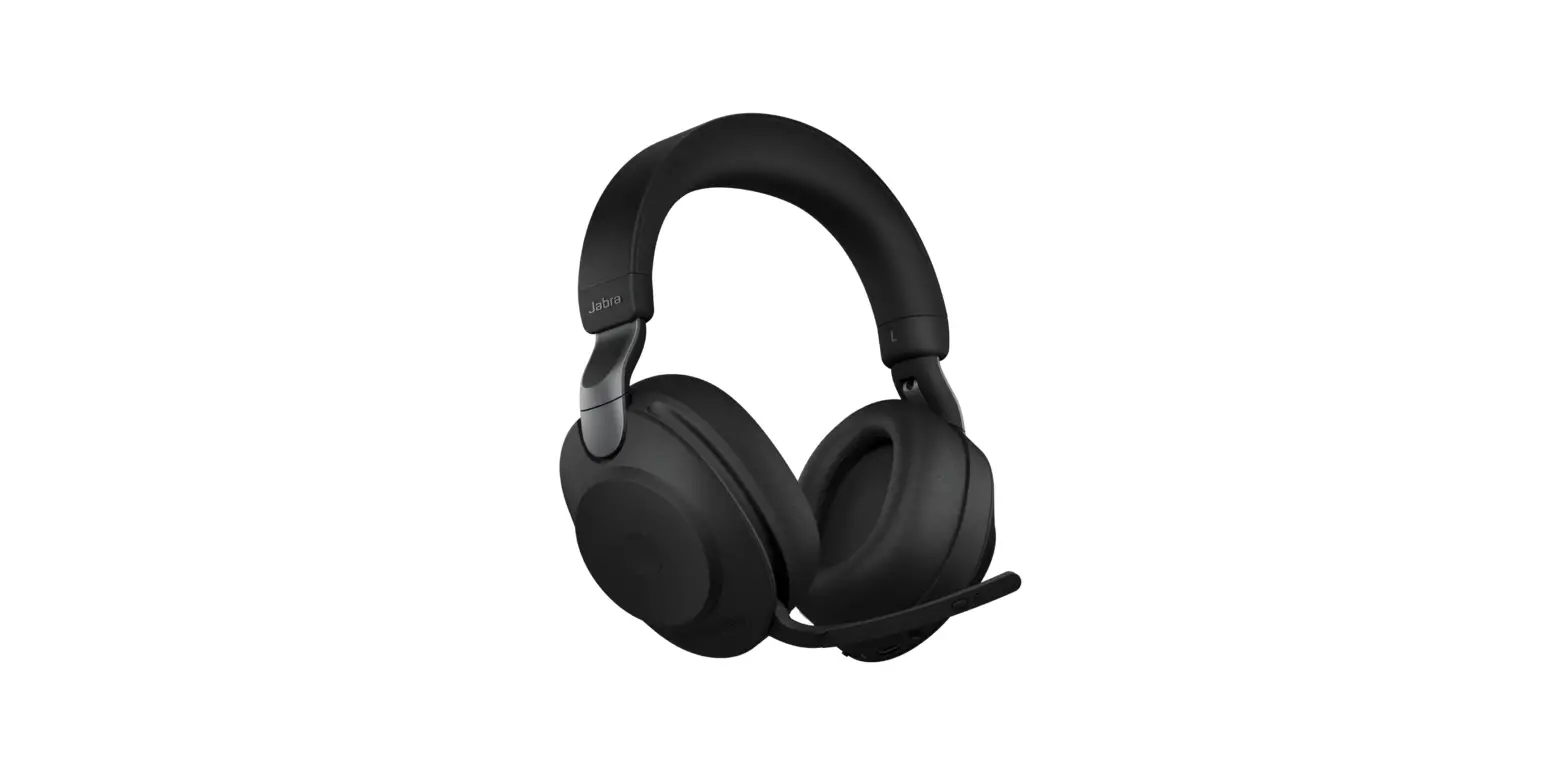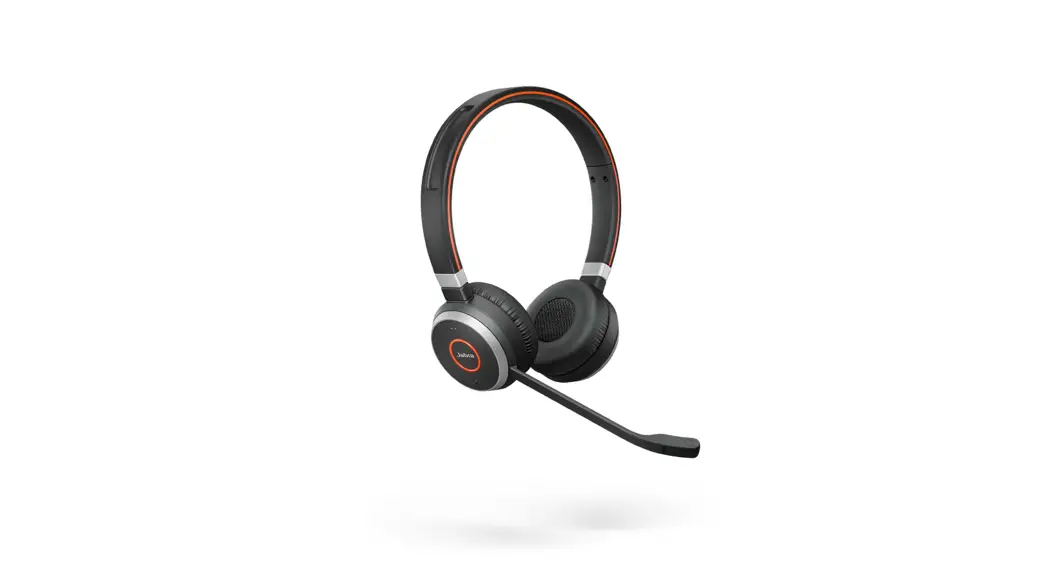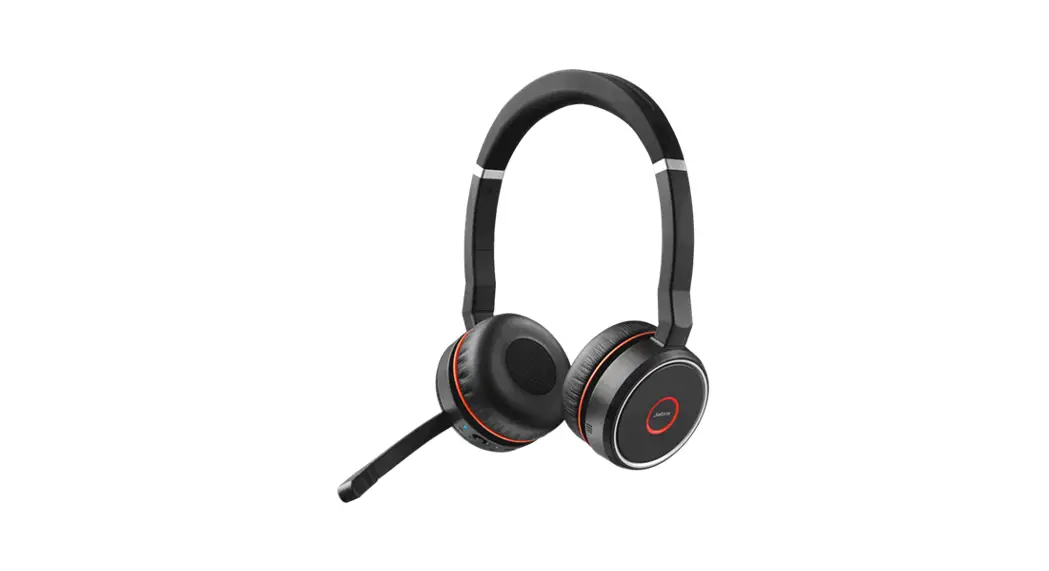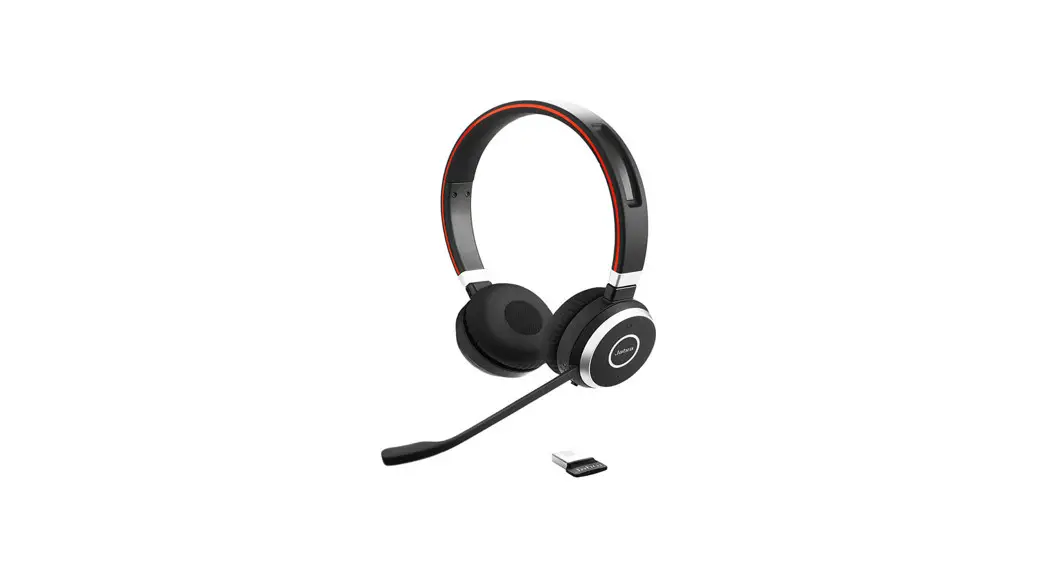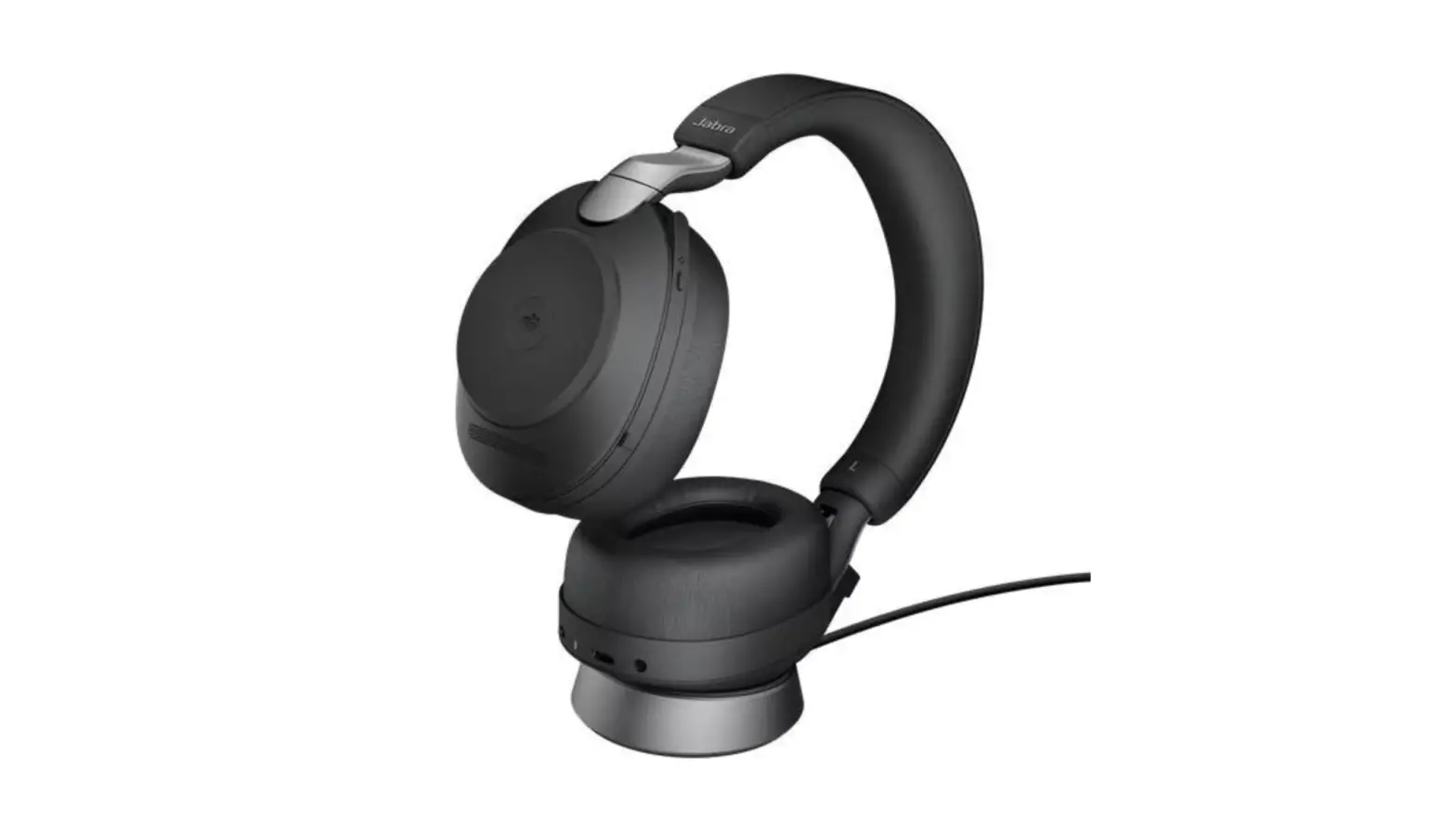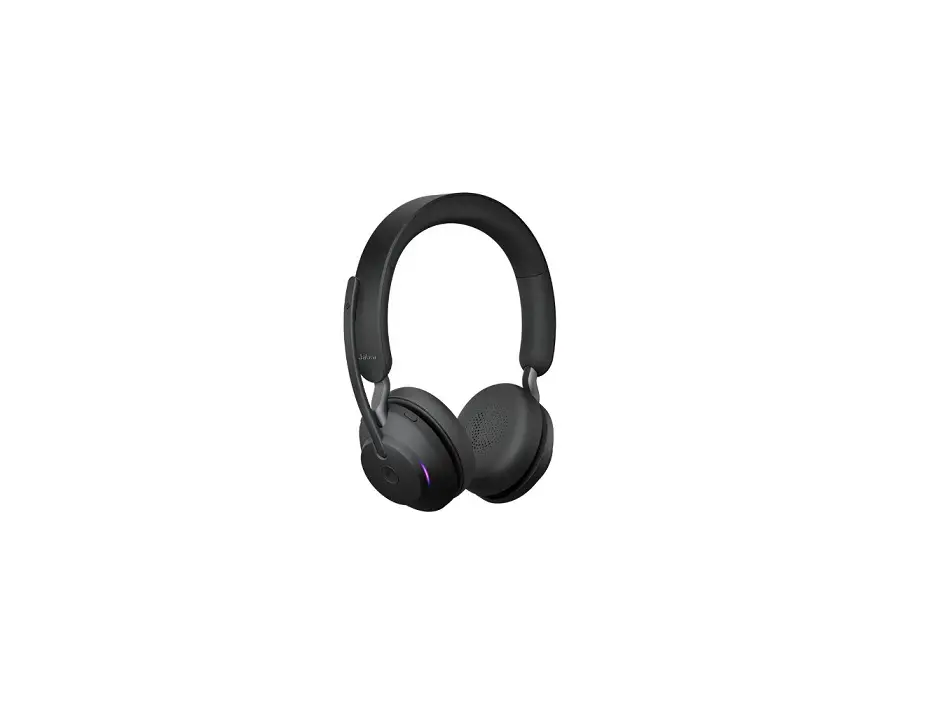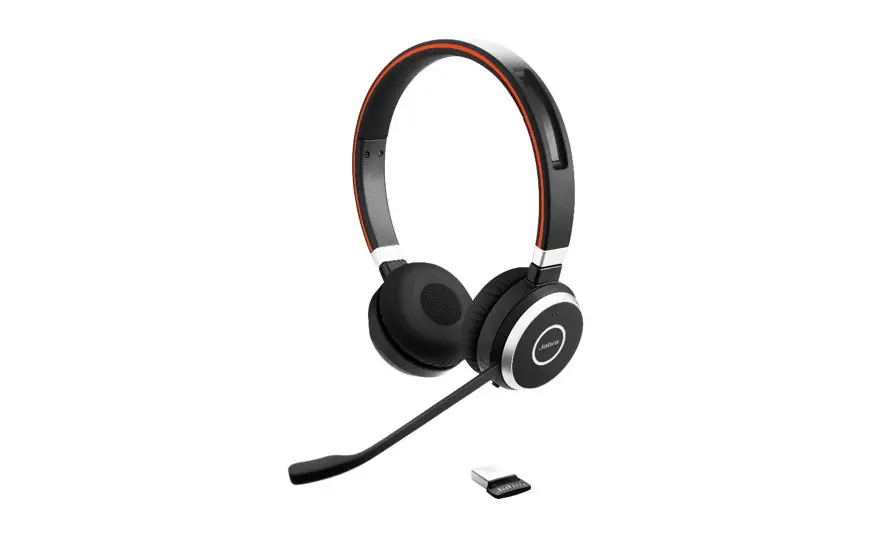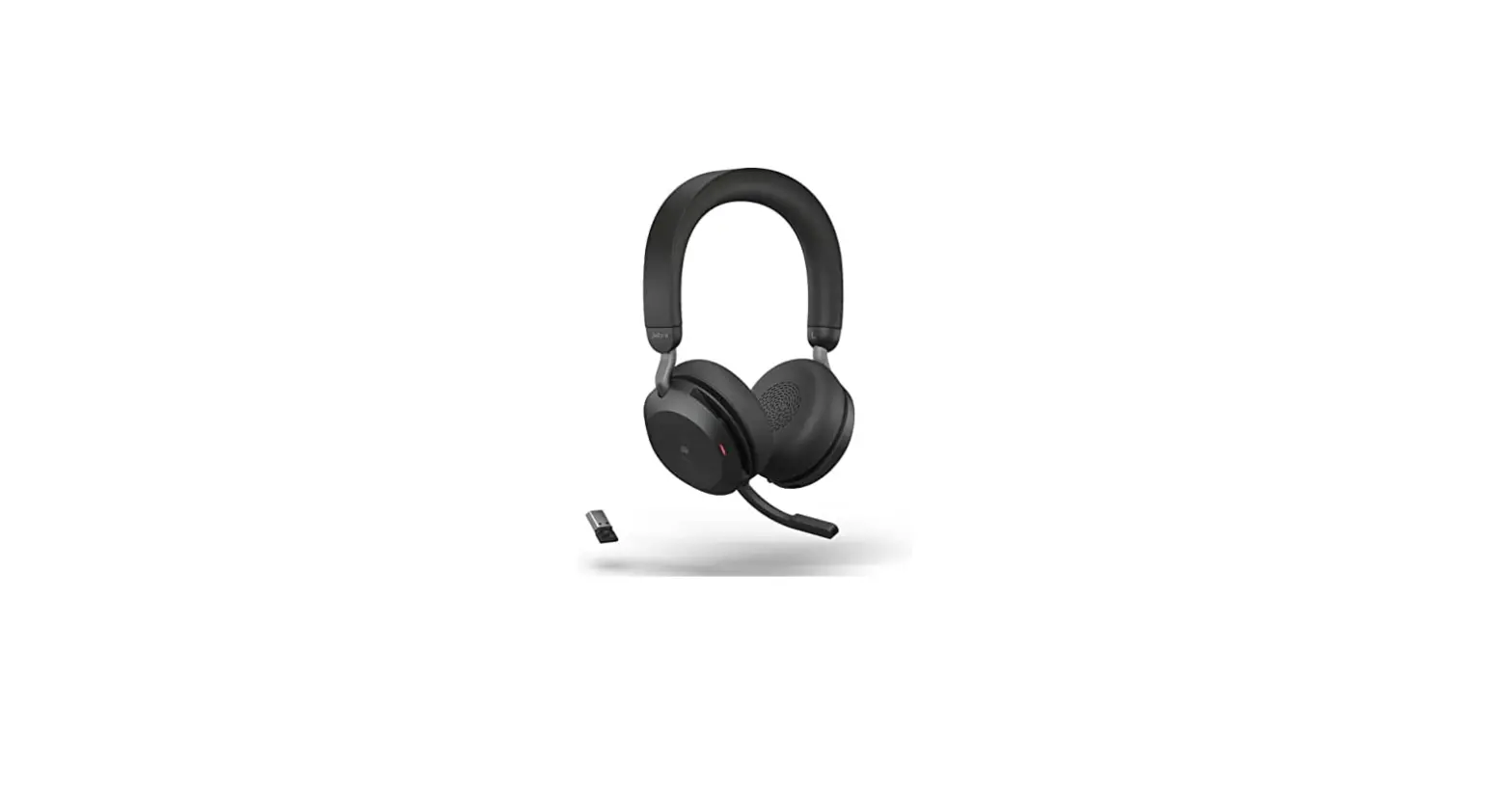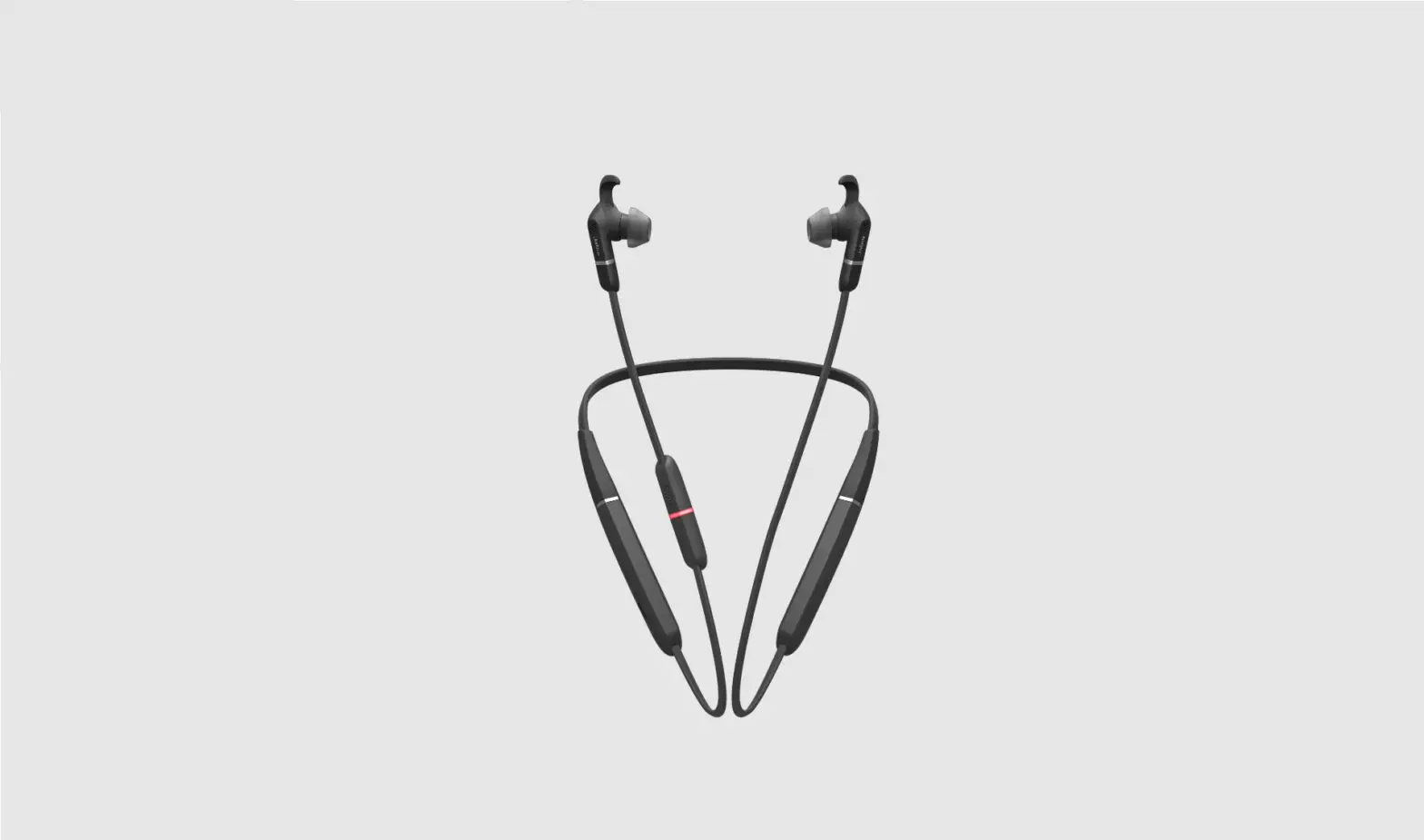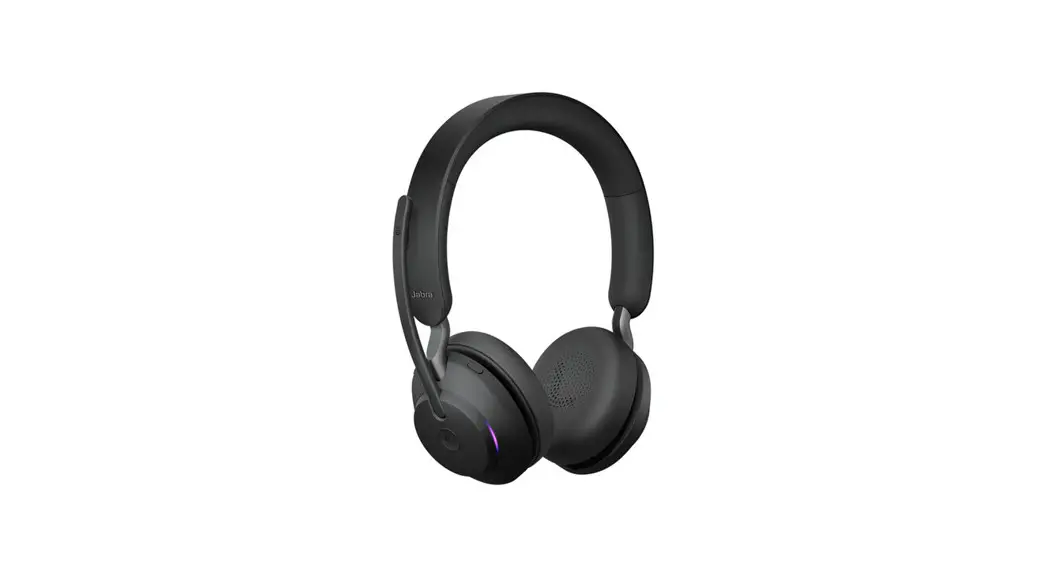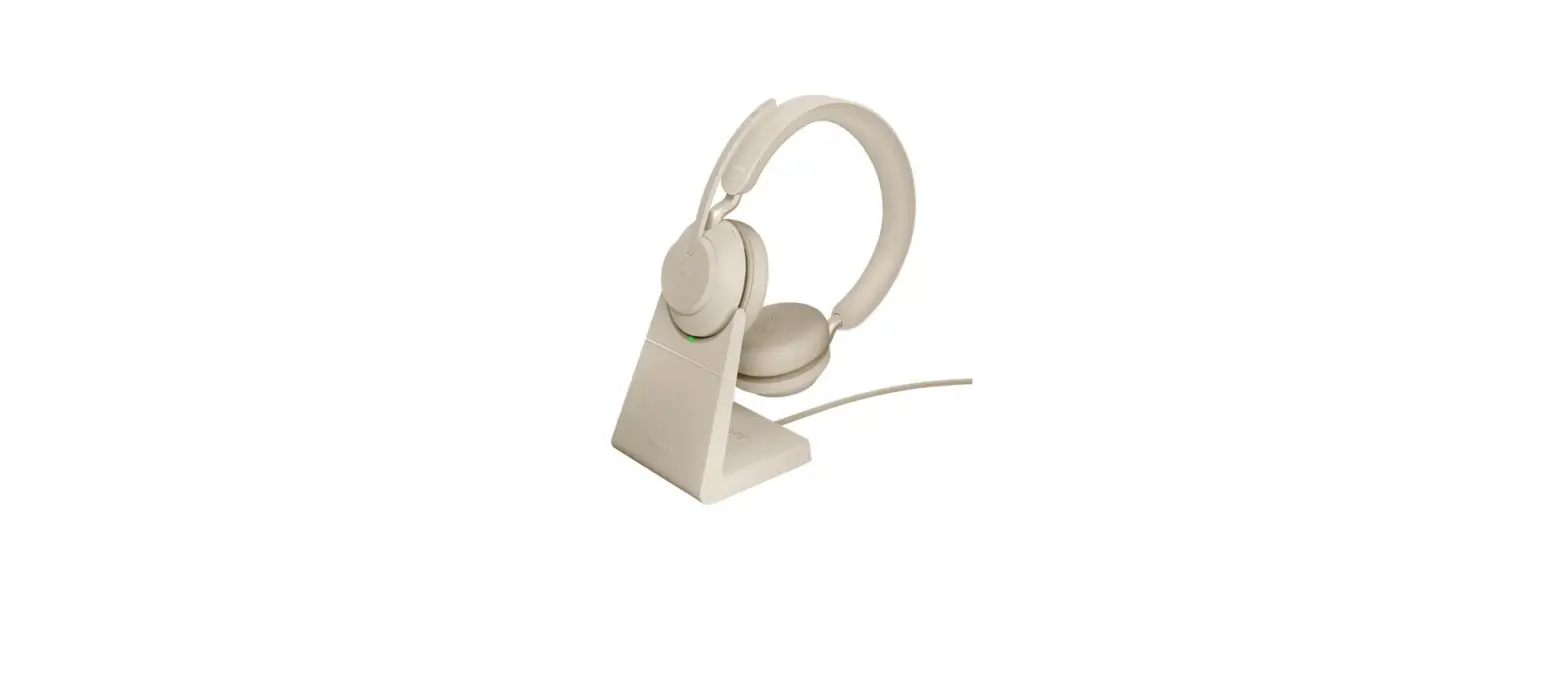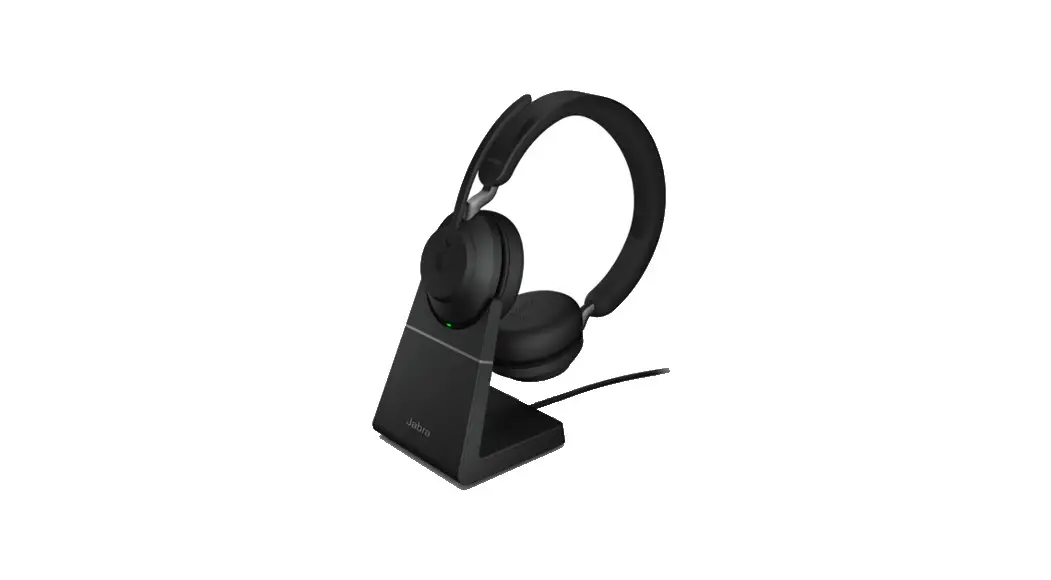
 Evolve2 65 – USB-A UC Mono – Black
Instructions
Evolve2 65 Stereo Wireless Office Headset
How do I set my Jabra device as the default audio device on my Windows computer?
To manually set your Jabra device as the default audio device, follow these steps.
- Open the Sound settings on your computer. For example, in the taskbar, right-click the Sound icon, and then click Open Sound settings.

- In the Output and Input sections, select your Jabra device from the drop-down lists.
If you are using a Jabra wireless device, select the connected Bluetooth adapter, such as the Jabra Link 380.

References
 [FAQTitle] | Jabra Evolve2 65 - USB-C UC Mono - Black | FAQ | Jabra Support
-
How do I manually turn off/on voice guidance on my Jabra Evolve2 headset? | Jabra Evolve2 65 - USB-C UC Mono - Black | FAQ | Jabra Support
-
Jabra Direct - Engineered to optimize and personalize your headset
-
[FAQTitle] | Jabra Evolve2 65 - USB-A UC Mono - Black | FAQ | Jabra Support
-
How do I set my Jabra device as the default audio device on my Windows computer? | Jabra Evolve2 65 - USB-A UC Mono - Black | FAQ | Jabra Support
 [FAQTitle] | Jabra Evolve2 65 - USB-C UC Mono - Black | FAQ | Jabra Support
 Jabra Direct - Engineered to optimize and personalize your headset
 [FAQTitle] | Jabra Evolve2 65 - USB-A UC Mono - Black | FAQ | Jabra Support