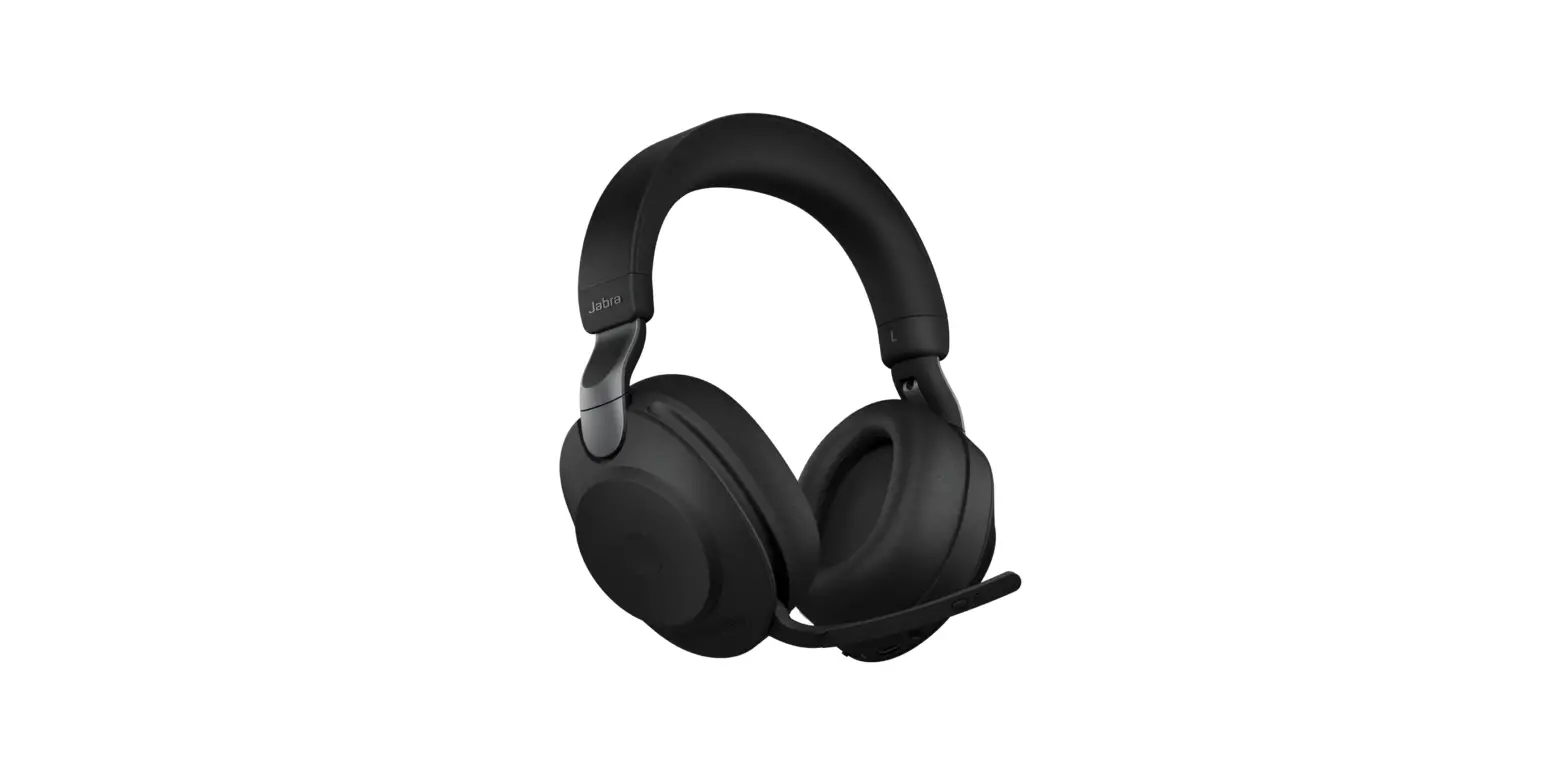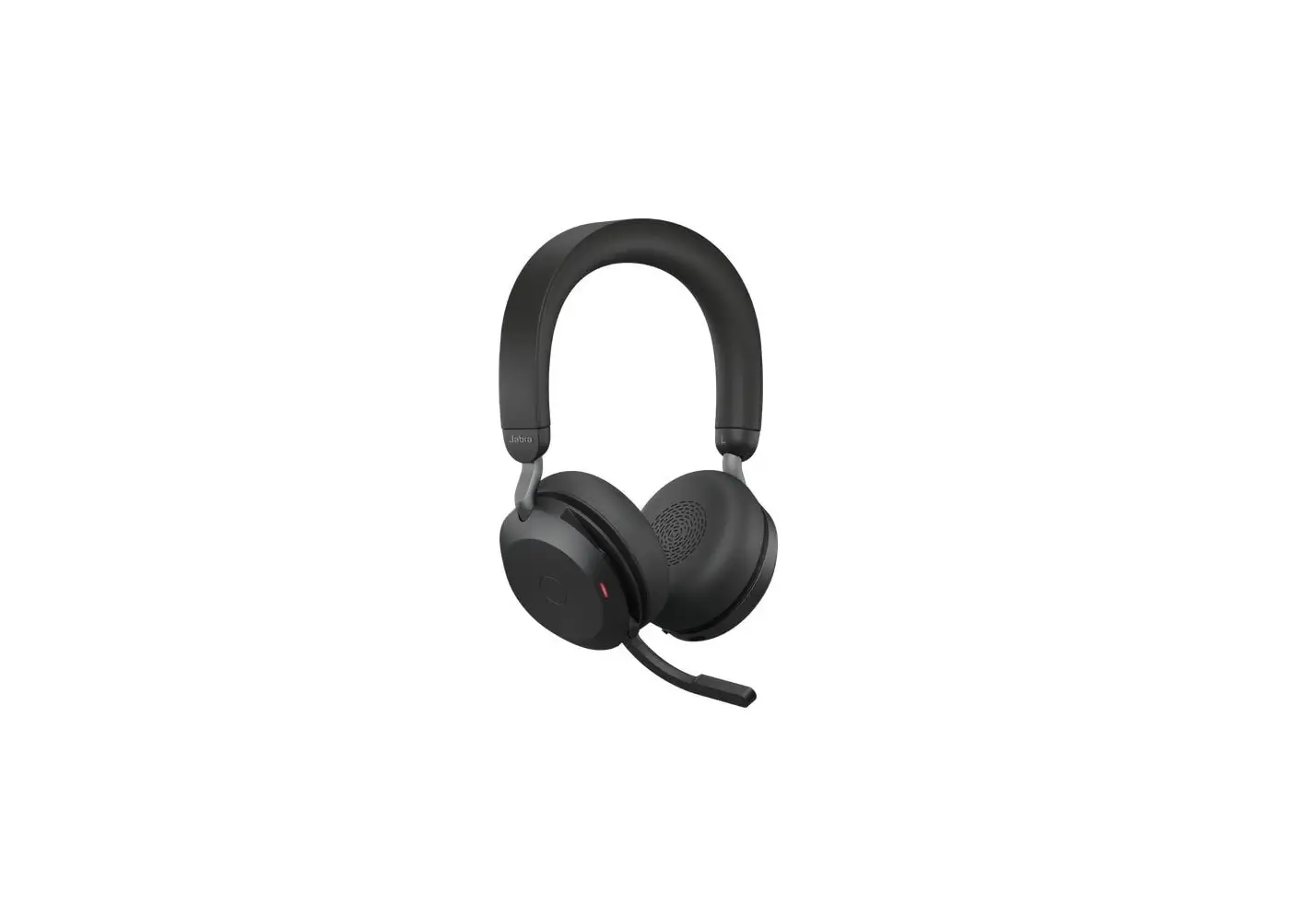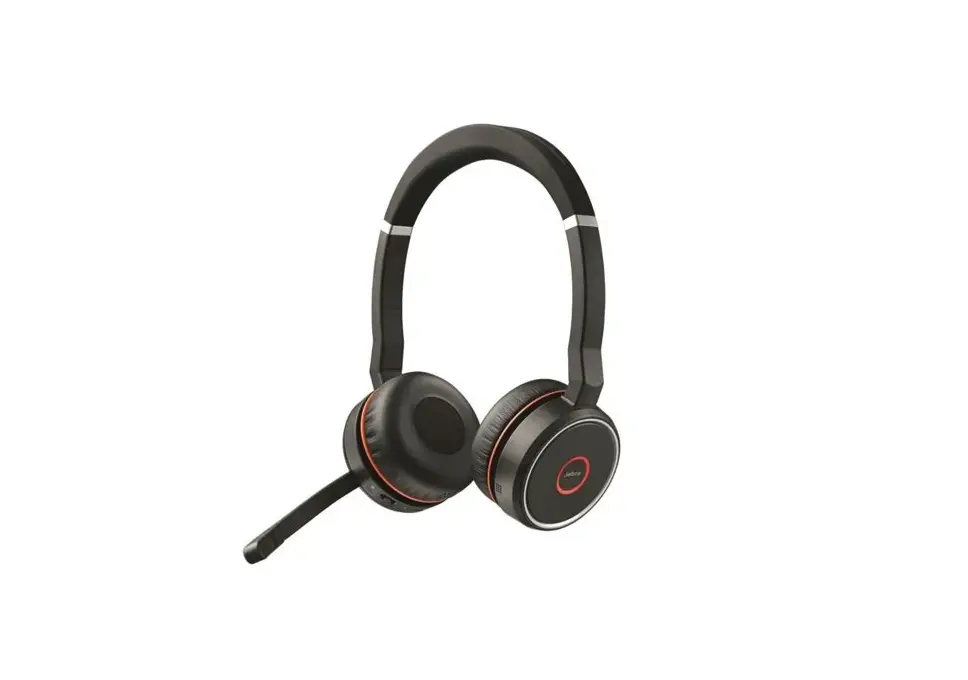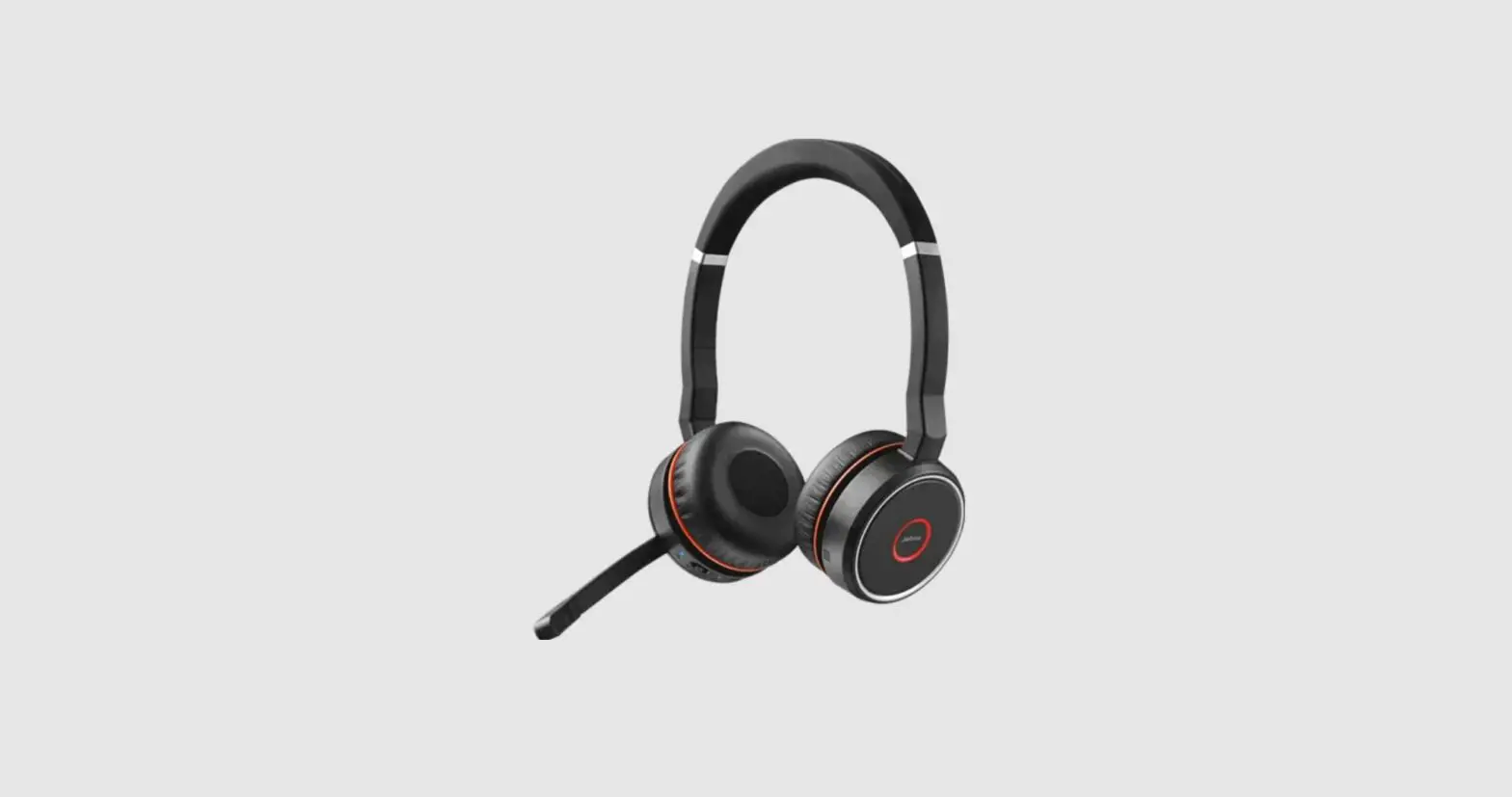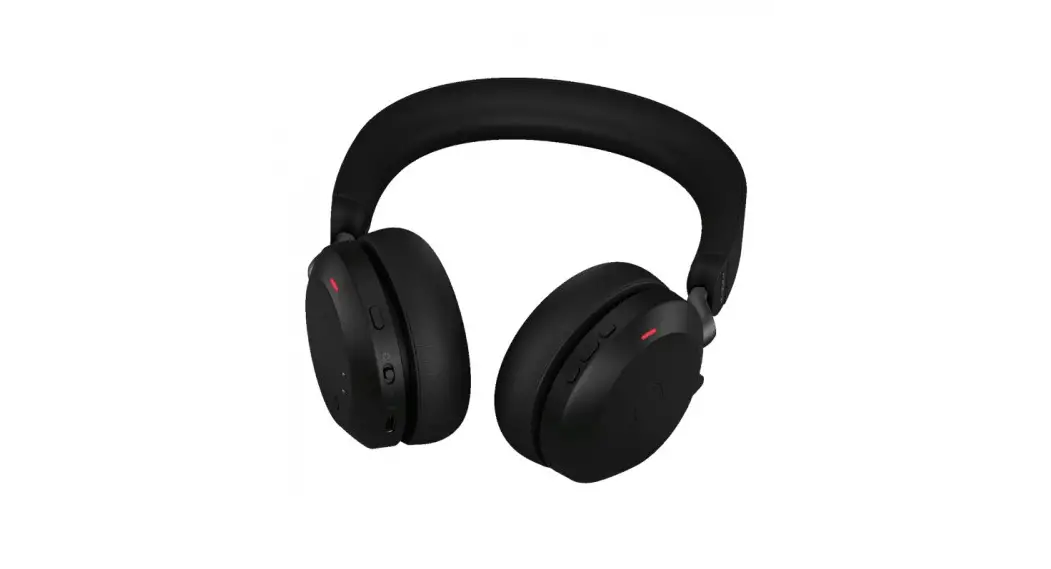
 Jabra Evolve2 75 True Wireless Headset
 Jabra Evolve2 75 True Wireless Headset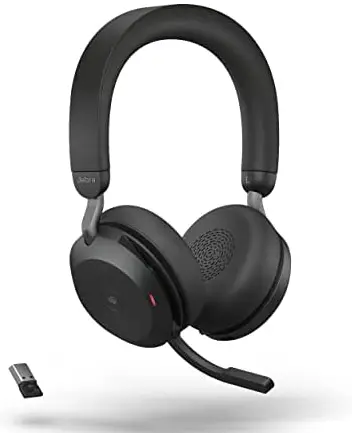
How do I turn on/off Active Noise Cancellation (ANC) on my Jabra Evolve2 75 headset?
You can turn on/off ANC in the following ways.
Turn on/off ANC manually
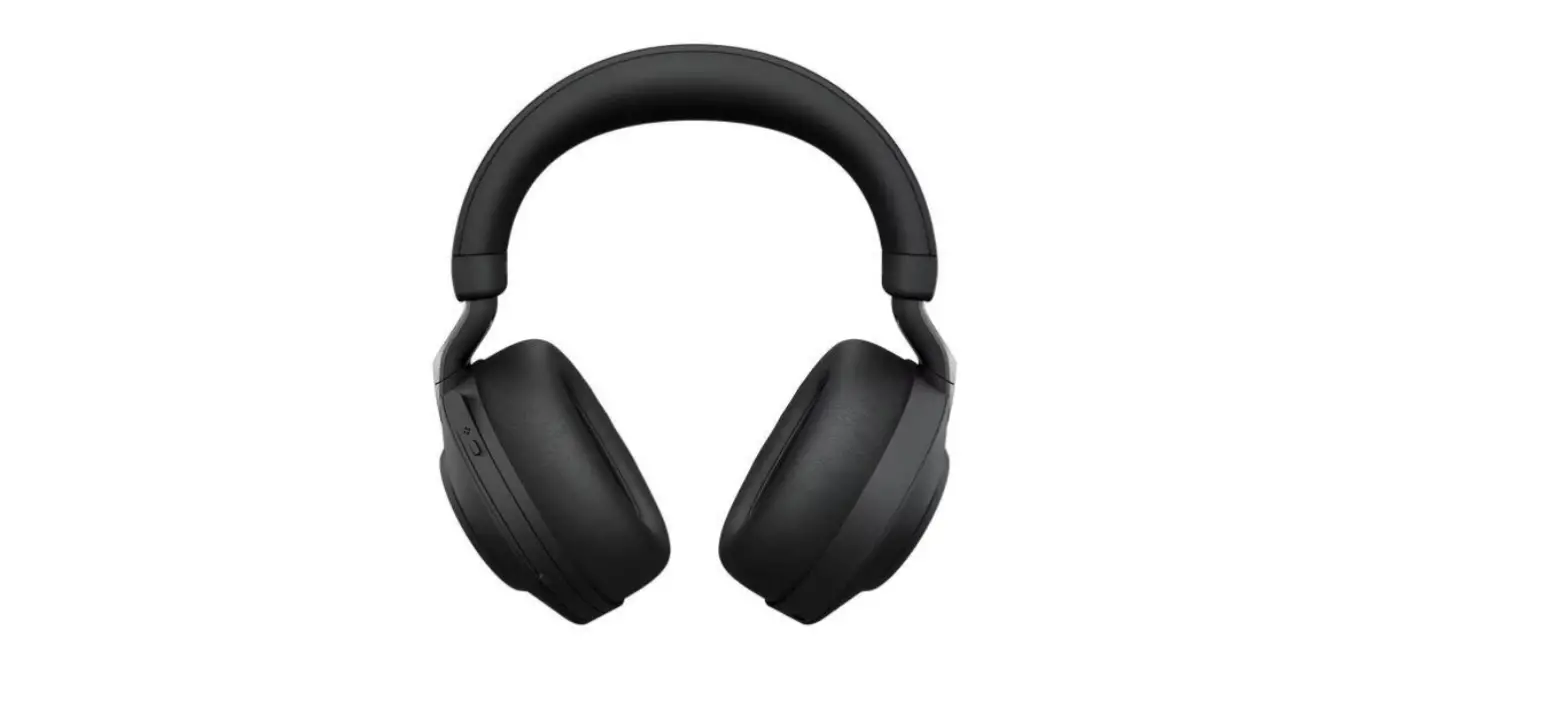
Press the Sound Modes button on the left earcup to cycle through these options: ANC, HearThrough, Off. The Sound Modes button will override the ANC setting in Jabra Sound+.
Left earcup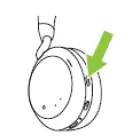
Turn on/off ANC using Jabra Sound+
Go to Headset > Sound Modes and select your preferred setting.
Note: You can configure ANC settings using Jabra Sound+ (Google Play | App Store) on your smartphone or Jabra Direct on your computer.
References
 Jabra Direct - Engineered to optimize and personalize your headset
-
[FAQTitle] | Jabra Evolve2 75 - USB-A UC - Black | FAQ | Jabra Support
-
How do I turn on/off Active Noise Cancellation (ANC) on my Jabra Evolve2 75 headset? | Jabra Evolve2 75 - USB-A UC - Black | FAQ | Jabra Support
-
[FAQTitle] | Jabra Evolve2 75 - USB-A MS Teams - Beige | FAQ | Jabra Support
-
How do I manually turn on/off the busylights on my Jabra Evolve2 headset? | Jabra Evolve2 75 - USB-A MS Teams - Beige | FAQ | Jabra Support
 Jabra Direct - Engineered to optimize and personalize your headset
 [FAQTitle] | Jabra Evolve2 75 - USB-A UC - Black | FAQ | Jabra Support