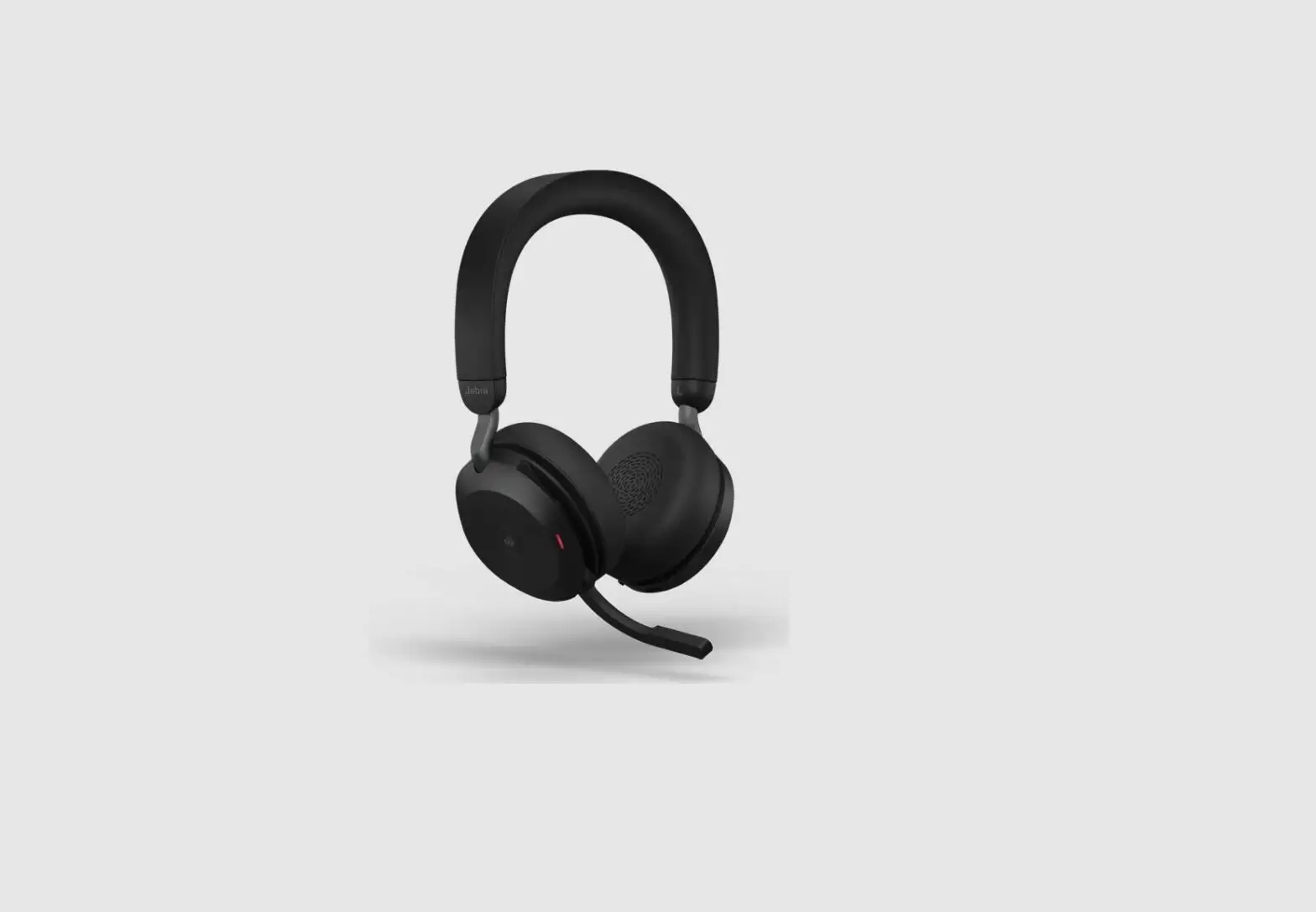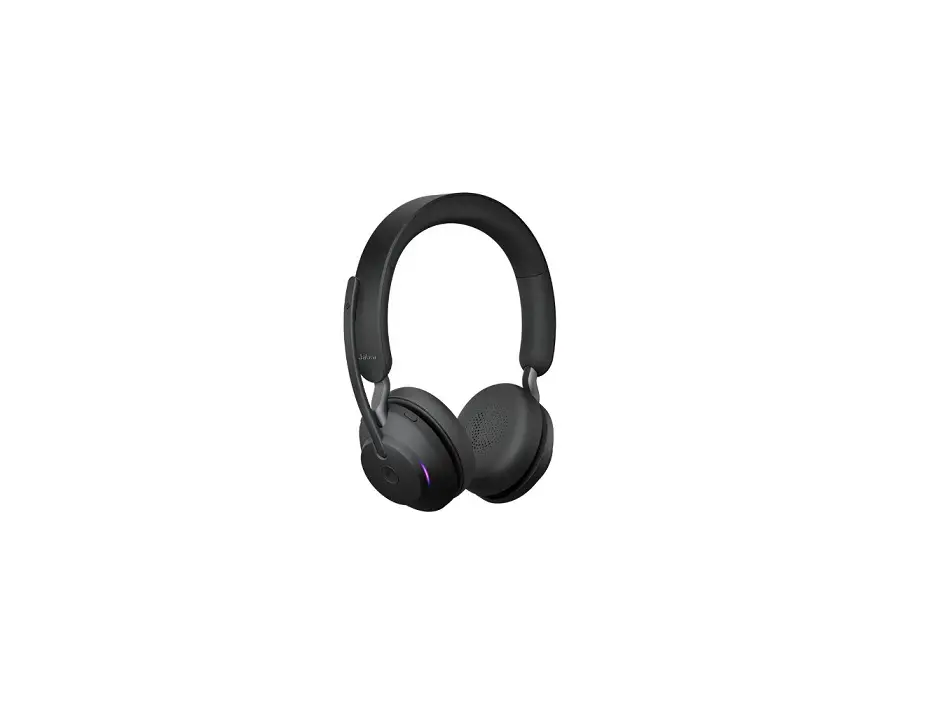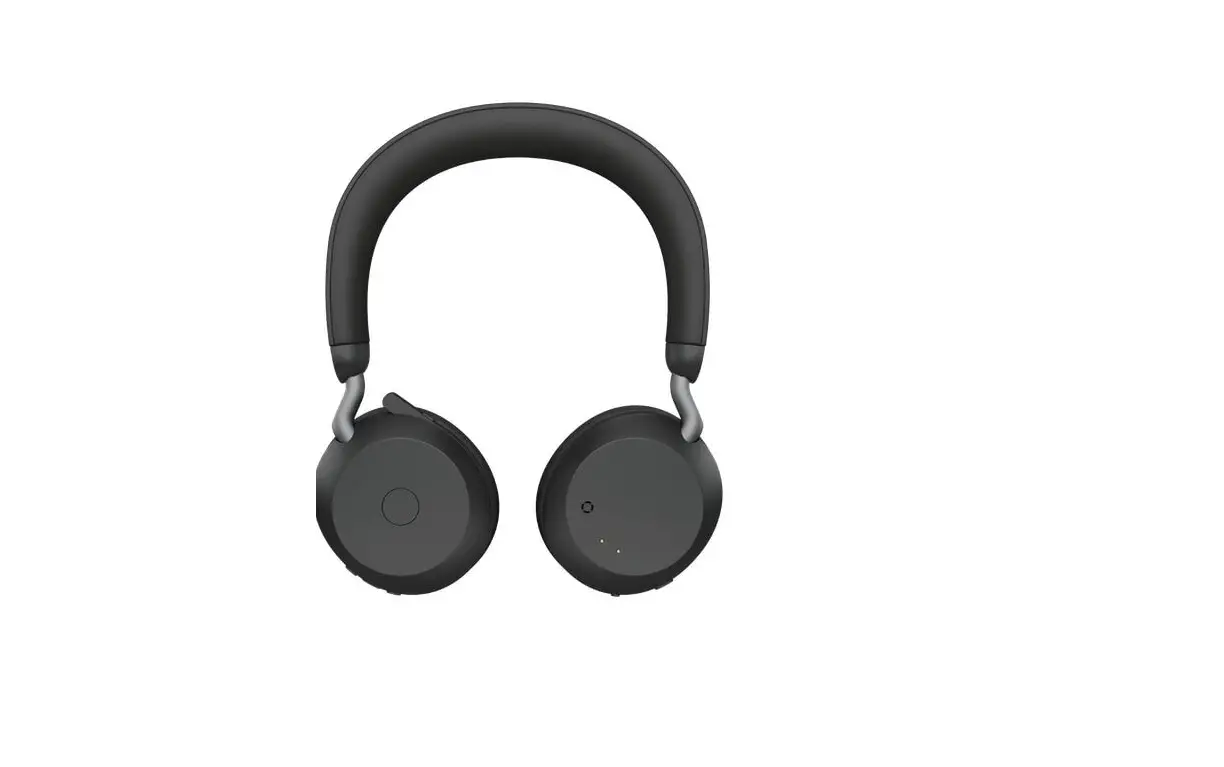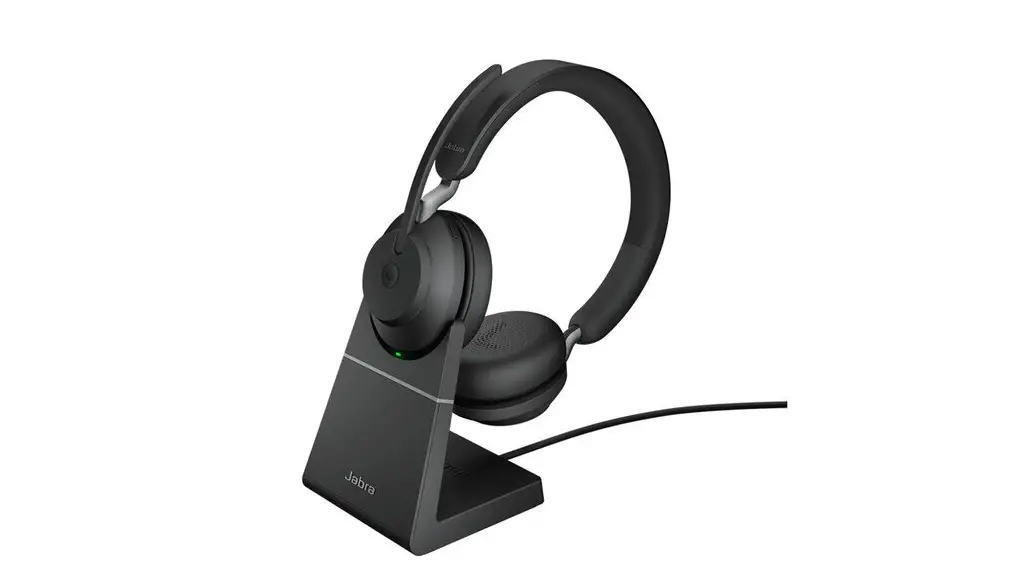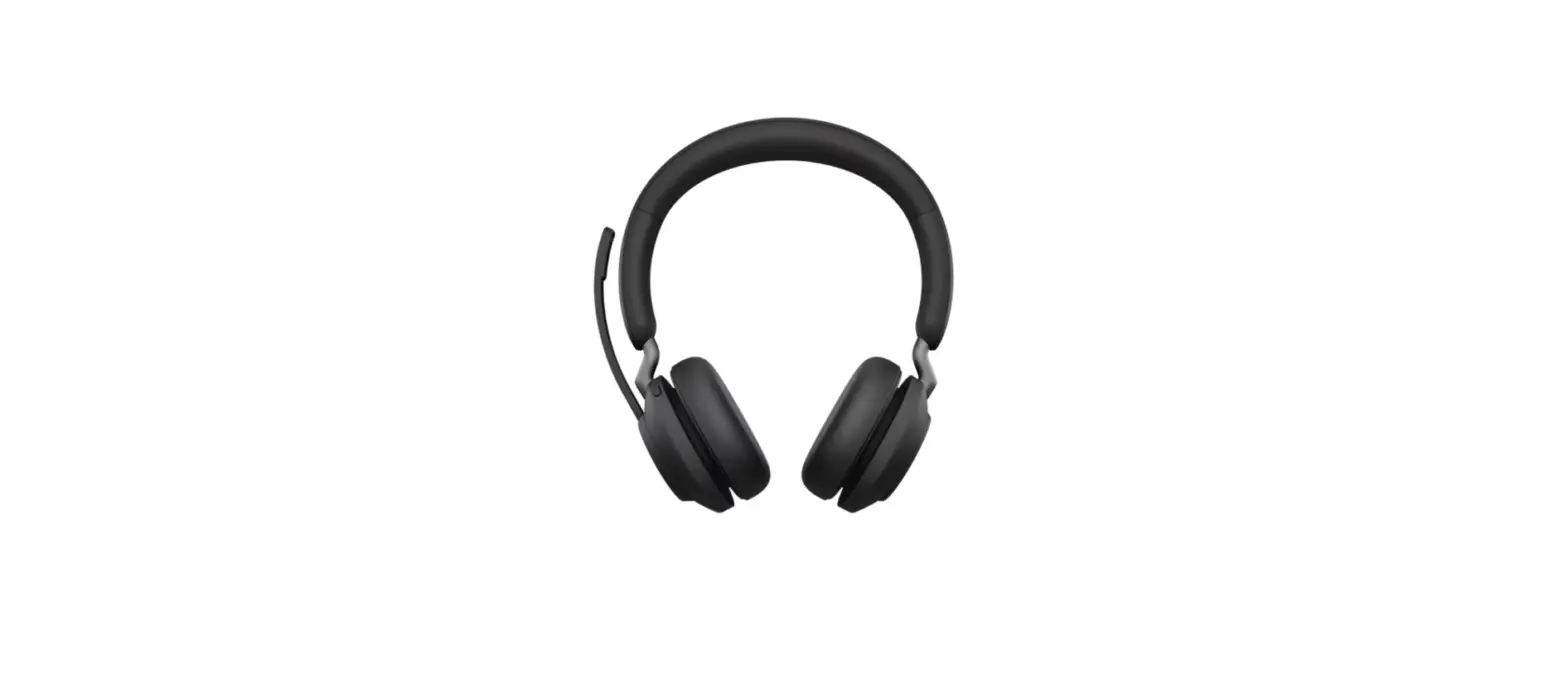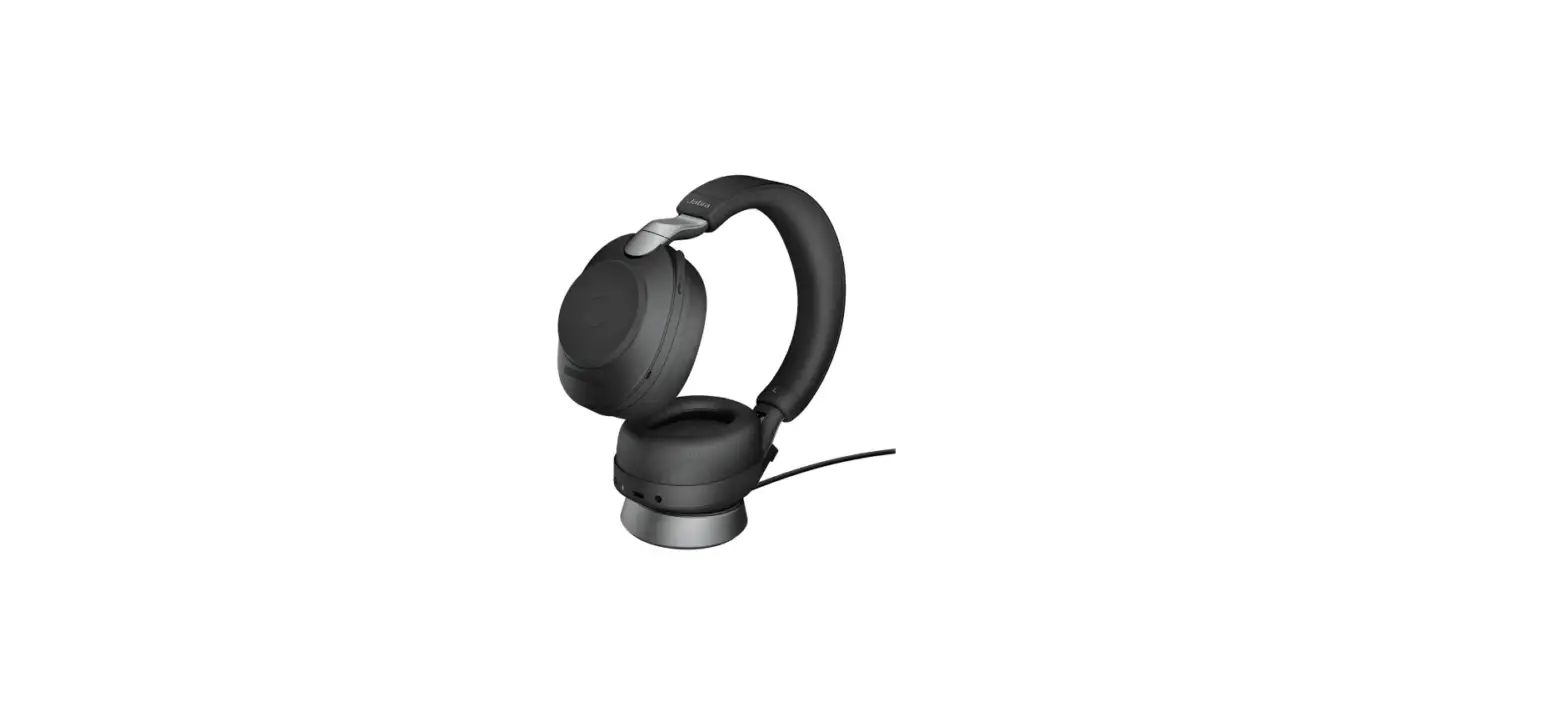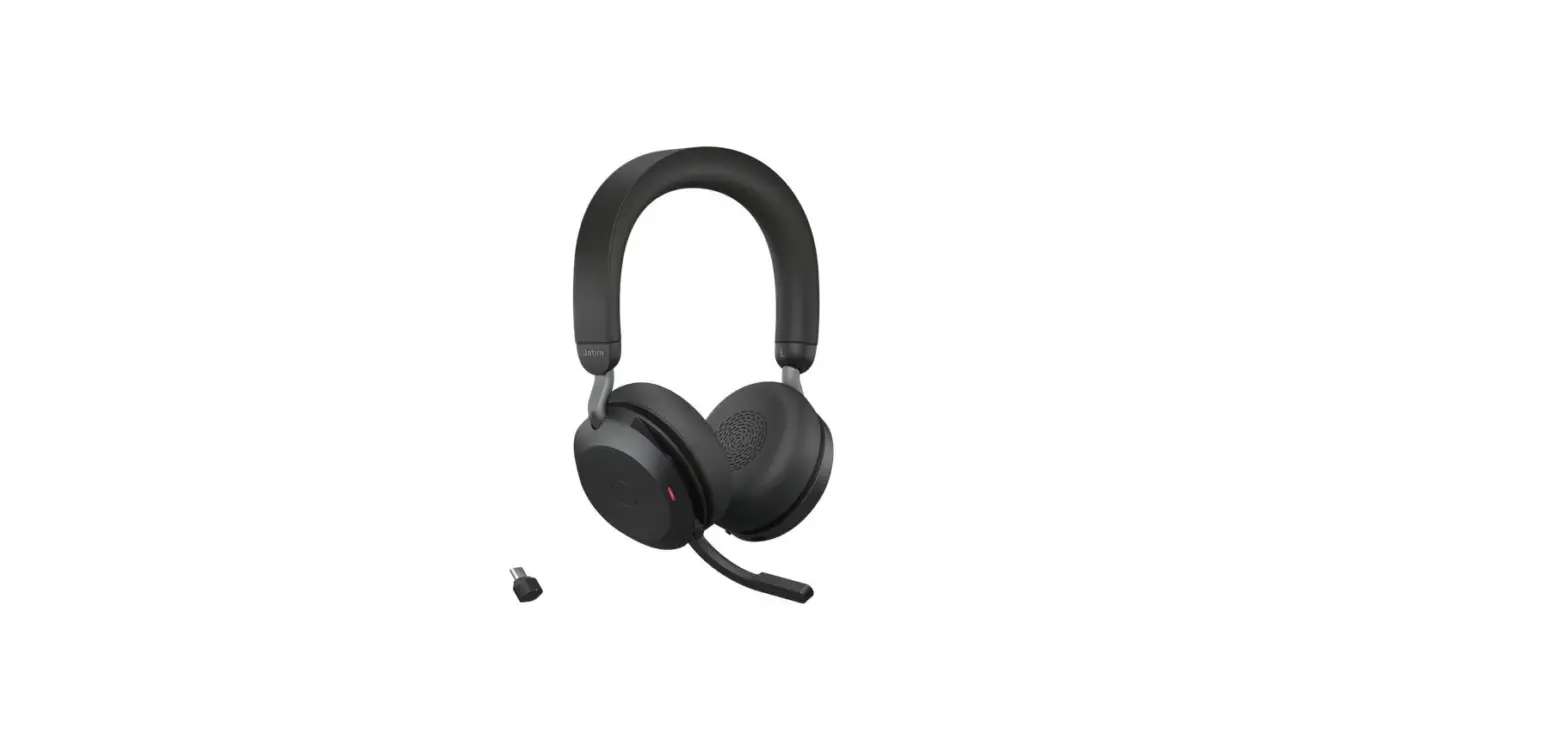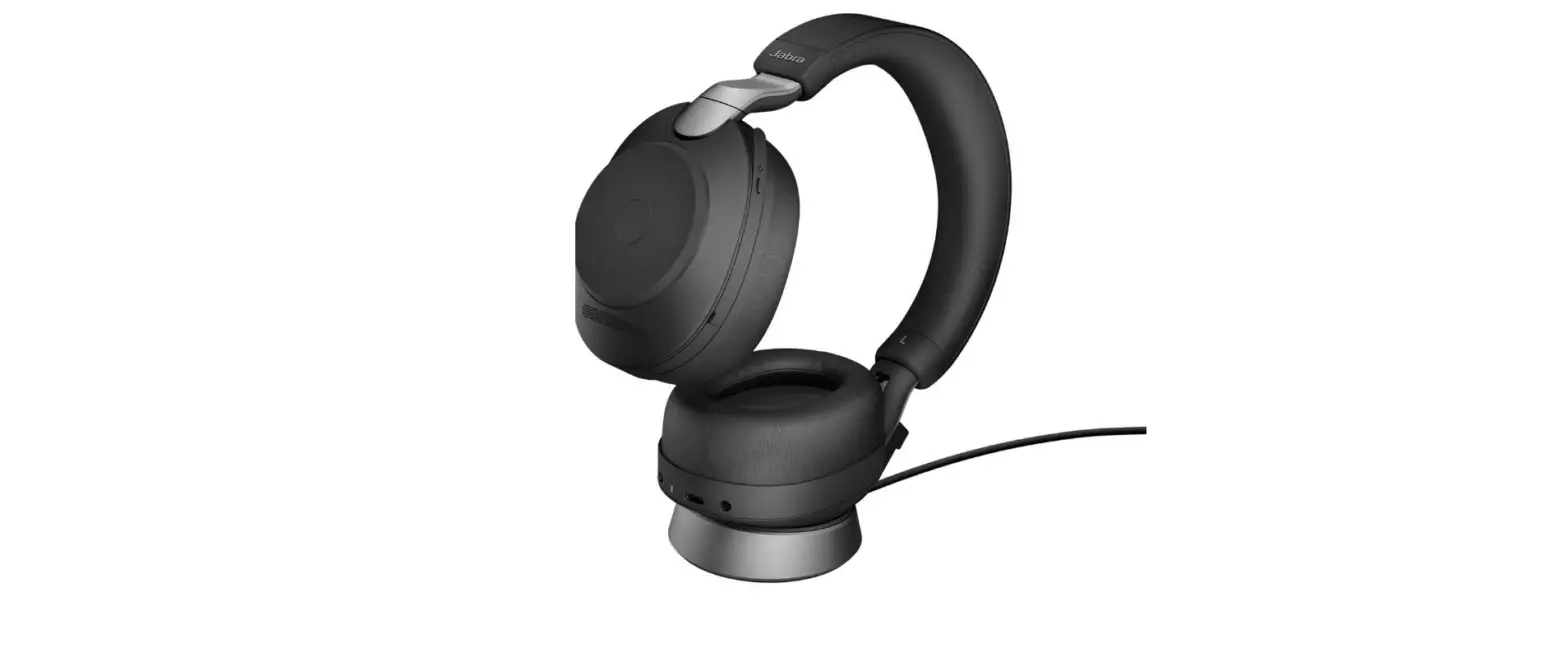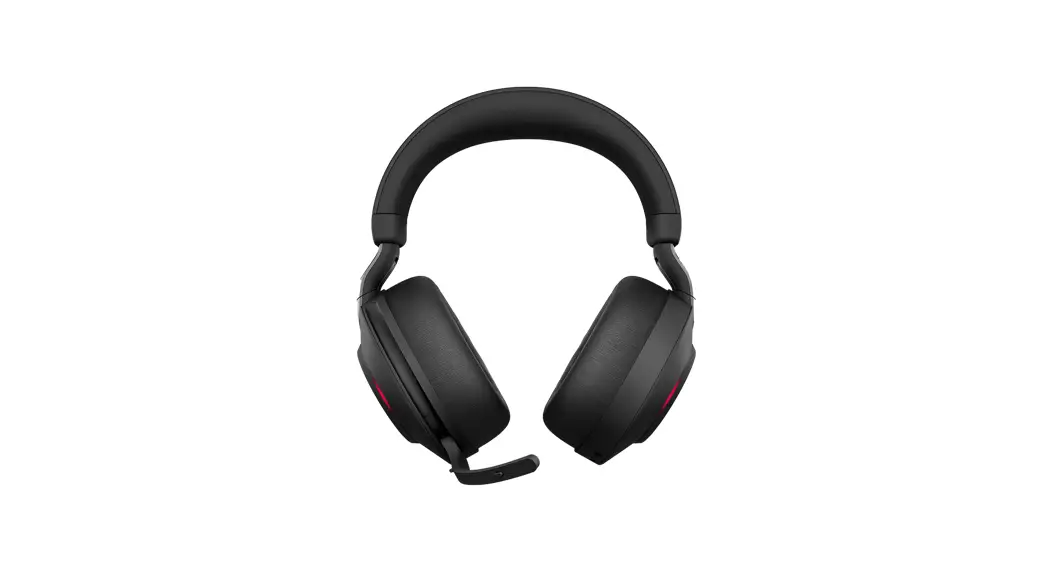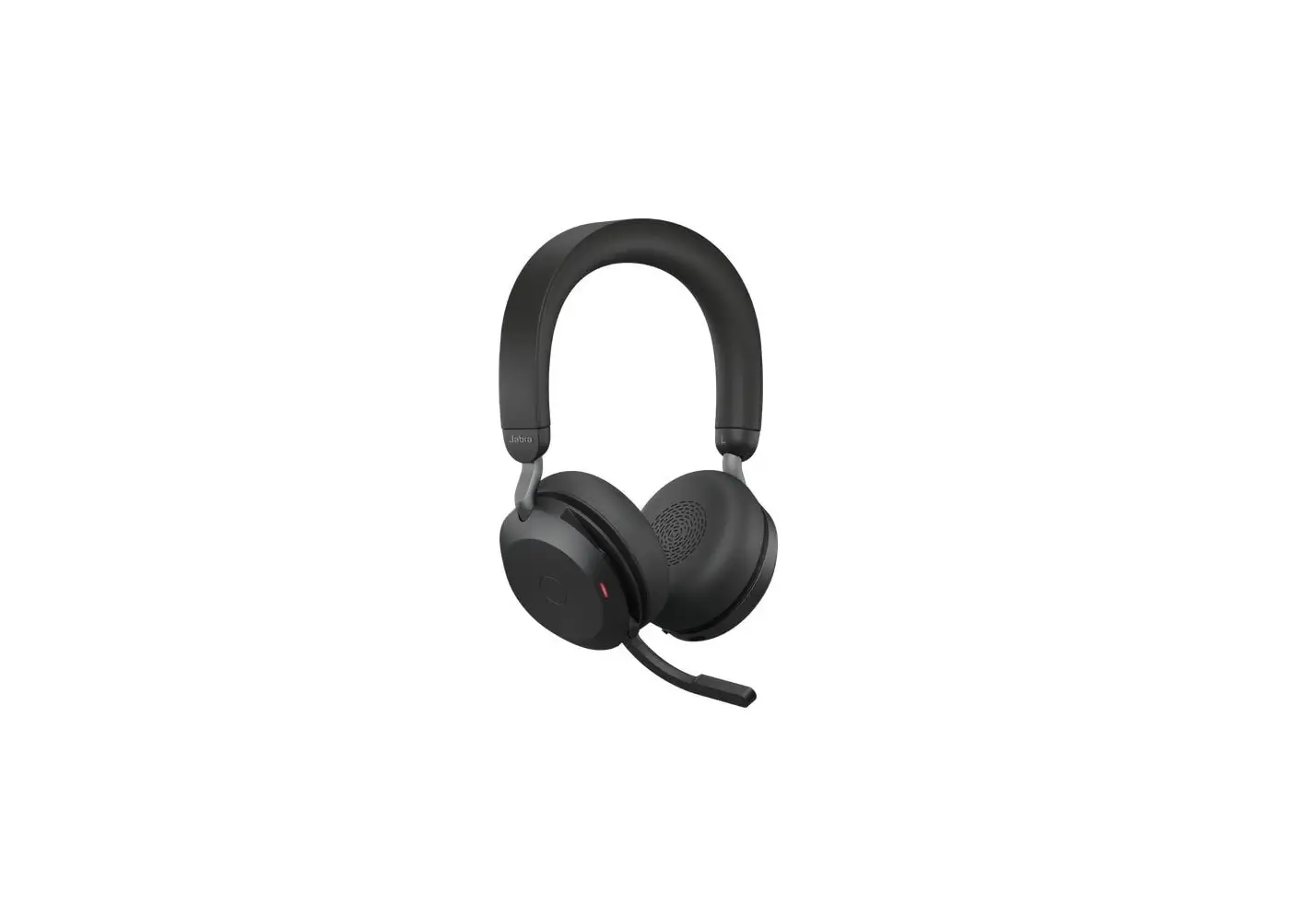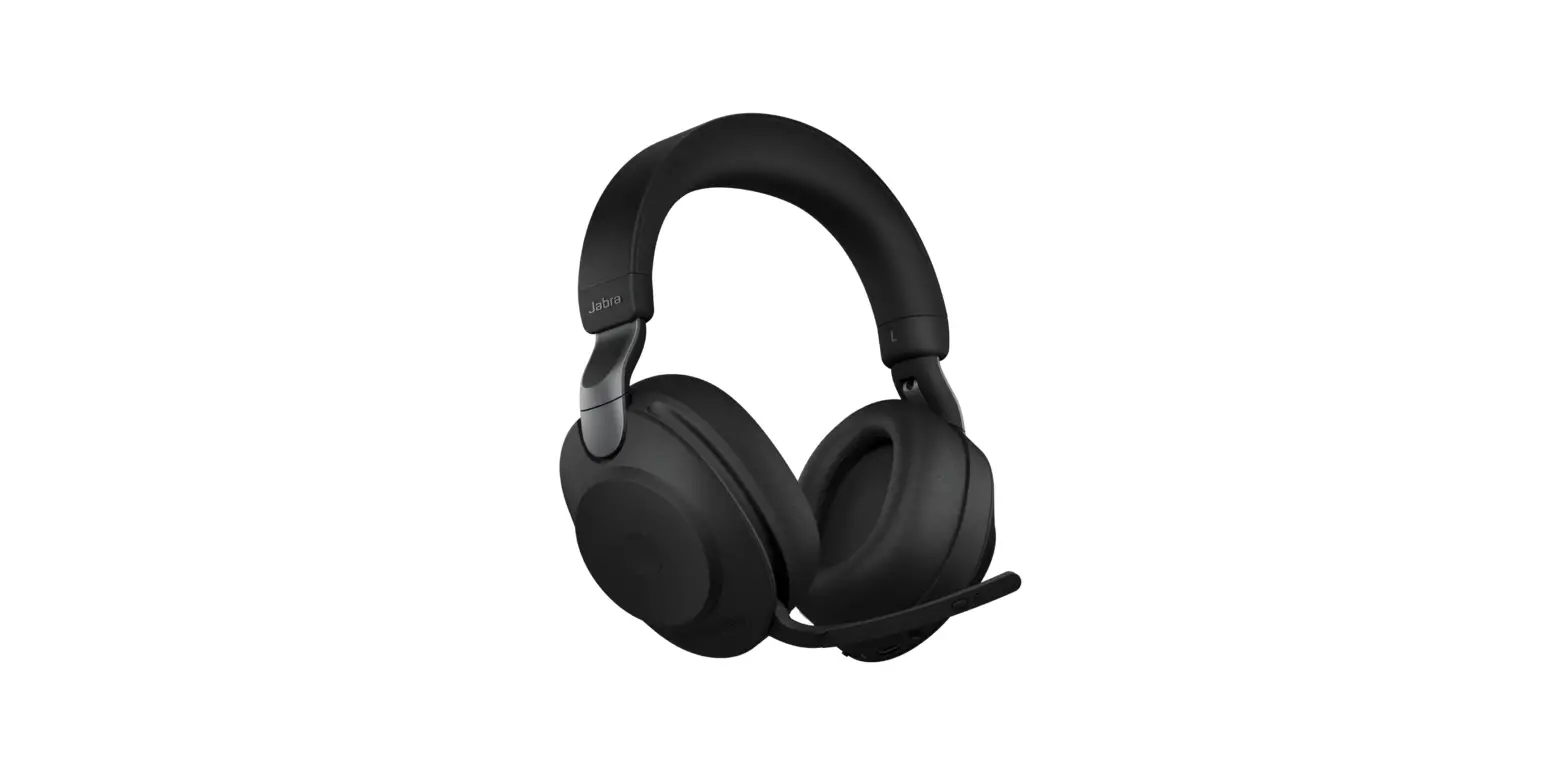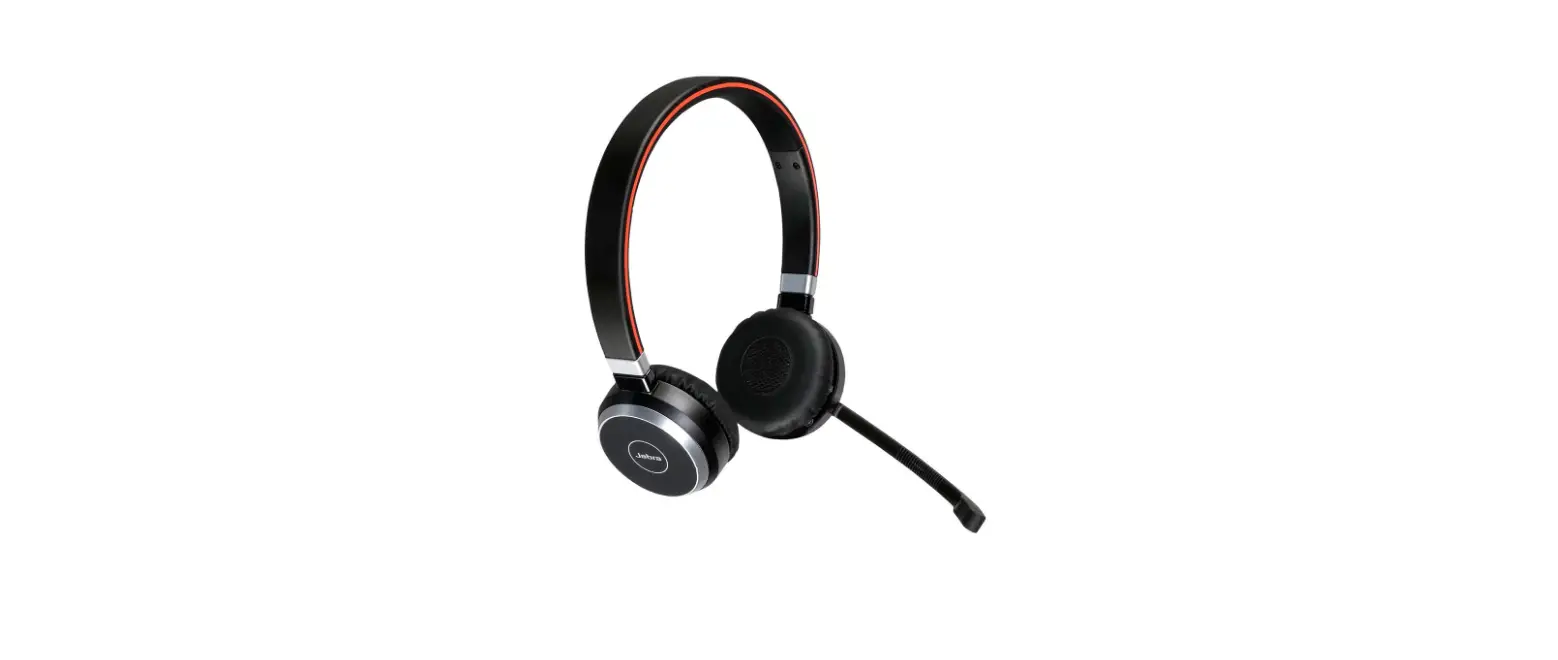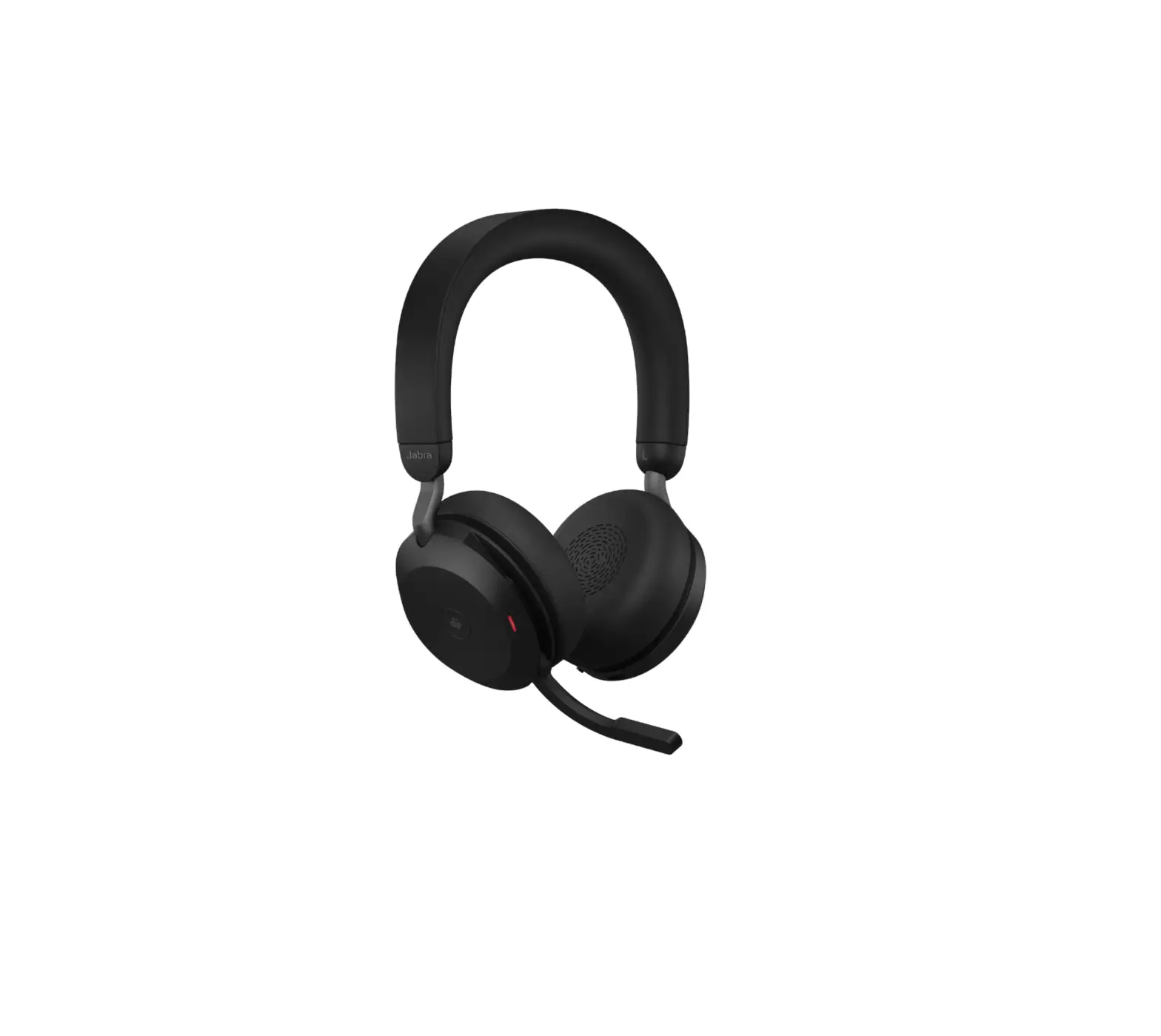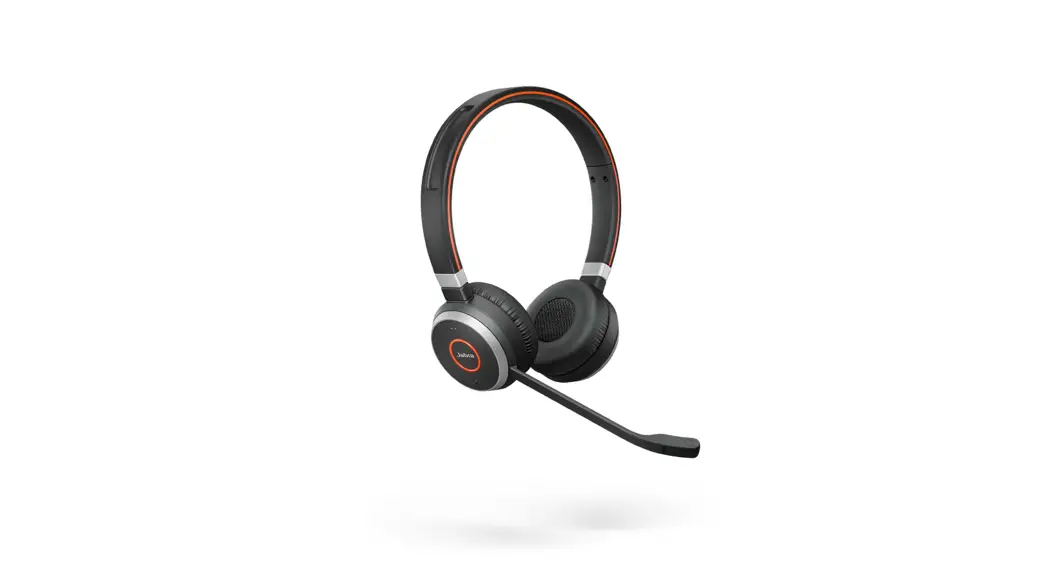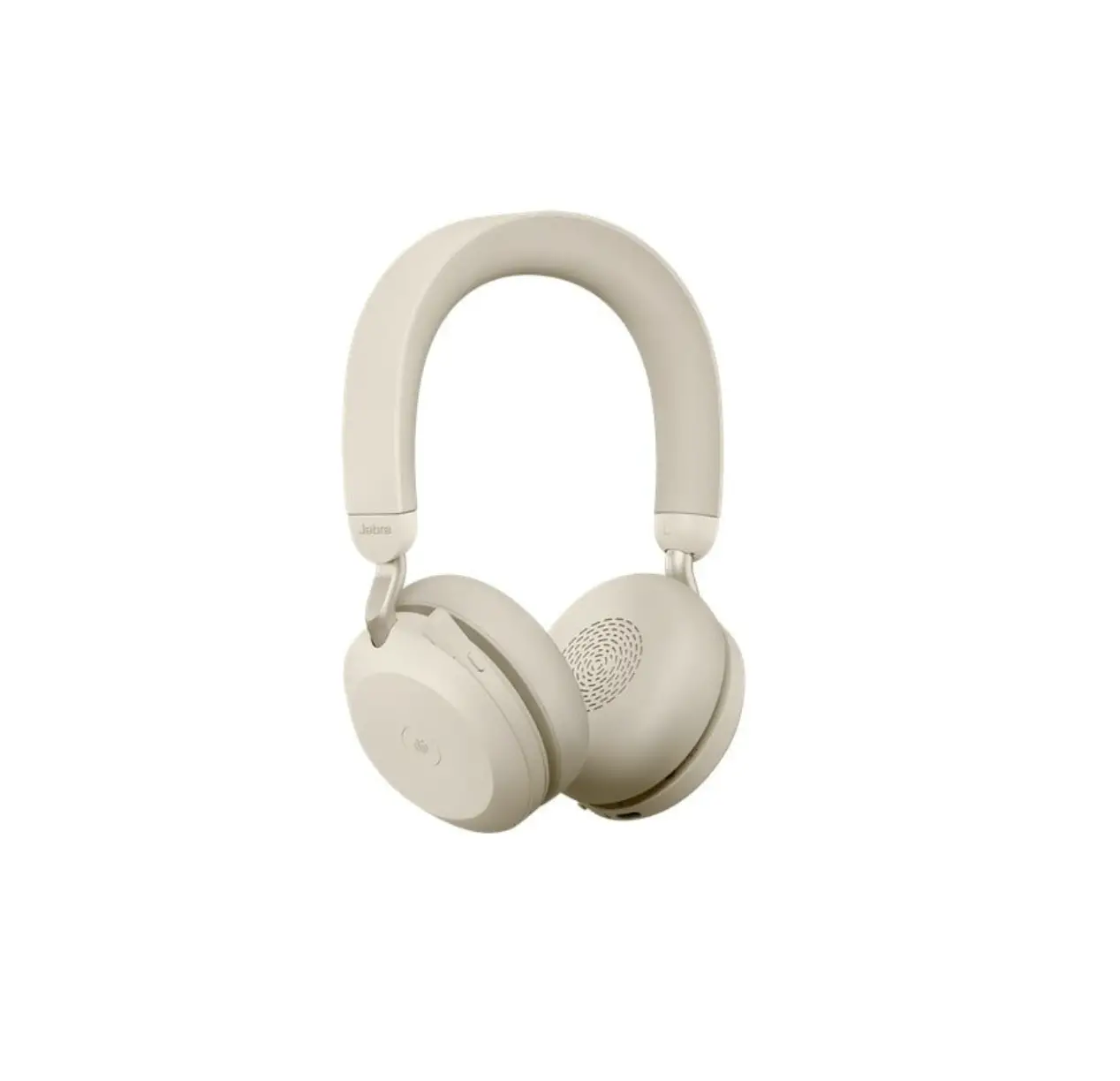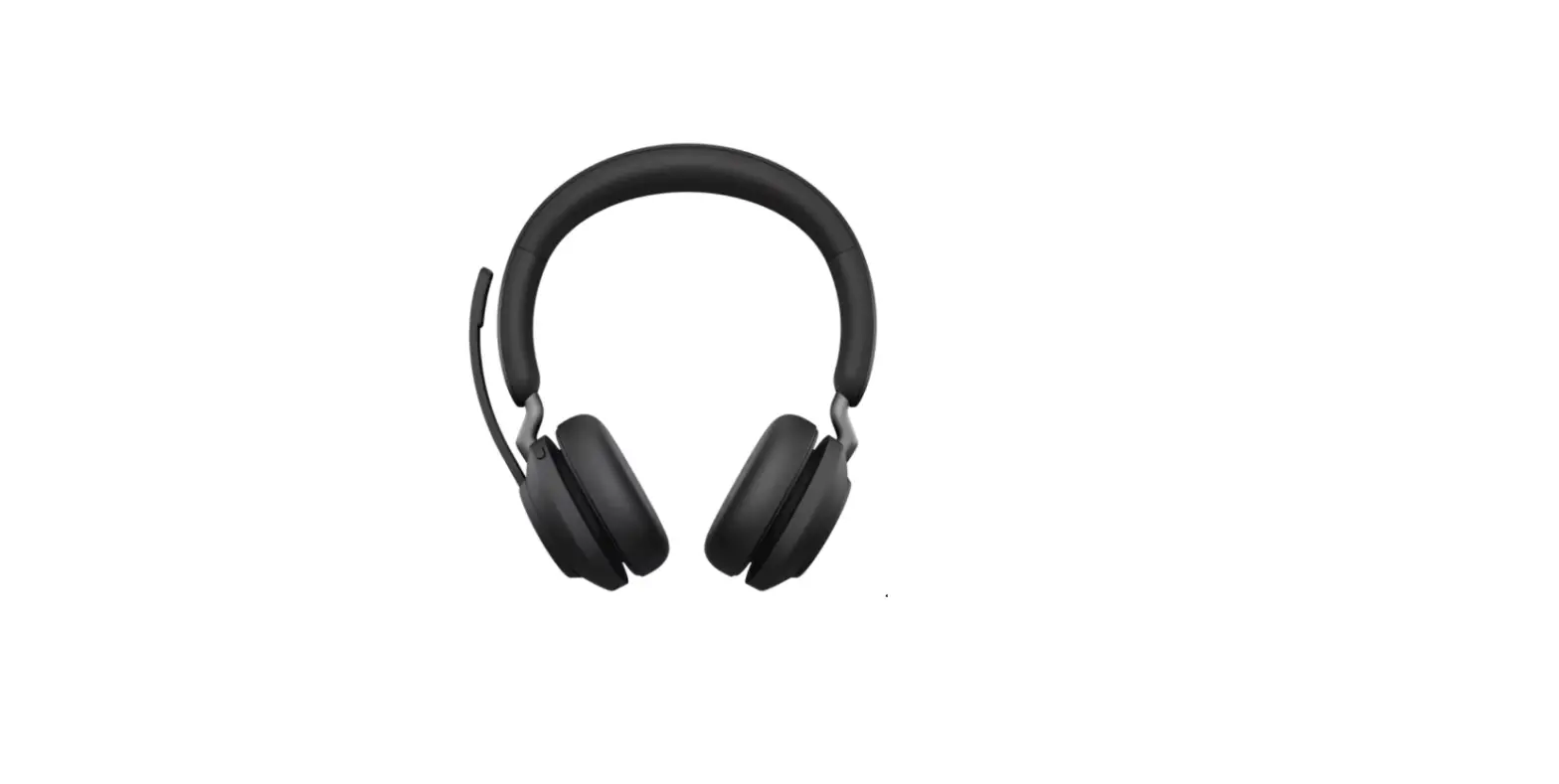

Jabra Evolve2 65 USB A UC Stereo Wireless Headset
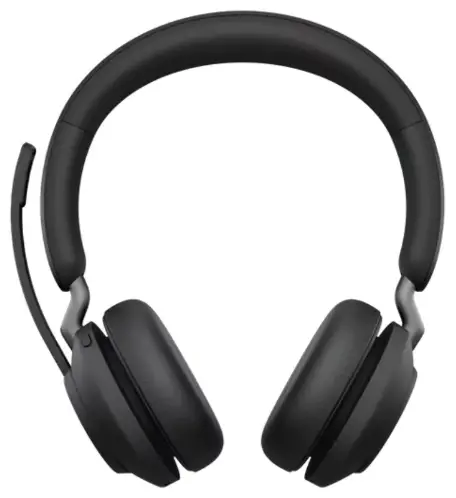
Jabra Evolve2 65 – USB-A UC Mono with Charging Stand – Black
How do I manually turn on/off the busylights on my Jabra Evolve2 headset?
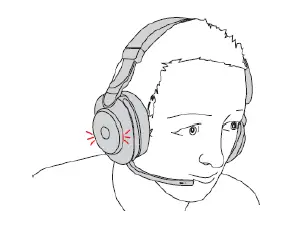
When you are wearing the headset and on a call, the busylights automatically light up red to indicate that you are busy.
To manually turn on/off the busylights, simultaneously press the Volume up and Volume down buttons on the right earcup.
Note
You can configure busylight settings using Jabra Sound+ (Google Play|App Store) on your smartphone or Jabra Direct on your computer.
Images are for guidance purposes only. The image displayed may differ slightly from your device, however the content is still relevant and accurate.




 Jabra Direct - Engineered to optimize and personalize your headset
 [FAQTitle] | Jabra Evolve2 65 - USB-A UC Stereo - Black | FAQ | Jabra Support