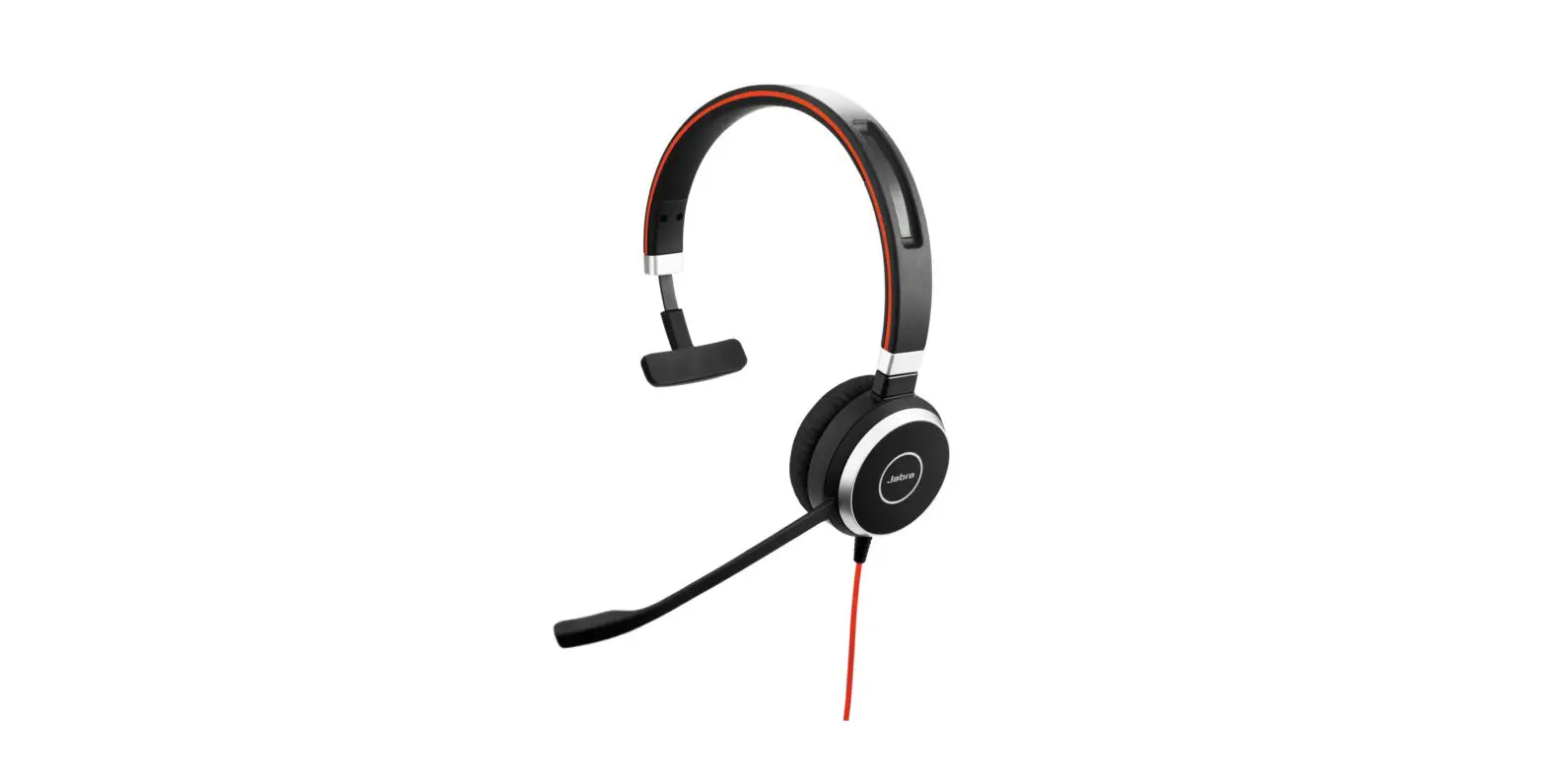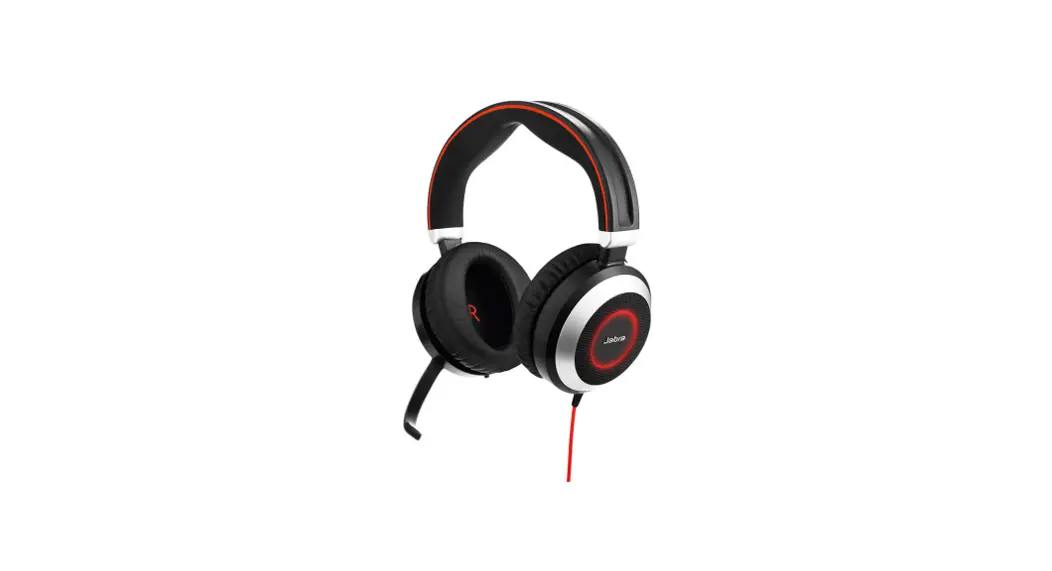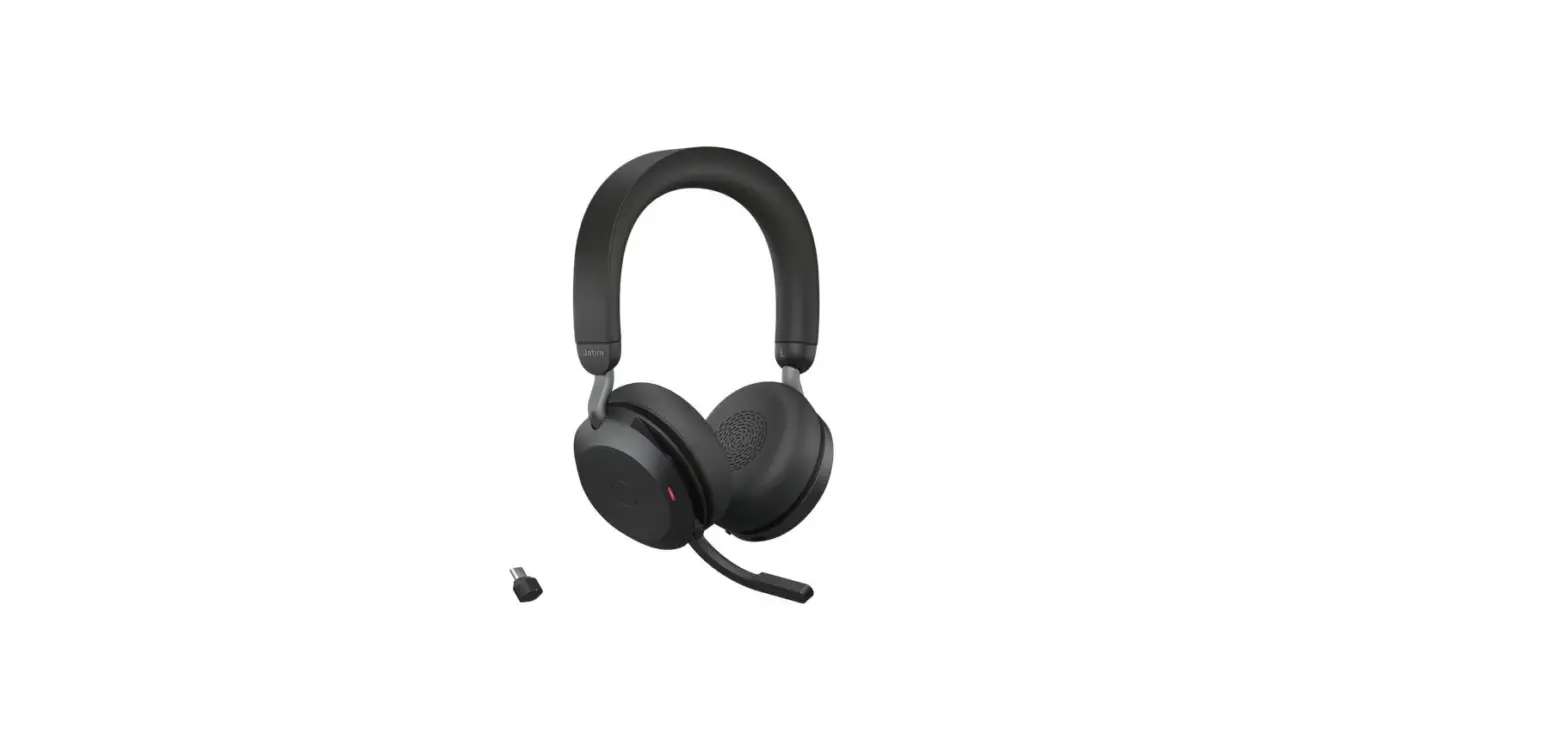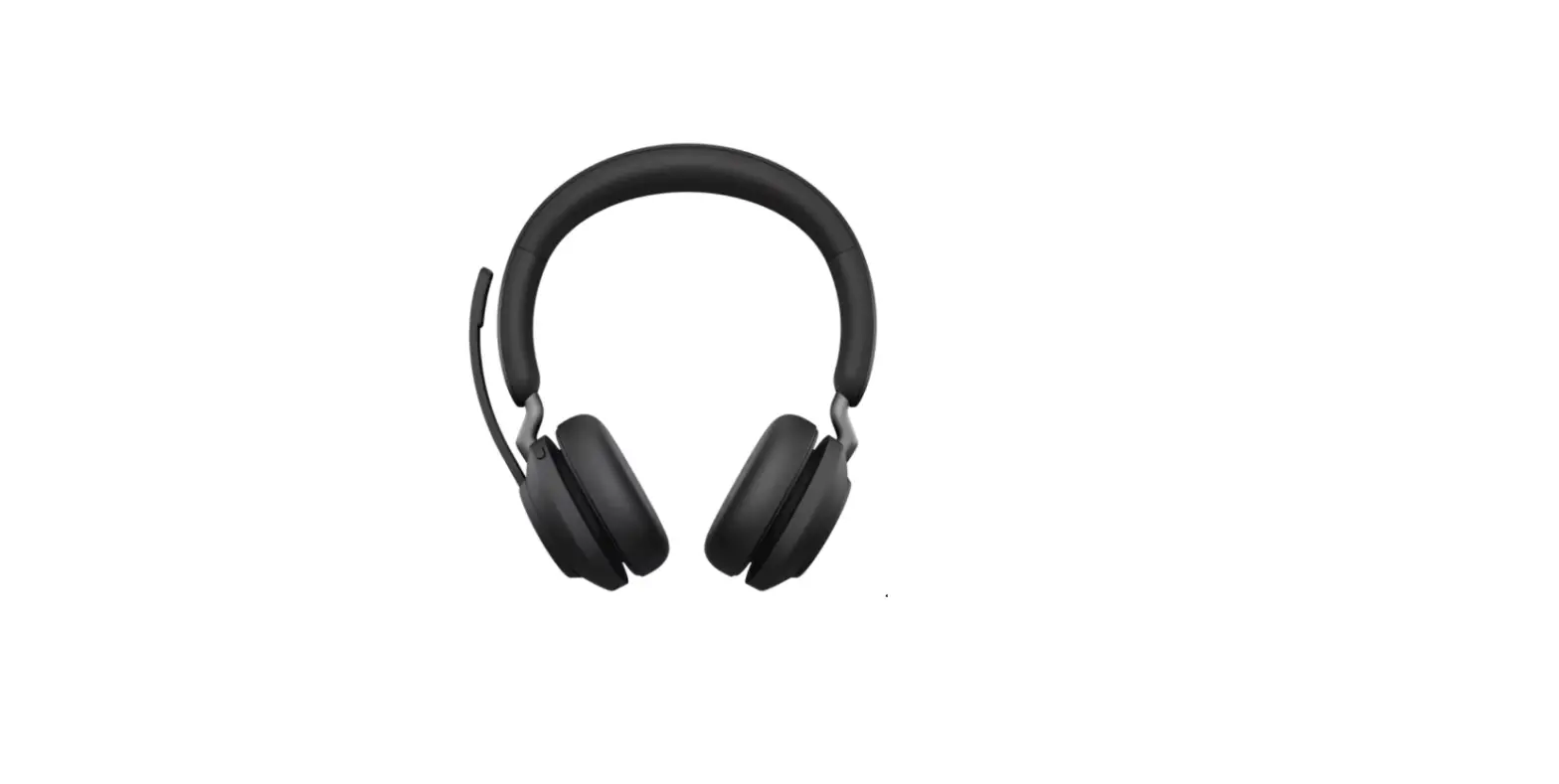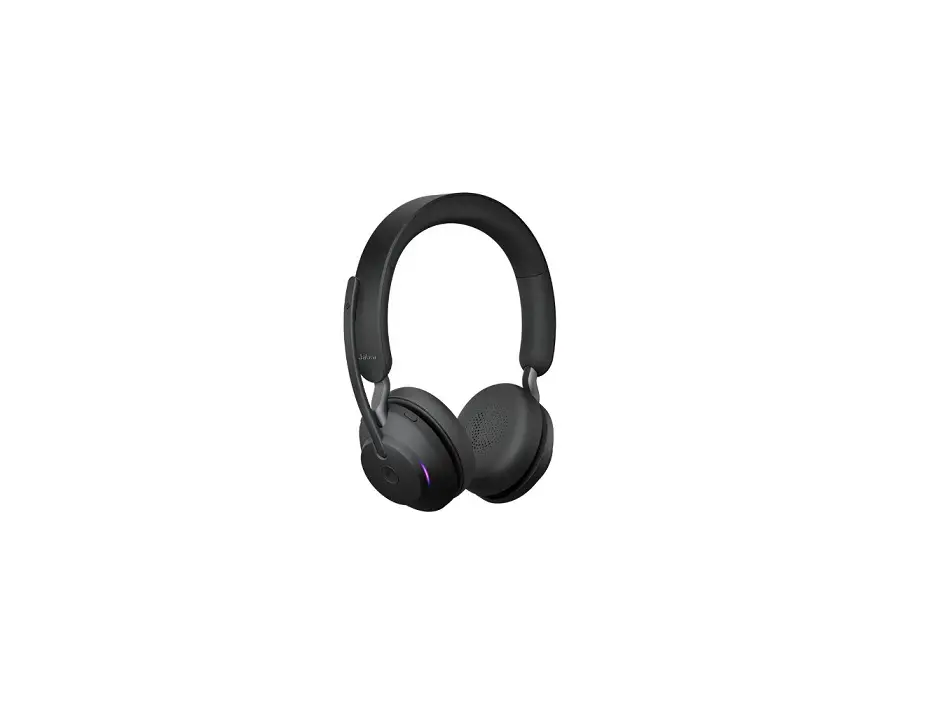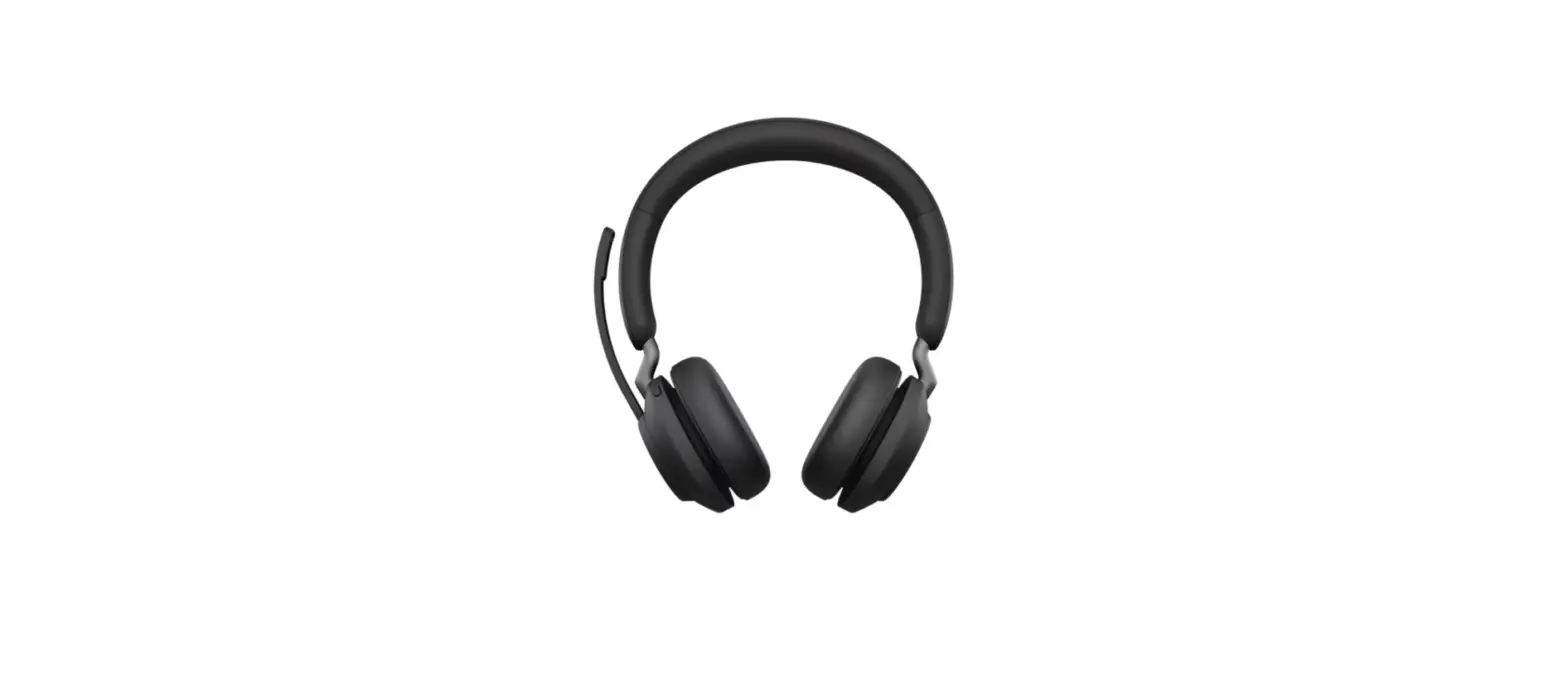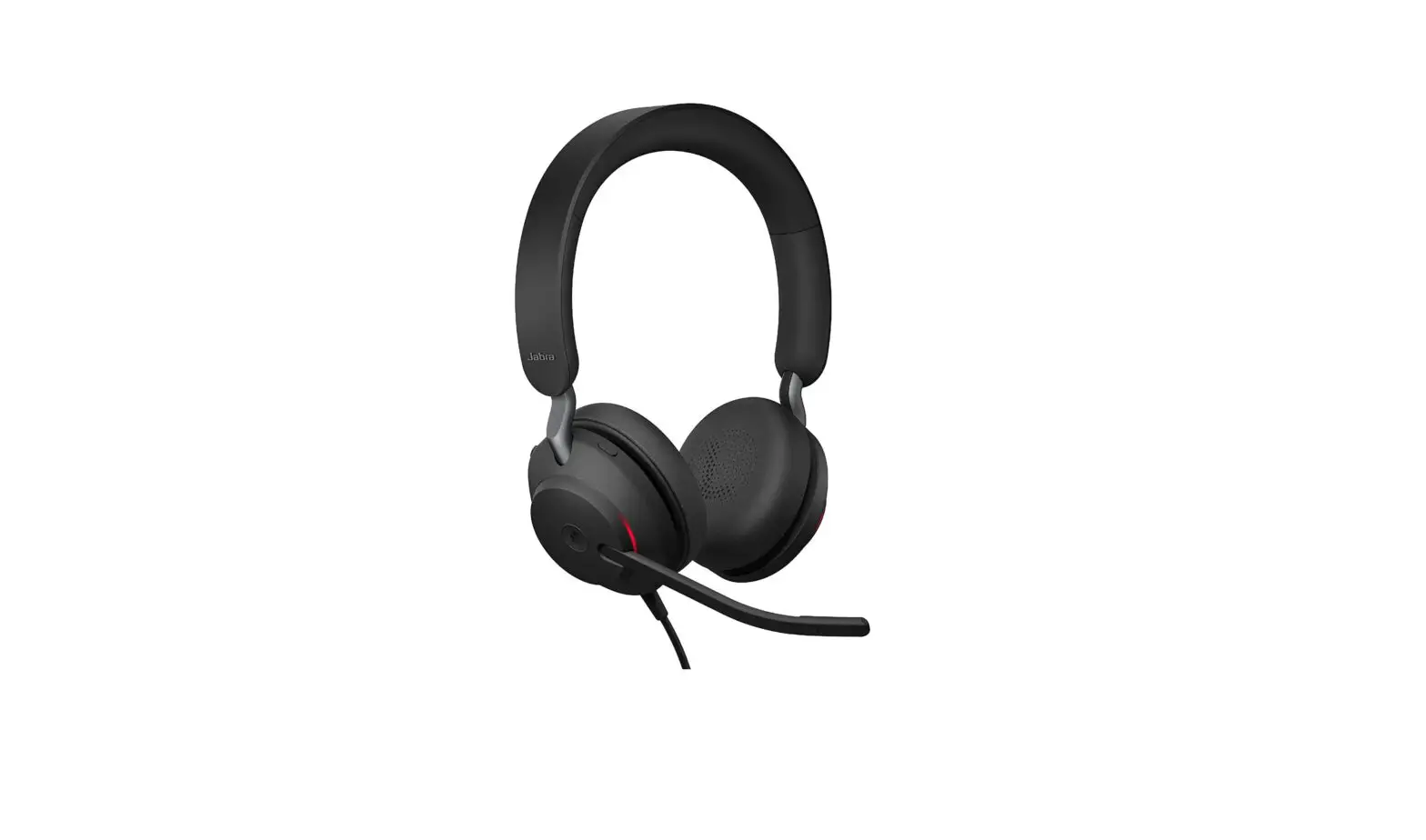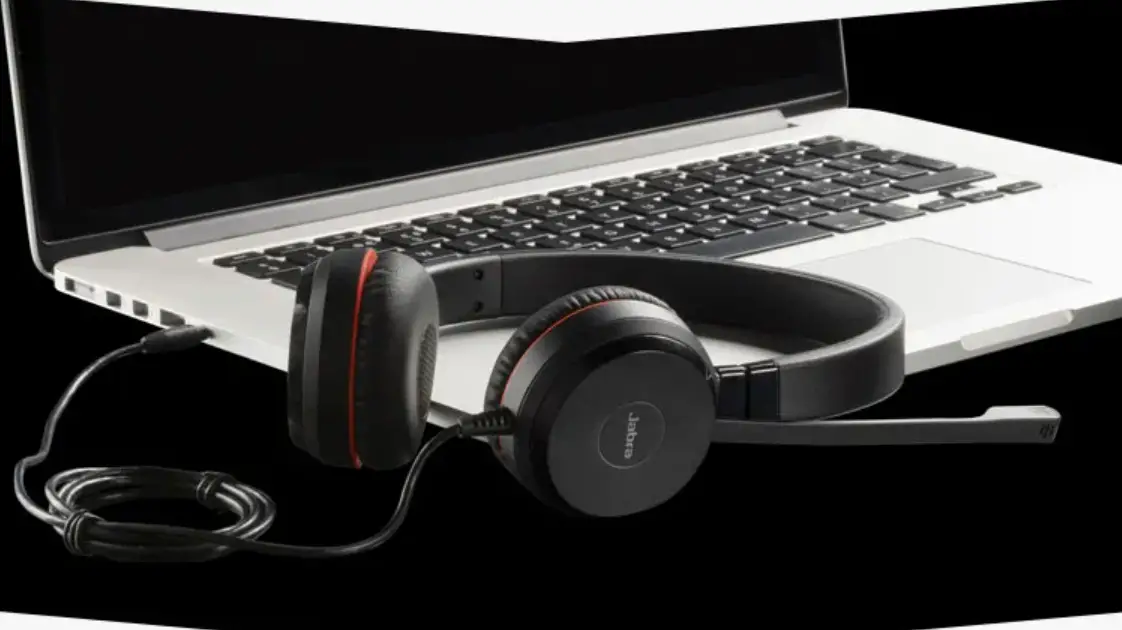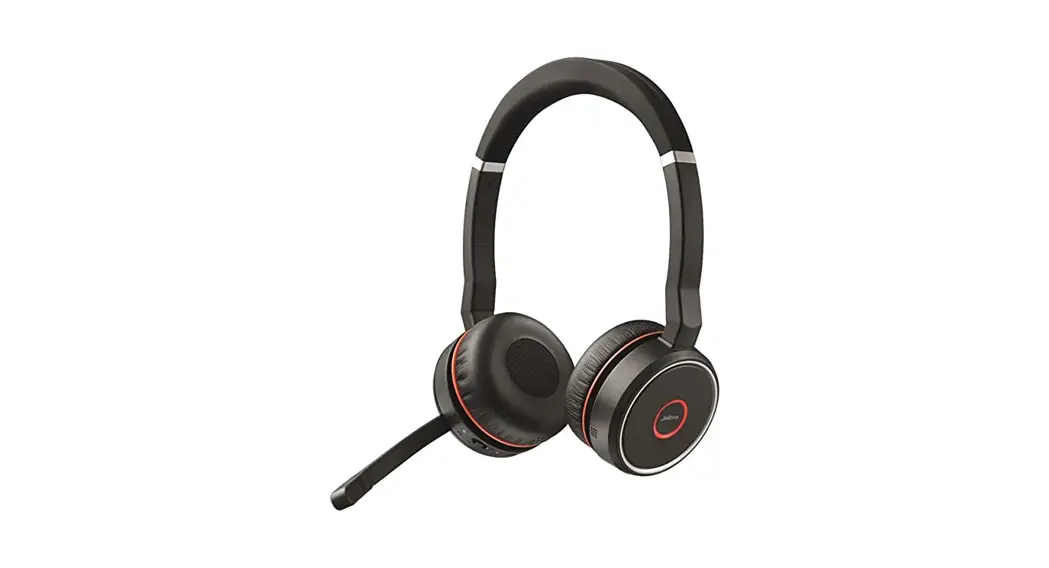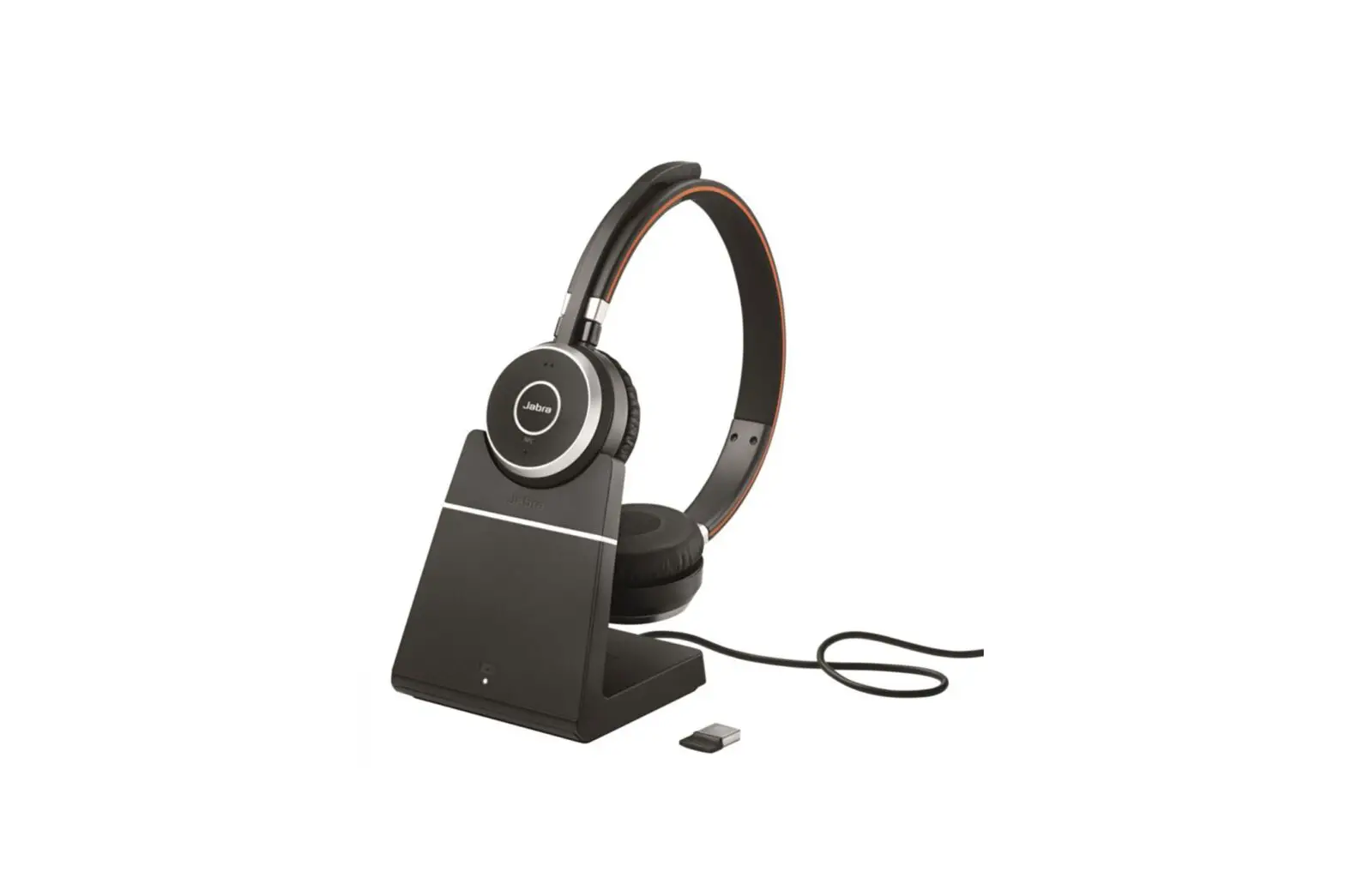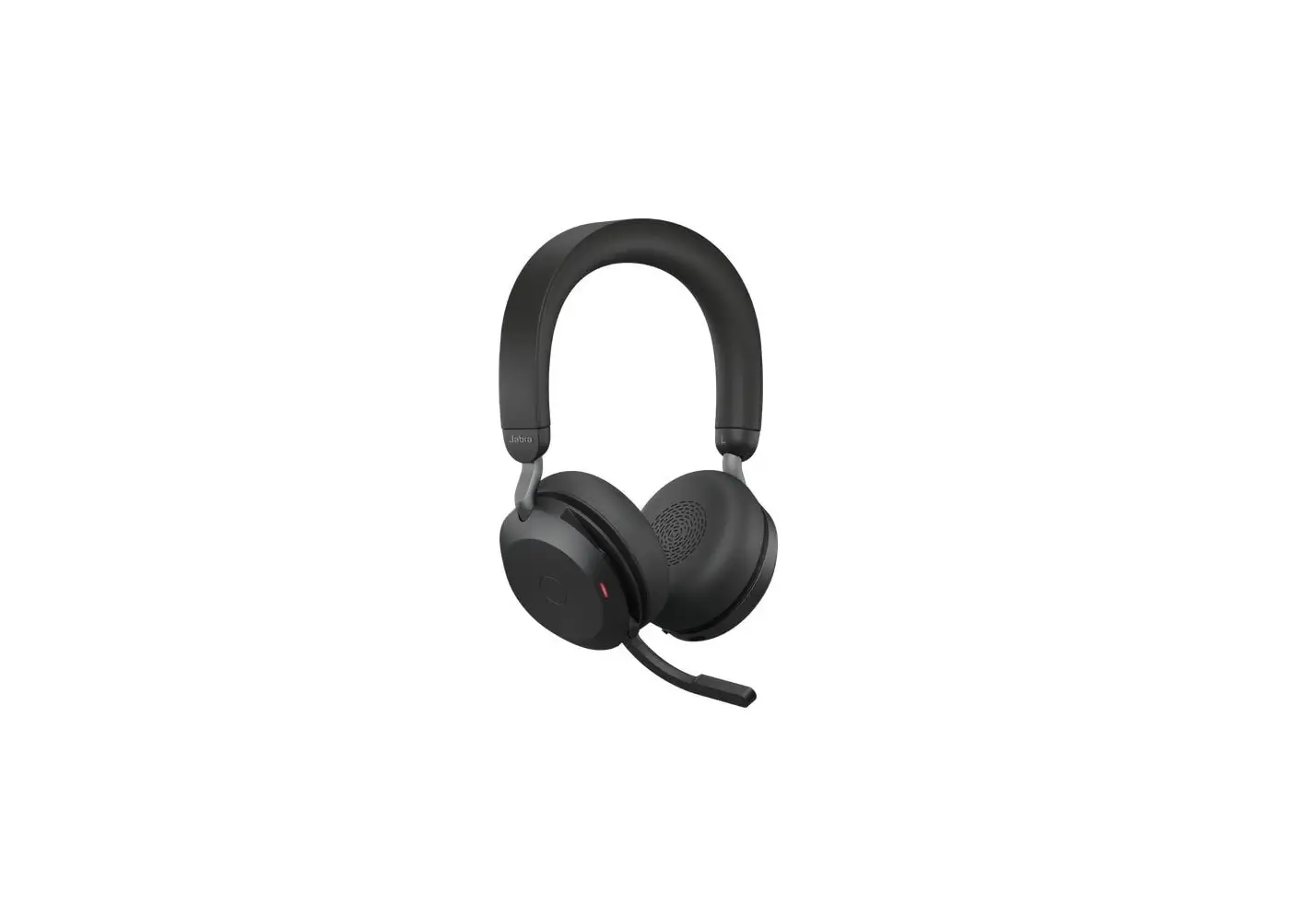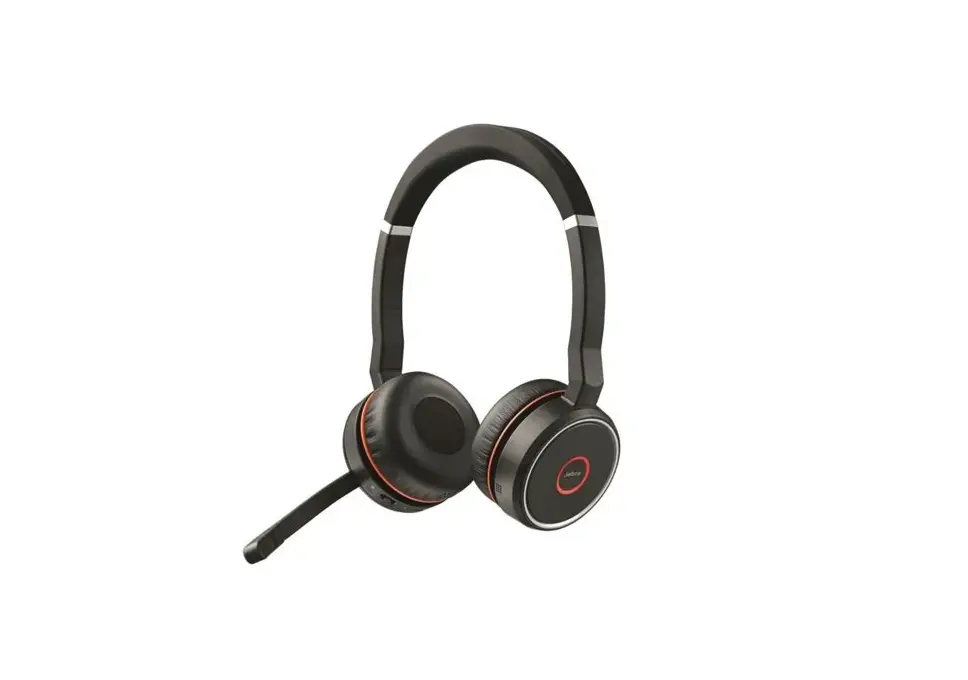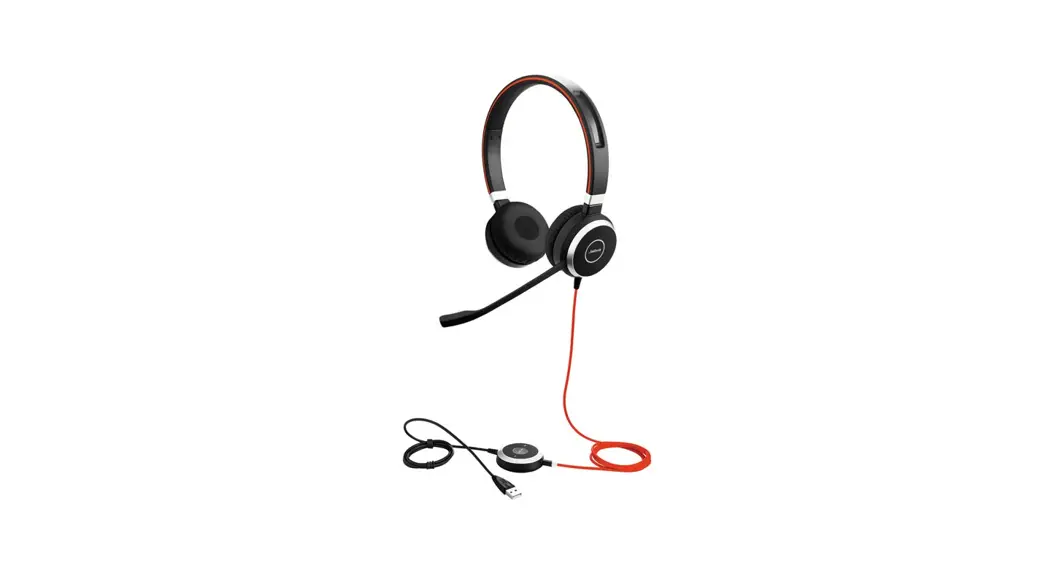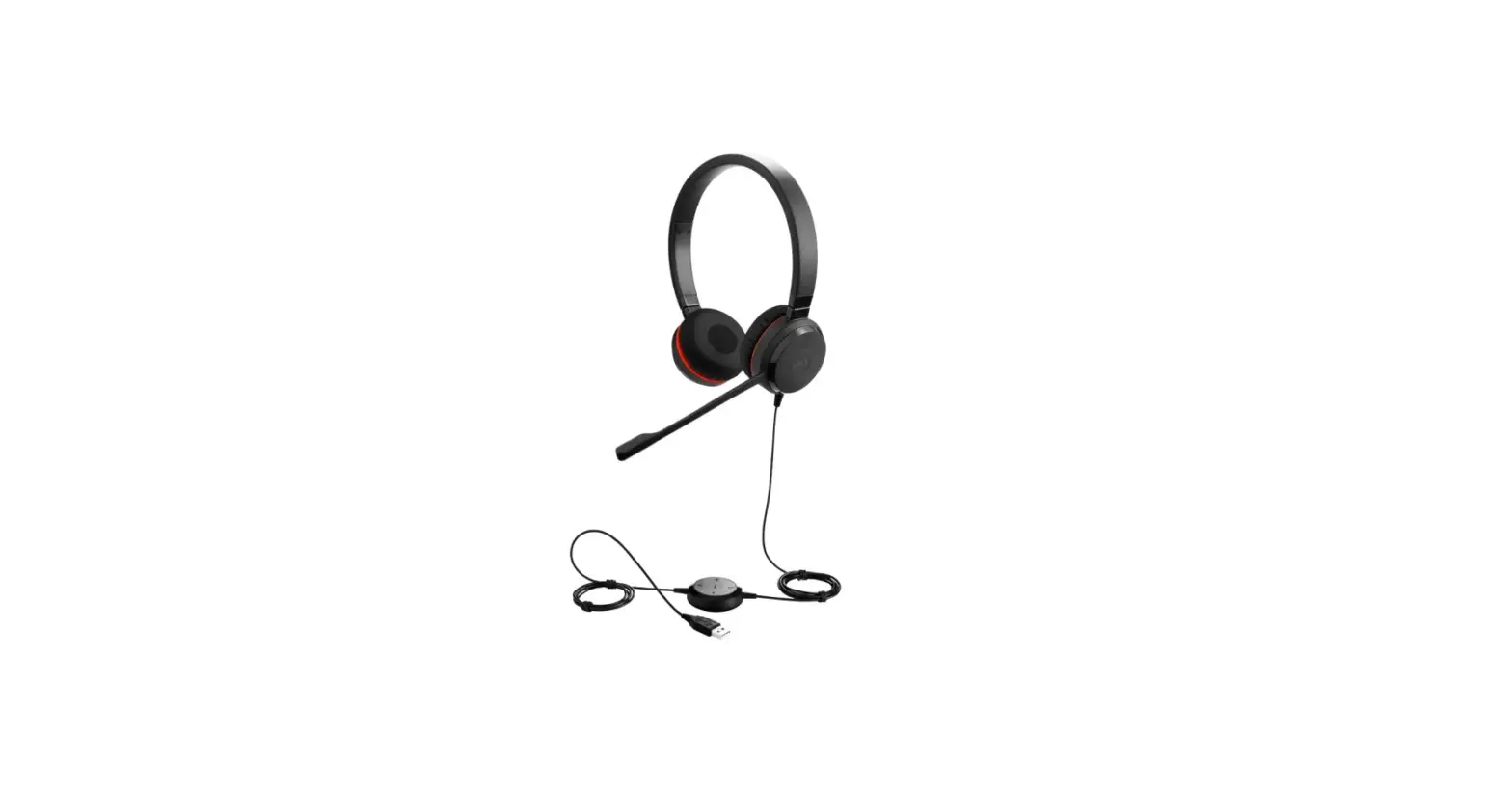

Jabra Evolve 80 UC Stereo USB C Headset
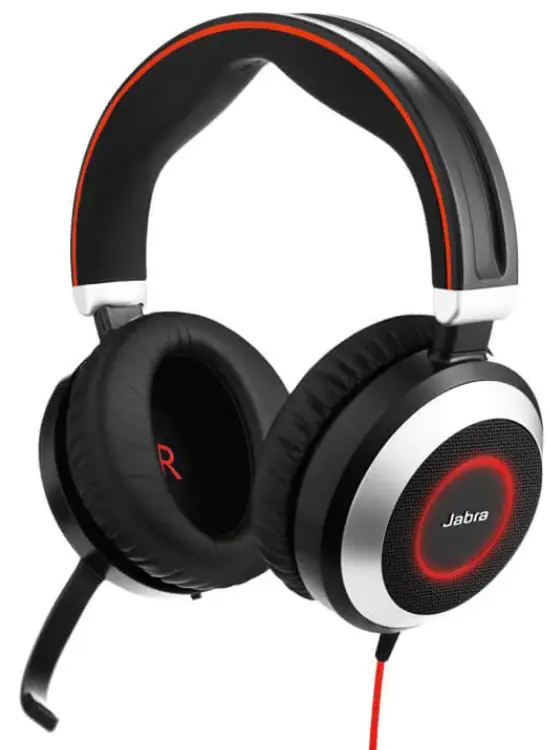
How do I manually turn on/off the busylight feature on my Jabra Evolve headset?
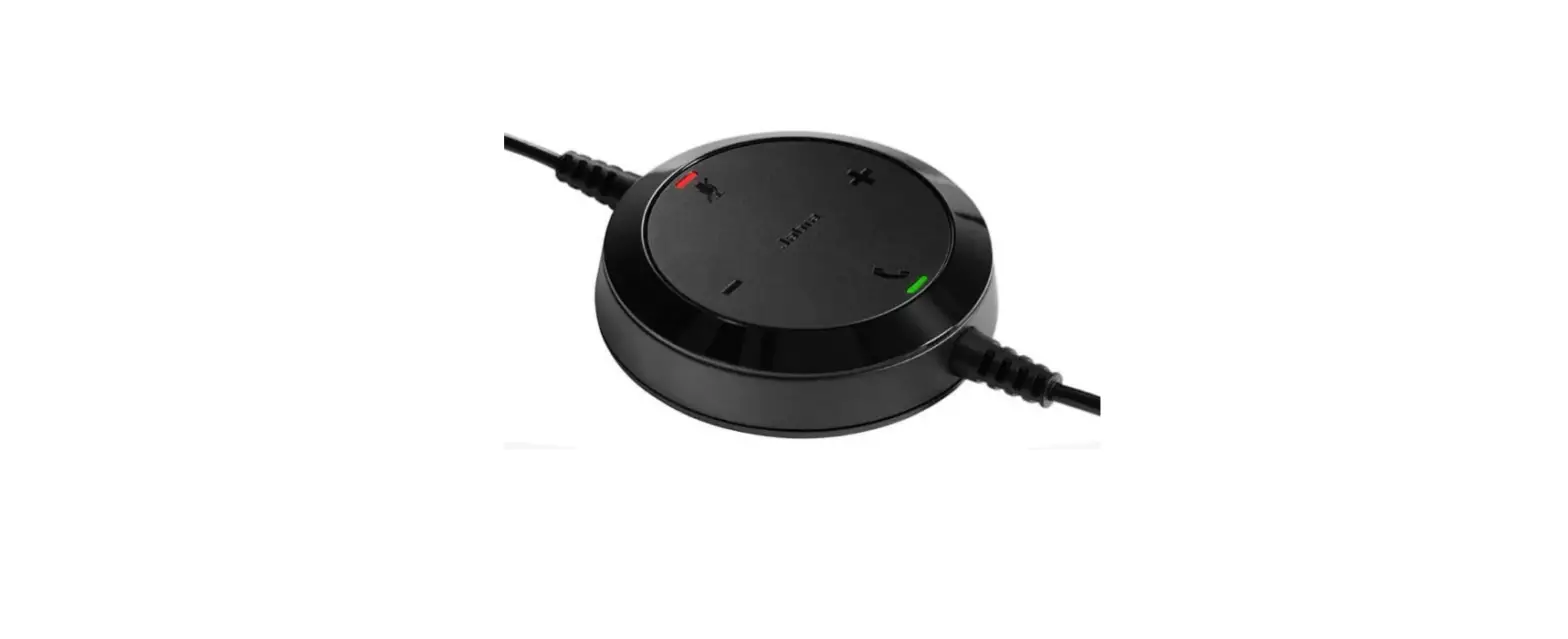
To manually turn the busylight on/off, tap the Busylight button on the controller.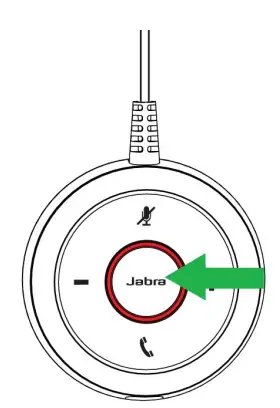
Note: You can synchronise the busylight and your softphone presence status, for example in Microsoft Teams, using Jabra Direct.
Applicable products
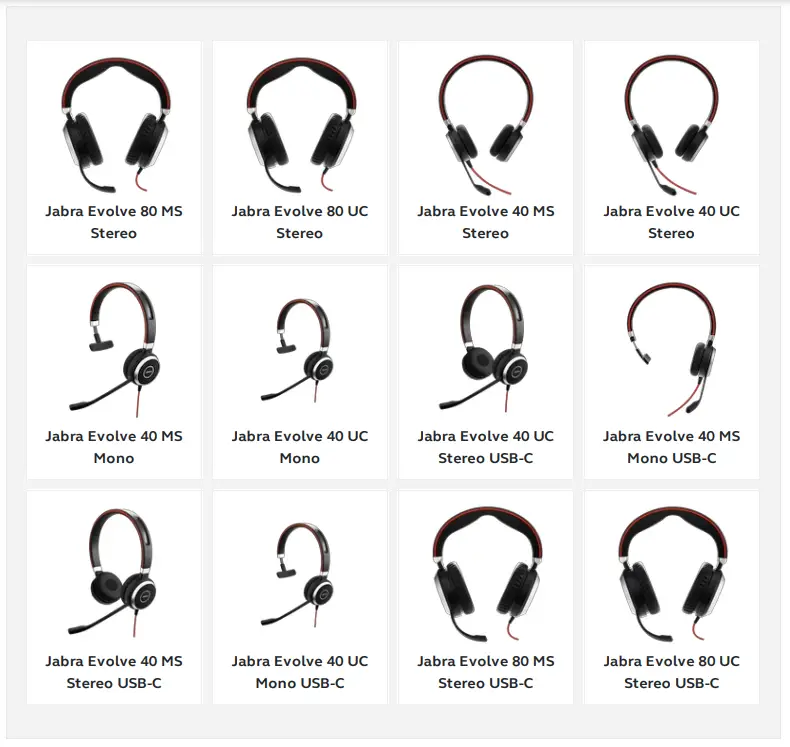
 [FAQTitle] | Jabra Evolve 80 UC Stereo USB-C | FAQ | Jabra Support