 Instructions Manual
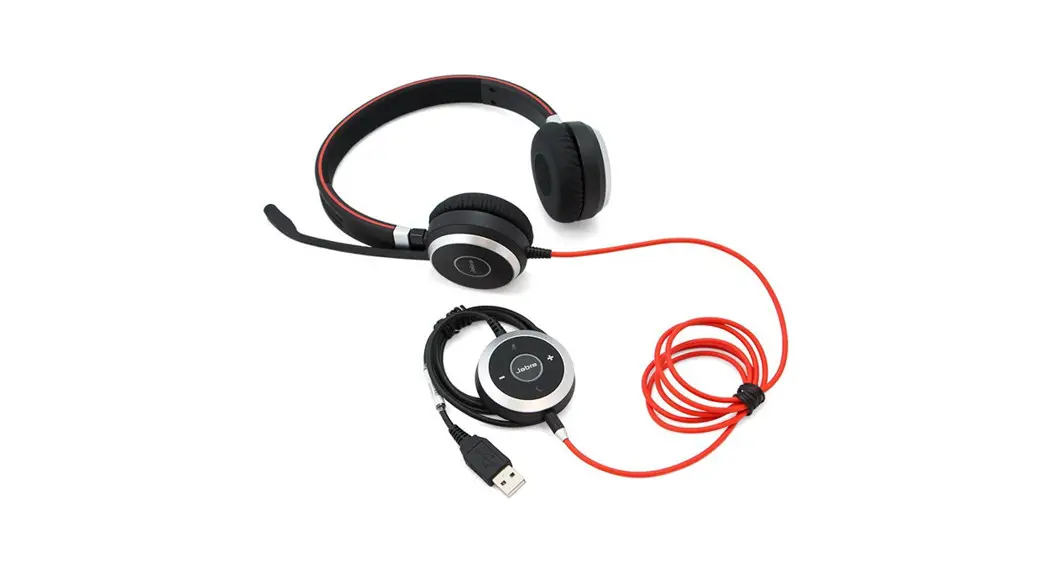
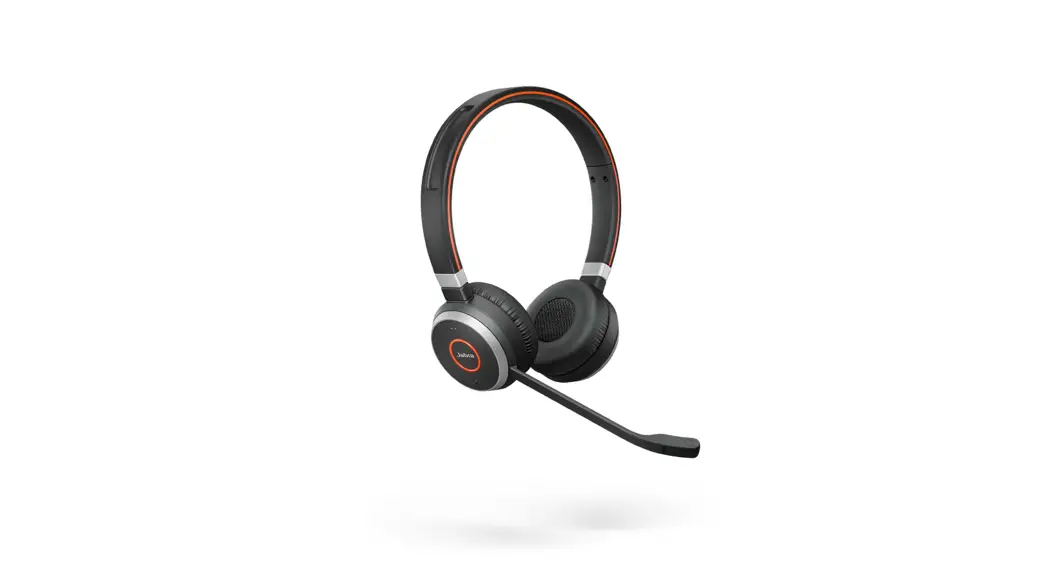
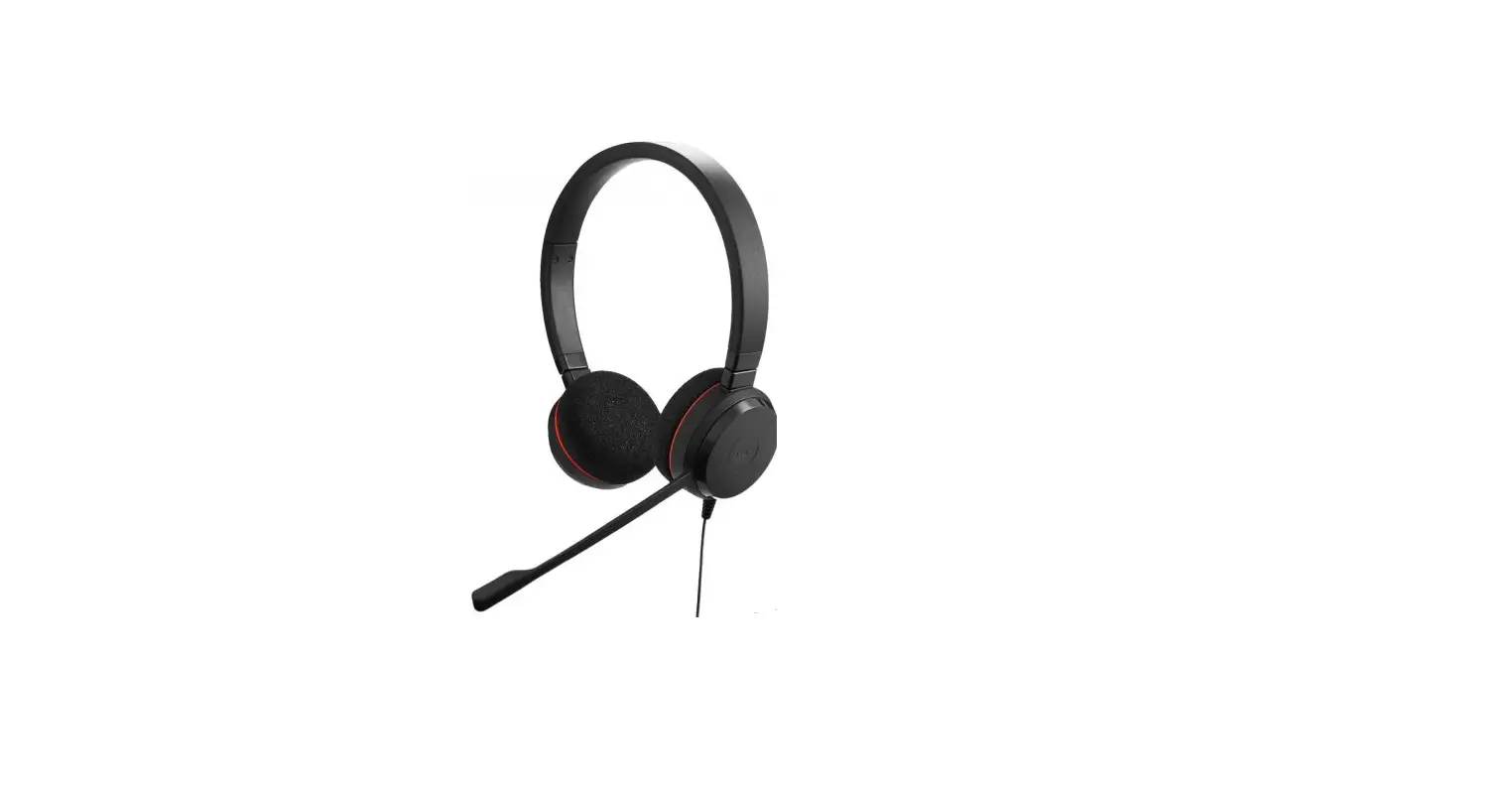
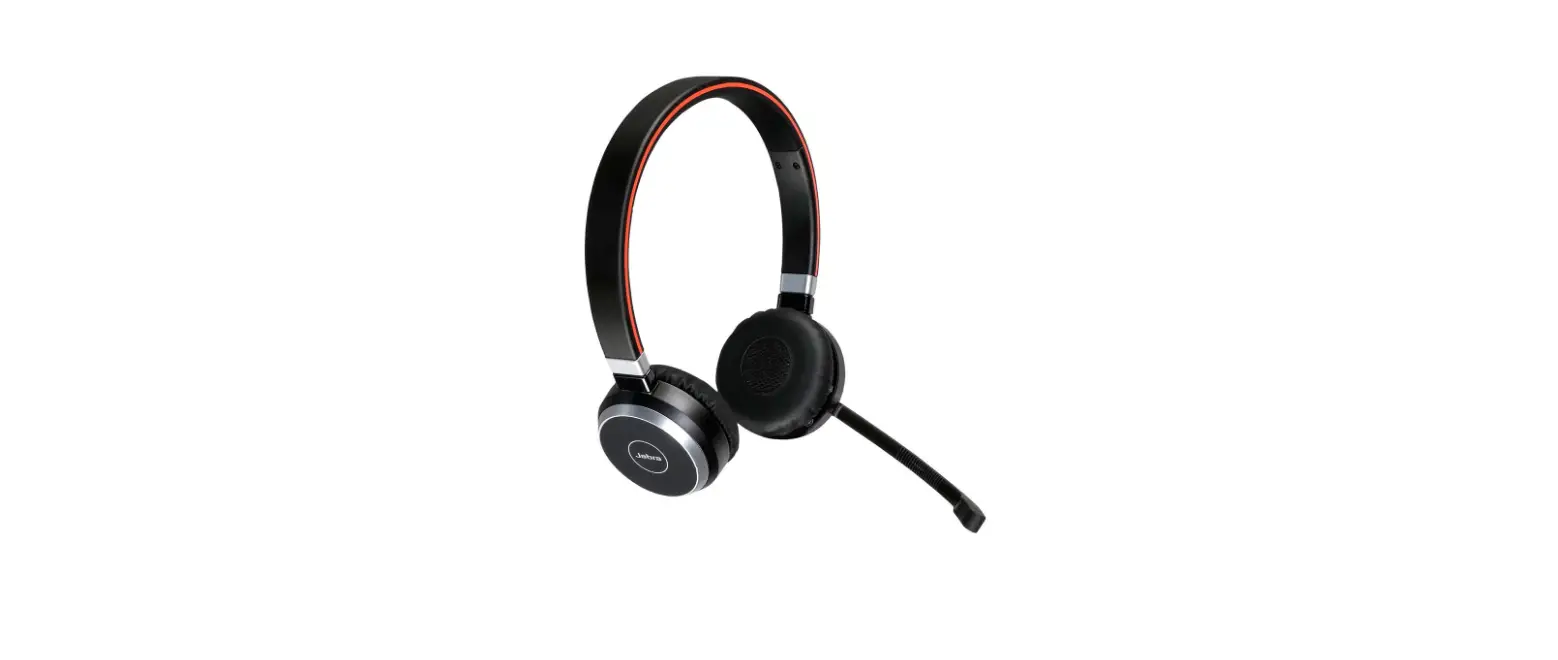
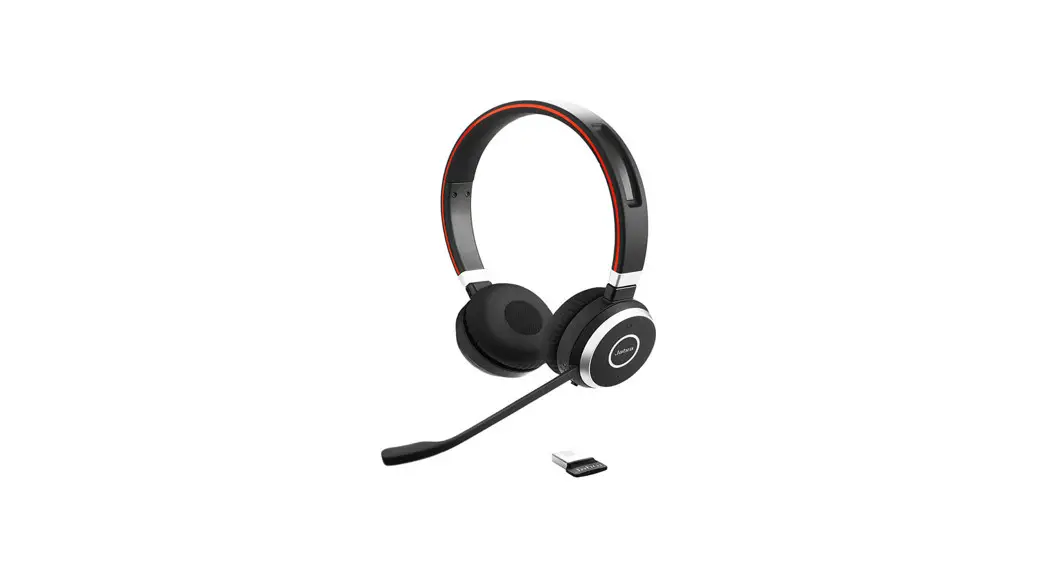
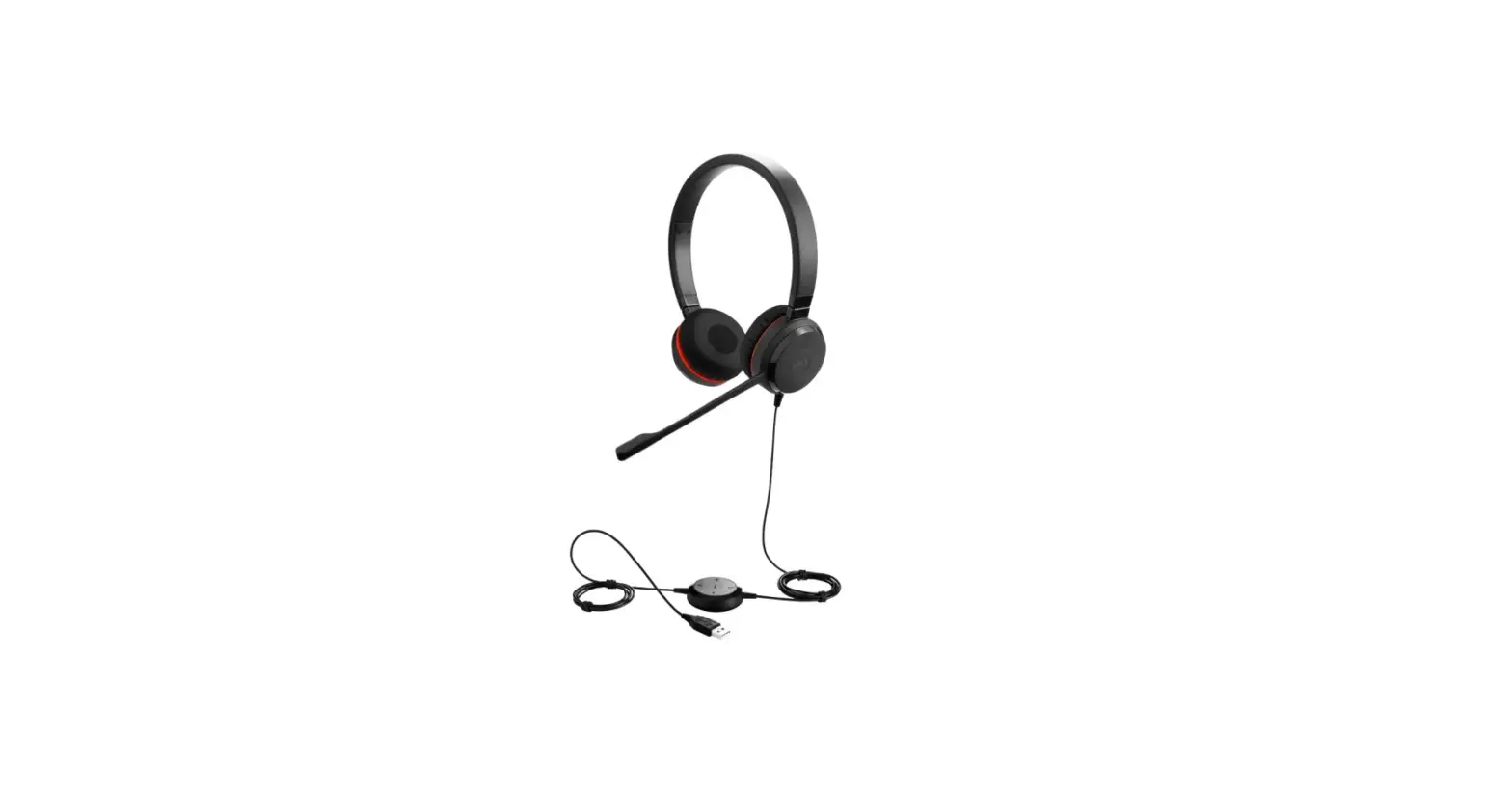
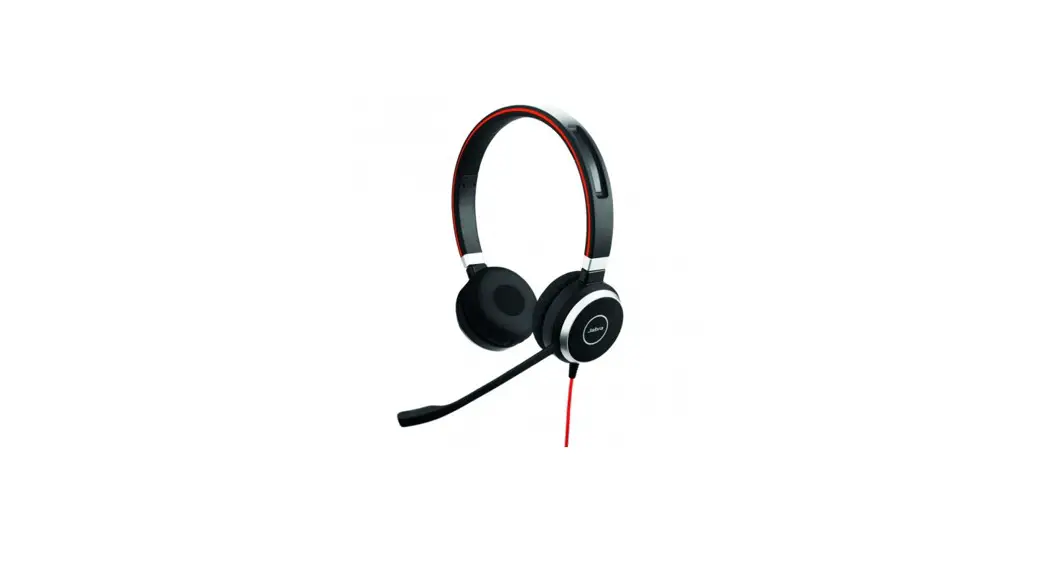
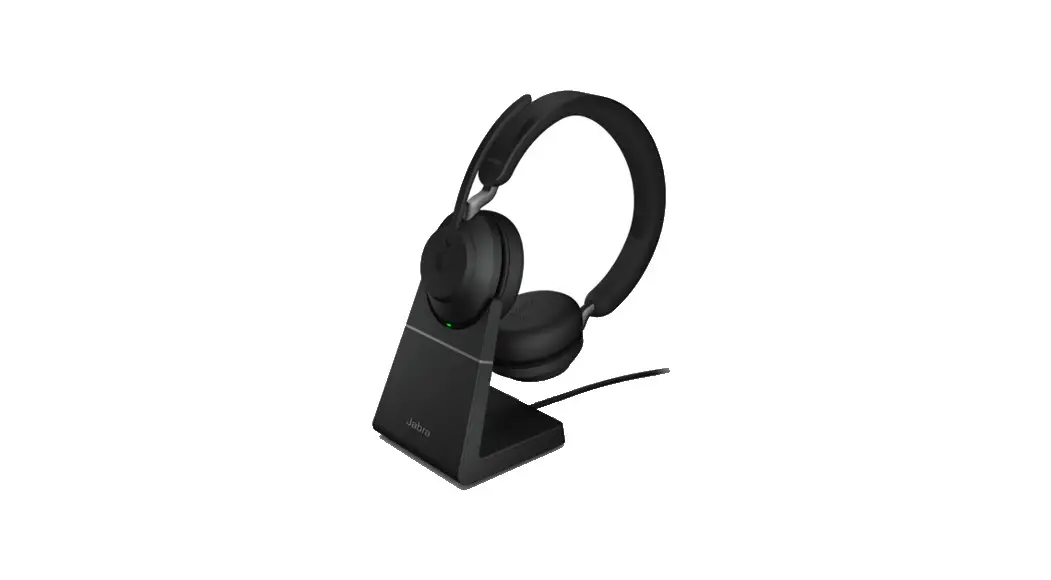
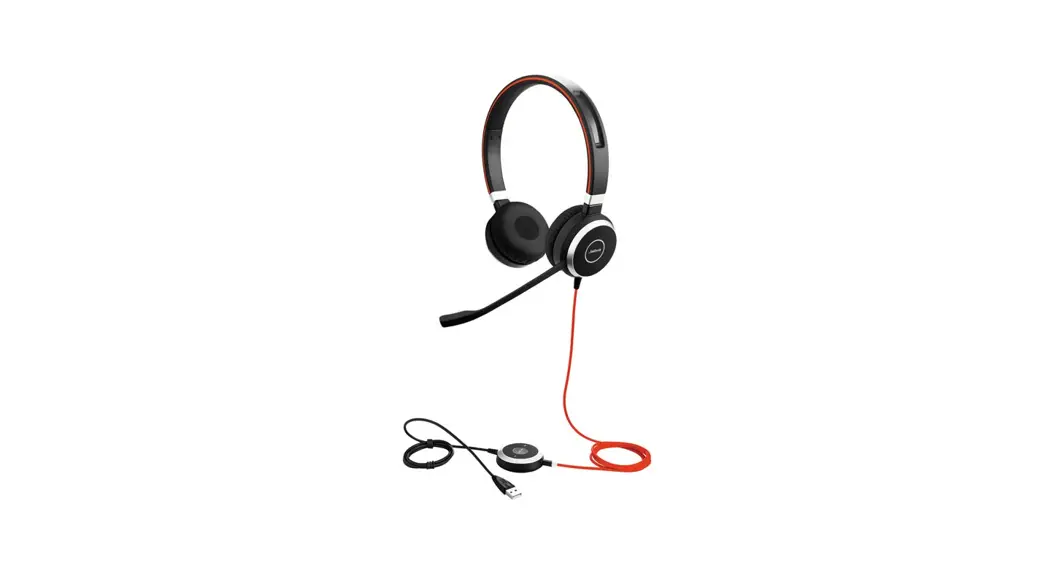
Evolve 40 MS Stereo Headset
Jabra Evolve 40 MS Stereo
How do I set my headset as the default audio device on my Mac computer?
You must manually define the setting for the default audio device on your Mac computer.
Follow these steps:
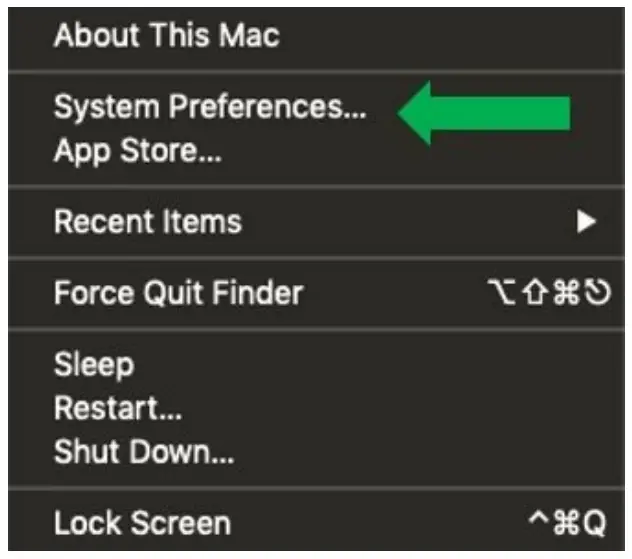
- On the Mac home screen, select the Apple logo at the top left.

- Select System Preferences.

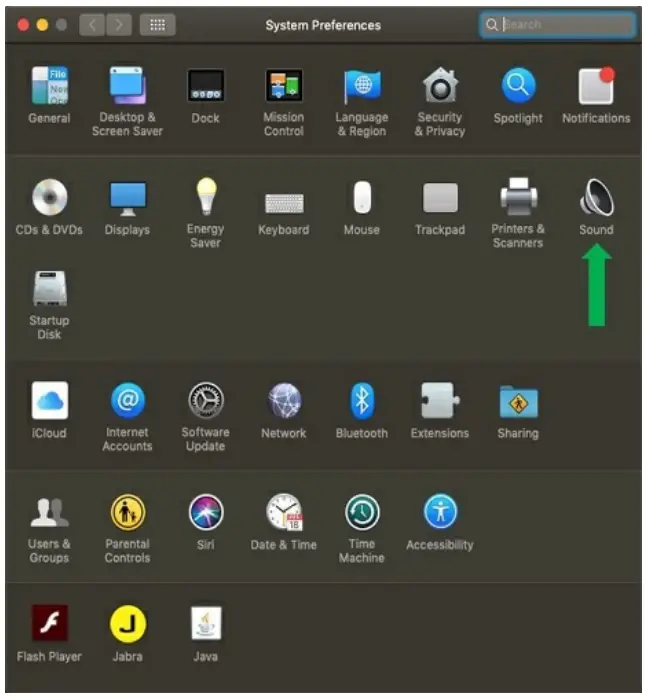
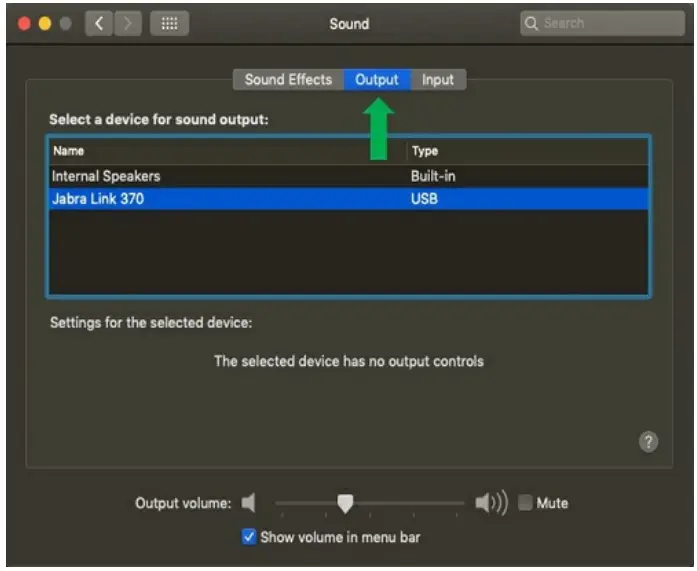
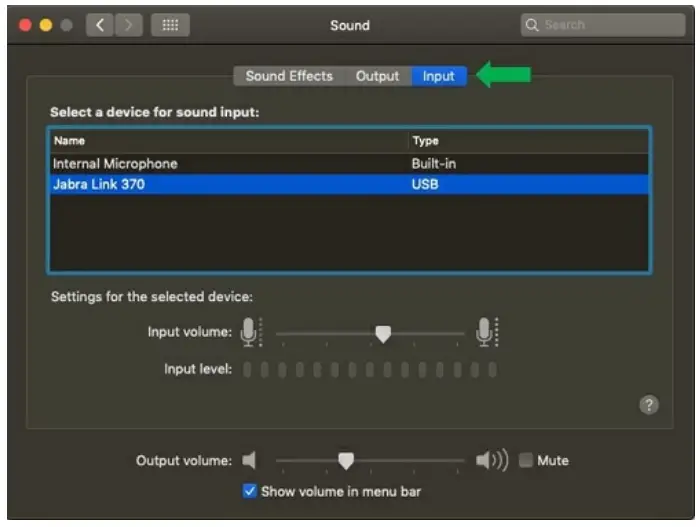
- Select Sound.

- On the Output tab, select your Jabra device.

- On the Input tab, select your Jabra device.


https://www.jabra.in/supportpages/jabra-evolve-40/6399-
823-109/faq/fd343c63-2ca74e19-b78e-106bdeb2da77
19/10/2022 06:14
 [FAQTitle] | Jabra Evolve 40 MS Stereo | FAQ | Jabra Support