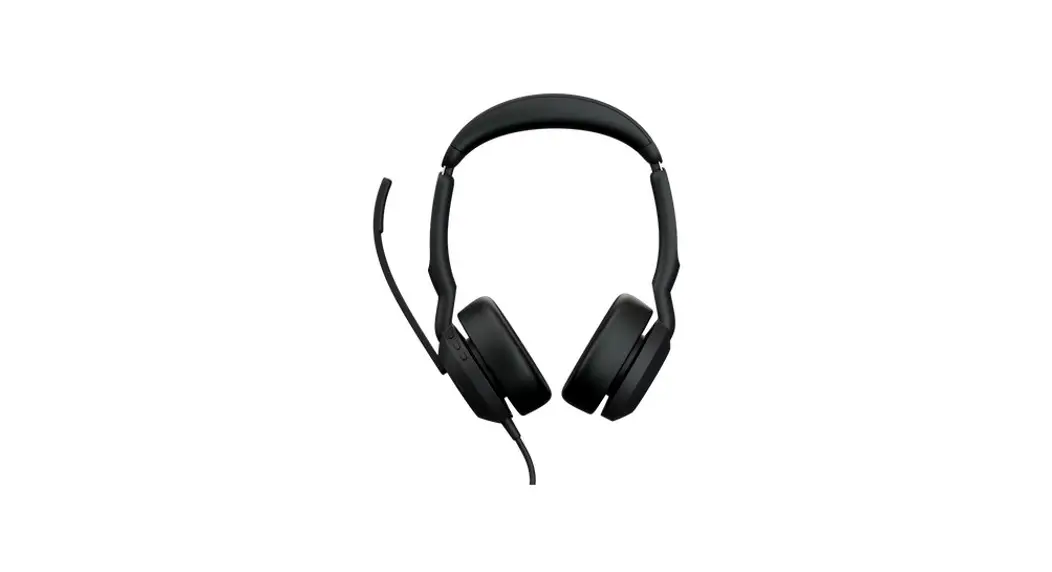
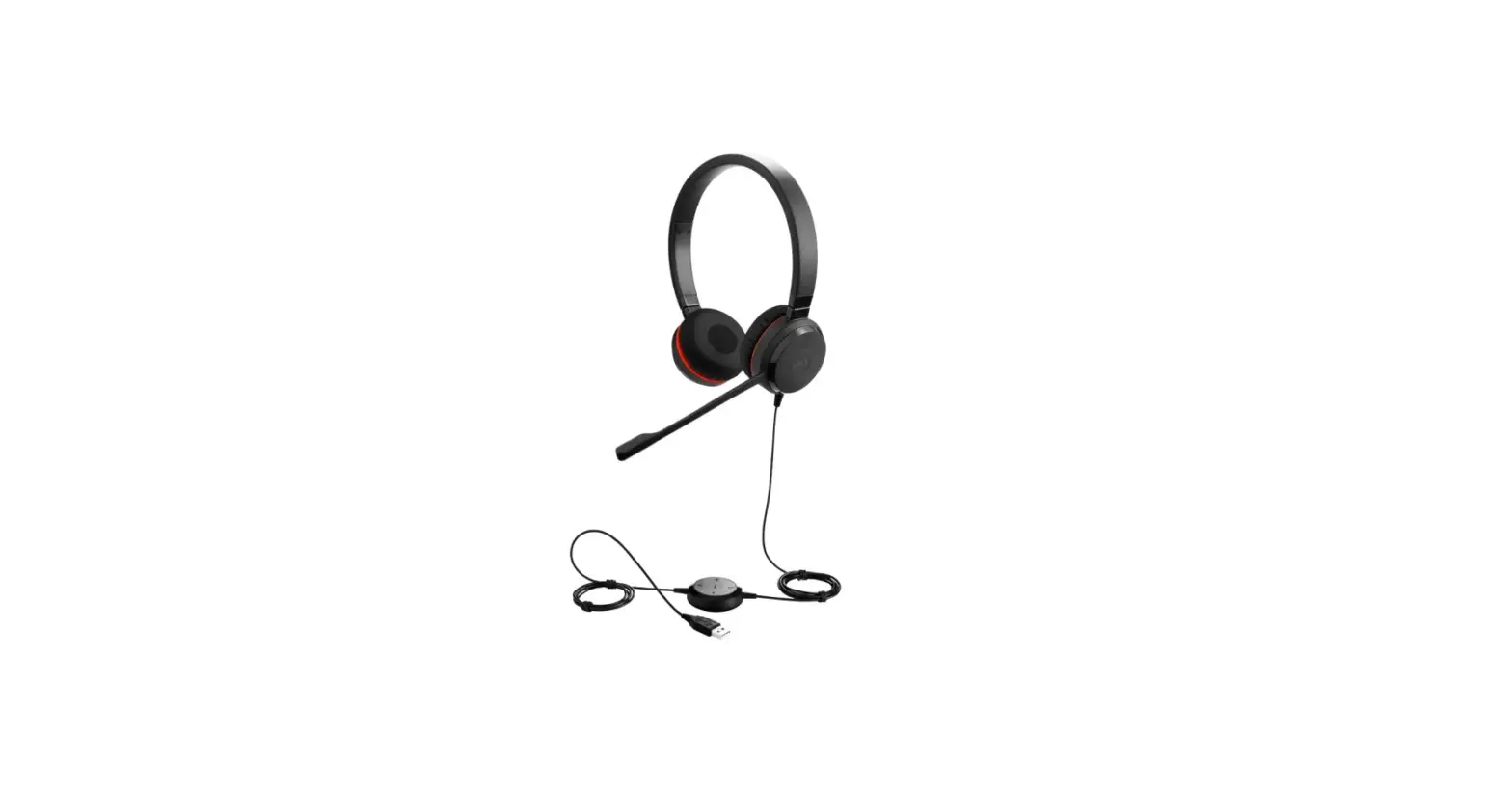
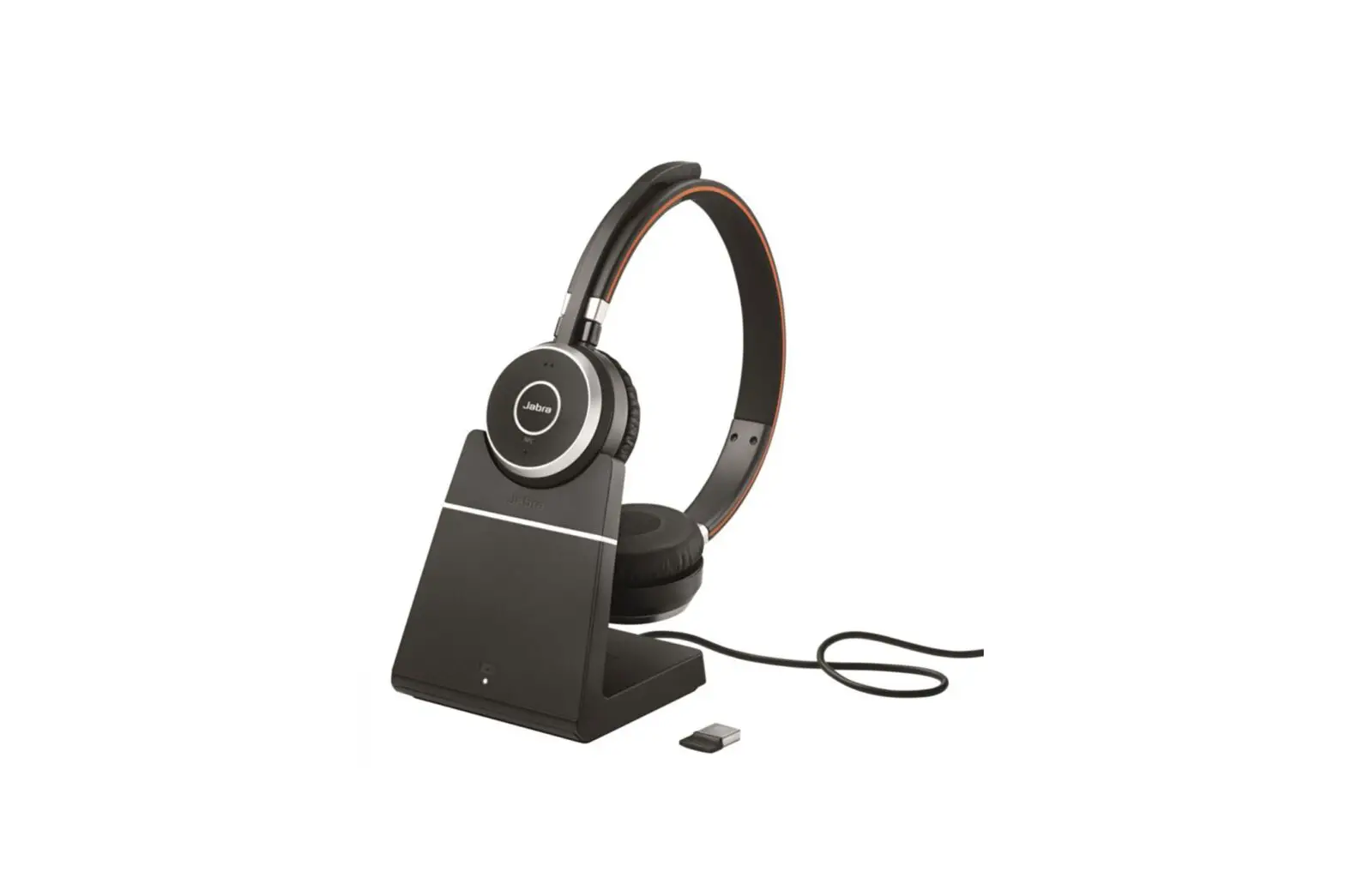
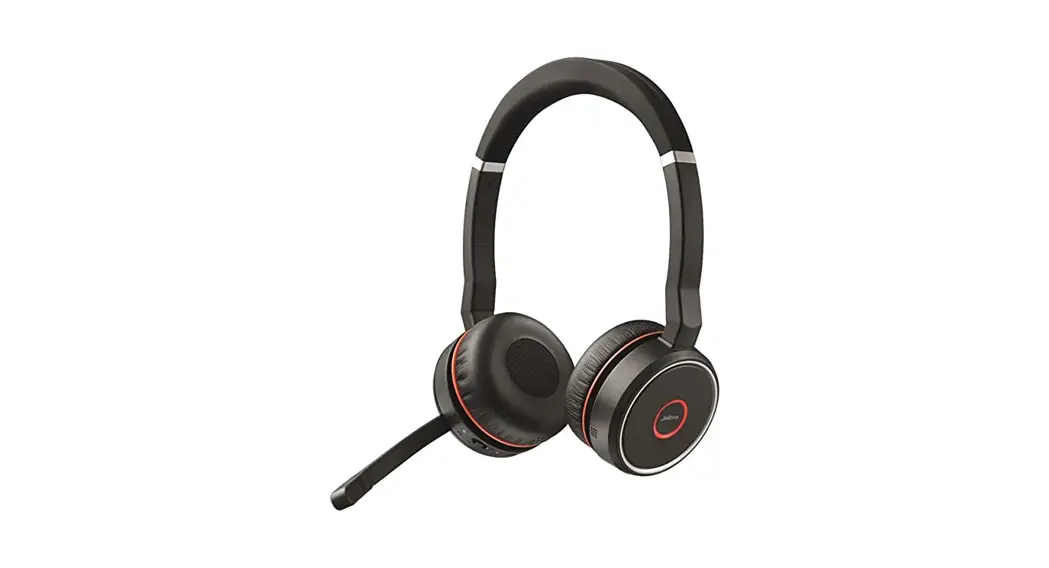
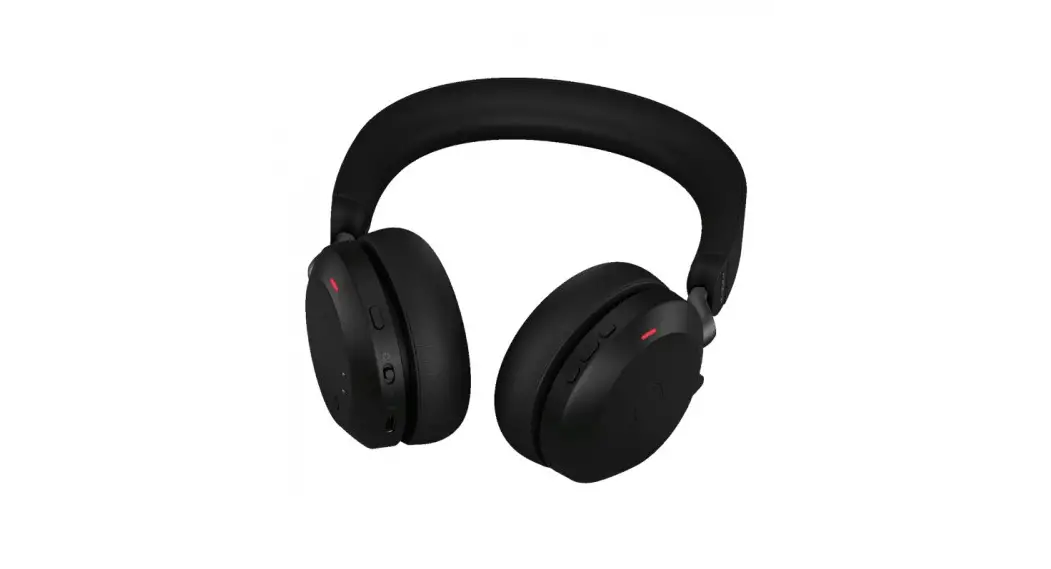
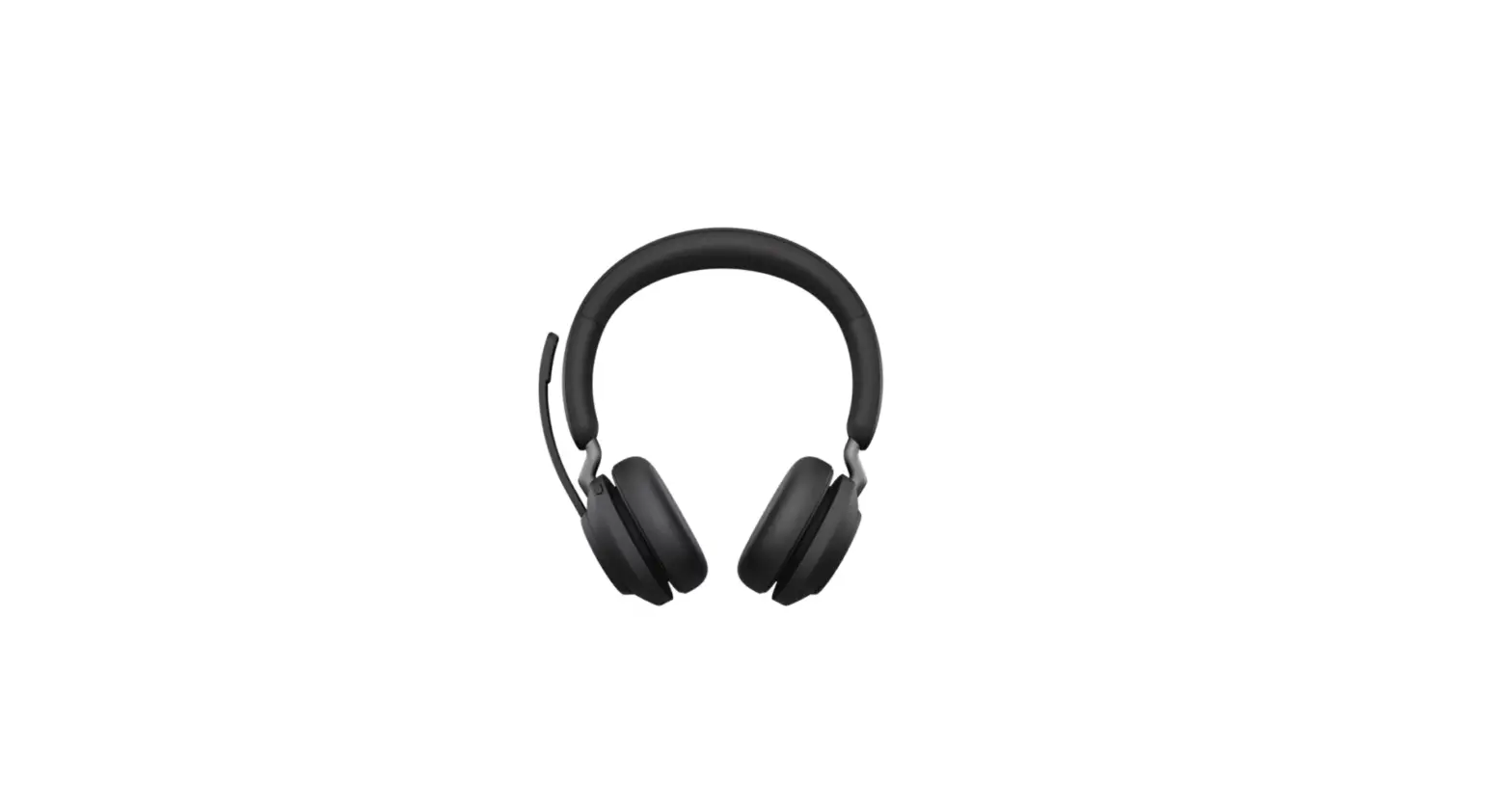
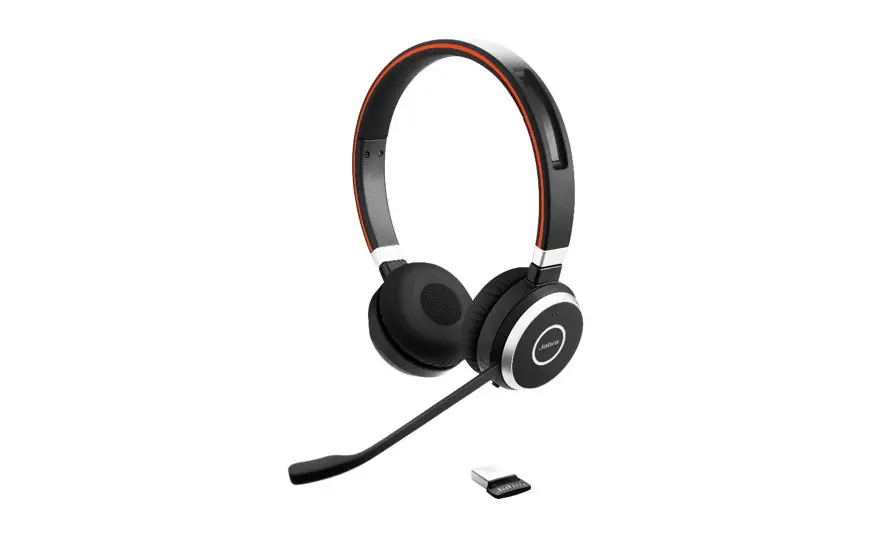
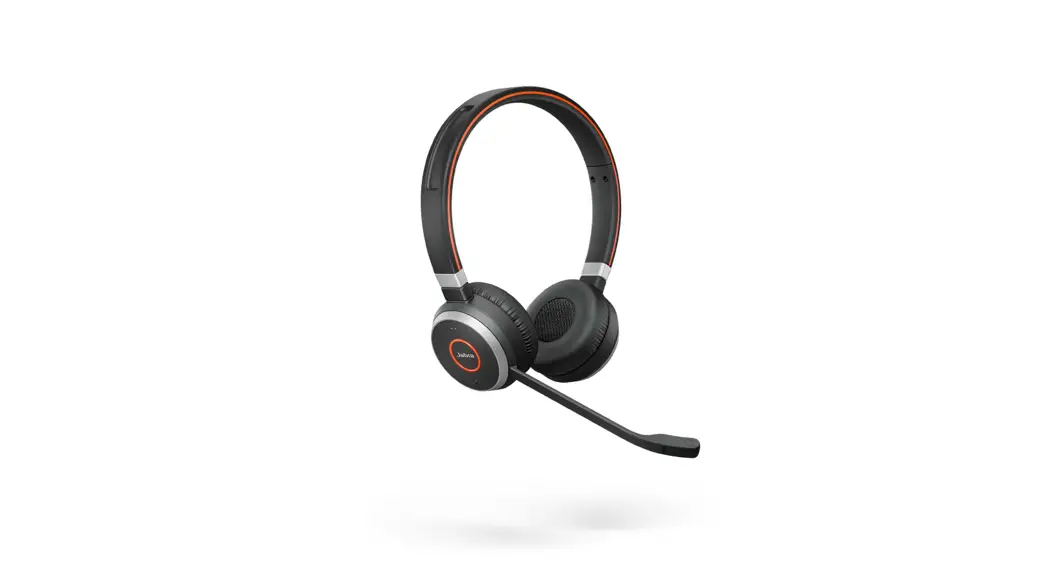
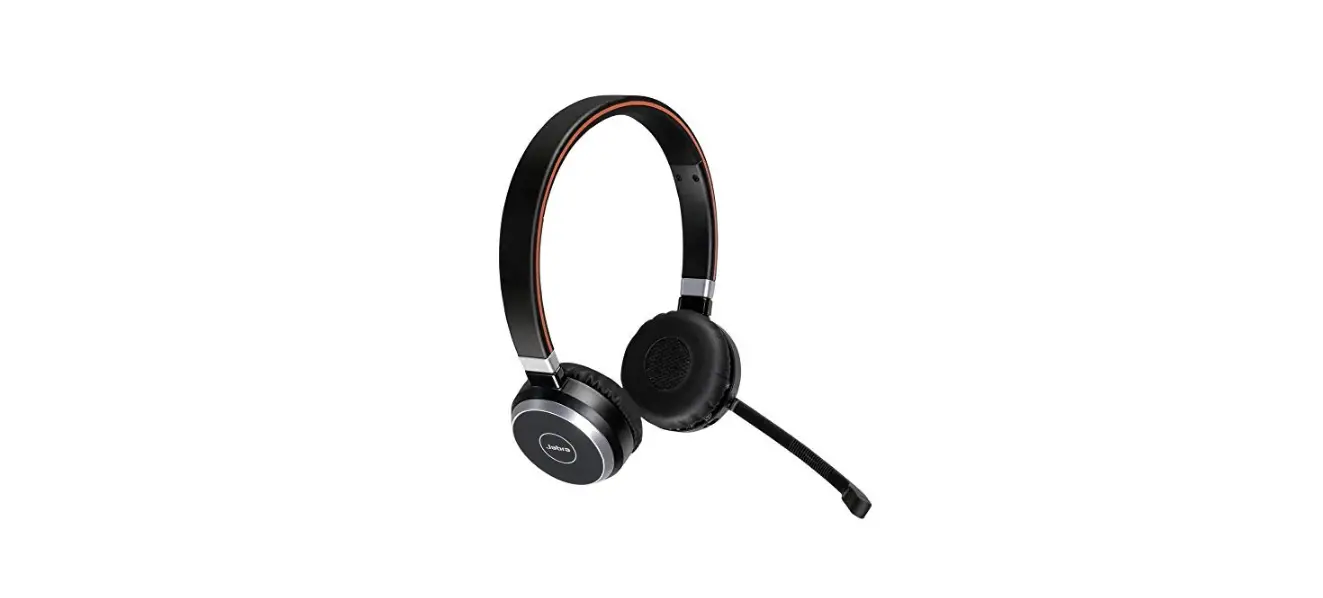
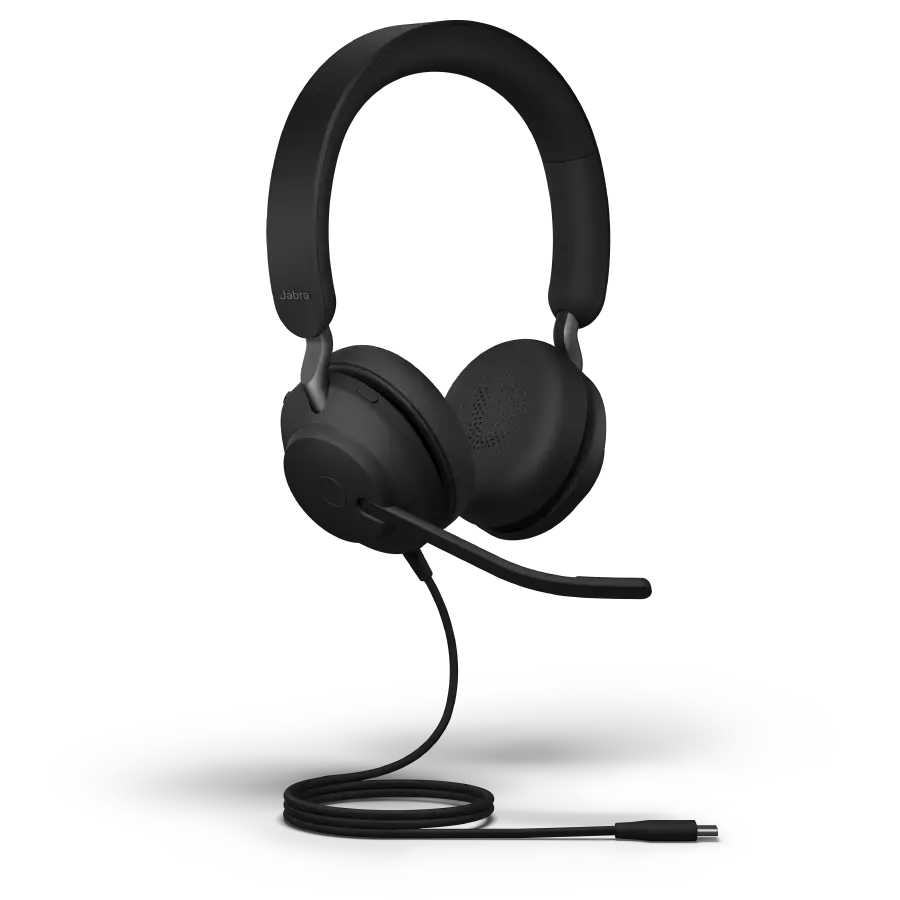
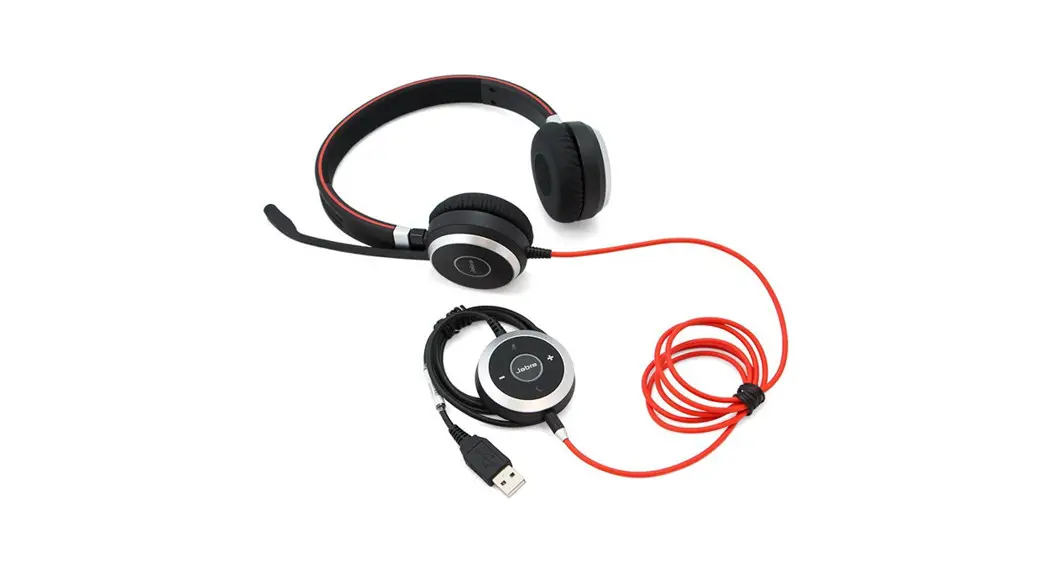
Evolve2 55 Stereo Headset
Product Information:
The product mentioned in the user manual is the Evolve2 55. It
is a wireless headset manufactured by GN Audio A/S. The headset
features Active Noise Cancellation (ANC), a voice assistant, and a
busylight LED. It can be connected to other devices via Bluetooth
for audio streaming and making/receiving calls. The headset has
various controls and LEDs for managing different functions such as
power on/off, Bluetooth pairing, answering/rejecting calls,
adjusting volume, skipping/playing/pausing tracks, muting/unmuting
the microphone, and indicating call status with the busylight
LED.
To obtain more information about the product, you can visit the
official website at jabra.com/manuals. The
Declaration of Conformity can be found on jabra.com/doc.
Product Usage Instructions:
- Connecting:
Ensure the headset is charged. To connect the Evolve2 55 headset
to your device, follow these steps:- Turn on the headset by pressing and holding the power button
for 2 seconds. - Activate Bluetooth pairing mode by pressing and holding the
Bluetooth pairing button for 4 seconds. - On your device, enable Bluetooth and search for available
devices. - Select “Evolve2 55” from the list of discovered devices.
- Once connected, you will hear a confirmation sound in the
headset.
- Turn on the headset by pressing and holding the power button
- Controls and LEDs:
The Evolve2 55 headset provides various controls and LEDs for
different functions. Here is a description of each:
- ANC On/Off: Use the ANC (Active Noise Cancellation) button to
toggle the noise cancellation feature. - Voice Assistant: Press this button to activate your device’s
voice assistant. - Busylight LED: The LED indicates the status of your calls. It
will light up when you are on a call or have an incoming call. - Power On/Off: Press and hold the power button for 2 seconds to
turn the headset on or off. - Bluetooth Pairing: Press and hold the Bluetooth pairing button
for 4 seconds to activate Bluetooth pairing mode. - Call Button: Use this button to answer or end a call.
- Reject Call: Double press the call button to reject an incoming
call. - Positioning the Microphone: Ensure the microphone is positioned
close to your mouth for optimal audio quality. - Mute Microphone: Press the mute button to mute/unmute the
microphone during a call or while listening to music. - Volume Up/Down: Use these buttons to adjust the volume level.
Hold the volume up button for 1 second to skip to the next track.
Hold the volume down button for 1 second to play the previous
track. - Play/Pause Music: Press the volume up or volume down button
once to play or pause music. - Unmute Microphone: Press the mute button to unmute the
microphone during a call or while listening to music. - Answer Call: Press the call button to answer an incoming
call.
CONNECTING
Evolve2 55
Bluetooth® adapter is in the pouch
CONTROLS AND LEDS
ANC on/off Voice assistant
Busylight LED Power on/off (hold 2 sec) Bluetooth pairing (hold 4 sec) Call button Answer/end call Reject call (double press)
Position the microphone close to your mouth
Mute microphone
Volume up Skip track (hold 1 sec)
Play/pause music Mute microphone
Volume down Previous track (hold 1 sec)
Busylight LED
Unmute microphone Answer call
USER INSTRUCTIONS IN REGIONAL LANGUAGES EN Go to Jabra.com/manuals for user instructions DE Um eine Bedienungsanleitung zu erhalten, rufen Sie bitte jabra.com/manuals auf FR Pour obtenir des instructions d’utilisation, rendez-vous sur jabra.com/manuals ES Consulte las instrucciones para el usuario en jabra.com/manuals RU jabra.com/manuals IT Vartotojo instrukcijas zr jabra.com/manuals TR Kullanim kilavuzlari için jabra.com/manuals adresini ziyaret edin PT Vá a jabra.com/manuals para obter as instruções de utilizador SV Gå till jabra.com/manuals för användarinstruktioner PL Instrukcji uytkownika jest dostpna na stronie jabra.com/manuals LT Vai su jabra.com/manuals per le istruzioni per l’utente HI jabra.com/manuals VI Truy cp jabra.com/manuals xem hng dn s dng ID Buka jabra.com/manuals untuk petunjuk pengguna TH jabra.com/manuals KO jabra.com/manuals JP jabra.com/manuals ZH-HANT jabra.com/manuals ZH-HANS jabra.com/manuals
. jabra.com/manuals AR
© 2023 GN Audio A/S. All rights reserved. Jabra® is a registered trademark of GN Audio A/S. The Bluetooth® wordmark and logos are owned by the Bluetooth
SIG, Inc. and any use of such marks by GN Audio A/S is under license. Declaration of Conformity can be found on www.jabra.com/doc
 User manuals | Jabra Support
 Declarations of Conformity